Flashview · LCD-G2 Series · Surveillance monitor
A 24 inch Full HD screen for your cameras.
Built for 24/7 display, HDMI and VGA.
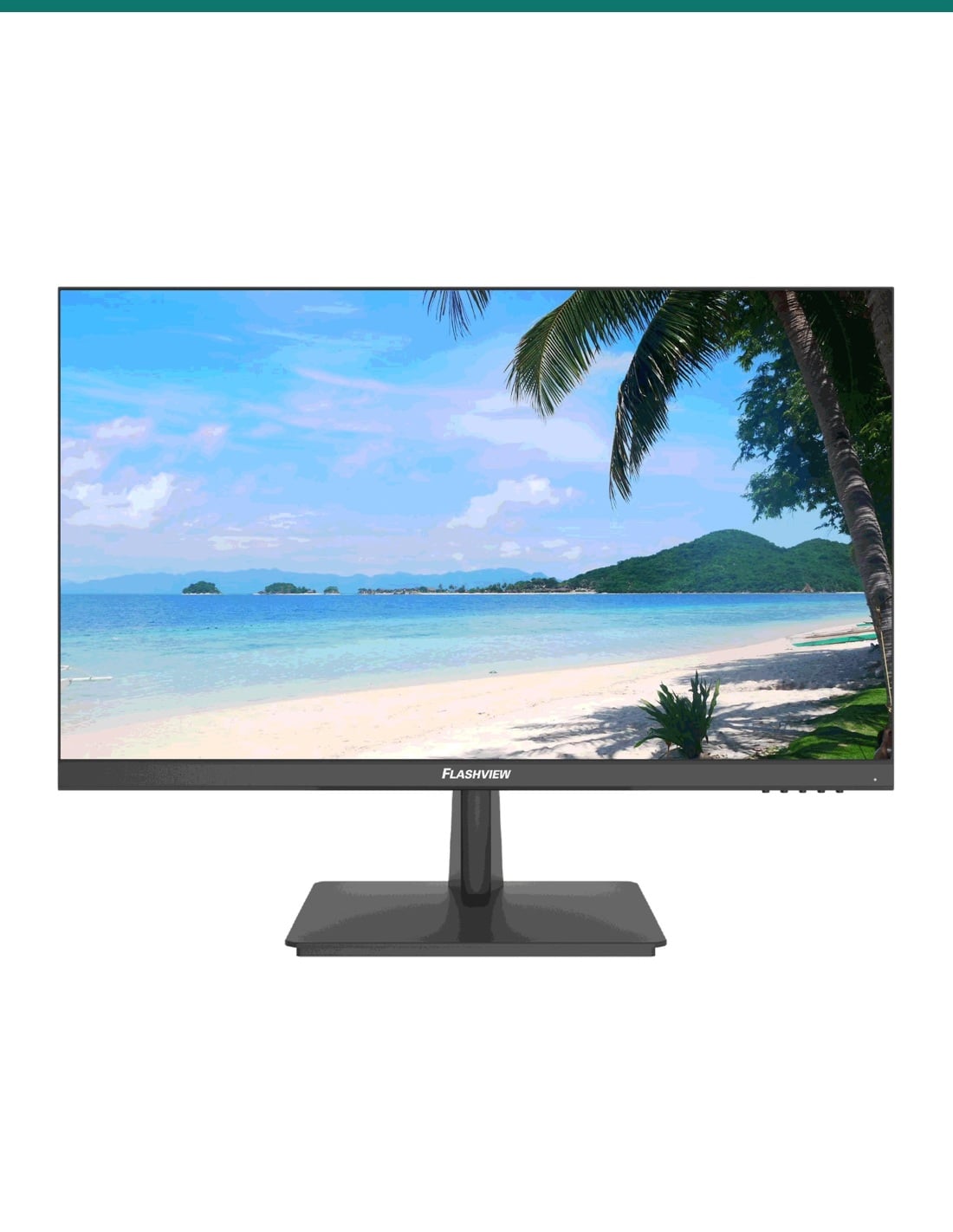
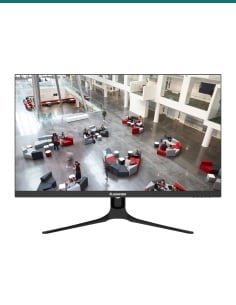
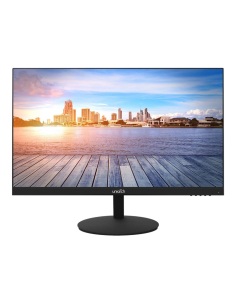
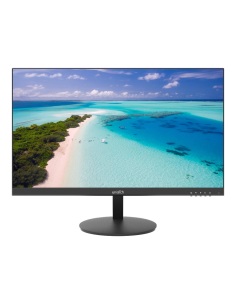
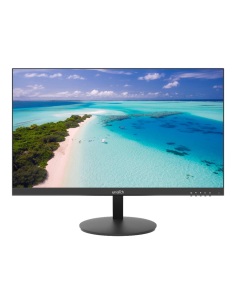
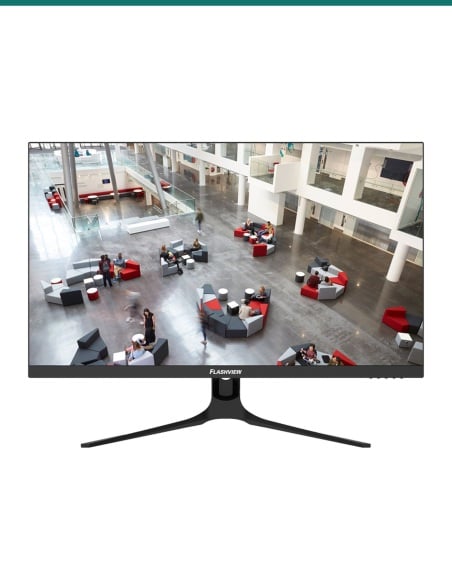
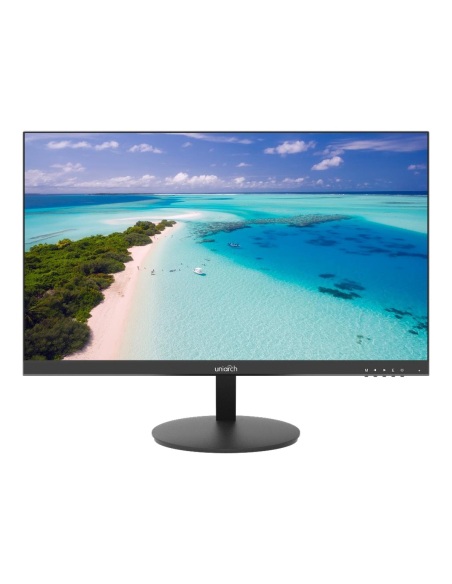
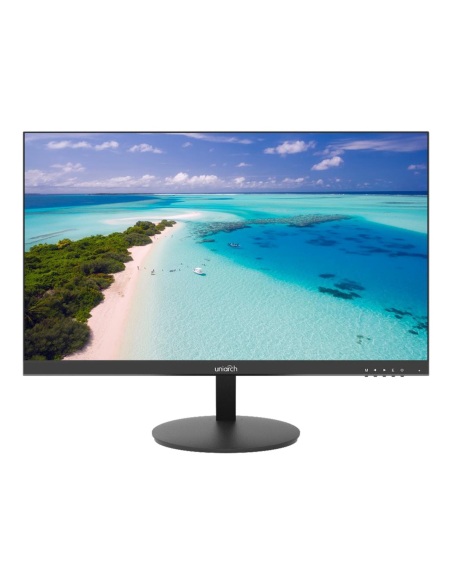
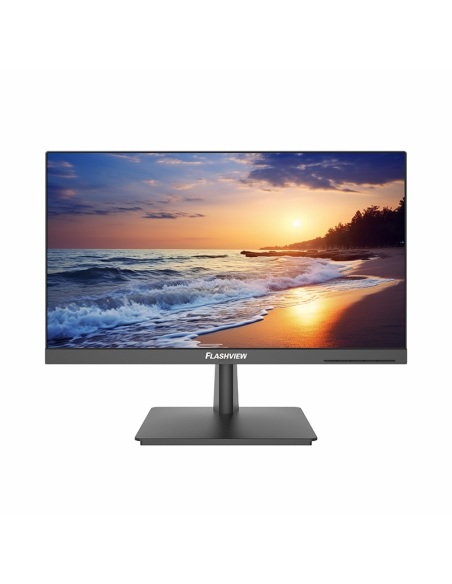
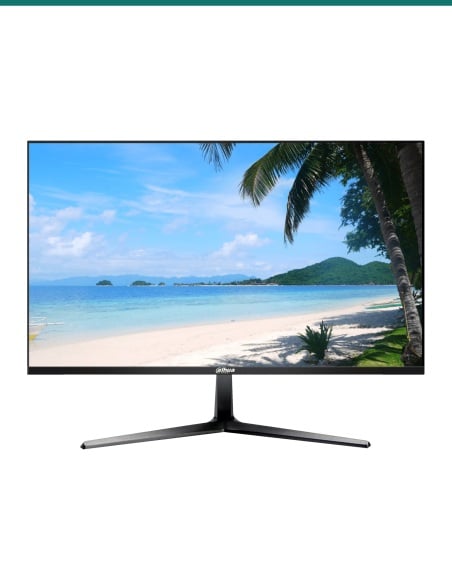
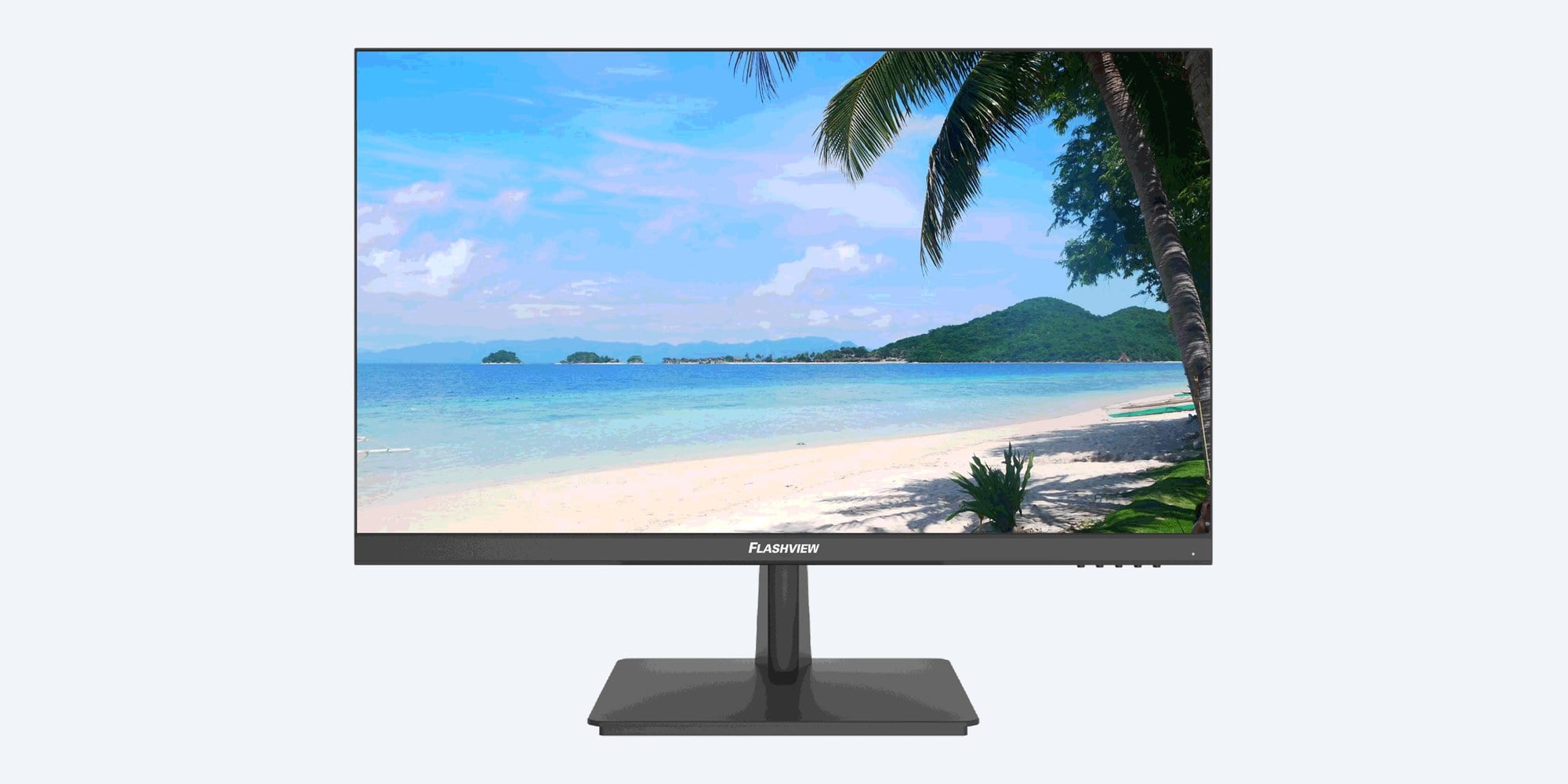
The Flashview LCDFL24G2 is a 23.8 inch 1080p VA monitor made for showing CCTV around the clock, with HDMI and VGA inputs, built-in speakers and VESA 100 wall mounting.
In one sentence: the Flashview LCDFL24G2 is a 23.8 inch Full HD 1920 × 1080 VA surveillance monitor built for 24/7 display, with HDMI, VGA and audio inputs, two 1.5 W speakers, 3000:1 contrast, 178° viewing angles and VESA 100 × 100 mounting.
Monitor only. The recorder and cameras are separate.
This listing is one LCDFL24G2 monitor with the items Flashview lists below. Connect it to a recorder, computer or camera system with an HDMI or VGA output.
In the box- LCDFL24G2 24 inch monitor
- Pedestal stand
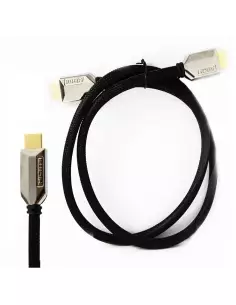
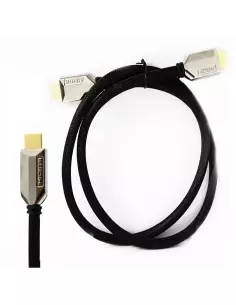
- HDMI cable
- Power cable
You also need- An NVR, DVR or PC with HDMI or VGA output
- A power point near the screen
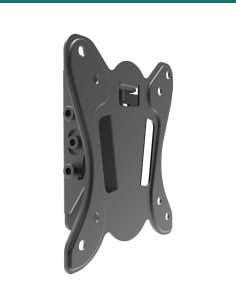
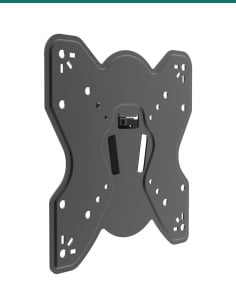
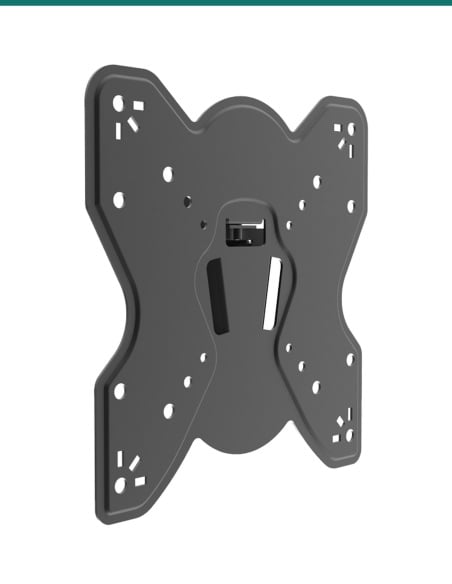
- A VESA 100 × 100 bracket if it goes on a wall or ceiling
- A VGA cable if you use the VGA input
Made to stay on all day and night.
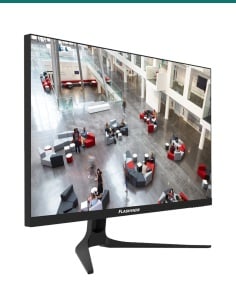
Flashview builds the LCD-G2 series for continuous video display in surveillance systems. Put it on a desk on its tilting stand, or hang it on a wall bracket so the live camera view is always in sight.
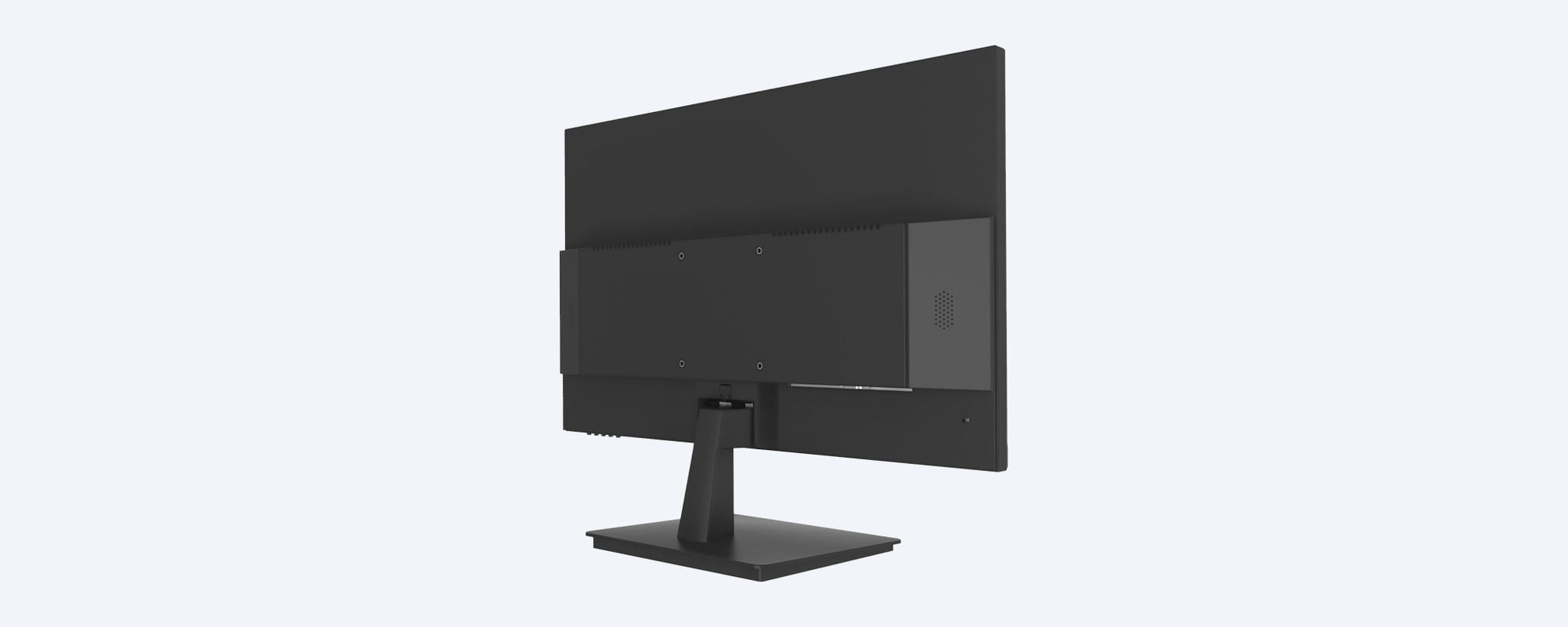
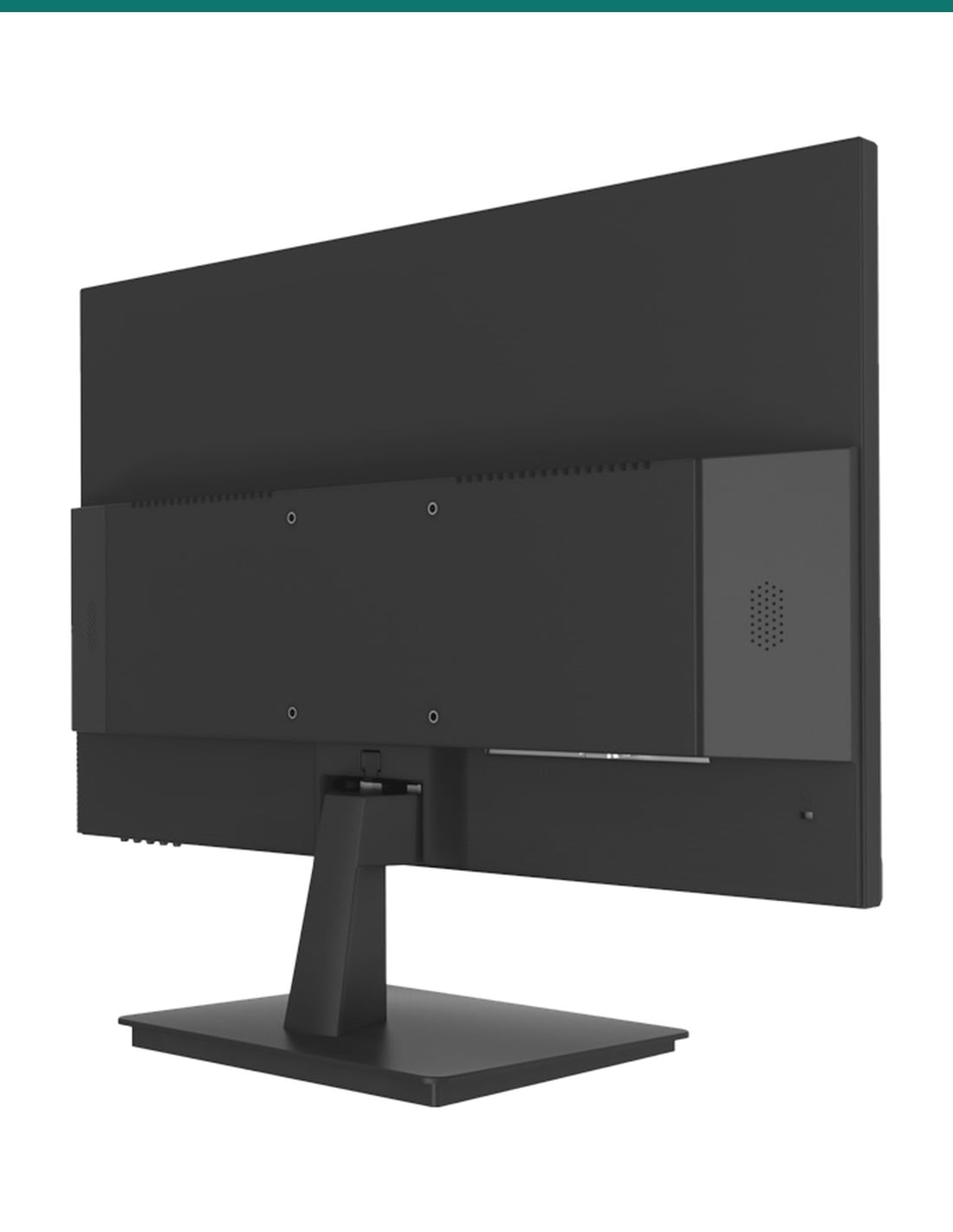
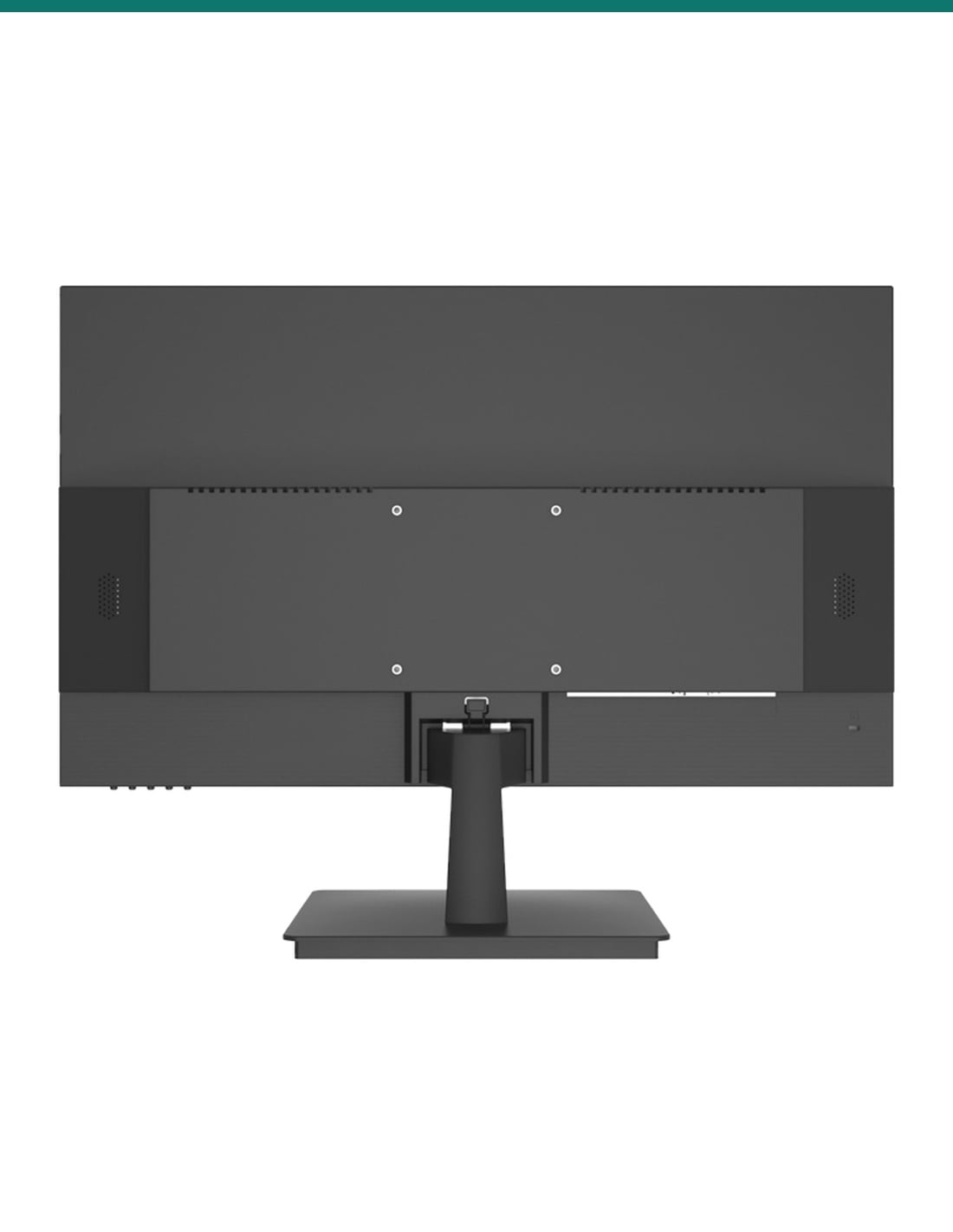
Rear
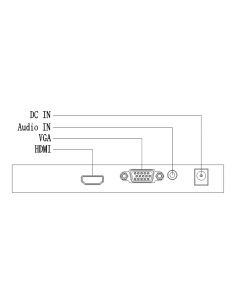
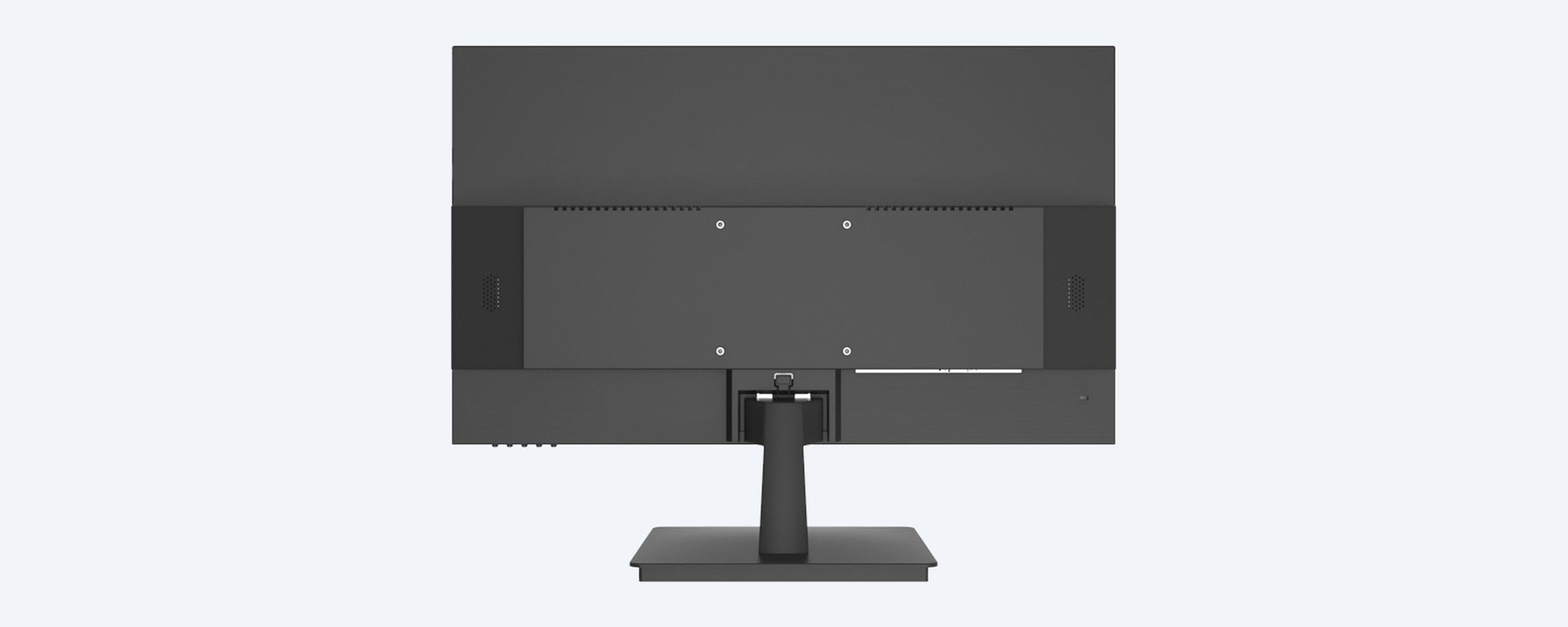
VESA 100 and downward-facing ports.
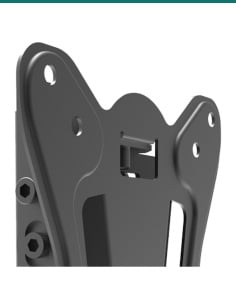
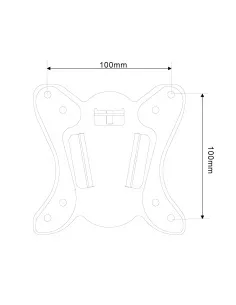
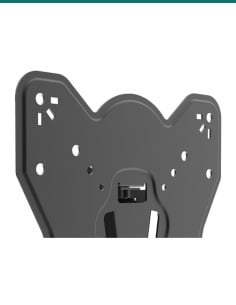
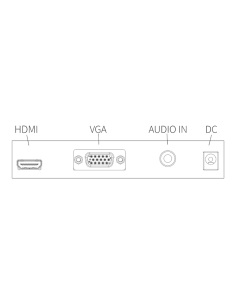
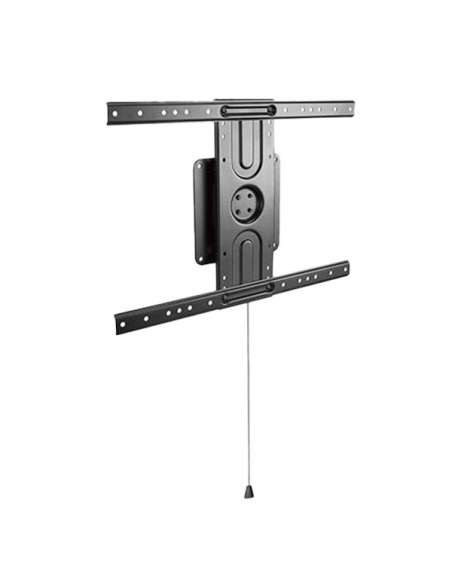
Four VESA 100 × 100 mm holes on the back take a standard wall or ceiling bracket. The HDMI, VGA and audio-in ports face down, so cables drop straight out of the back on a wall.

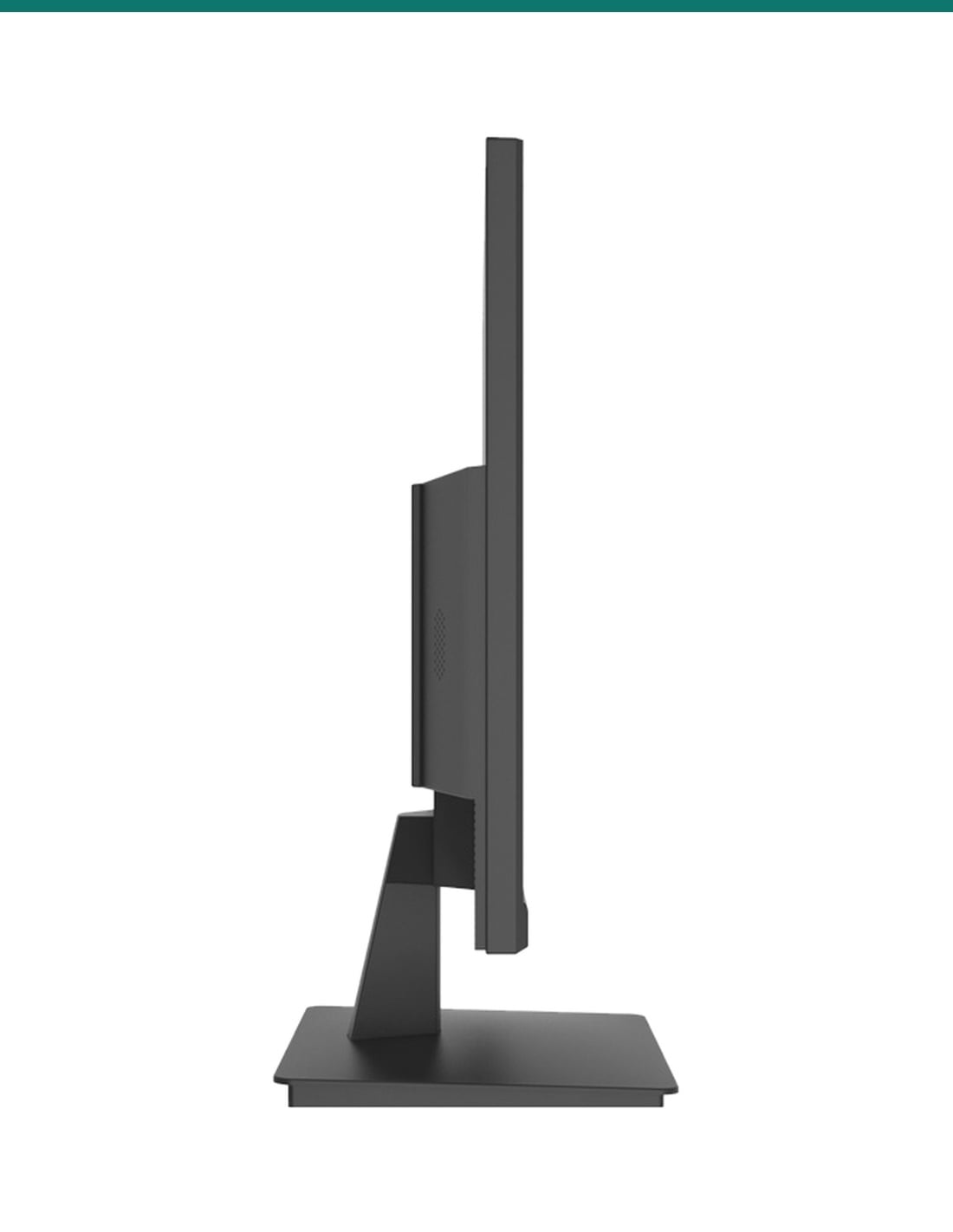
Profile
47 mm deep without the stand.
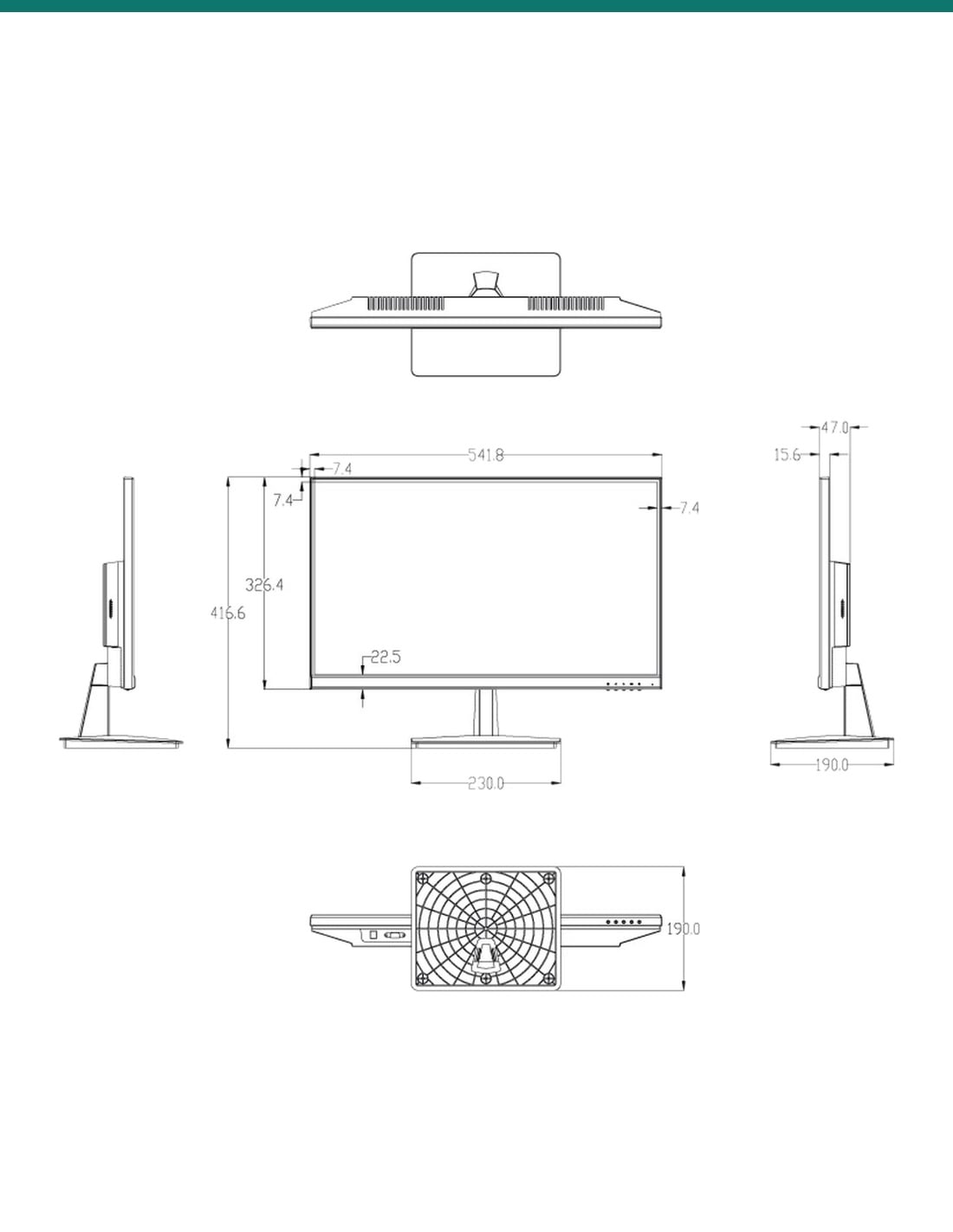
542 × 326.4 × 47 mm and 3.2 kg without the base, 542 × 416.6 × 190 mm with it. The stand tilts, so you can angle the screen on a desk.
Picture and sound
VA panel, 3000:1 contrast, built-in speakers.
A vertical alignment panel gives deep blacks for night footage, 250 nits brightness, 8 ms response and 178° viewing either way. Two 1.5 W stereo speakers are built in.
How it goes in
From the box to live view.
01
Place or mount it
Fit the pedestal stand for a desk, or fix a VESA 100 × 100 bracket to the back for a wall or ceiling.
02
Connect the recorder
Run the supplied HDMI cable from the NVR or DVR, or a VGA cable, to the downward-facing ports. Add an audio lead to audio-in if needed.
03
Power it on
Connect the supplied power cable to a power point and switch the monitor on.
04
Set the picture
Choose the input on the monitor and set the recorder's video output to 1920 × 1080 so the picture fills the screen.
At a glance
LCDFL24G2
Show specs
Screen size
23.8 inch (24 inch class), 16:9
Resolution
1920 × 1080 Full HD (2.0MP)
Panel
VA (vertical alignment)
Colours
16.7 million (8 bit)
Viewing angles
178° horizontal, 178° vertical
Refresh rate
60 Hz, adaptive sync
Inputs
1 × HDMI, 1 × VGA, 1 × audio-in, ports facing down
Speakers
2 × 1.5 W built-in stereo
Power
12 VDC; 24 W typical, 0.5 W or less on standby
Mounting
VESA 100 × 100 mm; tilting stand
Size with stand
542 × 416.6 × 190 mm
Size without stand
542 × 326.4 × 47 mm
Operating range
0 °C to 40 °C, humidity under 80%
In the box
HDMI cable, power cable, pedestal stand
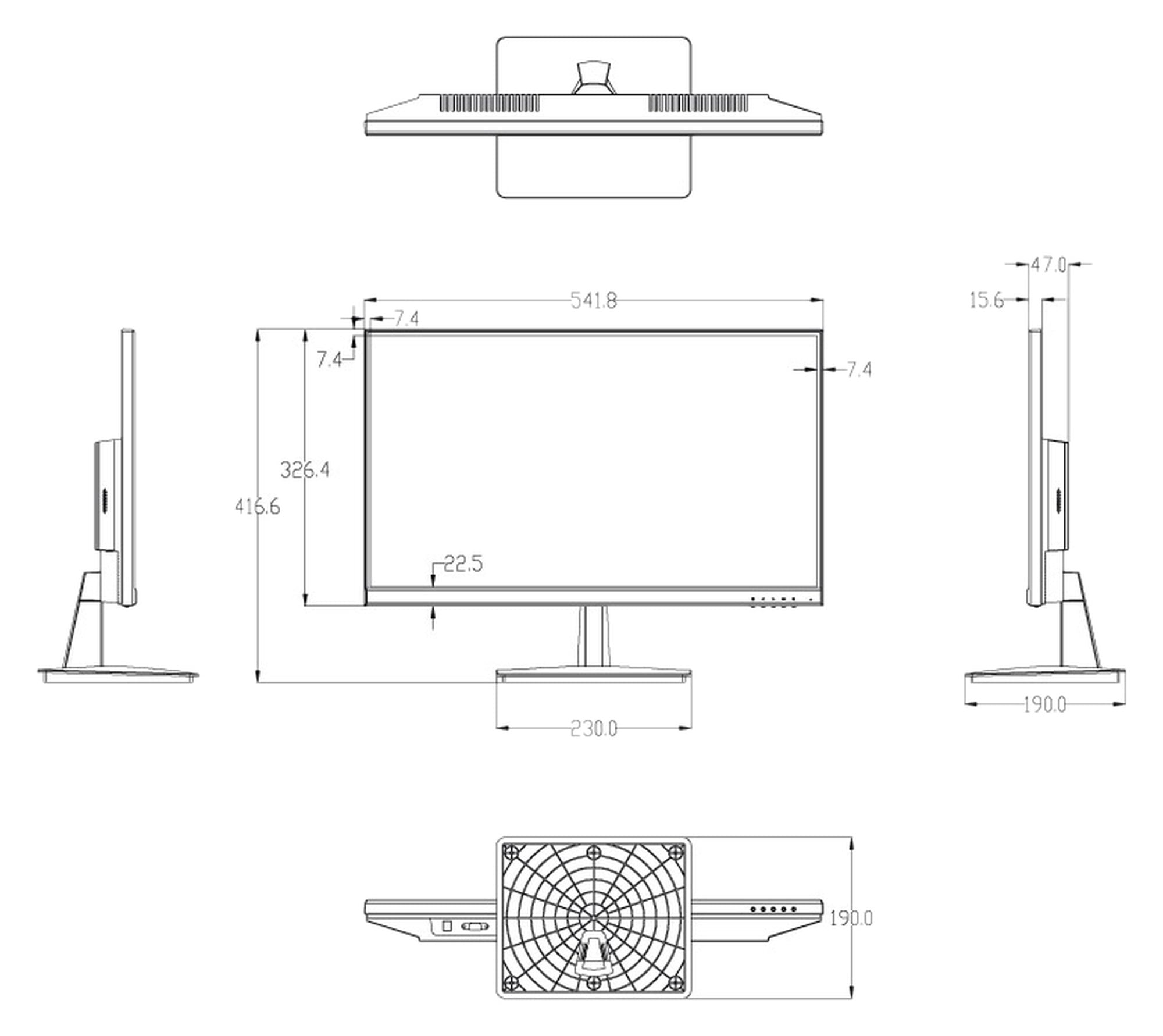
Flashview dimension drawing, measurements in mm.
Pair it with
What it works with
Recorder
An NVR or DVR with HDMI or VGA
Any recorder or PC with an HDMI or VGA output. Set its output to 1080p to match the screen.
Wall
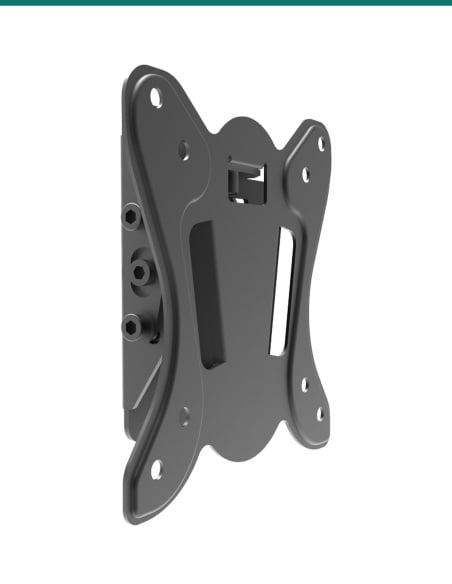
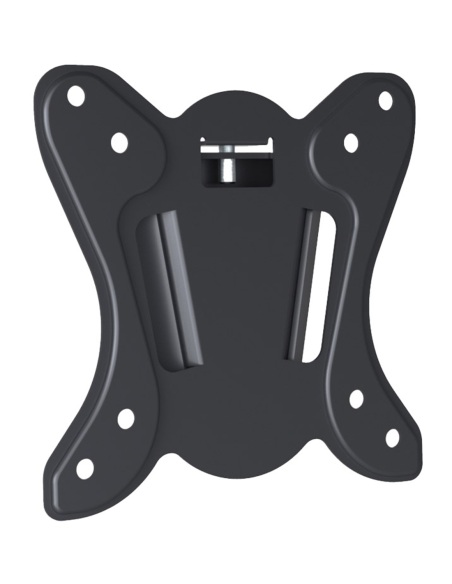
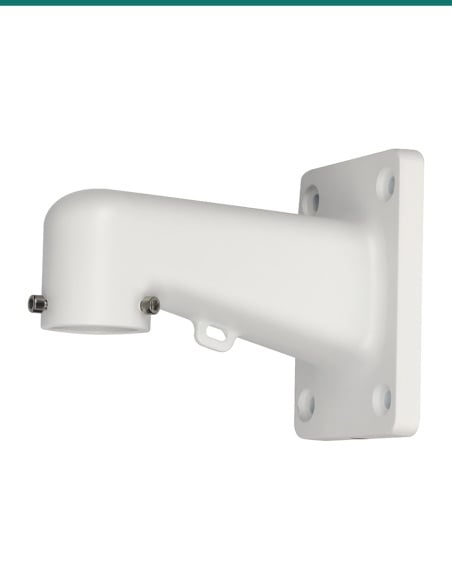
LCDBKT-A15T2 tilt bracket
Flashview's 13 to 30 inch tilt wall mount: VESA 100, 15 kg, 38 mm off the wall.
Ceiling
LCDBKT-A35C ceiling bracket
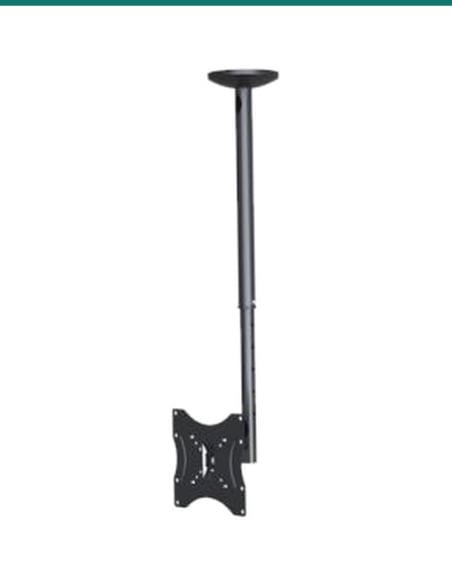
Hangs the screen 600 to 850 mm below the ceiling with tilt and swivel, for 23 to 42 inch screens.
Two screens
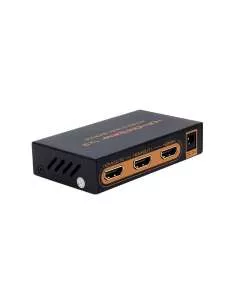
AV-HDM2SP-60Hz-2 HDMI splitter
Shows the same recorder output on two monitors, for example at the desk and the counter.
Where it is used
Where a 24 inch camera monitor works.
Shop counters
A public-view monitor that shows customers they are on camera.
Security desks
The recorder's live multi-camera view, on all shift.
Offices and receptions
Keep an eye on the front door and car park from the desk.
Warehouses and yards
Watch loading docks and gates from the dispatch office.
Farms and sheds
A screen in the house or office for the shed and driveway cameras.
Homes
Show the doorbell and driveway cameras in the kitchen or study.
LCDFL24G2 or LCDFL22G2
| LCDFL24G2 (this monitor) | LCDFL22G2 |
|---|
| Screen size | 23.8 inch | 21.5 inch |
| Resolution | 1920 × 1080 | 1920 × 1080 |
| Panel | VA | VA |
| Response time | 8 ms | 6.5 ms |
| Inputs | HDMI, VGA, audio-in | HDMI, VGA, audio-in |
| VESA | 100 × 100 mm | 75 × 75 mm |
| Weight | 3.2 kg | 2.1 kg |
| Operating humidity | Under 80% | Under 85% |
Figures from Flashview's LCD-G2 Series datasheet (May 2024). Ask us about current availability of the 22 inch model.
Common questions
Is it really 24 inches?
It is a 24 inch class monitor with a 23.8 inch viewable screen, measured on the diagonal, as Flashview's datasheet lists it.
What inputs does it have?
One HDMI, one VGA and one audio-in. The ports face down, which keeps the cables tidy when the screen is on a wall.
Will it work with my NVR or DVR?
Yes, if the recorder has an HDMI or VGA output. The screen is 1920 × 1080, so set the recorder's output to 1080p for a full, sharp picture.
Can it run 24 hours a day?
Yes. Flashview builds the LCD-G2 series for 24/7 continuous video display in surveillance systems.
Does it have speakers?
Yes. Two 1.5 W stereo speakers are built in, with an audio-in jack for a sound source.
Can I mount it on a wall?
Yes. It has VESA 100 × 100 mm holes. Flashview's LCDBKT-A15T2 tilt bracket or LCDBKT-A35C ceiling bracket both suit it on paper.
What comes in the box?
The monitor, an HDMI cable, a power cable and the pedestal stand, as listed by Flashview.
How much power does it use?
About 24 W in normal use and 0.5 W or less on standby, from a 12 VDC input.
What does a VA panel mean for CCTV?
A vertical alignment panel gives high contrast, 3000:1 on this model, so dark night footage shows more detail, with 178° viewing angles.
Does the stand tilt?
Yes. Flashview lists tilt adjustment on the stand. For height or swivel, use a bracket.
Can it show 4K cameras?
It shows 1920 × 1080. A 4K recorder can still feed it with its output set to 1080p. For native 4K, see the Flashview LCDFL27U.
What is the difference from the LCDFL22G2?
The LCDFL24G2 has a larger 23.8 inch screen, VESA 100 mounting and weighs 3.2 kg. The LCDFL22G2 is 21.5 inches, VESA 75 and 2.1 kg, with a 6.5 ms response.
Supported by InFront Technologies.
Help matching the monitor to your recorder or choosing a bracket: call 1300 736 970 or email [email protected]. The datasheet is on the Attachments tab.
Installation and safety
Mains powered. Plug into a standard power point. Do not run the power cord inside a wall or ceiling; a new power point needs a licensed electrician.
Indoor use. Rated for 0 °C to 40 °C and humidity under 80%. Keep it out of hot sheds, direct sun and wet areas, and leave the vents clear.
Mounting. Use a VESA 100 × 100 bracket rated for at least 3.2 kg, fixed into a stud, brick or concrete.
Privacy. A public-view monitor shows camera images to anyone nearby. Choose which cameras appear on it and use signage as your state's surveillance laws require.
What it does not do. No 4K, no DisplayPort, no touch screen and no recording. It displays what the recorder sends.
Figures. From Flashview's LCD-G2 Series datasheet, LCDFL24G2 column (May 2024). Flashview notes that specifications may change.