There are no more items in your cart
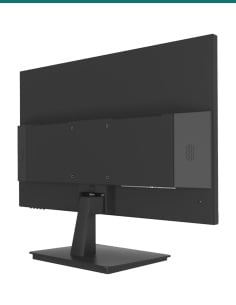
In Stock - Ready to Ship


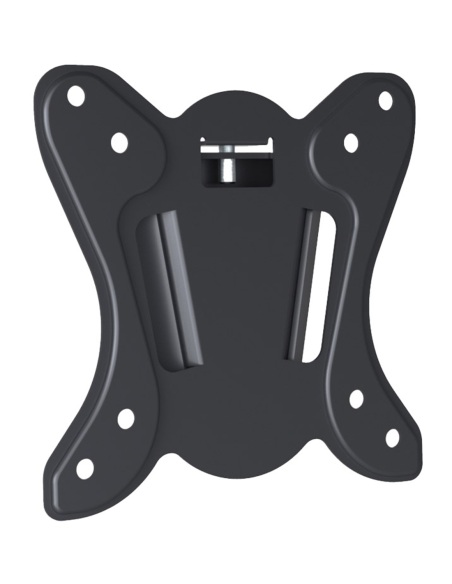
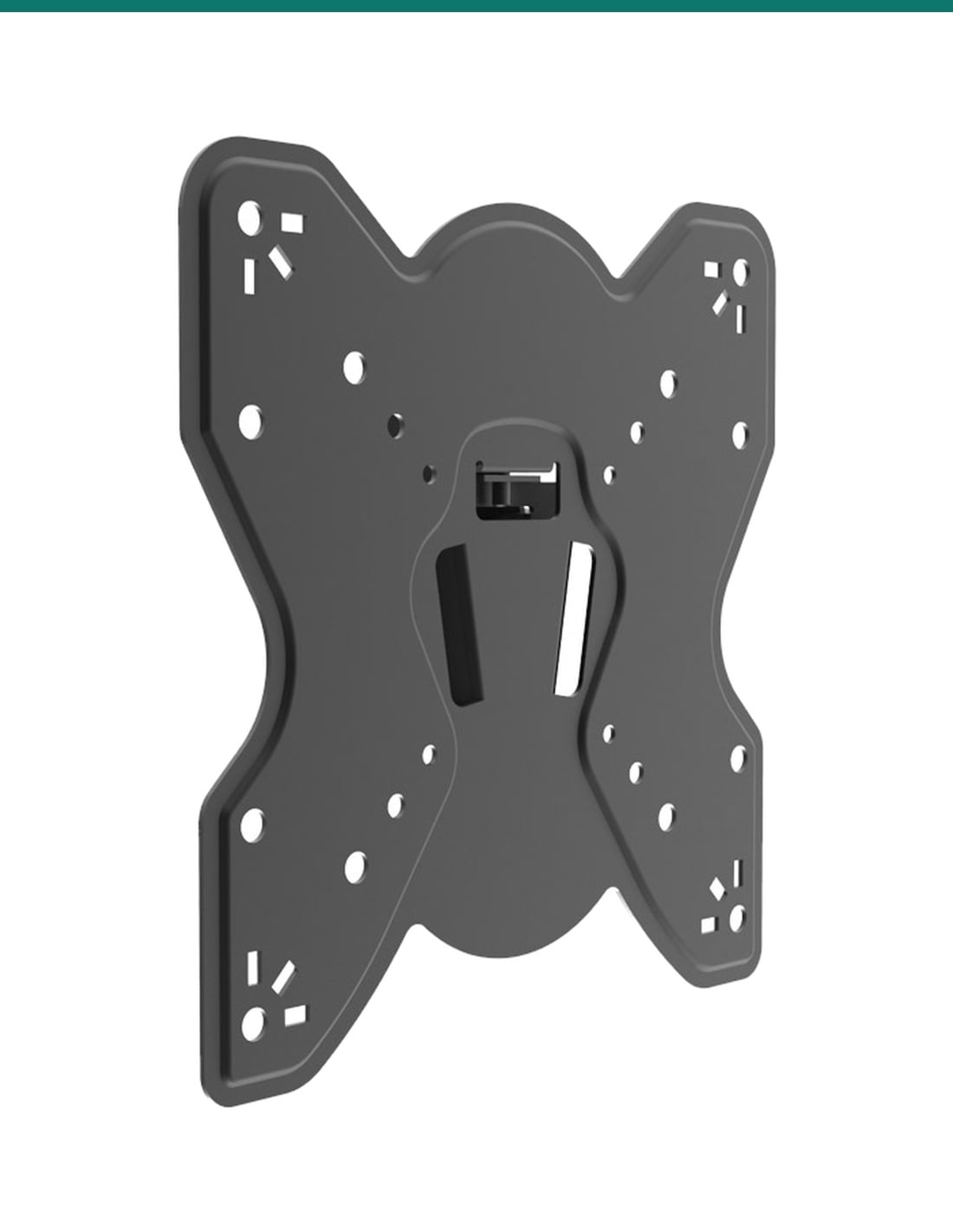
Flashview LCDBKT-A25T: a low-profile tilting wall bracket for 17 to 42 inch monitors and TVs, sitting 38 mm off the wall.
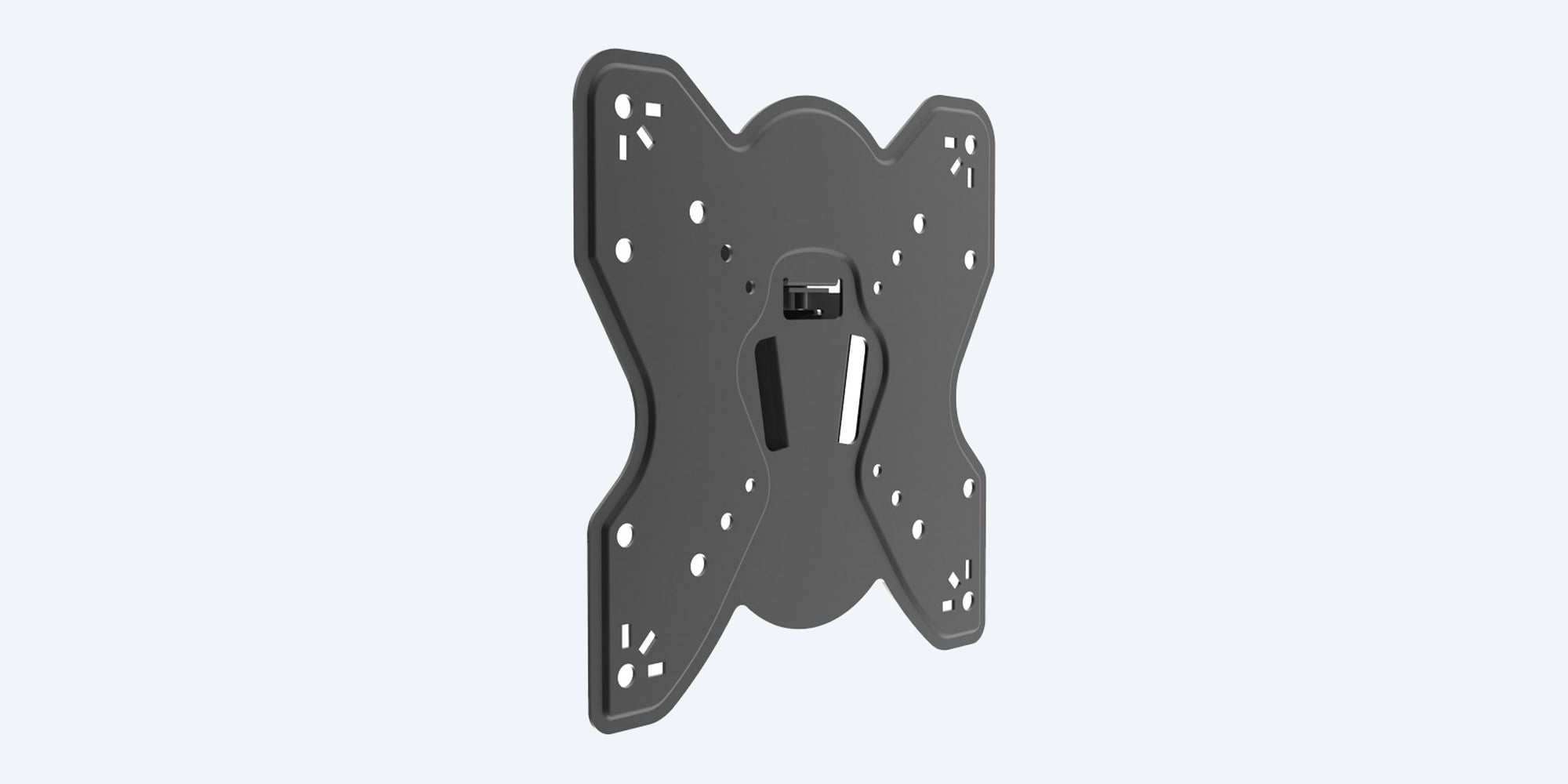
The Flashview LCDBKT-A25T holds a monitor or TV 38 mm off the wall and tilts it 8° up or down, with holes for the three common VESA patterns from 75 × 75 to 200 × 200 mm.
In one sentence: the Flashview LCDBKT-A25T is a low-profile tilting wall bracket for 17 to 42 inch monitors and TVs, with VESA 75, 100 and 200 mm mounting, a 25 kg load rating, ±8° tilt and a 38 mm gap to the wall.
Bracket only. The monitor or TV is separate.
This listing is one LCDBKT-A25T wall bracket. Check that your screen has VESA 75 × 75, 100 × 100 or 200 × 200 holes, is 17 to 42 inches and weighs 25 kg or less.
At 38 mm from the wall, a 32 or 40 inch screen in a control room, shop or meeting room sits almost flush. The 8° of tilt either way lets you angle a screen hung high down towards the people watching it, or away from window glare.
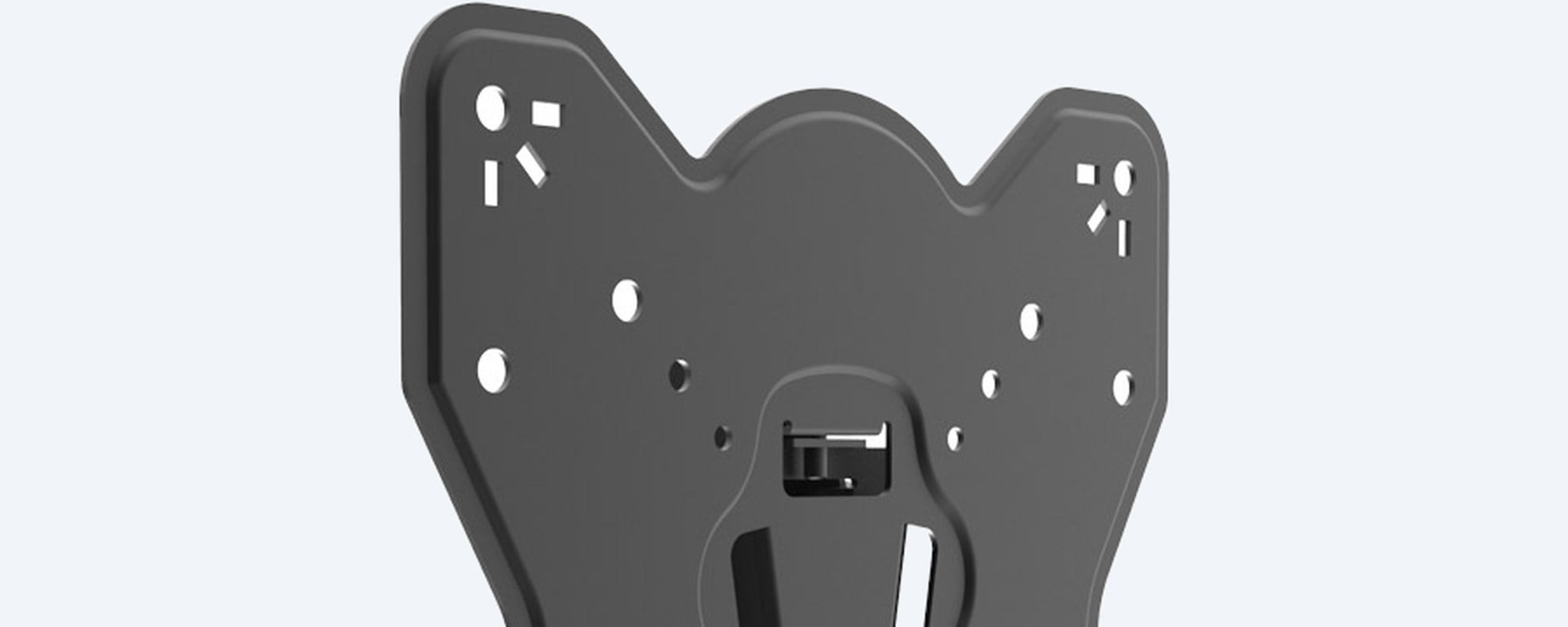
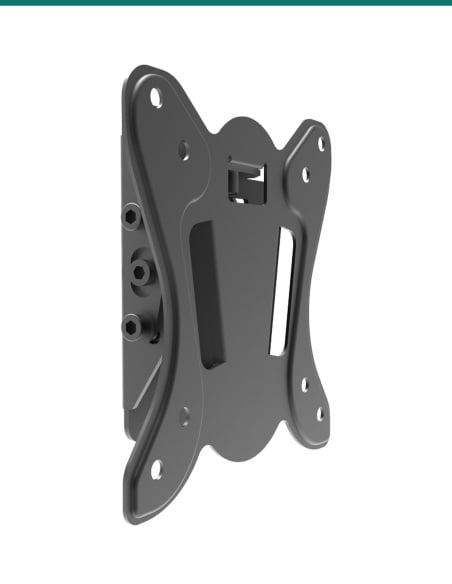
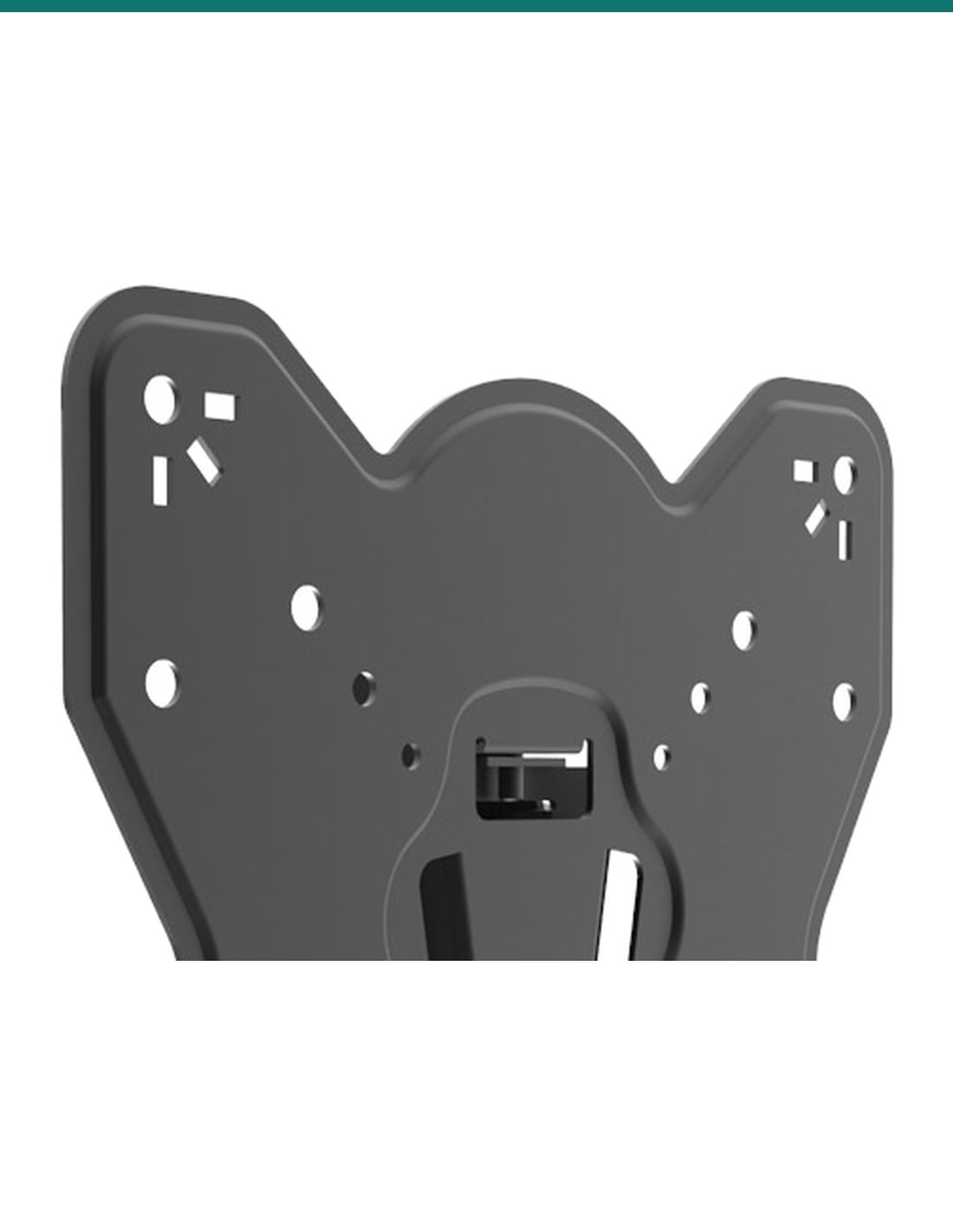
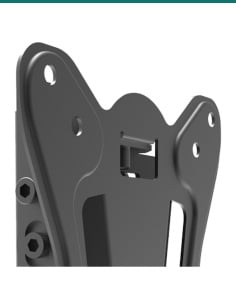
VESA plate
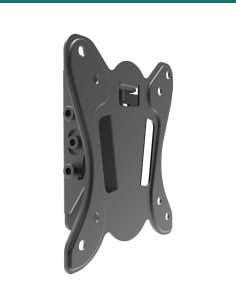
The corner holes are 200 × 200 mm apart, with the 100 × 100 and 75 × 75 mm holes inside them, so one bracket suits most screens in the 17 to 42 inch range. Close-up from Flashview's product photo.
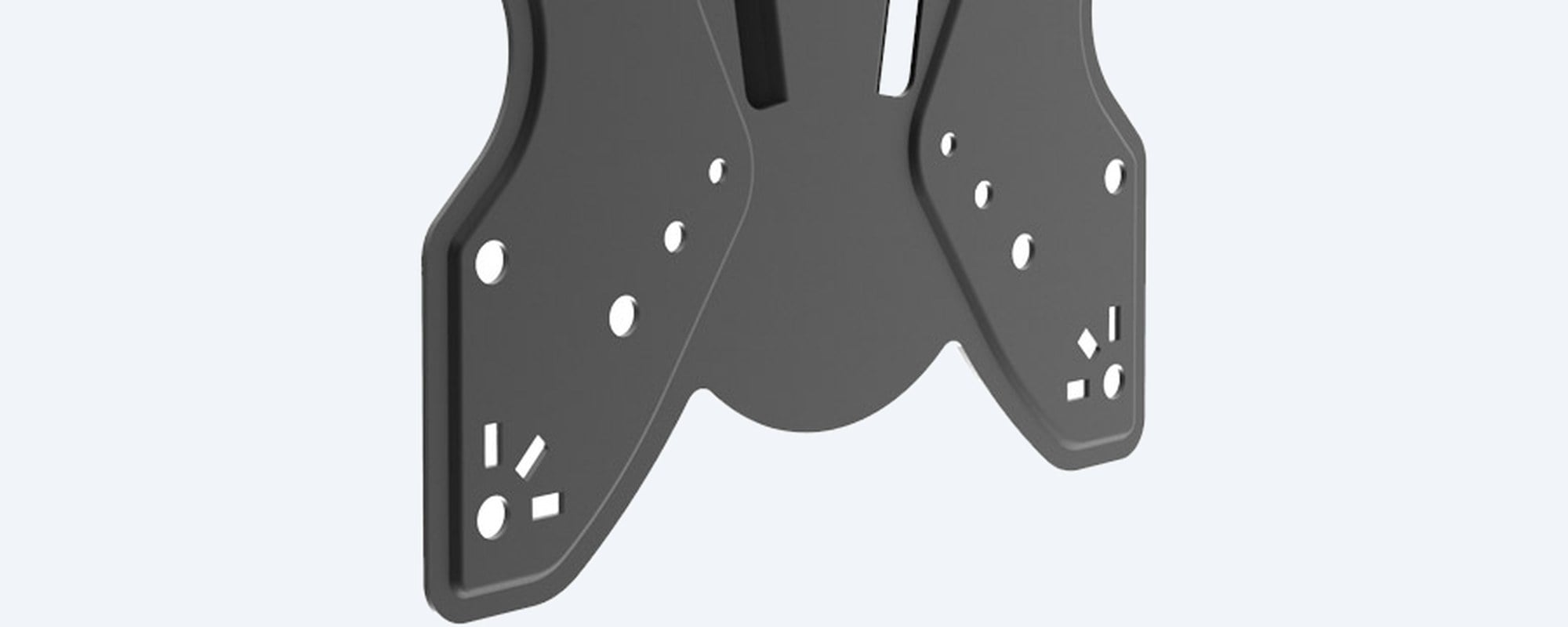
Construction
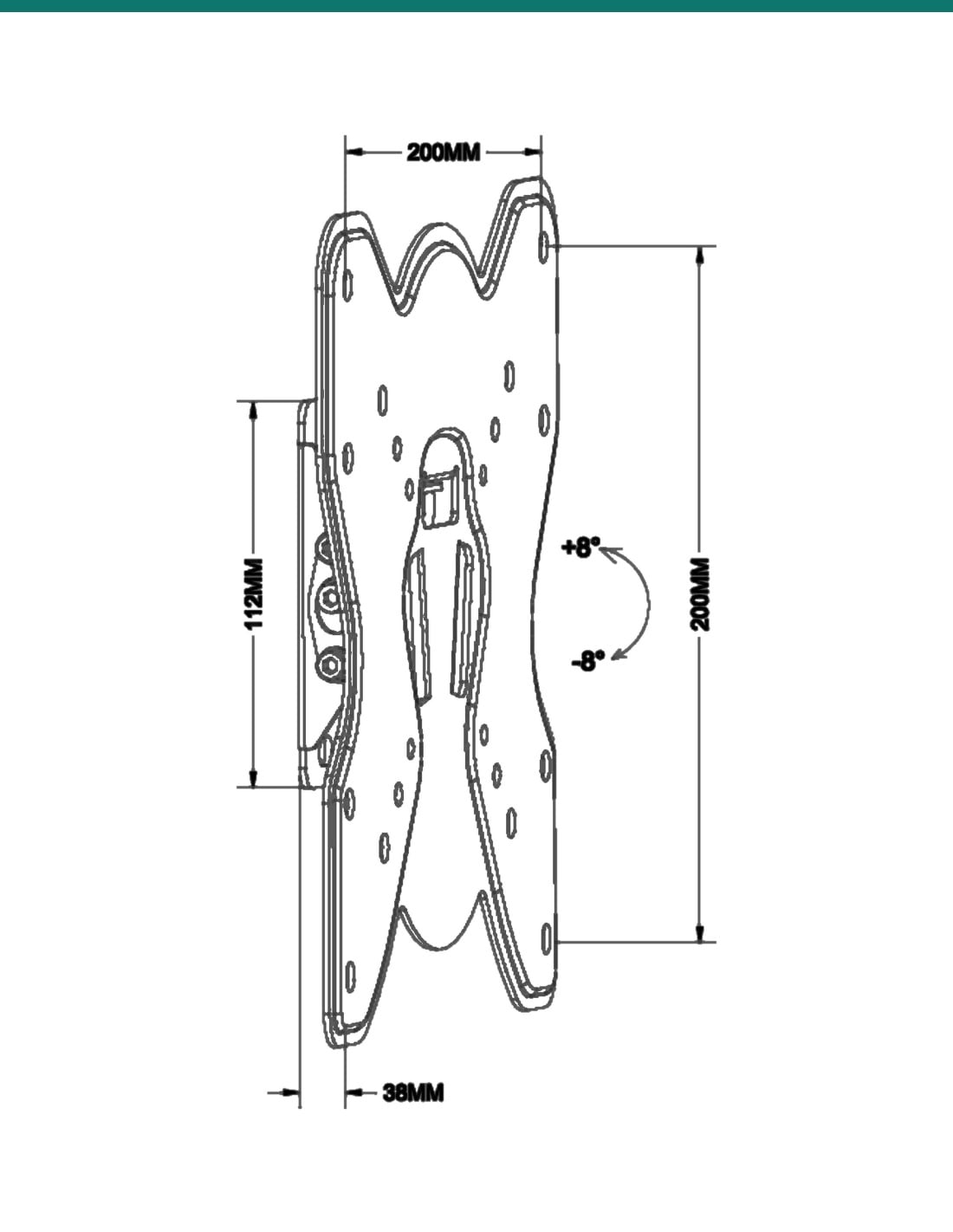
Aluminium with a satin black finish. Flashview's drawing shows a 112 mm tall wall plate behind the VESA plate and a total depth of 38 mm from the wall.
How it goes in
01
Measure the holes on the back: 75 × 75, 100 × 100 or 200 × 200 mm. The screen must be 17 to 42 inches and 25 kg or less.
02
Level the bracket, mark the holes and fix it into a stud, brick or concrete with the supplied screws and plugs, or fixings rated for the weight.
03
Fix the screen to the VESA plate with the supplied screws and washers. Use a screw length that grips without bottoming out in the screen.
04
Angle the screen up to 8° up or down for the best view, then tighten the hinge and tidy the cables.
At a glance
Show specs
Type
Tilting wall mount for monitors and TVs
Screen size
17 to 42 inch
VESA patterns
75 × 75, 100 × 100 and 200 × 200 mm
Load capacity
25 kg
Distance from wall
38 mm
Tilt
+8° to −8°
Swivel
None
Wall plate height
112 mm (Flashview drawing)
Material
Aluminium, satin black finish
In the box
Screws and wall plugs for the wall; screws and washers for the screen
Series
Flashview LCDBKT-A wall and ceiling brackets
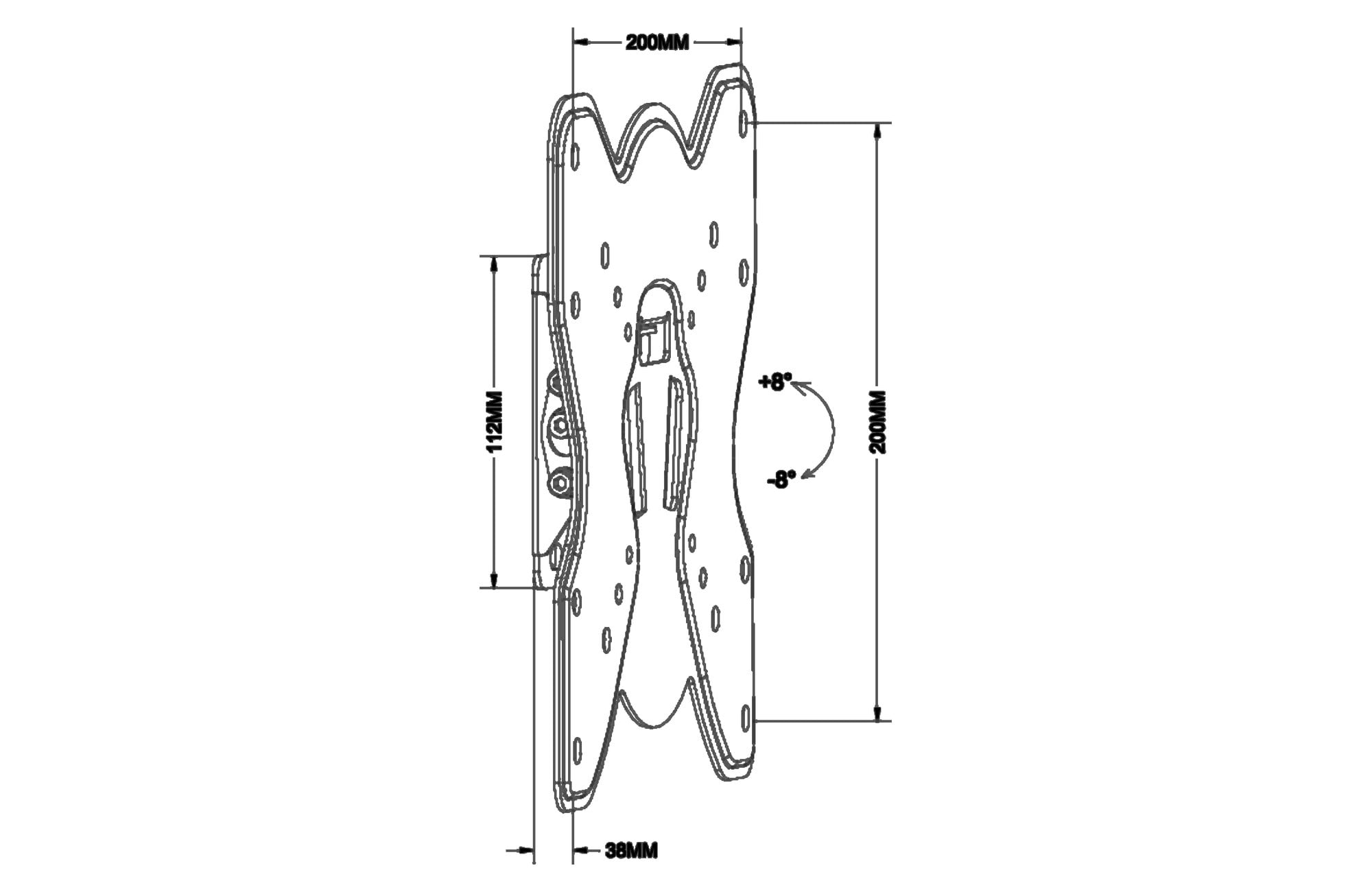
Flashview drawing, measurements in mm.
Pair it with
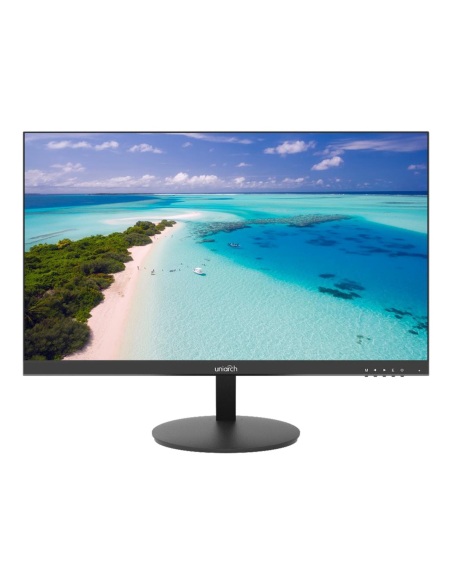
4K monitor
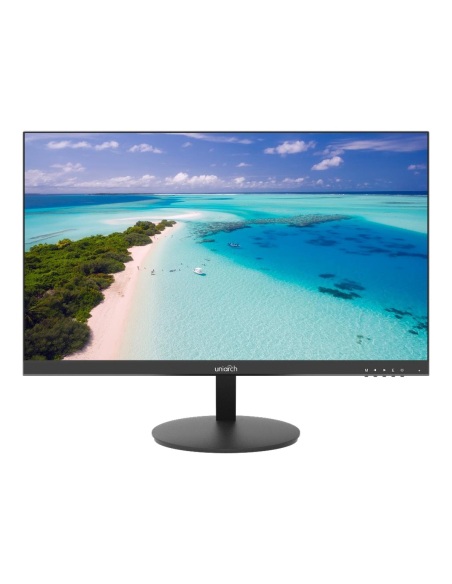
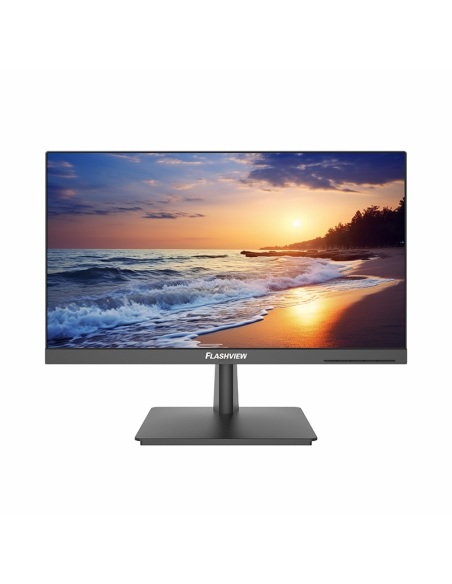
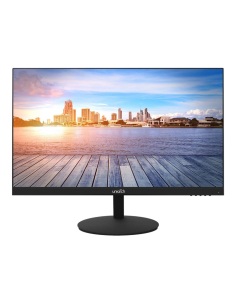
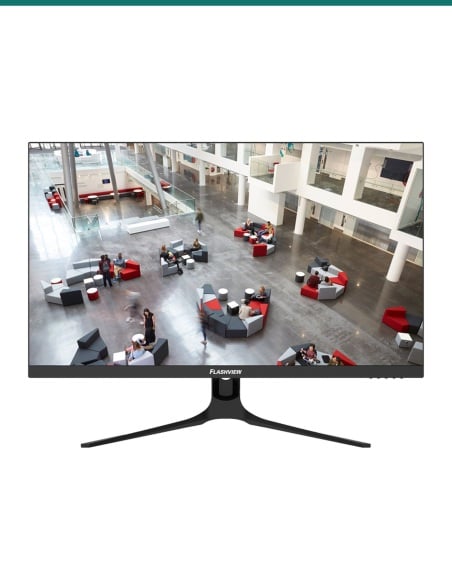
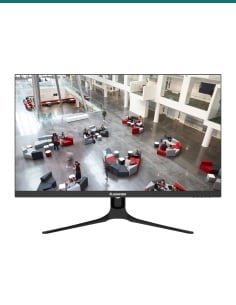
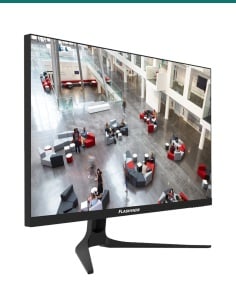
4K IPS surveillance monitor with VESA 100 mounting, 4.5 kg: inside this bracket's limits on both datasheets.
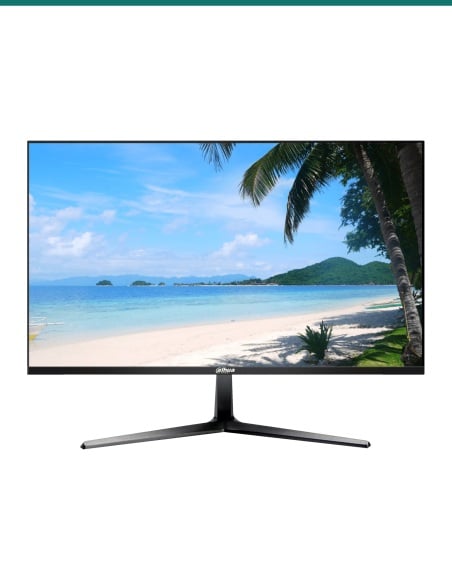
Monitor
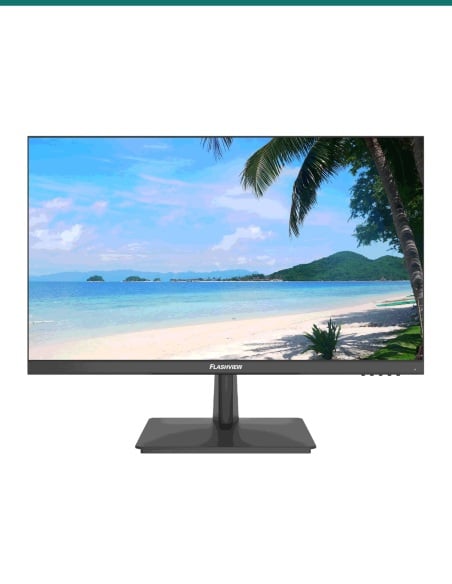
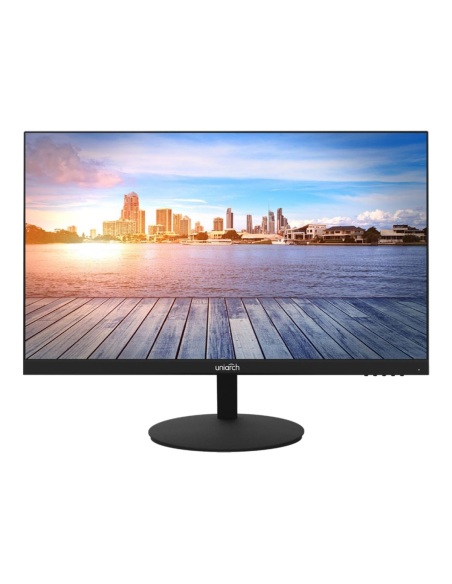
Full HD surveillance monitor with VESA 100 × 100 holes, 3.2 kg and 23.8 inches.
Ceiling
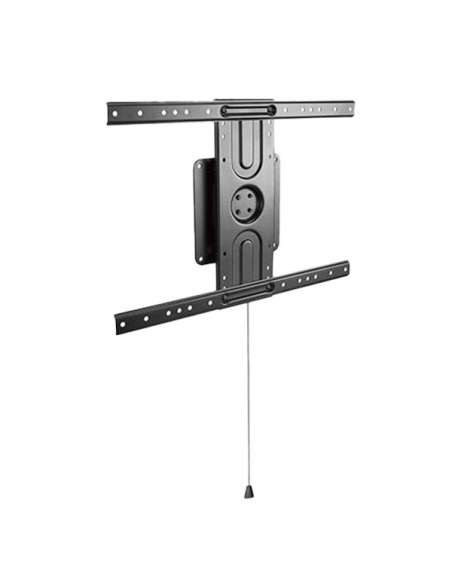
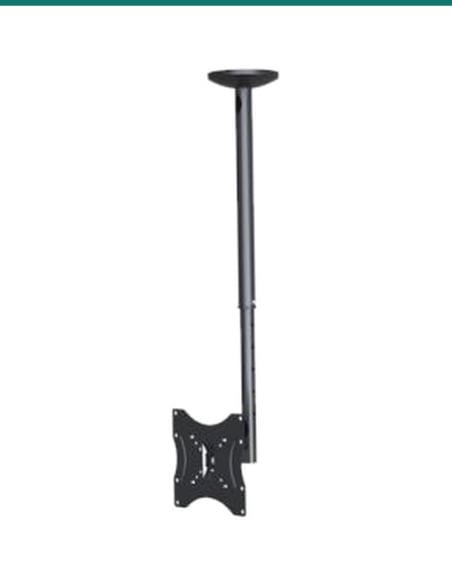
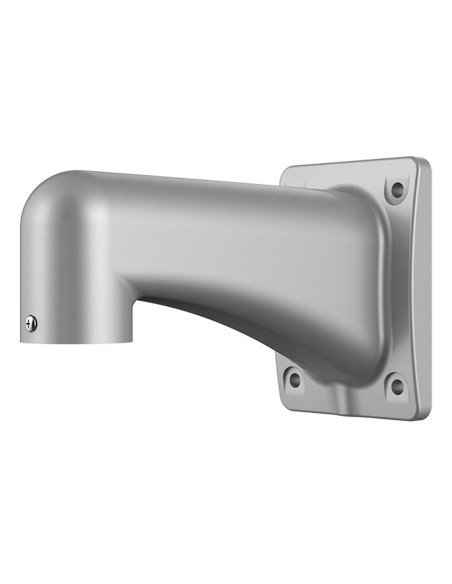
For 23 to 42 inch screens hung from the ceiling, with ±15° tilt and ±90° swivel.
Bigger screen
From the same Flashview range, for 37 to 70 inch screens up to 50 kg with VESA 600 × 400.
Where it is used
Hang camera monitors along the wall at a height everyone in the room can see.
A public-view monitor near the door, tilted down towards customers.
Live camera view or a TV behind the counter, close to the wall.
A screen up to 42 inches on a slim mount with a little tilt for the table.
Mount a dispatch or camera screen high on a wall, clear of traffic.
A bedroom or kitchen TV, or a screen showing the home cameras.
| LCDBKT-A25T (this bracket) | LCDBKT-A15T2 | |
|---|---|---|
| Screen size | 17–42 inch | 13–30 inch |
| Load capacity | 25 kg | 15 kg |
| Distance from wall | 38 mm | 38 mm |
| Tilt | +8° to −8° | +8° to −8° |
| Swivel | None | None |
| VESA patterns | 75 / 100 / 200 | 75 / 100 |
Figures from Flashview's LCDBKT-A Series datasheet (April 2025). The A25T adds VESA 200 and takes bigger, heavier screens; the A15T2 suits smaller monitors.
Yes, if the screen has VESA 75 × 75, 100 × 100 or 200 × 200 mounting holes, is 17 to 42 inches and weighs 25 kg or less. Check the back of the screen or its datasheet.
Yes, on paper. Both use VESA 100 × 100 holes, weigh 4.5 kg and 3.2 kg, and are 27 and 23.8 inches, inside this bracket's limits.
No. Flashview rates it for 17 to 42 inch screens. The LCDBKT-A50T2 from the same range covers 37 to 70 inches.
38 mm, according to Flashview's datasheet and drawing.
Up to 8° either way. Flashview's drawing shows +8° to −8°.
No. It tilts only. The LCDBKT-A35C ceiling bracket swivels ±90° if you need a screen that turns.
The bracket, screws and wall plugs for the wall, and screws and washers for the screen, as listed by Flashview.
No. The largest pattern on this bracket is 200 × 200 mm. Check your screen's VESA size before ordering.
Any wall that can carry the screen's weight. Fix it into a stud, brick or concrete. On plasterboard alone, use fixings rated for the load.
Flashview's drawing shows a wall plate 112 mm tall behind a VESA plate with 200 mm hole spacing.
Aluminium with a satin black finish, which Flashview lists for the whole LCDBKT-A series.
The A25T takes 17 to 42 inch screens up to 25 kg and adds the VESA 200 pattern. The A15T2 takes 13 to 30 inch screens up to 15 kg. Both tilt 8° and sit 38 mm off the wall.
Not sure it suits your screen or wall? Call 1300 736 970 or email [email protected] with the screen model. The datasheet is on the Attachments tab.
Load. Rated for 25 kg. Check your screen's weight on its datasheet and never go over the bracket's rating.
Fixing. Fix into a stud, brick or concrete. Plasterboard on its own needs fixings rated for the weight. Check for hidden pipes and cables before drilling. A screen over about 32 inches is a two-person lift.
Power. Do not run a screen's mains cord inside the wall. A new power point behind the screen needs a licensed electrician.
What it does not do. No swivel or arm, no VESA pattern larger than 200 × 200 mm, and not for screens over 42 inches or 25 kg.
Figures. From Flashview's LCDBKT-A Series datasheet (April 2025) and Flashview's drawing of this bracket. Flashview notes that specifications may change.




Need help choosing?
Tell us about your property and we'll recommend the right cameras and recorder.
07 5609 4910Sydney 02 8814 6008
[email protected]
Mon–Fri, 9am–5pm AEST
20 related items