There are no more items in your cart
In Stock - Ready to Ship


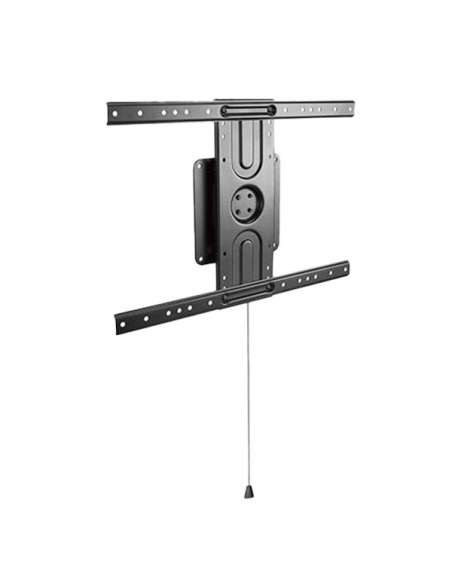
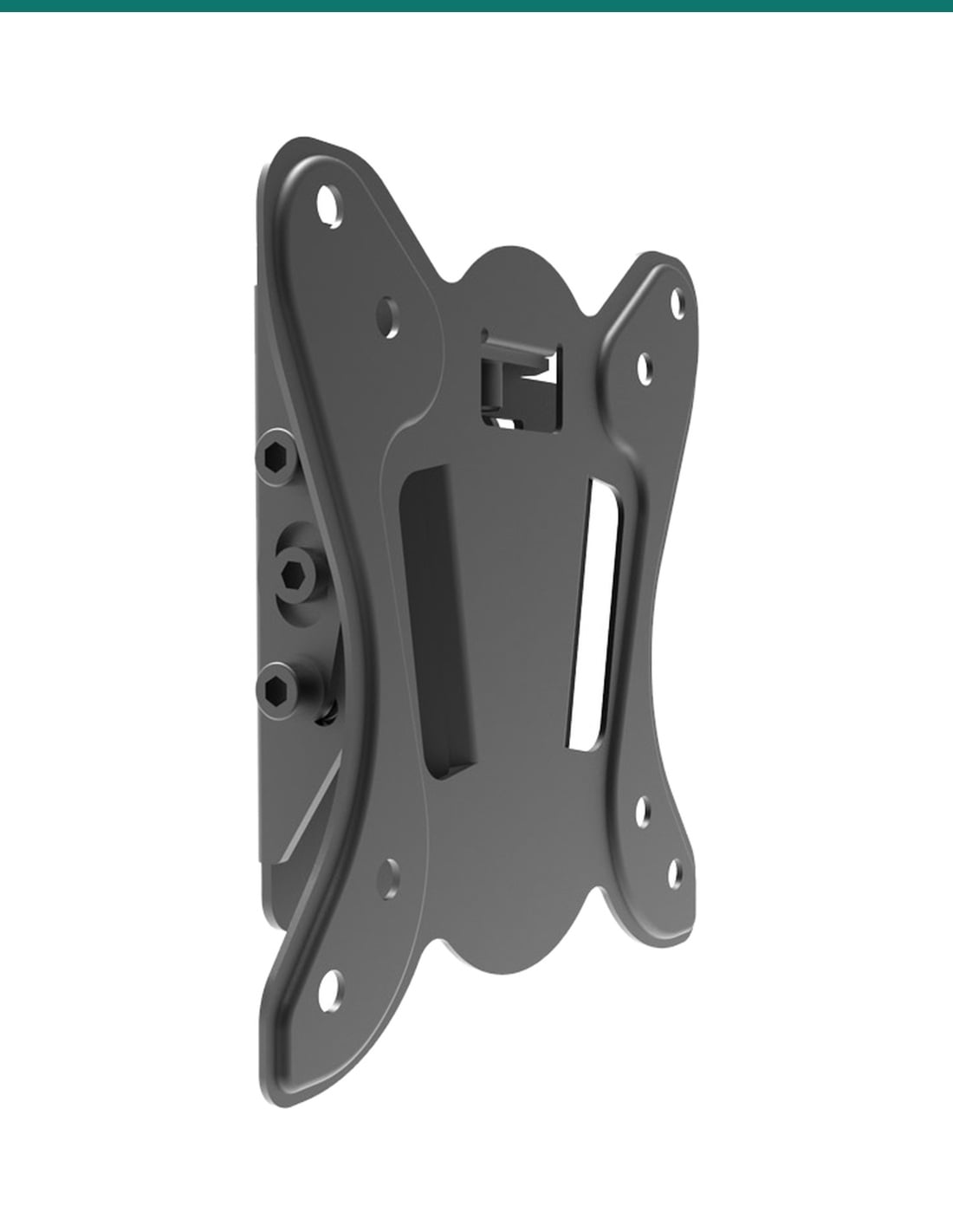
Flashview LCDBKT-A15T2: a low-profile tilting wall bracket for 13 to 30 inch monitors and TVs, sitting 38 mm off the wall.
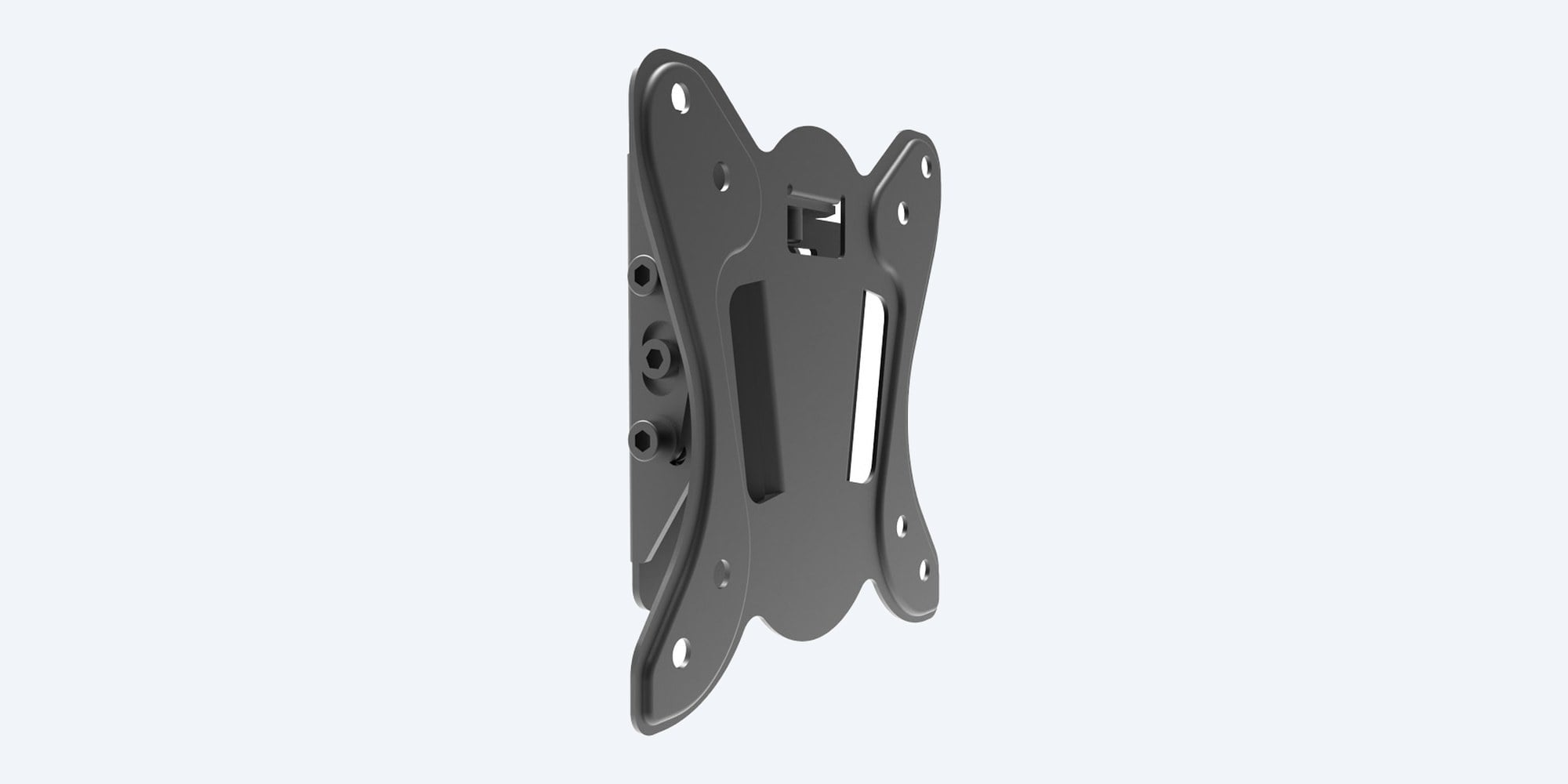
The Flashview LCDBKT-A15T2 holds a monitor or small TV flat to the wall and lets you angle it up or down by 8° to cut glare at a security desk or counter.
In one sentence: the Flashview LCDBKT-A15T2 is a low-profile tilting wall bracket for 13 to 30 inch monitors and TVs, with VESA 75 × 75 and 100 × 100 mounting, a 15 kg load rating, ±8° tilt and a 38 mm gap to the wall.
Bracket only. The monitor is separate.
This listing is one LCDBKT-A15T2 wall bracket. Check that your screen has VESA 75 × 75 or 100 × 100 holes, is 13 to 30 inches and weighs 15 kg or less.
The screen sits 38 mm off the wall, so a monitor at a security desk or reception counter takes up almost no room. Tilt it down a few degrees when it hangs above eye level, or up to dodge glare from windows and downlights.
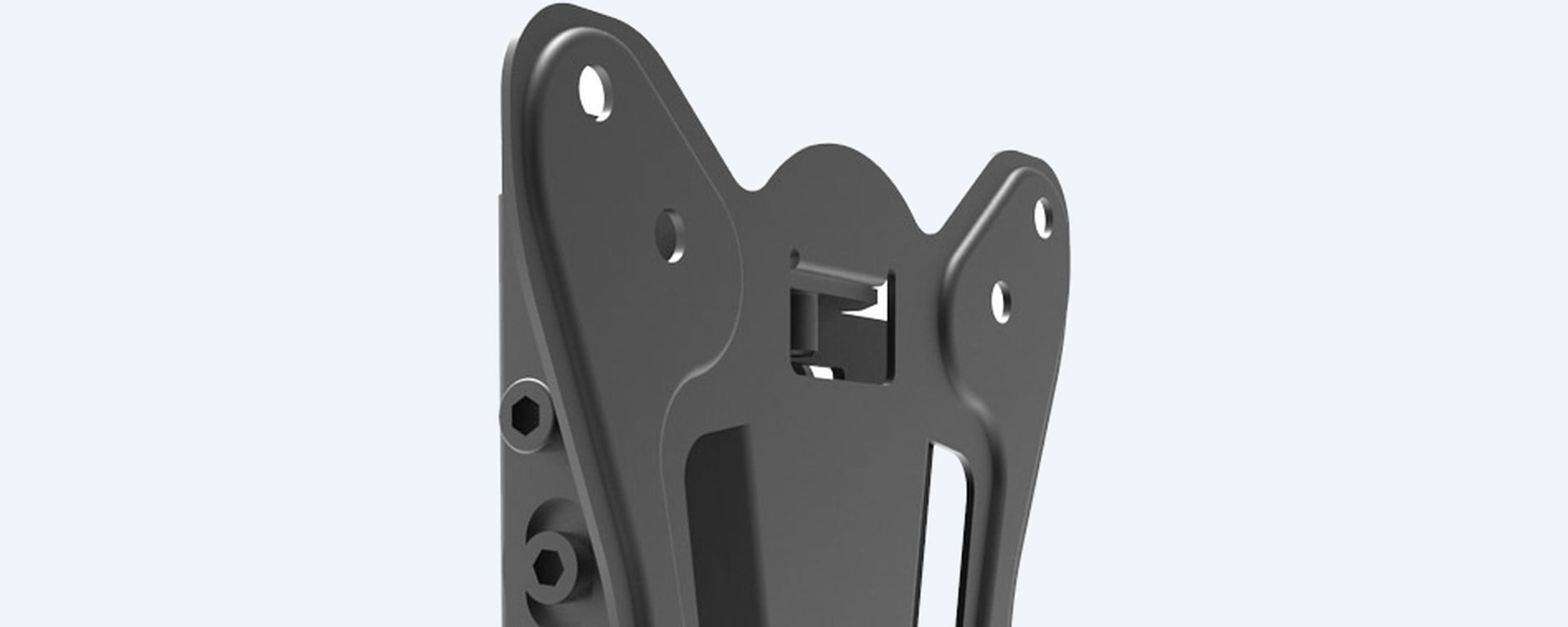
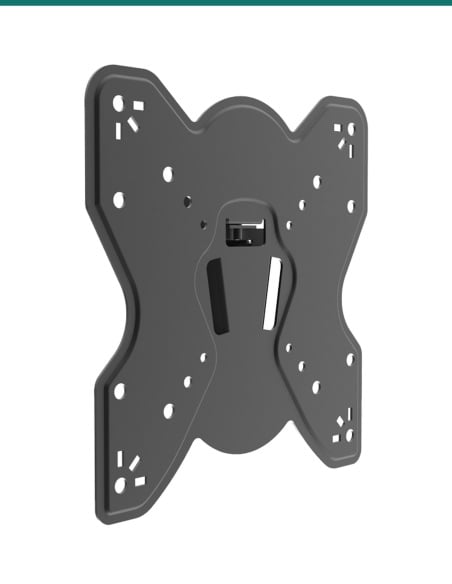
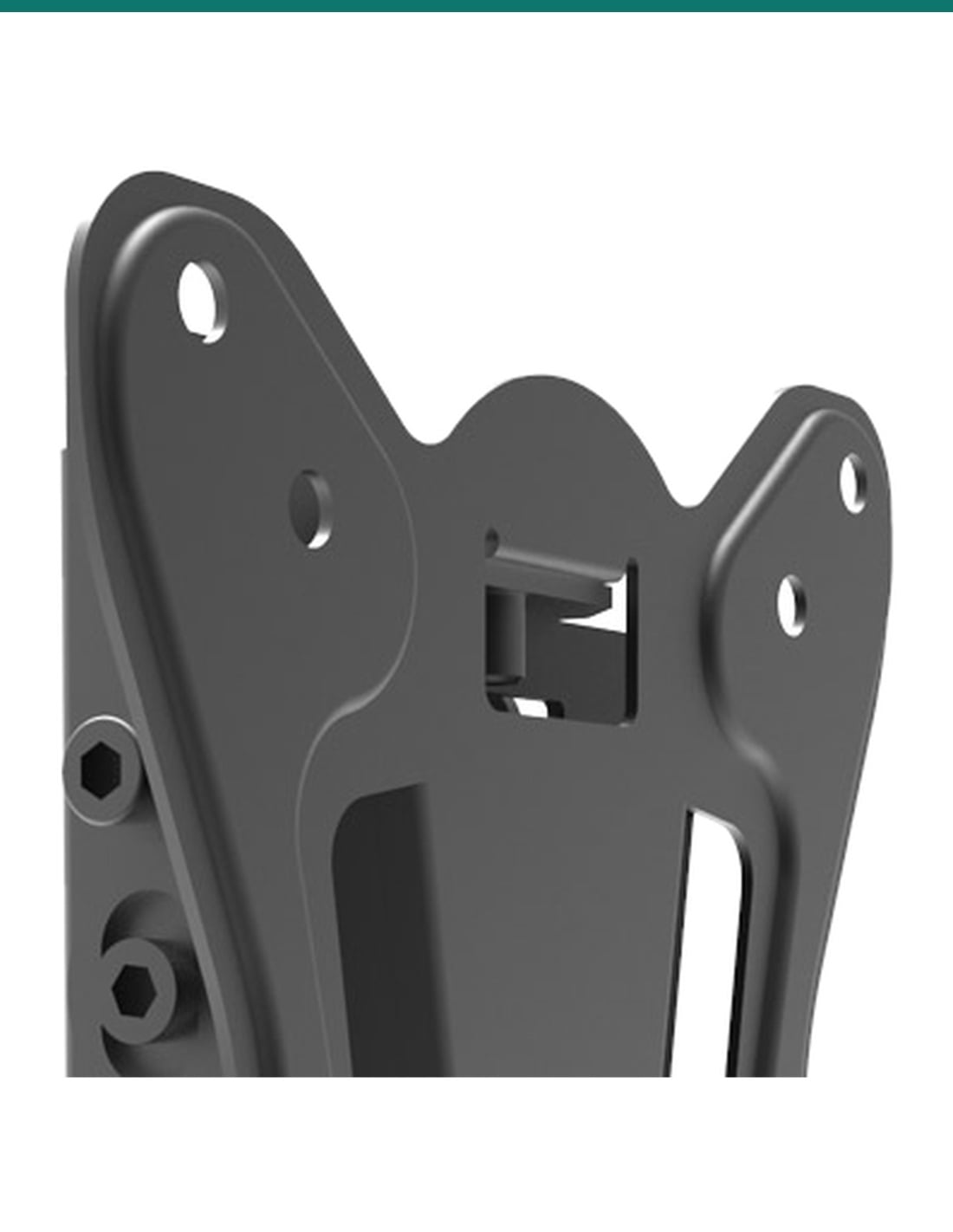
VESA plate
The plate carries both of the small VESA patterns used by most 13 to 30 inch monitors. Flashview supplies the screws and washers to fix the monitor to it. Close-up from Flashview's product photo.
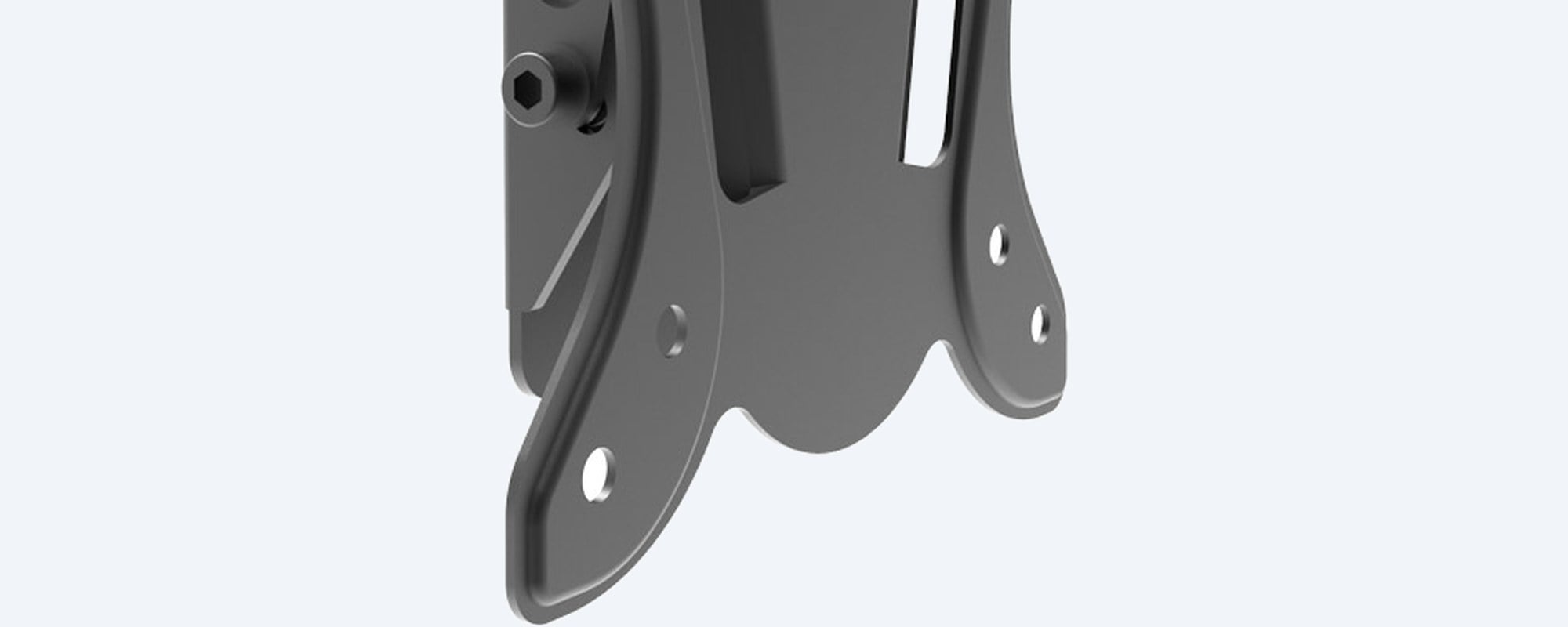
Tilt hinge
The hinge between the wall plate and the VESA plate lets the screen lean forward or back by up to 8°. Set the angle, then tighten the bolts so it stays put. Aluminium with a satin black finish.
How it goes in
01
Measure the holes on the back: 75 × 75 or 100 × 100 mm. The screen must be 13 to 30 inches and 15 kg or less.
02
Level the bracket, mark the holes and fix it into a stud, brick or concrete with the supplied screws and plugs, or fixings rated for the weight.
03
Fix the monitor to the VESA plate with the supplied screws and washers. Use a screw length that grips without bottoming out in the monitor.
04
Angle the screen up to 8° up or down for the best view, then tighten the hinge bolts and route the cables neatly.
At a glance
Show specs
Type
Tilting wall mount for monitors and TVs
Screen size
13 to 30 inch
VESA patterns
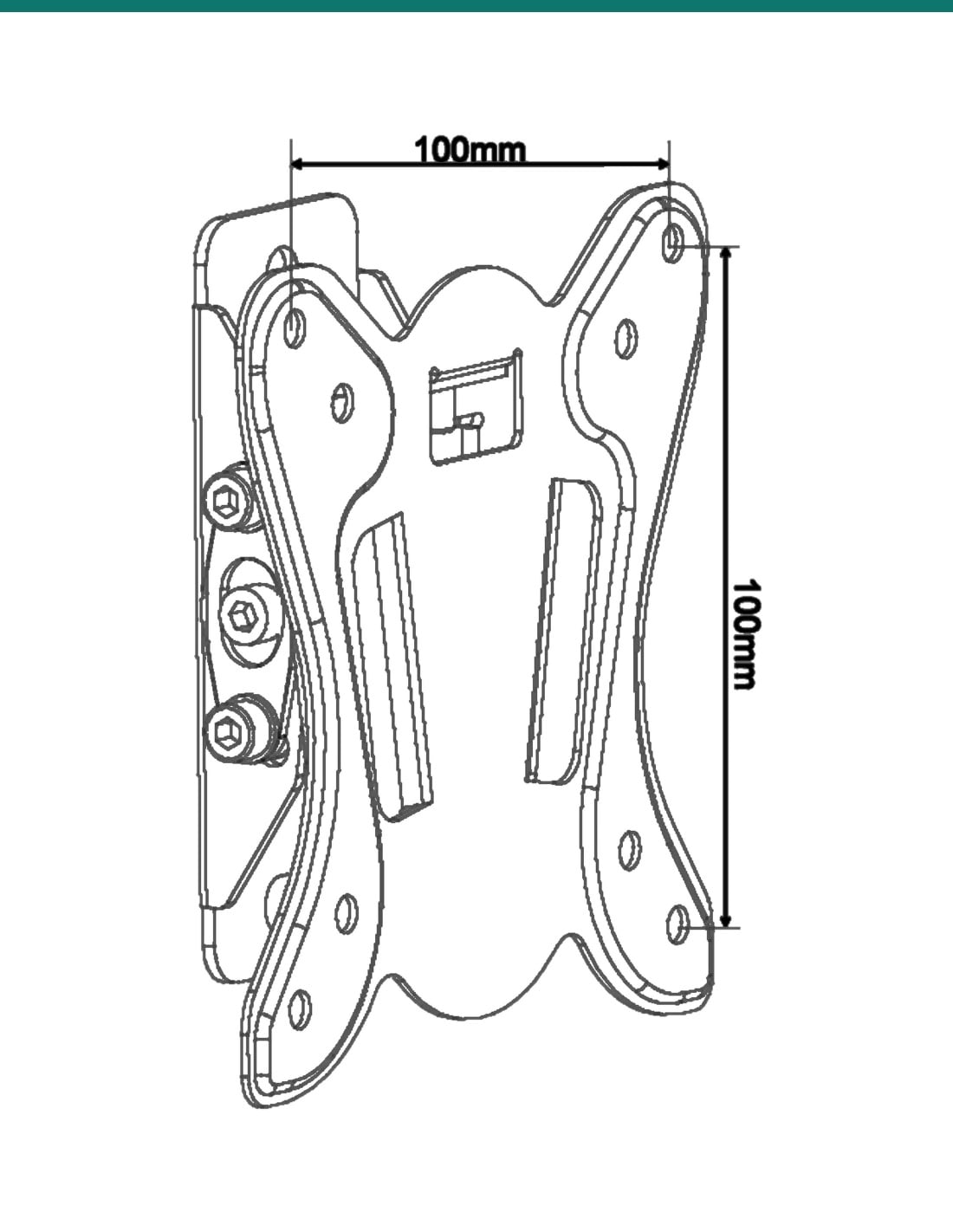
75 × 75 and 100 × 100 mm
Load capacity
15 kg
Distance from wall
38 mm
Tilt
±8°
Swivel
None
Material
Aluminium, satin black finish
In the box
Screws and wall plugs for the wall; screws and washers for the monitor
Series
Flashview LCDBKT-A wall and ceiling brackets
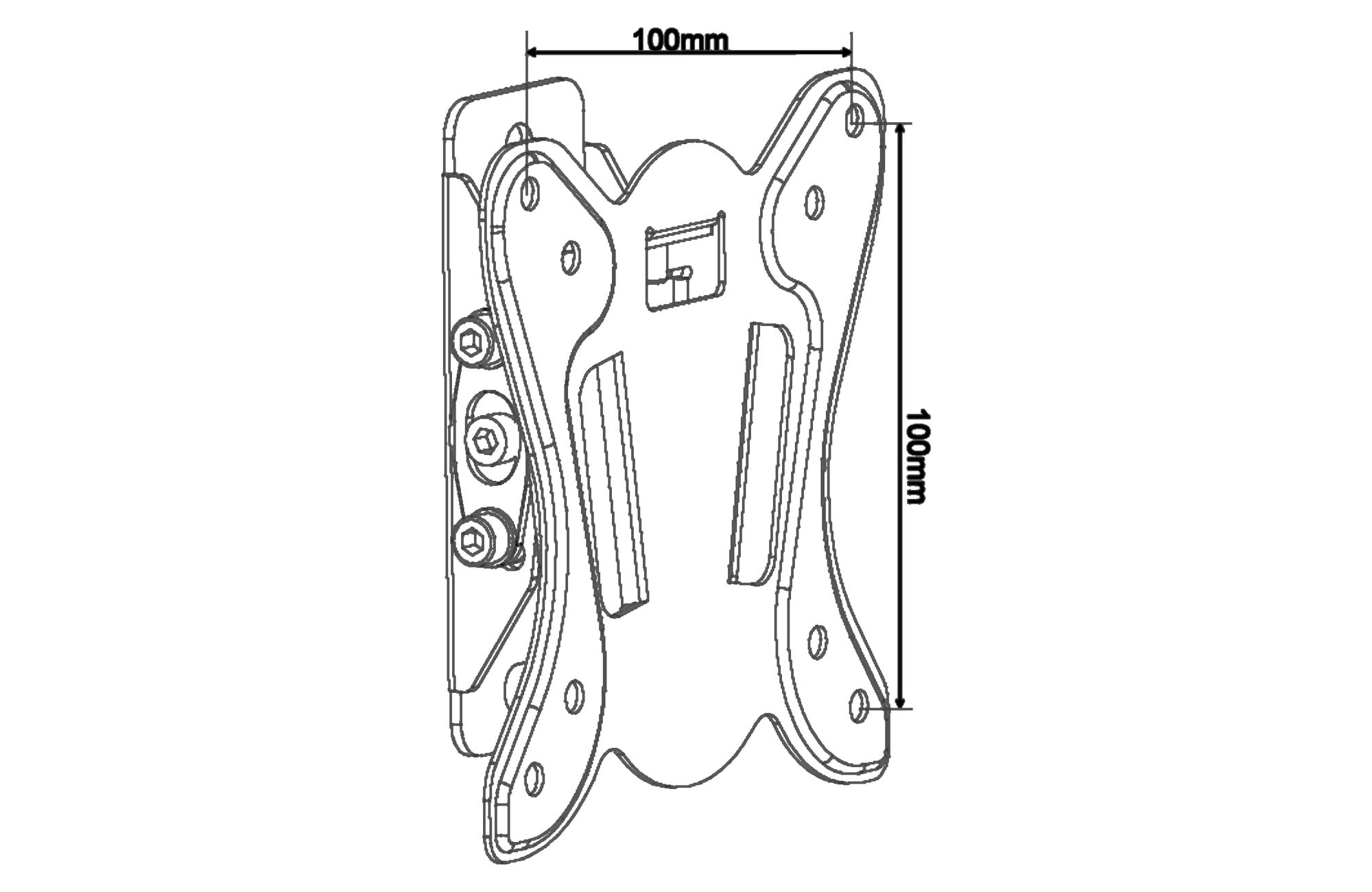
Flashview drawing, VESA hole spacing in mm.
Pair it with
Monitor
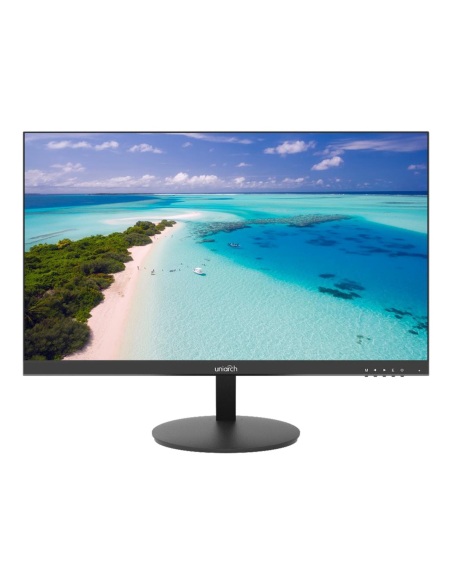
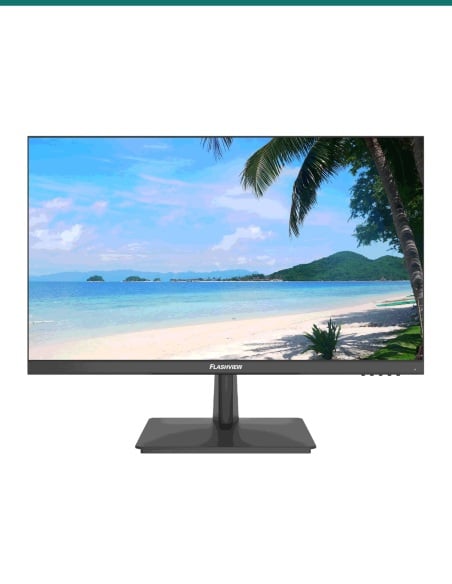
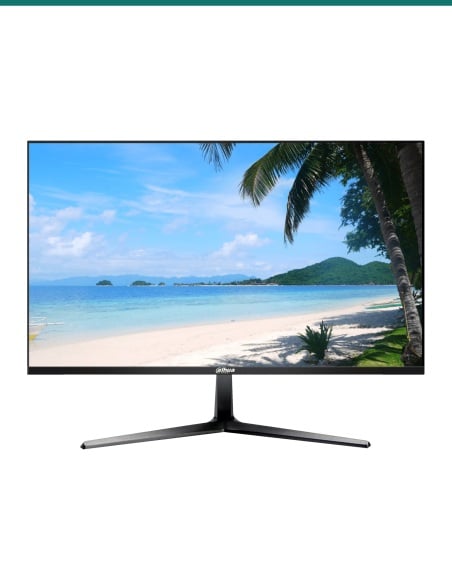
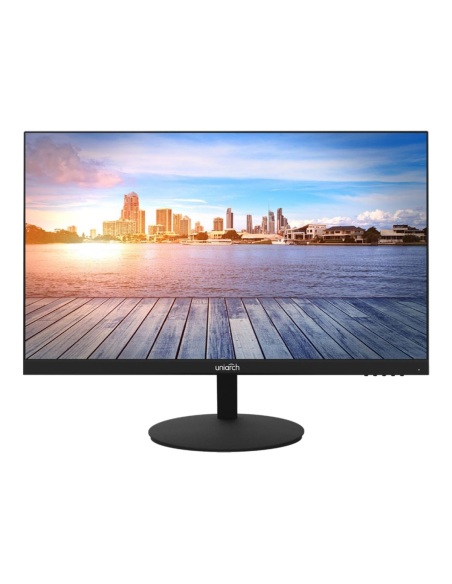
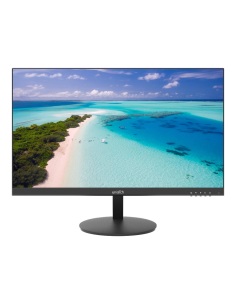
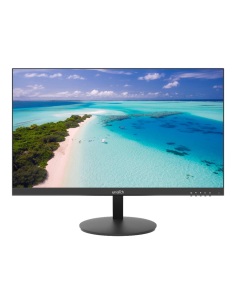
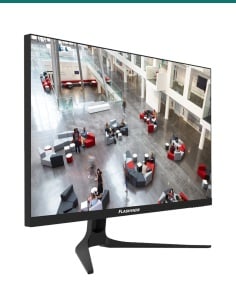
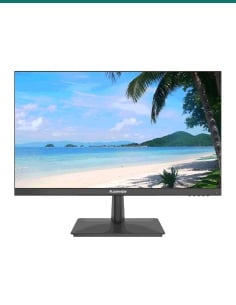
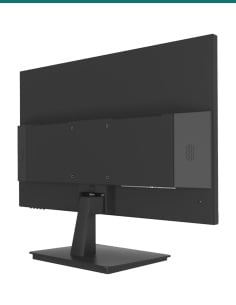
Full HD surveillance monitor with VESA 100 × 100 holes, 3.2 kg and 23.8 inches: inside this bracket's limits on both datasheets.
4K monitor
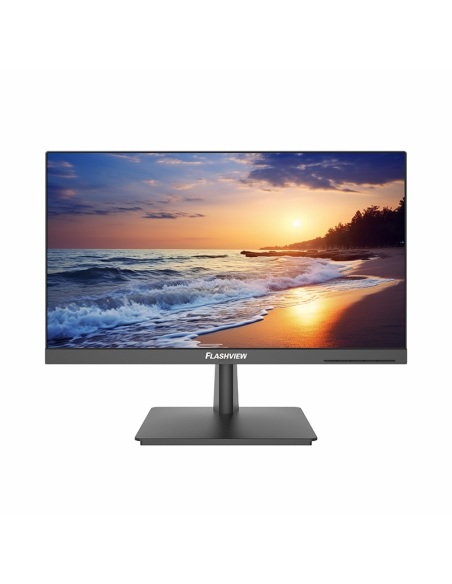
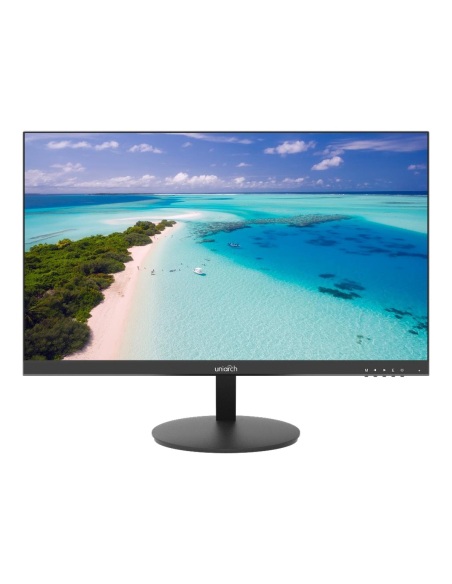
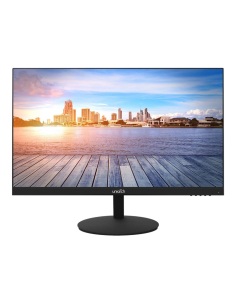
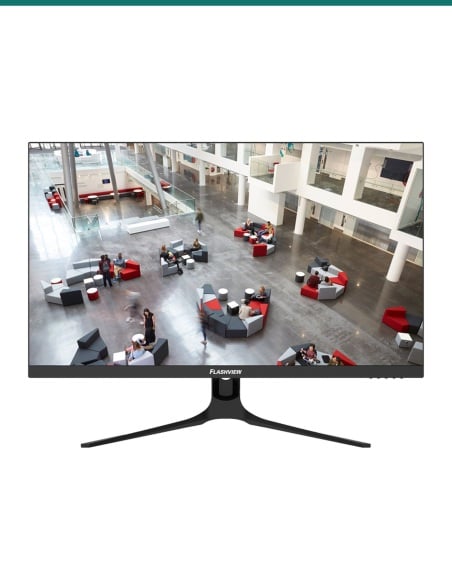
4K IPS surveillance monitor with VESA 100 mounting, 4.5 kg. Also inside the 30 inch and 15 kg limits.
Bigger screen
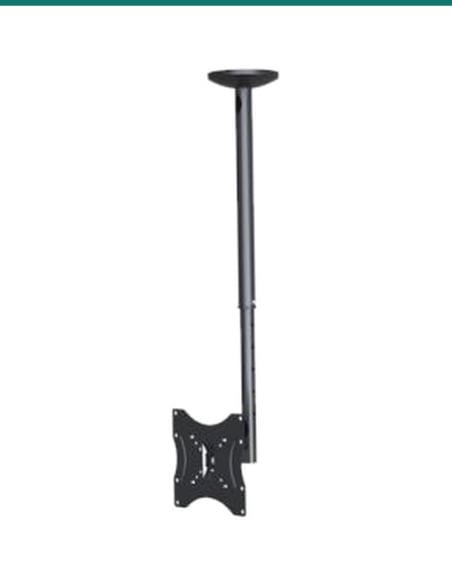
The same style of tilt mount for 17 to 42 inch screens up to 25 kg, with VESA 200 × 200 as well.
Where it is used
Put the recorder's live view on the wall beside the desk and keep the desktop clear.
A camera monitor that staff can see at a glance, tilted down from above the counter.
A screen showing the door camera, angled so customers see it as they walk in.
Mount a small monitor out of the way where space is tight.
Wall-mount a screen at a packing or loading station, clear of benches and forklifts.
Show the driveway and front door cameras in the kitchen or hallway.
| LCDBKT-A15T2 (this bracket) | LCDBKT-A15F | |
|---|---|---|
| Screen size | 13–30 inch | 13–30 inch |
| Load capacity | 15 kg | 15 kg |
| Distance from wall | 38 mm | 15 mm |
| Tilt | ±8° | None |
| Swivel | None | None |
| VESA patterns | 75 / 100 | 75 / 100 |
Figures from Flashview's LCDBKT-A Series datasheet (April 2025). Choose the A15F for a fixed screen as close to the wall as possible, the A15T2 when you need to angle it.
Yes, if the monitor has VESA 75 × 75 or 100 × 100 mounting holes, is 13 to 30 inches and weighs 15 kg or less. Check the holes on the back of the screen or its datasheet.
Yes, on paper. Both use VESA 100 × 100 holes, weigh 3.2 kg and 4.5 kg, and are 23.8 and 27 inches, all inside this bracket's limits.
38 mm, measured from the wall to the back of the bracket's VESA plate, according to Flashview's datasheet.
Up to 8°. Flashview lists the tilt as ±8°, so the screen can lean forward or back to cut glare or suit a high mounting point.
No. It tilts only. For a screen that turns, the LCDBKT-A35C ceiling bracket swivels ±90°, or ask us about a wall arm.
The bracket, screws and wall plugs for fixing it to the wall, and screws and washers for mounting the monitor, as listed by Flashview.
No. Flashview rates it for 13 to 30 inch screens. The LCDBKT-A25T covers 17 to 42 inches and up to 25 kg.
No. This bracket takes VESA 75 × 75 and 100 × 100 only. The LCDBKT-A25T adds the 200 × 200 pattern.
Any wall that can carry the screen's weight. Fix it into a stud, brick or concrete. On plasterboard alone, use fixings rated for the load.
Measure centre to centre between the four threaded holes on the back of the screen, across and then down. 100 × 100 mm and 75 × 75 mm both fit.
Aluminium with a satin black finish, which Flashview lists for the whole LCDBKT-A series.
The A15T2 tilts ±8° and sits 38 mm off the wall. The A15F is fixed with no tilt and sits 15 mm off the wall. Both take 13 to 30 inch screens up to 15 kg.
Not sure it suits your screen or wall? Call 1300 736 970 or email [email protected] with the monitor model. The datasheet is on the Attachments tab.
Load. Rated for 15 kg. Check your screen's weight on its datasheet and never go over the bracket's rating.
Fixing. Fix into a stud, brick or concrete. Plasterboard on its own needs fixings rated for the weight. Check for hidden pipes and cables before drilling.
Power. Do not run a monitor's mains cord inside the wall. A new power point behind the screen needs a licensed electrician.
What it does not do. No swivel or arm, no VESA 200 pattern, and not for screens over 30 inches or 15 kg.
Figures. From Flashview's LCDBKT-A Series datasheet (April 2025) and Flashview's drawing of this bracket. Flashview notes that specifications may change.




Need help choosing?
Tell us about your property and we'll recommend the right cameras and recorder.
07 5609 4910Sydney 02 8814 6008
[email protected]
Mon–Fri, 9am–5pm AEST
20 related items