There are no more items in your cart


In Stock - Ready to Ship
TP-Link 4G Security Cameras


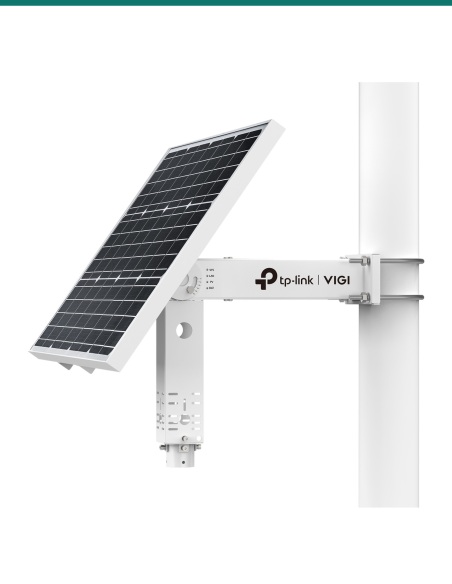
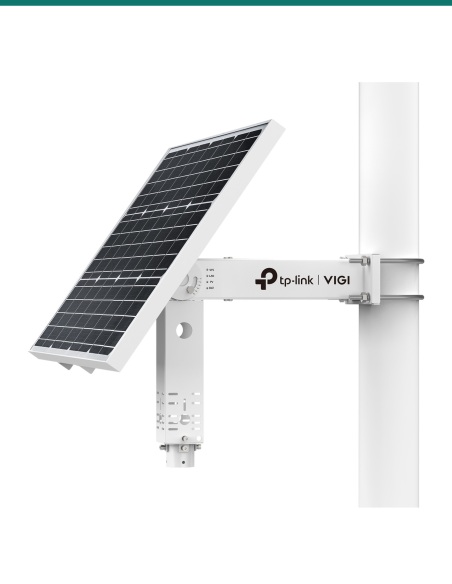
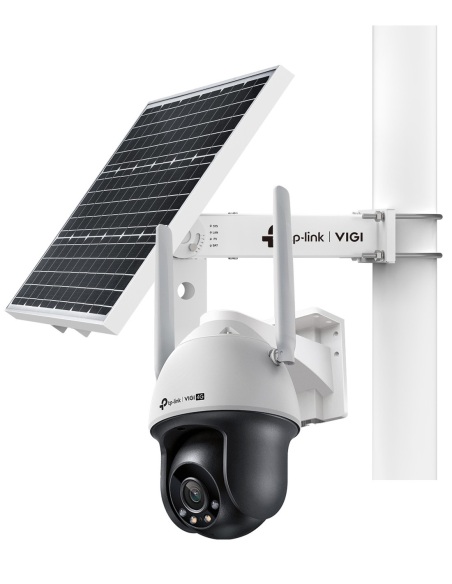
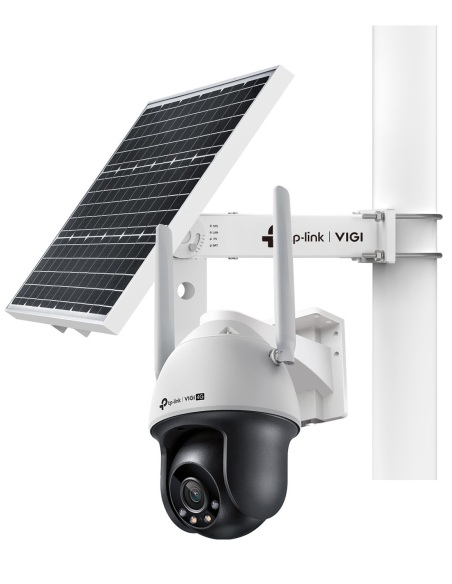
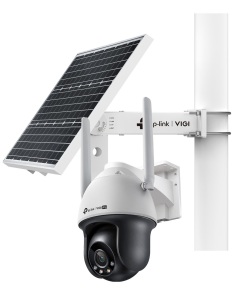
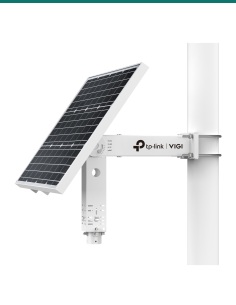
TP-Link VIGI-SP9030: a pole-mounted 90 W solar panel, self-heating 31.2 Ah lithium battery and MPPT controller that powers a 4G camera, or cameras and a wireless bridge, with no mains.
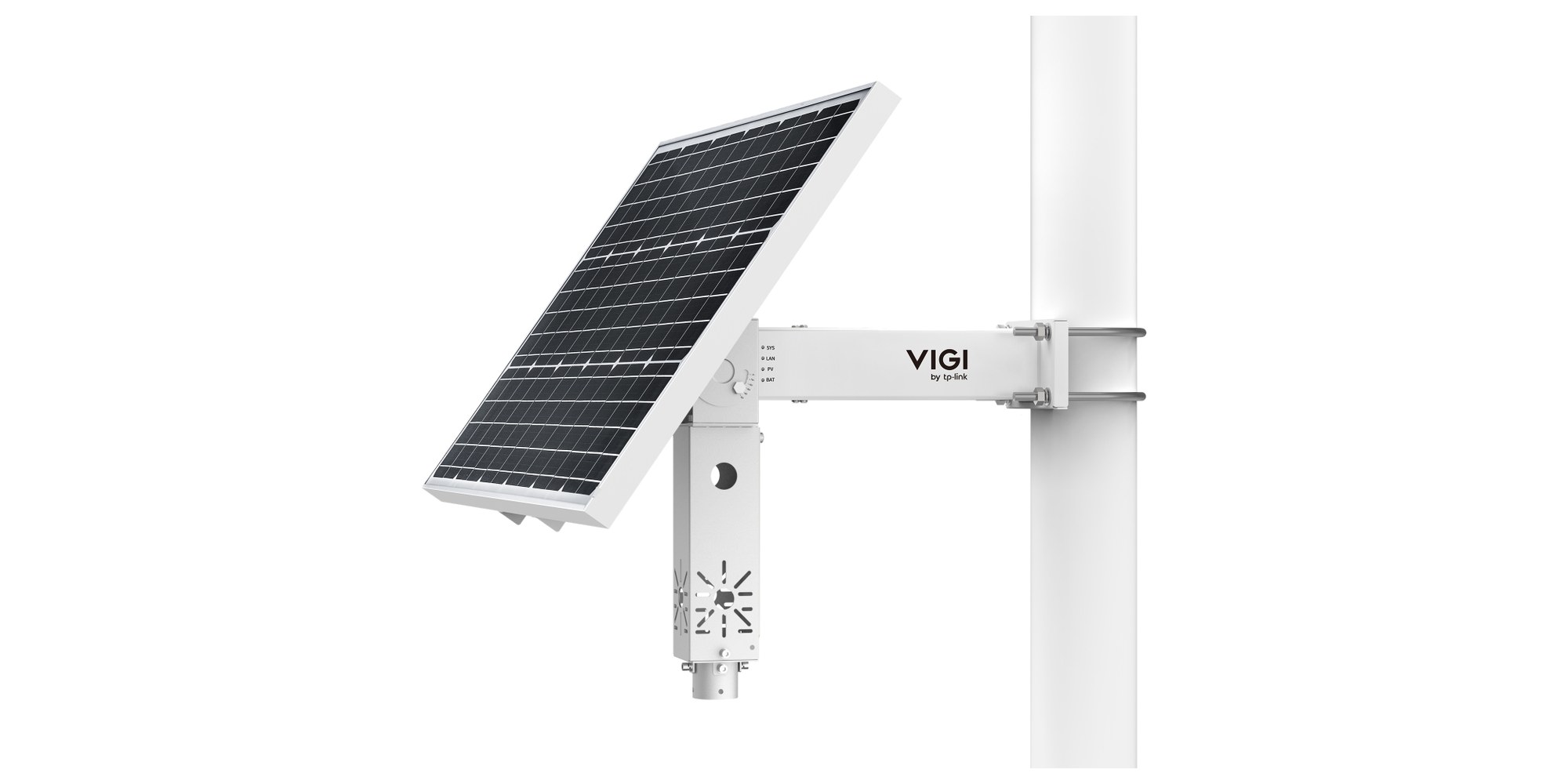
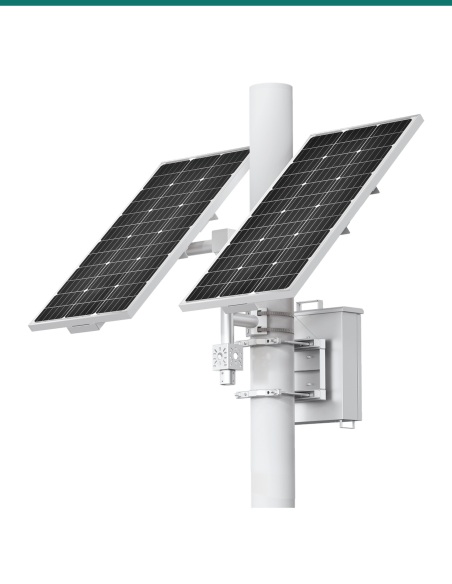
This is the VIGI-SP9030: a pole-mounted 90 W solar panel, self-heating 31.2 Ah battery and MPPT controller. TP-Link sizes it for a 4G camera, a camera and bridge, or two cameras and a bridge on one pole.
In one sentence: the VIGI-SP9030 is a TP-Link pole-mounted solar power system with a 90 W 18 V monocrystalline panel, a self-heating 10.8 V 31.2 Ah lithium battery, an MPPT controller, three 5.5 mm DC outputs and an IP66 rating, for cameras and network bridges.
Solar power system only. No camera, pole or SIM.
This listing is the power system. The cameras and bridges in TP-Link's photos are shown to explain the setup and are sold separately.
TP-Link's current SP9030 page models one VIGI C540-4G at 10.0 rainy days and 1.6 sunny days to recharge; a VIGI C345 and an EAP115-Bridge kit at 2.6 and 2.9 days; and a C345, a C540S and the bridge kit at 1.7 and 6.7 days. Those use New York's 3.72 hours of sun a day. Australian sites, seasons and panel angles will differ.
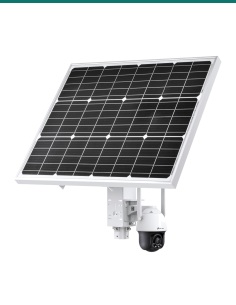
Typical setup
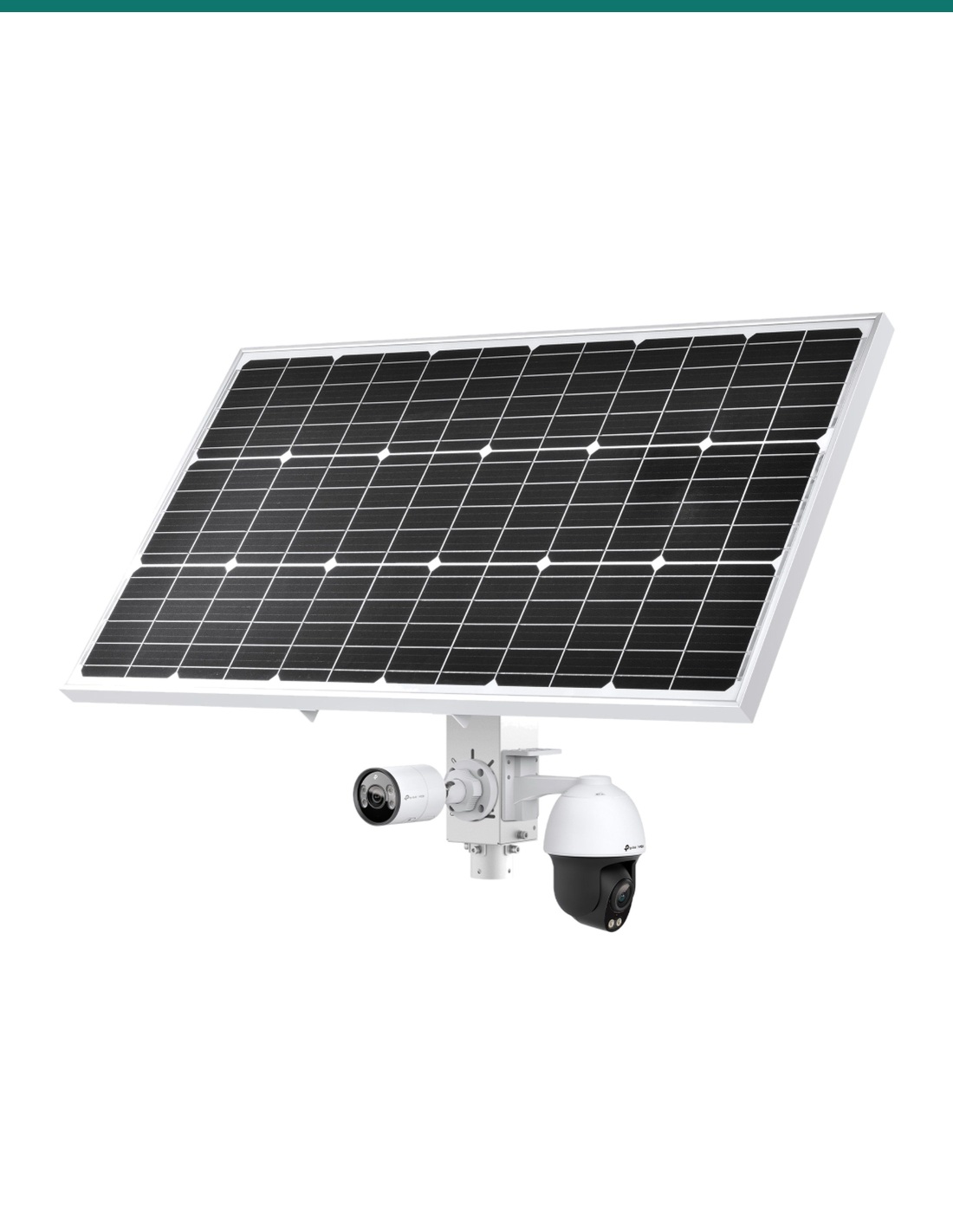
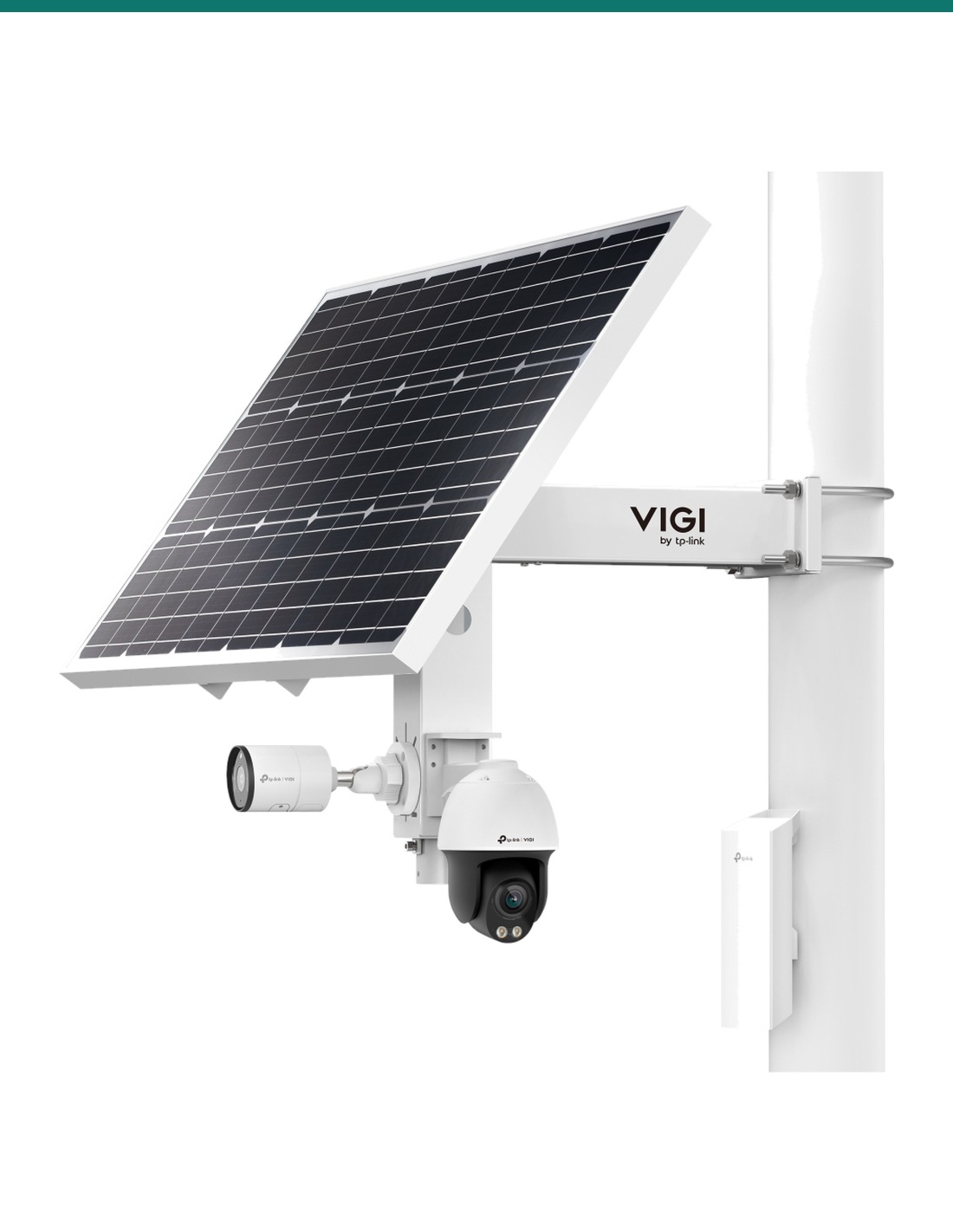
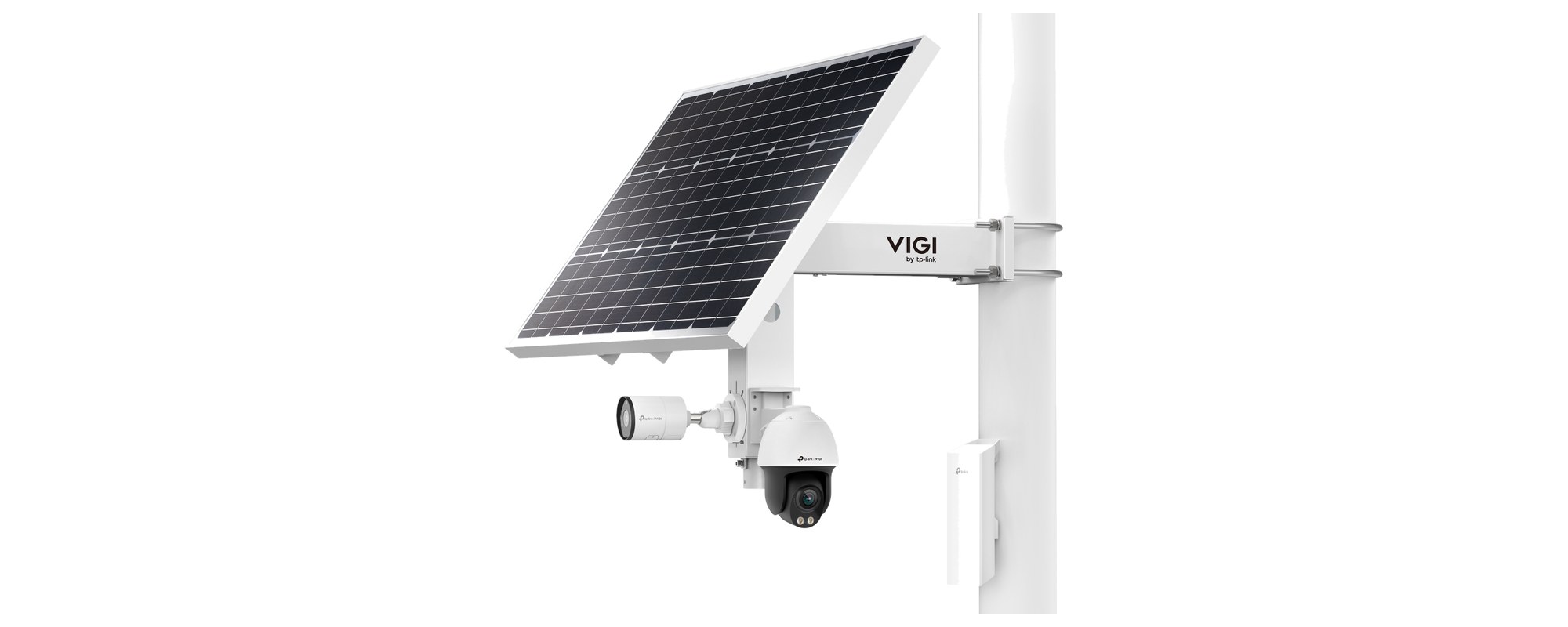
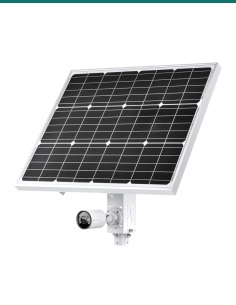
TP-Link's largest SP9030 combination: a bullet camera, a pan-tilt camera and a wireless bridge back to the building, each on its own DC output. Cameras and bridges are sold separately.
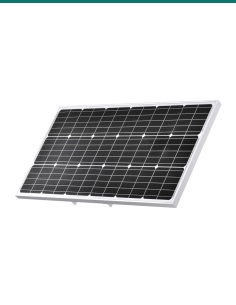
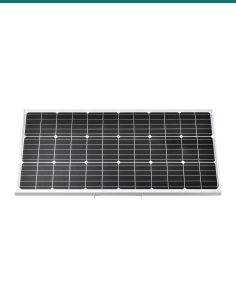
Front and rear
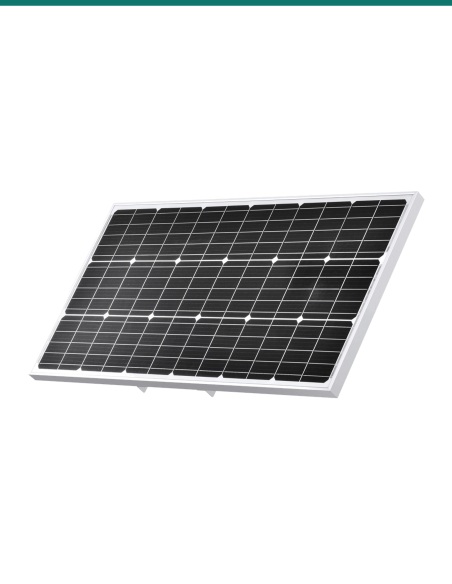
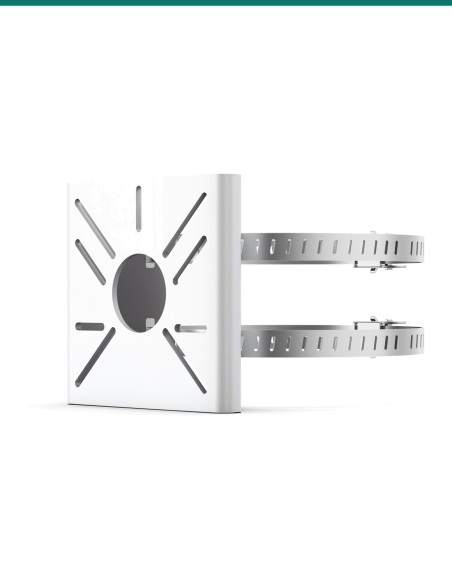
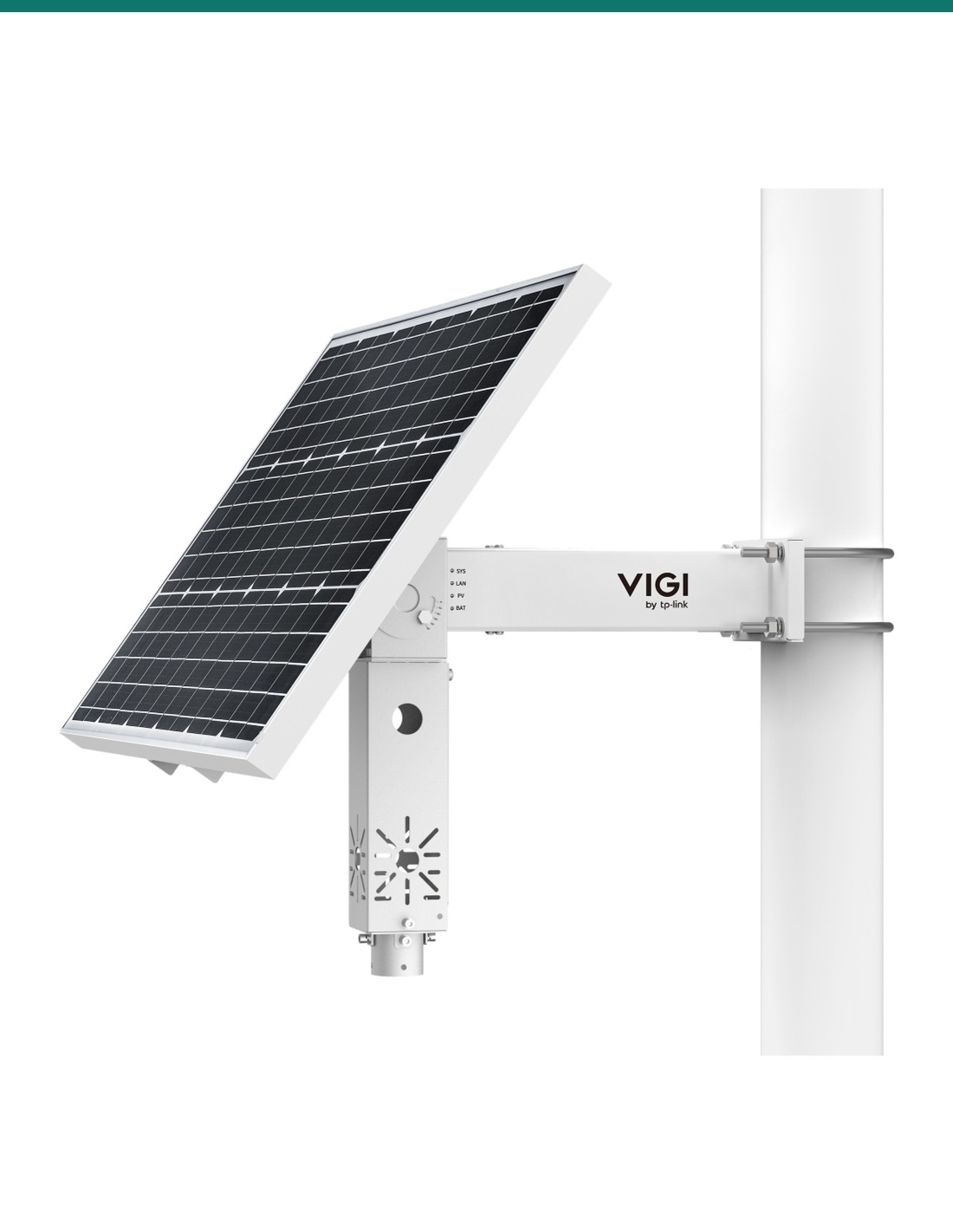
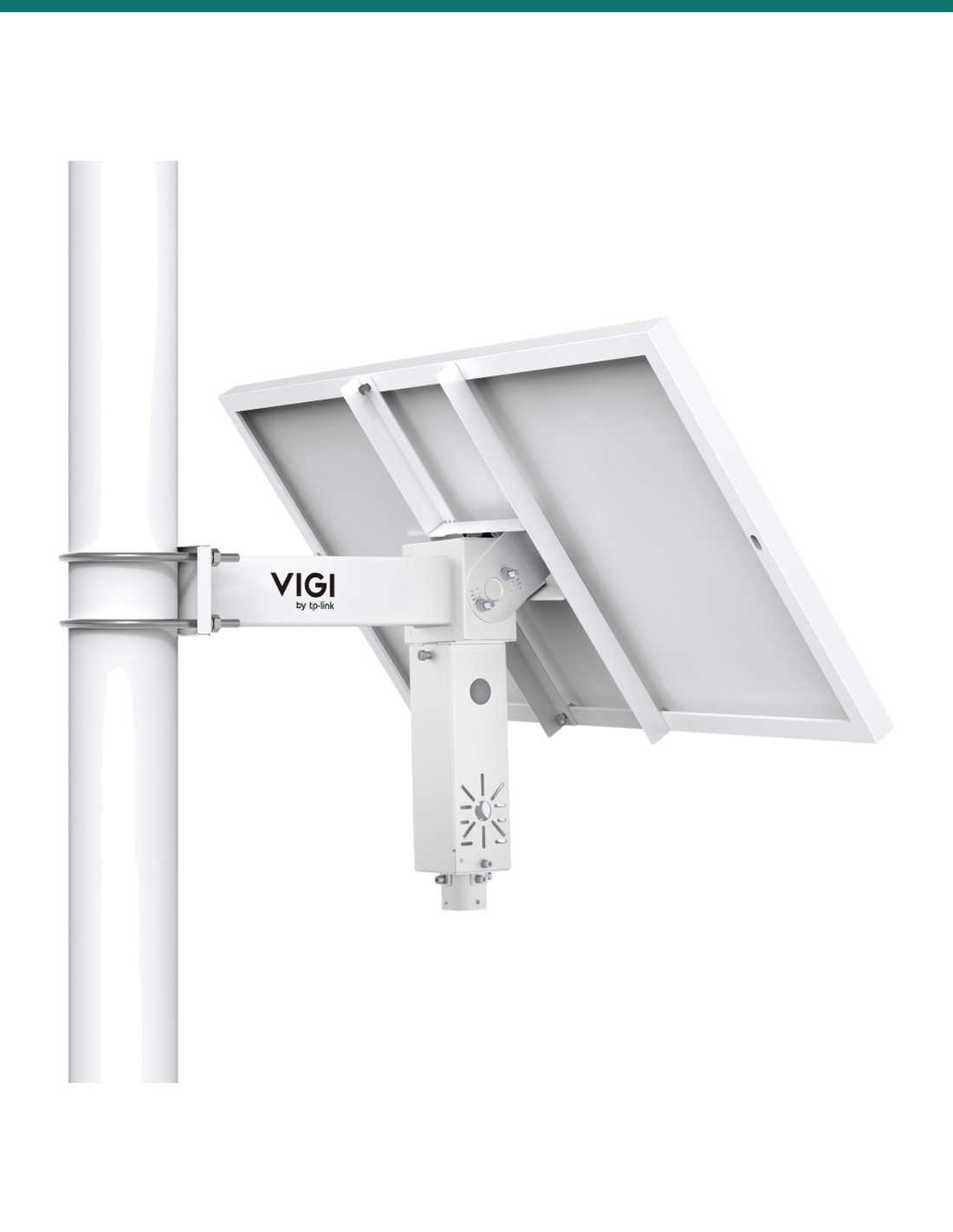
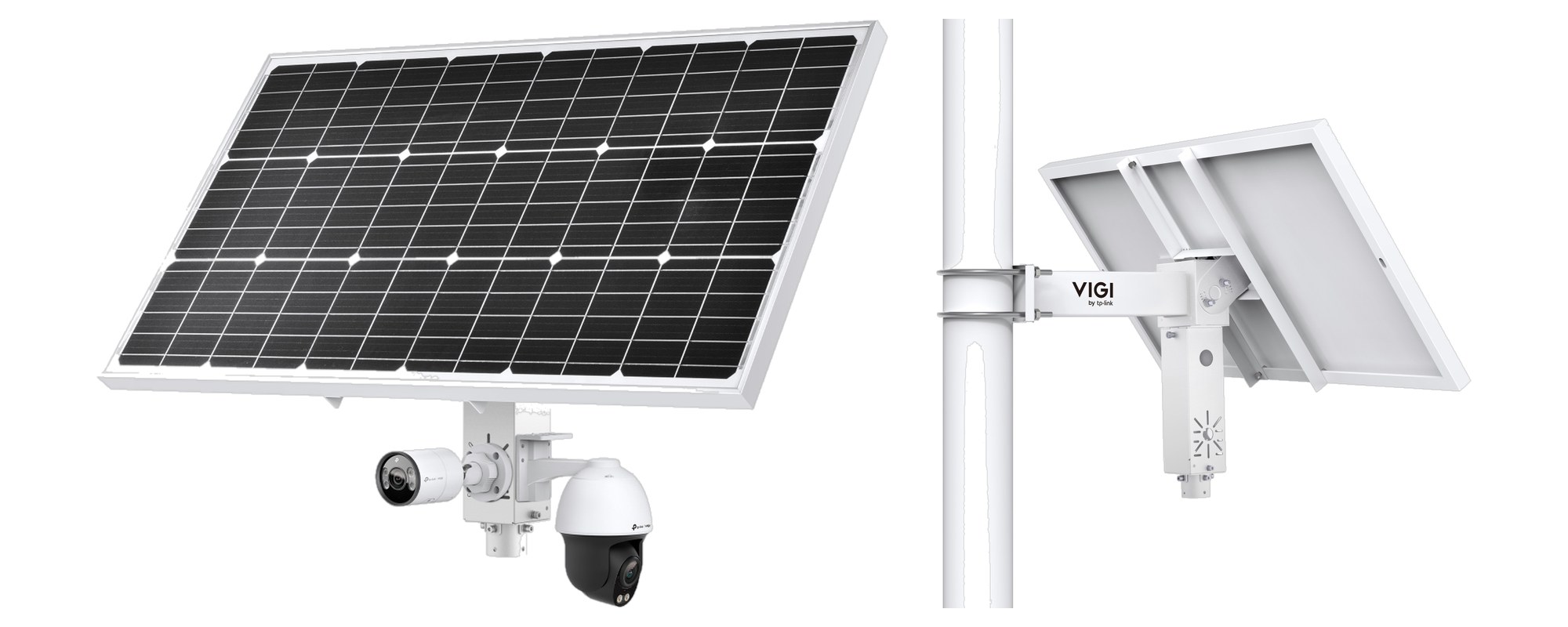
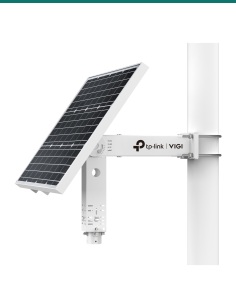
The 998 × 516 × 30 mm panel sits on an arm 400 mm from an 80 to 120 mm pole and tilts to 5°, 15°, 25°, 35°, 45° or 55°. The horizontal mount is SGCC galvanised steel and the panel has 3.2 mm tempered glass in an aluminium frame. The system weighs 17.5 kg.
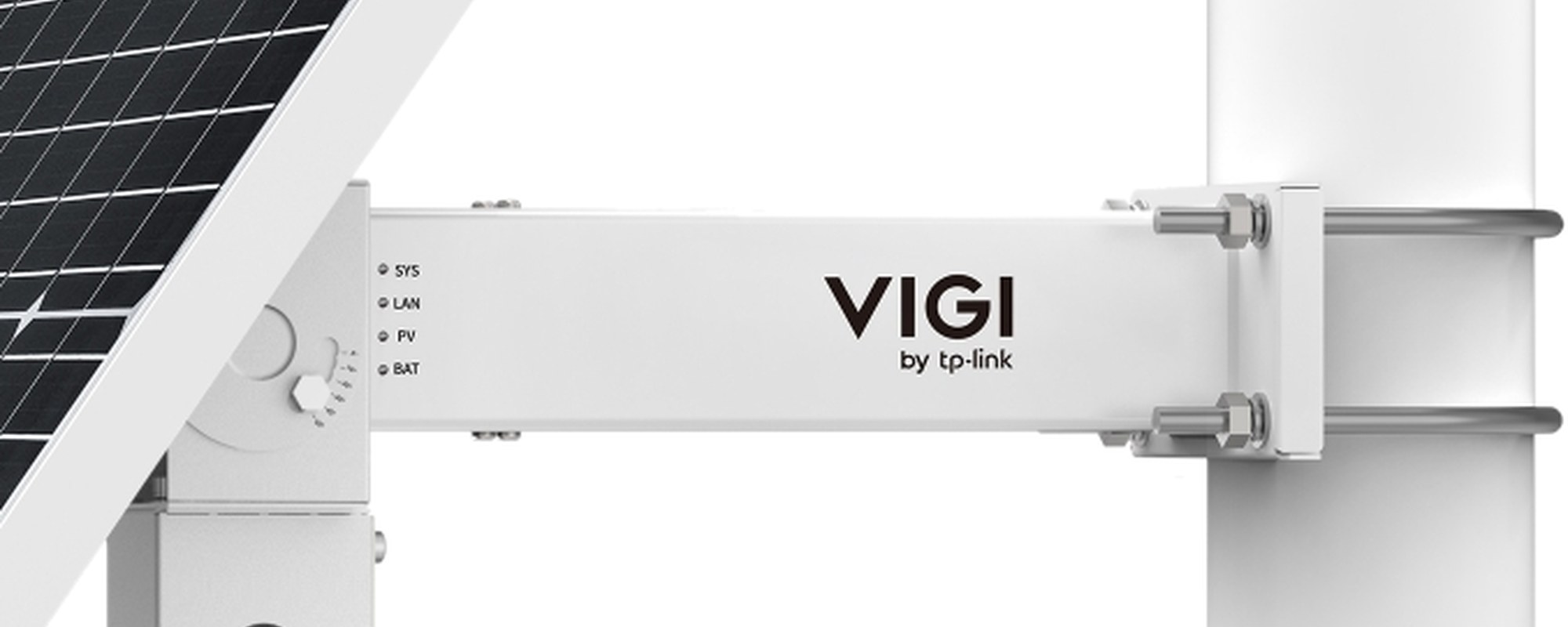
Controller
SYS, LAN, PV and BAT lights sit on the arm. BAT flashes slowly under 20% charge and quickly while the battery heats itself. Power use, battery level and alerts show in the VIGI app or VIGI Cloud VMS.
How it goes in
01
Full sun all year, panel facing north, and higher than any nearby trees or buildings. The pole must be 80 to 120 mm across.
02
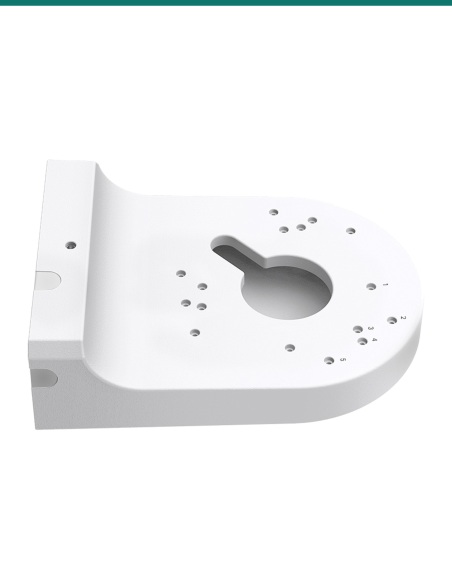
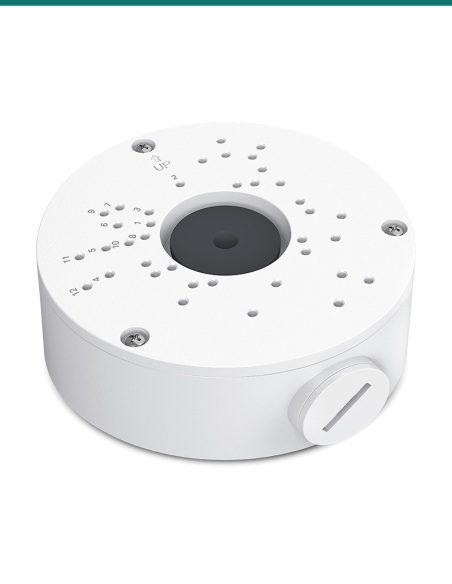
U-bolt the horizontal mount to the pole, fit the vertical mount across it, then bolt on the panel. Set the tilt by latitude: 35° for Brisbane or Sydney, 45° for Melbourne or Hobart, 15° for Darwin.
03
Mount the camera on the vertical mount, plug its 12 V lead into one of the three DC outputs, and run the network device to the RJ45 port. Seal each joint with the rubber sleeves.
04
Tap + in the VIGI app and follow the steps. Battery level, power use and the state of each load then show in the app, with low-battery alerts.
At a glance
Show specs
Solar panel
90 W, 18 V, Grade-A monocrystalline, 998 × 516 × 30 mm
Hardware version
V1.20, the version TP-Link Australia lists now
Battery
Lithium, 10.8 V 31.2 Ah (336.96 Wh), 12.6 V max output, self-heating
Battery life
More than 500 cycles (TP-Link: about 10 years with one C540-4G)
Power outputs
3 × 5.5 mm DC: #1 and #2 at 9–12.6 V 2 A, #3 at 12 V 2 A
Network
1 × 10/100 Mbps RJ45 for the camera, router or bridge
Controller
MPPT, load control, overdischarge and high/low temperature protection
Charging range
0 to 45 °C; −30 to 45 °C with auxiliary heating
Discharging range
−20 to 60 °C; −30 to 60 °C with auxiliary heating
Panel tilt
5° / 15° / 25° / 35° / 45° / 55°
Pole
80–120 mm diameter (not included)
Lights
4 blue LEDs: SYS, LAN, PV, BAT
Management
VIGI app or VIGI Cloud VMS: power statistics, load status, battery level, alerts, remote reboot, reset and firmware update
Rainy-day running (TP-Link model)
C540-4G: 10.0 days. C345 + EAP115-Bridge kit: 2.6 days. C345 + C540S + bridge kit: 1.7 days
Recharge under load (TP-Link model)
C540-4G: 1.6 days. C345 + bridge kit: 2.9 days. C345 + C540S + bridge kit: 6.7 days
Protection
IP66; hail up to 25 mm at 23 m/s
Operating range
−30 to 60 °C with heating, 10–90% RH non-condensing
Battery size
242 × 70 × 65 mm
Weight
17.5 kg; carton 1110 × 615 × 225 mm, 20 kg
Certifications
CE, FCC, VCCI, IC, IP66; battery CB, PSE
Warranty
3 years, TP-Link Australia
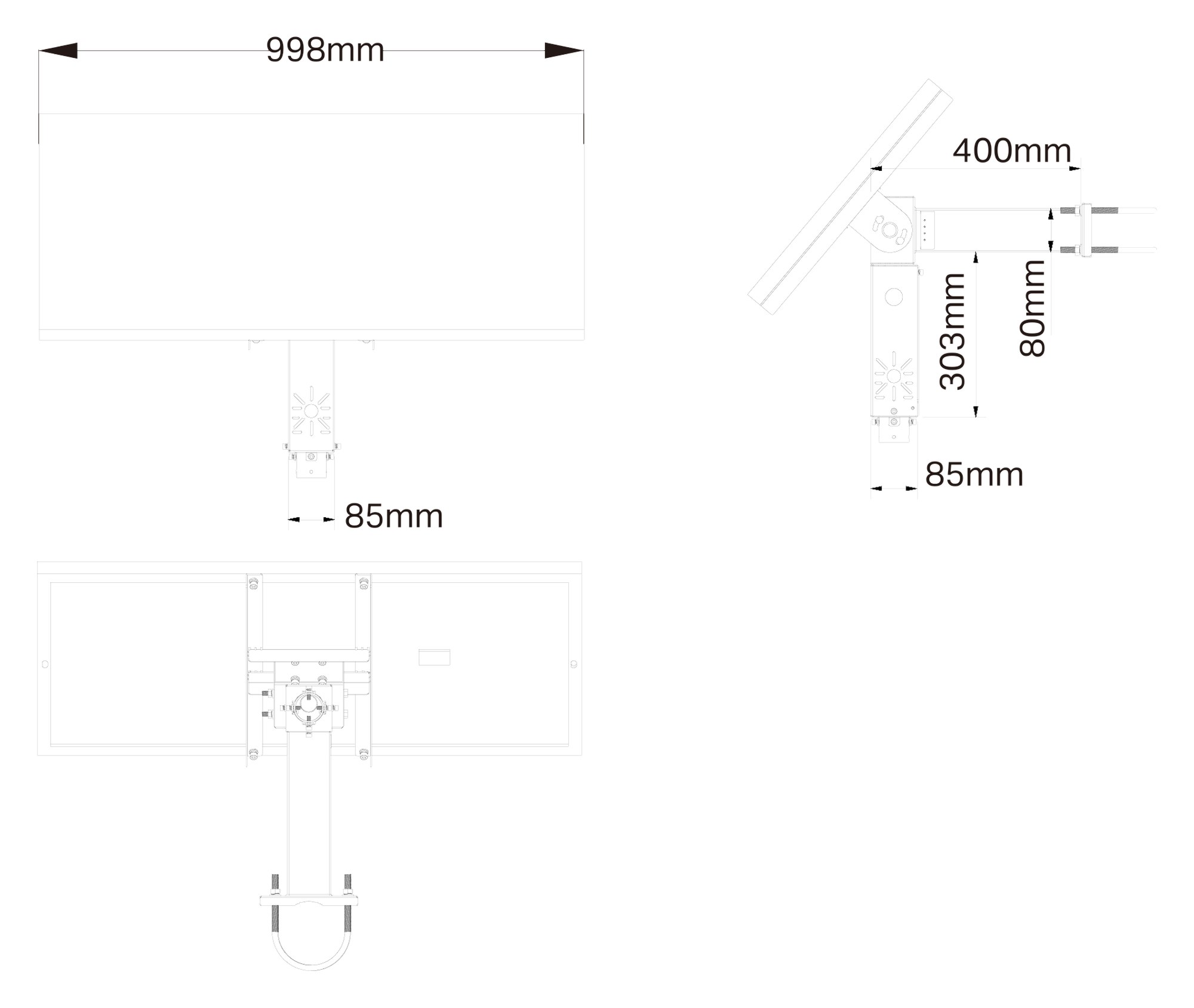
Panel 998 mm wide, arm 400 mm from the pole, vertical mount 303 mm. From TP-Link's SP9030 V1.20 datasheet, units mm.
Pair it with
4G camera
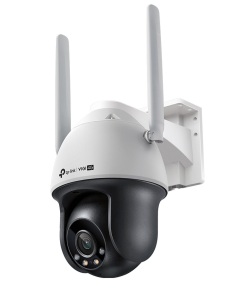
A 4MP pan-tilt camera with its own 4G modem. TP-Link models it at 10 rainy days on this system.
Network
For non-4G cameras, a bridge such as TP-Link's EAP215-Bridge kit carries the video and the controller's management traffic to the building.
Mounting
Not included. Allow for a 17.5 kg system and a 998 × 516 mm panel in the wind.
Spare panel
The same 90 W panel sold on its own, as a spare or for a VIGI controller bought without a panel.
Where it is used
Power a 4G camera on a gate, fuel tank or machinery shed far from the house.
Up before the site power is connected, and moved when the job moves.
Watch remote infrastructure with no power or data line to it.
Run a bridge and a camera on a pole between buildings or across a paddock.
Cover an open yard where trenching a cable is not worth it.
Two cameras and a bridge on one pole, where a 60 W system would run short.
| VIGI-SP9030 (this system) | VIGI-SP6030 | |
|---|---|---|
| Solar panel | 90 W, 18 V, 998 × 516 mm | 60 W, 18 V, 690 × 516 mm |
| Battery | 10.8 V 31.2 Ah | 10.8 V 31.2 Ah |
| Rainy-day running, one C540-4G* | 8.5 days (V1 page); 10.0 days (V1.20 page) | 6.4 days |
| Recharge under load, one C540-4G* | 1.5 days (V1 page); 1.6 days (V1.20 page) | 2.7 sunny days |
| TP-Link combinations | 4G camera; camera + bridge; 2 cameras + bridge | 4G camera; camera + bridge |
| Weight | 17.5 kg | 14 kg |
Battery, outputs and controller are the same; the SP9030 has the bigger panel. The VIGI installation guide lists all three SP models in one table. *TP-Link's modelled figures. The SP6030 and SP9030 V1 figures use TP-Link's laboratory and weather data; the V1.20 page uses New York's 3.72 sun hours a day, so compare like with like.
No. This listing is the solar power system only. The cameras and bridge in TP-Link's photos are sold separately.
TP-Link's combinations are one VIGI C540-4G 4G camera; a VIGI C345 with an EAP115-Bridge kit; or a C345, a C540S and the bridge kit. Any device that takes 12 V DC at up to 2 A per output can plug in, and the install guide says third-party PTZ cameras fit the mount.
TP-Link's current page gives 10.0 rainy days with one C540-4G, 2.6 days with a C345 and bridge kit, and 1.7 days with two cameras and the bridge, based on New York's 3.72 sun hours a day. Your site, season and panel angle change the result.
TP-Link's model gives 1.6 sunny days from empty to full with one C540-4G still running, 2.9 days with a C345 and bridge, and 6.7 days with two cameras and the bridge.
Three 5.5 mm DC plugs. Outputs 1 and 2 give 9 to 12.6 V at 2 A, and output 3 gives 12 V at 2 A. There is also one 10/100 Mbps RJ45 port for the network device.
TP-Link lists only the three DC plugs as power outputs, and no PoE. Choose a camera that takes 12 V DC, or ask us about powering a PoE camera from 12 V.
Through the VIGI app or VIGI Cloud VMS. They show power statistics, battery level and load status, send low-battery alerts, and let you reboot, reset or update the controller remotely. It needs a network link through the RJ45 port, such as a 4G camera or a bridge.
Yes. The battery heats itself, so it charges from −30 °C to 45 °C and discharges from −30 °C to 60 °C. Without the heating the ranges are 0 to 45 °C and −20 to 60 °C.
A pole of 80 to 120 mm diameter, not included. The arm holds the panel 400 mm from the pole, the panel is 998 × 516 mm, and the system weighs 17.5 kg.
North, in Australia. Set the tilt by latitude: 15° for Darwin, 25° for Cairns or Townsville, 35° for Brisbane, Perth, Adelaide and Sydney, and 45° for Canberra, Melbourne and Hobart.
The panel: 90 W and 998 mm long here, 60 W and 690 mm in the SP6030. Both have the same 31.2 Ah battery, outputs and controller. The bigger panel recharges faster and lets TP-Link add a second camera to its combinations.
3 years, under TP-Link Australia's warranty for VIGI solar power systems. Contact us first and we will look after the claim.
Not sure whether one system is enough for your site, or which camera to put on it? Call 1300 736 970 or email [email protected]. The datasheet is on the Attachments tab.
Low-voltage system. The outputs are 9 to 12.6 V DC and the system has no mains connection.
Lithium battery. Keep the battery in its mount and follow TP-Link's guide. Seal every load connection with the supplied rubber sleeves so water cannot short it.
Pole and height. Use a pole and footing rated for the weight and the wind load on the panel, and follow safe work-at-height rules when fitting it.
Cabling. A concealed data cable run into a building is customer cabling under AS/CA S009 and needs an ACMA-registered cabler.
What it does not do. No camera, no 4G modem, no Wi-Fi and no 230 V outlet. It powers devices through the three DC plugs only.
Figures. From TP-Link's VIGI SP9030 V1.20 datasheet, its Australian product pages (V1 and V1.20) and the VIGI solar installation guide (REV1.20).
Sale ends Thu 31 Dec




Need help choosing?
Tell us about your property and we'll recommend the right cameras and recorder.
07 5609 4910Sydney 02 8814 6008
[email protected]
Mon–Fri, 9am–5pm AEST
20 related items