There are no more items in your cart
In Stock - Ready to Ship


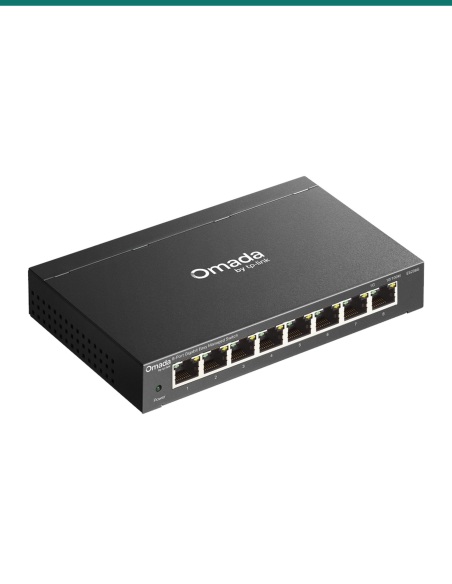
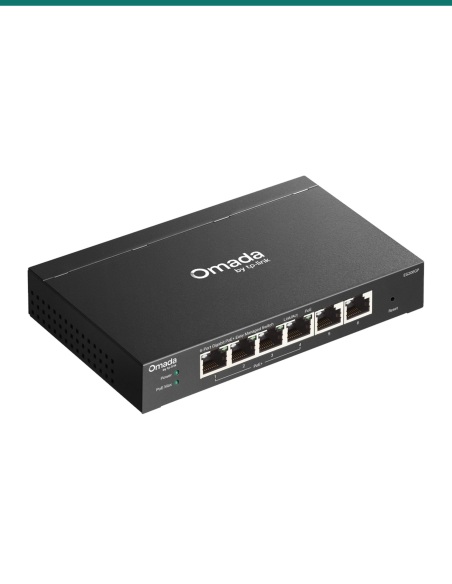
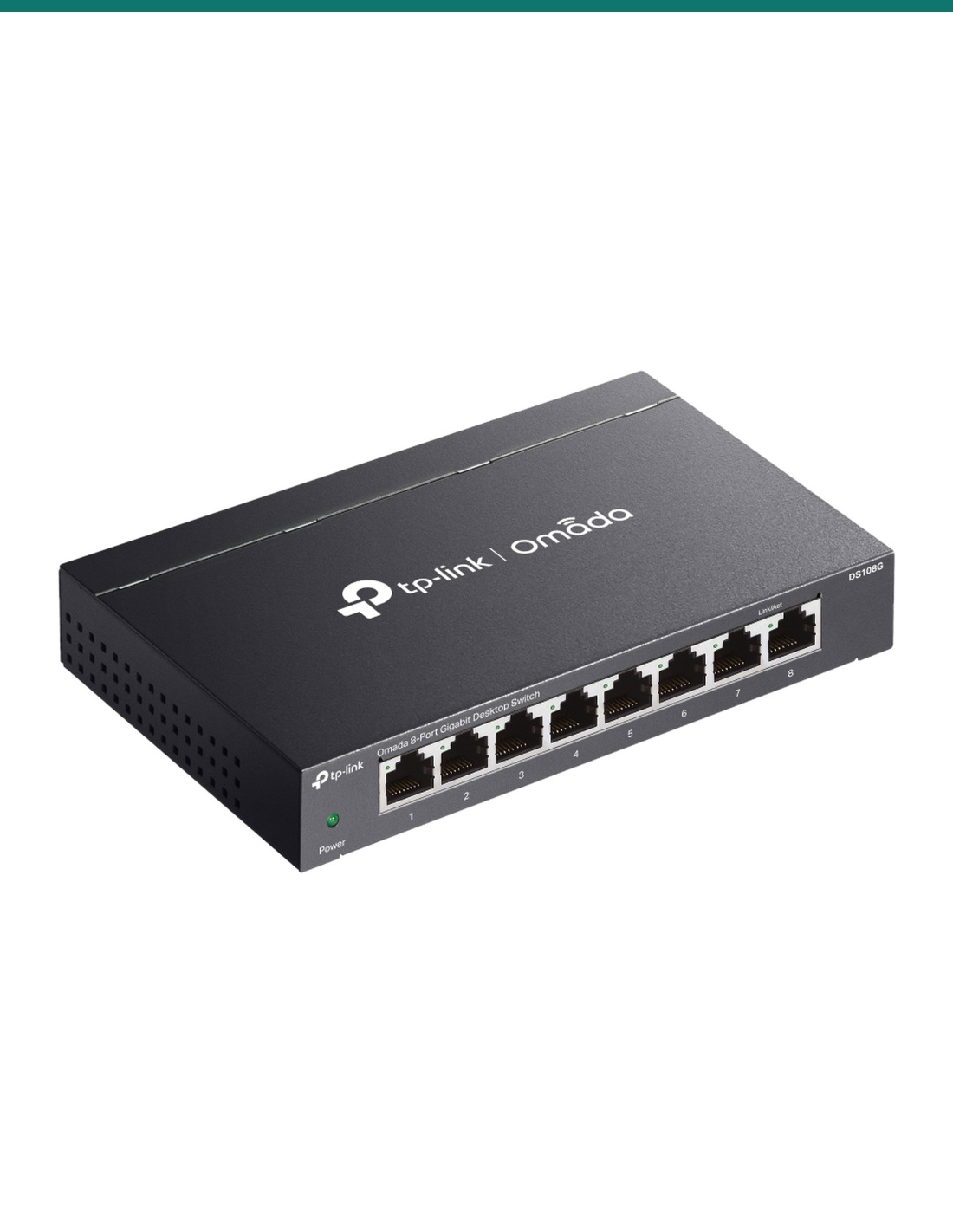
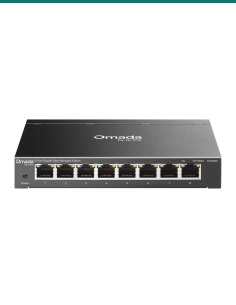
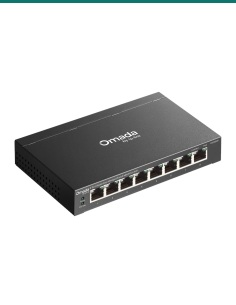
TP-Link Omada DS108G: a fanless 8-port Gigabit unmanaged desktop switch in a steel case. Plug and play, with QoS, IGMP snooping and loop prevention.
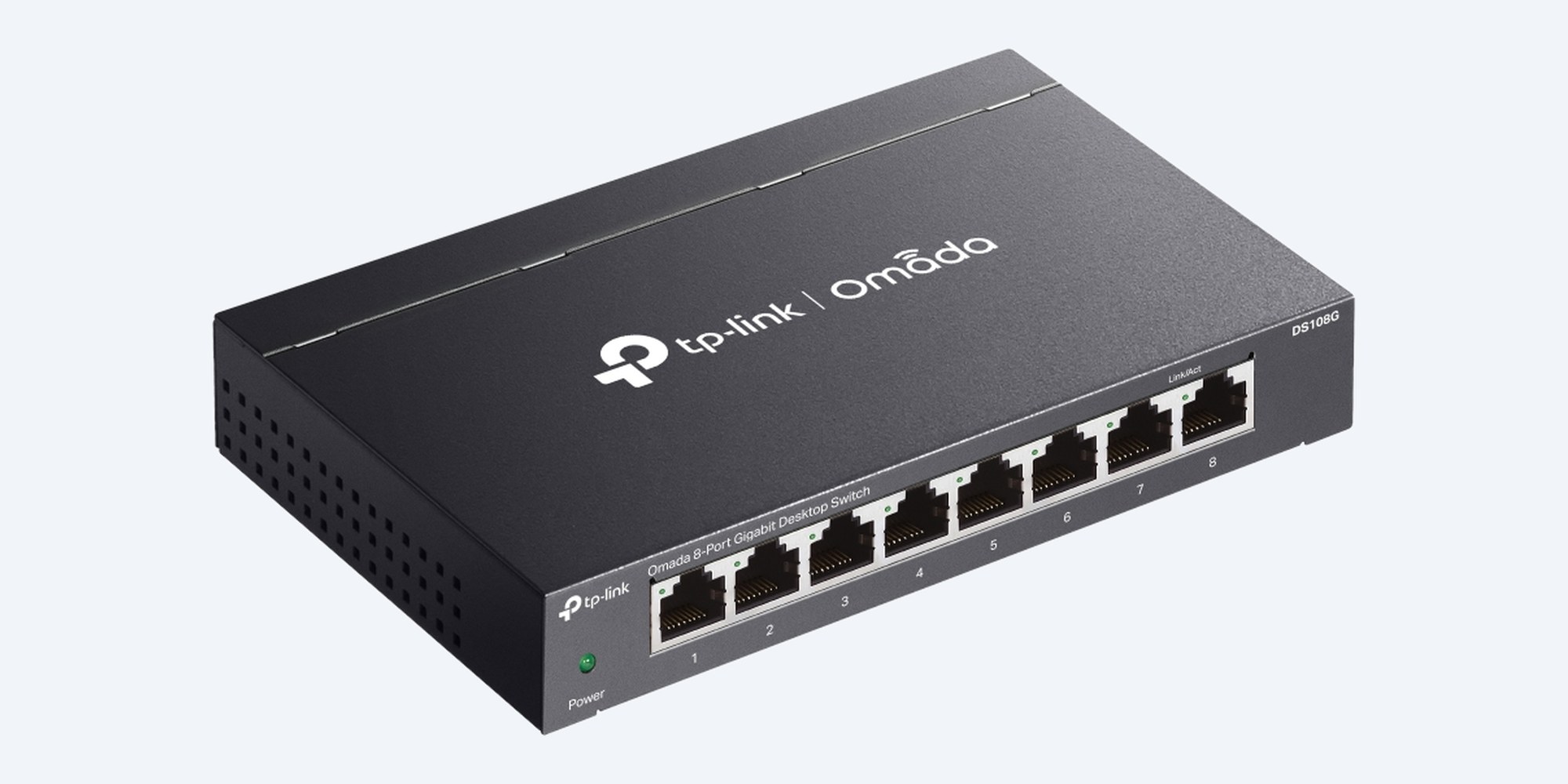
The DS108G is a plug-and-play Omada desktop switch with 8 Gigabit ports, QoS, IGMP snooping and a loop prevention switch. It draws under 4 W and has no fan.
In one sentence: the TP-Link Omada DS108G is a fanless 8-port Gigabit unmanaged desktop switch in a steel case, with 16 Gbps switching capacity, 802.1p/DSCP QoS, IGMP snooping, loop prevention and a 5 V power adapter.
Switch and power adapter. Network cables are separate.
This listing is one DS108G with its 5 V power adapter. It has no PoE, so cameras and access points need their own power or a PoE switch.
Eight Gigabit ports with auto-negotiation and auto MDI/MDIX, so any cable works in any port. Flow control, QoS and IGMP snooping keep calls, video and streaming smooth, and the loop prevention switch on the back guards against a cable plugged in twice.
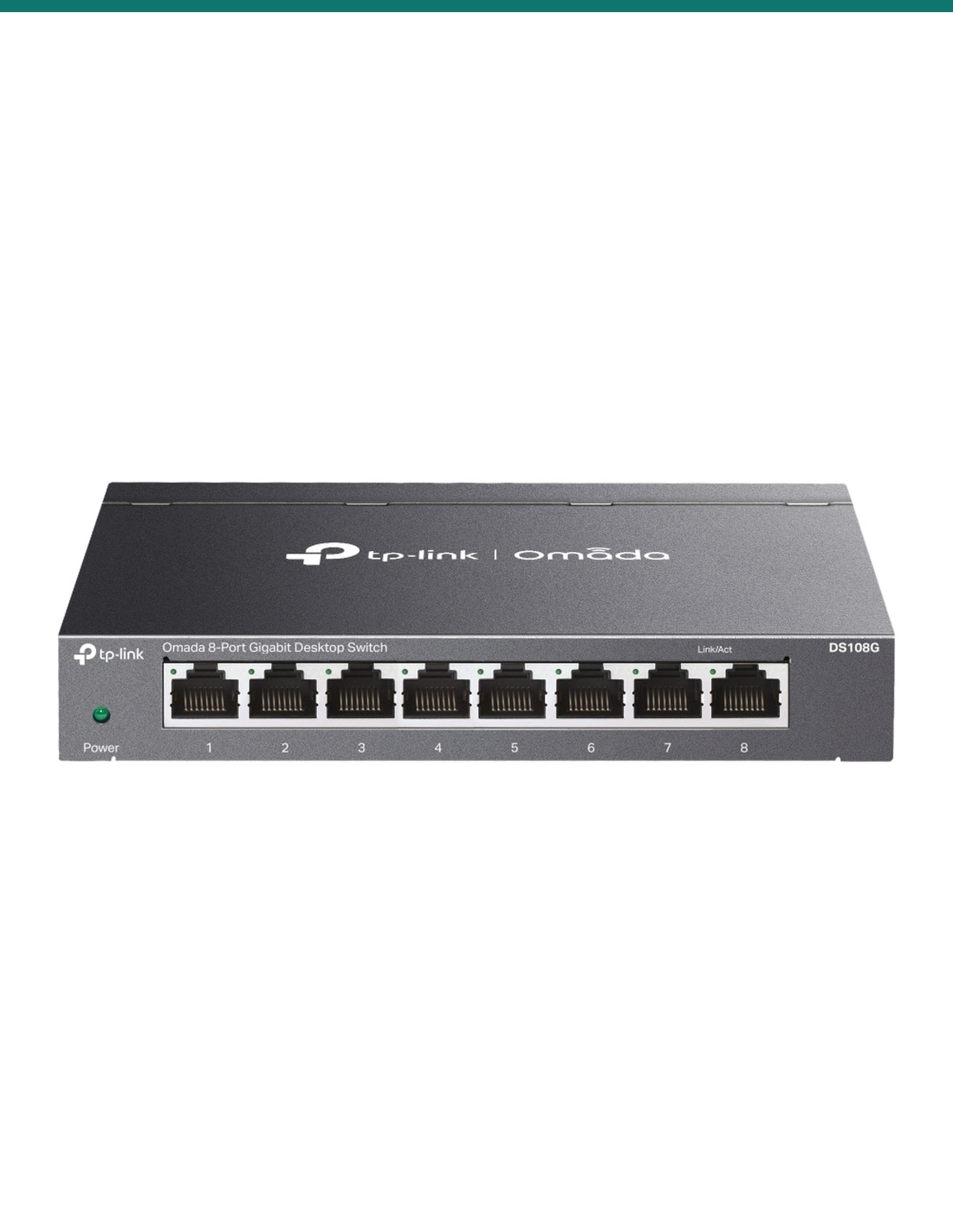
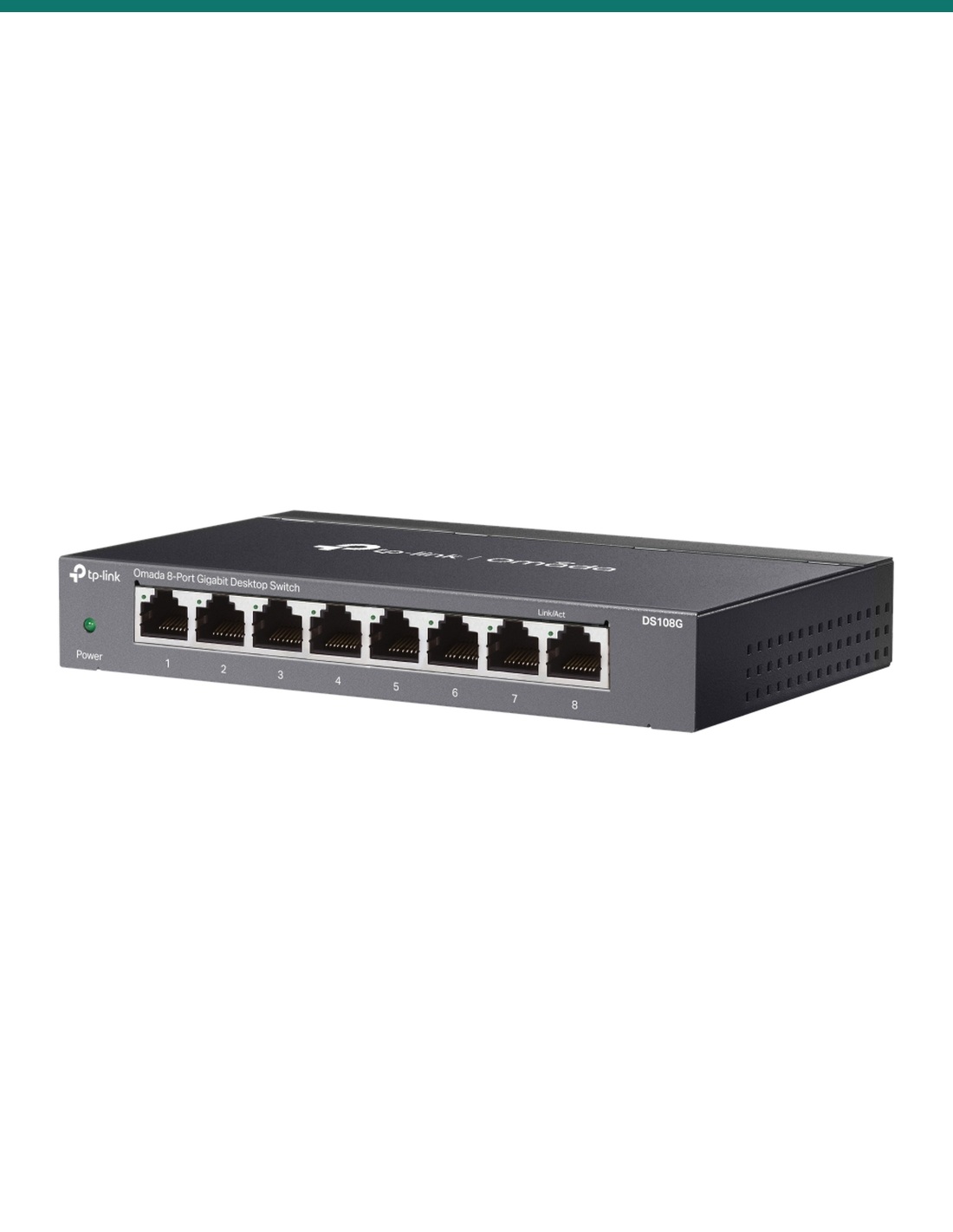
Front
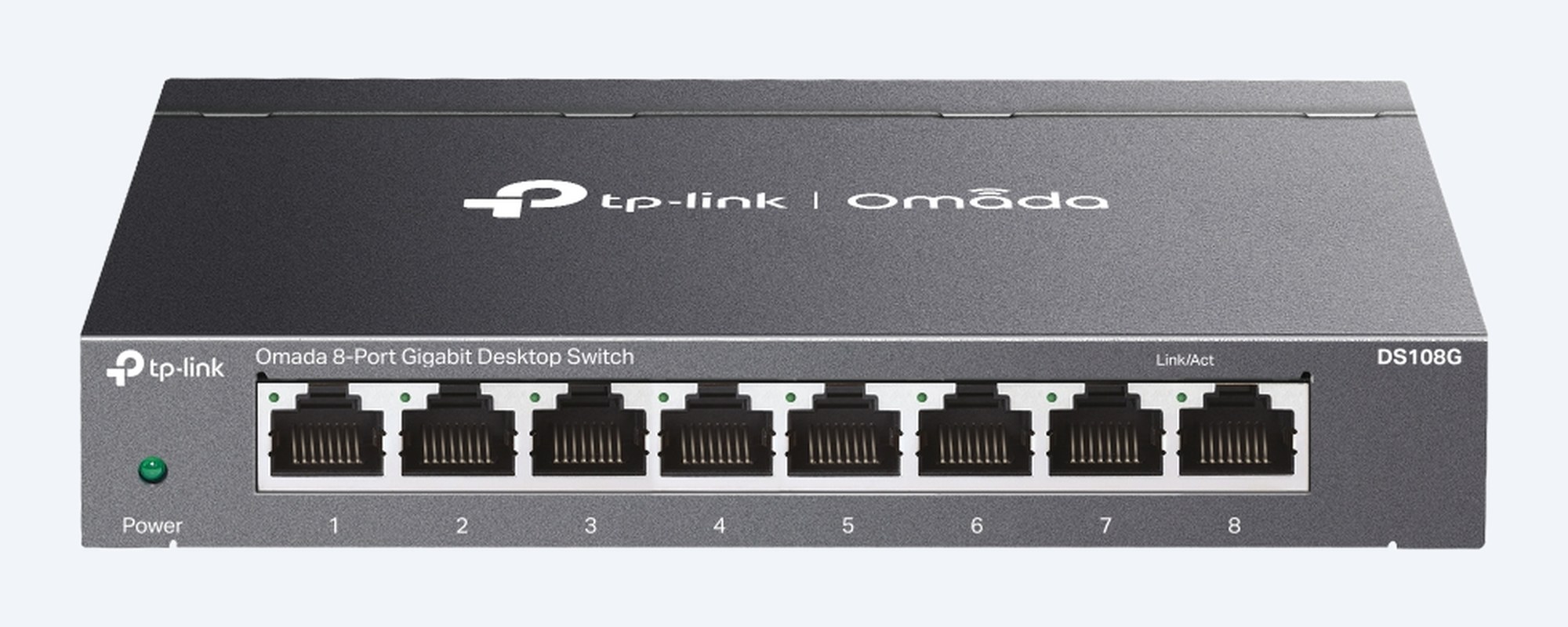
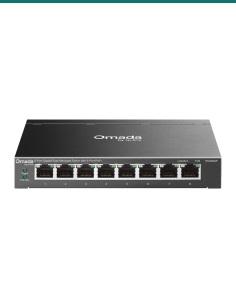
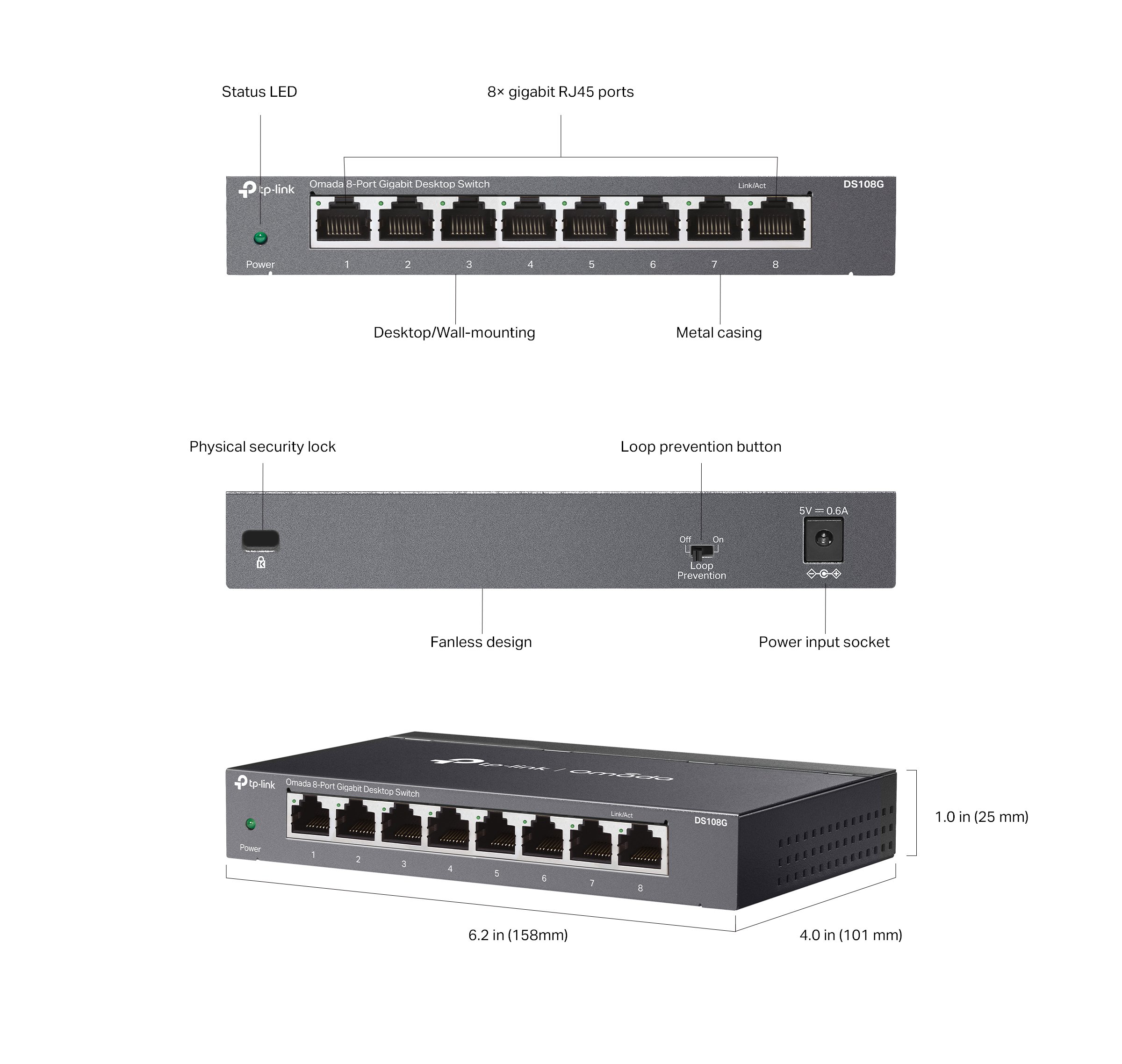
Ports 1 to 8 are 10/100/1000 Mbps RJ45, each with a link and activity light. A single Power light sits on the left.
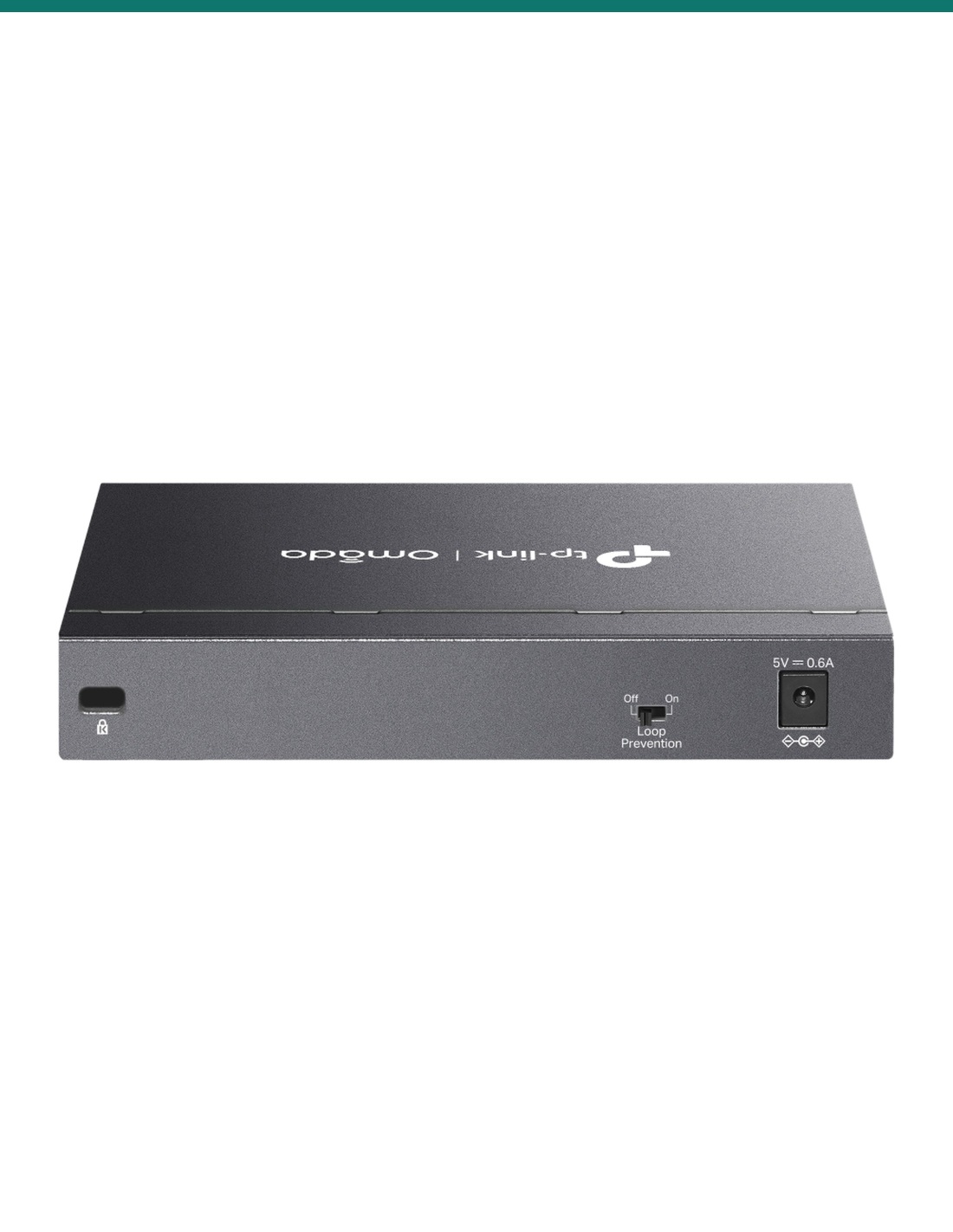
Rear
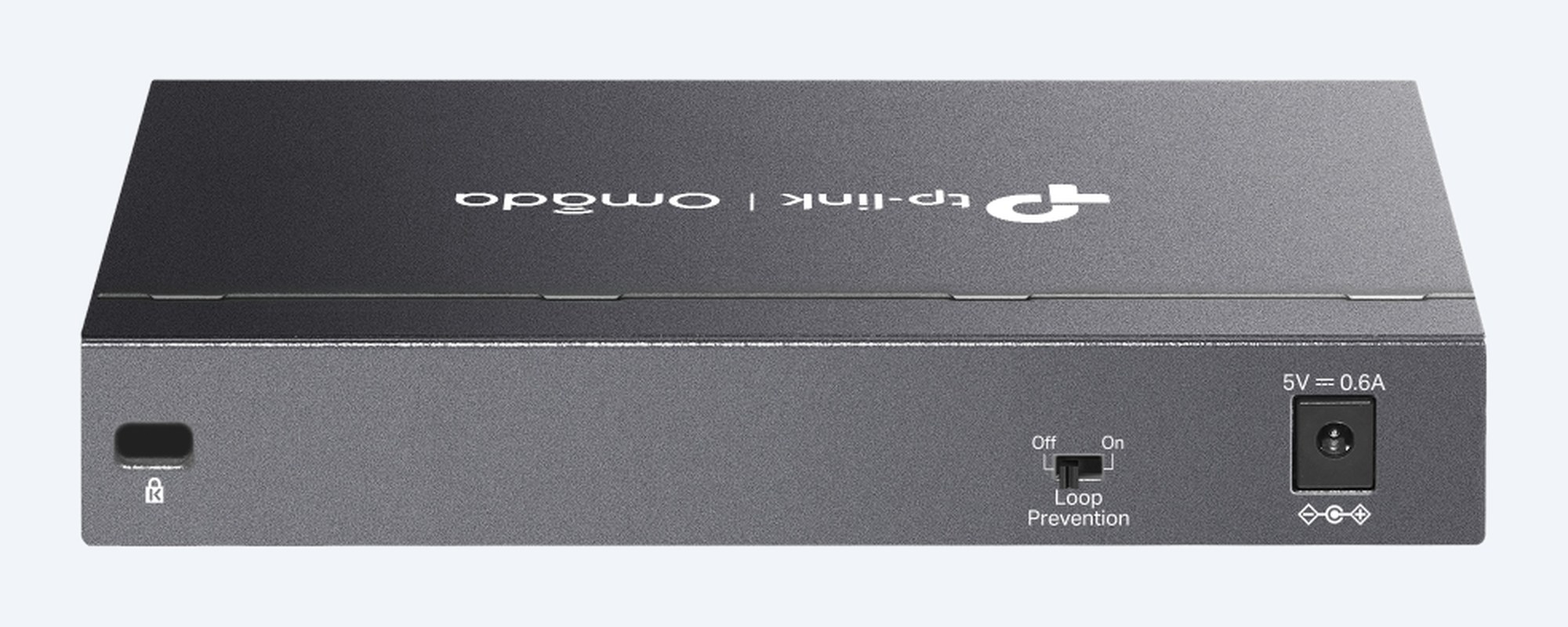
The Loop Prevention switch on the back finds and stops network loops. Beside it are the 5 V DC power input and a security lock slot.
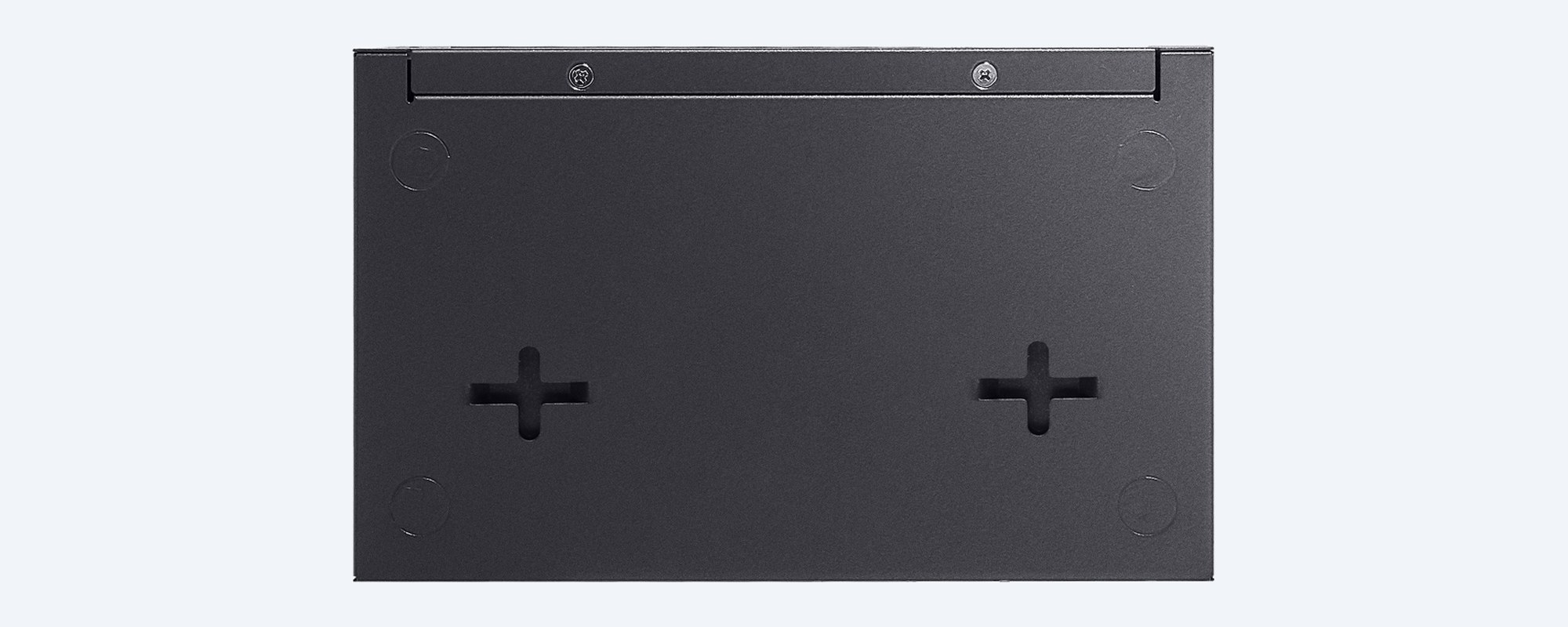
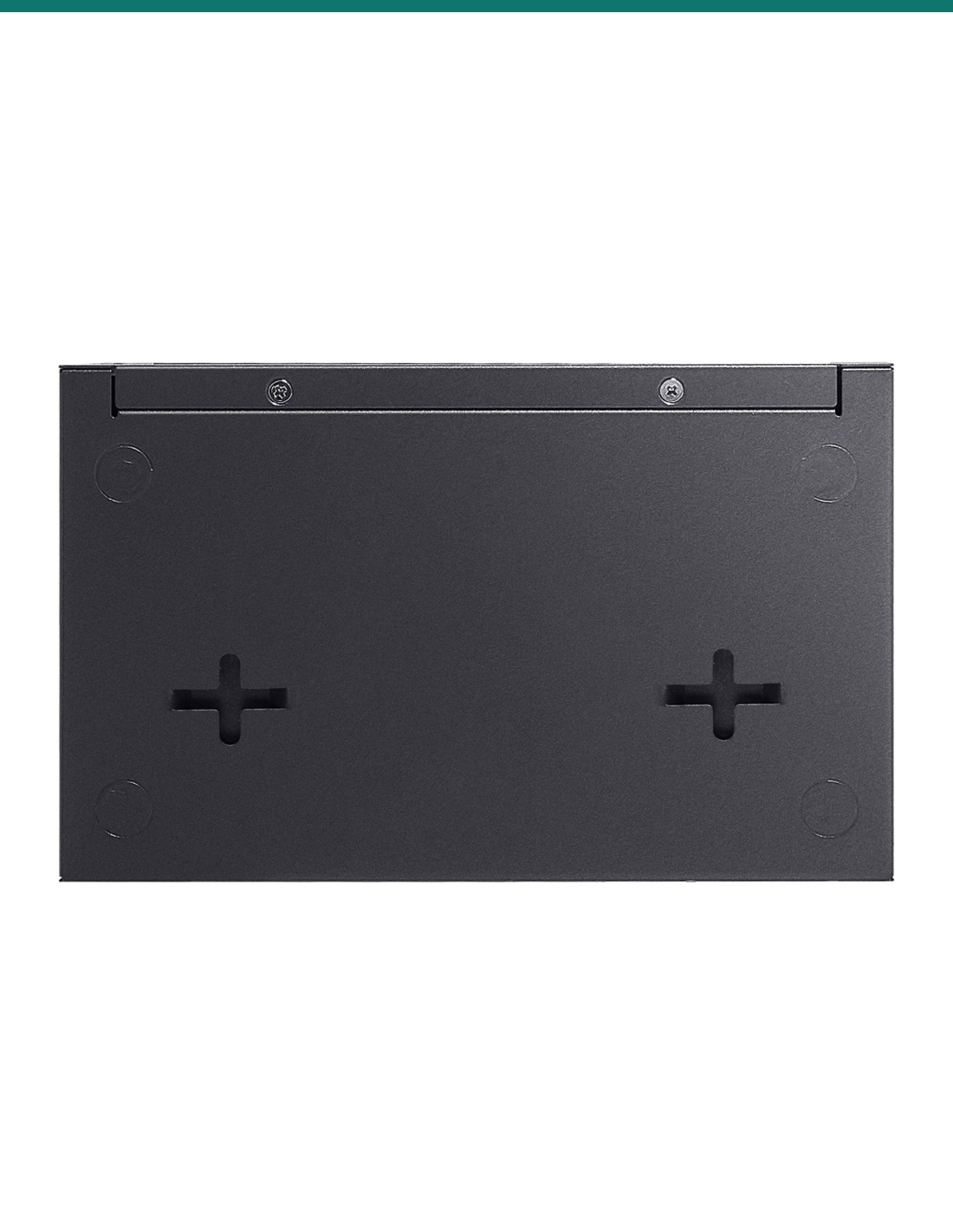
Underside
The steel case is 158 × 100.7 × 25.4 mm. Two slots underneath let it hang on screws behind a desk, in a cabinet or on a comms board.
How it goes in
01
Stand it on a desk or hang it on two screws using the slots underneath. Keep it between 0 °C and 40 °C.
02
Plug the supplied 5 V adapter into the power input on the back, then into a power point.
03
Run a patch lead from any port to your router or main switch.
04
Plug computers, TVs, consoles, printers or an NVR into the other ports. Leave Loop Prevention on unless you have a reason to turn it off.
At a glance
Show specs
Ports
8 × 10/100/1000 Mbps RJ45, auto-negotiation, auto MDI/MDIX
PoE
None
Switching capacity
16 Gbps; 11.9 Mpps packet forwarding
MAC address table
4K
Packet buffer
1.5 Mbit
Jumbo frames
16 KB
Features
Green Ethernet, 802.3x flow control, 802.1p/DSCP QoS, IGMP snooping, loop prevention
Management
Unmanaged, plug and play; not managed by an Omada controller
Standards
IEEE 802.3i, 802.3u, 802.3ab, 802.3x, 802.1p
Transmission
Store and forward
Power supply
External adapter, 5 V DC 0.6 A
Power use
3.924 W maximum; 13.34 BTU/h maximum heat
Cooling
Fanless
Case
Steel, desktop or wall mounting
Size
158 × 100.7 × 25.4 mm
Operating range
0 °C to 40 °C; 10% to 90% humidity, non-condensing
Certification
FCC, CE, RoHS
Warranty
3 years, TP-Link Australia
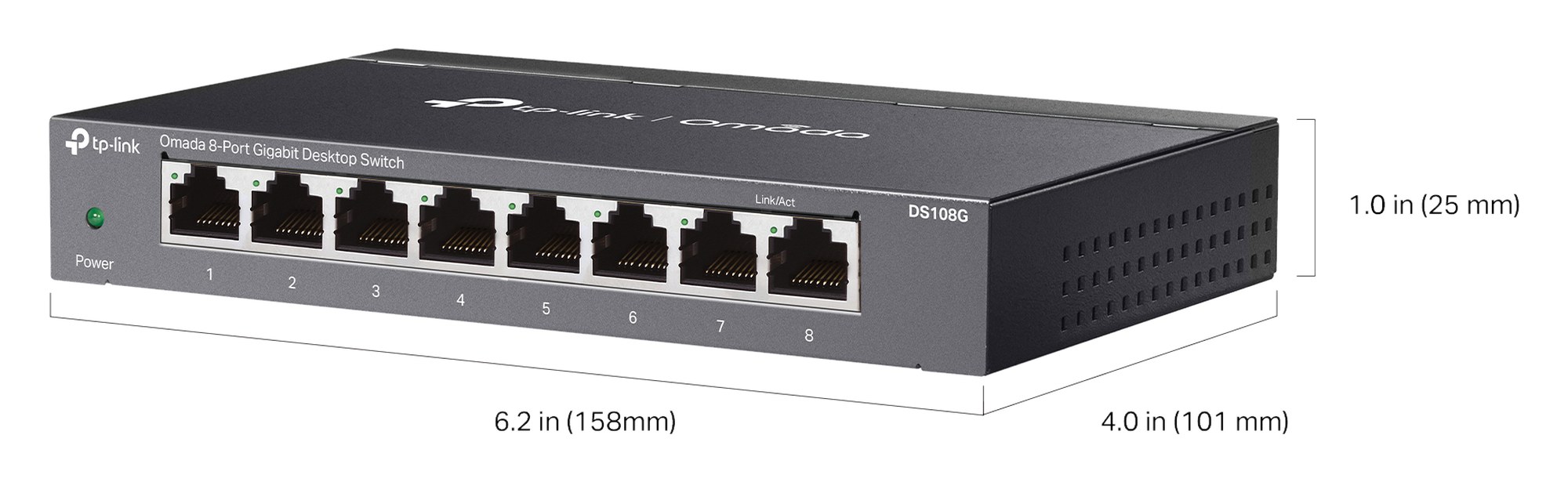
158 × 100.7 × 25.4 mm (W × D × H), from TP-Link.
Pair it with
Cabling
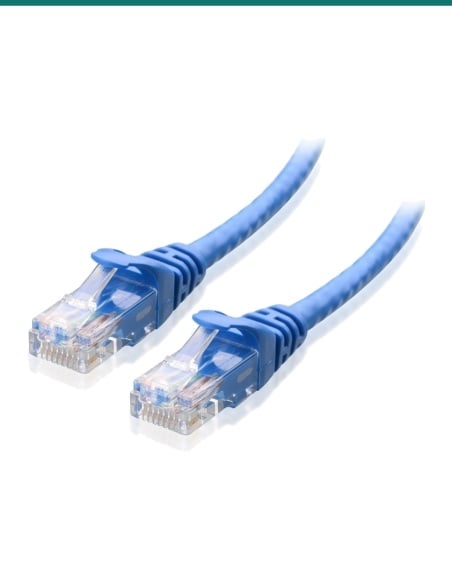
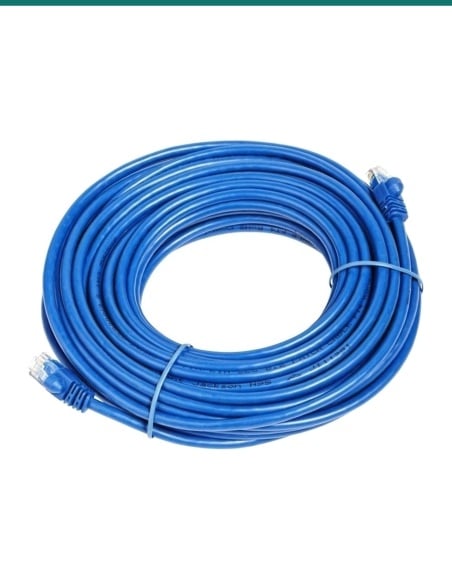
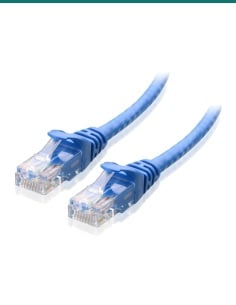
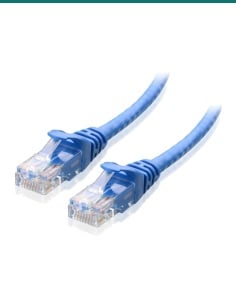
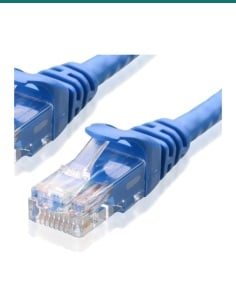
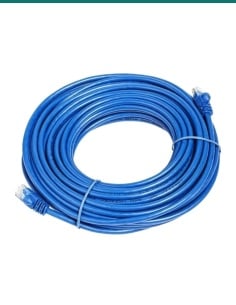
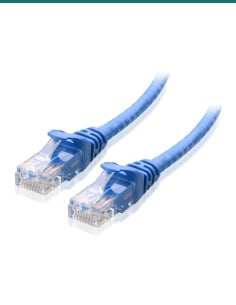
One per device, up to 100 m per run at Gigabit.
Need PoE?
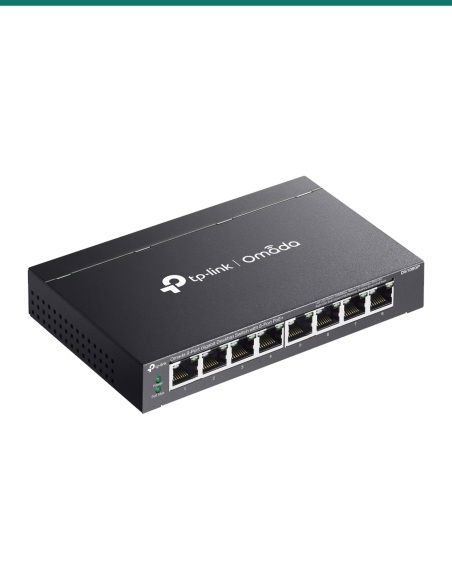
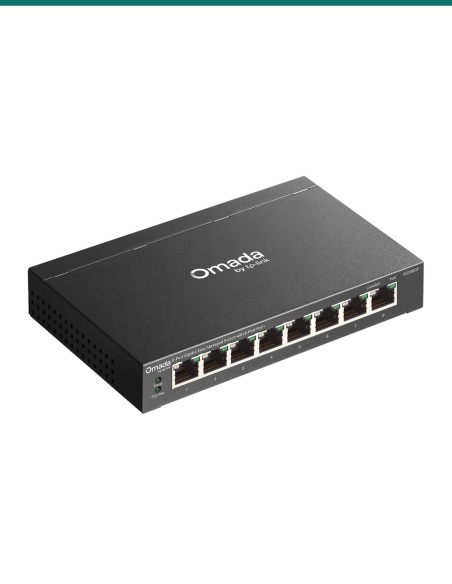
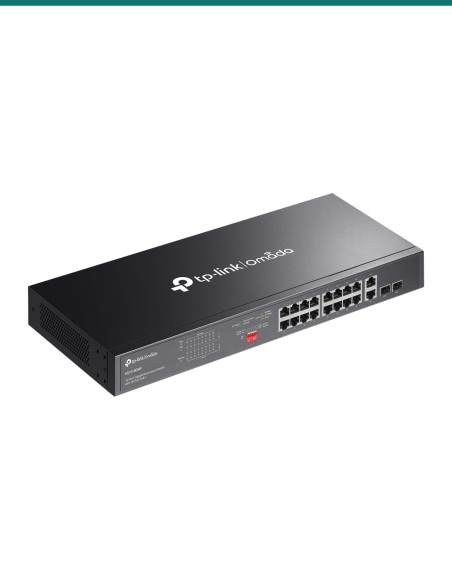
The same size with PoE+ on all 8 ports and a 65 W budget, for cameras and access points.
Managed option
Eight Gigabit ports with VLANs, port isolation and Omada cloud management.
Where it is used
Wired Gigabit for a computer, printer, NAS and phone base from one wall point.
Smart TV, streamer, game console and sound bar on one cable from the router.
A few more desks wired without a rack or a managed switch.
Join an NVR, a viewing PC and the router on the same network.
Extra ports for a presenter PC, display and printer.
A quiet, fanless switch at the end of a single cable run.
| DS108G (this switch) | ES208G | |
|---|---|---|
| Gigabit ports | 8 | 8 |
| Management | None, plug and play | Easy Managed: web page or Omada controller and app |
| VLANs and port isolation | No | Yes, up to 32 VLANs |
| Loop prevention | Yes (switch on the back) | Yes (loopback detection) |
| MAC address table | 4K | 8K |
| Packet buffer | 1.5 Mbit | 4 Mbit |
| Operating temperature | 0 °C to 40 °C | -5 °C to 45 °C |
| Size | 158 × 100.7 × 25.4 mm | 158 × 100.7 × 25.4 mm |
Each column comes from that model's own TP-Link datasheet (DS108G V1.0, ES208G V2.0). TP-Link has no second model on either datasheet.
No. It is a data-only switch. For PoE on all 8 ports, choose the DS108GP.
No. It is an unmanaged plug-and-play switch. Connect power and cables and it works.
No. TP-Link's Omada unmanaged switches do not support Omada SDN central management. The ES208G is the managed alternative.
All 8 ports are 10/100/1000 Mbps with auto-negotiation, and the switch has 16 Gbps of switching capacity, so every port can run at full Gigabit speed both ways.
It detects network loops, such as both ends of a cable plugged into the switch, and stops them bringing the network down.
3.924 W at most, from a 5 V DC 0.6 A adapter. TP-Link's Green Ethernet technology cuts power use further.
No. It is fanless, so it suits a lounge room, bedroom or office.
Yes. It sits on a desk or hangs on two screws using the slots on the underside.
No. It follows 802.1p and DSCP QoS marks and has IGMP snooping, but there are no settings. For VLANs, choose the ES208G.
Yes. IGMP snooping sends multicast video only to the ports that ask for it, and QoS gives marked video and voice priority.
Yes, up to 16 KB.
Cat5e or Cat6 for Gigabit, up to 100 m per run.
Questions about ports, PoE or which switch suits your network: call 1300 736 970 or email [email protected]. The TP-Link datasheet is on the Attachments tab. 3-year TP-Link Australia warranty: contact us first and we will look after the claim.
Power. The switch runs from its 5 V DC adapter, which plugs into a normal power point. A new power point needs a licensed electrician.
Cabling. Concealed or fixed data cabling to wall outlets is customer cabling under AS/CA S009 and needs an ACMA-registered cabler.
What it does not do. No PoE, no VLANs, no web or cloud management and no SFP fibre port.
Figures. From TP-Link's DS108G datasheet (hardware version V1.0) and TP-Link Australia's product page.


Need help choosing?
Tell us about your property and we'll recommend the right cameras and recorder.
07 5609 4910Sydney 02 8814 6008
[email protected]
Mon–Fri, 9am–5pm AEST
20 related items