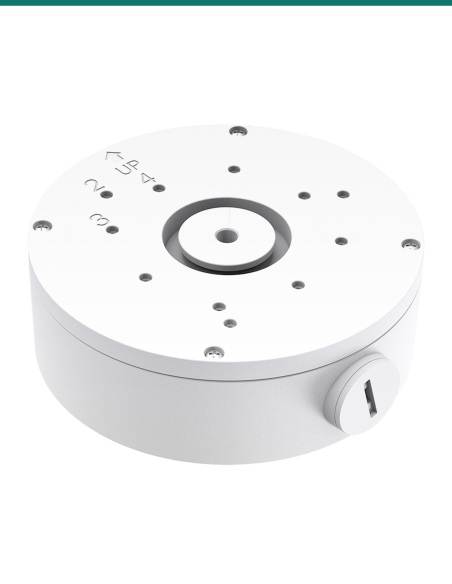
TP-Link VIGI Network Camera Junction Box - VJB-300

SKU VJB-300 In Stock - Ready to Ship
$43.90 inc GST

TP-Link VIGI VJB-300: a white aluminium junction box for 43 VIGI and InSight cameras, for walls or ceilings, inside or out, with the cable joints hidden behind the camera.

  • ✓Fits 43 VIGI and InSight models
  • ✓Wall or ceiling, indoor or outdoor
  • ✓Waterproof cable parts included
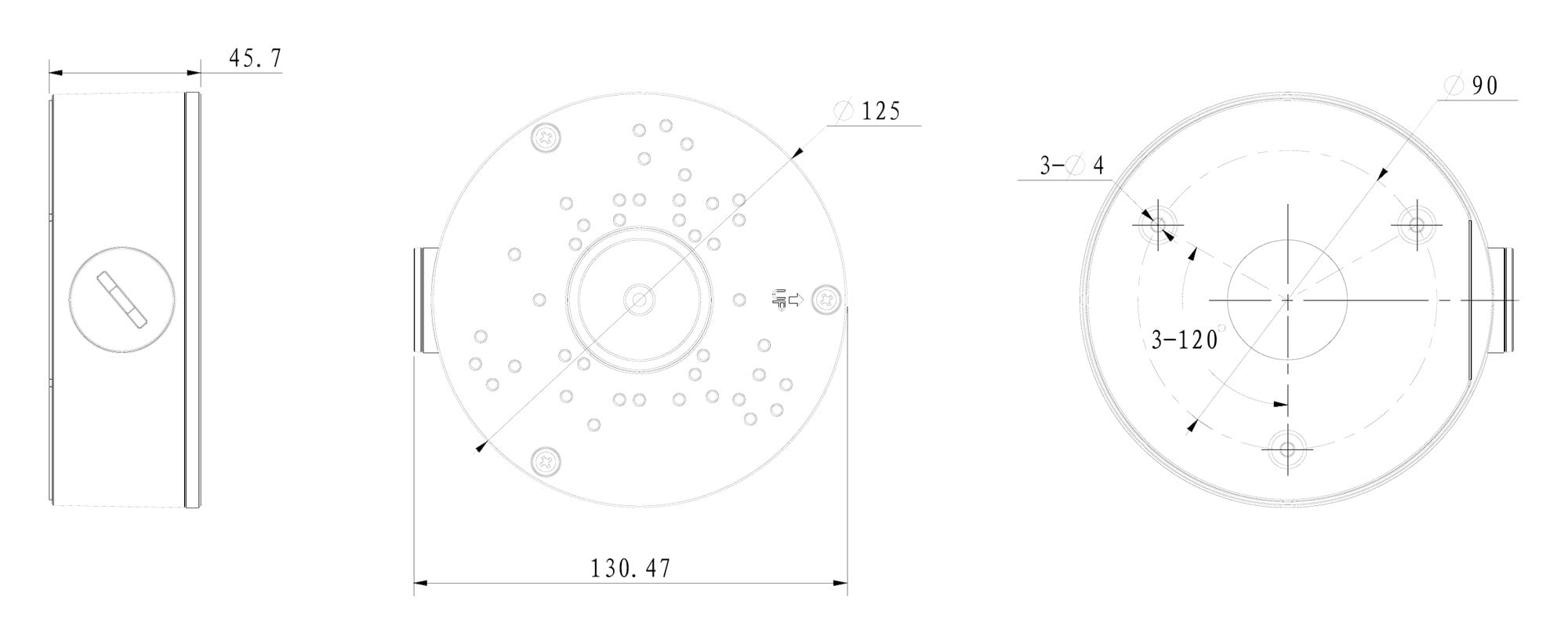
  • ✓Ø125 × 45.85 mm, 0.37 kg
  • ✓Aluminium alloy, white


Description

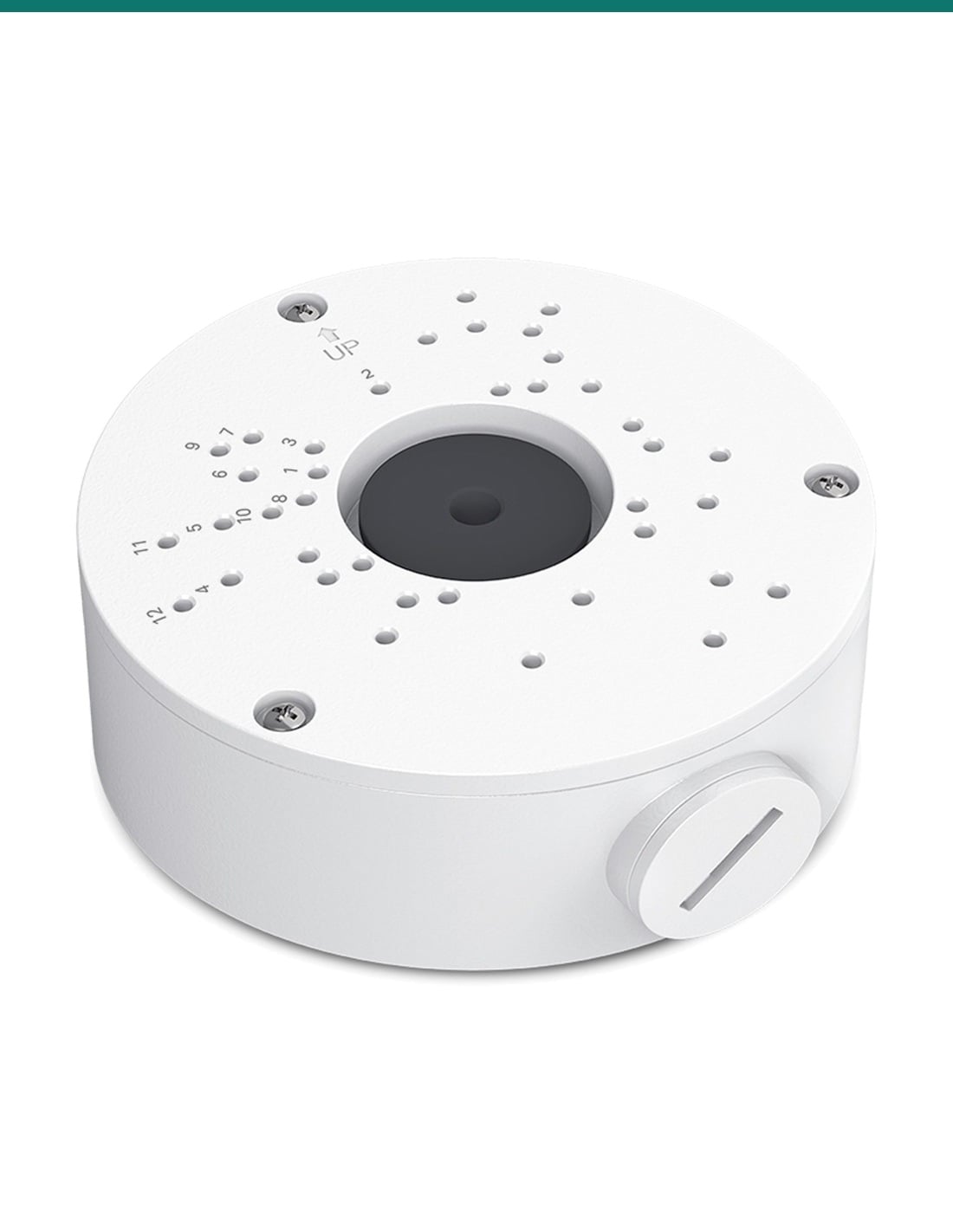
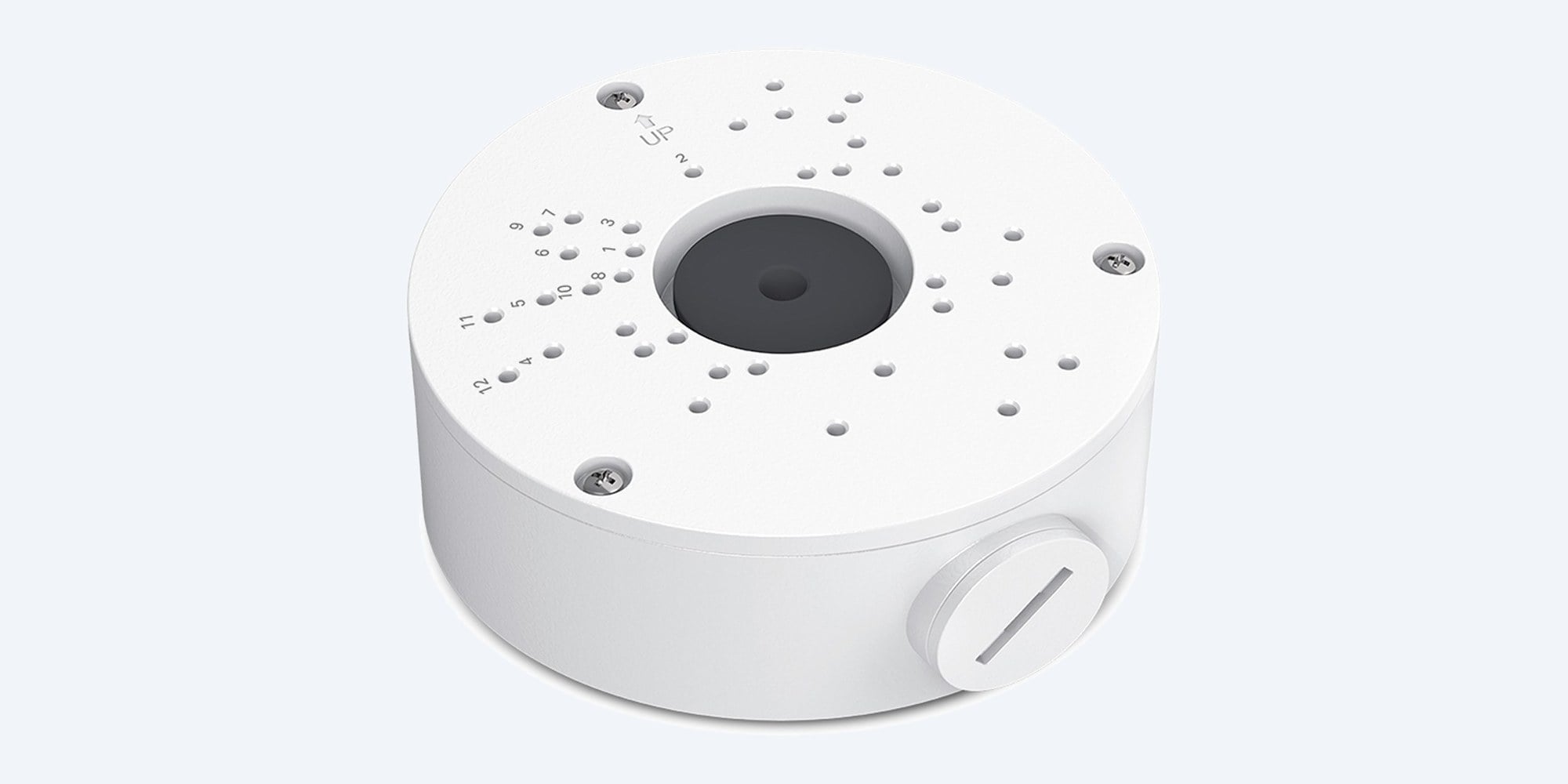
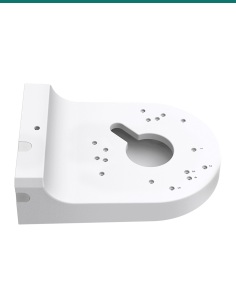
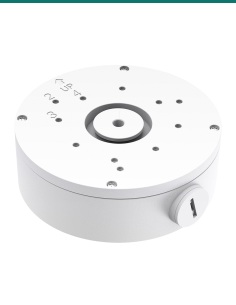
TP-Link VIGI VJB-300 round junction box in white with side cable outlet
TP-Link VIGI · Mounting accessory · Junction box

One box for most VIGI cameras.
Wall or ceiling, inside or out.

The TP-Link VIGI VJB-300 is a round aluminium junction box that sits behind a VIGI camera on a wall or ceiling. It hides the cable joints, has a side cable outlet and comes with waterproof cable parts.

In one sentence: the TP-Link VIGI VJB-300 is a white aluminium junction box, 125 mm across and 45.85 mm deep, for indoor or outdoor wall and ceiling mounting of the 43 VIGI and InSight cameras on TP-Link's list.

Junction box only. The camera is separate.

This listing is the white VJB-300 junction box. The camera and network cable are sold separately.

In the box
  • VJB-300 junction box
  • Mounting accessories (anchors, screws, mounting template, camera screws)
  • Waterproof accessories (cable attachments and side outlet plug)
  • Installation guide
You also need
  • A VIGI or InSight camera from TP-Link's list below
  • Network cable to the camera
  • Silicone or duct seal for cable holes in an outside wall

No connectors hanging out of the wall.

VIGI cameras have a short cable tail with the network plug and often a power lead. The VJB-300 gives those joints a sealed home behind the camera, and the cable can come through the wall, the base or the side outlet.

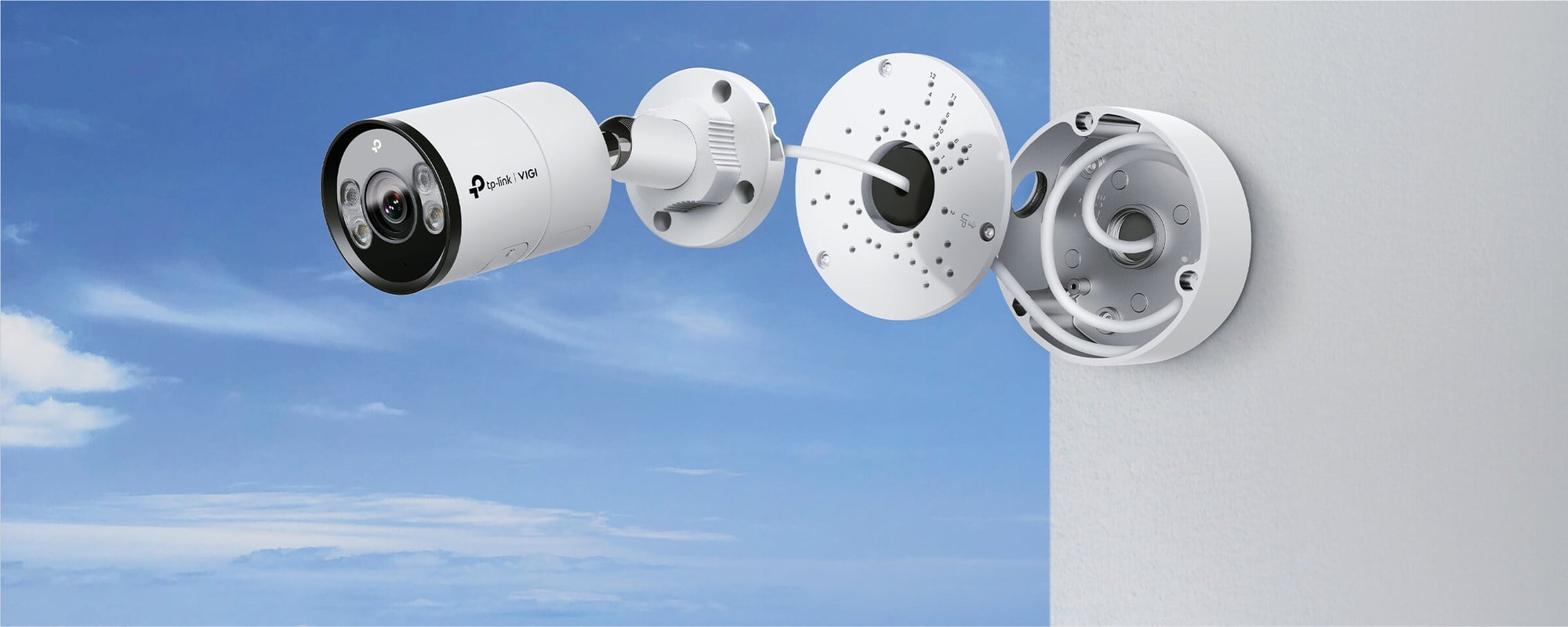
TP-Link VIGI VJB-300 exploded view: box base on the wall, cover plate and a VIGI bullet camera

How it fits

Box on the wall, camera on the box.

TP-Link's photo shows the order: the base fixes to the wall, the cover plate closes it, and a VIGI bullet screws to the plate with its cable joints inside.

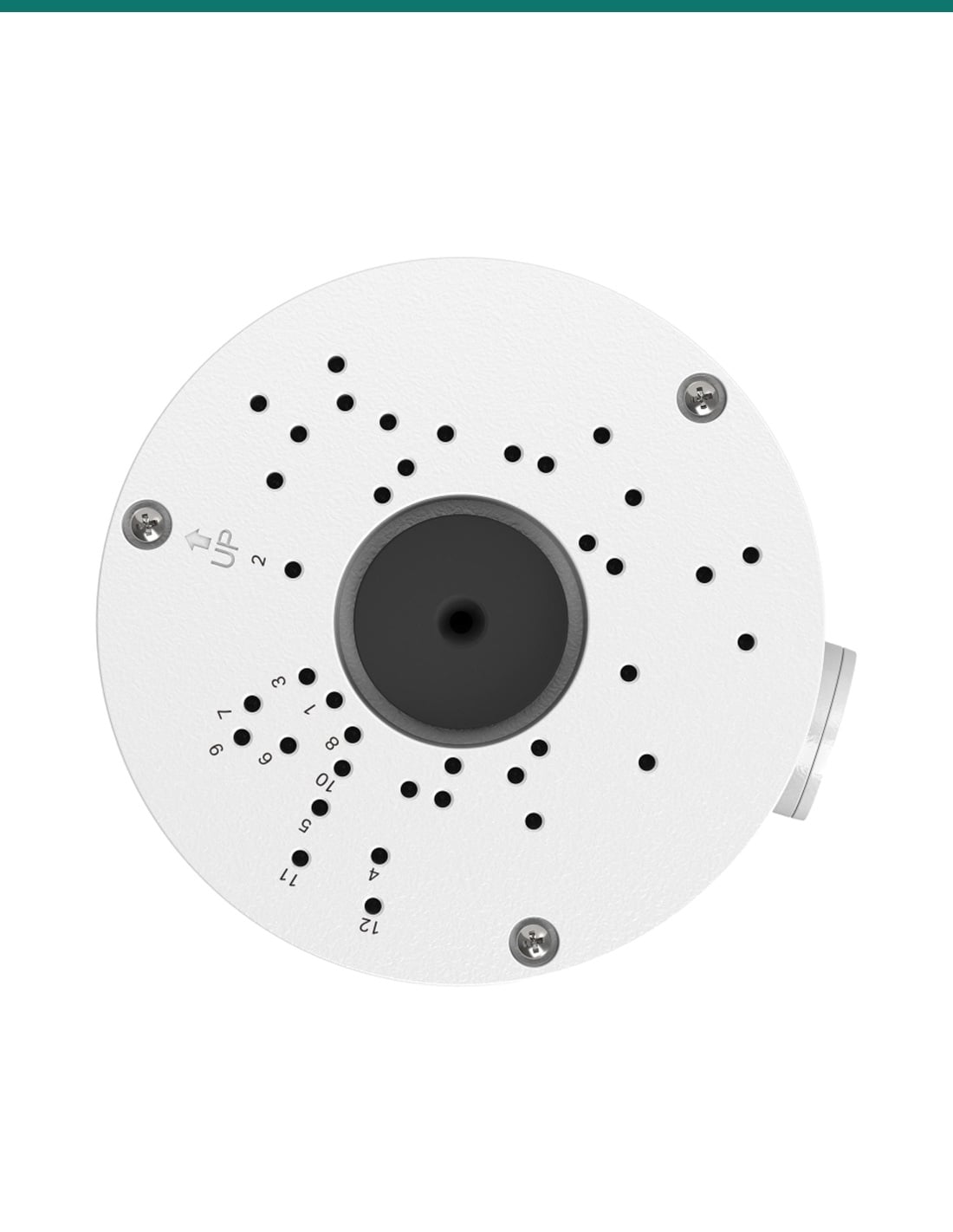
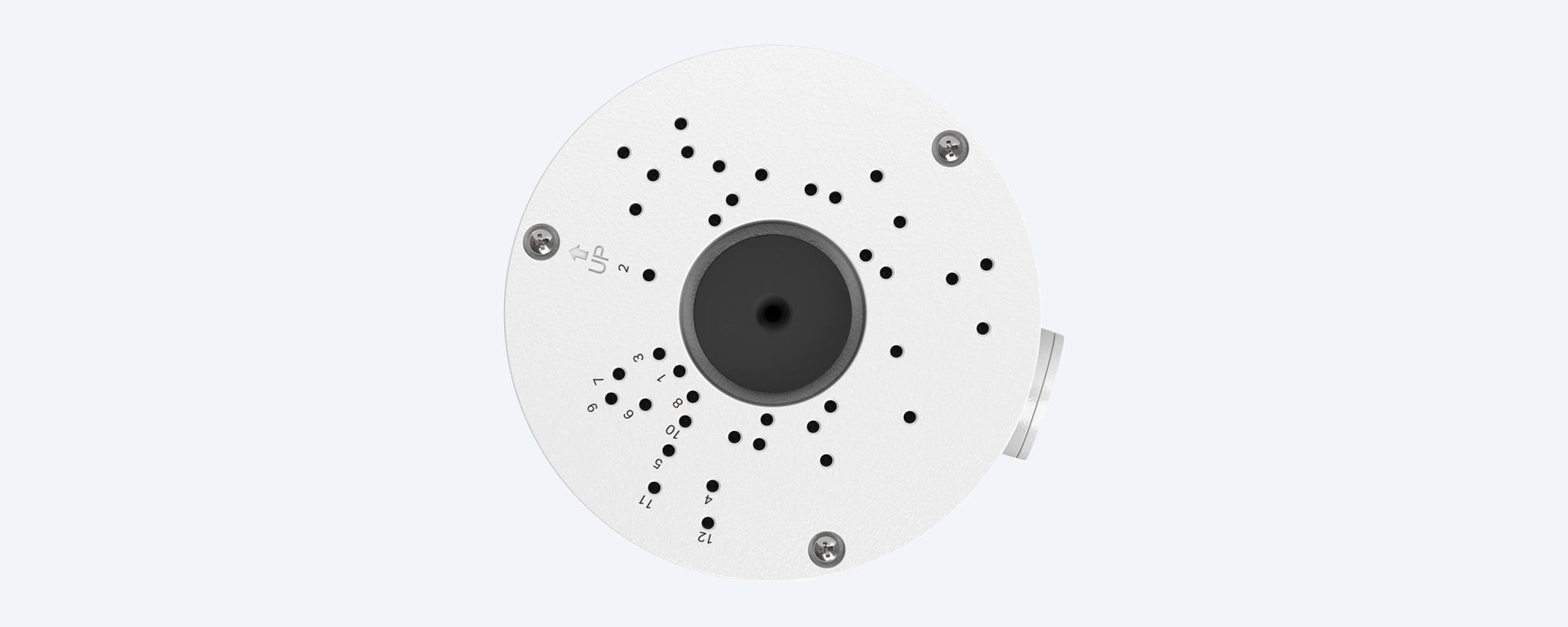
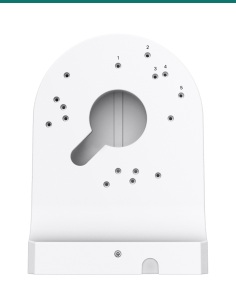
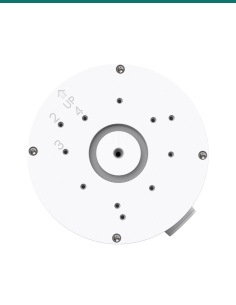
TP-Link VIGI VJB-300 cover plate with numbered fixing holes and centre cable opening

Cover plate

Hole patterns for most VIGI cameras.

The cover plate has numbered fixing holes for the camera bases on TP-Link's list and a centre opening for the cable. TP-Link's camera mounting guide for the VJB-300 shows which holes each model uses.

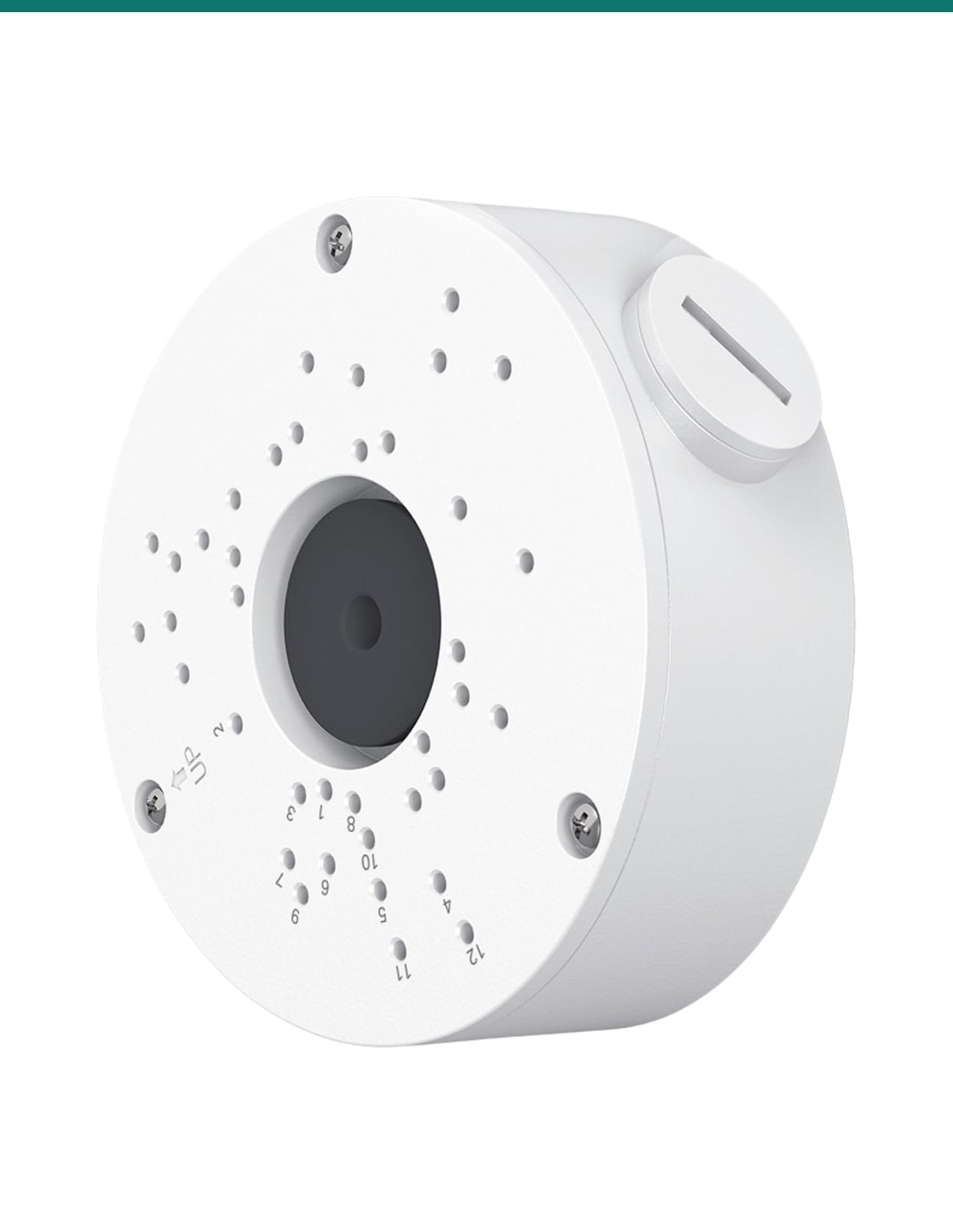
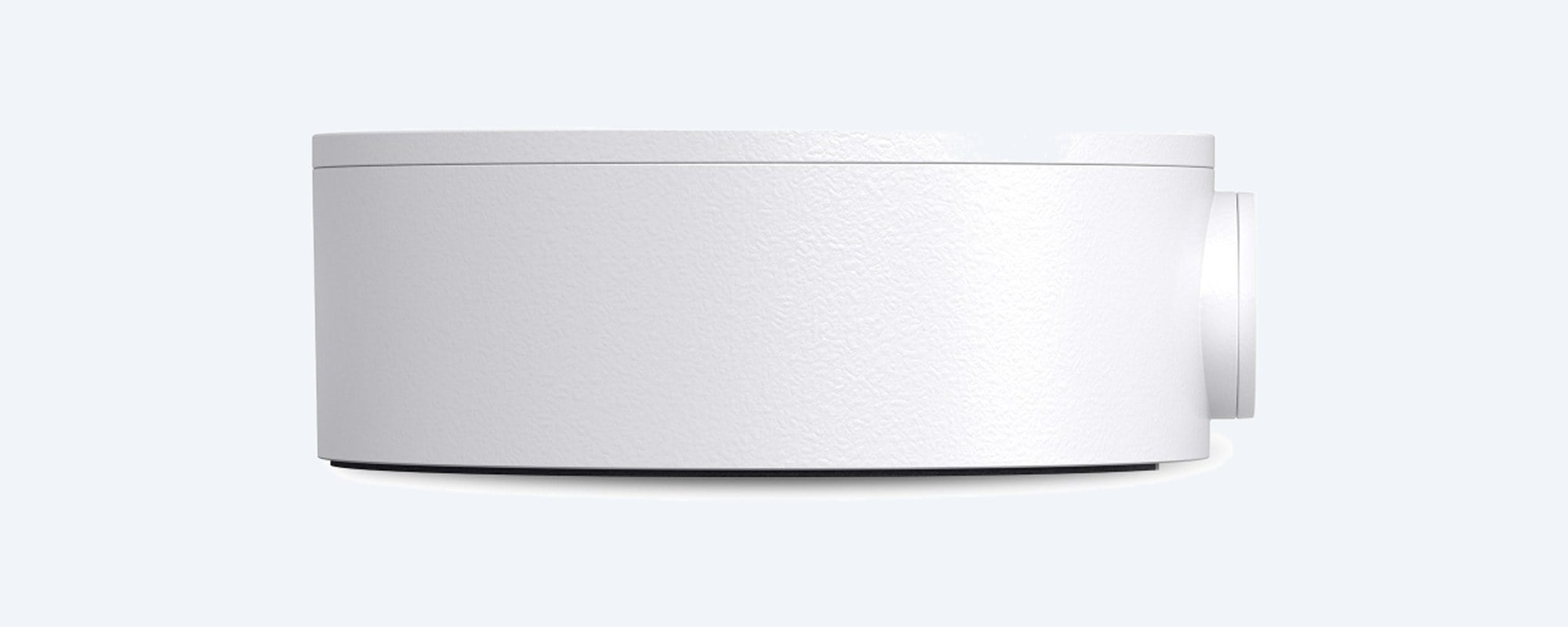
TP-Link VIGI VJB-300 side view showing the 45.85 mm depth and side cable outlet

Side outlet

45.85 mm deep, with a side outlet.

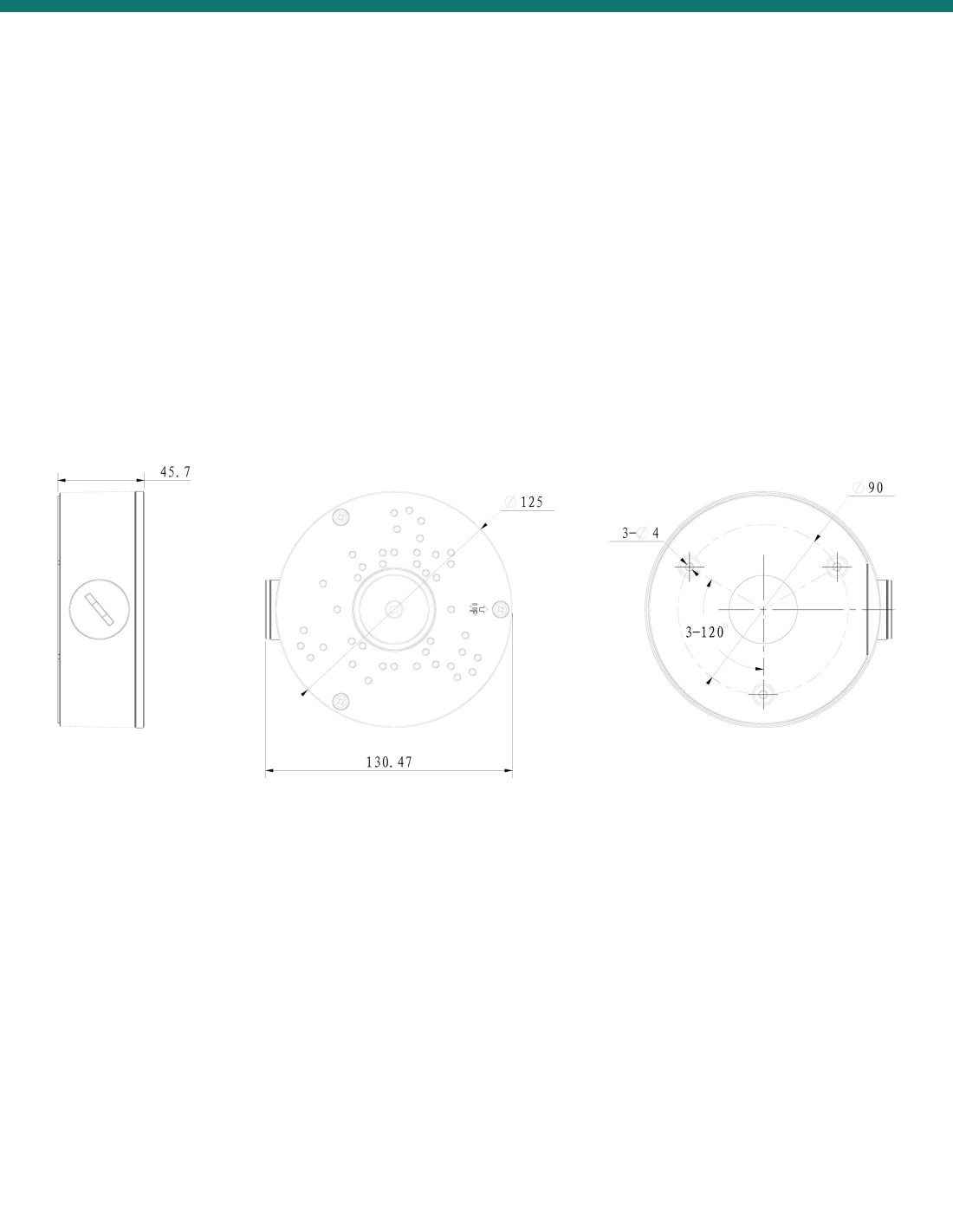
The body is 125 mm across and 45.85 mm deep. The side outlet takes the waterproof cable parts or the plug, and brings the overall width to 130.4 mm.

How it goes in

Template, base, seal, camera.

01

Drill

Stick the mounting template where the camera goes. Drill three screw holes (6 mm for the anchors), plus a cable hole if the cable comes through the wall or ceiling.

02

Fix the base

Loosen the cover plate screws, then screw the box base to the surface. Bring the cable in through the base or the side outlet.

03

Seal the cable

Fit the waterproof cable parts to the side outlet, or the waterproof plug if it is not used, and seal the camera connectors.

04

Fit the camera

Close the cover plate, then fix the camera to the holes TP-Link lists for your model and aim it.

Pair it with

What goes on this junction box

Bullet

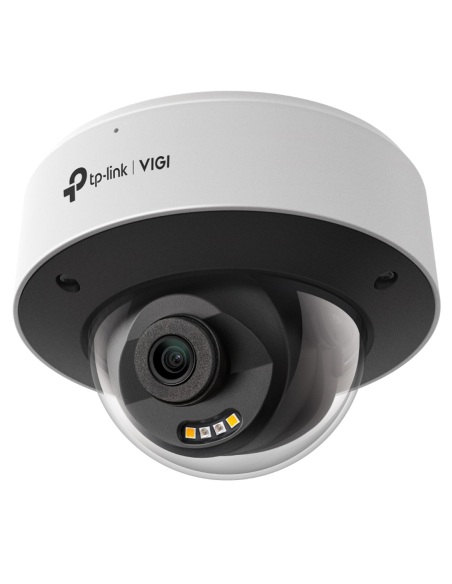
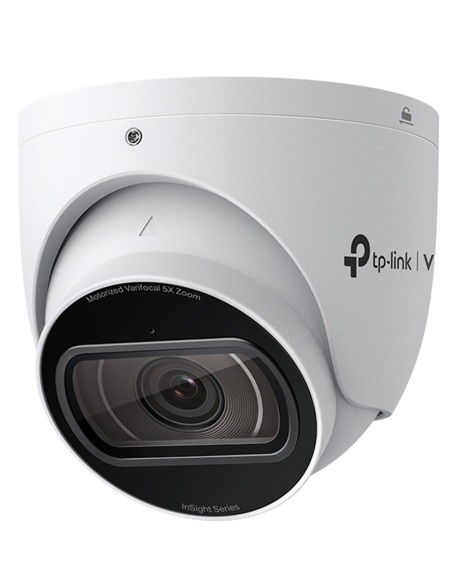
VIGI C355, InSight S355 or S385

Full-colour bullets on TP-Link's VJB-300 list.

Turret and dome
InSight S485, S455 or S285

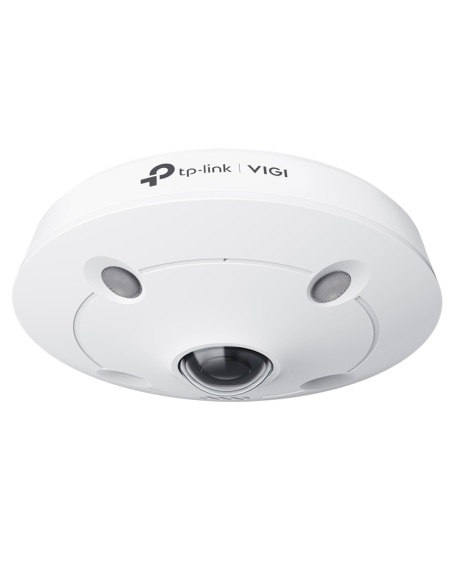
Turrets and domes on the same list, for a wall or ceiling.

Pan-tilt

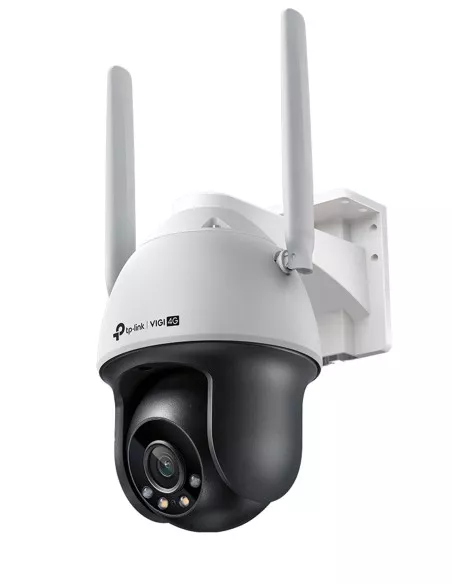
VIGI C540 range

The C540, C540S, C540V, C540-W and C540-4G are on the list.

Other InSight bullets

VJB-305 junction box

The S345ZI, S385PI, S385DPS, LPR345Z and S345-4G are listed for the VJB-305 instead.

Where it is used

Where a junction box is used.

Brick and block walls

Bring the cable in through the side outlet where you cannot get behind the wall.

Eaves

Keep the cable joints out of the weather under the roof line.

Ceilings

Lift a turret or dome clear of the ceiling with the joints inside.
Shopfronts

A tidy finish over the entrance with no connectors showing.

Warehouses

Surface cable runs end neatly at the camera.

Homes

Driveways, front doors and back yards with the wiring hidden.

VJB-300 or VJB-305

VJB-300 (this box)VJB-305
Cameras on the list43 VIGI and InSight models9 InSight models
Body sizeØ125 × 45.85 mmØ150 × 51 mm
Width with outlet130.4 mm155.56 mm
Weight0.37 kg416 g
ColoursVIGI White, VIGI BlackVIGI White
MountingIndoor or outdoor, wall or ceilingIndoor or outdoor, wall or ceiling
Waterproof accessoriesIncludedIncluded

Figures from TP-Link's VJB-300 and VJB-305 datasheets and its VIGI accessory compatibility list.

Common questions

Which cameras fit the VJB-300?

TP-Link lists 43 models: VIGI C2 domes, C3 bullets, C4 turrets and the C540 pan-tilt range, plus the InSight S285, S345S, S355, S385, S445S, S445ZI, S455, S485, S485PI and S655I. The full list is above.

Does it fit every VIGI camera?

No. TP-Link's datasheet says all VIGI cameras, but its product page and compatibility list name 43 models. Go by the list, or ask us.

Is the camera included?

No. This listing is the junction box with its fixings, waterproof parts and guide.

Does the InSight S345ZI or S385PI fit?

They are not on the VJB-300 list. TP-Link lists them for the VJB-305 junction box and the VMB-350 pole bracket.

Can it go on a ceiling?

Yes. TP-Link rates it for indoor or outdoor wall and ceiling mounting.

Is it waterproof?

It comes with waterproof cable attachments and a plug for the side outlet. TP-Link does not publish an IP rating.

How big is it?

The body is 125 mm across and 45.85 mm deep, 130.4 mm wide with the side outlet. It weighs 0.37 kg.

Can the cable come through the wall?
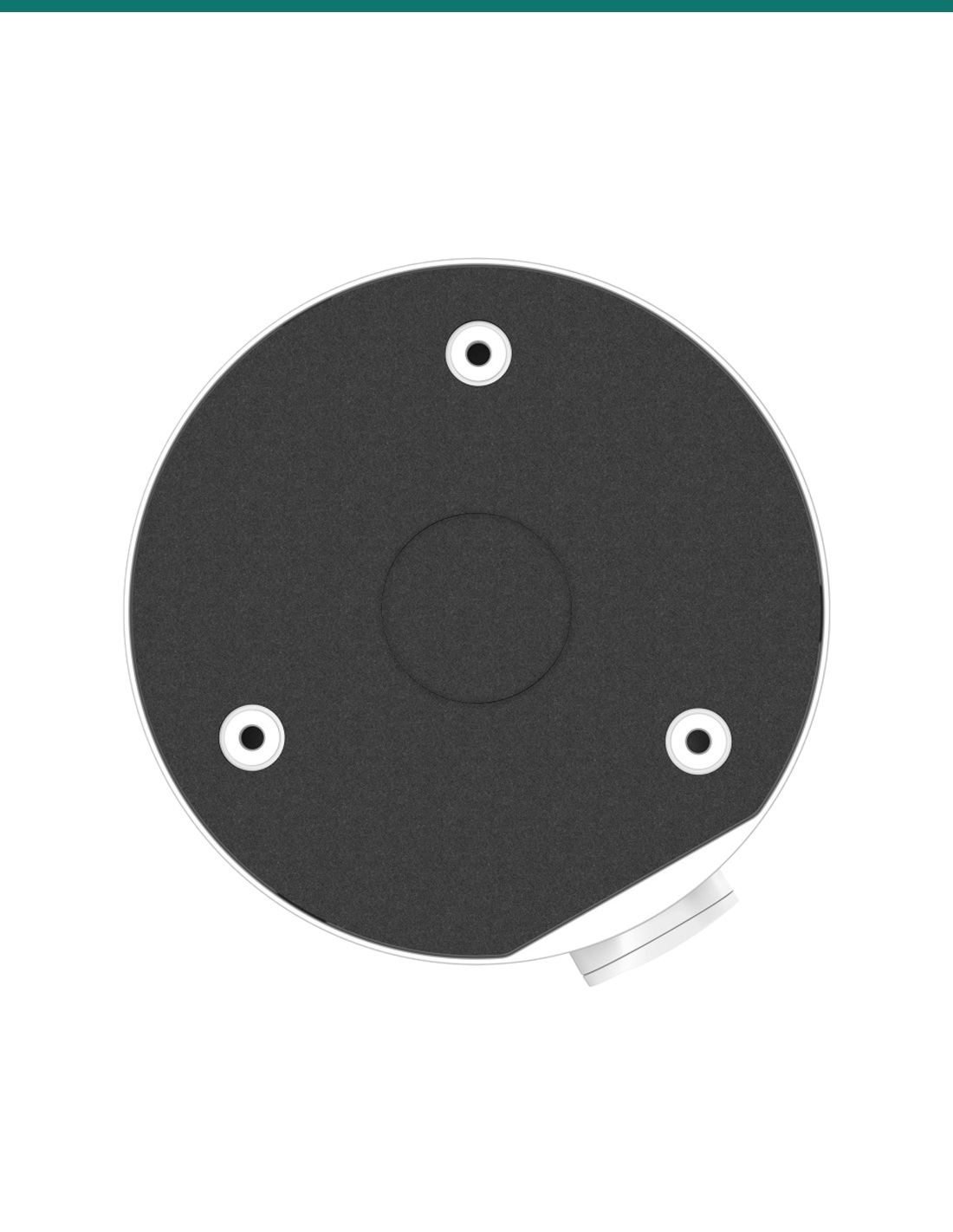
Yes. Remove the small round foam in the middle of the base and bring the cable straight in, or use the side outlet.

What size drill do I need?

TP-Link's guide says 6 mm for the supplied anchors, or 3 mm when using screws only.

Is there a black version?

TP-Link makes the VJB-300 in VIGI White and VIGI Black. This listing is white; ask us about black.

Will it fit a camera from another brand?

TP-Link recommends VIGI cameras to avoid fit and overload problems. Other brands are not on its list.

What is it made of?

Aluminium alloy, finished in VIGI White.

Supported by InFront Technologies.

Not sure your camera fits? Call 1300 736 970 or email [email protected] with the camera model. The datasheet is on the Attachments tab. 3-year TP-Link Australia warranty: contact us first and we will look after the claim.

Installation and safety

Working at height. Use safe access equipment, and fixings rated for the wall, ceiling or pole.

Cabling. Concealed data cabling to the camera is customer cabling under AS/CA S009 and needs an ACMA-registered cabler.

Outdoors. Seal cable holes through an outside wall with silicone or duct seal, as TP-Link's guide suggests.

What it does not do. It has no power or network parts inside; it carries the camera and houses the cable joints.

Figures. From TP-Link's VJB-300 datasheet, quick installation guide and VIGI accessory compatibility list (checked 12 Nov 2026).

Dimensions
∅125 × 130.47 × 45.7 mm
Weight
364 g
Material
Aluminium Alloy
Colour
VIGI White
Brand
TP-Link
Mounting
Indoor / outdoor wall or ceiling
Package Contents
Junction box, mounting accessories, waterproof accessories
Warranty
Australian Warranty via Infront Technologies
Product Type
Network Camera Junction Box
Product Family
VIGI Accessory
Model
VJB-300
Compatibility
Listed VIGI C2xx/C3xx/C4xx/C540 and InSight models
INFRONTTECH Promotional Banner INFRONTTECH Promotional Banner INFRONTTECH Promotional Banner

Need help choosing?

Tell us about your property and we'll recommend the right cameras and recorder.

07 5609 4910

Sydney 02 8814 6008
[email protected]

Mon–Fri, 9am–5pm AEST

Saved to your wishlist Find it any time in your account. View list