There are no more items in your cart
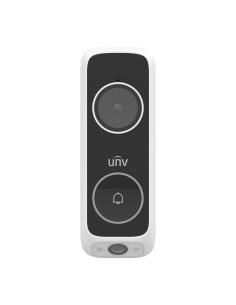
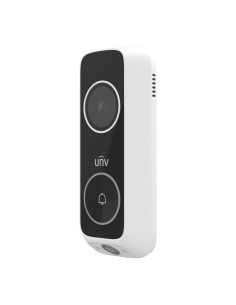
- New
In stock
Uniview Intercoms & Doorbells


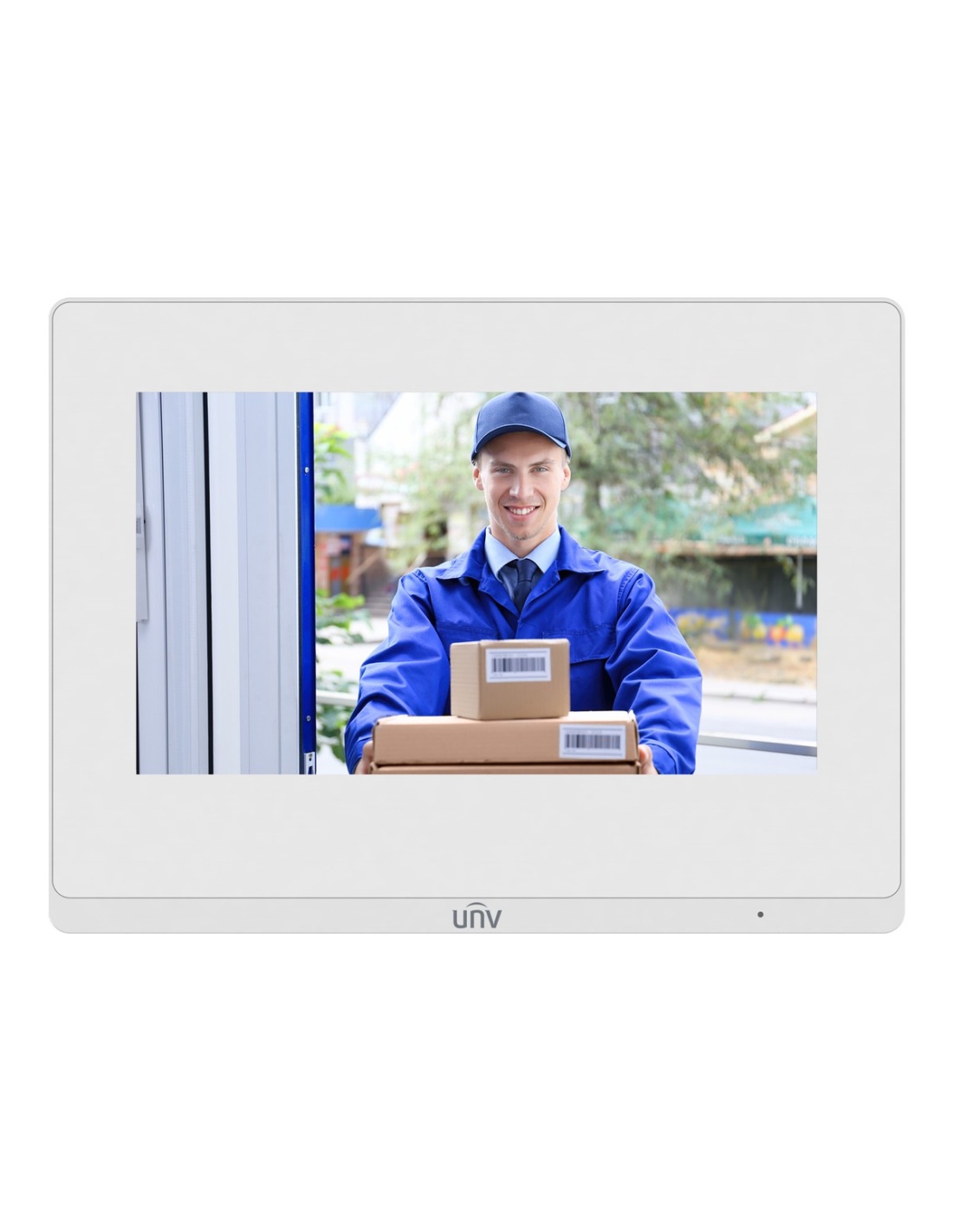
Uniview OEI-372S-H-W white 7-inch touchscreen indoor station for Uniview IP intercoms. Answer and unlock the door, view cameras and NVRs, PoE or 12 V power, Wi-Fi, 8 alarm inputs.
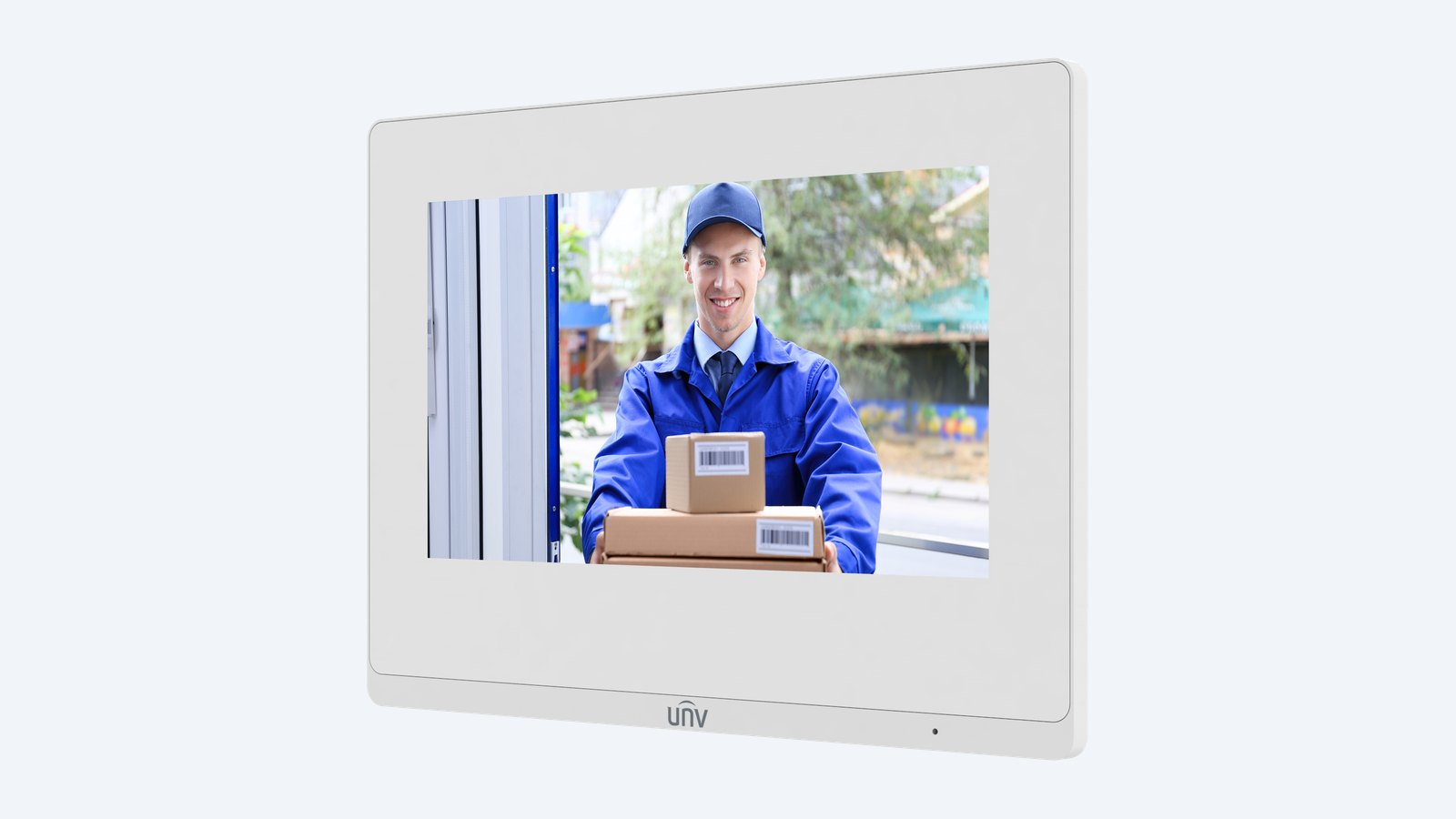
This is the Uniview OEI-372S-H-W-White. A white 7-inch touchscreen indoor station for Uniview IP intercoms. See and talk to the visitor, unlock the door with one touch, and check your cameras and recorder from the same screen.
In one sentence: the OEI-372S-H-W-White is a white Uniview IP intercom indoor station with a 7-inch 1024 × 600 touchscreen, built-in mic and speaker, PoE or 12 V power, Wi-Fi, 8 alarm inputs and 2 outputs, linking up to 20 devices.
One Cat6 cable powers it.
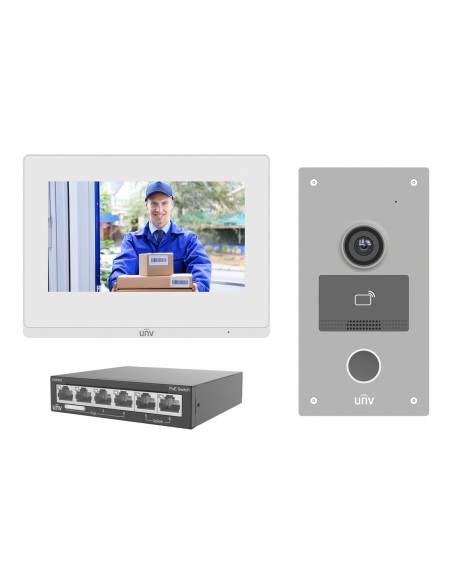
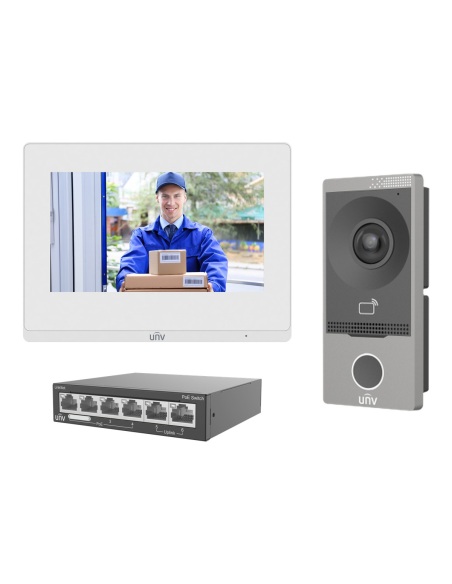
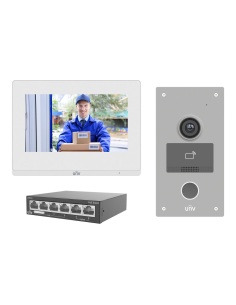
The OEI-372S-H-W runs from a PoE (802.3af) switch or a 12 V DC supply. It is also included in the Uniview KIT/201S intercom kits with a door station and PoE switch.
Besides calls from the door station, it can show IP cameras, up to two NVRs and doorbells — 20 linked devices in total — and keep up to 200 zone alarms and 200 screenshots. Up to 19 extension stations can be added around the house.
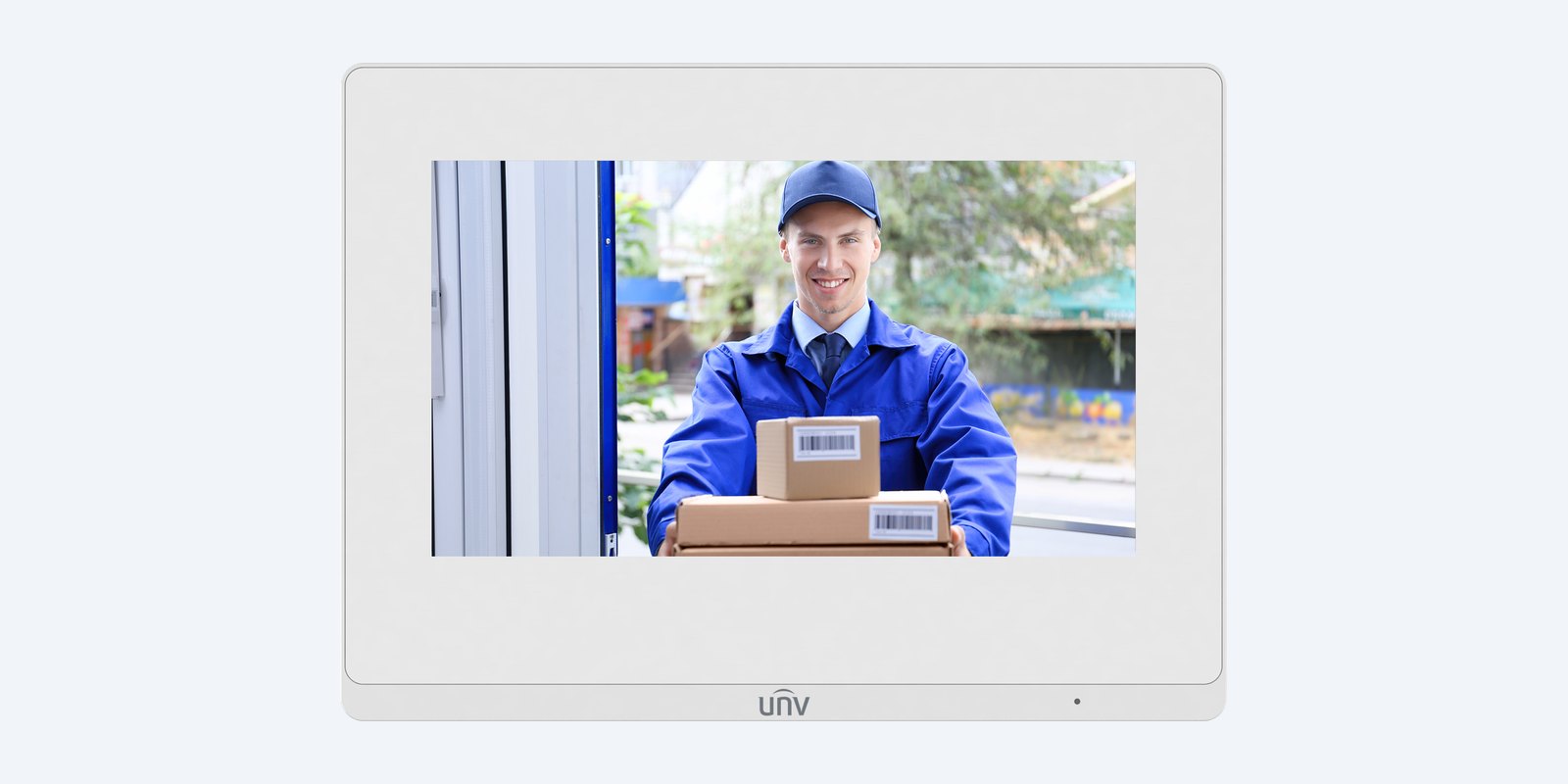
Screen
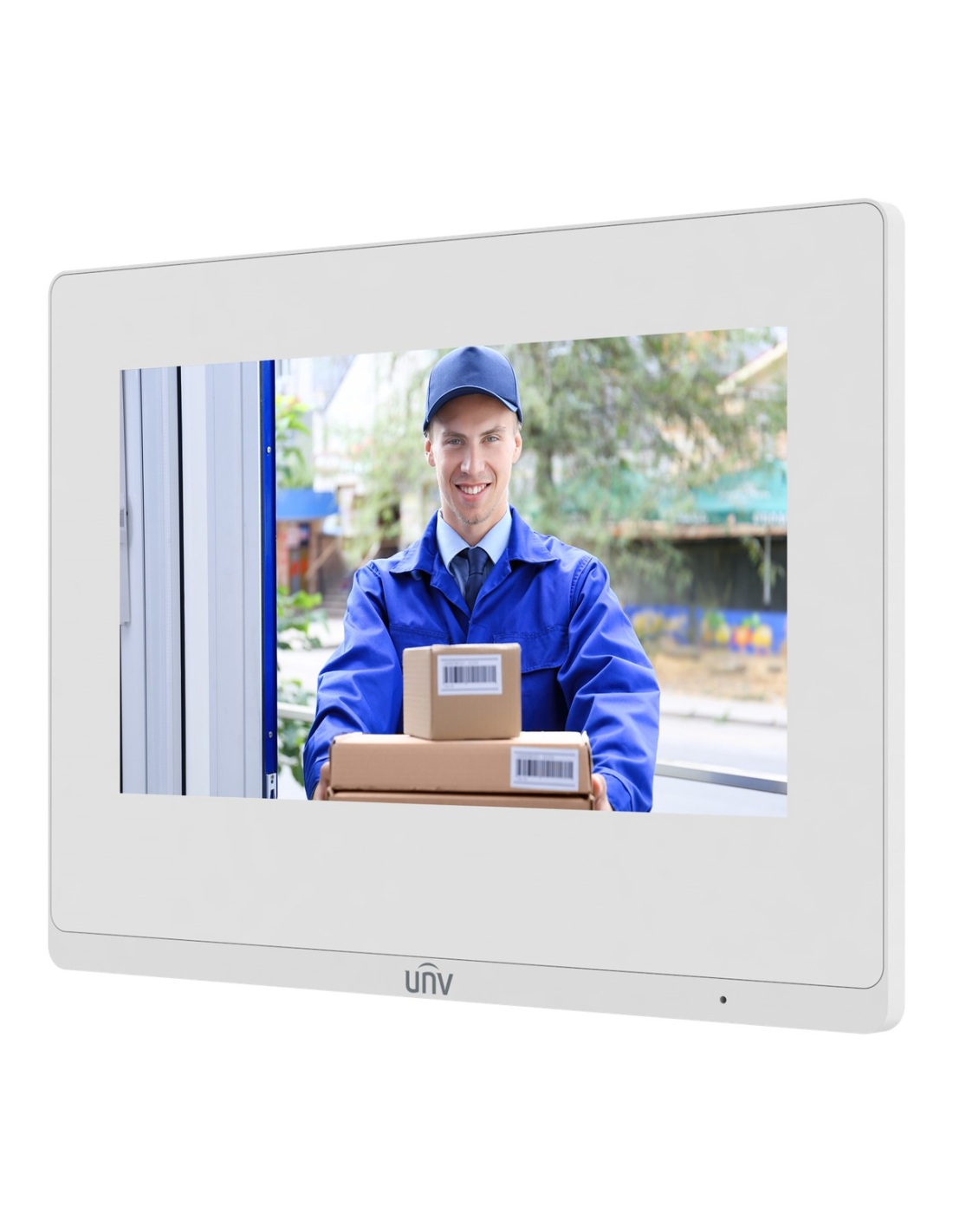
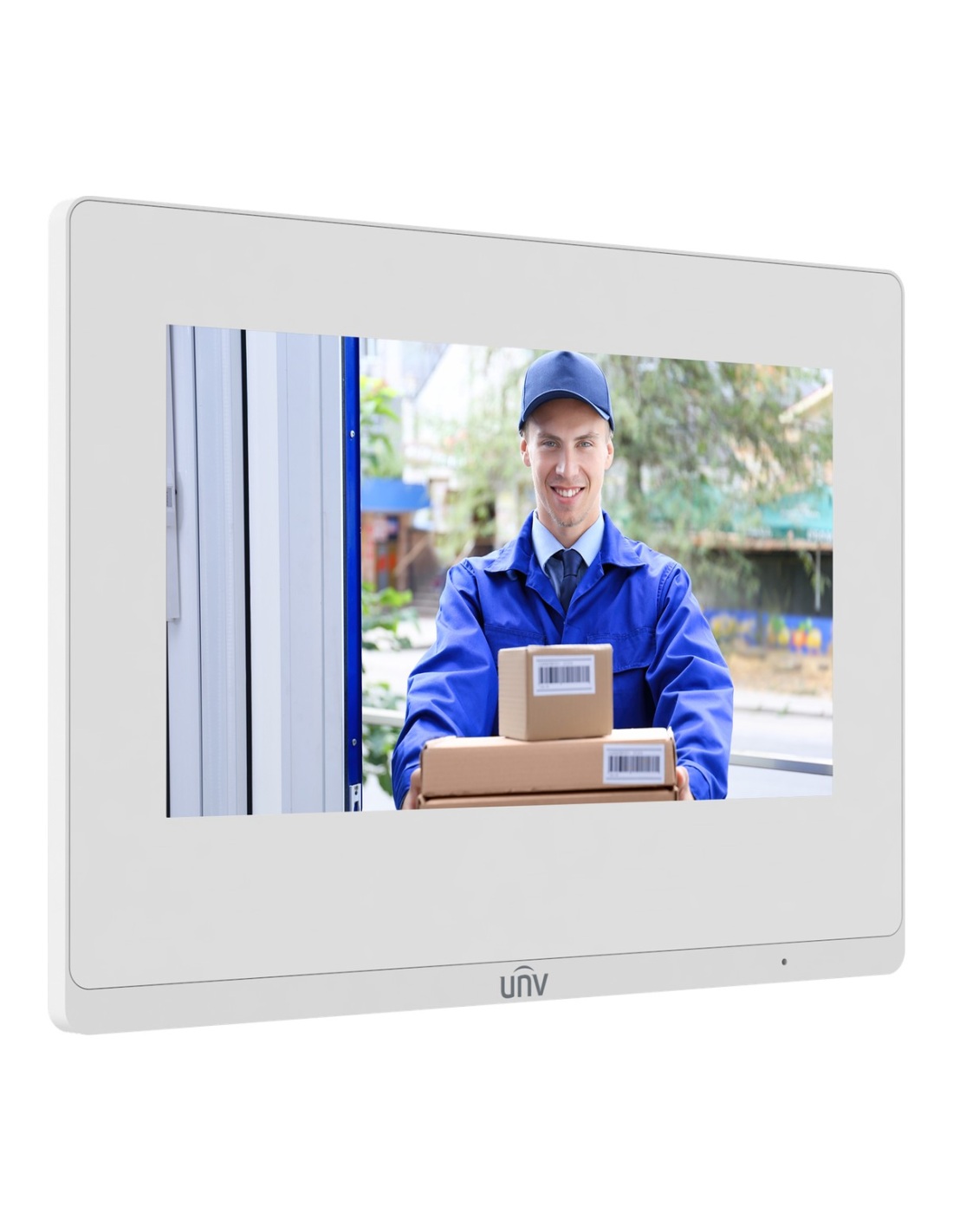
The 1024 × 600 screen sits behind a glass panel on a white ABS body, 25 mm thin.
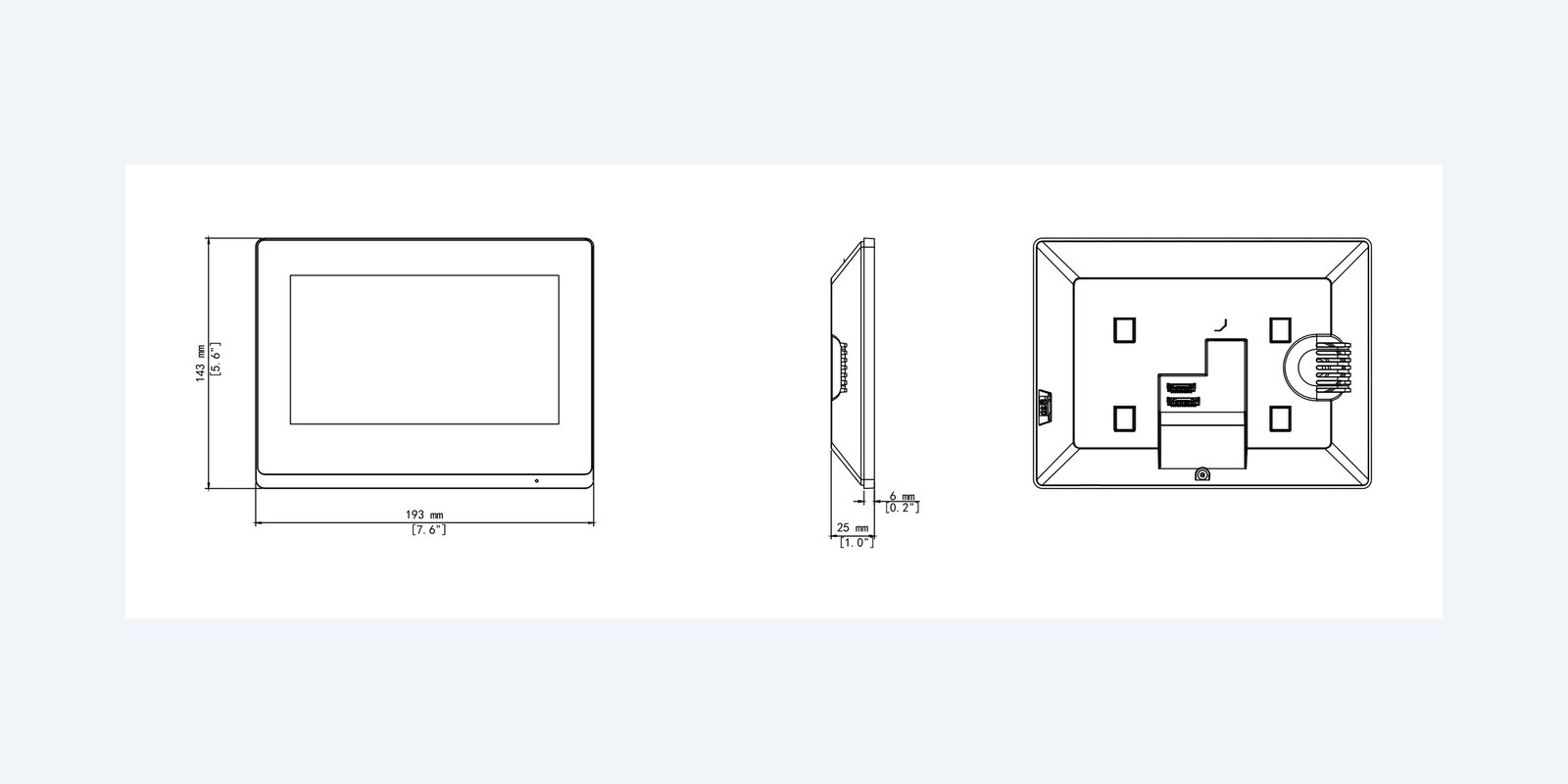
Size
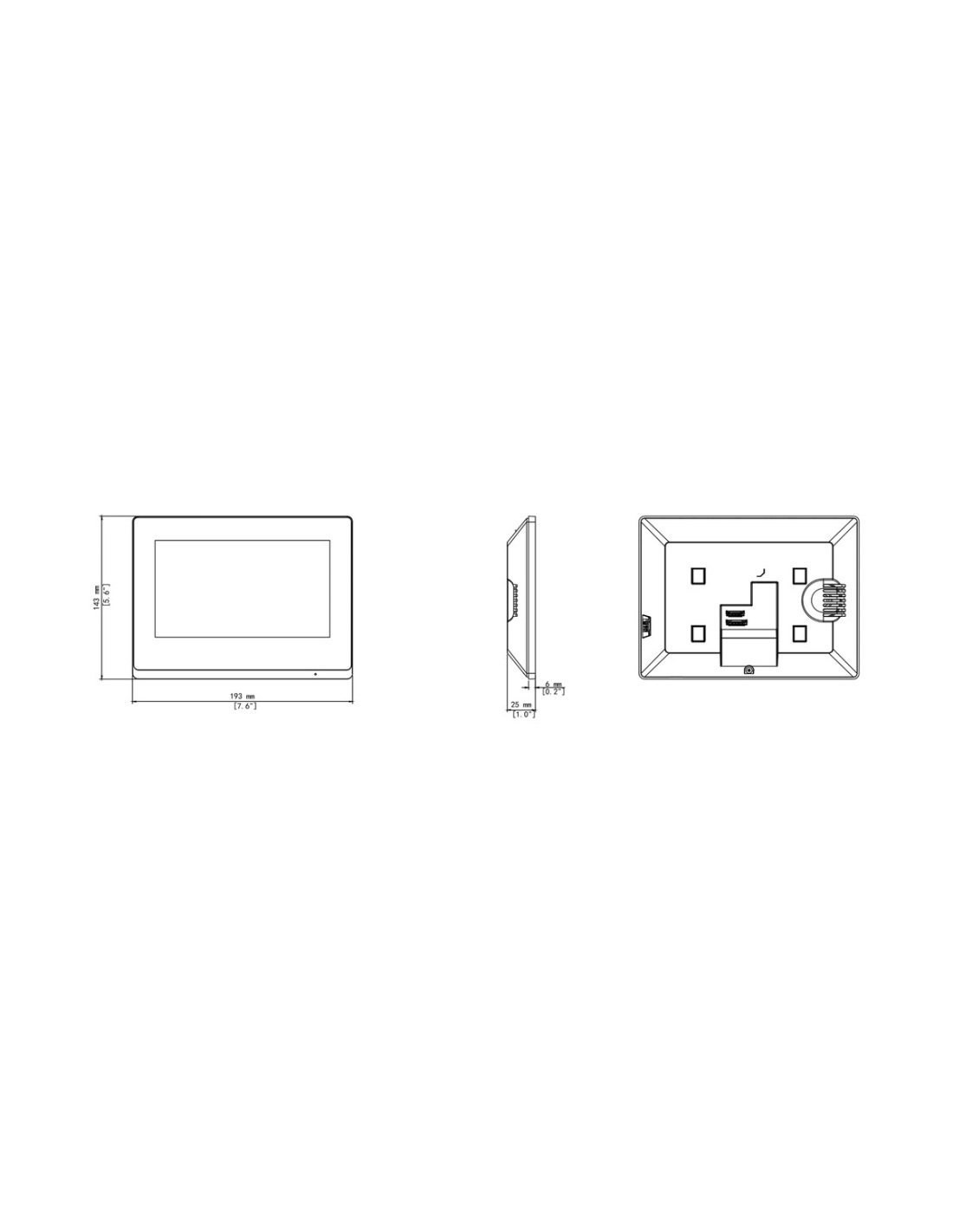
It weighs 360 g and mounts on the supplied bracket or over an 86 × 86 mm wall box. For indoor use, −10 °C to 55 °C.
How it goes in
01
Use the drill template to fix the bracket to the wall or an 86 × 86 mm wall box at eye height.
02
Bring Cat6 from the PoE switch to the station, connect any alarm inputs to the wiring cables, and hang it on the bracket.
03
Add the door station on the same network; batch configuration sets them up together.
04
Link IP cameras, NVRs or doorbells so you can view them from the screen.
At a glance
Show specs
Screen
7" TFT LCD touchscreen, 1024 × 600
Audio
Built-in mic and speaker; noise suppression, echo cancellation
Unlock
Remote and one-touch unlocking of linked door stations
Linked devices
20 in total: IP cameras, door stations, up to 2 NVRs, doorbells
Extensions
Up to 19
Alarms
8 IO inputs, 2 IO outputs; 200 zone alarms
Storage
TF card slot; 200 screenshots
Network
100 Mbps RJ45, Wi-Fi 4 (2.4 GHz)
Power
PoE (802.3af) or 12 V DC ±25%, under 10 W
Other
RS485
Housing
White ABS with glass panel
Size and weight
193 × 143 × 25 mm, 360 g
Operating
−10 °C to 55 °C, indoor
Pair it with
Door
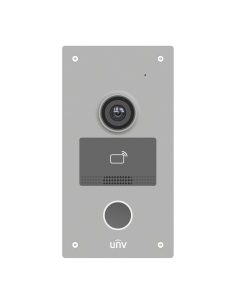
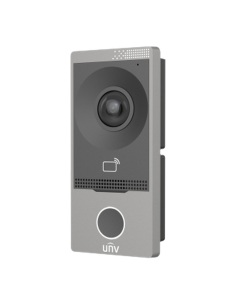
The OEU-201S-HMK-W or -Z door stations call it, with a camera, card reader and lock control.
Kit
Buy it with a door station and 4-port PoE switch in a KIT/201S kit.
Power
An 802.3af PoE port powers it over the same Cat6 that carries the calls.
Doorbell
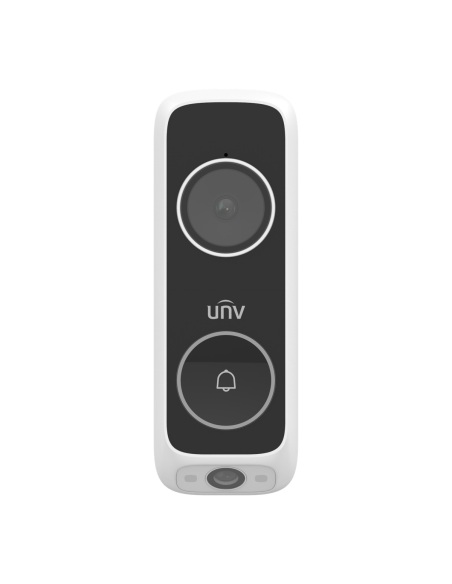
Doorbells are among the devices it can link.
Where it is used
Answer the front door or gate from the kitchen or hallway.
Add it as an extension station upstairs or in a granny flat.
Let visitors in from reception with one touch.
Check cameras and up to two NVRs from the wall.
| ED-525B-WB doorbell | KIT/201S/372S/NSW2020 | KIT/201S-Z/372S/NSW2020 | |
|---|---|---|---|
| What it is | Wi-Fi video doorbell | Wired IP intercom kit | Wired IP intercom kit |
| Door unit | ED-525B-WB, 3MP + 2MP cameras | OEU-201S-HMK-W, 2MP camera | OEU-201S-HMK-Z, metal front |
| Answer on | Phone app (also viewable on Uniview NVRs) | 7" indoor station and app | 7" indoor station and app |
| Card reader | — | 13.56 MHz, 10,000 cards | 13.56 MHz, 10,000 cards |
| Door lock control | — | 2 lock interfaces | 2 lock interfaces |
| Connection | Wi-Fi 6, 2.4 and 5 GHz | Cat6 with PoE (Wi-Fi also listed) | Cat6 with PoE |
| Power | 12–24 V AC doorbell wiring | PoE from the kit switch | PoE from the kit switch |
| Weather rating | IP65 | IP65, IK08 | IP65, IK08 |
| Operating | −30 °C to 60 °C | −30 °C to 60 °C | −40 °C to 60 °C |
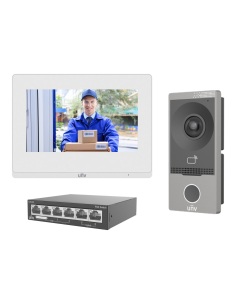
The kits include the OEI-372S-H-W white 7" indoor station and an NSW2020-6T-POE-IN 4-port PoE switch. The indoor station is also sold on its own. — means not fitted. Figures from the Uniview datasheets.
Yes. This listing is the white OEI-372S-H-W indoor station: white ABS body with a glass panel.
Uniview IP intercom door stations such as the OEU-201S-HMK-W and OEU-201S-HMK-Z villa door stations. It uses Uniview’s own protocol, so other brands’ door stations will not call it.
From an 802.3af PoE port over the Cat6 cable, or from a 12 V DC supply (not included). It draws under 10 W.
Yes. It unlocks linked door stations remotely or with one touch during a call.
Yes. It links up to 20 devices in total, including IP cameras, door stations, up to two NVRs and doorbells.
Yes. Up to 19 extension stations can be added, so the door can ring in several rooms.
It has Wi-Fi 4 on 2.4 GHz as well as a wired 100 Mbps port. Wired PoE is the most reliable, and powers it too.
On the supplied wall bracket, which fits an 86 × 86 mm wall box. A drill template is in the box.
It has 8 IO inputs and 2 IO outputs and holds up to 200 zone alarms, so door contacts or sensors can trigger alerts on the screen.
Yes, Uniview lists it as NDAA compliant.
It keeps up to 200 screenshots, and has a TF card slot.
Uniview 3-year manufacturer warranty, handled in Australia through InFront. Contact us first and we will organise any claim.
Planning an intercom? Call 1300 736 970 or email [email protected] with the number of doors and screens, and we will put the system together.
Power. Use an 802.3af PoE port or a 12 V DC supply (±25%). Power off before wiring the alarm inputs and outputs.
Placement. Indoor use only, between −10 °C and 55 °C and 10–90% humidity. Mount away from direct sun on the screen.
Figures. From the Uniview OEI-372S-H-W datasheet. Uniview 3-year manufacturer warranty, handled in Australia through InFront.


Need help choosing?
Tell us about your property and we'll recommend the right cameras and recorder.
07 5609 4910Sydney 02 8814 6008
[email protected]
Mon–Fri, 9am–5pm AEST
20 related items