VIP Vision · Intercom mounting · Desktop bracket
Put the handset monitor
on the desk.
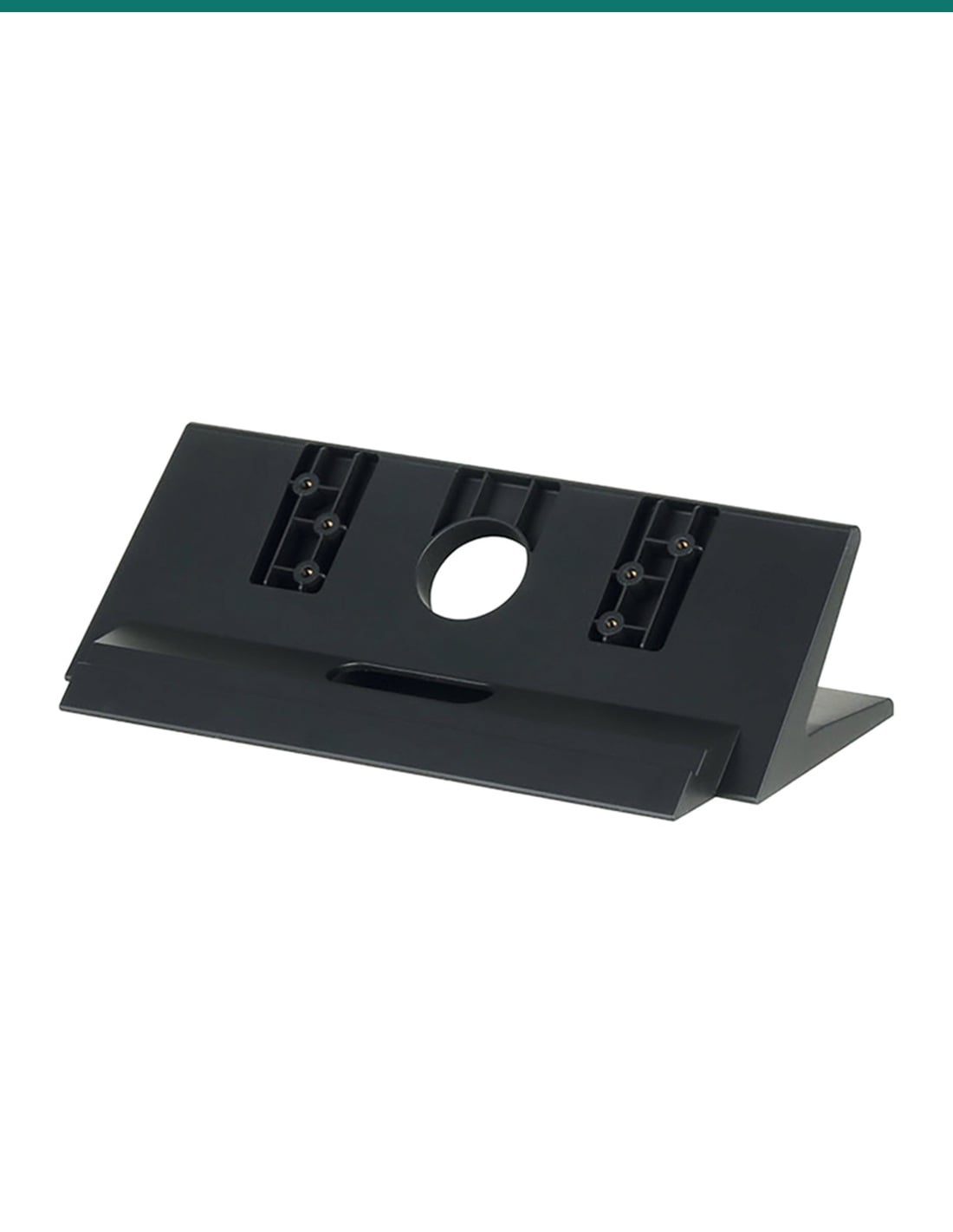
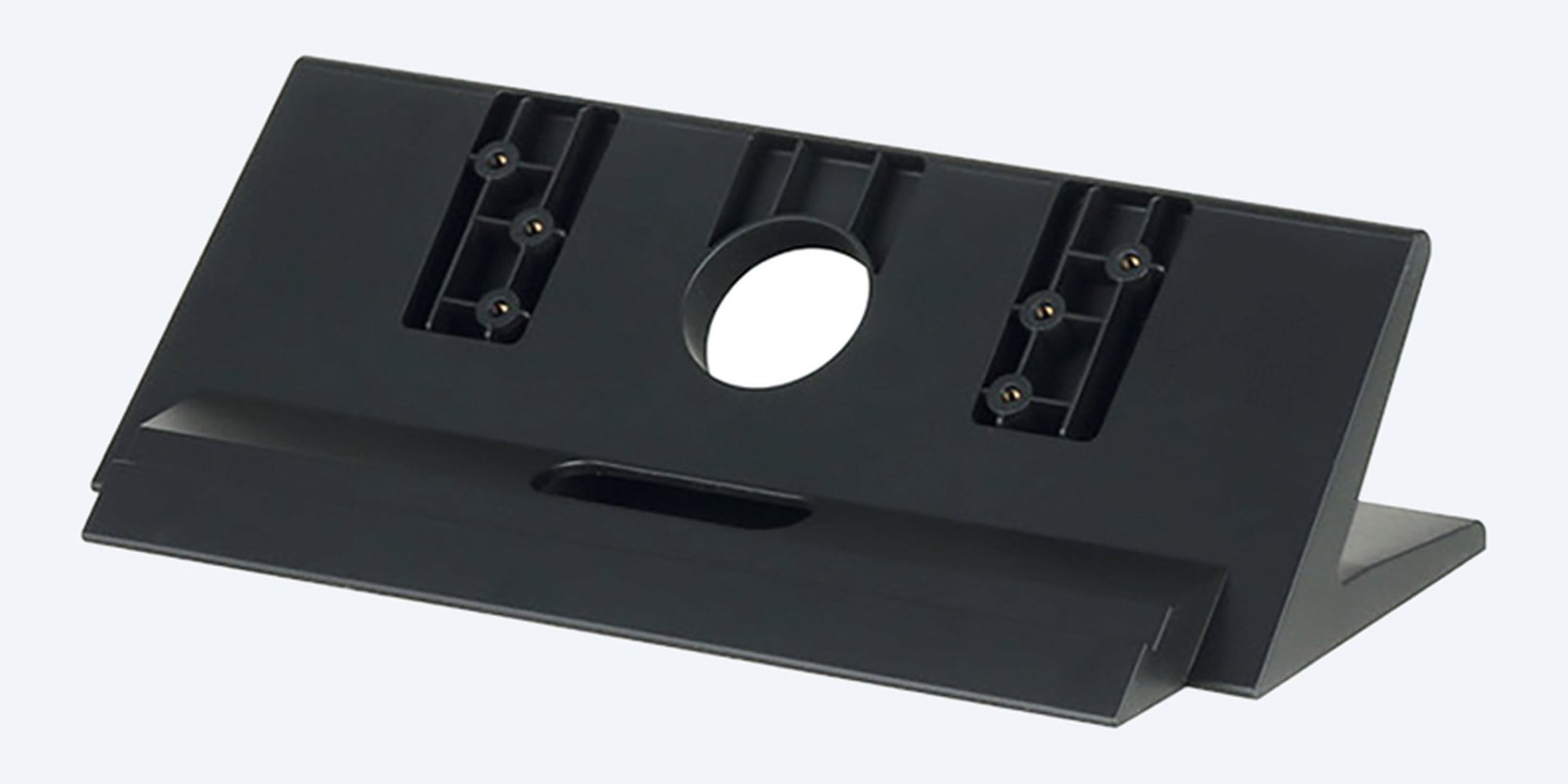
The VIP Vision INTIPMONDH-B is the desktop stand for VIP Vision's Residential Series handset intercom monitors. The monitor sits at a 45° angle on a desk, bench or reception counter instead of on the wall, like a desk phone with a screen.
In one sentence: the VIP Vision INTIPMONDH-B is a 190 × 100 × 54 mm desktop bracket that holds a VIP Vision INTIPMONDBH2, INTIPMONDWH2, INTIPMONDBH or INTIPMONDWH handset monitor at a 45° angle.
Bracket only. The monitor is separate.
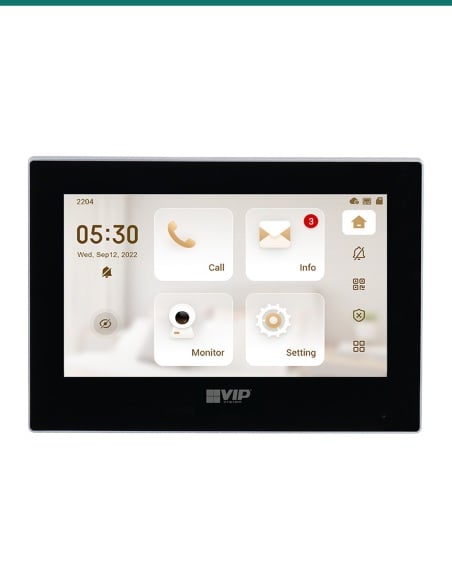
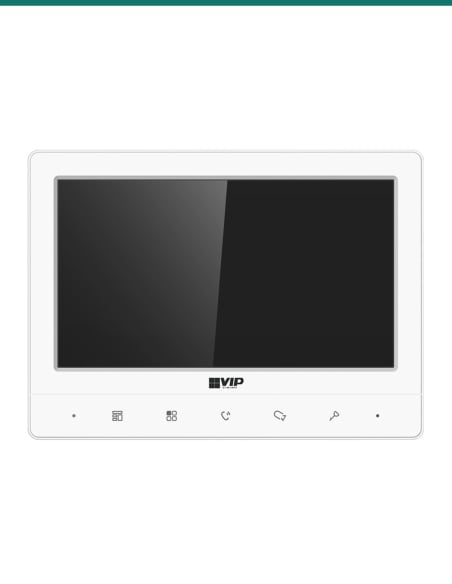
VIP Vision lists this bracket for its 7" handset monitors only: INTIPMONDBH2, INTIPMONDWH2 and the earlier INTIPMONDBH and INTIPMONDWH. It doesn't suit the INTIPMONKB or INTIPMONKW touchscreen monitors. VIP Vision doesn't publish the box contents, so ask us if you need to know what screws come with it.
In the box- INTIPMONDH-B desktop mount bracket
You also need- A VIP Vision handset monitor: INTIPMONDBH2 (black) or INTIPMONDWH2 (white)
- A network cable to the desk, with PoE (802.3af) or a 12 VDC 1 A supply for the monitor
For desks, counters and bedside tables.
Not every room has a good wall for an intercom. On the INTIPMONDH-B the handset monitor stands on a reception desk, office desk or bench, tilted back so the screen faces the person sitting at it, and the handset lifts off like a phone. The cable runs out the back or underneath.
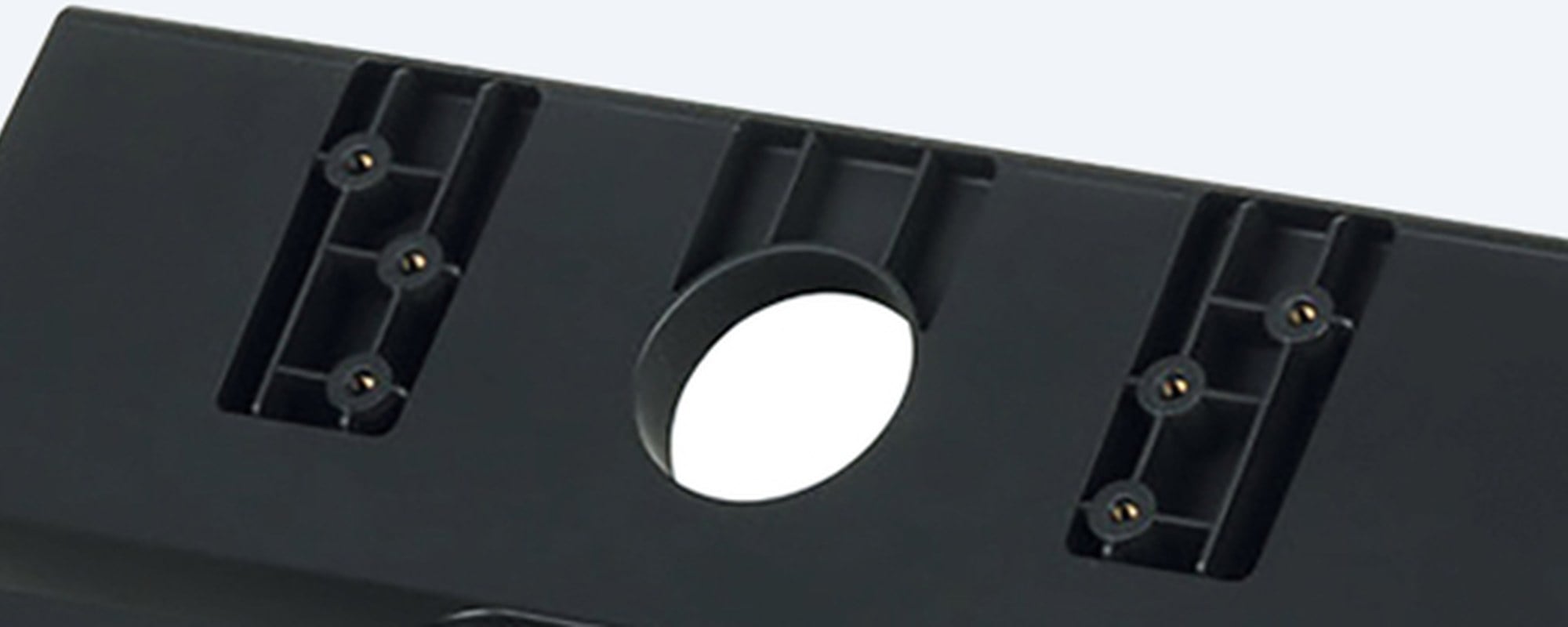
Mounting face
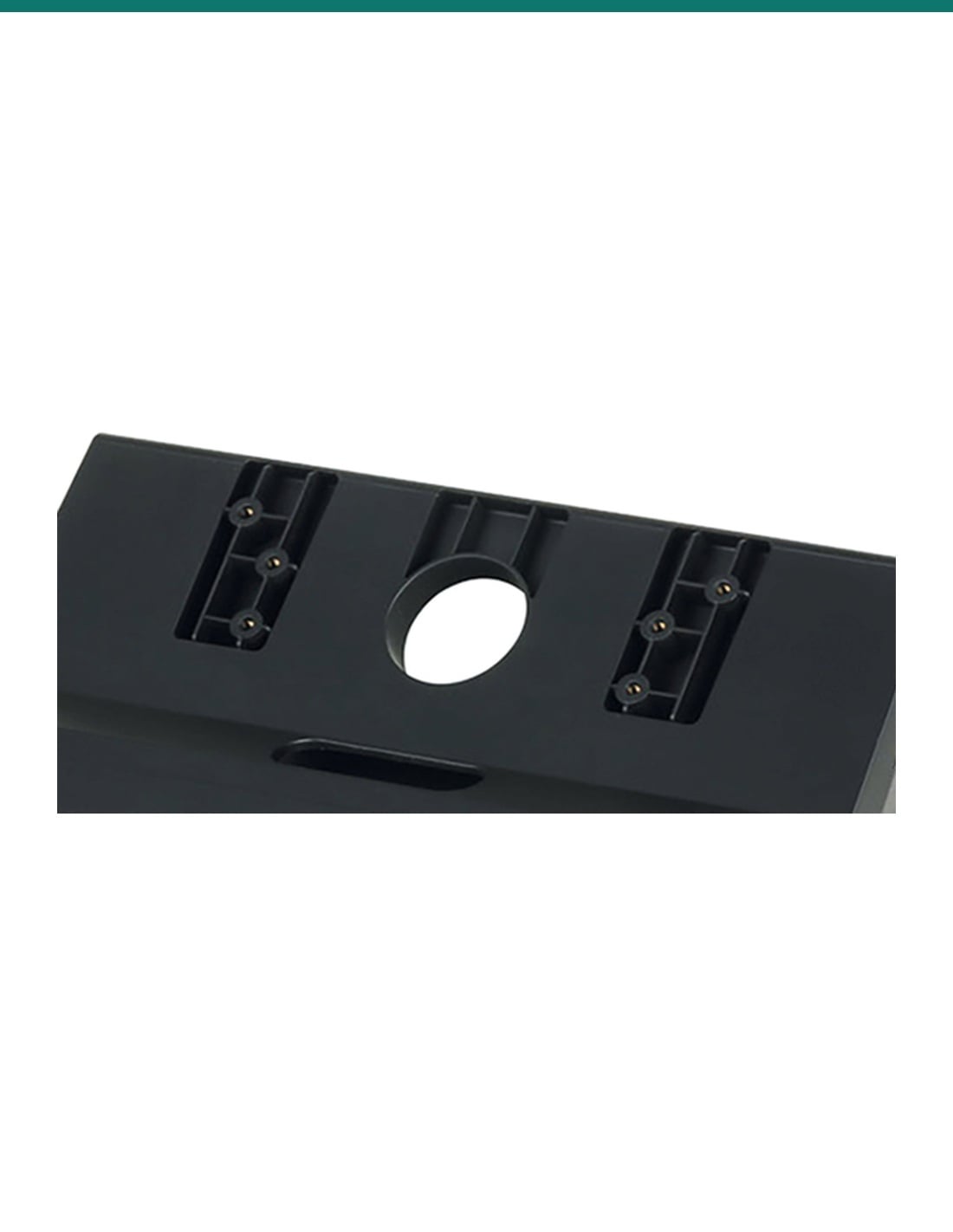
Screw rails and a cable hole.
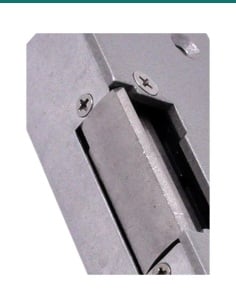
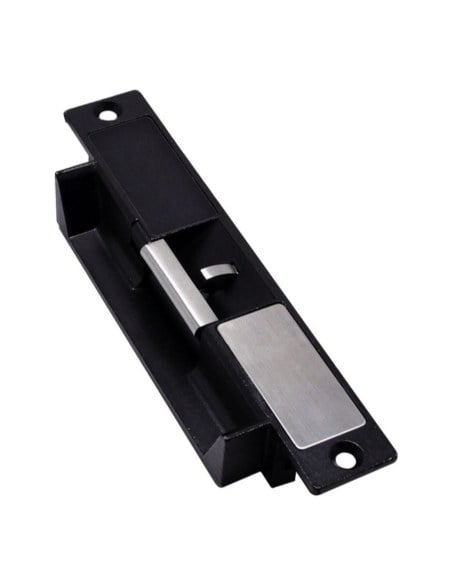
The angled face has two screw rails and a round hole in the middle for the monitor's cable. A slot along the front lip gives a second way out for the cable.
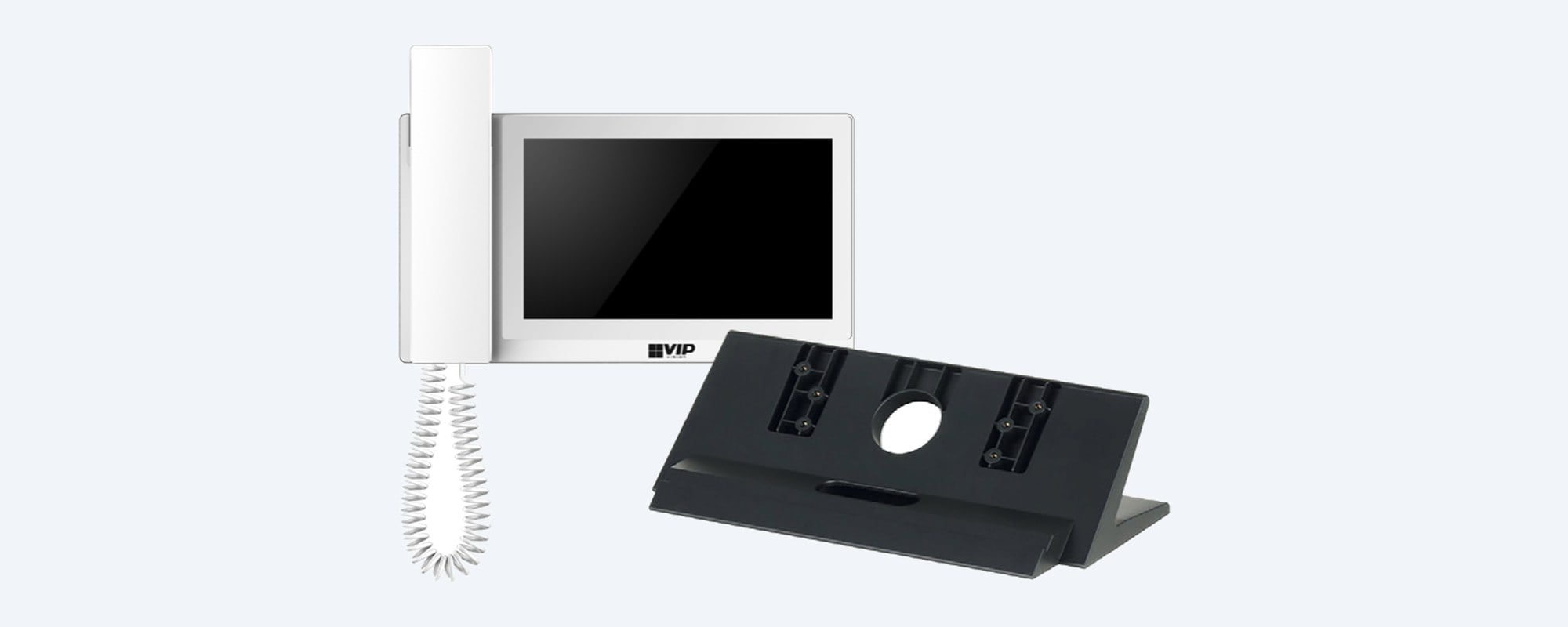
Made for the handset monitors
Listed on the monitor's datasheet.
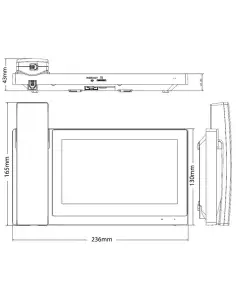
VIP Vision's INTIPMONDWH2 / INTIPMONDBH2 datasheet lists the INTIPMONDH-B as the monitors' optional desktop bracket. The monitor is 236 × 166 × 42 mm and weighs 0.90 kg.
How it goes together
Plate, monitor, cable, desk.
01
Fix the metal plate
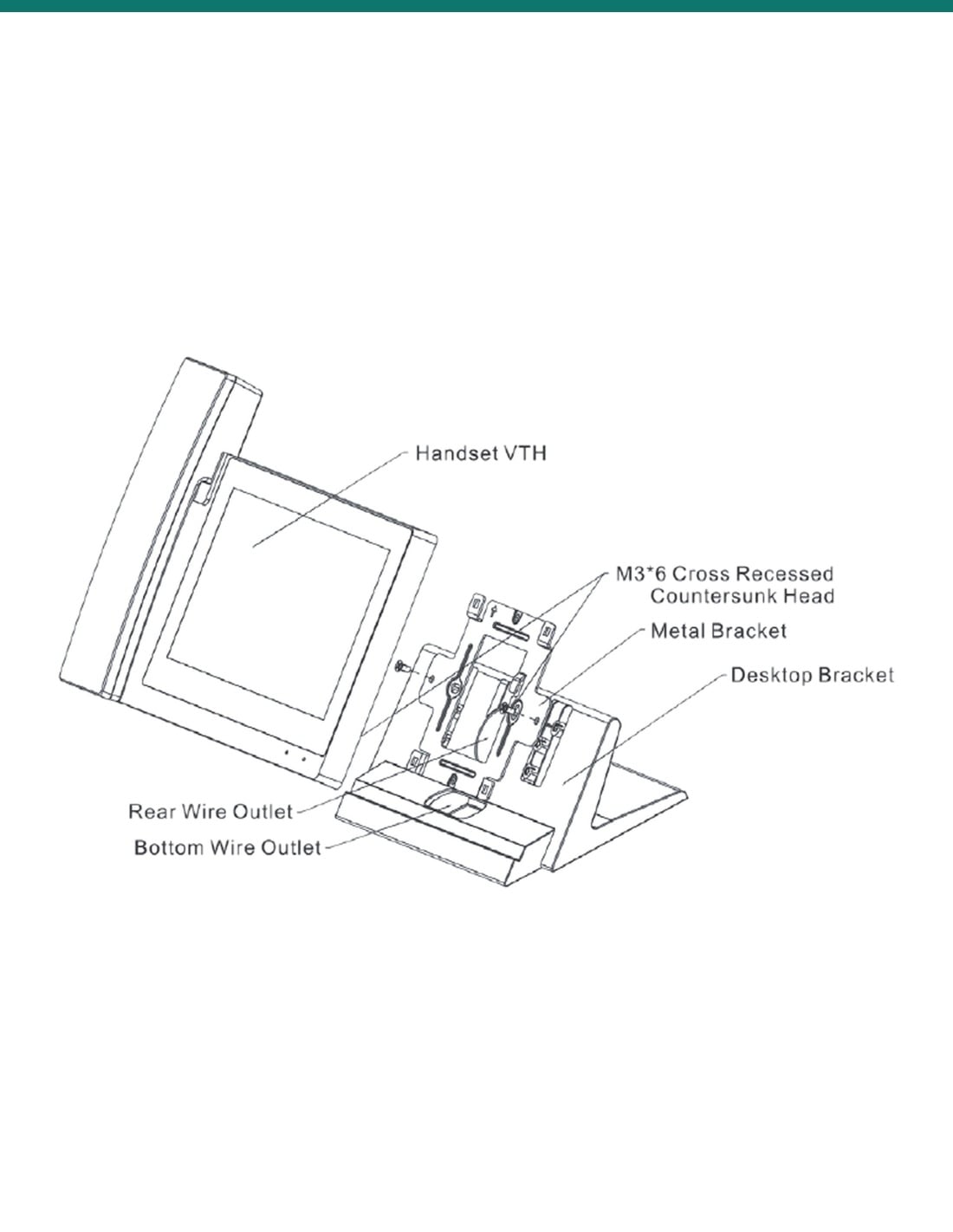
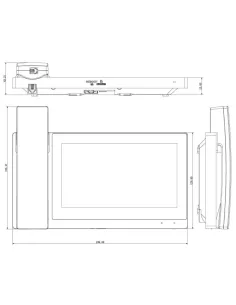
VIP Vision's drawing fixes a metal bracket to the desktop bracket with M3 × 6 countersunk screws.
02
Run the cable
Bring the network cable out through the rear wire outlet or the bottom wire outlet, whichever suits the desk.
03
Hang the monitor
Connect the cable and hang the handset monitor on the metal bracket.
04
Place and test
Stand it on a flat surface out of direct sun and water, then test a call from the door station.
At a glance
INTIPMONDH-B
Show specs
Type
Desktop mount bracket for a handset intercom monitor
Suits
VIP Vision INTIPMONDBH2, INTIPMONDWH2, INTIPMONDBH, INTIPMONDWH
Doesn't suit
INTIPMONKB / INTIPMONKW touchscreen monitors
Installation
Desktop mount
Cable exits
Rear wire outlet and bottom wire outlet
Fixings shown
M3 × 6 cross recessed countersunk screws (VIP Vision drawing)
Colour
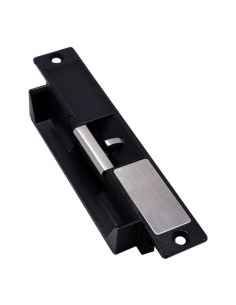
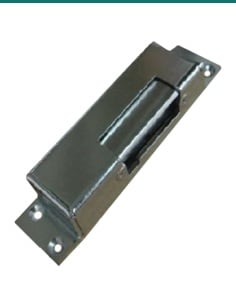
Black (VIP Vision photo)
Monitor size
236 × 166 × 42 mm, 0.90 kg (INTIPMONDBH2 / WH2)
Warranty
4 years (VIP Vision)
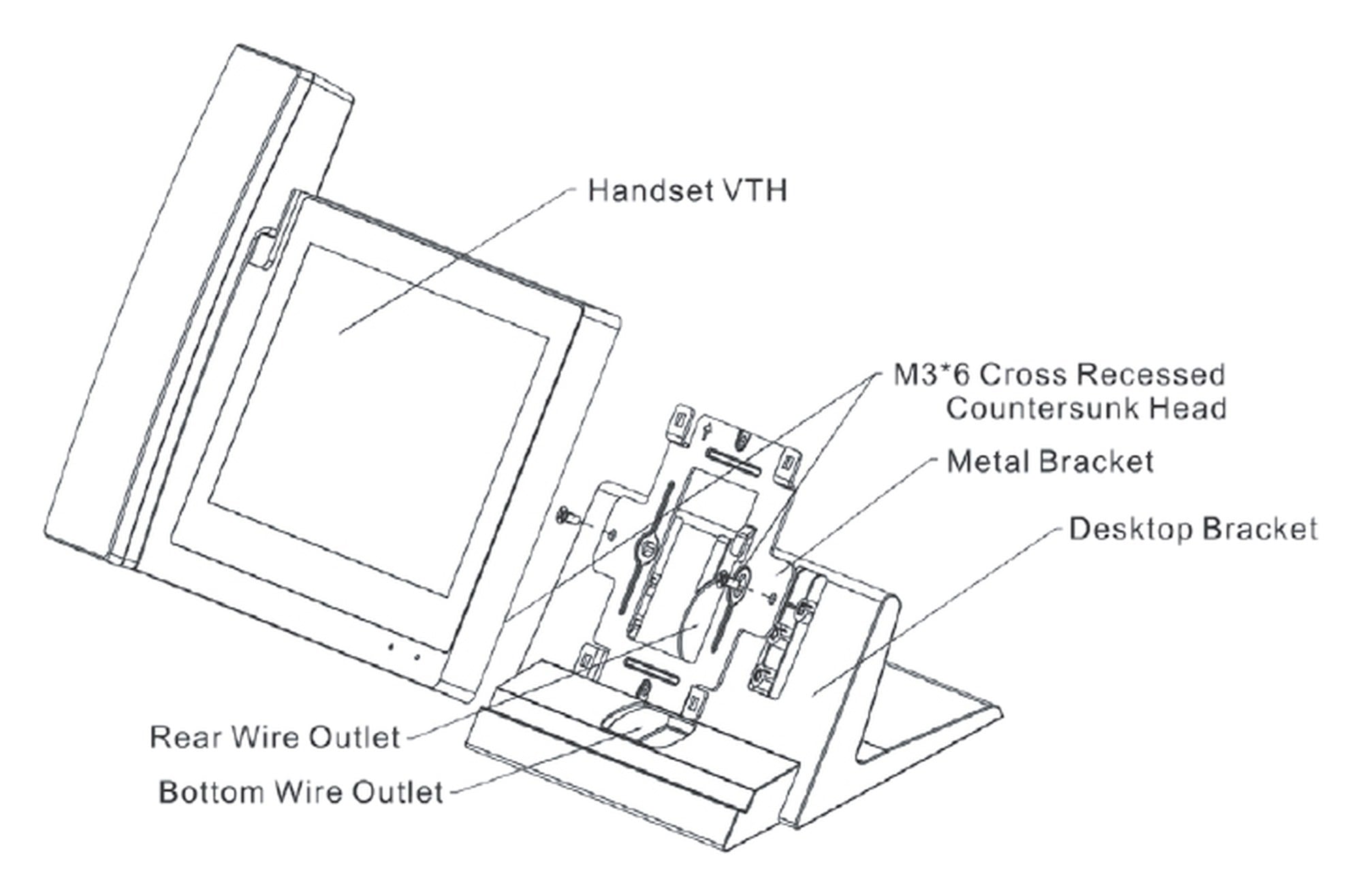
VIP Vision assembly drawing: the handset monitor hangs on the metal bracket, which screws to the desktop bracket.
Pair it with
Which monitors it fits
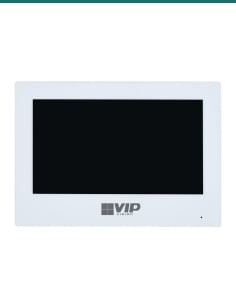
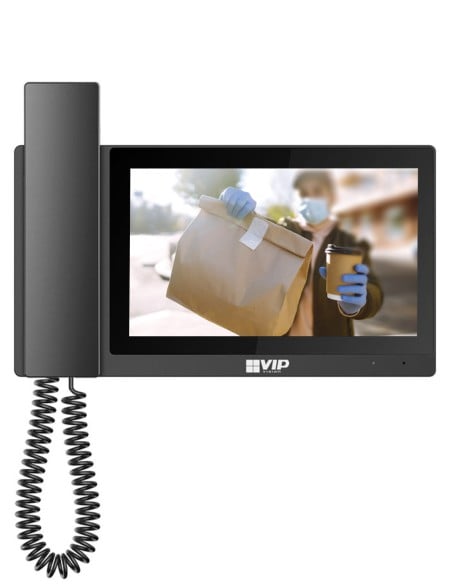
Handset monitor, black
INTIPMONDBH2
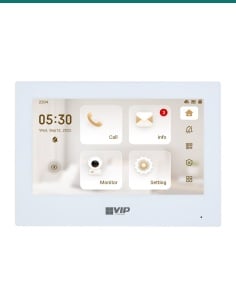
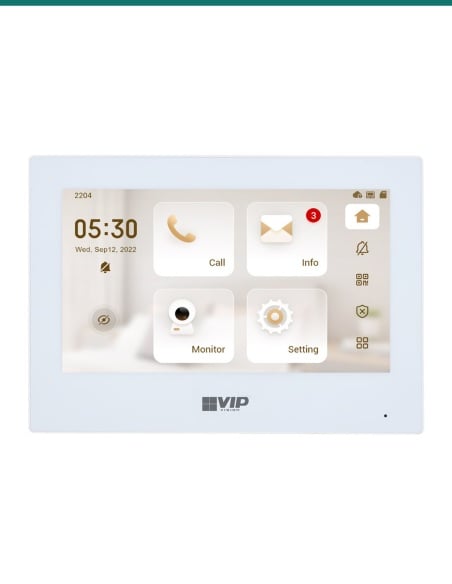
7" touchscreen with handset. VIP Vision lists this bracket as its optional desktop mount.
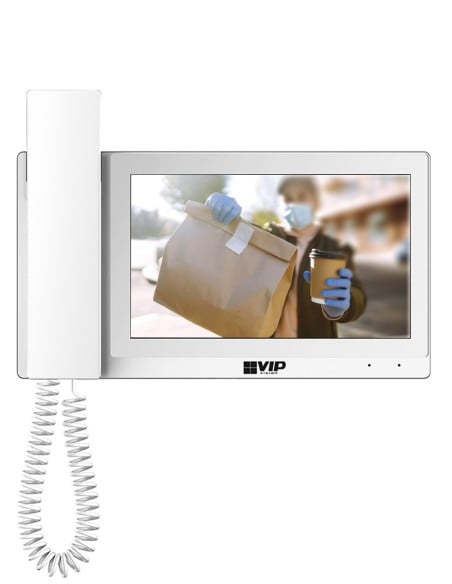
Handset monitor, white
INTIPMONDWH2
The white version, with the same optional desktop bracket on VIP Vision's datasheet.
Door station
Residential Series door station
The handset monitors are VIP Vision Residential Series IP monitors. Ask us which door station suits your entry.
Power and network
PoE switch and Cat6
The handset monitors run on PoE (802.3af) or 12 VDC 1 A, over one network cable to the desk.
Where it is used
Where a desktop monitor makes sense.
Reception desks
Answer the front door without leaving the desk.
Home offices
See who's at the gate while you work.
Bedside tables
A monitor within reach at night.
Shop counters
Let deliveries in at a rear door from the counter.
Rented homes
No holes in the wall for the monitor.
Nurses' stations
A fixed answering point on a counter.
Desktop bracket or wall mount
| INTIPMONDH-B on a desk | Monitor on the wall |
|---|
| Where it sits | Desk, counter or bench | Wall, at standing height |
| Angle | 45° dip | Flat to the wall |
| Cable | Rear or bottom wire outlet | Out of the wall behind the monitor |
| Holes in the wall | None for the monitor | Wall bracket and cable entry |
| Extra part | This bracket | None (surface mount) |
VIP Vision lists the handset monitors as surface (wall) mountable, with the INTIPMONDH-B as the optional desktop mount. Figures from VIP Vision's INTIPMONDH-B, INTIPMONDBH2 and INTIPMONDWH2 product pages and datasheet.
Common questions
Which monitors does the INTIPMONDH-B fit?
VIP Vision lists it for the INTIPMONDBH2 and INTIPMONDWH2 (the current black and white 7" handset monitors) and the earlier INTIPMONDBH and INTIPMONDWH.
Does it fit the INTIPMONKB or INTIPMONKW?
No. Those touchscreen monitors have no handset, and VIP Vision lists a different desktop bracket for them, the INTIPMON-BKT. Ask us about it.
Is the monitor included?
No. This is the bracket only. Add an INTIPMONDBH2 (black) or INTIPMONDWH2 (white) handset monitor.
What angle does it hold the monitor at?
VIP Vision gives a 45° dip angle, so the screen tilts back towards someone sitting at the desk.
How big is it?
190 × 100 × 54 mm, per VIP Vision. The handset monitor on it is 236 × 166 × 42 mm.
Where does the cable go?
VIP Vision's drawing shows two exits: a rear wire outlet and a bottom wire outlet, so the cable can run out the back or down through the desk.
How is the monitor powered on a desk?
The same as on a wall: PoE (802.3af) over the network cable, or a 12 VDC 1 A supply, per VIP Vision's monitor datasheet.
How does the monitor attach?
VIP Vision's drawing shows the monitor hanging on a metal bracket that is screwed to the desktop bracket with M3 × 6 countersunk screws.
What colour is it?
Black, as in VIP Vision's photo. VIP Vision lists the same bracket for the black and the white monitors.
Can I still wall mount the monitor later?
Yes. VIP Vision lists the handset monitors as surface mountable; the desktop bracket is an option.
Does it screw to the desk?
VIP Vision doesn't say. It is a free-standing desktop mount on its photos; ask us if you need it fixed down.
What warranty does it have?
VIP Vision lists a 4 year warranty for the INTIPMONDH-B.
Supported by InFront Technologies.
Setting up a desk intercom? Call 1300 736 970 or email [email protected] with your monitor model. VIP Vision's handset monitor datasheet, which lists this bracket, and its intercom product guide are on the Attachments tab.
Installation and safety
Placement. Indoors on a flat, dry surface, away from direct sun, heat and spills. Keep the handset cord and network cable clear of chairs and feet.
Cabling. Concealed data cabling to the desk is customer cabling under AS/CA S009 and needs an ACMA-registered cabler.
Mains. Any mains wiring, including a new power point for a PoE switch, must be done by a licensed electrician.
What it does not do. It holds the monitor only: no power, no cabling and no network parts are included.
Figures. From VIP Vision's INTIPMONDH-B, INTIPMONDBH2 and INTIPMONDWH2 product pages, its INTIPMONDWH2 / INTIPMONDBH2 datasheet, its assembly drawing and its 2019 intercom product guide.