There are no more items in your cart
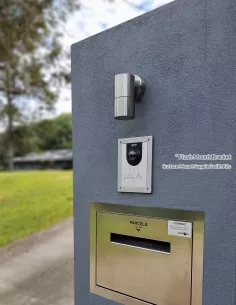
In Stock - Ready to Ship


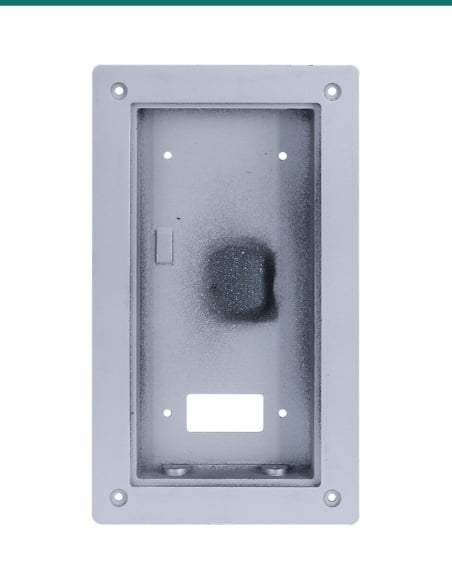
VIP Vision INTIPRDSGFB: the two-piece flush mounting box that sets an INTIPRDSG door station into the wall.
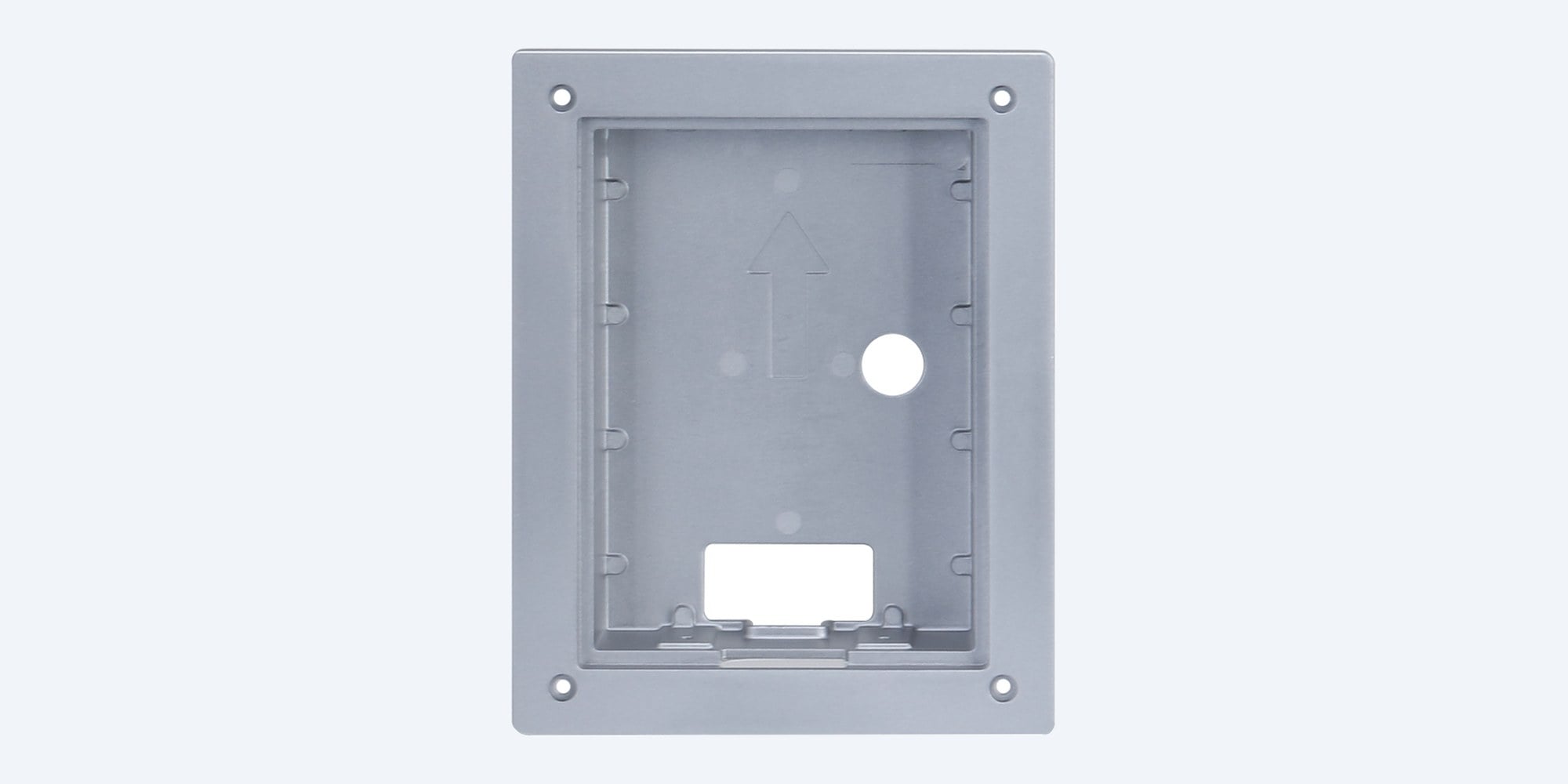
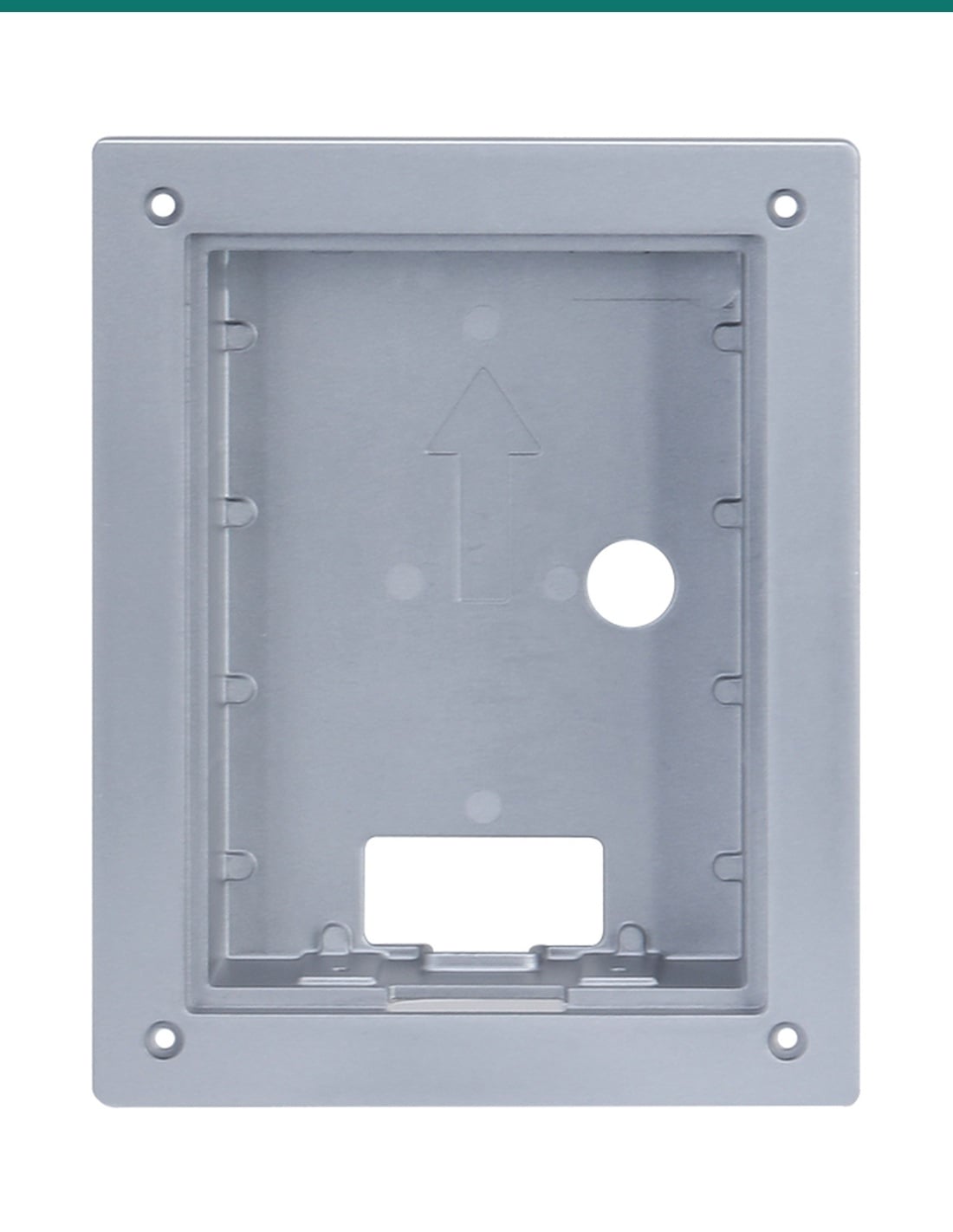
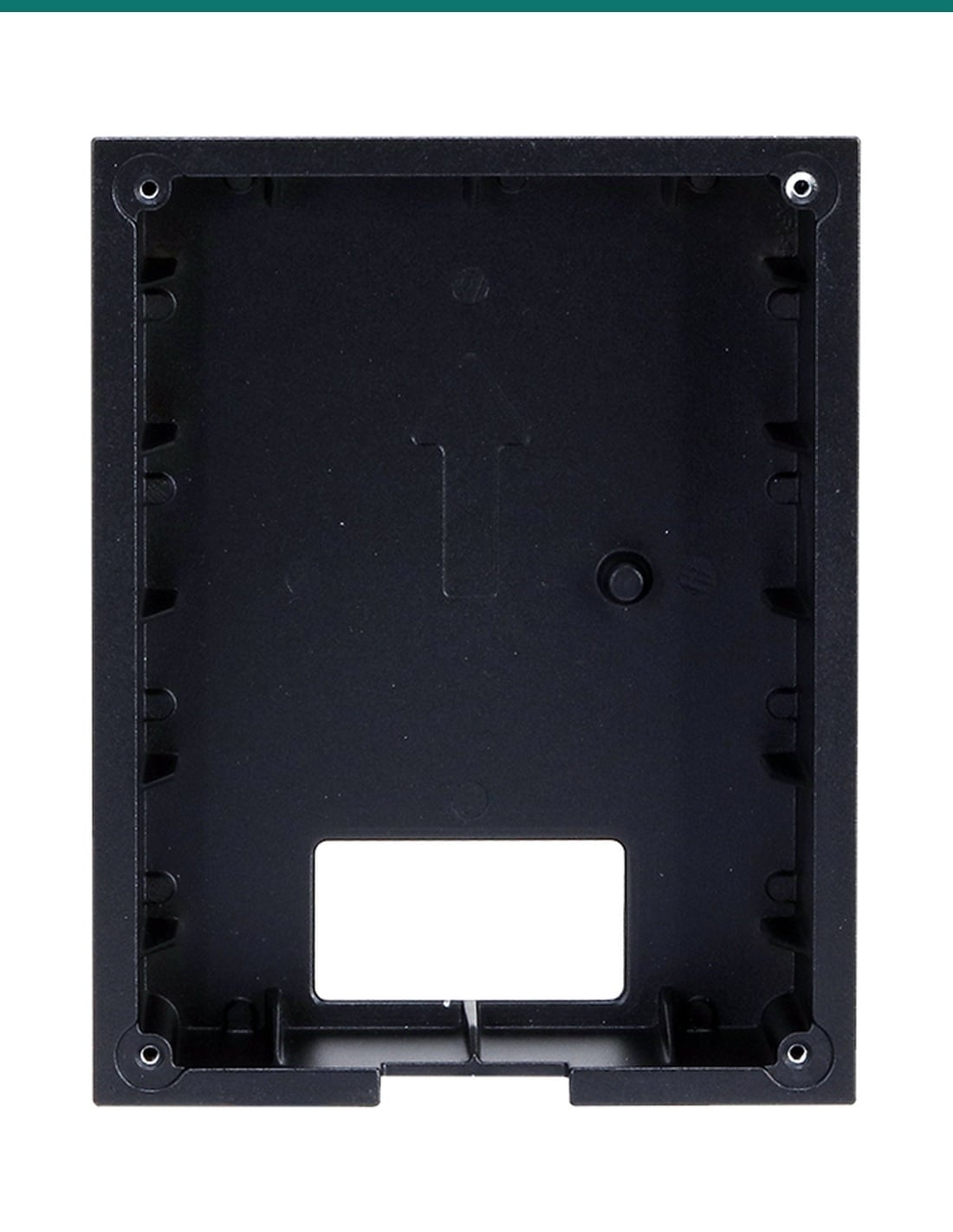
The VIP Vision INTIPRDSGFB is the flush mounting box for VIP Vision's INTIPRDSG door station. A plastic back box goes into the wall and a metal front box finishes the opening, so the door station sits flat in a neat frame.
In one sentence: the VIP Vision INTIPRDSGFB is a two-piece flush mounting box for the INTIPRDSG door station only: a 128.9 × 162.9 × 34.5 mm metal front box and a 123 × 157 × 35 mm plastic back box.
Mounting box only. The door station is separate.
VIP Vision makes this box for the INTIPRDSG door station only. It won't suit other door stations. Cut the wall opening to VIP Vision's sizes below.
On its own the INTIPRDSG mounts on a surface box and stands off the wall. With the flush box, the back box sits inside the wall and the metal frame finishes the opening, so only the door station face and a slim frame show. It suits new builds, rendered gate pillars and renovations where the wall can be opened.
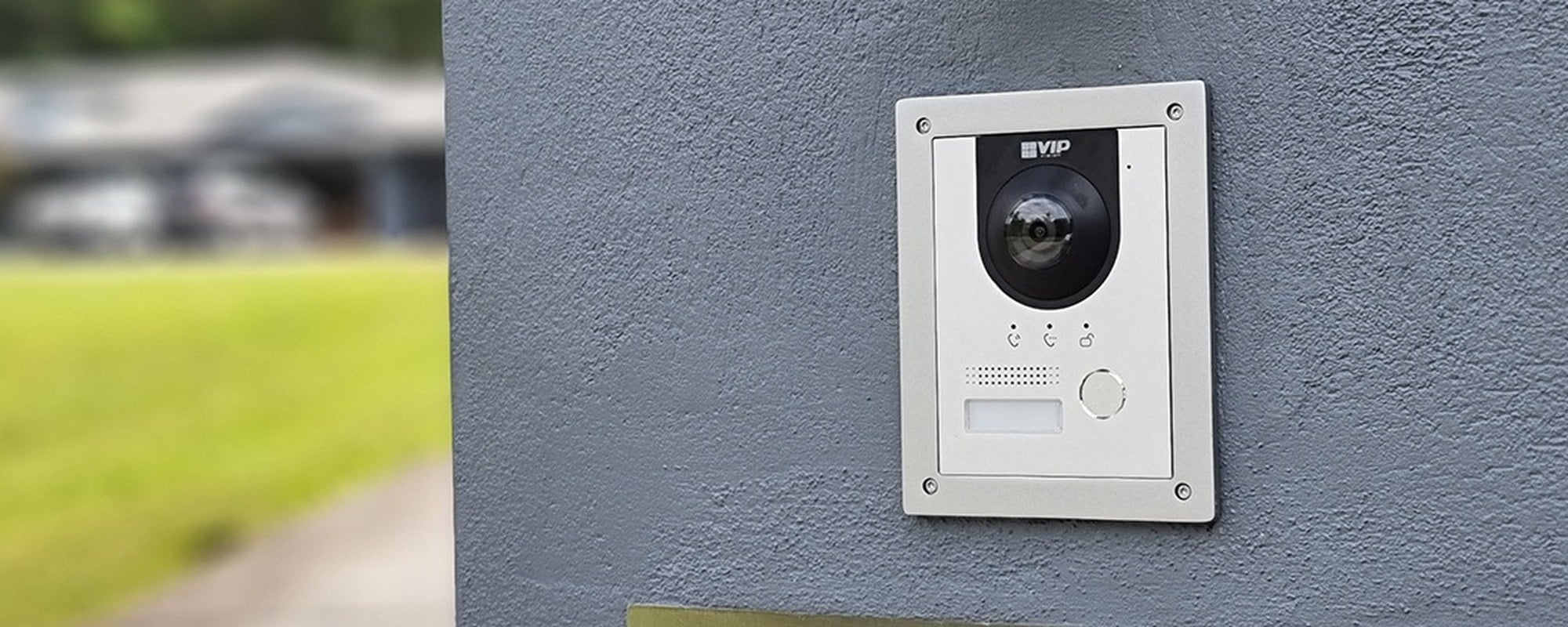
Fitted
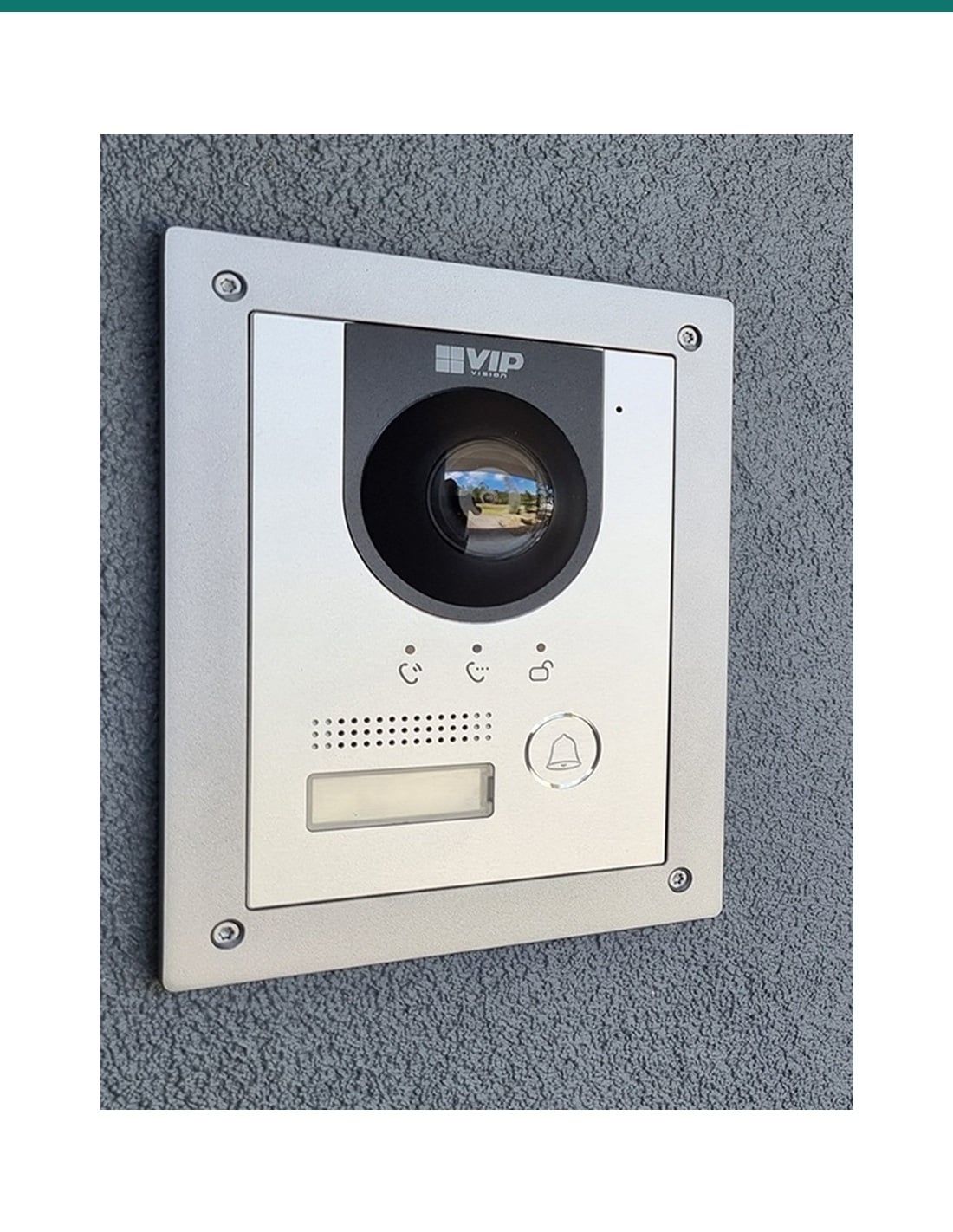
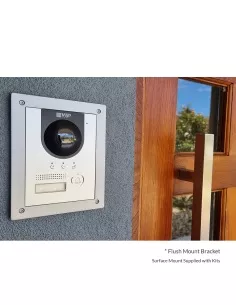
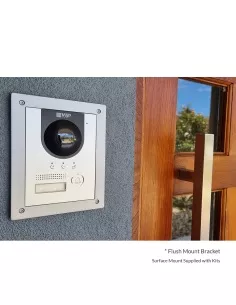
An INTIPRDSG flush mounted in a rendered pillar. The metal front box frames the door station and is held by four corner screws. VIP Vision recommends a sheltered spot, as only the door station's front plate is weather resistant.
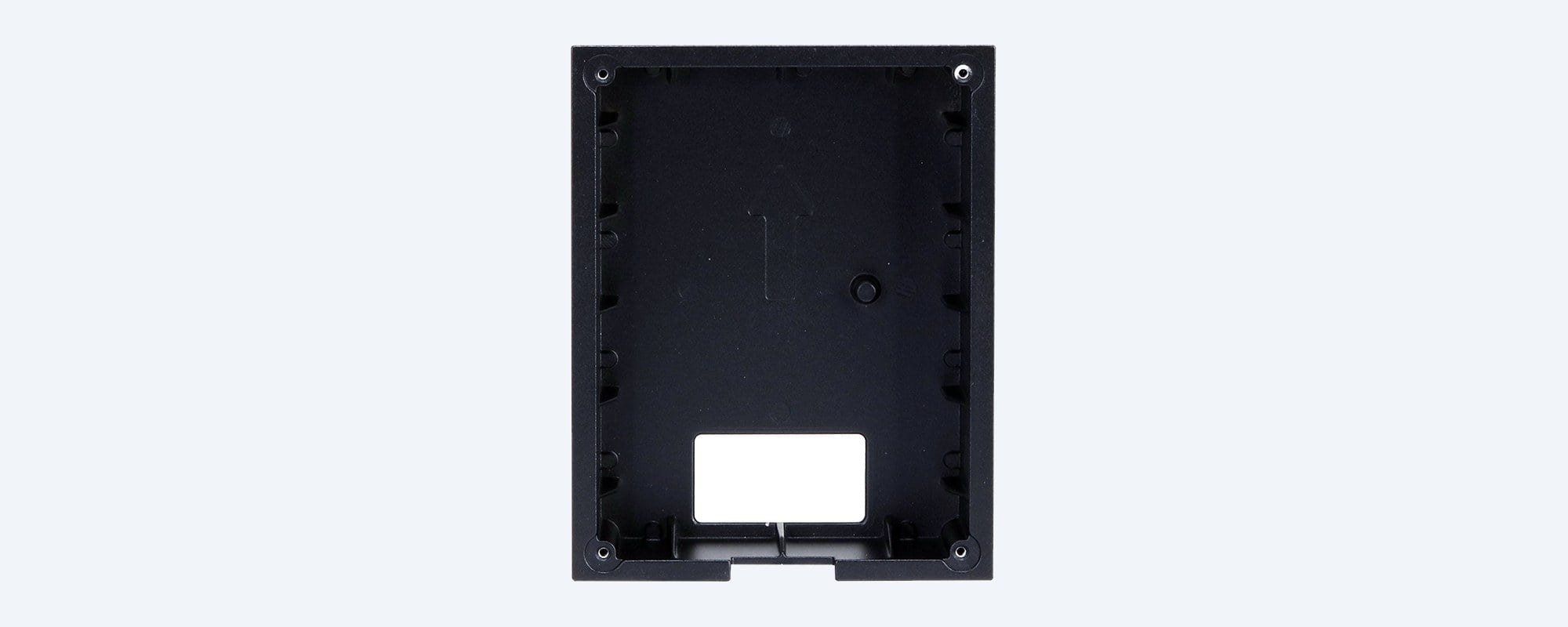
Back box
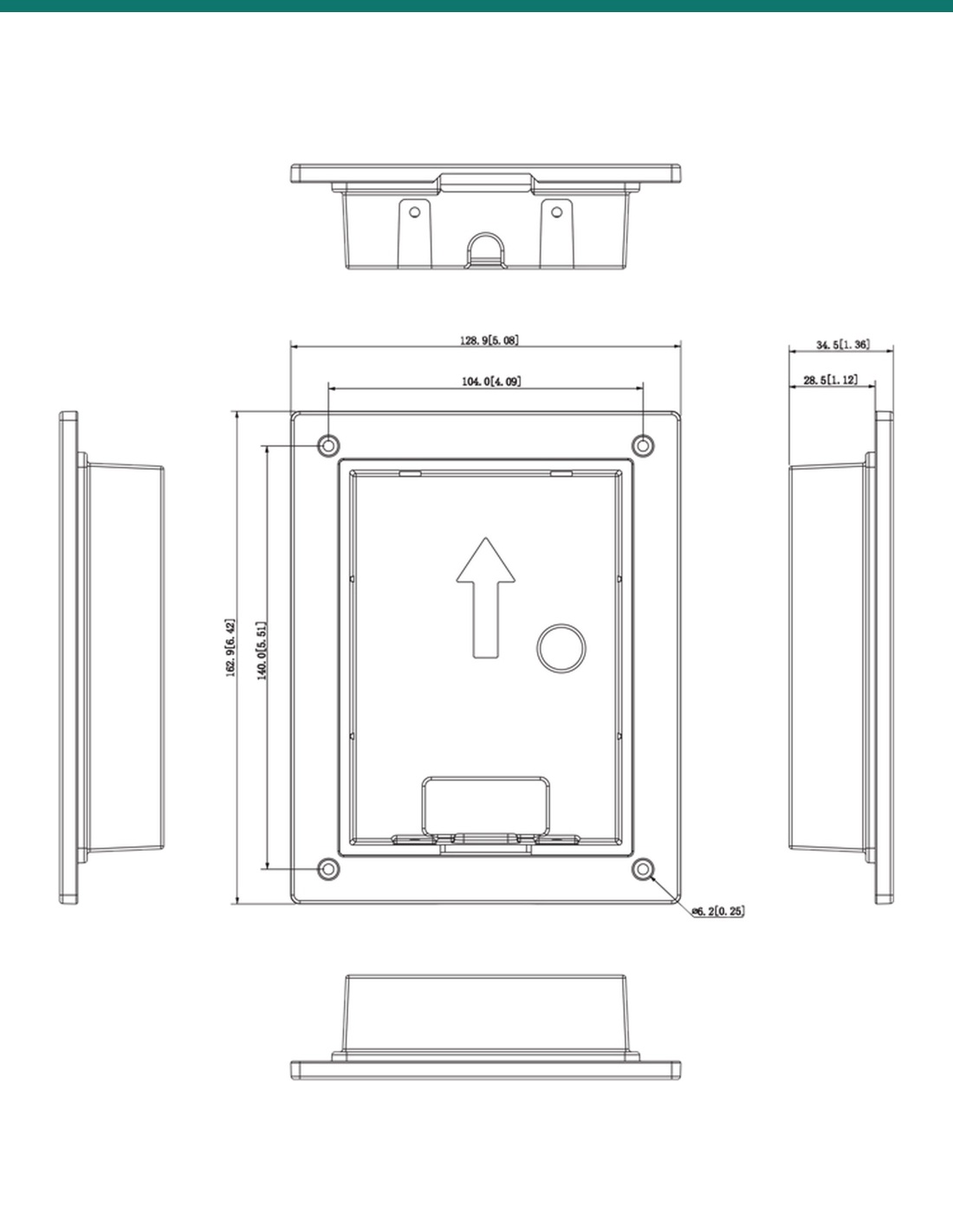
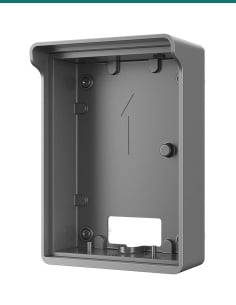
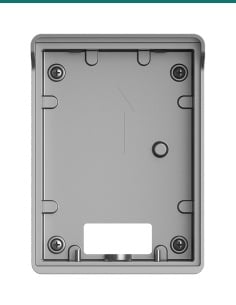
The plastic back box is 123 × 157 mm and 35 mm deep. It has the same 104 × 140 mm screw centres as the front box and an opening at the bottom for the cable.
Assembly
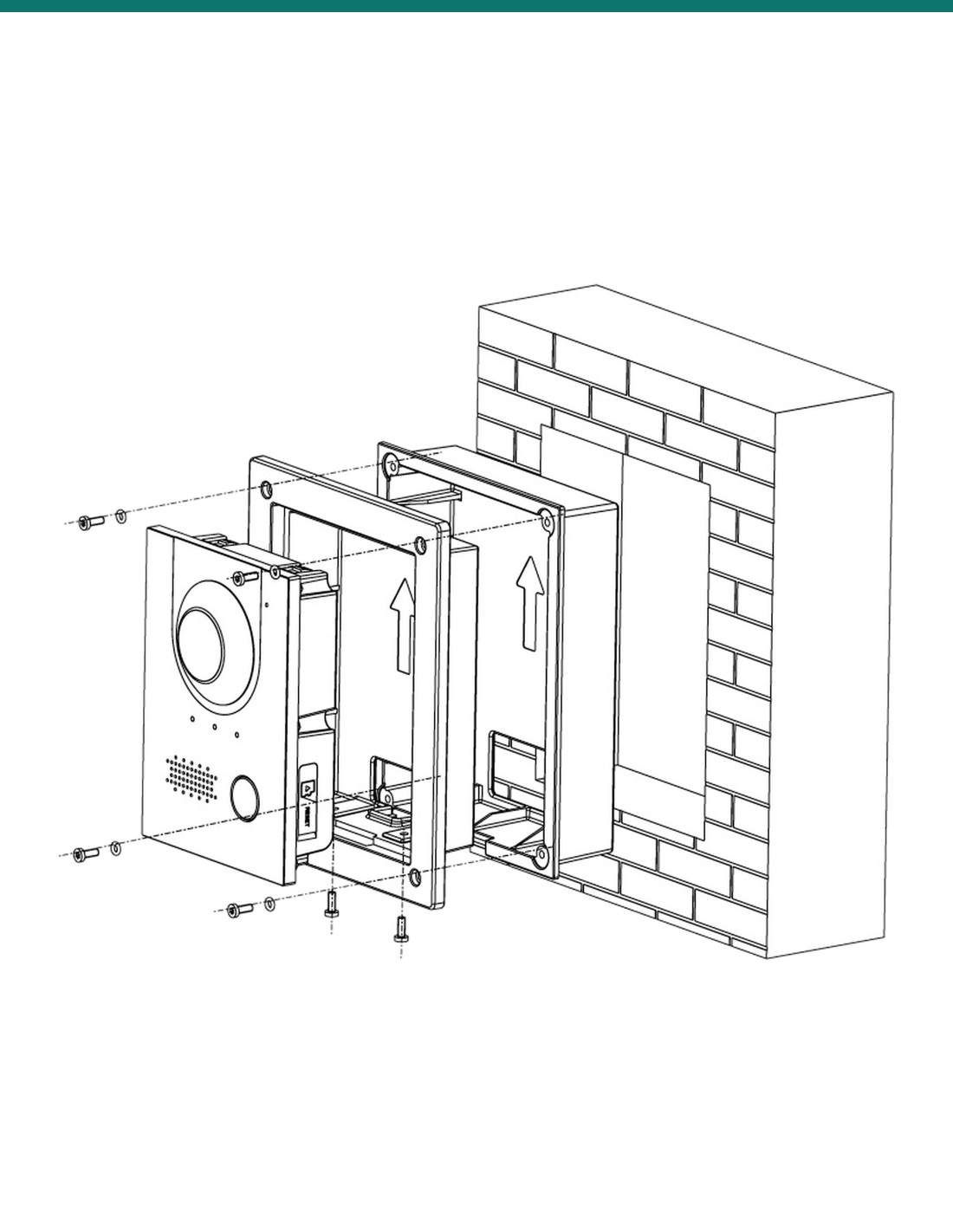
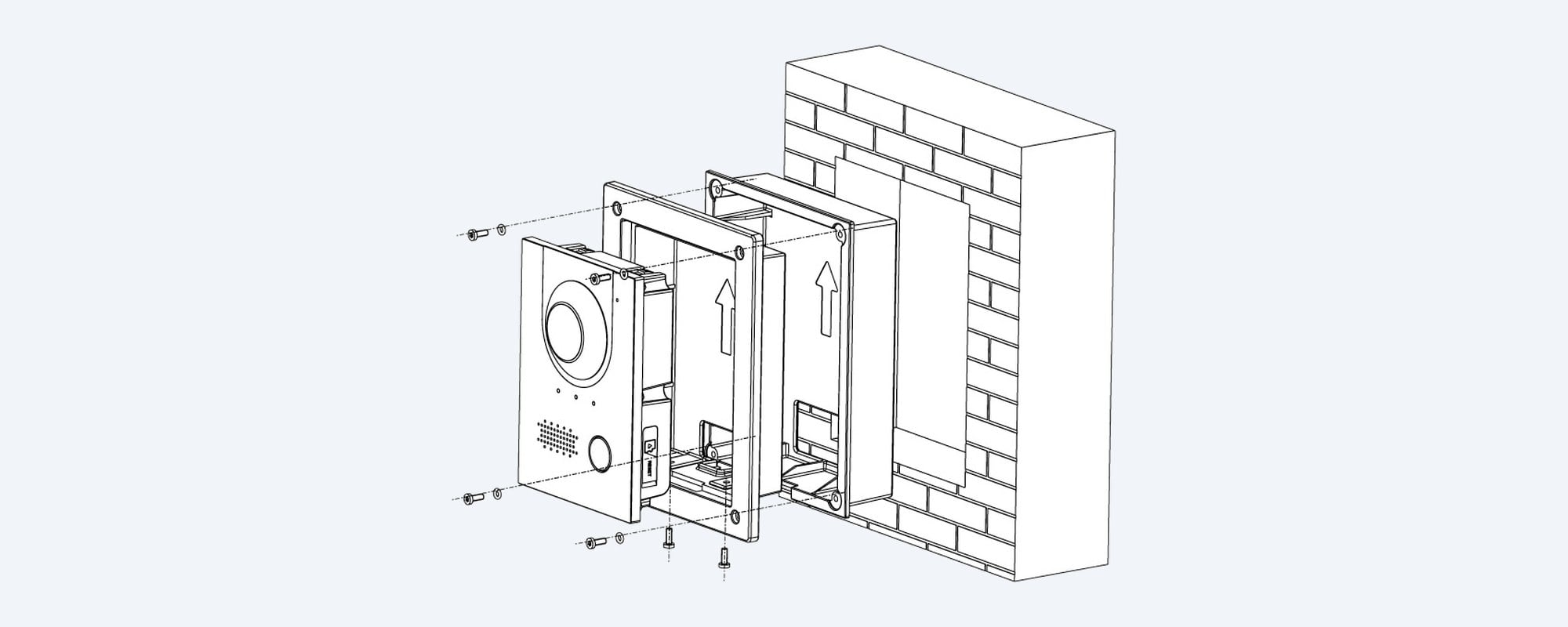
VIP Vision's drawing sets the back box into the wall, screws the front box over it through its four corner holes, then seats the door station in the front box and secures it with two screws underneath.
How it goes in
01
Pick a sheltered spot. Cut an opening larger than 113 × 149 mm and smaller than 123 × 157 mm, 35 mm deep, and bring the Cat5e/Cat6 cable to it.
02
Fit the plastic back box into the opening with its arrow pointing up and the cable through the bottom opening.
03
Screw the metal front box on through its four corner holes. VIP Vision's manual says to seal the box and use the rubber seals on the screws.
04
Connect the cable, seat the INTIPRDSG in the front box and fit the two screws underneath. Seal the cable hole.
At a glance
Show specs
Type
Two-piece flush mounting box for an IP door station
Suits
VIP Vision INTIPRDSG door station only (listed as INTIPRDSG-FB on the INTIPRDSG3 and INTIPRDSG-P datasheets)
Front box
Metal, 128.9 × 162.9 × 34.5 mm
Back box
Plastic, 123.0 × 157.0 × 35.0 mm
Screw centres
104 × 140 mm (VIP Vision drawing)
Wall opening
Larger than 113 × 149 mm and smaller than 123 × 157 mm, 35 mm deep
Door station size
130 × 96 × 29 mm (INTIPRDSG)
Sealing
Seal the box and the cable hole, use the rubber seals on the screws (VIP Vision manual)
Surface alternative
INTIPRDSGSB2 surface mounting box
Warranty
4 years (VIP Vision)
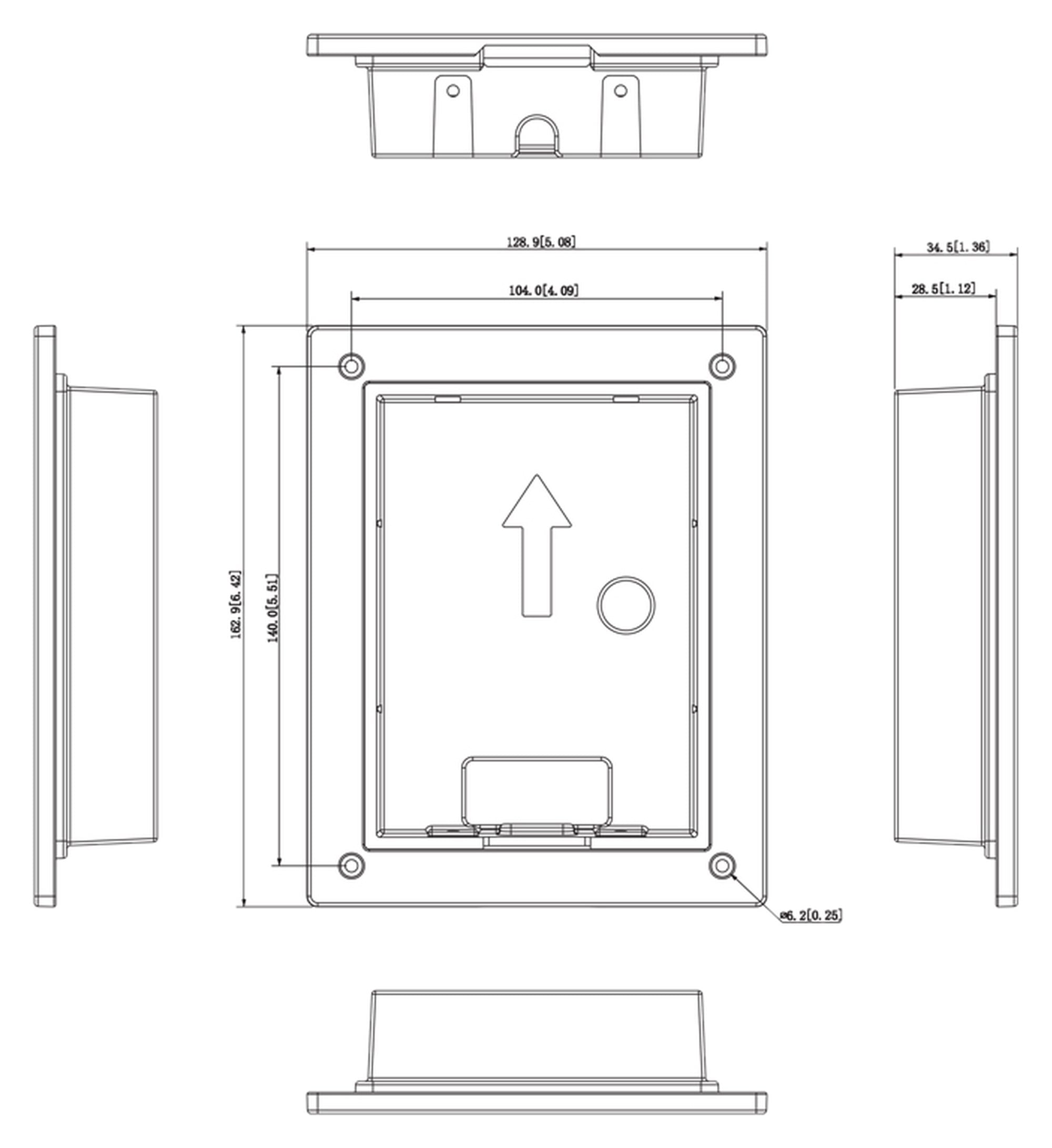
VIP Vision dimension drawing of the front box, mm: front, top, bottom and side views.
Pair it with
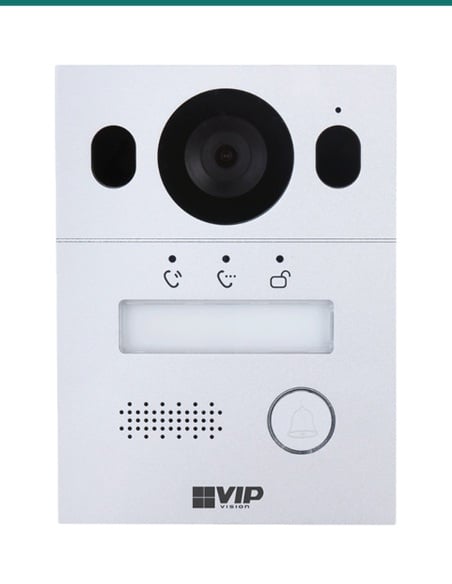
Door station
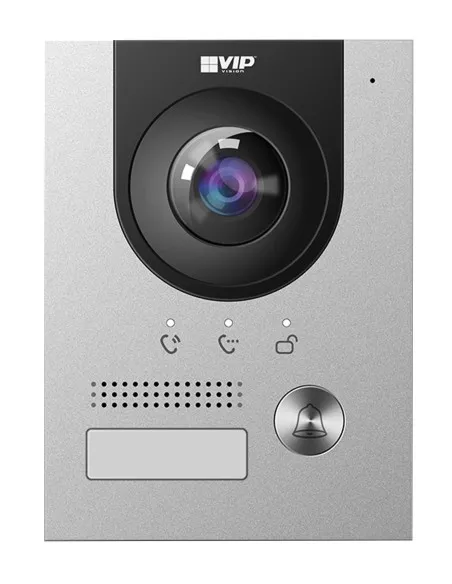
VIP Vision's 2 MP aluminium door station, Gen 3. Its datasheet lists this flush box as its flush mount.
On the wall
VIP Vision's surface mounting box for the same door station, when the wall can't be opened.
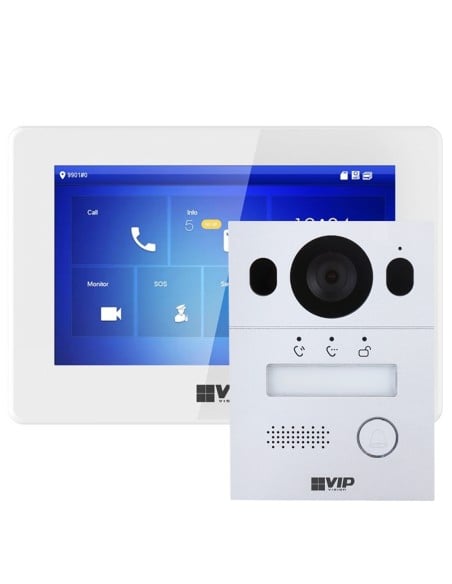
Indoor monitor
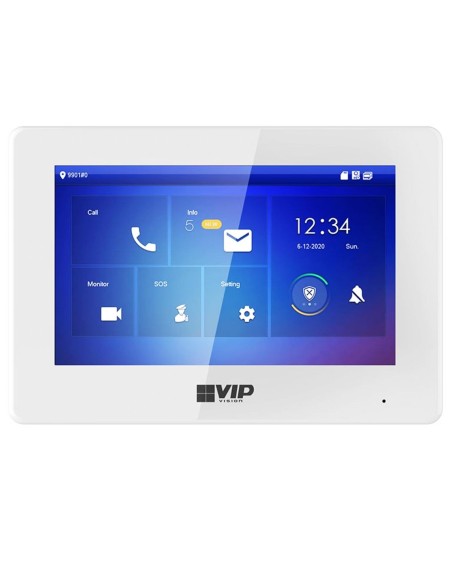
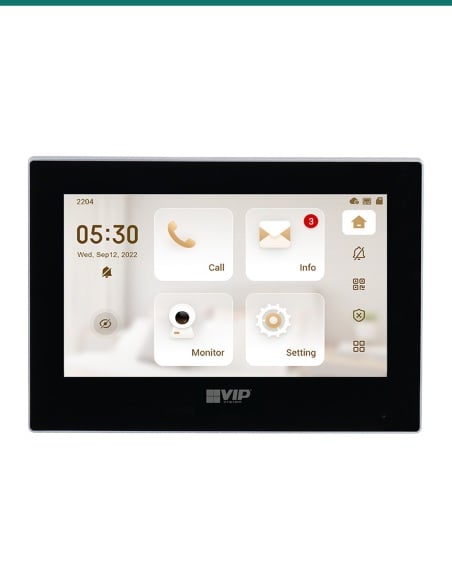
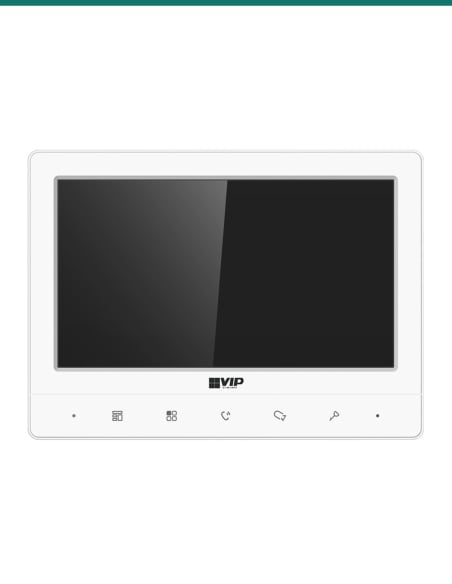
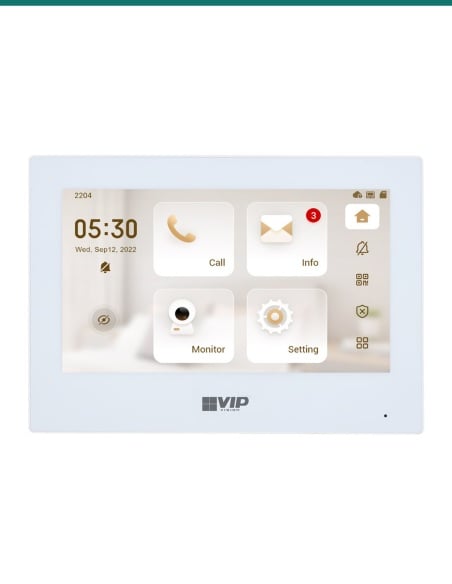
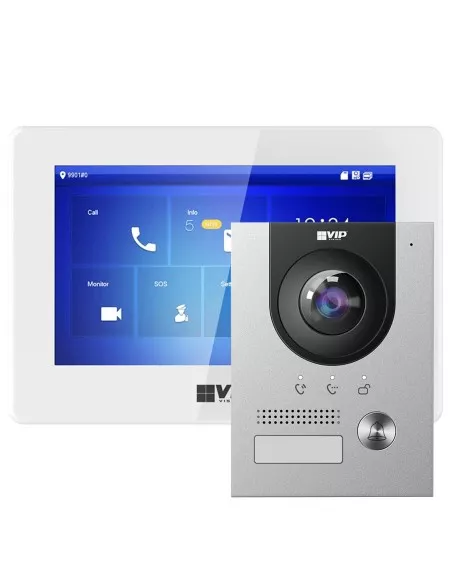
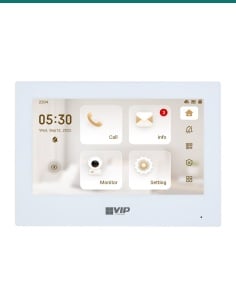
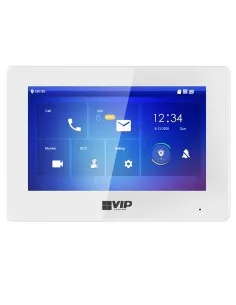
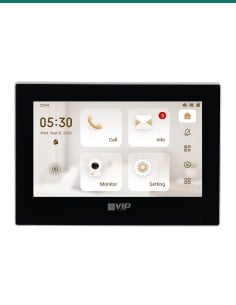
The 7" touchscreen monitors, black or white, that VIP Vision sells with its door stations.
Cabling
The INTIPRDSG3 runs on PoE (802.3af) or 48 VDC, over one network cable.
Where it is used
Rendered or block pillars with room for a 35 mm deep box.
Beside the front door, under an eave or porch.
Openings cut before the wall is finished.
Swapping a surface door station for a neater finish.
A tidy, matching entry for each home.
Visitor entries where a flat front matters.
| INTIPRDSGFB (this box) | INTIPRDSGSB2 | |
|---|---|---|
| Mounting | Flush, into the wall | Surface, on the wall |
| Size | 128.9 × 162.9 × 34.5 mm front box, 123 × 157 × 35 mm back box | 141.1 × 101.6 × 48.5 mm |
| Material | Metal front box, plastic back box | Aluminium alloy |
| Suits | INTIPRDSG only | INTIPRDSG only |
| Warranty | 4 years | 4 years |
Choose the flush box when the wall can be opened, the surface box when it can't. Figures from VIP Vision's INTIPRDSGFB and INTIPRDSGSB2 product pages.
The VIP Vision INTIPRDSG only. VIP Vision's INTIPRDSG3 (Gen 3) and INTIPRDSG-P datasheets list it as their flush box mount, under the code INTIPRDSG-FB.
Larger than 113 × 149 mm and smaller than 123 × 157 mm (width × height), and 35 mm deep, per VIP Vision.
Two parts: a metal front box (128.9 × 162.9 × 34.5 mm) and a plastic back box (123 × 157 × 35 mm). The door station is sold separately.
No. This is the mounting box only. Add an INTIPRDSG door station such as the INTIPRDSG3.
No. VIP Vision makes it for the INTIPRDSG only. Other VIP Vision door stations, such as the INTIPRDSD, use a different box; ask us for the right one.
No. VIP Vision recommends mounting door stations in a sheltered spot, as only the front plate is weather resistant. Seal the box, the screws and the cable hole.
The front box and back box both have screw centres of 104 × 140 mm on VIP Vision's drawings.
The back box is 35 mm deep, so the wall or pillar needs at least that much depth behind the face.
Yes. VIP Vision makes the INTIPRDSGSB2 surface mounting box for the same door station, for walls that can't be opened.
With the arrow on the back box pointing up, and the cable opening at the bottom, as on VIP Vision's drawing.
VIP Vision's installation drawing shows the door station seated in the front box and held by two screws underneath.
VIP Vision lists a 4 year warranty for the INTIPRDSGFB.
Planning a flush door station? Call 1300 736 970 or email [email protected] with your door station model and wall type. VIP Vision's INTIPRDSG3 datasheet, which lists this flush box, is on the Attachments tab.
Water. VIP Vision recommends a sheltered location. Seal the mounting box, the screws and the cable hole as its manual says.
Cutting walls. Check for cables, pipes and reinforcement before cutting, and keep to VIP Vision's opening sizes.
Cabling. Concealed data cabling to the door station is customer cabling under AS/CA S009 and needs an ACMA-registered cabler.
Power. Any mains wiring, including a new power point for a PoE switch or a lock supply, must be done by a licensed electrician.
Figures. From VIP Vision's INTIPRDSGFB, INTIPRDSGSB2 and INTIPRDSG product pages, its dimension and installation drawings, the INTIPRDSG3 datasheet and VIP Vision's intercom installation manual.





Need help choosing?
Tell us about your property and we'll recommend the right cameras and recorder.
07 5609 4910Sydney 02 8814 6008
[email protected]
Mon–Fri, 9am–5pm AEST
20 related items