TP-Link · Pharos · Outdoor CPE
Link two buildings over 5 GHz.
300 Mbps, 13 dBi, passive PoE.
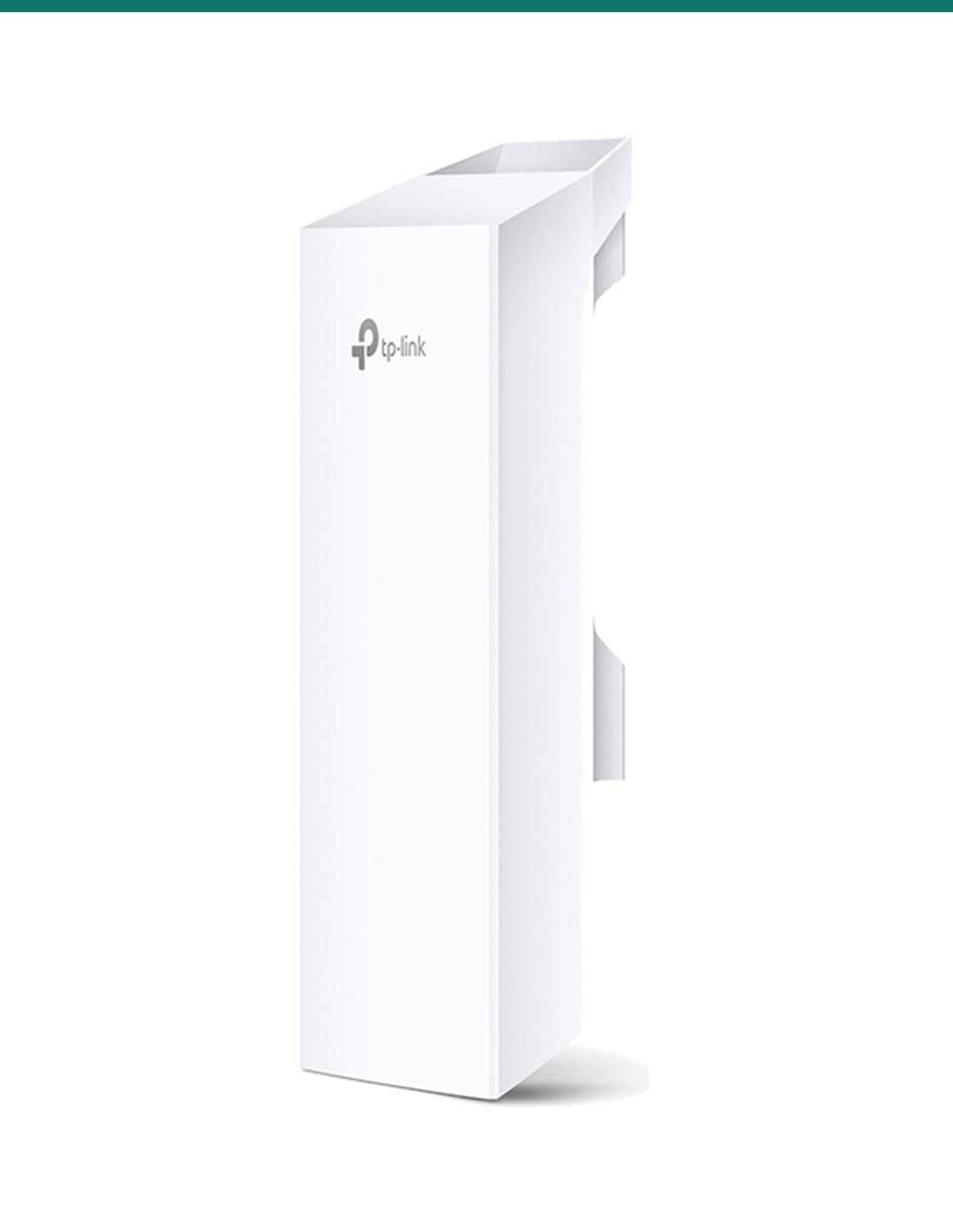
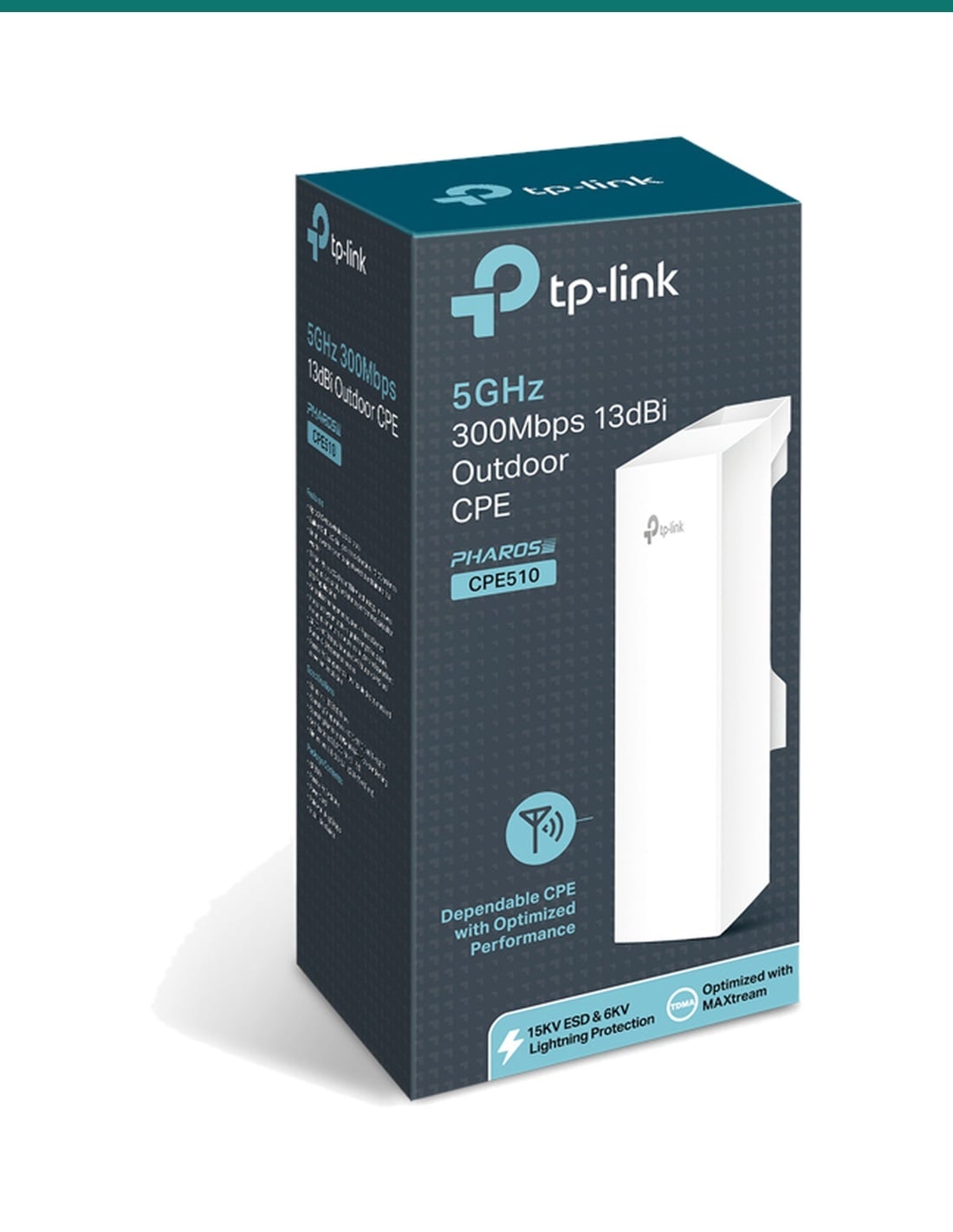
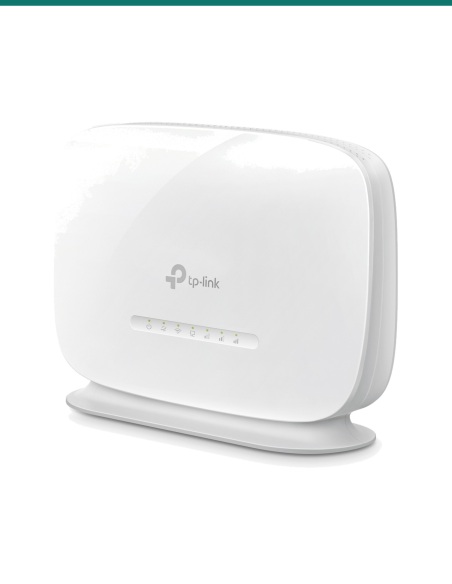
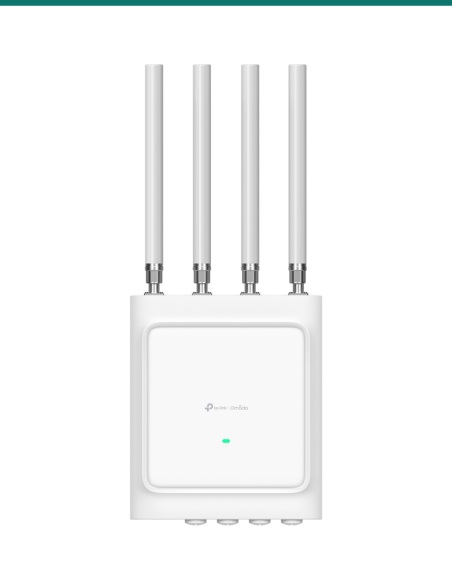
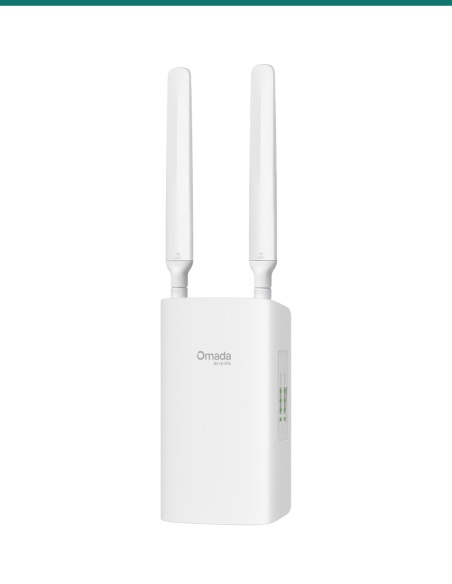
The CPE510 is a single outdoor 5 GHz radio with a built-in 13 dBi directional antenna. Use two of them, one at each end, to carry your network to a shed, gate, second house or neighbouring site without digging a trench.
In one sentence: the TP-Link CPE510 is a single 5 GHz 802.11a/n outdoor CPE with a 13 dBi 2x2 directional antenna, up to 300 Mbps wireless, one 10/100 Ethernet port powered by the 24 V passive PoE adapter in the box, and pole mounting straps.
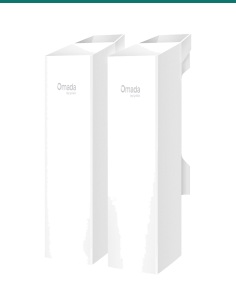
One unit. A link needs two.
This listing is one CPE510. A point-to-point link needs a unit at each end, so most jobs need two (or one more if you already have a CPE510 at the other end). Each unit comes with its own passive PoE adapter, which is for dry indoor use only.
In the box- CPE510 outdoor CPE
- 24 V 0.5 A passive PoE adapter
- Power cord
- Pole mounting kit (straps)
- Installation guide
You also need- A second CPE510 (or compatible TP-Link Pharos CPE) for the other end
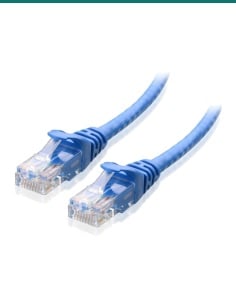
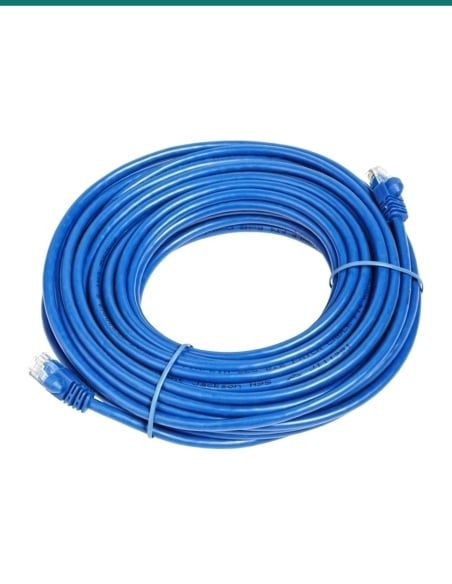
- Shielded outdoor-rated Cat5e cable to each unit
- Clear line of sight between the two ends
- A pole or bracket at each end
Built for long, clear shots.
The 13 dBi antenna has a 45° beam, so it suits links from a few hundred metres up to many kilometres where you can see the far end. TP-Link's product page says it is optimised for 15 km and more in field testing. Trees, hills and buildings in the path cut that sharply.

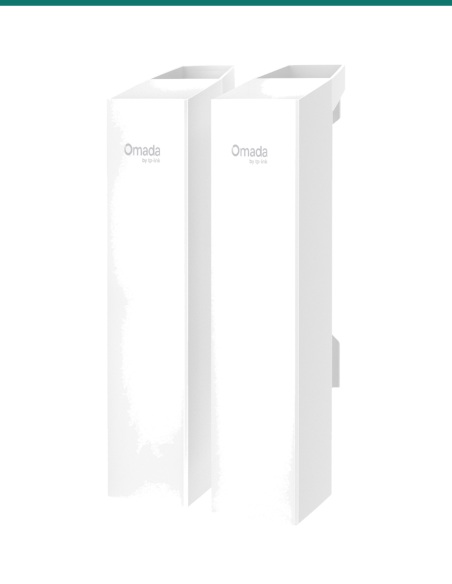
Side
Strap it to a pole.
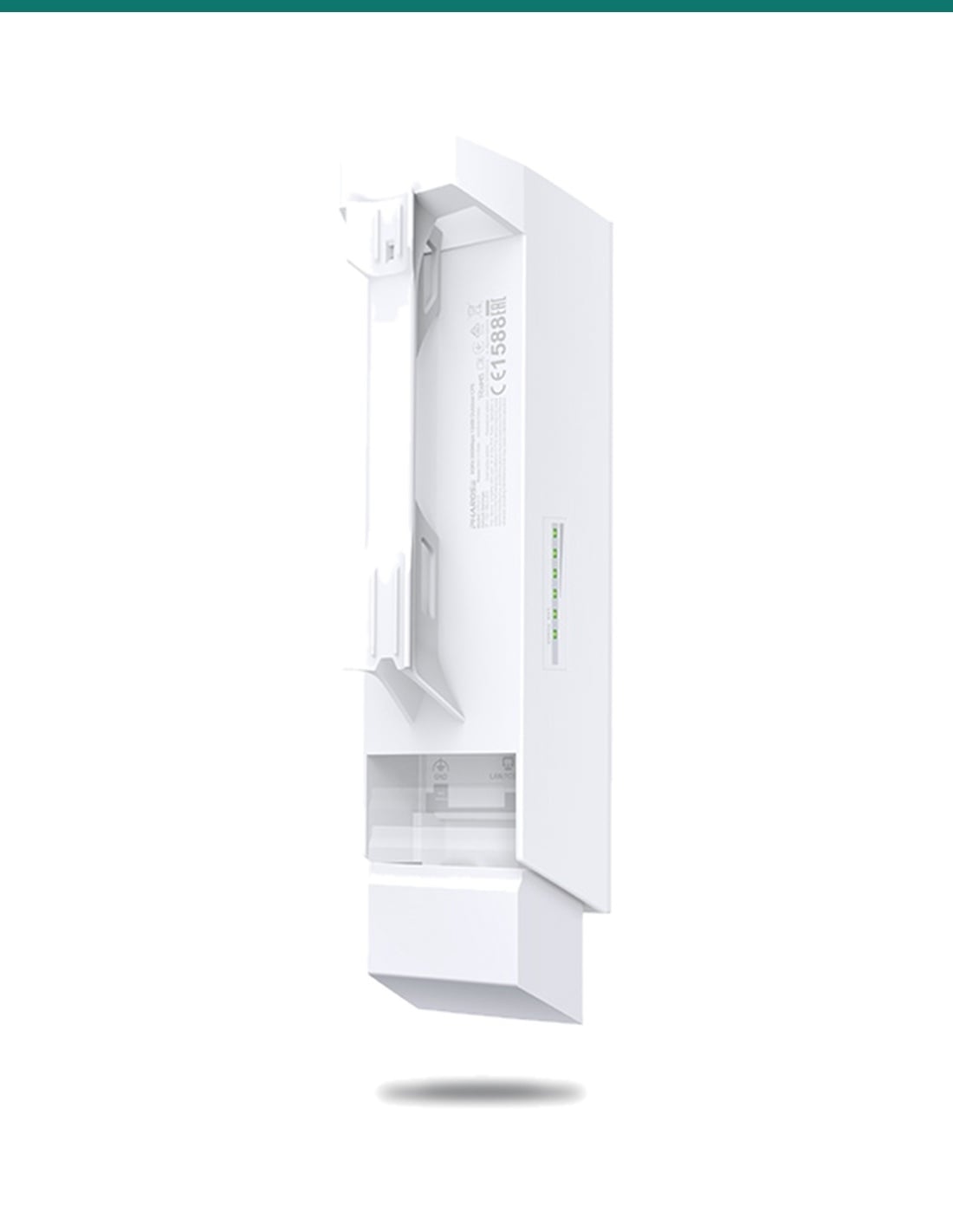
The back has a channel for the pole mounting straps in the box. The row of LEDs on the side shows signal strength while you aim it at the other end.

Port bay
One cable for data and power.
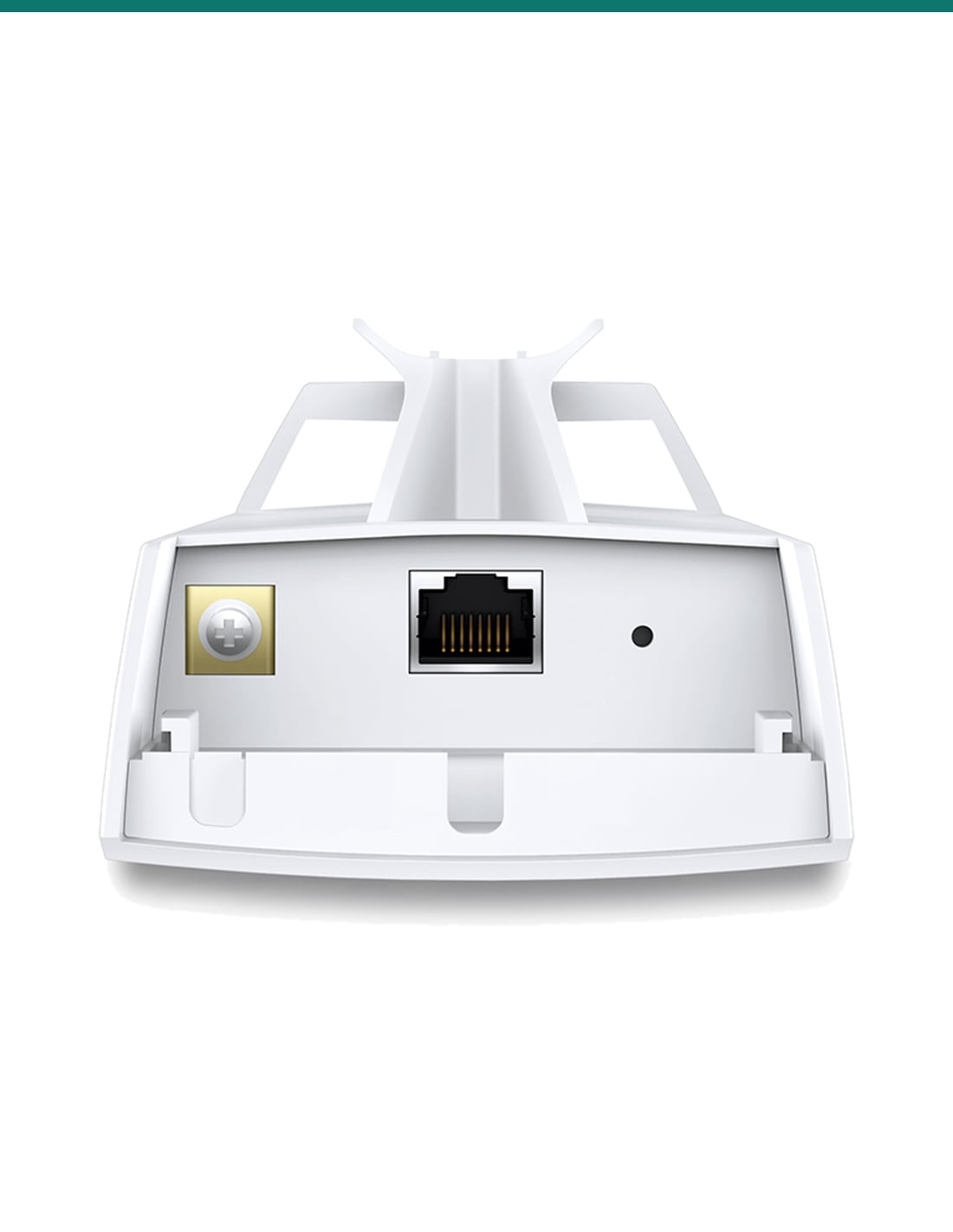
Under the bottom cover sits a shielded 10/100 Ethernet port that takes 24 V passive PoE, a grounding terminal and a reset button. The adapter supports cable runs up to 60 m and can reset the unit remotely.

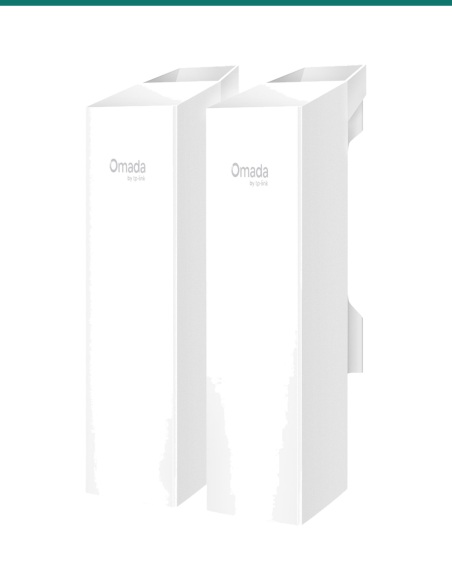
Front
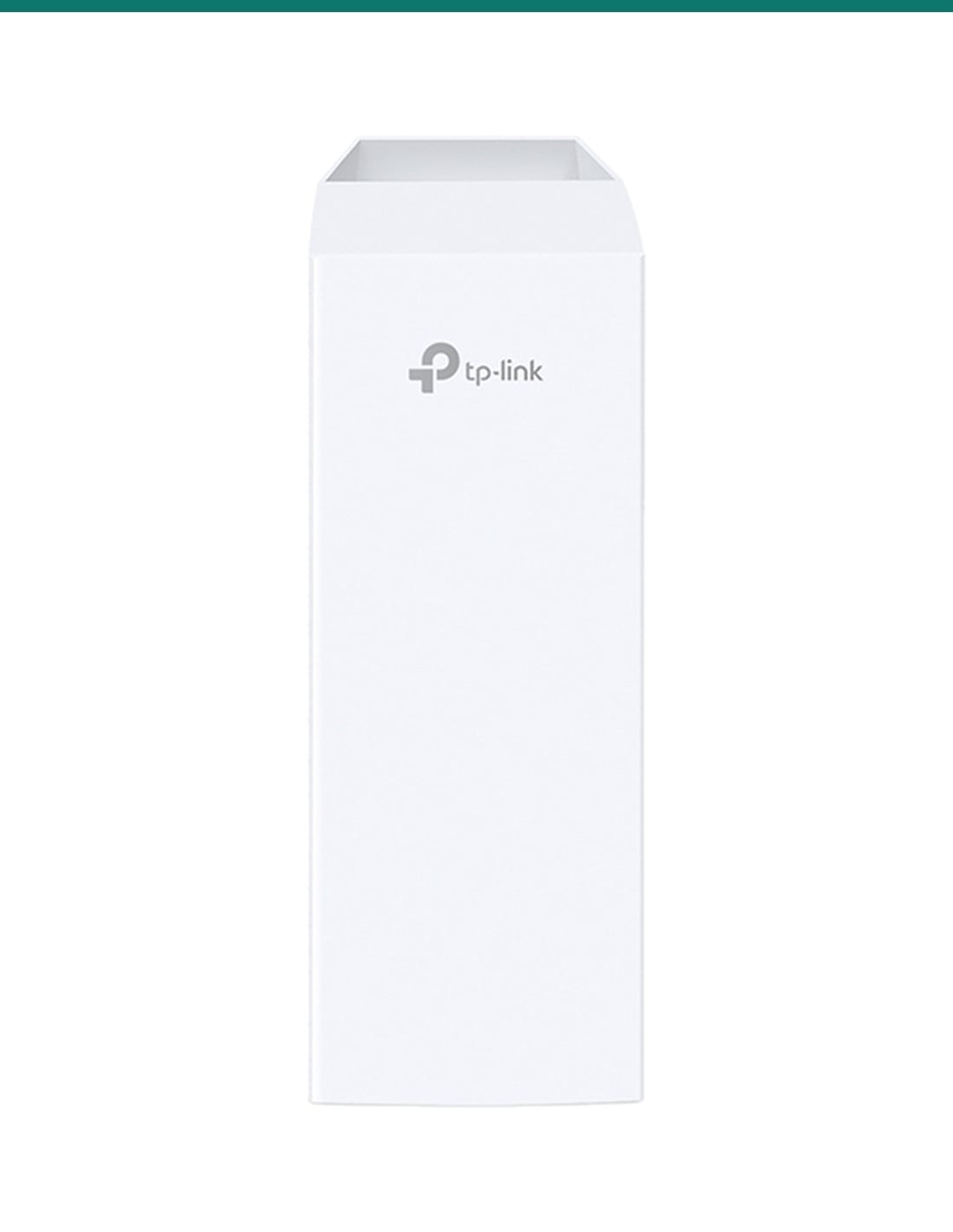
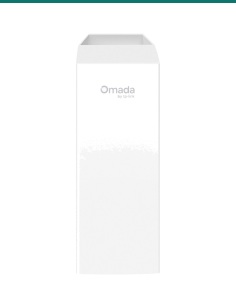
Point the flat face at the far end.
The 2x2 dual-polarised antenna sits behind the front panel. It is 224 × 79 × 60 mm, rated IPX5, and works from −40 °C to 70 °C.
How it goes in
From two poles to one network.
01
Check line of sight
Stand at one end and make sure you can see the other end, with nothing in the path such as trees or roofs.
02
Mount both units
Strap a CPE510 to a pole at each end, front faces pointing at each other, and earth each one.
03
Cable and power
Run shielded outdoor Cat5e from each unit to the passive PoE adapter, kept indoors and dry, then on to your network.
04
Configure and aim
Set one unit as Access Point and the other as Client in the web page or Pharos Control, then fine-tune the aim with the alignment tool.
At a glance
CPE510
Show specs
Wireless standard
IEEE 802.11a/n, 5 GHz
Frequency
5.15 to 5.85 GHz (channels limited to those allowed in Australia)
Wireless speed
Up to 300 Mbps at 40 MHz; 144.4 Mbps at 20 MHz
Antenna
13 dBi 2x2 dual-polarised directional
Beamwidth
45° horizontal, 45° vertical
Transmit power
Up to 26 dBm, adjustable in 1 dBm steps
Range
TP-Link says optimised for 15 km+ in field testing; needs clear line of sight
Technology
Pharos MAXtream TDMA for point-to-multipoint
Network port
1 × 10/100 Mbps shielded Ethernet (passive PoE in), grounding terminal
Power
24 V 0.5 A passive PoE (adapter included, dry indoor use only); max 9.8 W
Operating modes
Access Point, Client, AP Router, AP Client Router (WISP)
Management
Pharos Control, web interface, SNMP, SSH; spectrum analyser, speed test, antenna alignment
Weatherproofing
Outdoor ASA plastic, IPX5; 15 kV ESD and 6 kV lightning protection
Operating range
−40 °C to 70 °C; 10% to 90% humidity non-condensing
Mounting
Pole (mounting straps included)
Warranty
3 years, TP-Link Australia
Pair it with
What one CPE510 does not include
Other end
A second CPE510
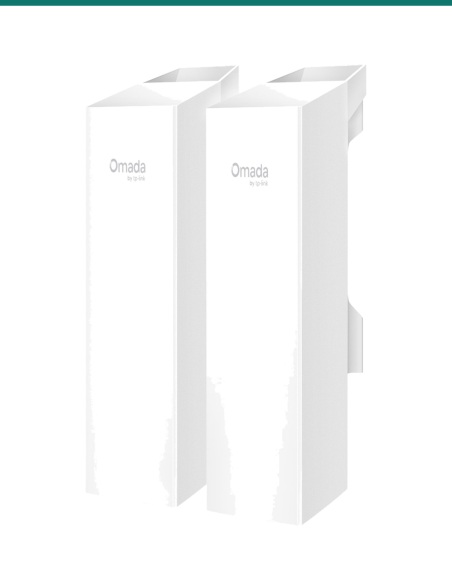
A link needs a unit at each end. If you are buying both ends now, the TL-CPE510 2-pack listing has two units.
Cabling
Shielded outdoor cable
Shielded, UV-stable Cat5e from each unit back to its adapter. TP-Link's adapter supports runs up to 60 m.
Mounting
A pole or mast at each end
The straps suit a round pole. Mount high enough to clear trees, roofs and vehicles in the path.
Faster link
Gigabit Omada bridge kits
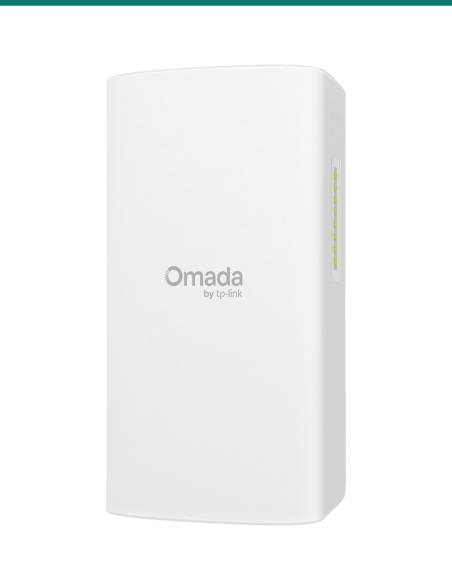
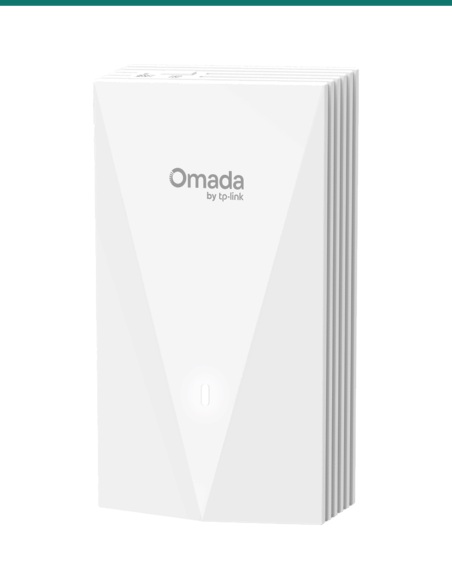
If you need more than 100 Mbps at the port, the Omada EAP211-Bridge KIT (1 km) and EAP215-Bridge KIT (5 km) have Gigabit ports and come pre-paired.
Where it is used
Where a 5 GHz CPE link fits.
Farm sheds
Internet and cameras out to a shed or pump house.
Granny flats
A second dwelling on the same block without trenching.
Gates and entries
Network to an intercom or camera at a long driveway gate.
Neighbouring buildings
Joining offices or workshops across a road or car park.
Rural properties
Sharing one connection between houses kilometres apart.
Point-to-multipoint
One CPE510 as the access point feeding several client sites.
CPE510 or CPE610
| CPE510 (this unit) | CPE610 |
|---|
| Wireless | 5 GHz 802.11a/n, up to 300 Mbps | 5 GHz 802.11a/n, up to 300 Mbps |
| Antenna | 13 dBi, 2x2 dual-polarised | 23 dBi, 2x2 dual-polarised directional |
| Beamwidth | 45° × 45°: easier to aim | 9° × 7°: tighter, longer shots |
| Transmit power | Up to 26 dBm | Up to 25 dBm |
| Power | 24 V 0.5 A passive PoE | 24 V 0.5 A passive PoE |
| Housing | IPX5, 224 × 79 × 60 mm | IP65, 207 × 280 × 366 mm |
Figures from TP-Link's Pharos outdoor CPE series datasheet. Ask us which one suits your distance and path.
Common questions
Do I need one CPE510 or two?
Two for a link: one at each end. This listing is one unit. The TL-CPE510 2-pack listing has two.
How far will it reach?
TP-Link's product page says it is optimised for 15 km and more in field testing. You need clear line of sight, and trees or buildings in the path cut the range a lot.
How fast is the link?
Up to 300 Mbps wireless at 40 MHz. The Ethernet port is 10/100, so real throughput is under 100 Mbps.
How is it powered?
By 24 V 0.5 A passive PoE from the adapter in the box, over the network cable. It draws up to 9.8 W.
Can I power it from a normal PoE switch?
Only if the switch port puts out 24 V passive PoE. Standard 802.3af/at switches are a different system. Use the included adapter unless you have checked.
Can the PoE adapter go outside?
No. Keep the adapter indoors and dry and run the cable out to the CPE.
Is it waterproof?
It is rated IPX5, made from outdoor ASA plastic, and runs from −40 °C to 70 °C.
Does it need line of sight?
Yes. 5 GHz needs a clear view between the two units. Mount them high enough to clear trees and roofs.
Will it work with other brands?
Plan on TP-Link at both ends. Pharos MAXtream is TP-Link's own protocol, and mixing brands is not something we can promise.
Can one CPE510 feed several sites?
Yes. Set one as the access point and others as clients. MAXtream TDMA is designed for point-to-multipoint.
How do I aim it?
Point the flat front faces at each other, then use the signal LEDs and the antenna alignment tool in the web page to fine-tune.
Who can install the cable?
Outdoor and concealed data cabling is customer cabling under AS/CA S009 and needs an ACMA-registered cabler.
Supported by InFront Technologies.
Help planning a wireless link, the distance or the mounting: call 1300 736 970 or email [email protected]. The TP-Link datasheet is on the Attachments tab. 3-year TP-Link Australia warranty: contact us first and we will look after the claim.
Installation and safety
Low-voltage device. Powered over the data cable by 24 V passive PoE, up to 9.8 W. The included adapter plugs into mains power and must stay indoors and dry.
Cabling. Outdoor and concealed data cabling is customer cabling under AS/CA S009 and needs an ACMA-registered cabler. Use shielded outdoor-rated cable.
Lightning and earthing. Connect the grounding terminal to a proper earth. The 6 kV lightning rating depends on a correct install. Ask us about exposed masts.
Working at height. Mounting on a mast or roof is work at height. Use the right access equipment or a licensed installer.
What it does not do. No Gigabit port, no 802.3af/at PoE input, and no link on its own: it needs a second unit.
Figures. From TP-Link's Pharos outdoor CPE series datasheet and TP-Link's CPE510 product page. Range and speed depend on the site.