1 / 3

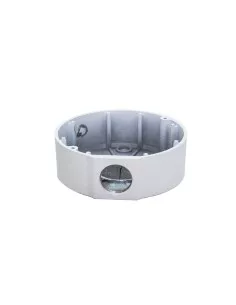
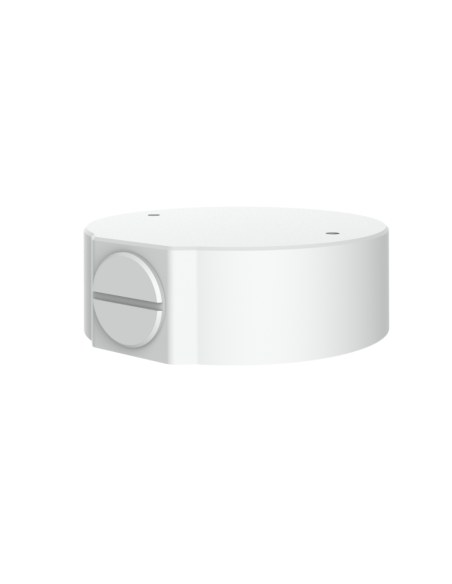
Uniview Mini Bullet Junction Box, IPC21XX and Uniarch Bullets, IP66, Aluminium, White - TR-JB05-B-IN

SKU TR-JB05-B-IN In stock
$19.10 inc GST

Uniview TR-JB05-B-IN aluminium junction box for IPC21XX mini bullets. Keeps the camera’s cable joint covered, with 3/4" side and rear cable entries.

  • ✓Fits Uniview IPC21XX mini bullets
  • ✓Hides the cable tail and RJ45 plug
  • ✓3/4" side and rear cable entries
  • ✓Ø104.4 × 57 mm, 0.36 kg
  • ✓IP66 rated by Uniview
  • ✓Aluminium alloy, white


Description

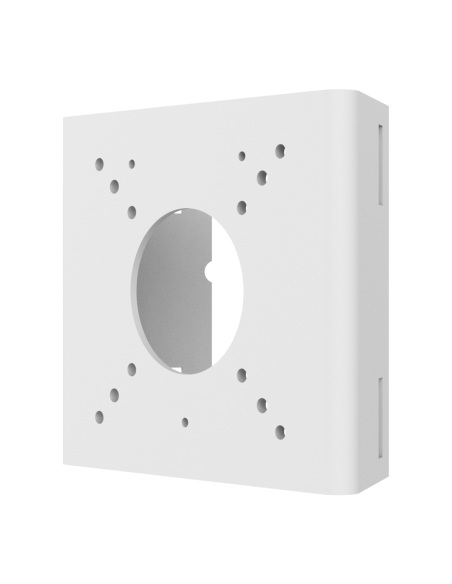
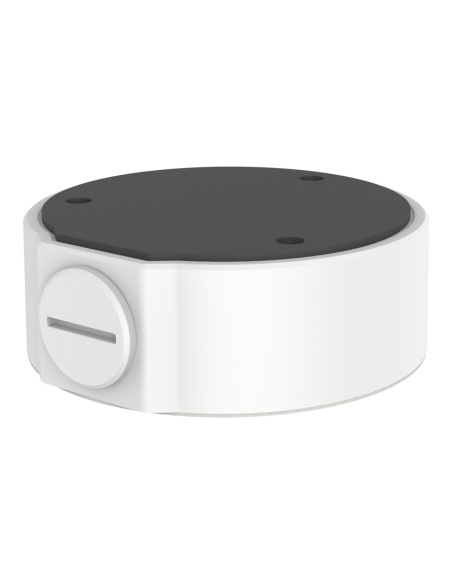
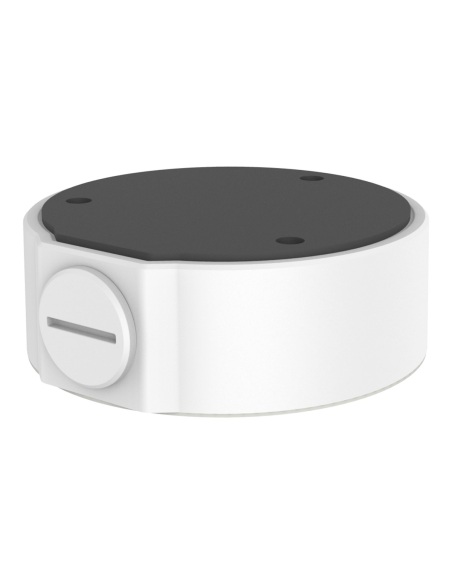
Uniview TR-JB05-B-IN round white mini bullet junction box
Uniview · Junction box · Mini bullets · IP66

A neat base for the mini bullet,
with the cable joint inside.

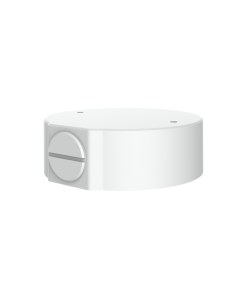
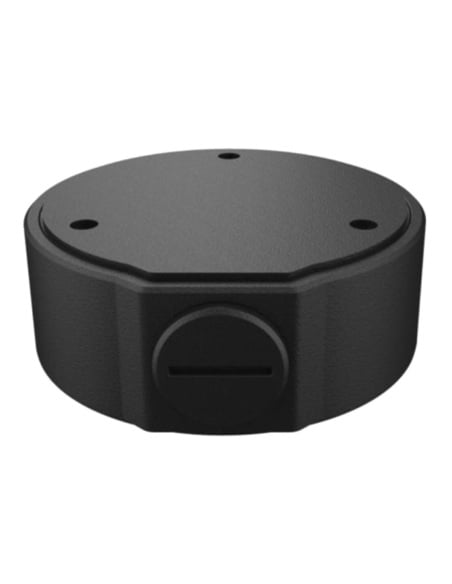
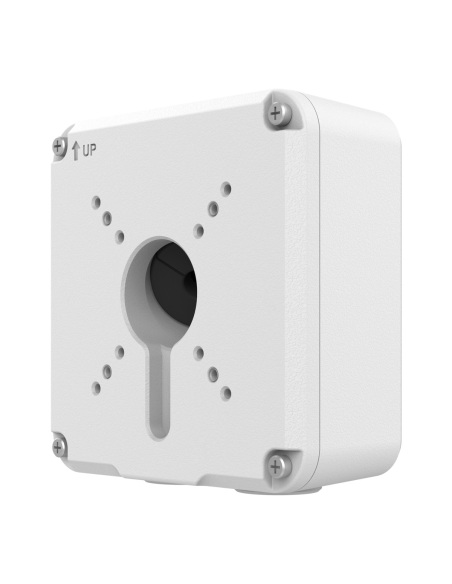
This is the Uniview TR-JB05-B-IN. A round aluminium junction box that sits between the wall or ceiling and the camera. The camera’s cable tail and RJ45 plug tuck inside it, so you do not need a large hole behind the camera and the joint is not left hanging outside.
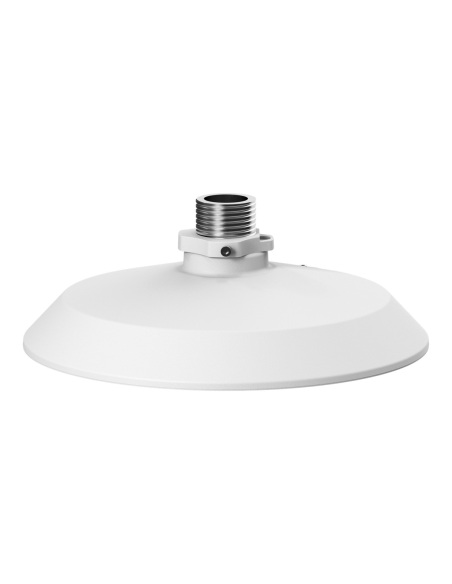
In one sentence: the TR-JB05-B-IN is a Ø104.4 × 57 mm aluminium alloy junction box for Uniview IPC21XX mini bullets, with 3/4" threaded side and rear cable entries, weighing 0.36 kg.

The box only. The camera and wall fixings are separate.

Order it with a matching mini bullet and use fixings that suit your surface.

In the box
  • TR-JB05-B-IN junction box
You also need
  • A compatible mini bullet (see the list below)
  • Screws and plugs to suit your wall or ceiling
  • A drill
  • Outdoor sealant for the cable hole
  • An NPT 3/4" cable gland or conduit fitting if you use the side entry

Room for the plug, so the cable stays out of the weather.

Most IP cameras have a short cable tail with an RJ45 plug. Mounted flat, that joint is either exposed or needs a big hole behind the camera. The box gives it a dry space, with the cable in from behind or along the surface into the side entry.

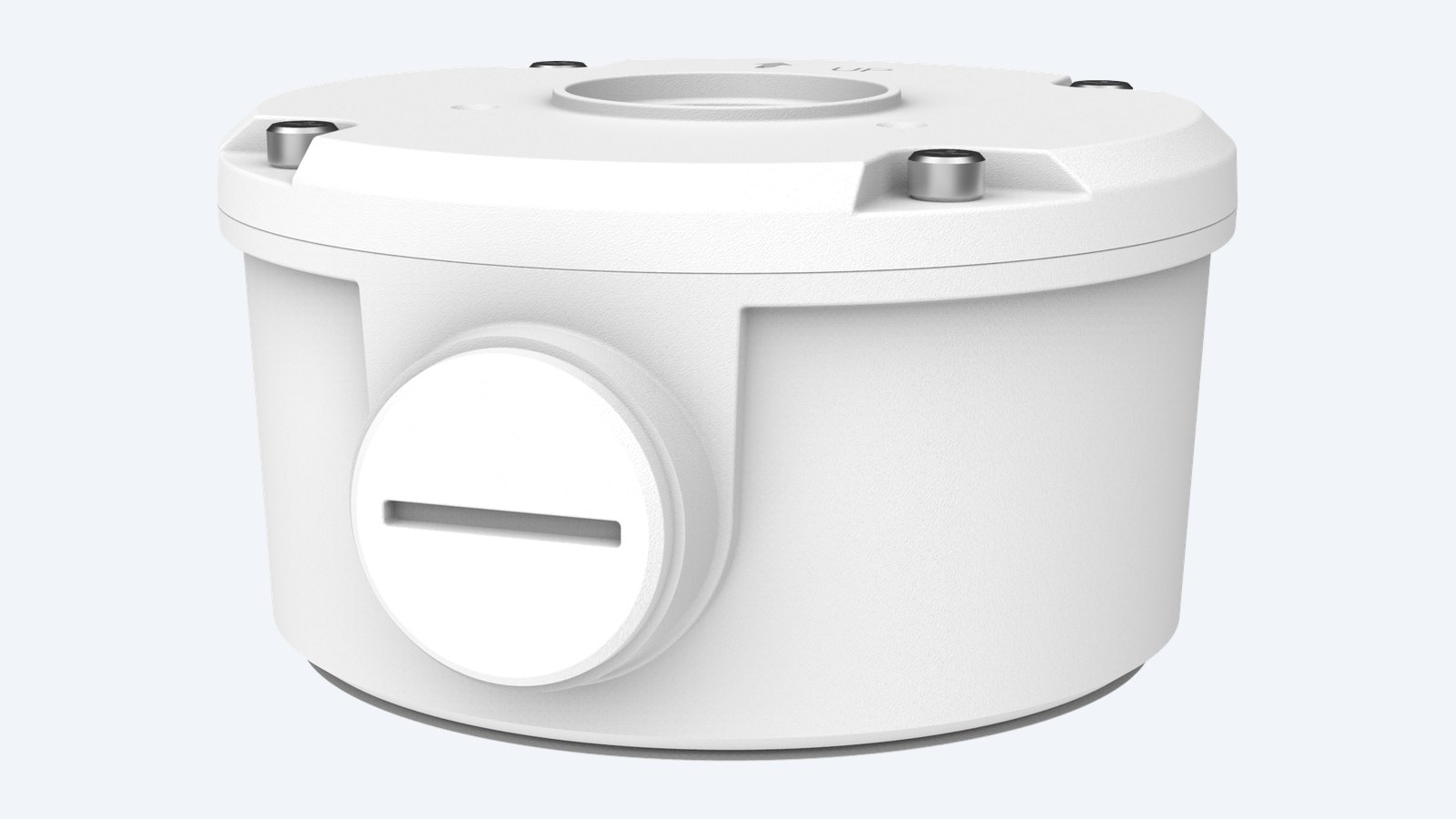
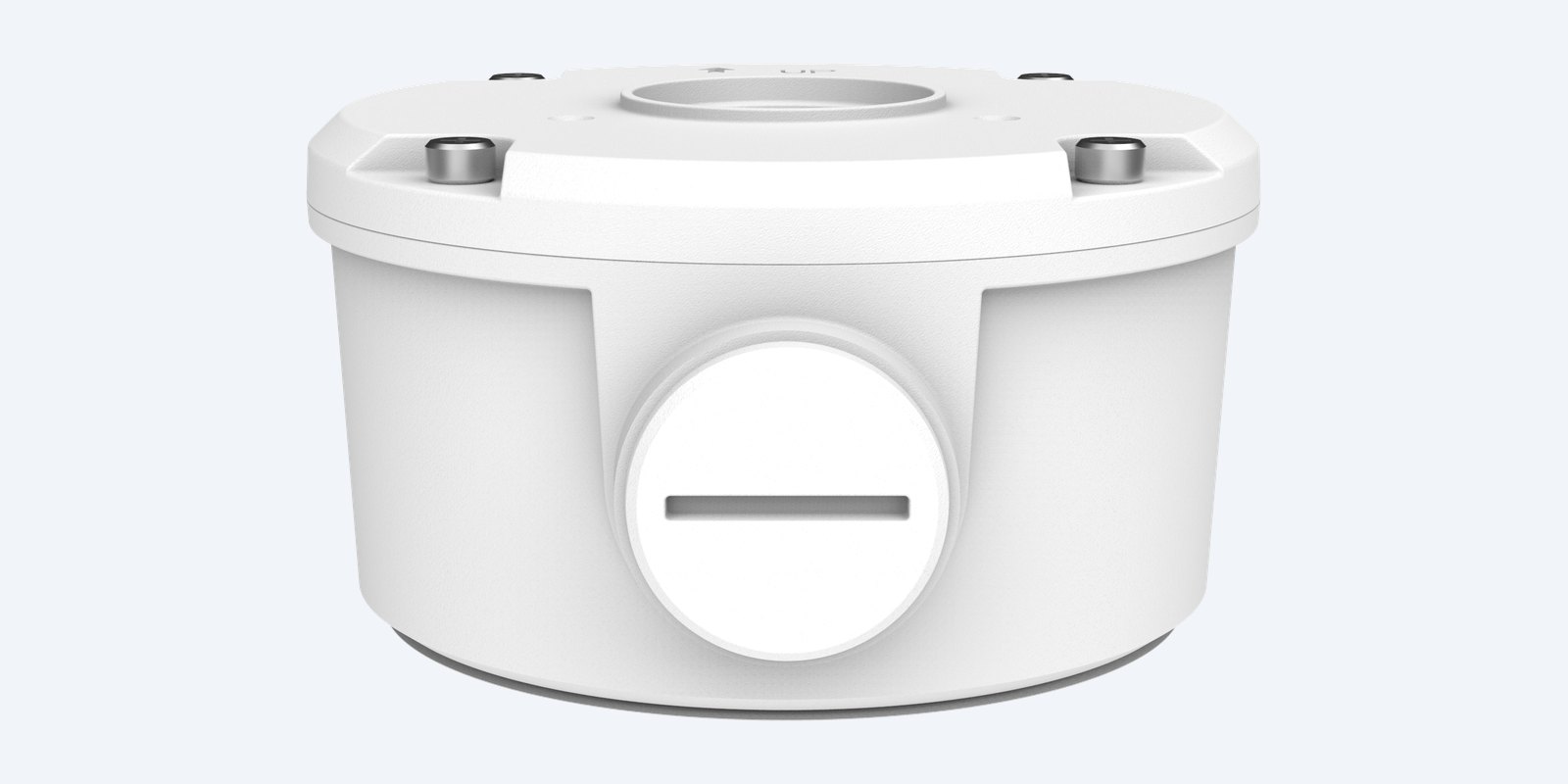
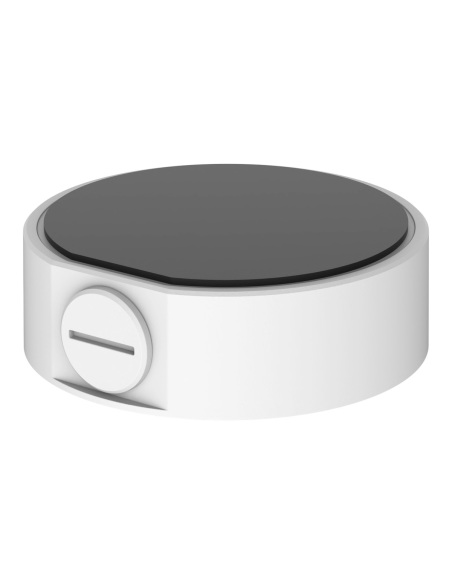
Uniview TR-JB05-B-IN junction box from the front, with the side entry cap

Side entry

Cable in from the back or the side.
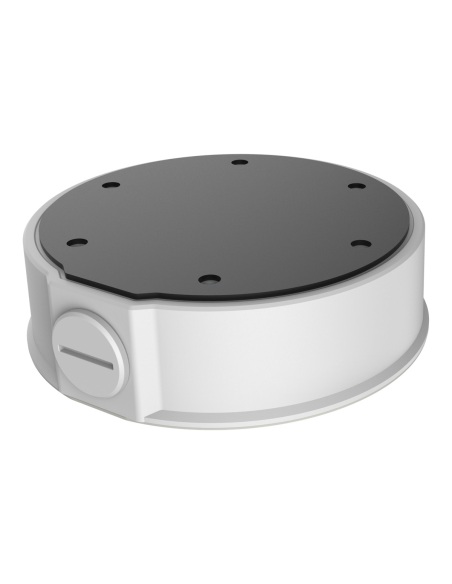
A screw cap closes the 3/4" side entry when the cable comes from the wall behind. Take it off to bring surface cable or conduit straight in from the side.

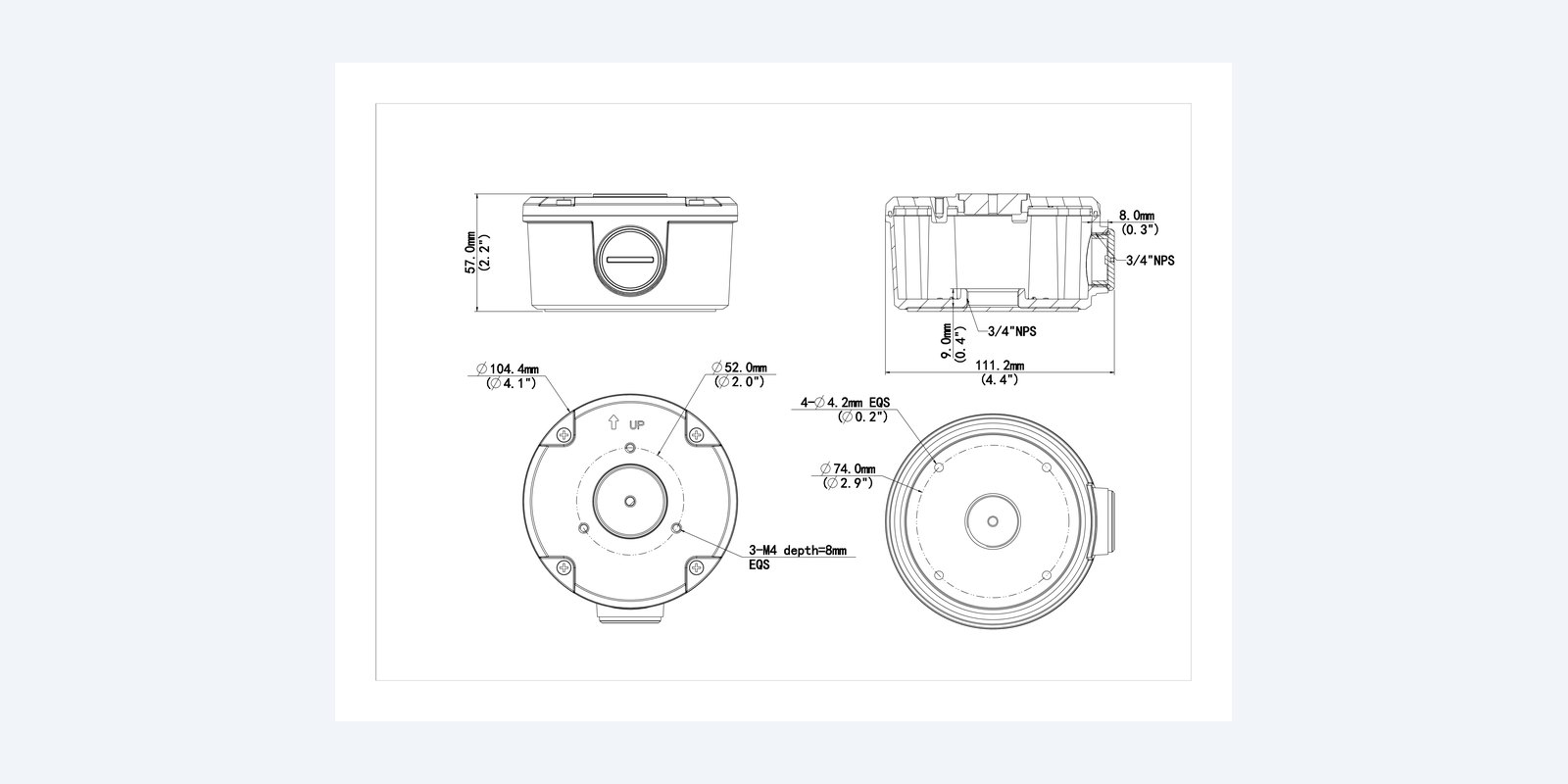
Uniview TR-JB05-B-IN dimension drawing

Size

Ø104.4 mm across, 57 mm deep.

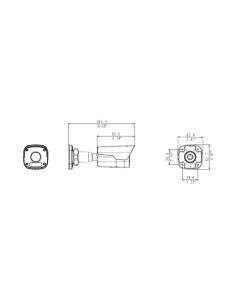
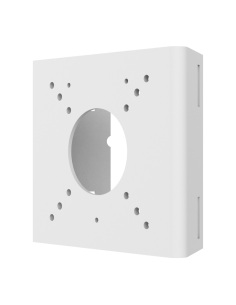
Four Ø4.2 mm holes fix the base to the wall, and three M4 holes take the bullet’s base. An UP arrow on the lid keeps the camera the right way round. Both cable entries are 3/4" NPS.

How it goes in

From the box to a mounted camera.

01

Mark and drill

Hold the box in place and mark the base holes. Drill a cable hole in the middle if the cable comes from the wall or ceiling.

02

Fix the box

Screw the box down. For surface cable, fit a gland or conduit to the side entry; otherwise leave the cap on.

03

Connect the camera

Plug in the camera’s cable tail and tuck the joint inside the box.

04

Fit and aim

Screw the camera’s base to the box, then aim the camera.

Pair it with

What goes with it

Uniarch

Uniarch IPC-B1E8 bullet

8MP bullet listed for this box.

Uniview

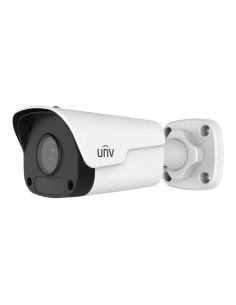
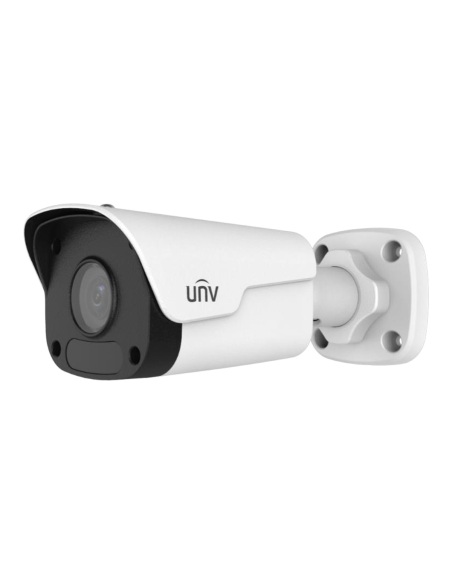
Uniview IPC2125 mini bullet

5MP mini bullet from the IPC21XX series.

Poles

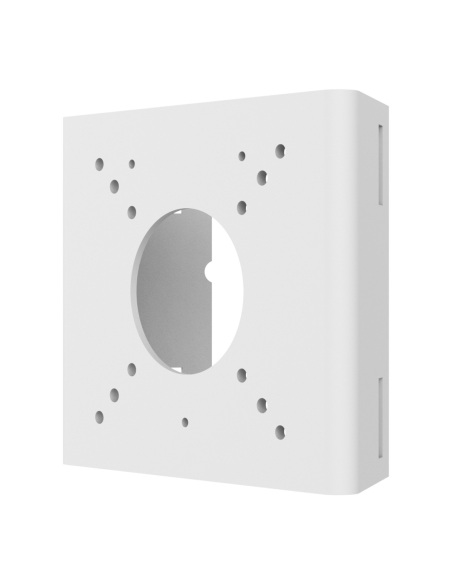
TR-UP06-C-IN pole adapter

Straps the box to a 67–127 mm pole.

Cabling

Cat6 cable

Solid-copper Cat6 for PoE runs of up to 100 m.

Where it is used

Where it is used

Brick and render walls

No large hole needed behind the camera.

Eaves and soffits

A tidy, solid base under eaves and verandas.

Surface conduit

Conduit straight into the side entry on finished walls.

Retrofits

Covers an old, oversized hole from a previous camera.

Uniview round junction boxes side by side

TR-JB03-G-INTR-JB03-H-INTR-JB03-I-INTR-JB04-D-INTR-JB05-B-IN
ForIPC32X domes, IPC31X mini domesIPC363X, IPC36XXS/E turretsIPC36XXL Easy turretsFisheye domesIPC21XX mini bullets
SizeØ108.6 × 38.5 mmØ126 × 38.5 mmØ117.8 × 38.5 mmØ149.2 × 42.5 mmØ104.4 × 57 mm
Weight0.2 kg0.24 kg0.2 kg0.31 kg0.36 kg
Cable entries3/4" side and rear3/4" side and rear3/4" side and rear3/4" side and rear3/4" side and rear
Black versionTR-JB03-G-IN-BKTR-JB03-H-IN-BKTR-JB03-I-IN-BK——

All aluminium alloy. Thread sizes from the Uniview dimension drawings (3/4" NPS). — means Uniview does not make that version. Figures from the Uniview datasheets.

Common questions

Which cameras does it fit?

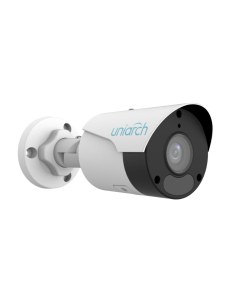
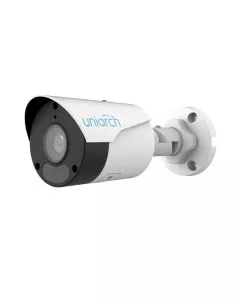
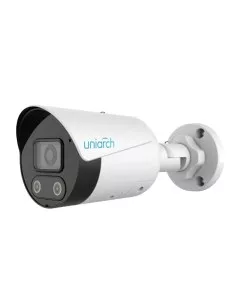
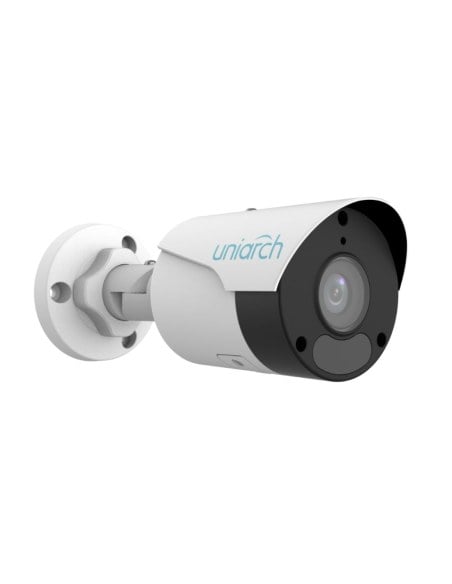
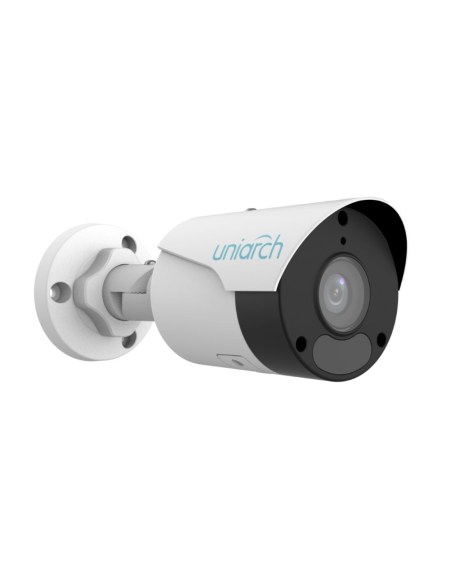
Uniview lists it for its IPC21XX mini bullets; from our range that is the IP-IPC2125LR3-PF40M-D. It also fits the Uniarch IPC-B1E6, IPC-B1E8 and IPC-B1P8 bullets, whose datasheets list it. It is not for domes or turrets.

Why use a junction box at all?

It gives the camera’s cable tail and RJ45 plug a covered space. Without it, the joint either hangs outside or needs a large hole behind the camera.

Can the cable come in from the side?

Yes. Uniview’s drawing shows a 3/4" NPS threaded entry on the side (closed with a screw cap) and another in the base. Uniview’s TR-A01-IN is an NPT 3/4" waterproof gland for it; for Australian 20 mm conduit use a matching thread adapter.

How big is it?

Ø104.4 mm across and 57 mm deep. It weighs 0.36 kg.

What screws do I need?

Screws and plugs to suit your surface: masonry plugs for brick, cavity anchors for plasterboard, or timber screws into eaves and battens. The base has four Ø4.2 mm holes. Uniview does not list fixings in the box.

Can I use it outdoors?

Yes. Uniview rates this box IP66, so it is sealed against dust and strong water jets. Seal the wall hole and keep the cap on the side entry if you do not use it.

Can I put it on a pole?

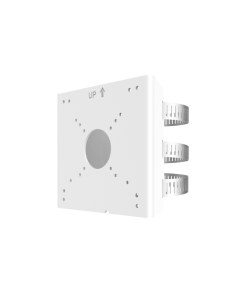
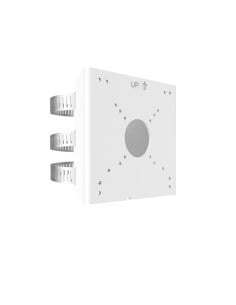
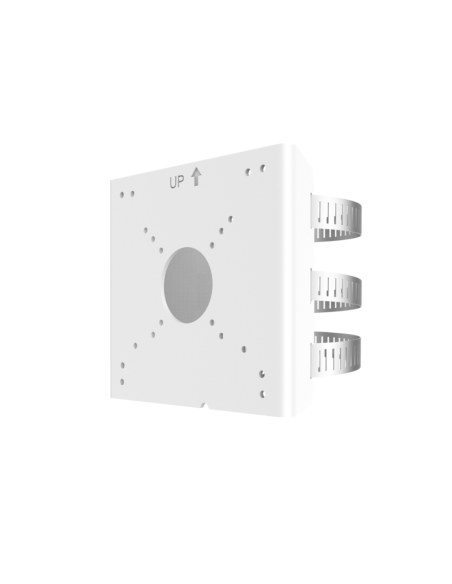
Yes. Uniview’s accessory guide pairs the IPC21XX junction box with the TR-UP06-C-IN pole adapter, which straps to poles 67–127 mm across.

Do the Uniarch bullets fit?

Yes. The Uniarch IPC-B1E6, IPC-B1E8 and IPC-B1P8 datasheets list this box as their junction box.

What is it made of?

Aluminium alloy, 0.36 kg. It will not rust like steel and adds little load to the wall.

Is it white or black?

White. It matches Uniview’s white cameras.

Do I need a licensed installer?

Fixing the bracket is a normal handyman job. In Australia, fixed data cabling inside walls and ceilings must be run by a registered cabler; plugging a camera into an existing outlet does not need one.

What is the warranty?

Uniview manufacturer warranty, handled in Australia through InFront. Contact us first and we will organise any claim.

Supported by Infront Technologies.

Not sure which mount suits your camera or wall? Call 1300 736 970 or email [email protected] with the camera model and a photo of the spot, and we will match the bracket.

Installation and safety

Fixing. Fix into solid material or a proper cavity anchor. On ceilings, fix into a joist or batten where possible. Turn off power to the camera before connecting it.

Weather. Seal any unused cable entry and point cable glands downward so water cannot run into the camera connection.

Figures. From the Uniview TR-JB05-B-IN datasheet and dimension drawing; camera fits from Uniview’s camera datasheets and accessory guide. Uniview manufacturer warranty, handled in Australia through InFront.

Dimensions
Ø104.4 × 57 mm
Weight
0.36 kg
Material
Aluminium Alloy
Colour
White
Installation
Wall or ceiling
Brand
Uniview
Protection
IP66
Warranty
Uniview manufacturer warranty
Product Type
Camera Junction Box
Model
TR-JB05-B-IN
Cable Entry
3/4" NPS side (with cap) and 3/4" NPS rear
Use
Indoor or outdoor, IP66
Mount type
Junction box
Height
57 mm
Compatible Cameras
Uniview IPC2125LR3 (IPC21XX series); Uniarch IPC-B1E6, IPC-B1E8, IPC-B1P8
Camera Series
Uniview IPC21XX mini bullets; Uniarch B1E, B1P
Diameter
104.4 mm
Camera Fixing
3 × M4 holes
Base Fixing
4 × Ø4.2 mm
INFRONTTECH Promotional Banner INFRONTTECH Promotional Banner INFRONTTECH Promotional Banner

Need help choosing?

Tell us about your property and we'll recommend the right cameras and recorder.

07 5609 4910

Sydney 02 8814 6008
[email protected]

Mon–Fri, 9am–5pm AEST

Saved to your wishlist Find it any time in your account. View list