Securview · Ethernet over coax · Camera end
Run an IP camera over the old coax.
Data and PoE, up to 400 m at 100 Mbps.
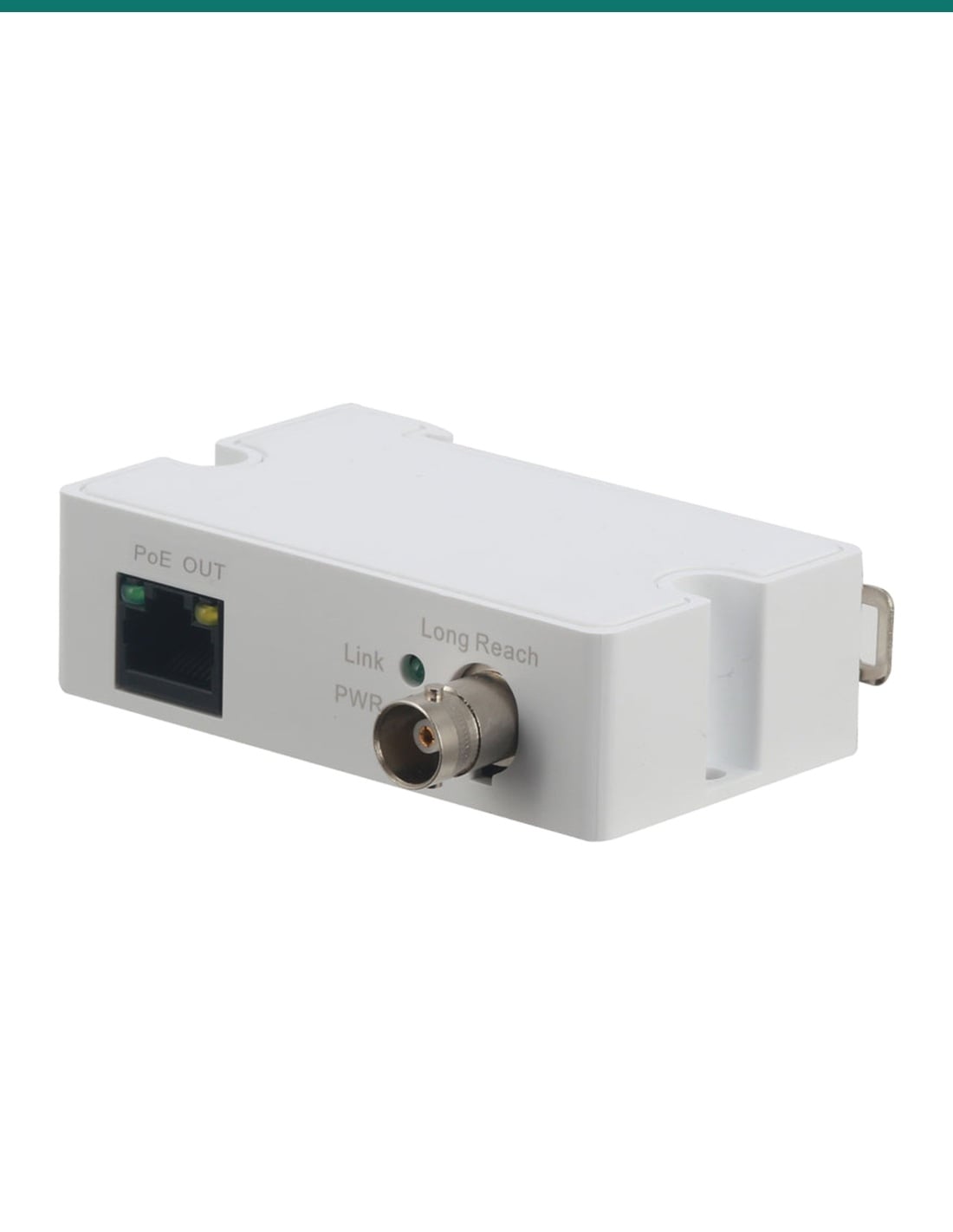
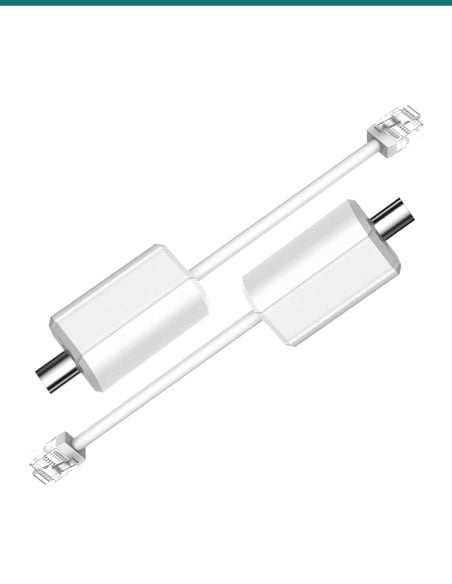
The Securview VSEOC-ATX is the camera-end unit of an Ethernet over coax link. It takes the network and PoE that came down an existing RG59 coax cable and hands them to the IP camera on its PoE OUT RJ45 port.
In one sentence: the Securview VSEOC-ATX is the camera-end Ethernet over coax converter, with one 10/100 Mbps PoE OUT RJ45 port and one BNC, carrying network and IEEE 802.3af/at PoE over RG59 coax up to 400 m at 100 Mbps or 1000 m at 10 Mbps.
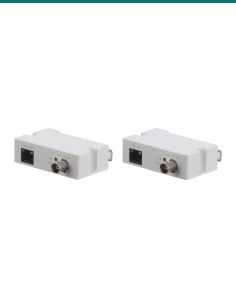
One unit only. It works with a unit at the switch end.
This listing is the VSEOC-ATX on its own. The other end of the coax needs a VSEOC-ARX (with a PoE switch) or a VSEOCPAIRV2 converter (with an ePoE switch or NVR).
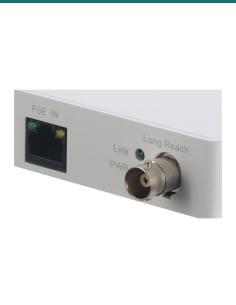
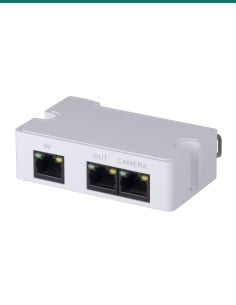
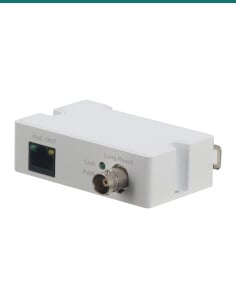
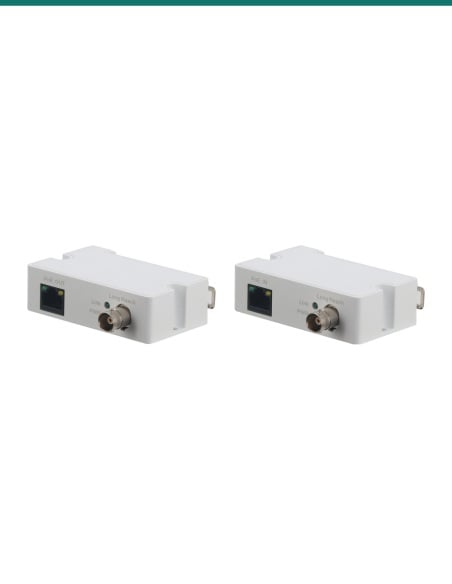
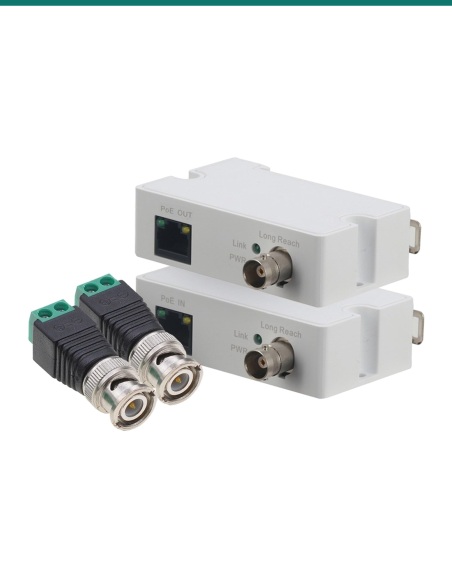
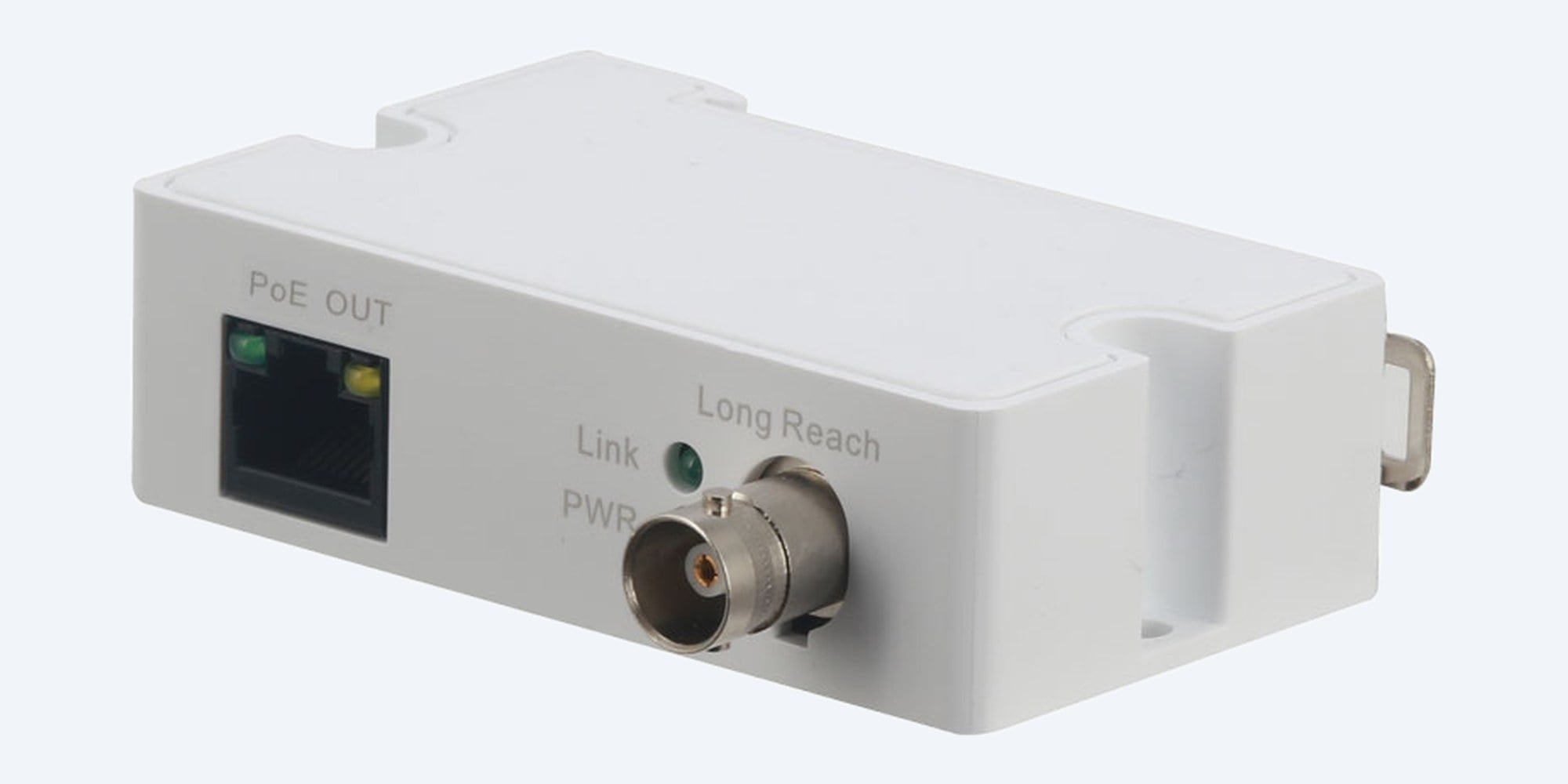
In the box- VSEOC-ATX Ethernet over coax transmitter (as pictured)
You also need- A VSEOC-ARX at the switch end, sold separately (or a VSEOCPAIRV2 converter on an ePoE switch or NVR)
- A PoE switch or PoE NVR port at the switch end
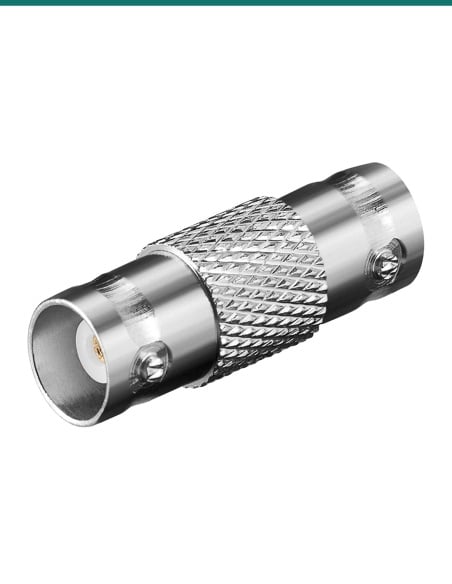
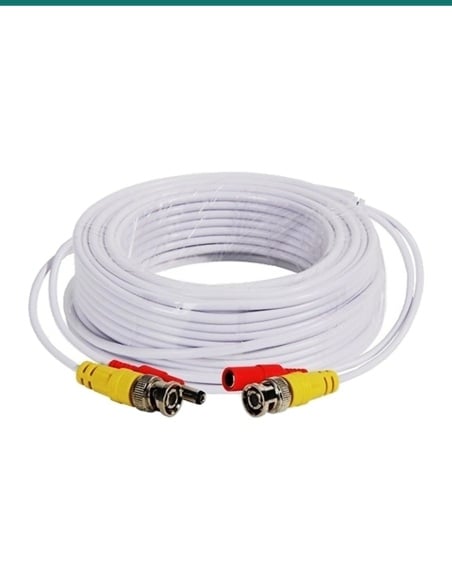
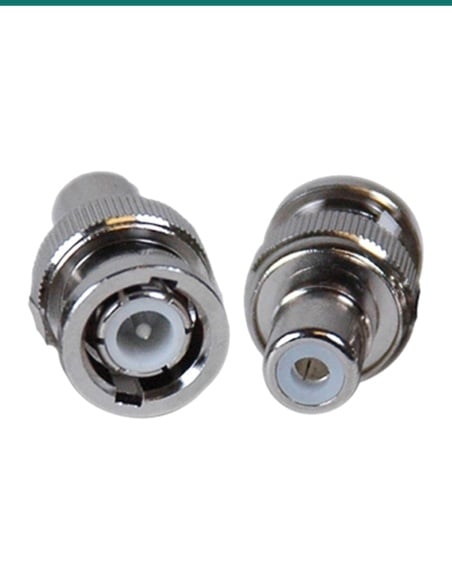
- The existing RG59 coax, with a BNC plug at each end
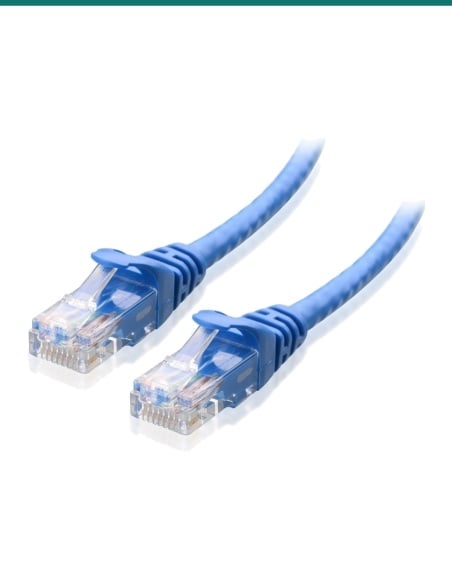
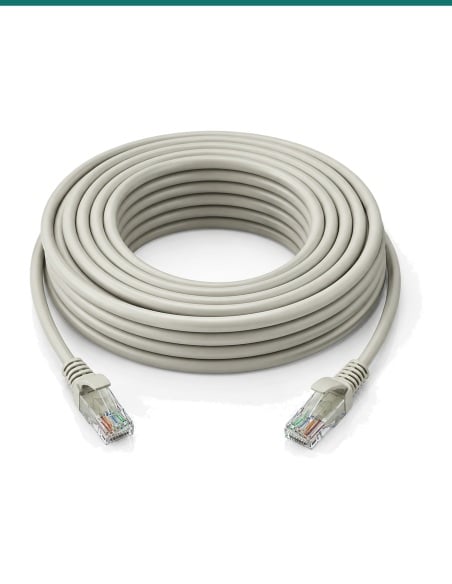
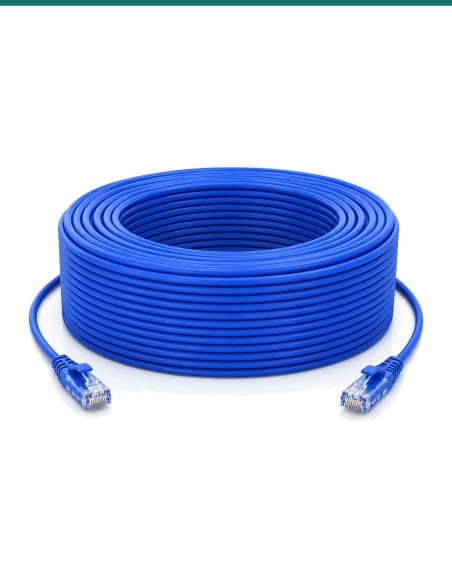
- A short network patch lead from the VSEOC-ATX to the IP camera
Keep the coax in the walls. Swap the camera for IP.
Re-cabling an old analogue site is often the dearest part of moving to IP. With a VSEOC-ARX at the switch and this VSEOC-ATX at the camera, the existing RG59 coax carries 10/100 Mbps Ethernet and the PoE that powers the camera. Securview rates the link at 400 m at 100 Mbps, or 1000 m at 10 Mbps, well past the 100 m limit of a network cable.
Front panel
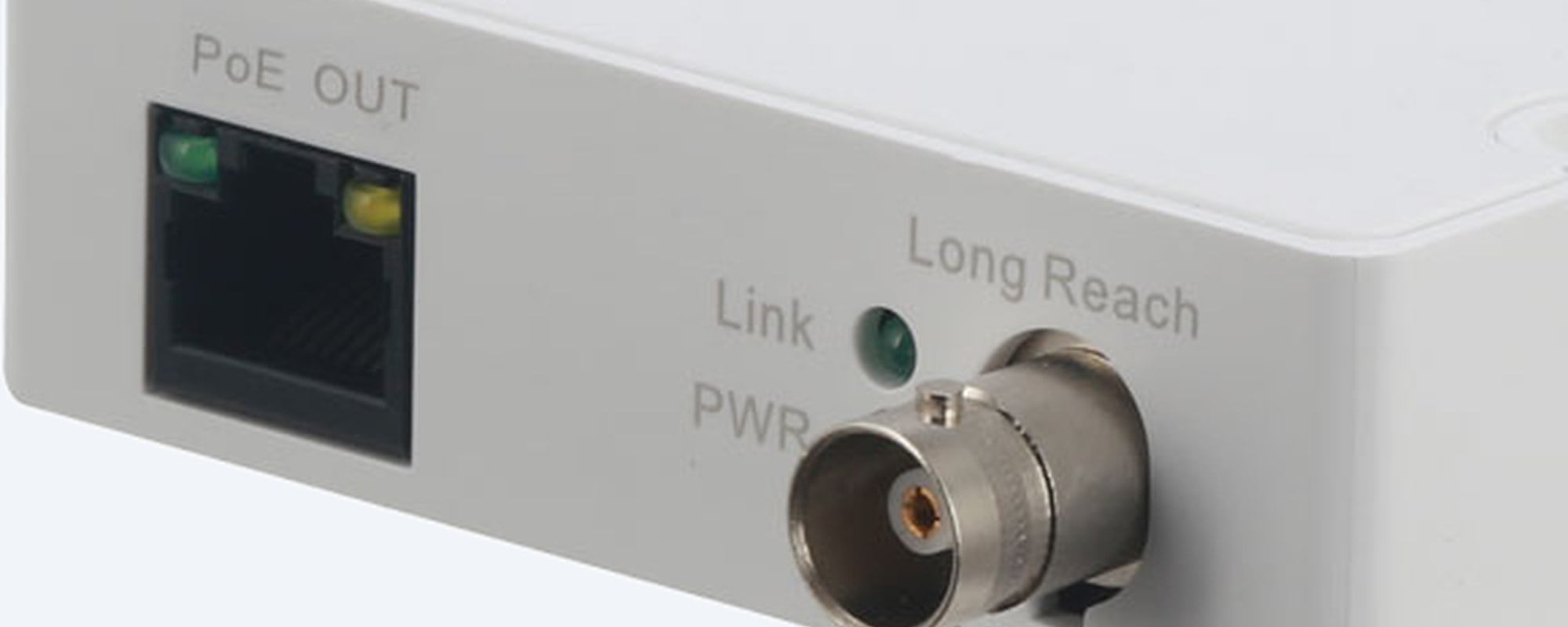
PoE OUT to the camera, BNC to the coax.
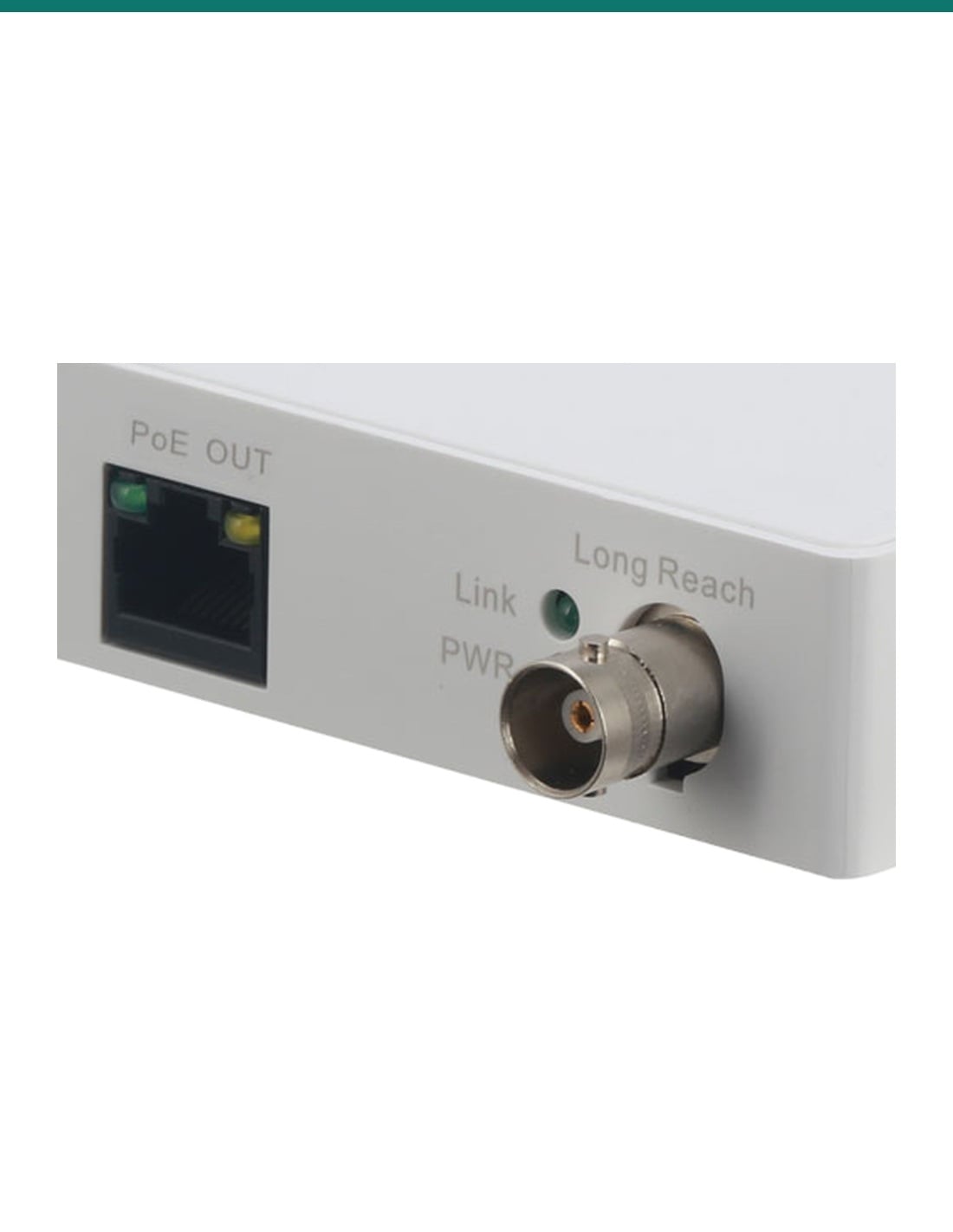
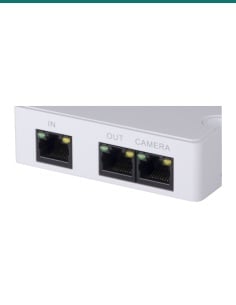
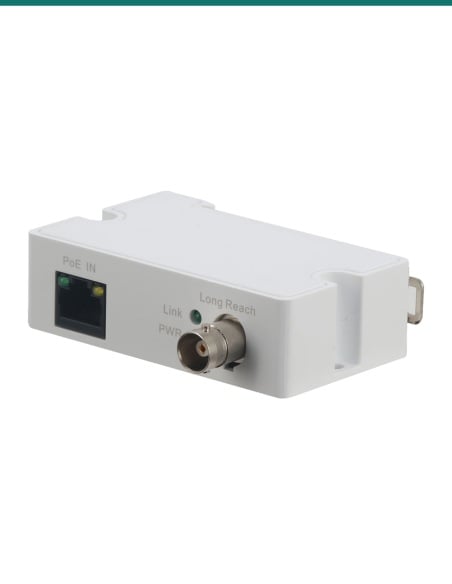
One 10/100 Mbps RJ45 port marked PoE OUT feeds the IP camera. The BNC socket marked Long Reach takes the coax. Link and PWR lights sit between them, and the port switches MDI/MDIX by itself, so any straight patch lead works.
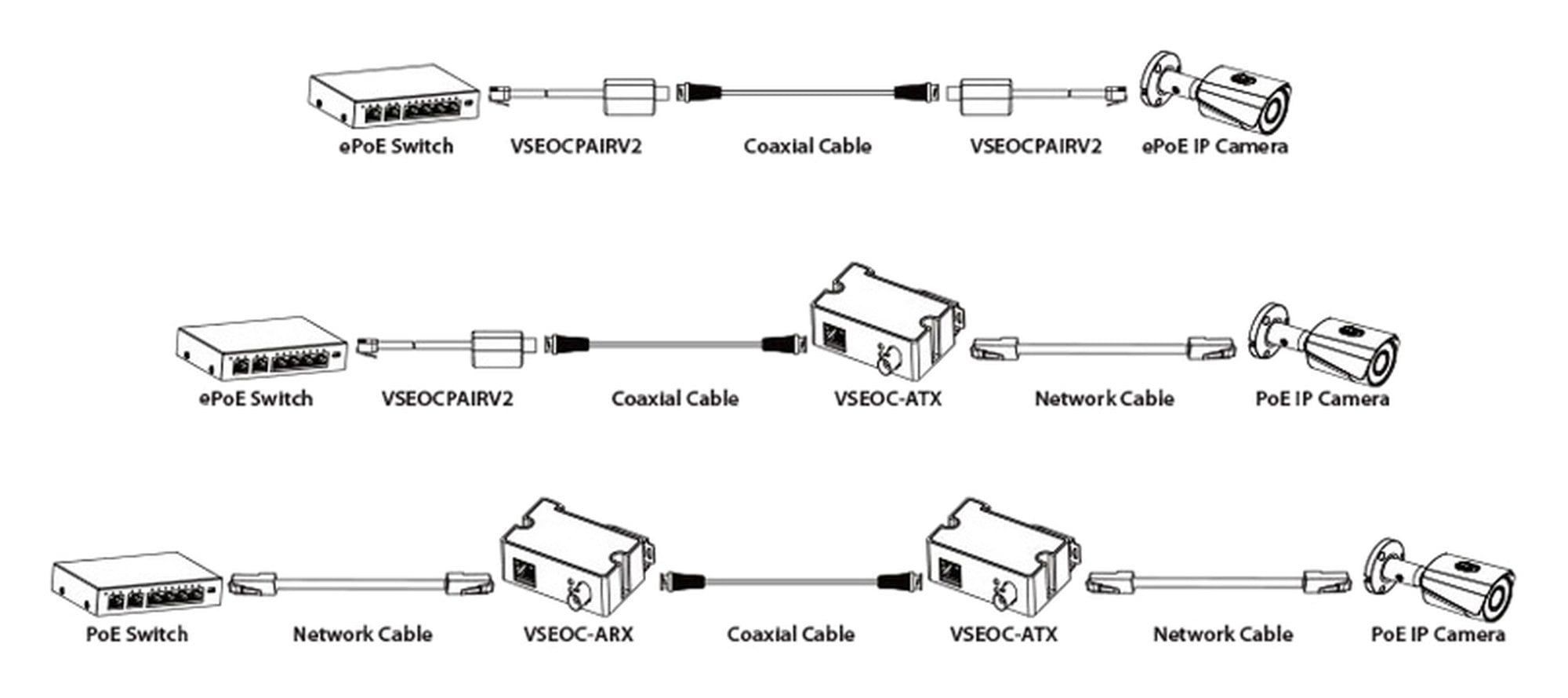
How it connects
The VSEOC-ATX always sits at the camera.
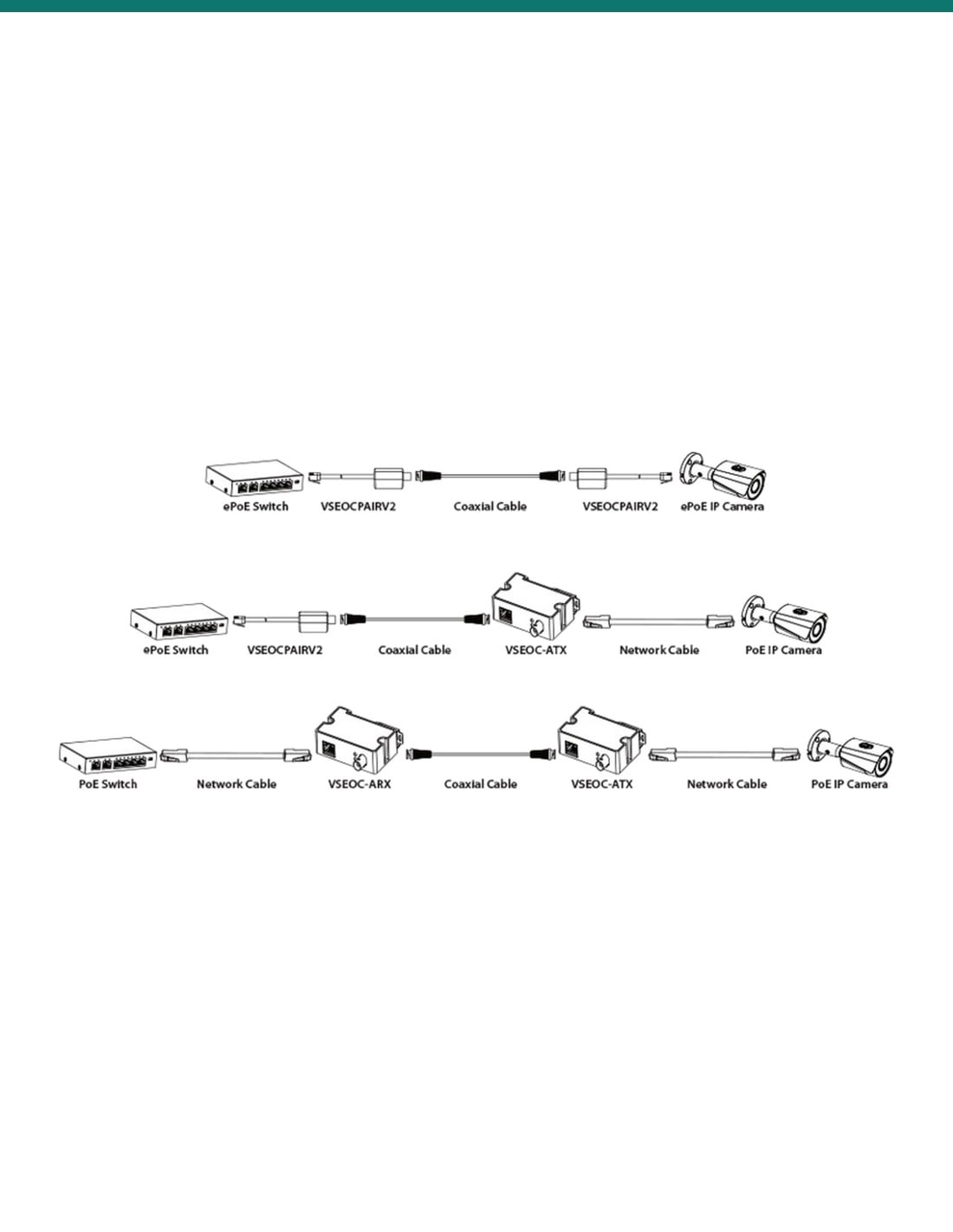
Securview's diagrams show two ways to use it. With a normal PoE switch: switch, network cable, VSEOC-ARX, coax, VSEOC-ATX, network cable, PoE camera. With an ePoE switch: switch, VSEOCPAIRV2 converter, coax, VSEOC-ATX, network cable, PoE camera.
How it goes in
Four steps from old coax to an IP camera.
01
Check the coax
Securview rates the link on RG59 coax: up to 400 m at 100 Mbps or 1000 m at 10 Mbps. Fit a good BNC plug on each end and take out any old video baluns or splitters.
02
Set up the switch end
Plug a VSEOC-ARX (PoE IN) into a port on the PoE switch with a patch lead, and the coax into its BNC. On an ePoE switch or NVR you can use a VSEOCPAIRV2 converter there instead.
03
Fit the VSEOC-ATX at the camera
Connect the coax to the BNC, then a patch lead from the PoE OUT port to the IP camera. The unit can clip onto a DIN rail in an enclosure.
04
Check the lights and the picture
Link and PWR should light. Check the camera on the recorder, and keep its bit rate within the link speed, especially on a 10 Mbps run.
At a glance
VSEOC-ATX
Show specs
Distance over RG59 coax
400 m at 100 Mbps, 1000 m at 10 Mbps
PoE
IEEE 802.3af and 802.3at, carried over the coax to the camera
Network port
1 × RJ45 10/100 Mbps (Base-TX), marked PoE OUT
Coax port
1 × BNC, marked Long Reach
Network standards
IEEE 802.3, 802.3u, 802.3x
Indicators
Link and PWR (as pictured)
Power consumption
Under 2 W
Power at the camera
Not published by Securview; confirm your camera's draw with us
Surge protection
4 kV common mode, 2 kV differential mode
Mounting
DIN rail mountable
Dimensions
79 × 52 × 23 mm
Operating environment
−30 °C to 65 °C, under 95% RH
Works with
VSEOC-ARX, or VSEOCPAIRV2 on an ePoE switch or NVR
Pair it with
What goes with it
Switch end
VSEOC-ARX Ethernet over coax receiver
The matching unit, marked PoE IN. It plugs into the PoE switch and puts the network and power onto the coax. Sold separately.
Power and network
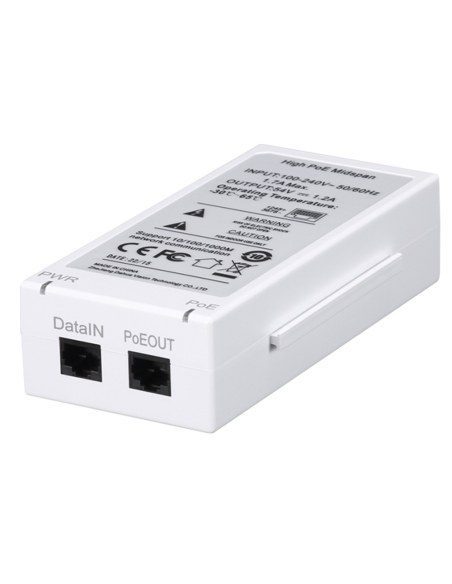
A PoE switch, e.g. VIP Vision VSPOE-SWA8U
The VSEOC pair supports IEEE 802.3af and 802.3at PoE. The VSPOE-SWA8U has 8 PoE+ ports at up to 30 W each.
ePoE sites
VSEOCPAIRV2 at an ePoE switch or NVR
Securview's diagram also shows a VSEOCPAIRV2 converter on an ePoE switch feeding this VSEOC-ATX at a standard PoE camera.
Patch lead
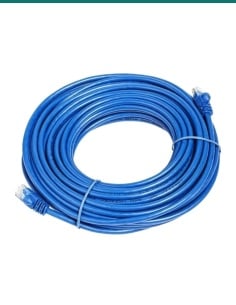
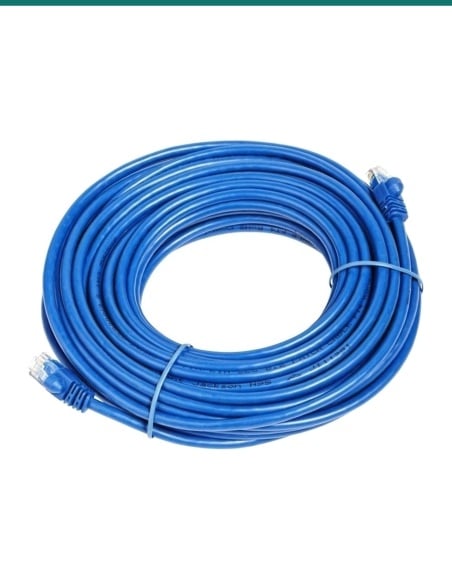
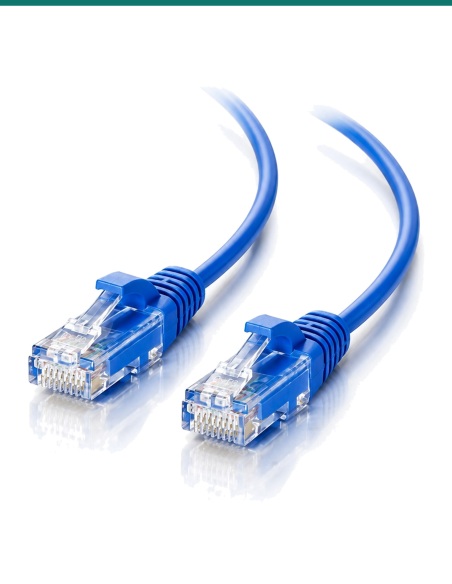
Cat6 1 m patch cable
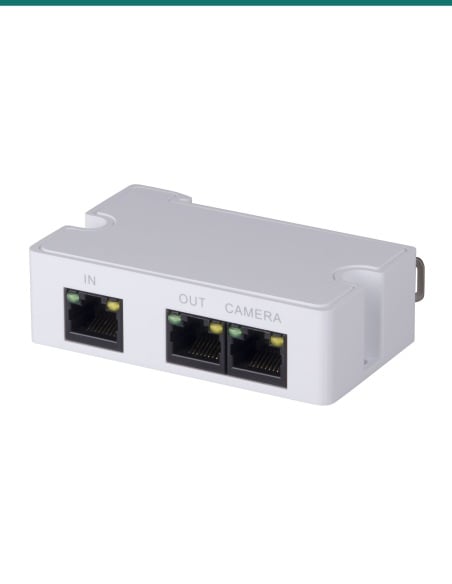
A short network lead from the PoE OUT port to the camera, and another from the switch to the VSEOC-ARX.
Where it is used
Where it is used
Analogue to IP upgrades
Replace old coax cameras with IP cameras and keep the cable that is already in the walls and ceilings.
Warehouses and factories
Long coax runs to the far end of the building, past the 100 m limit of network cable.
Car parks
Cameras on poles and walls already fed by coax, upgraded without trenching new cable.
Shops and shopping centres
Re-use coax hidden in finished ceilings and shopfronts instead of opening them up.
Schools and campuses
Older buildings with long coax runs between blocks.
Farms and sheds
Cameras a long way from the house on an existing coax run, up to 1000 m at 10 Mbps.
VSEOC-ATX or VSEOC-ARX
| VSEOC-ATX (this one) | VSEOC-ARX |
|---|
| Where it goes | Camera end | Switch end |
| RJ45 marking | PoE OUT | PoE IN |
| Ports | 1 × RJ45 10/100, 1 × BNC | 1 × RJ45 10/100, 1 × BNC |
| PoE | IEEE 802.3af/at | IEEE 802.3af/at |
| Distance (RG59) | 400 m at 100 Mbps, 1000 m at 10 Mbps | 400 m at 100 Mbps, 1000 m at 10 Mbps |
| Size and weight | 79 × 52 × 23 mm, 61 g | 79 × 52 × 23 mm, 61 g |
| Power consumption | Under 2 W | Under 2 W |
You need one of each for a standard PoE switch. Figures from Securview's VSEOC-ATX and VSEOC-ARX product pages and the Securview HDCVI accessories brochure.
Common questions
Do I need anything else for it to work?
Yes. It is one end of the link. Put a VSEOC-ARX at the switch end, or a VSEOCPAIRV2 converter if the switch or NVR has ePoE ports.
Which end does the VSEOC-ATX go at?
The camera end. Its RJ45 port is marked PoE OUT, and Securview's diagrams show it next to the IP camera, with the VSEOC-ARX (PoE IN) at the switch.
How far can it go?
Up to 400 m at 100 Mbps, or up to 1000 m at 10 Mbps, on RG59 coax. Those are Securview's figures.
Does it carry PoE to the camera?
Yes. Securview lists IEEE 802.3af and 802.3at PoE and power carried over the coax, so the camera can run from the PoE switch at the other end.
How much power reaches the camera?
Securview does not publish a figure for the camera end. Tell us the camera model and the coax length and we will check it before you buy.
Will it work on RG6 coax?
Securview only rates it on RG59. For RG6 or other coax, confirm with us first.
Is 10 Mbps enough for a camera?
It can be, if the camera's stream is set below 10 Mbps. Lower the bit rate on long runs, or keep the run under 400 m for 100 Mbps.
Can I use it with an ePoE switch or NVR?
Yes, through a VSEOCPAIRV2 converter at the switch end. Securview's diagram shows ePoE switch, VSEOCPAIRV2, coax, VSEOC-ATX, network cable, PoE camera.
Does it need its own power supply?
Securview describes power carried over the coax from the PoE switch end and lists no separate power supply. Confirm with us if your site has no PoE at the switch end.
Can it mount on a DIN rail?
Yes. It is DIN rail mountable, so it can sit in an enclosure near the camera.
Can it be used outdoors?
It works from −30 °C to 65 °C, under 95% humidity, but no weather rating is listed. Fit it in a weatherproof box or enclosure.
Will it carry analogue or HD coax video?
No. It carries Ethernet for IP cameras. Analogue and HDCVI, TVI or AHD cameras connect straight to a DVR over coax.
Supported by InFront Technologies.
Not sure whether your coax run will carry the camera you have in mind? Call 1300 736 970 or email [email protected]. The Securview brochure is on the Attachments tab.
Installation and safety
Cabling. Fixed network and coax cabling must be installed by a registered cabler to AS/CA S009.
Old coax. Test the run first: corroded plugs, splices and old splitters cut the distance. Re-terminate with new BNC plugs if in doubt.
Weather. No IP rating is listed. Keep it in a dry enclosure, not exposed to rain.
What it does not do. It does not carry analogue or HD coax video, does not record and is not a network switch. One camera per coax run.
Figures. From Securview's VSEOC-ATX product page and the Securview HDCVI accessories brochure.