There are no more items in your cart
In Stock - Ready to Ship


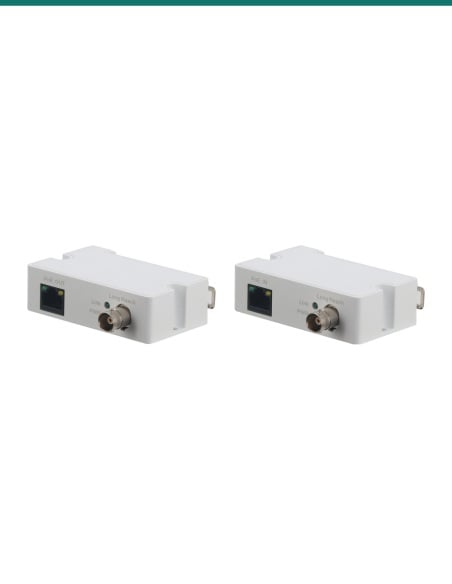
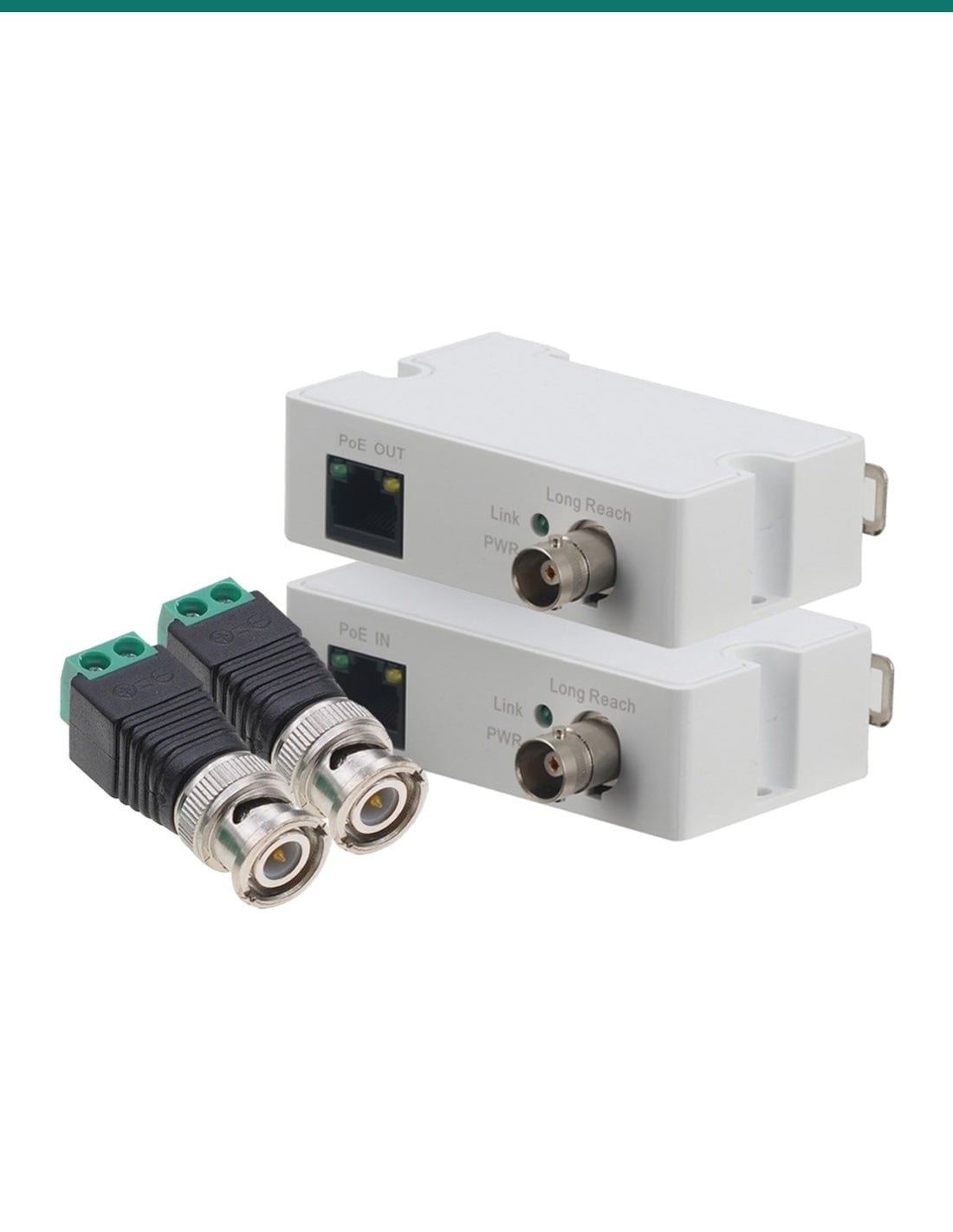
IVSEC IV2WIREKIT: a transmitter and receiver pair that carries network data and PoE power over existing RG59 coax, for upgrading analogue camera runs to IP.
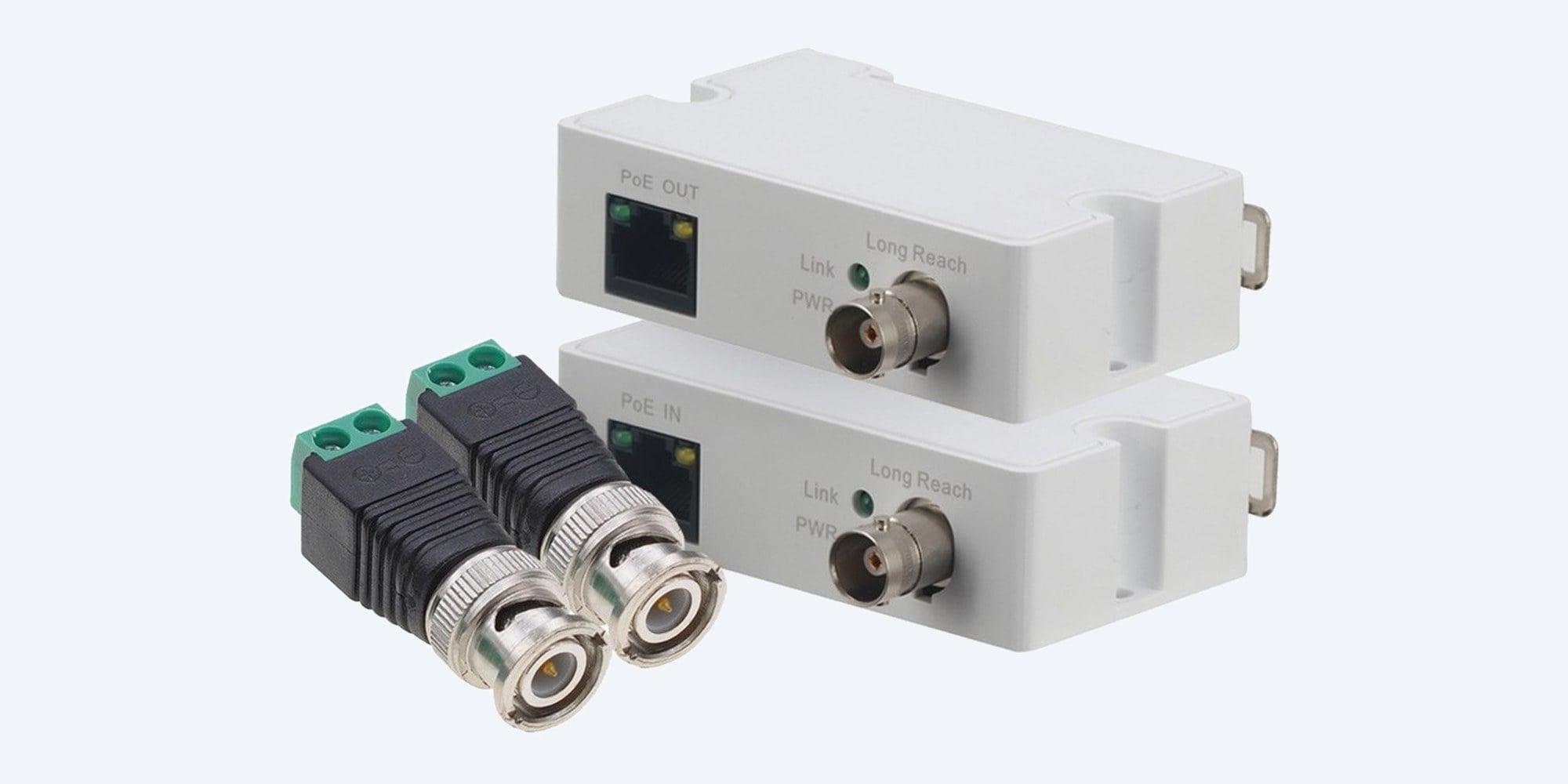
The IVSEC IV2WIREKIT is a transmitter and receiver pair that carries network data and PoE power over existing RG59 coax, so you can swap old analogue cameras for IP cameras without pulling new cable.
In one sentence: the IVSEC IV2WIREKIT is an Ethernet and PoE over coax extender pair with one RJ45 and one BNC port per unit, carrying 100 Mbps up to 400 m or 10 Mbps up to 1000 m on RG59 with 802.3af and 802.3at PoE.
Transmitter and receiver pair. Switch, camera and cable are separate.
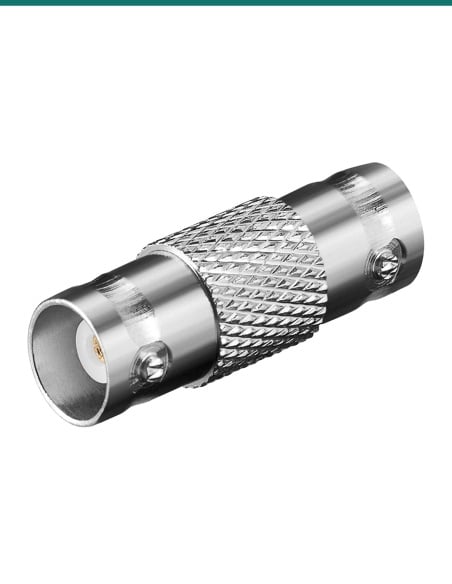
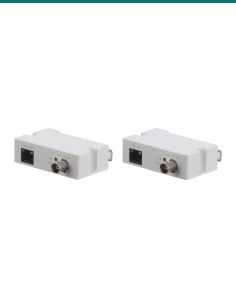
The kit is one transmitter (camera end) and one receiver (switch end). IVSEC's product photo also shows two BNC to 2-wire terminal adaptors; confirm with us whether they are in the box.
Older analogue systems have RG59 coax to every camera, often through walls and ceilings that are hard to re-cable. The IV2WIREKIT turns that coax into a PoE network link, so an IP camera at the far end gets both data and power.
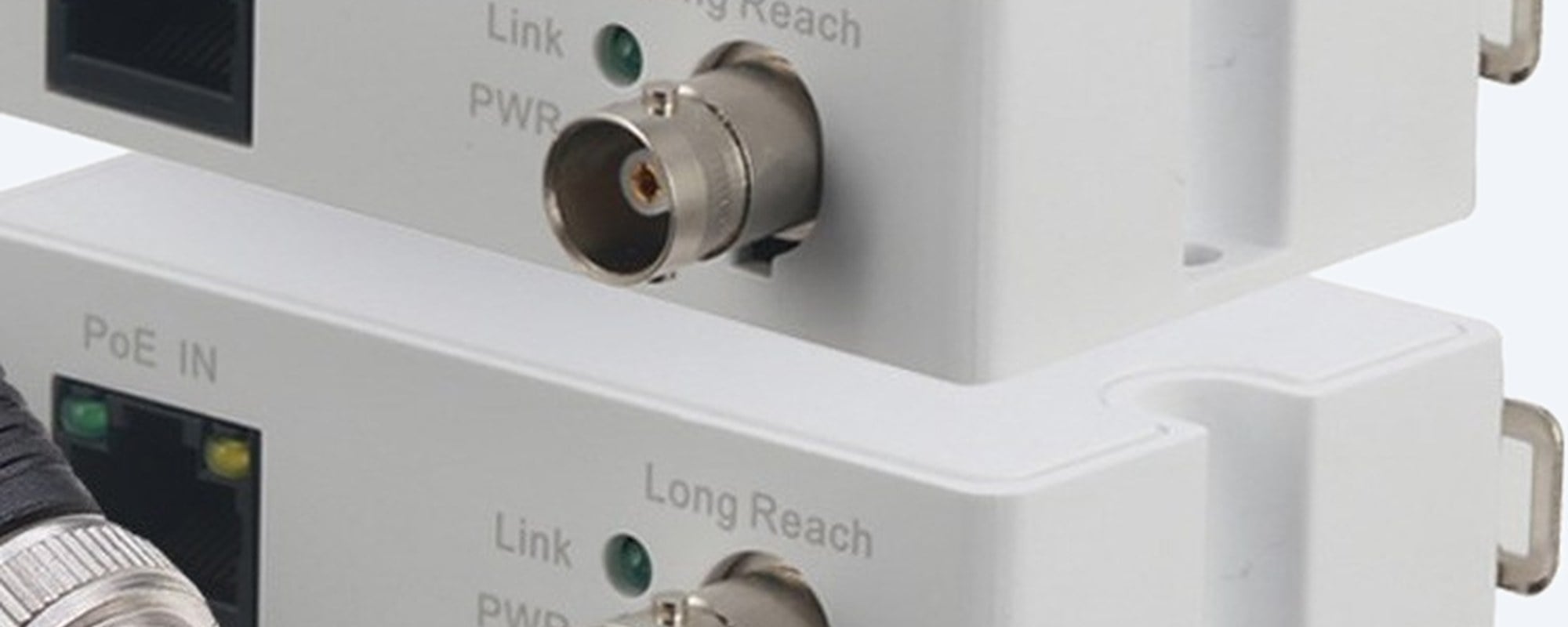
Ports and lights
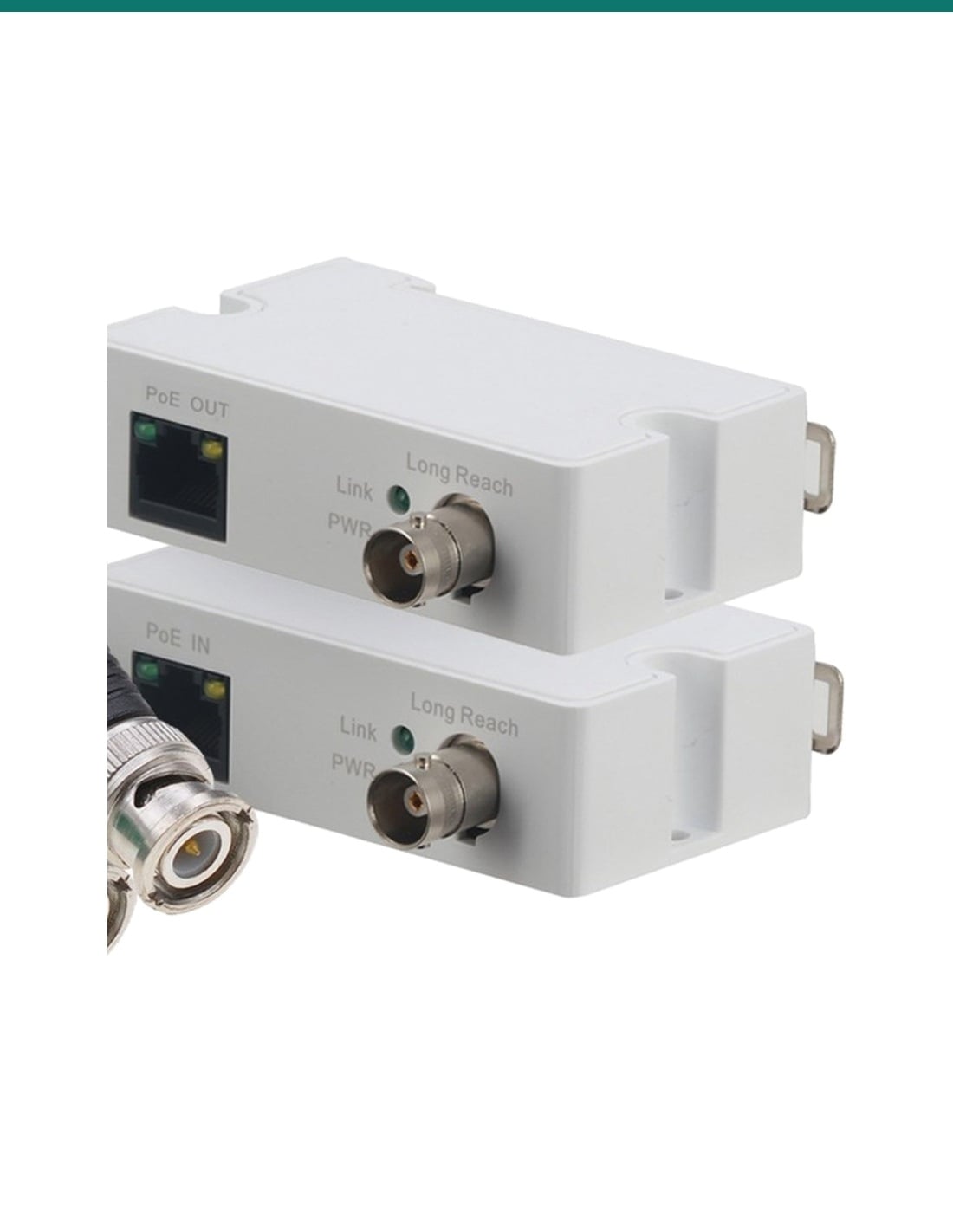
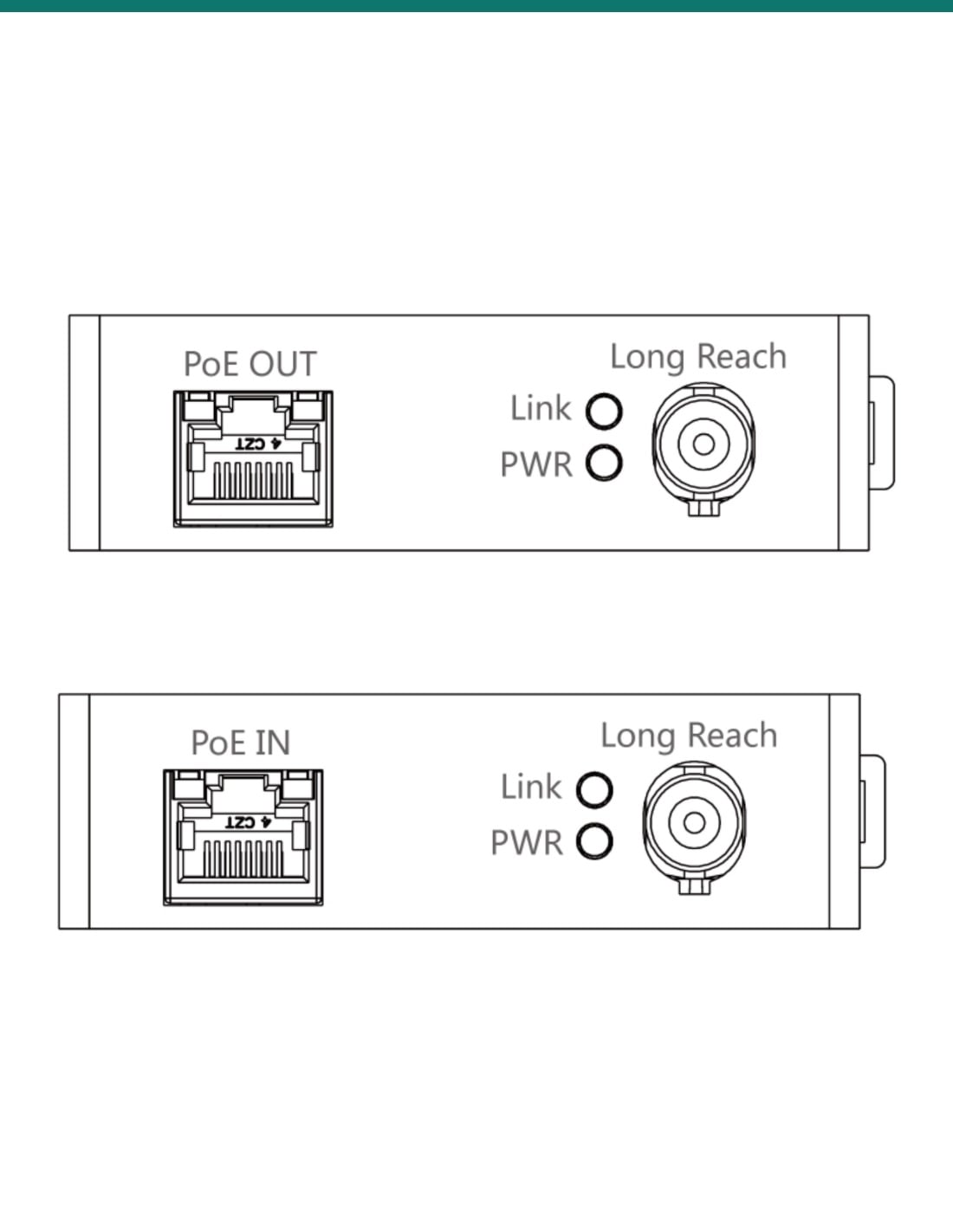
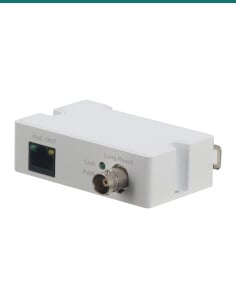
Each unit has a 10/100 Mbps RJ45 port (PoE OUT on the transmitter, PoE IN on the receiver), a BNC Long Reach port for the coax, and PWR and Link lights. IVSEC's manual says the Link light shows 100 Mbps mode (on 3 seconds, off 1) or 10 Mbps mode (on 1, off 1).
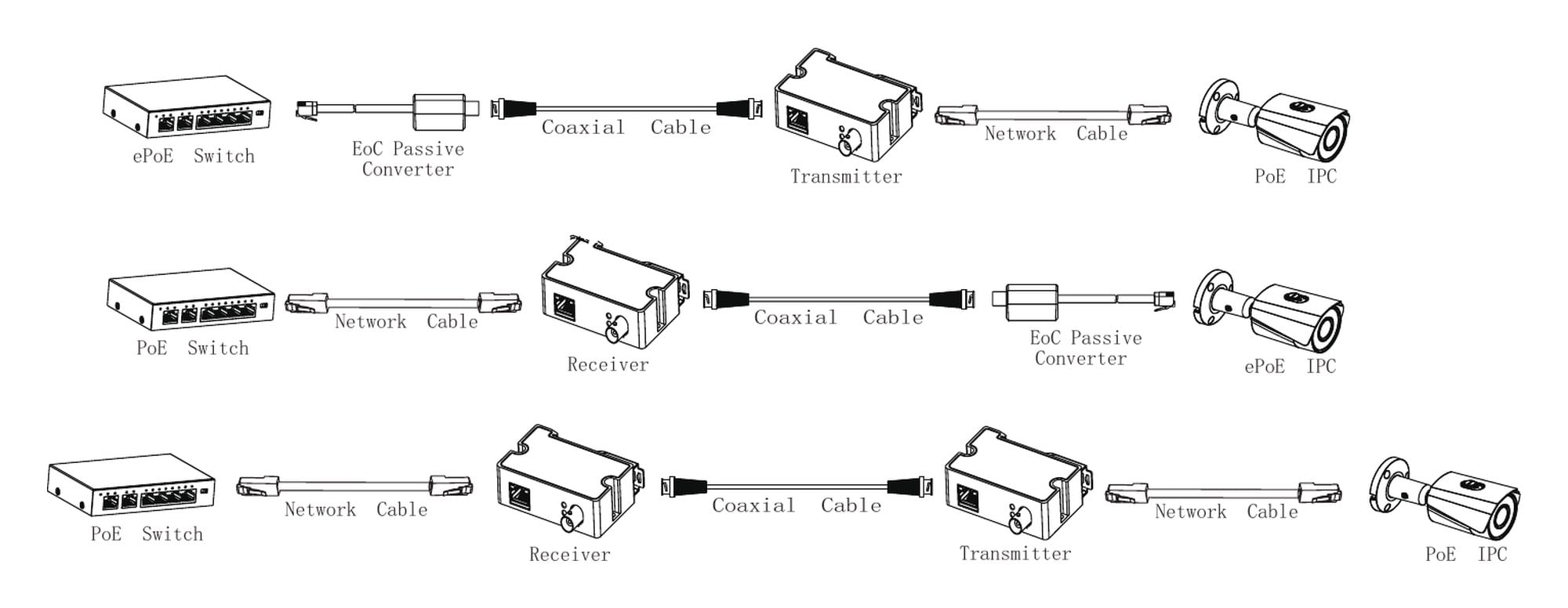
How it connects
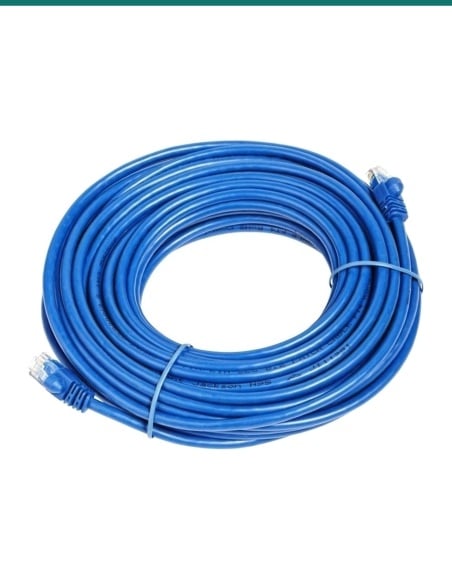
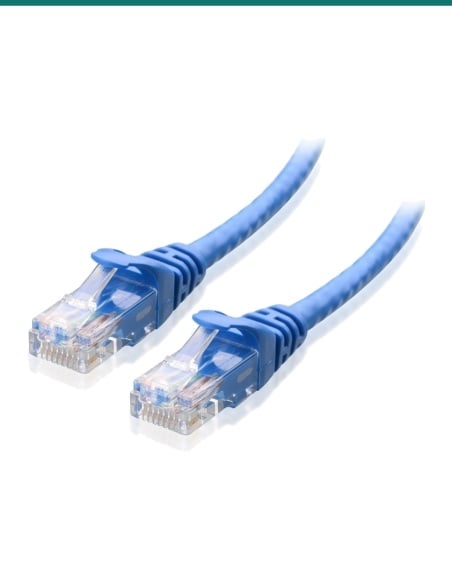
IVSEC's diagram: PoE switch to the receiver by network cable, coax to the transmitter, and a short network cable to the PoE camera. It also shows one end replaced by an IVSEC ePoE switch or ePoE camera with a passive EoC converter.
How it goes in
01
Measure the total cable from switch to transmitter and check the camera's power against IVSEC's table for that length.
02
Connect the receiver's PoE IN port to the PoE switch or NVR with a network cable, and the coax to its BNC port.
03
Connect the coax to the transmitter's BNC port and its PoE OUT port to the camera with 2 m or less of network cable.
04
Check the PWR and Link lights, confirm the mode (100 or 10 Mbps) and that the camera appears on the recorder.
At a glance
Show specs
Kit
One transmitter and one receiver
Ports per unit
1 × RJ45 10/100 Mbps Base-TX, 1 × BNC
Distance on RG59
400 m at 100 Mbps, 1000 m at 10 Mbps
PoE
IEEE 802.3af and 802.3at
Power at the camera
21 W at 100 m down to 4 W at 1000 m (48 V switch); 25.5 W down to 6 W (53 V)
Network standards
IEEE 802.3, 802.3u, 802.3x; MDI/MDIX auto
Own consumption
Under 2 W
Lightning protection
4 kV common mode, 2 kV differential mode
Indicators
PWR, Link (shows 100 or 10 Mbps mode)
Operating temperature
−30 °C to 65 °C
Operating humidity
5% to 95%
Weight
61 g (datasheet figure)
Size
79 × 52 × 23 mm (W × D × H)
Cable basis
RG59 with DC resistance under 5.0 Ω per 100 m
Pair it with
Power source
IEEE 802.3af or 802.3at. A 53 V supply leaves more power for the camera at long distances than 48 V.
Camera
Check the camera's maximum draw against the table for your coax length. Ask us and we'll check it for you.
Cable
IVSEC's figures are for RG59. For other coax or 2-wire cable, confirm the distance with us first.
Where it is used
Reuse the coax from an old analogue system for new IP cameras.
Reach cameras beyond the 100 m limit of normal network cable.
Avoid new cable runs through walls you can't easily open.
Use existing coax through common areas and risers.
Long coax runs to sheds, gates and outbuildings.
Upgrade cameras where coax already runs through the ceilings.
| With a 48 V PoE switch | With a 53 V PoE switch | |
|---|---|---|
| 100 m, 100 Mbps | 21 W | 25.5 W |
| 200 m, 100 Mbps | 15 W | 24 W |
| 300 m, 100 Mbps | 11 W | 19 W |
| 400 m, 100 Mbps | 9 W | 16 W |
| 500 m, 10 Mbps | 7 W | 13 W |
| 800 m, 10 Mbps | 5 W | 8 W |
| 1000 m, 10 Mbps | 4 W | 6 W |
From IVSEC's IV2WIREKIT datasheet and user manual, on RG59 with DC resistance under 5.0 Ω per 100 m. Length is the total from switch to transmitter.
It carries Ethernet data and PoE power over coax, so an IP camera can run on the RG59 cable left from an old analogue system.
One transmitter and one receiver. IVSEC's photo also shows two BNC to 2-wire terminal adaptors; confirm with us whether they are included.
On RG59, 400 m at 100 Mbps or 1000 m at 10 Mbps, per IVSEC's datasheet.
It depends on distance and switch voltage: 21 W at 100 m falling to 4 W at 1000 m with a 48 V switch, or 25.5 W to 6 W with a 53 V switch.
The receiver (PoE IN) goes at the switch or NVR, and the transmitter (PoE OUT) at the camera, per IVSEC's manual.
No separate supply is listed. It is powered over PoE from the switch, IEEE 802.3af or 802.3at, and uses under 2 W itself.
10 Mbps suits a lower-bitrate stream. For a high resolution main stream, keep the run within 400 m to stay at 100 Mbps, and ask us about your camera's bitrate.
IVSEC's manual says the Link light is on 3 seconds and off 1 second at 100 Mbps, and on 1 second, off 1 second at 10 Mbps.
IVSEC's figures are for RG59 coax. The kit name mentions 2-wire, but no 2-wire distances are published, so confirm your cable with us.
IVSEC's manual says to use 2 m or less of network cable from the transmitter to the camera.
IVSEC lists lightning protection of 4 kV common mode and 2 kV differential mode.
No outdoor rating is listed. It is rated for −30 °C to 65 °C and 5% to 95% humidity, so mount it in a dry enclosure.
Send us your coax length and camera model and we'll check the power and speed: 1300 736 970 or [email protected]. The datasheet is on the Attachments tab.
Network only. IVSEC's manual says to connect it only to PoE networks that are not routed to outside plant cabling.
Cabling. Coax and data cabling in walls and ceilings is customer cabling under AS/CA S009 and needs an ACMA-registered cabler.
Placement. IVSEC's manual says to keep it away from damp, dust and heat sources and not to cover its vents.
What it does not do. It is not a switch, recorder or camera, and no outdoor or IP rating is listed.
Figures. From IVSEC's IV2WIREKIT datasheet and its Single-Port Long Reach Ethernet over Coaxial Extender user manual.



Need help choosing?
Tell us about your property and we'll recommend the right cameras and recorder.
07 5609 4910Sydney 02 8814 6008
[email protected]
Mon–Fri, 9am–5pm AEST
20 related items