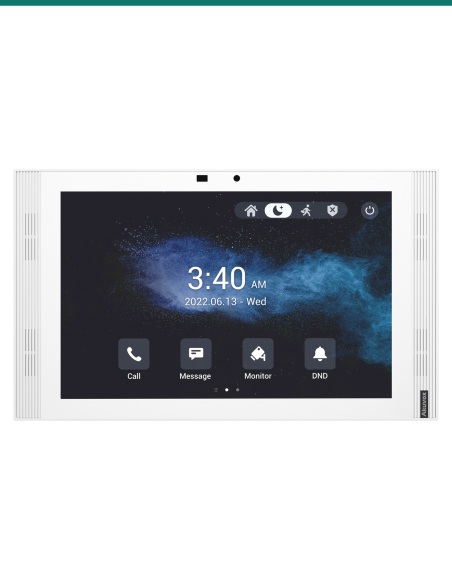
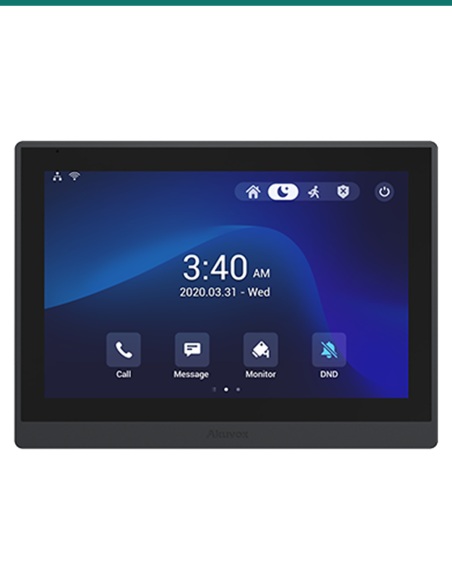
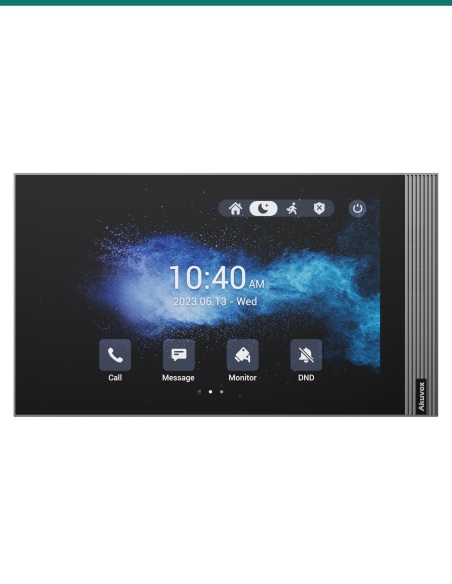
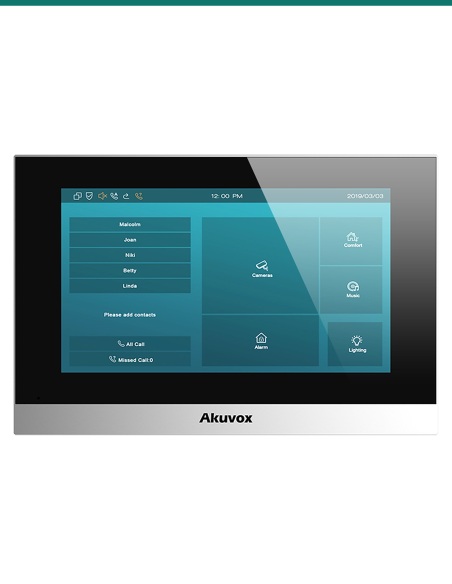
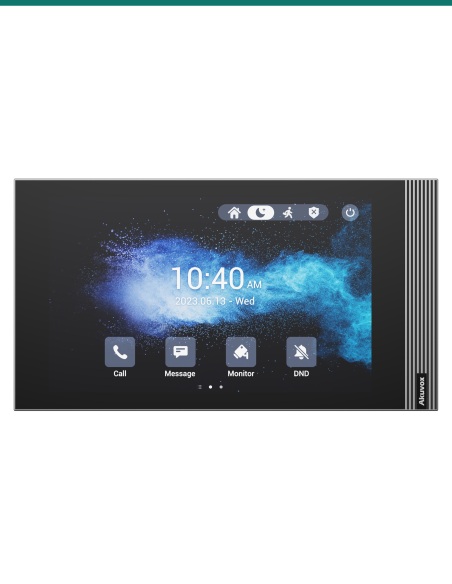
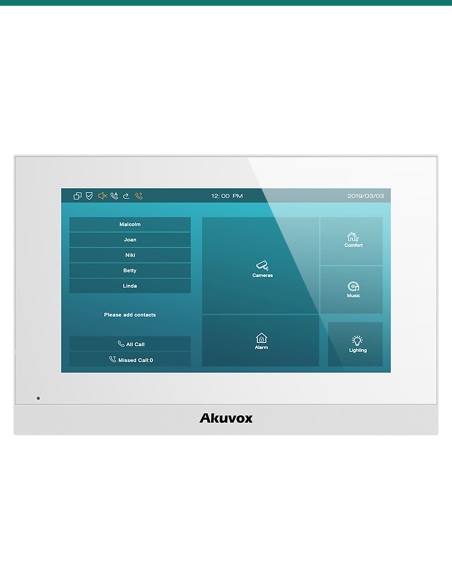
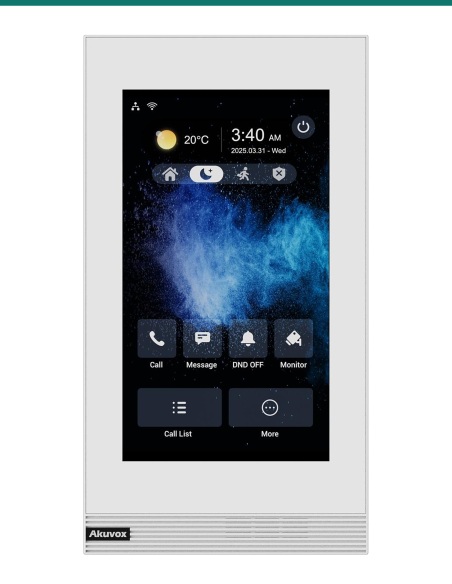
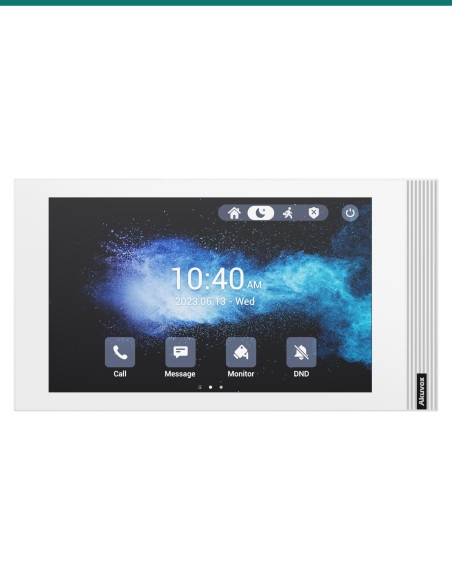
Akuvox S565W Grey 10-inch Linux SIP Indoor Monitor with Wi-Fi 6 — AK-S565W-GREY

AK-S565W-GREY
In Stock - Ready to Ship
$ 437.00
inc-GST

or 4 interest-free payments of $109.25 with

Akuvox S565W in grey is a 10-inch Linux SIP indoor monitor with a 1280 × 800 touch screen. It answers video calls from the door station, releases the lock, views IP cameras and takes eight alarm inputs. The W adds Wi-Fi 6 (2.4 GHz) so the monitor can run without a data cable where PoE isn’t practical. PoE or 12 V DC.

  • ✓10-inch IPS capacitive touch screen, 1280 × 800, 290 nits, 80° viewing each way
  • ✓Linux SIP v1 / v2 video intercom: H.264 video, G.722 wideband audio, echo cancellation
  • ✓1 relay output, 8 alarm inputs, bell input and RS485 · Wi-Fi 6 (2.4 GHz)
  • ✓PoE 802.3af or 12 V DC · ≤8 W · Wall or desk mount · 278 × 164 × 22.8 mm

 
Akuvox · S565W · Grey 10-inch Linux indoor monitor with Wi-Fi 6

A big 10-inch screen, kept simple.
Linux SIP, Wi-Fi 6, PoE.

The AK-S565W-GREY is Akuvox’s S565W indoor monitor in grey. A 10-inch 1280 × 800 IPS touch screen answers video calls from Akuvox door stations, and the same panel views IP cameras, releases the door relay and monitors eight alarm inputs. The W adds Wi-Fi 6 (2.4 GHz) so the monitor can run without a data cable where PoE isn’t practical.

This SKU is the indoor monitor only.

You receive the grey S565W with its wall-mounting bracket, cables and fixings. Door stations, the desk stand, surface-mount box, PoE switch and power supply are sold separately.

In the box
  • Akuvox S565W indoor monitor (grey)
  • Wall-mounting bracket
  • 8-pin and 10-pin wiring cables and a diode
  • Screws, wall anchors and a screwdriver
What you also need (sold separately)
  • Akuvox SIP door station, or another SIP door phone
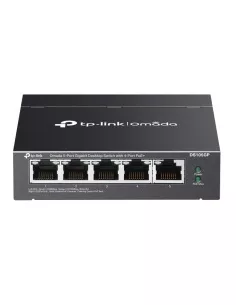
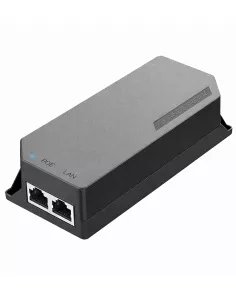
  • PoE 802.3af switch or injector, or a 12 V DC supply
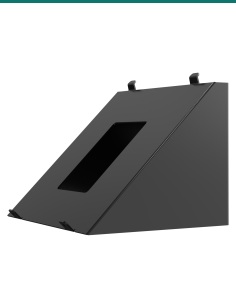
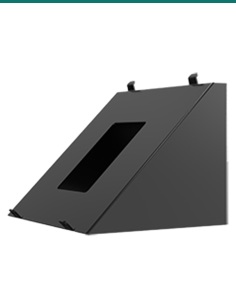
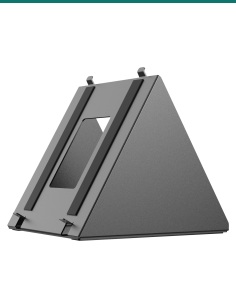
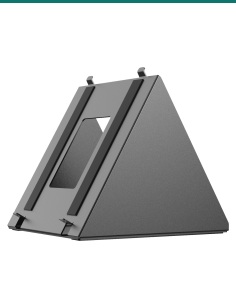
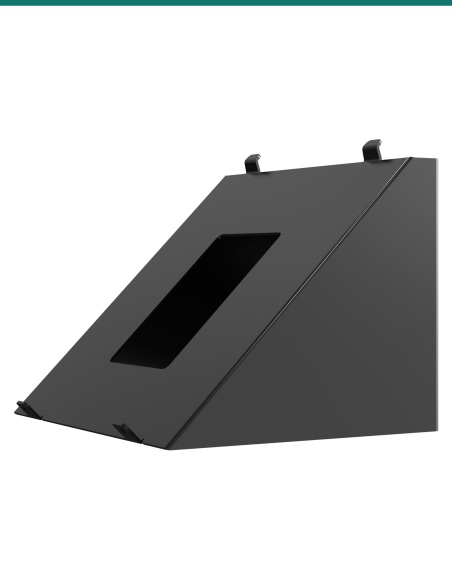
  • S565/S567 desk stand or surface-mount angle box if there is no wall box
  • Electric lock and lock PSU if the relay releases a door

Answer the door from the hallway.

When a visitor presses the call button outside, the S565W rings with live video from the door station. Talk hands-free, tap to release the lock, and check any linked camera before you open up.
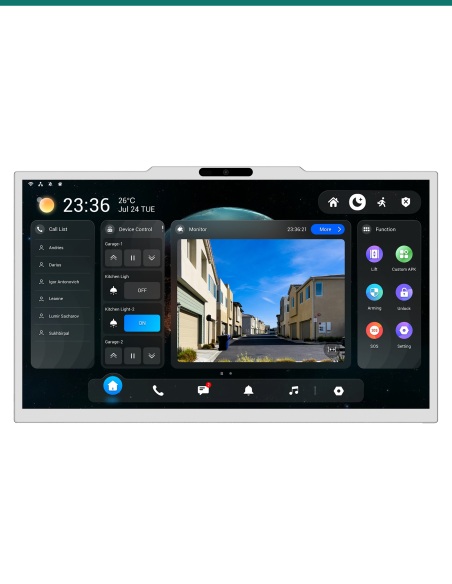
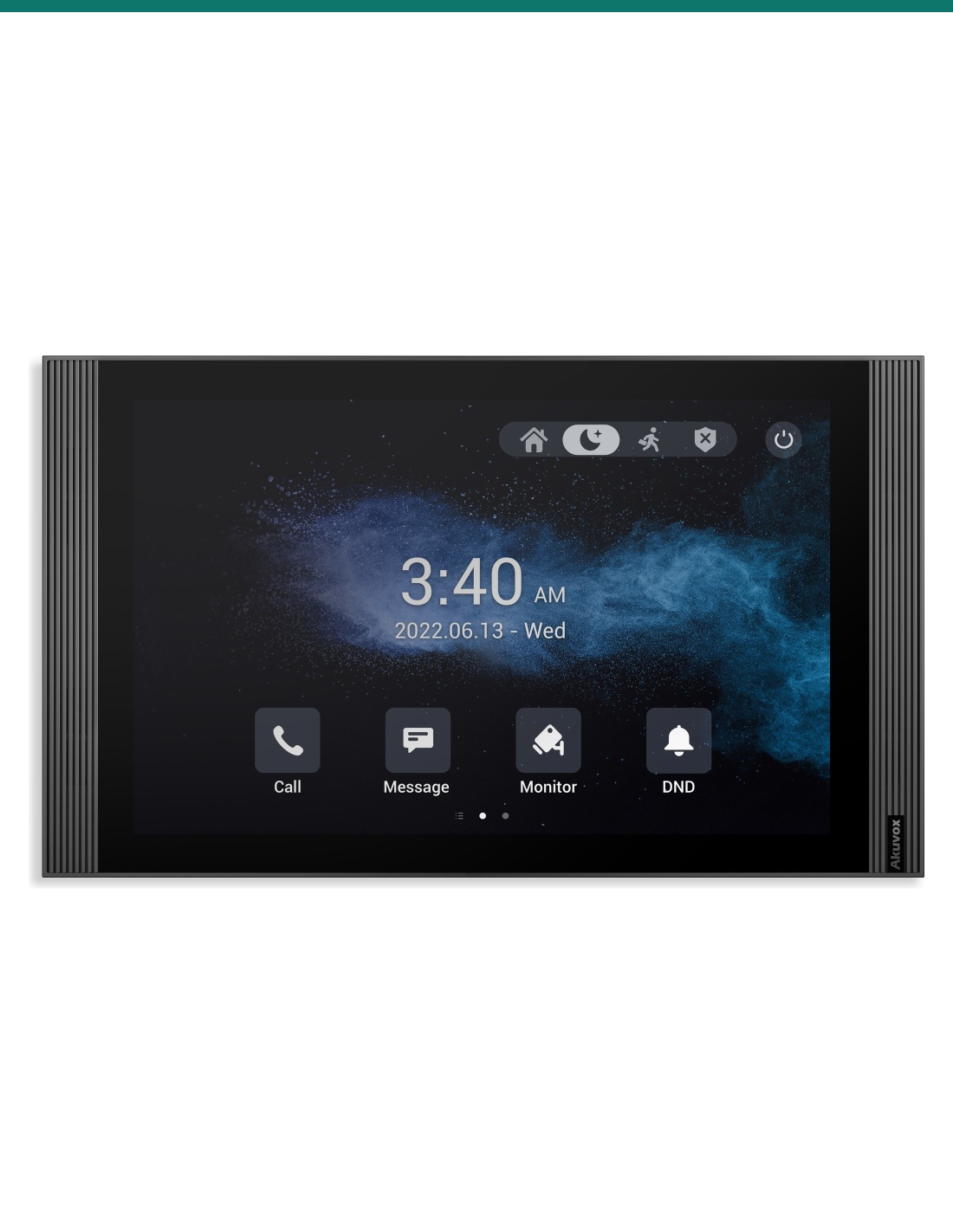
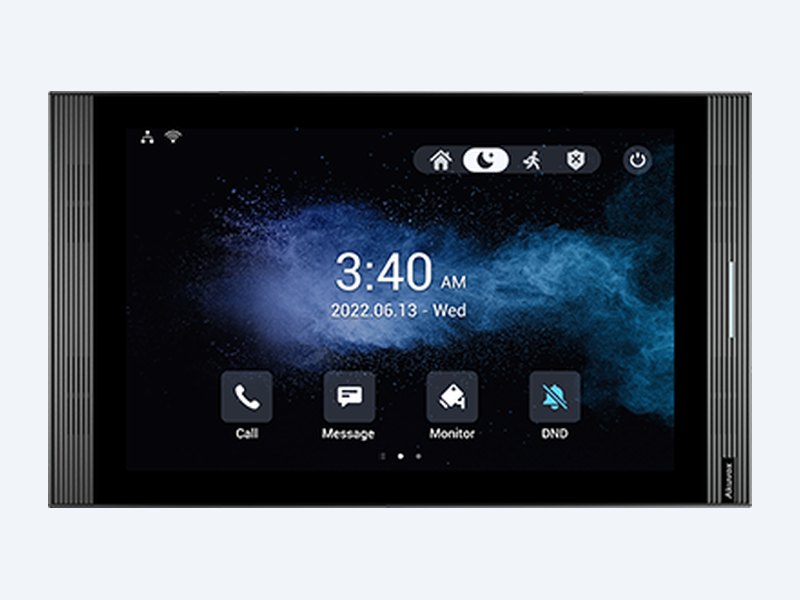
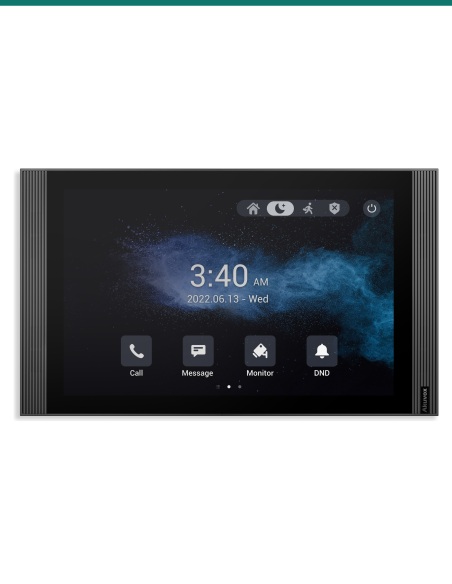
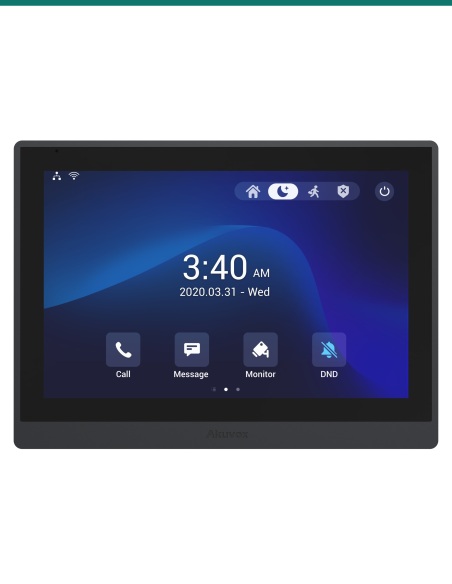
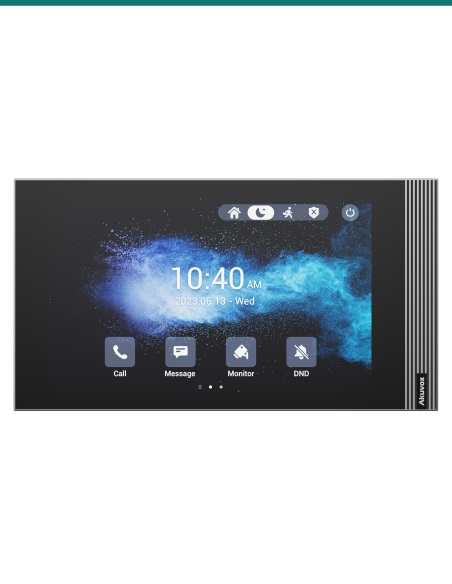
Akuvox S565W grey indoor monitor front view

Display

A 10-inch screen that’s easy to read.
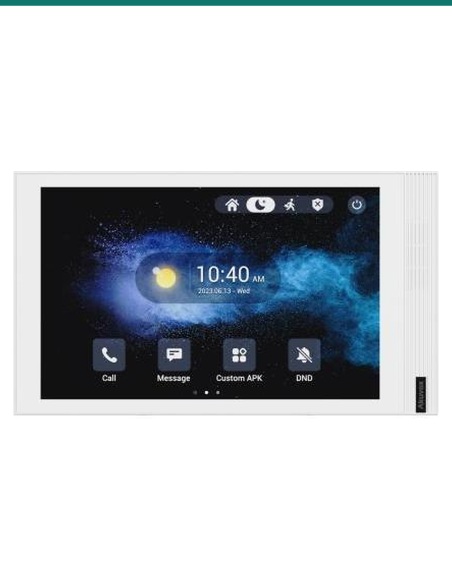
10-inch IPS capacitive touch panel at 1280 × 800, 290 nits, 1000:1 contrast and 80° viewing in every direction, with an energy-saving mode when idle.

Linux keeps it quick and simple to look after: web management portal, auto-provisioning, configuration backup and firmware upgrades from the browser.

Wiring & Wi-Fi

Wired I/O, Wi-Fi 6 data.

Eight alarm inputs take door contacts and motion sensors, a bell input suits a wired doorbell button, and one relay plus RS485 cover lock and controller wiring.

Wi-Fi 6 (802.11 ax, 2.4 GHz) carries SIP calls where a data cable is hard to run; the two 10/100 Mbps RJ45 ports remain for PoE and wired networks.

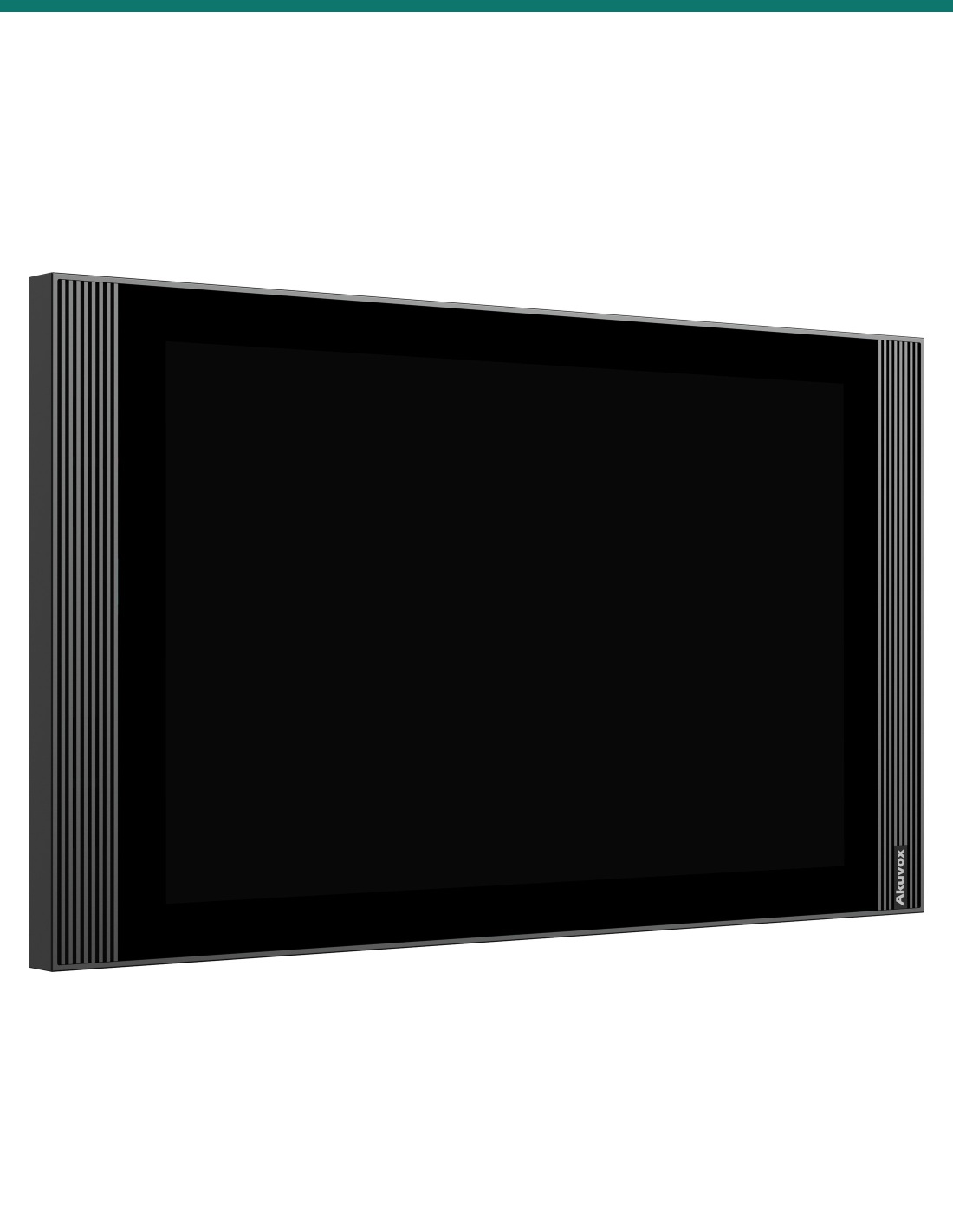
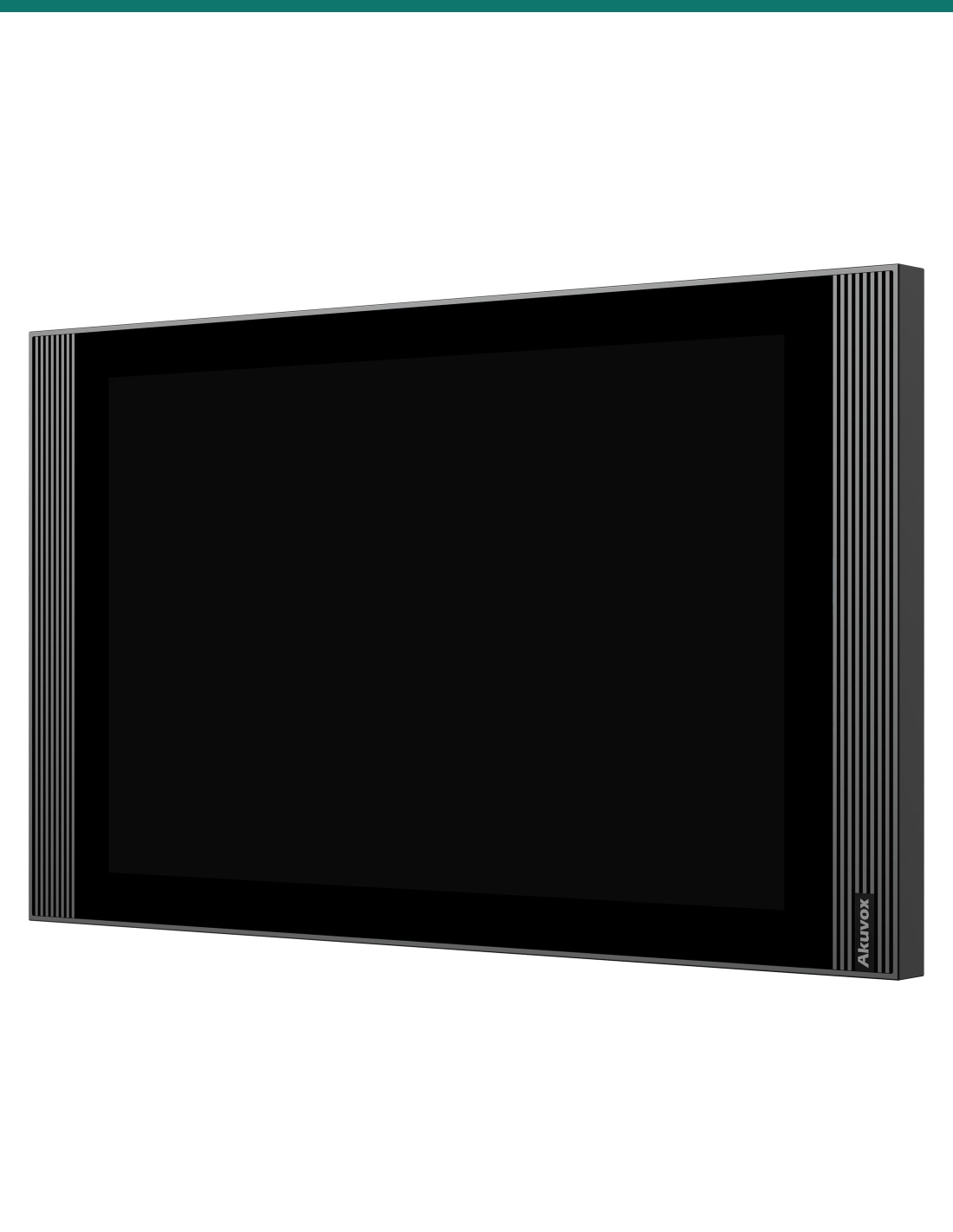
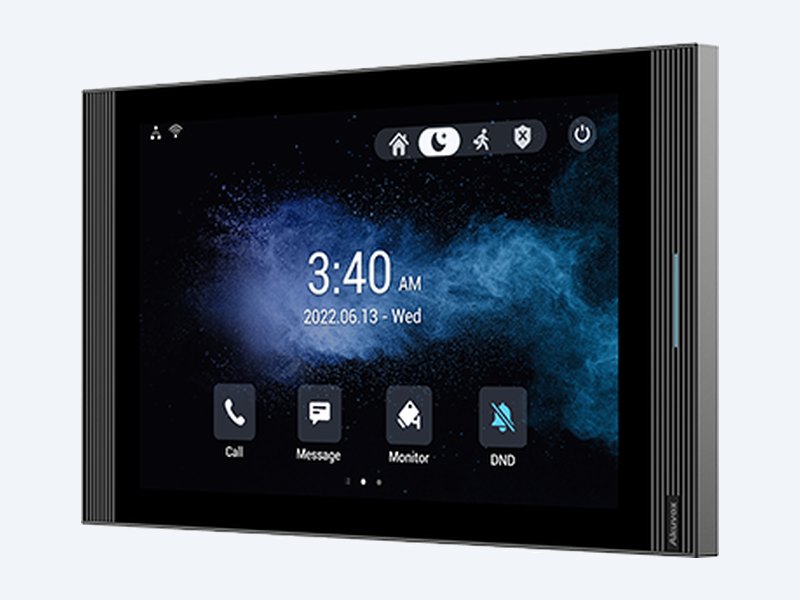
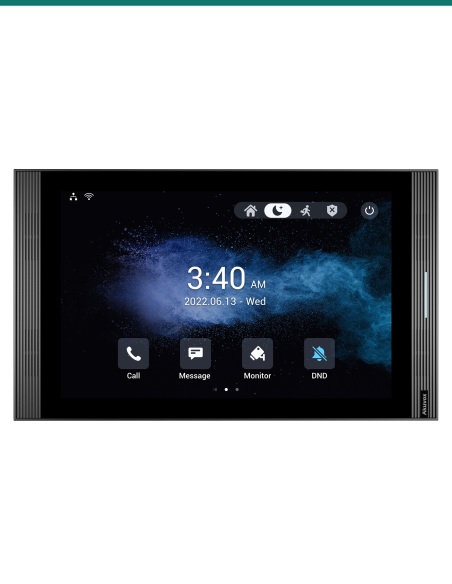
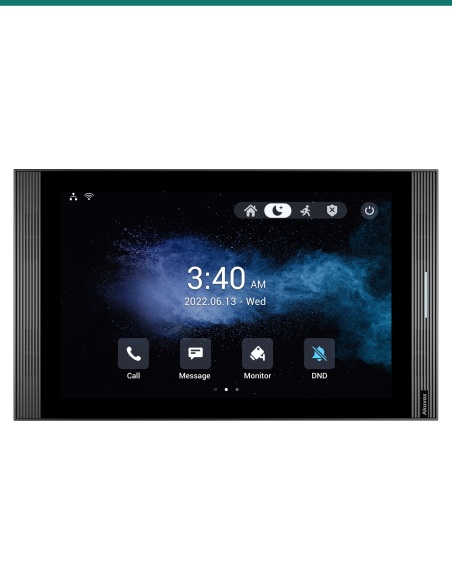
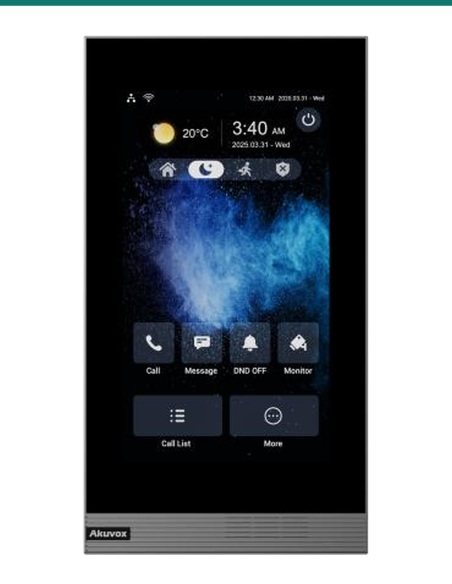
Akuvox S565W grey indoor monitor three-quarter view
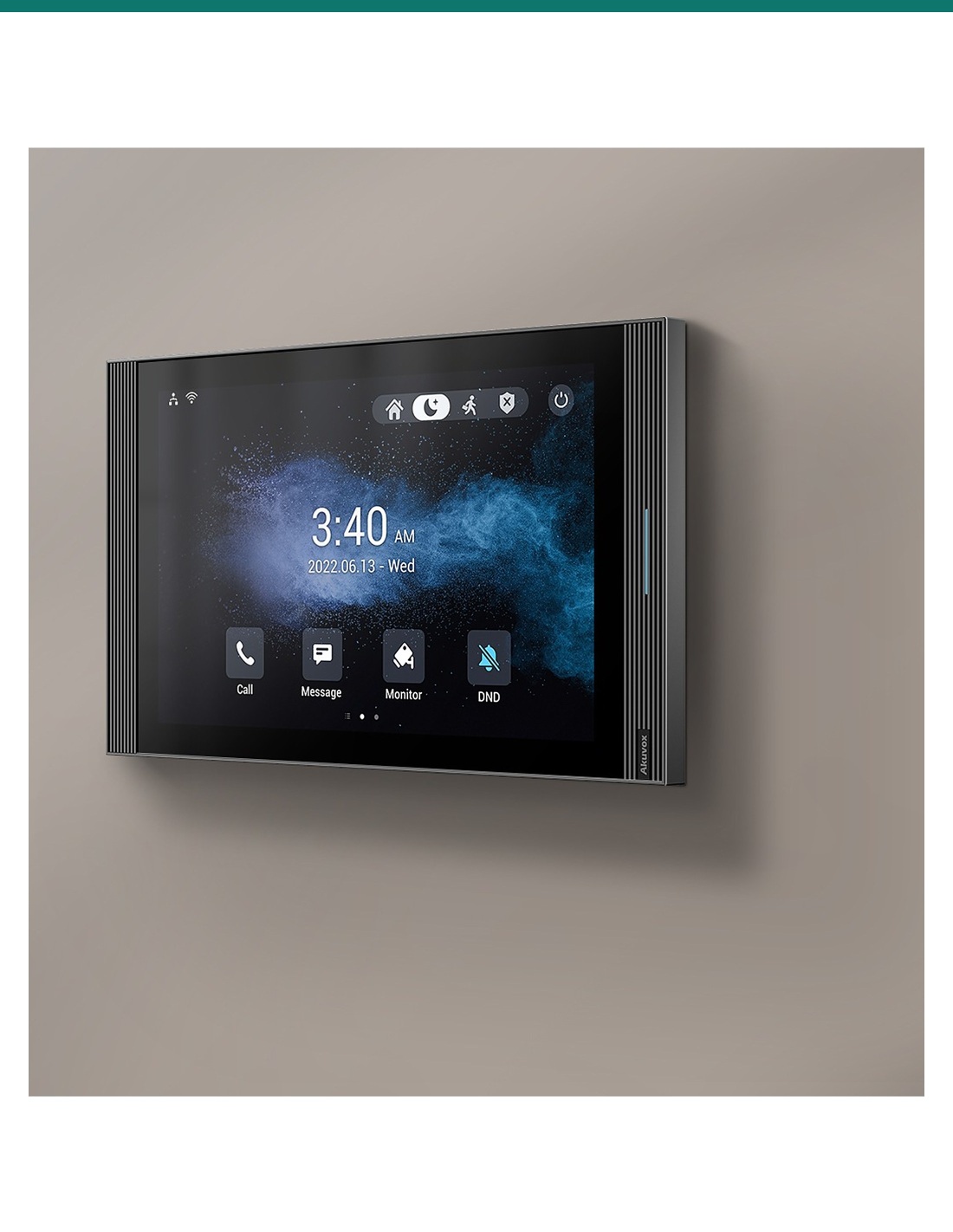
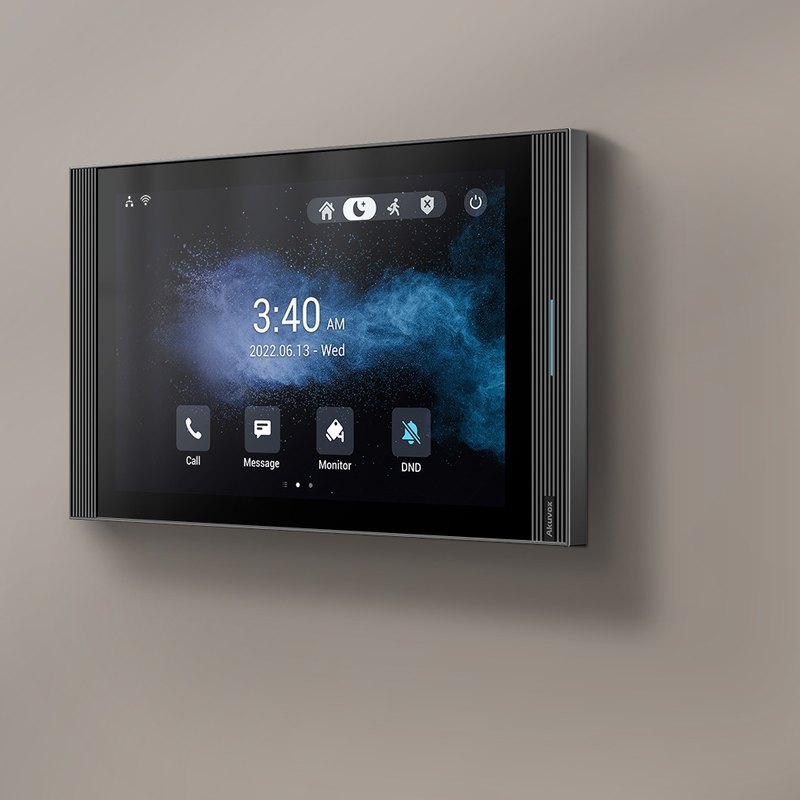
Akuvox S565W grey indoor monitor on a living-room wall

Cameras

More than a door intercom.

The S565W shows live video from Akuvox door phones and RTSP IP cameras, so residents can check the driveway or lobby from the same screen.

Two microphones and a speaker with echo cancellation, comfort noise generation and automatic gain control keep two-way calls clear.

How it works

From door call to open door.

01

Mount

Fix the bracket to a US or European wall box, or use the S565/S567 desk stand or surface-mount angle box.

02

Power and network

Run 802.3af PoE to the RJ45, or use 12 V DC. Wi-Fi 6 can carry data where cable is hard to run.

03

Pair the door

Register the monitor and door station to each other, or to your SIP PBX, in the web portal.

04

Test

Call from the door, check video and audio, and confirm the unlock key releases the right lock.

Pair it with

Builds a complete apartment or villa intercom

Door

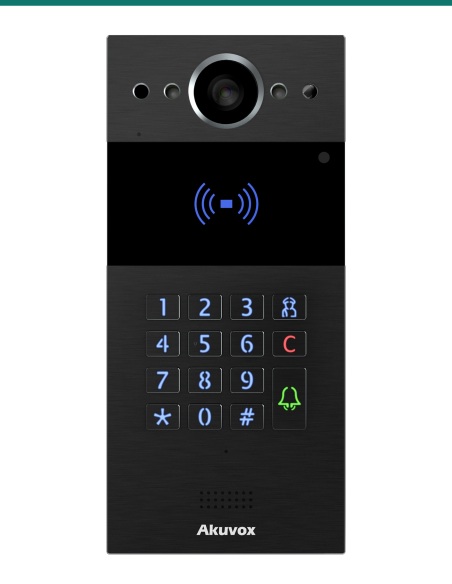
Akuvox door station

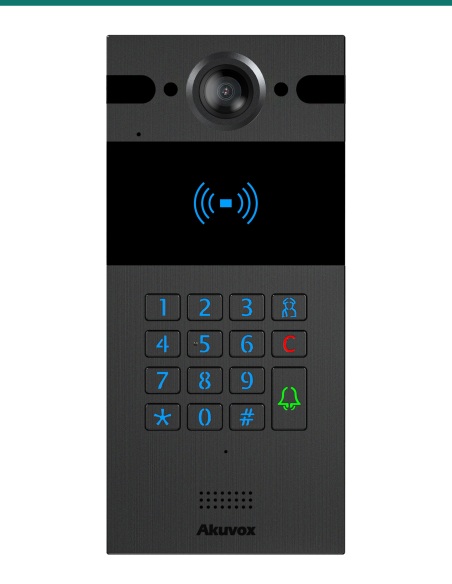
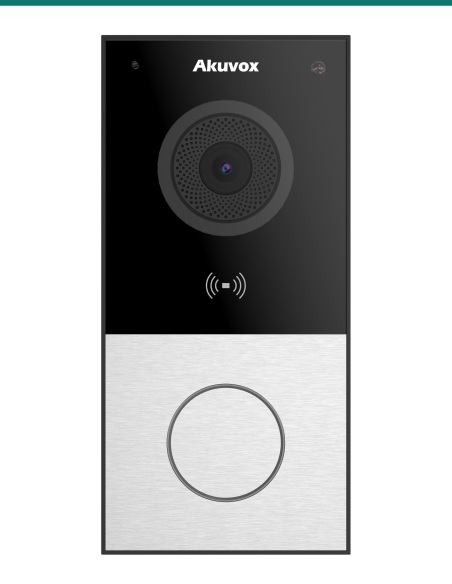
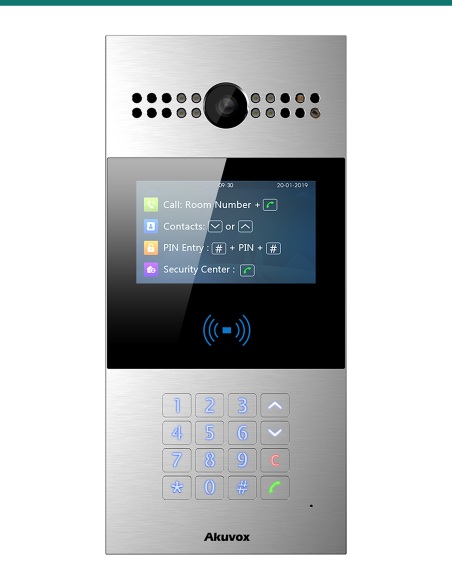
R20K, R25K, E12S or R28A call the monitor with video and let residents release the lock.

Desk

S565/S567 desk stand or angle box

Sit the monitor on a bench or reception desk, or surface-mount it at an angle where there is no wall box.

Network

PoE switch

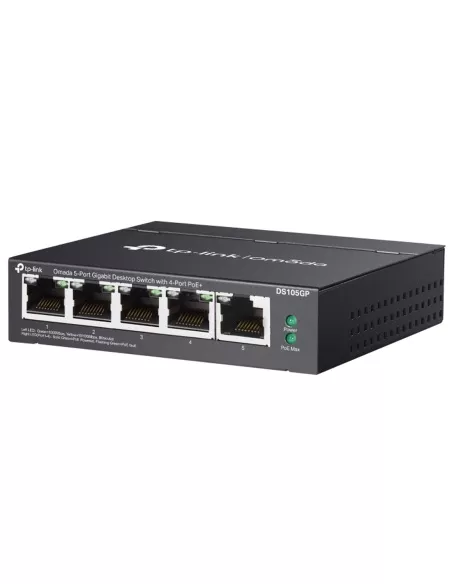
One 802.3af PoE port powers the monitor and carries the SIP call — no local power point needed.

Cameras

IP security cameras

Add RTSP cameras so residents can check the driveway or lobby from the same screen.

Works with

Platforms and integrations

SIP PBX and IP phones

Standard SIP v1 / v2 registers the S565W to Akuvox door stations, IP phones or extensions on any SIP-capable PBX.

IP cameras over RTSP

RTSP support lets residents bring up live video from IP cameras on the same screen they answer the door with.

Auto-provisioning

Auto-provisioning and the web portal let installers roll out and update every monitor in a building from one server.

Watch

See it in action

Akuvox S565 10-inch indoor monitor overview
Mounting an Akuvox indoor monitor
Viewing third-party NVR cameras on Akuvox indoor monitors

Downloads

Datasheets and guides

Compliance certificates and technical documents are available on request for tenders and installers — send an enquiry.

Answers

Common questions

What’s the difference between S565 and S565W?

Same 10-inch Linux monitor, body, screen and wiring. S565W adds Wi-Fi 6 (802.11 b/g/n/ax, 2.4 GHz); S565 is wired only. Both keep two RJ45 ports and PoE.

How does it compare with the S567?

The S567 shares the 278 × 164 mm body but runs Android with quad speakers, two relays and a voice assistant. The S565 is the simpler Linux monitor with one speaker and one relay.

Does it need a power supply?

Not if your switch provides 802.3af PoE. Otherwise use a 12 V DC supply; the monitor draws ≤4 W in standby and ≤8 W at full load.

What wall box does it mount on?

The supplied bracket suits US or European electrical wall boxes. Where there is no box, use the S565/S567 surface-mount angle box, or sit it on a desk with the S565/S567 desk stand.

What’s in the box?

The grey monitor, its wall-mounting bracket, 8-pin and 10-pin wiring cables, a diode for the lock circuit, screws, wall anchors and a screwdriver.

Can it show my security cameras?

Yes. It supports RTSP, so IP camera streams can be added and viewed on the 10-inch screen alongside door calls.

Which door stations work with it?

Akuvox SIP door stations such as R20K, R25K, E12S and R28A. Because it uses standard SIP and H.264, other SIP door phones can register too.

A large, affordable screen at every unit.

Choose the S565 range when you want a 10-inch screen on a straightforward Linux monitor; step up to the Android S567 for apps and quad speakers. Pick S565W where Wi-Fi is needed, S565 where both Ethernet ports are used.

Installation & safety notice

Low-voltage product (SELV). Power from IEEE 802.3af PoE, or a 12 V DC supply where PoE isn’t available (≤8 W full load).

When a licensed tradesperson is required. Concealed data and intercom cabling is customer cabling under AS/CA S009 and must be installed by an ACMA-registered cabler. Electric locks, maglocks and lock power supplies may require a licensed electrician or security installer.

Memory
128 MB RAM / 256 MB ROM
Audio
2 microphones, 1 speaker
Power
PoE 802.3af or 12 V DC
Colour
Grey
Working Temperature
−10 °C to +45 °C
Brand
Akuvox
Consumption
≤4 W standby, ≤8 W full load
Mounting
Wall or desk
Network
2 × RJ45, 10/100 Mbps
Size
278 × 164 × 22.8 mm (W × H × D)
Warranty
Australian warranty
Product Type
SIP indoor monitor
Model
S565W
Wi-Fi
Wi-Fi 6 (802.11 b/g/n/ax), 2.4 GHz
Audio Codecs
PCMU, PCMA, G.729, G.722
I/O
1 relay, 8 alarm inputs, bell input, RS485
OS
Linux
Screen
10-inch IPS capacitive touch, 1280 × 800
Brightness / Contrast
290 nits, 1000:1
Video Codec
H.264
INFRONTTECH Promotional Banner INFRONTTECH Promotional Banner

Do you need help?

We understand that the world of CCTV can be overwhelming and very confusing

Call us for a chat today.

Available Mon-Fri 9-5PM

Product added to wishlist