- New
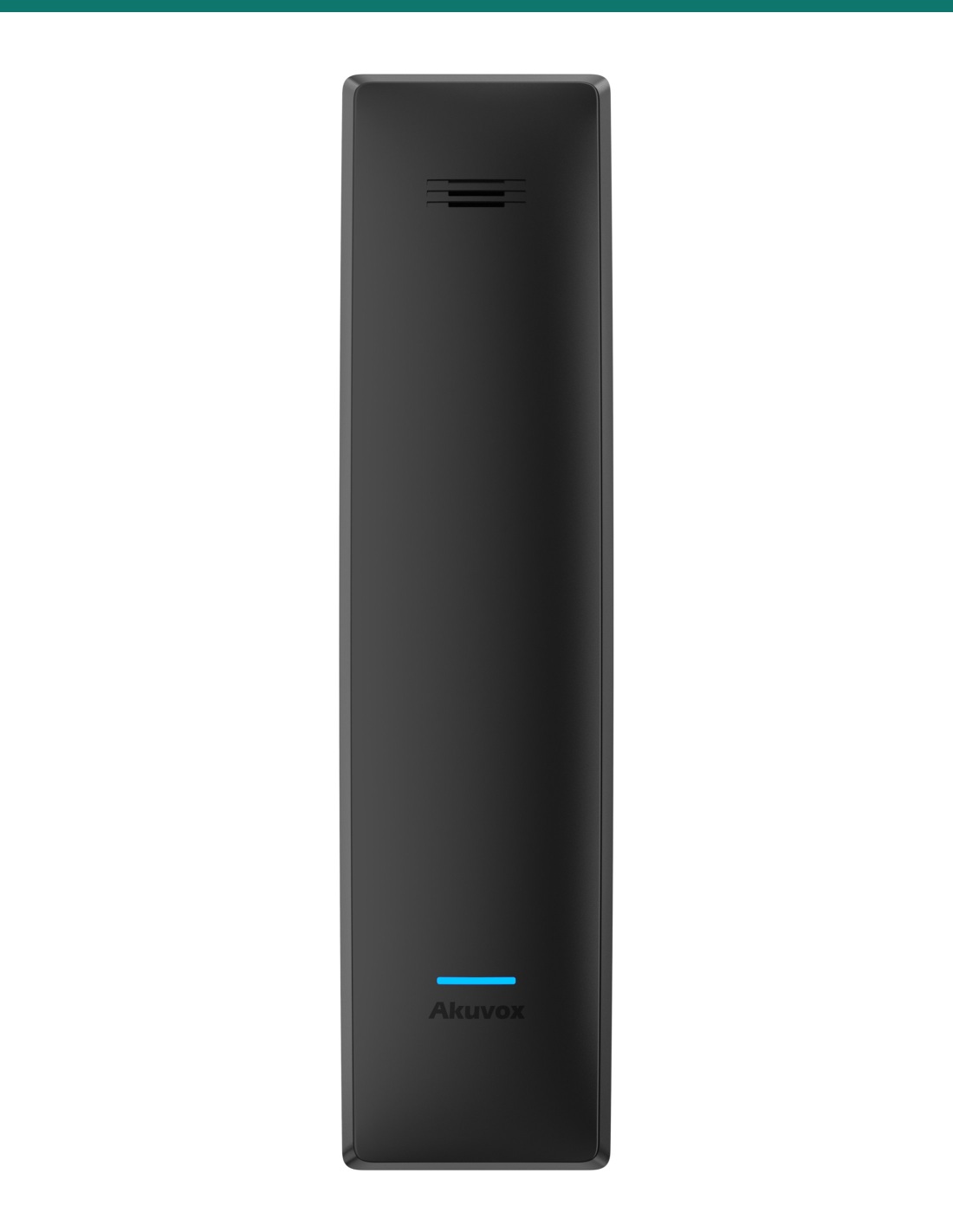
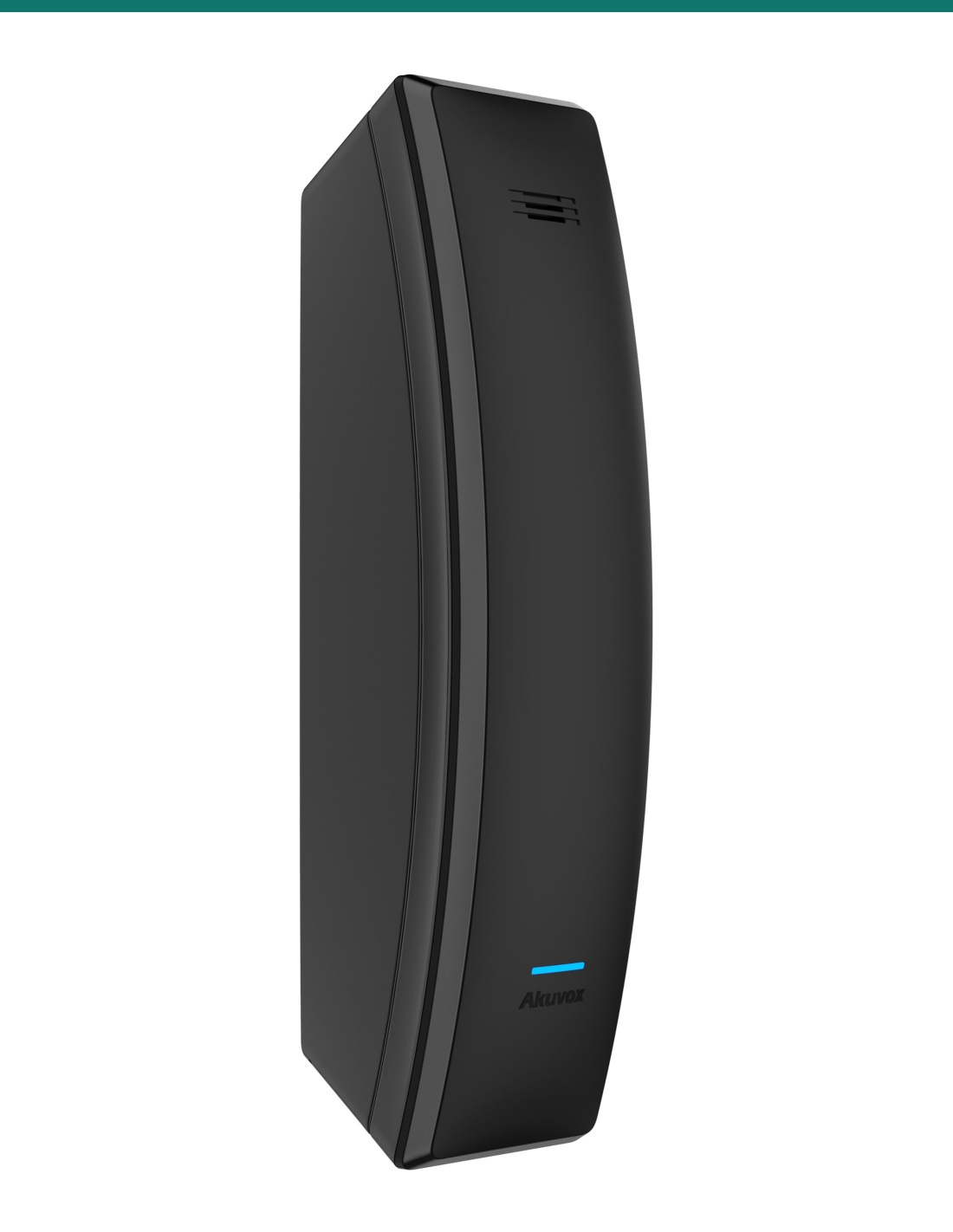
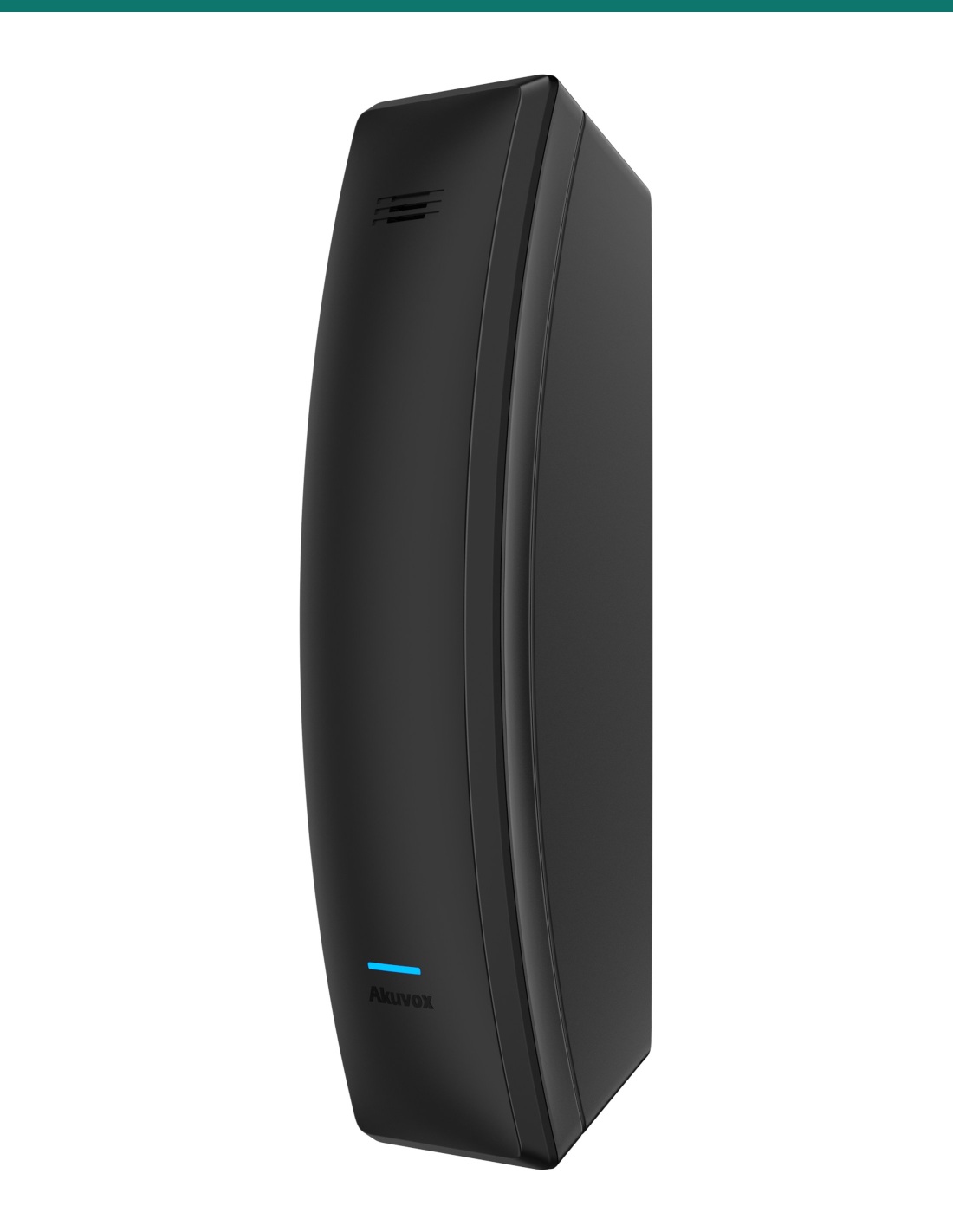
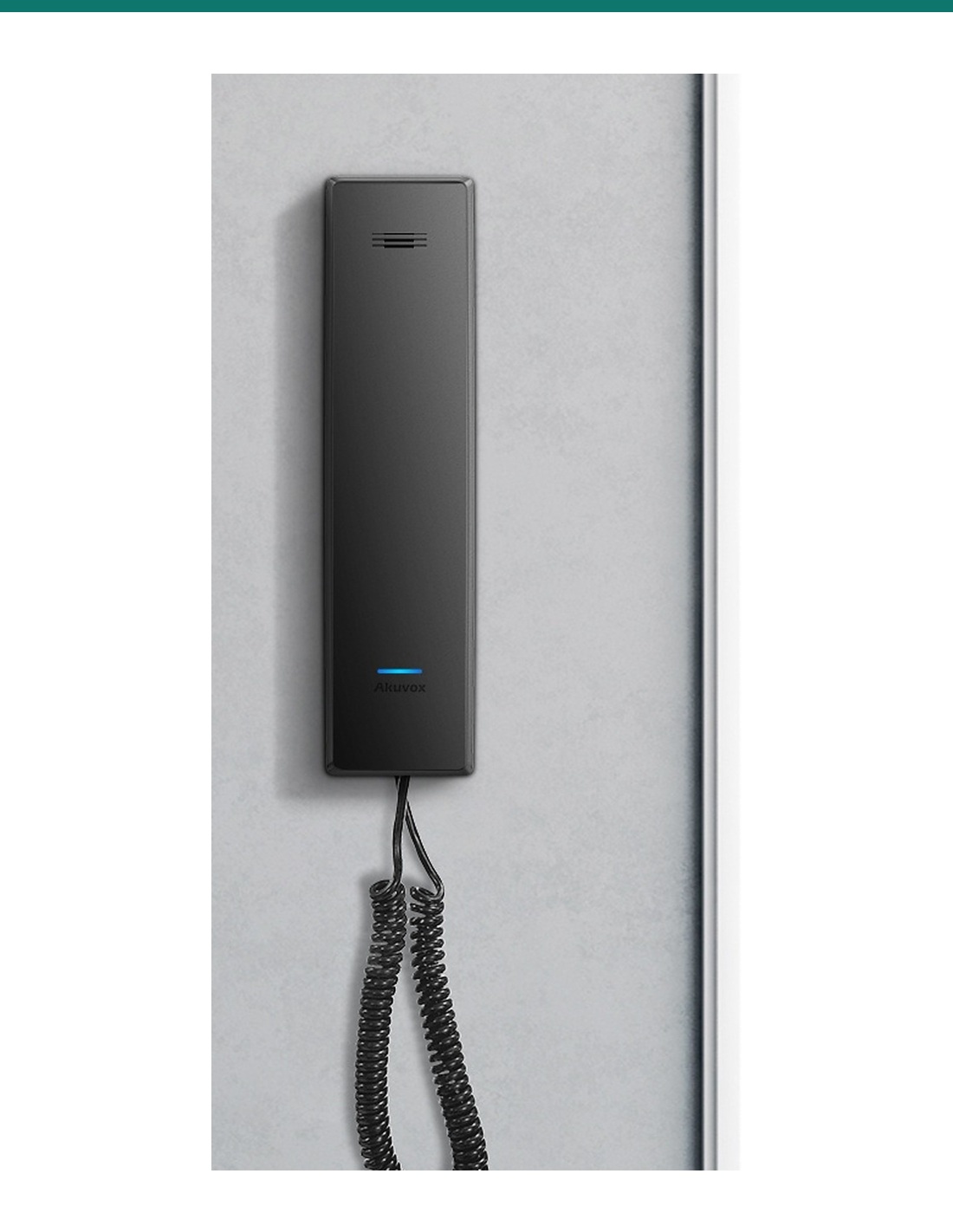
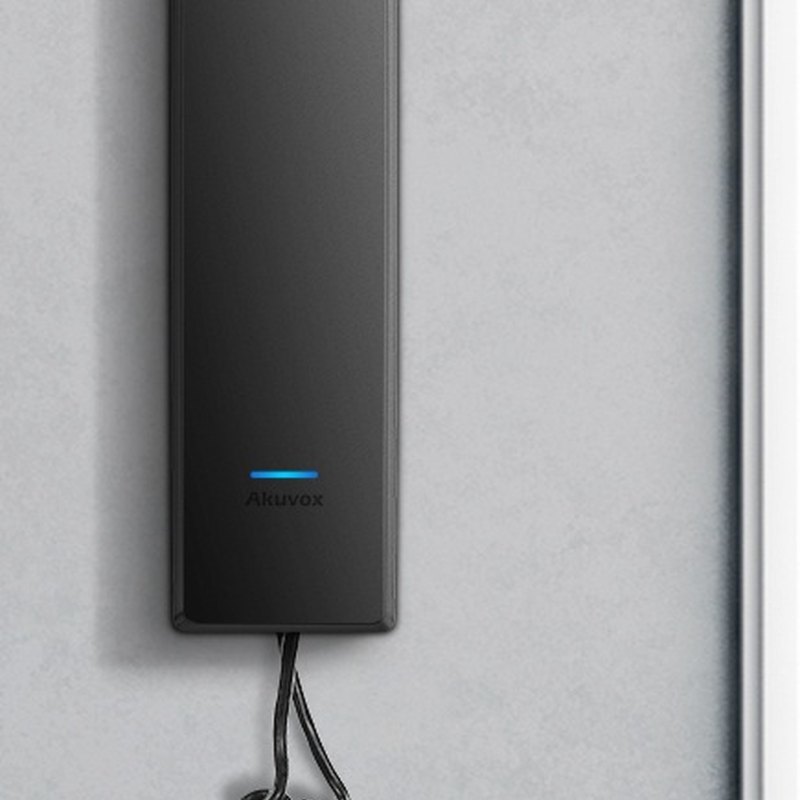
Akuvox S560 is a black SIP audio handset for apartments and offices that don’t need a screen. Lift the handset to talk to the door, press the unlock button on the base, or long-press one of ten speed-dial keys to call reception. PoE or 12 V DC, wall or desk mount.
- ✓SIP v1 / v2 audio handset with G.722 wideband audio and echo cancellation
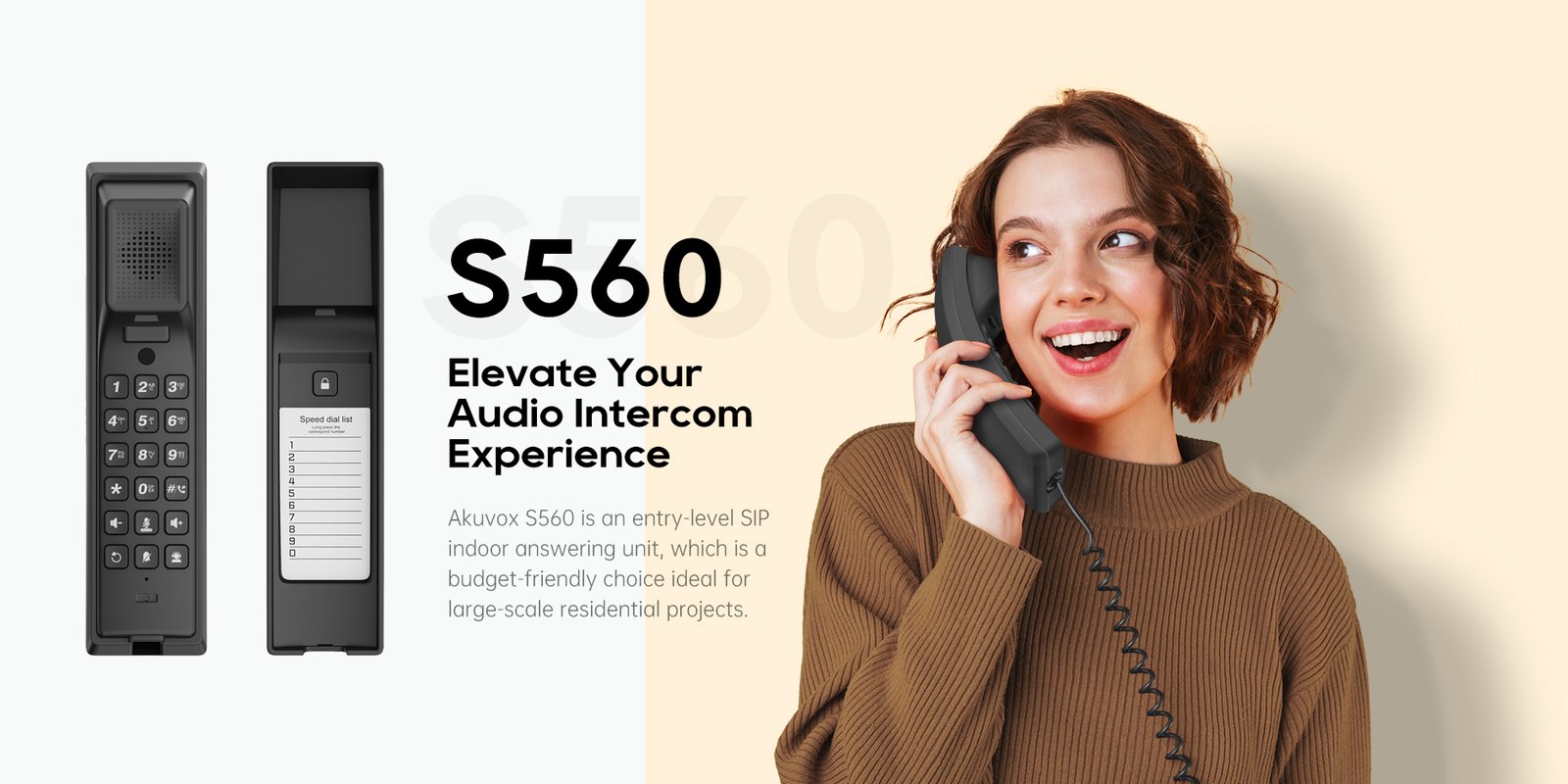
- ✓Numeric keypad, 10 speed-dial keys and a DSS key for one-press calls to the manager
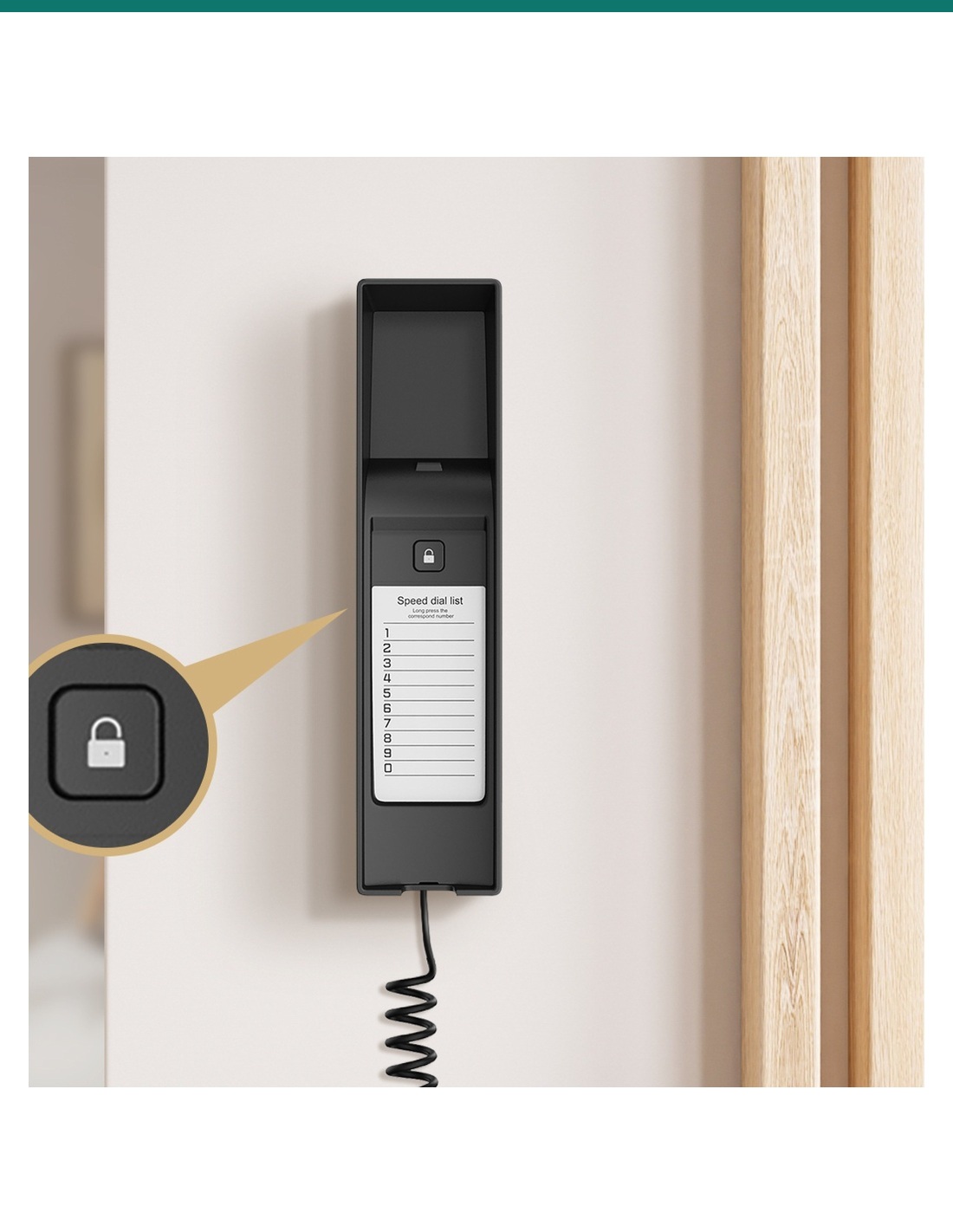
- ✓Unlock button on the base — release the door while still holding the handset
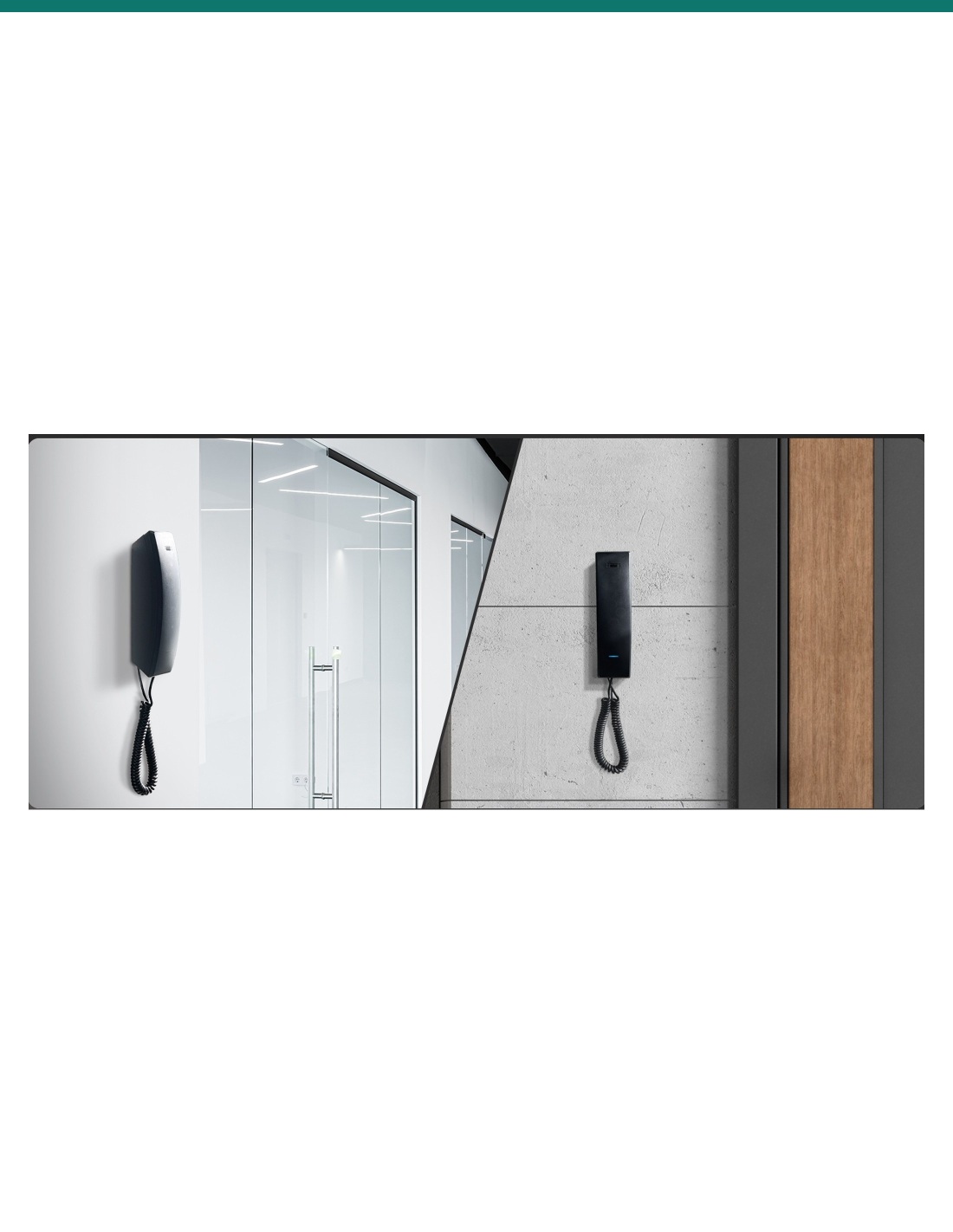
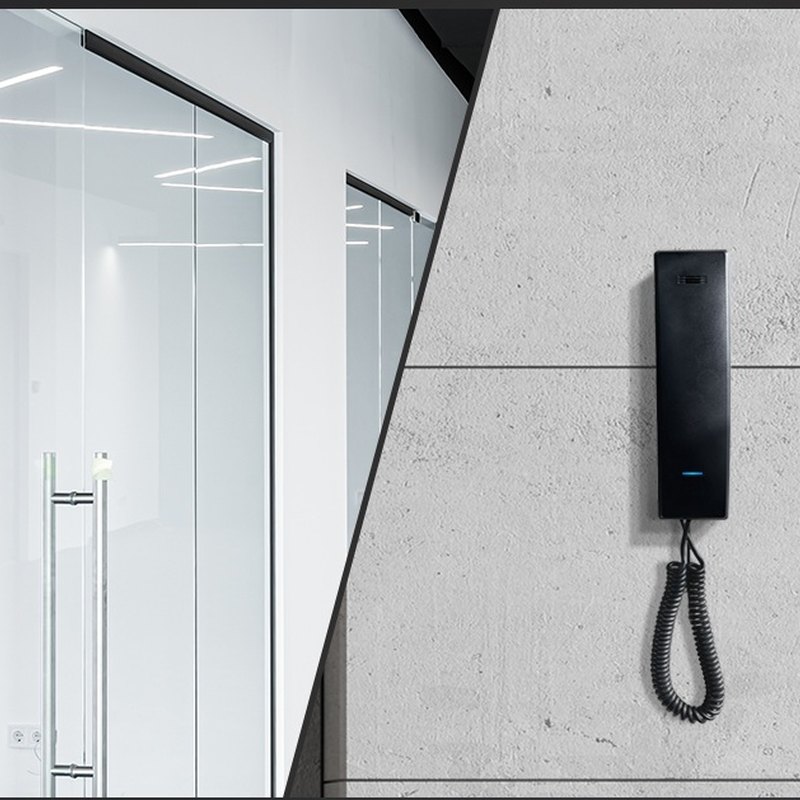
- ✓PoE 802.3af (≤2.5 W) or 12 V DC · 216.2 × 63.1 × 53 mm · wall or desk
The simple way to answer the door.
SIP handset, keypad, one-press unlock.
The AK-S560 is Akuvox’s entry-level SIP indoor answering unit: a classic handset on a slim base, built for large residential projects, staff areas and secondary rooms where audio is all you need. It takes calls from Akuvox door stations, unlocks with one press and dials preset numbers from its keypad.
This SKU is the handset only.
You receive the black S560 handset and base with its standard mounting hardware. Door stations, PoE switch and power supply are sold separately.
- Akuvox S560 handset and base (black)
- Coiled handset cord
- Standard mounting hardware
- Akuvox SIP door station, or another SIP door phone or PBX
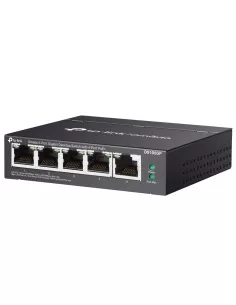
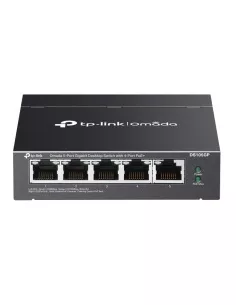
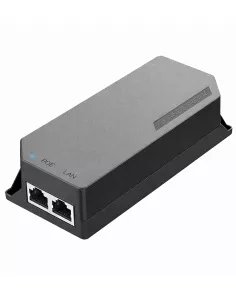
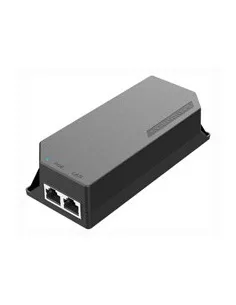
- PoE 802.3af switch or injector, or a 12 V DC supply
- Electric lock and lock PSU at the door if you want to release it
Lift, talk, unlock.
When a visitor calls, the S560 rings through its ringtone speaker. Pick up the handset, speak to the door station, and press the lock button on the base to let them in — one hand on the phone, one on the button.

Audio
Clear calls, no screen needed.
Separate speakers for the ringtone and the handset, plus echo cancellation, voice activity detection and automatic gain control, keep conversations with the door clear.
Standard SIP v1 / v2 with PCMU, PCMA, G.729 and G.722 means it registers to Akuvox door stations or a SIP PBX like any IP phone.
Keypad
Ten speed-dials and a manager key.
Long-press any of the ten speed-dial keys to call a preset number — the base has a printed card to label them. The DSS key calls the property manager, concierge or security office in one press.
A programmable key can be set for DND, call forwarding, voicemail access or redial.

Unlock
The door button is on the base.
The unlock button sits on the base, so residents can keep talking with one hand and release the door with the other.
Akuvox supports cloud-based deployment, so building managers can provision and maintain S560 handsets remotely instead of visiting each unit.
How it works
From door call to open door.
01
Mount
Fix the base to the wall or stand it on a desk.
02
Power and network
Run 802.3af PoE to the RJ45, or use a 12 V DC supply.
03
Register
Register the handset to your Akuvox door station or SIP PBX in the web portal and set the speed-dial keys.
04
Test
Call from the door, check audio both ways and confirm the unlock button releases the lock.
At a glance
Key specs — AK-S560
Show all specifications
- Colour
- Black (plastic front panel)
- Type
- SIP audio handset (no screen, no camera)
- Keys
- Numeric keypad, 10 speed-dial keys, DSS key, programmable key, unlock button
- Audio
- 1 mic; ringtone speaker + handset speaker; G.722 wideband
- SIP
- SIP v1 (RFC 2543) and SIP v2 (RFC 3261)
- Network
- 1 × RJ45, 10/100 Mbps
- Power
- PoE 802.3af (≤2.5 W) or 12 V DC (≤2 W)
- Mounting
- Wall-mounted or desktop
- Size
- 216.2 × 63.1 × 53 mm (H × W × D)
- Working temperature
- −10 °C to +45 °C
- Warranty
- Australian warranty
- Brand
- Akuvox
- Reference
- AK-S560
Physical
- Front panel
- Plastic
- RAM / ROM
- 64 MB / 16 MB
- Keys
- Numeric keypad, customisable keys, speed-dial keys, one-press manager key, unlock button
- Microphone
- 1
- Speakers
- 2 — ringtone speaker and handset speaker
- Installation
- Wall-mounted or desktop
- Dimensions (H × W × D)
- 216.2 × 63.1 × 53 mm
- Working temperature
- −10 °C to +45 °C
- Storage temperature
- −20 °C to +70 °C
- Working humidity
- 10–90%
Power and network
- Ethernet
- 1 × RJ45, 10/100 Mbps adaptive
- PoE
- IEEE 802.3af
- DC input
- 12 V DC connector (when not using PoE)
- PoE consumption
- ≤1.13 W standby, ≤2.5 W full load
- 12 V DC consumption
- ≤0.73 W standby, ≤2 W full load
Audio
- SIP
- SIP v1 (RFC 2543), SIP v2 (RFC 3261)
- Narrowband codecs
- PCMU, PCMA, G.729
- Wideband codec
- G.722
- DTMF
- Out-of-band (RFC 2833), SIP INFO
- Audio processing
- Echo cancellation, voice activity detection, comfort noise generator, automatic gain control
Calling
- Speed dial
- Long-press a key to call a preset number
- Manager call
- One-press call to the property manager
- Key customisation
- Yes
Network and management
- Protocols
- IPv4, HTTP, HTTPS, FTP, SNMP, DNS, NTP, RTSP, RTP, TCP, UDP, ICMP, DHCP, ARP
- Provisioning
- Auto-provisioning
- Management
- Web management portal, configuration backup / restore, firmware upgrade
- Diagnostics
- Web-based packet capture, system logs
Pair it with
Builds a complete apartment intercom
Door
Akuvox door station
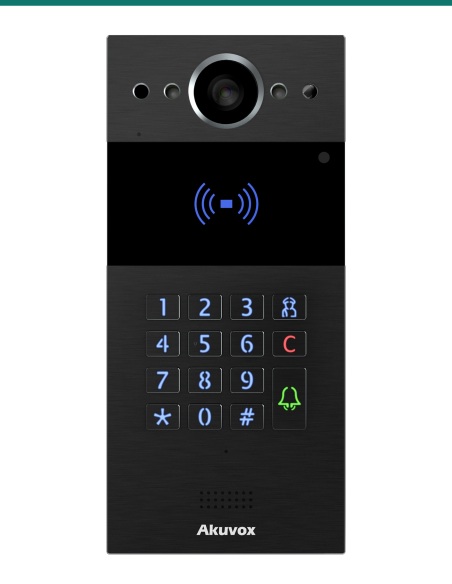
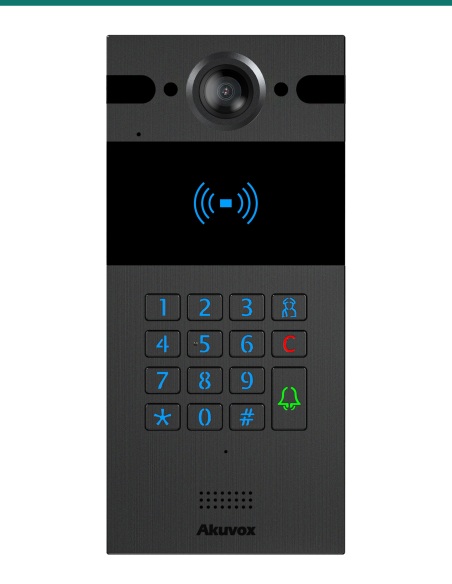
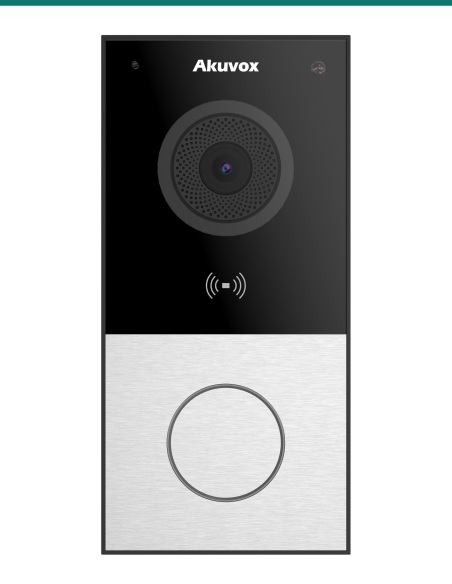
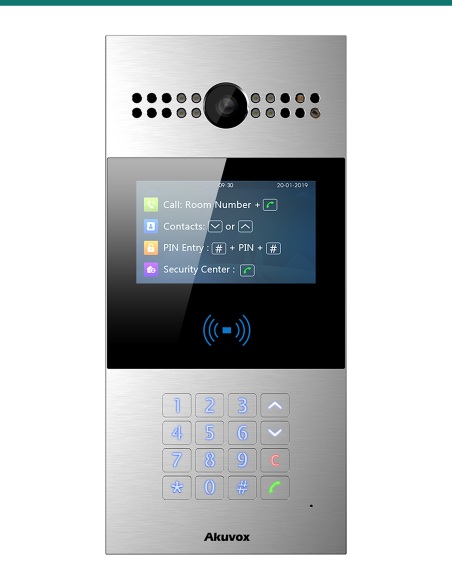
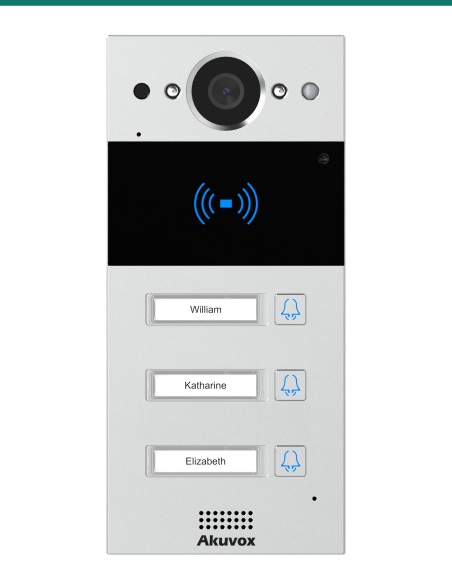
E12S, R20K, R20B, R25K or R28A call the handset and release the lock on command.
Network
PoE switch
One 802.3af PoE port powers the handset and carries the call.
Video
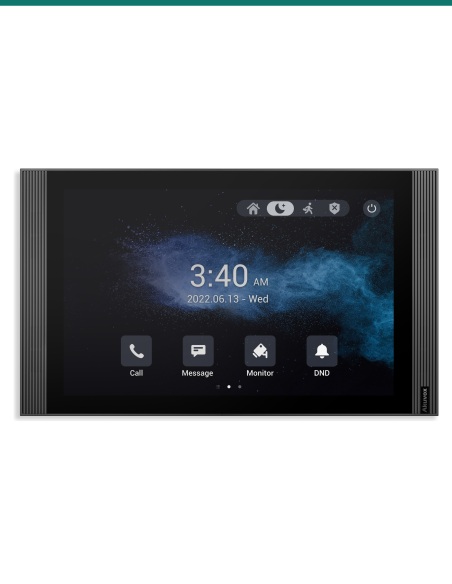
Akuvox indoor monitor
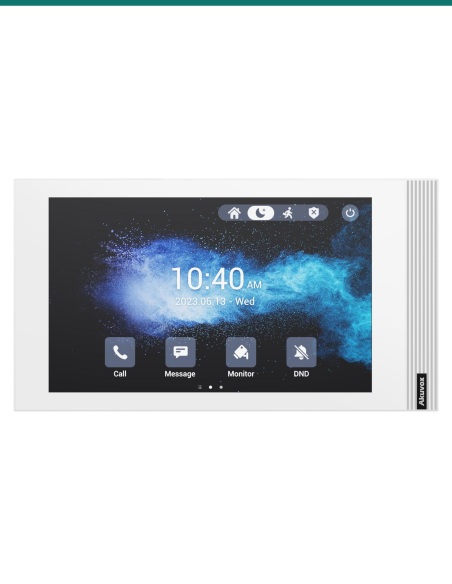
Mix S560 handsets with S562 or S563 video monitors in the same building.
Works with
Platforms and integrations
SIP PBX and IP phones
Standard SIP v1 / v2 lets the S560 register to Akuvox door stations or to any SIP-capable PBX like a desk phone.
Akuvox video monitors
Mix S560 handsets with Akuvox video monitors on the same SIP network — door stations call either type.
Auto-provisioning
Auto-provisioning and the web portal let installers set up keys and accounts for many handsets from one server.
Watch
See it in action
Downloads
Datasheets and guides
Compliance certificates and technical documents are available on request for tenders and installers — send an enquiry.
Answers
Common questions
Does the S560 show video?
No. It is an audio-only handset. Choose an S562, S563 or S565 indoor monitor if residents need to see the visitor.
Will it work with a video door station?
Yes. It takes the audio from any Akuvox SIP door station, such as E12S, R20K or R25K, and can release the door relay.
Does it need a power supply?
Not if your switch provides 802.3af PoE — it draws at most 2.5 W. Otherwise use a 12 V DC supply (≤2 W full load).
Can it sit on a desk?
Yes. The S560 can be wall-mounted or placed on a desktop.
What are the speed-dial keys for?
Long-press a key to call a preset number, such as reception, a neighbour or security. The DSS key gives one-press access to the property manager.
How do residents open the door?
Press the unlock button on the base during a call — it sends the unlock command to the door station, which releases its relay.
Will it register to our office phone system?
Yes. It is a standard SIP endpoint, so it can register to a SIP-capable PBX and call extensions as well as door stations.
An affordable answering point for every unit.
Choose the S560 for budget-conscious apartment blocks, staff rooms and extension points alongside Akuvox video monitors.
Installation & safety notice
Low-voltage product (SELV). Power from IEEE 802.3af PoE (≤2.5 W full load), or a 12 V DC supply where PoE isn’t available.
When a licensed tradesperson is required. Concealed data and intercom cabling is customer cabling under AS/CA S009 and must be installed by an ACMA-registered cabler. Electric locks, maglocks and lock power supplies may require a licensed electrician or security installer.
- Memory
- 64 MB RAM / 16 MB ROM
- Audio
- Audio only (no screen or camera)
- Keypad
- Numeric keypad, 10 speed-dial keys, DSS key, programmable key
- Power
- PoE 802.3af or 12 V DC
- Colour
- Black
- Working Temperature
- −10 °C to +45 °C
- Brand
- Akuvox
- Consumption
- PoE ≤2.5 W, 12 V DC ≤2 W full load
- Mounting
- Wall or desk
- Network
- 1 × RJ45, 10/100 Mbps
- Size
- 216.2 × 63.1 × 53 mm (H × W × D)
- Warranty
- Australian warranty
- Product Type
- SIP audio indoor handset
- Model
- S560
- Finish
- Black plastic
- Audio Codecs
- PCMU, PCMA, G.729, G.722
- SIP
- SIP v1 / v2
- Unlock
- One-press unlock button on the base