There are no more items in your cart
- New
In Stock - Ready to Ship
Akuvox 8-inch and Larger Indoor Monitors


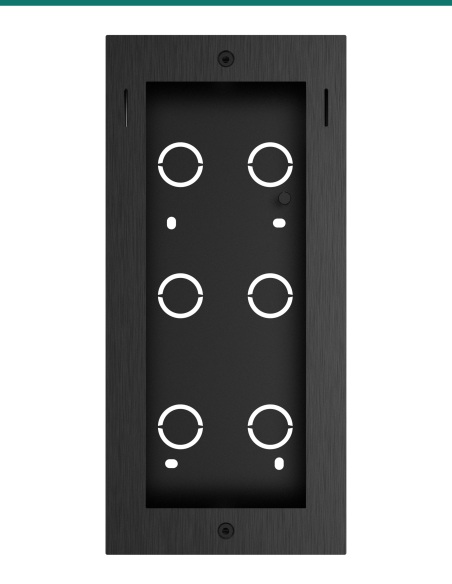
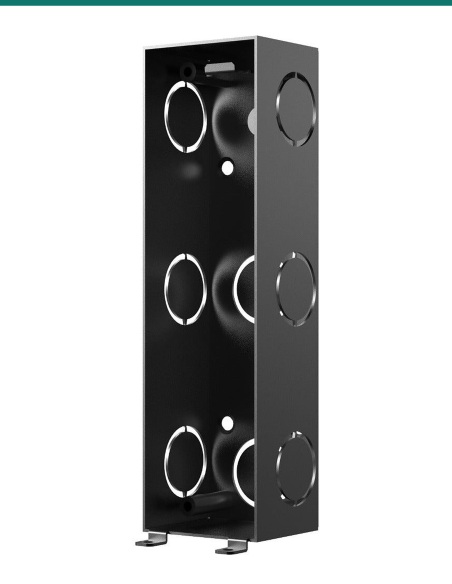
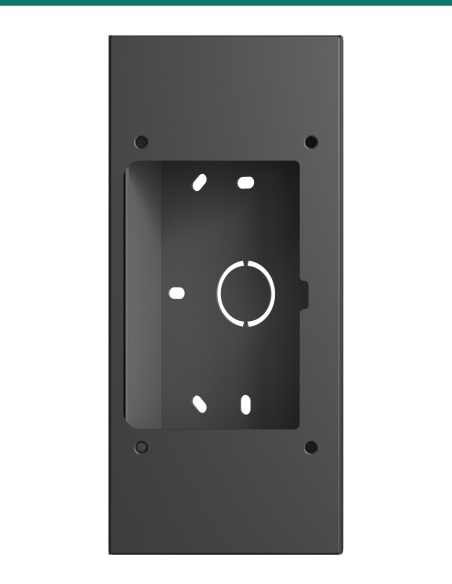
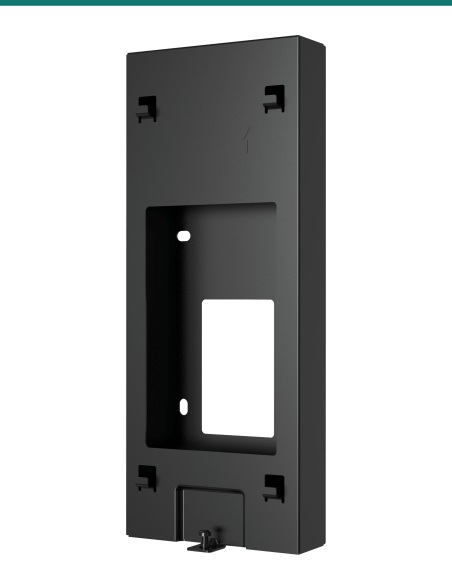
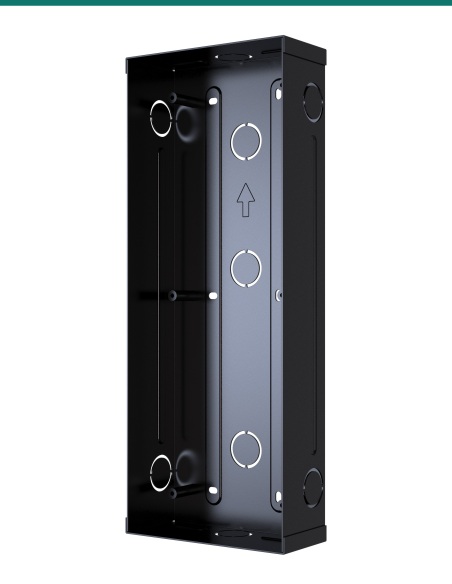
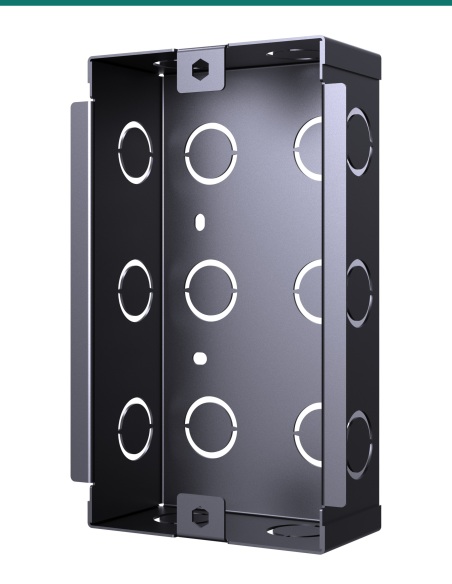
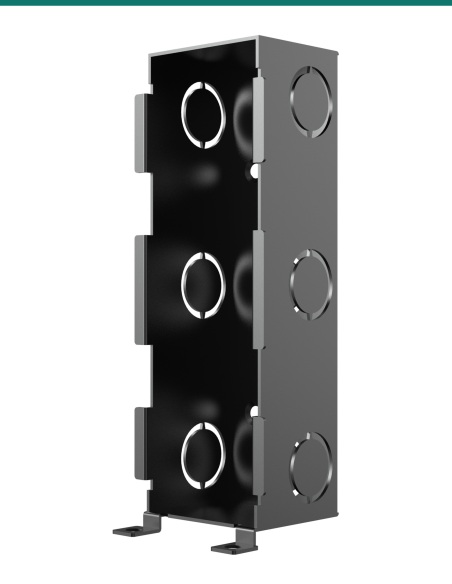
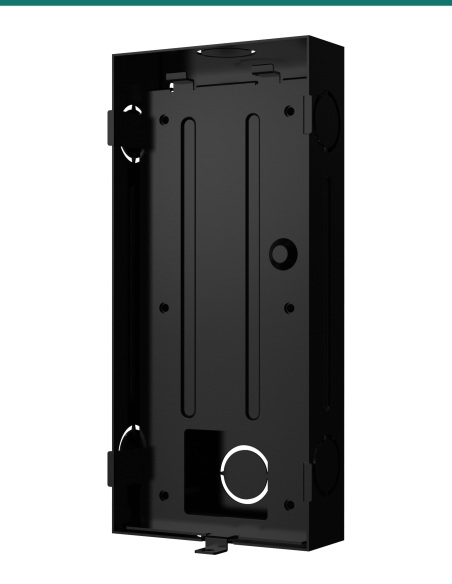
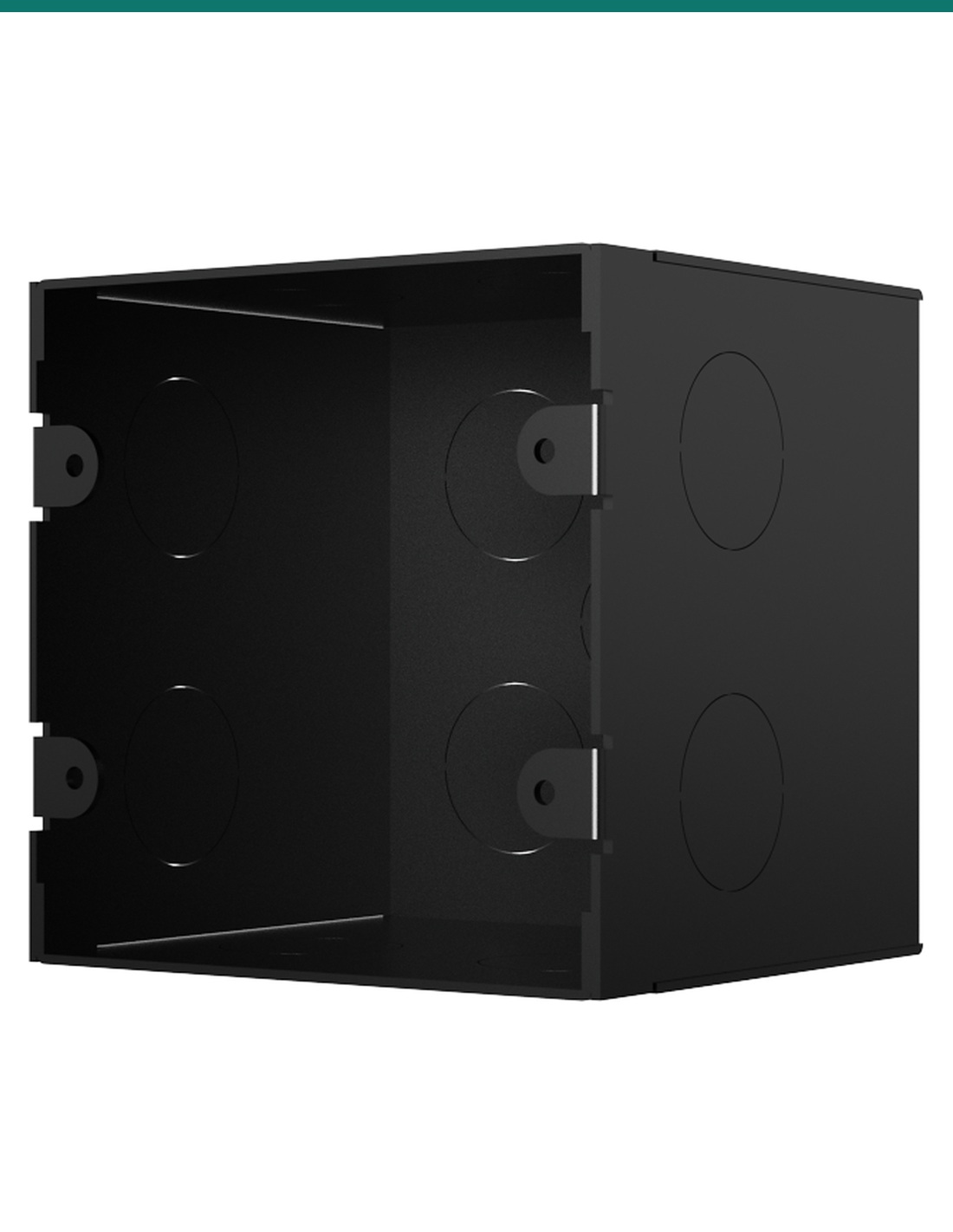
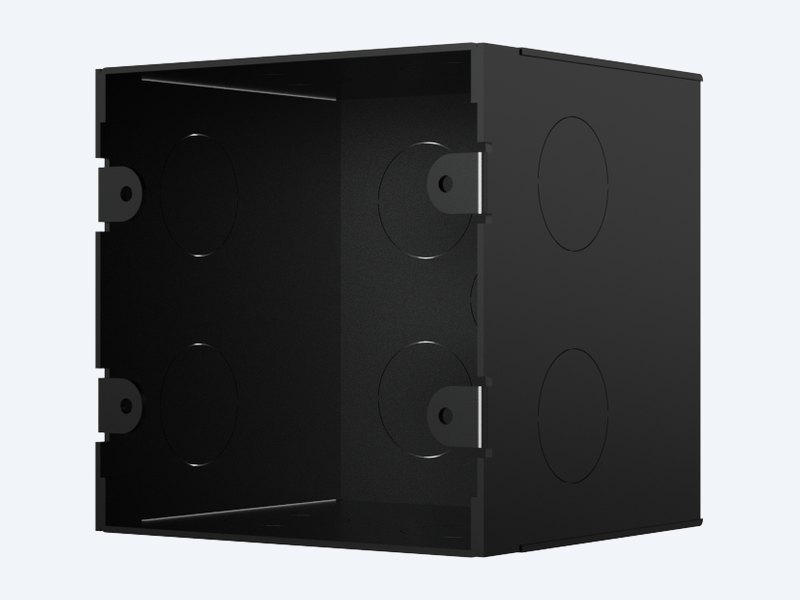
Akuvox X937 flush-mounting box is the black back box set into the wall behind an X937 indoor monitor. It sits in a 102 × 102 × 90 mm cut-out, holds the cables, and the monitor's wall bracket screws straight onto it.
The AK-X937ONWALL is the Akuvox flush-mounting box for the X937 indoor monitor. It is set into the wall where the cables come out, and the bracket supplied with the monitor fixes onto it with two screws.
Back box only.
This is the flush-mounting box on its own. The X937 monitor comes with its wall bracket, wall anchors and the two M4×20 screws that fix the bracket to this box.
The X937 can take network, power, HDMI and relay wiring. A 90 mm deep box gives those cables a defined space in the wall and gives the bracket something solid to screw into.
The box
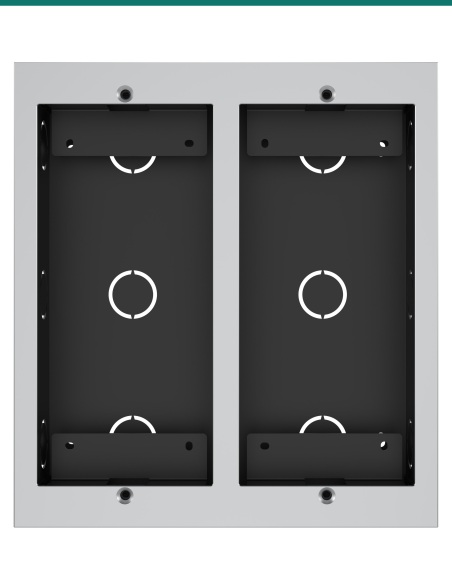
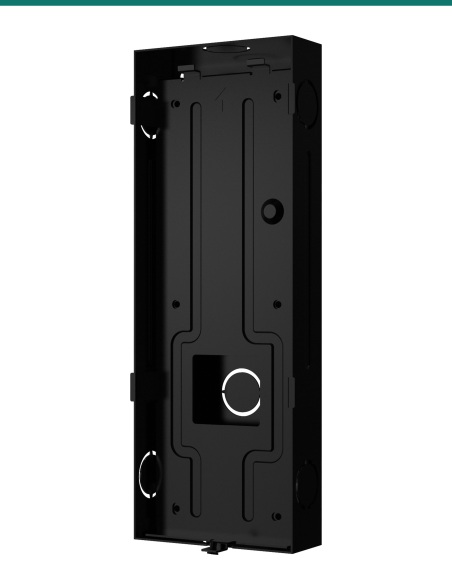
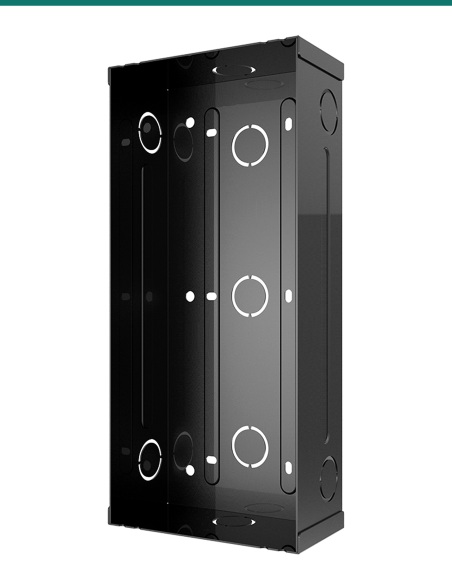
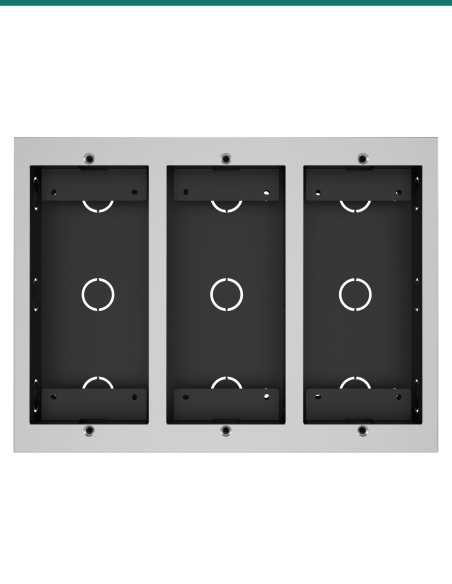
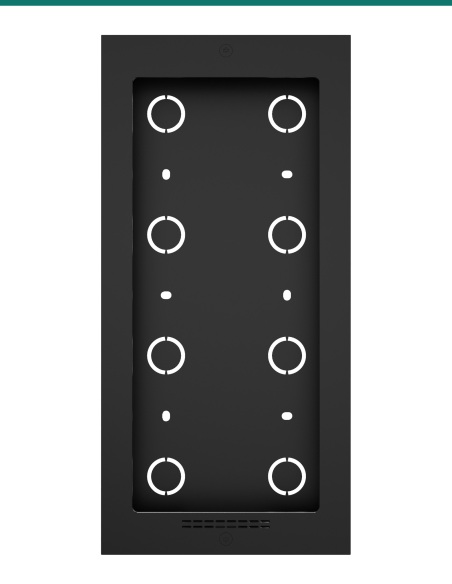
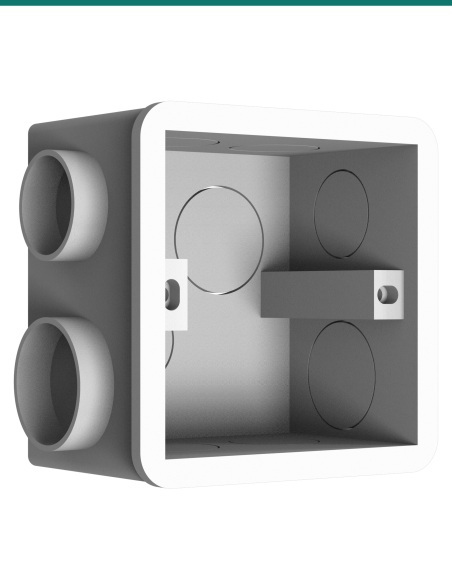
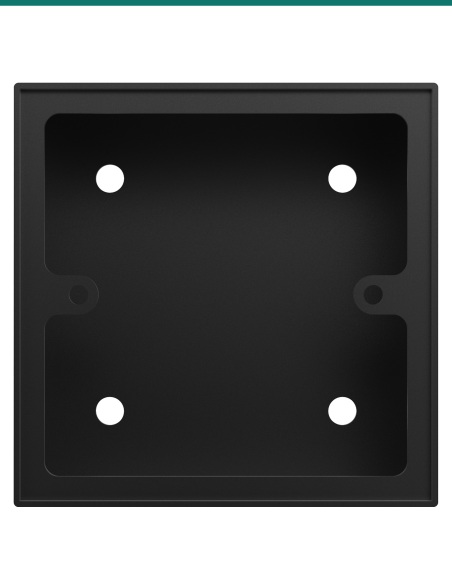
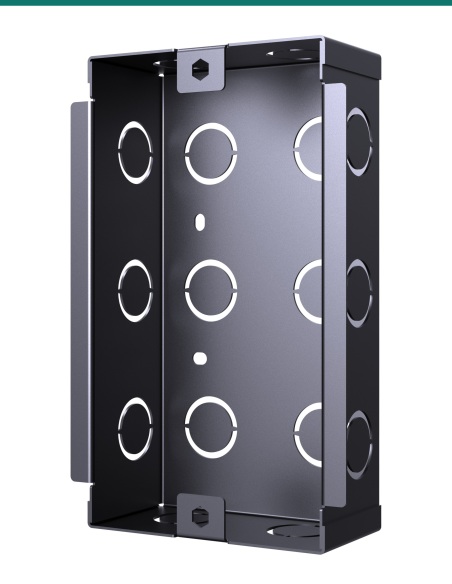
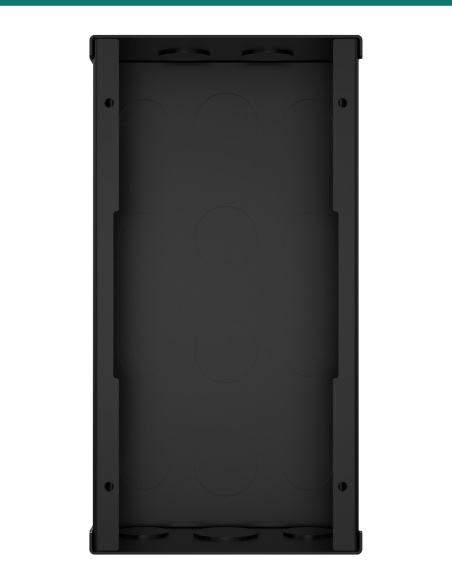
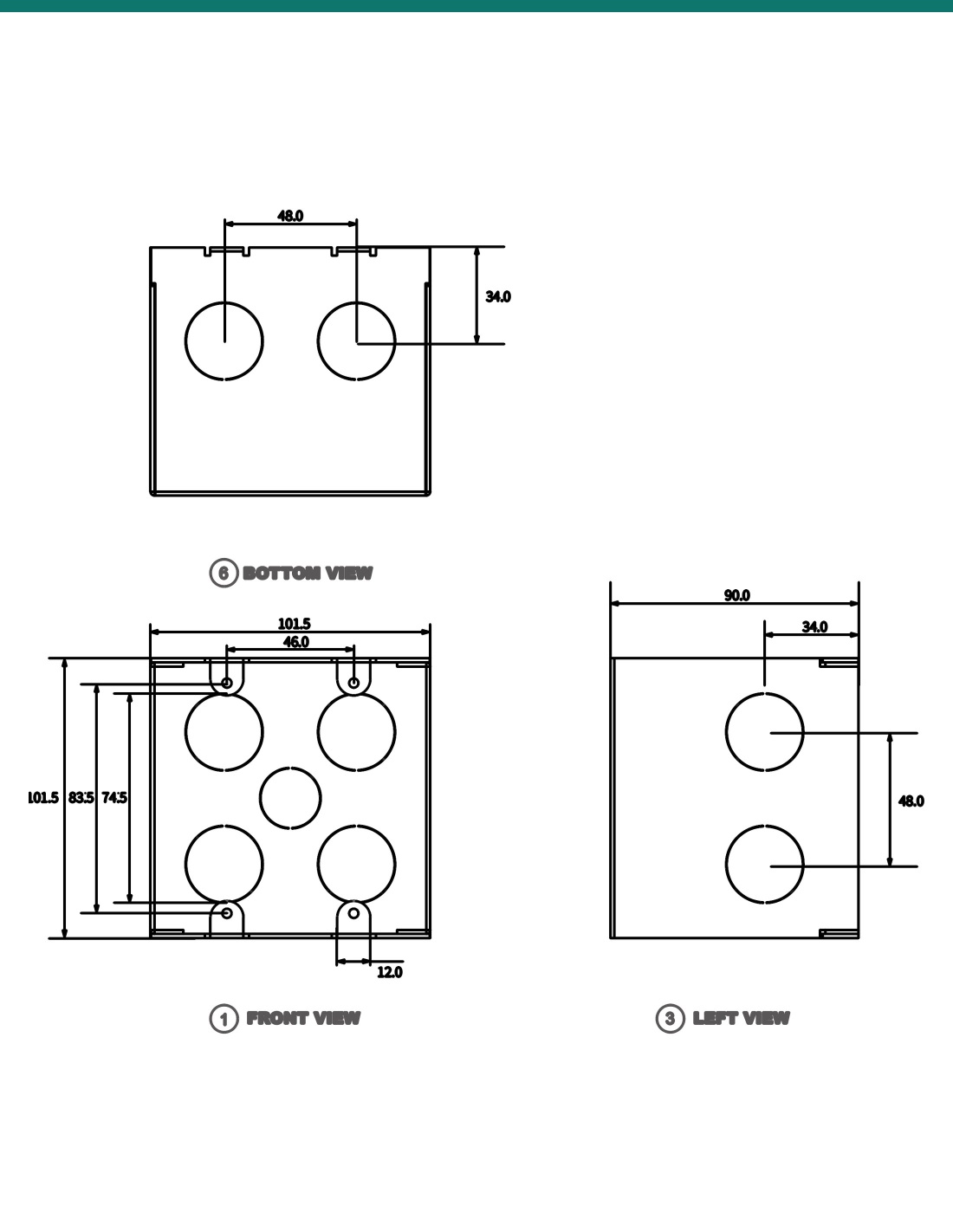
The box measures 101.5 × 101.5 mm and 90 mm deep, with two knockouts on each side and five in the back for cable entry.
Slotted tabs at the top and bottom of the opening, 46 mm apart, take the screws that hold the monitor bracket.
How it works
01
Cut a 102 × 102 × 90 mm (H × W × D) hole at the cable position, big enough to hold all the cables.
02
Break out the knockouts you need, feed the cables through, press the box in so it doesn't stand proud of the wall and fill the gap with cement or similar.
03
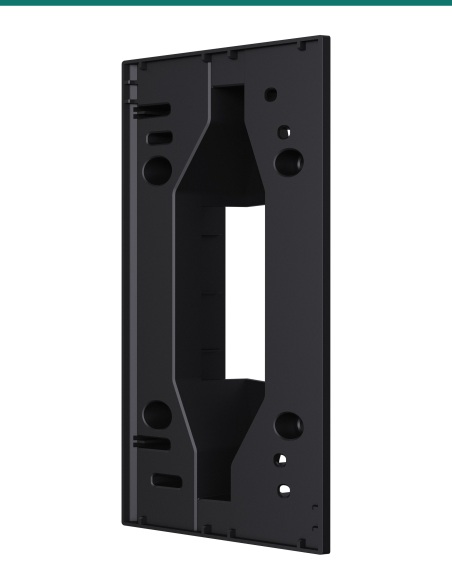
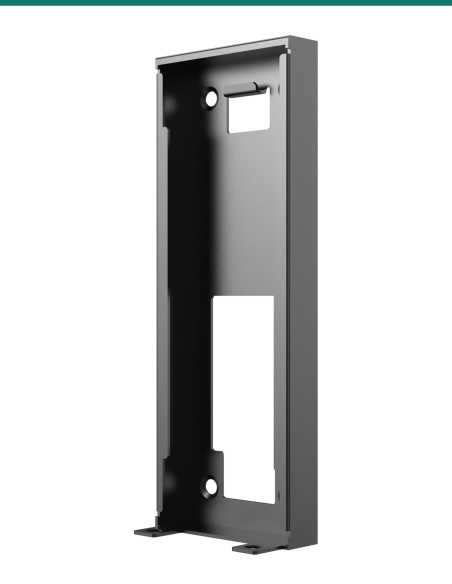
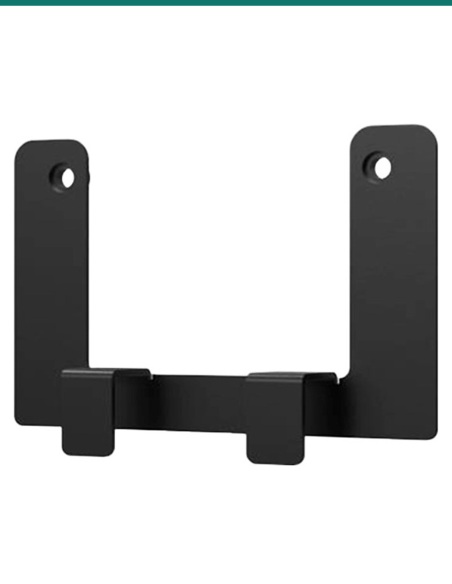
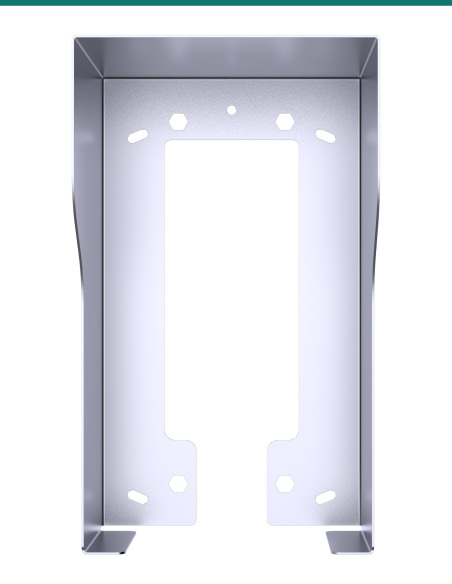
Screw the X937 wall-mounting bracket onto the box with the two M4×20 screws from the monitor's box, then mount the monitor.
At a glance
Show all specifications
Pair it with
Monitor
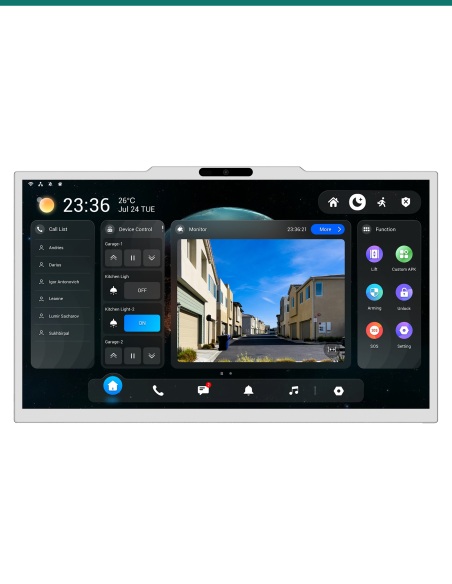
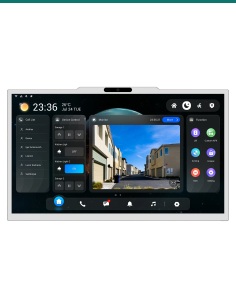
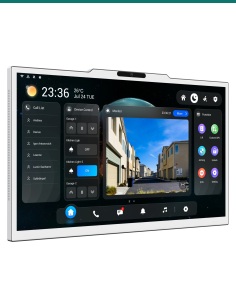
The 15.6-inch Android indoor monitor whose wall bracket fixes onto this box.
Alternative
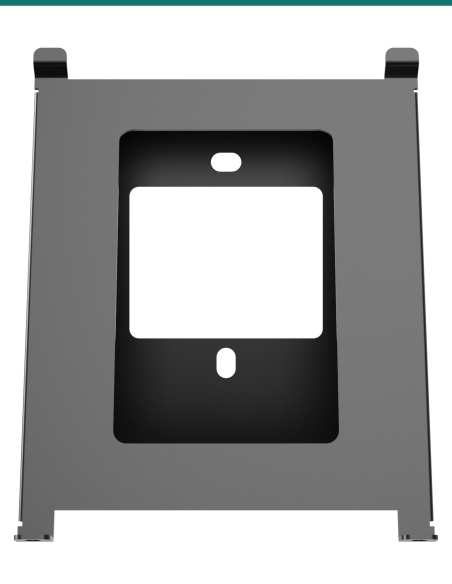
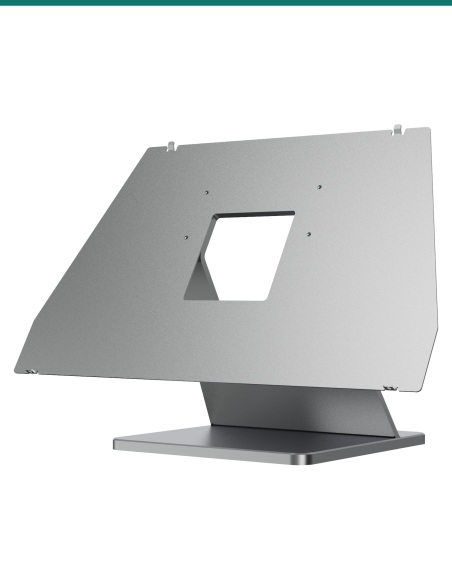
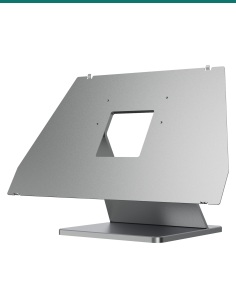
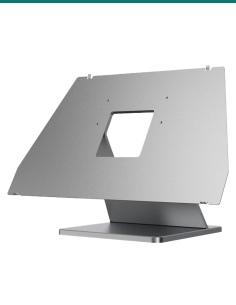
Stands the same monitor on a bench or desk instead of the wall.
Downloads
Compliance certificates and technical documents are available on request for tenders and installers — send an enquiry.
Answers
The Akuvox X937 series 15.6-inch indoor monitors, including the X937A.
102 × 102 × 90 mm (H × W × D). The box itself is 101.5 × 101.5 × 90 mm.
The wall-mounting bracket that comes with the X937 screws onto the box with two M4×20 screws, also supplied with the monitor. The monitor then mounts on the bracket.
No, it is optional. Without it, the bracket fixes to the wall with anchors over a 75 × 75 × 90 mm recess; the box gives the cables a defined space and the bracket a solid base to screw into.
Press it into the cut-out so it doesn't stand proud of the wall surface, then fill the gap between the box and the wall with cement or similar.
No. This is the flush-mounting box only.
Without this box, Akuvox's guide fixes the bracket over a 75 × 75 × 90 mm recess with wall anchors. With it, the bracket screws into a box set solidly in the wall.


Need help choosing?
Tell us about your property and we'll recommend the right cameras and recorder.
07 5609 4910Sydney 02 8814 6008
[email protected]
Mon–Fri, 9am–5pm AEST
20 related items