- New
Akuvox R29 In-Wall Installation Kit with Flush Box — AK-R29INWALLK
or 4 interest-free payments of $14.28 with
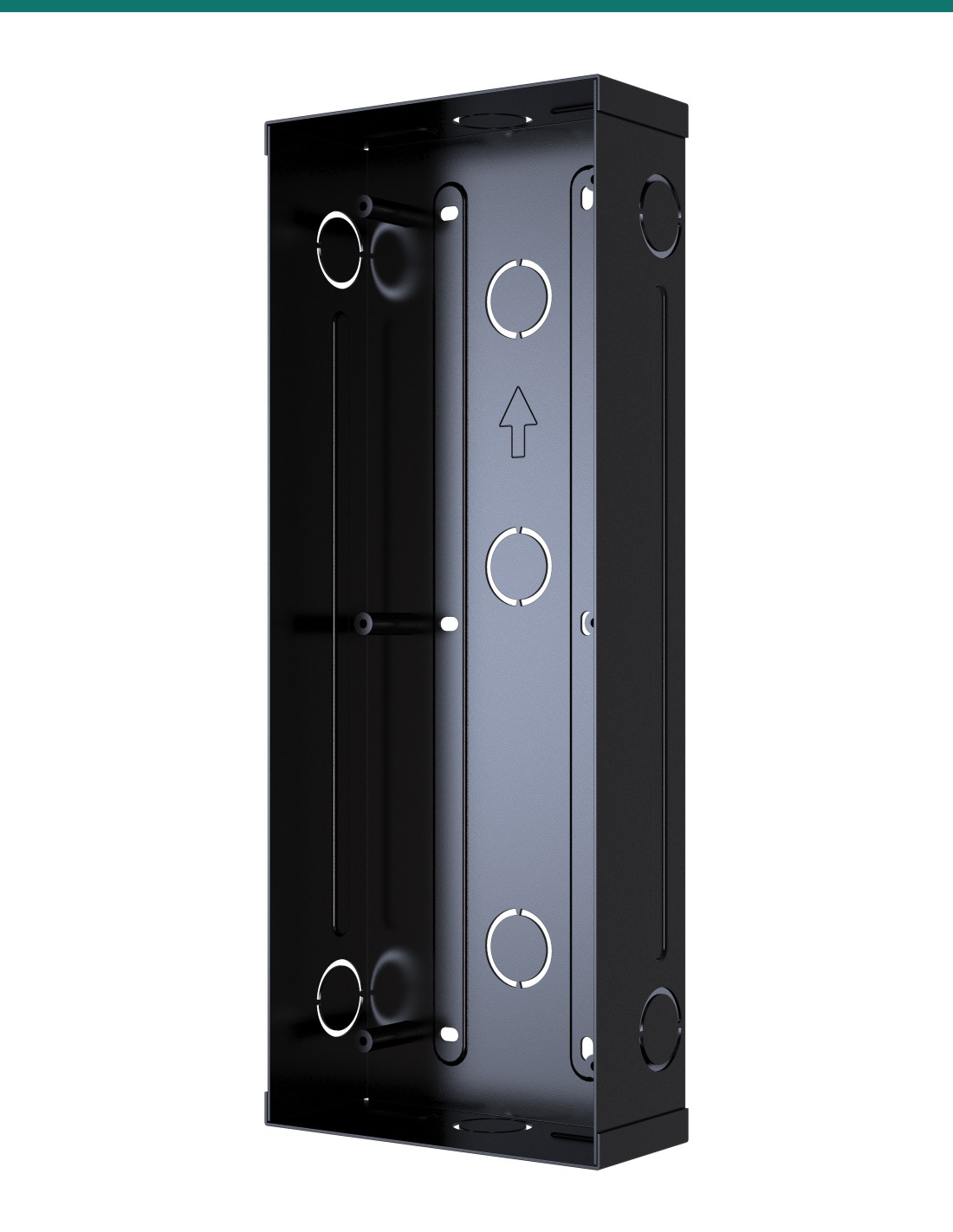
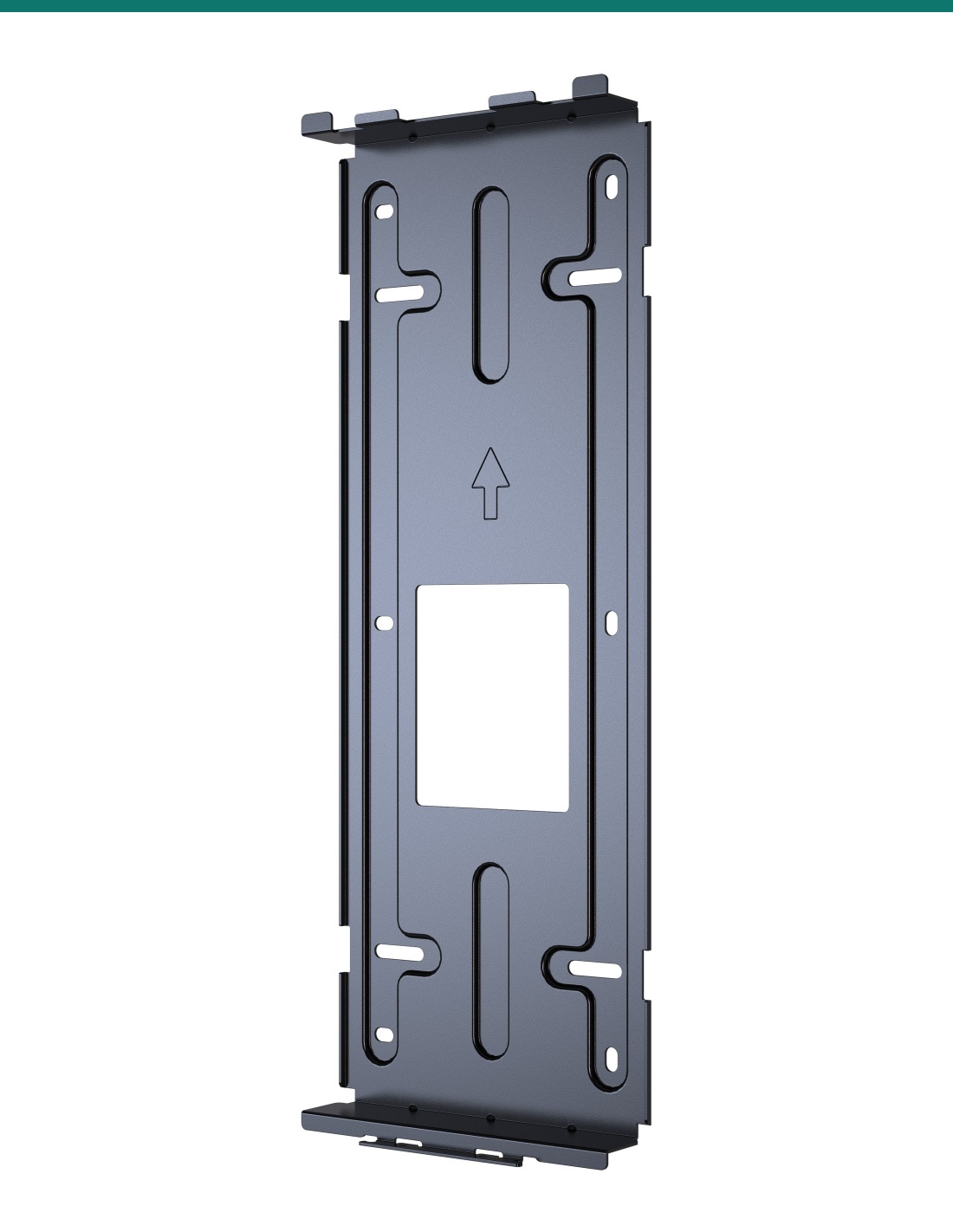
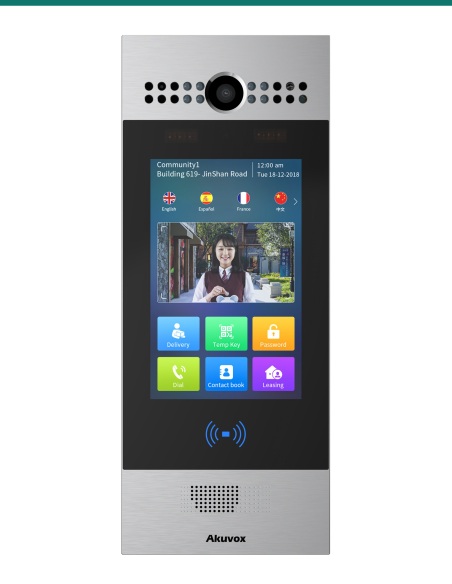
Akuvox R29 in-wall kit flush-mounts an R29 series 7″ door phone. Akuvox ships the R29 without mounting hardware and packs the flush-mounting box, flush-mounting bracket, screws and anchors in this kit. Recess size 314 × 124 × 53 mm. Stocked in Australia by Infront Technologies.
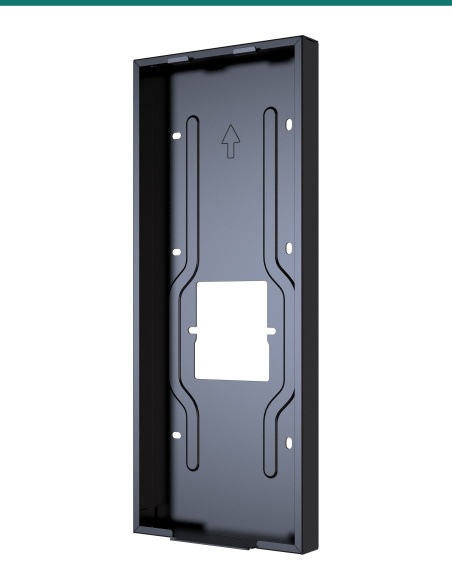
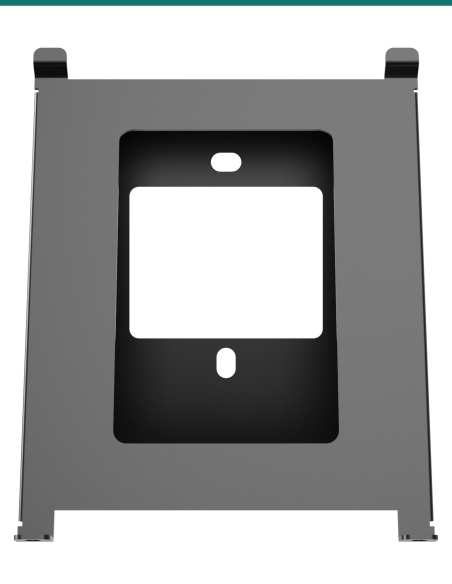
- ✓Flush-mounting box and flush-mounting bracket for the R29 series
- ✓Wall cut-out 314 × 124 × 53 mm (H × W × D)
- ✓Six M4×10 and six ST4×20 screws with six wall anchors
- ✓Station hangs on the bracket and locks with two M3×6 screws
Flush-mount the R29.
Box, bracket and fixings.
The AK-R29INWALLK is the Akuvox in-wall installation kit for the R29 series. The R29 quick guide lists these flush-mounting parts as “in the In-Wall Installation Kit box” — they are not in the door phone carton.
Mounting hardware only.
Everything to flush-mount one R29. The door phone and in-wall rain hood are sold separately.
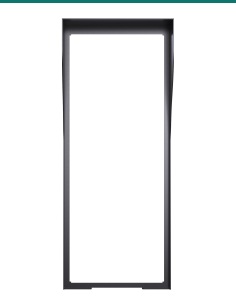
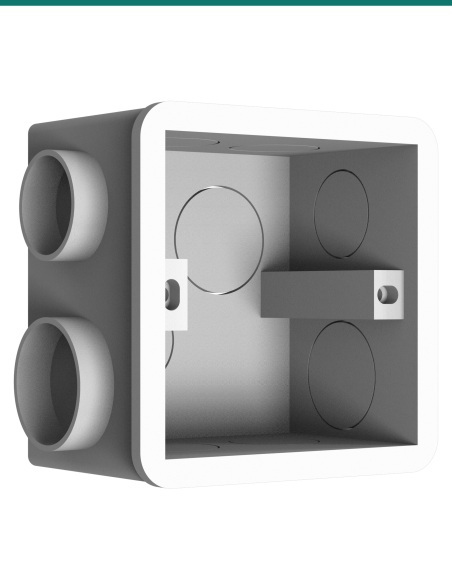
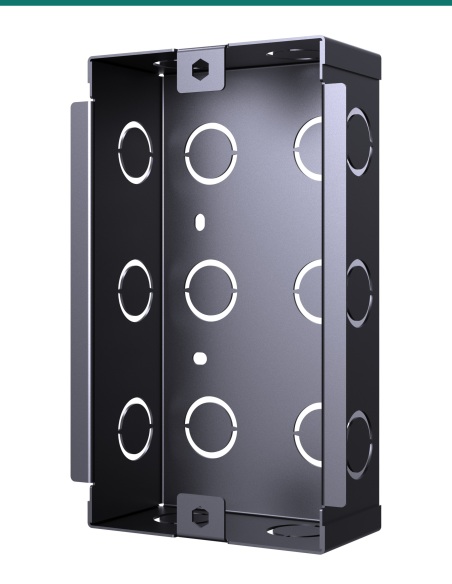
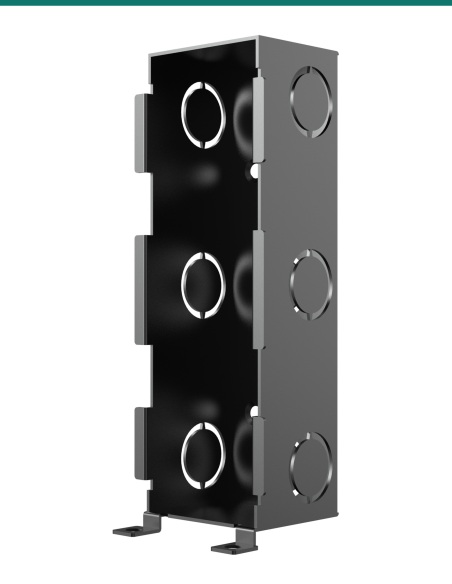
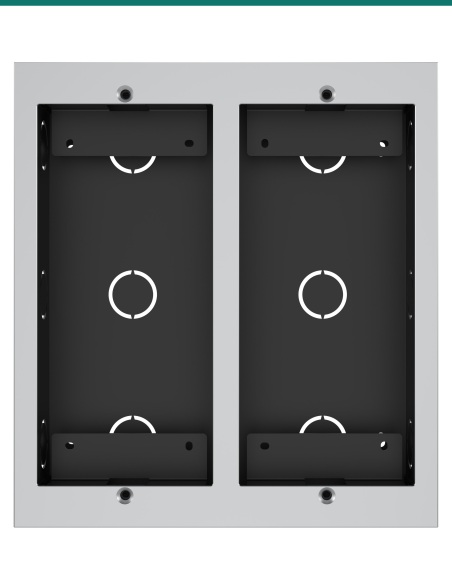
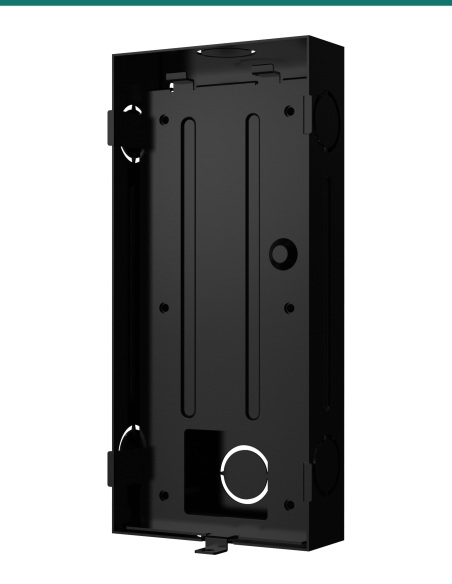
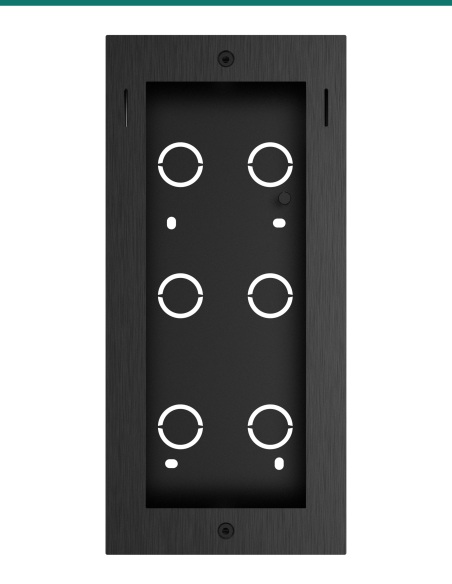
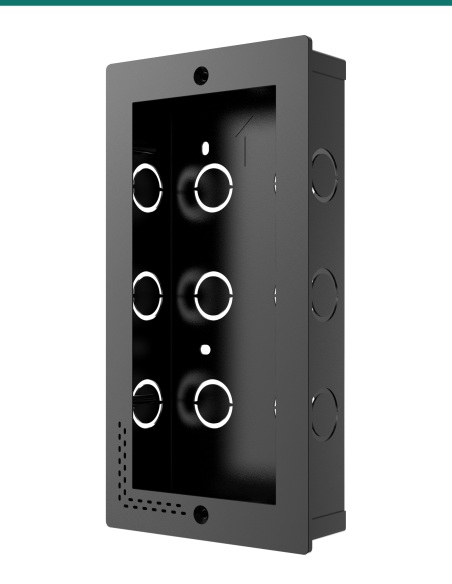
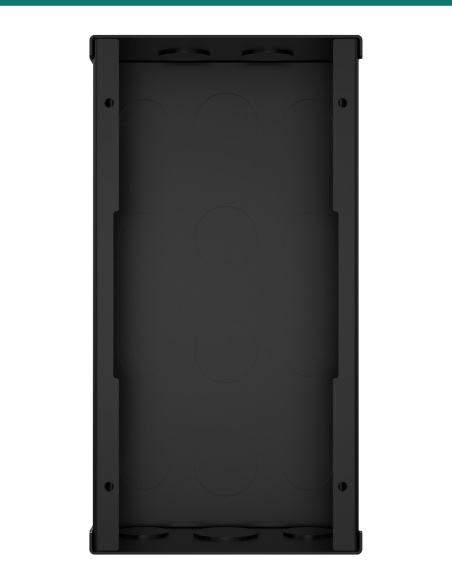
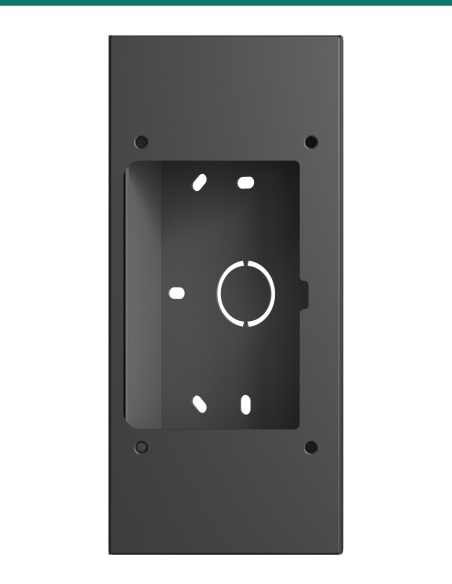
- Flush-mounting box
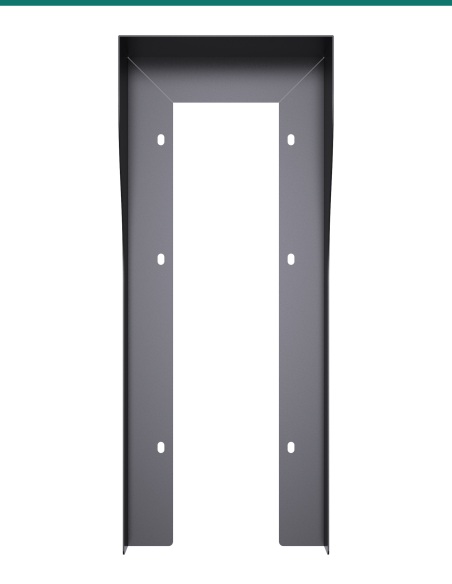
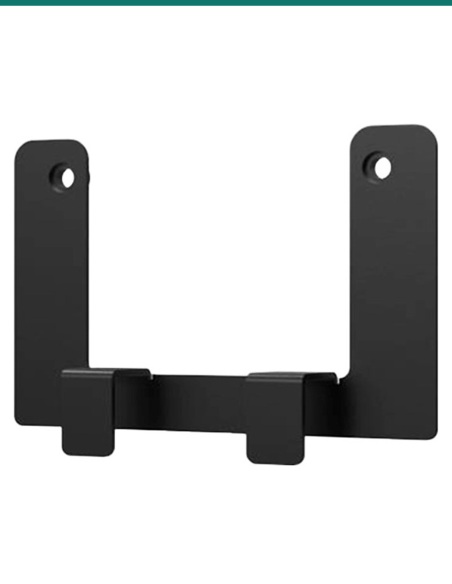
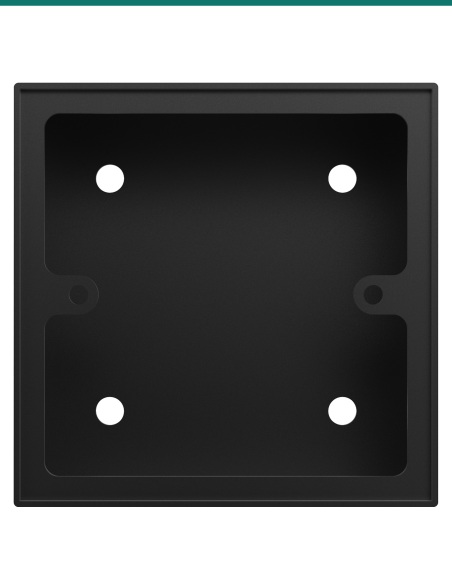
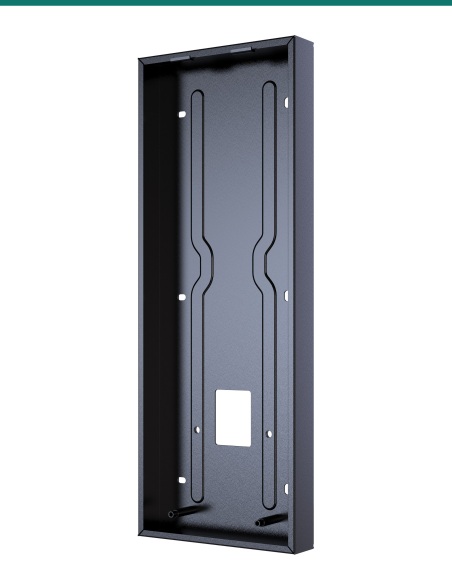
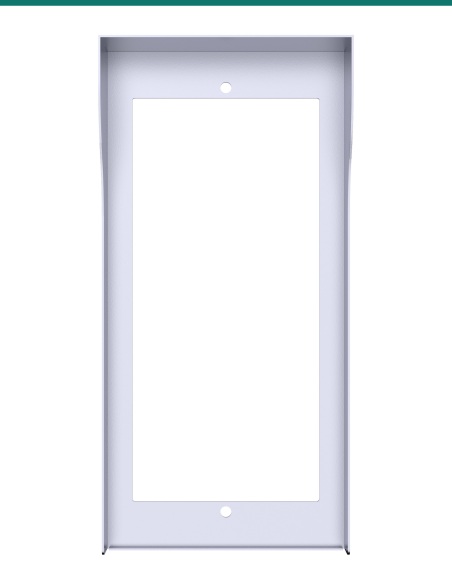
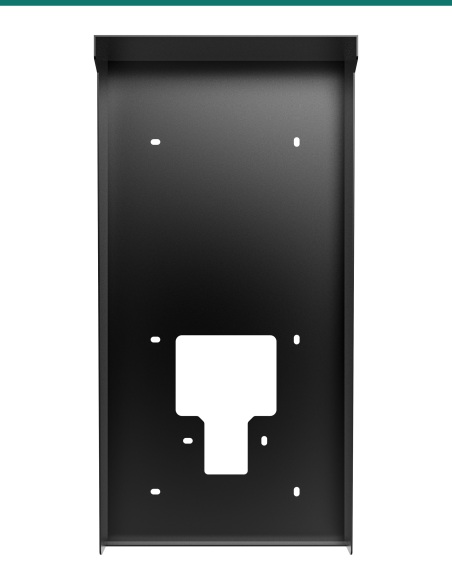
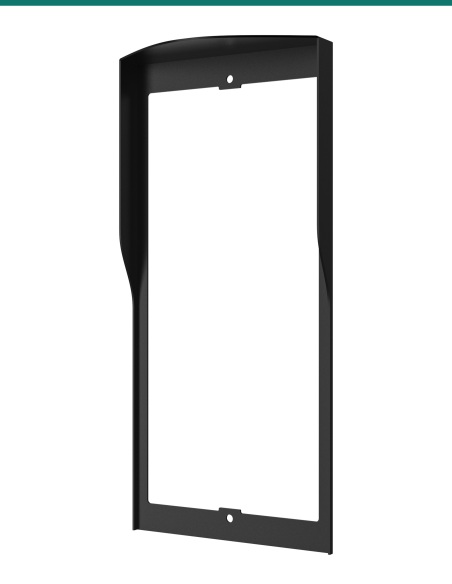
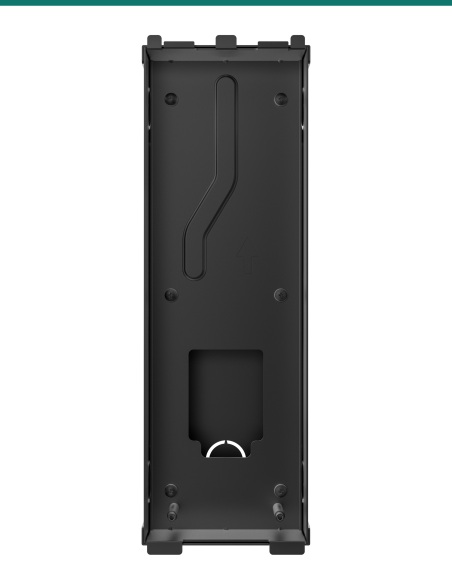
- Flush-mounting bracket
- 6 × M4×10 crosshead screws
- 6 × ST4×20 crosshead screws
- 6 × plastic wall anchors
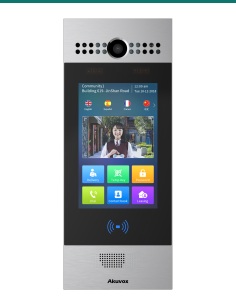
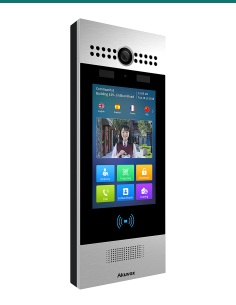
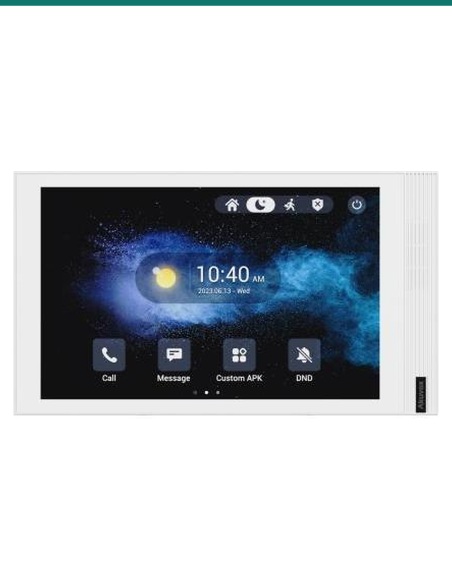
- Akuvox R29 series door phone
- A 314 × 124 × 53 mm wall recess with cable entry
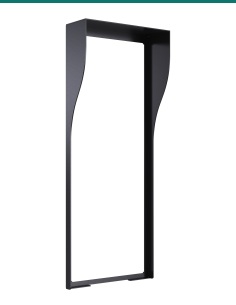
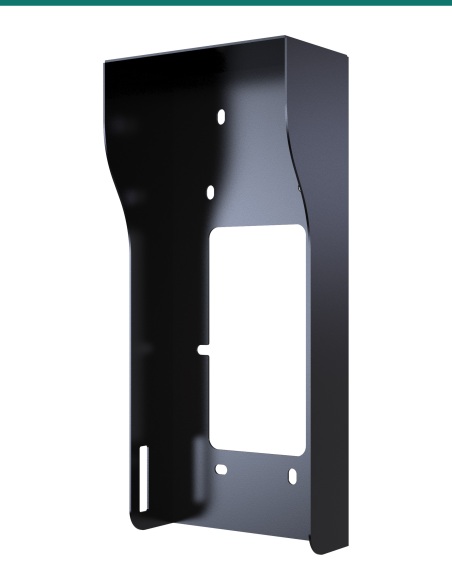
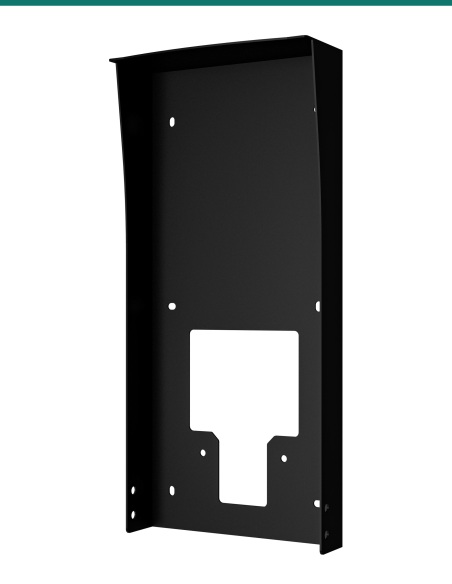
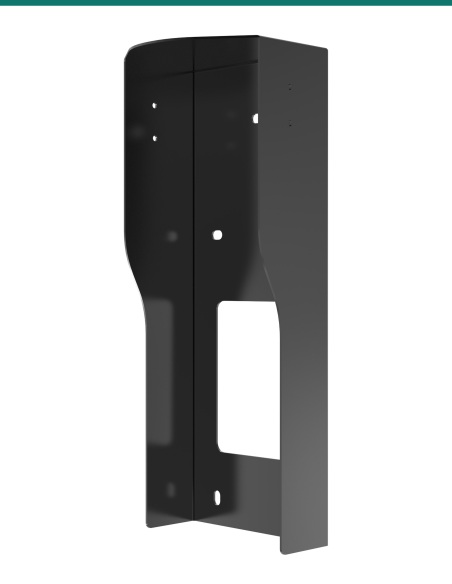
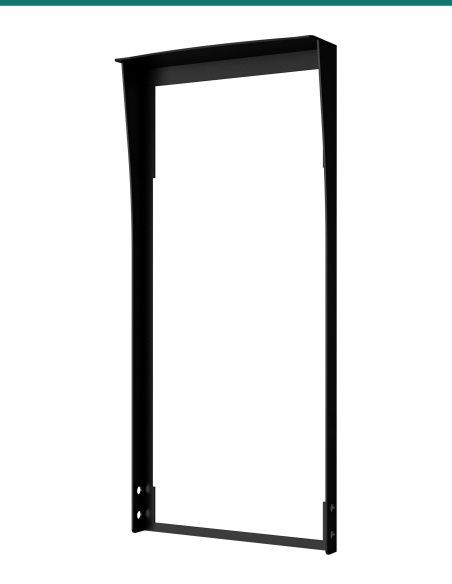
- Optional: R29 in-wall rain hood
A built-in look for the lobby.
Recessing the R29 brings its 7″ screen close to the wall face and hides the cabling — the usual finish for apartment and office entries.

What you get
Box plus bracket.
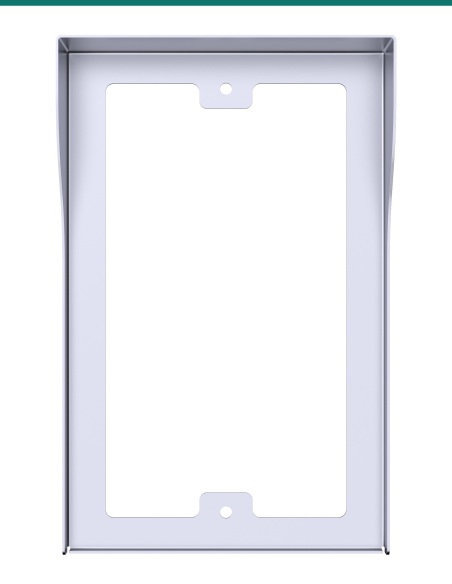
The flush-mounting box lines the 314 × 124 × 53 mm recess; the flush-mounting bracket screws into it with six M4×10 screws and carries the door phone.
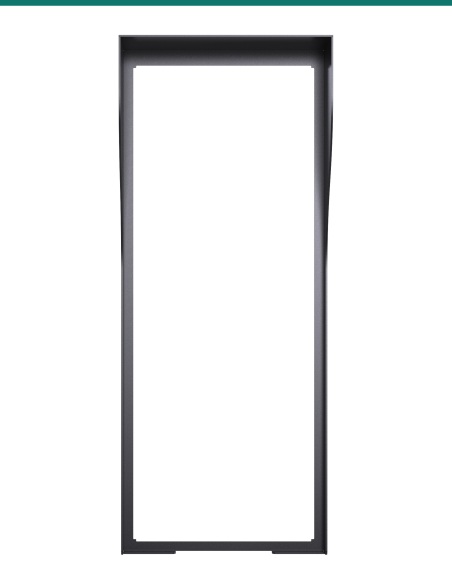
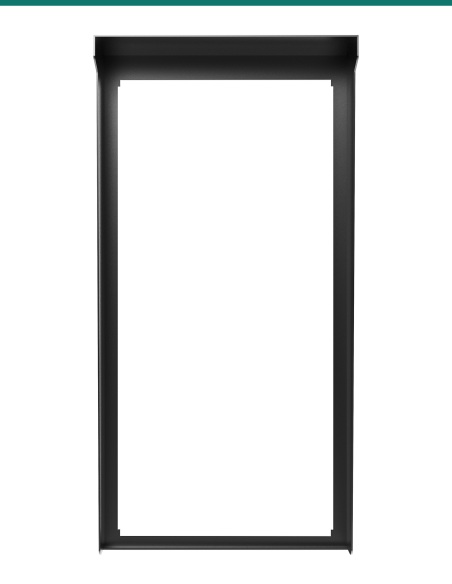
For exposed entries the R29 in-wall rain hood is clamped between the bracket and the box by the same six screws.
How it works
Fitting the kit.
01
Cut the recess
Cut a 314 × 124 × 53 mm (H × W × D) hole for the flush box.
02
Fix the box
Mark and drill the fixing holes, fit the anchors and fix the box with the ST4×20 screws.
03
Fit the bracket
Screw the flush-mounting bracket to the box with six M4×10 screws (add the in-wall rain hood at this step if used).
04
Hang the station
Hook the R29 onto the bracket and lock it with the two M3×6 screws underneath.
At a glance
Key specs — AK-R29INWALLK
- Brand
- Akuvox
- Reference
- AK-R29INWALLK
- Type
- Flush (in-wall) installation kit
- Compatible with
- Akuvox R29 series (R29C, R29S)
- Wall cut-out
- 314 × 124 × 53 mm (H × W × D)
- Contents
- Flush-mounting box, flush-mounting bracket
- Fixings
- 6 × M4×10, 6 × ST4×20, 6 plastic wall anchors
- Warranty
- Australian warranty via Infront Technologies
Pair it with
Completes a flush R29 install
Door phone
Akuvox R29C
7″ Android facial recognition door phone.
Weather
R29 in-wall rain hood
Black hood for exposed flush installs.
Answers
Common questions
Is mounting hardware included with the R29?
No. Akuvox supplies the flush-mounting parts in this in-wall kit and the surface box in the on-wall kit.
What size recess do I need?
Akuvox specifies 314 × 124 × 53 mm (H × W × D).
Can I add a rain hood?
Yes. The R29 in-wall rain hood fixes between the flush-mounting bracket and the box.
Surface or flush — pick the kit.
For surface mounting use the R29 on-wall kit (AK-R29ONWALLK). Order through Infront Technologies for Australian stock.
- Colour
- Black
- Brand
- Akuvox
- Warranty
- Australian Warranty via Infront Technologies
- Product Type
- Flush-mount installation kit
- Model
- R29 in-wall kit
- Includes
- Flush-mounting box, flush-mounting bracket, 6 × M4×10, 6 × ST4×20, 6 anchors
- Compatible with
- Akuvox R29 series
- Wall Cut-out
- 314 × 124 × 53 mm (H × W × D)