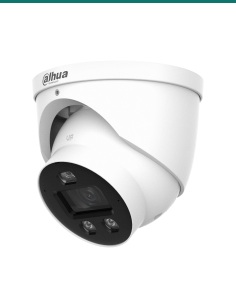
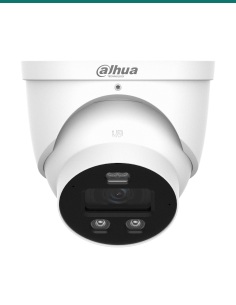
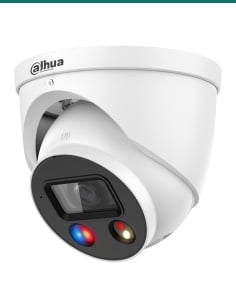
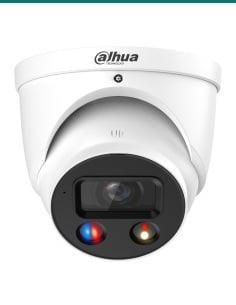
1 / 4

Dahua 8MP WizSense Ultra 4K Starlight IP Bullet Motorized SMD 4.0 - DH-IPC-HFW3866TP-ZAS-AUS

SKU DH-IPC-HFW3866TP-ZAS-AUS In Stock - Ready to Ship
$340.00 inc GST

Dahua DH-IPC-HFW3866TP-ZAS-AUS: a white 8MP WizSense bullet with a 2.7–13.5 mm motorised lens you zoom and focus from the app, 60 m IR, SMD 4.0, and audio and alarm ports.

  • ✓8MP (3840 × 2160) at 25/30 fps, 1/2.8" sensor
  • ✓Motorised 2.7–13.5 mm lens, F1.5, 109° to 30° across
  • ✓IR up to 60 m from 4 IR LEDs
  • ✓SMD 4.0, AI SSA, tripwire and intrusion with human and vehicle sorting
  • ✓Built-in microphone, 1/1 audio and 1/1 alarm ports
  • ✓IP67 metal bullet, PoE 802.3af or 12 VDC, microSD up to 256 GB


Description

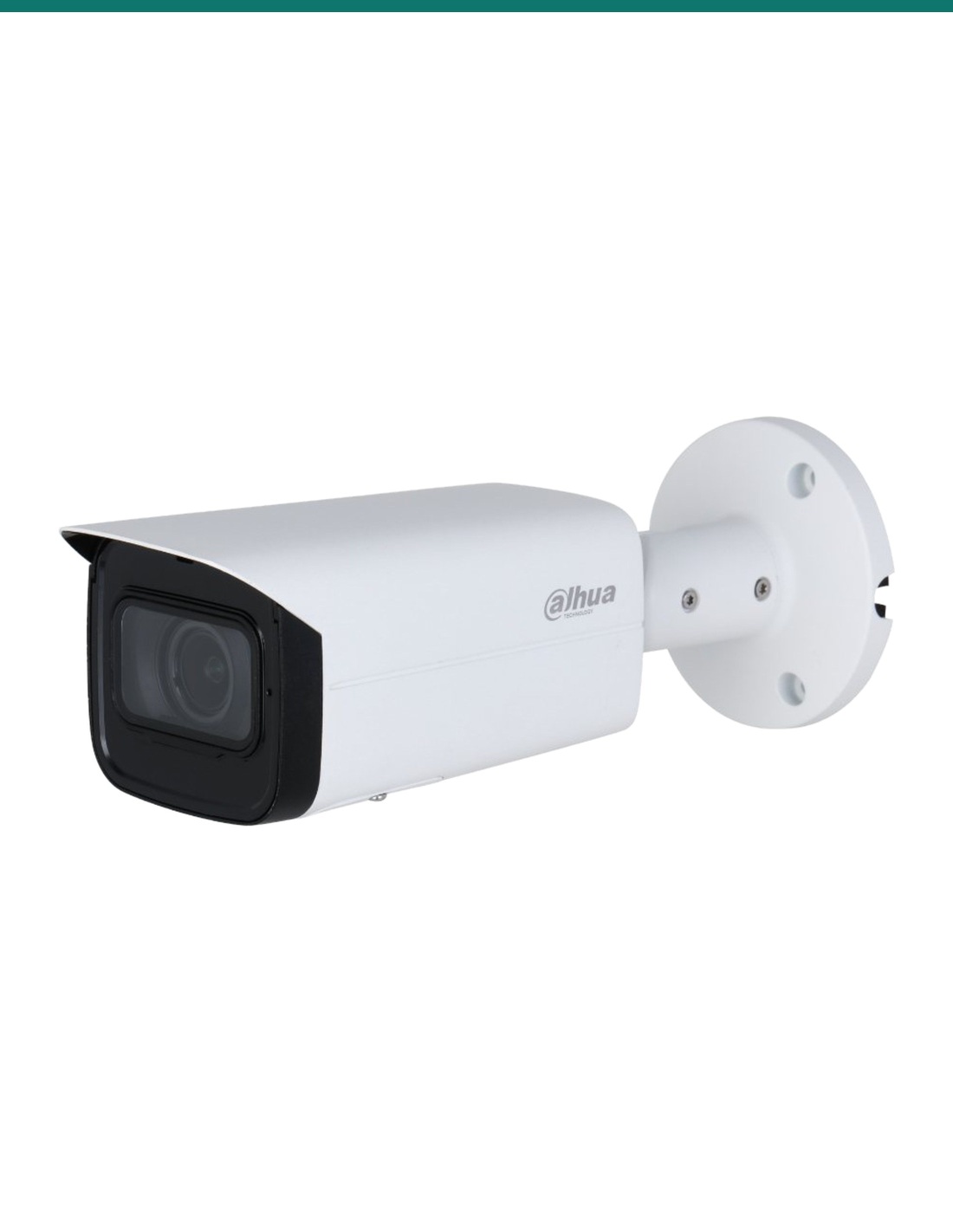
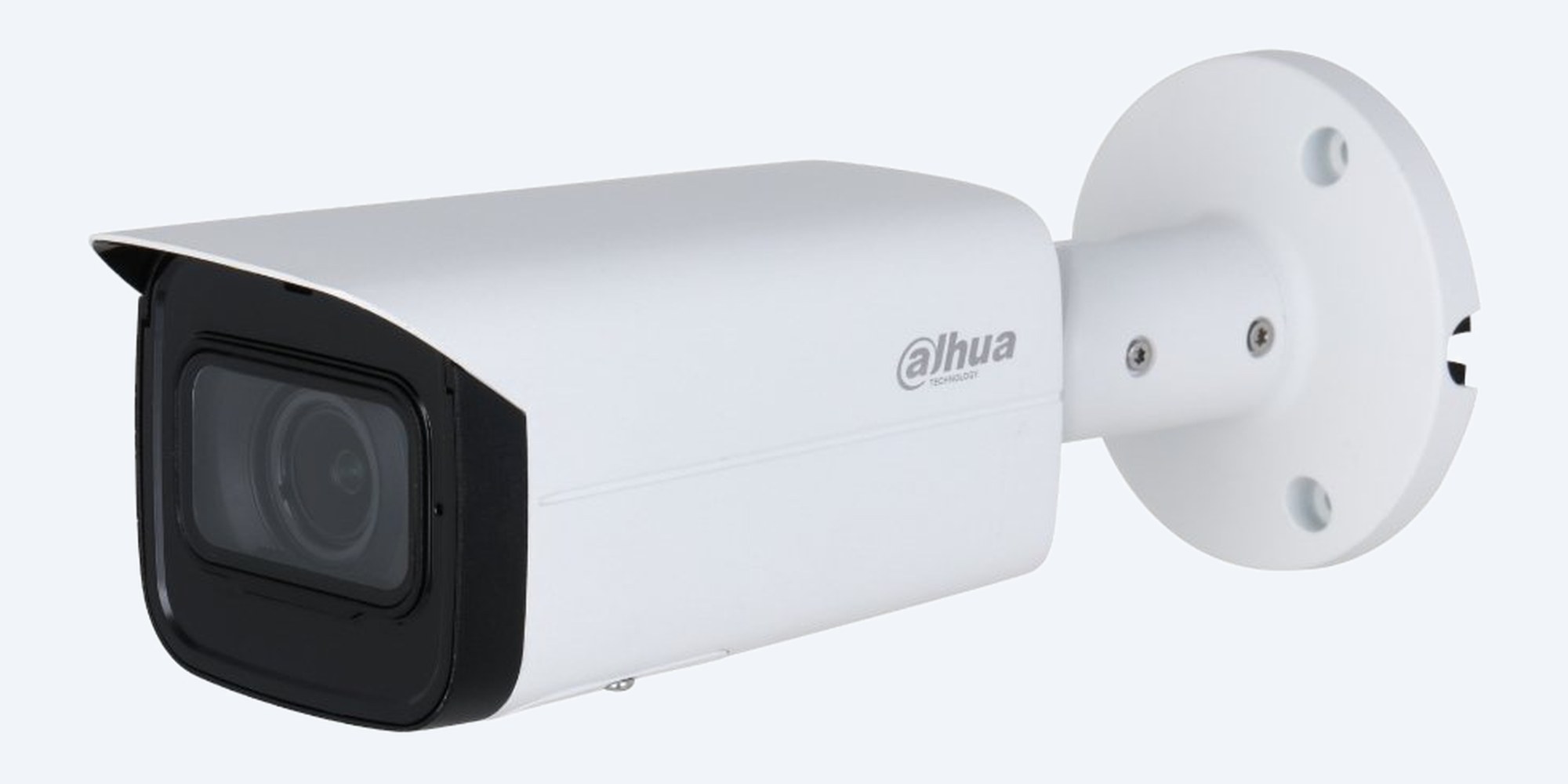
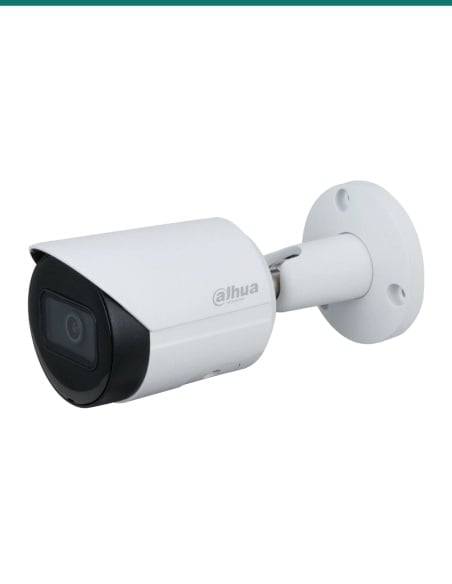
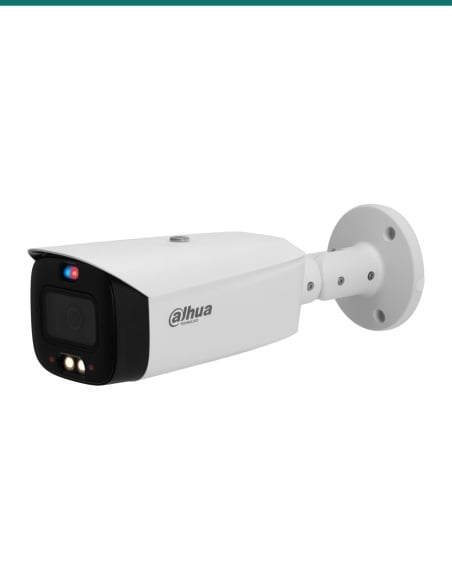
Dahua DH-IPC-HFW3866TP-ZAS-AUS white 8MP motorised vari-focal bullet camera on its wall bracket
Dahua · WizSense 3 Series · 8MP motorised zoom

An 8MP bullet that reaches 60 m at night.
Motorised 2.7–13.5 mm, audio and alarm ports.

A white 8MP WizSense bullet with a 5× motorised lens and four IR LEDs: zoom and focus from the recorder or the app, from a wide yard down to a gate, with human and vehicle detection built in.

In one sentence: the DH-IPC-HFW3866TP-ZAS-AUS is a Dahua WizSense 3 Series 8MP (4K) IR bullet with a 2.7–13.5 mm motorised vari-focal lens, 60 m IR, SMD 4.0, a built-in microphone, audio and alarm ports, IP67 and 802.3af PoE.

Camera only. Recorder and cabling are separate.

This listing is one camera. It needs PoE or a 12 V supply for power and somewhere to store the footage. The lens is motorised, so zoom and focus are set from the recorder, the web page or the app after it is mounted.

In the box
  • DH-IPC-HFW3866TP-ZAS-AUS bullet camera
You also need
  • A PoE NVR or an 802.3af PoE switch, or a 12 VDC supply
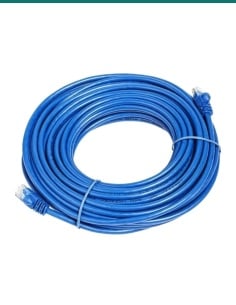
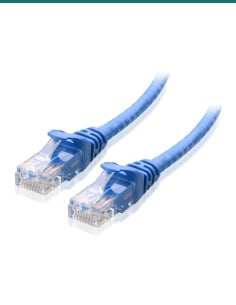
  • Cat5e or Cat6 cable to the camera
  • A recorder, NAS or microSD card (up to 256 GB) for the footage

Mount it once, frame it later.

With a motorised 2.7–13.5 mm lens you do not need to pick the field of view before you buy. Fix the bullet, then zoom from 109° wide to 30° tight and set the focus from your desk. SMD 4.0 sorts people and vehicles so the alerts you get are worth opening.

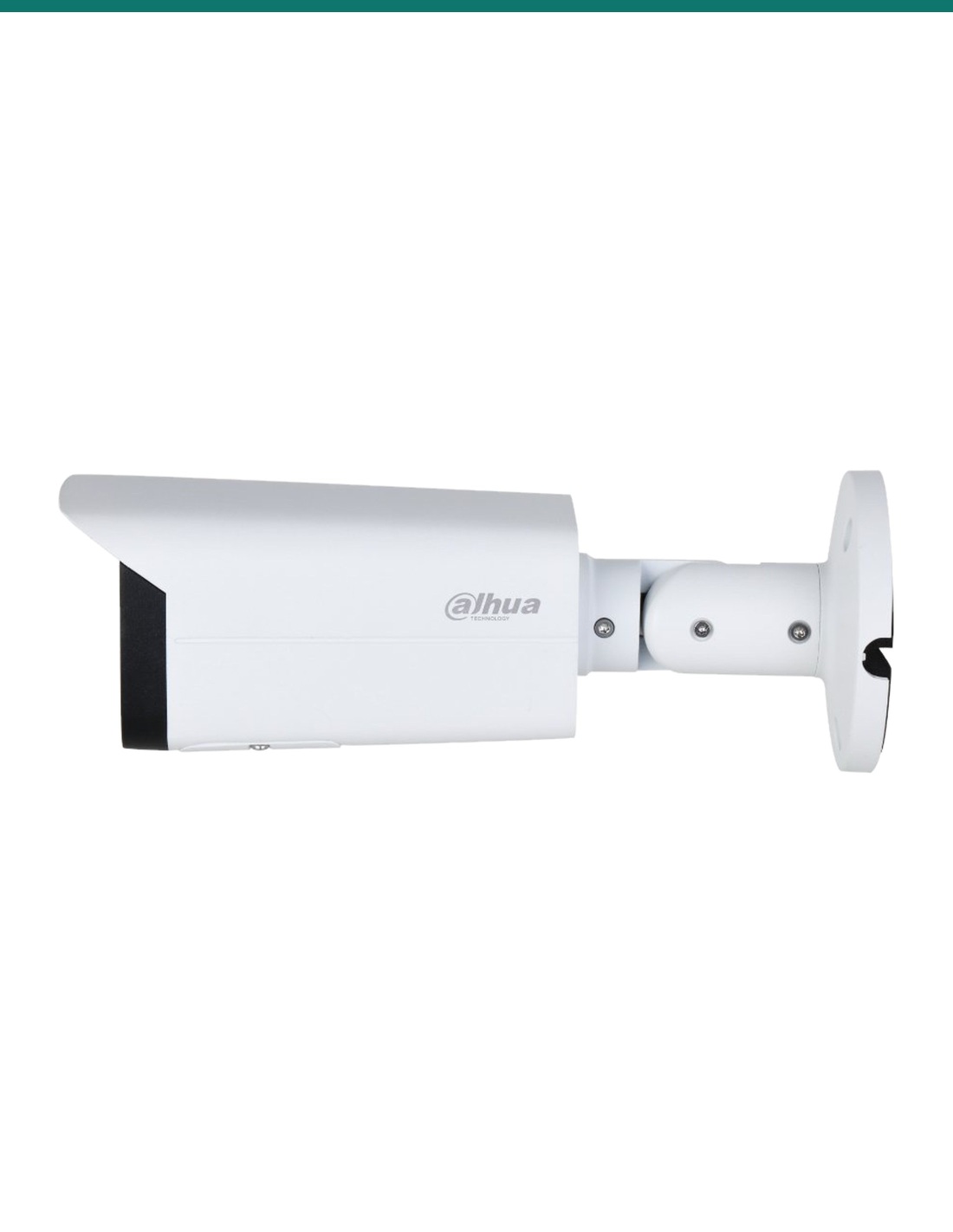
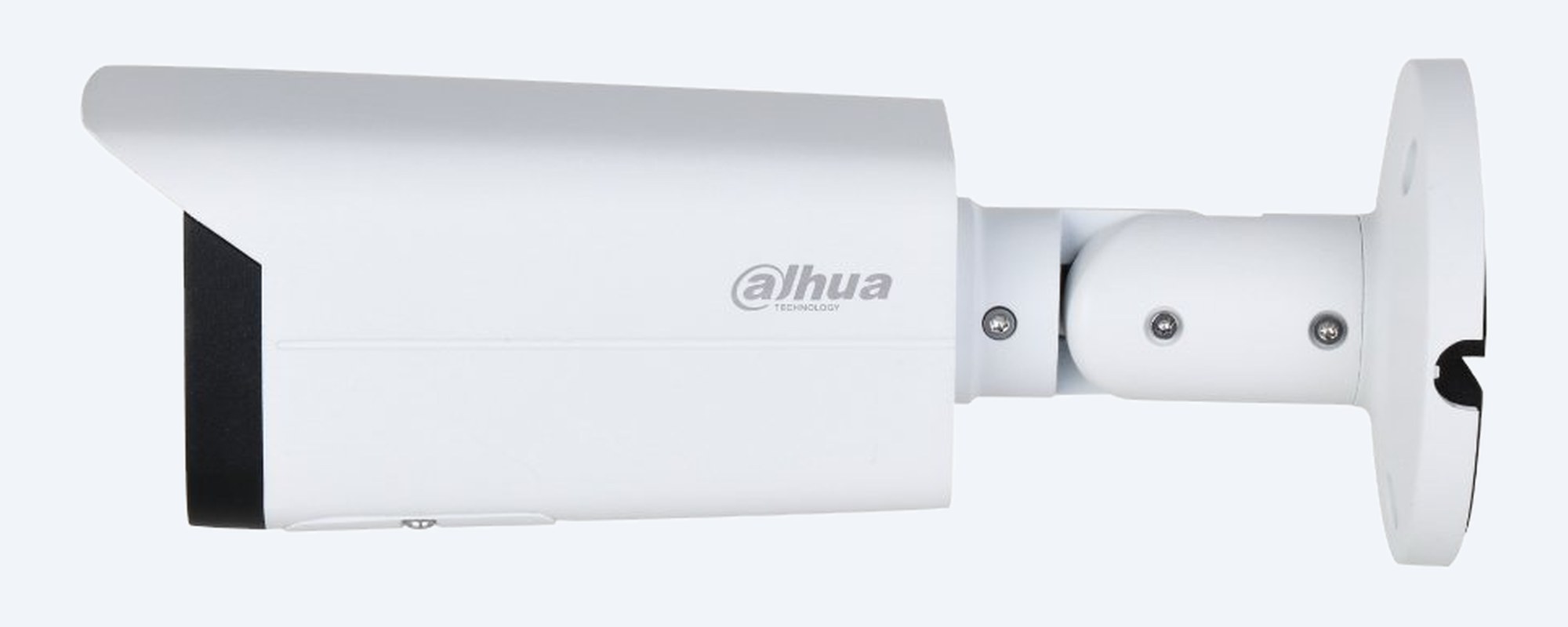
DH-IPC-HFW3866TP-ZAS-AUS side view of the bullet body, sunshield and wall bracket

Housing

Metal bullet, IP67.

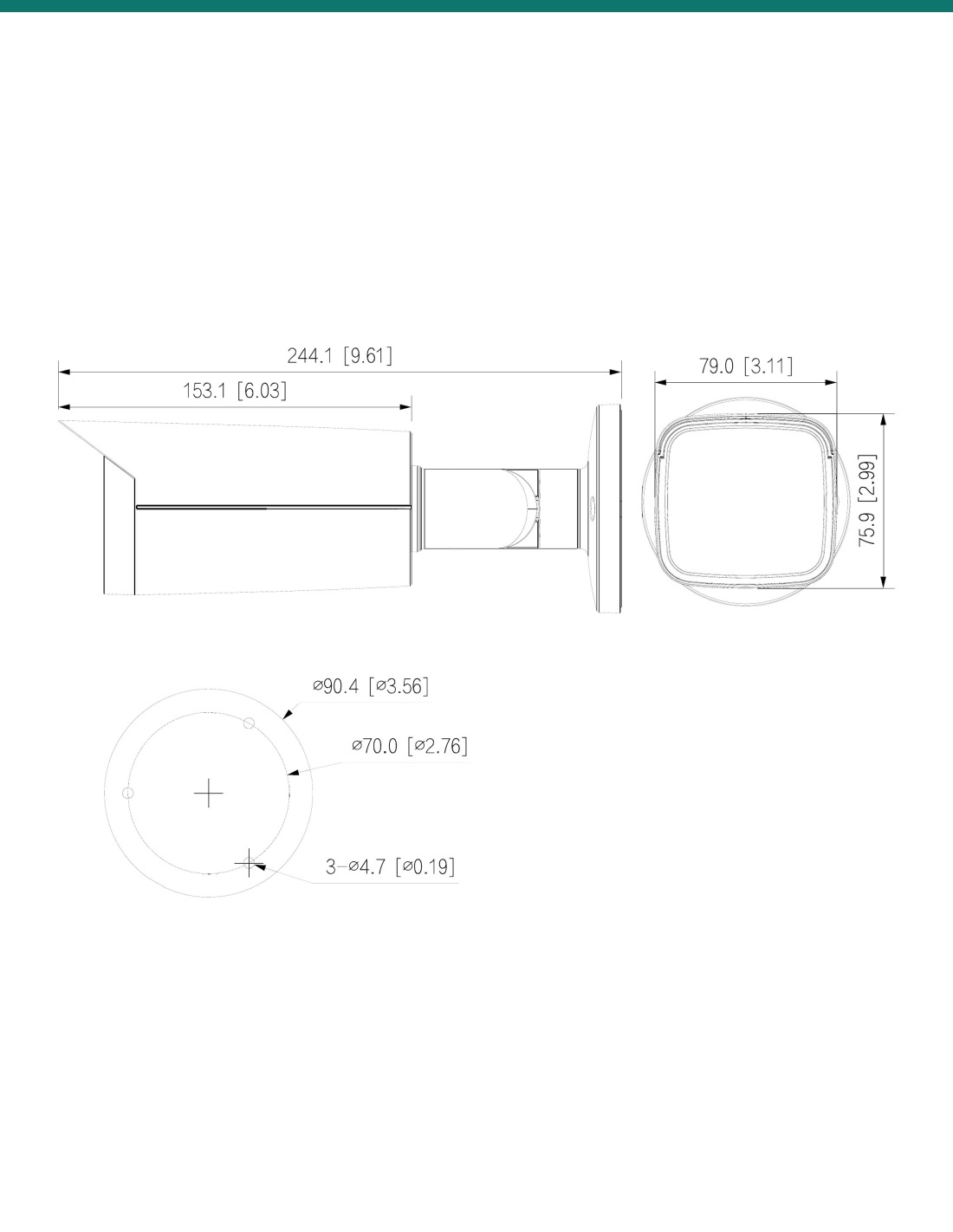
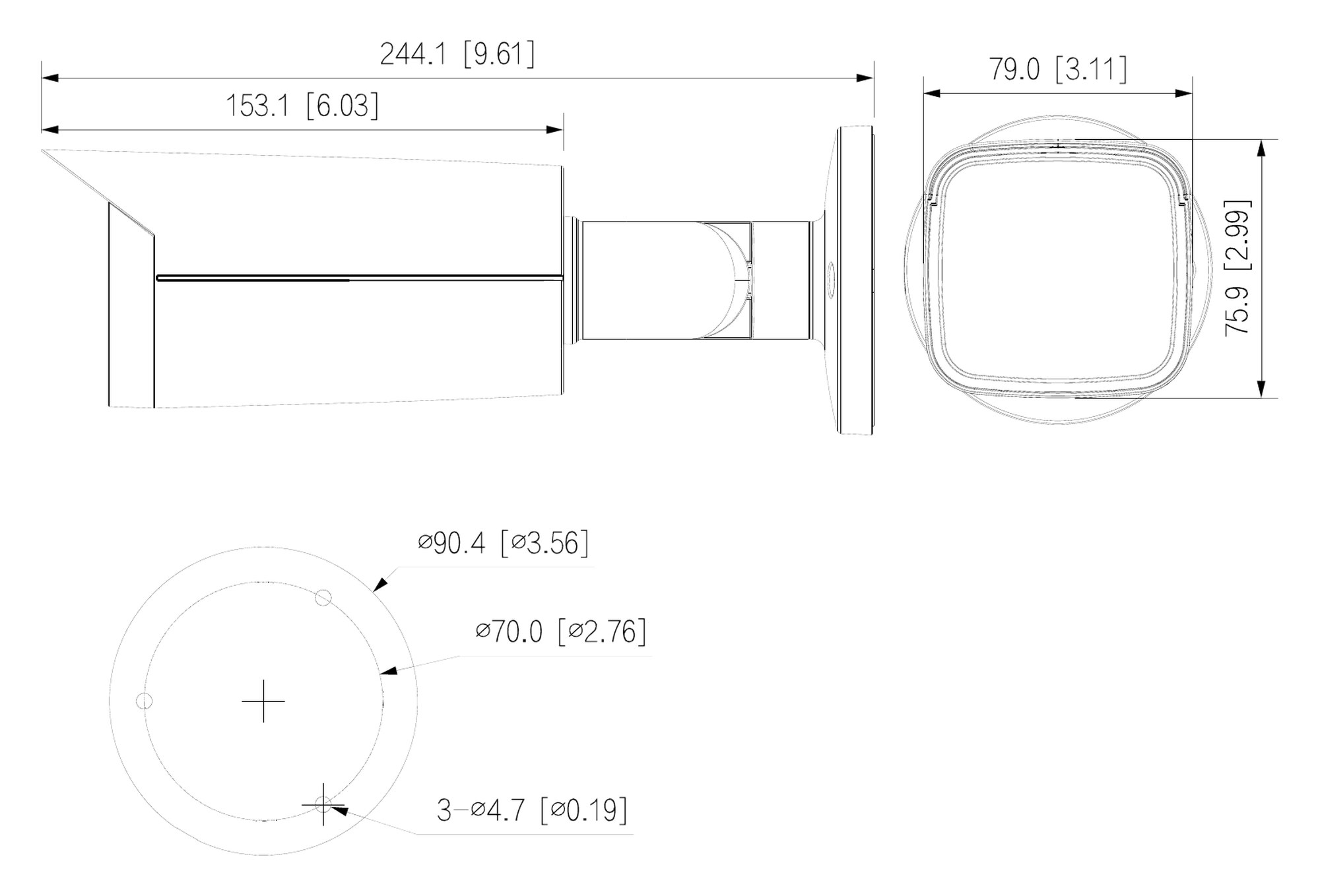
244.1 × 79.0 × 75.9 mm and 820 g, with a sunshield over the front window. The bracket pans 0–360°, tilts 0–90° and rotates 0–360°. Rated IP67, −30 °C to +60 °C.

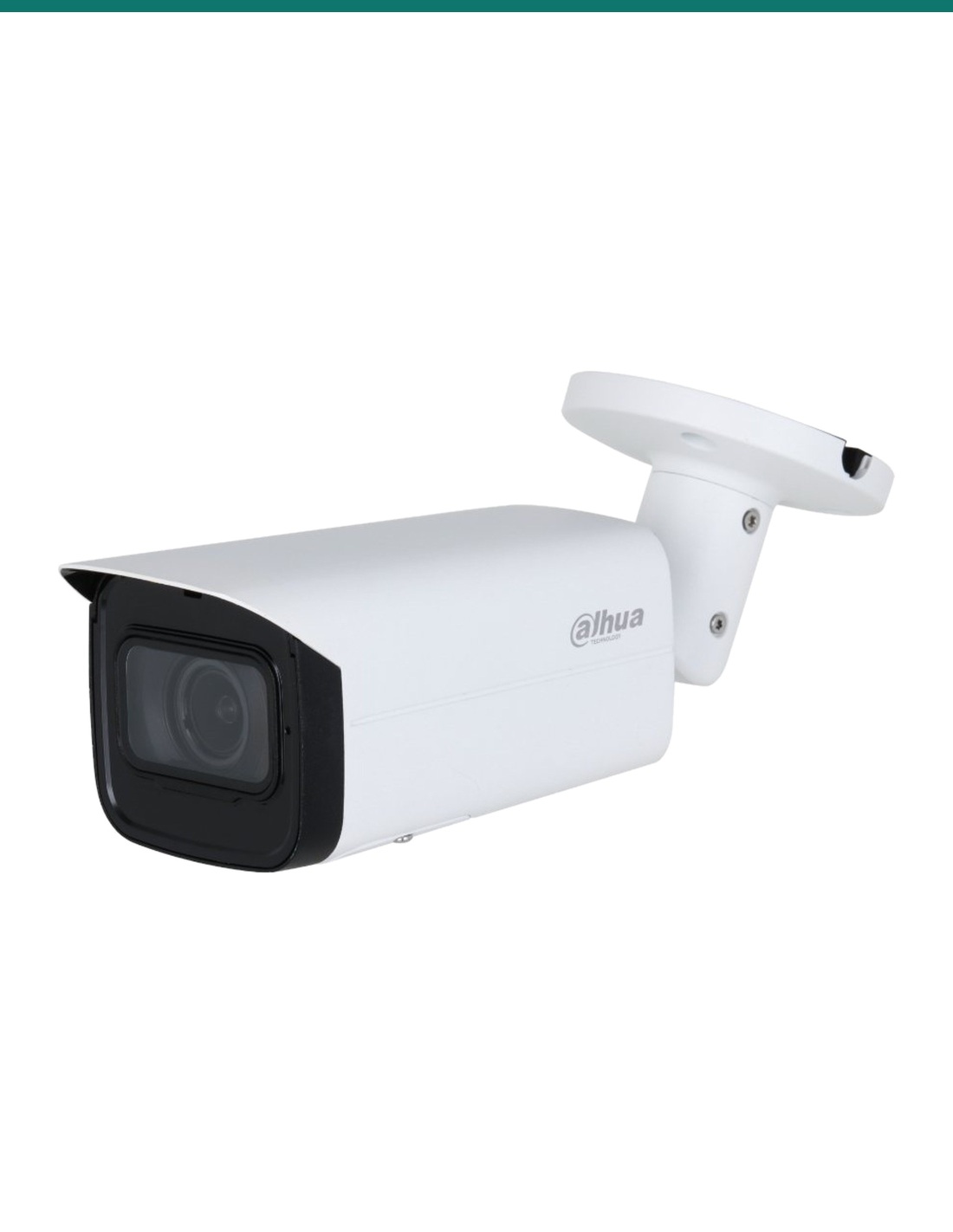
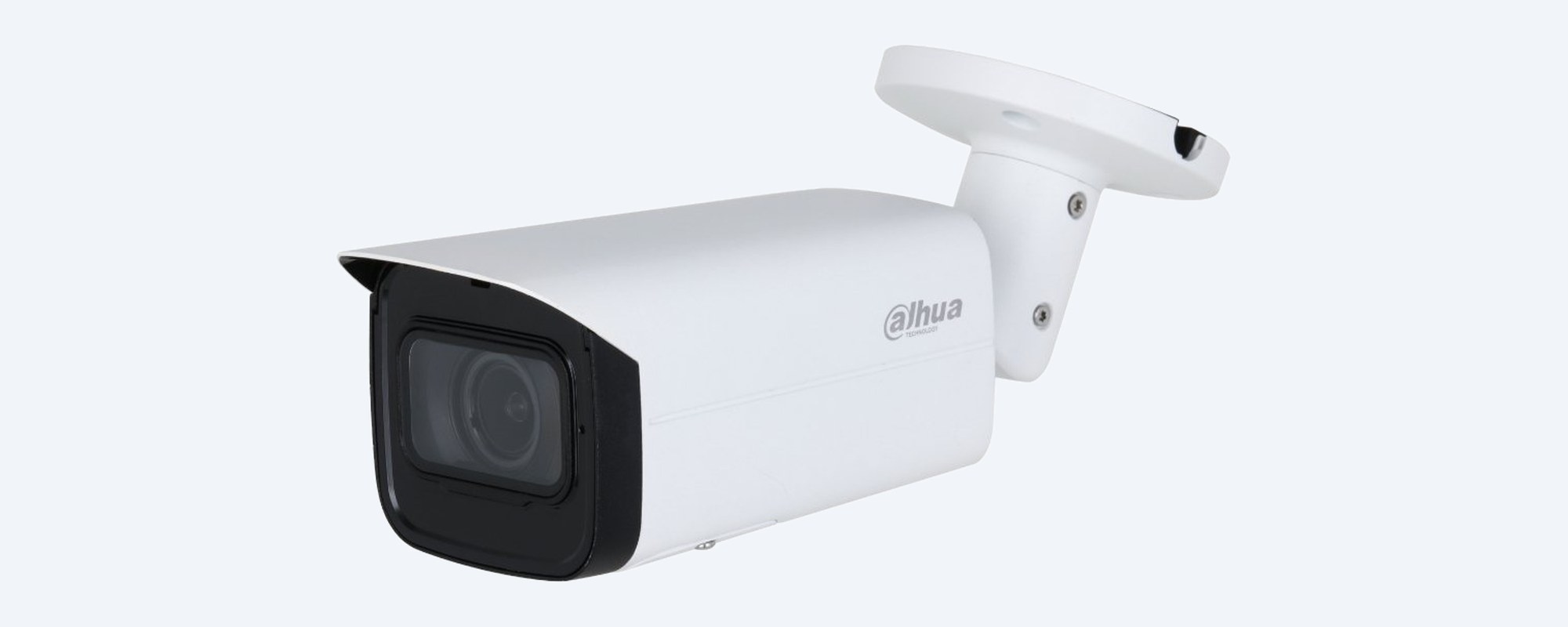
DH-IPC-HFW3866TP-ZAS-AUS bullet on its bracket, angled view of the lens window

Lens and IR

A 5× motorised lens and 60 m of IR.

2.7–13.5 mm, 109° to 30° across. Colour holds down to 0.007 lux at F1.5, and four IR LEDs light the scene up to 60 m at night.

How it goes in

From cable to framed scene.

01

Run one cable

Cat5e or Cat6 to a PoE NVR or an 802.3af PoE switch. The camera draws up to 10.5 W on PoE. A 12 VDC supply also works.

02

Fix the base

Screw the bracket to the wall or eave through the three Ø 4.7 mm holes on an Ø 70 mm circle of its Ø 90.4 mm base, then aim the bullet roughly.

03

Zoom and focus remotely

Add it to a Dahua NVR, Smart PSS, DSS or DMSS, then zoom between 2.7 and 13.5 mm and set the focus from the screen.

04

Set the rules

Draw tripwire or intrusion zones, tick human and vehicle, and turn on SMD 4.0 for filtered motion alerts.

Pair it with

What this camera does not include

Recorder

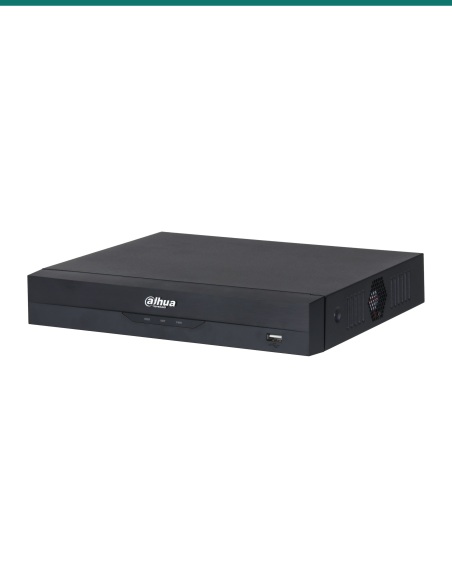
A Dahua WizSense PoE NVR

Powers and records the camera on one cable, controls the zoom, and adds Quick Pick search on an AI NVR.

Power

An 802.3af PoE switch

If the recorder has no free PoE ports. Allow 10.5 W for this camera.

Cabling

Cat5e or Cat6 cable

One run per camera, up to the usual 100 m Ethernet limit.

Mounting

Dahua PFA130-E or PFA135 junction box

Optional, to hide the cable tail. Dahua lists the PFA130-E and PFA135 junction boxes and the PFA152-E pole mount for this bullet.

Where it is used

Where a zoom bullet earns its keep.

Driveways and gates

Zoom down the drive to the gate, with 60 m of IR at night.

Yards and fence lines

Tripwire and intrusion rules that only trigger on people and vehicles.

Warehouses and loading docks

Roller doors and trucks, re-framed later without a ladder.

Car parks

Entry lanes and bays, with human and vehicle sorting.

Farms and sheds

Long views across open ground from one camera.

Shopfronts

Footpath and entry, with audio and alarm ports for other alarm equipment.

Why -ZAS and not -ZS

DH-IPC-HFW3866TP-ZAS-AUS (this camera)-ZS version
Built-in microphoneYesYes
Audio in / out (RCA)1 / 1None
Alarm in / out1 / 1None
External alarm eventYesNo
Resolution and lens8MP, 2.7–13.5 mm motorised8MP, 2.7–13.5 mm motorised
IR60 m60 m

Both columns come from the same Dahua DH-IPC-HFW3866TP-ZAS-AUS datasheet, which marks the audio and alarm ports 'Only -ZAS supports'. The A in -ZAS stands for audio and alarm.

Common questions

What does motorised vari-focal mean?

The lens zooms from 2.7 mm to 13.5 mm and is focused by motor, from the recorder, the web page or the DMSS app. You do not have to adjust it by hand at the camera.

Is it vandal resistant (IK10)?

Dahua's spec table for this bullet lists IP67 only. The front page of the sheet mentions IK10 as optional, but the table does not, so we do not claim an impact rating. For IK10 choose the HDBW3866RP-ZAS dome.

Is a recorder included?

No. This listing is the camera only. It records to a Dahua NVR, a NAS, FTP or a microSD card of up to 256 GB.

How is it powered?

By 802.3af PoE or 12 VDC. It draws up to 10.5 W on PoE or 9.2 W on 12 VDC.

What frame rate does it record at in 8MP?

Up to 25/30 fps at the full 8MP (3840 × 2160) on the main stream.

How far does it see at night?

4 IR LEDs reach up to 60 m. In colour it works down to 0.007 lux at F1.5, and with the IR on it records at 0 lux.

How far away can it pick out a person?

At the tele end Dahua's DORI figures are 289.7 m to detect, 57.9 m to recognise and 29.0 m to identify. At the wide end they are 88.3 m, 17.7 m and 8.8 m.

What does SMD 4.0 do?

Smart Motion Detection classifies what caused the motion and filters out things that are not people or vehicles, such as animals, so you get fewer false alerts. Tripwire and intrusion rules can also be set to human, vehicle or both.

What do the -ZAS audio and alarm ports do?

The -ZAS model adds 1 audio input and 1 audio output (RCA) and 1 alarm input and 1 alarm output to the built-in microphone, for linking an external microphone, speaker or other alarm equipment. There is no built-in speaker or siren.

Will it work with a non-Dahua recorder?

It supports ONVIF Profile S, G and T and works with Milestone and Genetec. Zoom control over ONVIF depends on the recorder; Quick Pick and Smart Search need a Dahua NVR.

What warranty does it have?

Dahua gives its 3 Series network cameras a 3-year (36-month) manufacturer warranty under Dahua Australia's warranty policy. Claims are handled in Australia through InFront Technologies: call 1300 736 970 or email [email protected].

Who can install the cable?

Concealed data cabling to the camera is customer cabling under AS/CA S009 and needs an ACMA-registered cabler. Plugging a patch lead into an existing outlet does not.

Supported by InFront Technologies.
Help choosing the recorder, switch or mounting: call 1300 736 970 or email [email protected]. The datasheet is on the Attachments tab.

Installation and safety

Low-voltage camera. PoE (802.3af, up to 10.5 W) or 12 VDC (up to 9.2 W). There is no mains connection on the camera. A new power point for a 12 V supply needs a licensed electrician.

Cabling. Concealed data cabling is customer cabling under AS/CA S009 and needs an ACMA-registered cabler.

Audio. Recording conversations is covered by state and territory surveillance laws. Check them, and use signage, before you switch the microphone on.

What it does not do. No Wi-Fi, no built-in speaker or siren, no white or warm light and no face recognition.

Figures. From Dahua's DH-IPC-HFW3866TP-ZAS-AUS datasheet (Rev 002, 2022). Its spec table lists IP67 only, so the 'IK10 (optional)' on the sheet's front page is not claimed here.
INFRONTTECH Promotional Banner INFRONTTECH Promotional Banner INFRONTTECH Promotional Banner

Need help choosing?

Tell us about your property and we'll recommend the right cameras and recorder.

07 5609 4910

Sydney 02 8814 6008
[email protected]

Mon–Fri, 9am–5pm AEST

Saved to your wishlist Find it any time in your account. View list