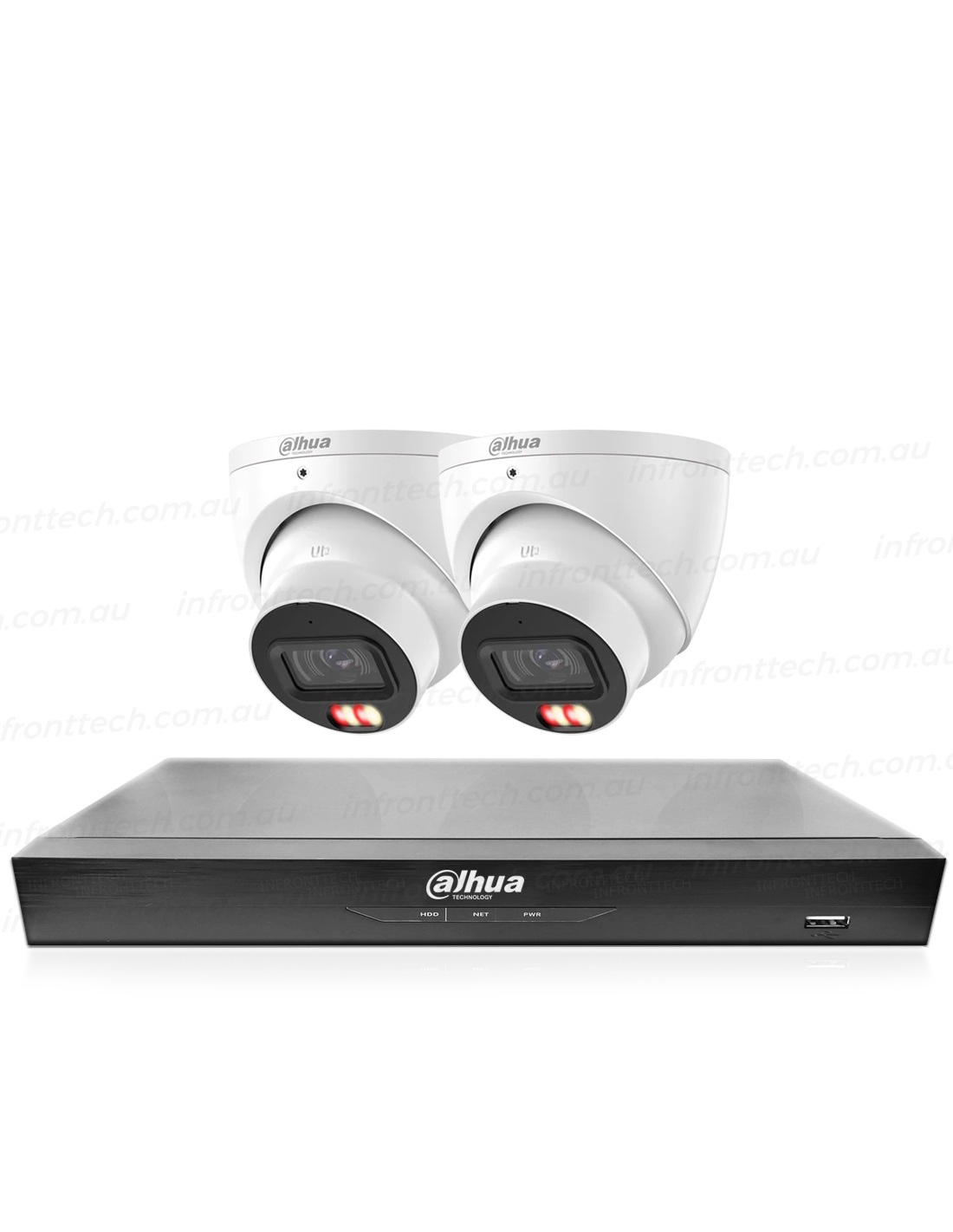
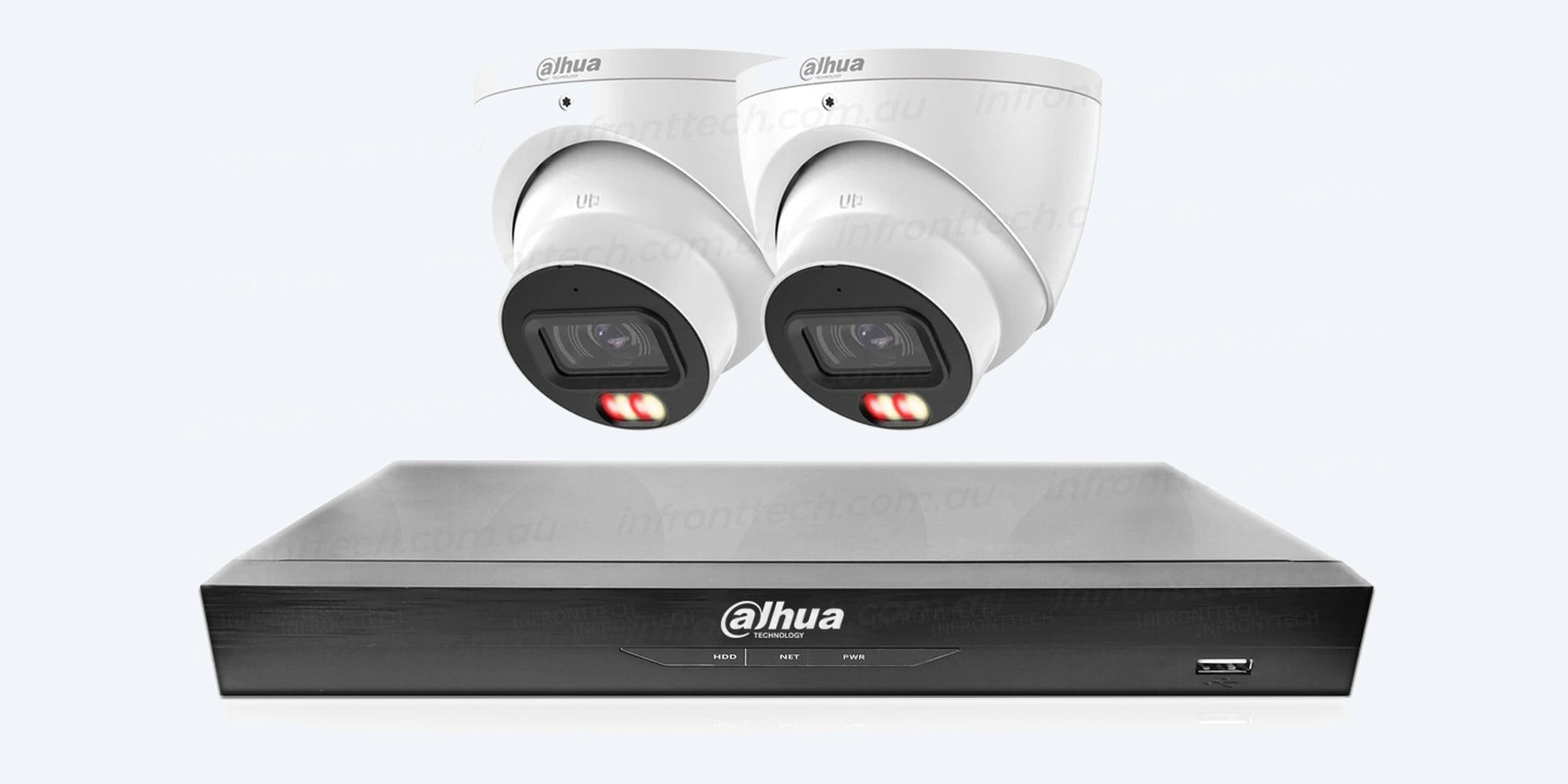
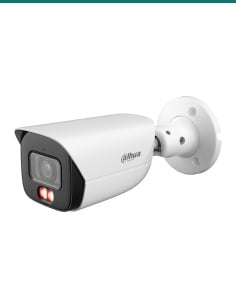
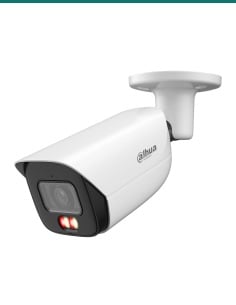
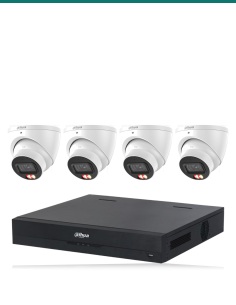
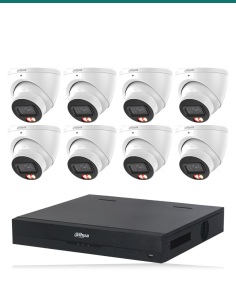
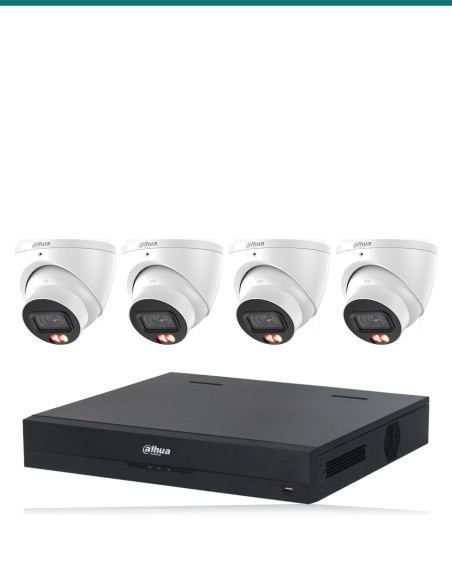
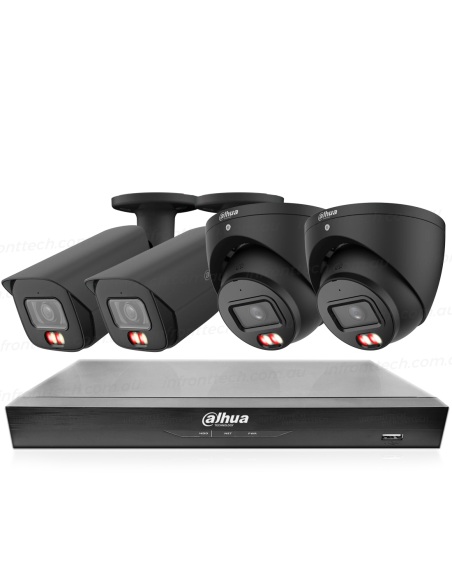
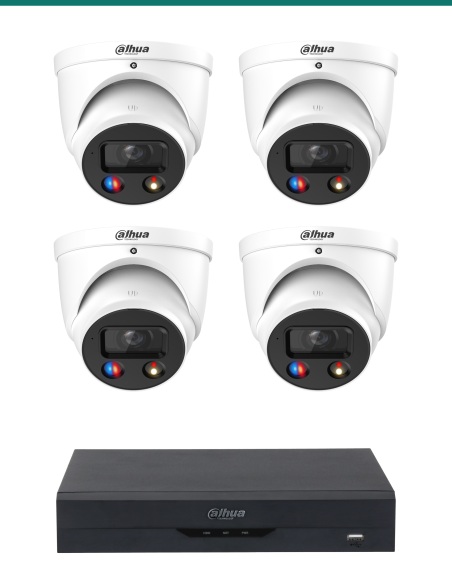
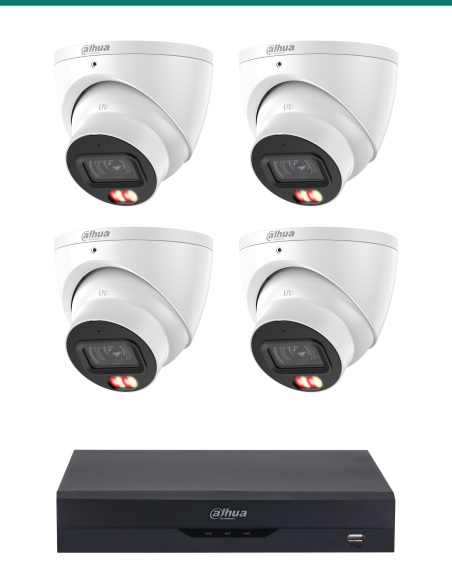
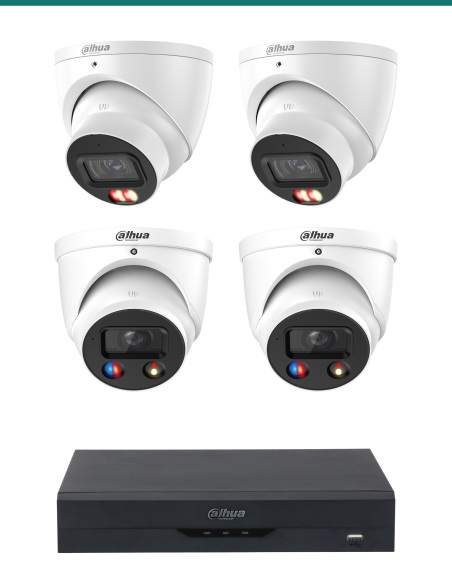
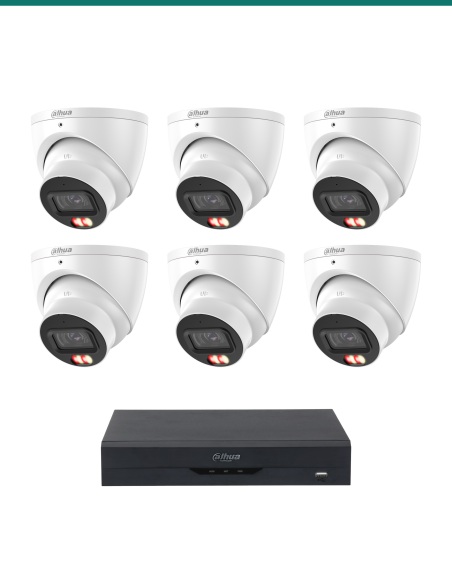
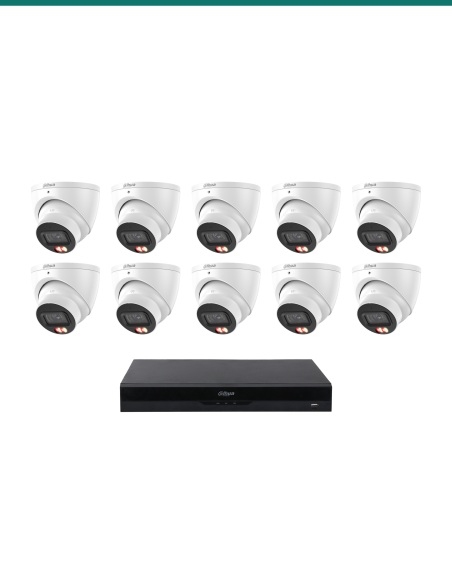
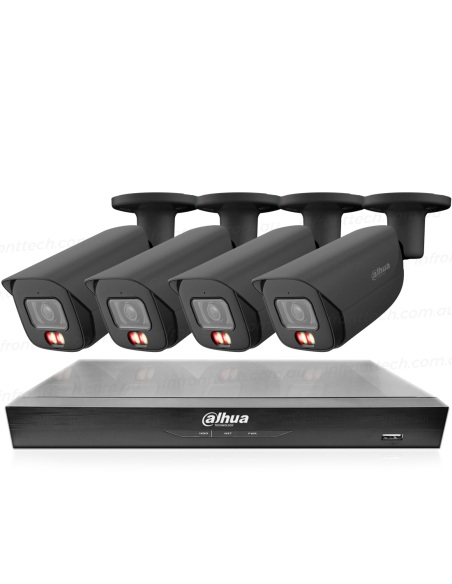
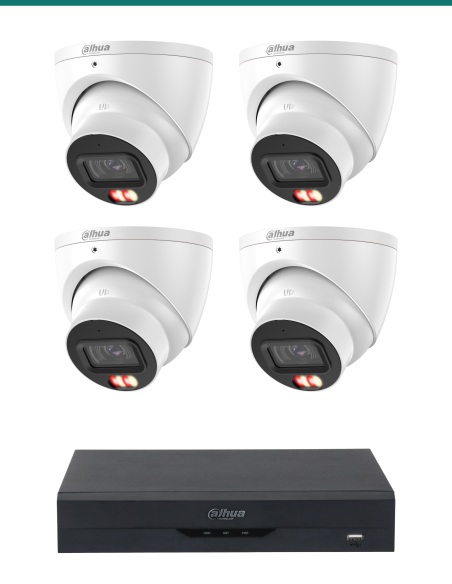
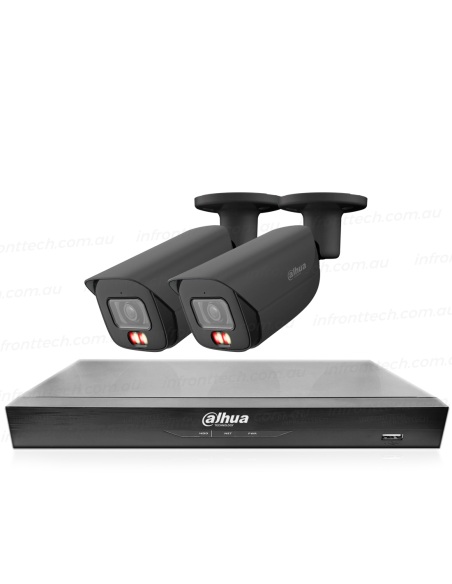
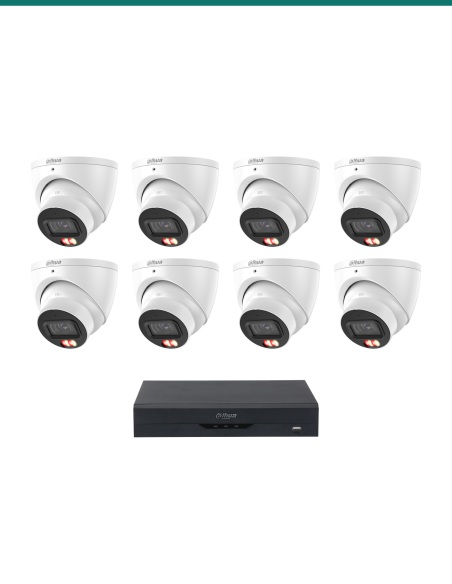
Dahua AcuPick AI 4-Channel 4K Kit with 2x 8MP Dual Light Cameras (HDW3867EM-S-IL-ANZ) & NVR (NVR4104HS-4P-AI/ANZ)

SKU DH-ACU4867-2D-0T In Stock - Ready to Ship
$609.00 inc GST

Dahua DH-ACU4867-2D kit: two white 8MP DH-IPC-HDW3867EM-S-IL-ANZ Smart Dual Light eyeballs that record in colour when a person or vehicle appears, and a 4-channel DHI-NVR4104HS-P-AI/ANZ PoE recorder. Choose the drive size in the options.

  • ✓2 × 8MP white eyeballs, 3840 × 2160, F1.4
  • ✓Smart Dual Light: 30 m IR and 30 m warm light
  • ✓SMD 4.0 people and vehicle detection, built-in mic
  • ✓4-port PoE recorder, 2 ports free
  • ✓No HDD or 2–8TB fitted, 4K HDMI, DMSS app
Hard Disk Options


Description

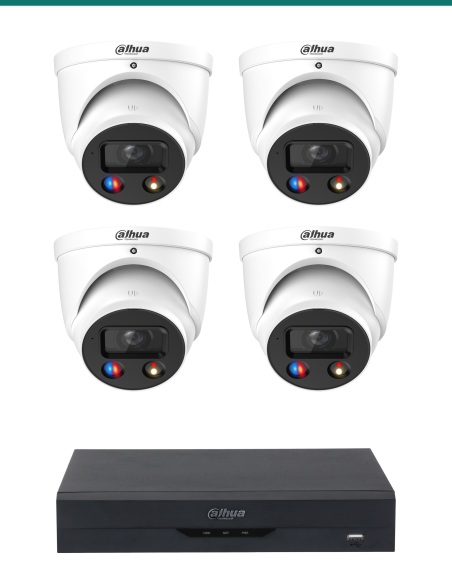
Dahua DH-ACU4867-2D kit: 2 × HDW3867EM eyeballs (white) and the DHI-NVR4104HS-P-AI/ANZ recorder
Dahua · WizSense · Smart Dual Light kit · 2 cameras · 4 channels

Two 8MP eyeballs, colour when it counts.
IR by default, warm light when someone walks in.

This is the Dahua DH-ACU4867-2D: two white DH-IPC-HDW3867EM-S-IL-ANZ 8MP Smart Dual Light eyeballs and a DHI-NVR4104HS-P-AI/ANZ recorder. Each camera records 8MP (3840 × 2160), watches in infrared at night and turns its warm light on when a person or vehicle appears, and takes its power from the recorder over one Cat6 cable.

In one sentence: the DH-ACU4867-2D is a Dahua kit of two white DH-IPC-HDW3867EM-S-IL-ANZ 8MP (3840 × 2160) Smart Dual Light eyeballs with F1.4 lenses, 30 m IR and 30 m warm light, SMD 4.0 and a built-in mic, plus a DHI-NVR4104HS-P-AI/ANZ 4-channel recorder with 4 PoE ports, one SATA bay and 4K HDMI.

Two cameras and the recorder. Choose the drive size in the options.

The kit is sold without a hard drive, or with a 2, 4, 6 or 8TB drive fitted: choose the drive size in the options above. The recorder powers both cameras and leaves two ports free for more cameras later. Dahua makes this camera with a 2.8 mm or a 3.6 mm lens: confirm with us which lens is in stock.

In the box
  • 2 × DH-IPC-HDW3867EM-S-IL-ANZ Smart Dual Light eyeball cameras (white)
  • 1 × DHI-NVR4104HS-P-AI/ANZ 4-channel PoE recorder
  • The recorder's 53 V DC adapter
  • A hard drive, only if you chose one in the options
You also need
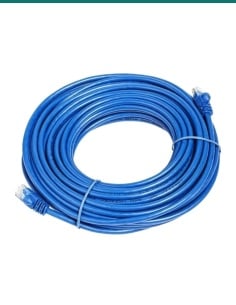
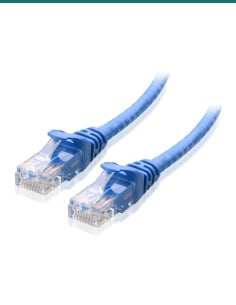
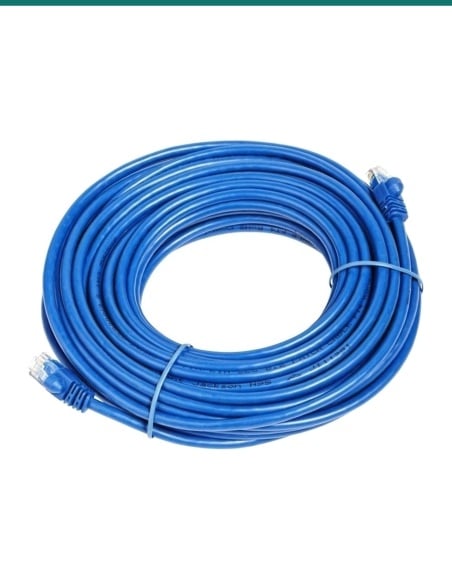
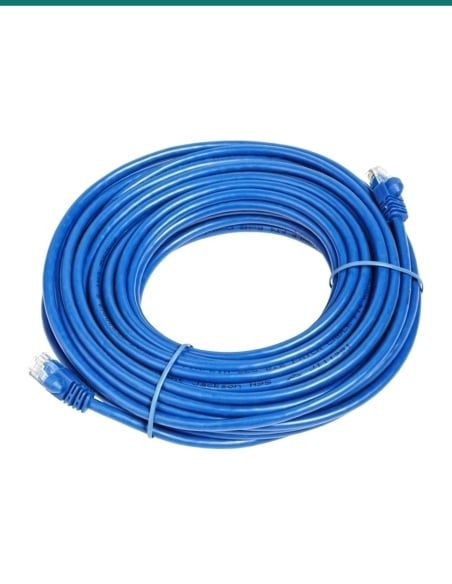
  • Cat5e or Cat6 cable from each camera to the recorder
  • A monitor or TV with HDMI or VGA for setting up
  • Your router, for the DMSS phone app
  • A SATA surveillance drive, if you chose No HDD

Light only when it is needed.

Smart Dual Light keeps each camera on infrared at night and switches the warm light on when it detects a person or vehicle, then back to IR when they leave. You get the event in colour without lighting up the yard, or the neighbours, all night.

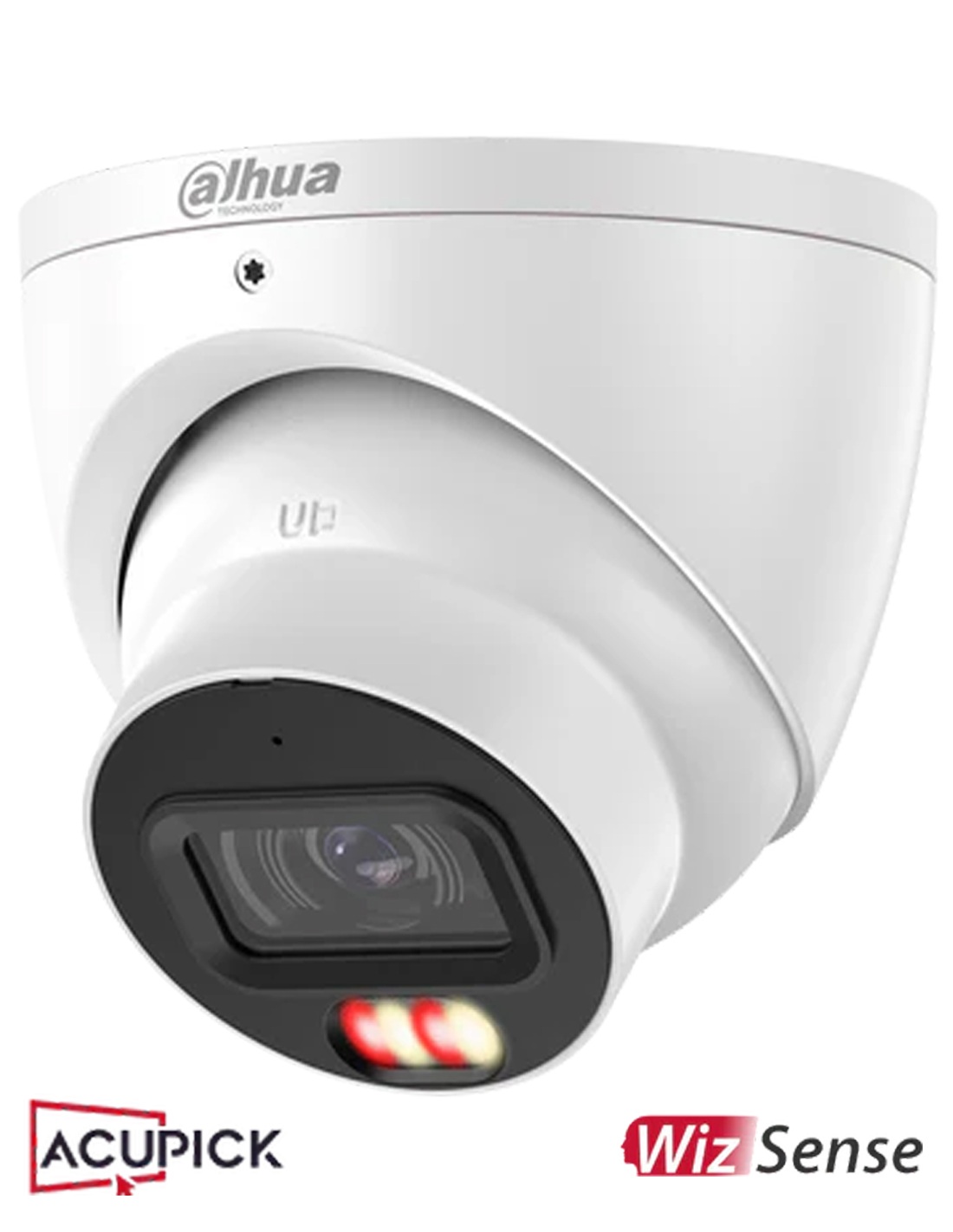
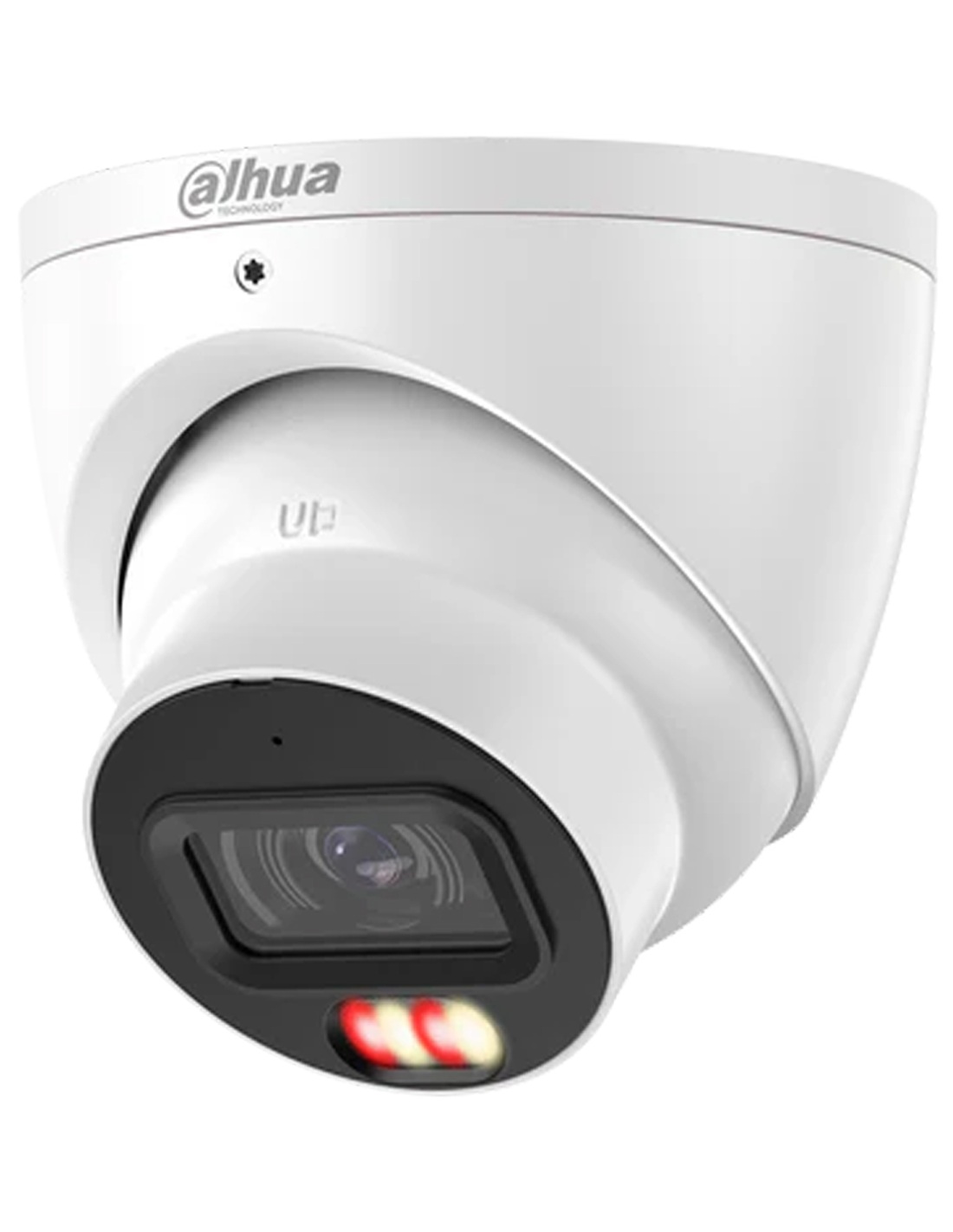
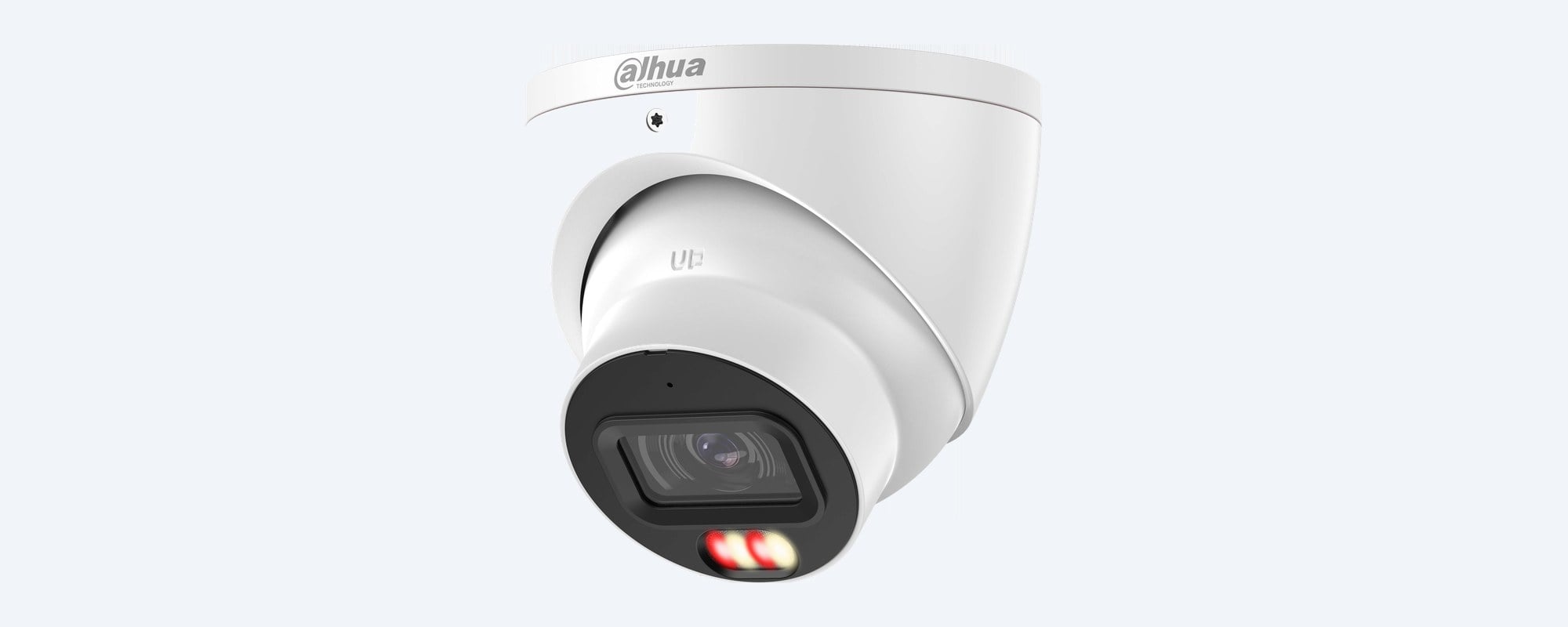
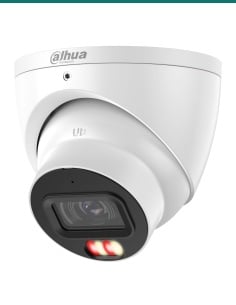
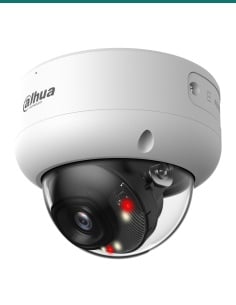
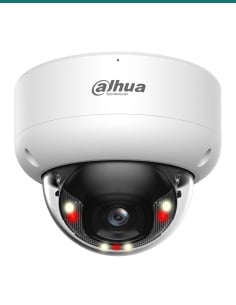
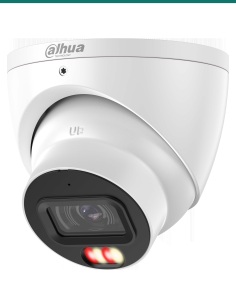
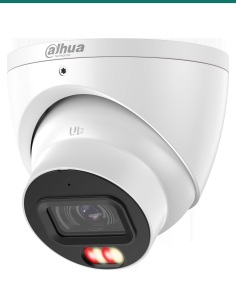
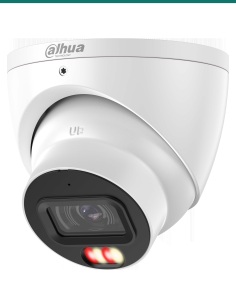
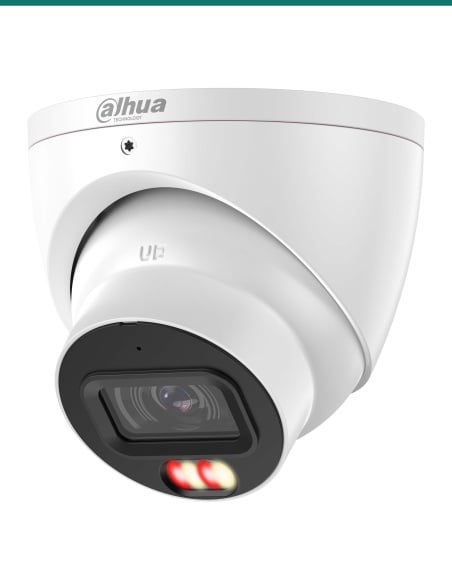
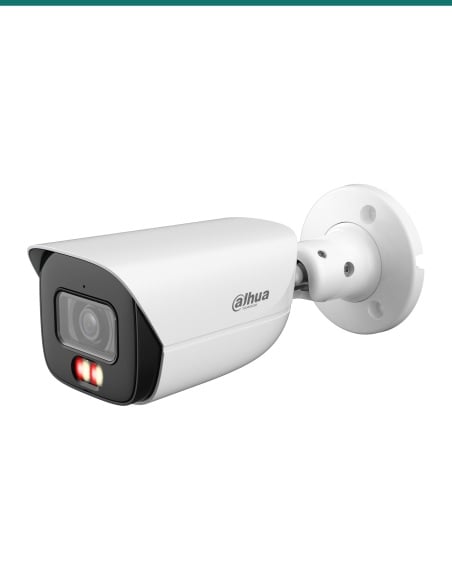
Dahua DH-IPC-HDW3867EM-S-IL-ANZ white 8MP Smart Dual Light eyeball, three-quarter view showing the lens and lights

The cameras

8MP through an F1.4 lens.

Each DH-IPC-HDW3867EM-S-IL-ANZ records 3840 × 2160 at up to 25/30 fps through an F1.4 lens on a 1/2.7" sensor, in colour down to 0.007 lux. Two multi-core lights give IR or warm light out to 30 m, and a built-in microphone records sound with the video. Metal housing, IP67, −40 °C to +60 °C.

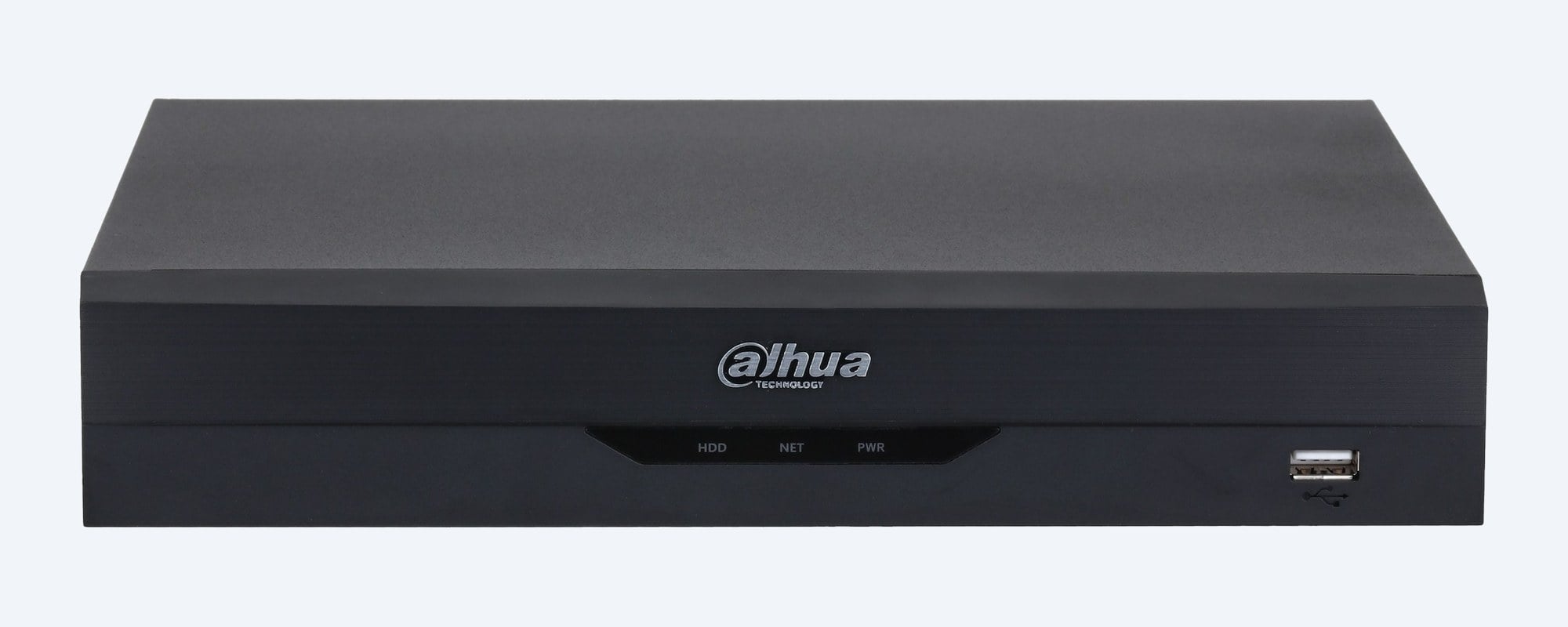
Dahua DHI-NVR4104HS-P-AI/ANZ 4-channel WizSense PoE recorder, front view

The recorder

4 PoE ports in a 260 mm case.

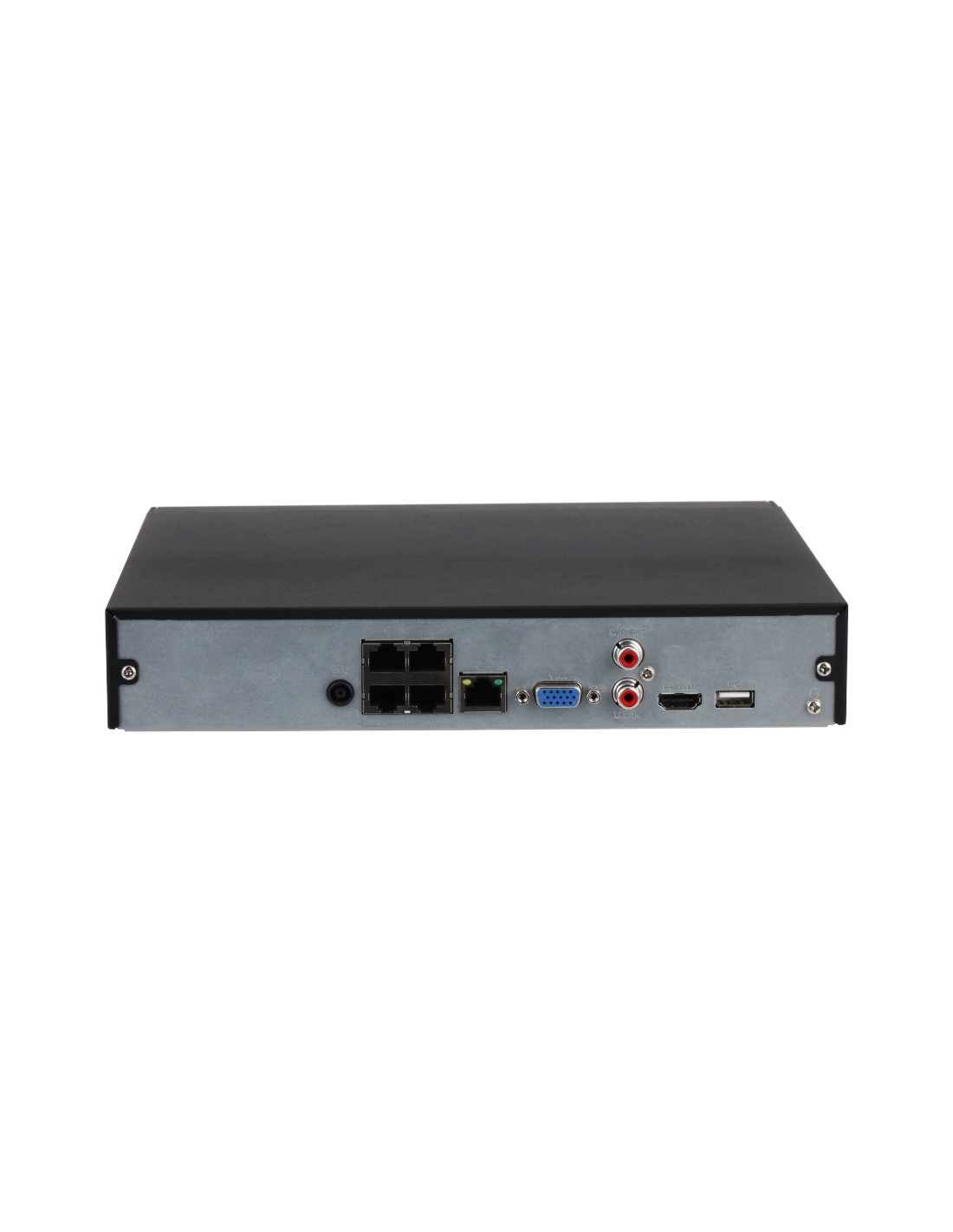
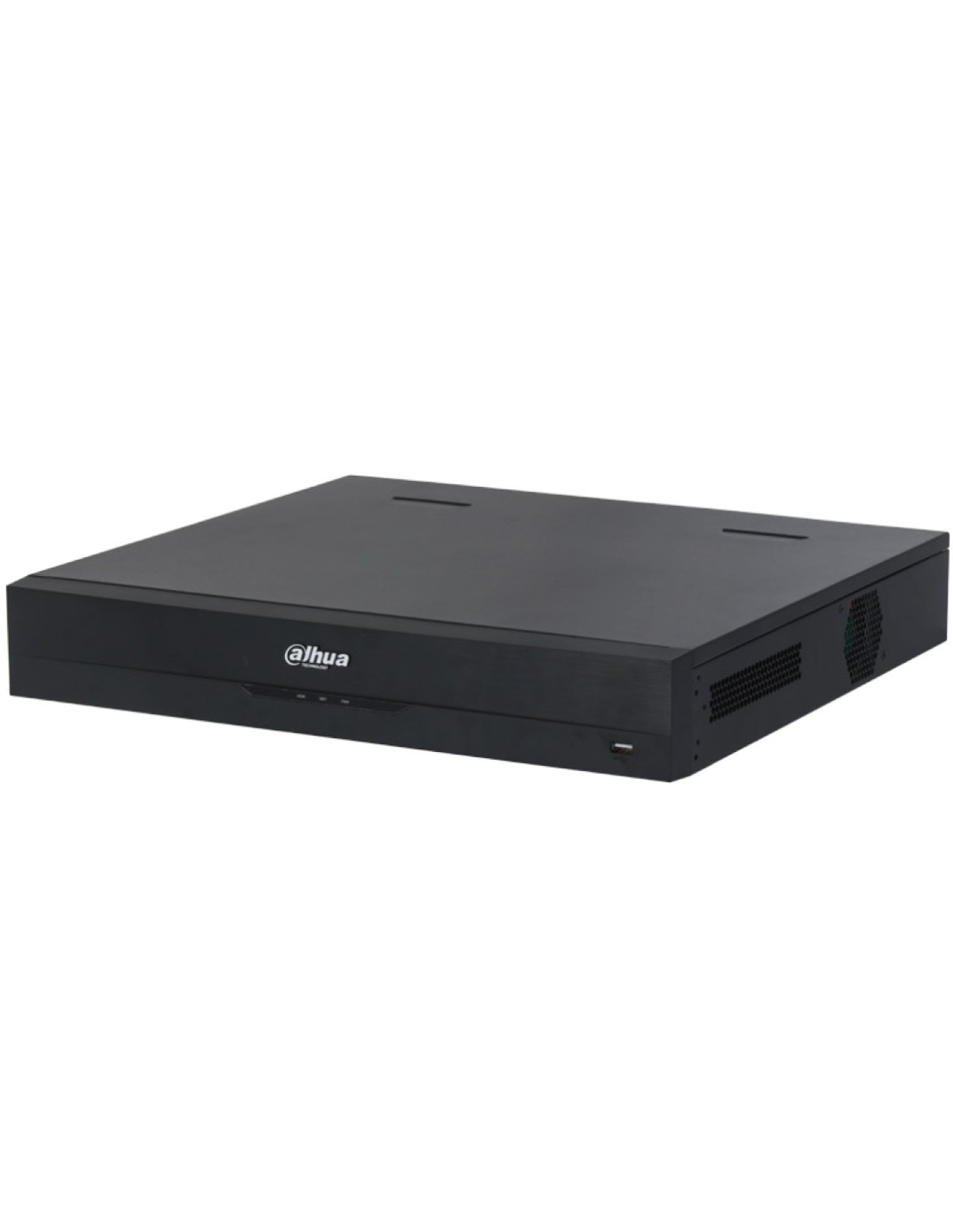
The DHI-NVR4104HS-P-AI/ANZ records 4 IP cameras up to 16MP, takes 80 Mbps of incoming video and shows 4K on HDMI. It holds one SATA drive of up to 20TB and runs face recognition (1 channel), perimeter protection (2 channels) and SMD Plus (4 channels) itself.

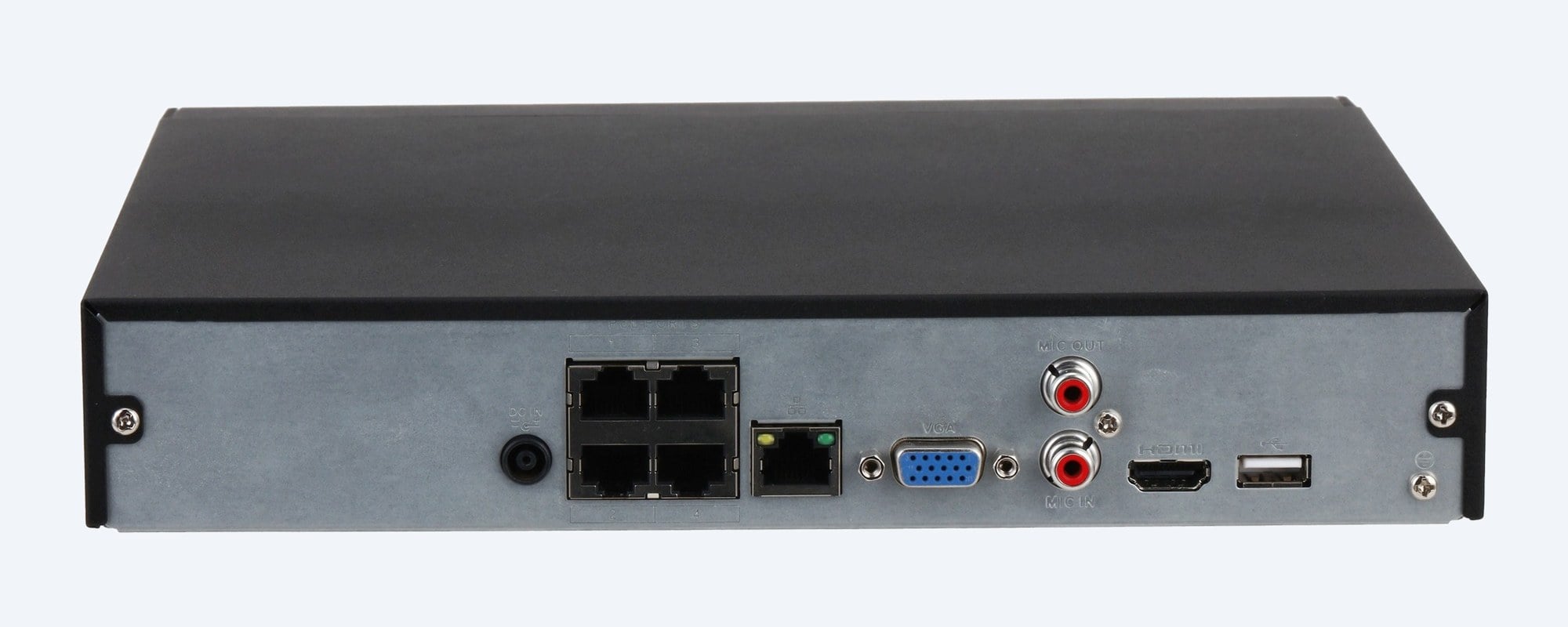
Dahua DHI-NVR4104HS-P-AI/ANZ rear panel with 4 PoE ports, network, VGA, HDMI, audio and USB

One cable per camera

Power and video on the same cable.

Each PoE port gives up to 25.5 W, with 45 W shared across all four. Two cameras at Dahua's maximum of 9.5 W each come to 19 W, so the lights and analytics can all run at once. The other two ports are free for more cameras.

How it goes in

From the box to the first alert.

01

Fit the drive

If you chose No HDD, power off, open the recorder and fit a SATA surveillance drive, then format it from the startup wizard.

02

Mount the cameras

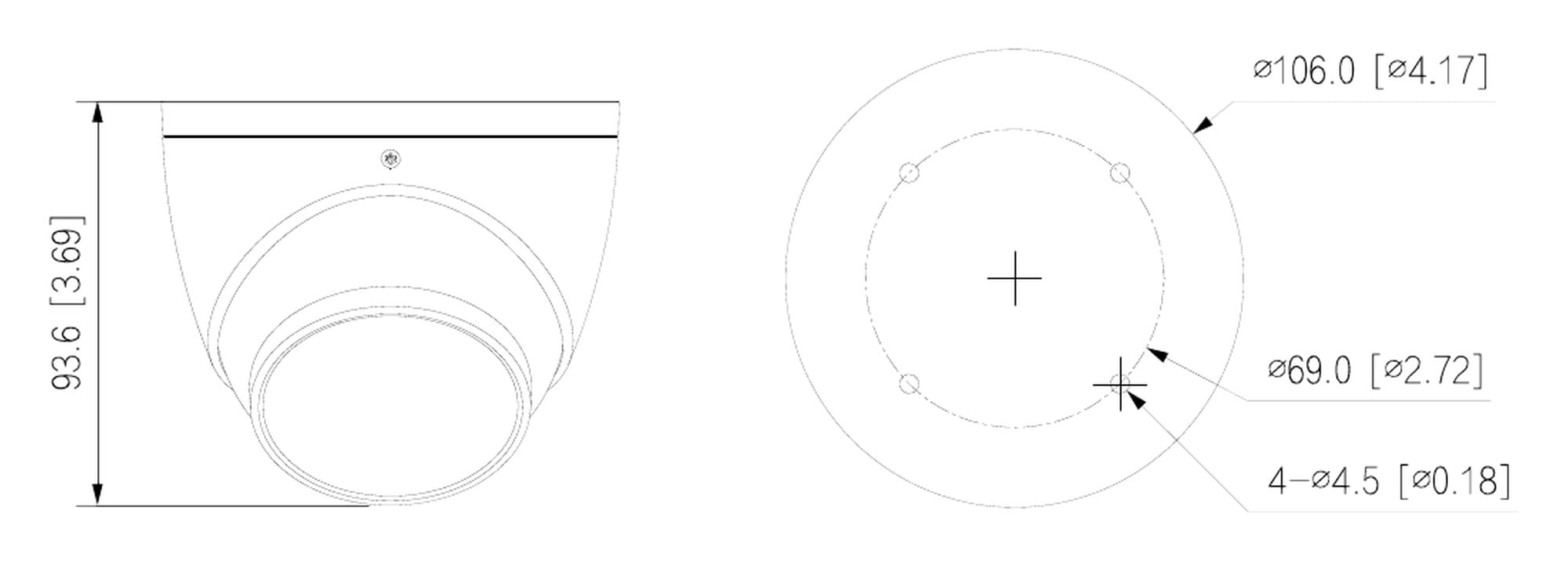
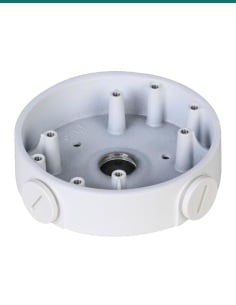
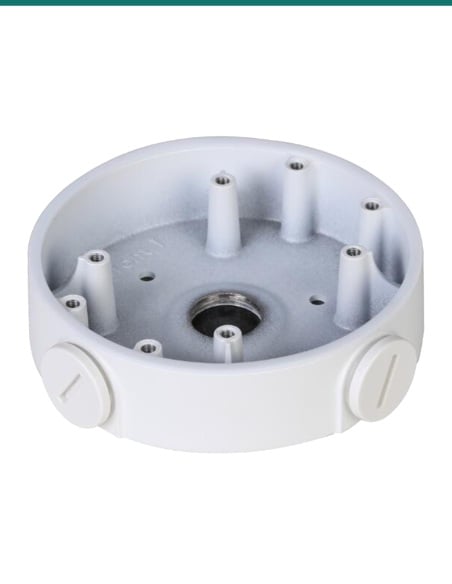
Fix each eyeball to a wall or eave through the four Ø 4.5 mm holes on a 69 mm circle in its base, then pan, tilt and rotate the ball to frame the view.

03

Run one cable to each

Cat5e or Cat6 from each camera to a PoE port on the recorder, up to 100 m. The port powers the camera.

04

Set the rules

Connect HDMI and your router, add the recorder to DMSS, then draw tripwire or intrusion zones for people, vehicles or both, and choose when the warm light comes on.

Pair it with

What goes with it

Security

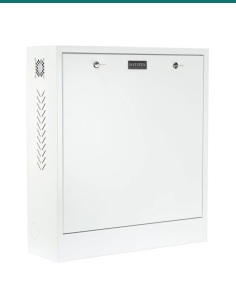
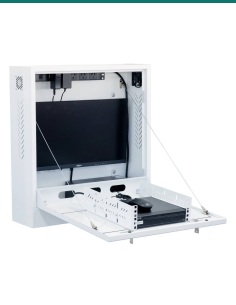
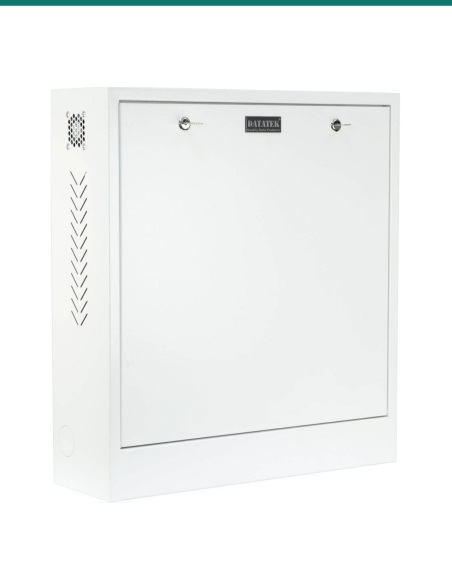
Datatek 24SECCAB cabinet

Locks the recorder and a monitor up to 24″ in a steel wall cabinet, so an intruder can't walk off with the footage.

Room to grow

DH-K8044T-67 kit

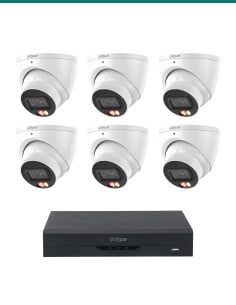
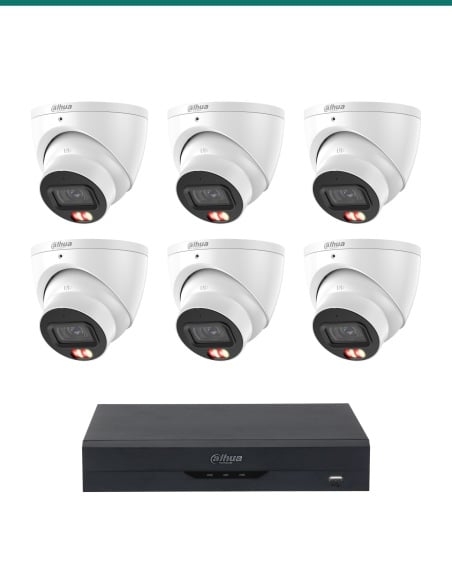
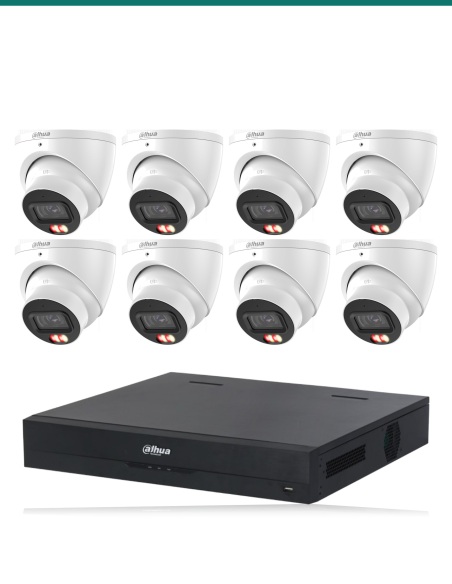
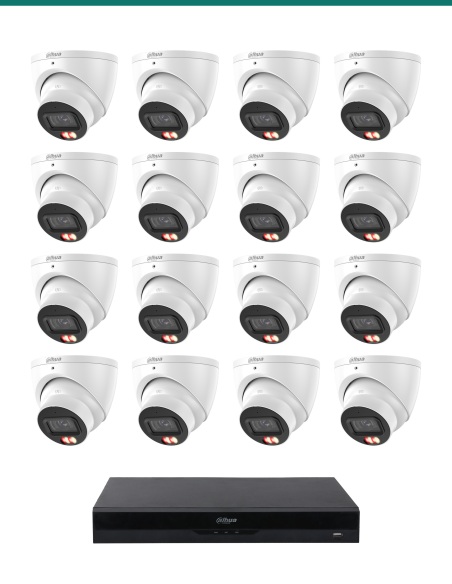
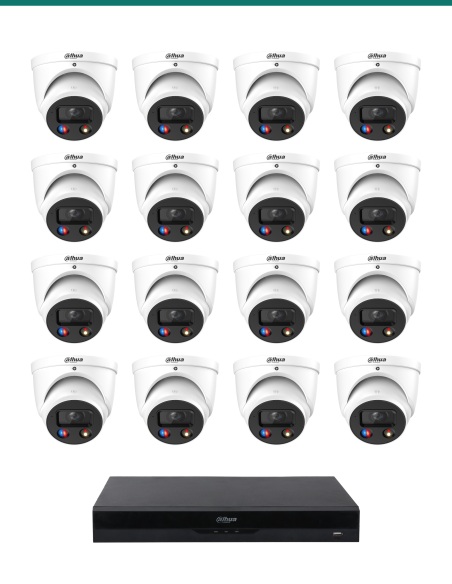
Four of the same white eyeballs on this recorder, every port in use.

Extra camera

DH-IPC-HDW3867EM-S-IL-ANZ

The same white eyeball on its own, for the two free ports on the recorder.

Power backup

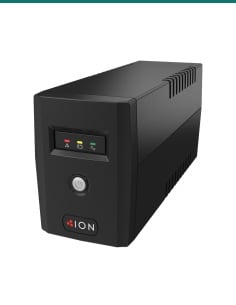
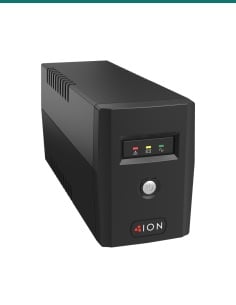
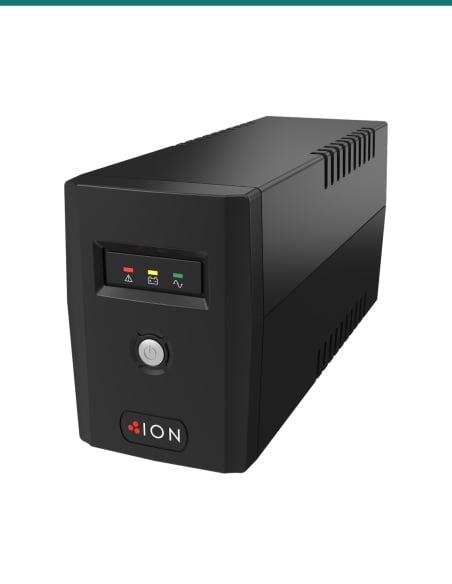
ION 650VA UPS

Keeps the recorder and cameras recording through short power cuts and protects them from surges.

Where it is used

Where a dual-light eyeball kit fits.

Homes

Driveway, front door, side paths and back yard, in colour when someone walks up.

Granny flats and units

Light only when needed, so neighbours are not lit up all night.

Shops and cafés

Entry, counter and rear lane, with sound recorded too.

Small offices

Reception, car park and side doors, with people and vehicle alerts to your phone.

Warehouses and yards

Gates and roller doors, with people and vehicle sorting.

Strata common areas

Bin rooms, lift lobbies and car park ramps.

2.8 mm or 3.6 mm camera lens

2.8 mm lens3.6 mm lens
Horizontal view110°86°
Diagonal view132°100°
Detect (DORI)84.8 m98.7 m
Observe (DORI)33.9 m39.5 m
Recognise (DORI)17.0 m19.7 m
Identify (DORI)8.5 m9.9 m
Close focus1.4 m1.9 m

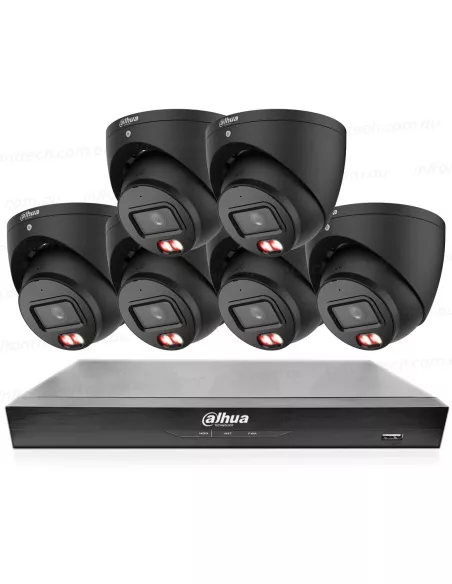
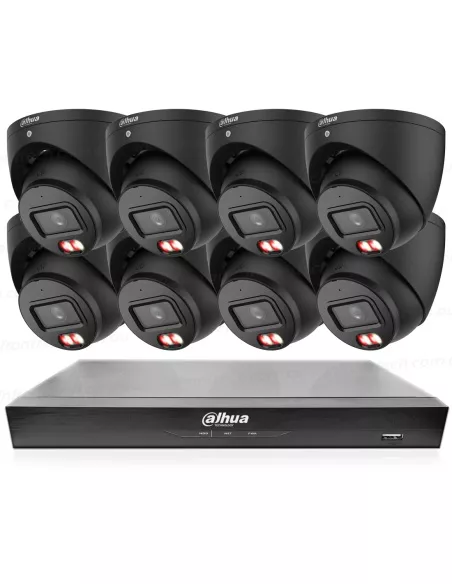
Both lenses are columns of the same Dahua DH-IPC-HDW3867EM-S-IL-ANZ datasheet; everything else is the same. Confirm with us which lens is in stock. For four of these eyeballs on the same recorder, see the DH-K8044T-67; in black, the DH-ACU4867B-2D.

Common questions

Is this a complete system?

It has two cameras and the recorder that powers and records them. Add Cat6 cable to each camera, a monitor for setting up, and a hard drive if you chose No HDD in the options.

Is a hard drive included?

Only if you choose one. The kit is sold without a hard drive, or with a 2, 4, 6 or 8TB drive fitted: choose the drive size in the options above. The recorder's single SATA bay takes up to 20TB.

Which lens do the cameras have?

Dahua makes the DH-IPC-HDW3867EM-S-IL-ANZ with a 2.8 mm lens (110° across) or a 3.6 mm lens (86° across, sees detail a little further). Confirm with us which is in stock when you order.

How far do the cameras see at night?

Up to 30 m with IR and up to 30 m with warm light. In colour they work down to 0.007 lux at F1.4, and with the lights on they record at 0 lux.

Will the warm light stay on all night?

No, not in Smart Dual Light mode. It comes on when a person or vehicle is detected and goes back to IR when they leave. You can also set the light to auto or manual in the camera settings.

Do the cameras have a speaker or siren?

No. Each has a built-in microphone only, so it records sound but cannot talk back. For a siren, strobe and two-way talk, look at the Dahua TiOC kits.

Can the recorder power both cameras?

Yes. Each camera draws up to 9.5 W on PoE with everything running, 19 W for two, and the recorder supplies up to 45 W across its 4 ports.

Can I add more cameras later?

Yes, two more. The recorder has 4 channels and 4 PoE ports, and this kit uses 2. It also takes ONVIF cameras from other brands.

Can the recorder take every camera at full resolution?

Yes. Dahua rates each camera's stream at up to 16384 kbps (about 16 Mbps), so two cameras need up to about 33 Mbps, inside the recorder's 80 Mbps. It records cameras up to 16MP.

Does this kit do AcuPick search?

No, not with this recorder. The cameras support AcuPick with a Dahua recorder that offers it, and Dahua lists AcuPick on its NVR5 AI recorders, not on the NVR4104HS-P-AI/ANZ. This recorder gives Quick Pick, which picks people and vehicles out of the cameras' SMD events so you can find them quickly. The kit code DH-ACU4867-2D is kept from the earlier listing.

Can I watch it on my phone?

Yes. Connect the recorder to your router, turn on P2P and scan its QR code with Dahua's DMSS app on iPhone or Android for live view, playback and alerts.

What warranty does it have?

Dahua gives these 3 Series network cameras and NVR4 recorders a 3-year manufacturer warranty. Claims are handled in Australia through InFront Technologies: call 1300 736 970 or email [email protected].

Supported by InFront Technologies.
Help planning camera positions, the lens or the drive size: call 1300 736 970 or email [email protected]. The camera and recorder datasheets are on the Attachments tab.

Installation and safety

Low-voltage cameras. The cameras run on PoE from the recorder (up to 9.5 W each) and have no mains connection. The recorder uses its 53 V DC adapter from a normal power point.

Cabling. Concealed data cabling is customer cabling under AS/CA S009 and needs an ACMA-registered cabler. A new power point needs a licensed electrician.
Audio. Recording conversations is covered by state and territory surveillance laws. Check them, and use signage, before you switch the microphones on.

What it does not do. No speaker, siren or alarm inputs and outputs on the cameras, no optical zoom and no Wi-Fi; the recorder holds one drive, so there is no RAID mirror.
Placement. Cameras are IP67 for outdoors. The recorder is for indoor use, with space around its vents.

Figures. From Dahua's DH-IPC-HDW3867EM-S-IL-ANZ (Rev 002) and DHI-NVR4104HS-P-AI/ANZ (Rev 002) datasheets on the Dahua Australia site.

How many Camera Cables are included?
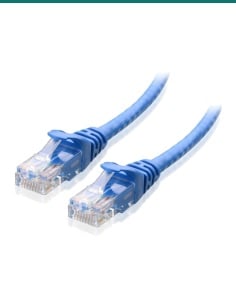
This Kit does NOT include Camera Cables
DH-ACU4867-2D
INFRONTTECH Promotional Banner INFRONTTECH Promotional Banner INFRONTTECH Promotional Banner

Need help choosing?

Tell us about your property and we'll recommend the right cameras and recorder.

07 5609 4910

Sydney 02 8814 6008
[email protected]

Mon–Fri, 9am–5pm AEST

Saved to your wishlist Find it any time in your account. View list