1 / 4

Dahua 4MP 25x Starlight IR WizSense Network PTZ Camera - DH-SD4A425DB-HNY

SKU DH-SD4A425DB-HNY In Stock - Ready to Ship
$615.00 inc GST

Dahua DH-SD4A425DB-HNY: a 4MP WizSense PTZ with a 25x 5–125 mm lens, IR to 100 m, Auto Tracking 1.0 and perimeter rules that sort people from vehicles.

  • ✓4MP at 25/30 fps, 1/2.8" STARVIS sensor
  • ✓25x optical zoom, 5–125 mm, F1.6–F3.6
  • ✓IR up to 100 m, colour to 0.005 lux
  • ✓Auto Tracking 1.0, SMD 3.0, perimeter rules, face detection
  • ✓360° endless pan, 300 presets, 8 tours
  • ✓IP66, PoE+ or 12 VDC (adapter included), microSD up to 512 GB


Description

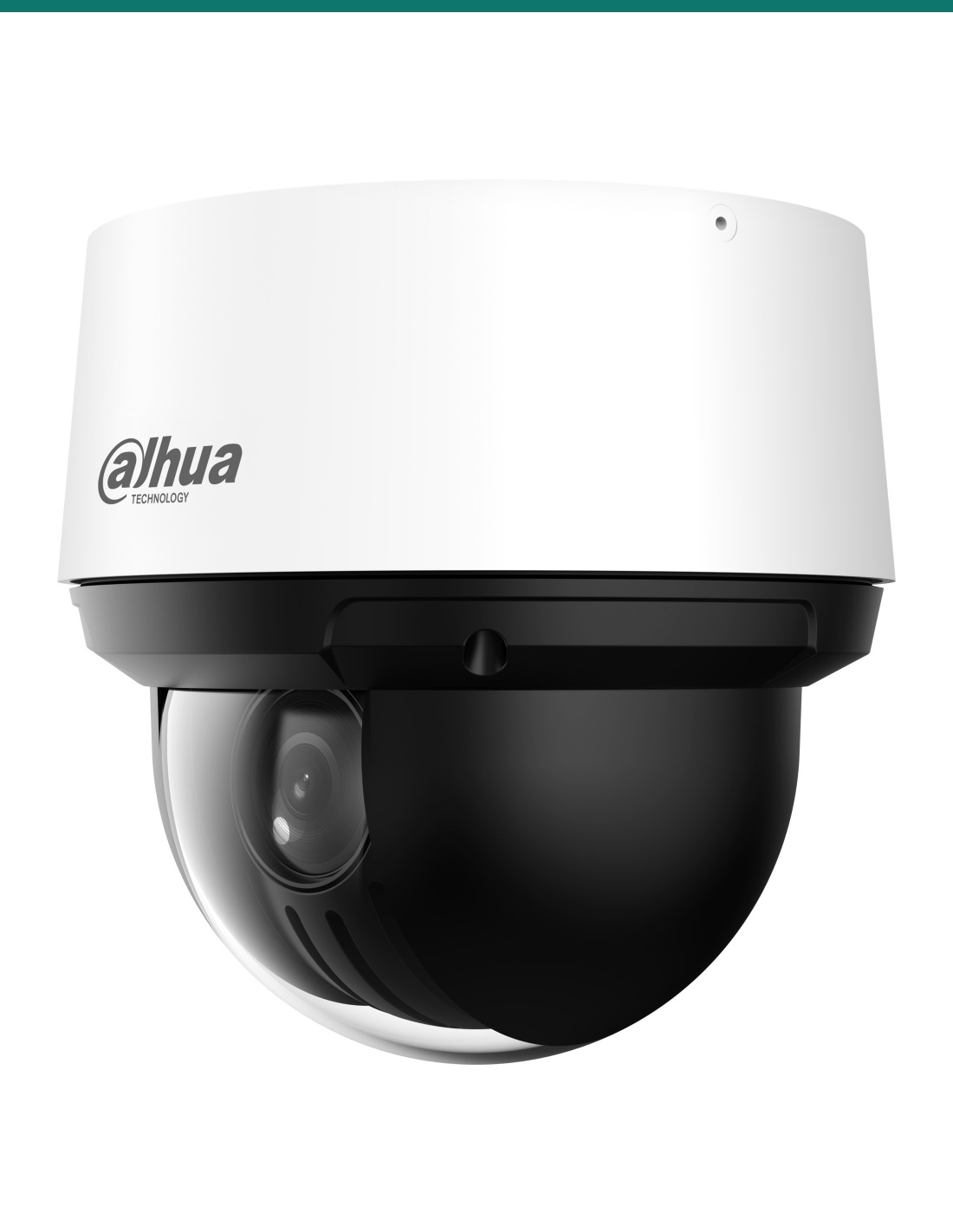
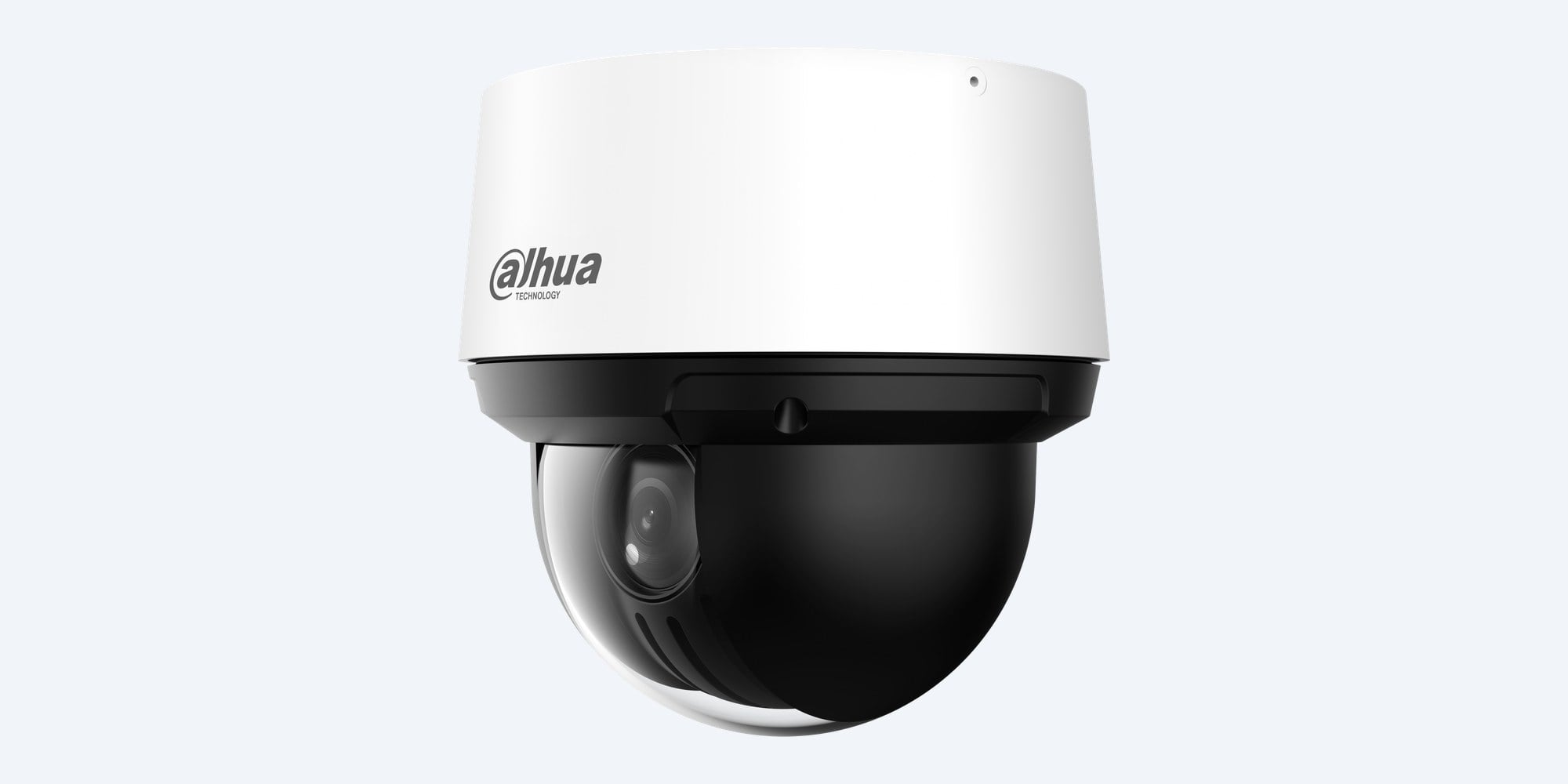
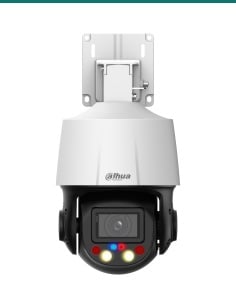
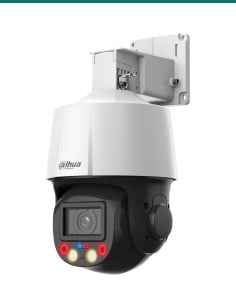
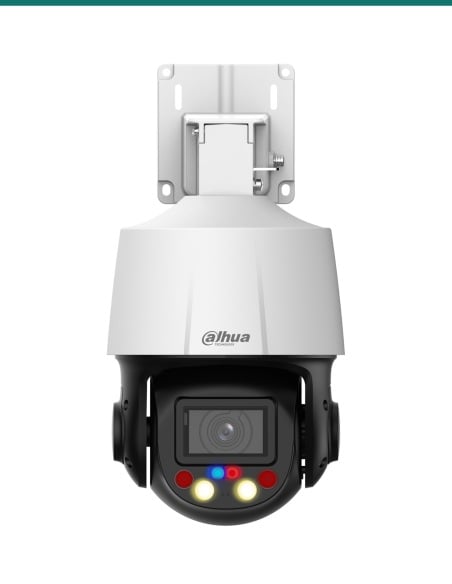
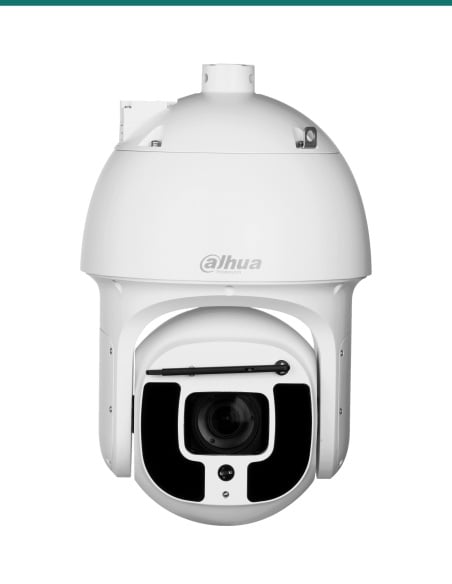
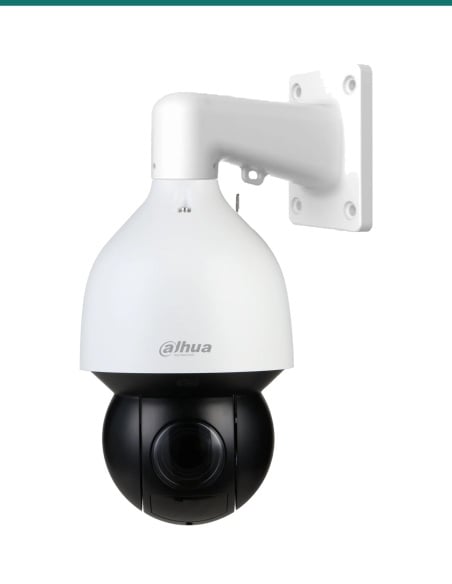
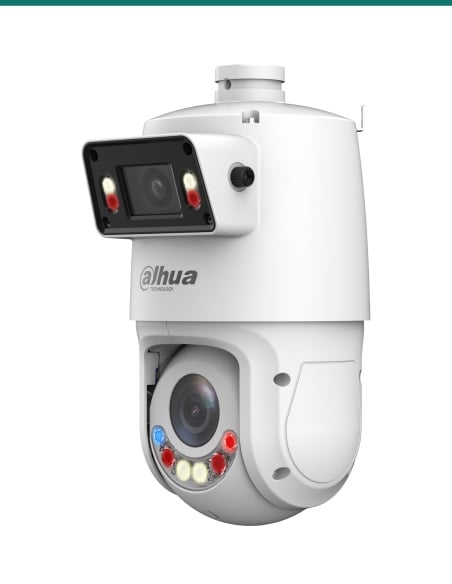
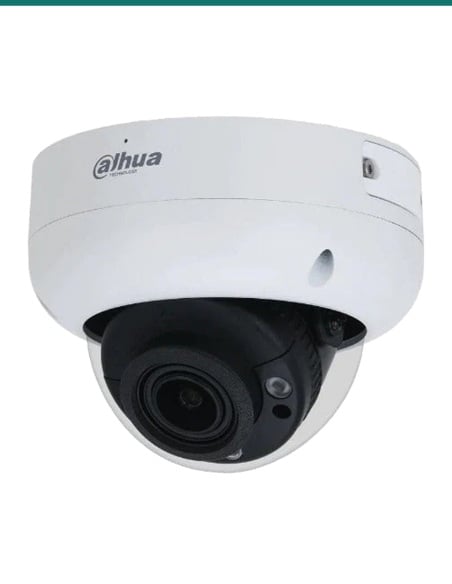
Dahua DH-SD4A425DB-HNY 4MP 25x WizSense PTZ camera, white housing, three-quarter view
Dahua · WizSense · 25x Starlight IR PTZ

25x zoom, 100 m of infrared.
4MP Starlight PTZ with auto tracking.

This is the DH-SD4A425DB-HNY: a compact outdoor pan-tilt-zoom camera with a 5–125 mm lens, IR to 100 m and WizSense perimeter rules that sort people from vehicles and follow them across the site.

In one sentence: the DH-SD4A425DB-HNY is a Dahua WizSense 4MP outdoor PTZ camera with a 1/2.8" STARVIS sensor, 25x optical zoom, IR up to 100 m, Auto Tracking 1.0, SMD 3.0, face detection, PoE+ or 12 VDC and an IP66 housing.

Camera and power adapter. Brackets, recorder and cabling are separate.

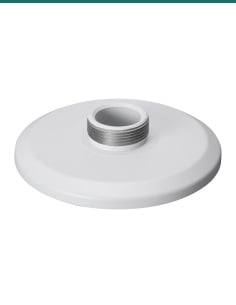
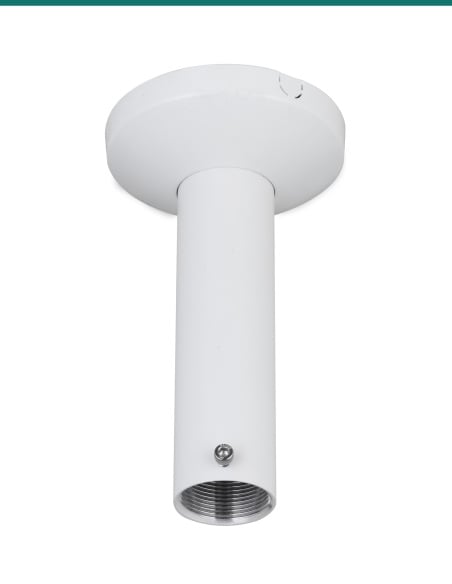
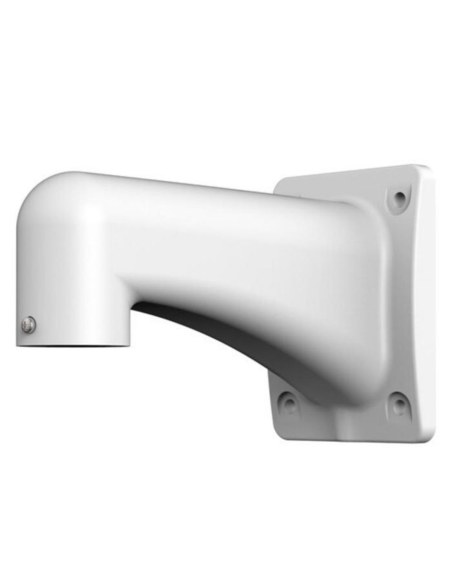
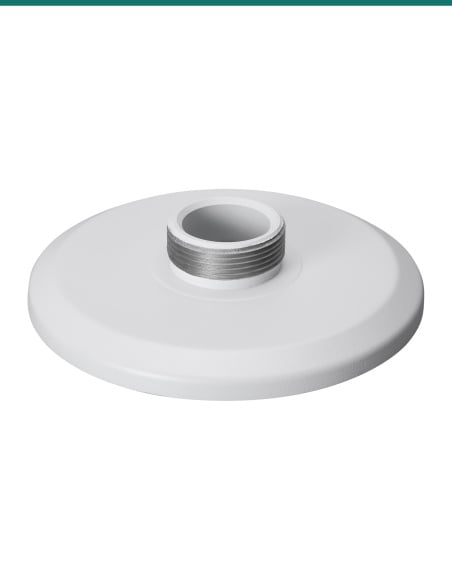
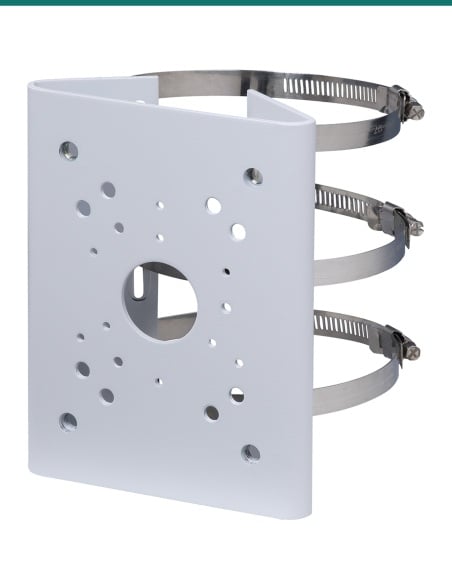
Dahua includes a 12 VDC 2 A power adapter. The camera fixes straight to a ceiling; every bracket mount (wall, pendant, pole, corner, parapet) needs the Dahua PFA101 mount adapter plus the bracket, sold separately.
In the box
  • DH-SD4A425DB-HNY PTZ camera
  • 12 VDC 2 A power adapter
You also need
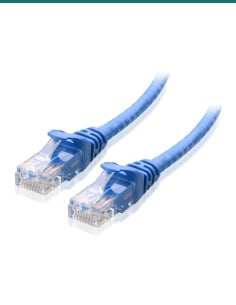
  • Cat5e or Cat6 cable to the camera
  • An 802.3at (PoE+) switch or NVR port, or a power point for the included adapter
  • A Dahua PFA101 mount adapter and a bracket, unless it goes straight onto a ceiling
  • A Dahua NVR or other ONVIF recorder, or a microSD card up to 512 GB

One camera that watches the whole yard.

Set up to eight tours of presets and the camera patrols the site on its own. When someone crosses a tripwire or enters a zone, it can turn, zoom in and follow them with Auto Tracking 1.0, while SMD 3.0 and the perimeter rules ignore animals, leaves and headlights.

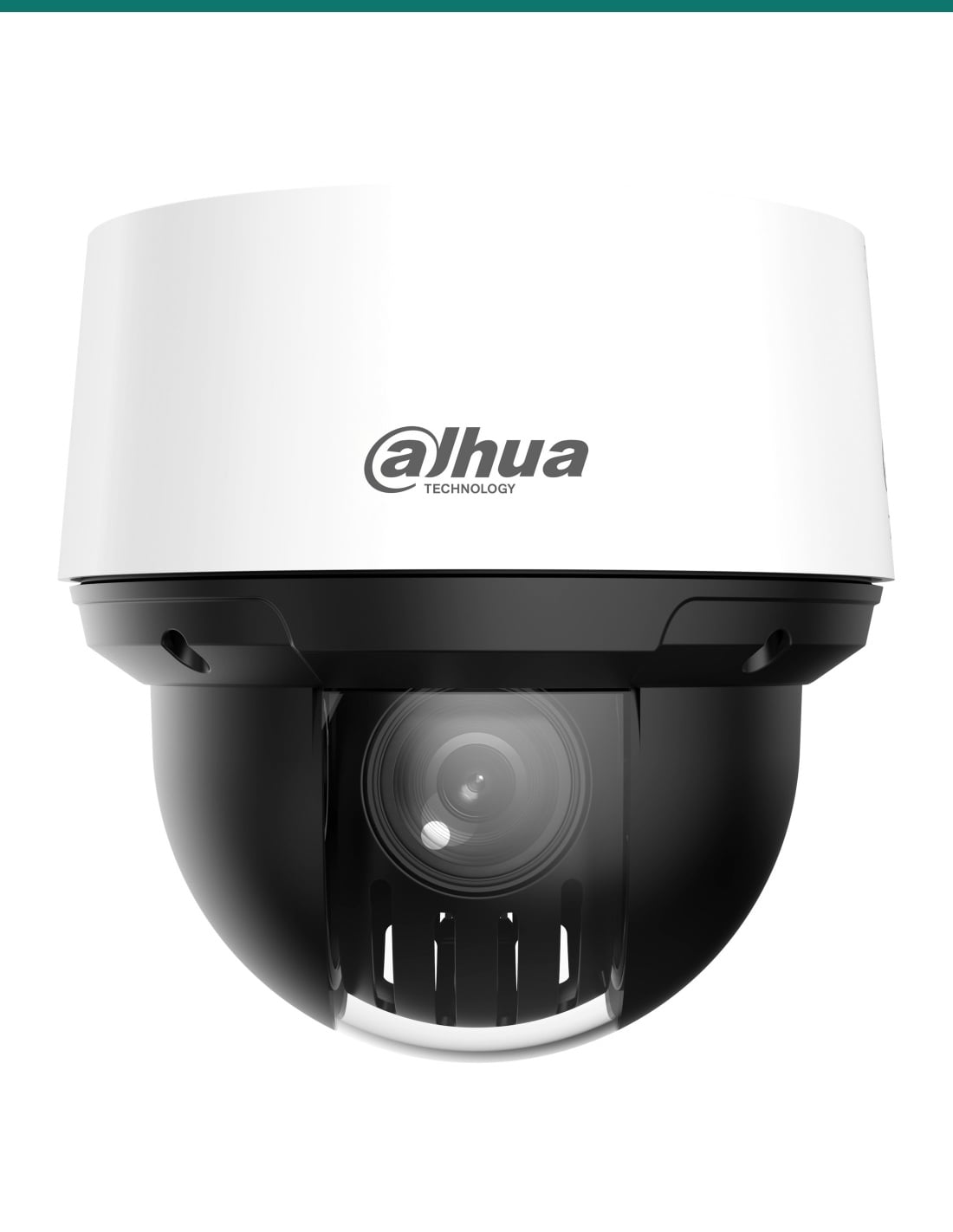
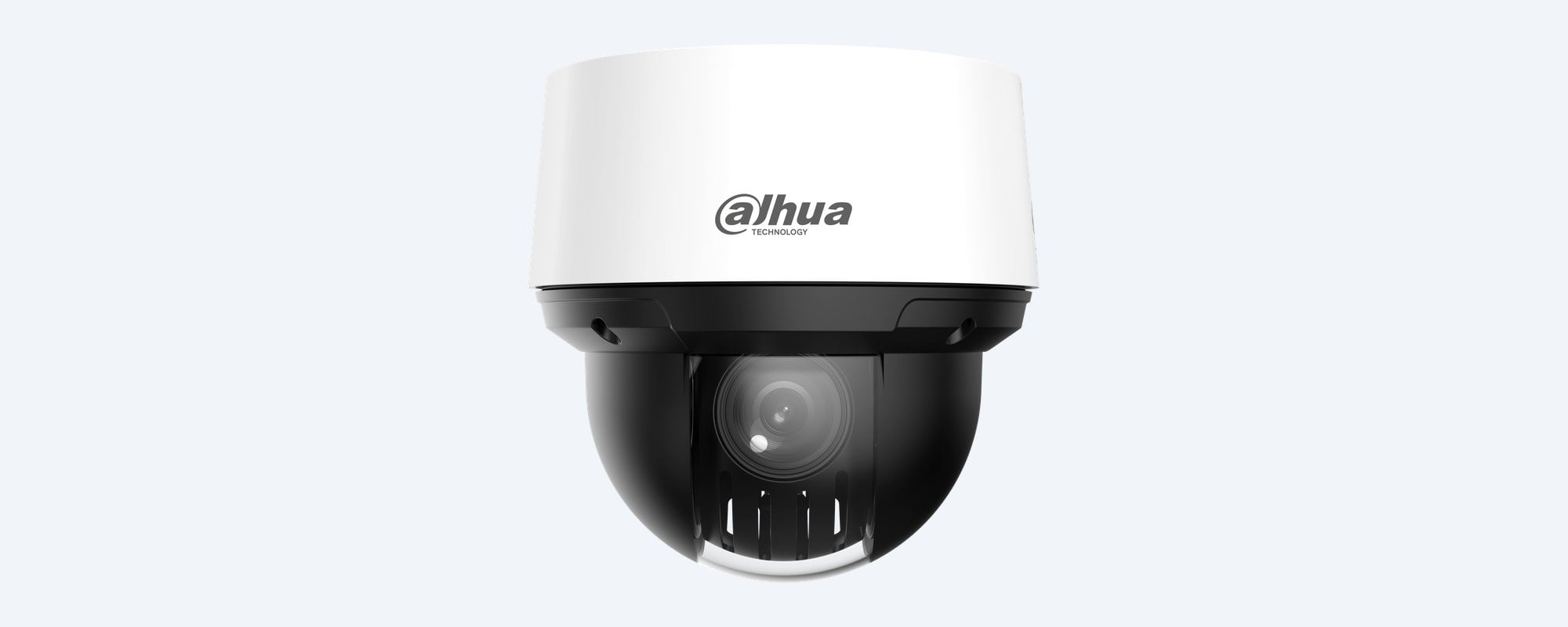
DH-SD4A425DB-HNY front view showing the zoom lens window and IR LEDs

Front

5–125 mm lens, six IR LEDs.

F1.6 at the wide end, colour down to 0.005 lux. Six IR LEDs light the scene up to 100 m, and the IR power follows the zoom. 120 dB WDR, EIS and electronic defog keep the picture steady and clear.

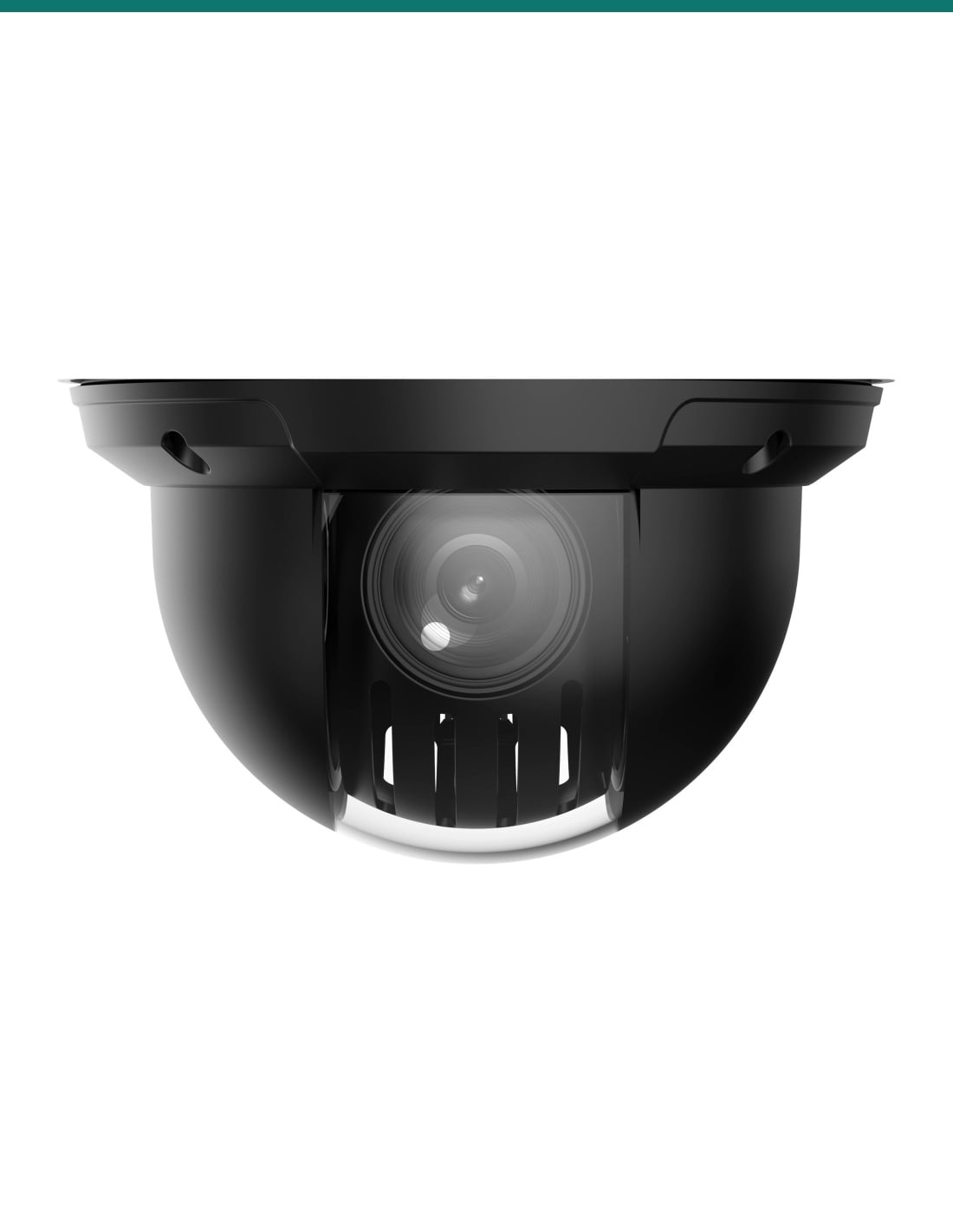
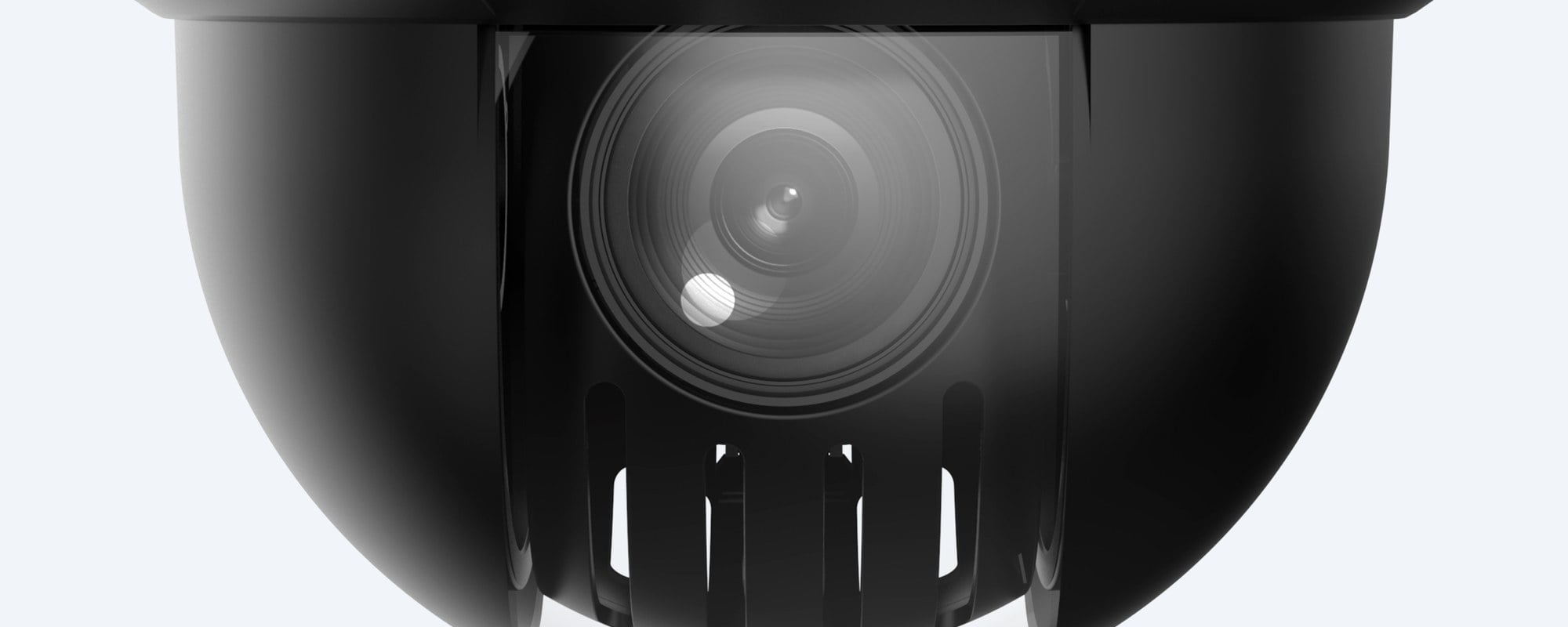
DH-SD4A425DB-HNY close-up of the pan-tilt head and housing

Pan and tilt

360° endless pan, IP66.

Pans 360° without stopping and tilts −5° to +90°, at up to 240°/s across and 160°/s up and down. 300 presets, 8 tours, 5 patterns and 5 scans. Rated IP66 with 6000 V TVS lightning protection, −40 °C to +65 °C.

How it goes in

From cable to patrol.

01

Run power and data

Cat5e or Cat6 to an 802.3at (PoE+) switch or NVR port. The camera draws up to 21.5 W. Or use the included 12 VDC 2 A adapter.

02

Mount it

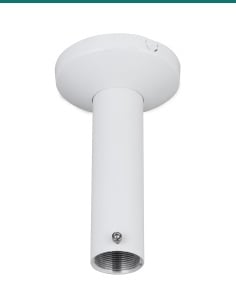
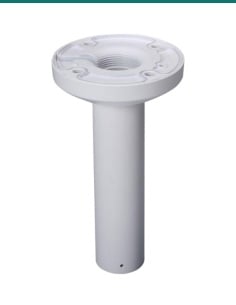
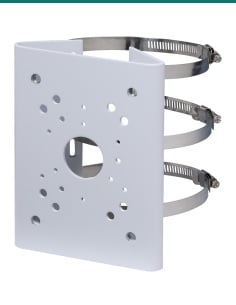
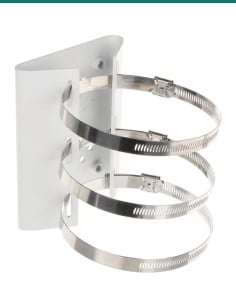
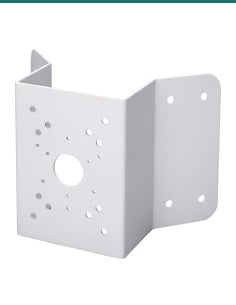
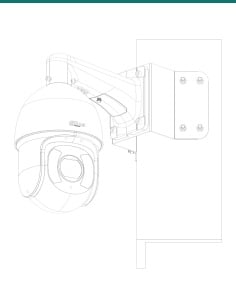
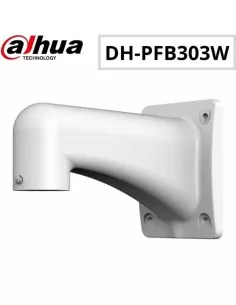
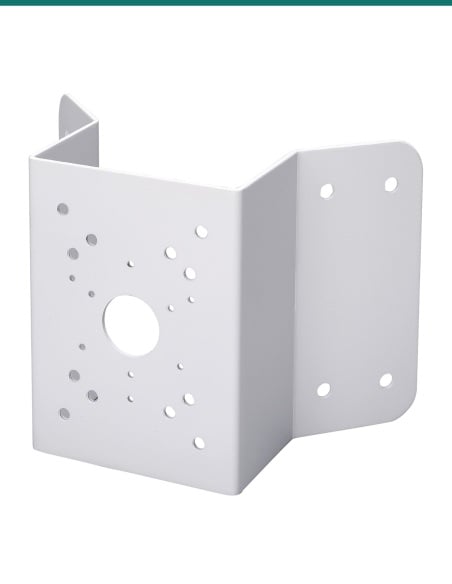
Straight onto a ceiling, or fit the PFA101 adapter and a Dahua wall (PFB303W), pendant (PFB300C) or parapet (PFB303S) bracket. Add the PFA150 for a pole or PFA151 for a corner.

03

Add it to the recorder

Set the password, then add it to a Dahua NVR, DSS Pro or the DMSS app. ONVIF Profile S, G, T and M recorders also work.

04

Set presets and rules

Save presets and tours, draw tripwire or intrusion zones, tick human and vehicle, and turn on auto tracking or auto patrol.

Pair it with

What this camera does not include

Mounting

Dahua PFA101 adapter and a bracket

PFA101 plus the PFB303W wall bracket, PFB300C pendant or PFB303S parapet bracket. Add the PFA150 pole or PFA151 corner adaptor to the wall bracket.

Power

An 802.3at (PoE+) port

Allow 21.5 W with the IR, fan and motors running. A standard 802.3af port is not enough.

Recorder

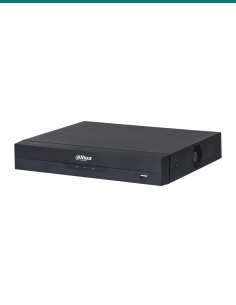
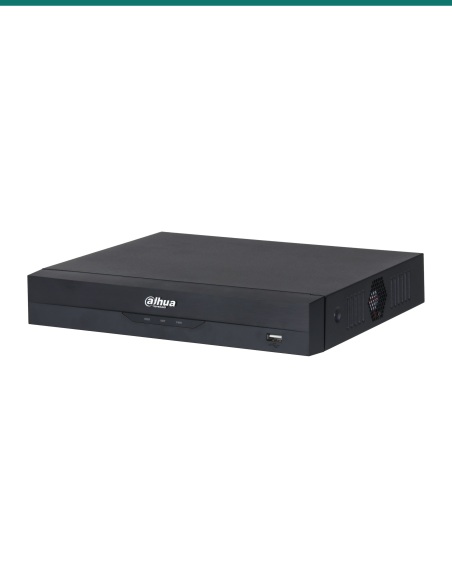
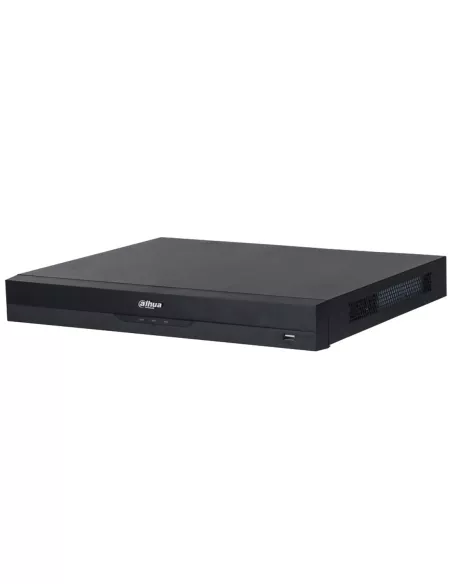
A Dahua NVR

Records the camera and controls presets and tours. Any ONVIF Profile S, G or T recorder can also record it.

Cabling

Cat5e or Cat6 cable

One run to the camera, up to the usual 100 m Ethernet limit.

Where it is used

Where a 25x PTZ earns its keep.

Car parks

Patrol the rows, then zoom in on a plate or a person.

Factory yards

One camera over gates, loading docks and fence lines.

Farms

Sheds, laneways and stock yards, with IR to 100 m.

Schools

Playgrounds and car parks after hours, with perimeter alerts.

Construction sites

Follow movement across the site overnight.

Large homes and acreage

Driveway, gate and paddock from one spot on the house.

Two Dahua 4MP 25x WizSense PTZs

DH-SD4A425DB-HNY (this)DH-SD6C3425GB-HNR-A-PV1
Lens5–125 mm, 25x5–125 mm, 25x
Night lightIR to 100 mIR to 150 m, white light to 50 m
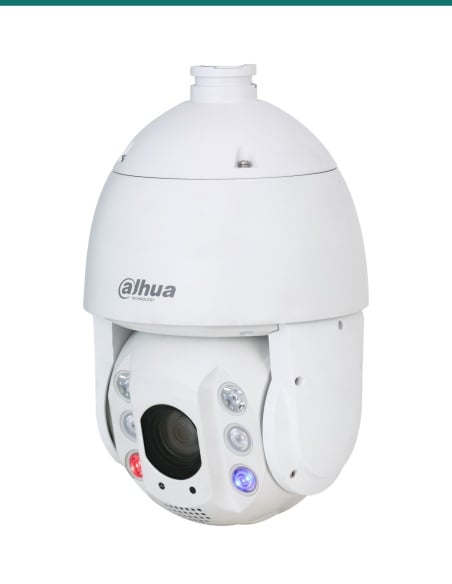
DeterrenceNoneRed and blue lights, siren
TrackingAuto Tracking 1.0, SMD 3.0Auto tracking, SMD 4.0
Tilt range−5° to +90°−20° to +90°
Power12 VDC or PoE+, 21.5 W max24 VDC or PoE+, 23 W max
ProtectionIP66IP66
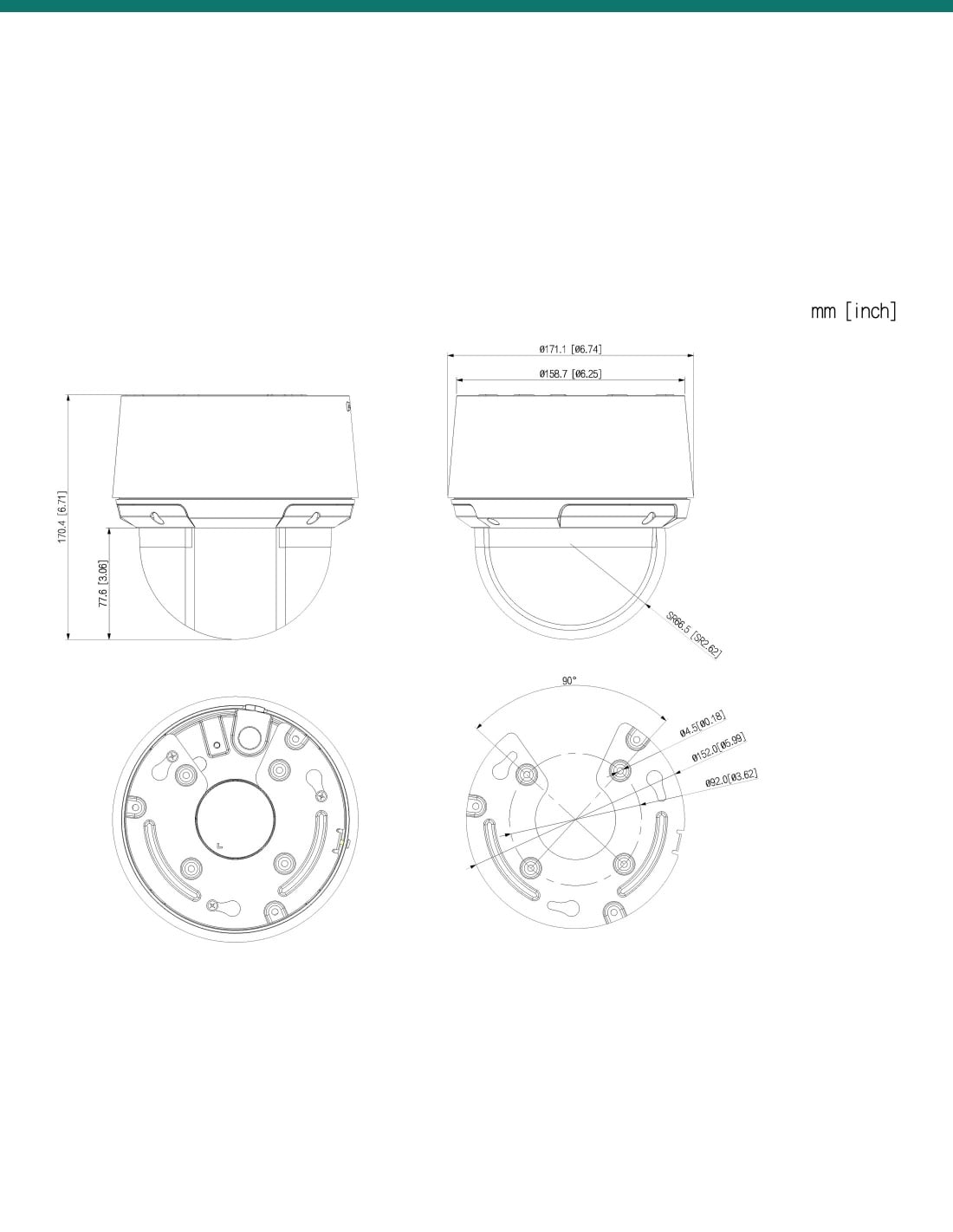
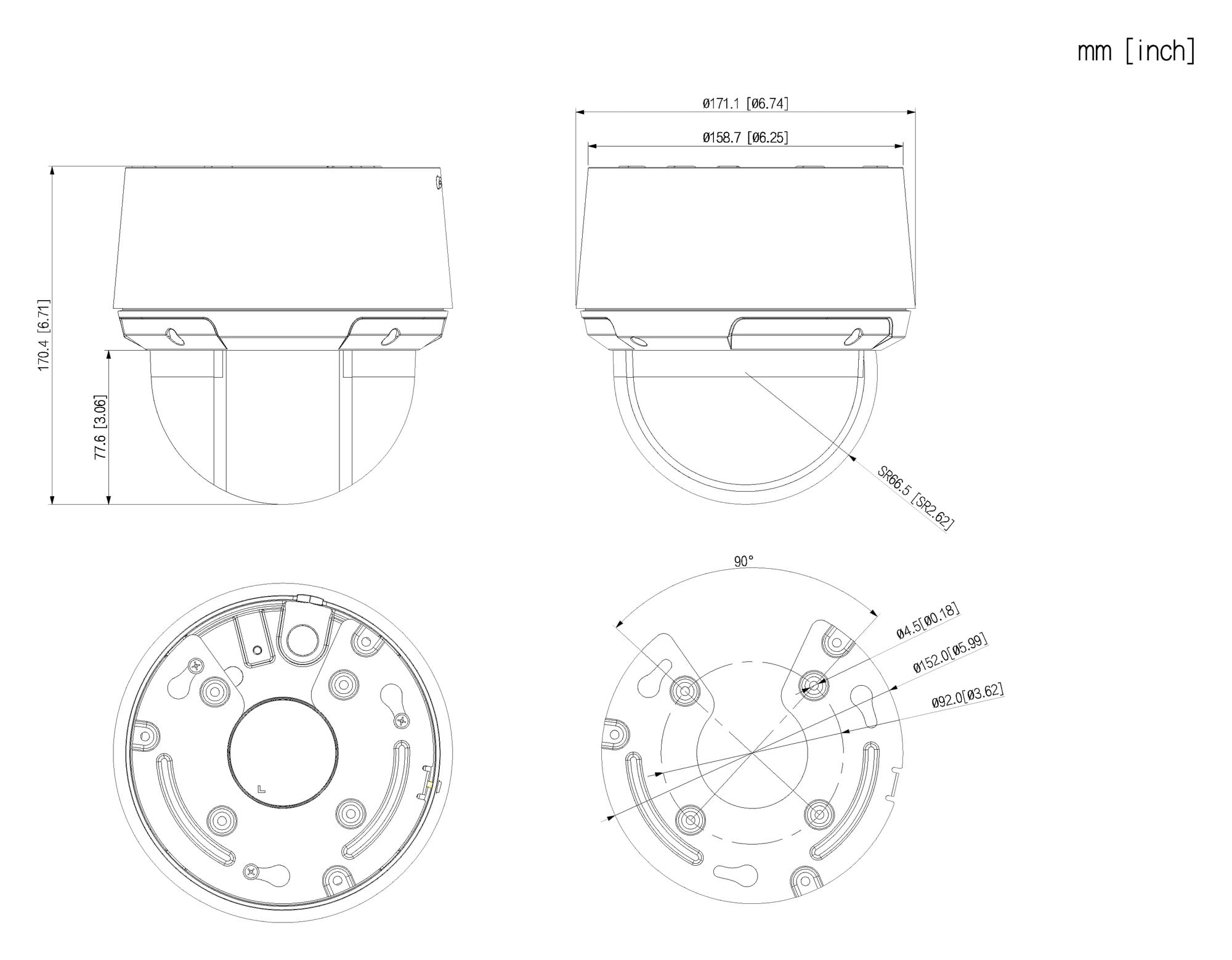
Size and weight170.4 × Ø 171.1 mm, 2.5 kg325.3 × Ø 202 mm, 4.6 kg

From Dahua's datasheets for both models. The SD6C adds active deterrence and a longer IR reach; the SD4A is smaller and lighter.

Common questions

Is a bracket included?

No. Dahua includes the 12 VDC 2 A adapter only. The camera fixes straight to a ceiling; for a wall, pendant, parapet, pole or corner mount you need the PFA101 adapter plus the matching bracket.

How is it powered?

By 802.3at PoE+ or the included 12 VDC 2 A adapter. It draws 9.5 W at rest and up to 21.5 W with the IR, fan and motors running.

How far does the IR reach?

Up to 100 m from six IR LEDs. In colour it works down to 0.005 lux at F1.6.

How far can it zoom?

The 5–125 mm lens gives 25x optical zoom, from 51.9° to 3.0° across, plus 16x digital zoom. Dahua's DORI figures are 2,500 m to detect, 500 m to recognise and 250 m to identify.

Can it follow a person?

Yes. Auto Tracking 1.0 turns and zooms to follow a moving target, started by hand or by an IVS rule. Auto patrol moves the camera to the target's area using its presets.

Does it do face recognition?

No. It detects and captures faces (face detection) but does not match them against a database. Face recognition needs a recorder or software that does it.

Which smart rules does it run?

Tripwire, intrusion, fence crossing, loitering, abandoned or missing object, fast moving, parking and people gathering, each able to sort people from vehicles, plus SMD 3.0.

Does it record sound?

Not on its own. It has a line-level audio input and output (bare wire) for an external microphone and speaker, but no built-in microphone or speaker.

What does it record to?

A Dahua NVR, an ONVIF recorder, a NAS, FTP or a microSD card of up to 512 GB.

Is it WizSense or WizMind?

WizSense. Dahua's datasheet names it a 4MP 25x Starlight IR WizSense Network PTZ Camera.

What warranty does it have?

Dahua Australia's warranty policy gives WizSense PTZ cameras a 3-year (36-month) manufacturer warranty, with wearing parts such as the slip ring, motors, belt, fan, lens motor and power adapter covered for 12 months. Claims are handled in Australia through InFront Technologies: call 1300 736 970 or email [email protected].

Who can install it?

Concealed data cabling is customer cabling under AS/CA S009 and needs an ACMA-registered cabler. Mounting a 2.5 kg camera at height should be done by an installer with the right access equipment.

Supported by InFront Technologies.

Help choosing brackets, the recorder or PoE+ power: call 1300 736 970 or email [email protected]. The datasheet is on the Attachments tab.

Installation and safety

Low-voltage camera. PoE+ (802.3at) or the included 12 VDC adapter, up to 21.5 W. A new power point for the adapter needs a licensed electrician.

Cabling. Concealed data cabling is customer cabling under AS/CA S009 and needs an ACMA-registered cabler.

Working at height. The camera weighs 2.5 kg. Use the Dahua adapter and bracket for the surface and fix them into solid structure.

What it does not do. No Wi-Fi, no built-in microphone or speaker, no warm light or siren, no face recognition and no wiper.

Figures. From Dahua's DH-SD4A425DB-HNY datasheet (Rev 002, 2025).

INFRONTTECH Promotional Banner INFRONTTECH Promotional Banner INFRONTTECH Promotional Banner

Need help choosing?

Tell us about your property and we'll recommend the right cameras and recorder.

07 5609 4910

Sydney 02 8814 6008
[email protected]

Mon–Fri, 9am–5pm AEST

Saved to your wishlist Find it any time in your account. View list