There are no more items in your cart

In Stock - Ready to Ship


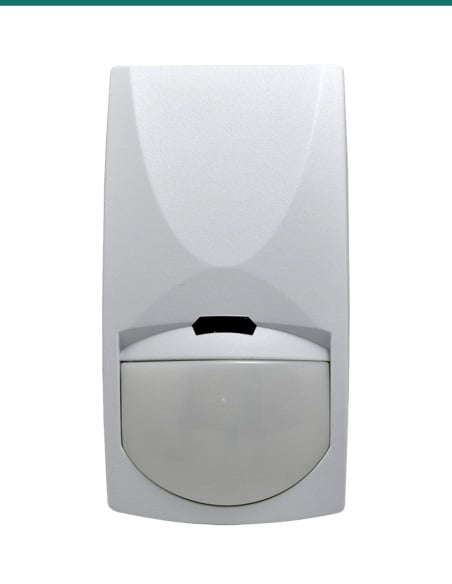
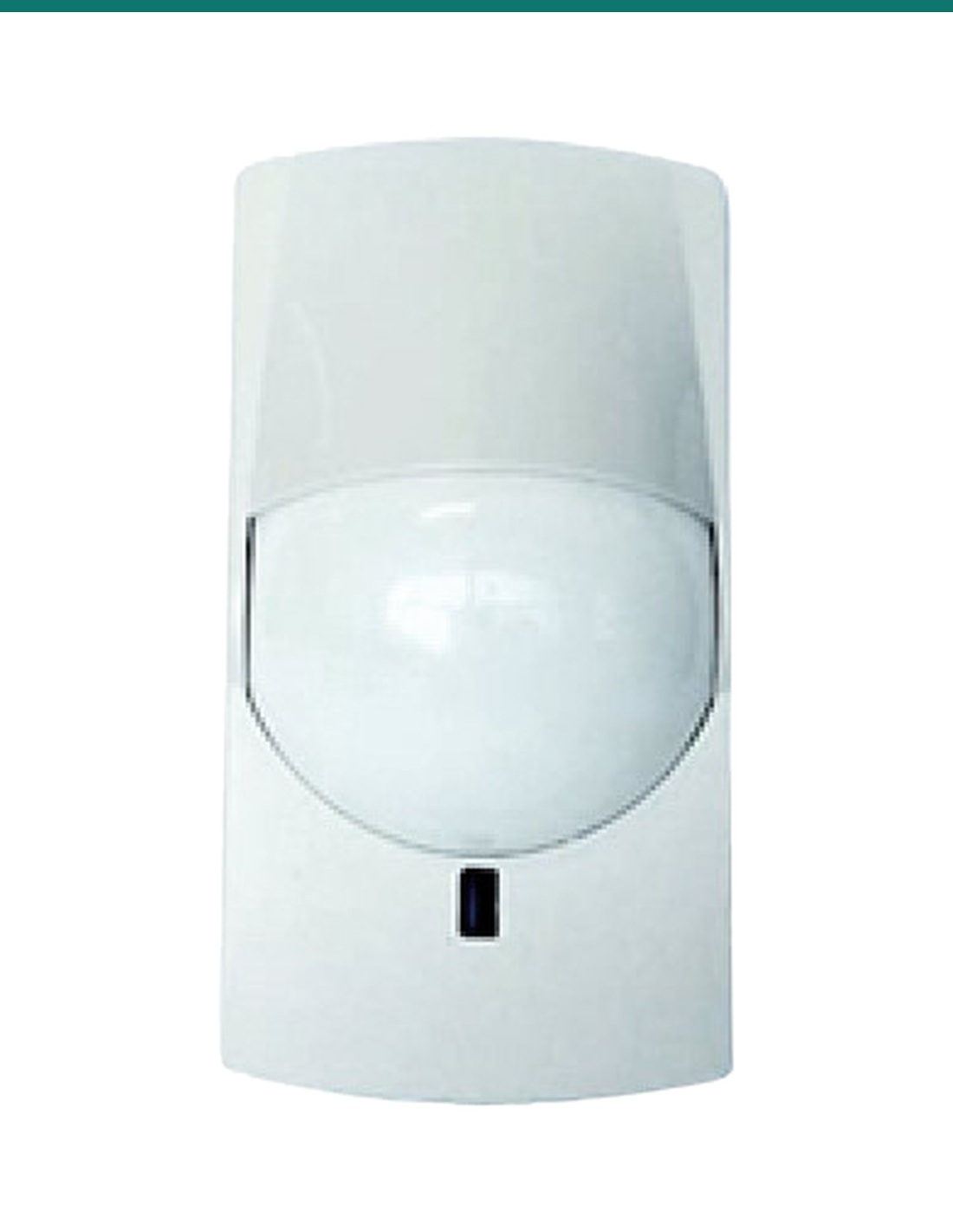
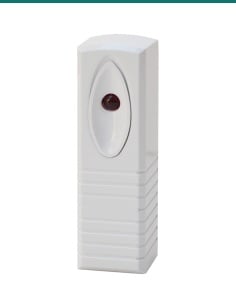
Watchguard WGAP864WPIRV2: a wireless pet-immune PIR motion sensor for the WGAP864 alarm panel, working through the WGAP864WRX16V2 wireless receiver.
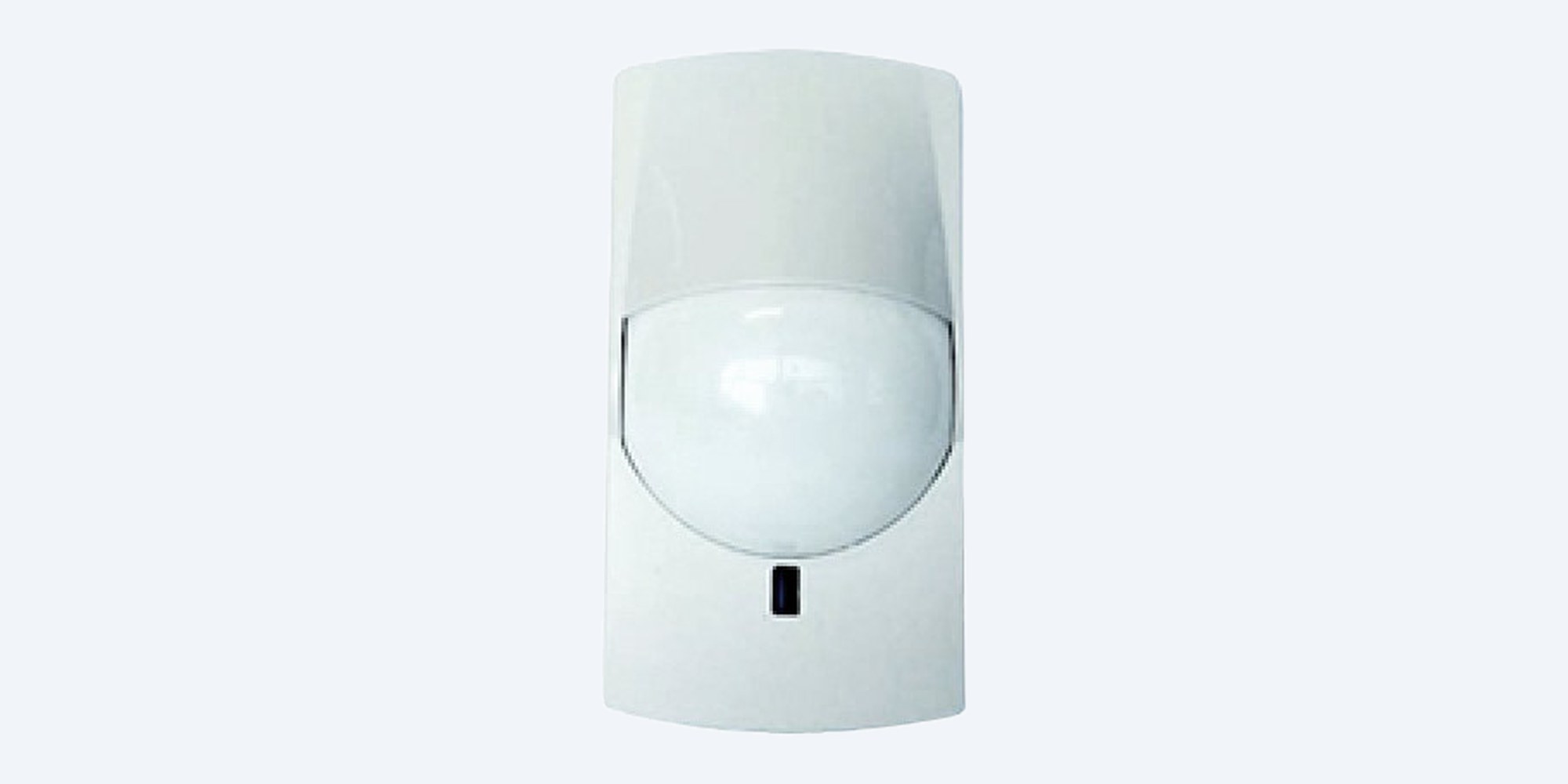
The Watchguard WGAP864WPIRV2 is a battery powered wireless PIR for the WGAP864 alarm panel. It covers 12 × 12 m across 90 degrees with small pet immunity, and reports through the WGAP864WRX16V2 wireless receiver.
In one sentence: the Watchguard WGAP864WPIRV2 is a 9 V battery wireless PIR motion sensor for the WGAP864 alarm panel, with quad zone logic, small pet immunity and a 12 × 12 m, 90 degree detection area, working through the WGAP864WRX16V2 wireless receiver.
Sensor only. It needs the wireless receiver and a 9 V battery.
This listing is one WGAP864WPIRV2 with its wall and ceiling bracket. It only works with a WGAP864 alarm panel fitted with a WGAP864WRX16V2 16 channel wireless receiver.
Running cable to a finished room means lifting carpet or crawling through the ceiling. The wireless PIR goes up with a bracket and a battery, and the receiver reports it to the panel like any other zone, with tamper and low battery alerts.

Lens
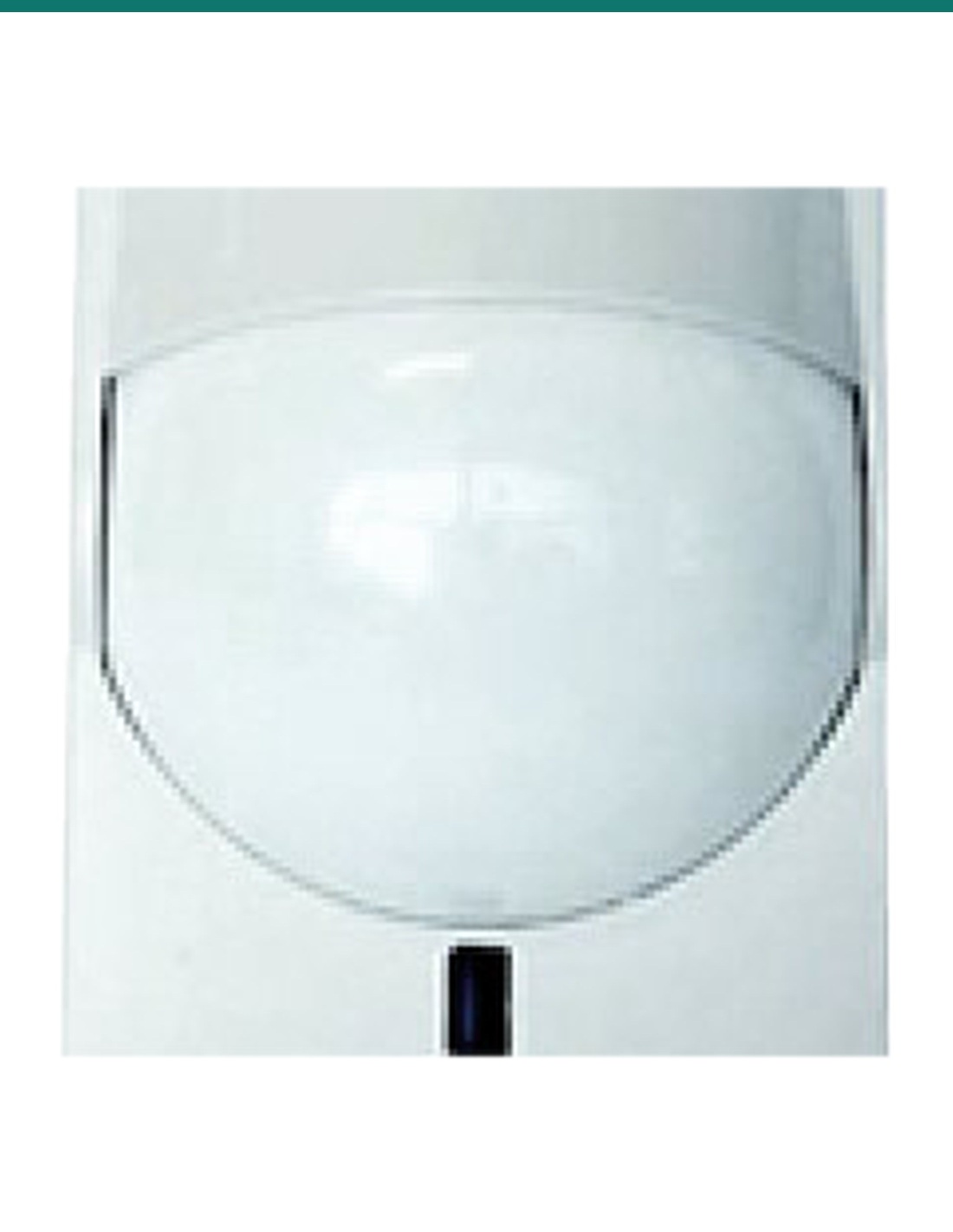
Behind the lens, quad zone logic with digital target recognition helps it ignore small pets. It covers 12 × 12 m across 90 degrees, with a selectable pulse count of 2 or 4.
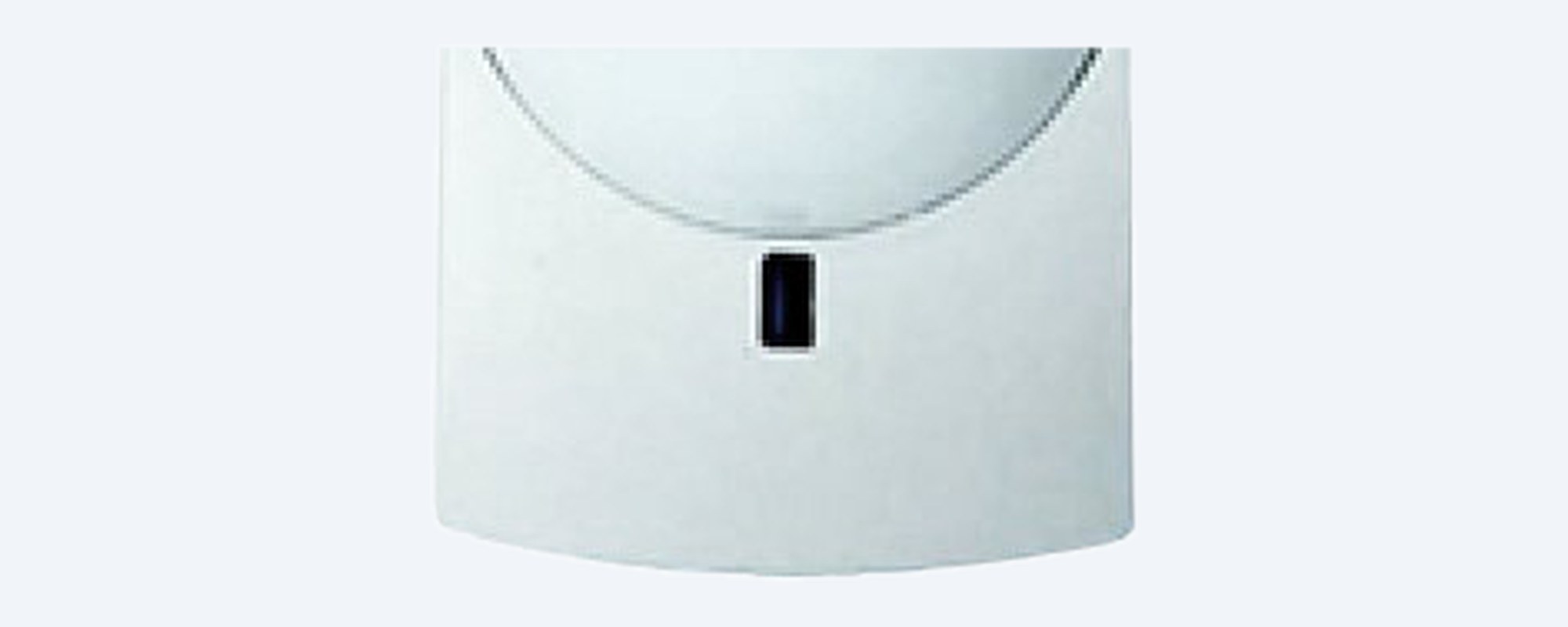
Housing
The housing fits a wall or ceiling with the bracket supplied. Inside, a 9 V battery powers it, and a high traffic battery shutdown feature saves the battery in busy rooms.
How it goes in
01
Install a WGAP864WRX16V2 on the panel's keypad bus, powered from the panel, and set its DIP switches for zones 1 to 16, 17 to 32, 33 to 48 or 49 to 64.
02
At the LCD keypad enter your installer code, then * 260 *, choose sub location 1 and a free zone, then trigger the sensor's tamper or type its serial number.
03
Fix the bracket to the wall or ceiling, fit the 9 V battery and choose a pulse count of 2 or 4. Stay within about 100 m line of sight of the receiver.
04
Check its signal strength in location 260, sub location 3, then walk the room and confirm the zone trips on the keypad.
At a glance
Show specs
Type
Wireless PIR motion sensor, indoor
Works with
WGAP864 alarm panel through the WGAP864WRX16V2 wireless receiver
Detection
Quad zone logic with digital target recognition
Pet immunity
Small pets (weight not published)
Detection area
12 × 12 m
Viewing angle
90 degrees
Pulse count
2 or 4, selectable
RFI protection
20 V/m, plus white light immunity
Temperature
Advanced temperature compensation logic
Battery
9 V
Battery saving
High traffic battery shutdown
Transmits
Alarm, low battery and tamper
Mounting
Wall or ceiling, bracket included
Radio range
Approx. 100 m line of sight to the receiver (receiver figure)
Enrolment
Keypad location 260, by tamper or serial number
Warranty
2 years
Pair it with
Required
Connects to the WGAP864 keypad bus. 16 supervised wireless detectors per receiver, up to 4 receivers and 64 wireless detectors per system.
Programming
The WGAP864 LCD touch keypad is where the sensor is learnt to a zone and its signal strength is checked.
Alerts on your phone
Connects the WGAP864 to your router and sends zone alerts, including this sensor's, to the HYYP Home app.
Where it is used
Rooms where you don't want to cut into walls or ceilings.
Lounges and hallways where a cat or small dog roams.
Detectors that leave with you and need no cabling.
New rooms within radio range of the receiver.
Suites where the ceiling space is shared or hard to reach.
Stockrooms and back offices added to an existing WGAP864.
| WGAP864WPIRV2 (this sensor) | ALH-PIRMW | |
|---|---|---|
| Connection | Wireless, through the WGAP864WRX16V2 | Hardwired to any panel zone |
| Power | 9 V battery | 9.6 to 16 V DC from the panel |
| Detection | Quad zone PIR | Quad PIR plus microwave |
| Coverage | 12 × 12 m, 90 degrees | 15 m, 85 degree pattern |
| Pet immunity | Small pets | 15 or 25 kg, selectable |
| Mounting | Wall or ceiling, bracket included | Flat or corner, bracket not included |
| Warranty | 2 years | 2 years |
Both are Watchguard indoor motion detectors. Figures from Watchguard's product information and the ALH-PIRMW installation manual.
The Watchguard WGAP864, through the WGAP864WRX16V2 wireless receiver. Watchguard doesn't list it for any other panel.
Yes. Watchguard lists the wireless receiver as required. One WGAP864WRX16V2 takes up to 16 wireless detectors.
Up to 64, using up to 4 WGAP864WRX16V2 receivers.
12 × 12 m across a 90 degree view, according to Watchguard.
Yes, for small pets. Quad zone logic and digital target recognition help it ignore them. Watchguard doesn't give a pet weight, so walk test it with your pet in the room.
A 9 V battery. It sends a low battery signal to the panel, and a high traffic battery shutdown feature saves power in busy rooms.
About 100 m line of sight, Watchguard's figure for the receiver. Walls and metal shorten that, so check the signal strength in location 260, sub location 3.
At the LCD keypad enter your installer code, then * 260 *, choose sub location 1 and a free zone, then trigger the sensor's tamper or type the serial number from its label.
Yes. The bracket supplied mounts it on a wall or a ceiling.
Yes, by selecting a pulse count of 2 or 4 when you install it.
No. Watchguard describes it for indoor domestic and commercial installations.
Alarm, low battery and tamper. The receiver also supervises each detector and watches for radio jamming.
Help adding wireless zones to a WGAP864: call 1300 736 970 or email [email protected].
Battery. Use a 9 V battery and replace it when the panel reports a low battery. Dispose of used batteries at a battery recycling point.
Licensing. Installing alarm systems for others needs a security licence in most Australian states. Check your state's rules.
What it does not do. Indoor only. It doesn't work without a WGAP864 panel and WGAP864WRX16V2 receiver, and Watchguard publishes no pet weight or radio frequency for it.
Figures. From Watchguard's product information, the WGAP864 family brochure and the WGAP864WRX16V2 installer manual. Watchguard publishes no datasheet for this sensor.




Need help choosing?
Tell us about your property and we'll recommend the right cameras and recorder.
07 5609 4910Sydney 02 8814 6008
[email protected]
Mon–Fri, 9am–5pm AEST
20 related items