There are no more items in your cart
In Stock - Ready to Ship


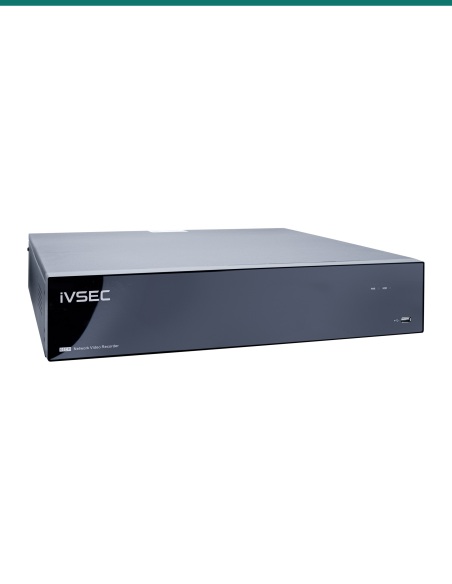
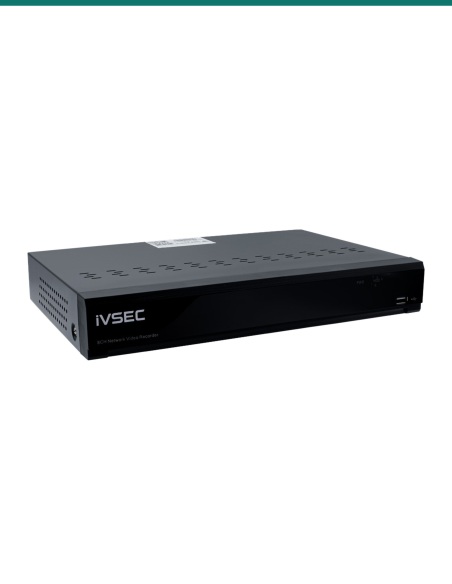
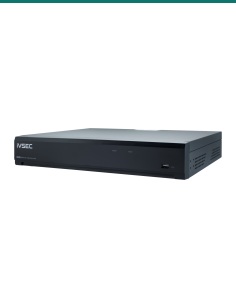
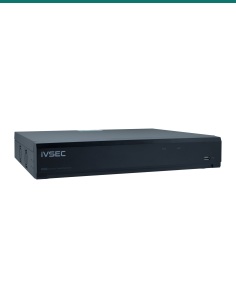
IVSEC NR6648EX: a 64 channel network video recorder for IP cameras up to 12MP, with eight drive bays up to 192TB, RAID 0, 1, 5, 6 and 10, and four HDMI outputs.

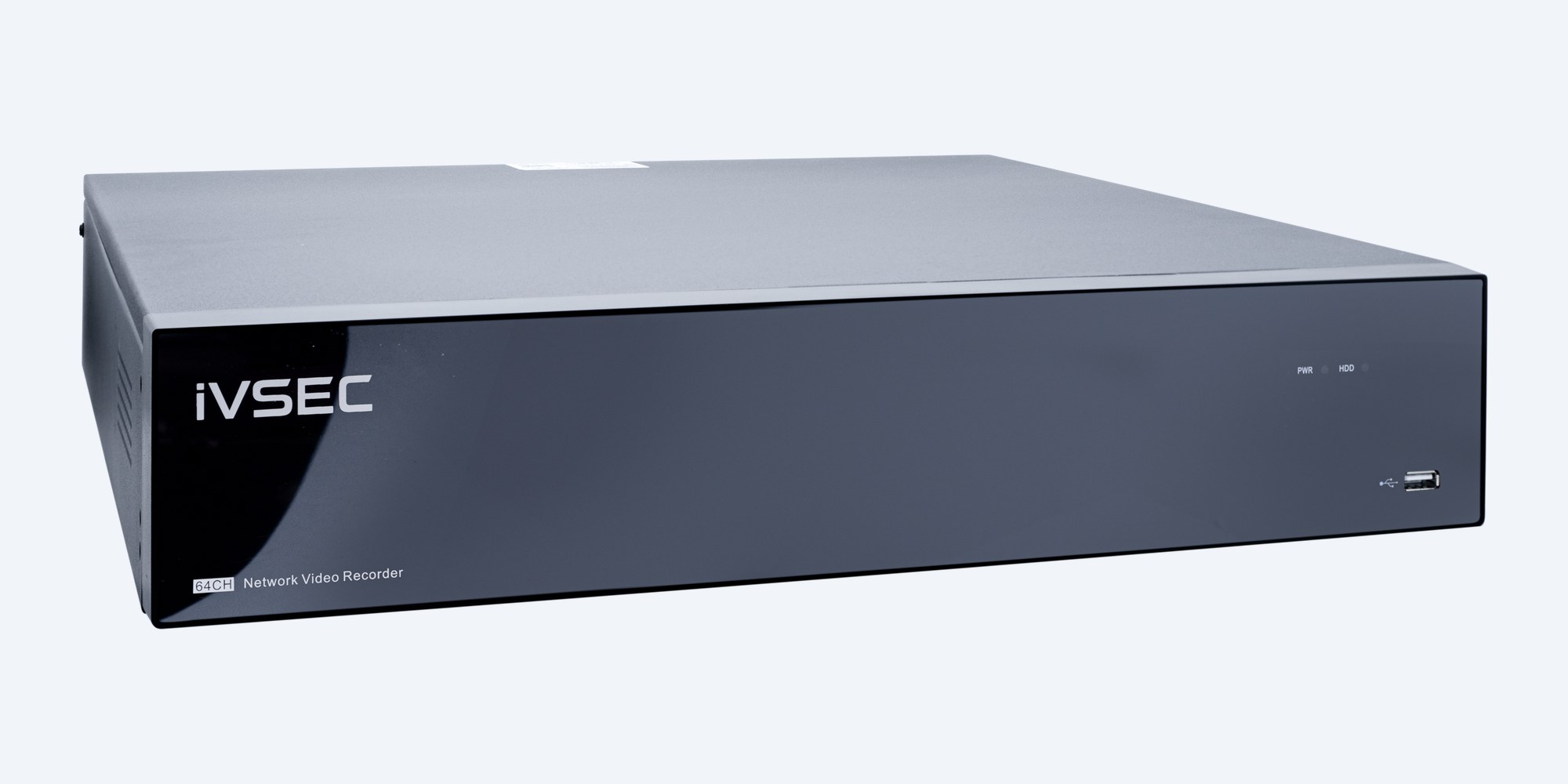
The IVSEC NR6648EX records up to 64 IP cameras at up to 12MP over 640 Mbps of incoming bandwidth, with eight 3.5" bays for up to 192TB, RAID 0, 1, 5, 6 and 10, and four HDMI outputs.
In one sentence: the IVSEC NR6648EX is a 64 channel network video recorder for IP cameras up to 12MP, with 640 Mbps incoming bandwidth, eight SATA bays up to 192TB, RAID 0, 1, 5, 6 and 10, and four HDMI outputs.
Recorder only. Drives, PoE switch and cameras are separate.
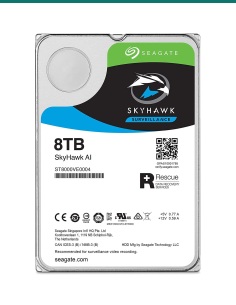
The NR6648EX has no PoE ports, so the cameras are powered by a PoE switch on the same network. It ships without hard drives; fit up to eight 3.5" SATA drives of up to 24TB each.
Eight bays give you the space to keep weeks of 4K footage from a full 64 camera site, and RAID 5, 6 or 10 keeps recording when a drive fails. Four HDMI outputs run a control room wall, and two gigabit ports keep the camera network apart from the office.
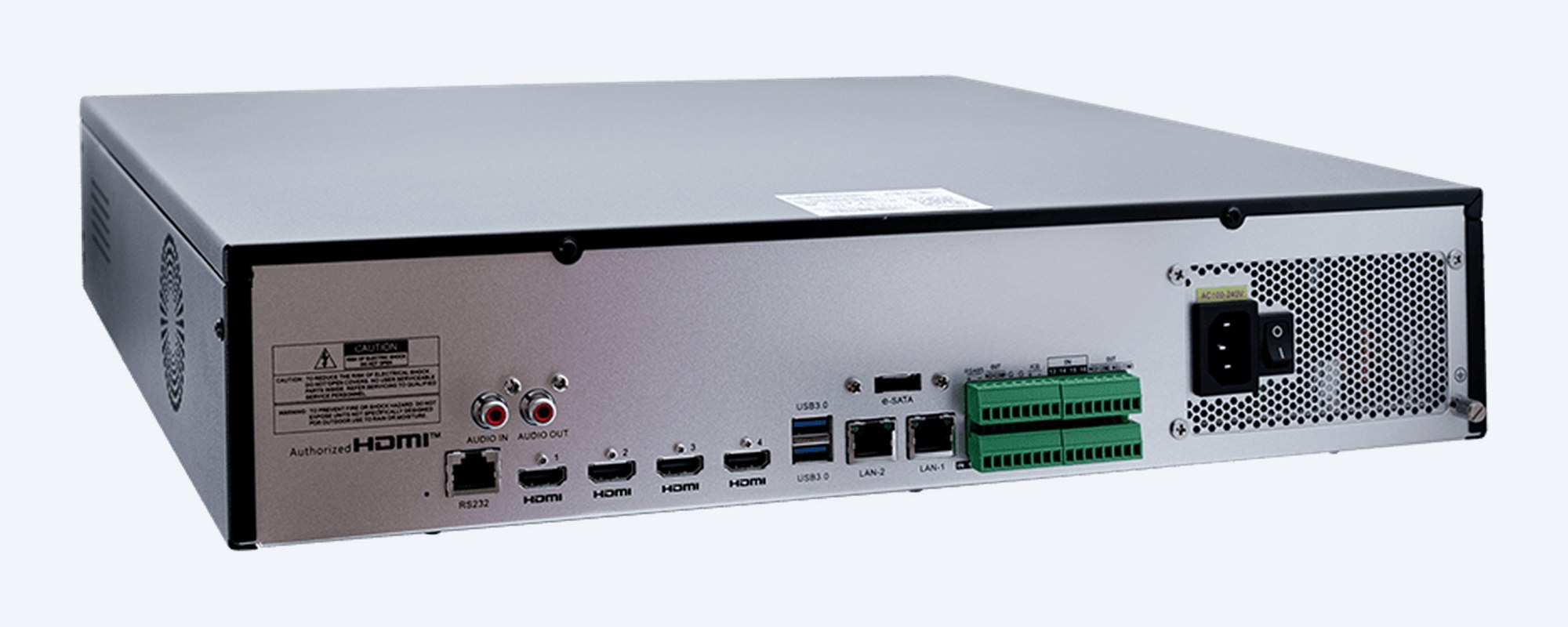
The connections
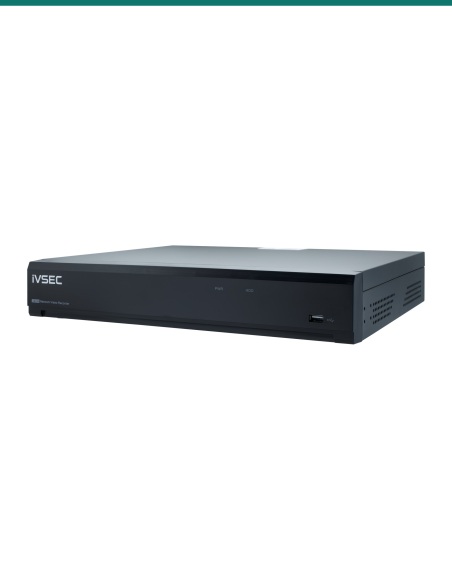
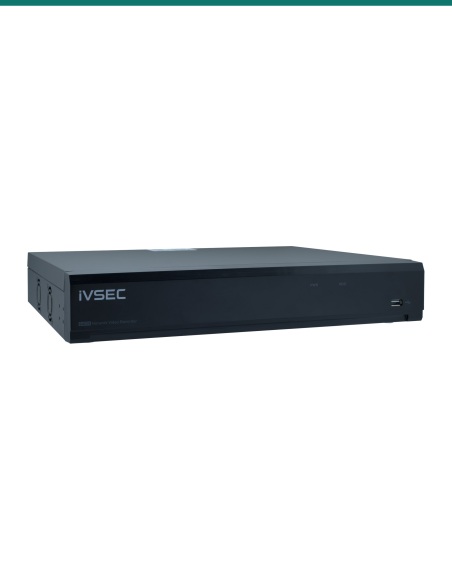
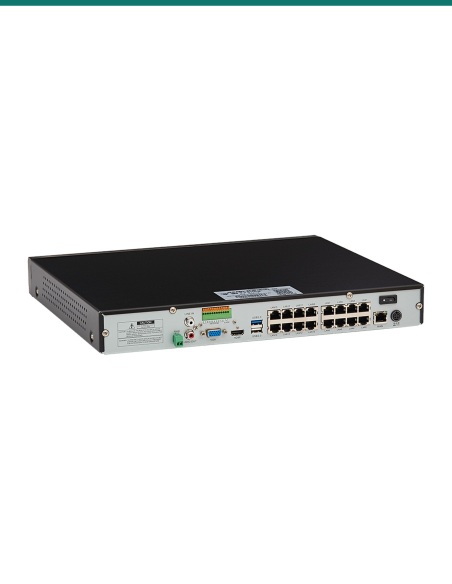
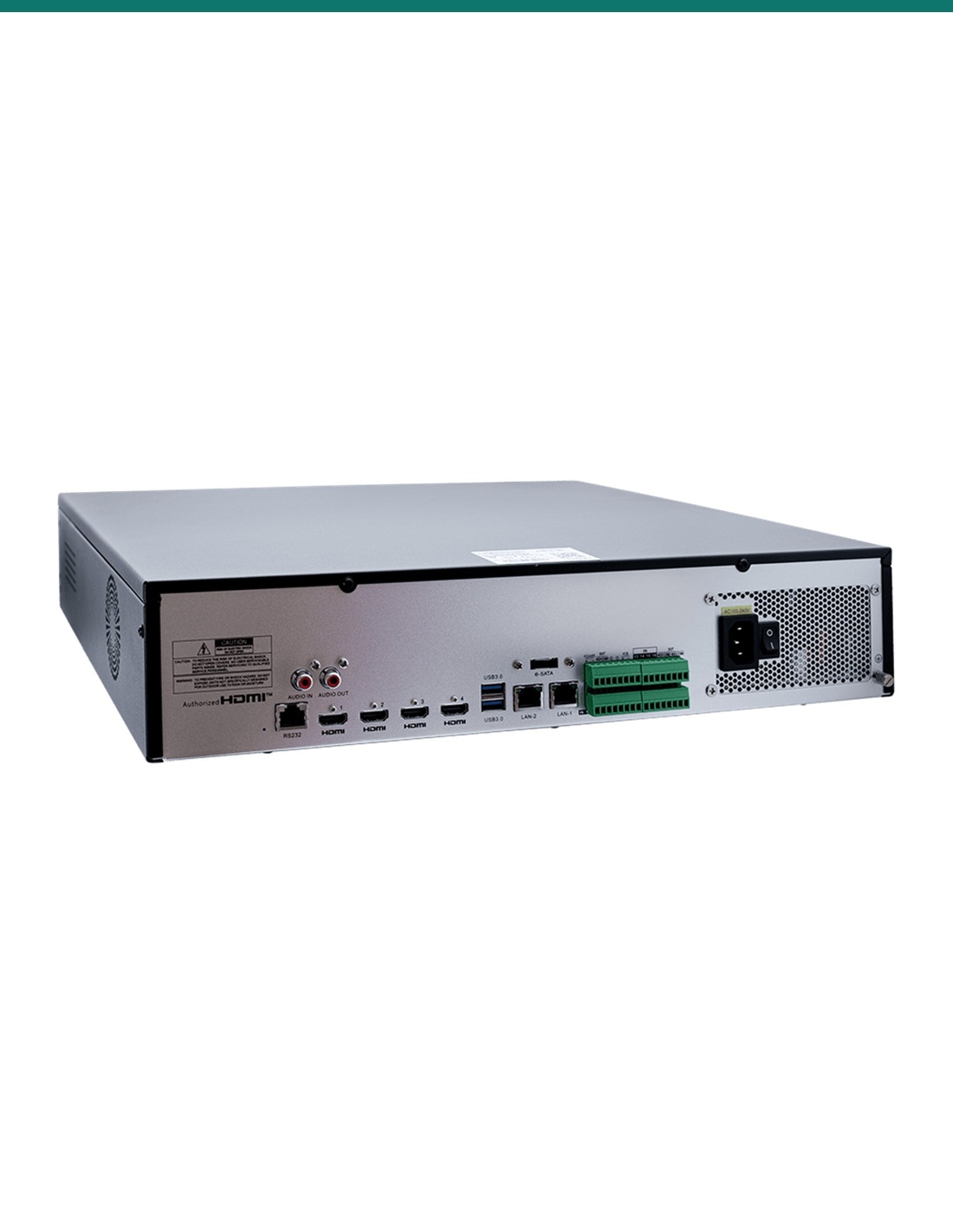
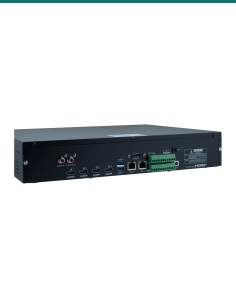
Four HDMI outputs, two gigabit RJ45 ports, e-SATA, audio out, RS485, and alarm terminals for 8 inputs and 1 output. IVSEC's datasheet lists an external power supply and two USB 2.0 ports, but its rear photo shows a 100–240 V mains inlet and USB 3.0 labels; confirm with us if it matters for your install.
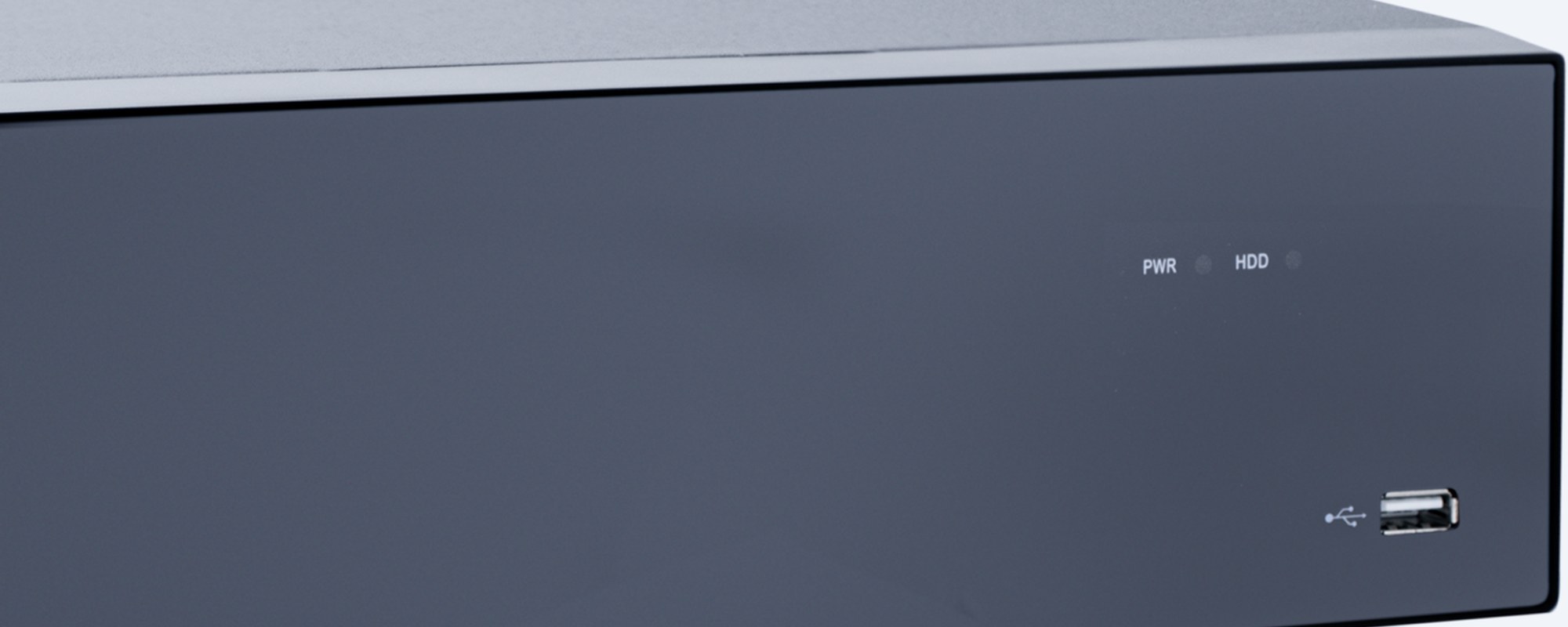
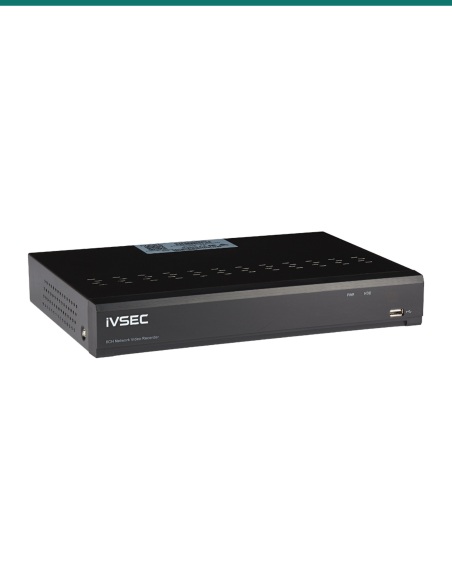
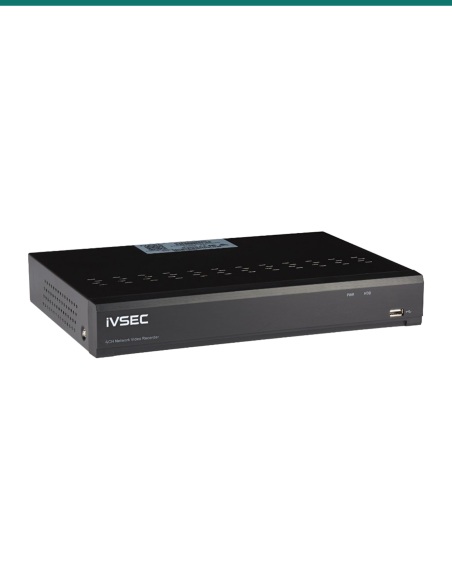
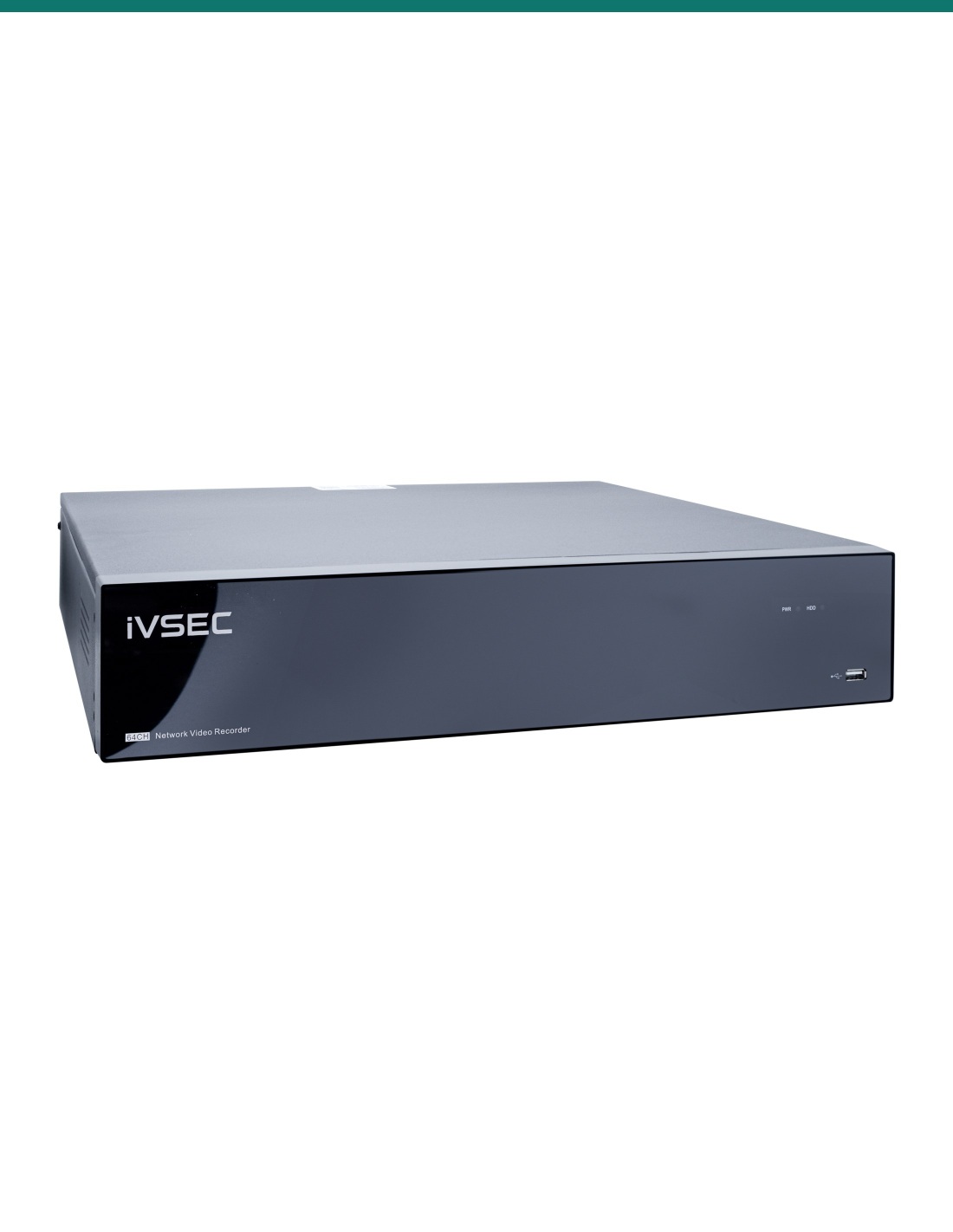
Front panel
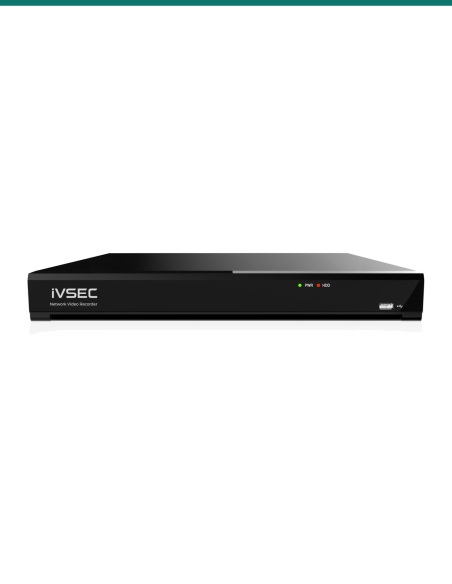
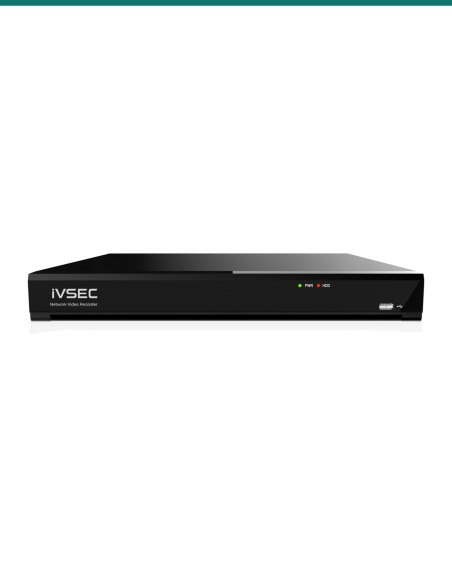
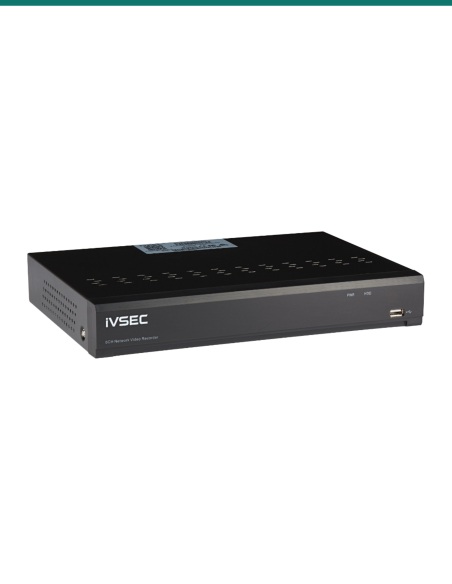
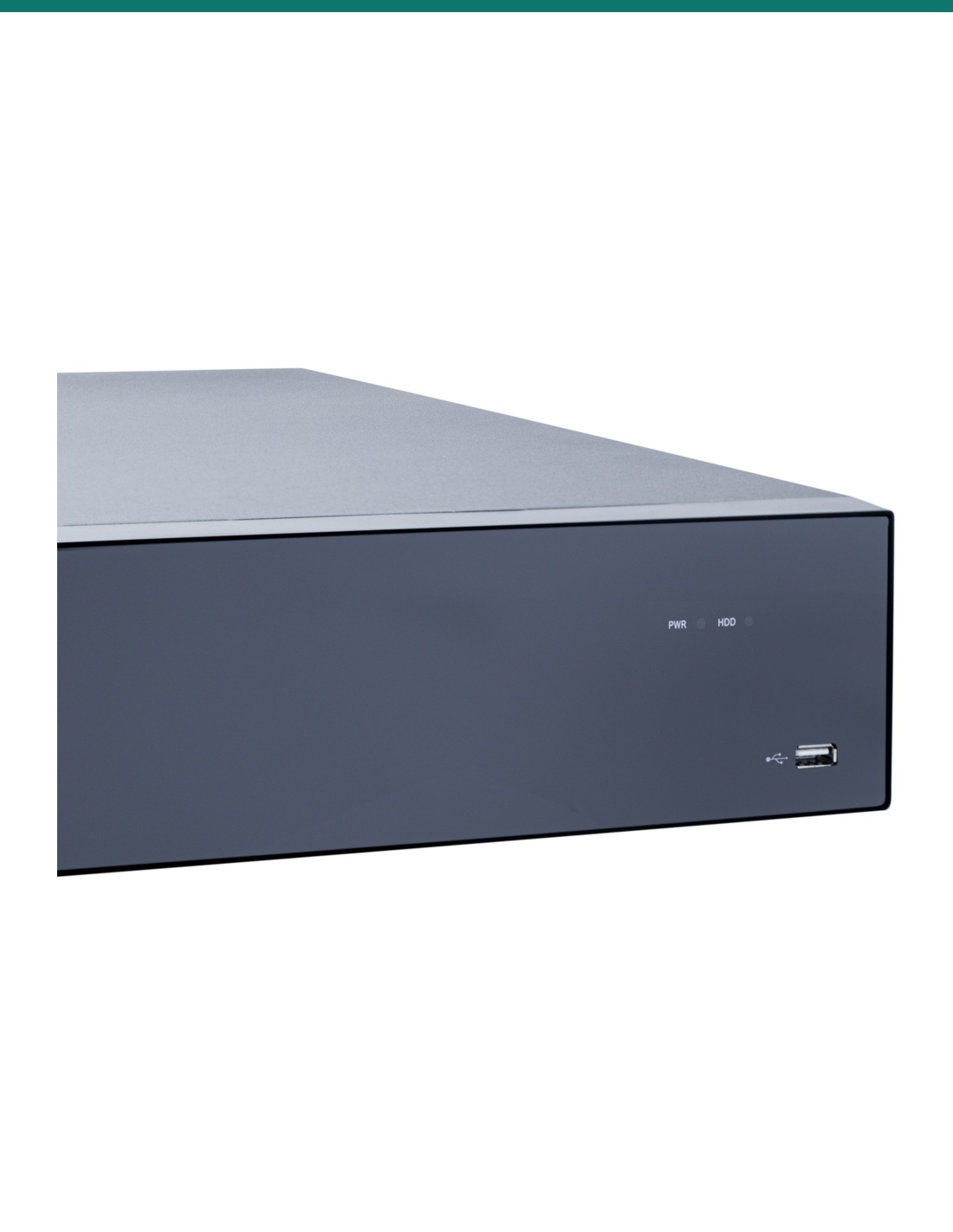
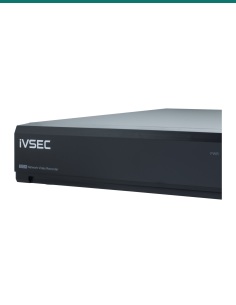
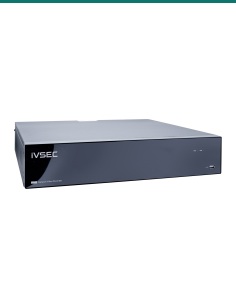
Power and drive lights and a front USB port. The case is 89 × 460 × 440 mm and weighs 8.6 kg, so plan on a solid shelf or a rack shelf.
How it goes in
01
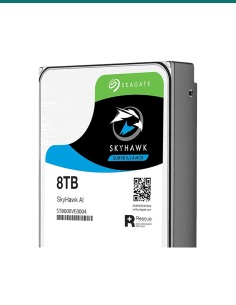
Fit up to eight 3.5" SATA drives of up to 24TB each with the supplied screws. Use matching drives if you plan to run RAID.
02
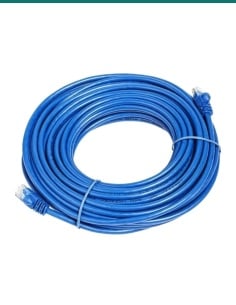
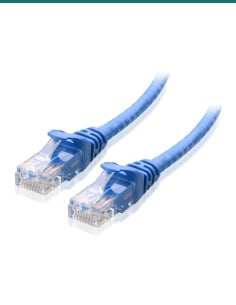
Plug the cameras into a PoE switch, then connect the switch and your router to the recorder's gigabit ports.
03
Connect a monitor by HDMI, run the wizard, and choose RAID 0, 1, 5, 6 or 10, or use the drives individually.
04
Add IVSEC X range or ONVIF Profile S, G or T cameras, set the recording schedule, then scan the QR code with the IVSEC mobile app.
At a glance
Show specs
Channels
64 IP cameras
Camera resolution
Up to 12MP
Incoming bandwidth
640 Mbps
Compression
H.265+, H.265, H.264+, H.264
Storage
8 × 3.5" SATA bays, up to 24TB each, 192TB total
RAID
RAID 0, 1, 5, 6, 10
Video output
4 × HDMI; output resolutions up to 8MP
Live view
1 to 64 cameras on screen
Network
2 × gigabit RJ45, no PoE ports
Camera support
IVSEC X range plug and play; ONVIF Profile S/G/T (firmware 21.12 or later), HTTP API
Smart search (camera dependent)
Perimeter intrusion, line crossing, face recognition, human and vehicle, licence plate recognition, heat map, crowd density, queue length, rare sound, tampering and more
Search
Timeline, schedule, event and IVS filtering, snapshots, tags, time lapse, hourly thumbnail slices
Other connectors
2 × USB, e-SATA, audio out, RS485, alarm 8 in / 1 out
Power
External supply listed; 8 W without drives (IVSEC's rear photo shows a mains inlet)
Size and weight
89 × 460 × 440 mm (H × W × L), 8.6 kg
Operating range
−10 °C to 50 °C, under 90% humidity
Software
Device Search, Config Tool, Surveillance Client (CMS/VMS), mobile app
Warranty
2 years parts
Pair it with
Storage
Up to eight 3.5" SATA drives of up to 24TB. For RAID 5 or 6, use matching drives; ask us to size it.
Power
The recorder has no PoE ports. A PoE switch powers and connects each camera on one cable.
Cameras
Plug and play with the recorder's smart search: intrusion, line crossing, face and plate detection.
Backup power
Keeps recording through short outages and protects a RAID array from sudden shutdowns.
Where it is used
Up to 64 cameras with long retention for incident requests.
Corridors, entries and car parks, with RAID keeping footage safe from a drive failure.
Many buildings on one recorder, viewed across four screens.
Docks, yards and aisles, searched by people and vehicle events.
Plate and face search from capable cameras, with weeks of storage.
Perimeters and production areas, with alarm inputs for doors and sensors.
| NR6648EX (this recorder) | NR6644EX | |
|---|---|---|
| Channels | 64 | 64 |
| Incoming bandwidth | 640 Mbps | 640 Mbps |
| Drive bays | 8, up to 192TB | 4, up to 96TB |
| RAID | RAID 0, 1, 5, 6, 10 | No |
| HDMI outputs | 4 | 4 |
| Size | 89 × 460 × 440 mm, 8.6 kg | 66 × 326 × 378 mm, 5.3 kg |
Same channels and bandwidth; the NR6648EX doubles the storage and adds RAID. Figures from IVSEC's NR6648EX and NR6644EX datasheets (October 2026).
Up to 64 IP cameras at up to 12MP each, within 640 Mbps of total incoming camera bandwidth.
Eight 3.5" SATA drives of up to 24TB each, 192TB in total. Drives are not included.
RAID 0, 1, 5, 6 and 10. RAID 5 survives one drive failure and RAID 6 survives two, at the cost of some capacity.
No. It has two gigabit network ports and no PoE. Power the cameras from a PoE switch on the same network.
Four, from four HDMI outputs, with up to 64 cameras on one screen.
IVSEC X range cameras plug and play, and other brands work over ONVIF Profile S, G and T with firmware 21.12 or later.
Yes, with cameras that support it. Face recognition, licence plate recognition, human and vehicle detection and line crossing depend on the camera.
IVSEC's datasheet says external, but its rear photo shows a 100–240 V mains inlet with a switch. Confirm with us before you plan the rack power.
Yes. Scan the recorder's QR code with the IVSEC mobile app, or use the free Surveillance Client on a PC.
89 × 460 × 440 mm and 8.6 kg. Rack ears are not listed in the box, so plan on a rack shelf.
Both record 64 cameras at 640 Mbps. The NR6648EX has eight bays instead of four, up to 192TB, and supports RAID.
Two years parts, per IVSEC's datasheet. InFront Technologies handles warranty and technical support in Australia on 1300 736 970.
Help sizing drives, RAID and switches for a 64 camera site: call 1300 736 970 or email [email protected]. The datasheet is on the Attachments tab.
Power. Connect the recorder with the power supply in the box. A new power point needs a licensed electrician.
Cabling. Concealed data cabling to cameras is customer cabling under AS/CA S009 and needs an ACMA-registered cabler.
Privacy. Recording people is covered by state and territory surveillance laws. Point cameras at your own property and put up signage.
What it does not do. No PoE ports and no hard drives included. RAID is not a backup: keep copies of important footage.
Figures. From IVSEC's NR6648EX datasheet, updated 29 October 2026. IVSEC's rear photo shows a mains inlet, USB 3.0 labels and an audio in jack that the datasheet does not list.
Click on a thumbnail to load the video


Need help choosing?
Tell us about your property and we'll recommend the right cameras and recorder.
07 5609 4910Sydney 02 8814 6008
[email protected]
Mon–Fri, 9am–5pm AEST
20 related items