There are no more items in your cart
In Stock - Ready to Ship

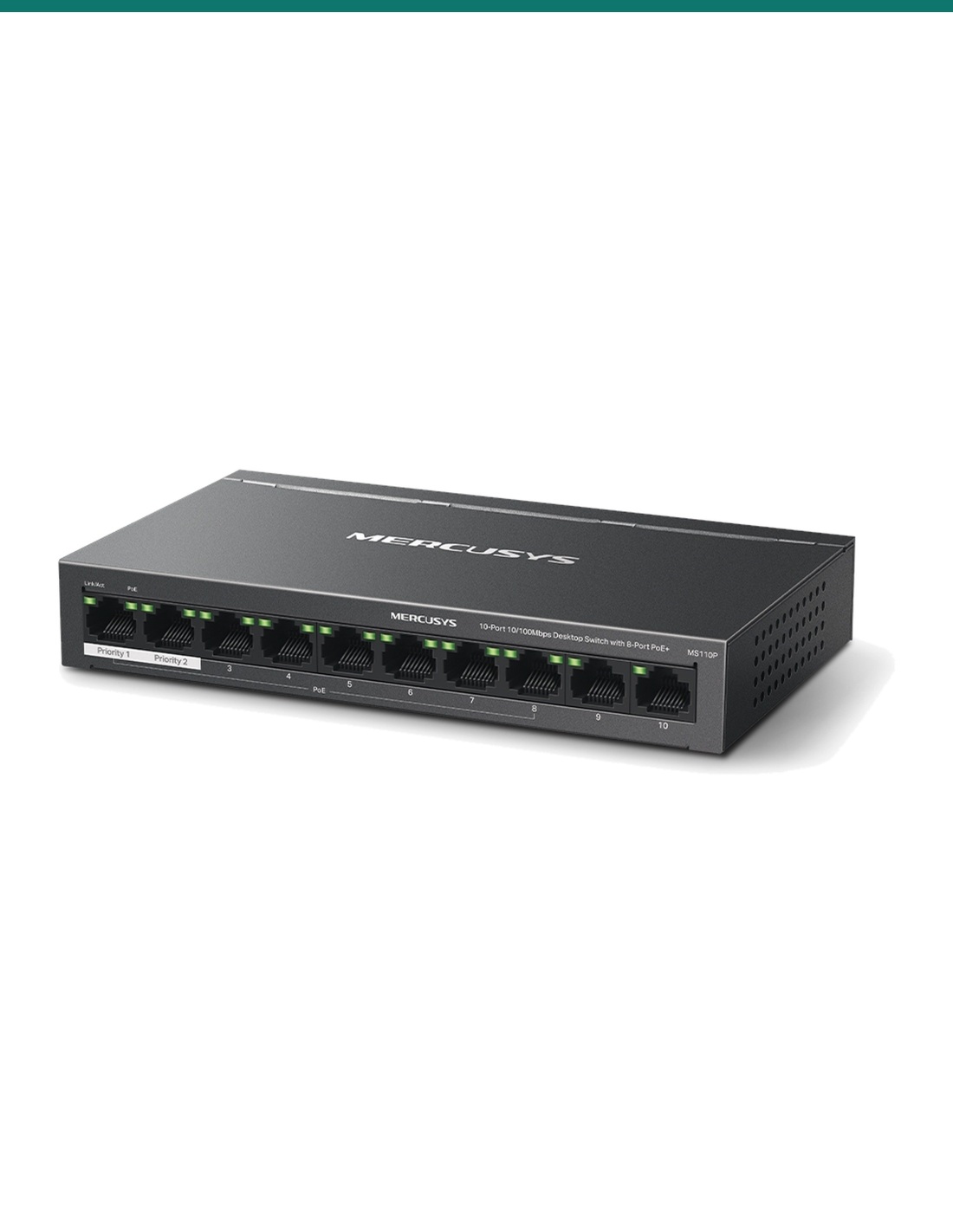
Mercusys MS110P: a compact, fanless 10-port 10/100 Mbps desktop switch with 8 PoE+ ports and a 65 W budget, for small CCTV and VoIP setups.
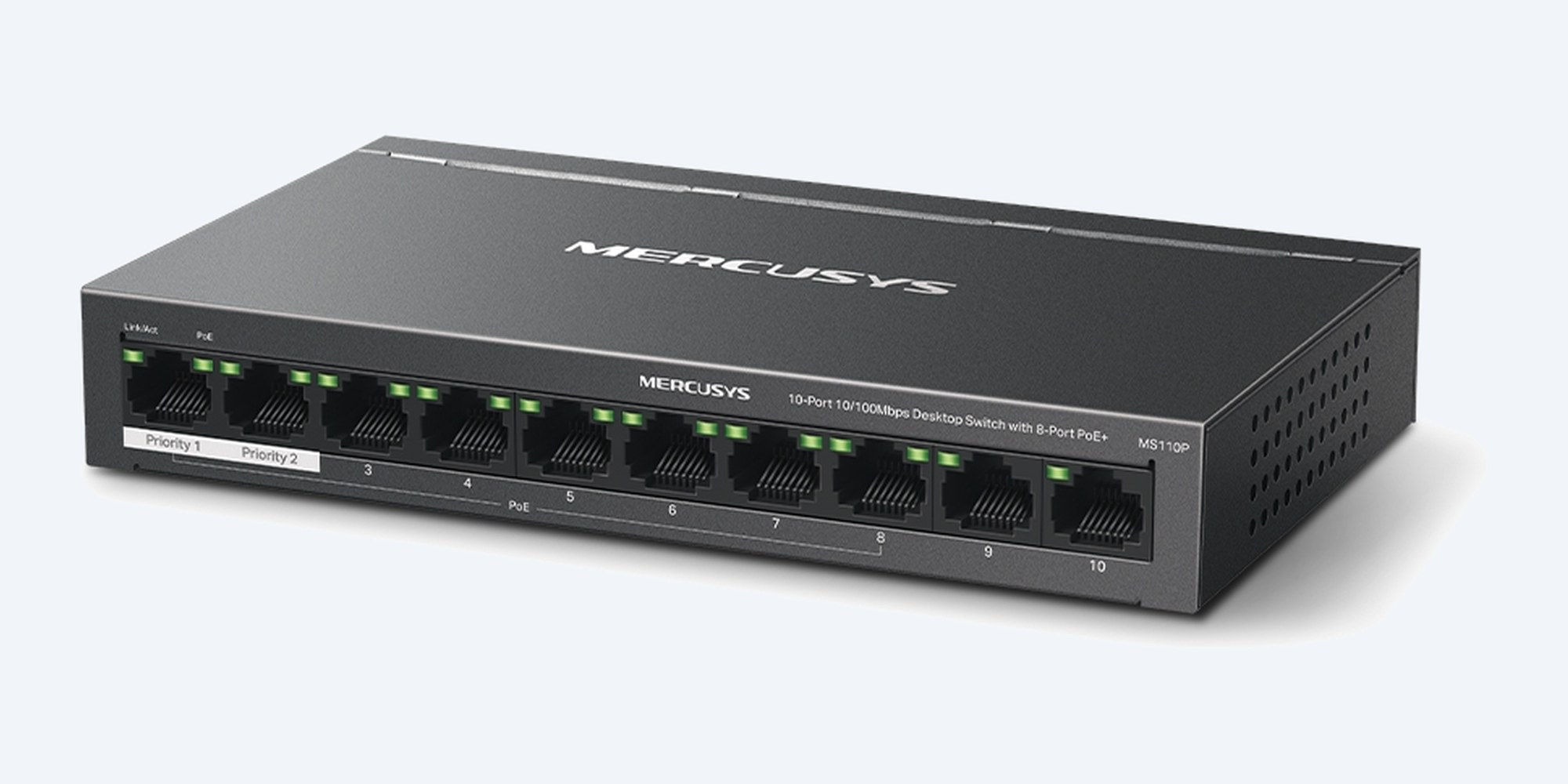
The MS110P is a compact, fanless desktop switch with ten 10/100 Mbps ports, PoE+ on ports 1 to 8 and a 65 W power budget, for cameras, phones and small access points.
In one sentence: the Mercusys MS110P is a fanless 10-port 10/100 Mbps unmanaged desktop switch with 8 IEEE 802.3af/at PoE+ ports at up to 30 W each, a 65 W total PoE budget, Extend mode to 250 m and an external 53.5 V power adapter.
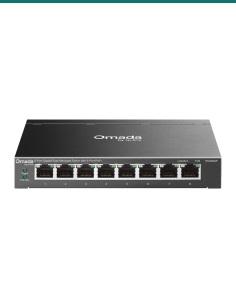
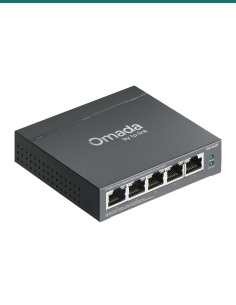
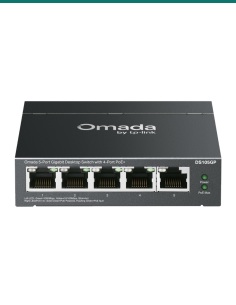
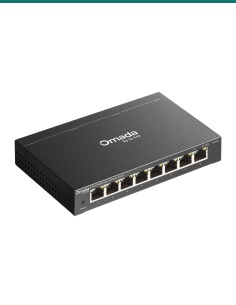
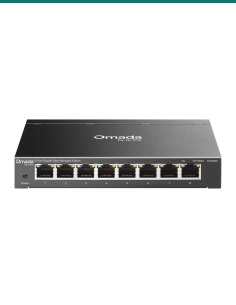
Switch and power adapter. Cables and powered devices are separate.
The MS110P runs 10/100 Mbps, not gigabit. Mercusys lists the power adapter and rubber feet in the box.
Ports 1 to 8 each supply up to 30 W of 802.3af/at PoE+, sharing 65 W between them. Ports 9 and 10 carry data only and suit the router or recorder. Switches on the back turn on Extend, Isolation and PoE Auto Recovery, and ports 1 and 2 always get priority when the network is busy.
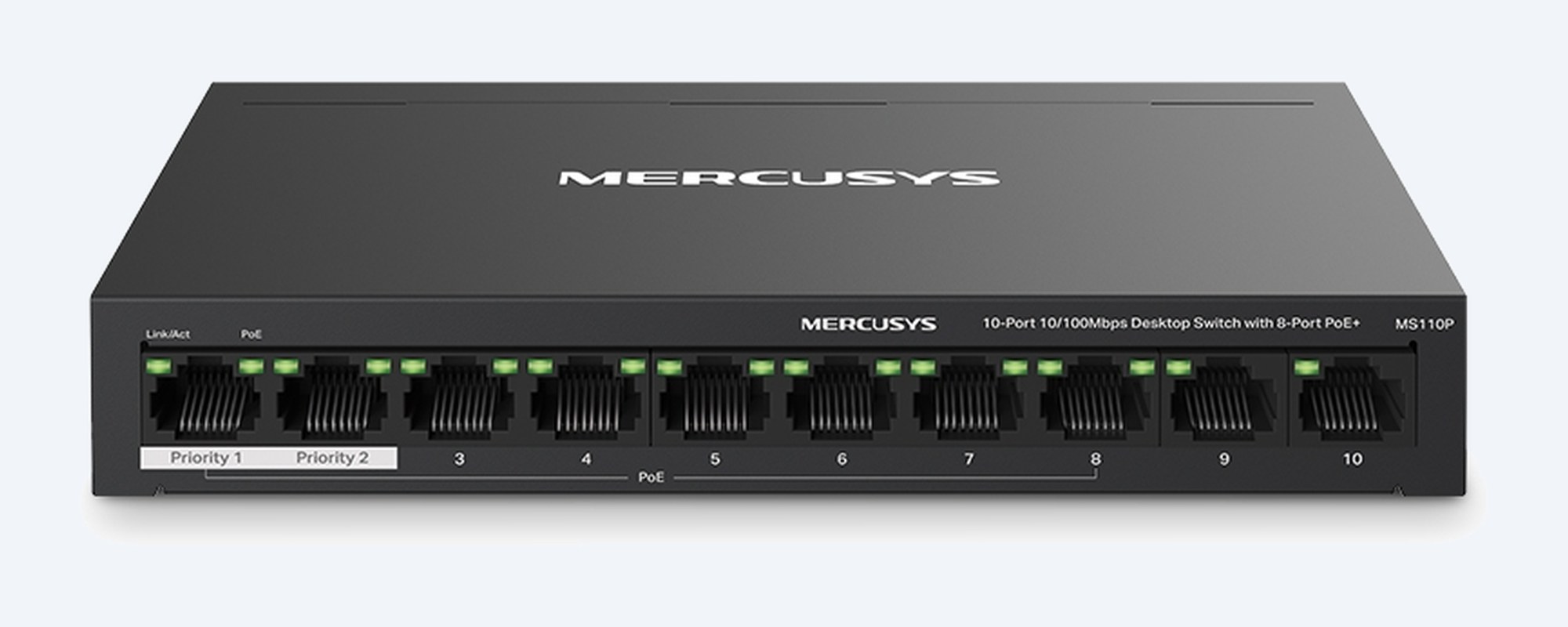
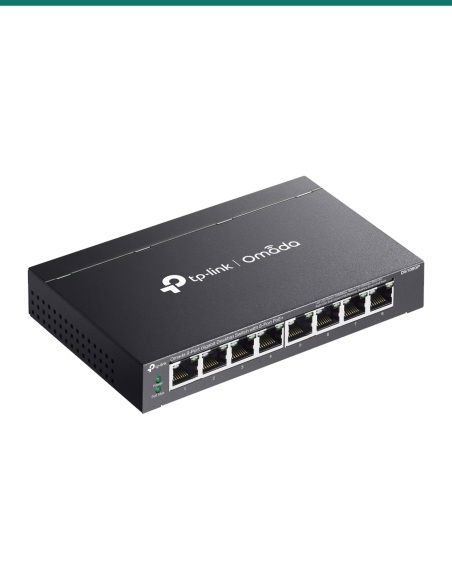
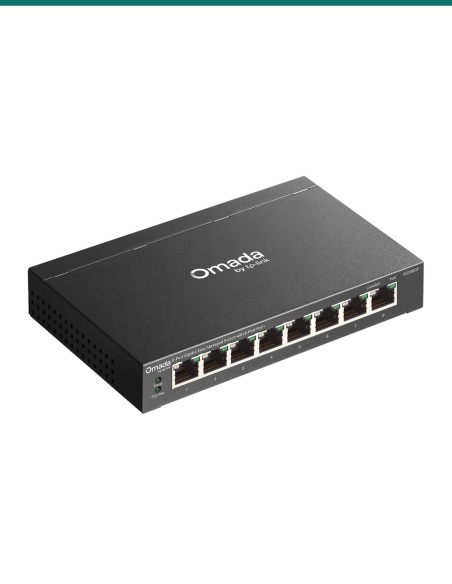
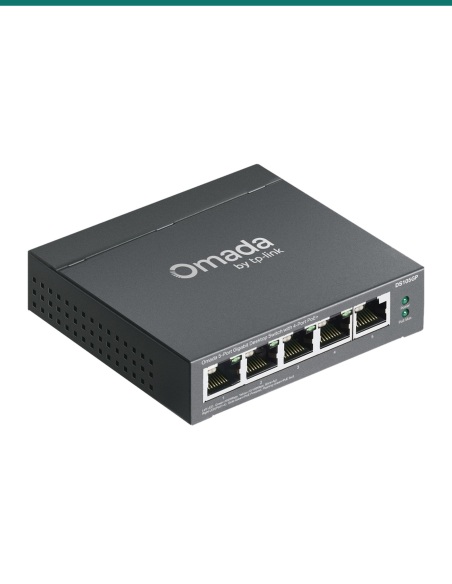
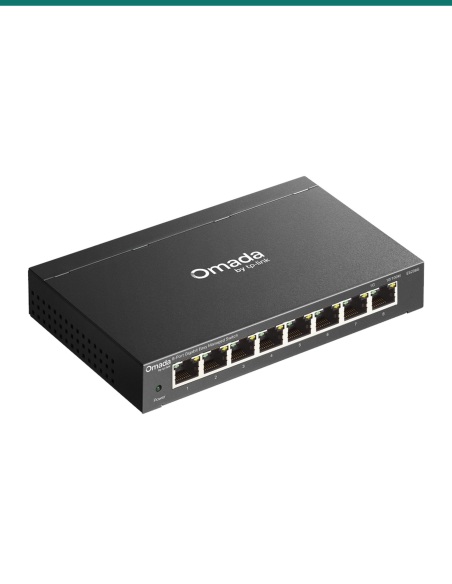
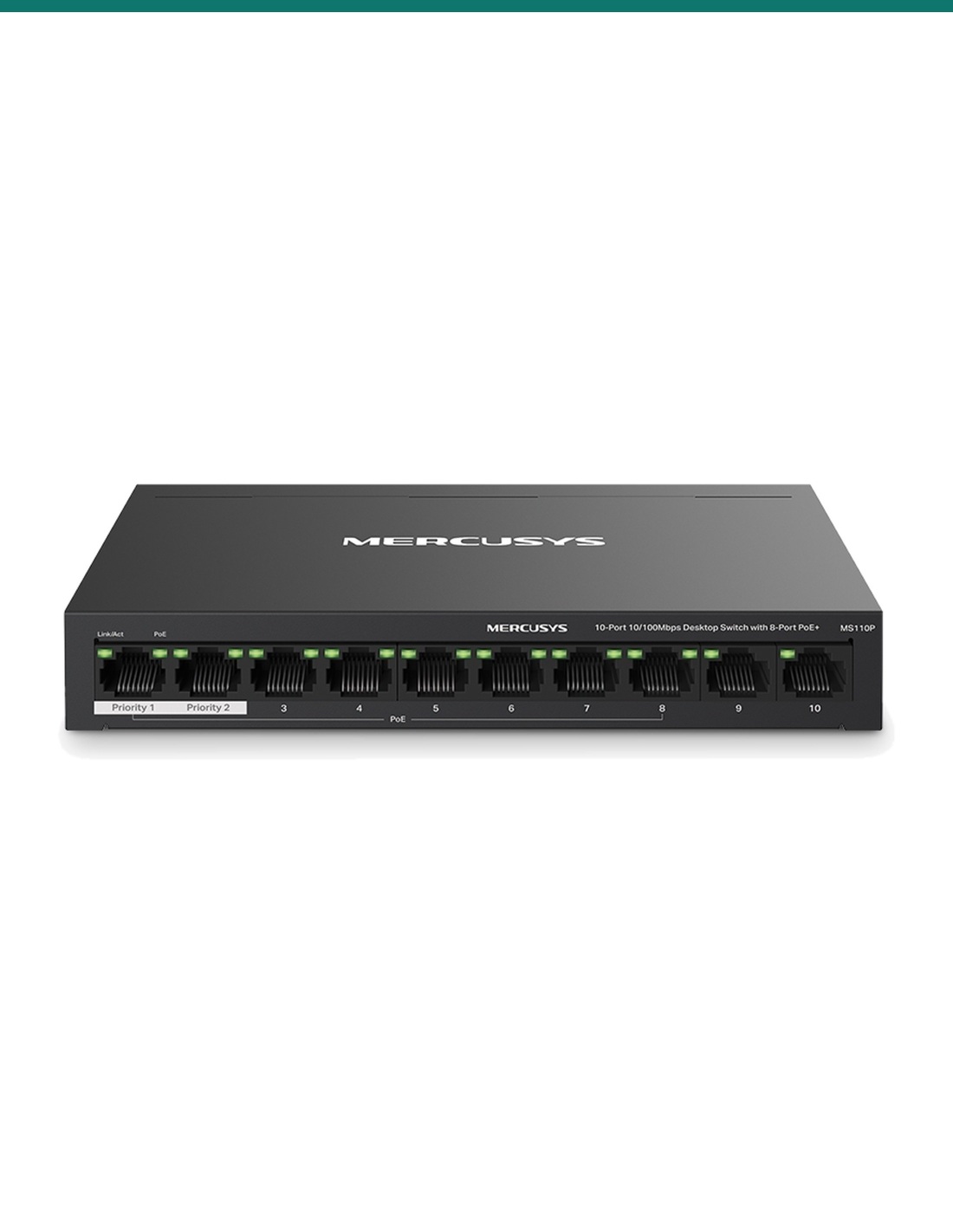
Front panel
Ports 1 to 8 supply PoE+, and ports 1 and 2 are the priority ports for your most important cameras. Ports 9 and 10 are for the router or recorder. Each port has a Link/Act light and each PoE port a PoE light.
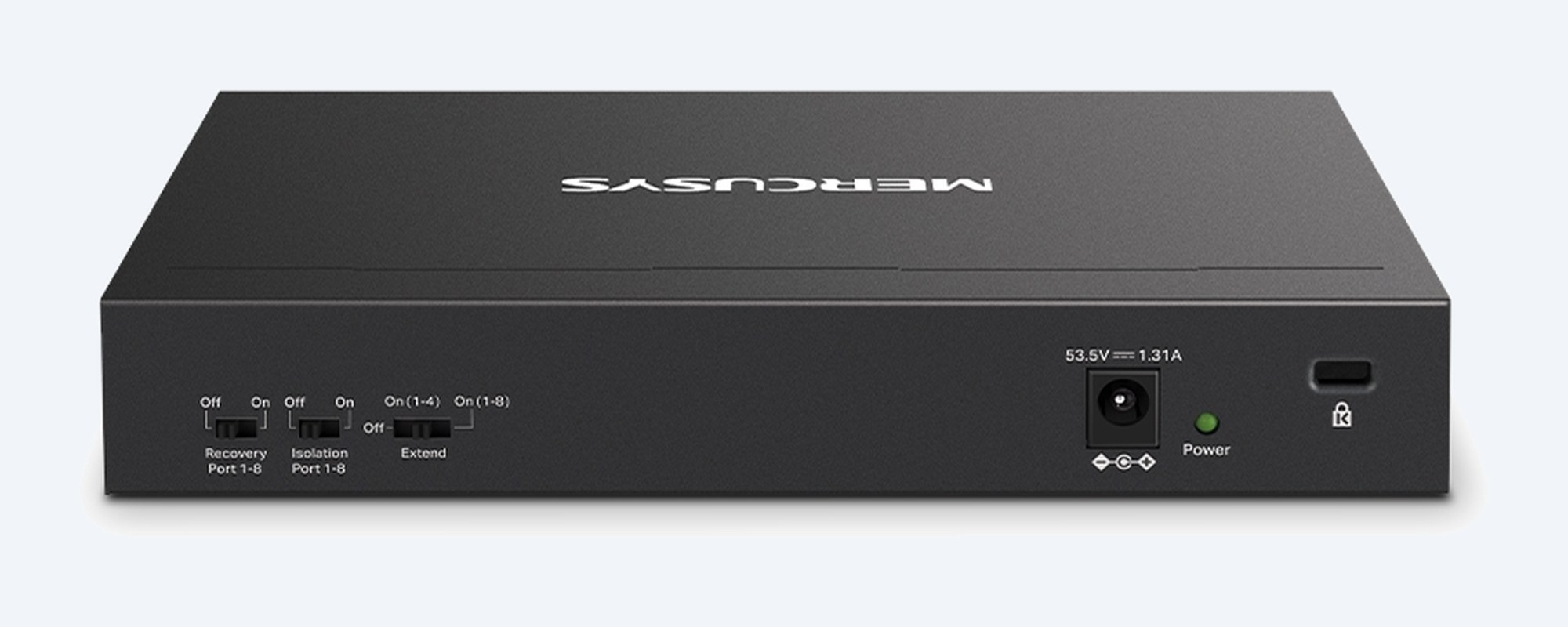
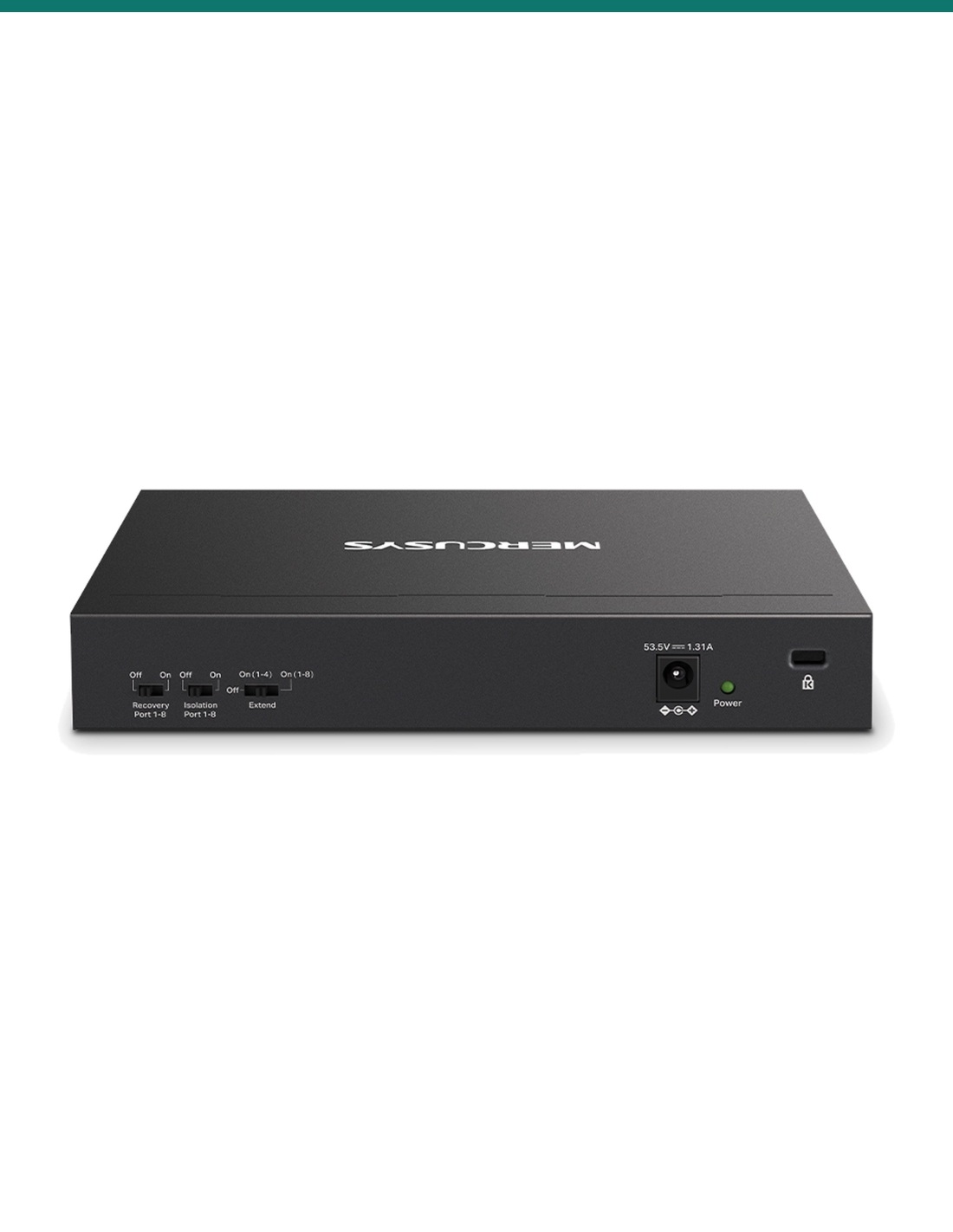
Rear panel
Recovery and Isolation work on ports 1 to 8. Extend has three positions: off, on for ports 1 to 4, or on for ports 1 to 8. Beside them are the 53.5 V DC power socket, the Power light and a security slot.
How it goes in
01
Fit the rubber feet and stand it on a desk or shelf, bottom side down, between 0 °C and 40 °C.
02
On the back, turn on Extend for runs past 100 m, Isolation to keep ports 1 to 8 apart, and Recovery to reboot frozen devices.
03
Plug the router or recorder into port 9 or 10, then cameras, phones and access points into ports 1 to 8, key cameras on 1 and 2.
04
Plug in the power adapter. The Power light comes on and each powered device lights its PoE light. Keep the total under 65 W.
At a glance
Show specs
Ports
10 × 10/100 Mbps RJ45, auto-negotiation and auto MDI/MDIX
PoE ports
Ports 1–8, works with IEEE 802.3af/at devices, up to 30 W per port
PoE budget
65 W total
PoE pins
Power + on pins 3 and 6, power − on pins 1 and 2
Priority
Ports 1–2
Extend Mode
Up to 250 m at 10 Mbps; rear switch sets ports 1–4 or 1–8
Isolation Mode
Ports 1–8 talk only to uplink ports 9–10
PoE Auto Recovery
Ports 1–8
Switching capacity
2 Gbps, store and forward
MAC address table
2K, auto-learning and auto-aging
Standards
IEEE 802.3i, 802.3u, 802.3x
Lights
Power, Link/Act, PoE Status
Power
External adapter, 100–240 V AC in, 53.5 V DC 1.31 A out
Power use
2.96 W with nothing connected; 77.52 W with 65 W of PoE load
Cooling
Fanless
Size
171 × 98 × 27 mm
Operating range
0 °C to 40 °C; 10% to 90% RH non-condensing
Certification
CE, RoHS
Pair it with
Cameras
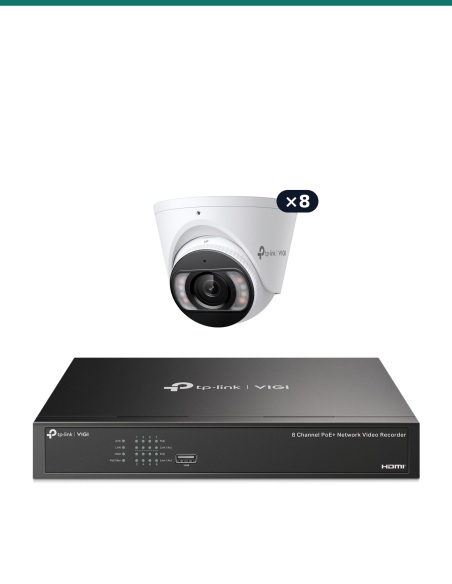
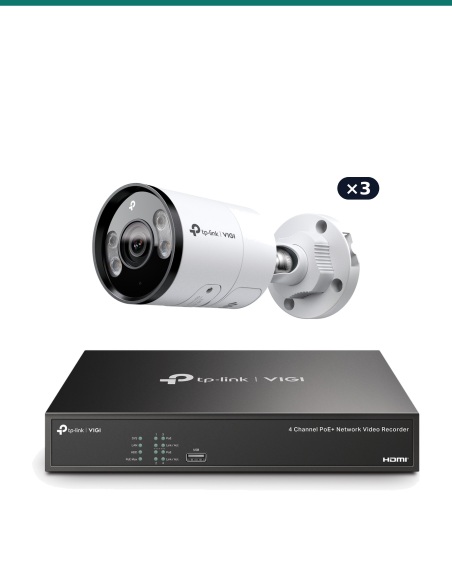
802.3af/at cameras such as TP-Link VIGI. Add up your cameras' power draw and keep it under the 65 W budget.
Recorder
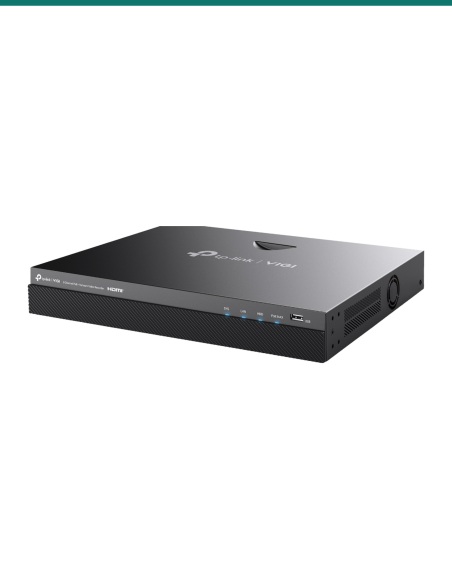
Uplink the recorder or router to a non-PoE port, so it keeps working when Isolation is on.
Faster option
Gigabit ports, a 123 W budget and an SFP uplink, for busier cameras or Wi-Fi access points.
Cabling
Up to 100 m per run, or 250 m with Extend mode on.
Where it is used
Four to eight cameras feeding a recorder, powered over their network cables.
A few cameras and a desk phone from one quiet box under the counter.
Desk phones powered over the network, no plug packs at each desk.
Extend mode reaches 250 m to cameras at the far end of a property.
PoE Auto Recovery reboots a camera that freezes, without a site visit.
Isolation keeps the connected devices apart, each one only reaching the uplink.
| MS110P (this switch) | DS110GMP | |
|---|---|---|
| Port speed | 10/100 Mbps | 10/100/1000 Mbps |
| Ports | 10 RJ45 (8 PoE+) | 9 RJ45 + 1 combo SFP/RJ45 (8 PoE+) |
| PoE budget | 65 W | 123 W |
| Switching capacity | 2 Gbps | 20 Gbps |
| Extend Mode | Ports 1–4 or 1–8 | Ports 1–4 |
| Priority ports | 1–2 | 1–2 |
| Power adapter | 53.5 V DC, 1.31 A | 53.5 V DC, 2.43 A |
| Size | 171 × 98 × 27 mm | 209 × 126 × 26 mm |
From the Mercusys MS110P datasheet and rear panel, and TP-Link's DS110GMP datasheet and AU product page.
65 W in total across ports 1 to 8, with up to 30 W on any one port. It works with IEEE 802.3af/at powered devices.
No. All ten ports run at 10/100 Mbps, up to 100 Mbps each. For gigabit ports, look at the TP-Link DS110GMP.
Ports 1 to 8. Ports 9 and 10 are data-only and are meant for the router or recorder.
Lower-numbered ports win. The switch cuts power to the highest-numbered PoE port to keep the others running.
It runs PoE and data up to 250 m at 10 Mbps. The rear switch turns it on for ports 1 to 4 or for ports 1 to 8.
Ports 1 to 8 can no longer talk to each other, only to ports 9 and 10. Plug the router or recorder into 9 or 10.
The switch watches devices on ports 1 to 8 and reboots one that stops responding. Turn it off while you update a camera's firmware.
Ports 1 and 2 send their traffic first when the network is busy, so put your key cameras there.
No. It is plug and play with no web page or VLANs. The three switches on the back are the only settings.
Yes. Mercusys lists a power adapter in the box: 100–240 V AC in, 53.5 V DC 1.31 A out.
Mercusys, a networking brand owned by TP-Link. The MS110P is made and supported under the Mercusys name, and the figures on this page come from the Mercusys datasheet.
Concealed data cabling to cameras and outlets is customer cabling under AS/CA S009 and needs an ACMA-registered cabler.
Not sure whether 65 W covers your cameras? Call 1300 736 970 or email [email protected]. The datasheet and quick installation guide are on the Attachments tab.
Mains powered. The switch runs from its plug-in power adapter. Keep the adapter near the switch and the power point easy to reach. A new power point needs a licensed electrician.
Cabling. Concealed data cabling is customer cabling under AS/CA S009 and needs an ACMA-registered cabler. Outdoor runs need outdoor-rated cable.
Indoor use. Keep it dry, out of direct heat and within 0 °C to 40 °C. The PoE ports must not be used to charge lithium batteries.
What it does not do. No gigabit ports, no SFP, no VLANs or web management, and no 802.3bt PoE++.
Figures. From the Mercusys MS110P datasheet (V1) and quick installation guide, and the labels on its rear panel.


Sale ends Mon 16 Nov


Need help choosing?
Tell us about your property and we'll recommend the right cameras and recorder.
07 5609 4910Sydney 02 8814 6008
[email protected]
Mon–Fri, 9am–5pm AEST