TP-Link Omada 6-Port Gigabit Easy Managed Switch with 4-Port PoE+ - ES206GP

SKU ES206GP In Stock - Ready to Ship
$108.00 inc GST

TP-Link Omada ES206GP: a fanless 6-port Gigabit Easy Managed desktop switch with 4 PoE+ ports and a 65 W budget. Plug and play, with VLANs and Omada cloud management when you need them.

  • ✓6 × Gigabit ports, 4 with PoE+
  • ✓Up to 30 W per port, 65 W total PoE budget
  • ✓VLANs, QoS, port isolation, IGMP snooping
  • ✓Web page, Omada controller or Omada app
  • ✓Fanless metal case, desktop or wall mount


Description

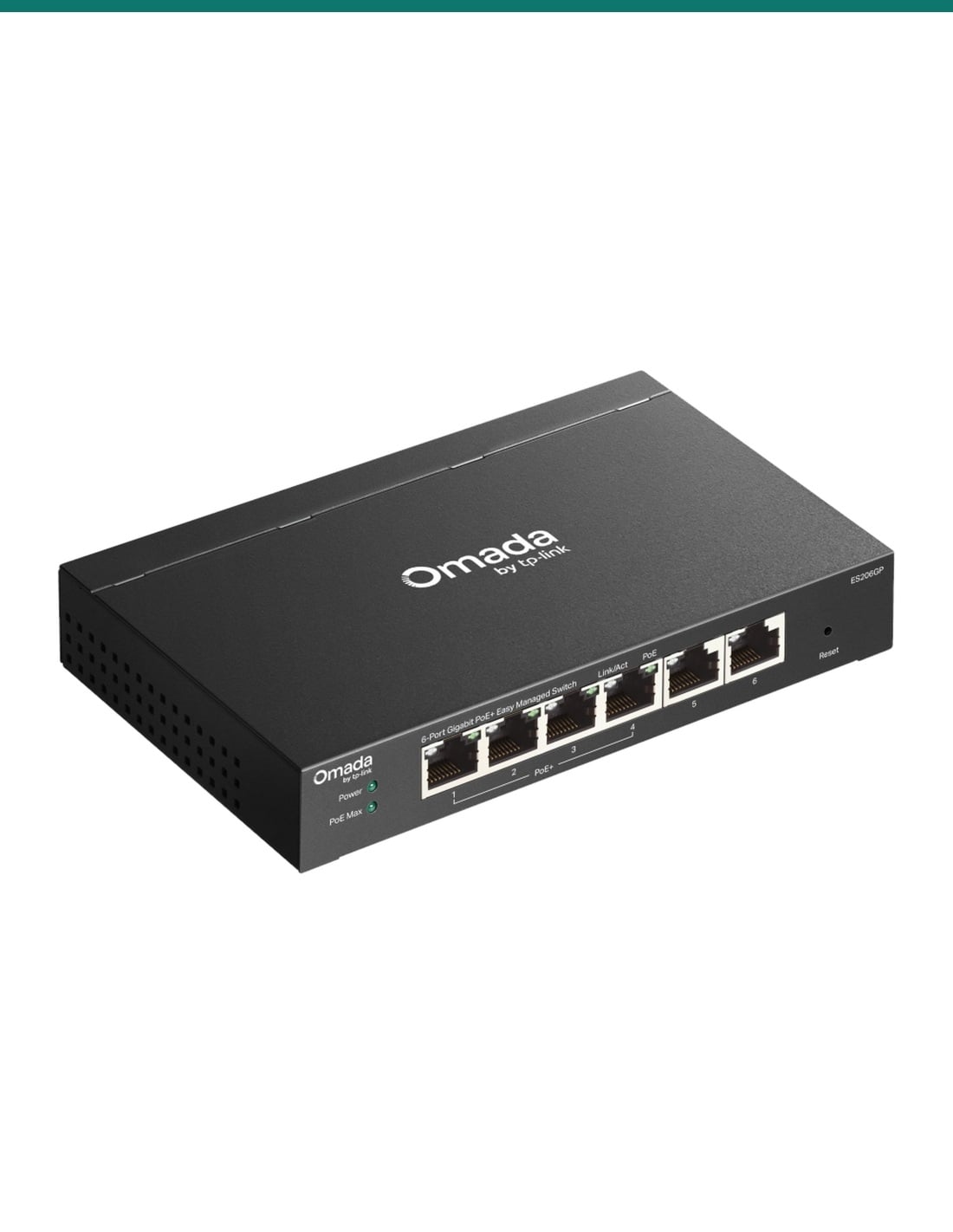
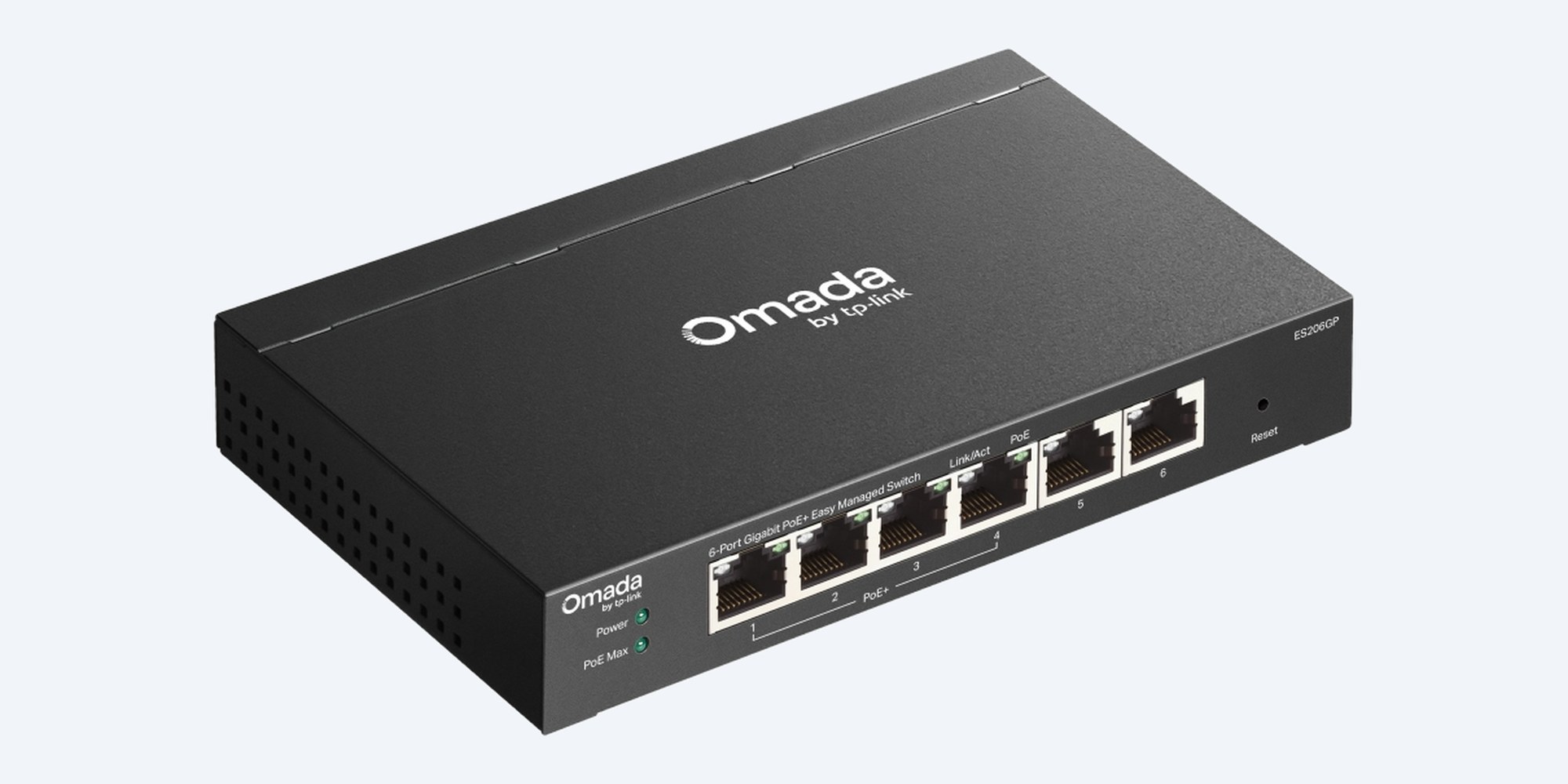
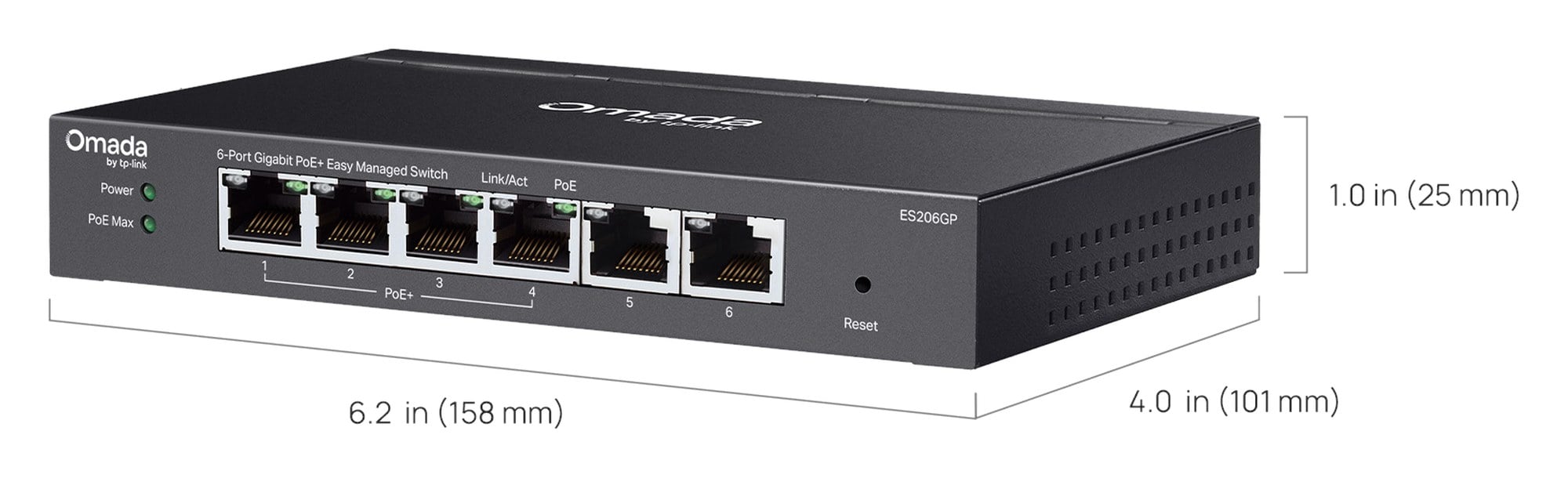
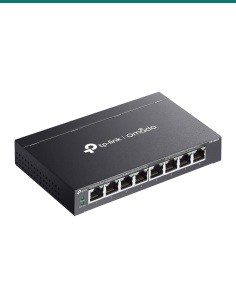
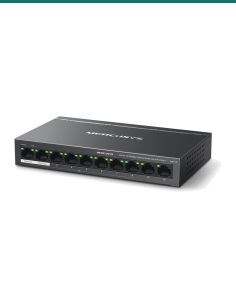
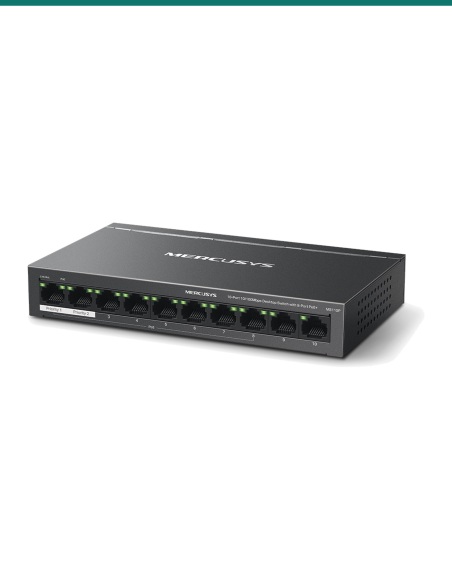
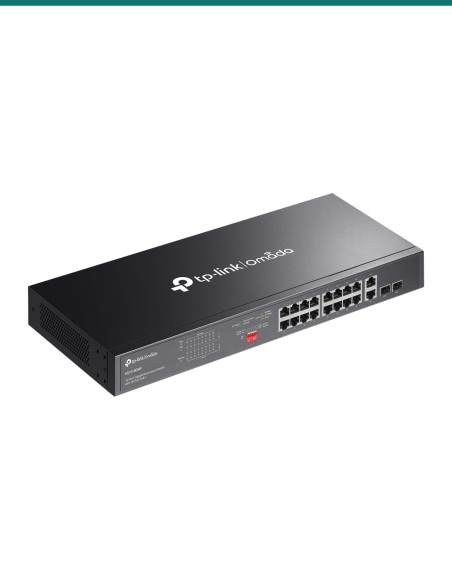
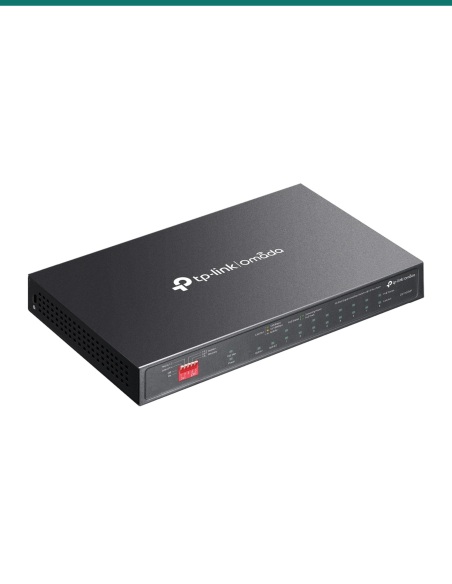
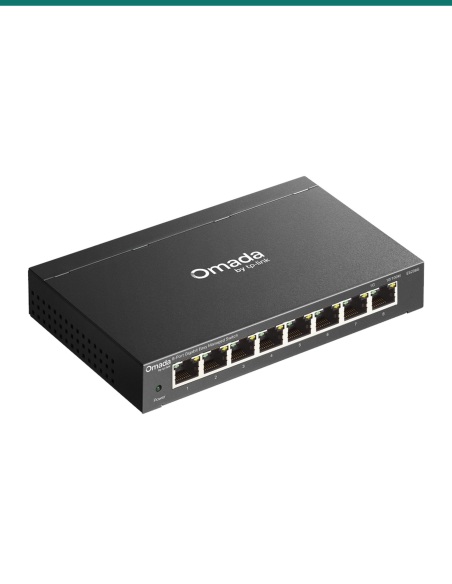
TP-Link Omada ES206GP 6-port Gigabit Easy Managed switch with 4 PoE+ ports, angled view of the front and Omada logo
TP-Link · Omada · Easy Managed PoE+

Four PoE+ ports you can manage.
65 W budget, VLANs and Omada cloud.

The ES206GP is an Omada Easy Managed desktop switch: 6 Gigabit ports, PoE+ on 4 of them with up to 30 W each and 65 W in total. It works out of the box, and VLANs, port isolation and cloud management are there when you need them.

In one sentence: the TP-Link Omada ES206GP is a fanless 6-port Gigabit Easy Managed desktop switch with four 802.3af/at PoE+ ports, up to 30 W per port, a 65 W budget, VLANs and Omada cloud management.

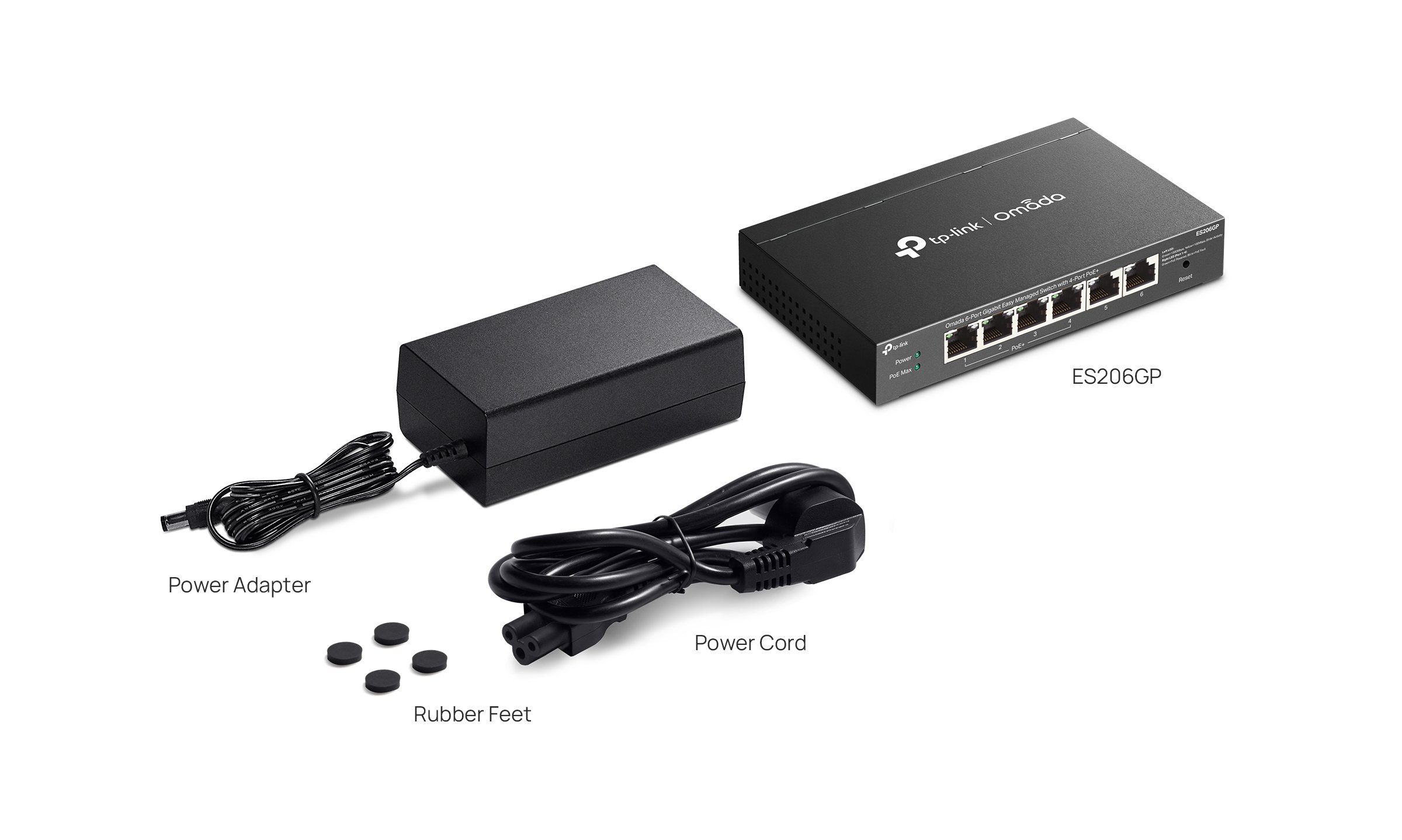
Switch, adapter and power cord. Cables and powered devices are separate.

This listing is one ES206GP with its 53.5 V power adapter. Network cables, cameras, access points and any Omada controller are not included.

In the box
  • ES206GP switch
  • Power adapter
  • Power cord
  • Mounting feet
  • Installation guide
You also need
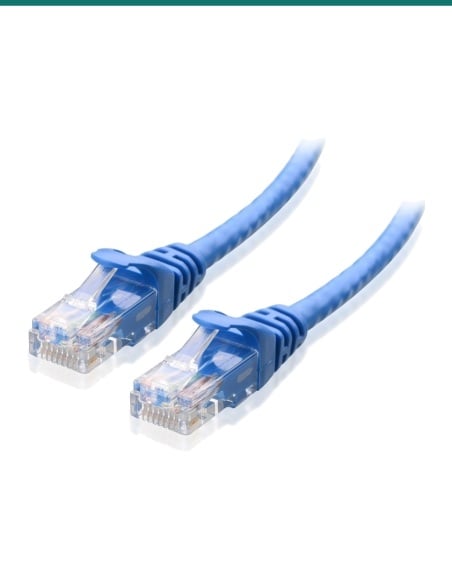
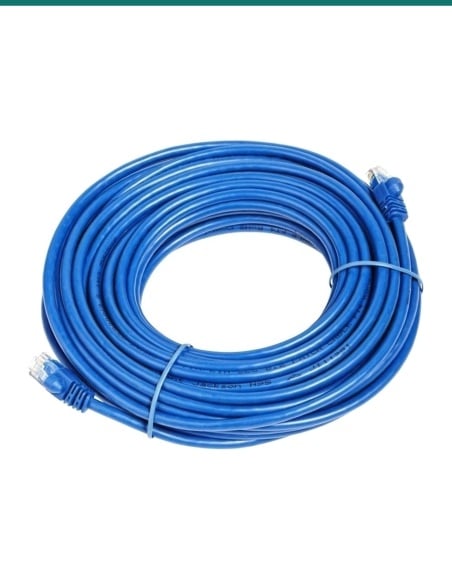
  • Cat5e or Cat6 patch leads and cable runs
  • 802.3af/at PoE devices such as IP cameras, access points or IP phones
  • A router or existing network to uplink to

Plug and play today, managed when you want it.

Four PoE+ ports power cameras, access points and phones from one 65 W budget, and two more Gigabit ports handle the uplink and a wired device. Use it as is, set VLANs and QoS on its web page, or adopt it into an Omada controller to manage it with the rest of the site from the cloud or the Omada app.

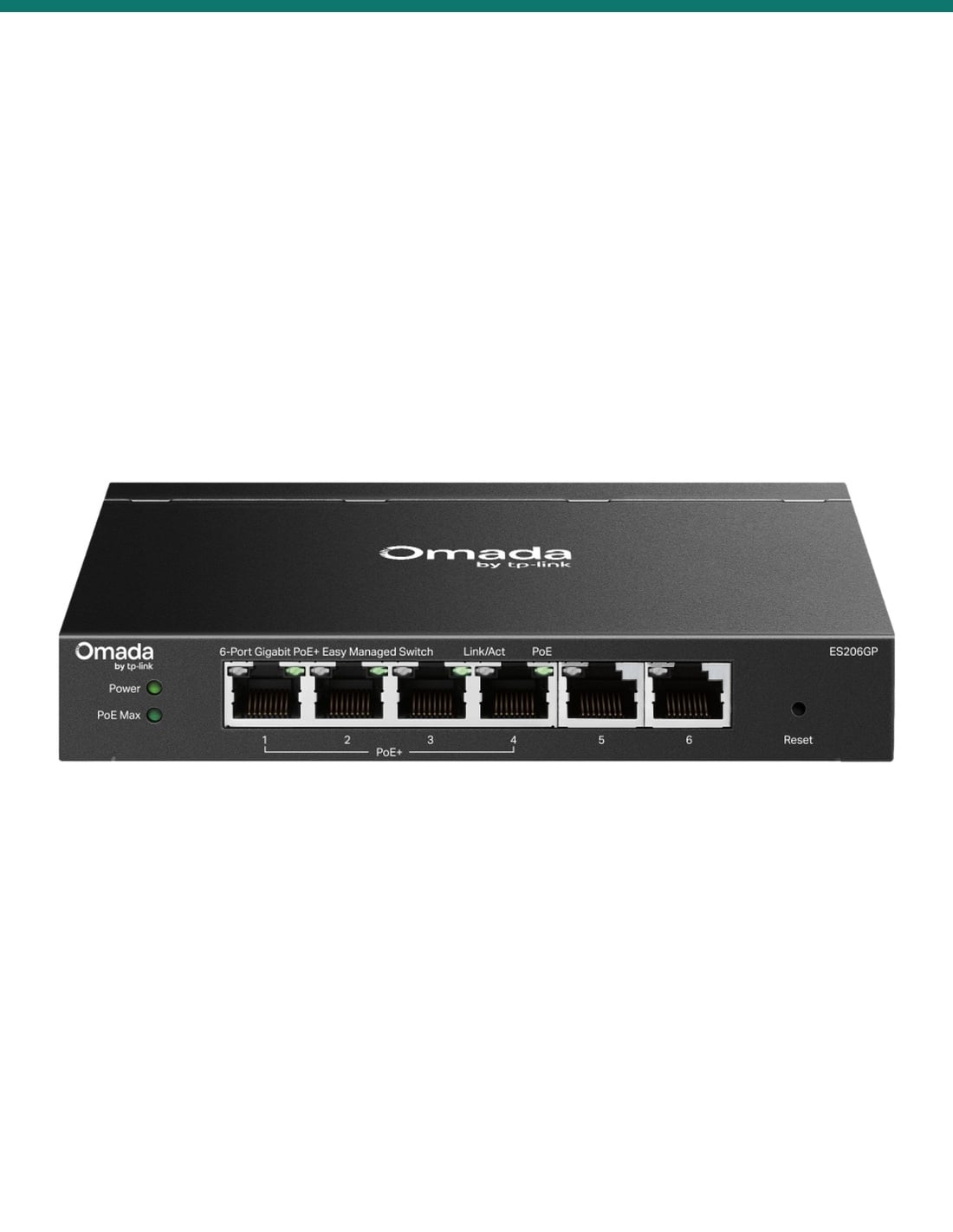
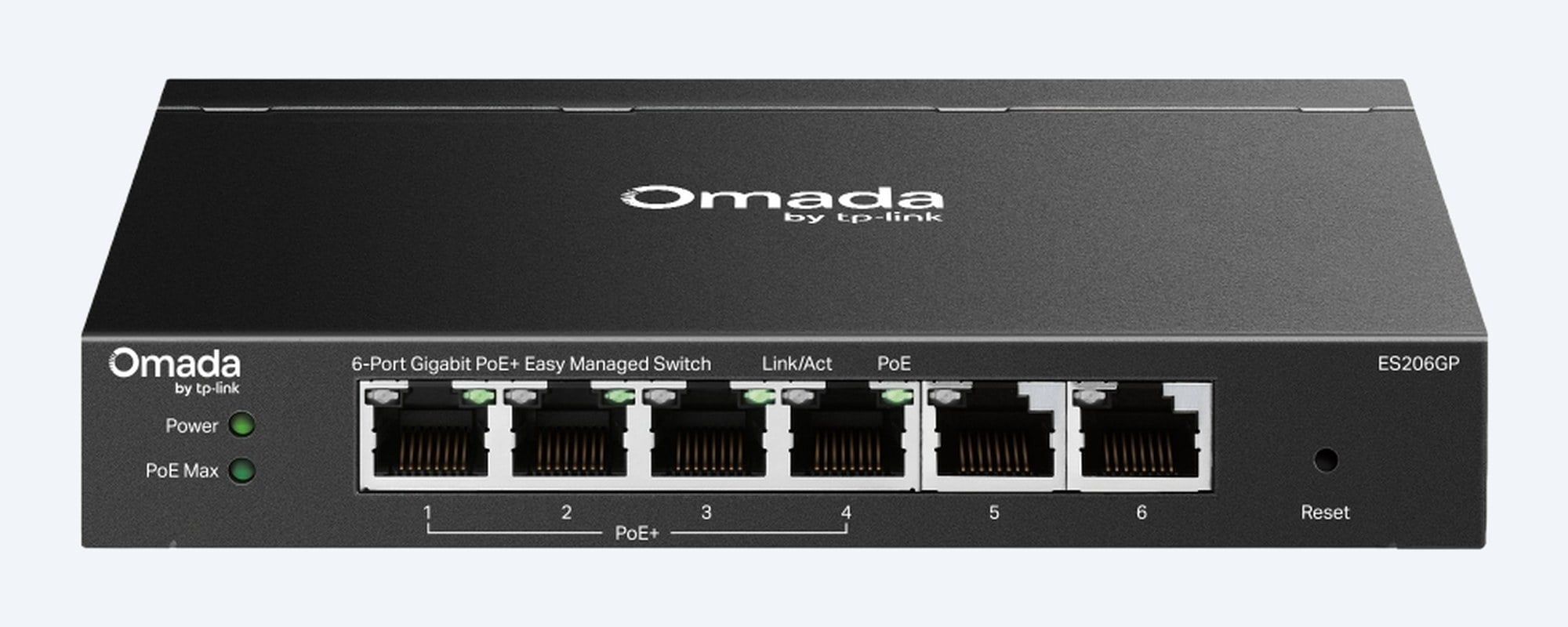
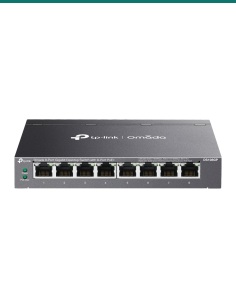
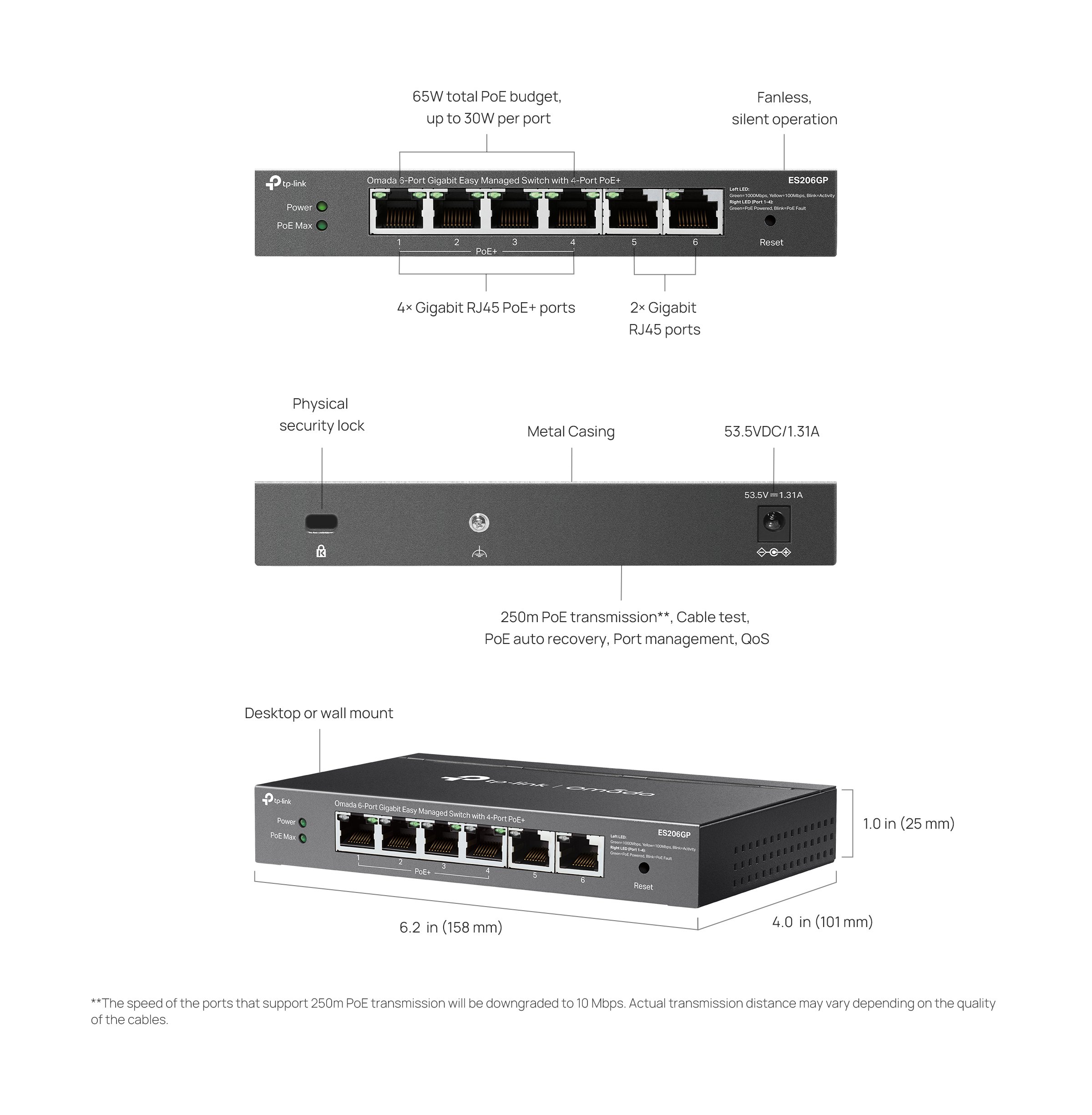
ES206GP front panel with four Gigabit PoE+ ports, two Gigabit ports, the Power and PoE Max lights and the reset pinhole

Front

Ports 1 to 4 PoE+, ports 5 and 6 data.

Six Gigabit RJ45 ports, each with link and PoE lights. The Power and PoE Max lights sit on the left and the reset pinhole on the right.

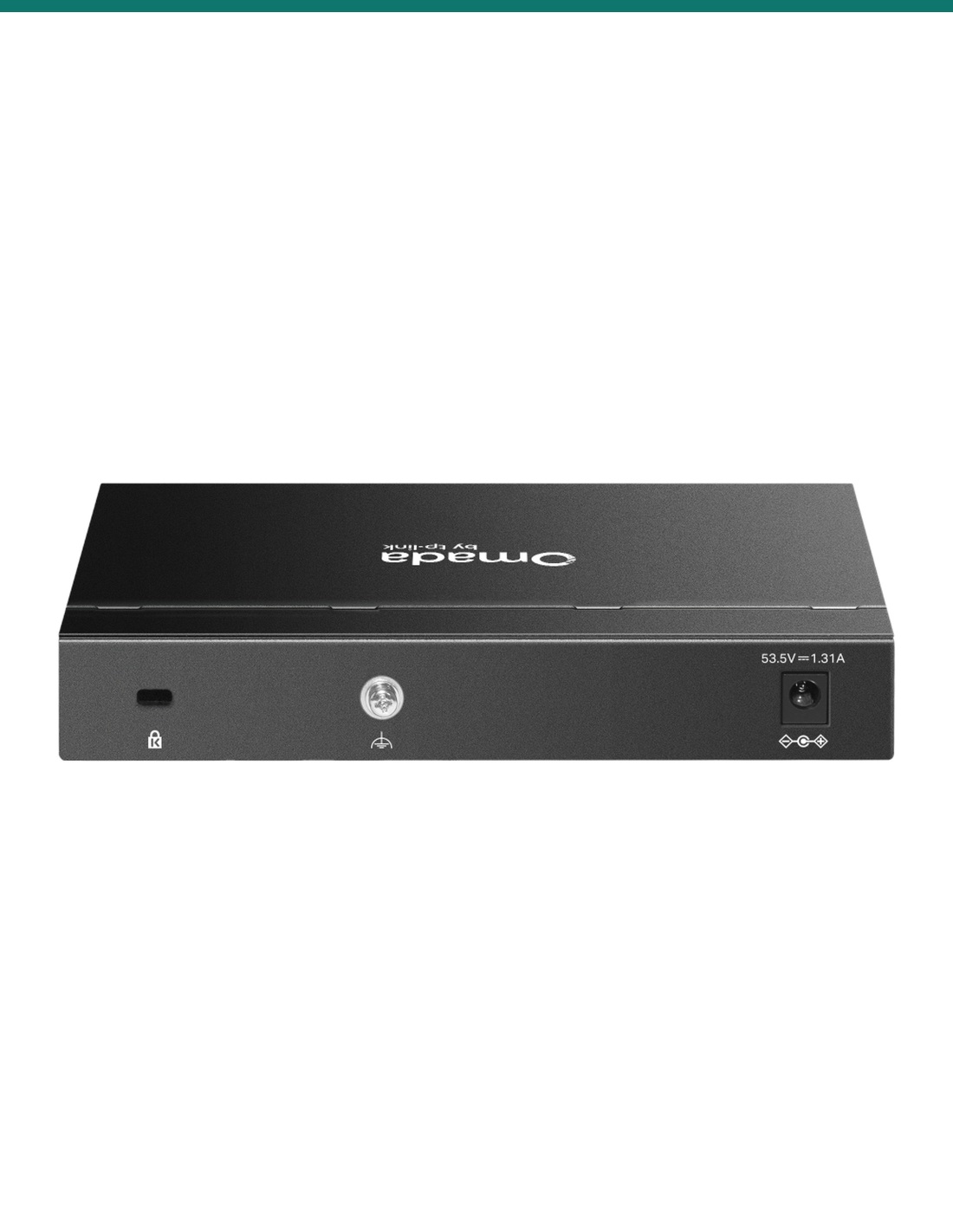
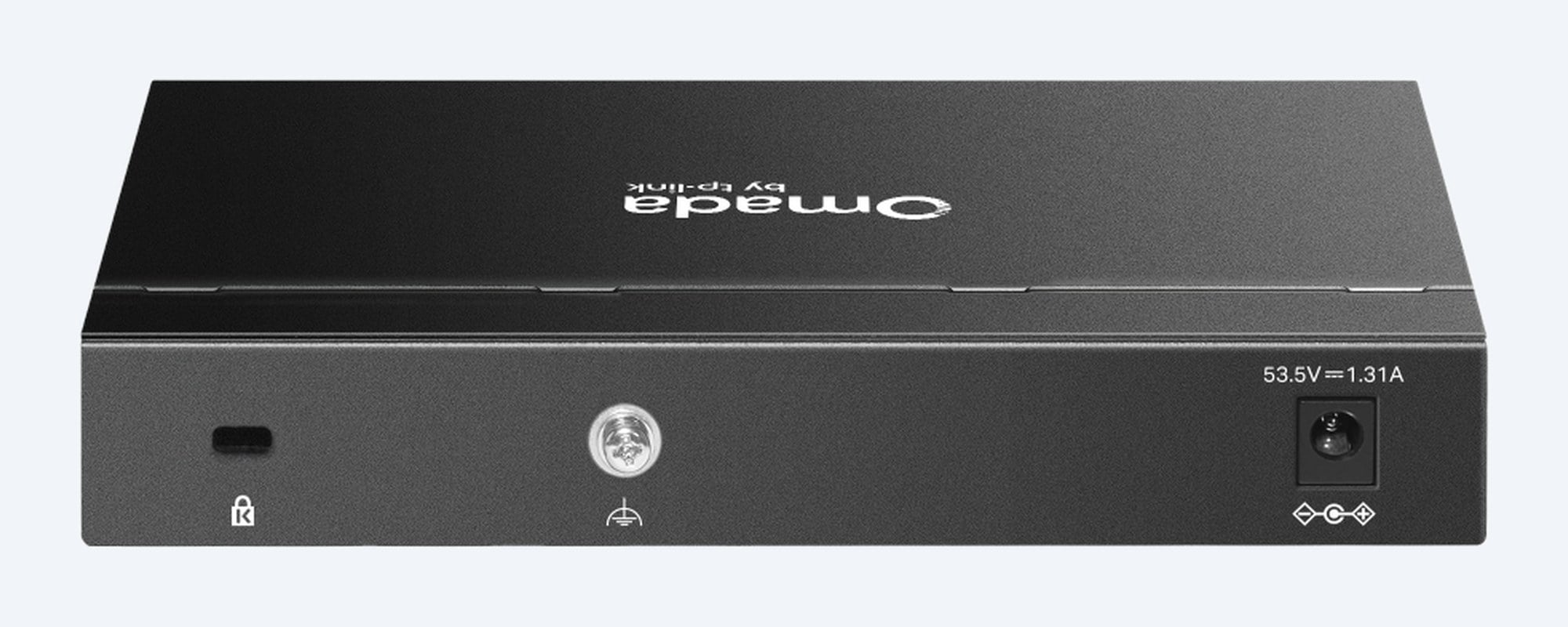
ES206GP rear panel with the security lock slot and the 53.5 V DC power input

Rear

Power and lock at the back.

The 53.5 V DC input for the supplied adapter and a physical security lock slot. All settings are made in software, so there are no switches to set.

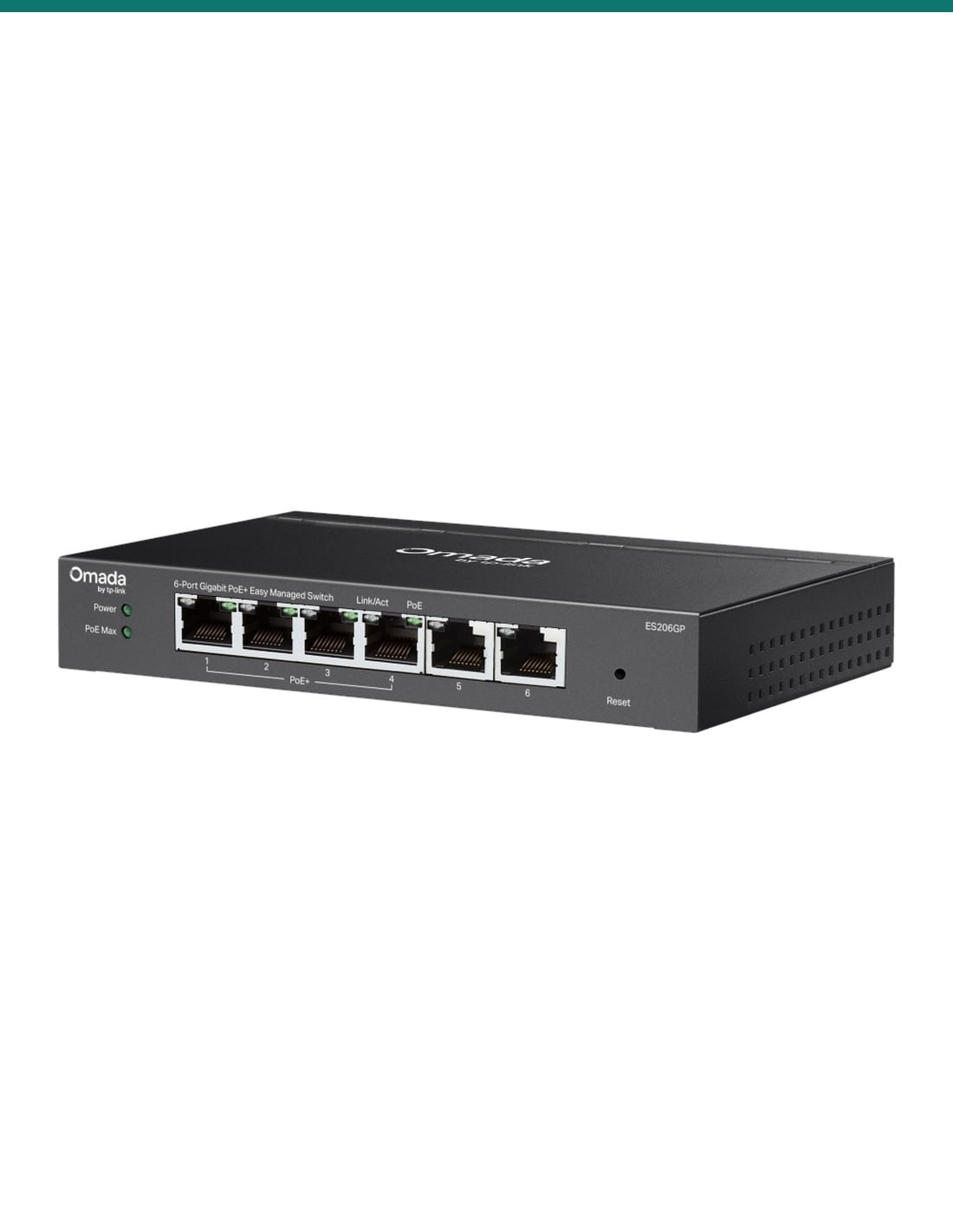
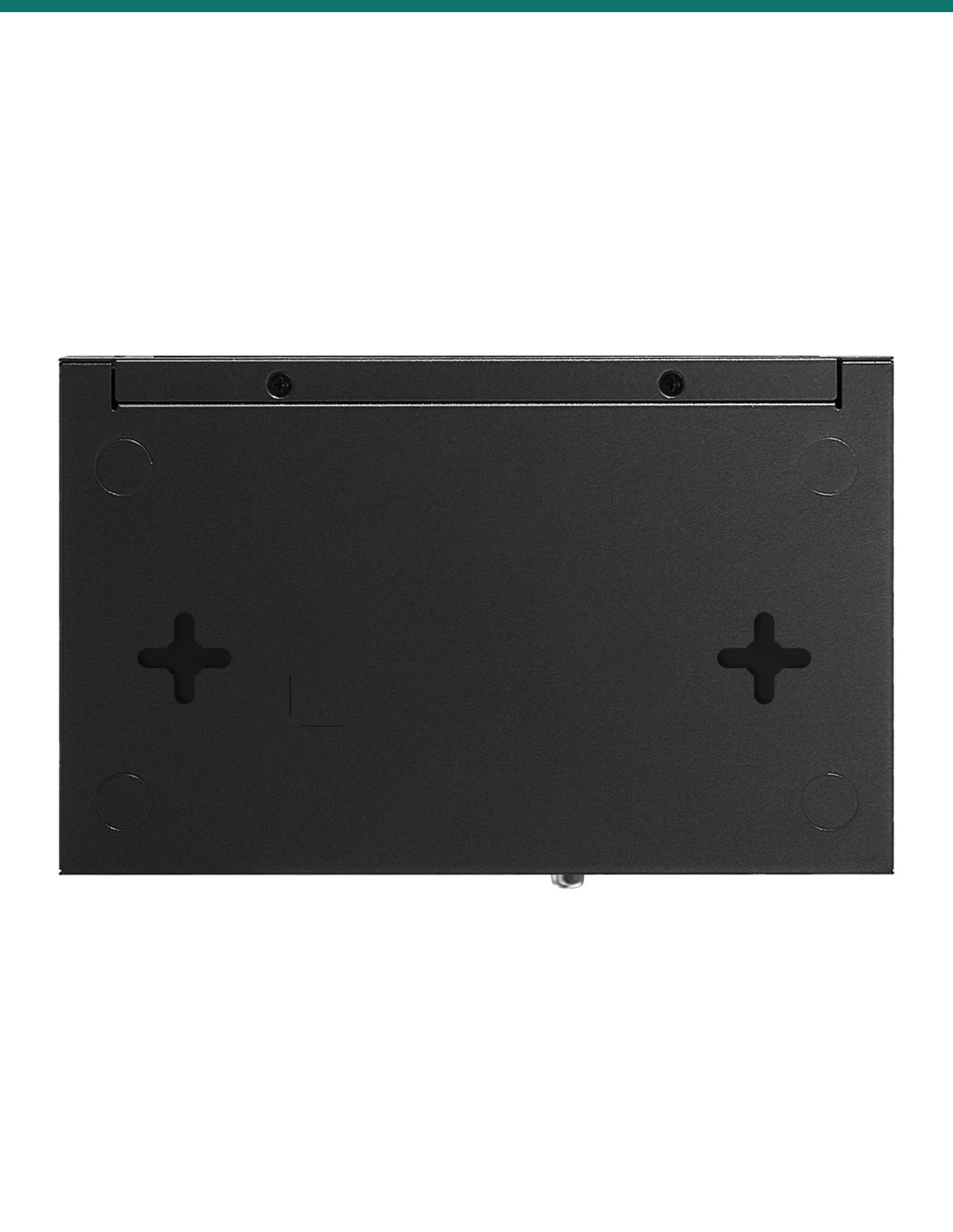
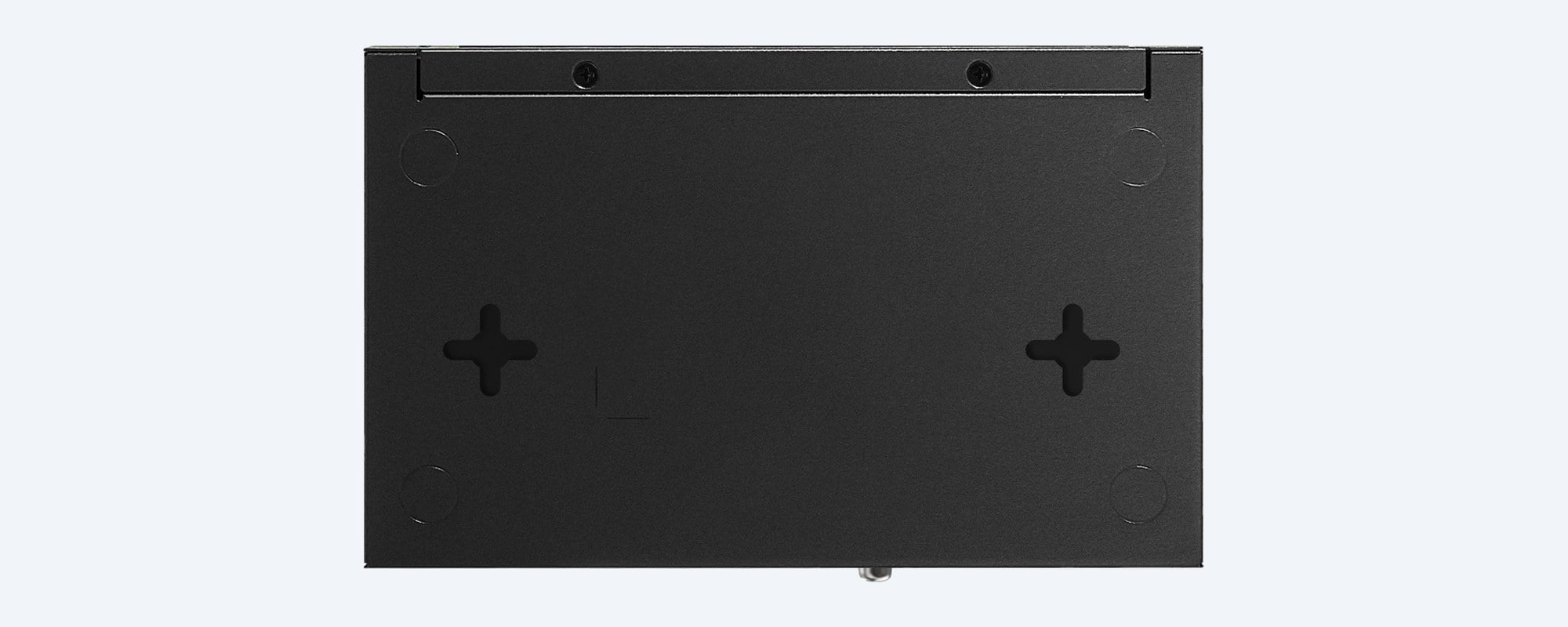
ES206GP underside showing the two wall-mounting slots

Underside

Desk or wall.

The fanless metal case is 158 × 101 × 25 mm and weighs 0.65 kg with the adapter. Fit the mounting feet for a desk, or hang it on two screws using the slots underneath.

How it goes in

From box to managed PoE.

01

Place it

Fit the mounting feet for a desk, or hang it on two screws using the slots underneath. Keep it between -5 °C and 40 °C.

02

Connect power

Connect the power cord to the adapter, plug the adapter into the 53.5 V DC input on the back, then into a power point.

03

Uplink and connect devices

Run port 5 or 6 to your router or main switch, then plug cameras, access points or phones into PoE+ ports 1 to 4.

04

Manage it if you want to

It works straight away. To set VLANs, QoS or port isolation, open its web page, or adopt it in an Omada controller or the Omada app.

Pair it with

What this switch works with

Cameras

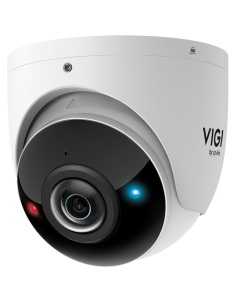
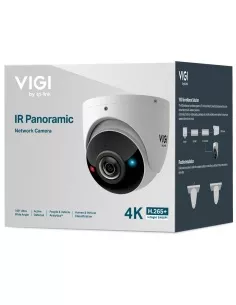
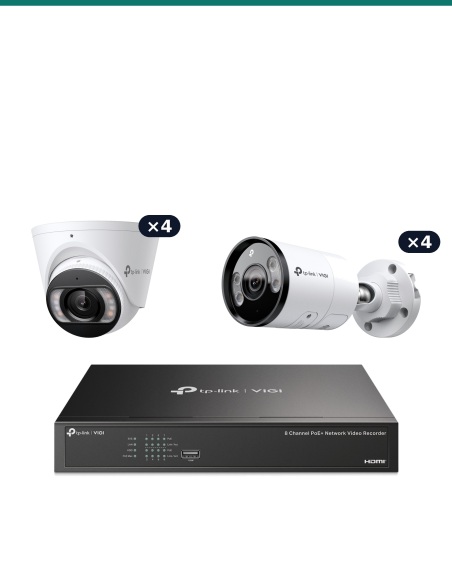
VIGI PoE cameras

Up to four 802.3af/at IP cameras within the 65 W budget. ONVIF is supported in controller mode.

Wi-Fi

Omada access points

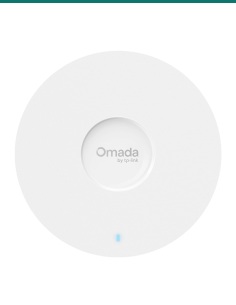
Power them from ports 1 to 4 and manage switch and access points together in one Omada controller.

Management

Omada controller

A hardware controller, the free software controller or Omada cloud, for one site or many.

Cabling

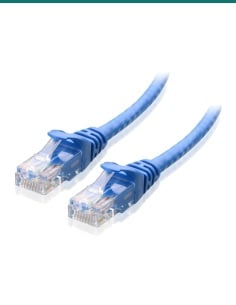
Cat5e or Cat6 cable

One run per device, up to 100 m at Gigabit.

Where it is used

Where a small managed PoE+ switch fits.

Small CCTV systems

Four cameras powered from one box, with port isolation to keep cameras apart.

Small offices

Phones and a ceiling access point on PoE, with a VLAN for voice.

Retail counters

A camera, an access point and the till network kept on separate VLANs.

Omada networks

Managed alongside Omada routers and access points from one controller.

Remote sites

Watch and restart PoE devices from the Omada cloud without a site visit.

Homes with Wi-Fi mesh

Power ceiling access points and keep guest devices on their own VLAN.

ES206GP or ES208GP

ES206GP (this switch)ES208GP
Gigabit ports68
PoE+ ports48
PoE per port30 W30 W
Total PoE budget65 W64 W
Switching capacity12 Gbps16 Gbps
Packet forwarding8.93 Mpps11.904 Mpps
Weight with adapter0.65 kg0.69 kg

Each column comes from that model's own TP-Link datasheet (ES206GP V2.0, ES208GP V2.0). Both are Omada Easy Managed switches with the same software features.

Common questions

How much PoE power does the ES206GP have?

65 W in total, shared across the 4 PoE+ ports, with up to 30 W on any one port (802.3af/at).

Which ports have PoE?

Four of the six ports are PoE+. The other two are Gigabit data ports for the uplink or a wired device.

Does it work without setting up?

Yes. It is plug and play. Set it up only if you want VLANs, QoS, port isolation or remote management.

How do I manage it?

On its own web page (HTTP or HTTPS), or adopt it into an Omada hardware, software or cloud-based controller and manage it from the web or the Omada app.

Do I need an Omada controller?

No. A controller is only needed for central cloud management, batch configuration and firmware upgrades, and ONVIF.

Does it support VLANs?

Yes. 802.1Q tag VLANs, up to 32 VLAN groups with VLAN IDs up to 4K.

What is PoE Auto Recovery?

On its own, the switch restarts a PoE device that drops off or stops responding. Under an Omada controller you restart PoE devices manually from the controller.

How far can PoE reach?

Up to 250 m in long-range mode, with the port speed dropping to 10 Mbps. Normal Gigabit runs are up to 100 m.

Will it power four cameras?

Yes, if their combined maximum power is 65 W or less, with no more than 30 W on any port. Check each camera's datasheet.

Is it noisy?

No. It is fanless.

Can it be wall mounted?

Yes. It sits on a desk on the mounting feet or hangs on two screws using the slots underneath.

What is the difference from the ES208GP?

The ES208GP has 8 ports, all PoE+, and a 64 W budget. The ES206GP has 4 PoE+ ports plus 2 data ports and a 65 W budget.

Supported by InFront Technologies.

Help with the PoE budget, VLANs or adding the switch to an Omada controller: call 1300 736 970 or email [email protected]. The TP-Link datasheet is on the Attachments tab. 3-year TP-Link Australia warranty: contact us first and we will look after the claim.
Installation and safety

Power. The switch runs from its 53.5 V DC adapter, which plugs into a normal 100–240 V power point with the supplied cord. A new power point needs a licensed electrician.

Cabling. Concealed or fixed data cabling to cameras, access points and wall outlets is customer cabling under AS/CA S009 and needs an ACMA-registered cabler.

Ventilation. It is fanless, so leave space around it and keep it between -5 °C and 40 °C.

What it does not do. No SFP fibre port, no 802.3bt PoE++, no Layer 3 routing and no rack mounting.

Figures. From TP-Link's ES206GP datasheet (hardware version V2.0) and TP-Link Australia's product page. The PoE budget is TP-Link's lab figure and real results vary with the devices connected.

TP-Link Omada ES206GP Switch

TP-Link Omada ES206GP Switch

INFRONTTECH Promotional Banner INFRONTTECH Promotional Banner INFRONTTECH Promotional Banner

Need help choosing?

Tell us about your property and we'll recommend the right cameras and recorder.

07 5609 4910

Sydney 02 8814 6008
[email protected]

Mon–Fri, 9am–5pm AEST

Saved to your wishlist Find it any time in your account. View list