There are no more items in your cart
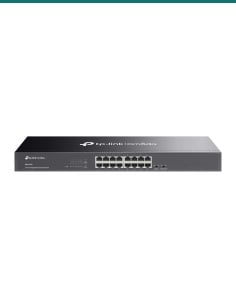
In Stock - Ready to Ship


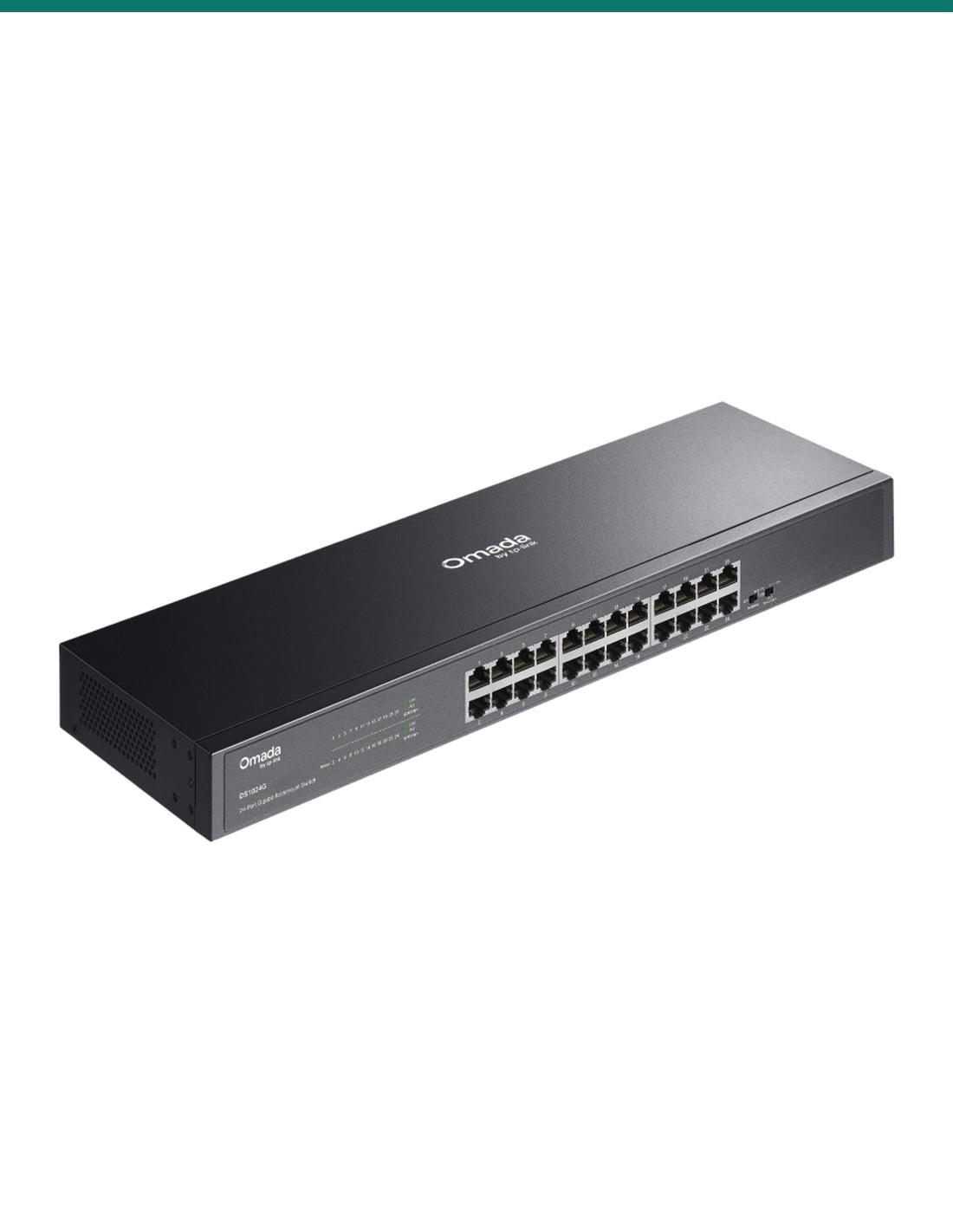
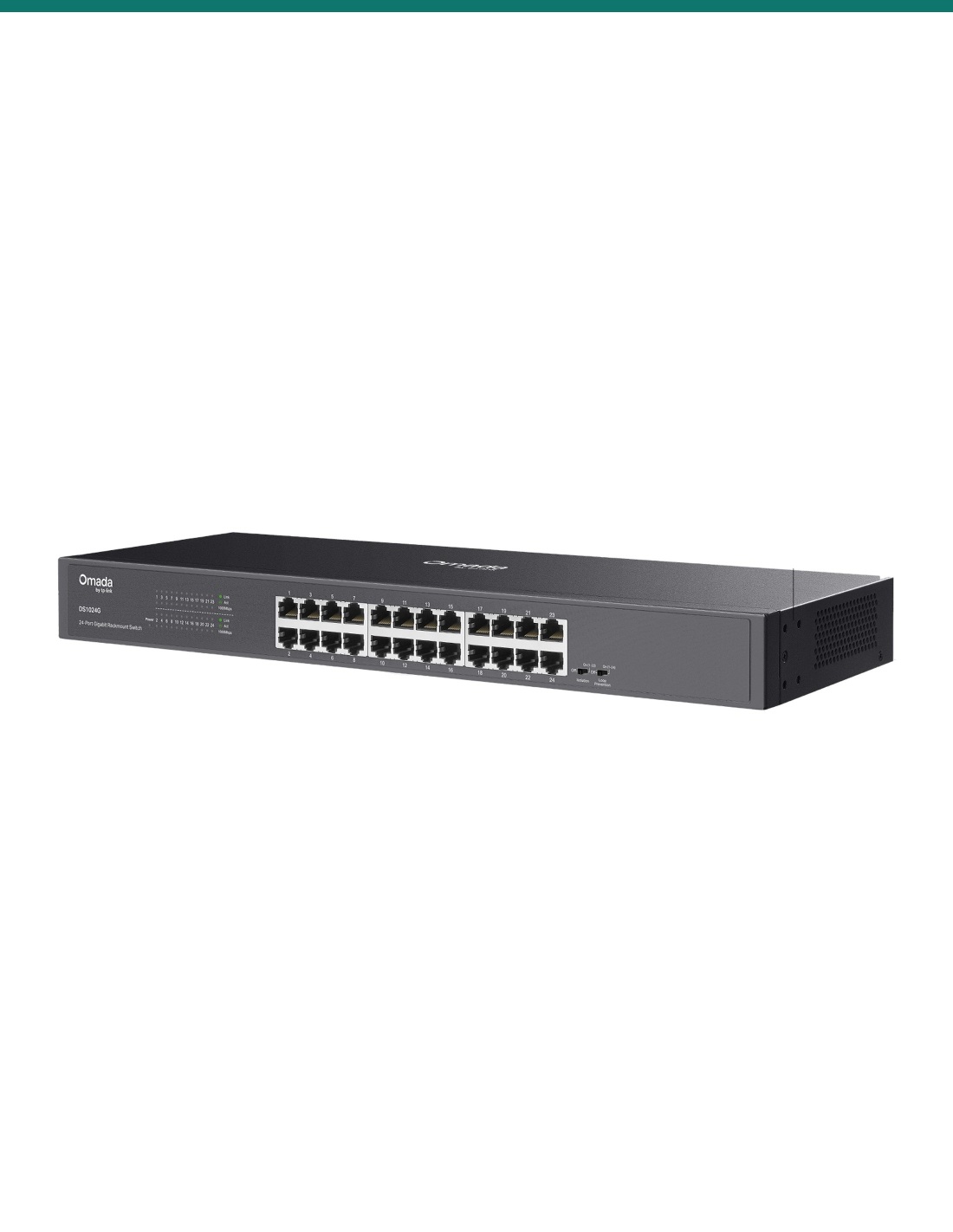
TP-Link Omada DS1024G: a fanless, plug-and-play 24-port gigabit switch in a 19-inch rackmount steel case, with Isolation and Loop Prevention switches.
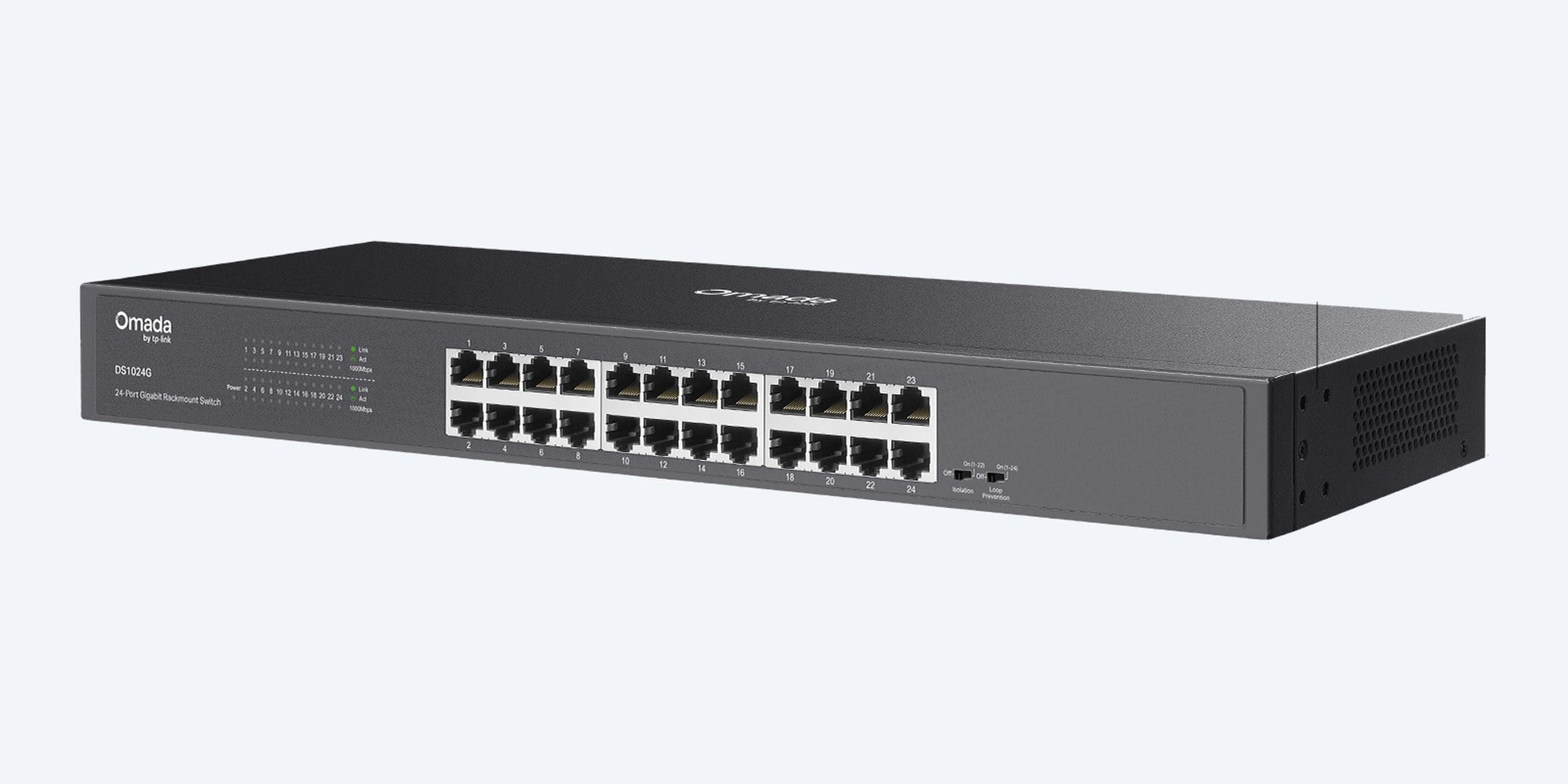
The DS1024G is a silent 19-inch rackmount switch with 24 gigabit ports, a built-in power supply and two front switches for port isolation and loop prevention.
In one sentence: the TP-Link Omada DS1024G is a fanless 24-port unmanaged gigabit rackmount switch with 48 Gbps switching capacity, Isolation mode, Loop Prevention, 802.1p/DSCP QoS and a built-in 100–240 V AC power supply in a 19-inch steel case.
Switch only. Patch leads and the devices you connect are separate.
This switch has no PoE: it does not power cameras or access points. The power supply is built in.
Plug it in and every port runs at up to 1000 Mbps with auto MDI/MDIX, so any patch lead works. Isolation mode keeps ports 1 to 22 apart while they still reach ports 23 and 24, and Loop Prevention looks for a cable plugged back into the network by mistake.
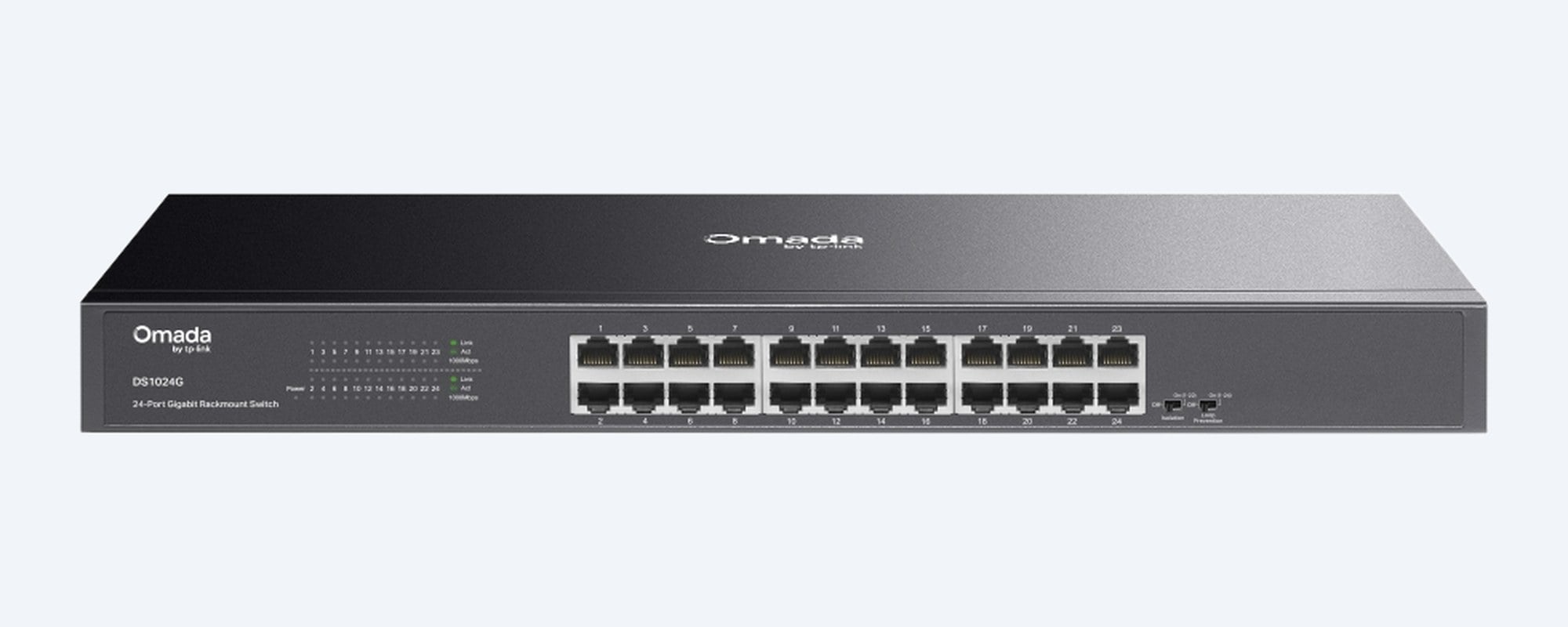
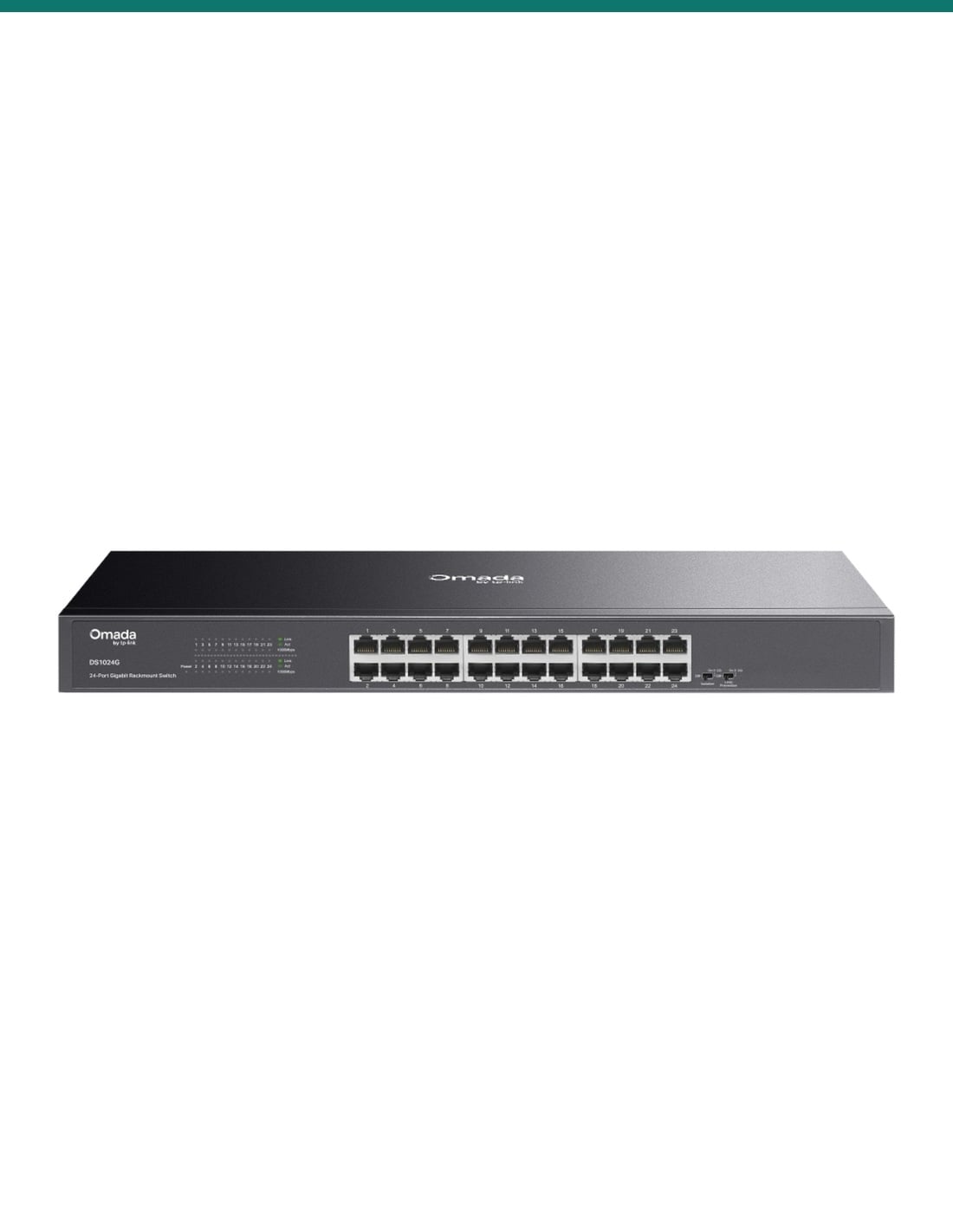
Front panel
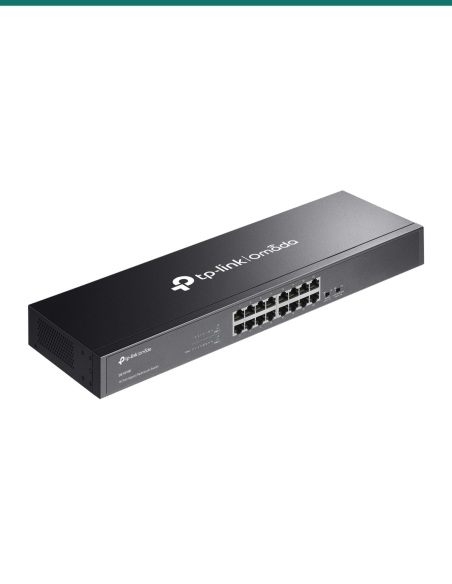
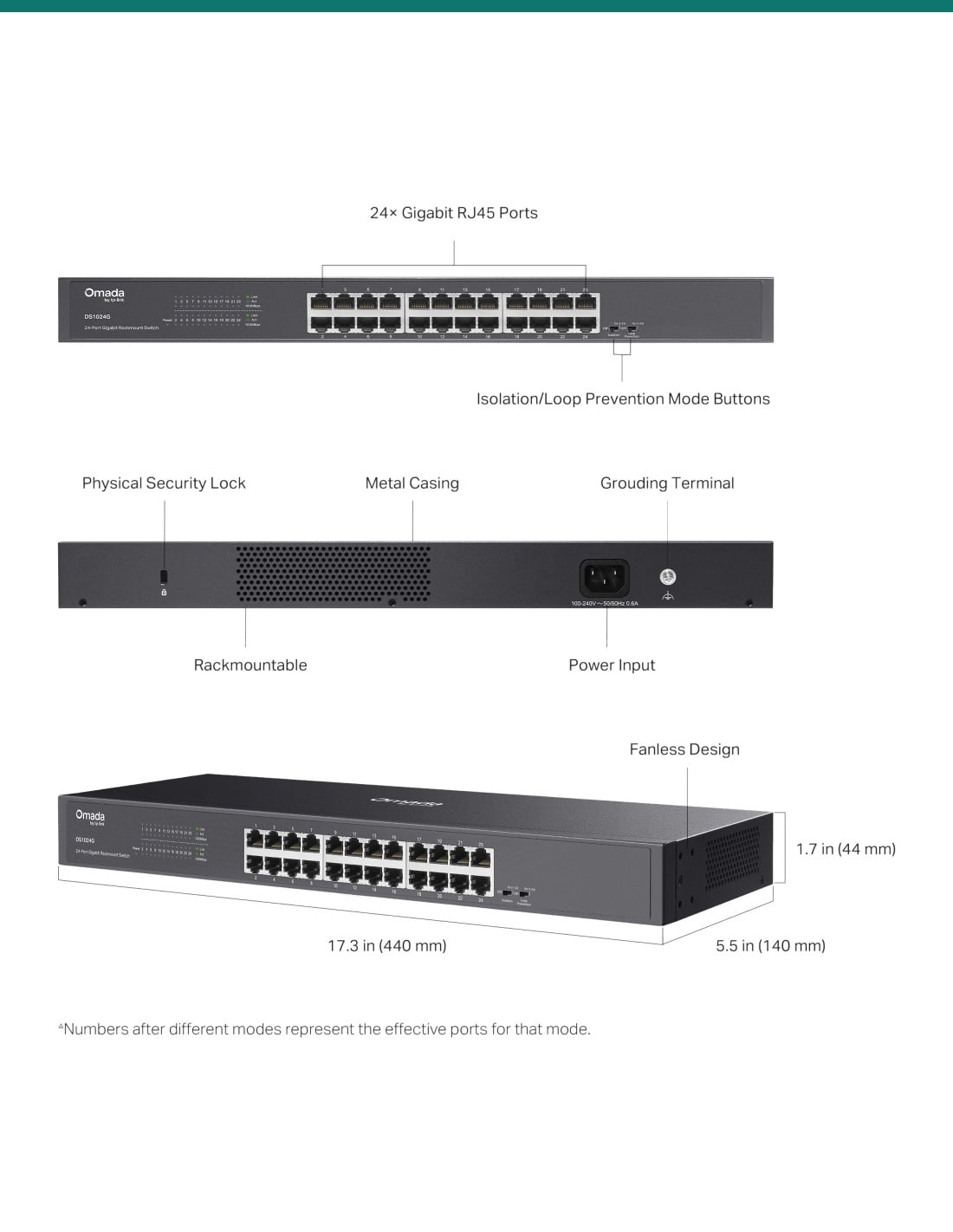
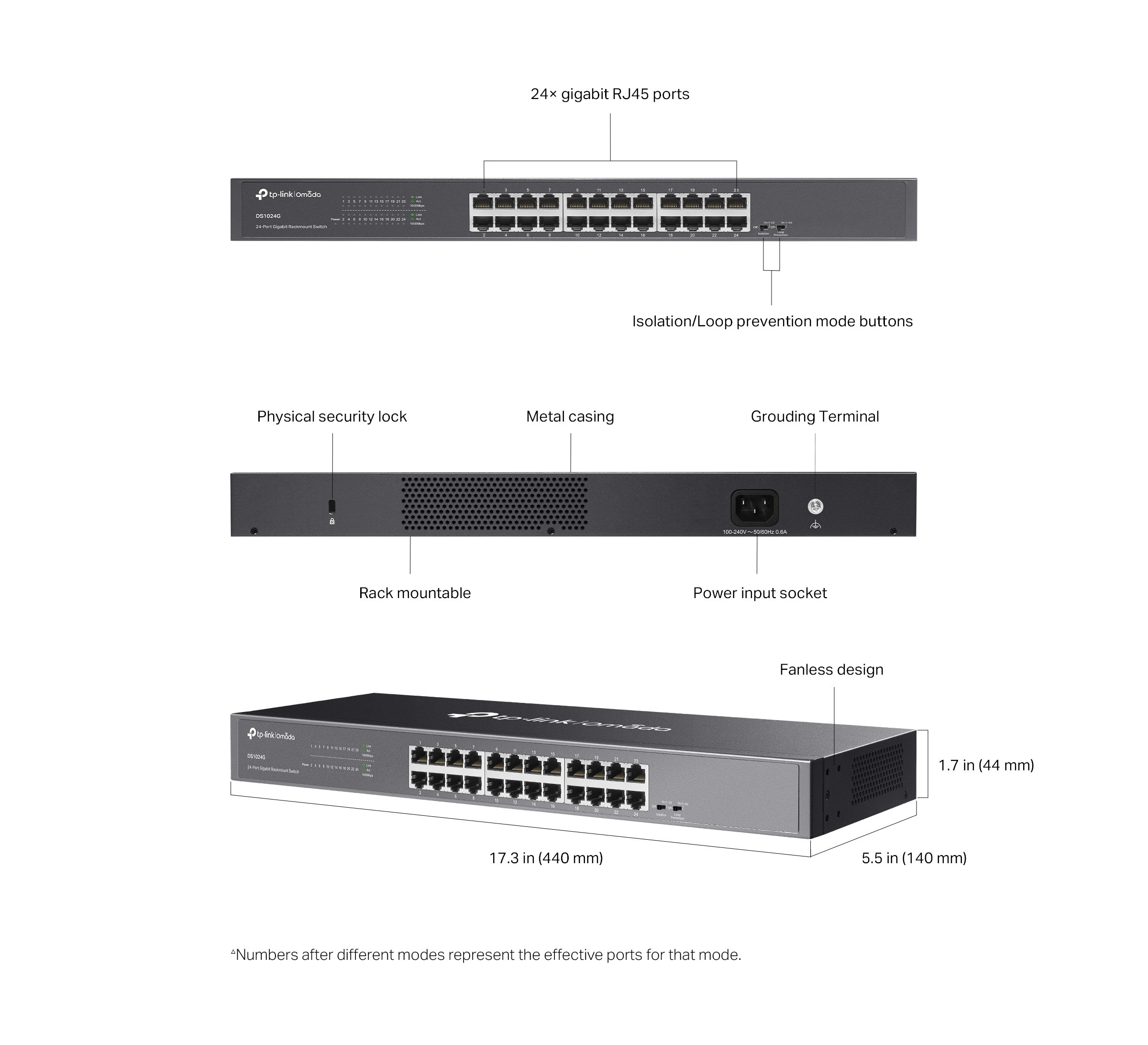
Ports 1 to 24 are 10/100/1000 Mbps RJ45. On the right, one switch turns on Isolation (ports 1 to 22) and the other turns on Loop Prevention (ports 1 to 24). The lights show power, link and speed for each port.
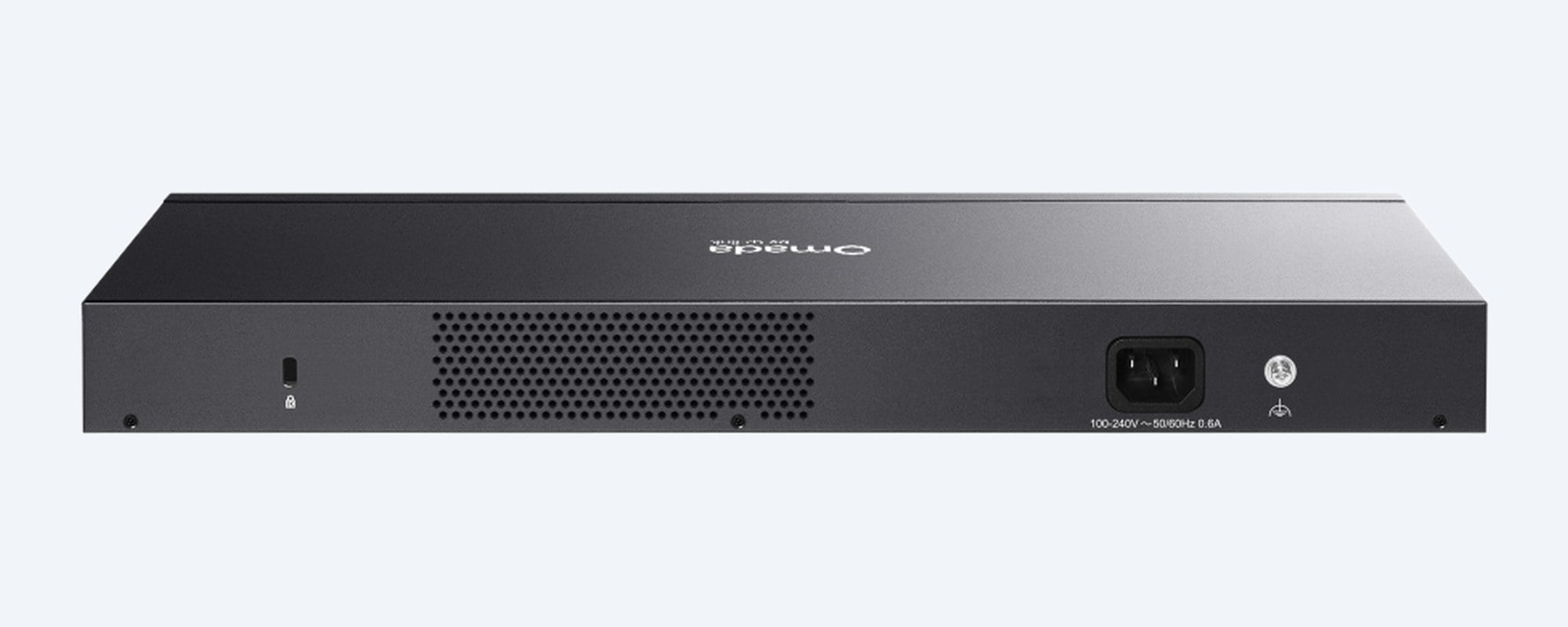
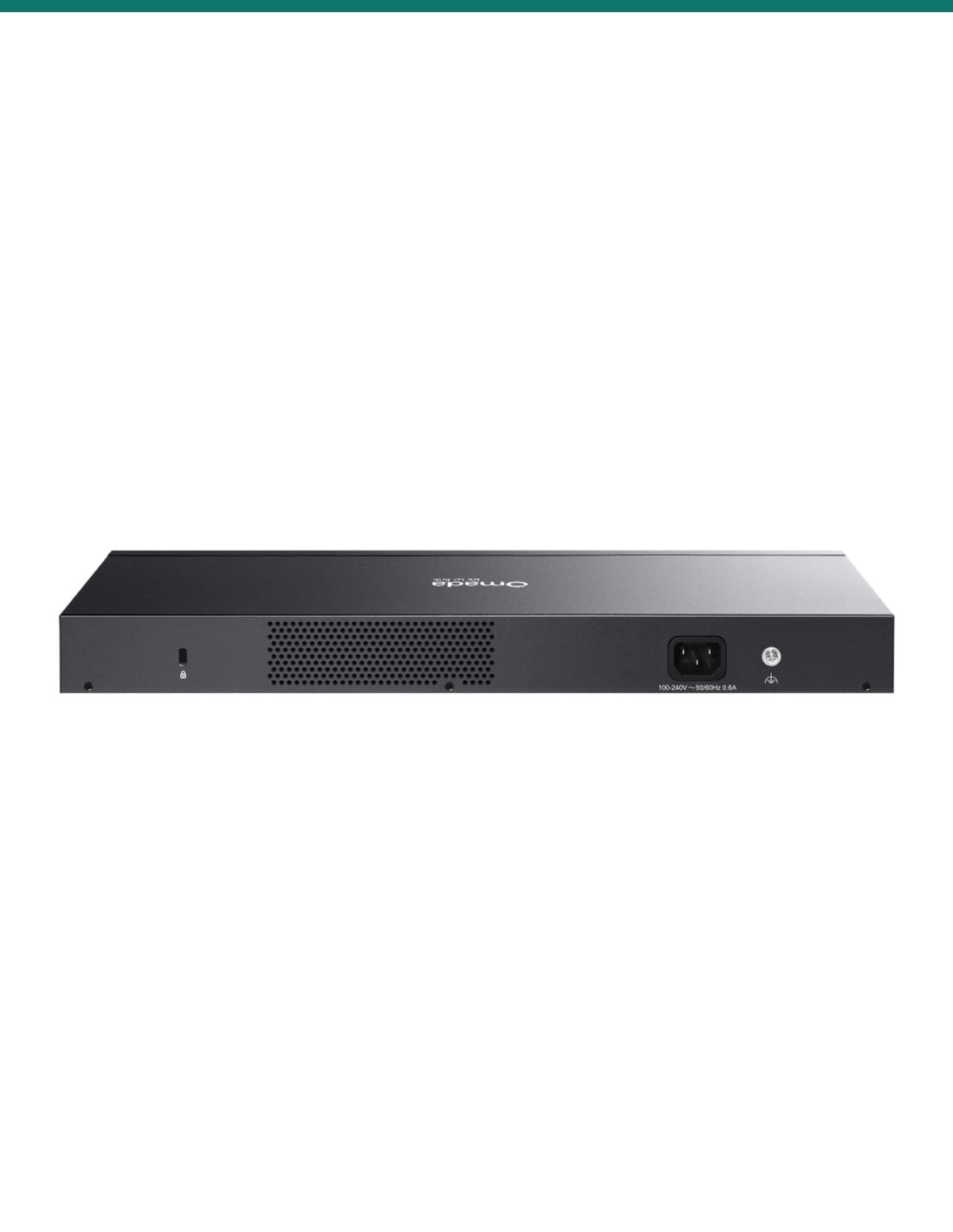
Rear panel
A standard AC socket for the supplied cord (100–240 V, 50/60 Hz), a grounding terminal and a Kensington security slot. The steel case is fanless, so the switch is silent.
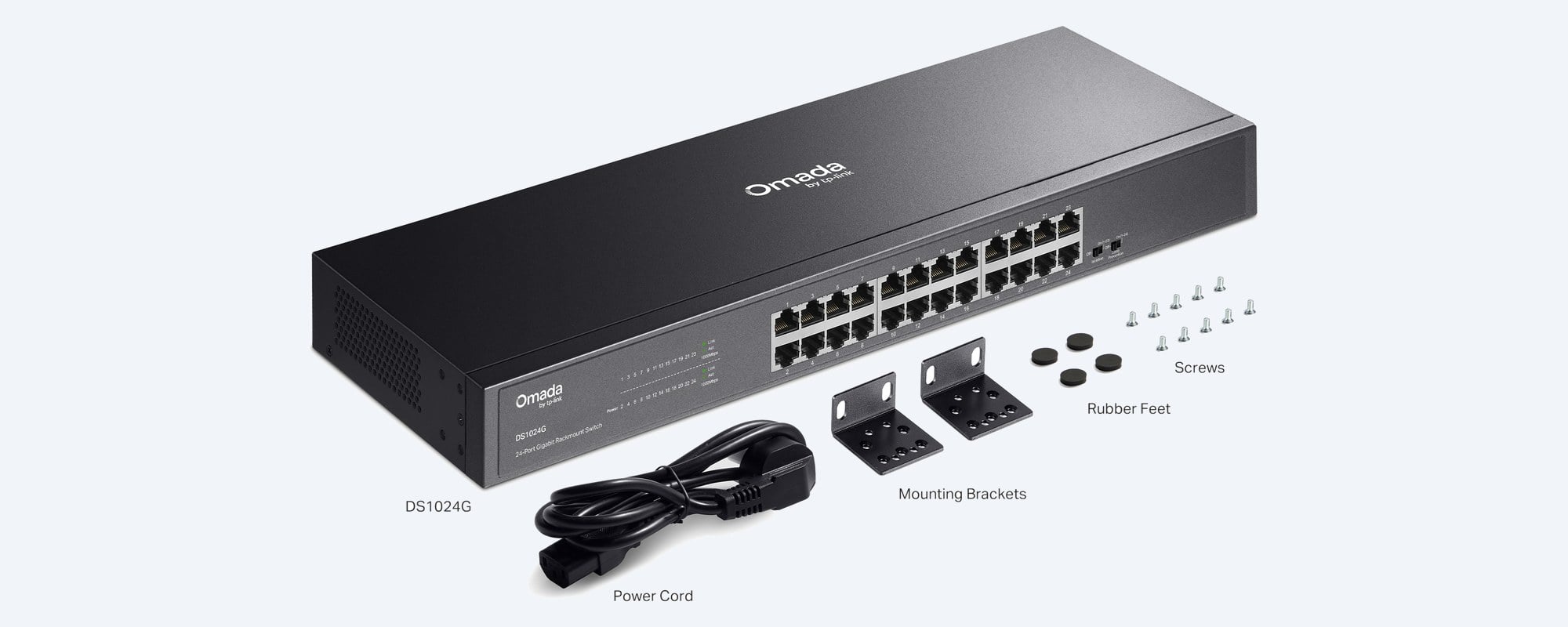
In the box
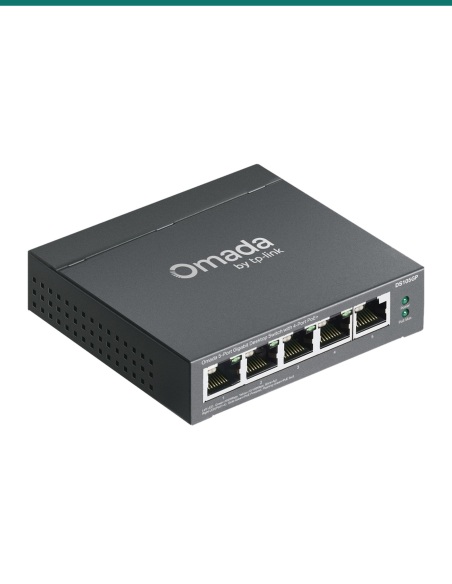
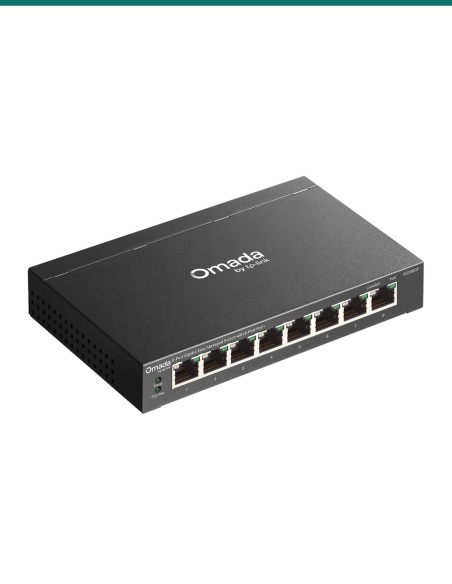
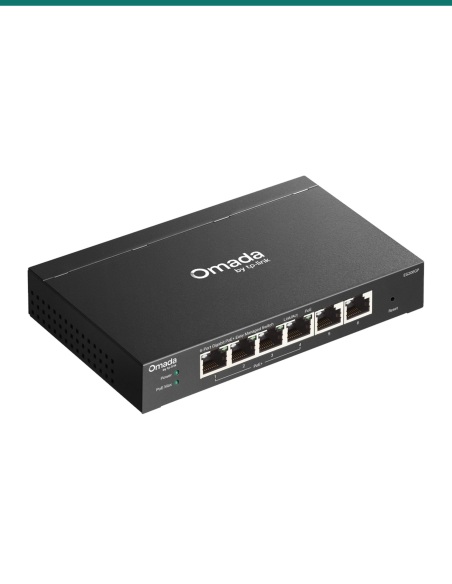
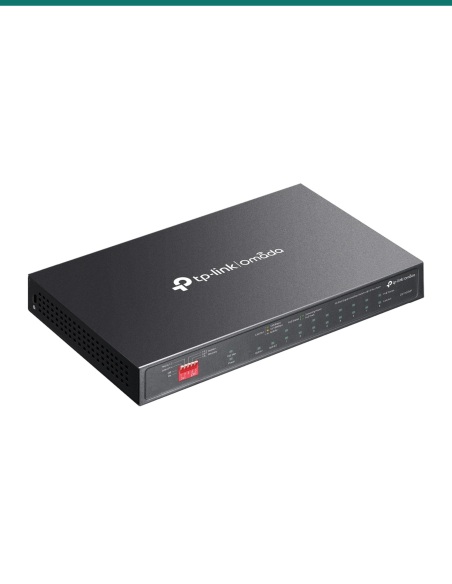
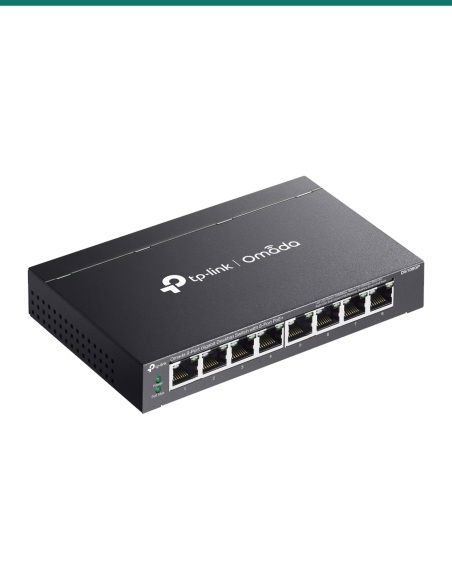
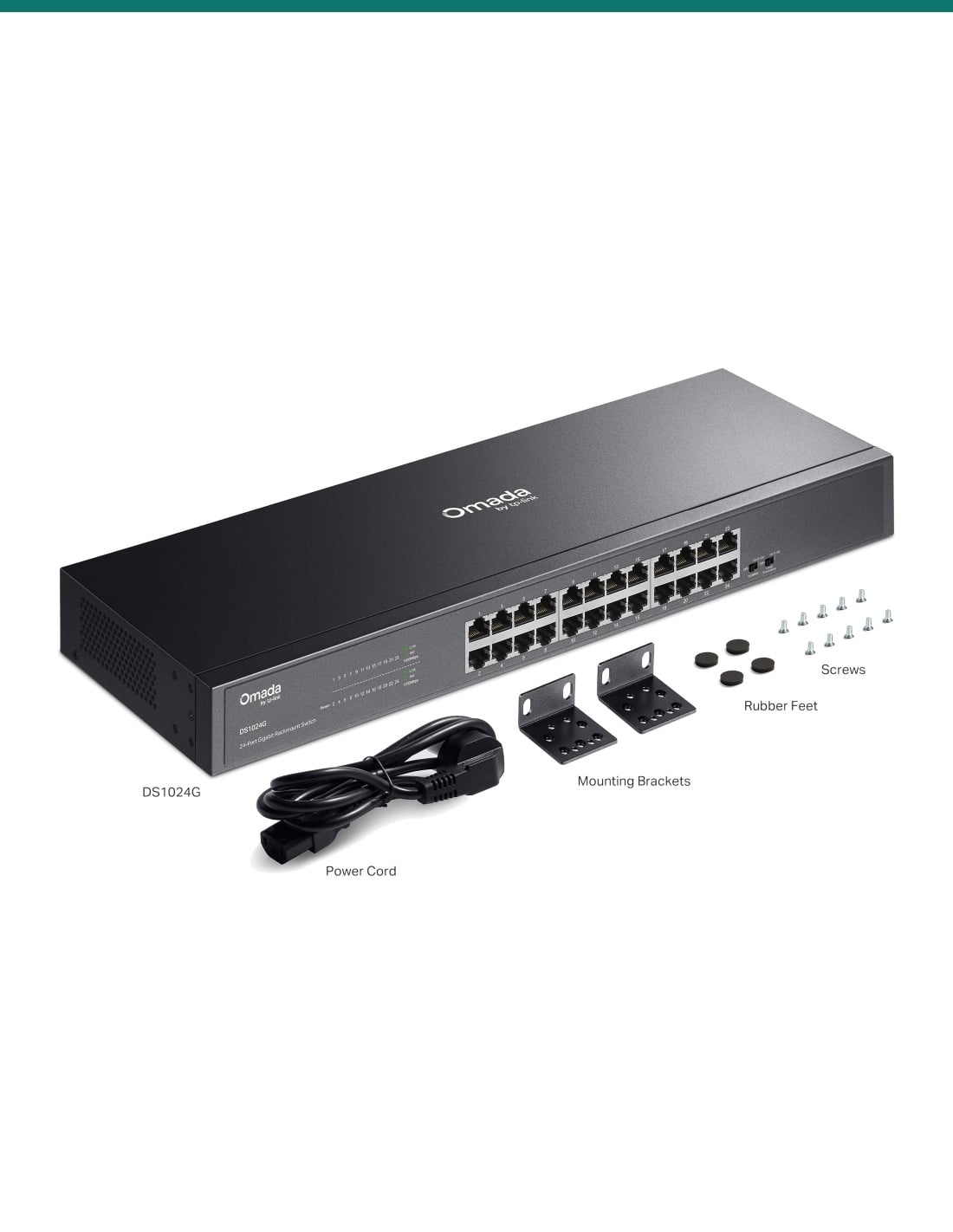
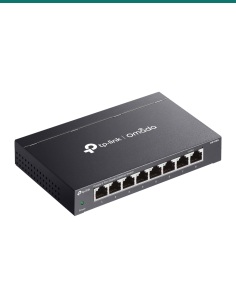
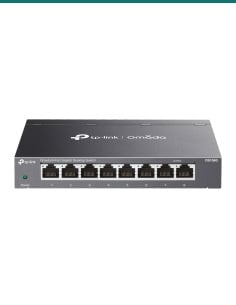
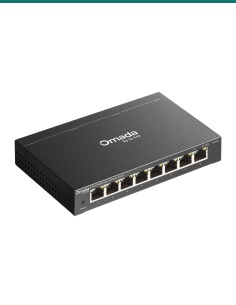
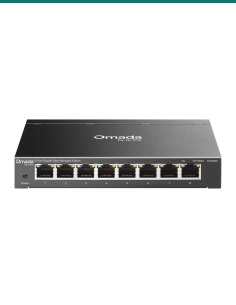
TP-Link packs the power cord, two rack brackets with screws and rubber feet. The case is 440 × 140 × 44 mm. Our photos show the current TP-Link housing with the Omada by TP-Link logo; earlier units carry a TP-Link | Omada logo and are the same switch.
How it goes in
01
Screw the brackets to the sides and fix it in a 19-inch rack, or fit the rubber feet for a shelf. Keep the vents clear.
02
Leave Isolation and Loop Prevention off for a normal network, or turn them on as needed before you connect.
03
Patch the router or core switch into a port (use 23 or 24 if Isolation is on), then patch in computers, printers and other devices.
04
Earth the grounding terminal if your rack is earthed, plug in the power cord and check the Power and port lights.
At a glance
Show specs
Ports
24 × 10/100/1000 Mbps RJ45, auto-negotiation and auto MDI/MDIX
PoE
None
Switching capacity
48 Gbps; 35.7 Mpps forwarding; store and forward
MAC address table
8K
Jumbo frames
10 KB
Isolation Mode
Ports 1–22 (ports 23–24 stay open as uplinks)
Loop Prevention
Ports 1–24
Other features
802.1p/DSCP QoS, Green Ethernet
Standards
IEEE 802.3i, 802.3u, 802.3ab, 802.3x
Network media
10BASE-T Cat3/4/5; 100BASE-TX and 1000BASE-T Cat5, Cat5e or better; 100 m
Management
Unmanaged, plug and play; not managed by Omada SDN
Power supply
Built in, 100–240 V AC, 50/60 Hz
Power use
13.62 W maximum; 46.44 BTU/h
Cooling
Fanless
Size and mounting
440 × 140 × 44 mm; 19-inch rack or desktop
Security
Kensington security slot (lock not included)
Operating range
0 °C to 40 °C; 10% to 90% RH non-condensing
Certification
CE, FCC, RoHS
Warranty
3 years, TP-Link Australia
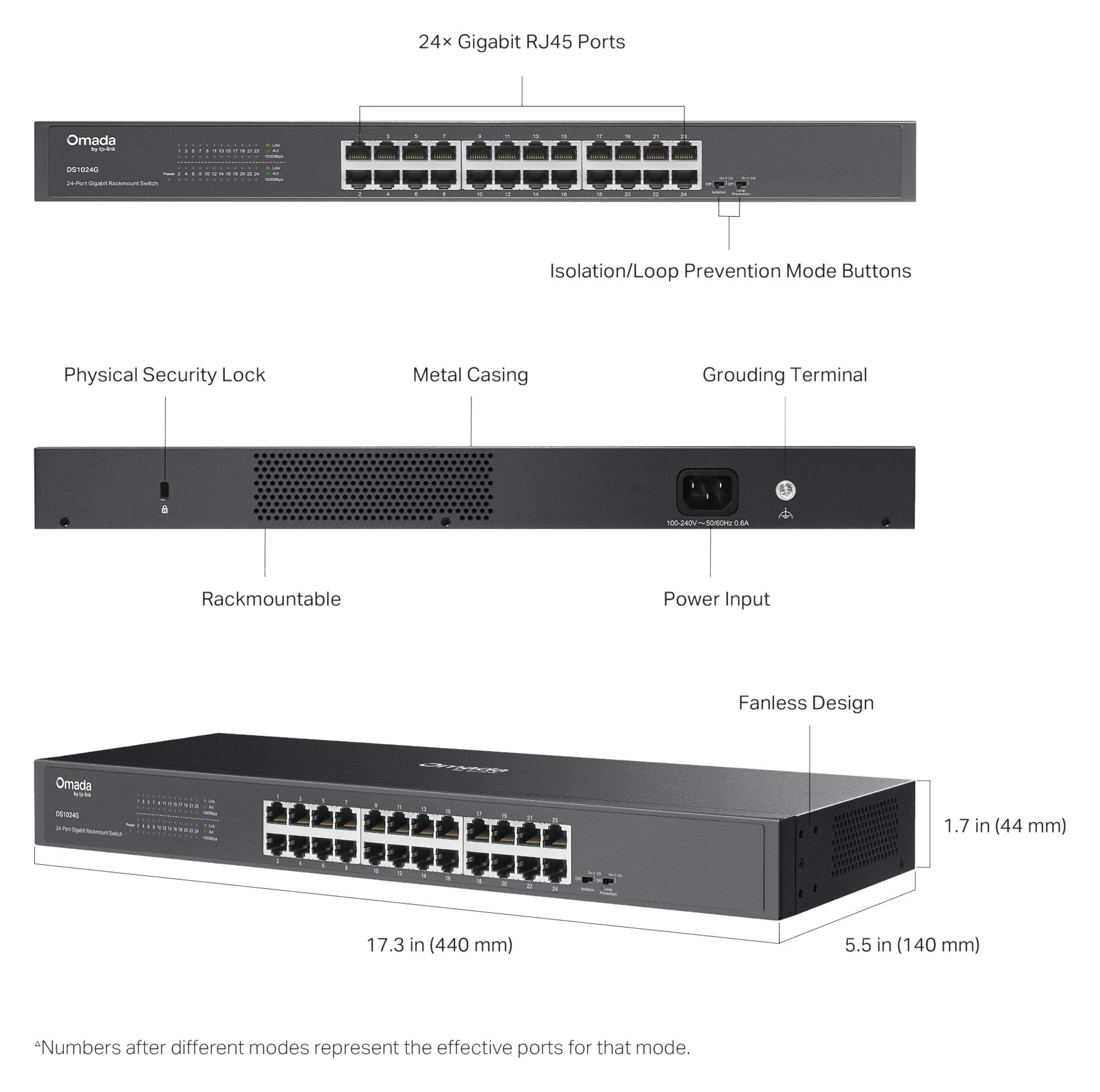
TP-Link's DS1024G drawing: 24 ports, mode switches, rear power socket, 440 × 140 × 44 mm.
Pair it with
Power over Ethernet
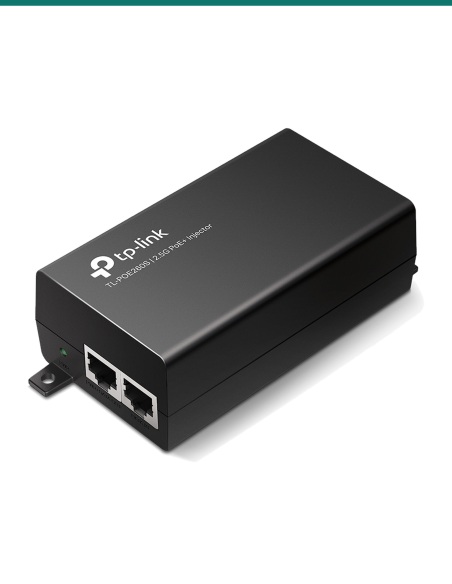
The DS1024G has no PoE. For cameras or access points, add a PoE switch such as the DS1018GMP.
Smaller site
The same switch with 16 gigabit ports, if 24 is more than you need.
Cabling
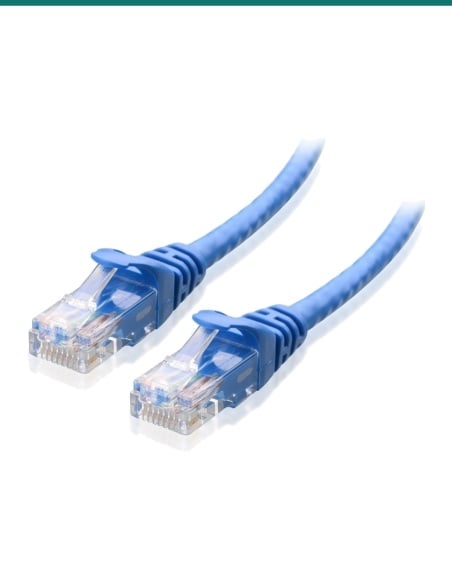
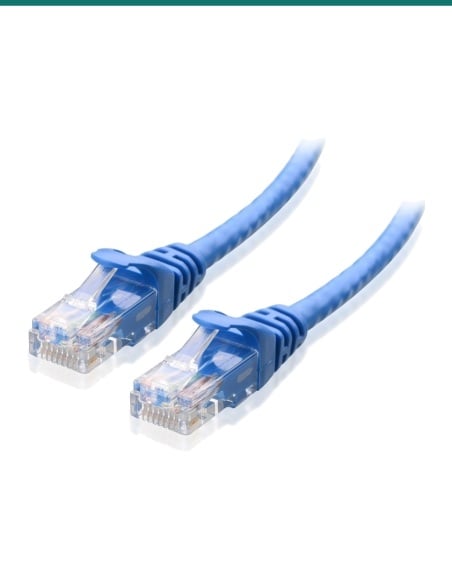
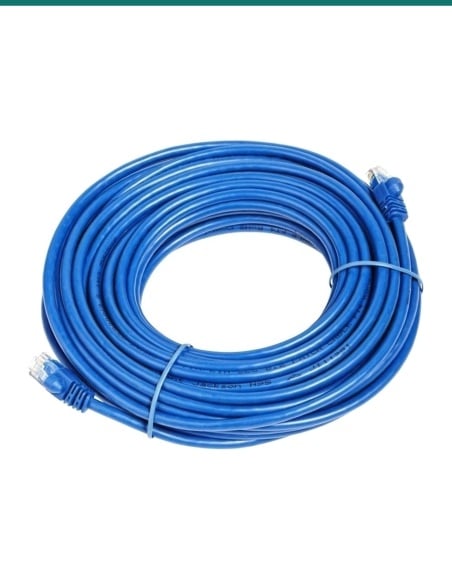
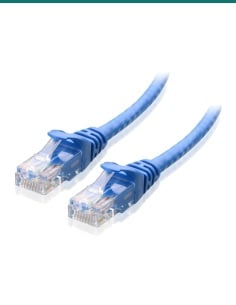
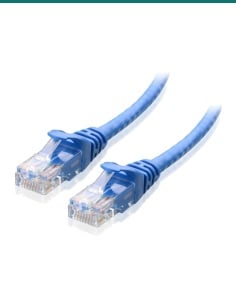
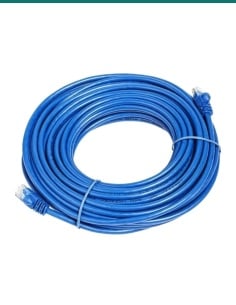
Short leads from the patch panel to the switch, up to 100 m per run.
Cabinet
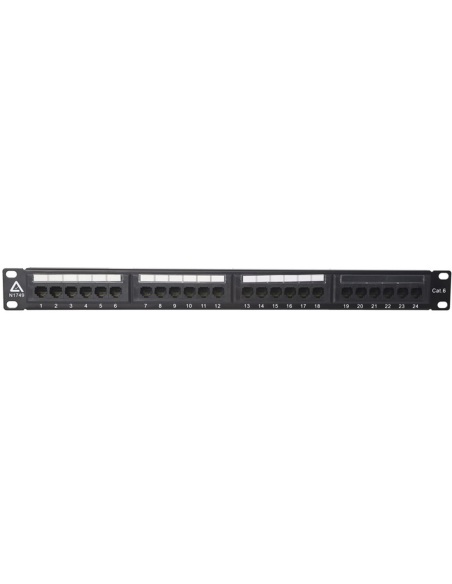
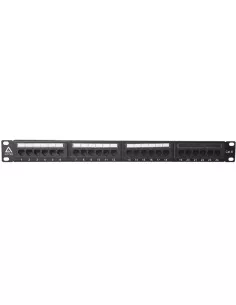
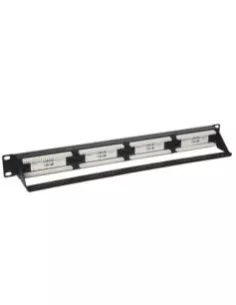
The brackets are in the box. Add a 24-port patch panel and cable management for a tidy install.
Where it is used
Desks, printers and servers patched into one silent rack unit.
Pairs with a 24-port patch panel, one port per outlet.
Every wired room, TV and access point uplink back to the cupboard.
Isolation keeps tenants' ports apart while they share the internet uplink.
A room of wired computers, with Loop Prevention guarding against stray cables.
Point-of-sale, printers and workstations on a plug-and-play switch.
| DS1024G (this switch) | DS1016G | |
|---|---|---|
| Gigabit ports | 24 | 16 |
| Switching capacity | 48 Gbps | 32 Gbps |
| Forwarding rate | 35.7 Mpps | 23.8 Mpps |
| Isolation Mode | Ports 1–22 | Ports 1–14 |
| Loop Prevention | Ports 1–24 | Ports 1–16 |
| Maximum power use | 13.62 W | 10.68 W |
| Size | 440 × 140 × 44 mm | 440 × 140 × 44 mm |
From TP-Link's DS1024G and DS1016G datasheets (V1.20). Both are fanless, unmanaged and have a built-in power supply.
24 gigabit RJ45 ports, each running at 10, 100 or 1000 Mbps with auto MDI/MDIX.
No. It does not power cameras or access points. For that, choose a PoE switch such as the DS1018GMP.
No. It is plug and play with no web page or VLAN setup, and it is not managed by Omada SDN.
Ports 1 to 22 can no longer talk to each other, only to ports 23 and 24. Plug your router into 23 or 24 when it is on.
When it is on, the switch watches ports 1 to 24 for network loops, such as a cable plugged back into the network, and deals with them to stop the network grinding to a halt.
No. The DS1024G is fanless, so it is silent.
Yes. It runs from 100–240 V AC and TP-Link lists the power cord in the box.
Yes. The rackmount brackets and screws are in the box for a 19-inch rack. Rubber feet are included for a desk or shelf.
No. All 24 ports are copper RJ45.
TP-Link changed the lid logo from TP-Link | Omada to Omada by TP-Link in later hardware versions. The ports and specs are the same.
The DS1016G has 16 ports and 32 Gbps switching capacity in the same size case. Otherwise they work the same way.
Concealed data cabling to outlets and devices is customer cabling under AS/CA S009 and needs an ACMA-registered cabler.
Not sure whether you need 16 or 24 ports, or PoE? Call 1300 736 970 or email [email protected]. The datasheet is on the Attachments tab. 3-year TP-Link Australia warranty: contact us first and we will look after the claim.
Mains powered. The switch plugs into a 100–240 V AC outlet with the supplied cord. A new power point needs a licensed electrician.
Cabling. Concealed data cabling is customer cabling under AS/CA S009 and needs an ACMA-registered cabler.
Ventilation. It is fanless, so keep the vents clear and keep it within 0 °C to 40 °C.
What it does not do. No PoE, no SFP or fibre ports, no VLAN setup, web interface or Omada SDN management.
Figures. From TP-Link's DS1024G datasheet (V1.20) and installation guide.
Sale ends Tue 8 Dec
Sale ends Tue 8 Dec


Need help choosing?
Tell us about your property and we'll recommend the right cameras and recorder.
07 5609 4910Sydney 02 8814 6008
[email protected]
Mon–Fri, 9am–5pm AEST
20 related items