There are no more items in your cart
In Stock - Ready to Ship


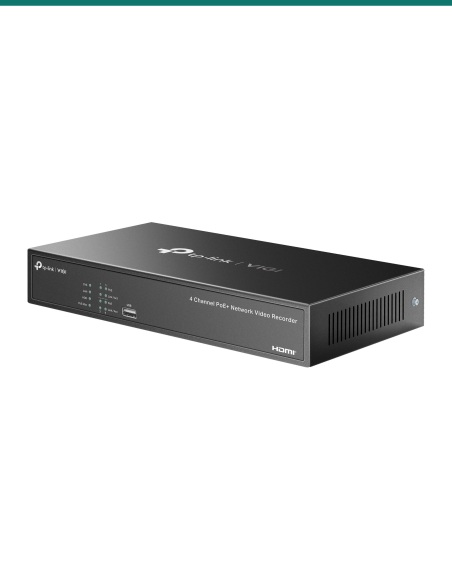
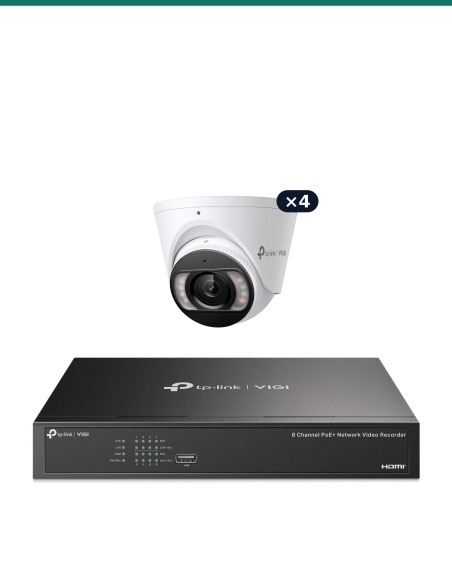
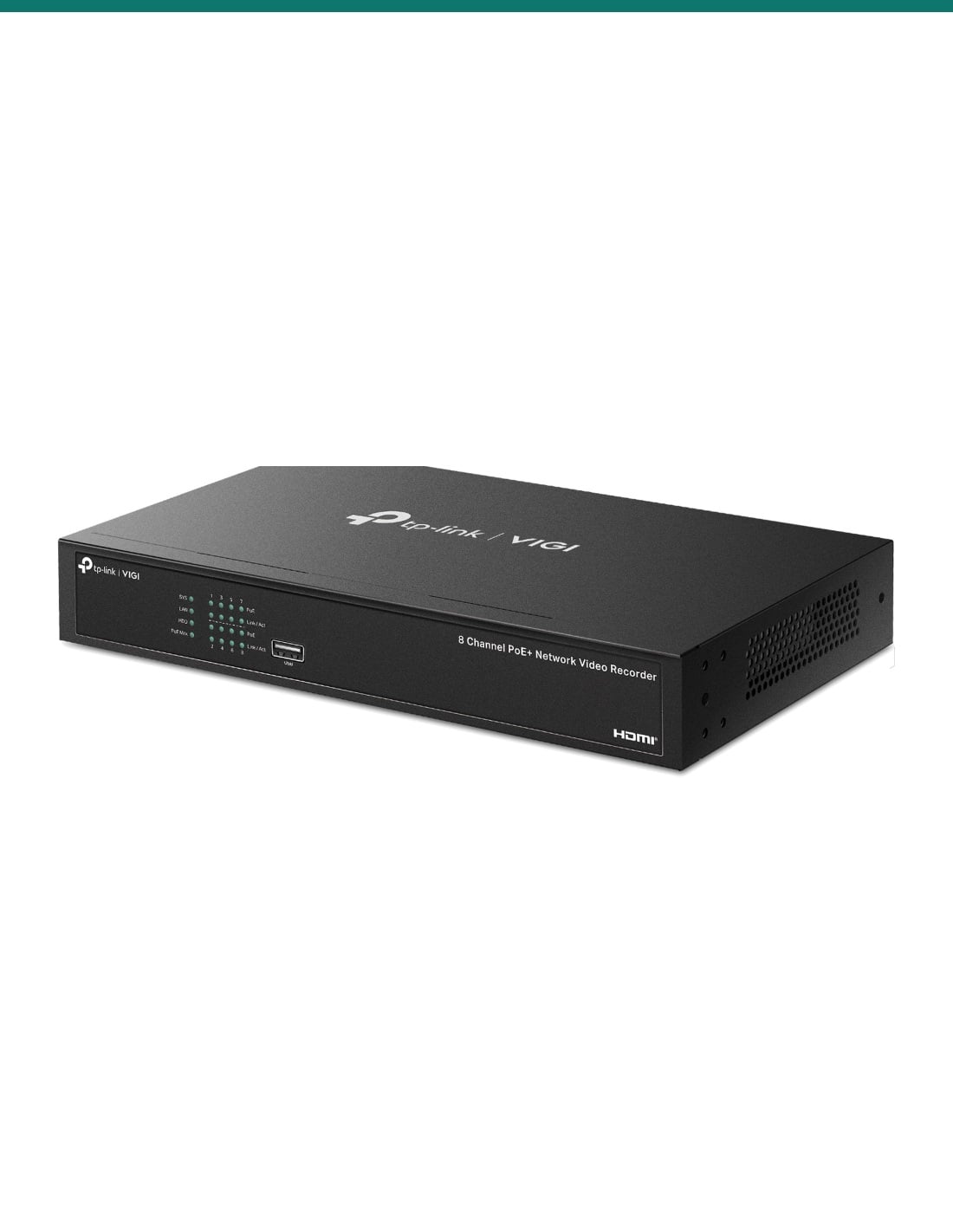
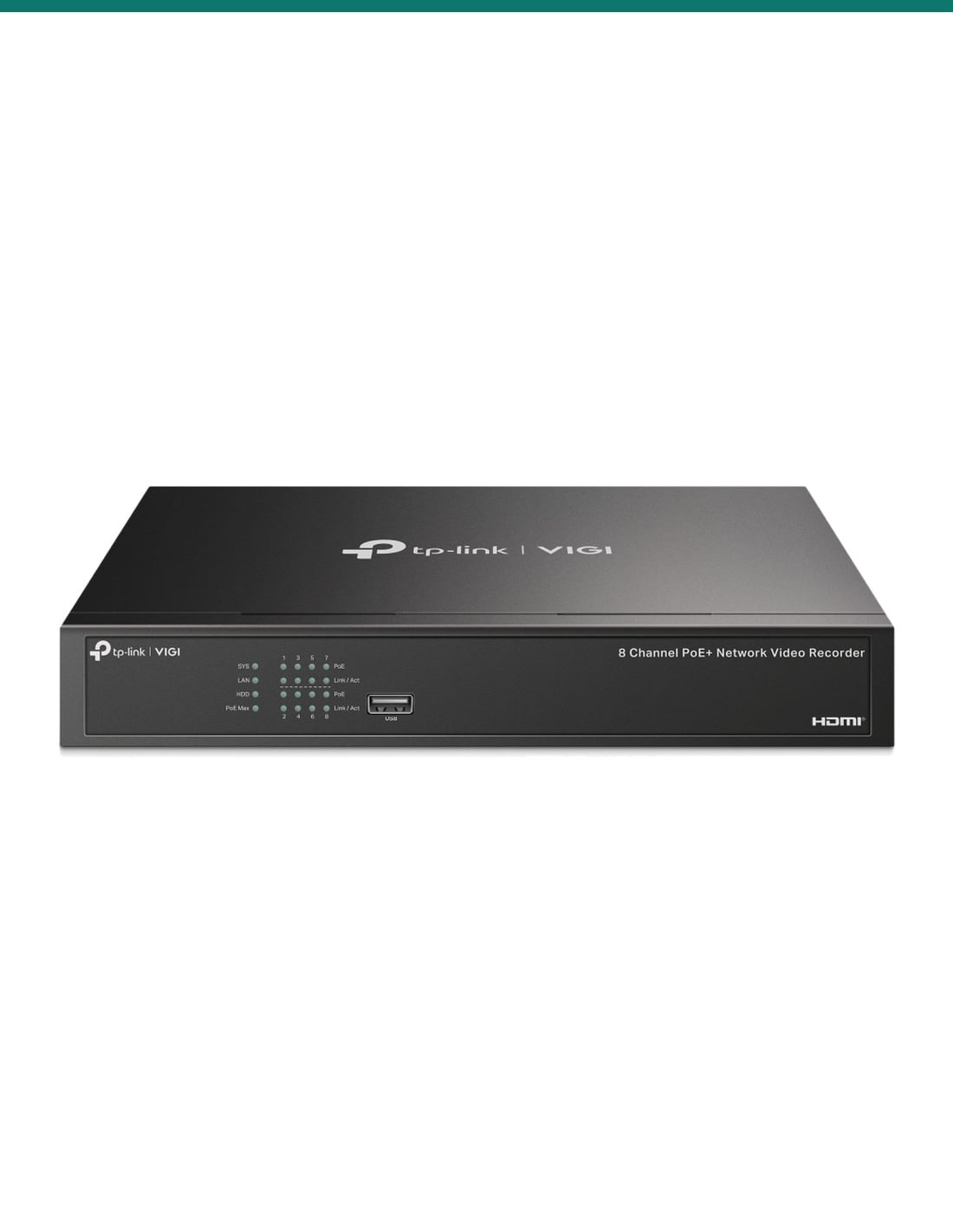
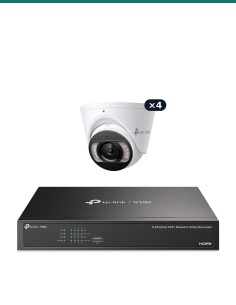
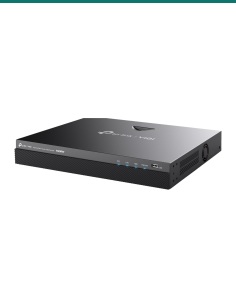
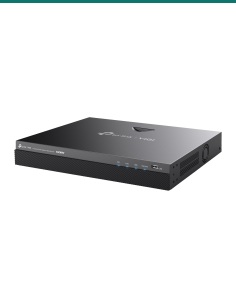
TP-Link VIGI NVR1008H-8MP (V1.20): an 8-channel recorder with eight built-in PoE+ ports, a 113 W PoE budget and one drive bay. Choose the drive size in the options.
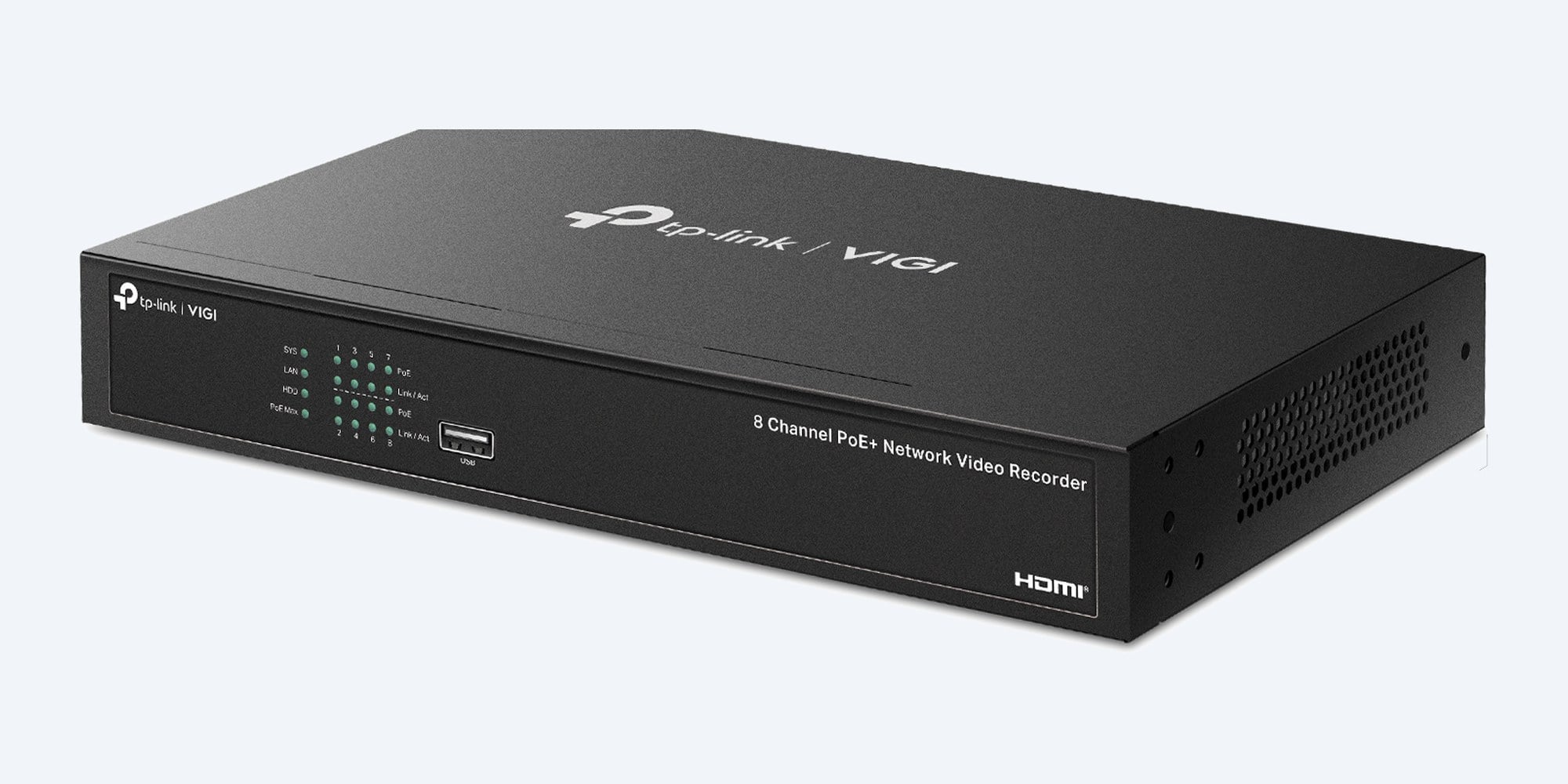
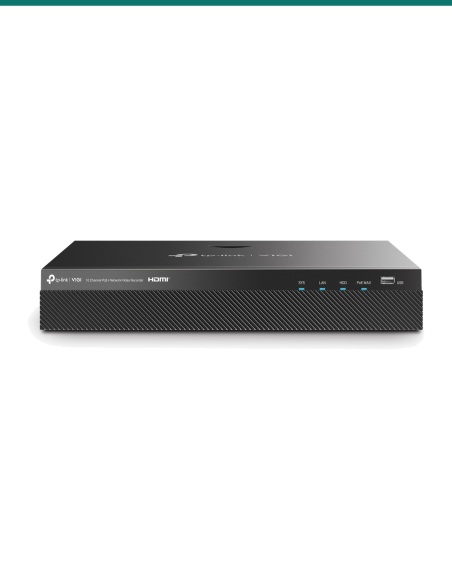
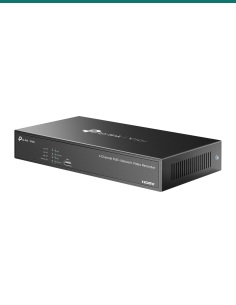
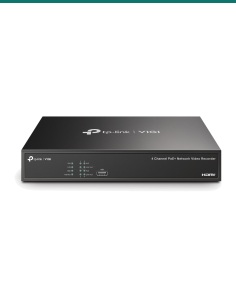
This is the VIGI NVR1008H-8MP: a desktop recorder that powers and records up to eight IP cameras through its own eight PoE+ ports, with a 113 W PoE budget and one drive bay of up to 16TB.
In one sentence: the VIGI-NVR1008H-8MP (V1.20) is a TP-Link VIGI 8-channel network video recorder with 8 PoE+ ports sharing 113 W, recording up to 8MP per camera, 80 Mbps incoming bandwidth, 4K HDMI output and one SATA bay of up to 16TB.
Recorder only, unless you choose a drive.
The recorder needs a hard drive to record. Choose the drive size in the options above, or select No HDD and fit your own surveillance drive in the single bay.
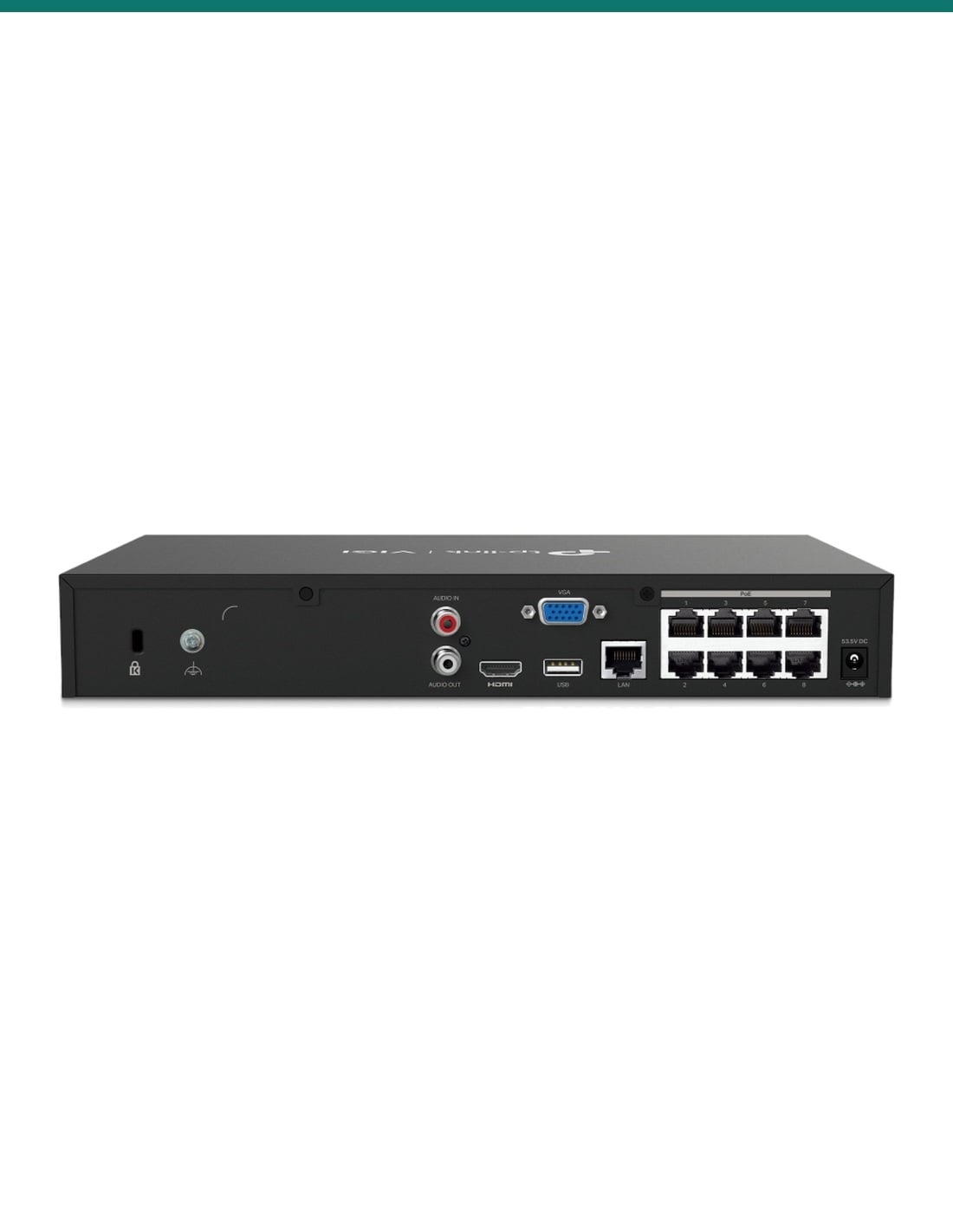
Eight PoE+ ports (802.3af/at) supply up to 30 W each and 113 W in total, enough headroom for cameras with built-in lights or speakers. The recorder takes up to 80 Mbps from the cameras and records up to 8MP per channel in H.265+, H.265, H.264+ or H.264.
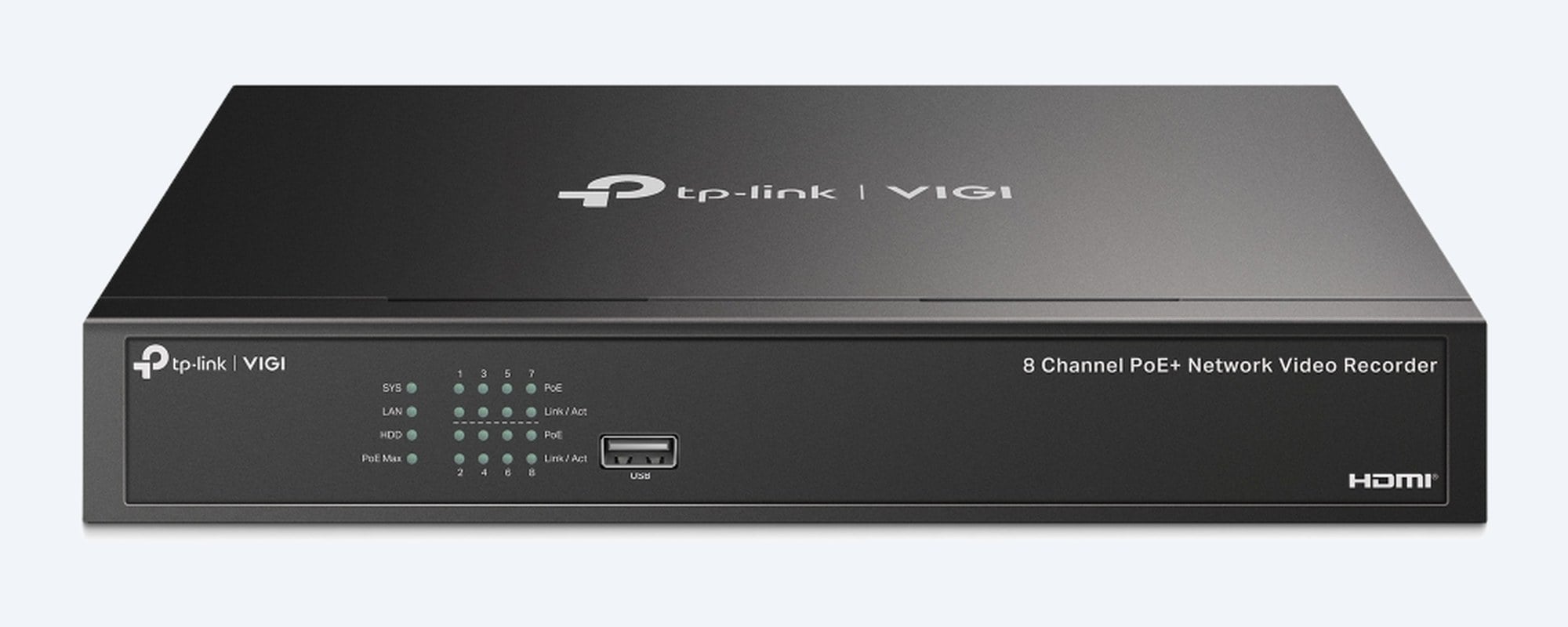
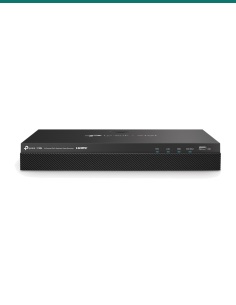
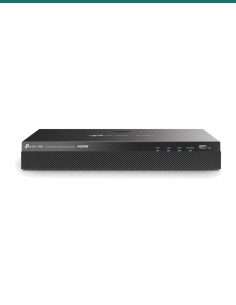
Front
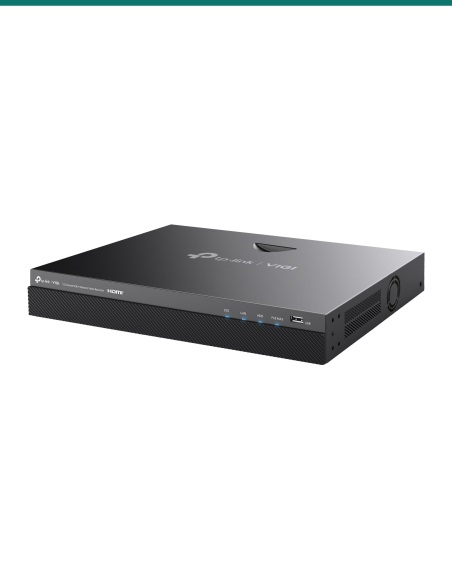
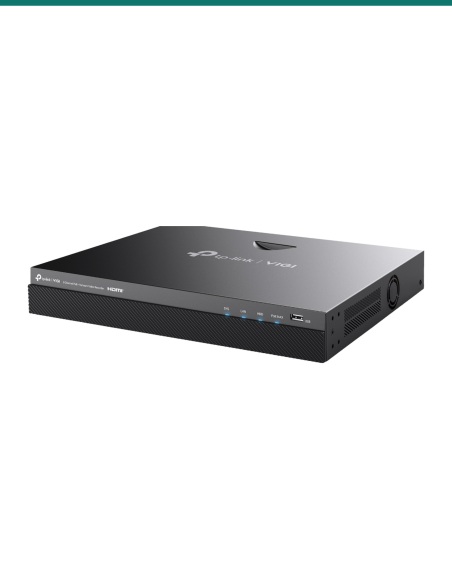
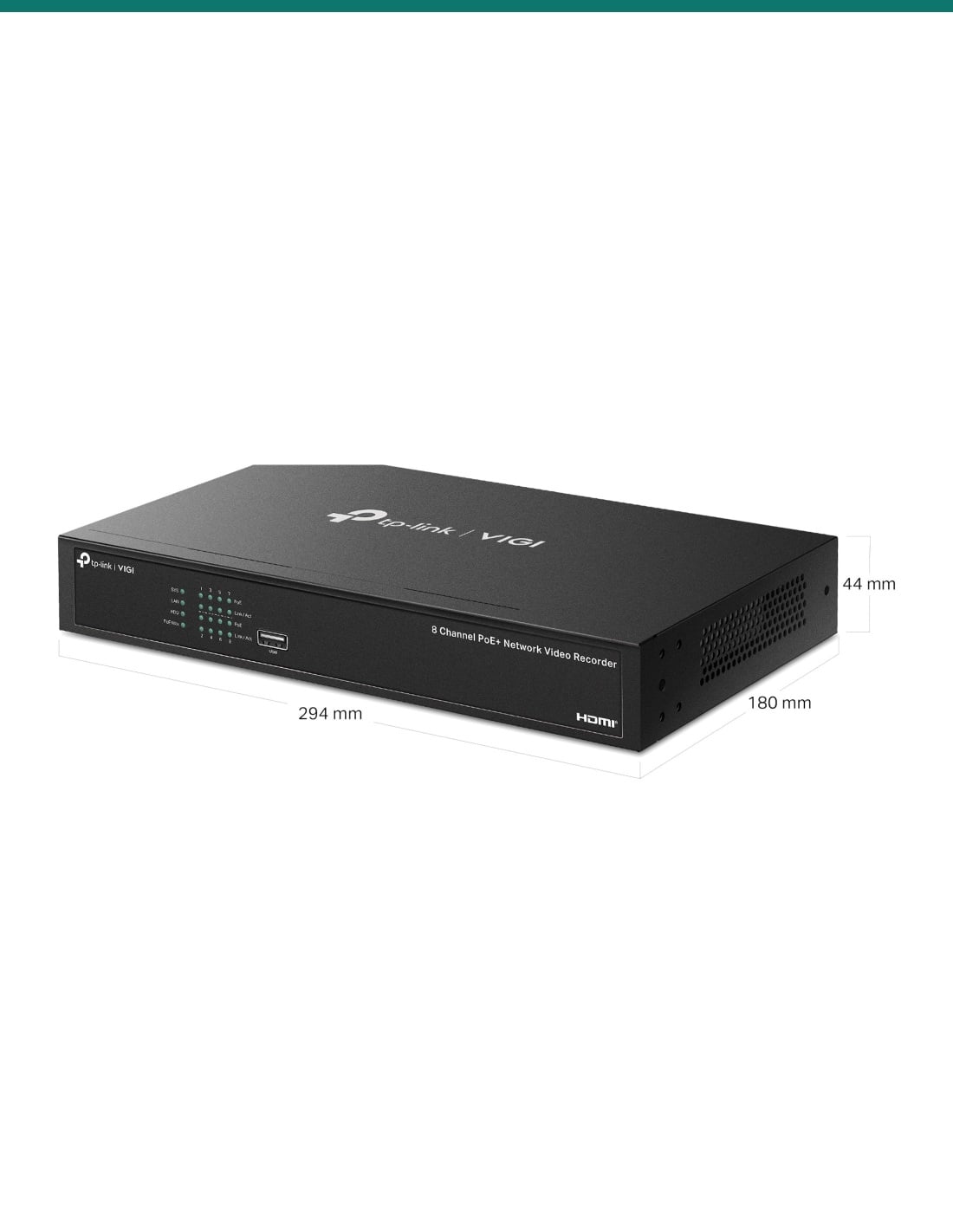
Status lights for system, network, drive and PoE load, plus link and PoE lights for each of the eight ports. A USB 2.0 port on the front for the mouse or a backup stick.
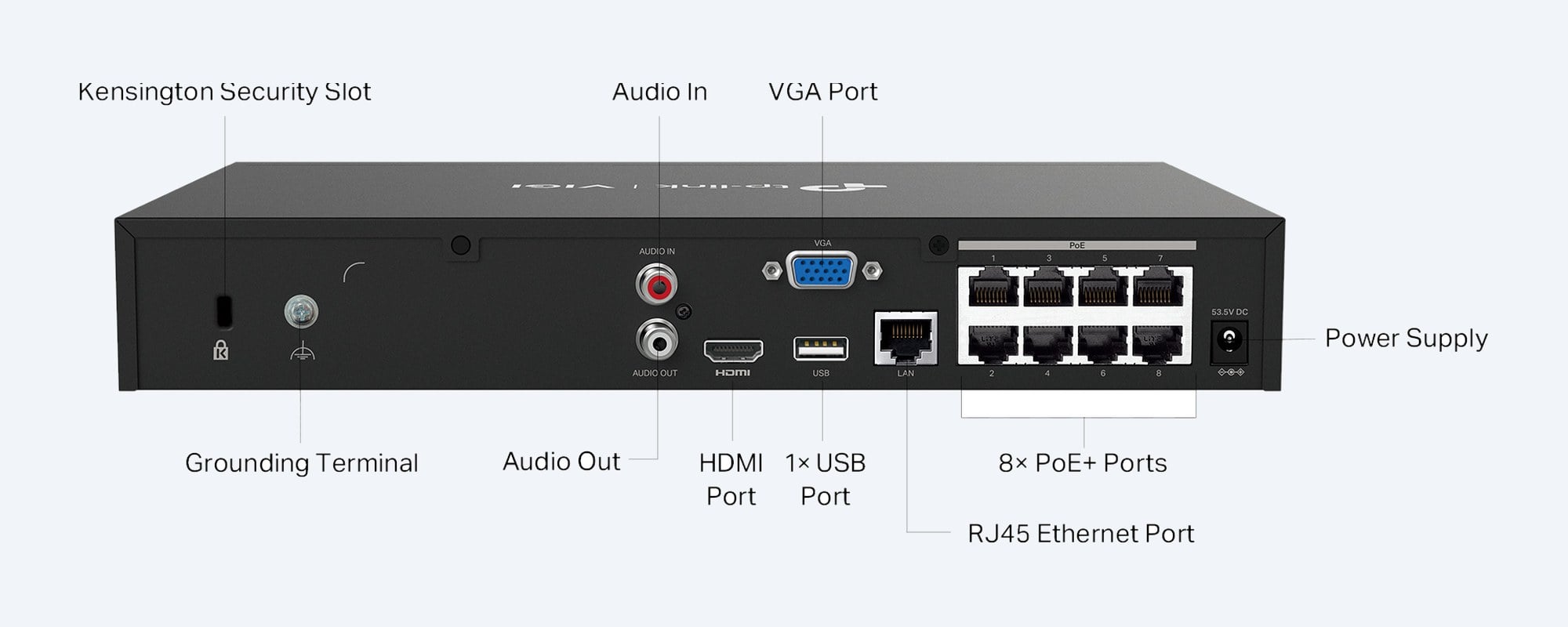
Connections
8 × 10/100 Mbps PoE+ ports and one 10/100 Mbps LAN port to your router. HDMI up to 3840 × 2160 and VGA up to 1920 × 1080, both at once. Audio in and out, a rear USB 2.0 port, a grounding terminal and a security slot.
How it goes in
01
294 × 180 × 44 mm, 1.12 kg. Put it on a shelf or in a cabinet with air around it, near your router, and plug in the power adapter.
02
One SATA drive of up to 16TB, held with the supplied screws. If you chose a drive in the options, it comes with the recorder.
03
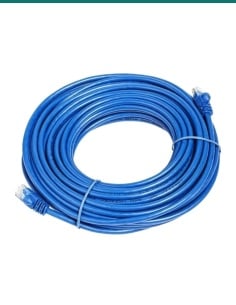
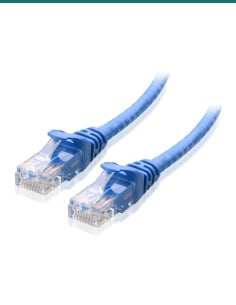
One network cable from each camera to a PoE+ port. Keep within 30 W per port and 113 W in total.
04
Connect a screen and the mouse, run the start-up wizard, add the cameras, then add the recorder to the VIGI app on your phone.
At a glance
Show specs
Model
VIGI NVR1008H-8MP (hardware V1.20)
Channels
8 IP cameras
PoE
8 × 10/100 Mbps PoE+ ports, 802.3af/at; 30 W per port, 113 W total
Recording
Up to 8MP per channel (8MP, 5MP, 4MP, 3MP, 1080p and lower)
Compression
H.265+ / H.265 / H.264+ / H.264
Bandwidth
80 Mbps incoming, 60 Mbps outgoing
Decoding
25 fps: 2-ch @ 8MP, 4-ch @ 4MP or 8-ch @ 2MP; 30 fps: 4-ch @ 3MP or 2-ch @ 5MP
Playback
Up to 8 channels at once (fewer if the total is over 16MP)
Live view
1/4/6/8 split
Video output
1 × HDMI (up to 3840 × 2160), 1 × VGA (up to 1920 × 1080), simultaneous
Drive
1 × SATA, up to 16TB
Network
1 × 10/100 Mbps LAN port
USB
2 × USB 2.0 (one front, one rear)
Audio
1 input, 1 output
Alarm terminals
None (smart alarms come from the cameras)
Smart alarms with cameras
Motion, tampering, scene change, line crossing, intrusion, region entering and exiting, loitering, object left or removed, human, vehicle, abnormal sound
Interoperability
ONVIF Profile S, CGI; VIGI app for Android and iOS
Power
53.5 V DC, 2.43 A adapter; 4.82 W without a drive, 14.23 W with
Chassis
294 × 180 × 44 mm (W × D × H), 1.12 kg
Environment
−10 °C to 55 °C, 10–90% RH non-condensing
Warranty
3 years, TP-Link Australia
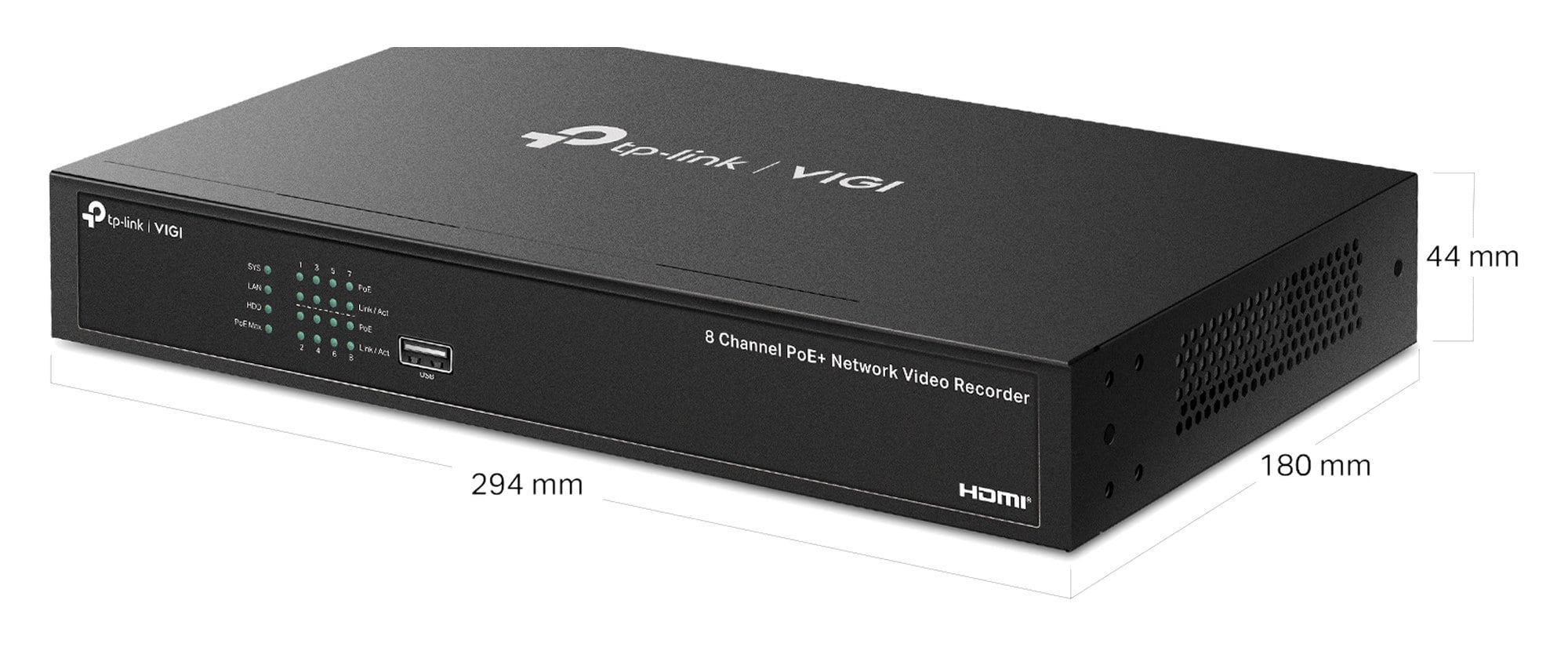
294 × 180 × 44 mm, 1.12 kg. Units mm.
Pair it with
Storage
Choose the drive size in the options above. The single bay takes one SATA drive of up to 16TB.
Cameras
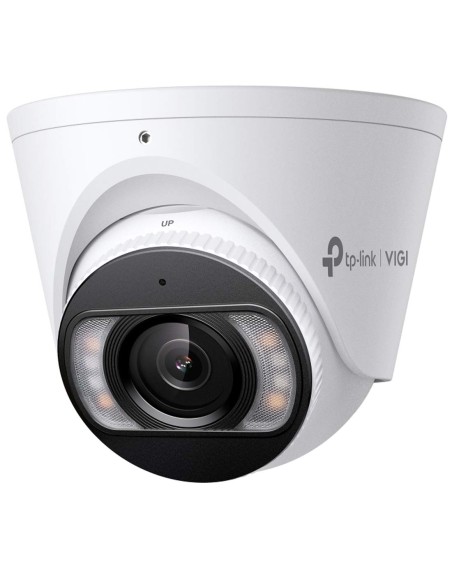
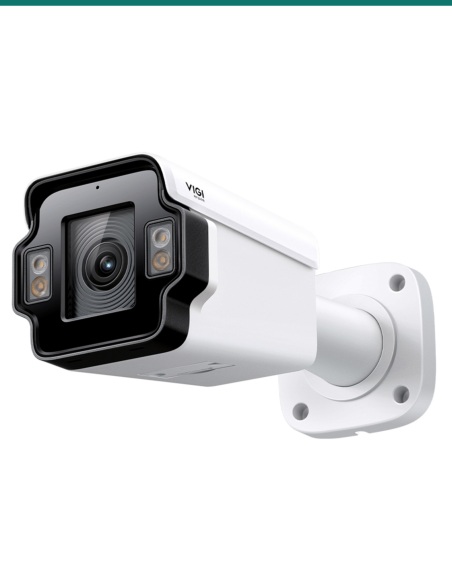
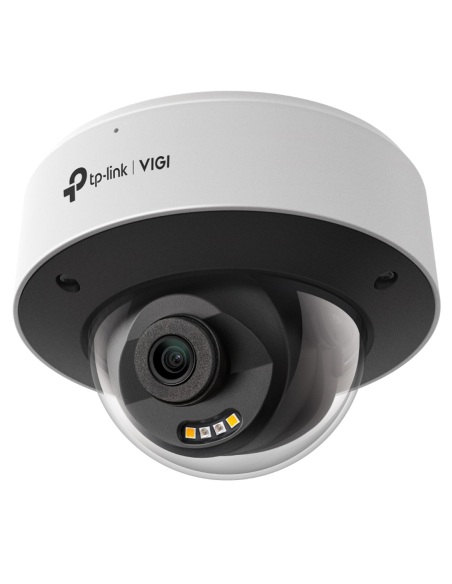
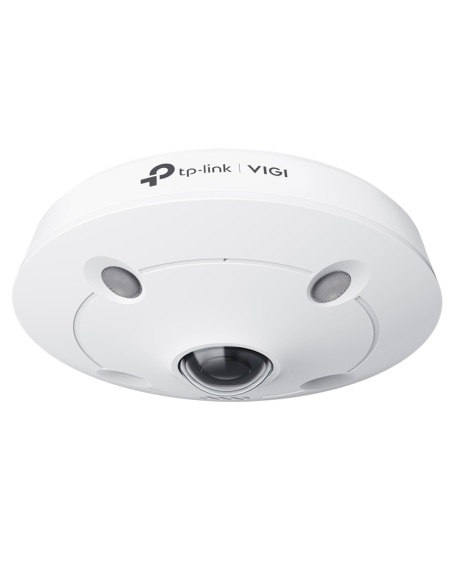
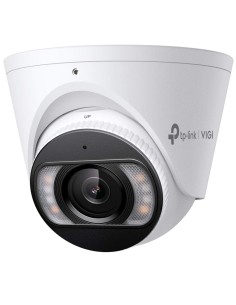
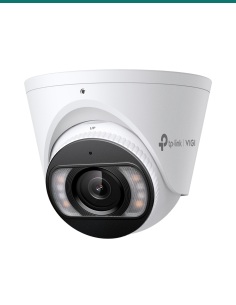
TP-Link recommends VIGI cameras for the best results with this recorder. Other ONVIF Profile S cameras also record.
Security
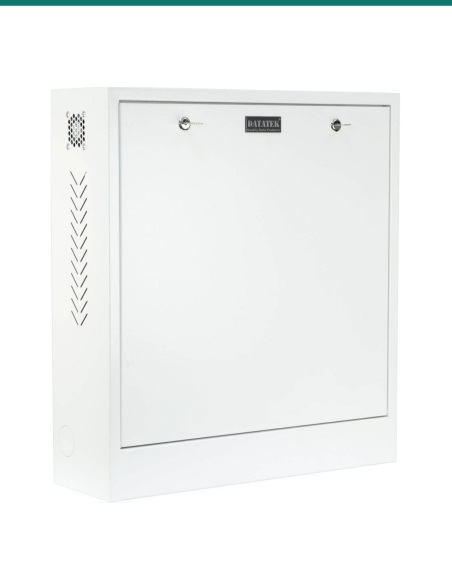
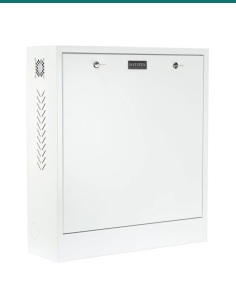
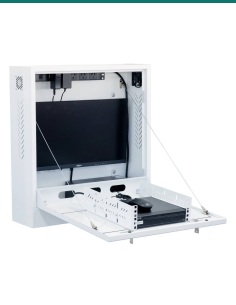
Keep the recorder out of reach so a thief can't take the footage with it. Ask us about the 24SECCAB security cabinet.
Bigger sites
Cameras too far from the recorder, or more than eight of them? Ask us about a PoE switch, or step up to the 16-channel VIGI NVR2016H-16MP.
Where it is used
Front door, driveway, side gates and back yard, all powered from the recorder.
Counter, entry, stockroom and rear door.
Reception, entries and the car park.
Roller doors, the yard and the tool store.
House, sheds and gates on one recorder.
Entries, waiting area and the car park.
| VIGI NVR1008H-8MP (this recorder) | VIGI NVR2008H-8MP (V2) | |
|---|---|---|
| Channels and PoE+ ports | 8 and 8 | 8 and 8 |
| PoE budget | 113 W | 90 W |
| Incoming bandwidth | 80 Mbps | 160 Mbps |
| Drive bays | 1, up to 16TB | 2, up to 16TB each |
| LAN port | 10/100 Mbps | 10/100/1000 Mbps |
| Alarm in / out | None | 6 / 4 |
| Size | 294 × 180 × 44 mm | 330 × 285 × 45 mm |
Figures come from each recorder's own TP-Link datasheet. The NVR1008H-8MP has the bigger PoE budget; the NVR2008H-8MP adds a second drive bay, more bandwidth and alarm terminals.
Yes. It has 8 PoE+ ports (802.3af/at) supplying up to 30 W per port and 113 W in total.
Only if you choose one. Pick the drive size in the options above, or choose No HDD and fit your own. A drive must be fitted for the recorder to work.
One SATA drive of up to 16TB.
Up to 8MP per camera, within 80 Mbps of incoming bandwidth in total.
Up to 8 channels at the same time. Fewer, or none, if the total resolution is over 16MP.
V1.20. The figures on this page and the datasheet on the Attachments tab are for V1.20.
Yes. It has one HDMI output up to 3840 × 2160 and one VGA output up to 1920 × 1080, and both work at the same time.
Yes. Connect the LAN port to your router and add the recorder to the VIGI app on Android or iOS. The web interface works in Chrome, Firefox and Edge.
It supports ONVIF Profile S, so most ONVIF cameras record. TP-Link recommends VIGI cameras, as some features may not work fully with other brands.
No. Smart alarms such as human, vehicle and line-crossing detection come from the camera; the recorder records and alerts on them.
3 years, under TP-Link Australia's warranty. Contact us first and we will look after the claim.
Concealed cabling between the cameras and the recorder is customer cabling under AS/CA S009 and needs an ACMA-registered cabler. Plugging the recorder into an existing power point is normal use.
Not sure which cameras or drive size to choose? Send us your camera list and how long you want to keep footage: call 1300 736 970 or email [email protected].
Power. The recorder runs from its 53.5 V DC power adapter plugged into an existing power point. A new circuit or any switchboard work needs a licensed electrician. Unplug it before fitting or removing the drive.
Camera cabling. Concealed cabling between the cameras and the recorder is customer cabling under AS/CA S009 and needs an ACMA-registered cabler.
Privacy and audio. Recording people and conversations is covered by state and territory surveillance laws. Point cameras at your own property and check the rules before you record audio.
What it does not do. It has no alarm terminals, no eSATA port and no analogue (coax) inputs. The LAN port is 10/100 Mbps. PoE stops at 113 W in total.
Figures. From the TP-Link VIGI NVR1008H-8MP datasheet (hardware V1.20).


Need help choosing?
Tell us about your property and we'll recommend the right cameras and recorder.
07 5609 4910Sydney 02 8814 6008
[email protected]
Mon–Fri, 9am–5pm AEST
20 related items