- New
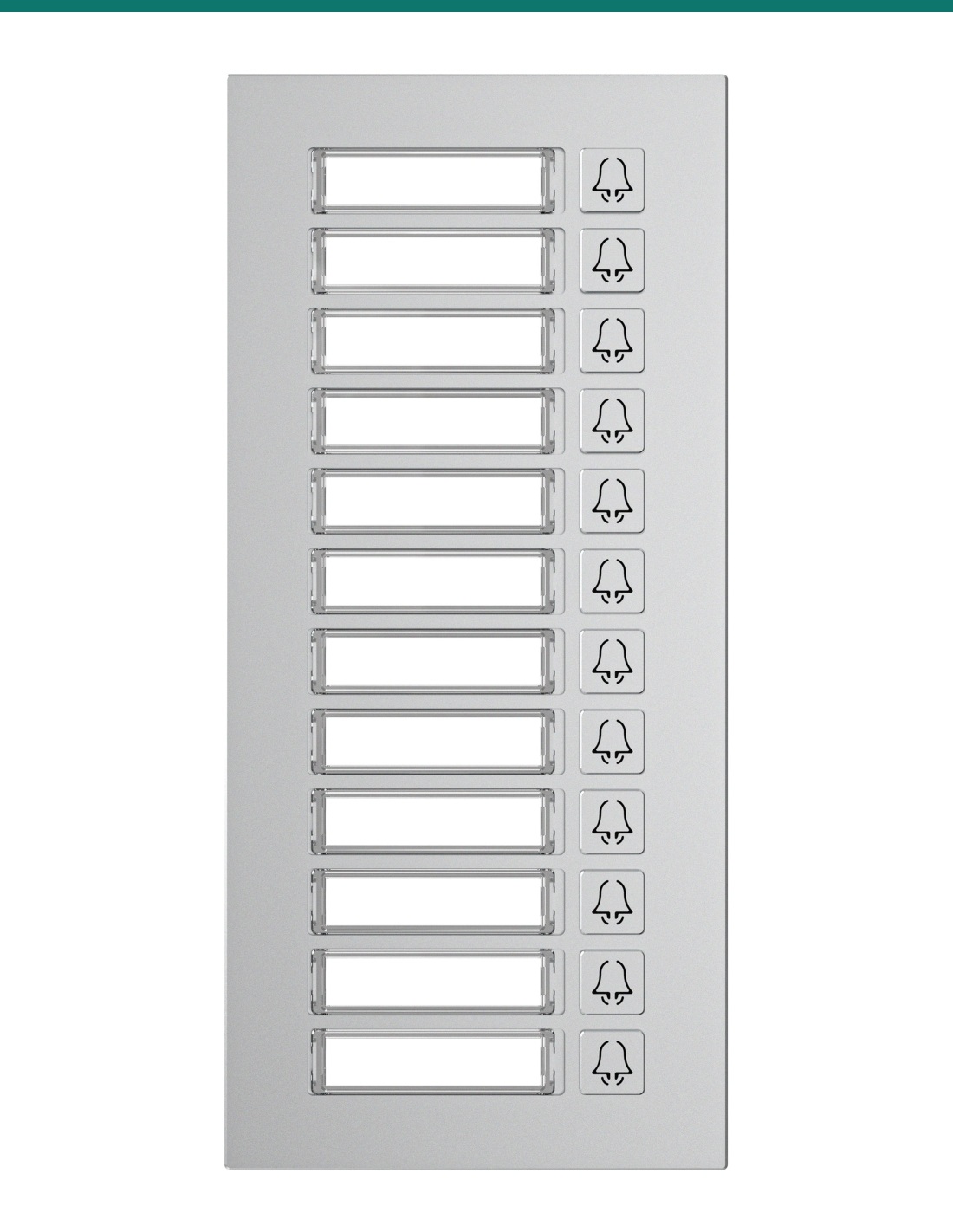
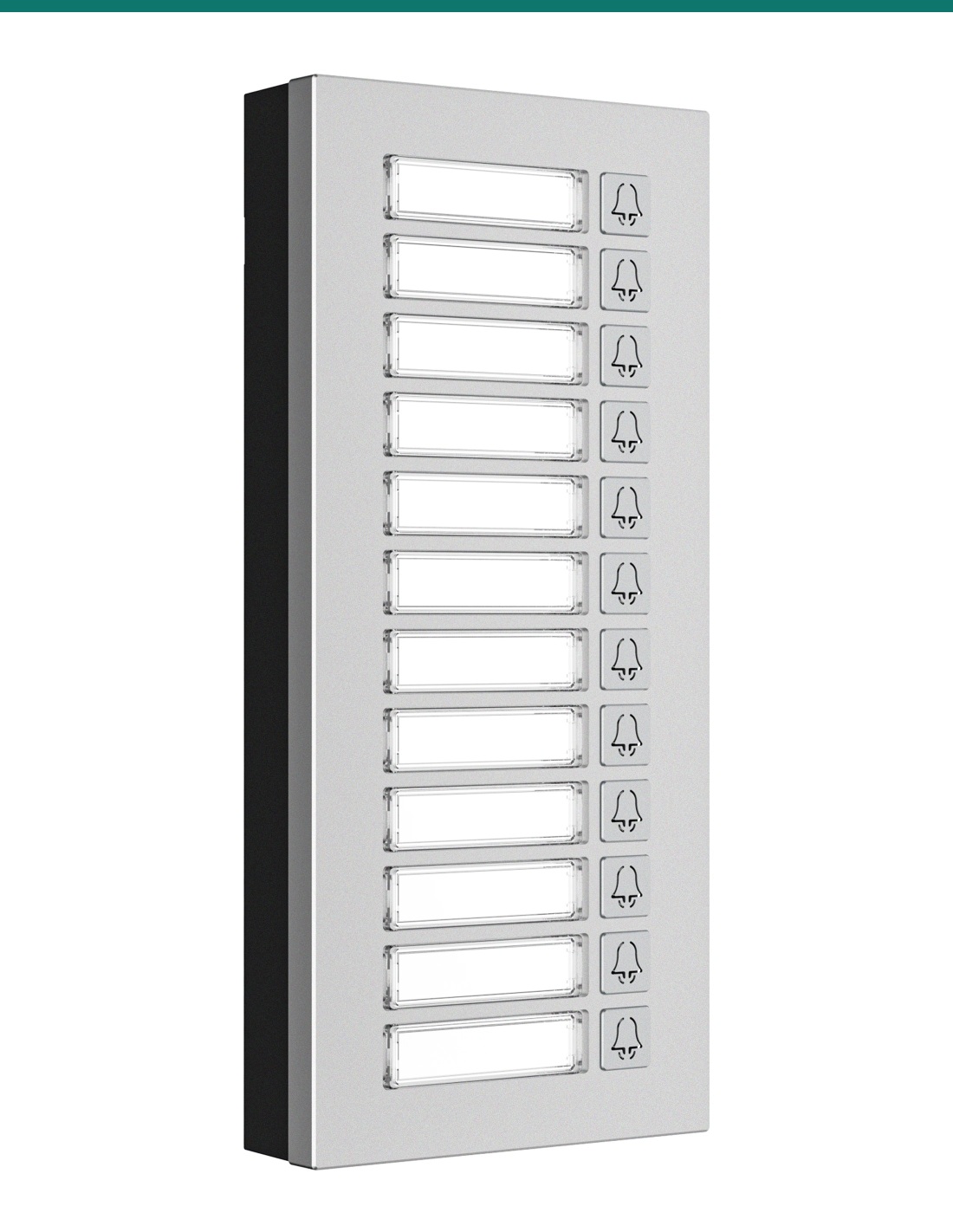
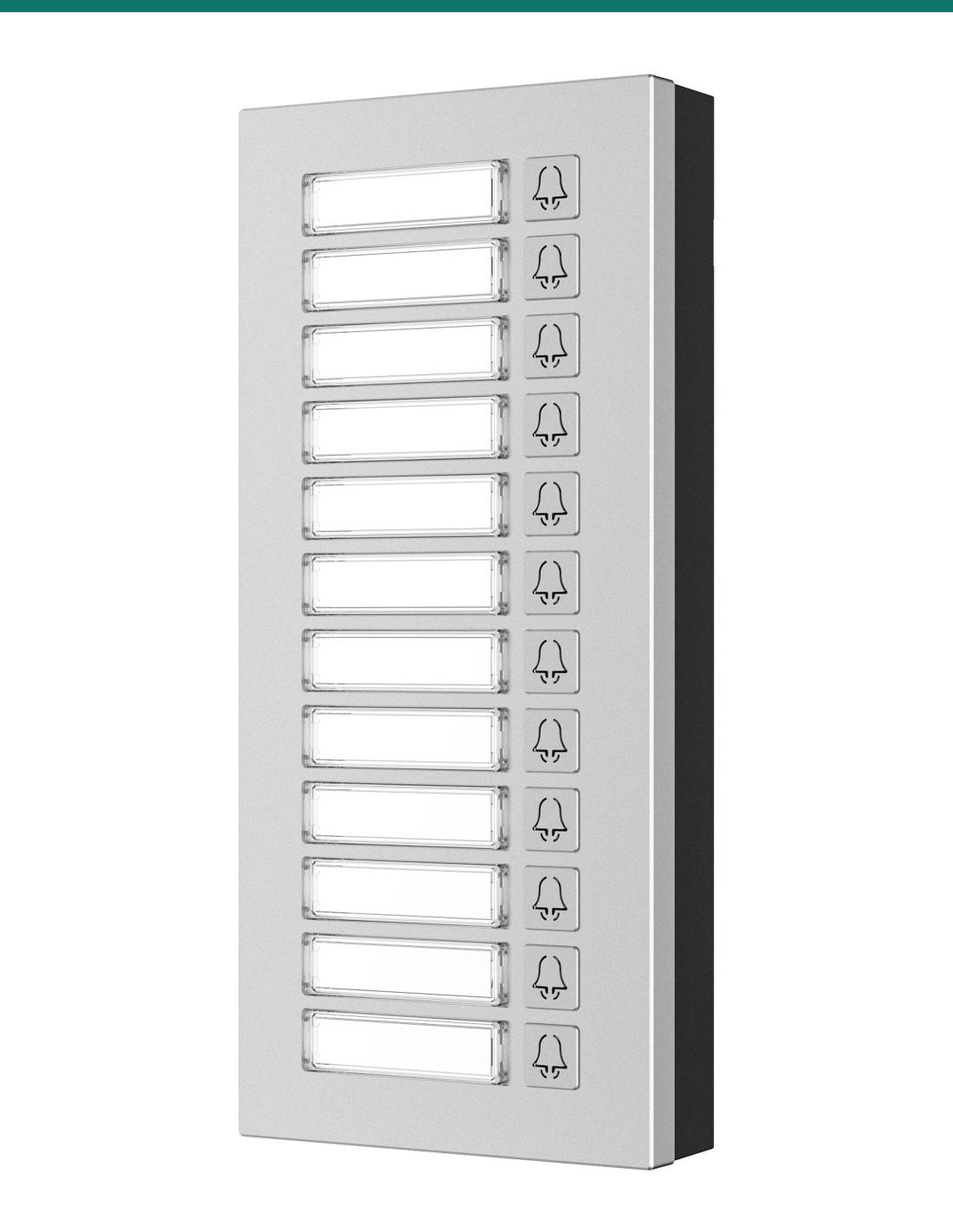
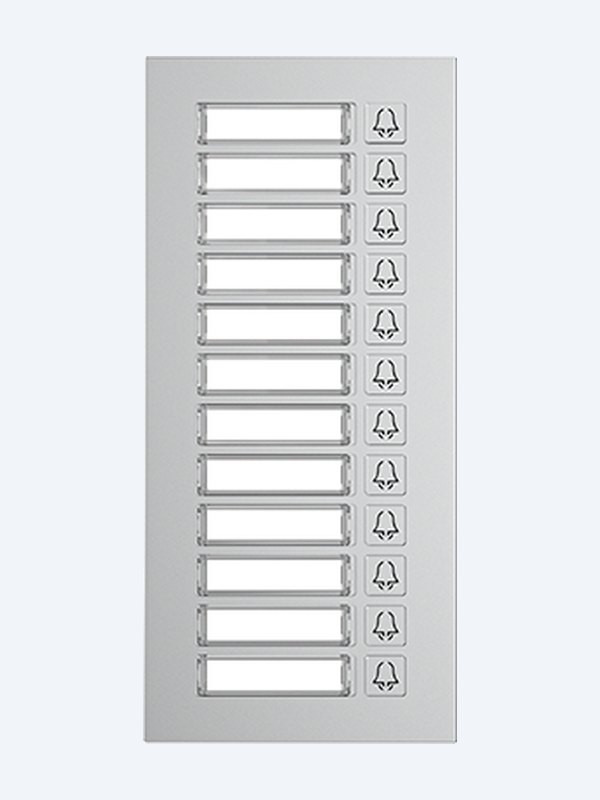
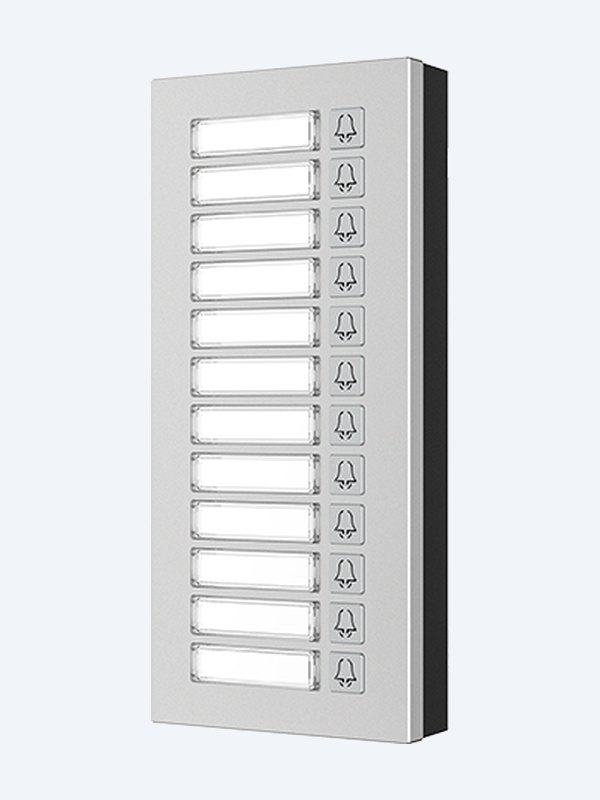
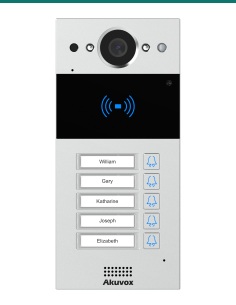
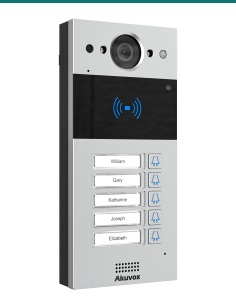
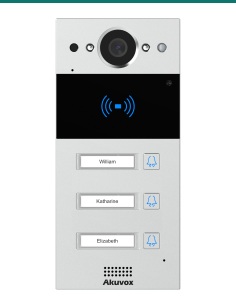
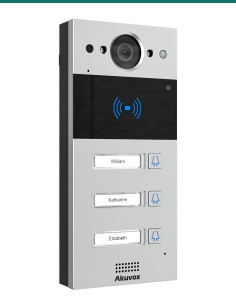
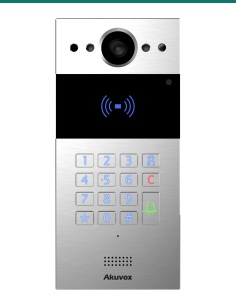
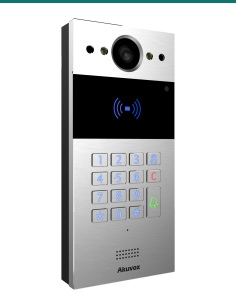
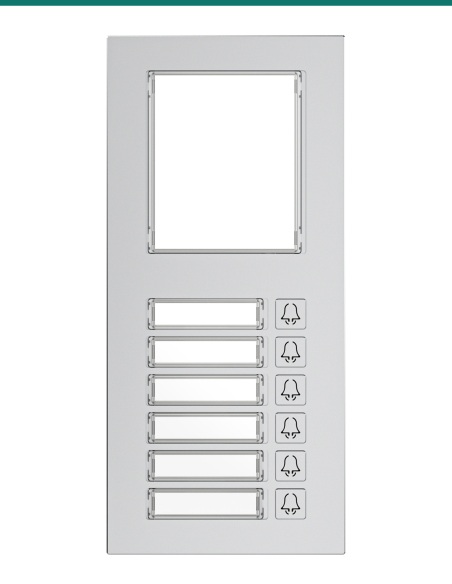
Akuvox MD12 adds 12 backlit call buttons with name tags to an Akuvox R20K or R20B door phone, so visitors press a name instead of dialling a number. Aluminium front, IP65, flush-mounted, and modules can be combined for larger buildings.
- ✓12 backlit speed-dial buttons with name tags
- ✓Designed for Akuvox R20K and R20B door phones; multiple modules can be combined
- ✓Aluminium alloy front · IP65 · −30 °C to +60 °C
- ✓2 × RS485 · 12 V DC in (600 mA) / out (500 mA max) · 185 × 85 × 24 mm
Press a name, not a number.
12 backlit call buttons.
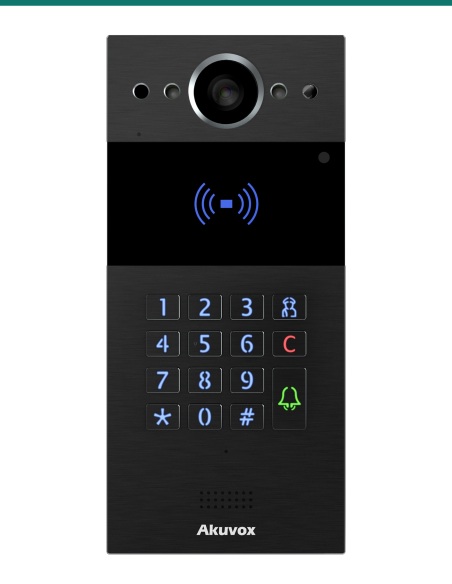
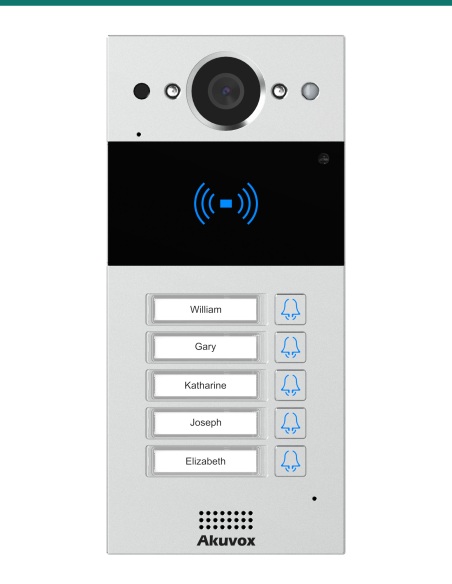
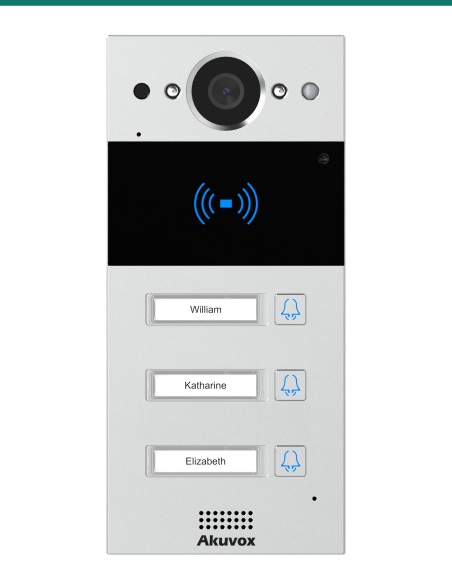
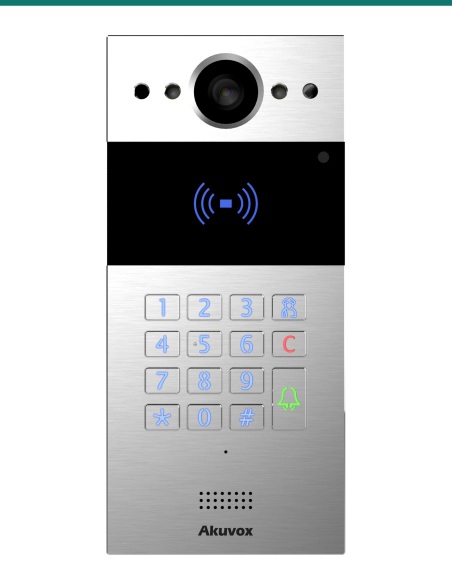
The AK-MD12 is Akuvox’s MD12 nametag module. It sits beside an R20K or R20B door phone in the same 85 mm-wide format and gives each tenant, department or office a labelled, backlit call button.
This SKU is the expansion module only.
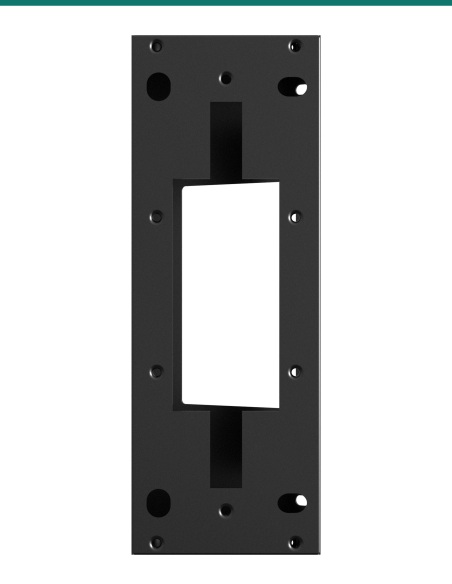
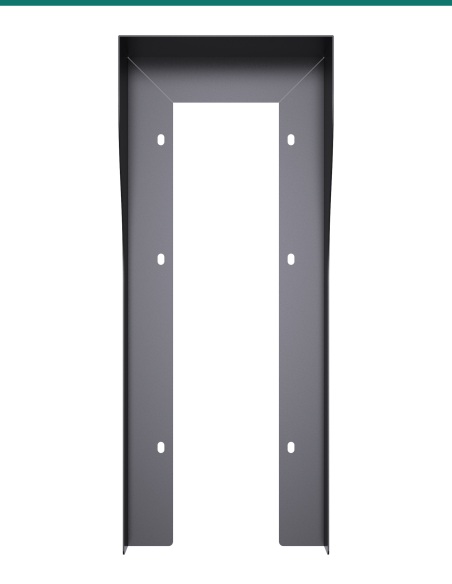
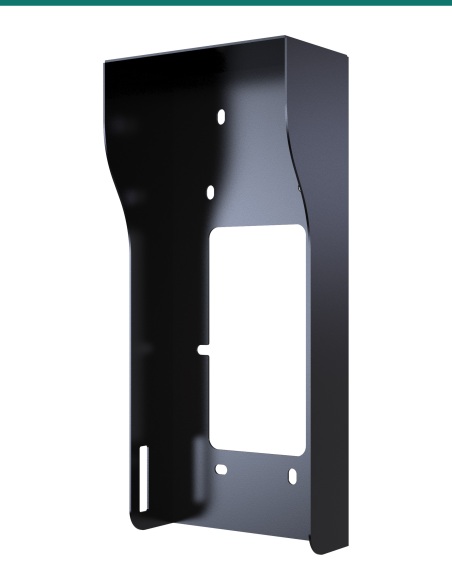
You receive the MD12 module with name pads, cable seals, RJ45 cable and coupler and fixings. The R20K or R20B door phone, multi-unit in-wall box and 12 V DC power supply are sold separately.
- Akuvox MD12 nametag module
- 20 name pads
- Rubber cable plugs (small and medium) and sealing pressing plate
- RJ45 cable and RJ45 coupler
- Pry bar, rope, 4 wall-mounting screws and 2 diodes
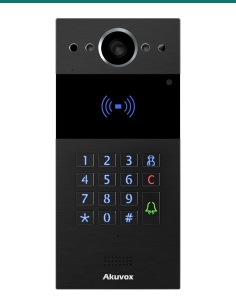
- Akuvox R20K or R20B door phone
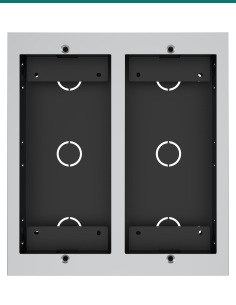
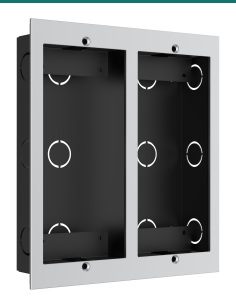
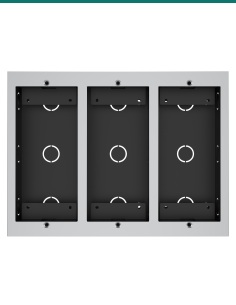
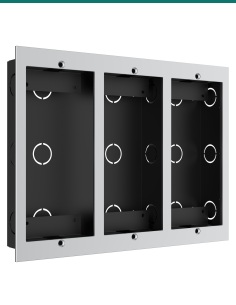
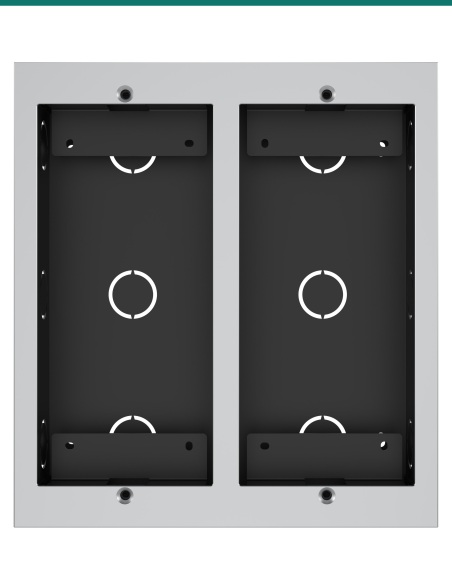
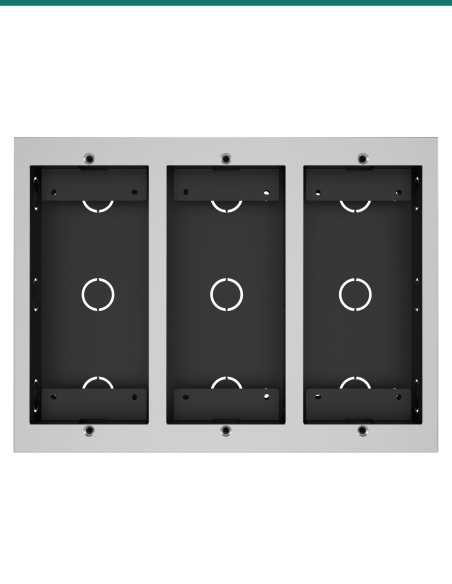
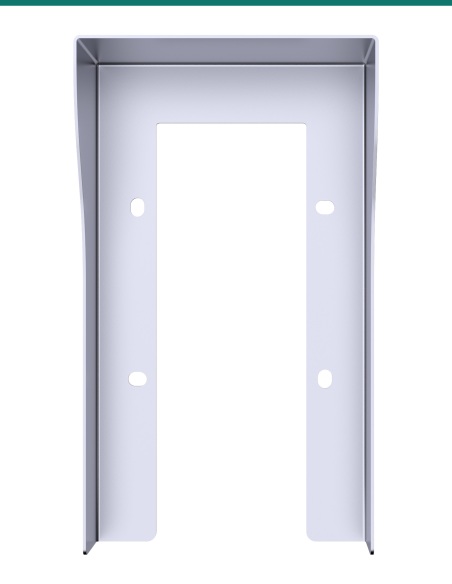
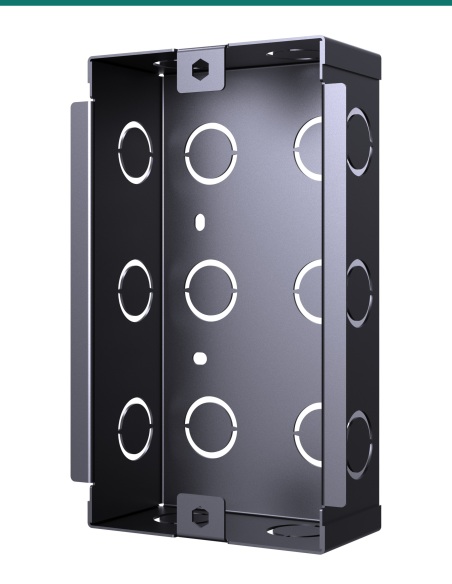
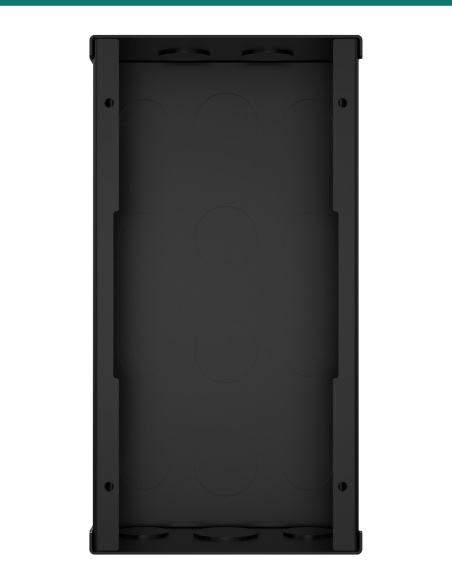
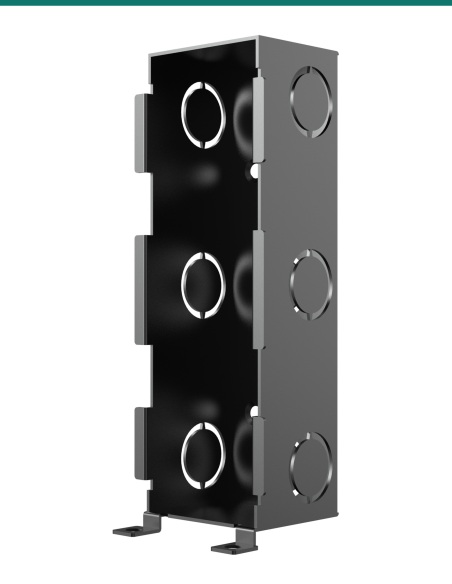
- Two- or three-module in-wall box for flush mounting
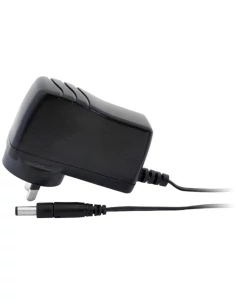
- 12 V DC power supply
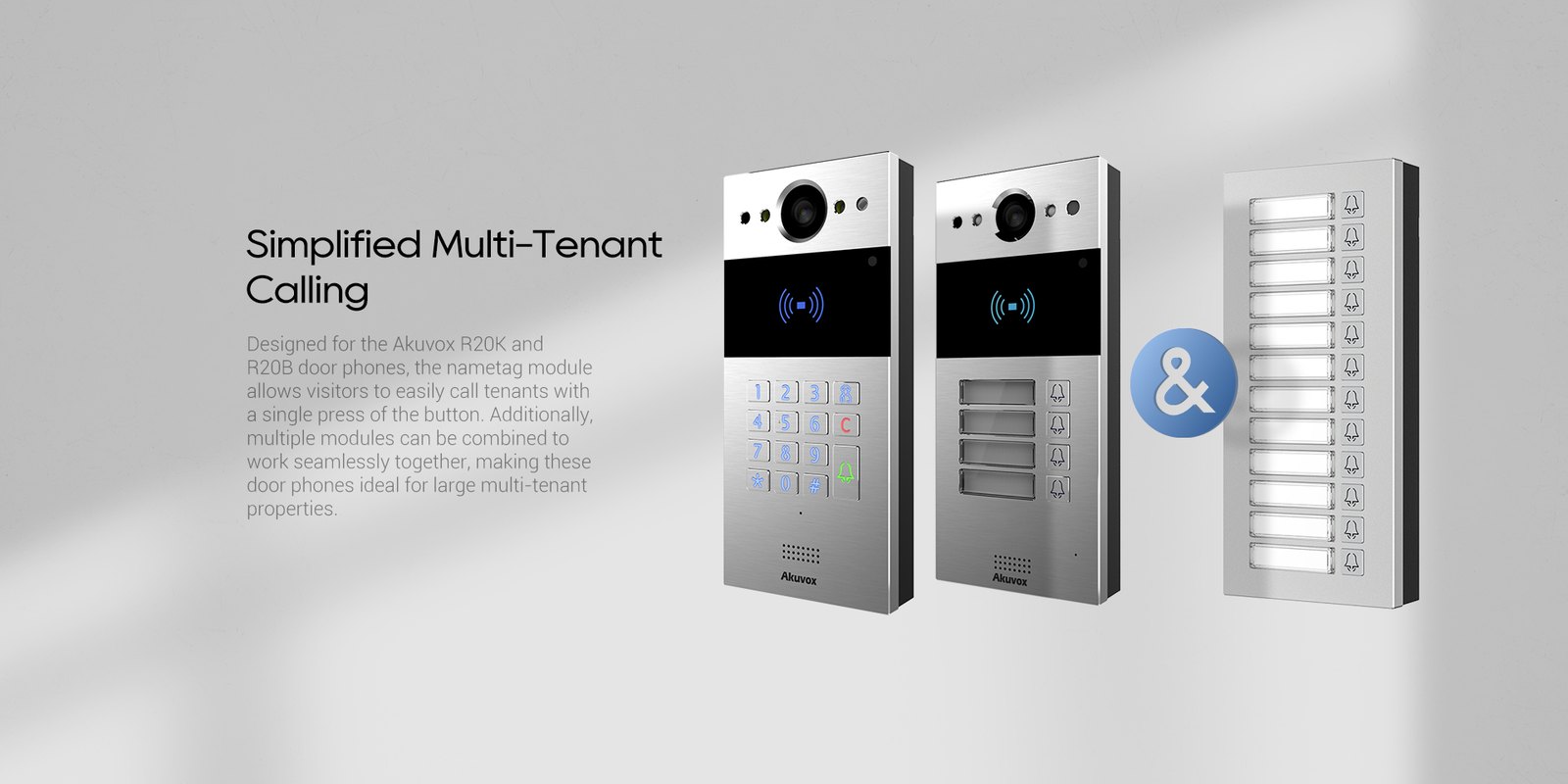
Simplified multi-tenant calling.
Visitors find the name, press once and the door phone calls the right flat, office or department — ideal for small apartment blocks, medical suites and shared offices.

Buttons
12 names, backlit for night.
Each of the 12 mechanical buttons has its own name tag and backlight, so names stay readable after dark. A press speed-dials the number set in the door phone.
The aluminium alloy front is IP65 and rated −30 °C to +60 °C — the same outdoor standard as the R20 door phones it extends.
Expand
Add modules as the building grows.
The module has two RS485 ports, and Akuvox designs MD06 and MD12 to be combined for larger buildings.
185 × 85 × 24 mm, the same footprint as the R20K and R20B. Flush-mount the door phone and modules side by side in a two- or three-module in-wall box.

At a glance
Key specs — AK-MD12
Show all specifications
- Front panel
- Aluminium alloy, silver
- Buttons
- 12 speed-dial buttons with name tags and backlight
- Compatible with
- Akuvox R20K and R20B door phones
- Interface
- 2 × RS485
- Power in
- 12 V DC, 600 mA
- Power out
- 12 V DC, 500 mA max
- Protection
- IP65
- Installation
- Flush-mounted (two- or three-unit in-wall box)
- Size
- 185 × 85 × 24 mm (H × W × D)
- Working temperature
- −30 °C to +60 °C
- Warranty
- Australian warranty
- Brand
- Akuvox
- Reference
- AK-MD12
Specification
- Front panel
- Aluminium alloy
- Buttons
- 12 speed-dial buttons with backlight and name tags
- RS485 ports
- 2
- Power in
- 1 × 12 V DC, 600 mA
- Power out
- 1 × 12 V DC, 500 mA max.
- IP rating
- IP65
- Installation
- Flush-mounted
- Dimensions
- 185 × 85 × 24 mm (H × W × D)
- Working temperature
- −30 °C to +60 °C
- Storage temperature
- −40 °C to +70 °C
- Working humidity
- 10–90%
Compatibility and mounting
- Door phones
- Akuvox R20K and R20B
- Flush boxes
- Two-unit box (door phone + 1 module) or three-unit box (door phone + 2 modules)
- Placement
- Camera centre 1500 mm above ground; flush box bottom about 1315 mm
In the box
- Name pads
- 20
- Rubber cable plugs
- 1 small, 1 medium
- Sealing pressing plate
- 1
- RJ45 cable
- 1
- RJ45 coupler
- 1
- Rope
- 1
- Pry bar
- 1
- Wall-mounting screws
- 4
- Diodes
- 2
Pair it with
Builds a multi-tenant entry panel
Door phone
Akuvox R20K or R20B
The MD12 extends these door phones with labelled call buttons.
Flush
Two- or three-module in-wall box
Mounts the door phone and modules side by side in one recess.
More names
Akuvox MD06
Combine with MD06 to reach the button count you need.
Downloads
Datasheets and guides
Compliance certificates and technical documents are available on request for tenders and installers — send an enquiry.
Answers
Common questions
Which door phones does it work with?
Akuvox R20K and R20B. It is not designed for the E-series or other door phones.
Can I use more than one module?
Yes. MD06 and MD12 are designed to be combined, so they can be added together for larger buildings.
How is it mounted?
Flush-mounted, normally in a two- or three-unit in-wall box alongside the door phone. The boxes are sold separately.
How is it powered?
12 V DC at 600 mA. It also has a 12 V DC output rated up to 500 mA.
What is in the box?
The MD12 module, 20 name pads, small and medium rubber cable plugs, a sealing pressing plate, an RJ45 cable and coupler, a pry bar, a rope, four wall-mounting screws and two diodes.
How high should the panel be mounted?
Akuvox’s placement drawing puts the door phone camera centre 1500 mm above the ground, with the bottom of the flush box about 1315 mm up.
What is the difference between MD12 and MD06?
Same size, finish and interfaces. MD06 has six name buttons, MD12 has twelve.
Grow your R20 entry panel.
Choose MD12 for twelve names per module, or MD06 for six.
Installation & safety notice
Low-voltage product (SELV). Power from a 12 V DC supply (600 mA); the 12 V DC output can supply up to 500 mA. Treat as SELV low-voltage equipment.
When a licensed tradesperson is required. Concealed data and intercom cabling is customer cabling under AS/CA S009 and must be installed by an ACMA-registered cabler. Electric locks, maglocks and lock power supplies may require a licensed electrician or security installer.
- Power
- 12 V DC in (600 mA), 12 V DC out (500 mA max)
- Colour
- Silver
- Interface
- 2 × RS485
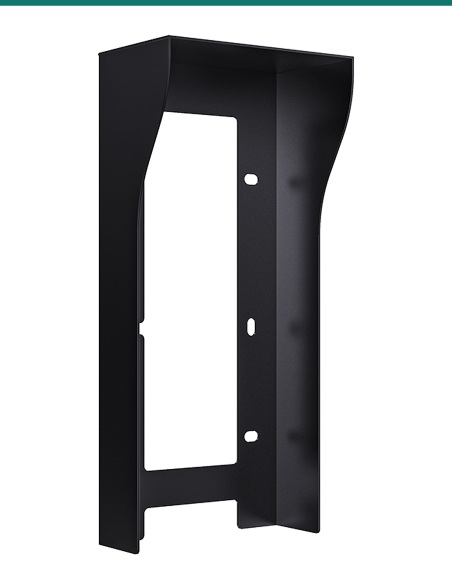
- Installation
- Flush-mounted
- Working Temperature
- −30 °C to +60 °C
- Brand
- Akuvox
- Protection
- IP65
- Buttons
- 12 backlit speed-dial buttons with name tags
- Size
- 185 × 85 × 24 mm (H × W × D)
- Warranty
- Australian warranty
- Product Type
- Nametag expansion module
- Model
- MD12
- Front panel
- Aluminium alloy
- Compatible with
- Akuvox R20K and R20B