- New
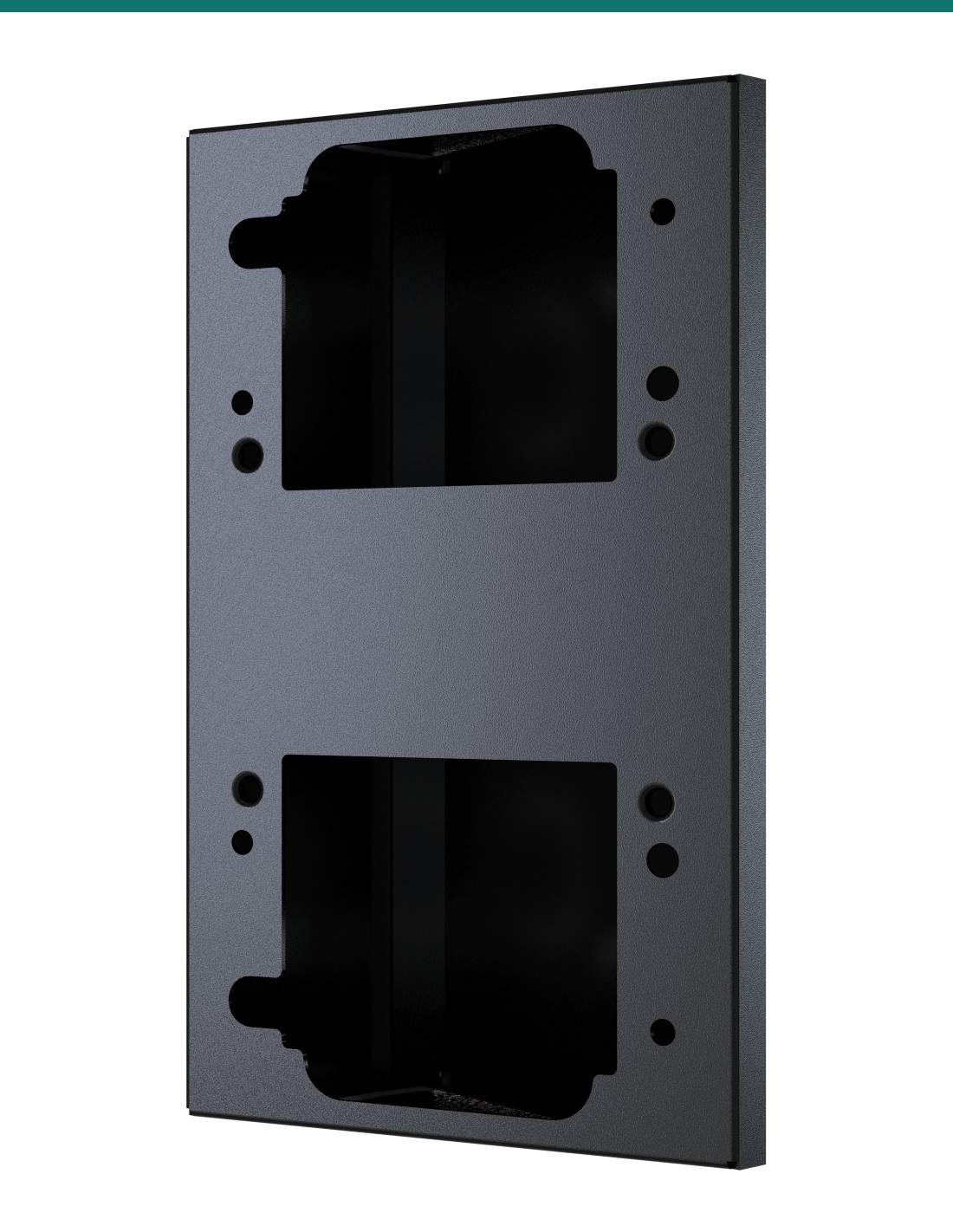
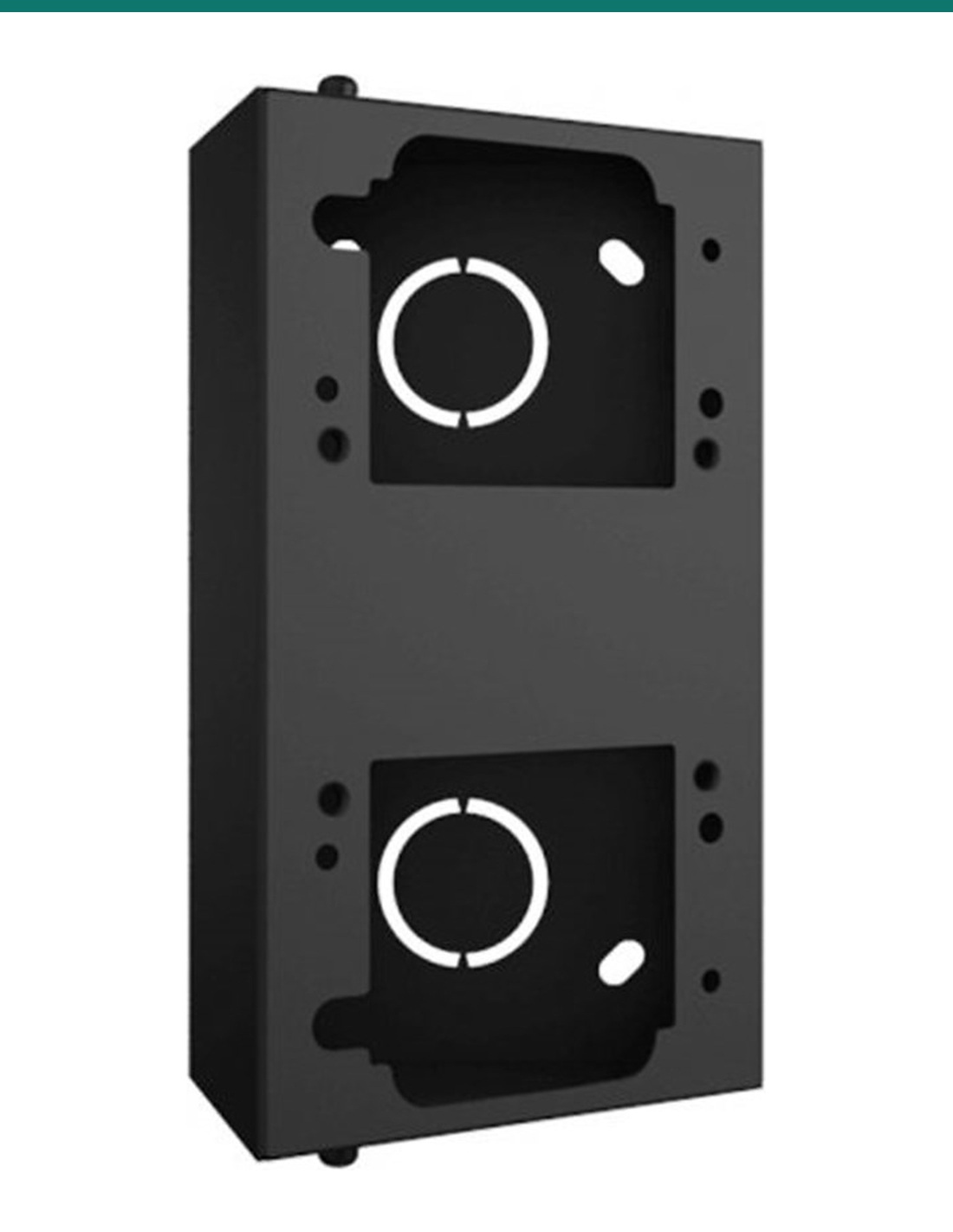
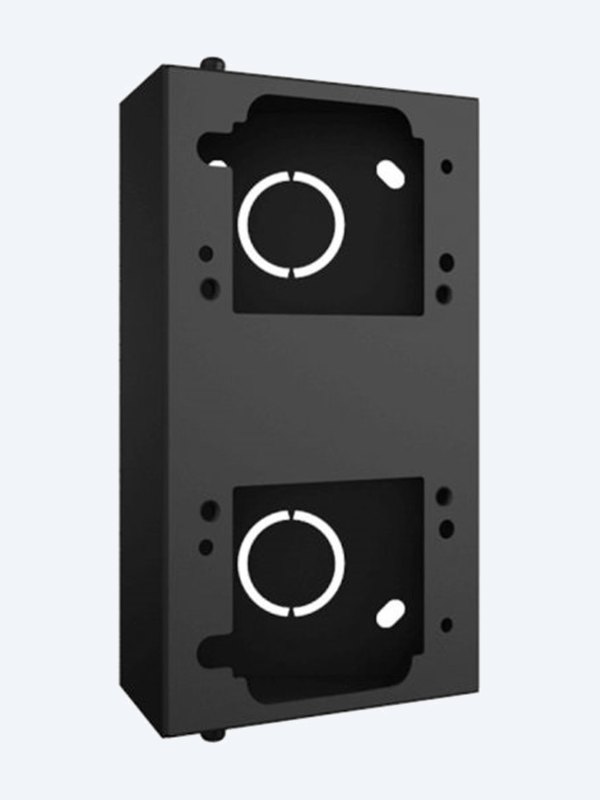
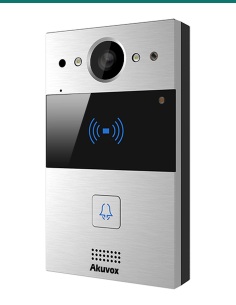
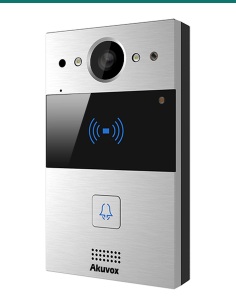
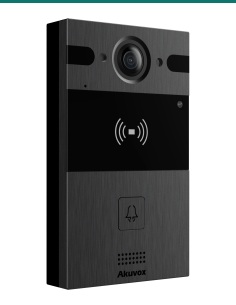
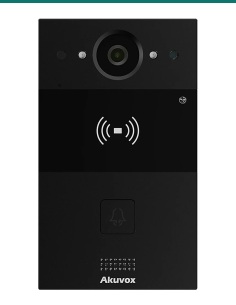
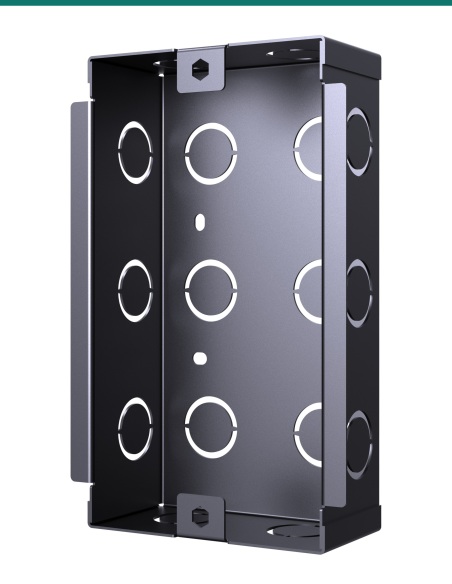
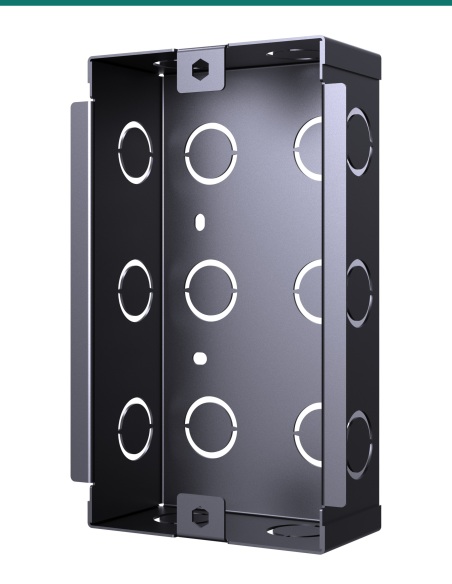
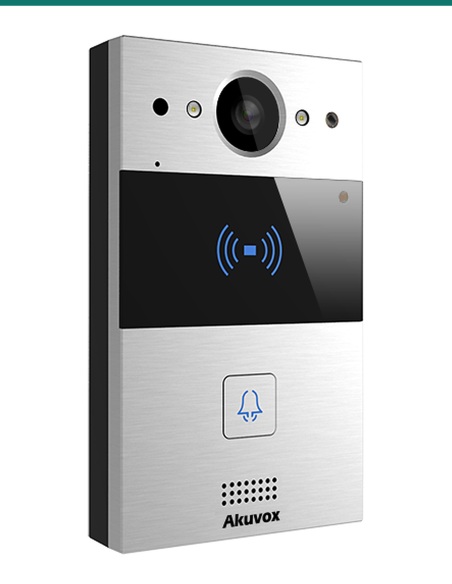
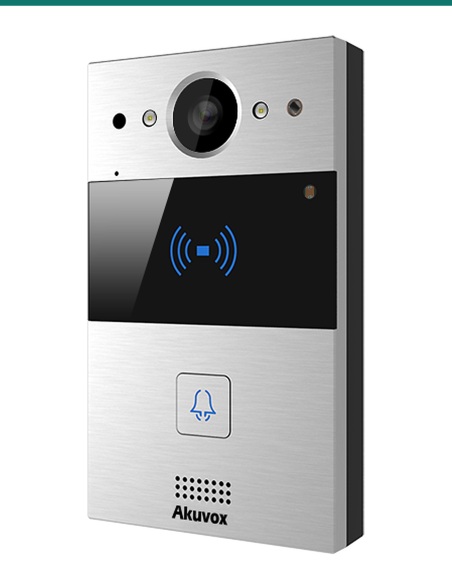
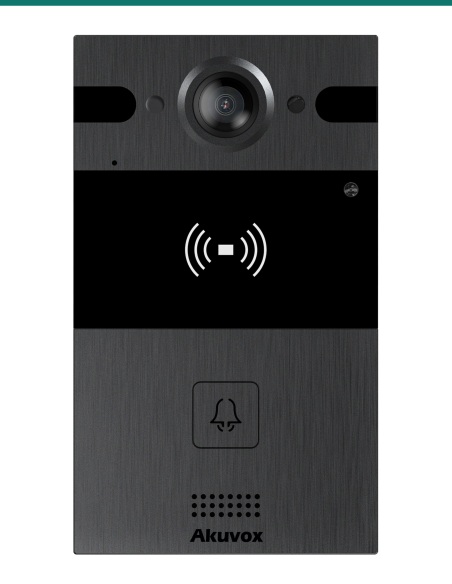
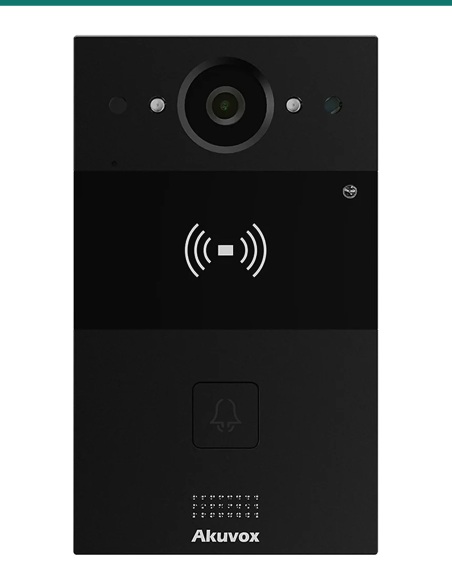
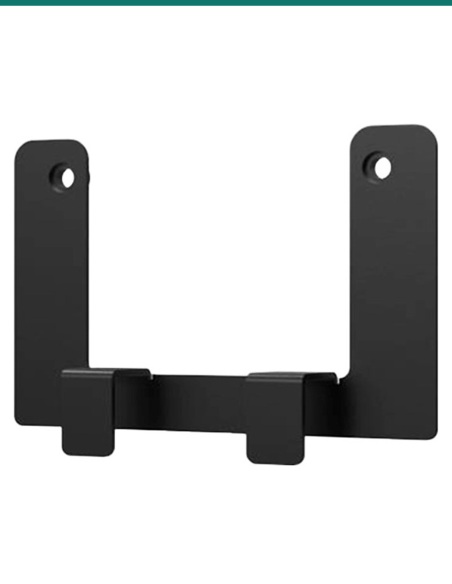
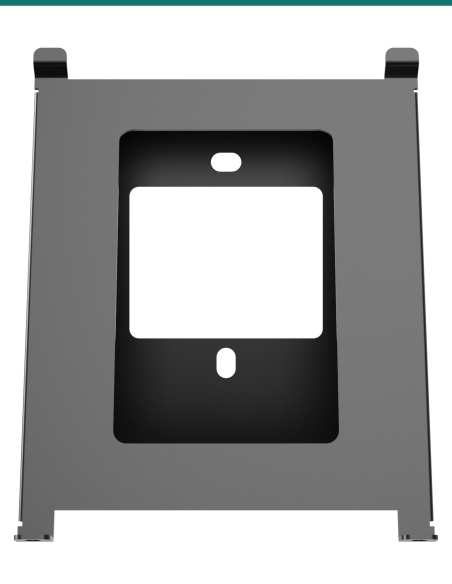
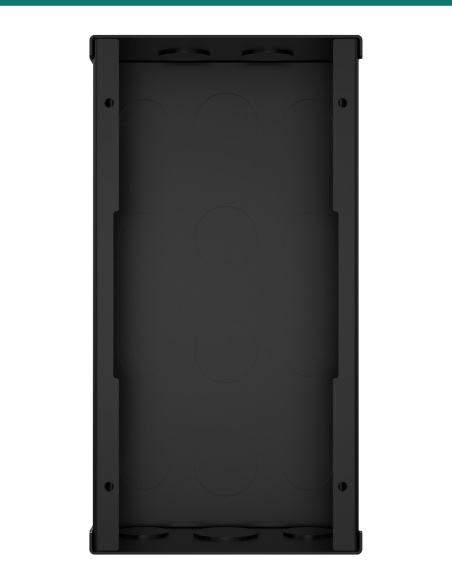
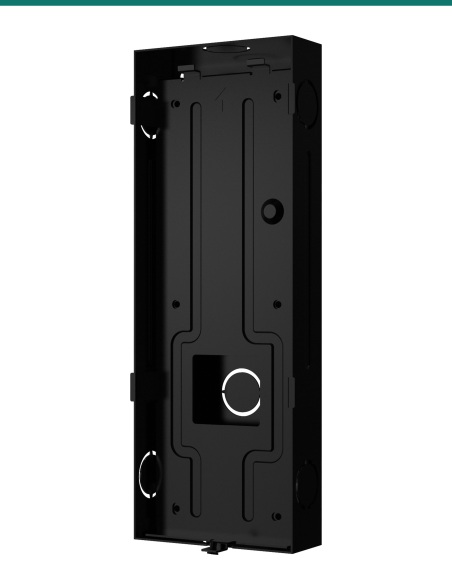
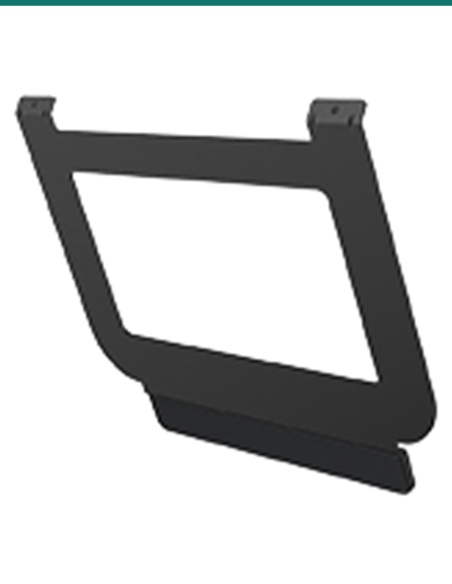
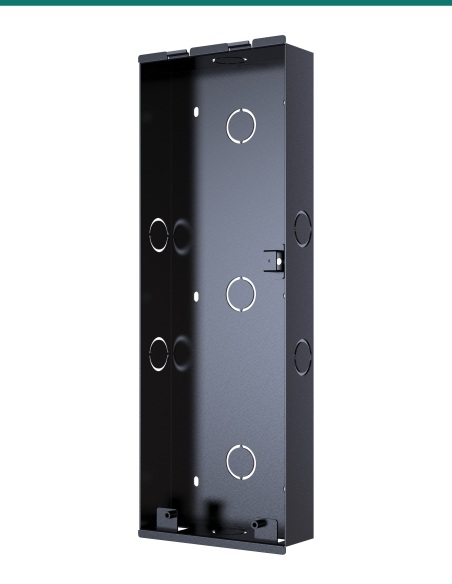
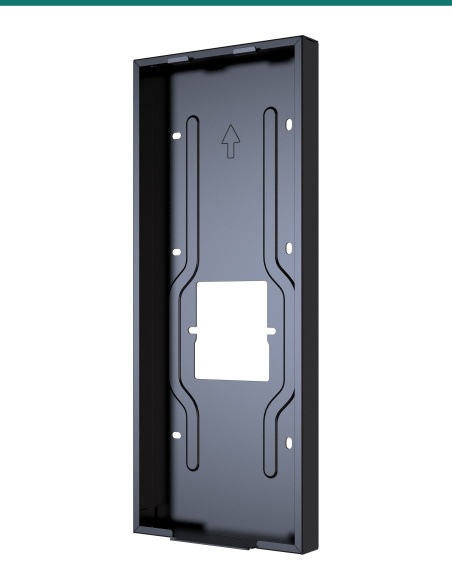
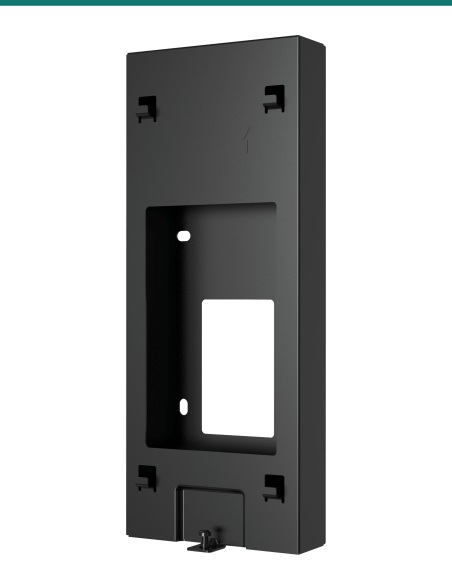
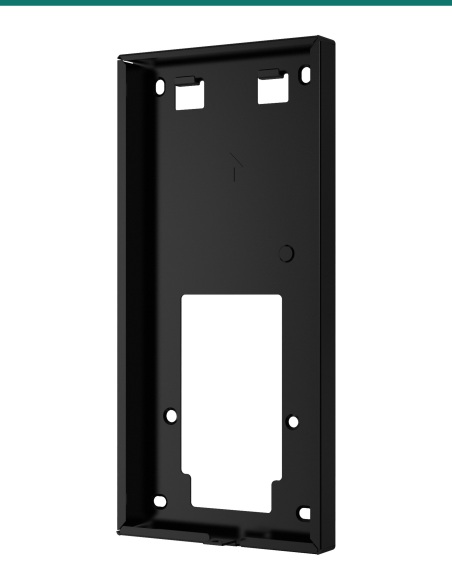
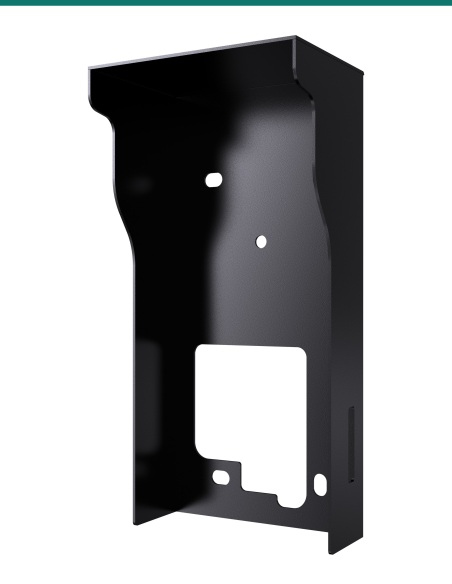
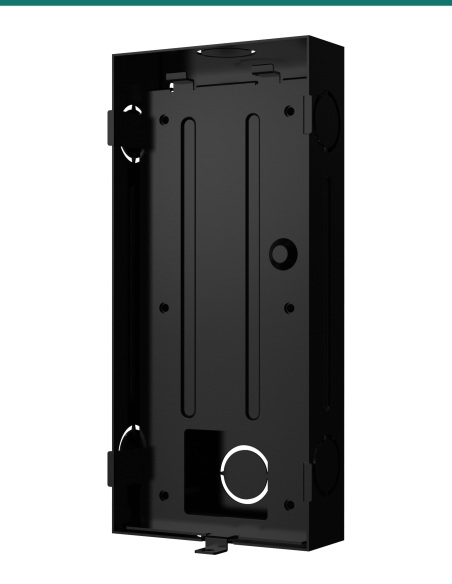
Akuvox R20A / R25A rotary bracket sits between the wall and a surface-mounted R20A, R25A or R20A-2, letting you swing the door phone round to face the path or gate instead of the opposite wall. Set the angle, then lock it with two Torx screws.
- ✓Turns a surface-mounted R20A, R25A or R20A-2 towards approaching visitors
- ✓137 mm tall; the door phone’s own wall bracket screws on with four M4×10 screws
- ✓Angle locked with two M3×8 Torx screws — Torx wrench included
- ✓Wall fixings included: four ST4×20 screws and anchors
Point the camera at the visitor.
Not at the wall opposite.
The AK-R20ANGLE is Akuvox’s rotary (adjustable angle) bracket for the R20A family — R20A, R25A and R20A-2. Door phones beside a gate or down a side path often face across the approach; this bracket turns the station so the camera and button face the person using them.
Bracket and fixings.
You receive the rotary bracket with wall fixings, bracket screws and a Torx wrench. The door phone, with its own wall-mounting bracket, is sold separately.
- Rotary bracket
- 4 × ST4×20 screws
- 4 × plastic wall anchors
- 4 × M4×10 screws
- 2 × M3×8 Torx screws
- Torx wrench
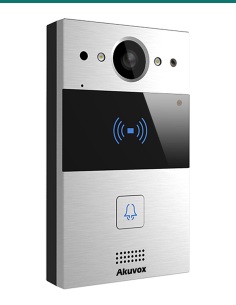
- Akuvox R20A, R25A or R20A-2 door phone with its wall-mounting bracket
- 6 mm drill for the wall fixings
Better faces, fewer blind spots.
A door phone fixed flat to a side wall sees people side-on. Angling it towards the path gives residents a face-on picture and makes the button and card reader easier to reach.

Adjustable
Set the angle on site.
Fit the two M3×8 Torx screws loosely, turn the bracket to the angle the entry needs, then tighten them fully — no need to plan the exact angle before you drill.
The door phone’s standard wall-mounting bracket screws onto the rotary bracket with four M4×10 screws, so the station hangs and locks exactly as it would on a flat wall.
Where to use it
Side paths, gates and corners.
Typical uses are gate pillars, side-entry paths and porches where the only wall runs alongside the approach.
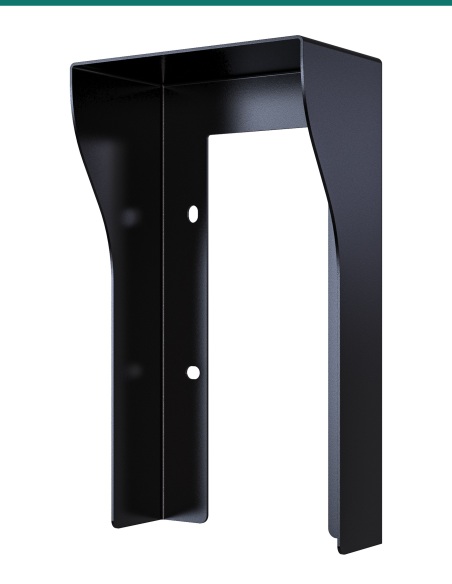
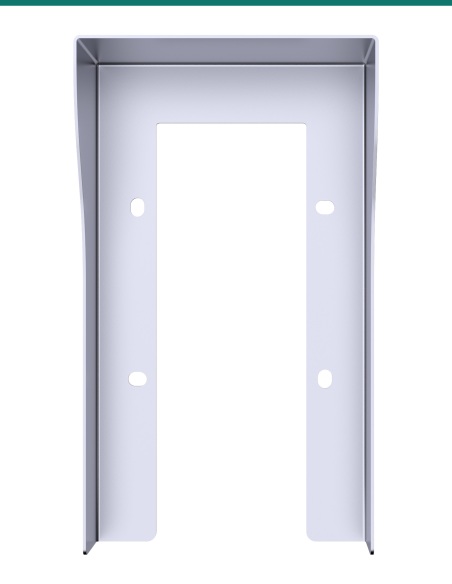
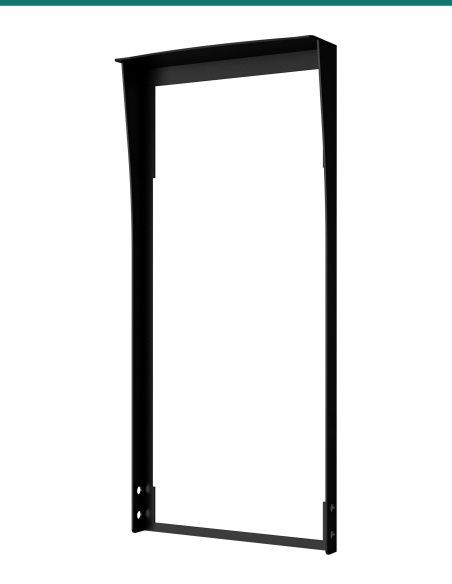
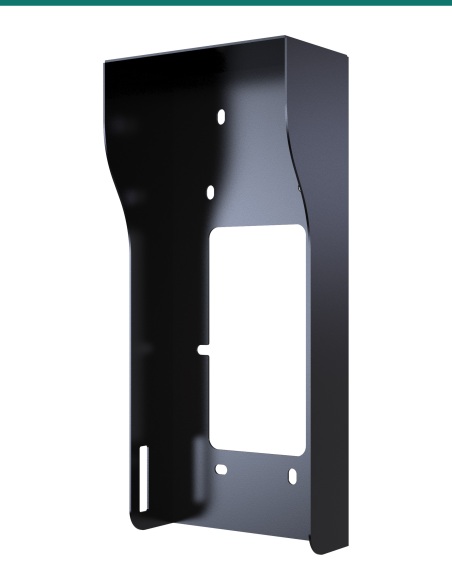
For a surface install in an exposed spot, pair it with the R20A / R25A on-wall rain hood in the same finish as your station.
How it works
Fitting the bracket.
01
Fix to the wall
Mark and drill four 6 mm holes, 20 mm deep, then screw the bracket on with the ST4×20 screws and anchors.
02
Add the wall bracket
Align the top edges and fasten the door phone’s wall-mounting bracket to the rotary bracket with four M4×10 screws.
03
Set the angle
Fit the two M3×8 Torx screws loosely, turn to the angle you need, then tighten them fully and hang the door phone.
At a glance
Key specs — AK-R20ANGLE
Show all specifications
- Type
- Rotary (adjustable angle) bracket
- Colour
- Black
- Compatible with
- Akuvox R20A, R25A and R20A-2, surface mount
- Height
- 137 mm
- Wall fixing
- 4 × ST4×20 screws and anchors (6 mm drill, 20 mm deep)
- Bracket fixing
- 4 × M4×10 screws to the door phone wall-mounting bracket
- Angle lock
- 2 × M3×8 Torx screws
- Warranty
- Australian warranty
- Brand
- Akuvox
- Reference
- AK-R20ANGLE
Dimensions
- Height
- 137 mm
- Width
- About 82 mm
- Cable openings
- Two in the front face, knockouts in the top and bottom plates
Fitting
- Wall fixing
- 4 × ST4×20 screws and plastic anchors in 6 mm holes, 20 mm deep
- Door phone bracket
- Fastened with 4 × M4×10 crosshead screws, top edges aligned
- Angle adjustment
- Set on site, then locked with 2 × M3×8 Torx screws
- Compatible door phones
- Akuvox R20A, R25A and R20A-2 (surface mount)
In the box
- Rotary bracket
- 1
- ST4×20 screws
- 4
- Plastic wall anchors
- 4
- M4×10 screws
- 4
- M3×8 Torx screws
- 2
- Torx wrench
- 1
Pair it with
Pairs with
Door phone
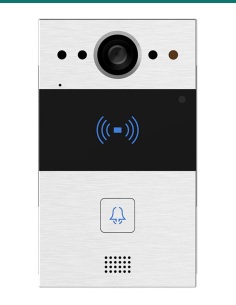
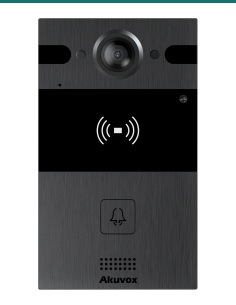
Akuvox R20A, R25A or R20A-2
Single-button door phones that use the wall-mounting bracket this bracket is drilled for.
Weather
R20A / R25A on-wall rain hood
Silver or black hood for exposed surface installs.
Watch
See it in action
Downloads
Datasheets and guides
Compliance certificates and technical documents are available on request for tenders and installers — send an enquiry.
Answers
Common questions
Which door phones does it fit?
Akuvox R20A, R20A-2 and R25A. Akuvox’s rotary bracket guide covers the R20A and R20A-2, and the same bracket appears in the R25A dimension drawings. For the R20K, R25K and R20B use AK-R20KANGLE.
Is it for flush-mounted stations?
No. It is a surface-mount bracket that the door phone’s wall-mounting bracket screws onto.
How big is it?
137 mm tall and about 82 mm wide, so it sits within the outline of the 145 × 85 mm door phone.
How do I set the angle?
Fit the two M3×8 Torx screws loosely, turn the bracket to the angle the entry needs, then tighten them fully with the supplied Torx wrench.
What is in the box?
The rotary bracket, four ST4×20 screws and anchors for the wall, four M4×10 screws for the door phone bracket, two M3×8 Torx screws for the angle lock, and a Torx wrench.
Made for the R20A family.
Use this bracket with the R20A, R25A and R20A-2. The taller R20K, R25K and R20B have their own rotatable bracket (AK-R20KANGLE).
- Colour
- Black
- Brand
- Akuvox
- Warranty
- Australian warranty
- Product Type
- Adjustable angle (rotary) bracket
- Model
- R20A / R25A rotary bracket
- Includes
- Rotary bracket, 4 × ST4×20, 4 anchors, 4 × M4×10, 2 × M3×8 Torx, Torx wrench
- Compatible with
- Akuvox R20A, R25A and R20A-2 (surface mount)
- Angle Lock
- 2 × M3×8 Torx screws
- Height
- 137 mm
- Wall Fixing
- 4 × ST4×20 screws and anchors (6 mm drill, 20 mm deep)