Dahua WiFi Intercom Kit 2-Wire Villa Intercom System Smartphone App DHI-KTX01(S)

SKU DHI-KTX01(S) In Stock - Ready to Ship
$397.50 inc GST

Dahua DHI-KTX01(S): a 2-wire video intercom kit with a 2MP door station, a 7-inch touchscreen monitor with Wi-Fi for the DMSS app, and the 2-wire controller that powers both over two cores.

  • ✓2MP door station, 110° view, IR, IP65, IK07
  • ✓7" 1024 × 600 touchscreen monitor
  • ✓Answer and unlock in the DMSS app (Wi-Fi)
  • ✓Reuse two-core cable: up to 180 m to the door
  • ✓Controller and surface box included
  • ✓Dahua 3-year warranty


Description

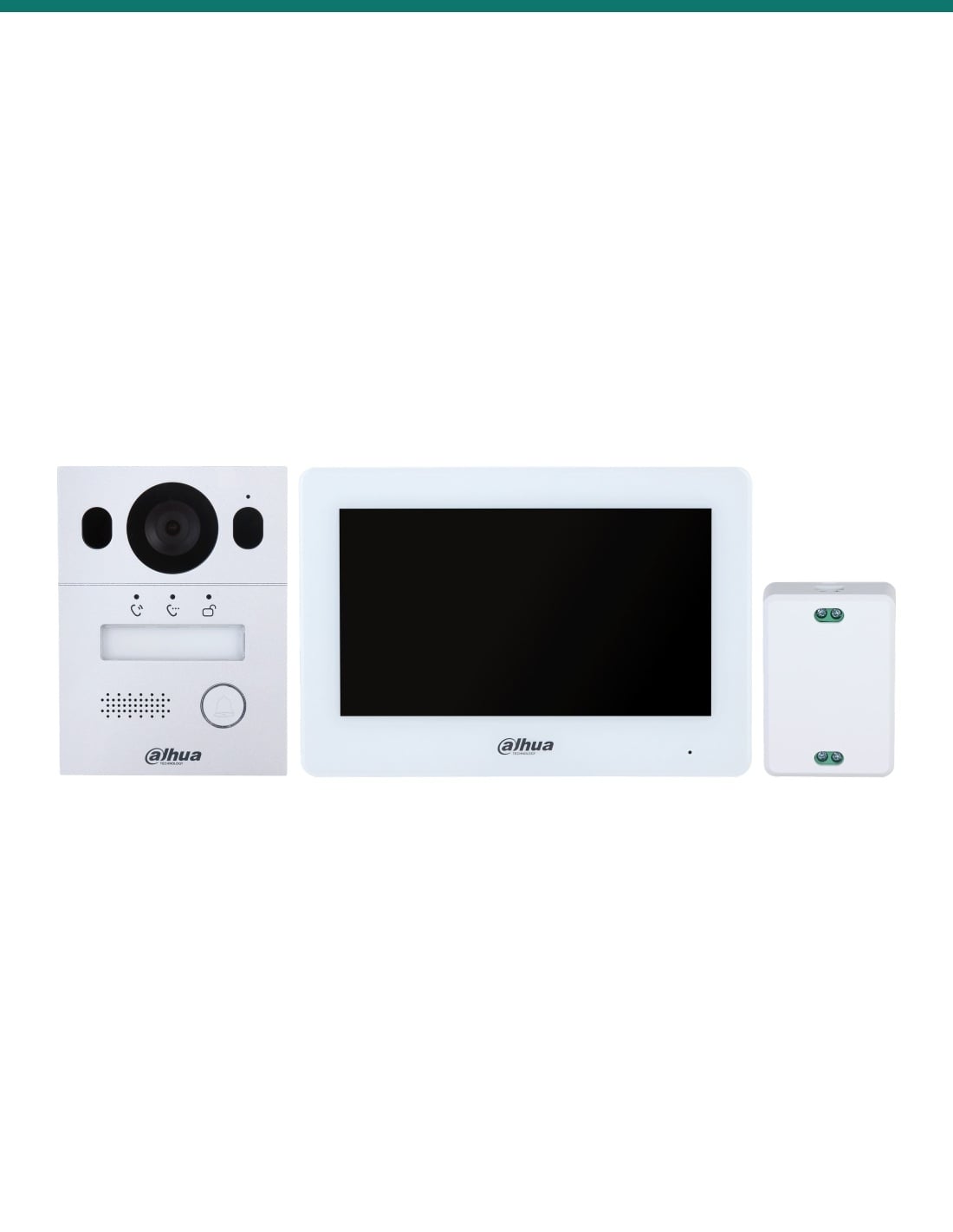
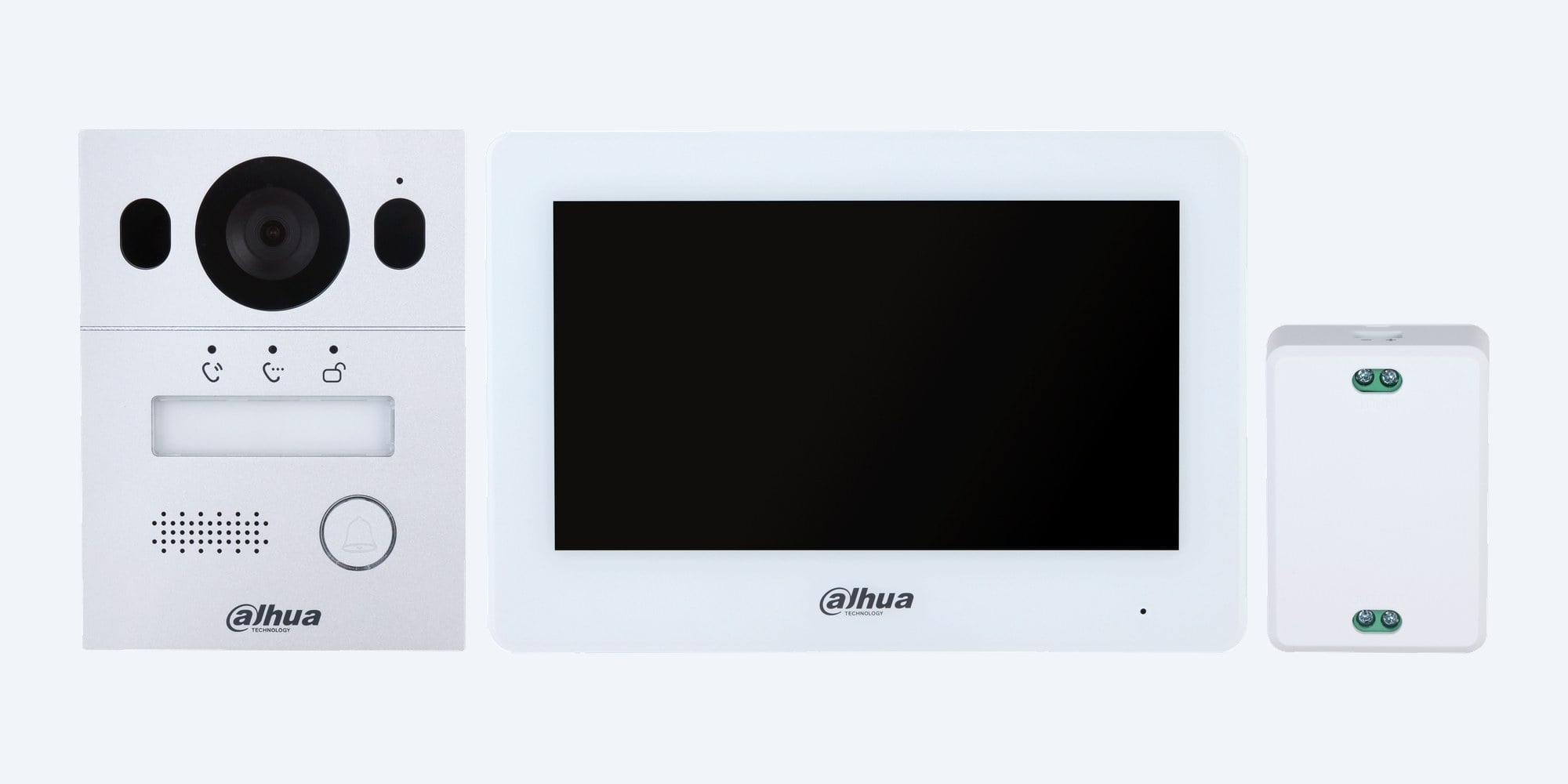
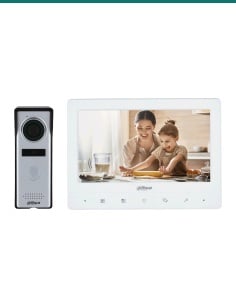
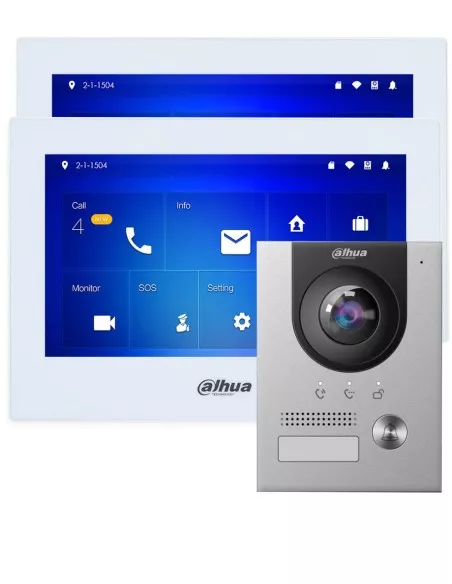
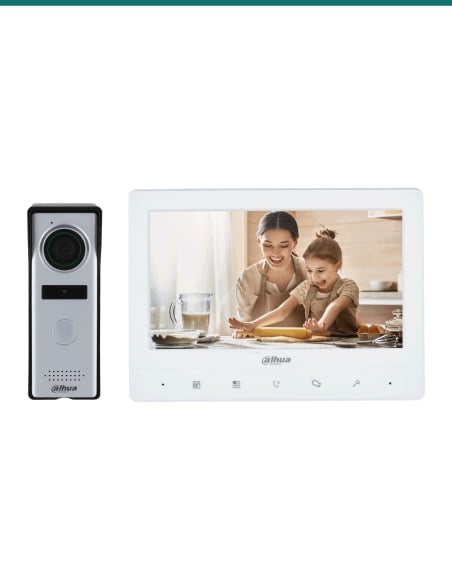
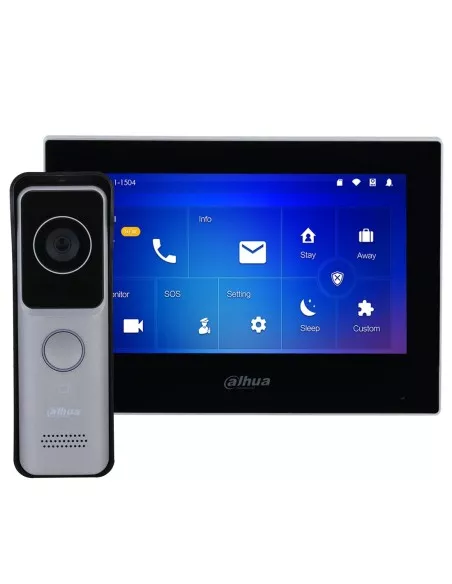
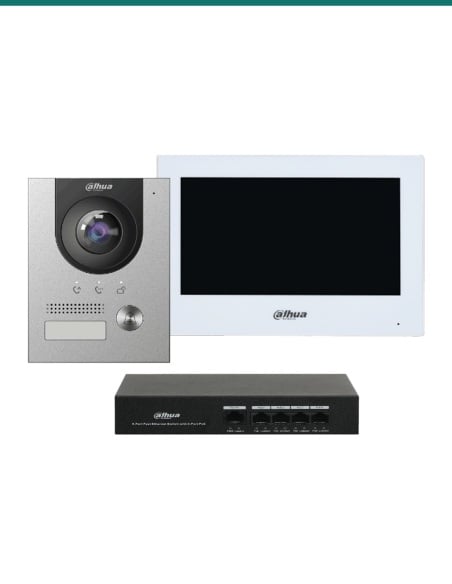
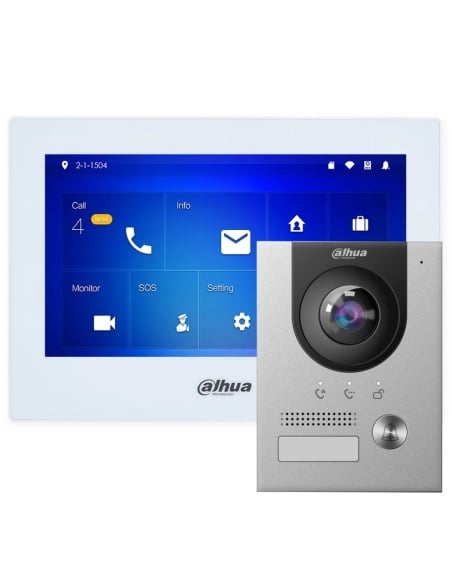
Dahua DHI-KTX01(S) 2-wire video intercom kit: silver VTO2003F door station, white 7-inch VTH5123H-W monitor and VTNC1003C 2-wire controller
Dahua · 2-wire hybrid · Wi-Fi intercom kit

Two wires to the door.
Answer it on the screen or your phone.

The Dahua DHI-KTX01(S) is a 2-wire villa intercom kit: a 2MP door station, a 7-inch touchscreen monitor with Wi-Fi for the DMSS app, and the 2-wire controller that powers both over two cores of cable.

In one sentence: the DHI-KTX01(S) is a Dahua 2-wire hybrid video intercom kit with a 2MP IP65 VTO2003F door station, a 7-inch VTH5123H-W touchscreen monitor with 2.4 GHz Wi-Fi for the DMSS app, a VTNC1003C 2-wire controller and a VTM115 surface box.

2-wire hybrid, not IP or PoE. Wi-Fi is for the app only.

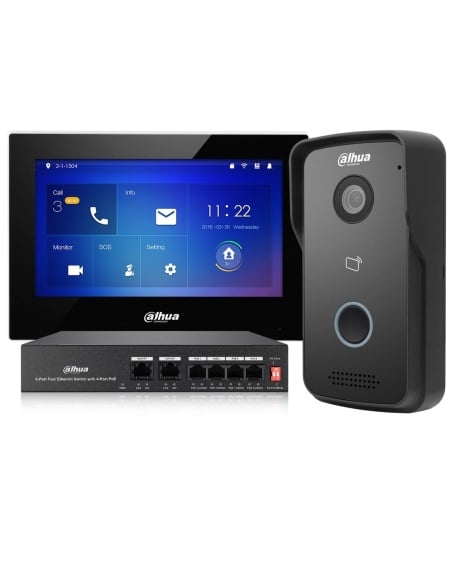
The door station and monitor run on Dahua's 2-wire hybrid system: the VTNC1003C controller powers both and carries calls over the same two wires. The monitor's Wi-Fi links it to your router for the app; it does not power anything. These parts do not work with Dahua's IP or PoE door stations, or with the VTNS 2-wire IP switch.

In the box
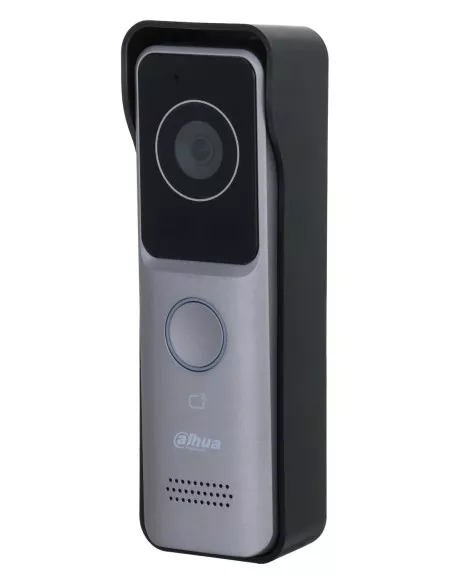
  • DHI-VTO2003F 2-wire hybrid villa door station (silver)
  • DHI-VTH5123H-W 2-wire Wi-Fi hybrid indoor monitor (white)
  • VTNC1003C 2-wire controller with line termination terminal
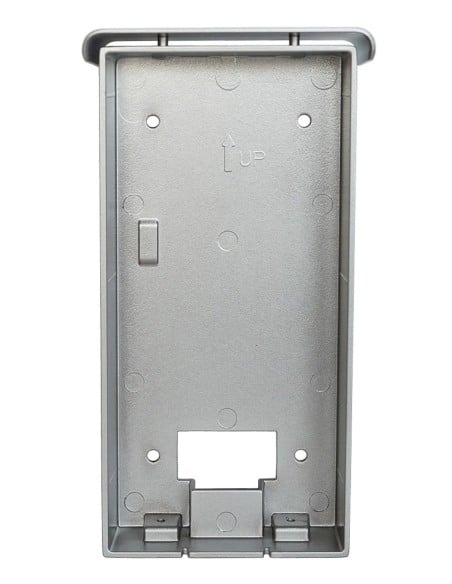
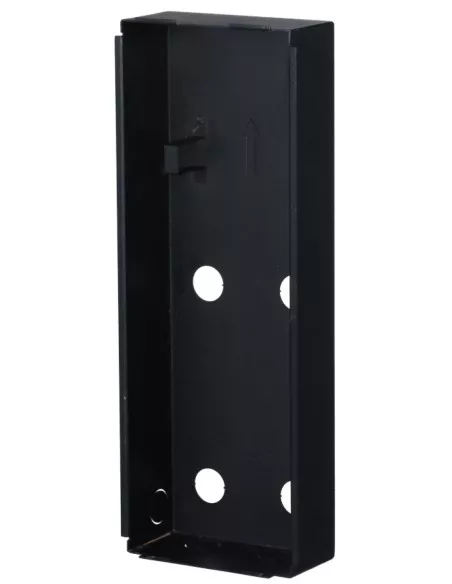
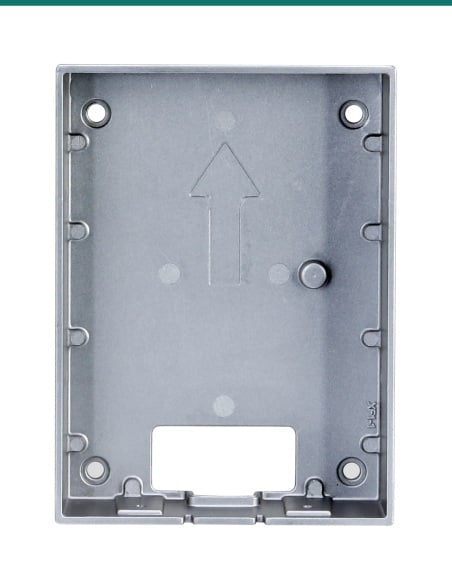
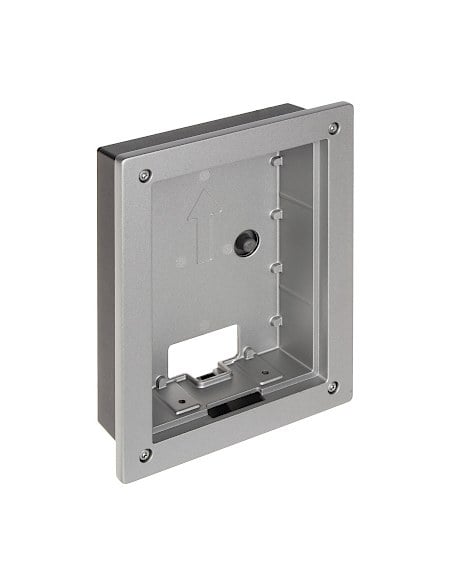
  • VTM115 surface mounted box for the door station
  • 1 power adapter and 1 power cord
You also need
  • Two-core cable for the run (see the steps)
  • An electric strike or lock and its power supply, if you want to unlock the door
  • A microSD card (up to 64 GB) for recordings, snapshots and video messages
  • A 2.4 GHz Wi-Fi network for the app, and a power point near the controller

A door camera you can answer from anywhere.

A visitor presses the call button and the monitor rings. Talk to them, look at the 2MP picture (IR at night), and release the door. If nobody is home the call reaches Dahua's DMSS app over the monitor's Wi-Fi, and visitors can leave a video message on the monitor's microSD card. Because it is 2-wire, an old two-core doorbell or intercom cable can often be reused.

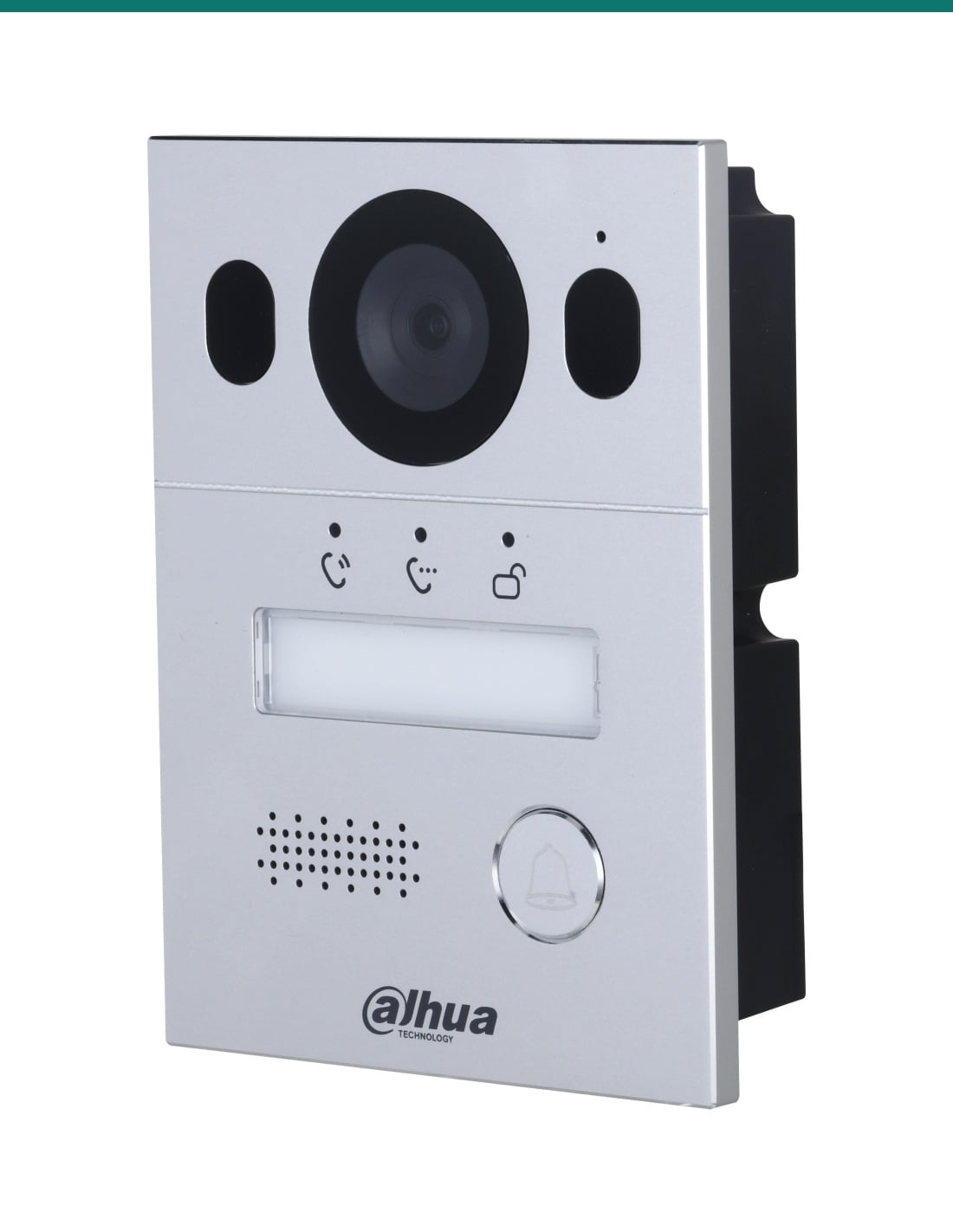
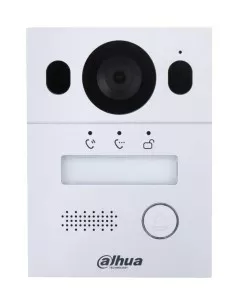
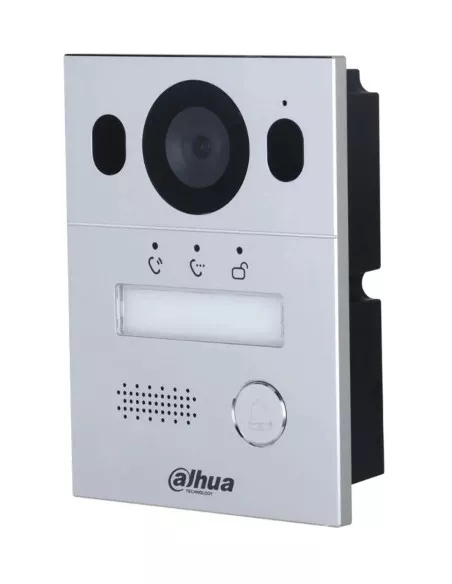
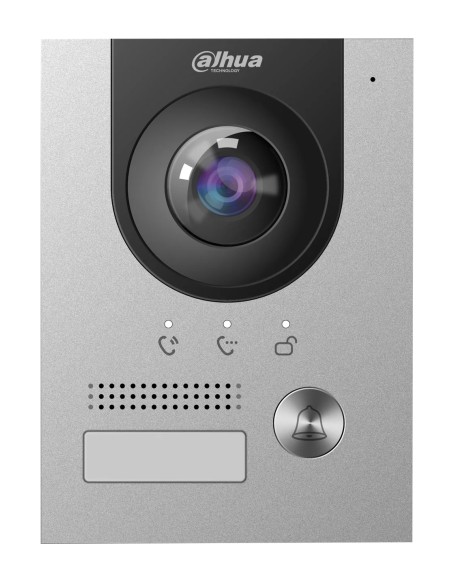
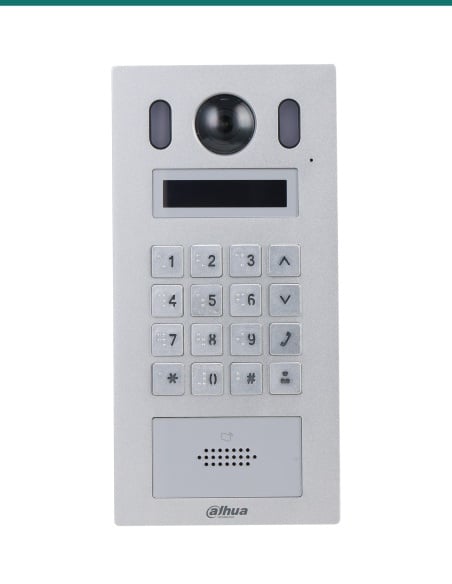
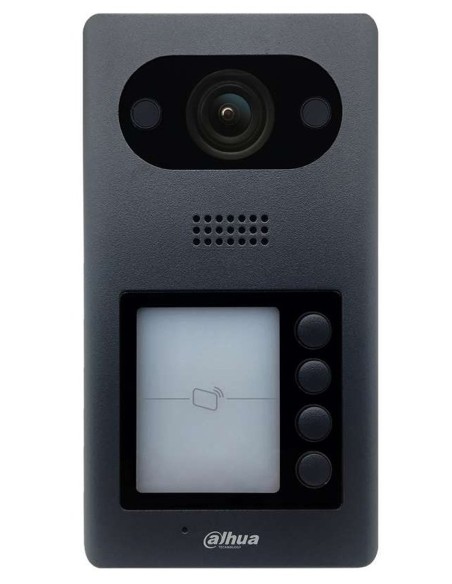
Dahua DHI-VTO2003F silver 2-wire hybrid villa door station with 2MP camera, nameplate and call button

Door station

2MP, 110° wide, IP65 and IK07.

The VTO2003F has a 1/2.8" 2MP camera with a 110° × 60° view, auto IR, day/night switching, DWDR and 3D noise reduction behind an aluminium alloy front. It has a mechanical call button, a nameplate, a tamper alarm, an exit button input, a door status input and lock control, and supports a local lock and a second lock. Rated IP65 and IK07, −40 °C to +60 °C.

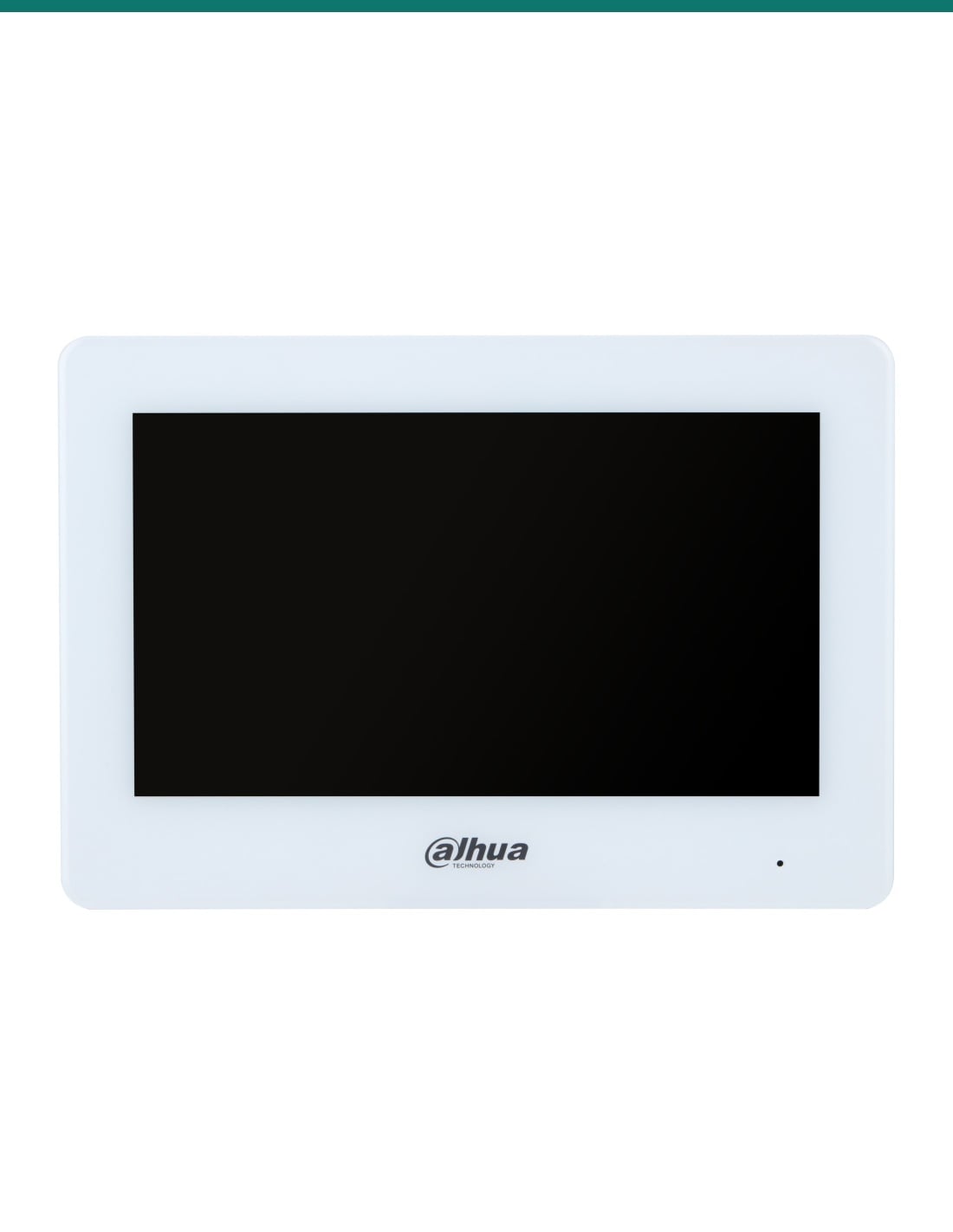
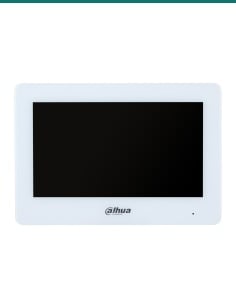
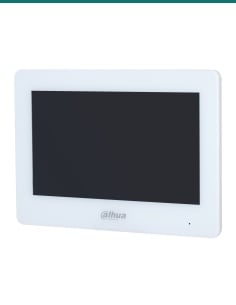
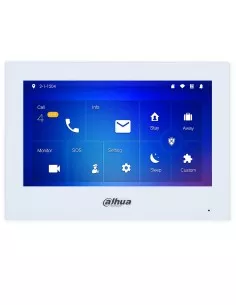
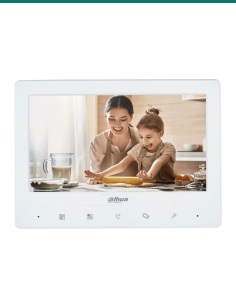
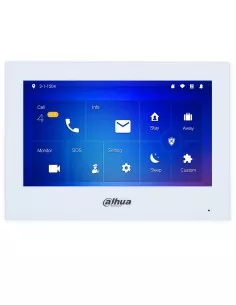
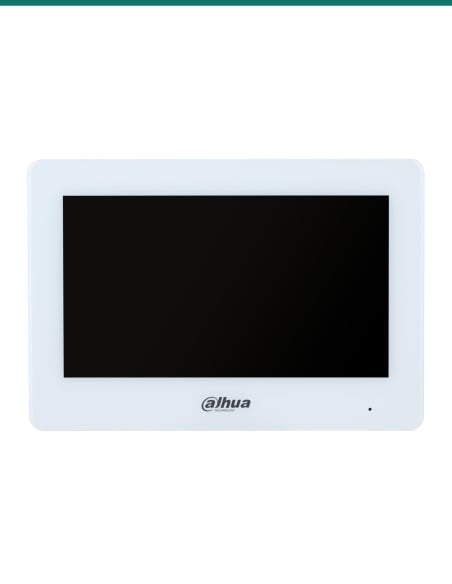
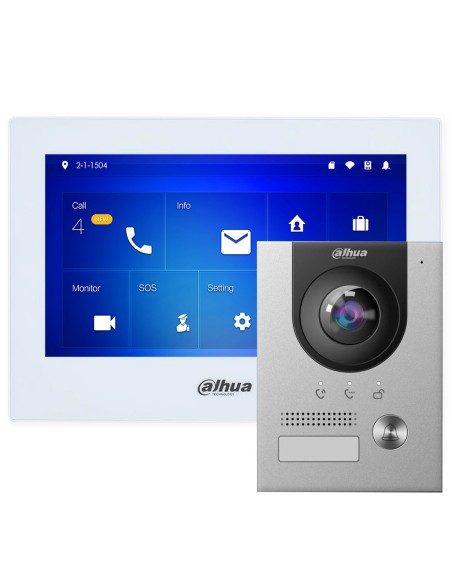
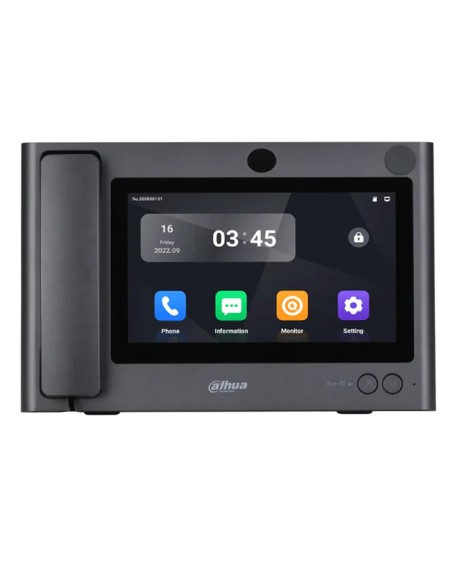
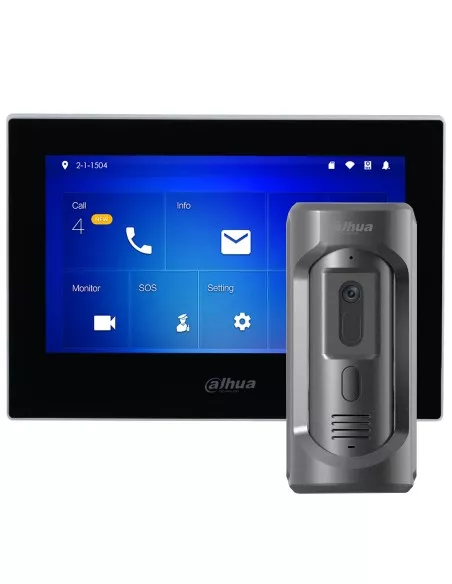
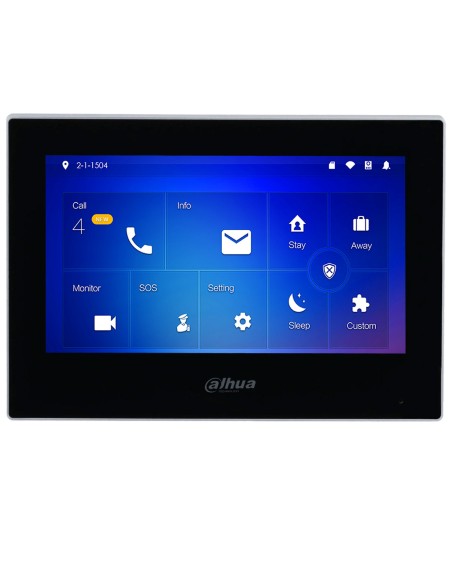
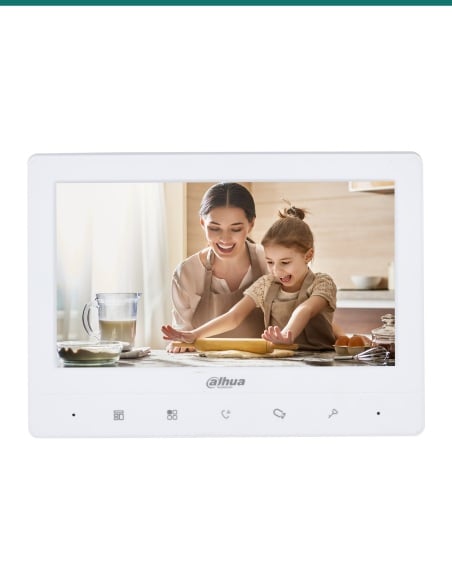
Dahua white 7-inch 2-wire Wi-Fi hybrid indoor monitor, front view (same housing as the VTH5123H-W-S2)

Indoor monitor

7-inch touchscreen with Wi-Fi.

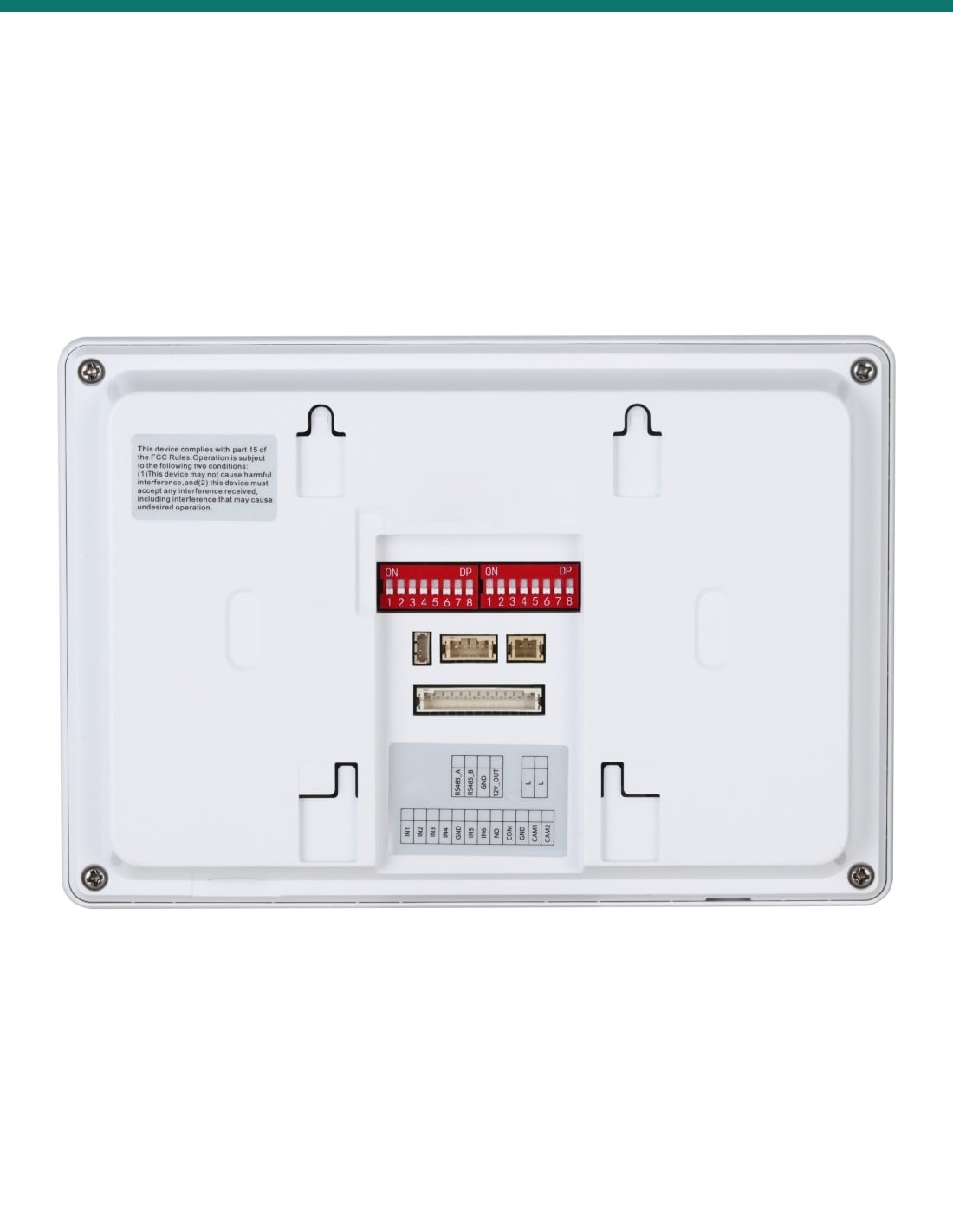
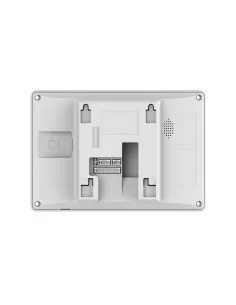
The VTH5123H-W has a 7" capacitive touchscreen at 1024 × 600, echo suppression, do not disturb and 2.4 GHz Wi-Fi for the app. Add a microSD card (up to 64 GB) to record calls, take snapshots and keep video messages. It has 6 alarm inputs, 1 alarm output, an HDCVI camera connection and RS-485, and surface-mounts on the wall.

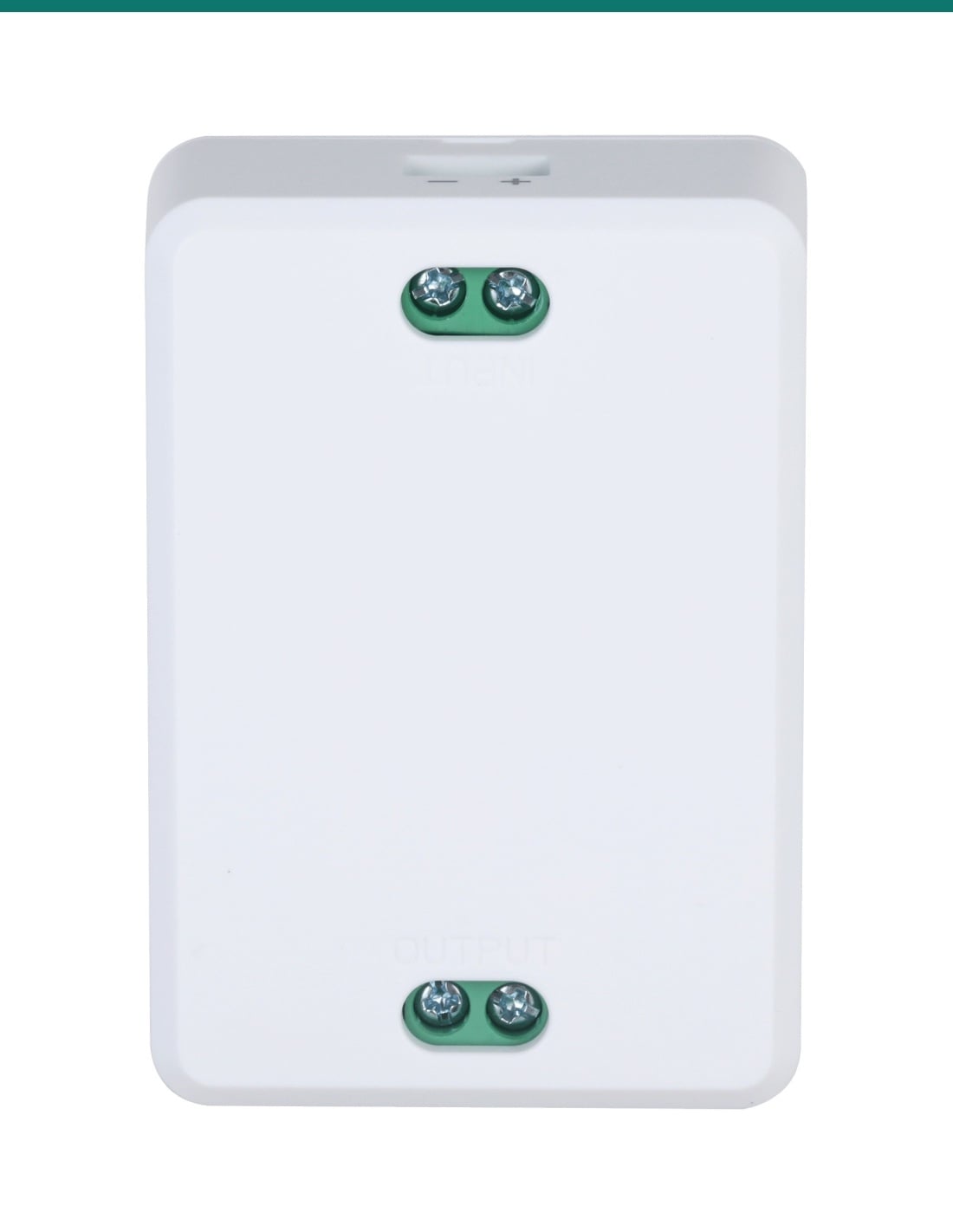
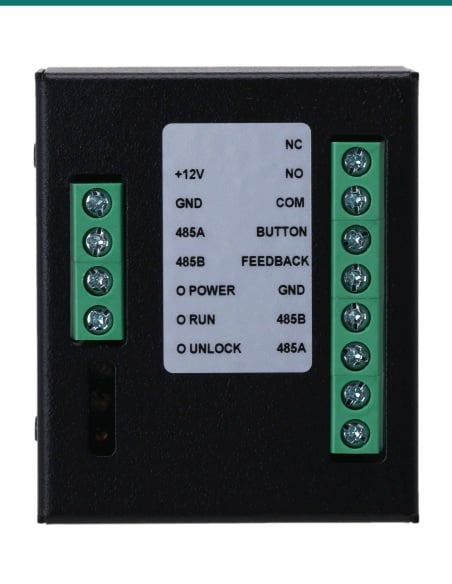
Dahua VTNC1003C white 2-wire controller with its two green terminal blocks

2-wire controller

One supply for the whole system.

The VTNC1003C takes 48 VDC from its adapter and puts power and signal onto the two-wire bus that runs to the monitor and door station. It measures 65.2 × 46.2 × 23.2 mm, uses 3.5 W and comes with a line termination terminal. Dahua's manual allows up to 6 devices on one bus.

How it goes in

From the box to the first call.

01

Plan the cable

Dahua's figures for 2 × 0.5 mm² or 2 × 1.5 mm² RVV cable: up to 180 m from monitor to door station and 100 m from controller to monitor, with up to 6 devices. Other cable types have shorter limits.

02

Fit the door station

Fix the VTM115 surface box to the wall, wire the two bus wires (and any lock, exit button or door contact), set its DIP number and fit the VTO2003F into the box.

03

Fit the controller and monitor

Mount the controller near a power point, run the bus to the monitor, set the monitor's DIP address, surface-mount it and insert a microSD card. Then plug in the controller's adapter.

04

Join Wi-Fi and test

Connect the monitor to your 2.4 GHz Wi-Fi, add it to the DMSS app, then make a test call and try unlock from the monitor and the app.

Pair it with

What goes with it

Second room

Dahua DHI-VTH5123H-W monitor

The same 7-inch 2-wire Wi-Fi monitor for a bedroom, office or granny flat, on the same two-wire bus.

Second door

Dahua DHI-VTO2003F door station

A second 2-wire hybrid door station for a gate or back door. Each one needs its own DIP number.

Weather

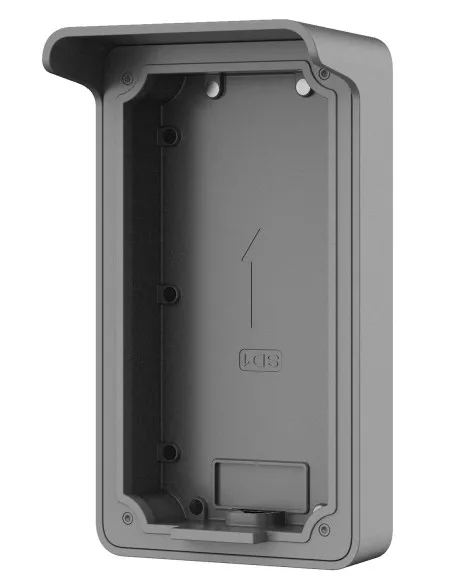
Dahua VTM05R rain cover

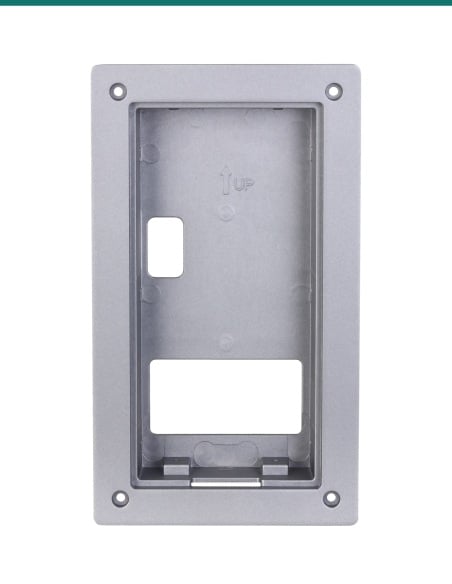
The surface-mounted rain cover Dahua lists for the VTO2003F, for a door station that faces the weather.

Lock

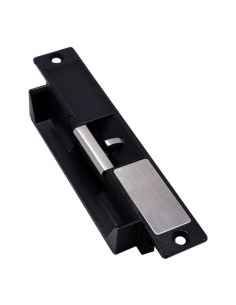
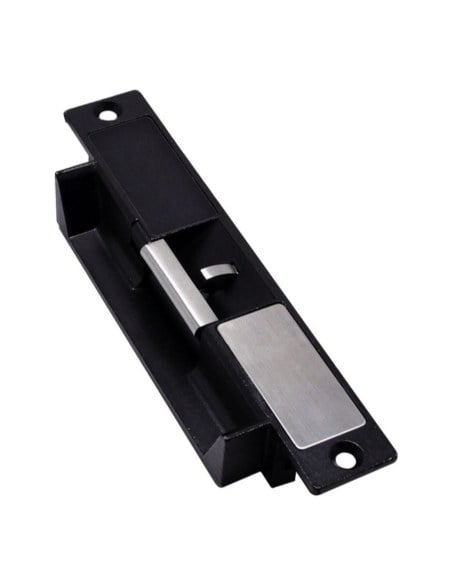
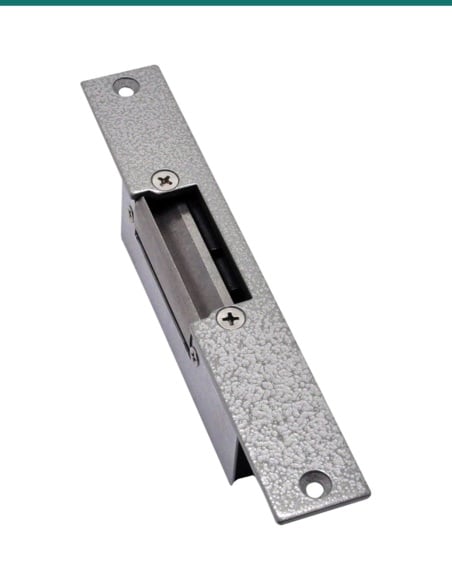
An electric door strike

Released by the door station's lock control. Use a strike rated for the door with its own power supply.

Where it is used

Where a 2-wire kit fits.

Upgrading an old intercom

Reuse the existing two-core cable to the front door instead of running new data cable.

Houses

A front door camera with a monitor in the hall and calls on your phone.

Villas and duplexes

One kit per dwelling, with its own controller and Wi-Fi.

Gates and long driveways

Up to 180 m from monitor to door station on the right cable.

Granny flats

Add a second VTH5123H-W monitor on the same bus.

Small offices

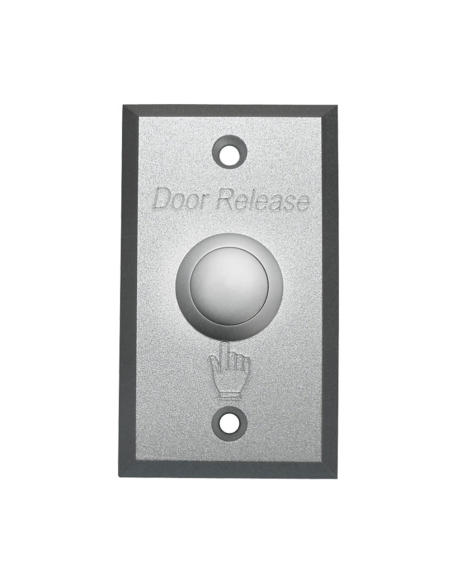
See visitors at reception and release the door strike.

The door station and the monitor

VTO2003F door stationVTH5123H-W indoor monitor
Main part2MP camera, 110° × 60°, auto IR7" touchscreen, 1024 × 600
KeysMechanical call buttonCapacitive touchscreen
AudioHalf-duplex with the monitorHalf-duplex with the door station, full-duplex with the app
PowerFrom the 2-wire controllerFrom the 2-wire controller
Power use≤1.5 W standby, ≤10 W working≤2.5 W standby, ≤10 W working
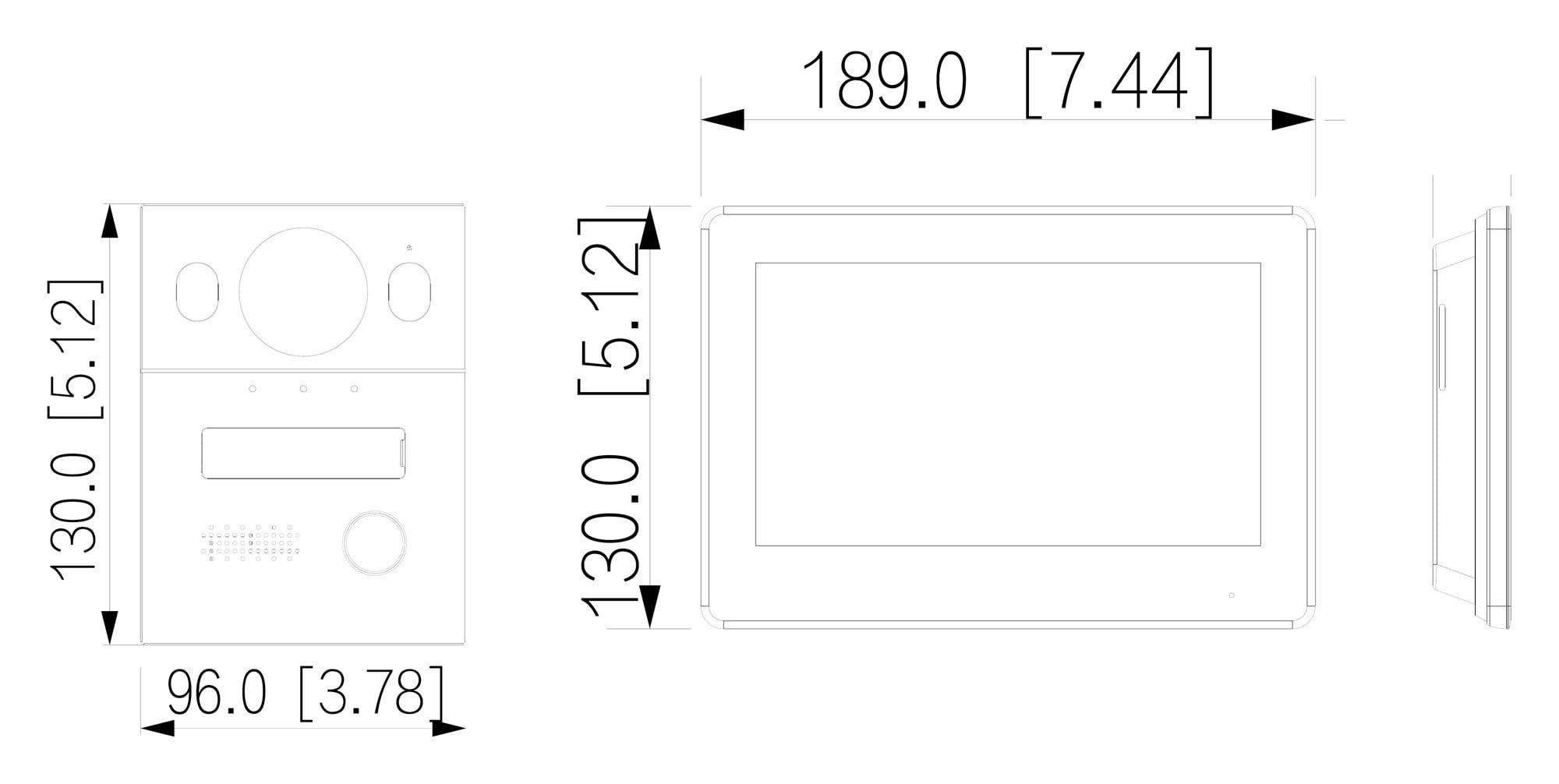
Size130 × 96 × 28.5 mm130 × 189 × 23.9 mm
Colour and buildSilver aluminium alloyWhite PC + ABS
Rating and rangeIP65, IK07, −40 °C to +60 °CIndoor, −10 °C to +55 °C

Both columns come from Dahua's KTX01 kit datasheet (2024). The VTNC1003C controller is listed in the specifications above.

Common questions

Is this an IP or PoE intercom?

Neither. It is Dahua's 2-wire hybrid system. The VTNC1003C controller powers the door station and monitor and carries the calls over two wires. It does not work with Dahua's IP or PoE door stations.

What is in the box?

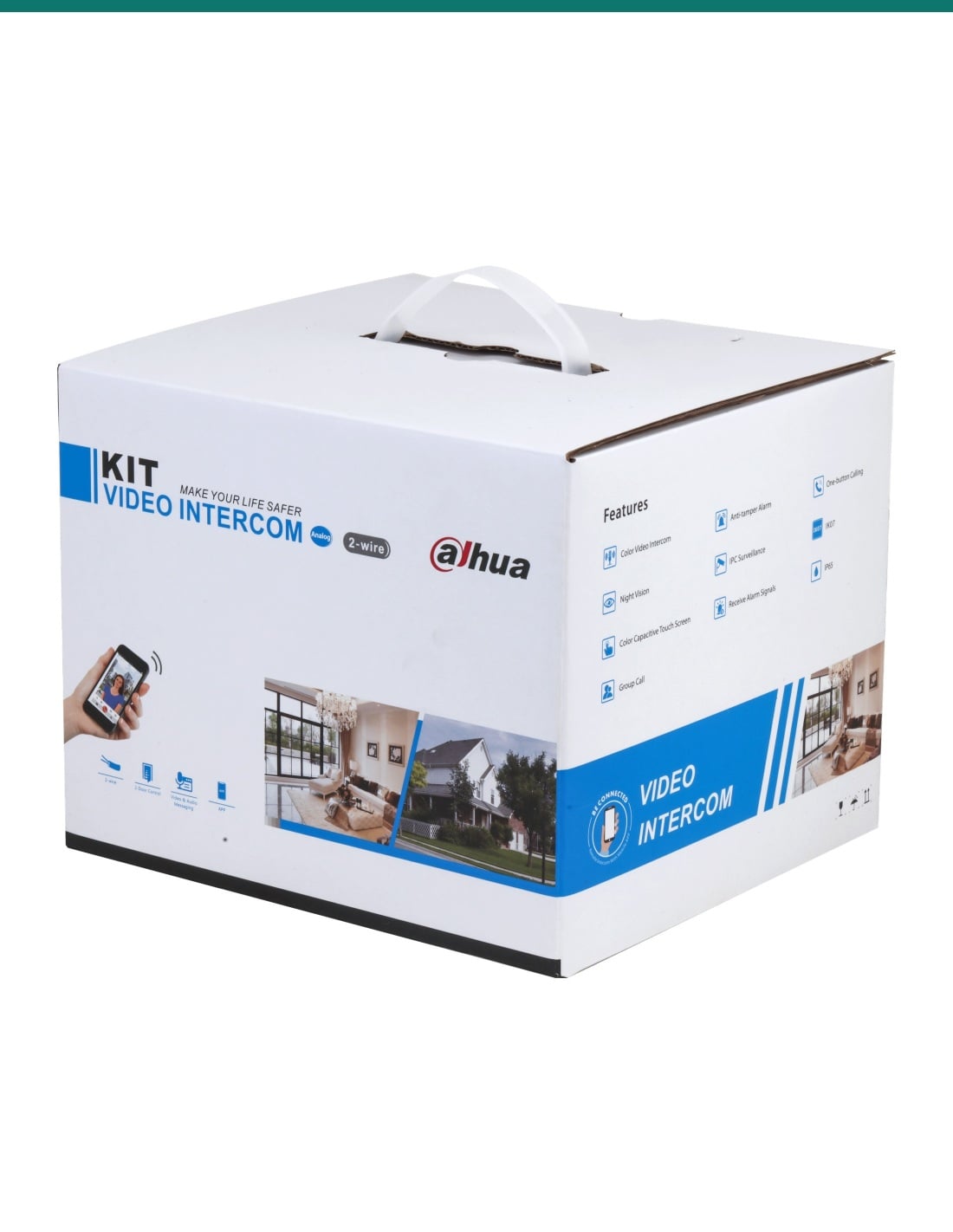
The VTO2003F door station, the VTH5123H-W 7-inch monitor, the VTNC1003C 2-wire controller with its line termination terminal, the VTM115 surface mounted box, one power adapter and one power cord. A lock and microSD card are not included.

Does Wi-Fi power the monitor?

No. Wi-Fi only carries data between the monitor and your router for the DMSS app. The monitor and door station are powered by the 2-wire controller over the cable.

Can I answer the door on my phone?

Yes. Add the monitor to Dahua's DMSS app over 2.4 GHz Wi-Fi to take calls, see the door, unlock it and get alarm notifications. Audio with the app is full-duplex.

Can I reuse my old intercom cable?

Often, if it is a sound two-core cable. Dahua's figures for 2 × 0.5 mm² or 2 × 1.5 mm² RVV cable are 180 m from monitor to door station and 100 m from controller to monitor. Other cable types have shorter limits.

Can I open the door from the monitor?

Yes. The door station has lock control, an exit button input and a door status input, and supports a local lock and a second lock. The lock and its power supply are sold separately.

Does it record visitors?

With a microSD card (up to 64 GB) in the monitor, it can record video, take snapshots and keep video messages from visitors when nobody answers.

Can I add more monitors or door stations?

Yes, on the same bus. Dahua's manual allows up to 6 devices (monitors plus door stations) on one controller, and each one needs its own DIP address.

Does it work at night?

Yes. The door station has automatic IR and switches to black and white in the dark.

Is the door station weatherproof?

It is rated IP65 and IK07 and runs from −40 °C to +60 °C. For a door that faces the rain, Dahua lists the VTM05R rain cover for the VTO2003F.

Can it show my CCTV cameras?

Dahua's datasheet says the monitor connects to an HDCVI camera. It does not list IP camera viewing for this model.

What warranty does it have?

Dahua 3-year manufacturer warranty, handled in Australia through InFront. Dahua's Australian policy lists 36 months for video intercom.

Supported by InFront Technologies.

Help with cable, extra monitors or a lock: call 1300 736 970 or email [email protected]. The datasheet and manual are on the Attachments tab.
Installation and safety

Power. Use the controller's own adapter. Dahua's manual says any other supply must be one Dahua has certified, and the adapter needs an earthed power point.

Cabling. Concealed intercom cabling is customer cabling under AS/CA S009 and needs an ACMA-registered cabler. Never short the two OUT wires of the controller.

Locks. Use a lock and power supply rated for the door. On exit doors, check fire and egress rules before fitting a fail-secure strike.

What it does not do. No PoE, no IP door stations, no card or PIN entry at the door. Wi-Fi is for the app only.

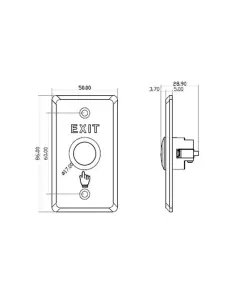
Figures. From Dahua's KTX01 kit datasheet (2024), the 2-wire controller manual and the 2-wire hybrid indoor monitor manual. Monitor photo and drawing are of the same housing, the VTH5123H-W-S2.

INFRONTTECH Promotional Banner INFRONTTECH Promotional Banner INFRONTTECH Promotional Banner

Need help choosing?

Tell us about your property and we'll recommend the right cameras and recorder.

07 5609 4910

Sydney 02 8814 6008
[email protected]

Mon–Fri, 9am–5pm AEST

Saved to your wishlist Find it any time in your account. View list