1 / 3

IVSEC 8MP 4K Ultra HD Sony Sensor 30m Night-Vision Audio Dome Security Camera - IVNC323XD-BLK

SKU IVNC323XD-BLK In Stock - Ready to Ship
$267.50 inc GST

IVSEC IVNC323XD-BLK: an 8MP 4K turret camera in black with a Sony STARVIS sensor, IR night vision to 30 m, a microphone and on-board face, vehicle and plate analytics, powered over one network cable.

  • ✓8MP 4K at 20 fps, Sony STARVIS sensor
  • ✓3.6 mm lens, 88° view
  • ✓IR night vision up to 30 m
  • ✓Face, human, vehicle and plate detection
  • ✓Built-in microphone
  • ✓PoE, IP67 and IK10, 3-year warranty


Description

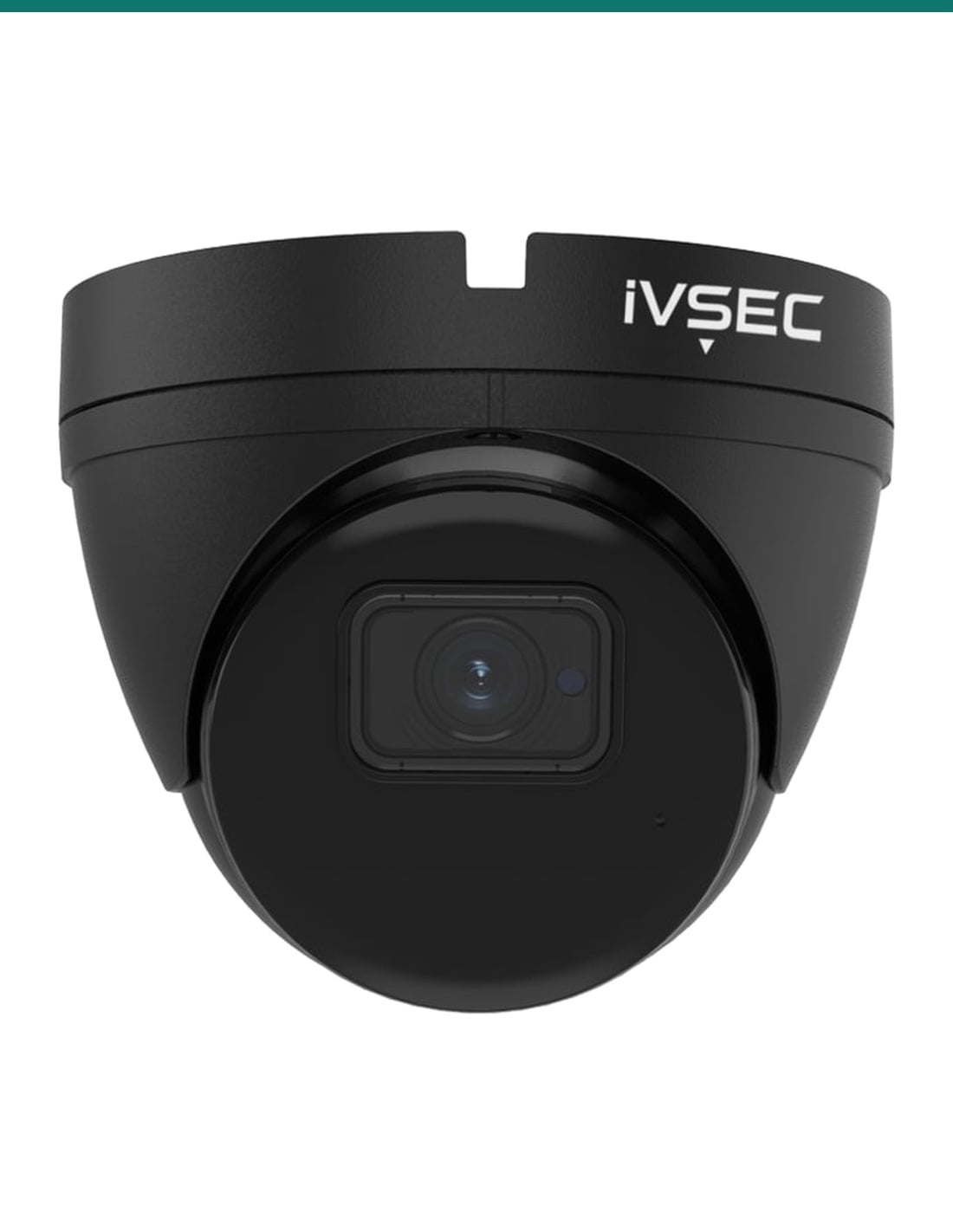
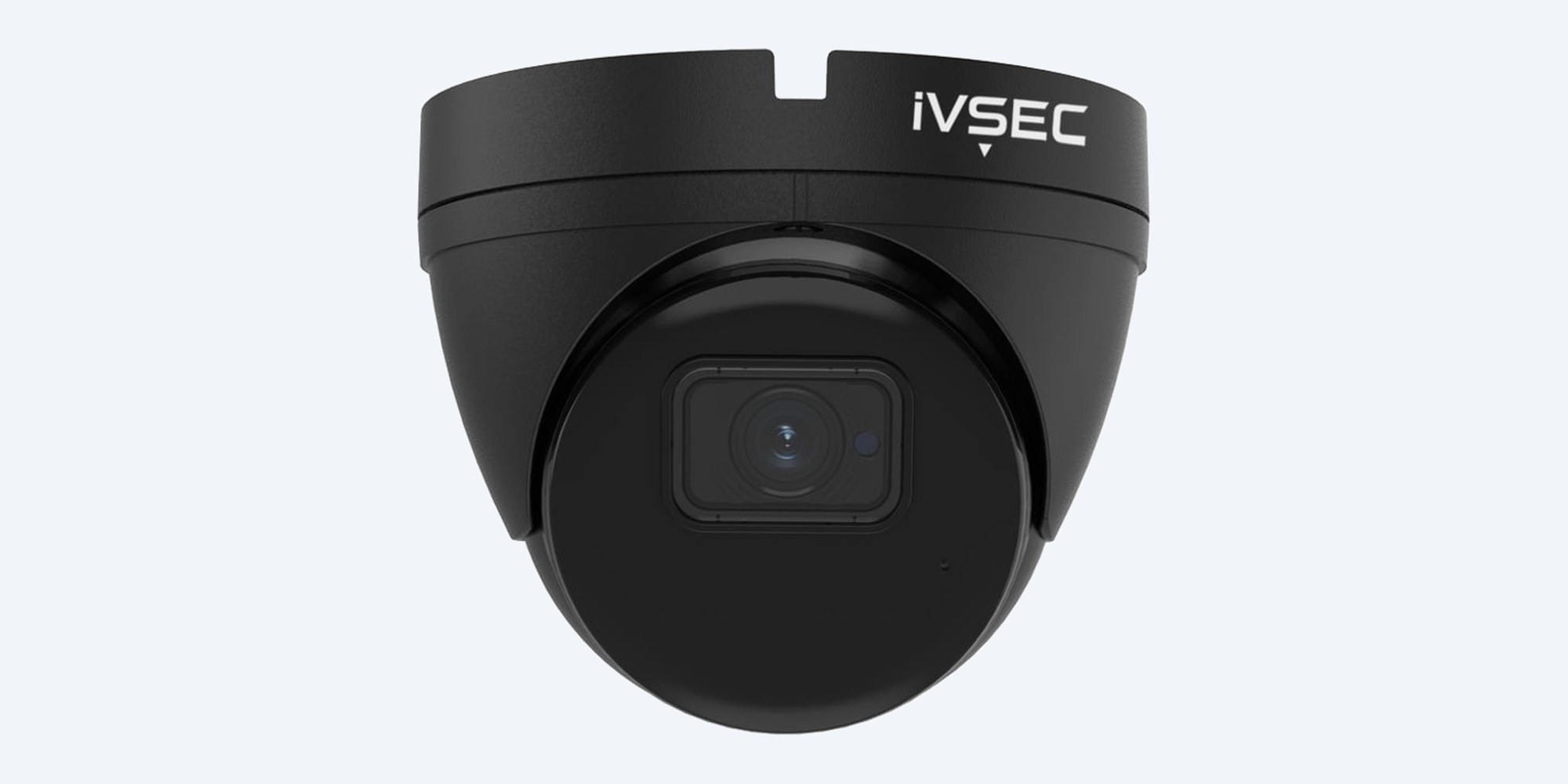
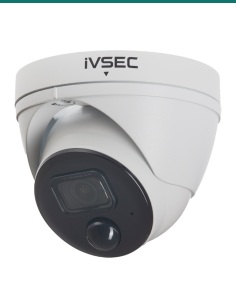
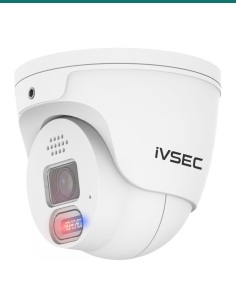
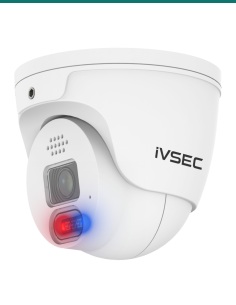
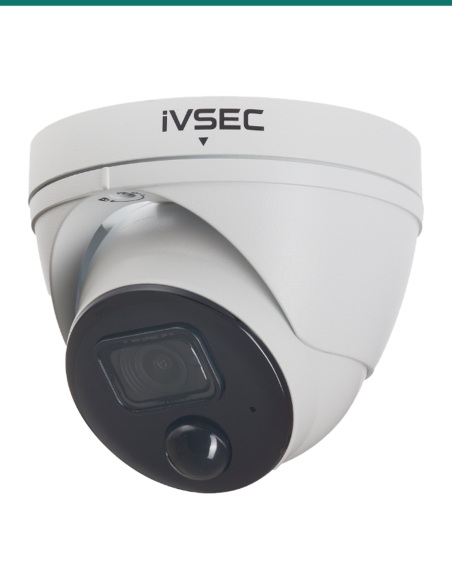
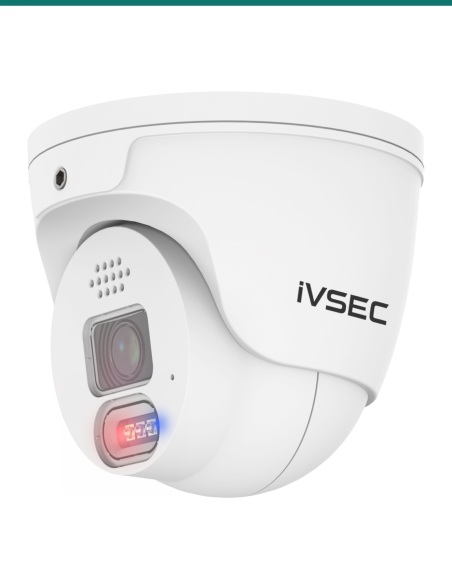
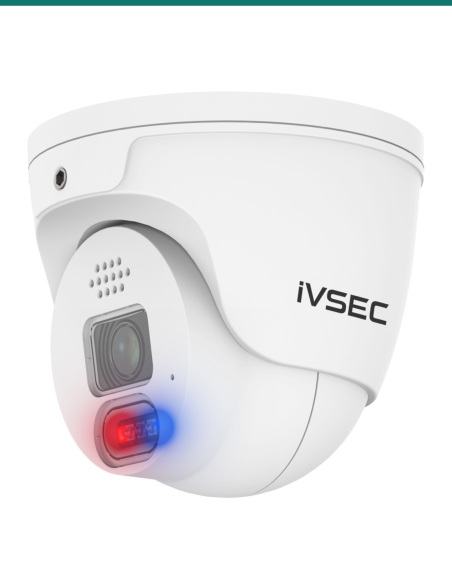
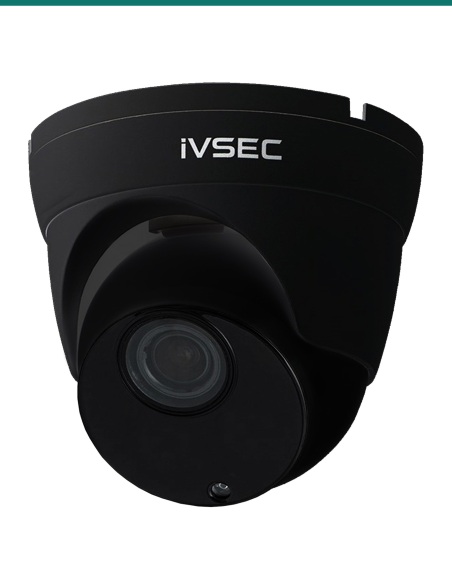
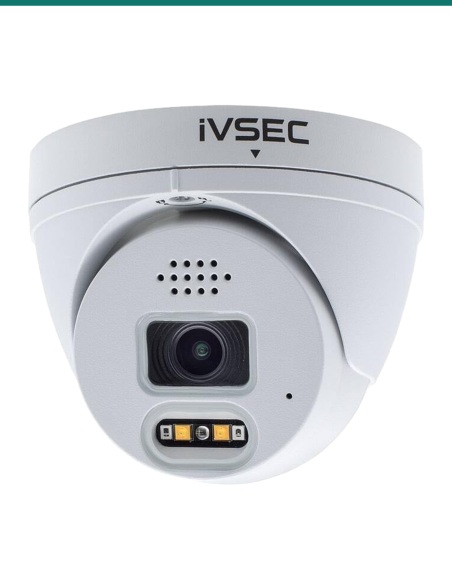
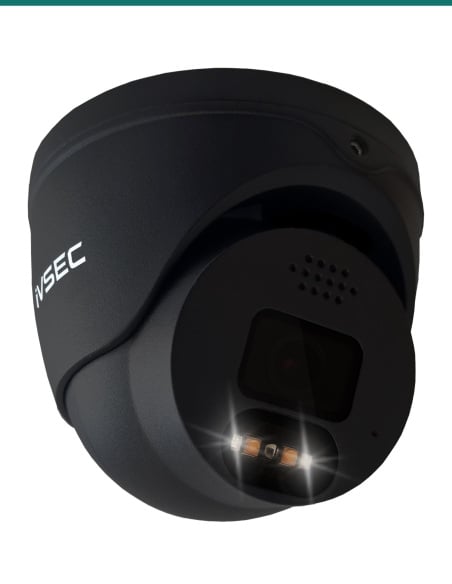
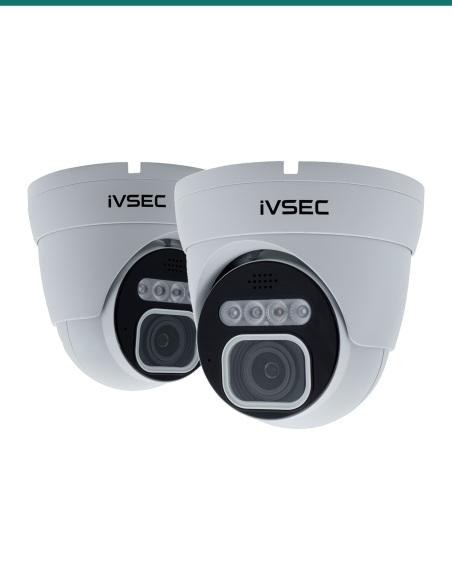
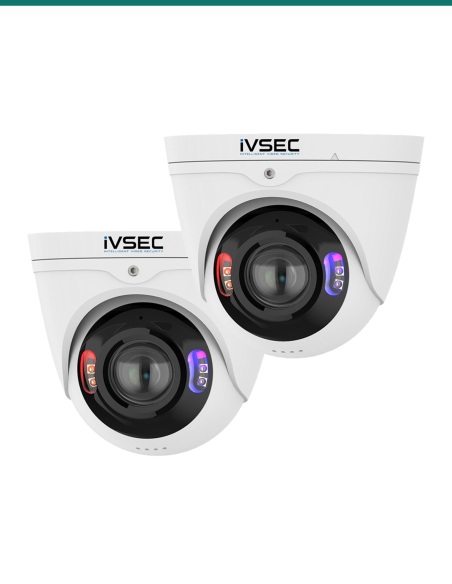
IVSEC IVNC323XD-BLK 8MP turret camera in black, front angle
IVSEC · 8MP Turret · Sony STARVIS

Sharp 8MP at 20 fps.
Smart analytics in a tough IK10 turret.

The IVSEC IVNC323XD-BLK is an 8MP (4K) turret camera in black with a Sony STARVIS sensor, a 3.6 mm lens, IR night vision to 30 m, a built-in microphone and a long list of on-board analytics, powered over one network cable.

In one sentence: the IVSEC IVNC323XD-BLK is the black version of the NC323XD: a wired 8MP 4K PoE turret camera with a Sony STARVIS sensor, a 3.6 mm 88° lens, 20 fps, IR to 30 m, a microphone and an IP67, IK10 housing.

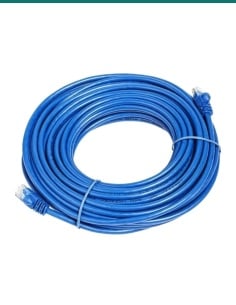
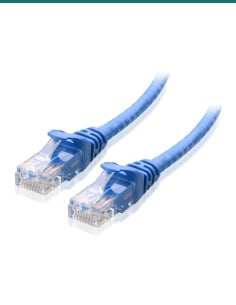
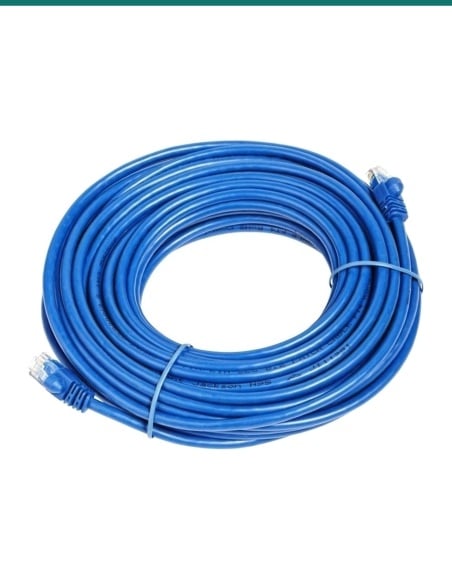
Camera only. The network cable is not included.

It needs one Cat5e or Cat6 cable back to a PoE recorder or PoE switch, up to 100 m. Power and video share that one cable, or use a 12 V DC supply.

In the box
  • IVNC323XD-BLK turret camera
  • Printed quick user guide
  • Installation template
  • Mounting screws and plugs
You also need
  • An IVSEC NVR, or another ONVIF Profile S, G or T recorder
  • Cat5e or Cat6 cable
  • A PoE switch or injector (IEEE 802.3af) if the recorder has no free PoE port
  • A microSD card if you want recording in the camera

Detail you can use, day and night.

The 1/2.8" Sony STARVIS sensor records 3840 × 2160 at up to 20 fps, and IVSEC has improved its wide dynamic range for bright doorways and backlit scenes. On-board analytics pick out faces, people, vehicles and number plates, so the right moment is quick to find.

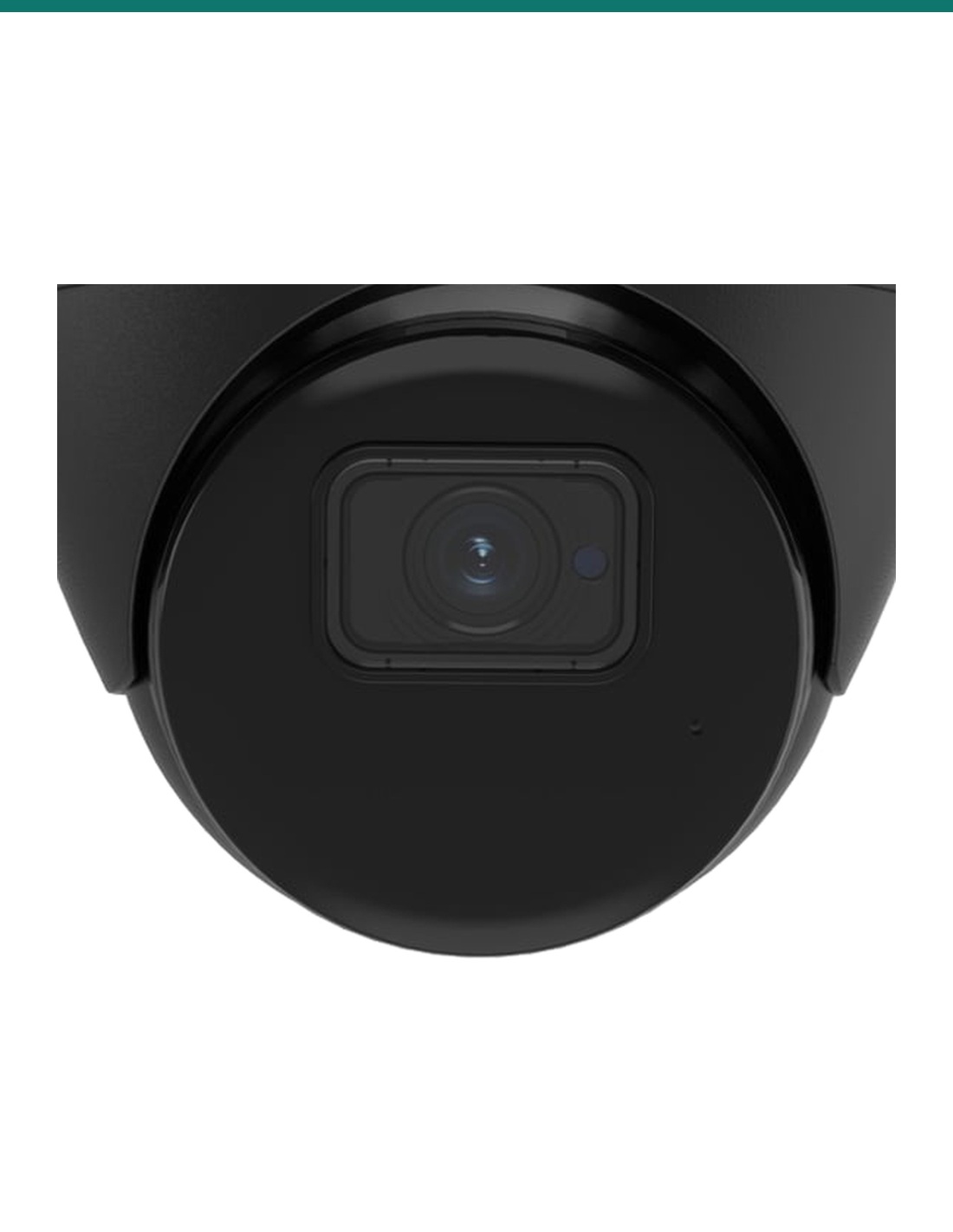
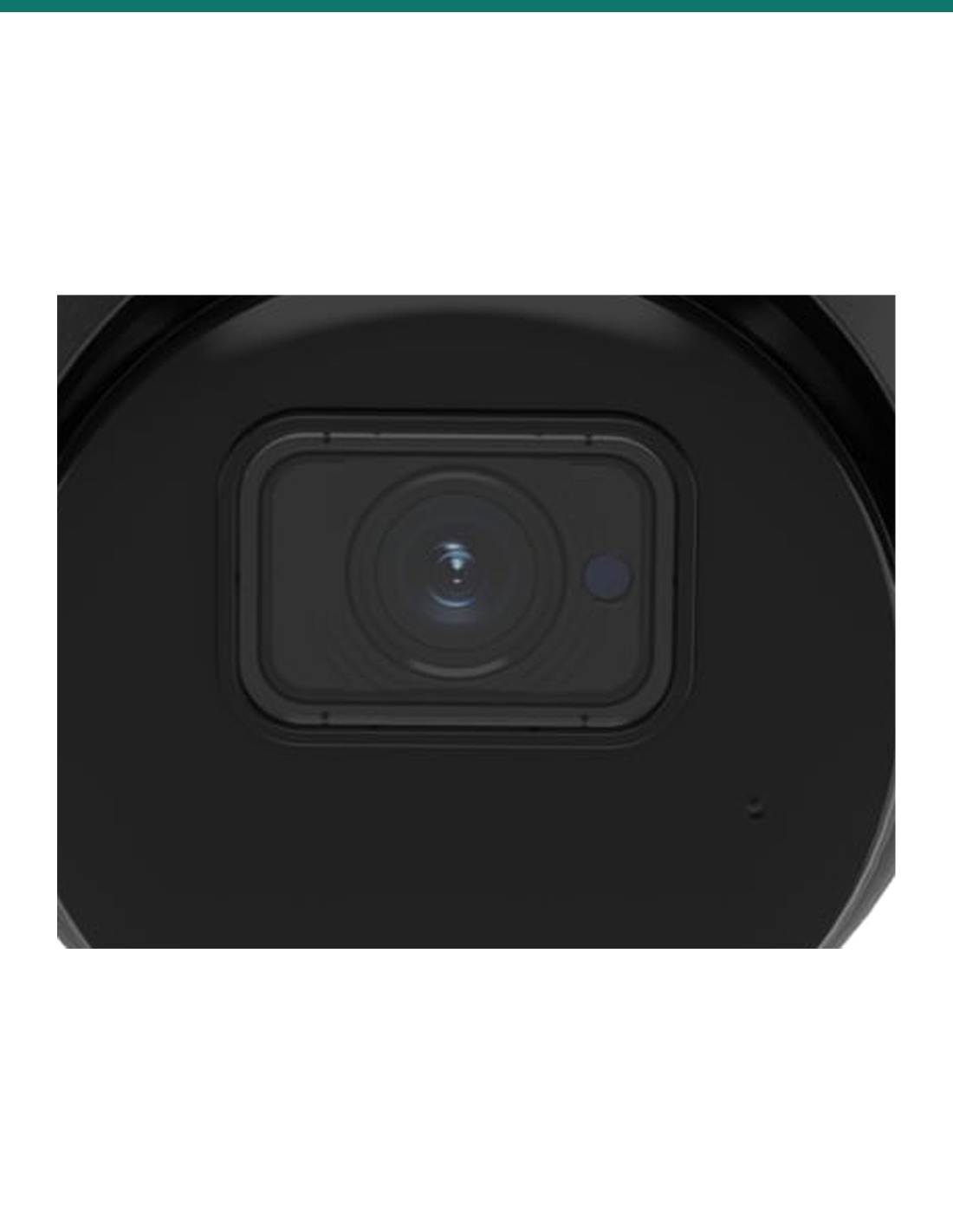
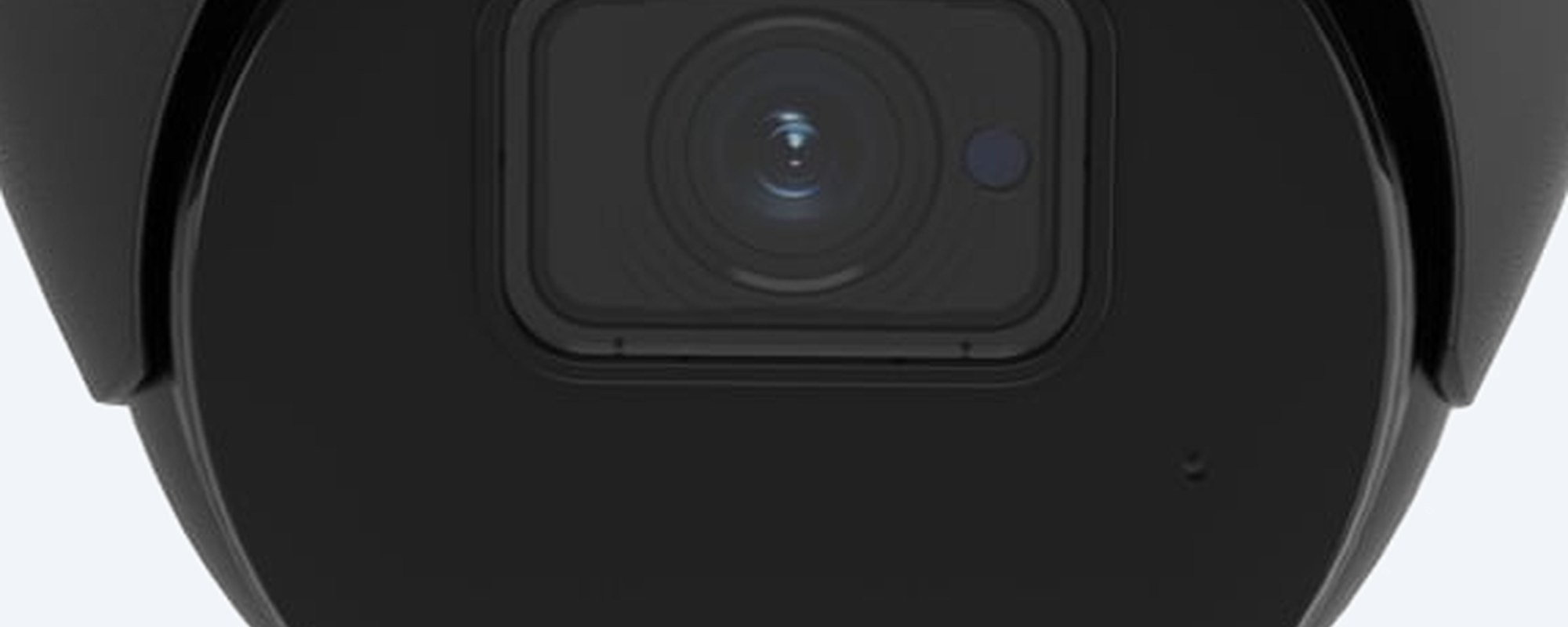
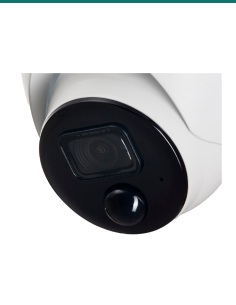
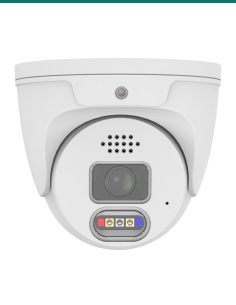
IVSEC IVNC323XD-BLK close-up of the camera face and 3.6 mm lens window, black housing

Lens

3.6 mm, 88° across.

Tighter than a 2.8 mm lens, so faces and plates fill more of the picture at the same distance. IR LEDs light the scene in black and white up to 30 m, switching day and night automatically.

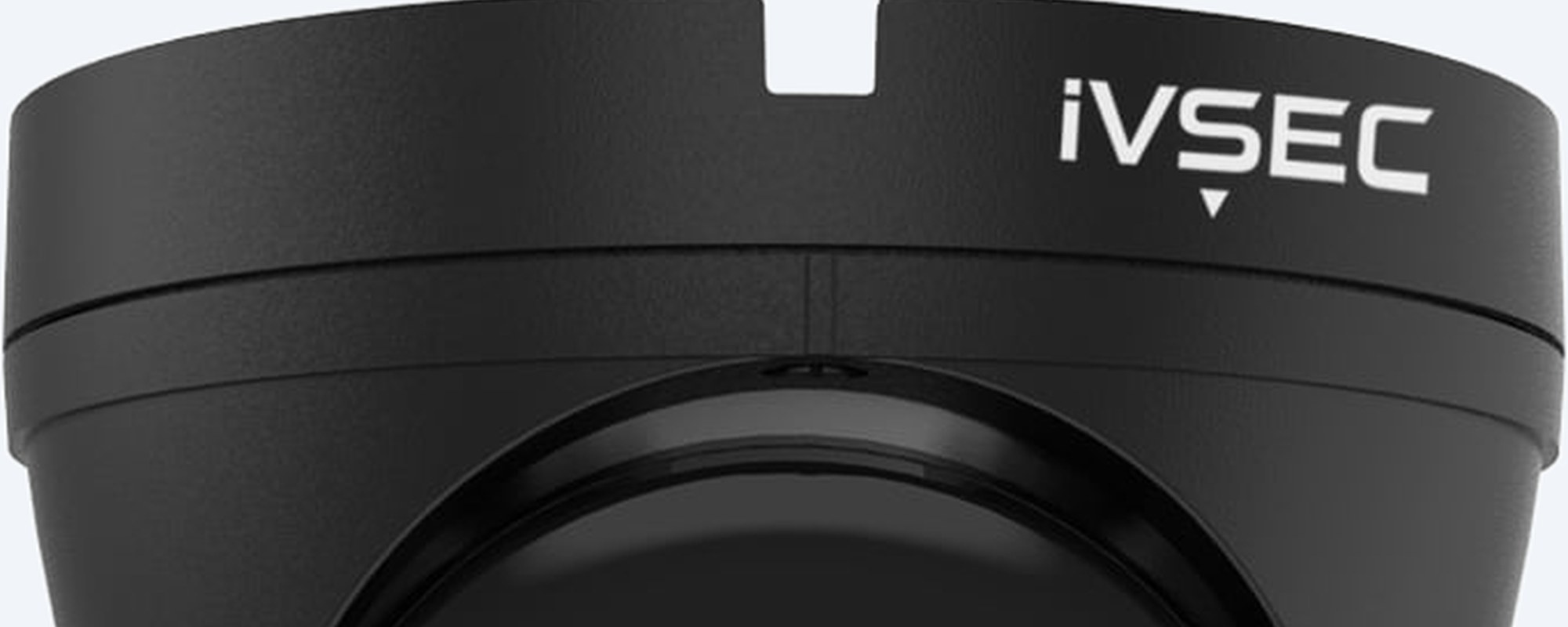
IVSEC IVNC323XD-BLK black turret housing with the IVSEC logo

Housing

IP67 and IK10.

Rated IP67 against dust and water and IK10 against impact, from −30 °C to 55 °C. IVSEC lists a locking mechanism on the housing. 100 × 100 × 100 mm and 0.44 kg.

How it goes in

From box to recording.

01

Run the cable

Run Cat5e or Cat6 from the camera position to a PoE port on the recorder or a PoE switch, up to 100 m.

02

Mount the camera

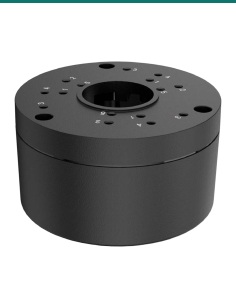
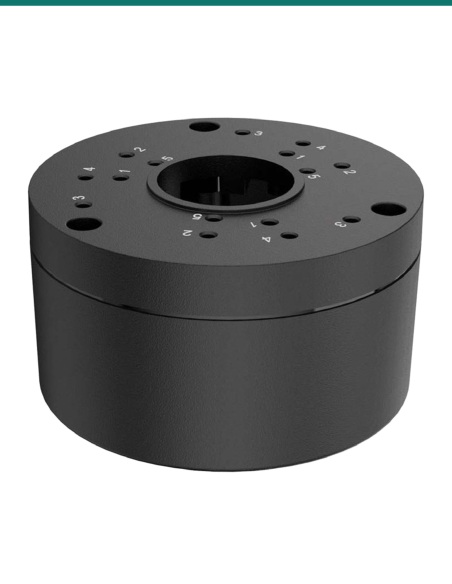
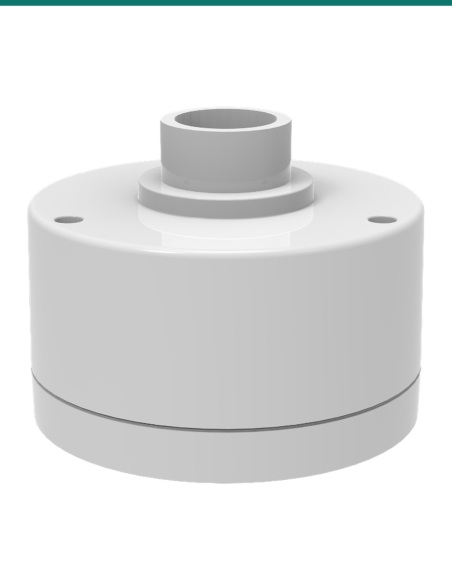
Mark the holes with the installation template and fix the camera with the supplied screws and plugs. To cover the cable tail, add an IVSEC IV2477X-BLK junction box.

03

Add it to the recorder

Find it with the IVSEC Device Search/Config Tool, set a password, then add it to an IVSEC NVR, the IVSEC mobile app (QR code) or an ONVIF recorder.

04

Aim and set it up

Angle the turret, then turn on the analytics you need: line crossing, intrusion, face, plate or counting.

Pair it with

What this camera does not include

Recorder

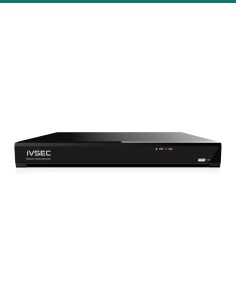
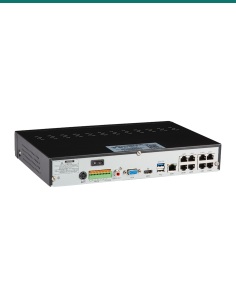
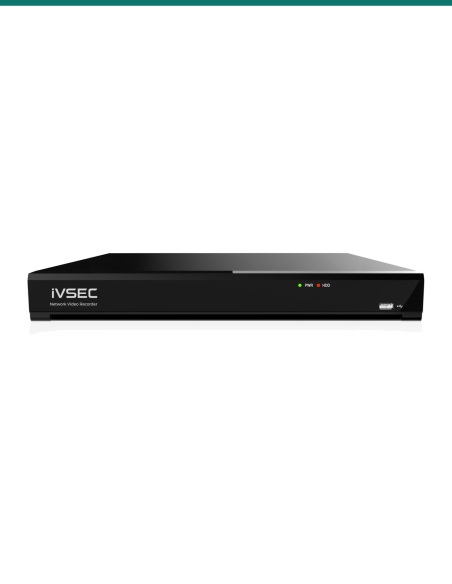
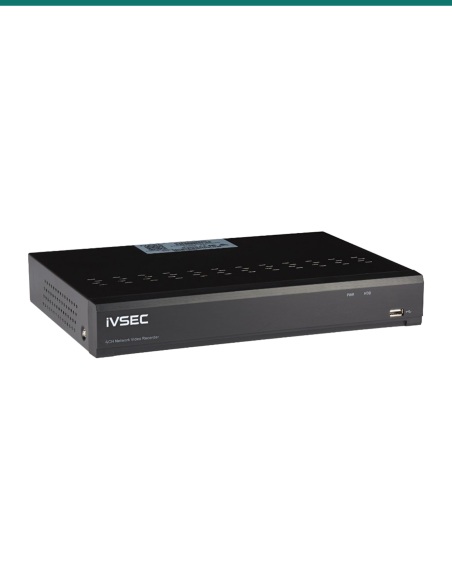
An IVSEC NVR

Records around the clock and powers the camera from its PoE ports. Any ONVIF Profile S, G or T recorder can also add it.

Cable

Cat5e or Cat6

One run per camera, up to 100 m from the PoE port.

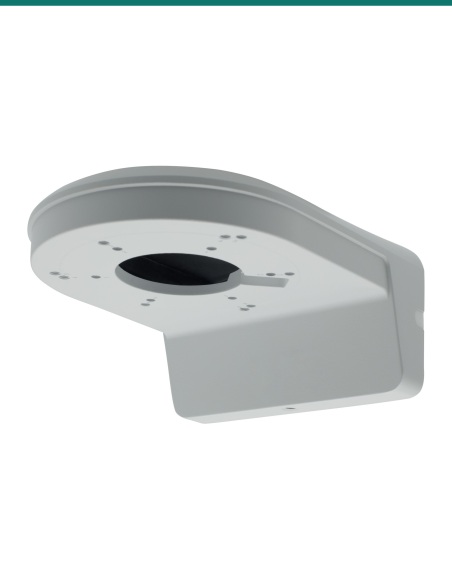
Mounting

IV2477X-BLK junction box

IVSEC's small conduit junction box in black from the camera's accessory list, to hide the cable tail on a wall or eave.

Deterrence

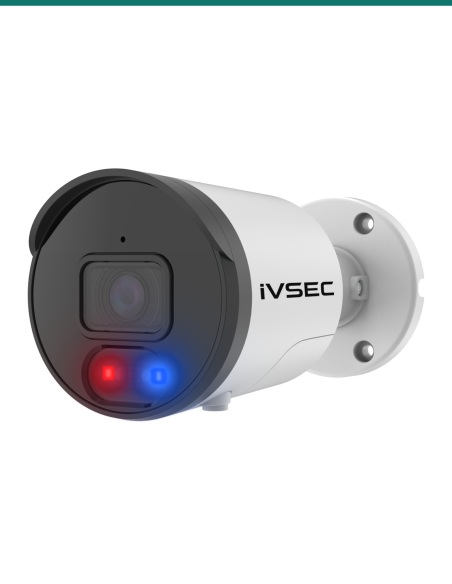
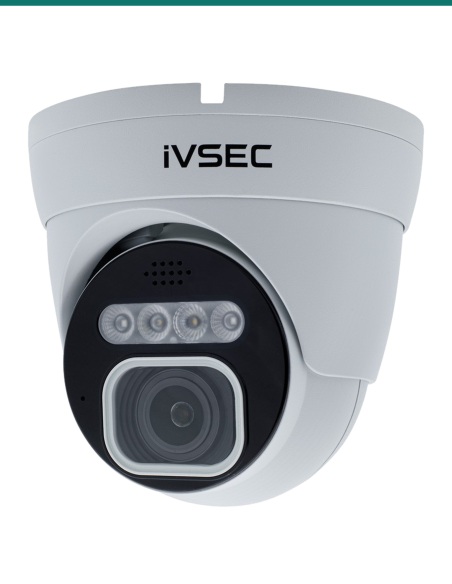
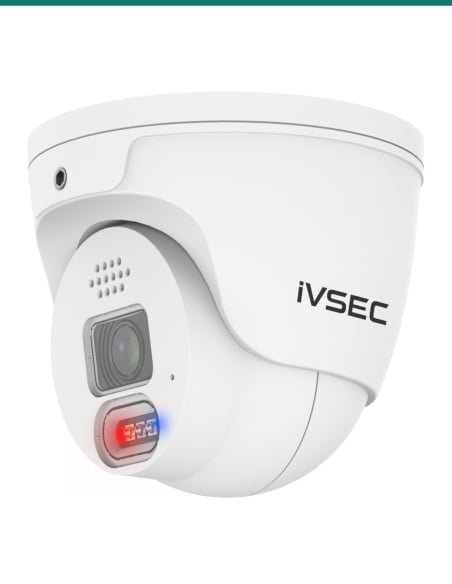
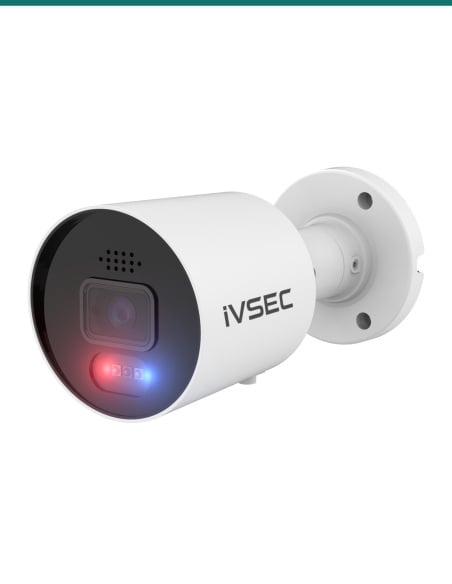
The IVSEC IVNC319XC

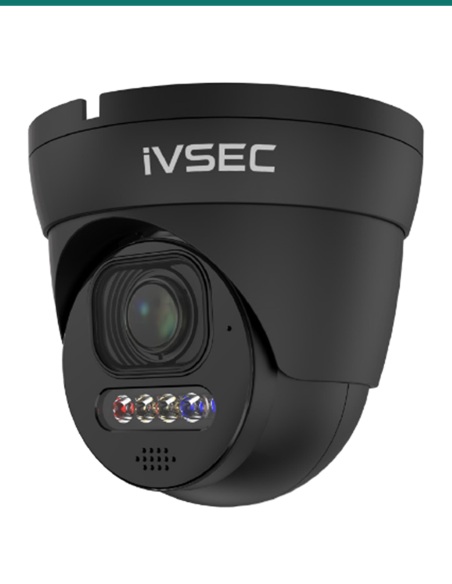
Want colour at night, strobes, a siren and talk-back? The IVNC319XC turret adds them, with a wider 2.8 mm lens.

Where it is used

Where the IVNC323XD-BLK fits.

Entrances and foyers

Face recognition and a 3.6 mm view that keeps faces large in the frame.

Car park entries

Licence plate detection on cars coming and going.

Shops and counters

Queue length, crossing counting and heat maps for the shop floor.

Corridors and aisles

Corridor mode turns the picture upright for long, narrow views.

Warehouses

Intrusion, line crossing and stationary object alerts after hours.

Schools and offices

A tough IK10 turret for halls, entries and outdoor walls.

IVNC323XD-BLK or IVNC319XC

IVNC323XD-BLK (this camera)IVNC319XC
Lens and view3.6 mm, 88°2.8 mm, 106°
Frame rate at 8MP20 fps15 fps
Image sensor1/2.8" Sony STARVIS CMOS1/2.7" CMOS
Night visionIR up to 30 mFull colour, IR up to 25 m
DeterrenceNone listedRed and blue strobes, white light, siren
AudioMicrophoneMicrophone and speaker
AnalyticsFace, human and vehicle, plates, counting, heat map, queue and moreHuman and vehicle, intrusion, line crossing
Impact ratingIK10IK08

Figures from IVSEC's NC323XD-BLK datasheet (updated 20/10/2026) and NC319XC datasheet (updated 12/10/2026). The IVNC323XD-BLK has the same specifications as the white IVNC323XD; only the housing colour differs.

Common questions

What is in the box?

The IVNC323XD-BLK camera, a printed quick user guide, an installation template and mounting screws and plugs. IVSEC's software is a free download. The network cable is not included.

Does it need a recorder?

Not to work, but most people use one. It can record to a microSD card in the camera, or to an IVSEC NVR or any ONVIF Profile S, G or T recorder for around-the-clock recording.

How is it powered?

Over the network cable from a PoE port (IEEE 802.3af), or from a 12 V DC supply, which is not included. It draws under 7 W.

How far does it see at night?

Up to 30 m with its IR LEDs, in black and white. It has no white light, so night video is not in colour.

Does it record sound?

Yes. It has a built-in microphone. There is no speaker, so you cannot talk back through it.

What analytics does it have?

Perimeter intrusion, face recognition, human and vehicle detection, line crossing, stationary object, crossing counting, heat map, crowd density, queue length, licence plate detection and rare sound detection.

Can it read number plates?

It has licence plate detection among its analytics. Whether a plate is readable depends on the angle, distance and lighting at your site, so ask us before you rely on it.

What is corridor mode?

It turns the picture to portrait, so a long hallway or aisle fills the frame instead of the walls.

Is it weatherproof?

Yes. It is rated IP67 against dust and water and IK10 against impact, and runs from −30 °C to 55 °C.

Is the black version any different?

Only the colour. The IVNC323XD-BLK has the same specifications as the white IVNC323XD.

Should I choose the IVNC323XD-BLK or the IVNC319XC?

Choose the IVNC323XD-BLK for a tighter 88° view, 20 fps, the full analytics list and an IK10 shell. Choose the IVNC319XC for colour at night, strobes, siren and talk-back.

What warranty does it have?

Three years. InFront Technologies handles warranty and technical support in Australia on 1300 736 970.

Supported by InFront Technologies.

Help matching cameras to your recorder, PoE switch or mounting: call 1300 736 970 or email [email protected]. The datasheet is on the Attachments tab.

Installation and safety

Power. The camera runs on PoE (IEEE 802.3af) or 12 V DC, under 7 W. There is no mains wiring at the camera; a new power point for a supply needs a licensed electrician.

Cabling. Cable run inside walls or ceilings is customer cabling under AS/CA S009 and needs an ACMA-registered cabler.

Privacy and audio. Recording people and conversations is covered by state and territory surveillance laws. Point cameras at your own property, put up signage, and check the rules before you switch on audio.

What it does not do. This is a wired camera: no Wi-Fi, no battery and no 4G. It has no speaker, siren or white light, the 3.6 mm lens is fixed with no optical zoom, and the network port is 10/100 Mbps.

Figures. From IVSEC's NC323XD-BLK datasheet, updated 20 October 2026.

Video

Click on a thumbnail to load the video

  •  video
INFRONTTECH Promotional Banner INFRONTTECH Promotional Banner INFRONTTECH Promotional Banner

Need help choosing?

Tell us about your property and we'll recommend the right cameras and recorder.

07 5609 4910

Sydney 02 8814 6008
[email protected]

Mon–Fri, 9am–5pm AEST

Saved to your wishlist Find it any time in your account. View list