There are no more items in your cart


In Stock - Ready to Ship
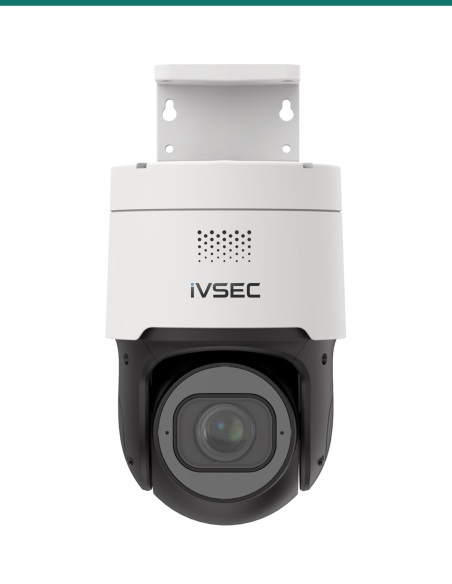
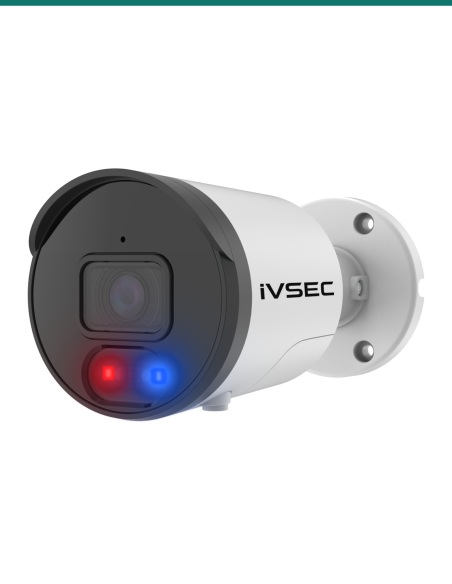
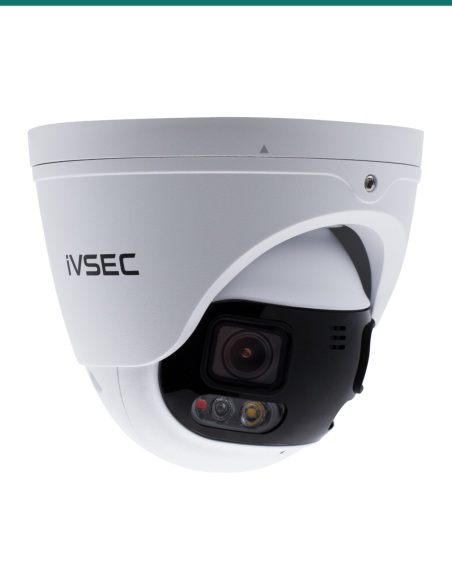
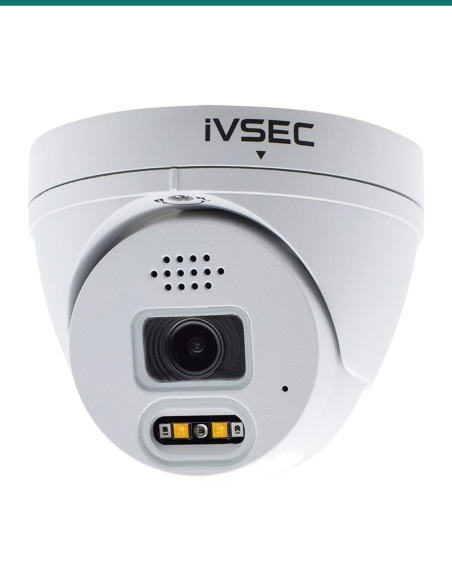
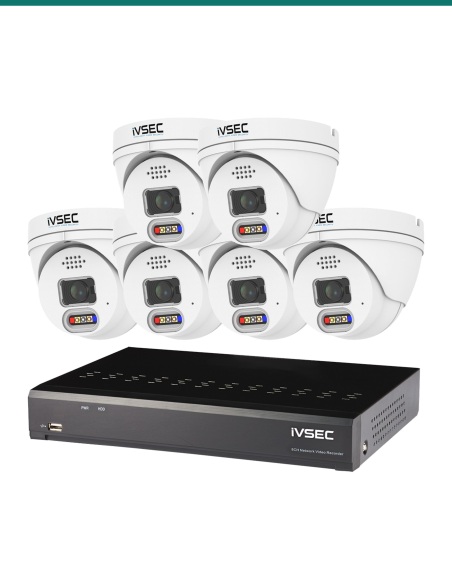
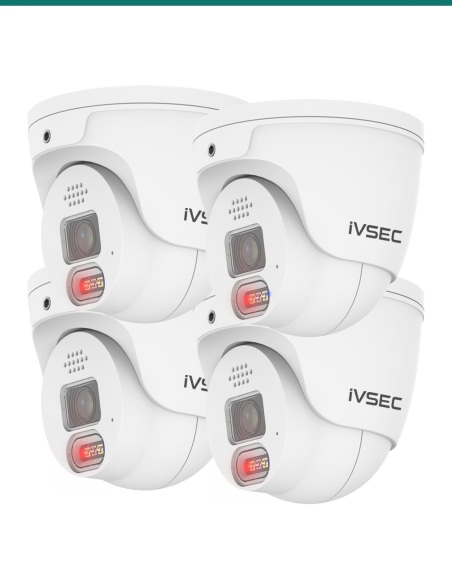
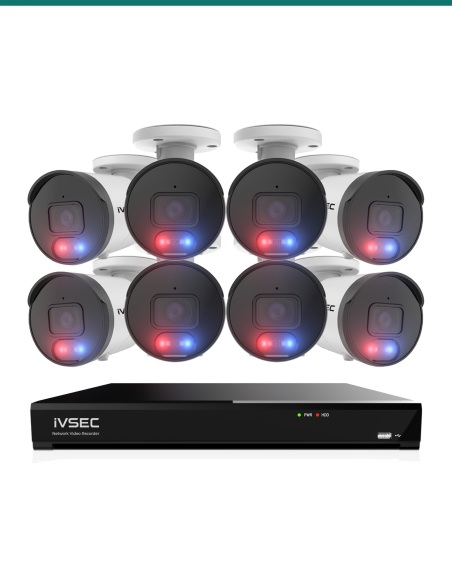
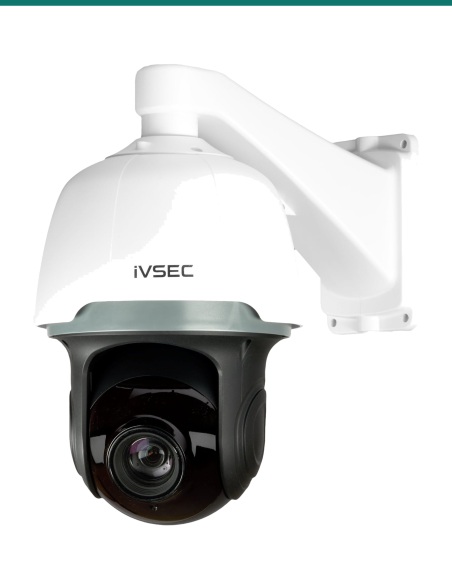
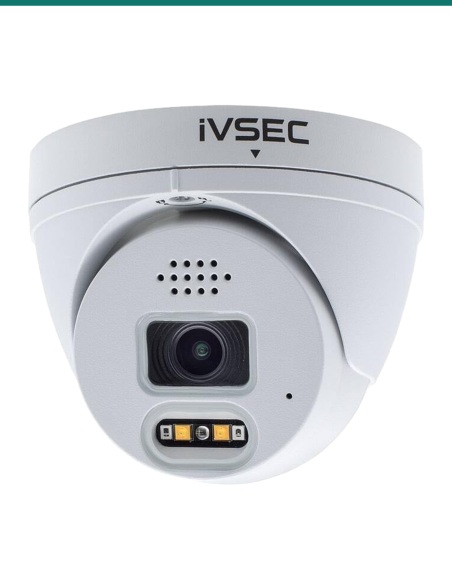
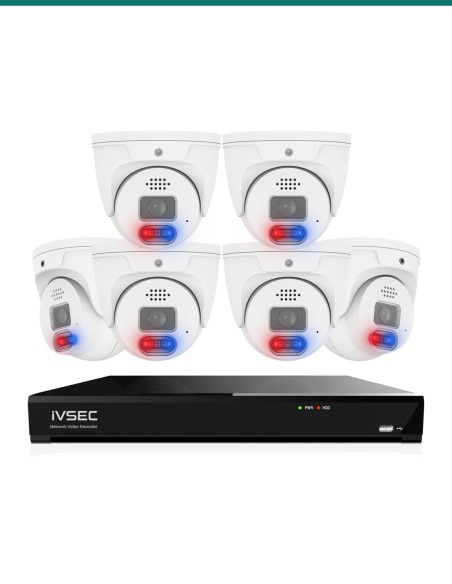
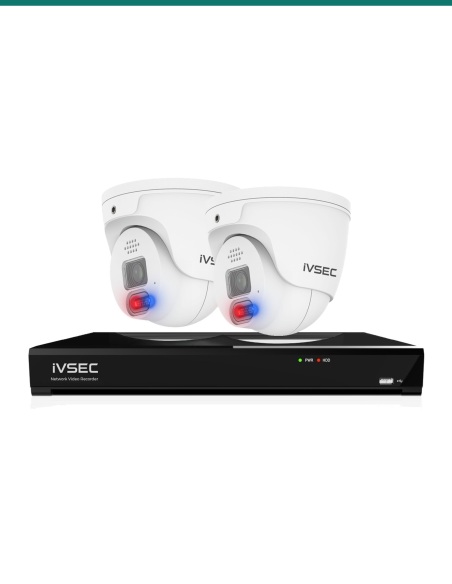
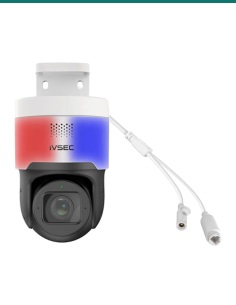
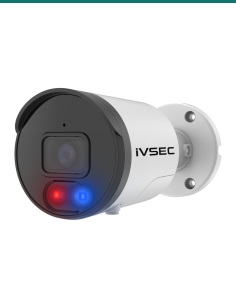
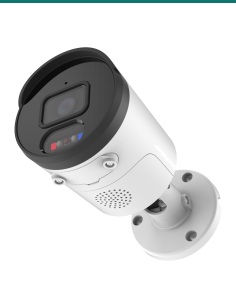
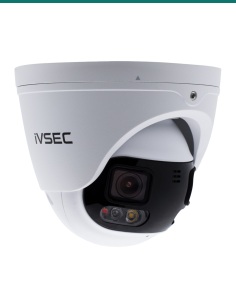
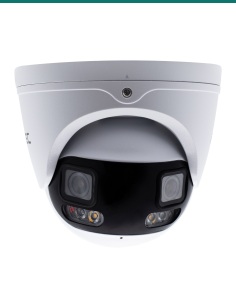
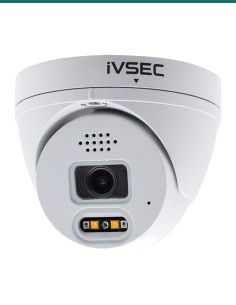
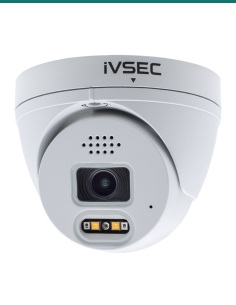
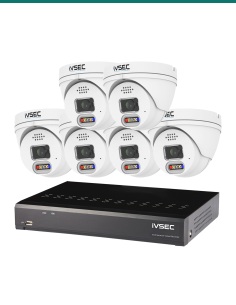
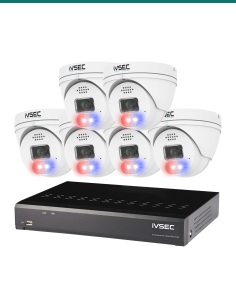
iVSEC 880 8MP AI IP Camera Series


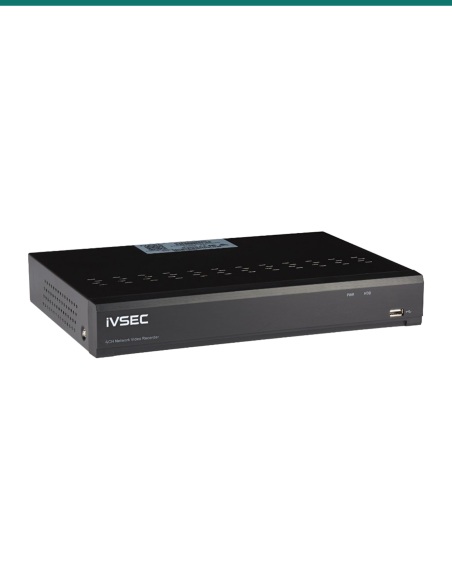
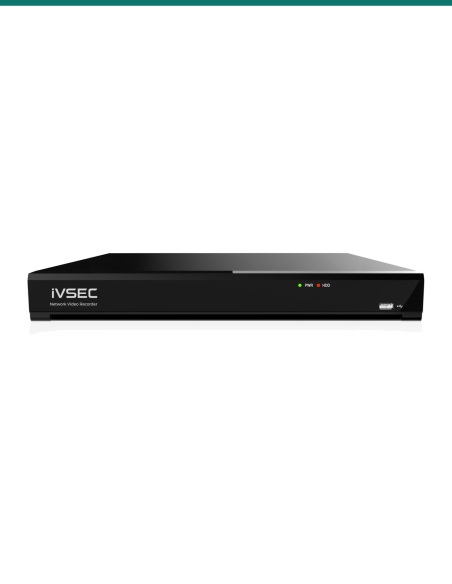
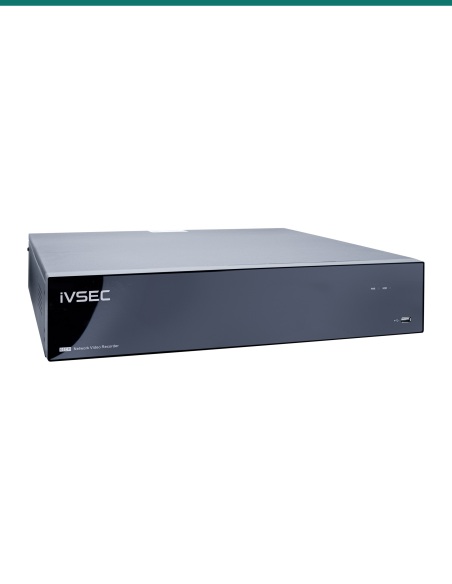
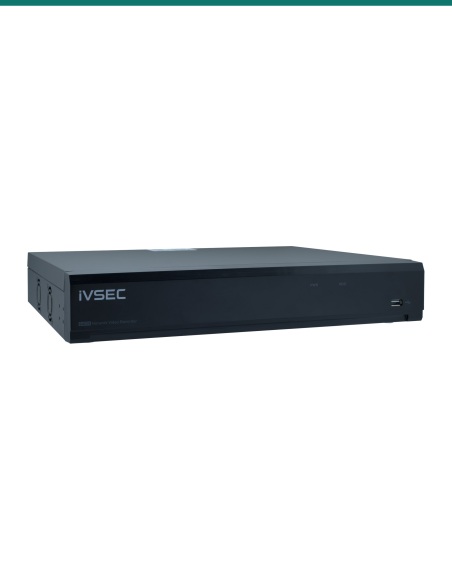
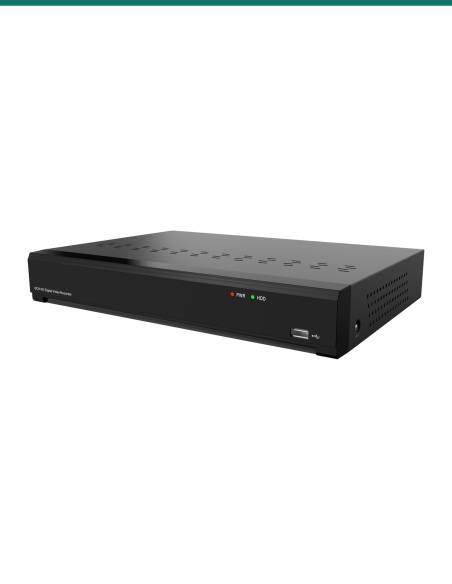
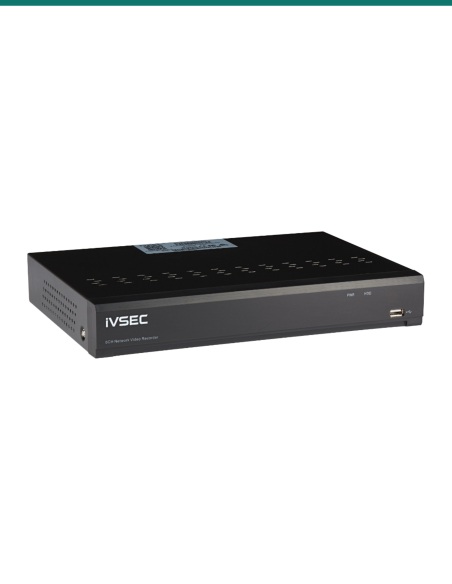
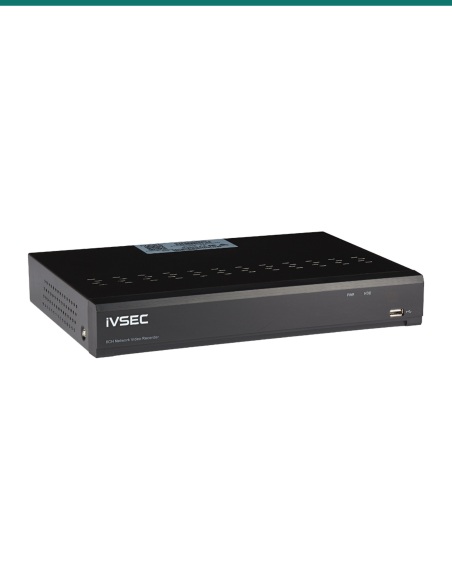
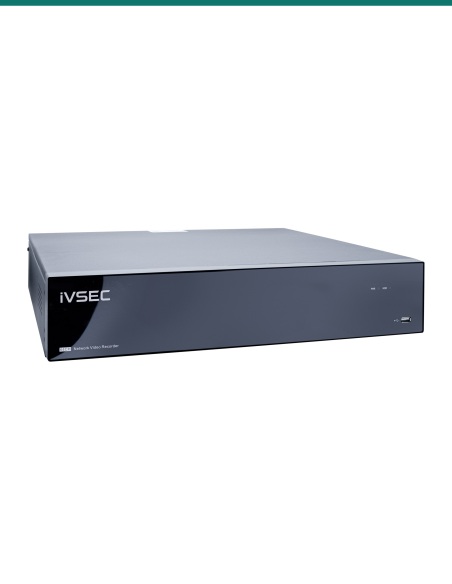
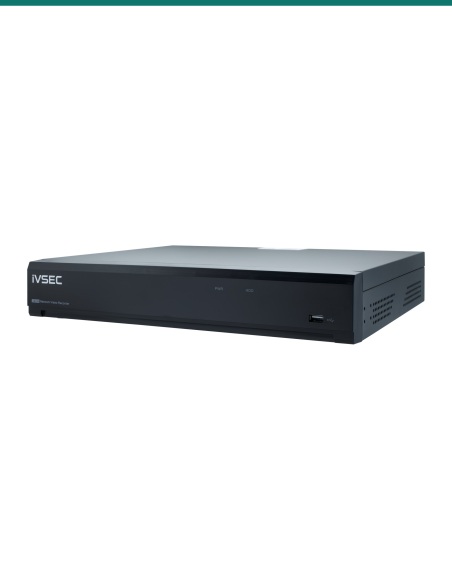
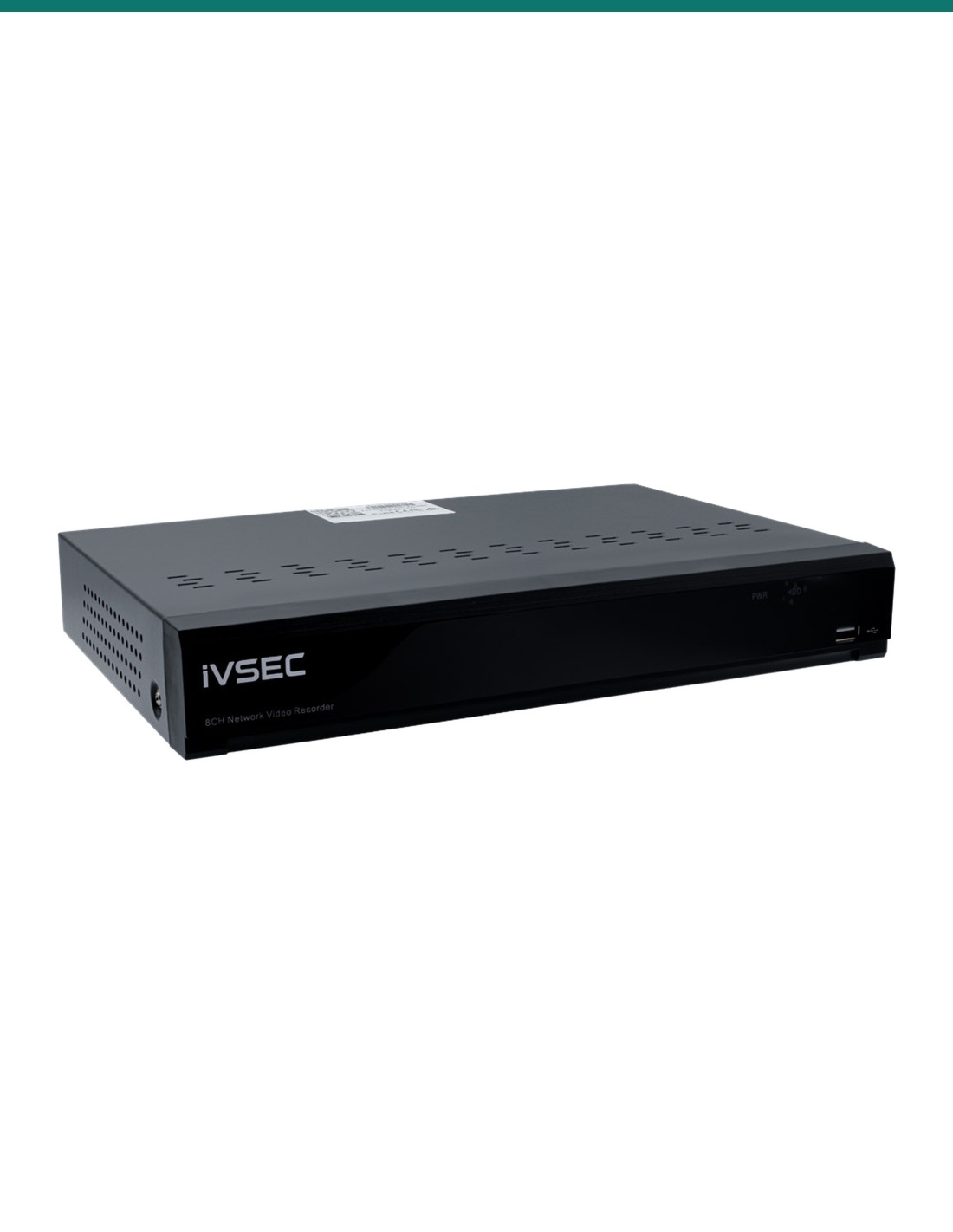
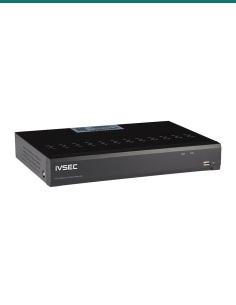
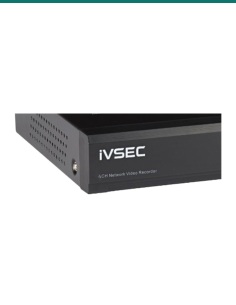
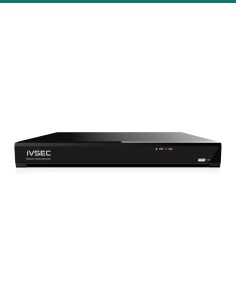
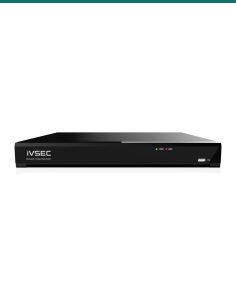
IVSEC NR008XB: a compact 8-channel PoE recorder that powers and records up to eight IP cameras at up to 12MP, with one drive bay and 4K HDMI output.

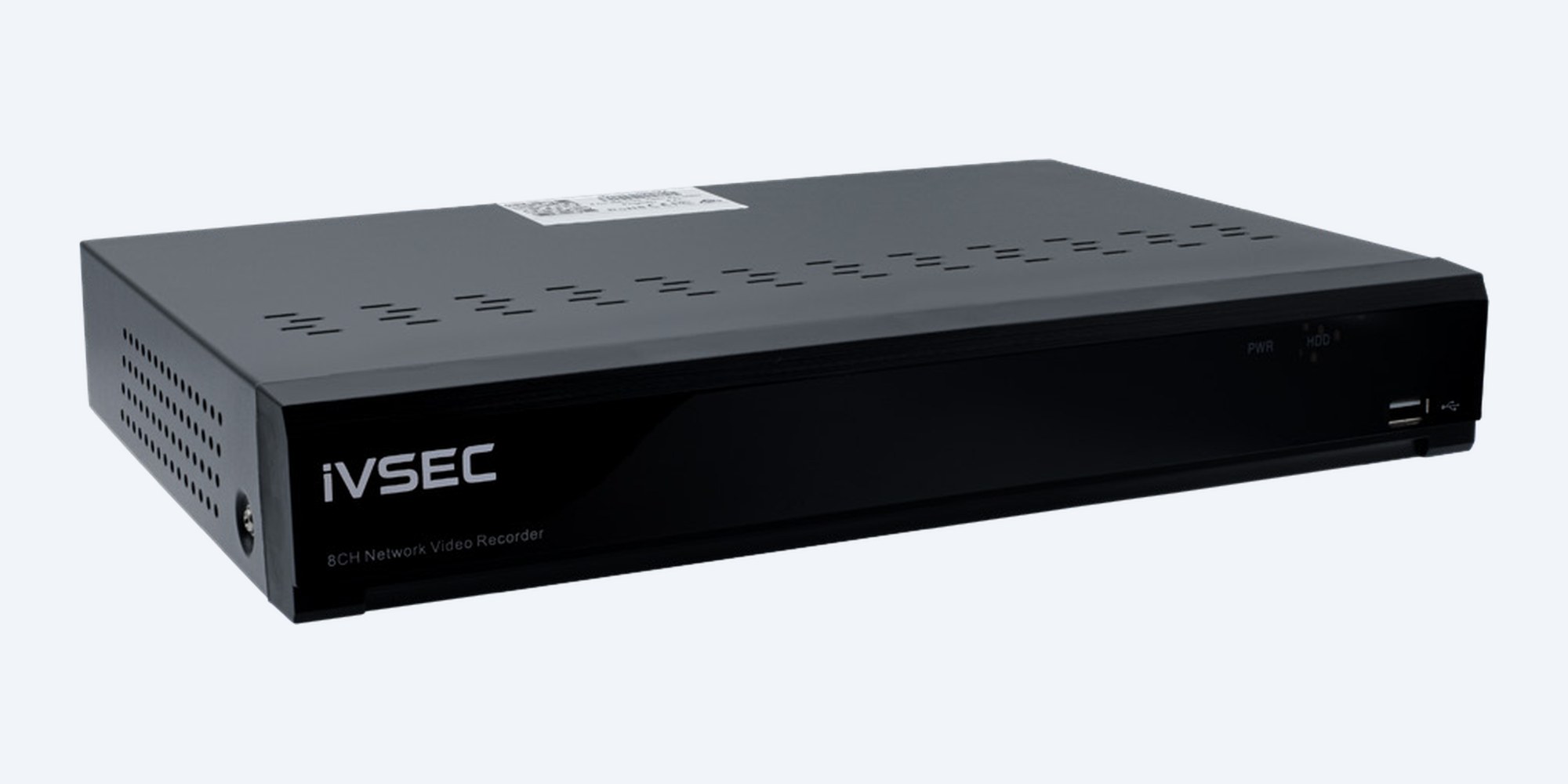
The IVSEC NR008XB powers and records up to eight IP cameras through eight built-in PoE+ ports, at up to 12MP per camera. One drive bay takes up to 16TB, and the 4K HDMI output shows up to eight cameras on one screen.
In one sentence: the IVSEC IVNR008XB is a compact 8-channel network video recorder with eight built-in PoE+ ports, recording ONVIF and IVSEC X cameras up to 12MP, with 76 Mbps incoming bandwidth, one SATA bay up to 16TB and 4K HDMI.
Choose your drive above.
The recorder powers the cameras itself, so no PoE switch is needed. Pick No HDD or a fitted drive from the options above; the drive comes installed.
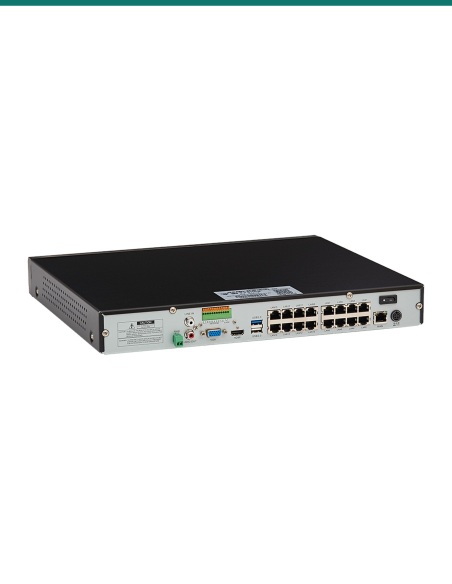
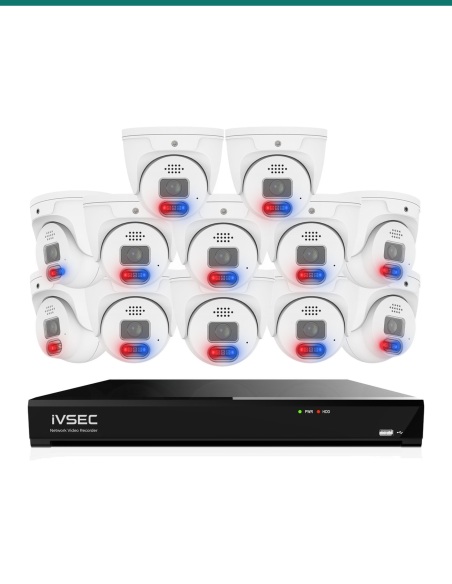
Each camera plugs straight into the back of the recorder on one network cable that carries power and video. No PoE switch, no camera power packs, and one box to look after.
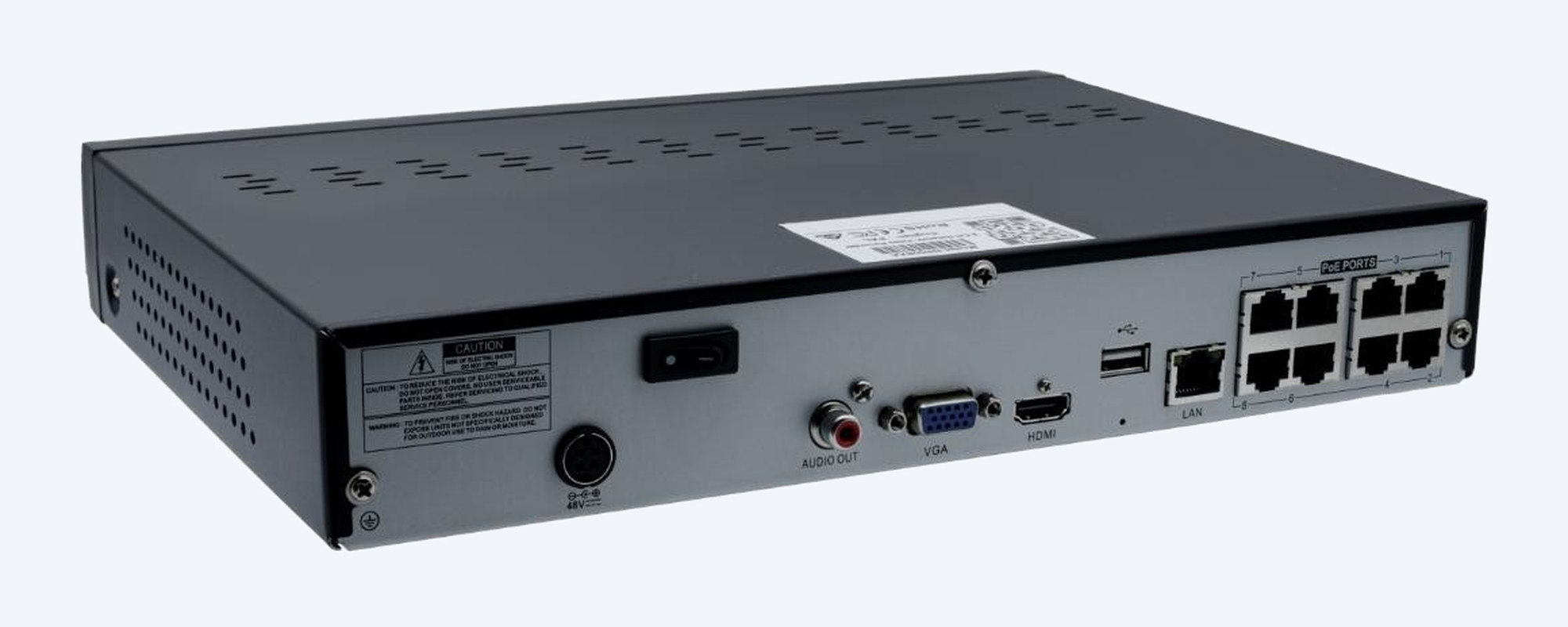
The connections
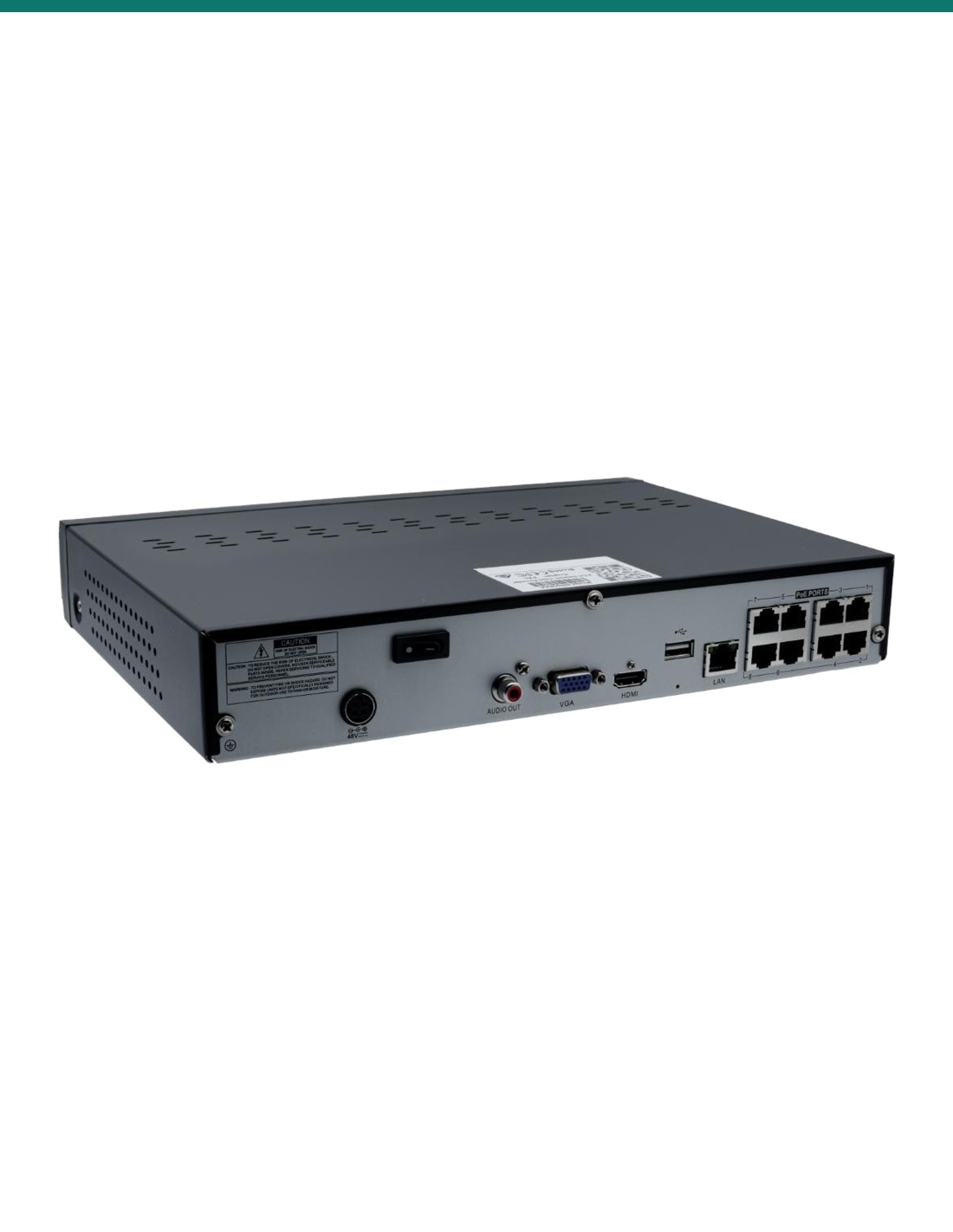
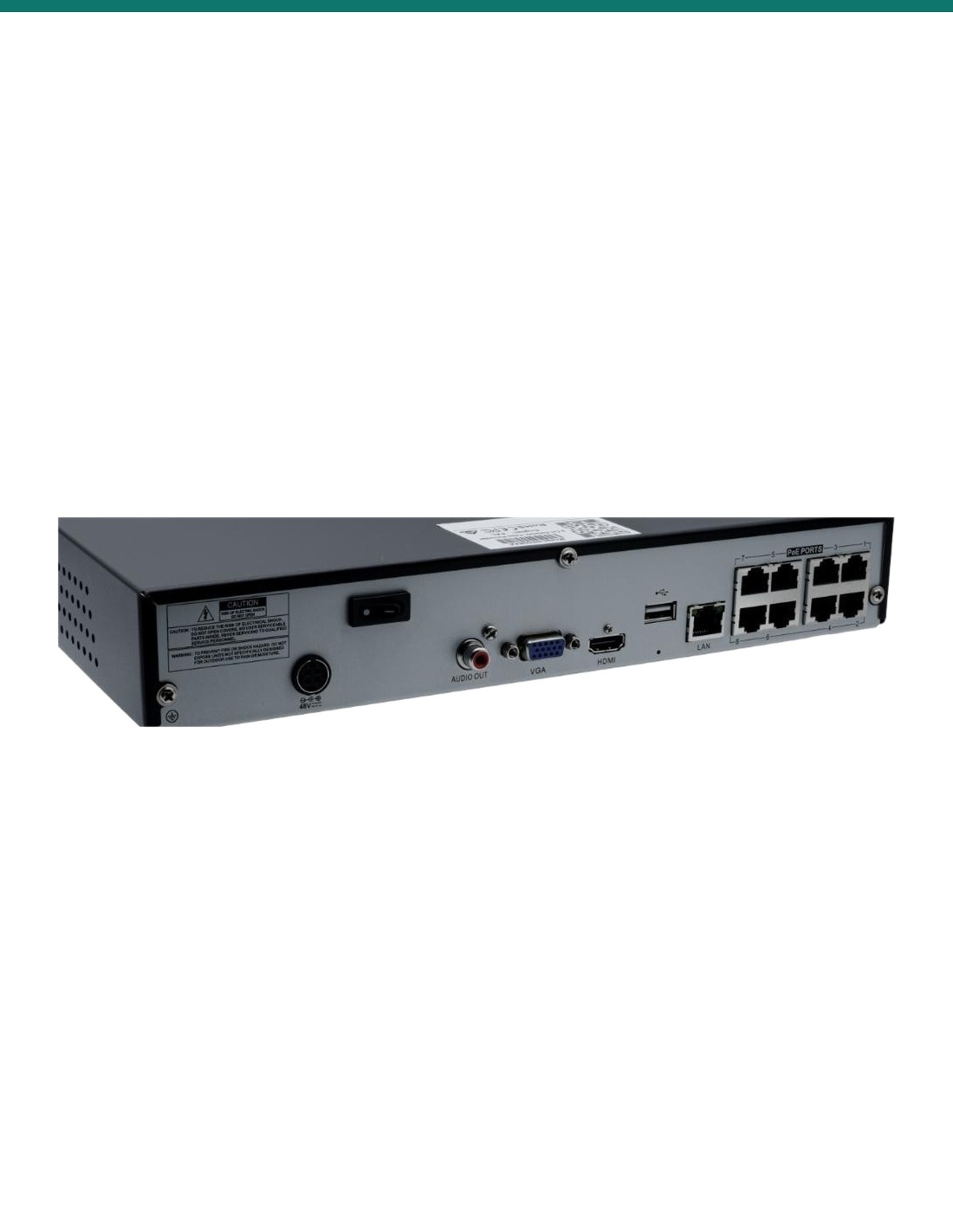
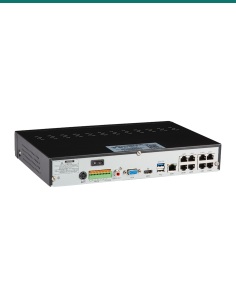
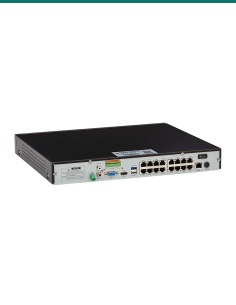
Eight PoE+ camera ports, a gigabit network port for your router, HDMI and VGA outputs, audio in and out, two USB 2.0 ports and the 48 V power input.
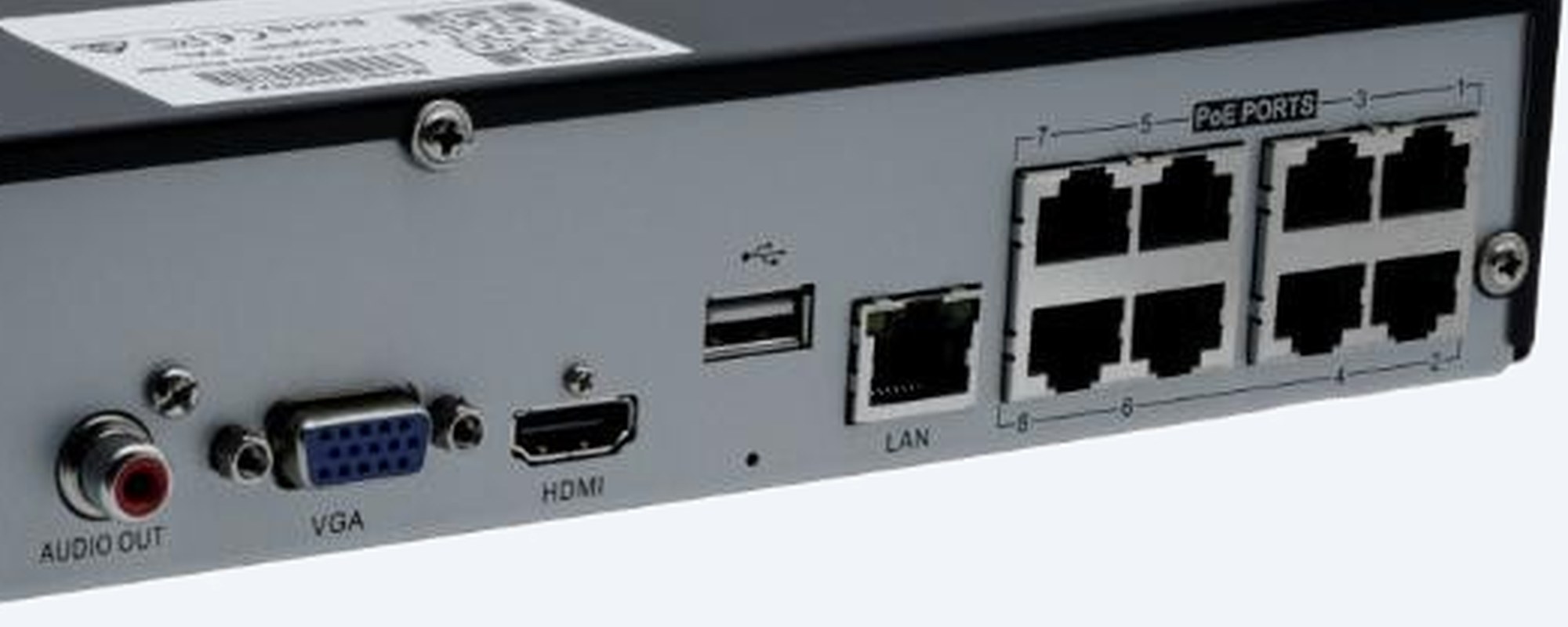
Power over Ethernet
Plug IVSEC X range cameras in and they are found and added by themselves. ONVIF Profile S, G and T cameras from other brands work too.
How it goes in
01
Put the recorder near your router and a TV or monitor. If you chose a drive option it is already fitted; otherwise fit a 3.5" SATA drive inside first.
02
Run one network cable from each camera to a PoE port on the back (eight PoE+ ports). The recorder powers the camera on the same cable, up to 100 m per run.
03
Connect a TV or monitor with HDMI or VGA, plug in the mouse and power. Set the password, date and time; IVSEC X cameras appear by themselves.
04
Plug the recorder's network port into your router, scan its QR code with the free IVSEC mobile app, then set up your detection alerts.
At a glance
Show specs
Model
IVSEC NR008XB network video recorder
Channels
8 IP cameras
PoE ports
8 × PoE+ built in, plus 1 gigabit network port
Camera resolution
Up to 12MP
Incoming bandwidth
76 Mbps
Compression
H.265+, H.265, H.264+, H.264, MJPEG
Video output
HDMI up to 4K, and VGA
Display
1, 4 or 8 cameras on screen
Smart detection
Depends on the camera: motion, perimeter intrusion, face recognition, human and vehicle, line crossing, stationary object, crossing count, heat map, crowd density, queue length, licence plate and rare sound detection, plus video tampering
Interoperability
ONVIF Profile S, G, T (firmware 21.12 or later), HTTP API
Storage
1 × 3.5" SATA bay, up to 16TB
Audio
Two-way; audio in and out
USB
2 × USB 2.0
Software
IVSEC X mobile app, PC client (CMS/VMS), device search and config tool
Power
48 V DC, 1.2 A; 5 W without a drive
Operating temperature
5 °C to 40 °C, 20 to 80% humidity
Size and weight
53 × 300 × 227 mm, 1.3 kg
Warranty
2 years parts
Pair it with
Cameras
IVSEC X range cameras are plug and play on the PoE ports. ONVIF cameras from other brands work too.
Cabling
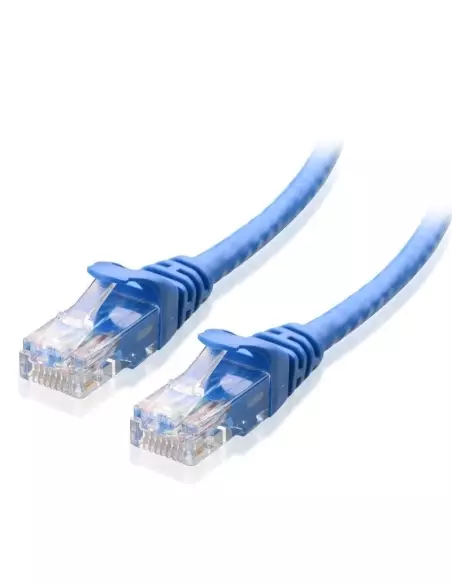
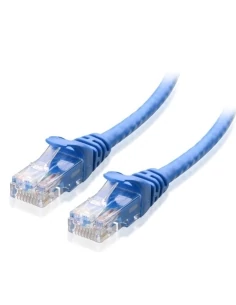
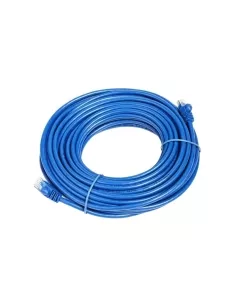
One network cable from each camera back to a PoE port, up to 100 m per run. We stock Cat6 leads and bulk cable.
Security
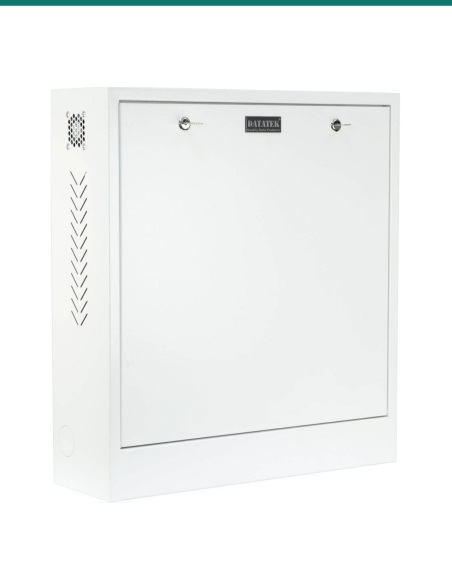
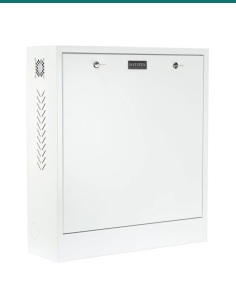
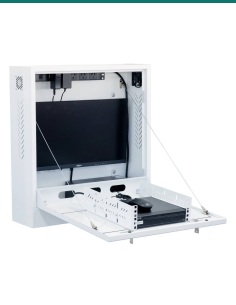
Keep the recorder out of reach so a thief can't take the footage with it. Ask us about the 24SECCAB security cabinet.
Power
Keeps the recorder and every PoE camera running through short power cuts, and protects the drive from sudden shutdowns.
Where it is used
Every side of the house, the driveway and the back fence on one recorder.
Counter, entry, stockroom and rear door, checked on your phone.
Reception, entries and car park without a separate PoE switch.
Roller doors, loading area and racking aisles.
House, sheds and gates within cable reach, up to 100 m per run.
Room for eight cameras, so you can add more later.
| IVSEC NR008XB (this recorder) | IVSEC NR308XD | |
|---|---|---|
| Channels and PoE ports | 8 | 8 |
| Incoming bandwidth | 76 Mbps | 128 Mbps |
| Display layouts | 1, 4, 8 | 1, 4, 6, 8, 9 |
| Licence plate recognition | Detection only | Detection and recognition |
| Storage | 1 bay, up to 16TB | 1 bay, up to 16TB |
| Power use without a drive | 5 W | 8 W |
Both power eight cameras. The NR308XD has more incoming bandwidth for eight high-resolution cameras on high frame rates.
Eight IP cameras, each plugged into one of the eight built-in PoE+ ports.
No. The eight PoE+ ports power the cameras over the same network cable that carries the video.
Cameras up to 12MP. The total incoming bandwidth is 76 Mbps across the eight channels.
Yes, ONVIF Profile S, G and T cameras (firmware 21.12 or later). IVSEC X range cameras are plug and play; smart features depend on the camera.
One 3.5" SATA drive up to 16TB. Choose No HDD or a 2TB to 10TB drive in the options above; the drive comes fitted.
Yes, with the free IVSEC X app. Scan the QR code on the recorder to connect. A PC client and web browser access are also available.
Yes, with cameras that support it: human and vehicle, face, line crossing, perimeter intrusion, licence plate detection and more.
One, four or eight, on HDMI up to 4K or on VGA.
Yes, from cameras with a microphone. It supports two-way audio and has audio in and out connectors.
Search by time, by event with smart detection filters, by snapshot, by tags, or with the slice view of thumbnails for each hour.
The recorder, a 48 V power supply, a USB mouse, hard drive screws and a printed quick installation guide. A drive is fitted if you choose a drive option.
Two years on parts from IVSEC. InFront Technologies handles warranty and technical support in Australia on 1300 736 970.
Not sure which cameras or drive size to choose? Send us your camera list and how long you want to keep footage: call 1300 736 970 or email [email protected].
Power. The recorder runs from its 48 V plug-in power supply. There is no mains wiring in the recorder; a new power point needs a licensed electrician.
Cabling. Network cable run inside walls or ceilings is customer cabling under AS/CA S009 and needs an ACMA-registered cabler.
Privacy and audio. Recording people and conversations is covered by state and territory surveillance laws. Point cameras at your own property, put up signage, and check the rules before you record audio.
What it does not do. It has no analogue (coax) inputs and one drive bay; for two drives or more cameras choose a 2-bay or 16 channel recorder.
Figures. From the IVSEC NR008XB and NR308XD datasheets (updated 4 November 2026).
Sale ends Fri 13 Nov




Click on a thumbnail to load the video


Need help choosing?
Tell us about your property and we'll recommend the right cameras and recorder.
07 5609 4910Sydney 02 8814 6008
[email protected]
Mon–Fri, 9am–5pm AEST
20 related items