There are no more items in your cart
In Stock - Ready to Ship


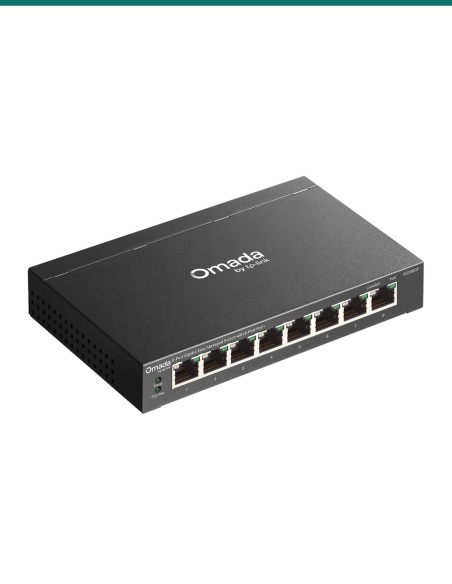
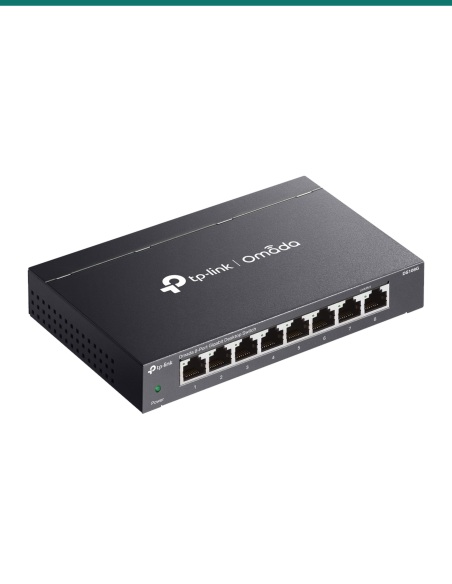
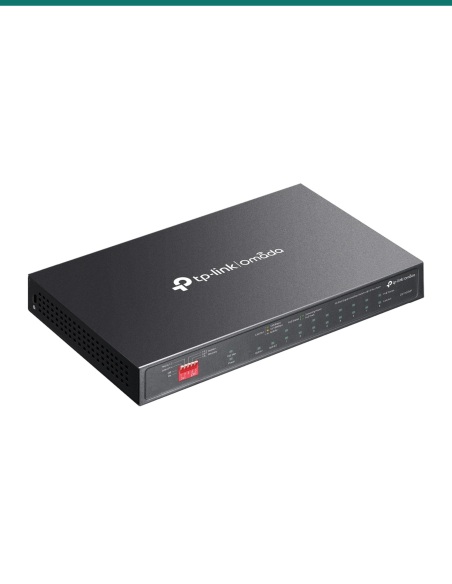
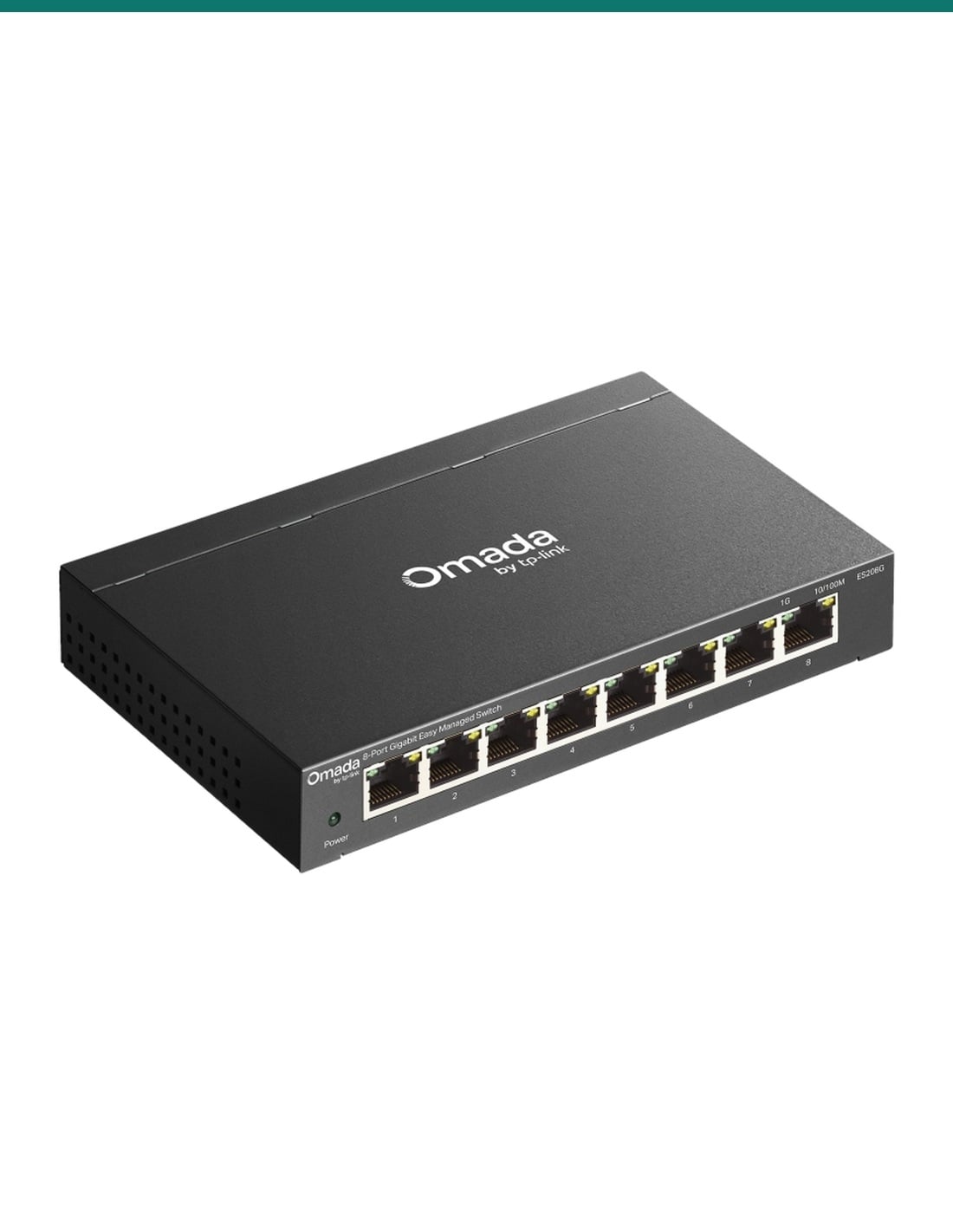
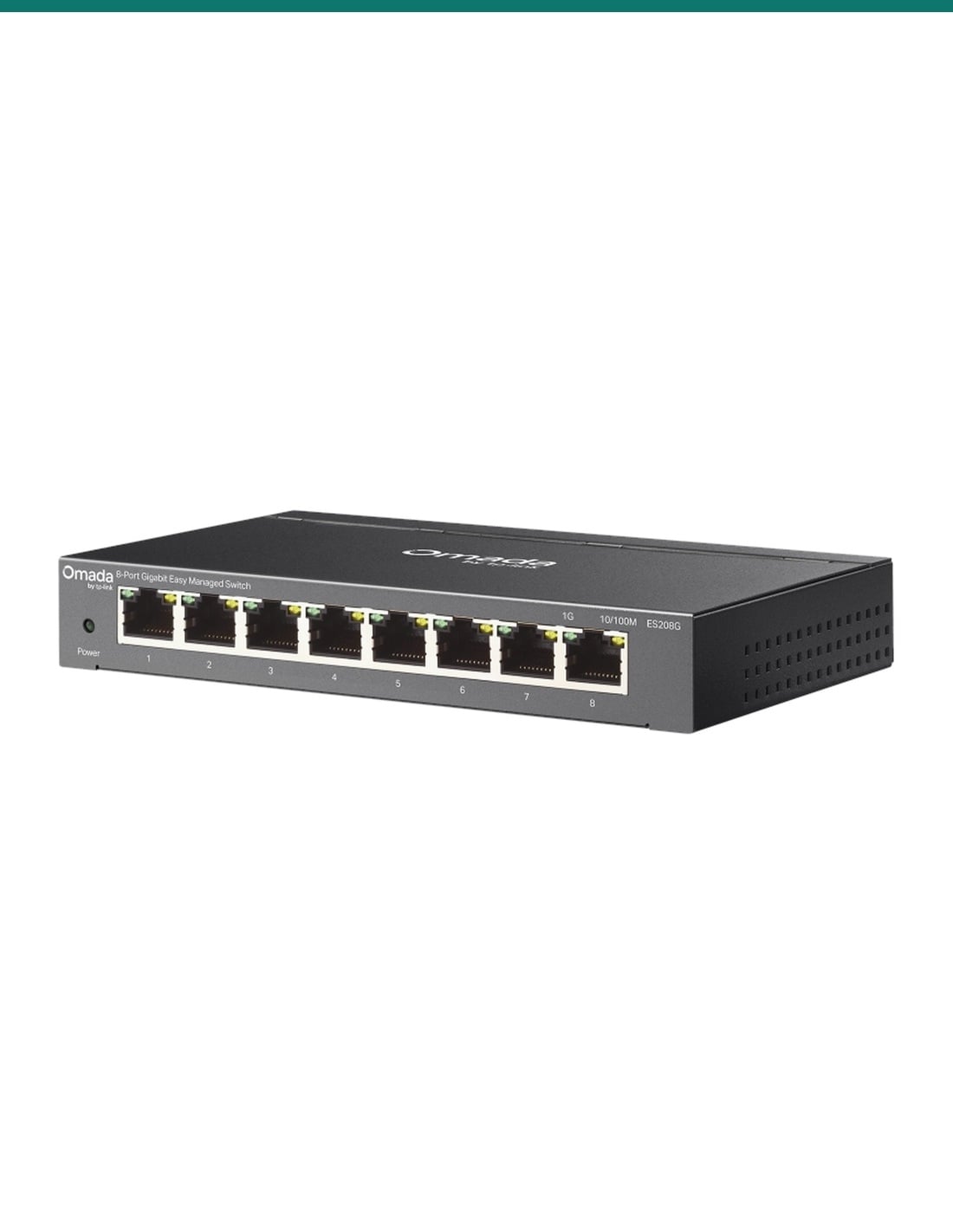
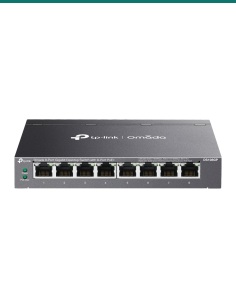
TP-Link Omada ES208G: a fanless 8-port Gigabit Easy Managed desktop switch without PoE. Plug and play, with VLANs, QoS and Omada cloud management when you need them.
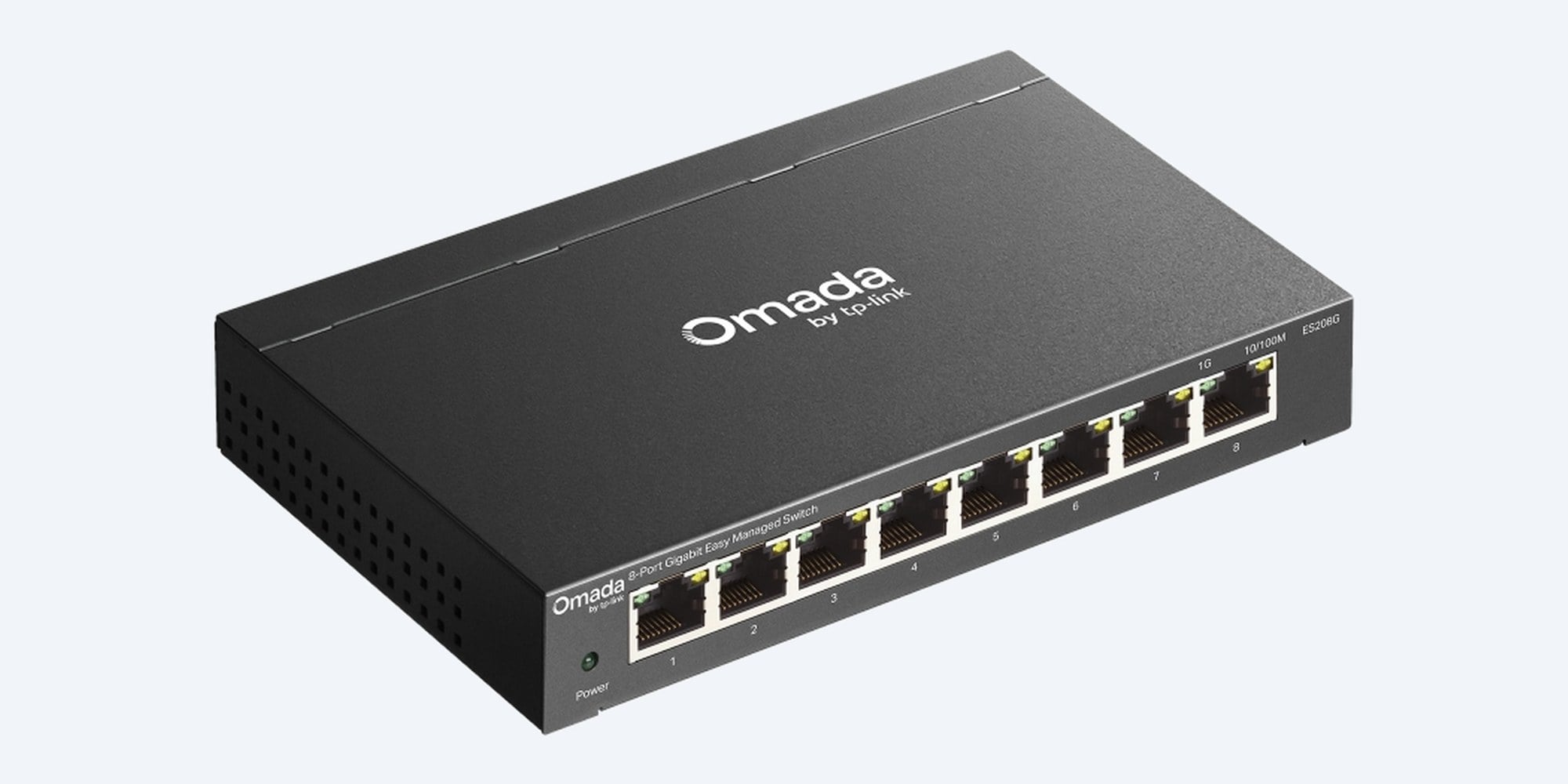
The ES208G is an Omada Easy Managed desktop switch with 8 Gigabit ports and no PoE. It works out of the box, and VLANs, port isolation, QoS and cloud management are there when you need them.
In one sentence: the TP-Link Omada ES208G is a fanless 8-port Gigabit Easy Managed desktop switch without PoE, with 802.1Q VLANs, port isolation, QoS, IGMP snooping, cable diagnostics and Omada cloud management, drawing under 3 W.
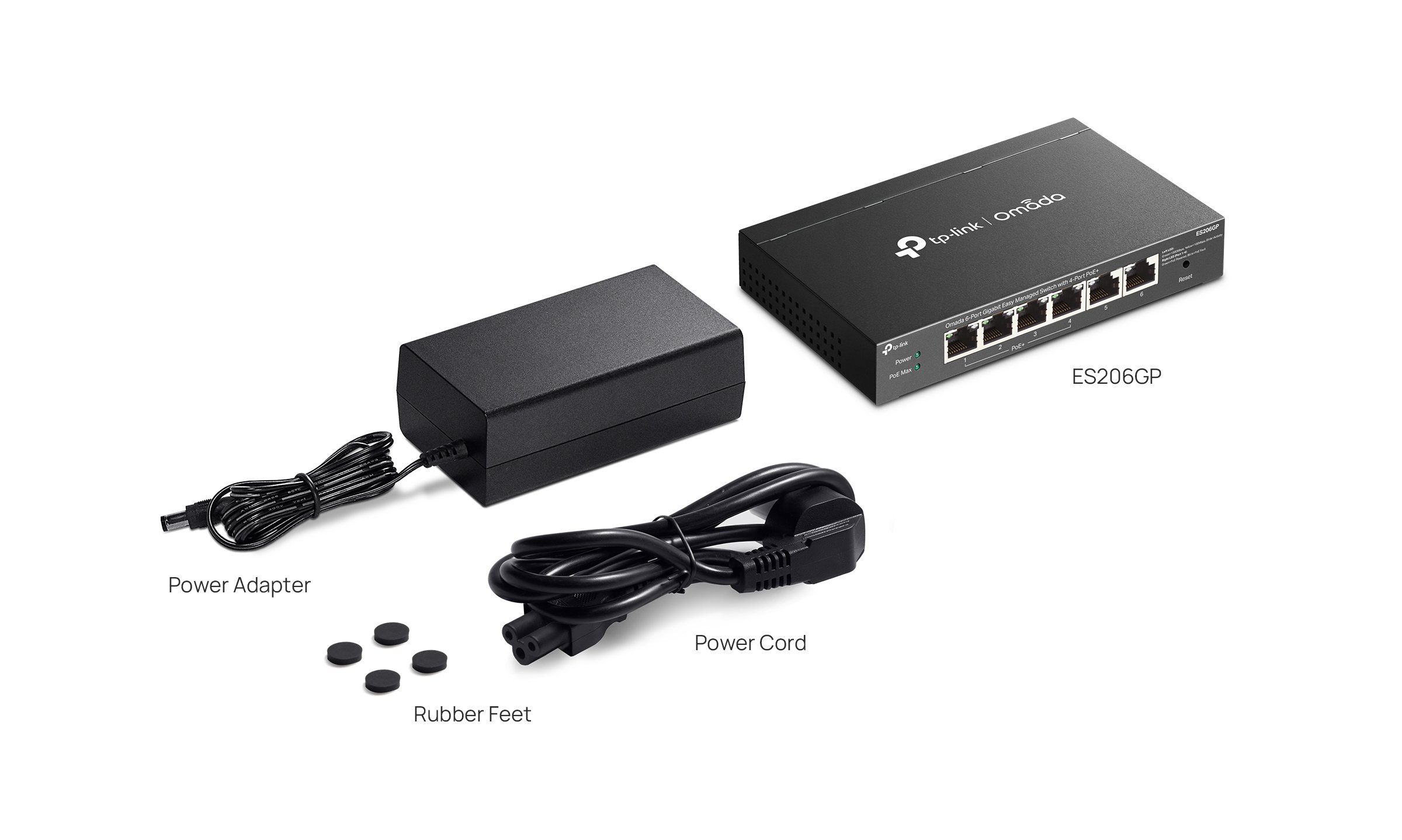
Switch, adapter and mounting feet. Network cables are separate.
This listing is one ES208G with its 5 V power adapter. It has no PoE, so cameras and access points need their own power or a PoE switch.
Eight Gigabit ports for computers, NVRs, printers and uplinks. Use it as is, set VLANs, QoS and port isolation on its web page, or adopt it into an Omada controller to manage it with the rest of the site from the cloud or the Omada app.
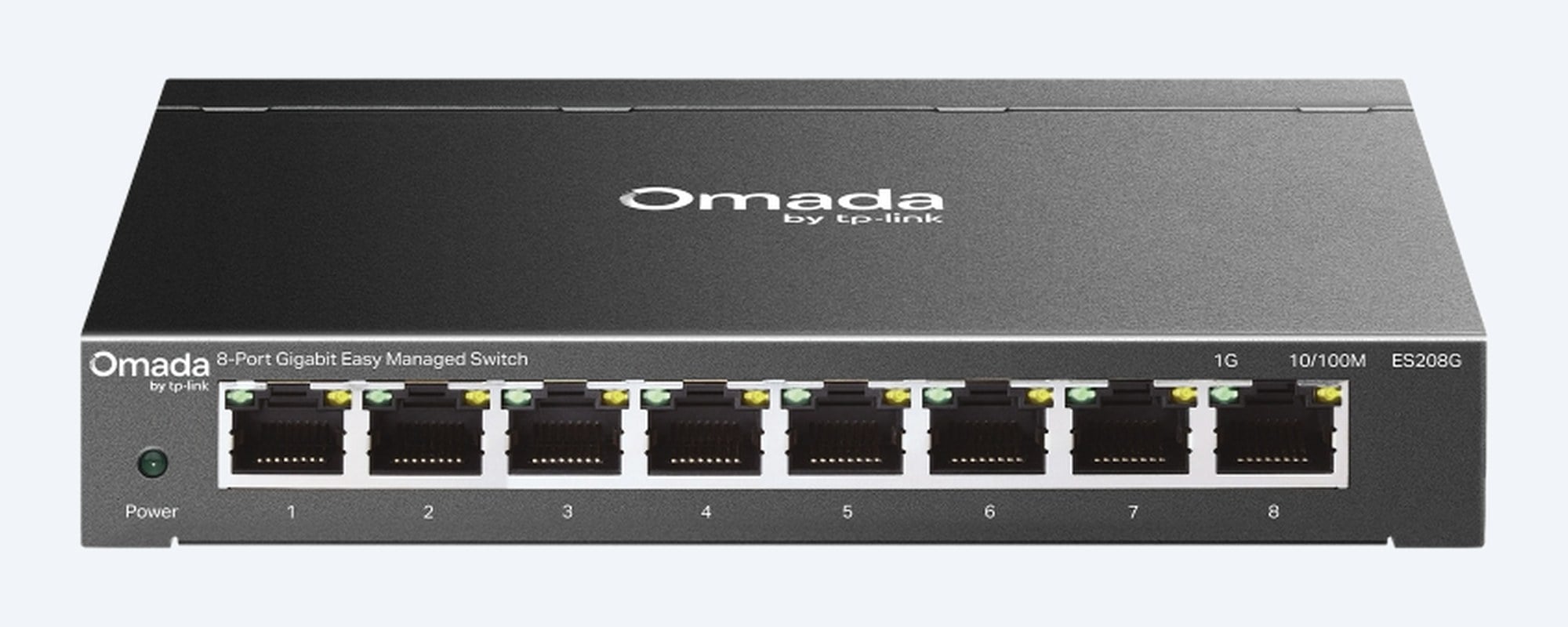
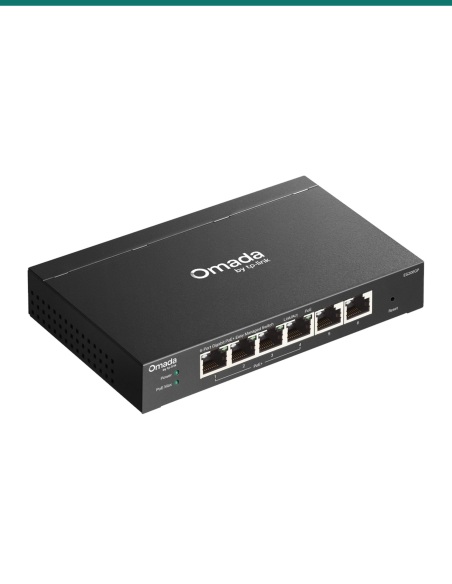
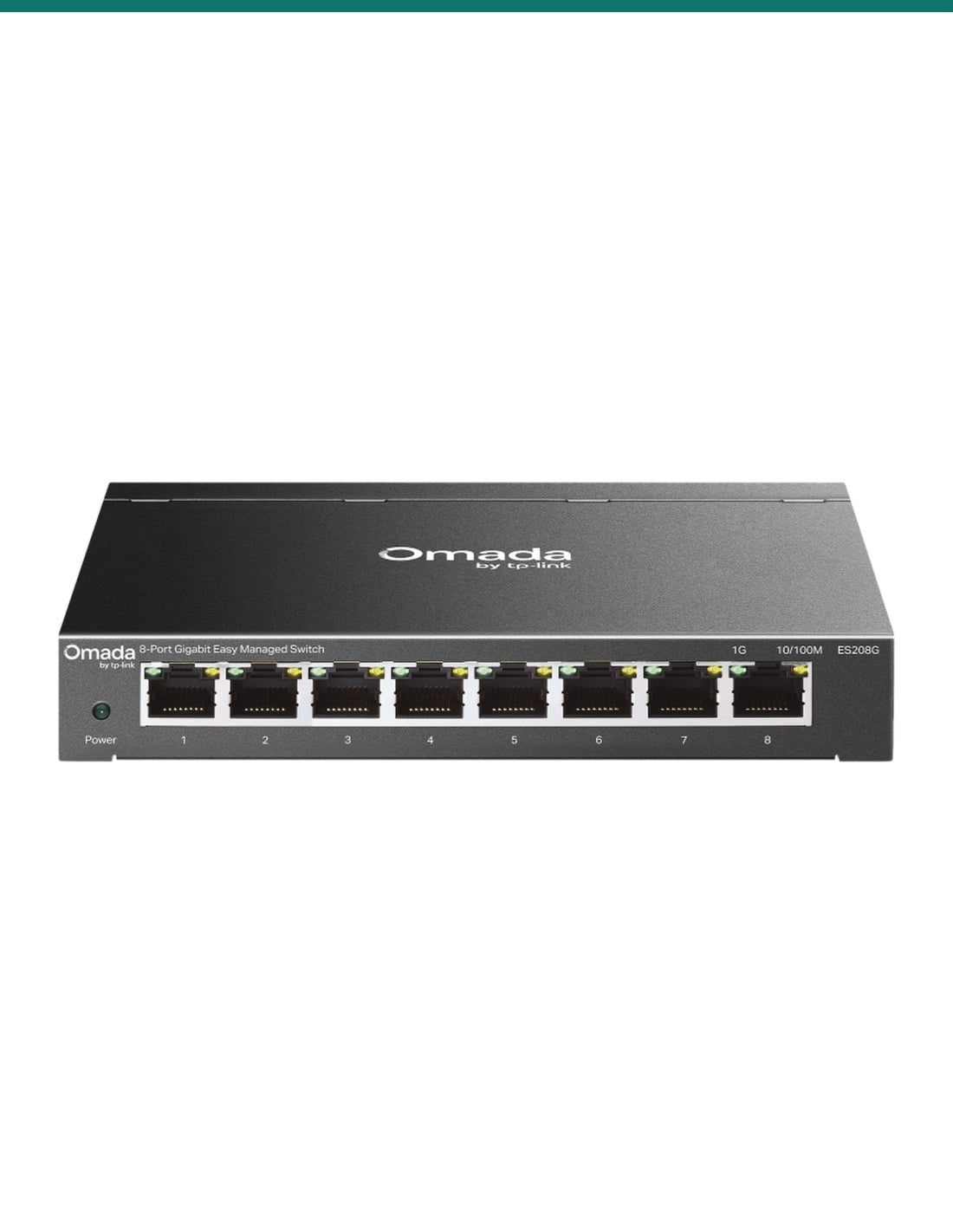
Front
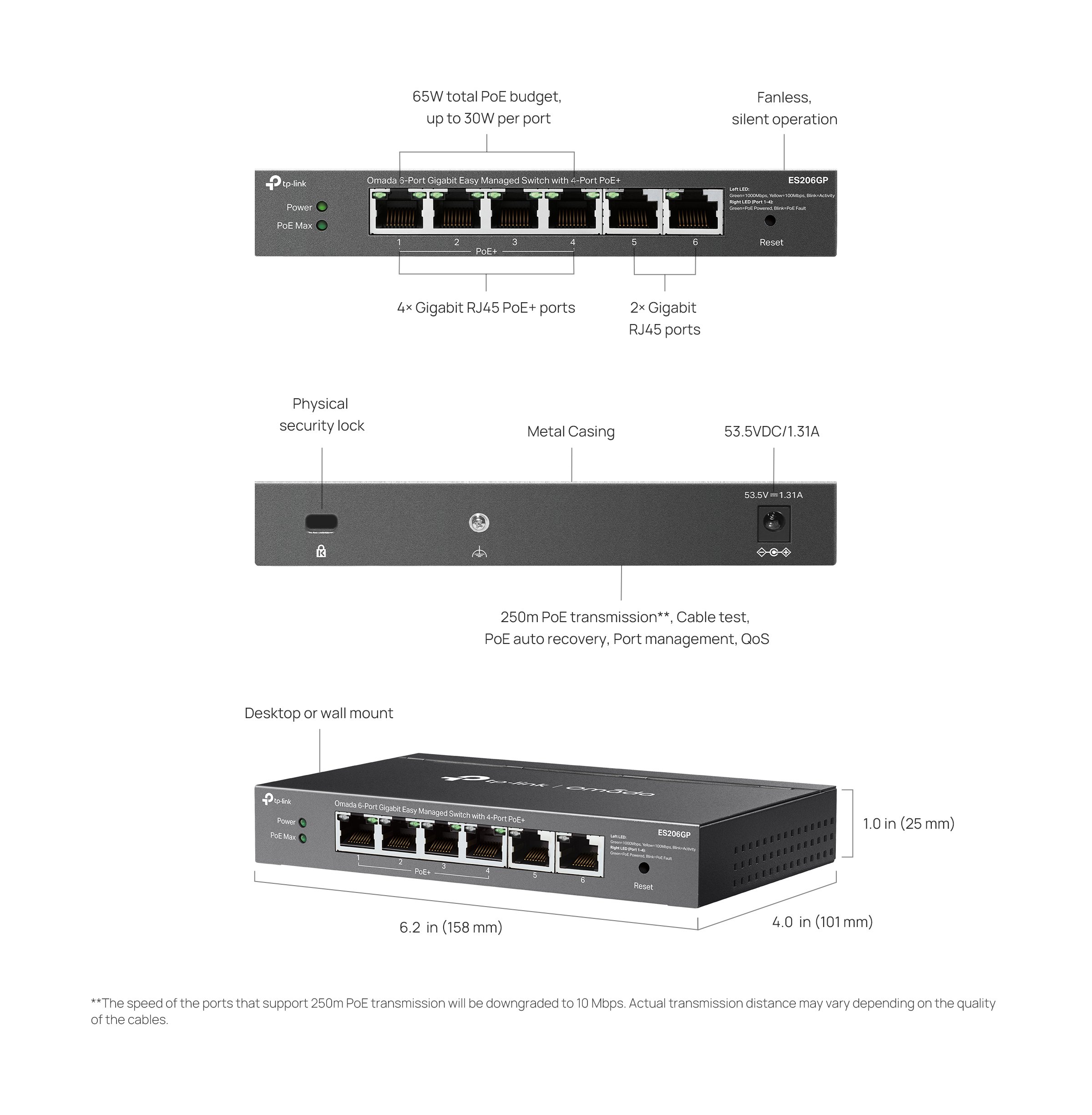
Ports 1 to 8 are 10/100/1000 Mbps RJ45, each with its own lights. The Power light sits on the left.
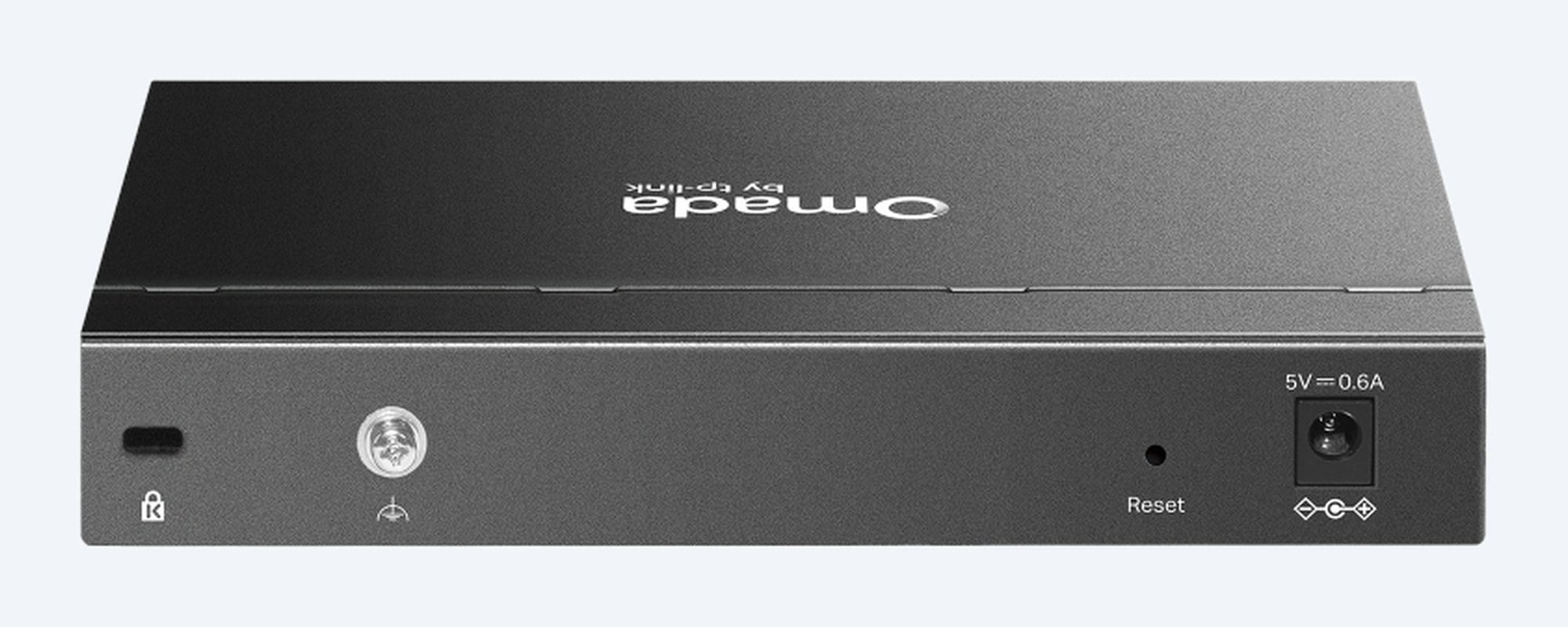
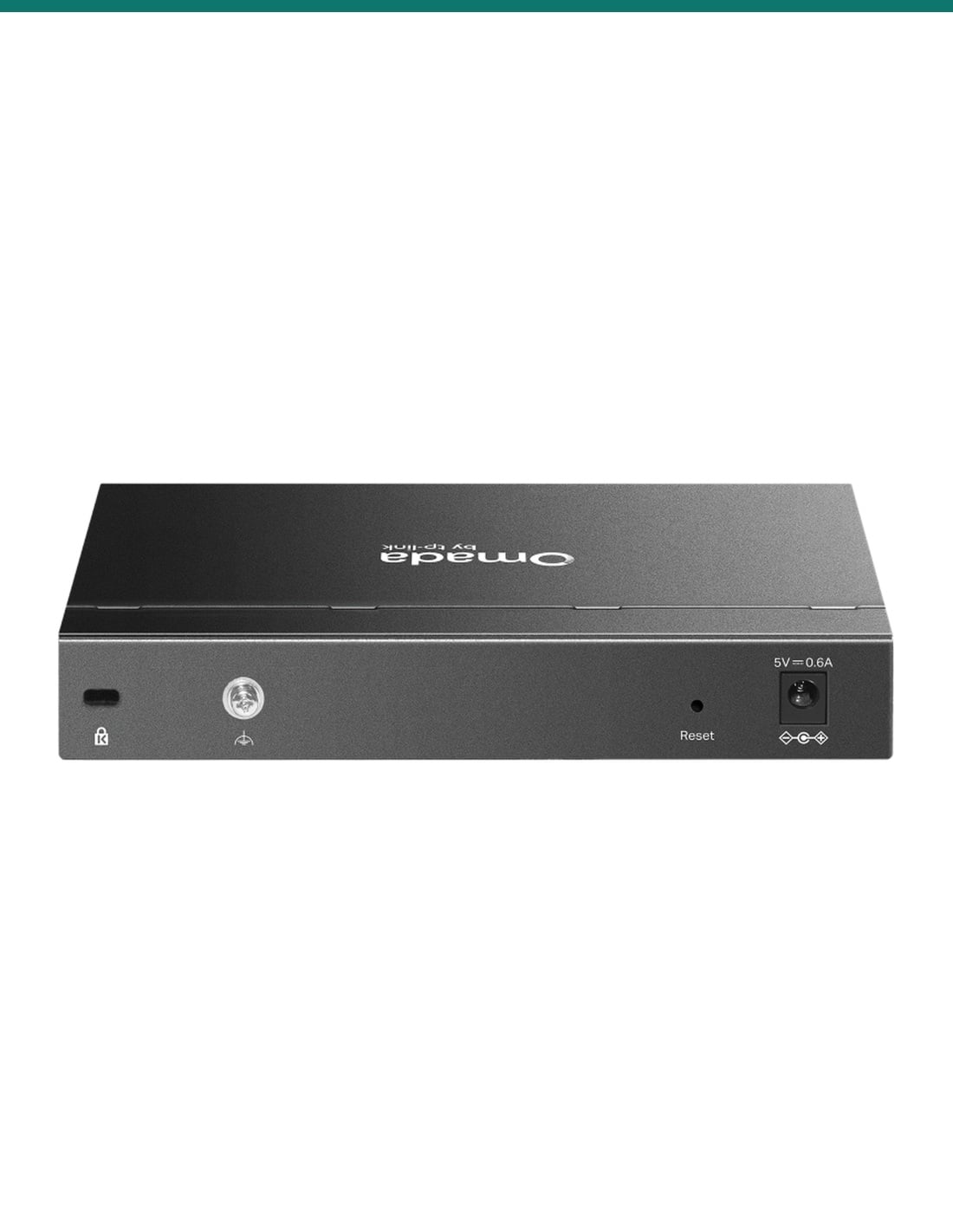
Rear
A physical security lock slot, the reset button and the 5 V DC input for the supplied adapter. All other settings are made in software.
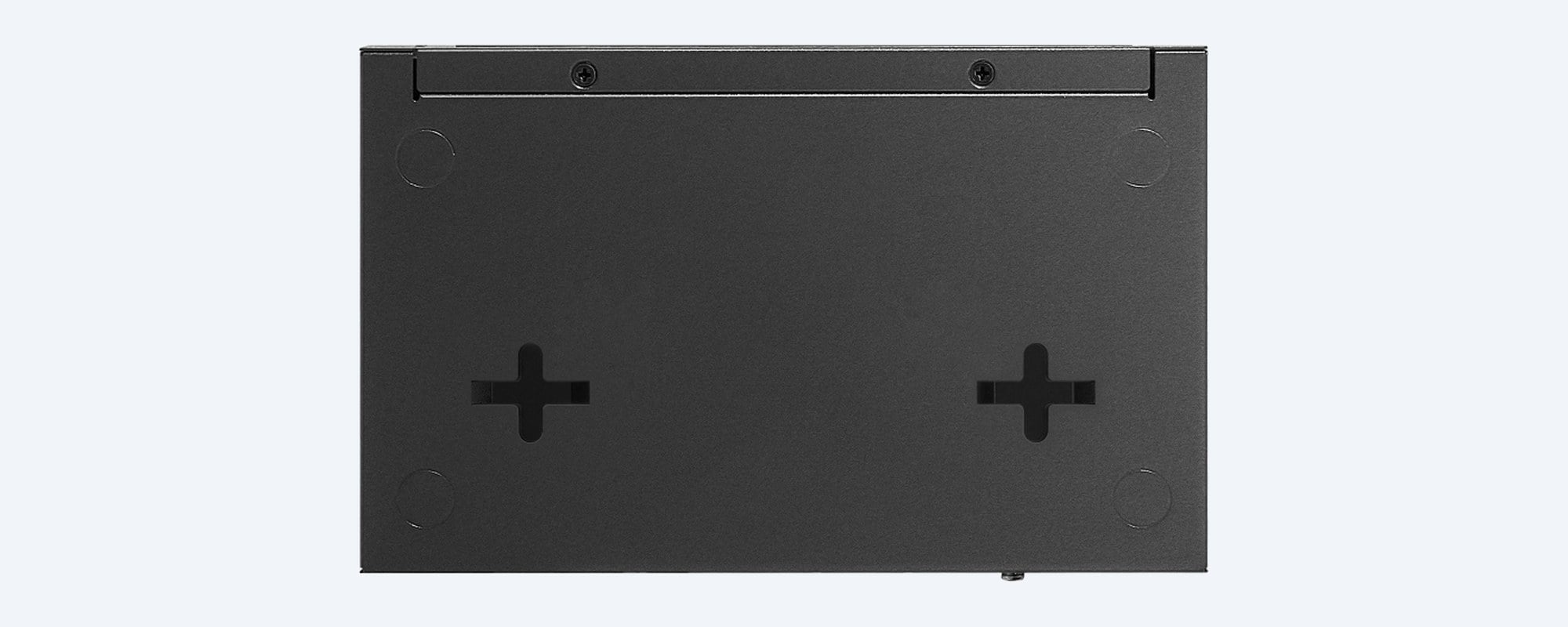
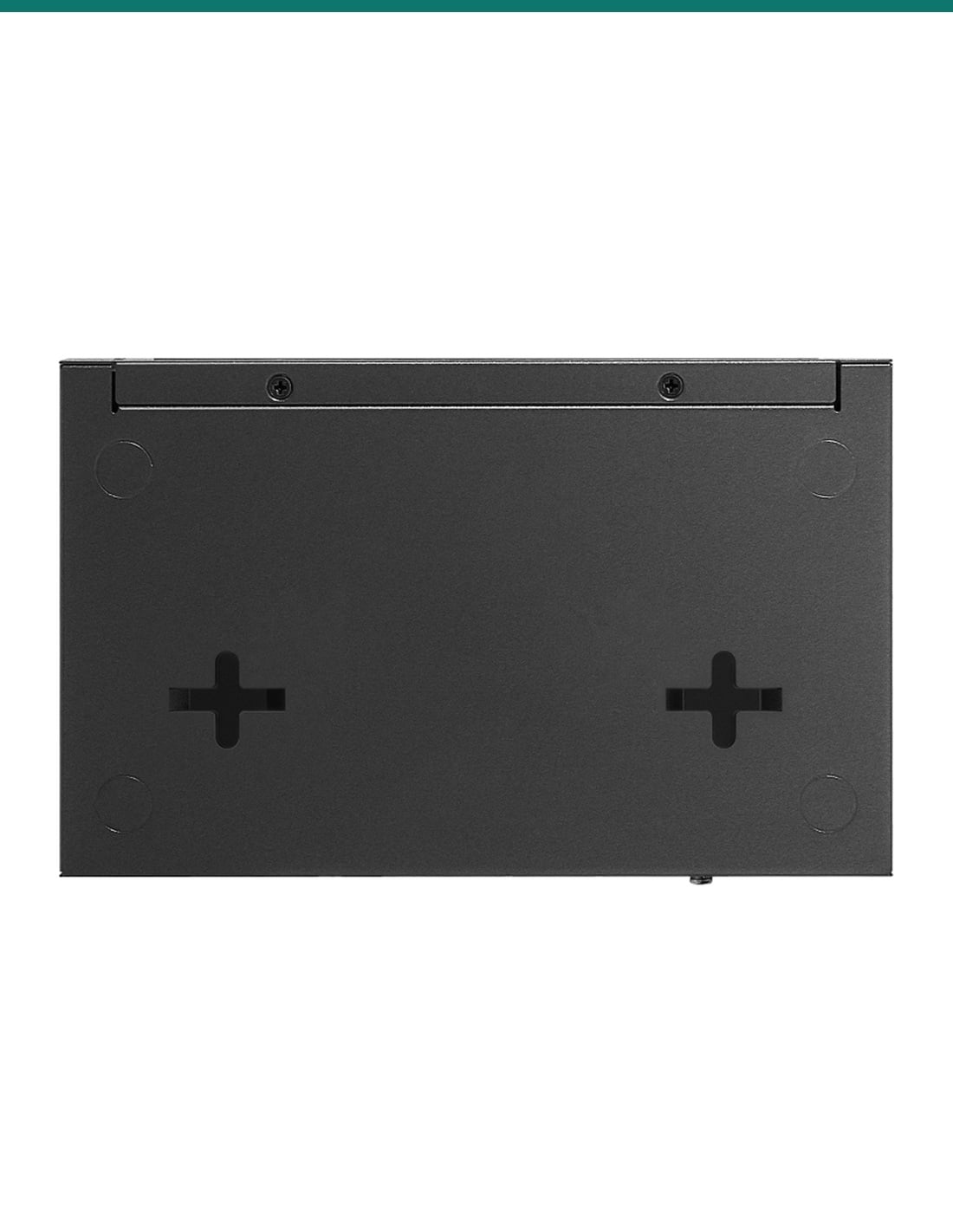
Underside
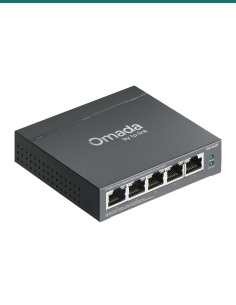
The fanless metal case is 158 × 100.7 × 25.4 mm and weighs 0.39 kg with the adapter. Fit the mounting feet for a desk, or hang it on two screws using the slots underneath.
How it goes in
01
Fit the mounting feet for a desk, or hang it on two screws using the slots underneath. Keep it between -5 °C and 45 °C.
02
Plug the supplied 5 V adapter into the power input on the back, then into a power point.
03
Run one port to your router or main switch, then plug computers, an NVR, printers or other devices into the others.
04
It works straight away. To set VLANs, QoS or port isolation, open its web page, or adopt it in an Omada controller or the Omada app.
At a glance
Show specs
Ports
8 × 10/100/1000 Mbps RJ45
PoE
None
Switching capacity
16 Gbps; 11.9 Mpps packet forwarding
MAC table and buffer
8K MAC addresses; 4 Mbit packet buffer; 15 KB jumbo frames
Layer 2
Static link aggregation (2 groups, up to 4 ports each), port isolation, loopback detection, port mirroring, LLDP, 802.3az EEE
VLAN
802.1Q tag VLAN, up to 32 VLAN groups, 4K VLAN IDs
Multicast
IGMP v1/v2/v3 snooping, fast leave, report suppression
QoS
Port-based, 802.1p and DSCP, 8 priority queues, WRR, port rate limits, storm control
Management
HTTP/HTTPS web page, DHCP client, cable diagnostics; ONVIF in controller mode
Omada SDN
Hardware, software or cloud-based controller; device discovery, batch configuration and firmware upgrades
Flash
64 Mbit
Power supply
Adapter, input 100–240 V AC, output 5 V DC 0.6 A
Power use
0.871 W standby (110 V); 2.679 W maximum (220 V)
Protection
±6 kV common-mode surge on Ethernet ports; ESD ±8 kV air, ±4 kV contact
MTBF
1,141,726 hours at 25 °C
Size and weight
158 × 100.7 × 25.4 mm; 0.39 kg with adapter
Cooling and mounting
Fanless; desktop or wall
Operating range
-5 °C to 45 °C; 10% to 90% humidity, non-condensing
Certification
CE, FCC
Warranty
3 years, TP-Link Australia
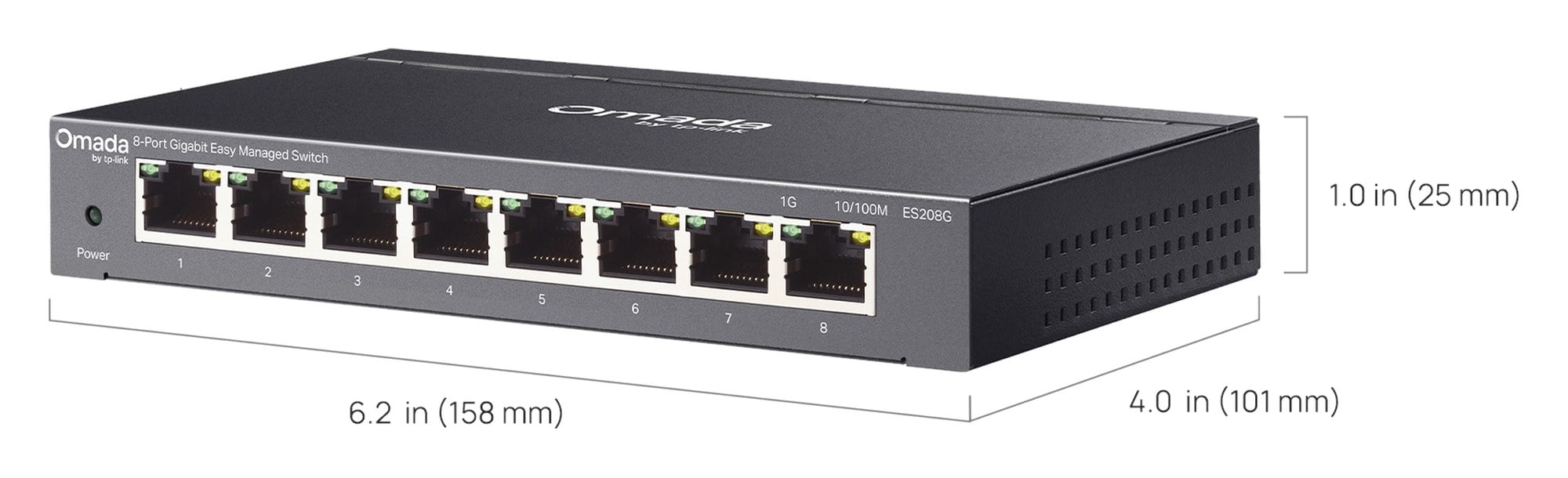
158 × 100.7 × 25.4 mm (W × D × H), from TP-Link.
Pair it with
Management
A hardware controller, the free software controller or Omada cloud, for one site or many.
Need PoE?
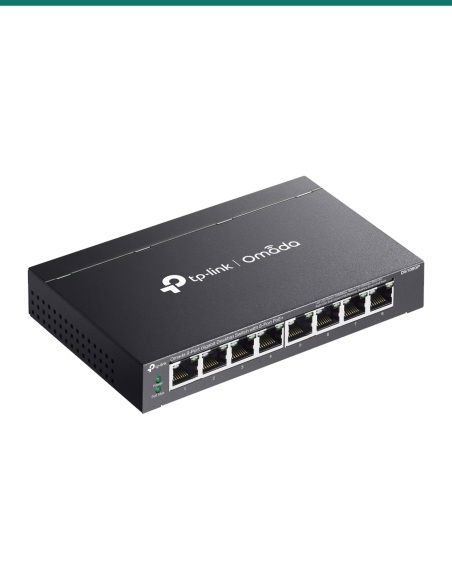
The same switch with PoE+ on all 8 ports and a 64 W budget, for cameras and access points.
Cabling
One run per device, up to 100 m at Gigabit. The built-in cable test helps find a faulty run.
Where it is used
Desks, printers and a server, with staff and guest devices on separate VLANs.
Keep the NVR and cameras on their own VLAN, apart from office traffic.
Managed alongside Omada routers and access points from one controller.
Till, printer and back-office PC kept apart with port isolation.
Learn VLANs, mirroring and link aggregation on a quiet desktop switch.
Monitor and configure the switch from the Omada cloud without a site visit.
| ES208G (this switch) | DS108G | |
|---|---|---|
| Gigabit ports | 8 | 8 |
| Management | Easy Managed: web page or Omada controller and app | None, plug and play |
| VLANs and port isolation | Yes, up to 32 VLANs | No |
| Loop prevention | Yes (loopback detection) | Yes (switch on the back) |
| Cable diagnostics | Yes | No |
| MAC address table | 8K | 4K |
| Packet buffer | 4 Mbit | 1.5 Mbit |
| Operating temperature | -5 °C to 45 °C | 0 °C to 40 °C |
Each column comes from that model's own TP-Link datasheet (ES208G V2.0, DS108G V1.0). For PoE on all 8 ports, see the ES208GP.
No. It is a data-only switch. For PoE+ on all 8 ports, choose the ES208GP.
Yes. It is plug and play. Set it up only if you want VLANs, QoS, port isolation or remote management.
On its own web page (HTTP or HTTPS), or adopt it into an Omada hardware, software or cloud-based controller and manage it from the web or the Omada app.
No. A controller is only needed for central cloud management, batch configuration and firmware upgrades, and ONVIF.
Yes. 802.1Q tag VLANs, up to 32 VLAN groups with VLAN IDs up to 4K.
It stops chosen ports from sending traffic to each other, for example to keep guest devices or cameras apart.
Yes. Cable diagnostics are built in, which helps find a faulty run without a separate tester.
Yes. Static link aggregation supports up to 2 groups of up to 4 ports each.
2.679 W at most, from a 5 V DC 0.6 A adapter.
No. It is fanless.
Yes. It sits on a desk on the mounting feet or hangs on two screws using the slots underneath.
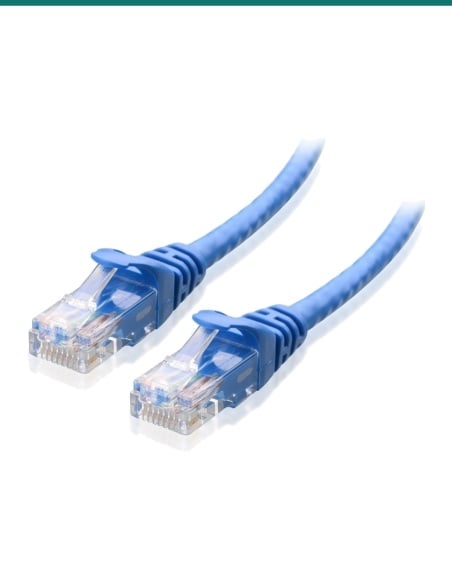
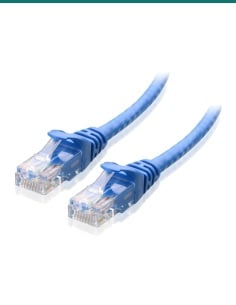
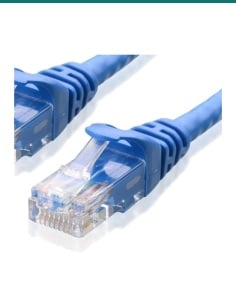
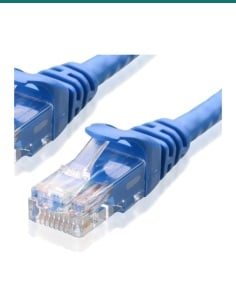
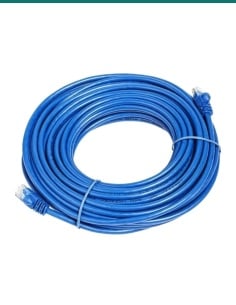
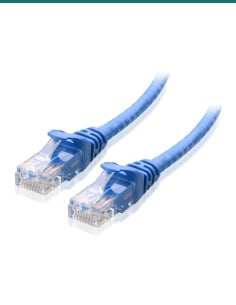
Cat5e or Cat6 for Gigabit, up to 100 m per run.
Help setting up VLANs or adding the switch to an Omada controller: call 1300 736 970 or email [email protected]. The TP-Link datasheet is on the Attachments tab. 3-year TP-Link Australia warranty: contact us first and we will look after the claim.
Power. The switch runs from its 5 V DC adapter, which plugs into a normal 100–240 V power point. A new power point needs a licensed electrician.
Cabling. Concealed or fixed data cabling to wall outlets is customer cabling under AS/CA S009 and needs an ACMA-registered cabler.
What it does not do. No PoE, no SFP fibre port, no Layer 3 routing and no rack mounting.
Figures. From TP-Link's ES208G datasheet (hardware version V2.0) and TP-Link Australia's product page.
Sale ends Tue 8 Dec


Need help choosing?
Tell us about your property and we'll recommend the right cameras and recorder.
07 5609 4910Sydney 02 8814 6008
[email protected]
Mon–Fri, 9am–5pm AEST