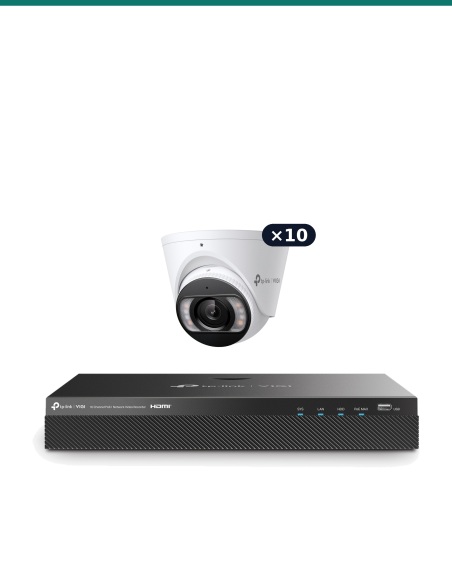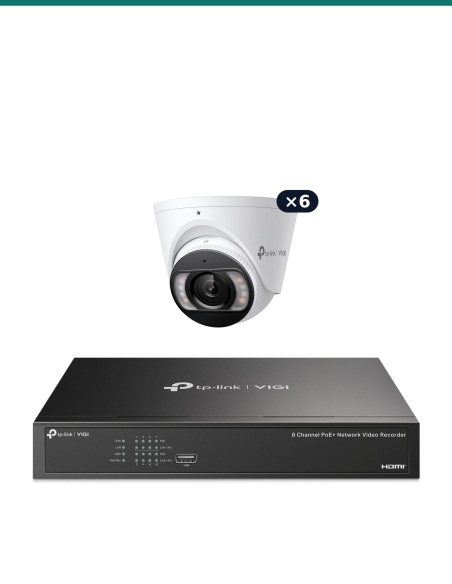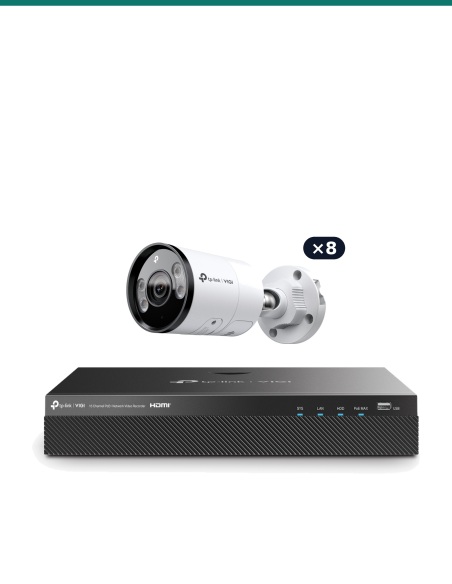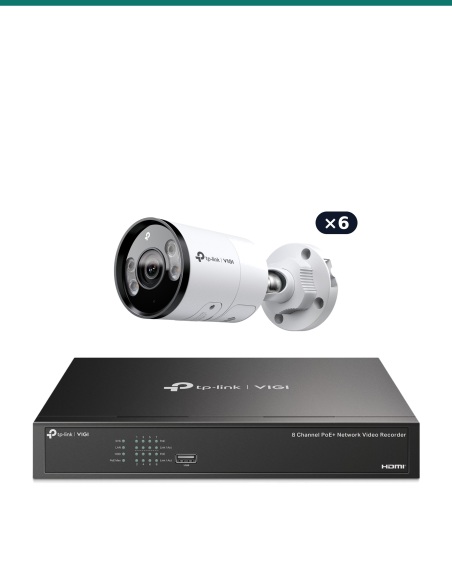
There are no more items in your cart


In Stock - Ready to Ship
TP-Link Security Cameras


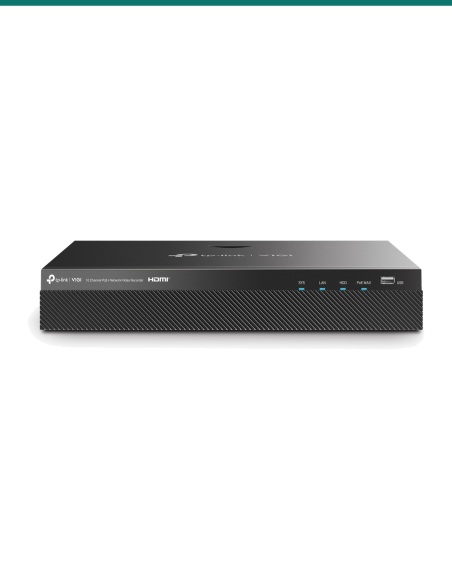
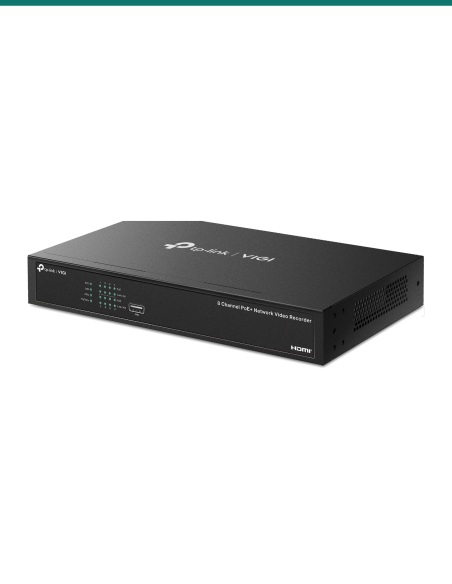
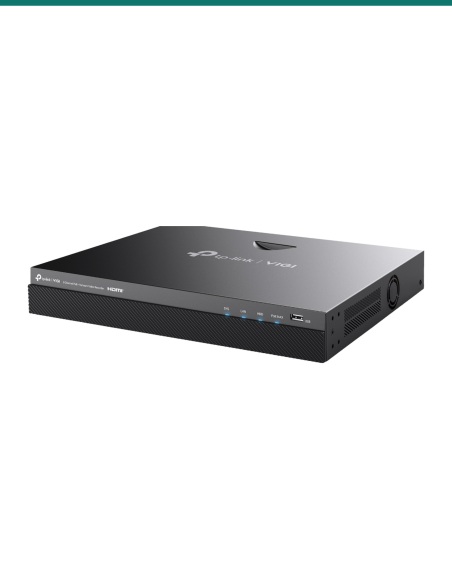
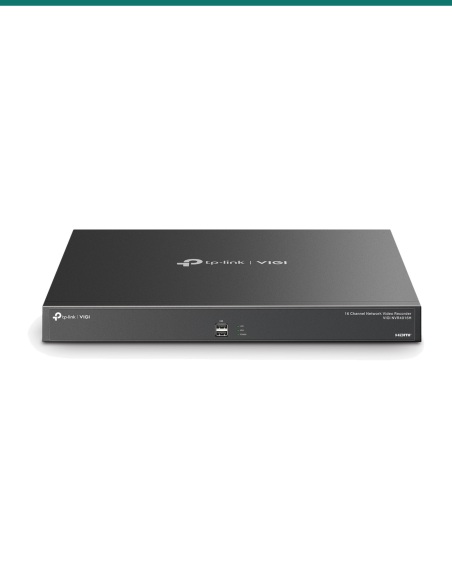
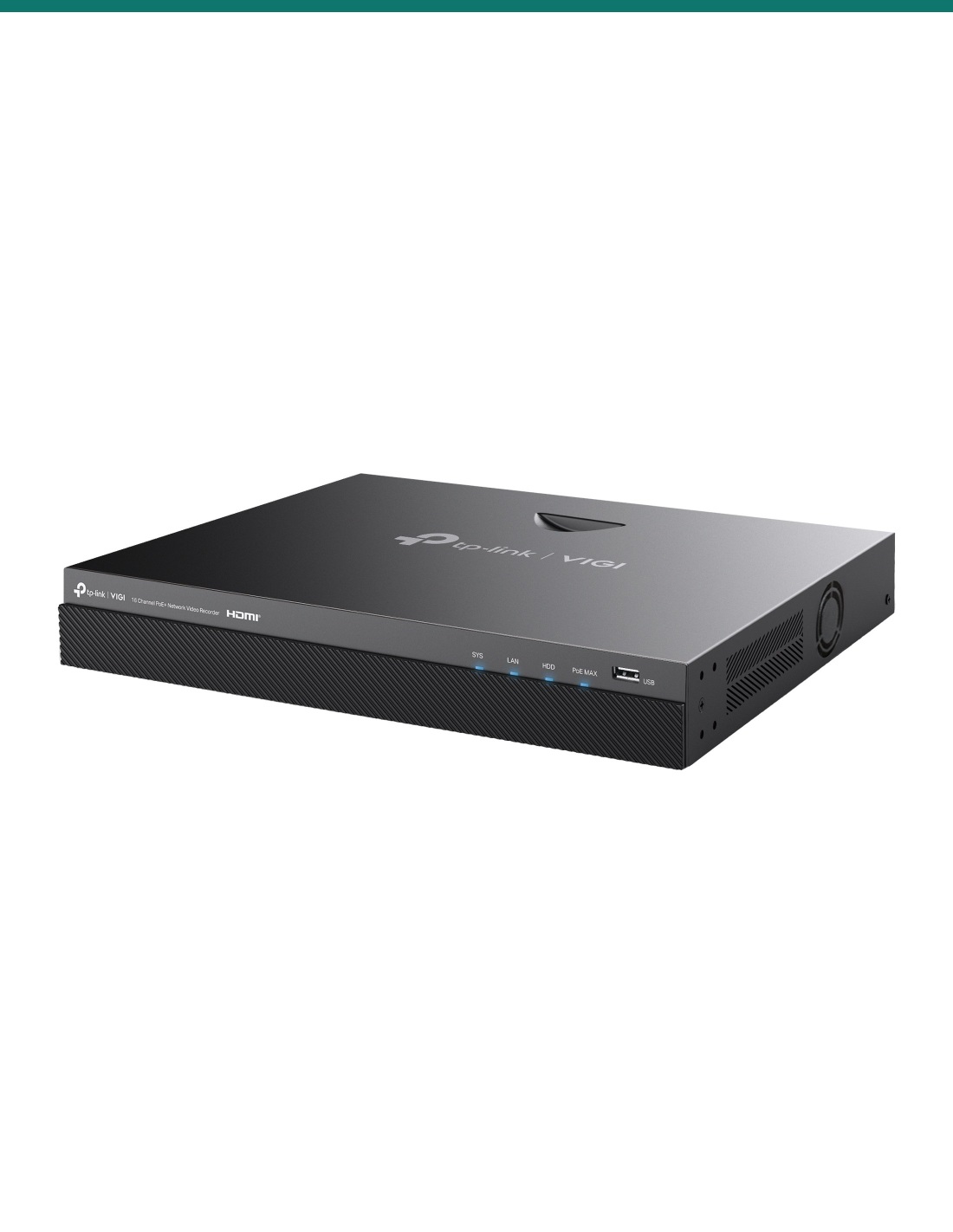
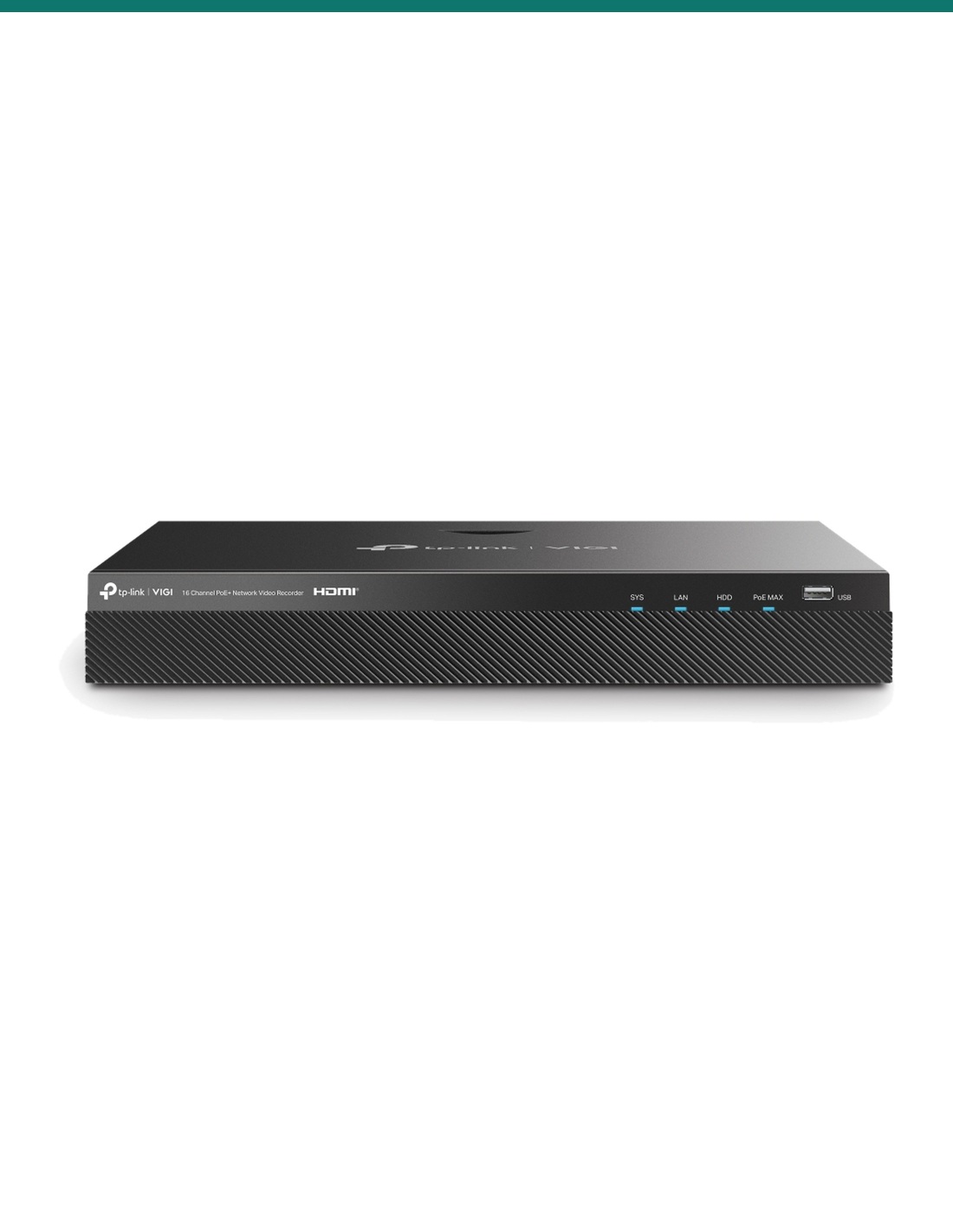
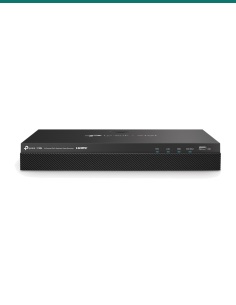
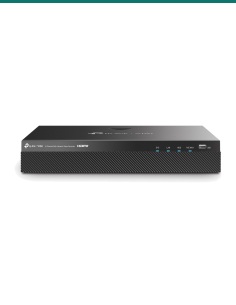
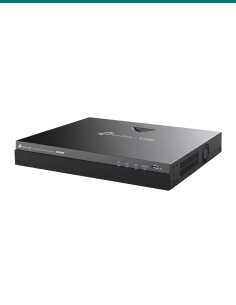
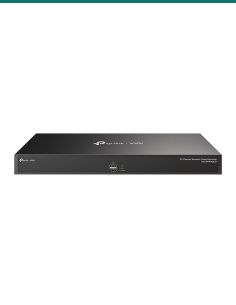
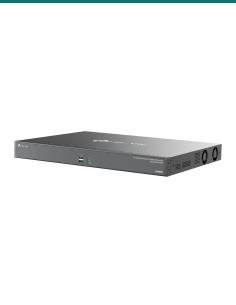
TP-Link VIGI NVR2016H-16MP V2: a 16-channel recorder with sixteen built-in PoE+ ports, two drive bays and alarm terminals. Choose the drive size in the options.
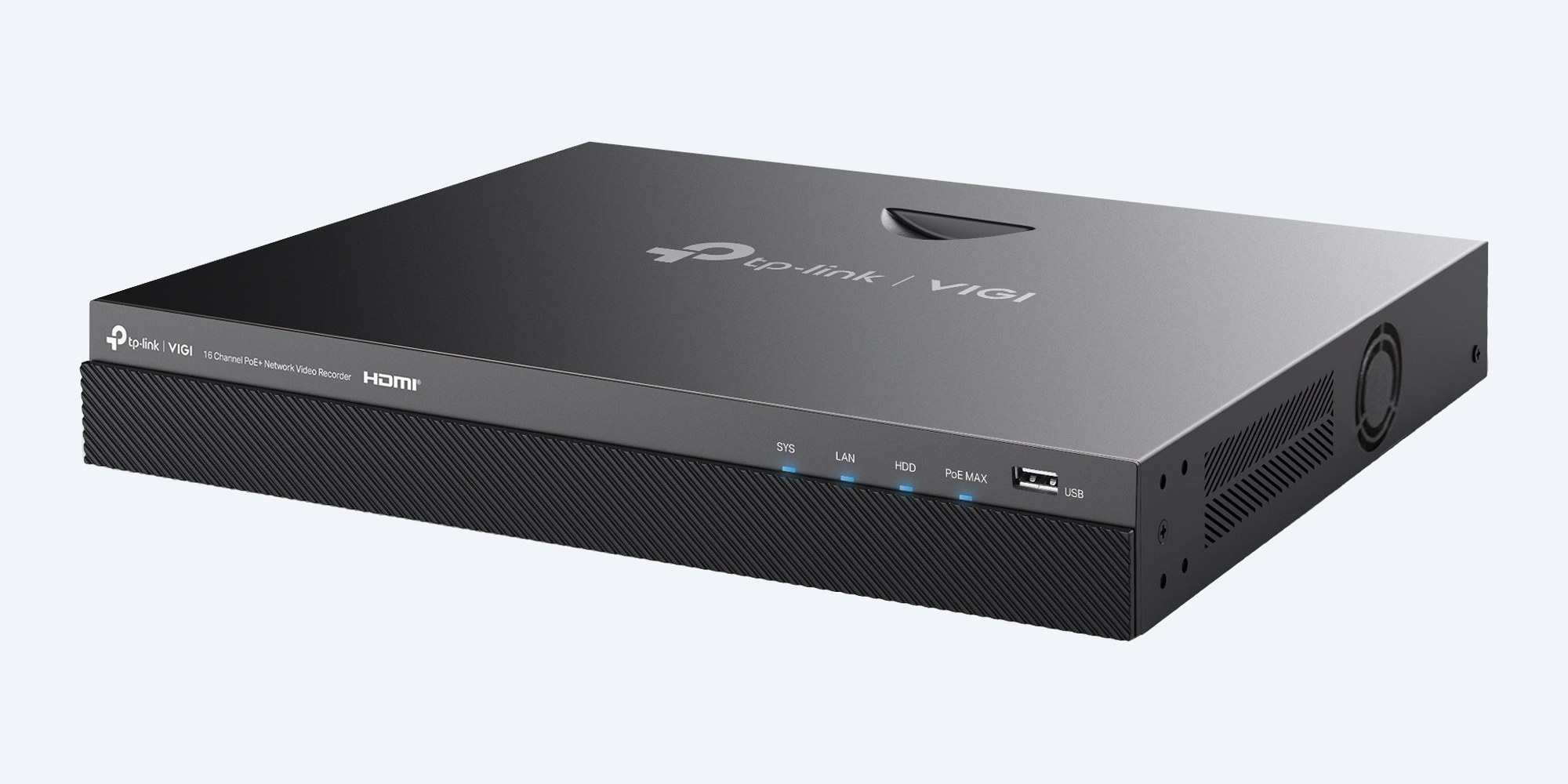
This is the VIGI NVR2016H-16MP V2: a 16-channel recorder with its own sixteen PoE+ ports, two drive bays of up to 16TB each, a Gigabit network port and 6 alarm inputs with 4 outputs.
In one sentence: the VIGI-NVR2016H-16MP-V2 is a TP-Link VIGI 16-channel network video recorder with 16 PoE+ ports sharing 140 W, 320 Mbps incoming bandwidth, recording up to 8MP per camera and two SATA bays of up to 16TB each.
Recorder only, unless you choose a drive.
The recorder needs at least one hard drive to record. Choose the drive size in the options above, or select No HDD and fit your own surveillance drives in the two bays.
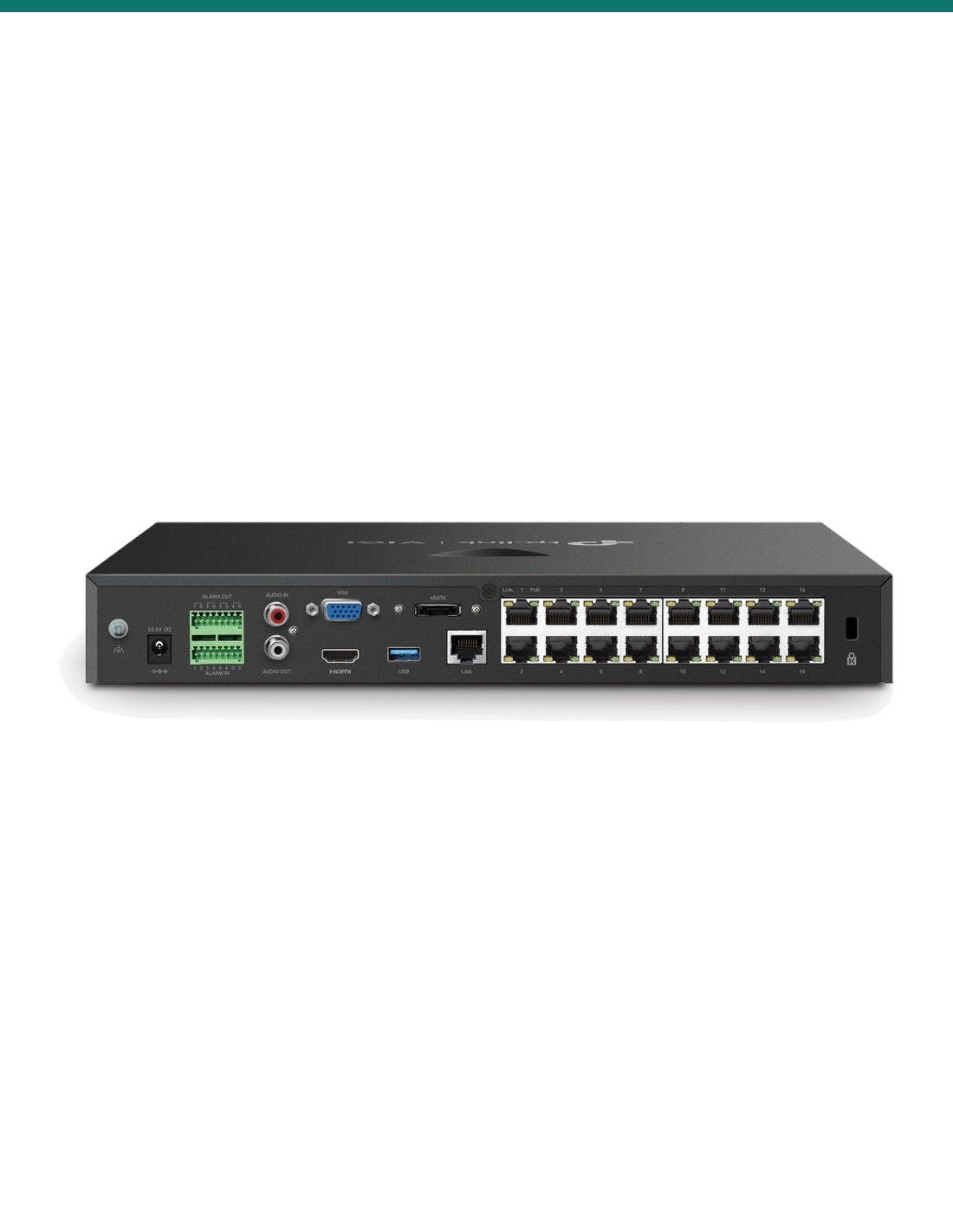
Sixteen PoE+ ports (802.3af/at) supply up to 30 W each and 140 W in total, so each camera needs only one network cable. The recorder takes 320 Mbps from the cameras and records to two SATA drives of up to 16TB each, 32TB in total. A Gigabit LAN port, a rear USB 3.0 port and an eSATA port handle backups and remote viewing.
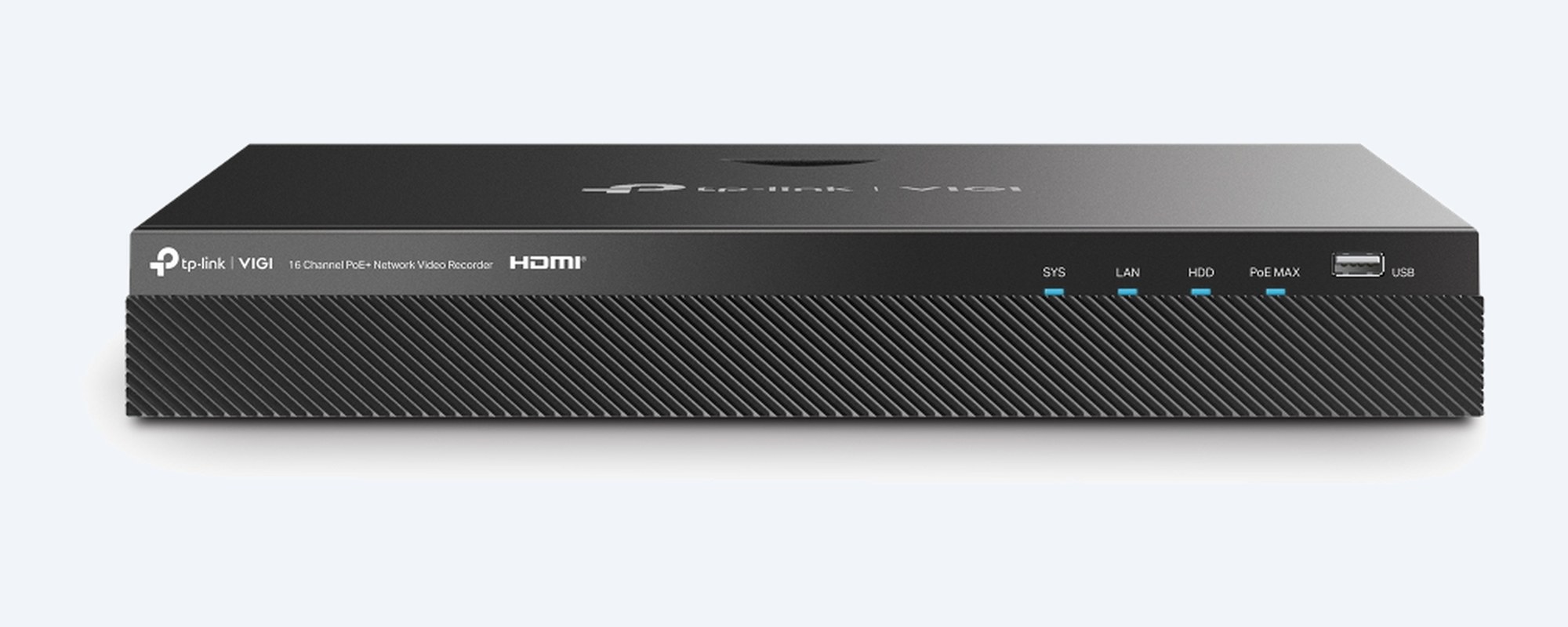
Front
Two SATA bays take up to 16TB each, 32TB in total. Status lights for system, network, drive and PoE load, and a USB 2.0 port on the front for the mouse.
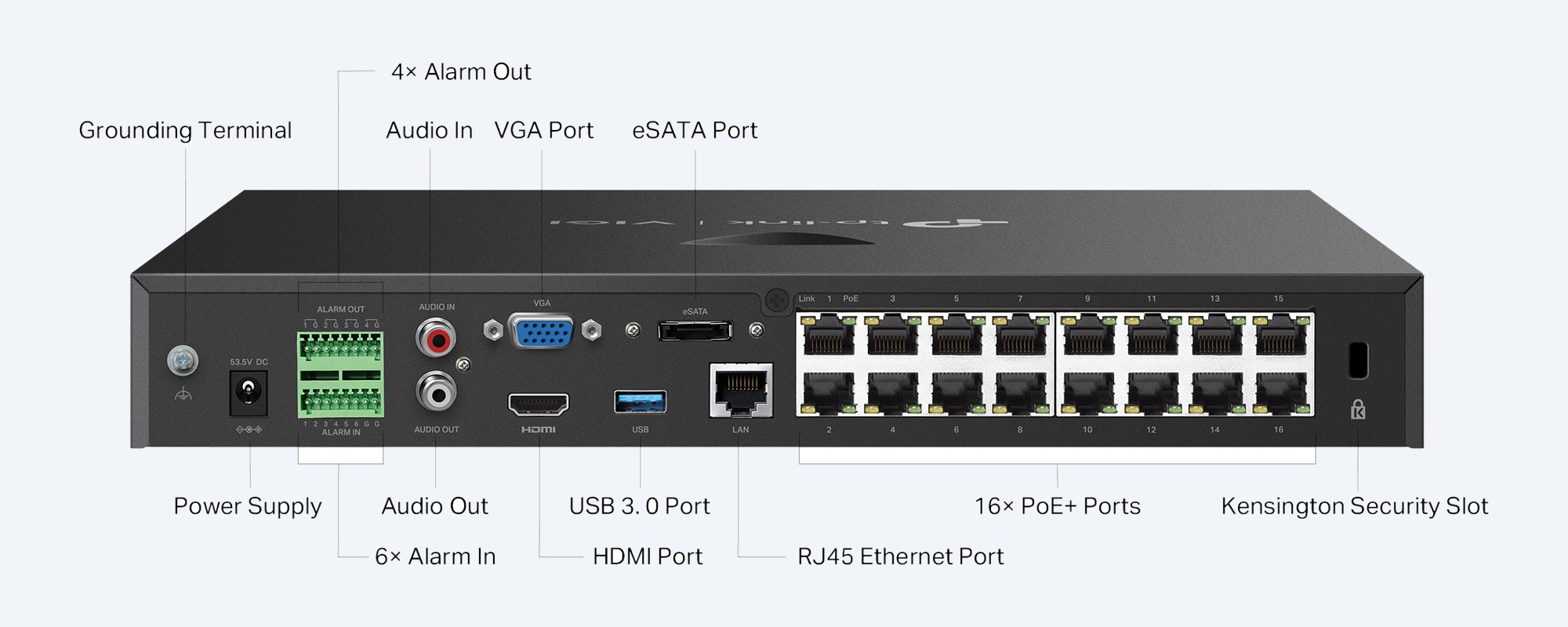
Connections
16 × 10/100 Mbps PoE+ ports and one 10/100/1000 Mbps LAN port. HDMI up to 3840 × 2160 and VGA up to 1920 × 1080, independent or mirrored. 6 alarm inputs and 4 outputs for sensors and sirens, RCA audio in and out, USB 3.0, eSATA, a grounding terminal and a security slot.
How it goes in
01
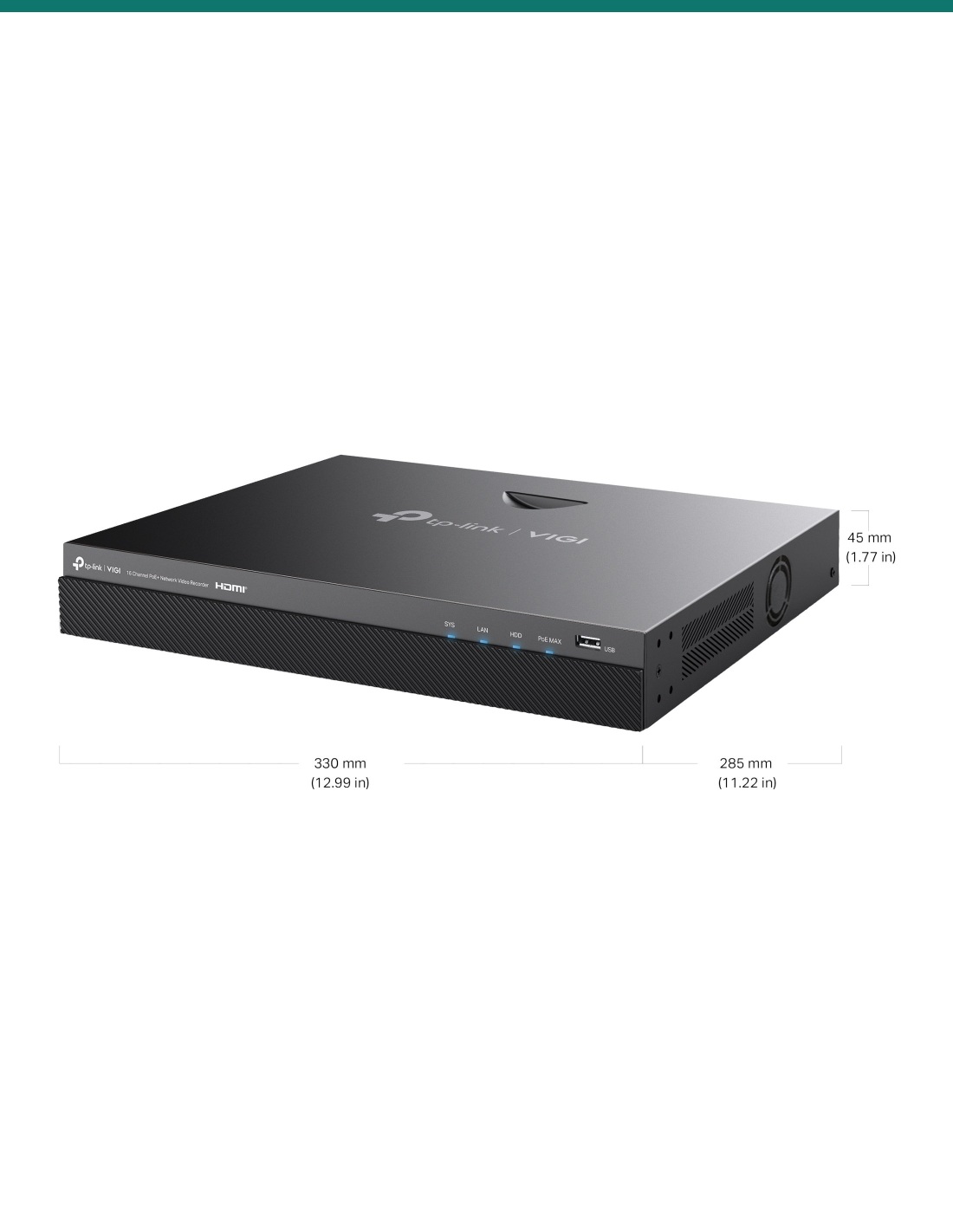
330 × 285 × 45 mm, 2.2 kg. Put it on a shelf, in a cabinet or on a rack tray with air around it, near your router, and plug in the power adapter.
02
Up to two SATA drives of up to 16TB each, connected with the supplied HDD cables. If you chose a drive in the options, it comes with the recorder.
03
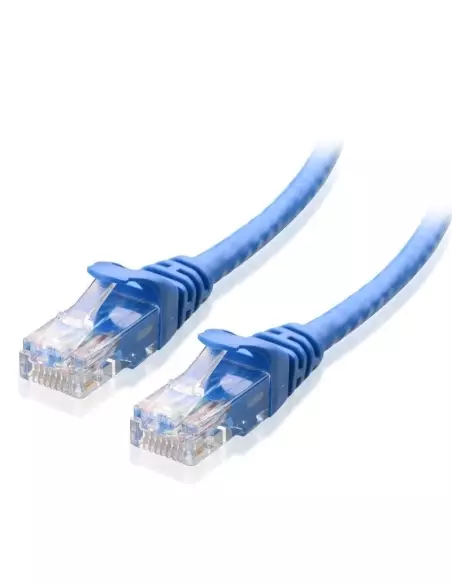
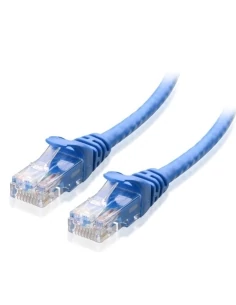
One network cable from each camera to a PoE+ port. Keep within 30 W per port and 140 W in total. Wire any sensors or sirens to the alarm terminal blocks.
04
Connect a screen and the mouse, run the start-up wizard, add the cameras, then add the recorder to the VIGI app on your phone or the VIGI PC client.
At a glance
Show specs
Model
VIGI NVR2016H-16MP (hardware V2)
Channels
16 IP cameras
PoE
16 × 10/100 Mbps PoE+ ports, 802.3af/at; 30 W per port, 140 W total
Recording
Up to 8MP per channel (8MP, 5MP, 4MP, 3MP, 1080p and lower)
Compression
H.265+ / H.265 / H.264+ / H.264
Bandwidth
320 Mbps incoming, 320 Mbps outgoing
Decoding
25 fps: 10-ch @ 3MP or 16-ch @ 1080p; 30 fps: 4-ch @ 8MP, 6-ch @ 5MP or 8-ch @ 4MP
Playback
Up to 16 channels at once (fewer if the total is over 32MP)
Live view
1/4/6/8/9/16 split
Video output
1 × HDMI (up to 3840 × 2160), 1 × VGA (up to 1920 × 1080), independent or simultaneous
Drives
2 × SATA, up to 16TB each; 1 × eSATA
Network
1 × 10/100/1000 Mbps LAN port
USB
1 front USB 2.0, 1 rear USB 3.0
Audio
1 RCA input, 1 RCA output
Alarm
6 inputs, 4 outputs
Smart alarms with cameras
Motion, tampering, scene change, line crossing, intrusion, region entering and exiting, loitering, object left or removed, human, vehicle, abnormal sound
Interoperability
ONVIF Profile S/T, CGI; VIGI app for Android and iOS
Power
53.5 V DC, 3.37 A adapter; 6.2 W without drives, 40 W with
Chassis
330 × 285 × 45 mm (W × D × H), 2.2 kg
Environment
−10 °C to 55 °C, 10–90% RH non-condensing
Warranty
3 years, TP-Link Australia
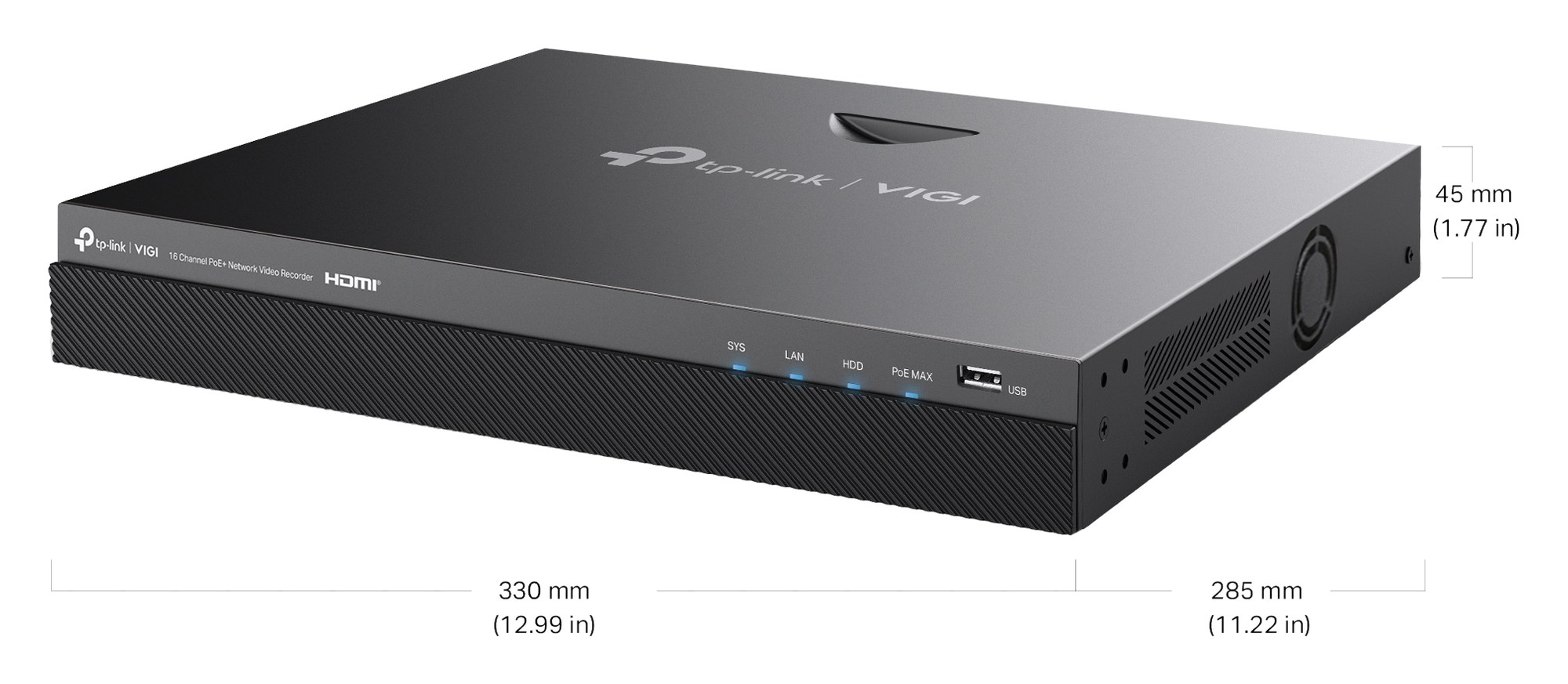
330 × 285 × 45 mm, 2.2 kg. Units mm (inches in brackets).
Pair it with
Storage
Choose the drive size in the options above. Each of the two bays takes a SATA drive of up to 16TB.
Cameras
TP-Link recommends VIGI cameras for the best results with this recorder. Other ONVIF Profile S or T cameras also record.
Security
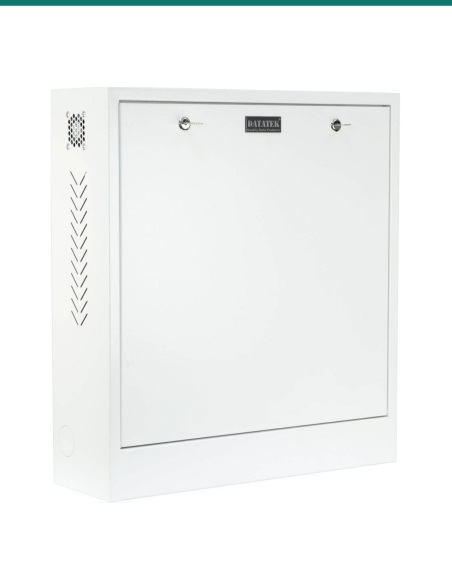
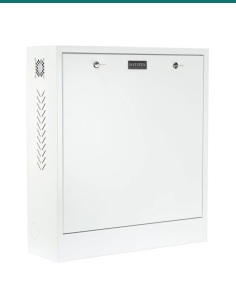
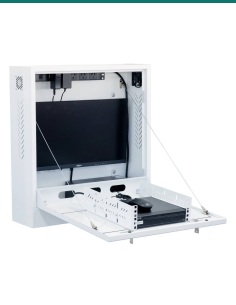
Keep the recorder out of reach so a thief can't take the footage with it. Ask us about the 24SECCAB security cabinet.
Bigger sites
Cameras too far from the recorder for one cable run, or spread across buildings? Ask us about a PoE switch for the far end.
Where it is used
Aisles, counters, entries, stockroom and the loading door.
Reception, corridors, entries and the car park.
Roller doors, loading bays, the yard and the perimeter, with door sensors on the alarm inputs.
Gates, playgrounds, entries and the car park.
House, sheds, gates and machinery on one recorder.
Lobby, mail room, car park and bin room.
| VIGI NVR2016H-16MP V2 (this recorder) | VIGI NVR2008H-8MP V2 | |
|---|---|---|
| Channels and PoE+ ports | 16 and 16 | 8 and 8 |
| PoE budget | 140 W | 90 W |
| Incoming bandwidth | 320 Mbps | 160 Mbps |
| Drive bays | 2, up to 16TB each | 2, up to 16TB each |
| Live view split | Up to 16 | Up to 9 |
| Alarm in / out | 6 / 4 | 6 / 4 |
| Size | 330 × 285 × 45 mm | 330 × 285 × 45 mm |
Figures come from each recorder's own TP-Link datasheet. Same case and connections; the NVR2016H-16MP doubles the channels and bandwidth.
Yes. It has 16 PoE+ ports (802.3af/at) supplying up to 30 W per port and 140 W in total.
Only if you choose one. Pick the drive size in the options above, or choose No HDD and fit your own. A drive must be fitted for the recorder to work.
Two SATA drives of up to 16TB each, 32TB in total. There is also an eSATA port for an external storage device.
Up to 8MP per camera, within 320 Mbps of incoming bandwidth in total.
Up to 16 channels at the same time. Fewer, or none, if the total resolution is over 32MP.
V2. The figures on this page and the datasheet on the Attachments tab are for V2.
6 alarm inputs take door contacts, smoke detectors or other sensors, and 4 alarm outputs drive sirens or alarm devices. Terminal blocks are in the box.
Yes. It has one HDMI output up to 3840 × 2160 and one VGA output up to 1920 × 1080, which can show the same or different views.
Yes. Connect the Gigabit LAN port to your router and add the recorder to the VIGI app on Android or iOS, or use the VIGI PC client.
It supports ONVIF Profile S and T, so most ONVIF cameras record. TP-Link recommends VIGI cameras, as some features may not work fully with other brands.
Mounting brackets are in the box. Because of its weight TP-Link recommends a tray when it sits on rack angle rails; the tray is not included.
3 years, under TP-Link Australia's warranty. Contact us first and we will look after the claim.
Planning a bigger site? Send us your camera list and how long you want to keep footage, and we will size the drives: call 1300 736 970 or email [email protected].
Power. The recorder runs from its 53.5 V DC power adapter plugged into an existing power point. A new circuit or any switchboard work needs a licensed electrician. Unplug it before fitting or removing a drive.
Camera cabling. Concealed cabling between the cameras and the recorder is customer cabling under AS/CA S009 and needs an ACMA-registered cabler.
Privacy and audio. Recording people and conversations is covered by state and territory surveillance laws. Point cameras at your own property and check the rules before you record audio.
What it does not do. It has no analogue (coax) inputs, and the PoE ports are 10/100 Mbps. PoE stops at 140 W in total. Smart detection comes from the cameras, not the recorder.
Figures. From the TP-Link VIGI NVR2016H-16MP datasheet (hardware V2).


Sale ends Fri 20 Nov




Need help choosing?
Tell us about your property and we'll recommend the right cameras and recorder.
07 5609 4910Sydney 02 8814 6008
[email protected]
Mon–Fri, 9am–5pm AEST
20 related items