• New
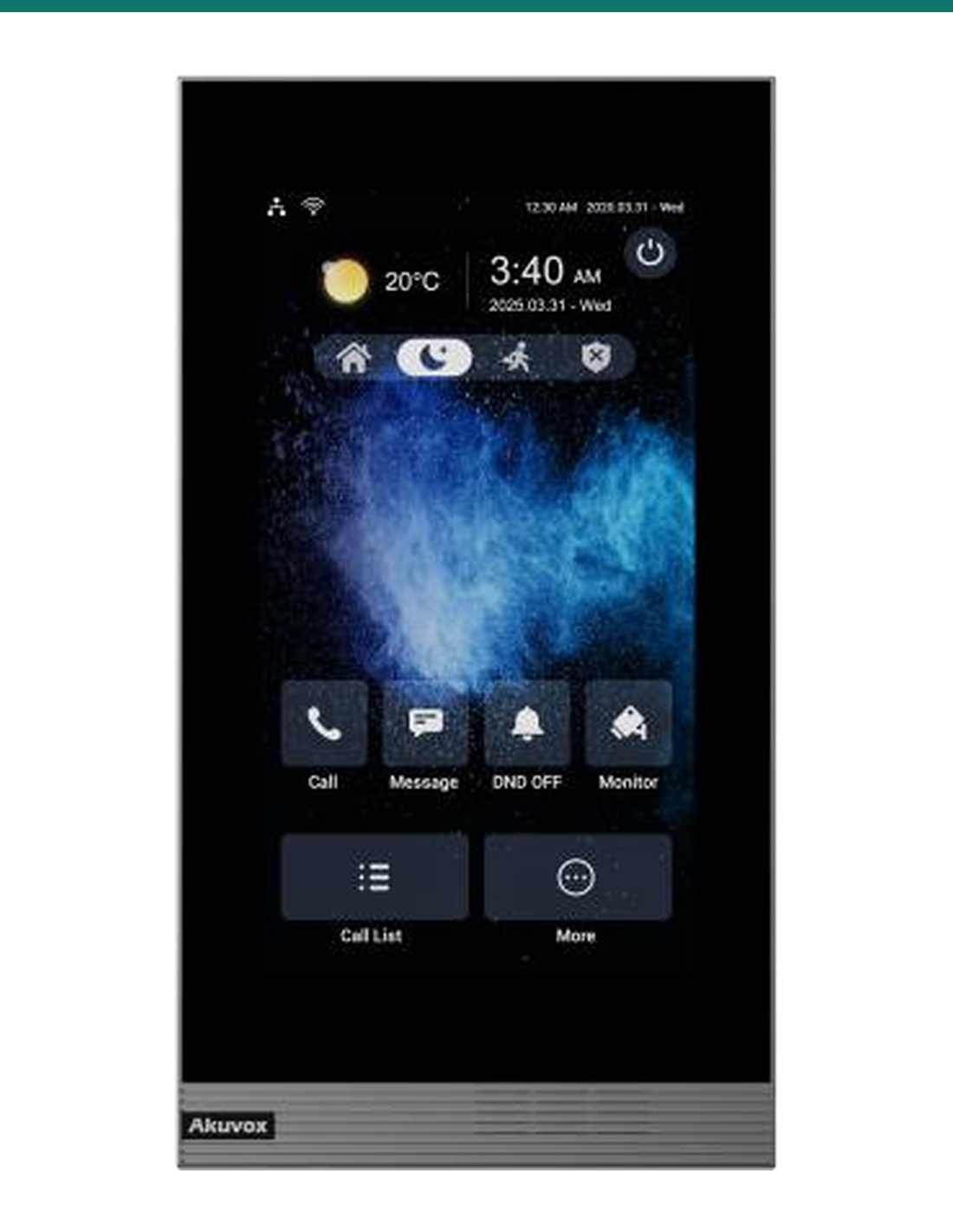
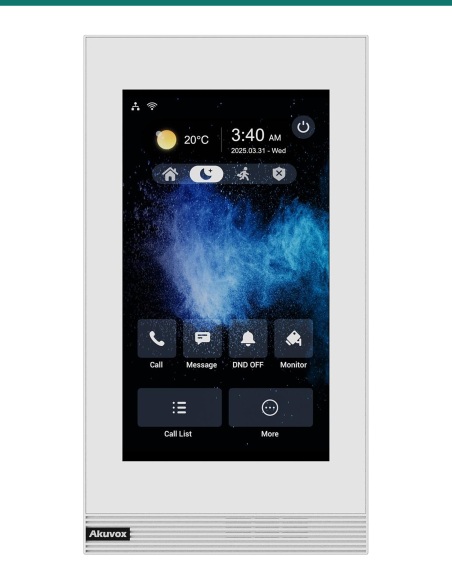
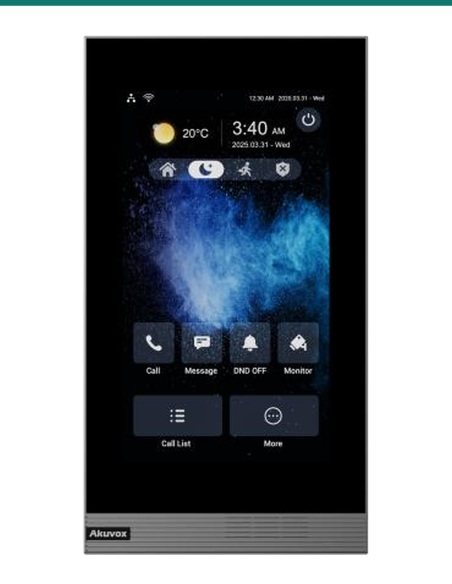
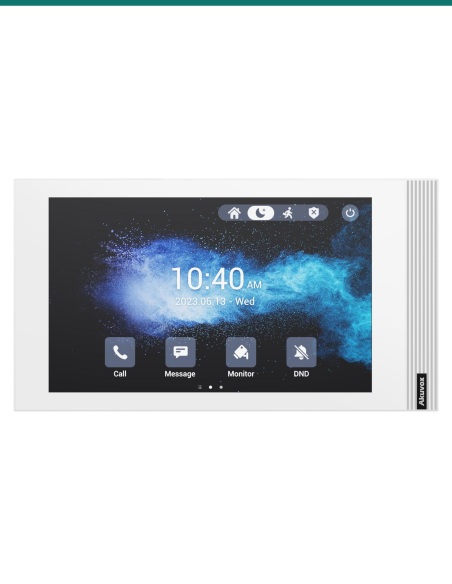
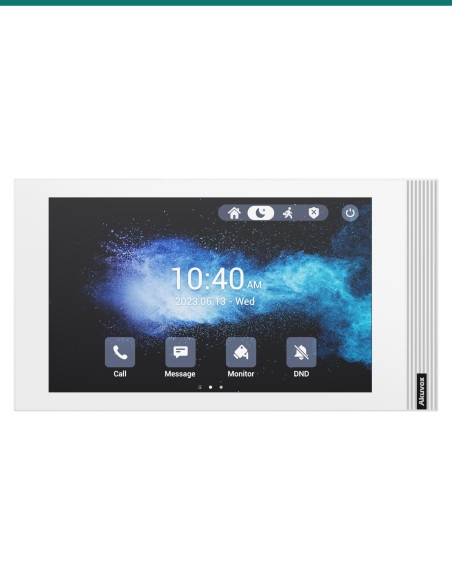
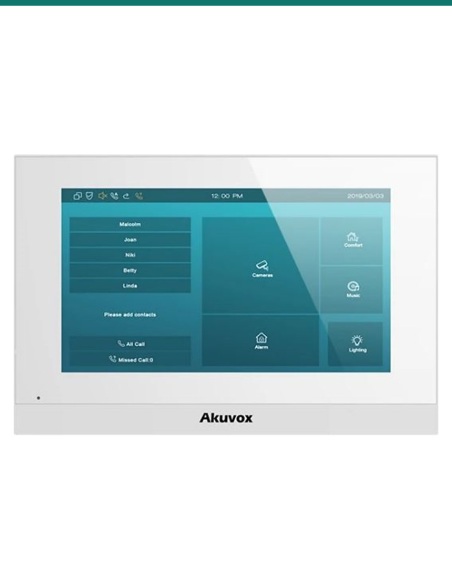
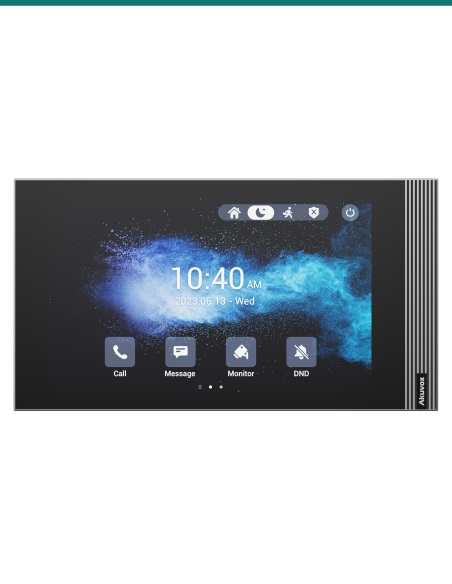
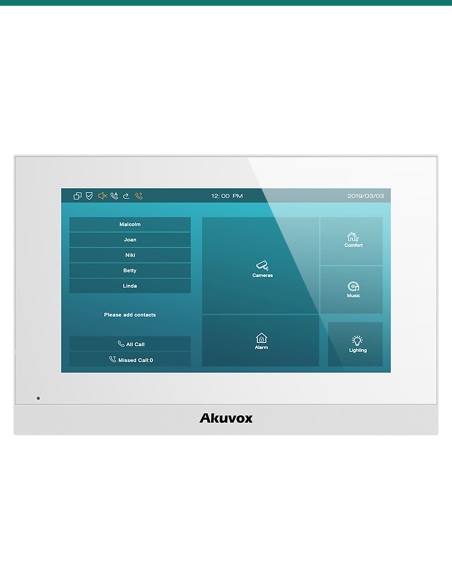
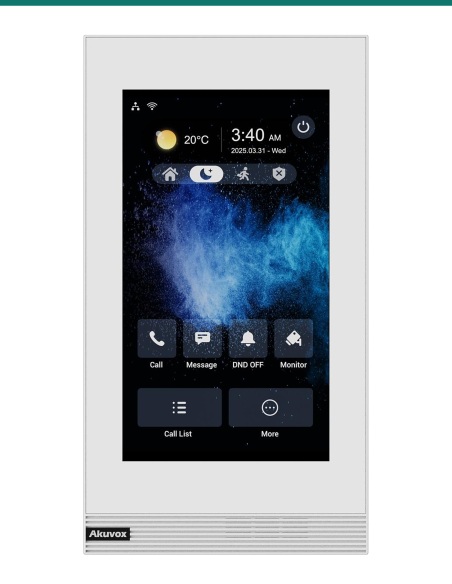
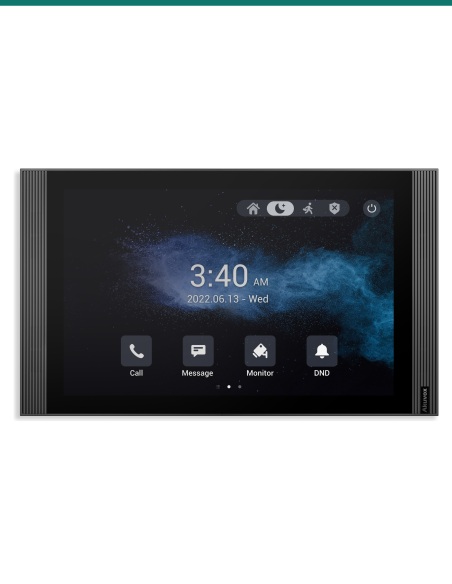
Akuvox S562-V grey 7-inch vertical SIP indoor monitor — front
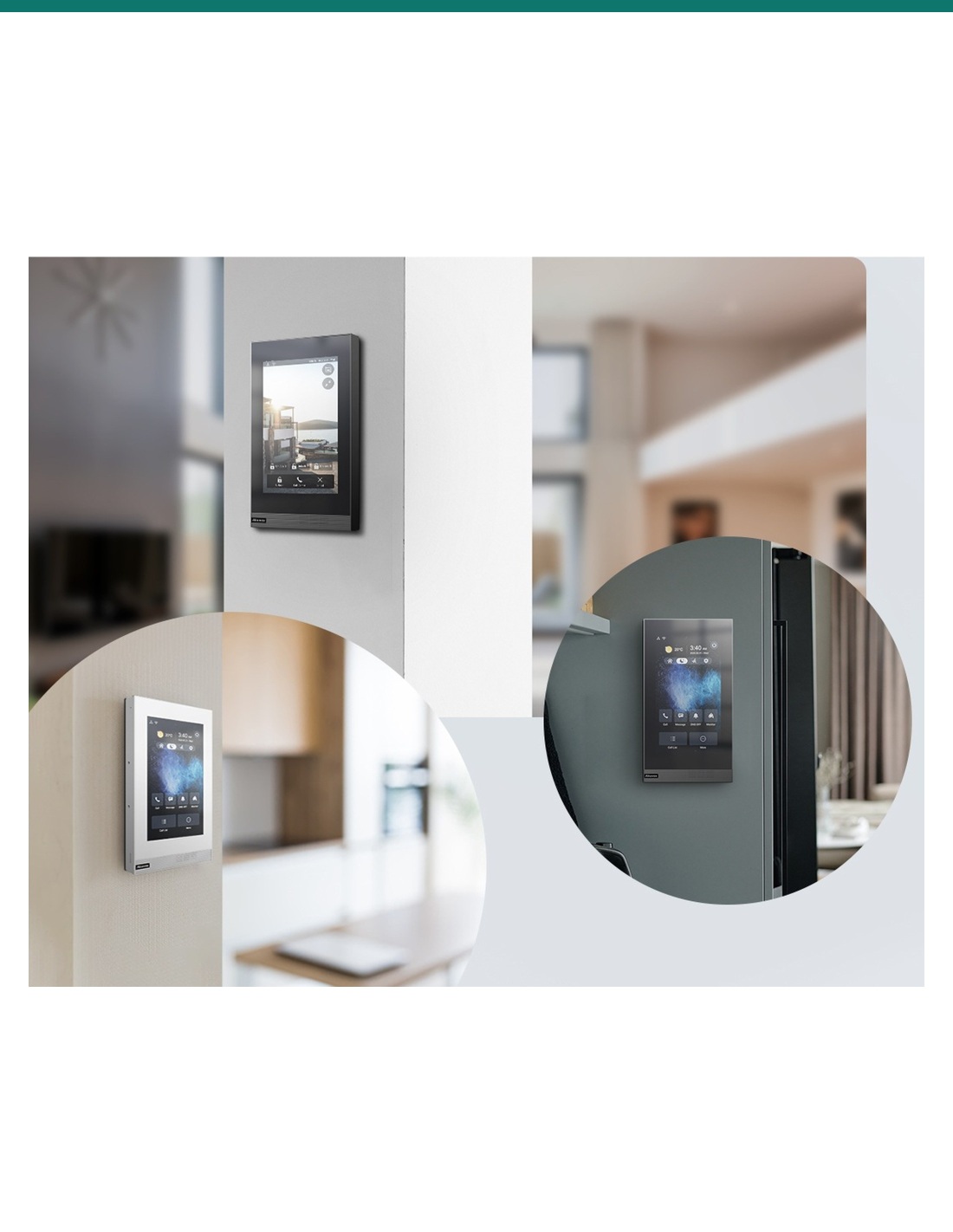
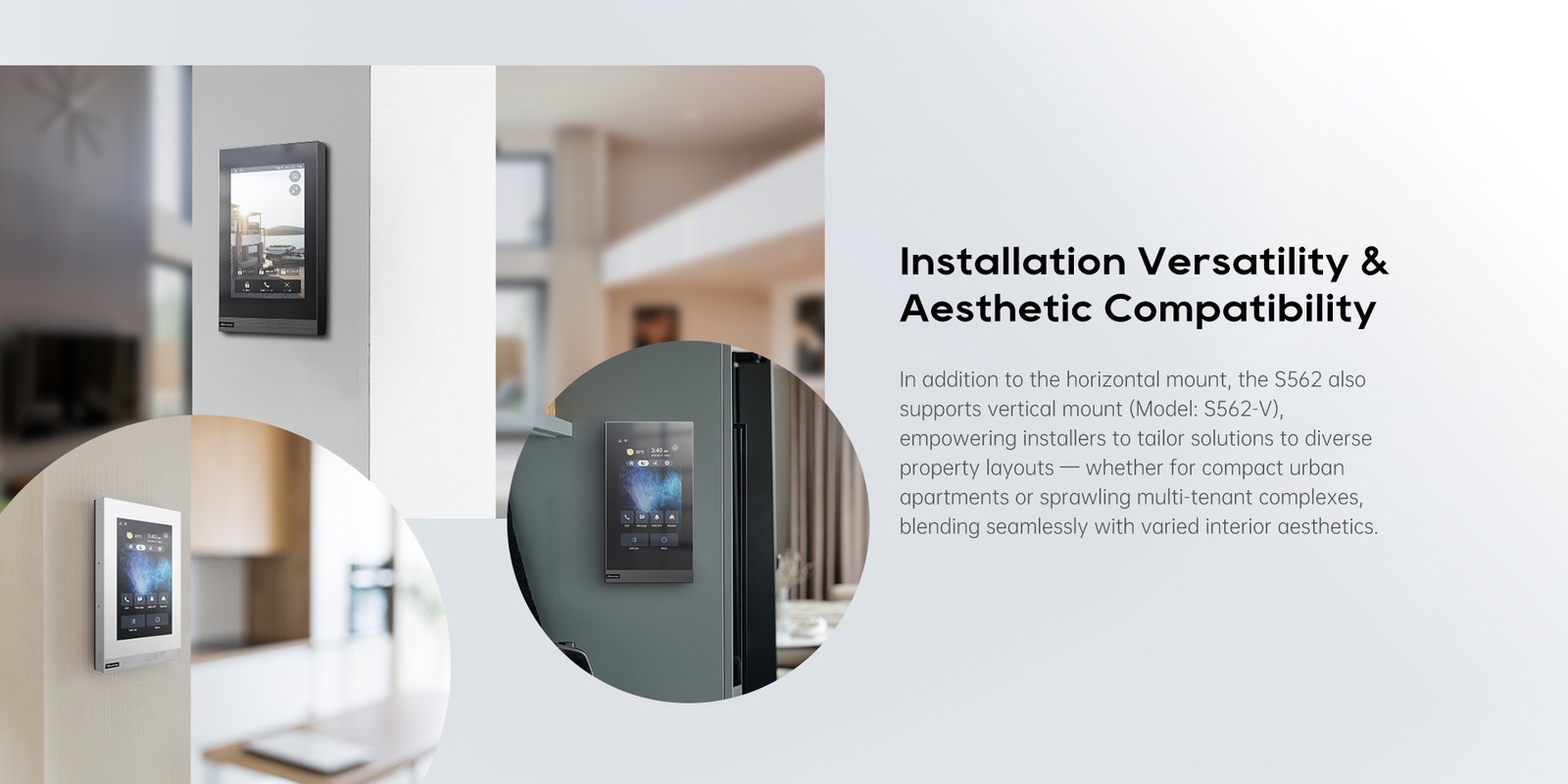
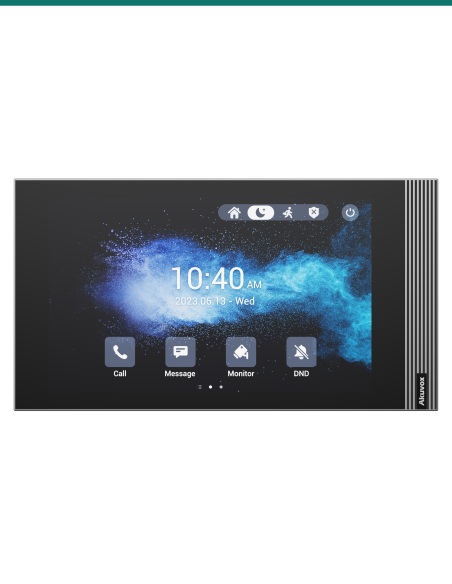
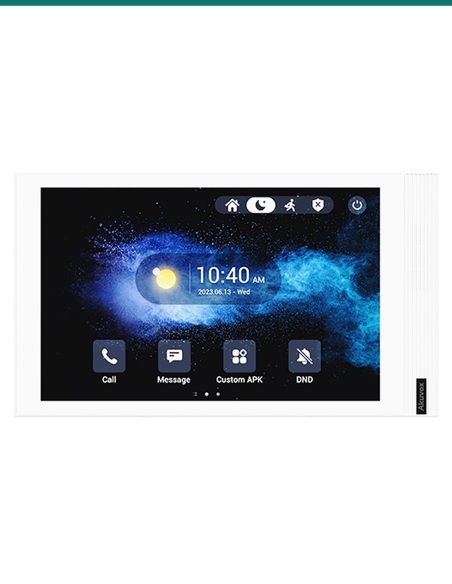
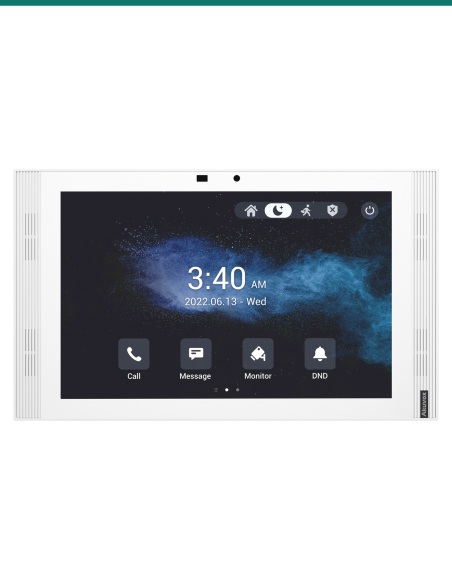
Akuvox S562-V vertical indoor monitors installed in white and grey finishes

Akuvox S562-V Grey 7-inch Vertical Linux SIP Indoor Monitor — AK-S562-V-GREY

AK-S562-V-GREY
In Stock - Ready to Ship
$ 197.50
inc-GST

or 4 interest-free payments of $49.38 with

Akuvox S562-V in grey is a portrait-format 7-inch Linux SIP indoor monitor. Its 1024 × 600 IPS touch screen and front-facing speaker answer video calls from the door station, and the slim 21.7 mm panel releases the lock, shows IP cameras and monitors eight alarm inputs. 802.3af PoE or 12 V DC, ≤9 W. Wall-mounts in portrait.

  • ✓7-inch IPS capacitive touch screen, 1024 × 600, 300 nits, 85° viewing each way
  • ✓SIP v1 / v2 video intercom: H.264 video, G.722 wideband audio, echo cancellation
  • ✓1 relay output, 8 alarm inputs, bell input and RS485
  • ✓PoE 802.3af or 12 V DC · ≤9 W · portrait wall mount · 118.8 × 216.4 × 21.7 mm

 
Akuvox S562-V vertical indoor monitors installed in white and grey
Akuvox · S562-V · Grey 7-inch vertical indoor monitor

A portrait 7-inch screen for the front door.
Linux SIP, PoE, 21.7 mm thin.

The AK-S562-V-GREY is Akuvox’s S562-V indoor monitor in grey. A 7-inch 1024 × 600 IPS touch screen and front-facing speaker answer video calls from Akuvox door stations, and the same panel views IP cameras, releases the door relay and monitors eight alarm inputs. It mounts in portrait on a European-style wall box — a neat fit beside a door frame or on a narrow wall.

This SKU is the indoor monitor only.

You receive the grey S562-V with its wall-mounting bracket and fixings. Door stations, PoE switch and power supply are sold separately.

In the box
  • Akuvox S562-V indoor monitor (grey)
  • Wall-mounting bracket
  • 8-pin and 10-pin wiring cables and a diode
  • 4 ST3×20 screws and 4 plastic wall anchors
What you also need (sold separately)
  • Akuvox SIP door station, or another SIP door phone
  • PoE 802.3af switch or injector, or a 12 V DC 1 A supply
  • European or round electrical wall box, or a 57 × 49 × 15 mm cable recess for direct wall mounting
  • Electric lock and lock PSU if the relay releases a door

Answer the door from the hallway.

When a visitor presses the call button outside, the S562-V rings with live video from the door station. Talk hands-free, tap to release the lock, and check any linked camera before you open up.

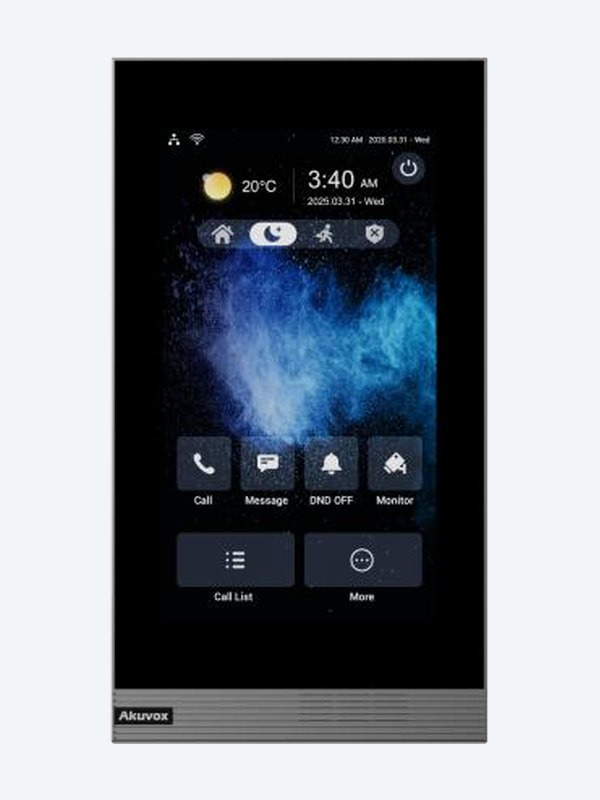
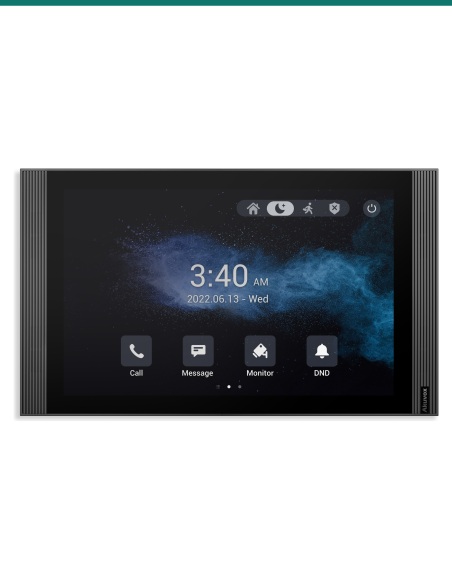
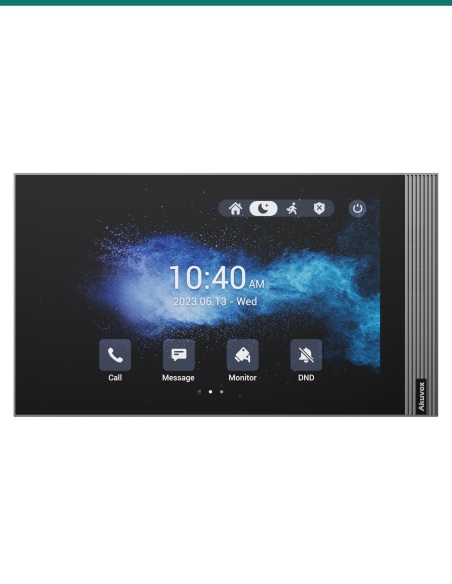
Akuvox S562-V grey indoor monitor front view

Display

A 7-inch screen that’s easy to read.

7-inch IPS capacitive touch panel at 1024 × 600, 300 nits and 85° viewing in every direction, so the visitor is clear whether you’re standing in front of it or walking past.

Linux keeps it quick and simple to look after: web management portal, auto-provisioning, configuration backup and firmware upgrades from the browser.

Portrait mount

Made for a narrow wall.

The -V version turns the S562 on its side: same 216.4 × 118.8 × 21.7 mm body and 7-inch screen, but hung in portrait on a European or round wall box, or straight onto the wall.

It is a wall-only model, so there is no desk option. It suits hallways, beside door frames and between light switches where a landscape panel won’t fit.

Alarm & I/O

Eight alarm inputs and a relay.

Wire door contacts and motion sensors to eight alarm inputs, and a doorbell button to the bell input.

One relay output and an RS485 port handle a lock or a controller. Front-facing speaker with echo cancellation keeps calls clear.

How it works

From door call to open door.

01

Mount

Screw the bracket to a European or round wall box, or straight to the wall over a 57 × 49 × 15 mm cable recess, then hang the monitor in portrait.

02

Power and network

Run 802.3af PoE to the RJ45, or use 12 V DC.

03

Pair the door

Register the monitor and door station to each other, or to your SIP PBX, in the web portal.

04

Test

Call from the door, check video and audio, and confirm the unlock key releases the right lock.

Pair it with

Builds a complete apartment or villa intercom

Door

Akuvox door station

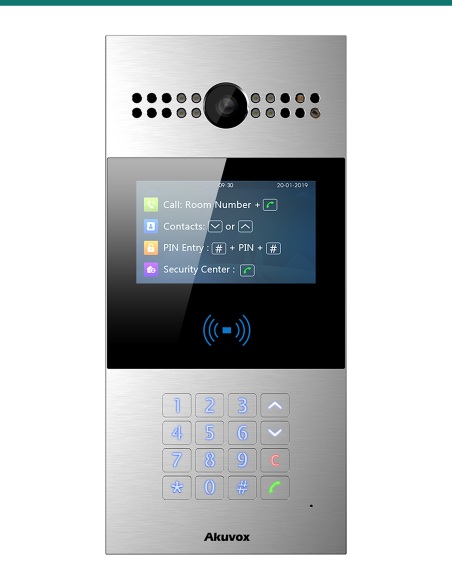
R20K, R25K, E12S or R28A call the monitor with video and let residents release the lock.

Network

PoE switch

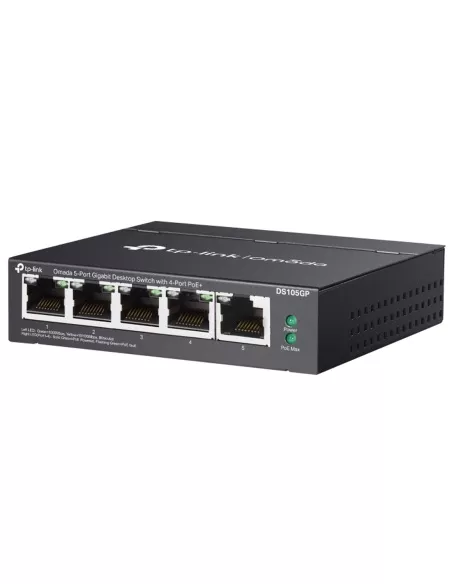
One 802.3af PoE port powers the monitor and carries the SIP call — no local power point needed.

Cameras

IP security cameras

Add RTSP cameras so residents can check the driveway or lobby from the same screen.

Works with

Platforms and integrations
Akuvox SIP door stations

Pairs with Akuvox door phones such as R20K, R25K, E12S and R28A for video calls and one-touch door release.

SIP PBX and IP phones

Standard SIP v1 / v2 lets the S562-V register to a SIP PBX and call IP phones or other monitors on the network.

IP cameras and NVRs over RTSP

RTSP support lets residents view third-party IP cameras and NVR channels on the monitor alongside door calls.

Watch

See it in action

Akuvox S562 7-inch indoor monitor overview
Mounting an Akuvox indoor monitor
Viewing third-party NVR cameras on Akuvox indoor monitors

Downloads

Datasheets and guides

Compliance certificates and technical documents are available on request for tenders and installers — send an enquiry.

Answers

Common questions

What’s the difference between S562, S562W, S562-V and S562W-V?

All four are the same 7-inch Linux monitor with the same screen, I/O and 216.4 × 118.8 × 21.7 mm body. The W models add Wi-Fi 6 (2.4 GHz). The -V models are built to hang in portrait and are wall-only; the others are landscape and can also sit on the S562 desk stand. Each comes in white or grey. This one is the S562-V in grey.

How is it powered, and how much does it draw?

From an IEEE 802.3af PoE switch or injector, or a 12 V DC supply (Akuvox recommends a 12 V 1 A adapter). It draws up to 5 W in standby and 9 W at full load either way.

How is the S562-V mounted?

Wall only, in portrait. The supplied bracket screws to a European or round electrical wall box, or straight onto the wall with the supplied anchors over a 57 × 49 × 15 mm cable recess. The desk stand and angle box are for the landscape S562 and S562W.

Which door stations work with it?

Akuvox SIP door stations such as the R20K, R25K, E12S and R28A. It also registers to SIP PBXes, so other standard SIP door phones using H.264 video can call it.

Can I watch my CCTV cameras on it?

Yes. It supports RTSP, so it can show door phone cameras and third-party IP cameras or NVR channels. The embedded Akuvox video shows how to add NVR cameras.

What can I wire to the inputs and relay?

Eight alarm inputs take door contacts, motion sensors and similar dry-contact devices, the bell input takes a wired doorbell button, and the relay output can switch a lock or gate. RS485 is also provided.

What’s in the box?

The monitor, its wall-mounting bracket, 8-pin and 10-pin wiring cables, a diode for the lock circuit and four screws with wall anchors. Door station, PoE switch and power supply are separate.

A clean, compact screen at every unit.

White and grey finishes, Wi-Fi and vertical versions all share the same software, so one building can mix them.

Installation & safety notice

Low-voltage product (SELV). Power from IEEE 802.3af PoE, or a 12 V DC supply (12 V 1 A recommended) where PoE isn’t available. ≤5 W standby, ≤9 W full load.

When a licensed tradesperson is required. Concealed data and intercom cabling is customer cabling under AS/CA S009 and must be installed by an ACMA-registered cabler. Electric locks, maglocks and lock power supplies may require a licensed electrician or security installer.

Ethernet
2 × RJ45, 10/100 Mbps
Memory
128 MB RAM / 128 MB ROM
Audio
SIP v1 / v2; PCMU, PCMA, G.729, G.722; echo cancellation
Power
PoE 802.3af or 12 V DC; ≤5 W standby, ≤9 W full load
Colour
Grey
Working Temperature
−10 °C to +45 °C
Brand
Akuvox
Display
300 nits, 800:1, 85° viewing
Mounting
Wall only (portrait), European or round wall box
Size
118.8 × 216.4 × 21.7 mm (W × H × D)
Warranty
Australian warranty
Video
H.264
Product Type
SIP indoor monitor
Model
S562-V
Wi-Fi
No (wired Ethernet)
I/O
1 relay, 8 alarm inputs, bell input, RS485
OS
Linux
Screen
7-inch IPS capacitive touch, 1024 × 600
Orientation
Portrait (vertical)
INFRONTTECH Promotional Banner INFRONTTECH Promotional Banner

Do you need help?

We understand that the world of CCTV can be overwhelming and very confusing

Call us for a chat today.

Available Mon-Fri 9-5PM

Product added to wishlist