There are no more items in your cart
In Stock - Ready to Ship


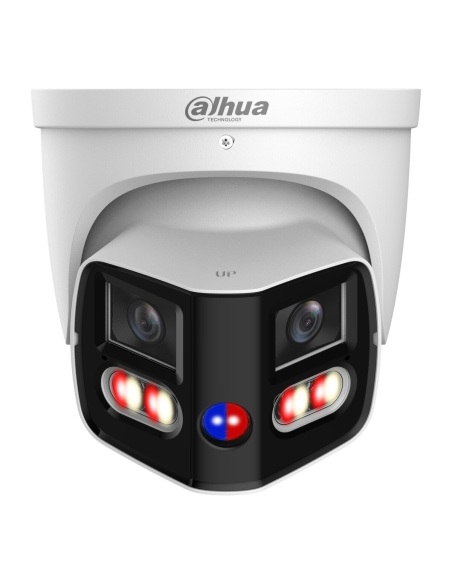
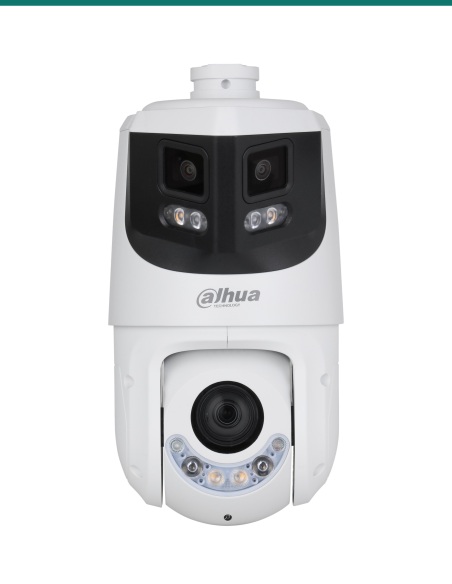
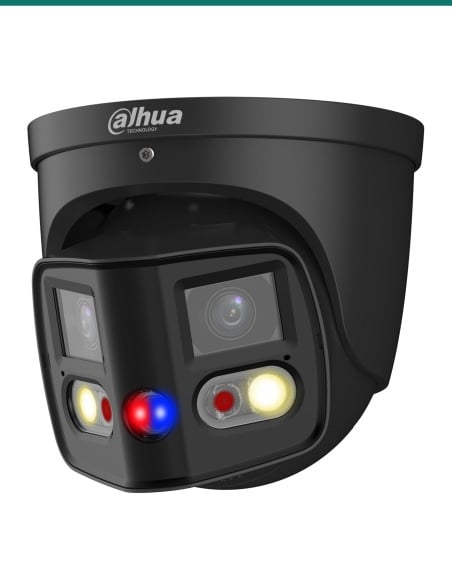
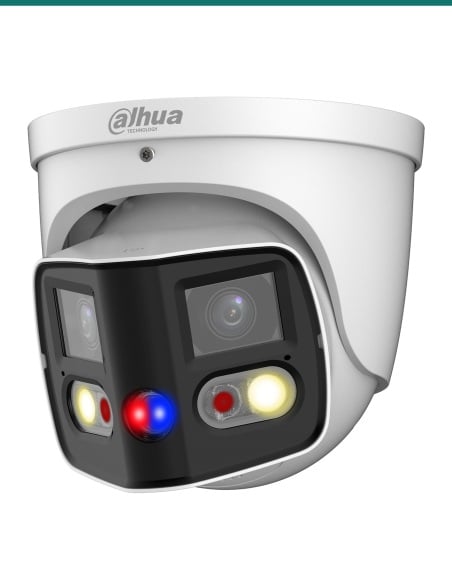
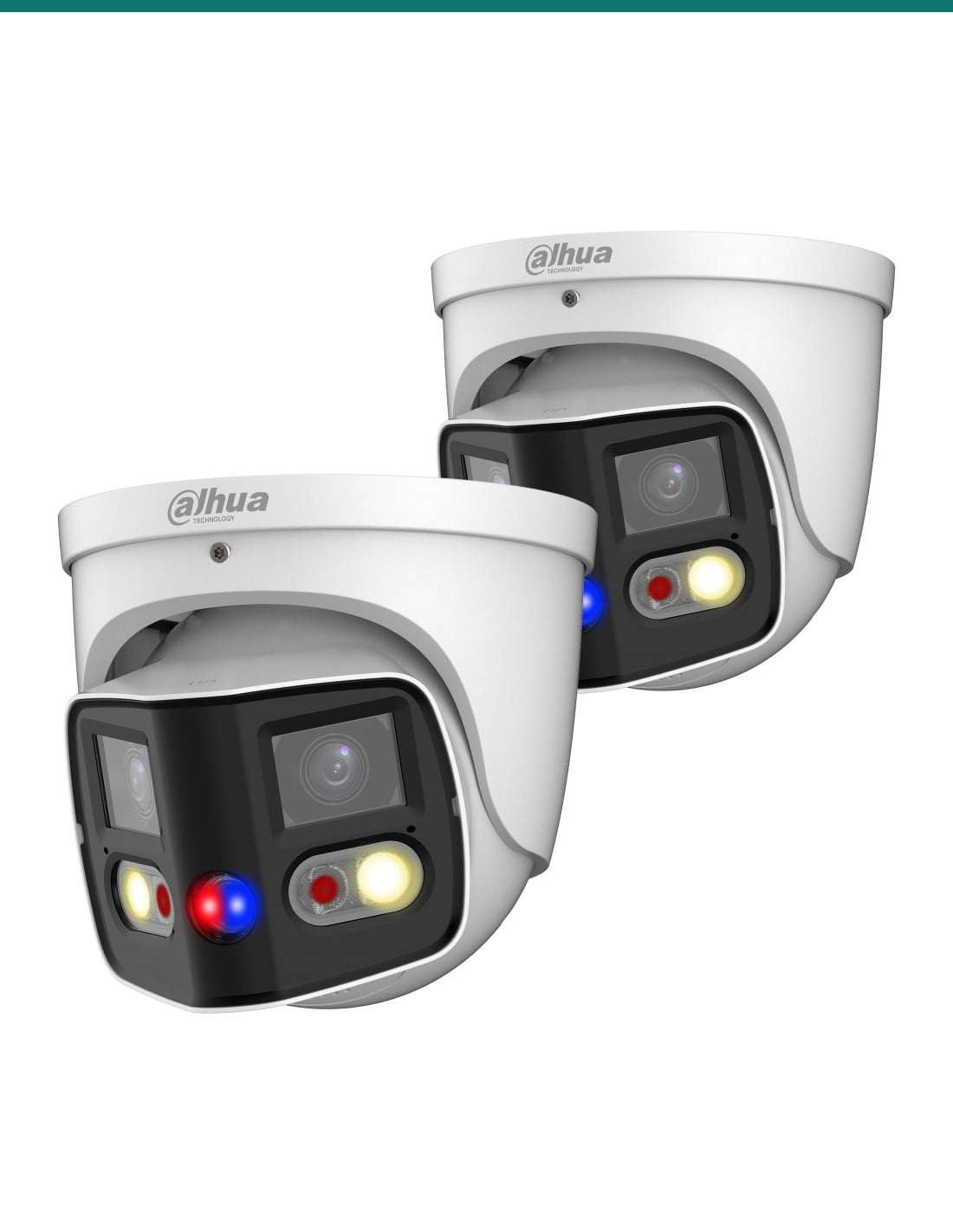
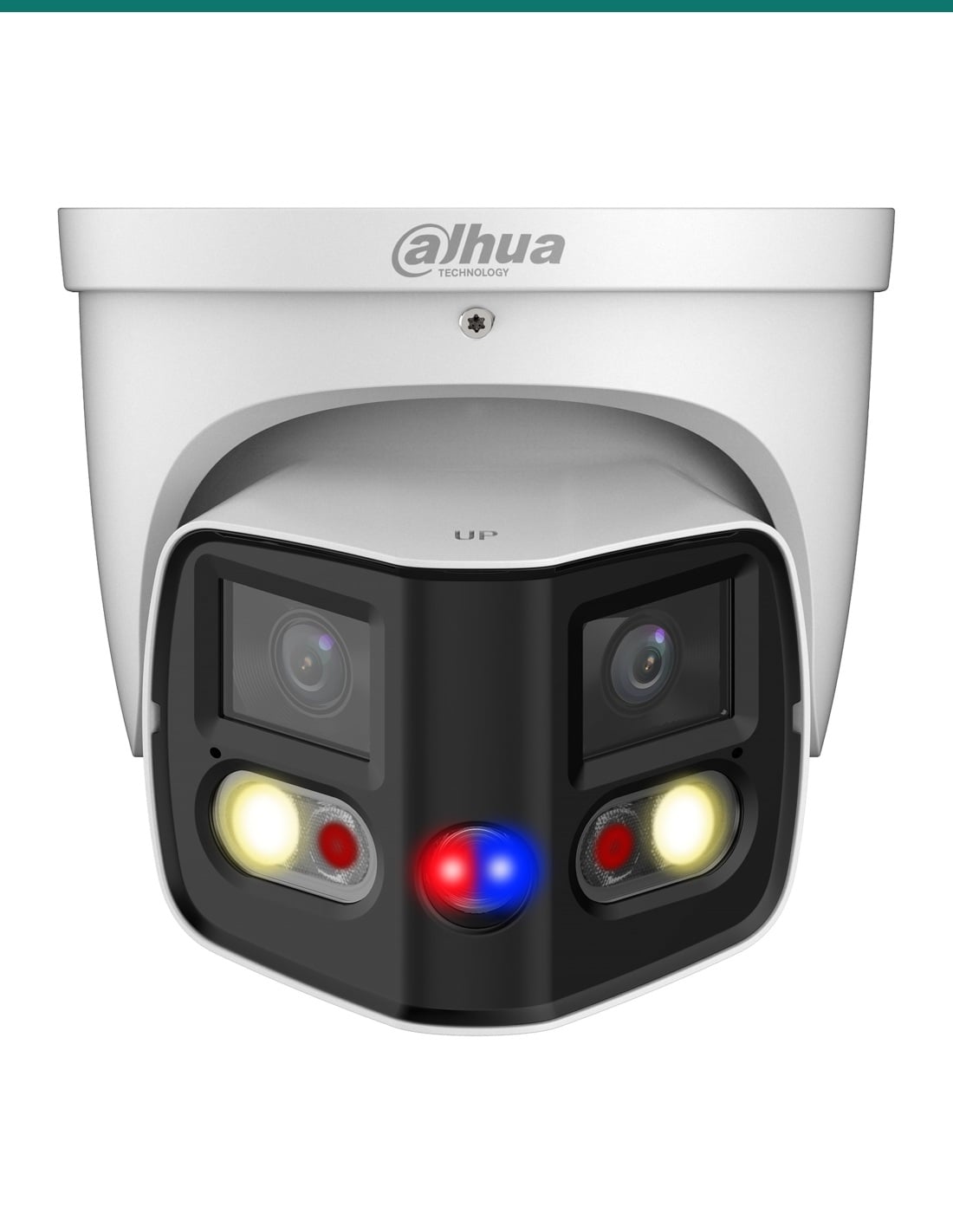
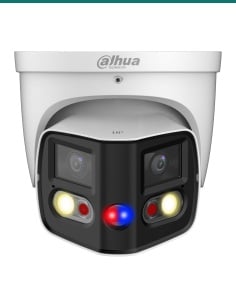
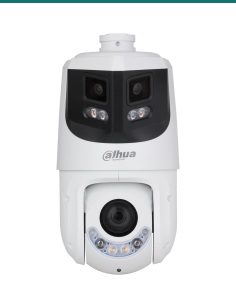
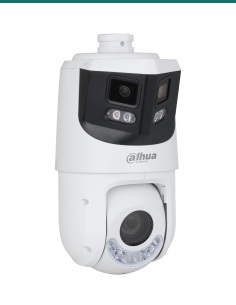
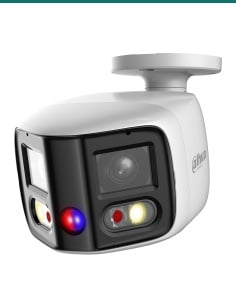
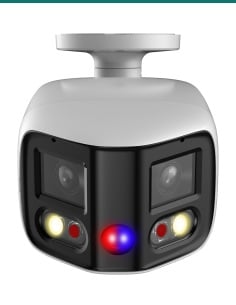
Pack of two Dahua DH-IPC-PDW3849-A180-AS-PV-ANZ TiOC Duo eyeballs: each splices two 4 MP lenses into one 180° image with warm light, SMD 4.0, two-way audio and red-and-blue deterrence.
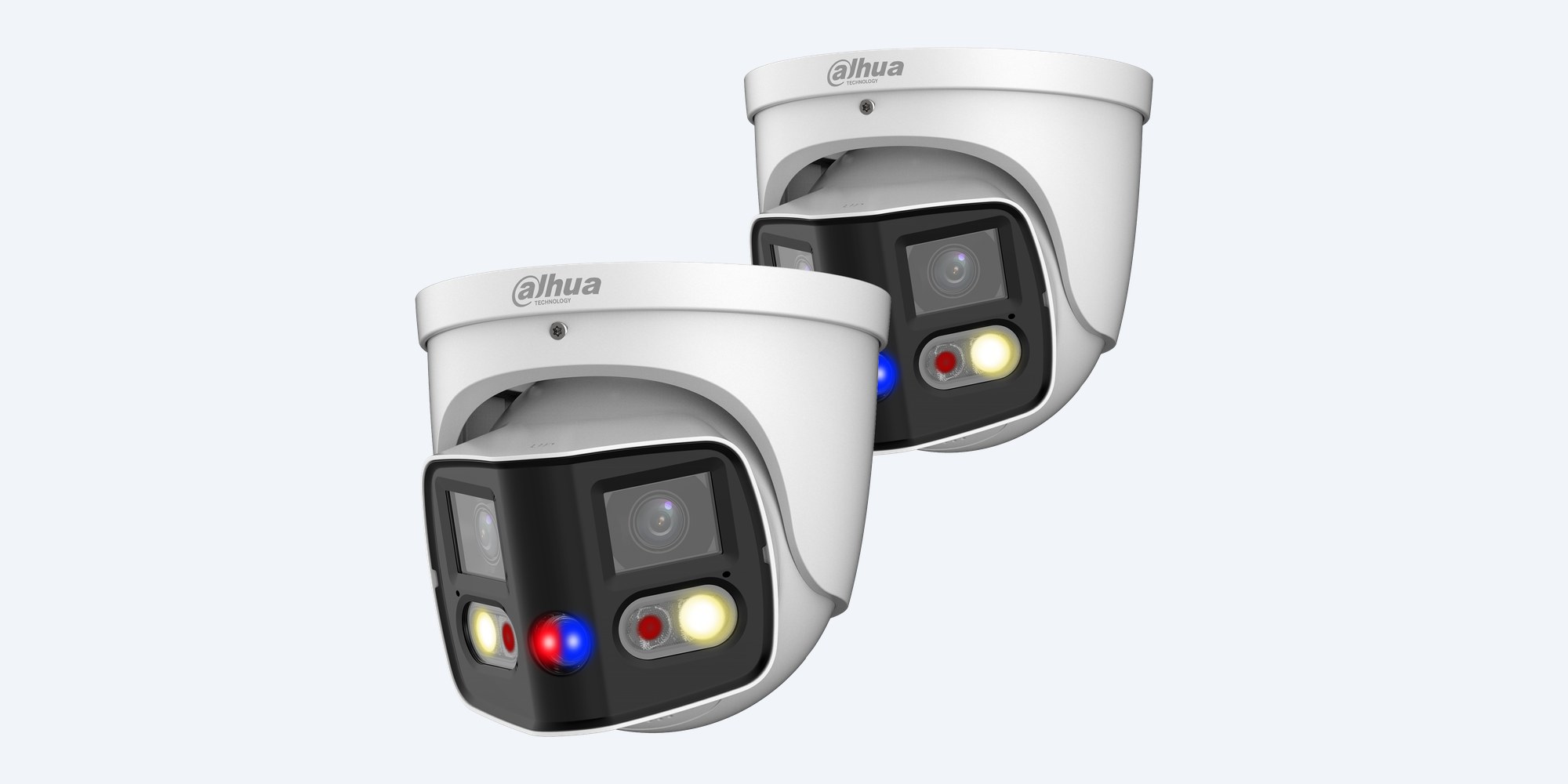
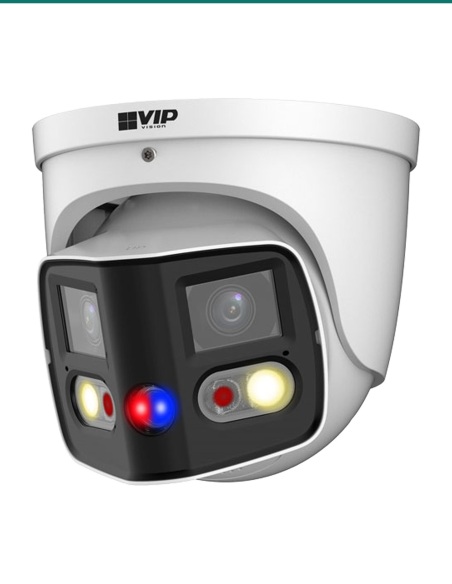
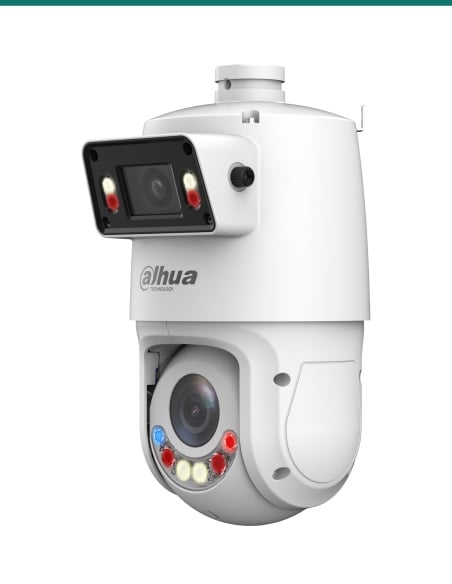
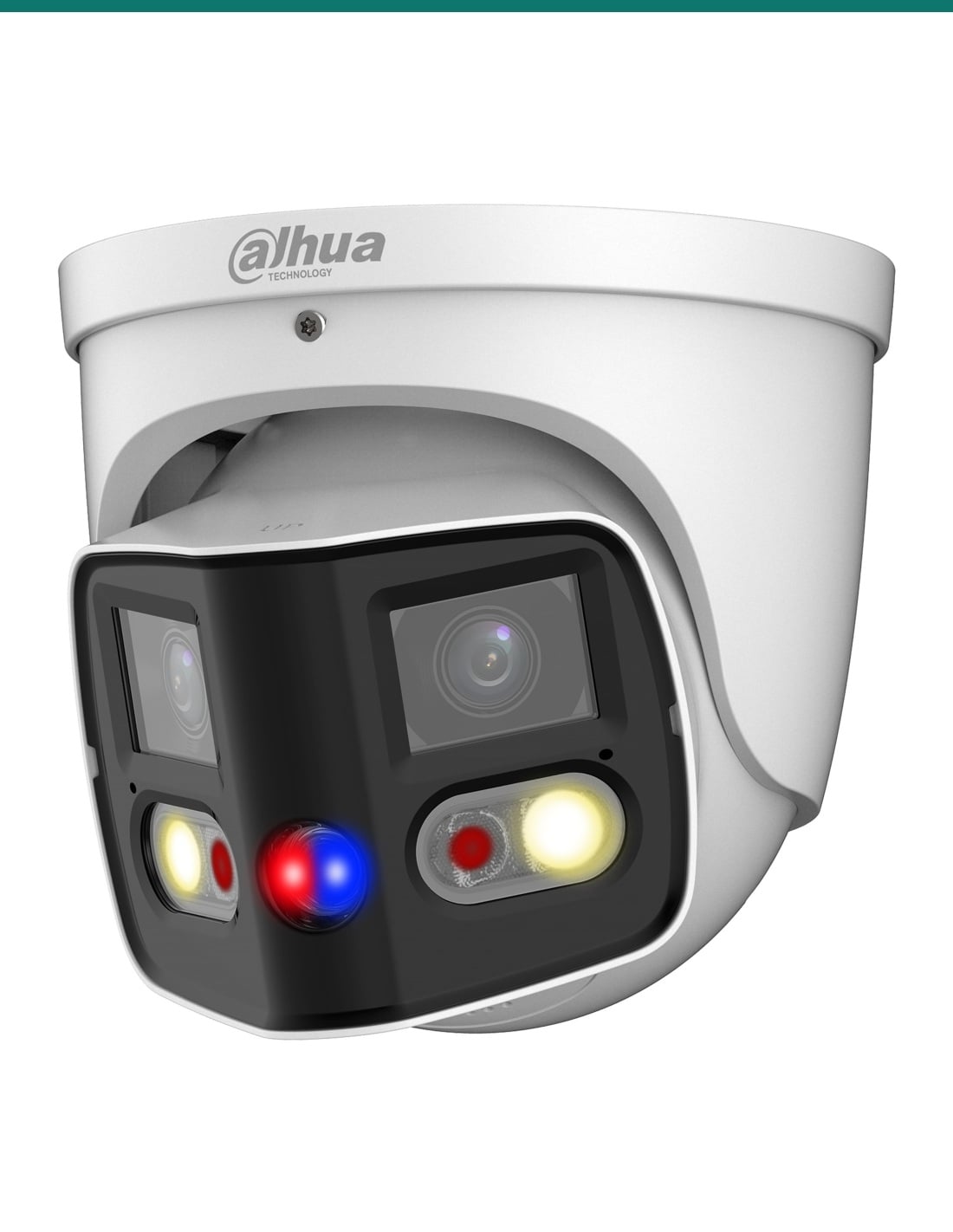
Two DH-IPC-PDW3849-A180-AS-PV-ANZ cameras in one pack. Each is a white Dahua WizSense 3 TiOC eyeball that splices two 2.8 mm lenses into one 180° image of up to 4096 × 1860, with IR and warm light, two-way audio and red-and-blue deterrence lights.
In one sentence: the DH-IPC-PDW3849-A180-AS-PV-ANZ-2PK is a pack of two Dahua DH-IPC-PDW3849-A180-AS-PV-ANZ TiOC Duo eyeballs, each splicing two 4 MP lenses into one 180° image (4096 × 1860) with 25 m IR, 20 m warm light, SMD 4.0, two-way audio, siren and light deterrence and 802.3af PoE.
Two cameras. Recorder and cabling are separate.
This listing is two cameras. Each needs its own PoE port and cable, and somewhere to store the footage.
Two 1/2.7" sensors behind 2.8 mm F1.4 lenses are spliced into one picture 180° across and 86° high. A driveway, shopfront or yard that would usually need two cameras is covered from one mount, on one cable. With two in the pack, the front and back of a building can each get a 180° view.
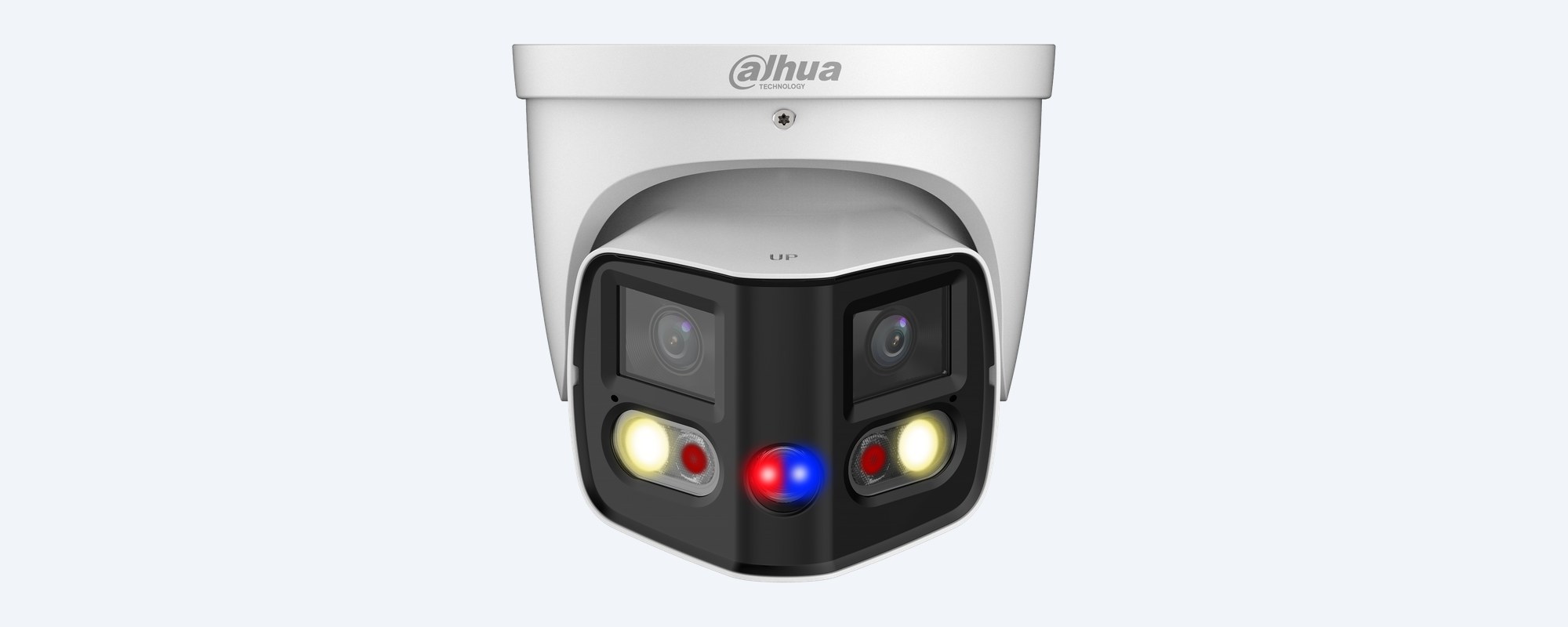
Front
Each 2.8 mm F1.4 lens covers half of the scene, and the camera splices them into one 4096 × 1860 image at up to 20 fps, 180° across and 86° high. DORI distances: detect 50.6 m, observe 20.2 m, recognise 10.1 m, identify 5.1 m.
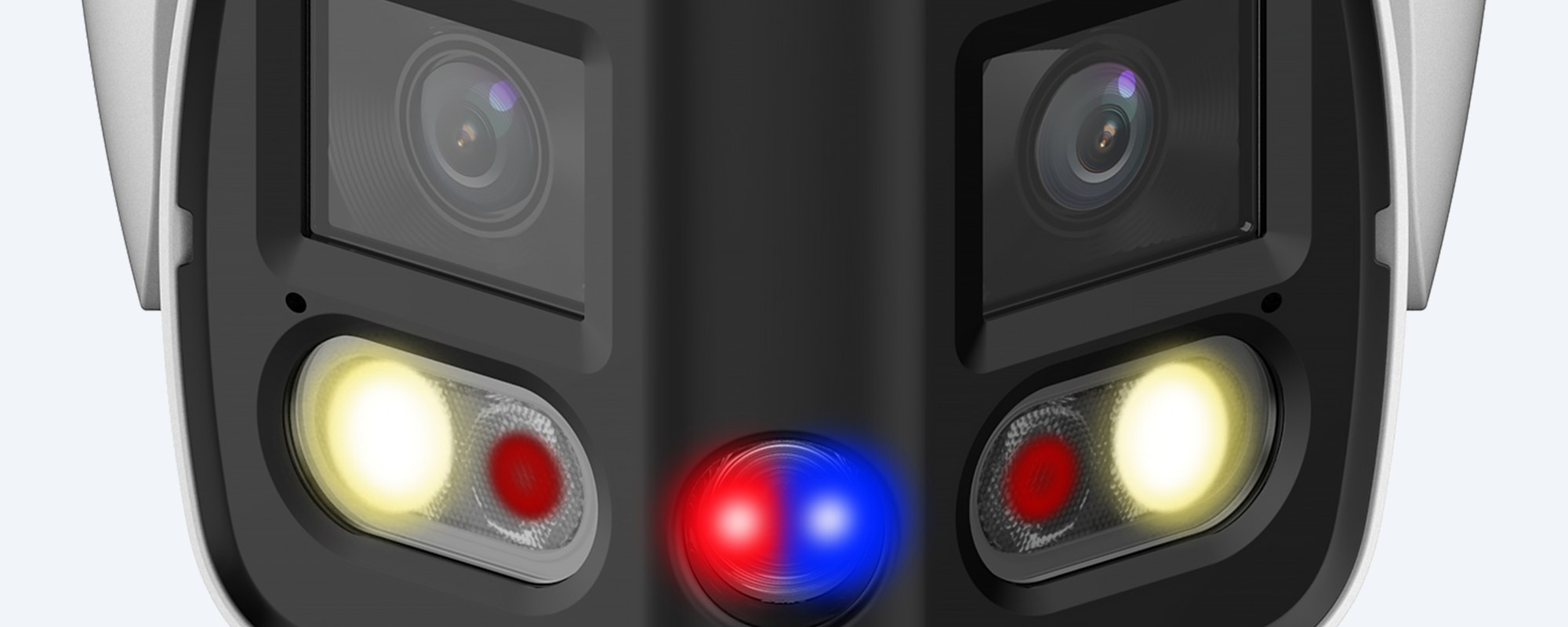
Lights and deterrence
Two IR LEDs reach 25 m and two warm lights reach 20 m. With Smart Dual Light the IR runs at night, and when a person or vehicle walks in the warm light comes on for a colour recording, then goes off again. The red and blue lights and the built-in speaker (110 dB at 10 cm) warn intruders off.
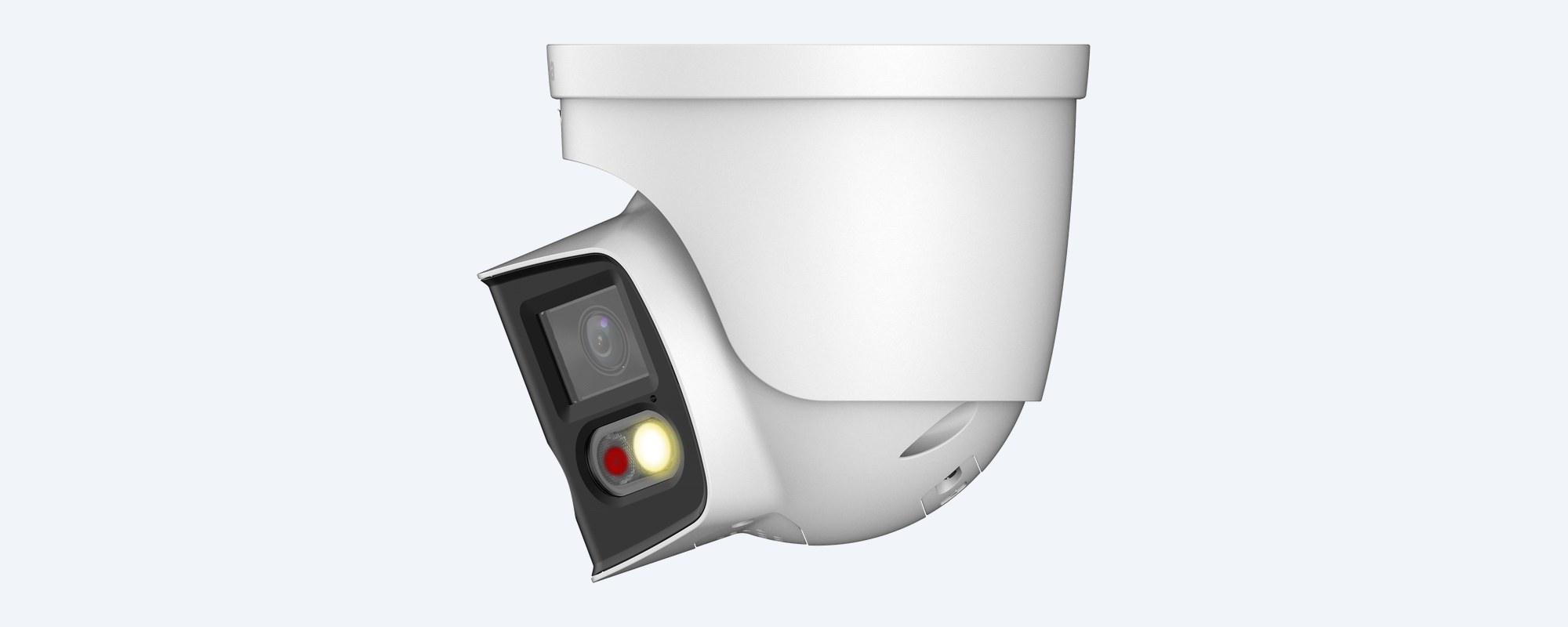
Housing
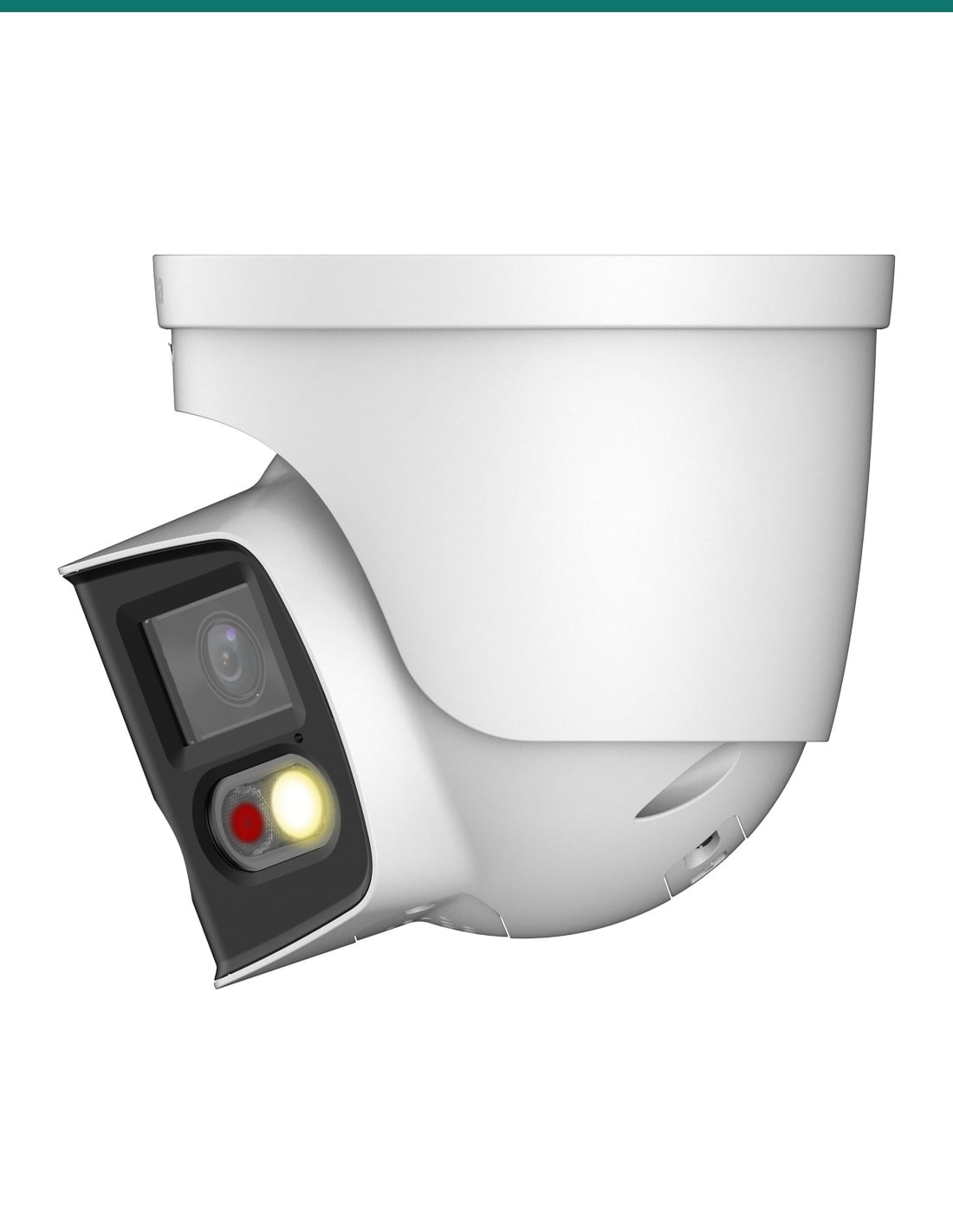
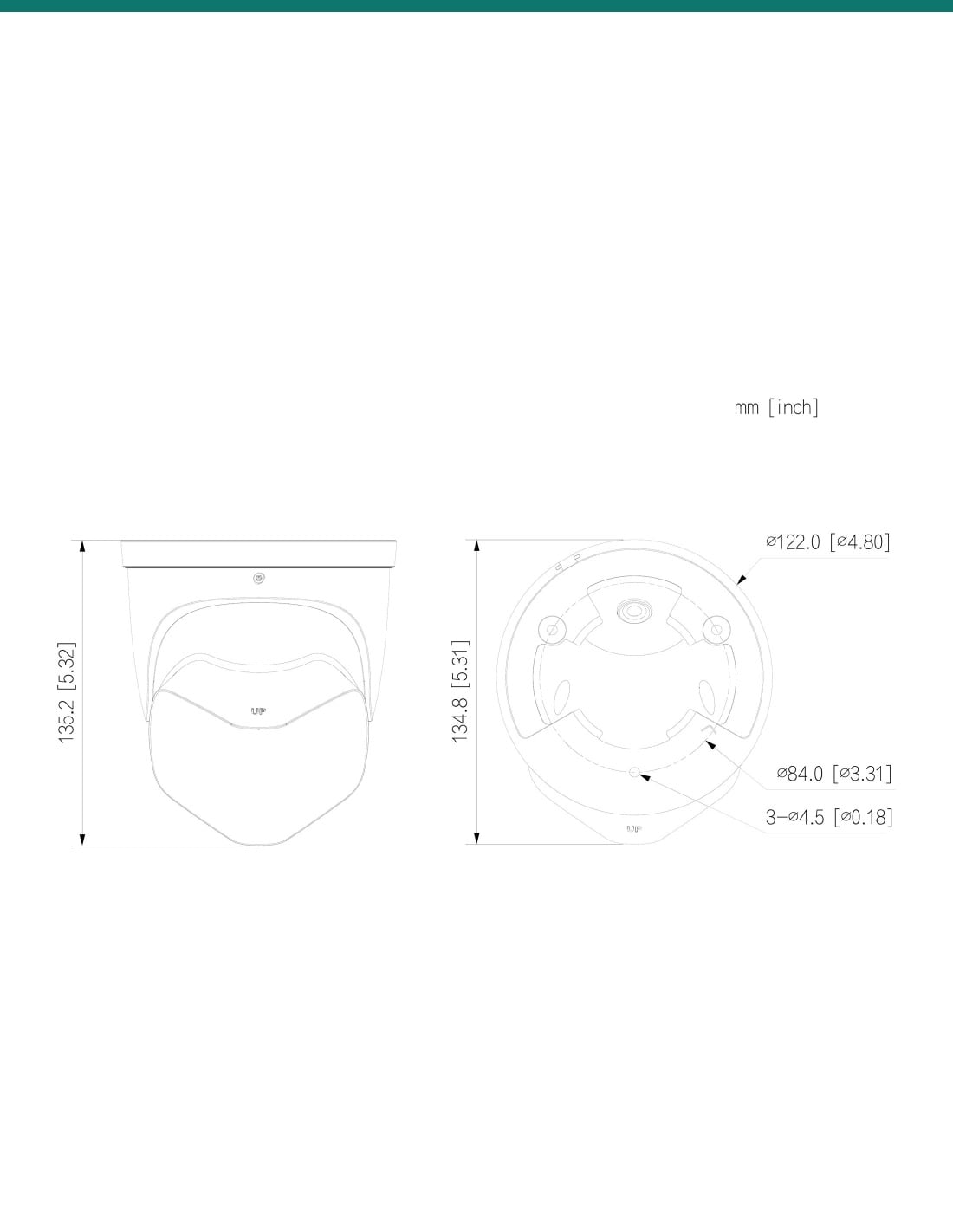
Metal eyeball, Ø122 × 135.2 mm and 990 g. Pan 0–360°, tilt 0–77° and rotate 0–360° to set the view level. Wide-voltage 12 VDC input (±30%) or 802.3af PoE.
How it goes in
01
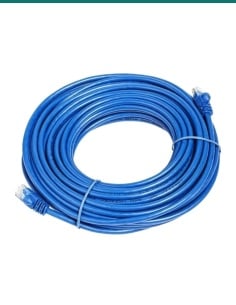
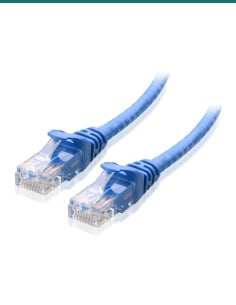
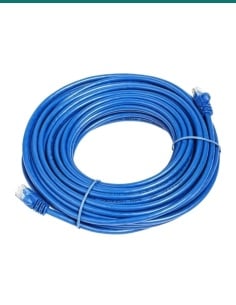
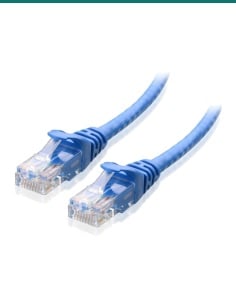
Cat5e or Cat6 from each camera to a PoE NVR or an 802.3af switch. Allow up to 10.85 W per camera. 12 VDC also works.
02
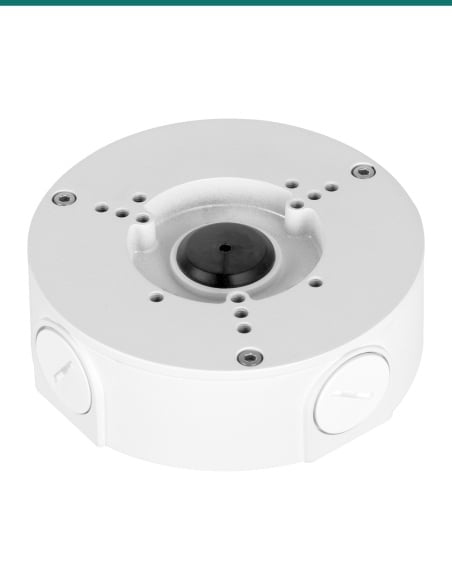
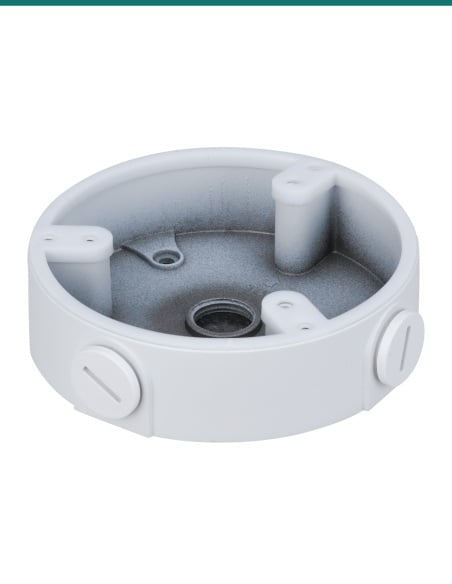
Three Ø4.5 mm screw holes on a Ø84 mm circle. Mount it on a wall or ceiling, or on the PFA137 junction box. Pan, tilt and rotate until the 180° view sits level.
03
Set the password in a browser or DMSS, then add it to a Dahua NVR, Smart PSS Lite or DSS. It also supports ONVIF Profile S, G and T.
04
Draw tripwire or intrusion zones, tick human, vehicle or both, then choose whether the lights or the speaker go off. One-tap disarming turns the alerts off when you are home.
At a glance
Show specs
Resolution
4096 × 1860 (8 MP) spliced, up to 20 fps
Field of view
180° horizontal, 86° vertical
Image sensor
Dual 1/2.7" progressive CMOS
Lens
Two fixed 2.8 mm, F1.4, M12; close focus 0.8 m
DORI
Detect 50.6 m, observe 20.2 m, recognise 10.1 m, identify 5.1 m
Low light
Colour 0.005 lux, B/W 0.0005 lux at F1.4; 0 lux with illuminator
Illumination
2 IR LEDs up to 25 m; 2 warm lights up to 20 m; Smart Dual Light
Image
120 dB WDR, BLC, HLC, 3D NR, defog, 4 RoI areas, 4 privacy masks
Streams
Main 4096 × 1860, sub 1200 × 530, third 1920 × 860, each up to 20 fps
Compression
H.265, H.264, H.264H, H.264B, MJPEG (sub stream); AI H.265/H.264, Smart H.265+/H.264+
Bit rate
6 kbps to 16384 kbps
AI
SMD 4.0; intrusion and tripwire with human and vehicle classification; stay and loitering detection
With a Dahua NVR
Quick Pick (AI NVR), smart search, EPTZ tracking of alarm targets
Active deterrence
Red and blue lights plus sound alarm; built-in voices and custom voice import
Audio
Built-in dual mic and speaker (2 W, 110 dB at 10 cm), two-way talk; 1 in, 1 out (RCA)
Alarm
1 in (wet contact, 5 mA 3–5 VDC), 1 out (wet contact, 300 mA 12 VDC)
Storage
microSD up to 512 GB; FTP, SFTP, NAS
Network
RJ-45 10/100 Base-T; 20 users (64 Mbps total)
Interoperability
ONVIF Profile S, G, T; CGI
Power
12 VDC (±30%) or PoE 802.3af
Power draw
Basic 4.95 W PoE (3.95 W 12 VDC); max 10.85 W PoE (8.7 W 12 VDC)
Protection
IP67, metal housing
Operating range
−40 °C to 60 °C, humidity 95% or less
Size and weight
Ø122 × 135.2 mm, 990 g net (1150 g boxed)
Colour
White
Software
Smart PSS Lite, DSS, DMSS (iOS and Android)
In this pack
2 cameras
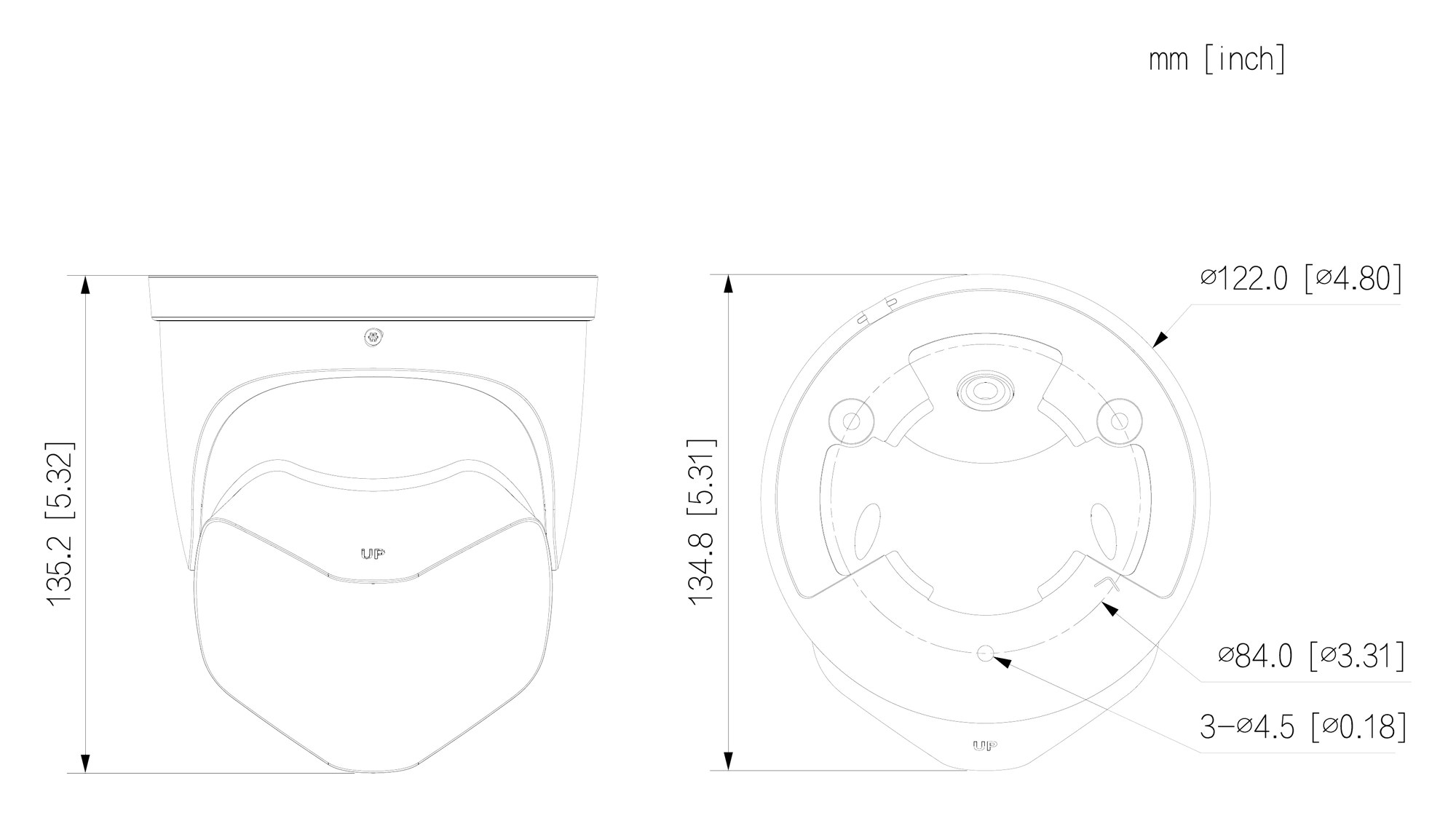
Ø122 mm wide, 135.2 mm tall. Base screw holes 3 × Ø4.5 mm on a Ø84 mm circle. Units mm (inch).
Pair it with
Recorder
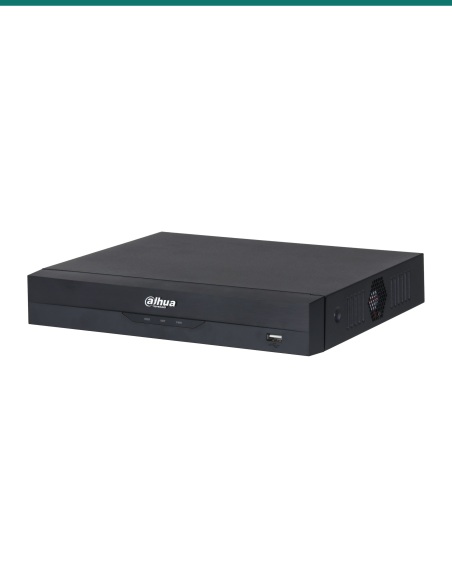
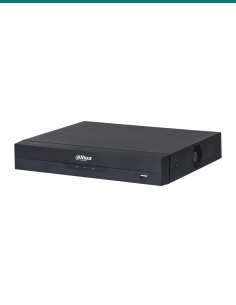
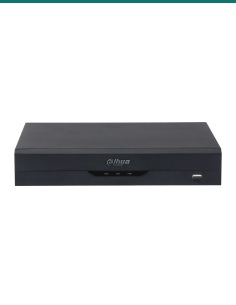
Records both cameras on one cable each. An AI NVR adds Quick Pick to find people and vehicles in SMD events.
Power
If the recorder has no PoE ports. Allow up to 10.85 W per camera with lights and deterrence running.
Mounting
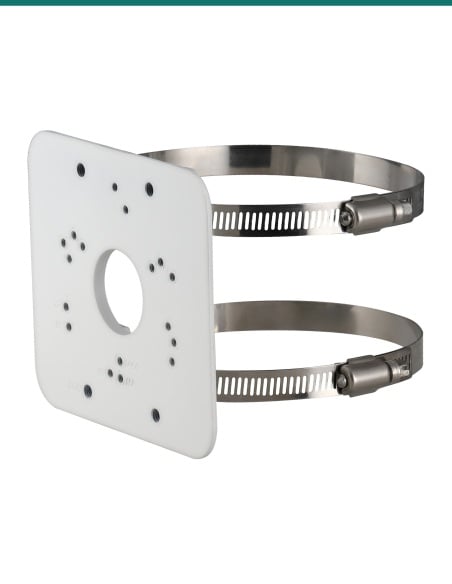
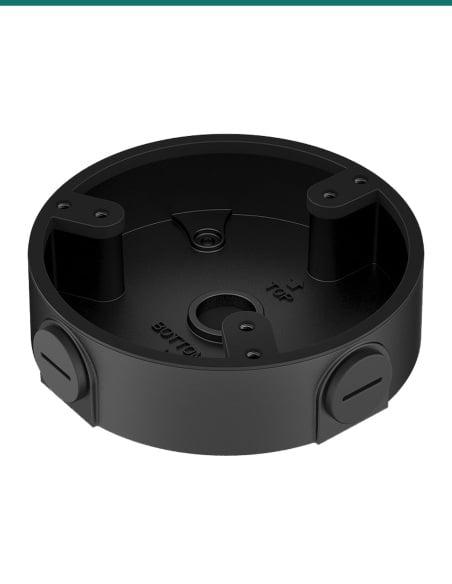
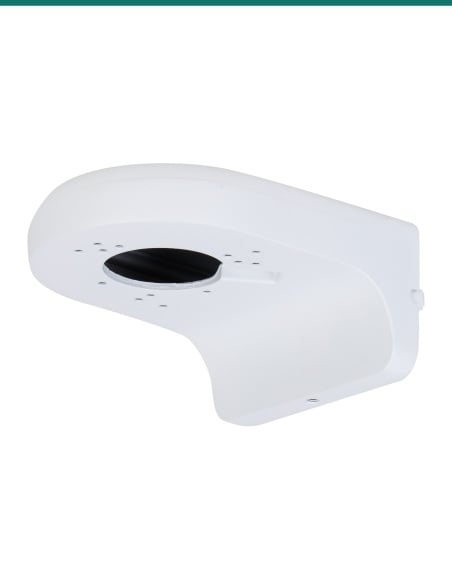
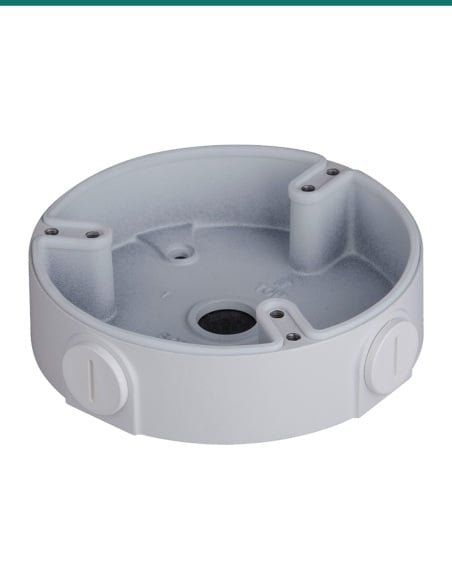
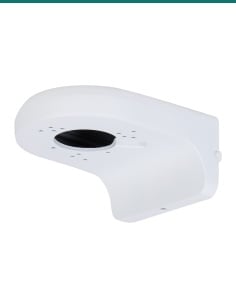
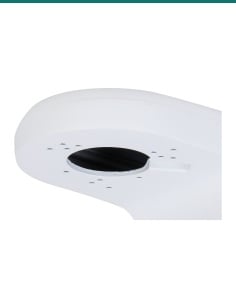
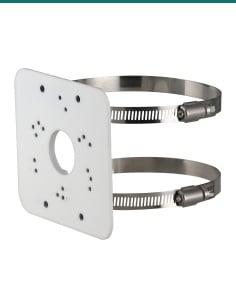
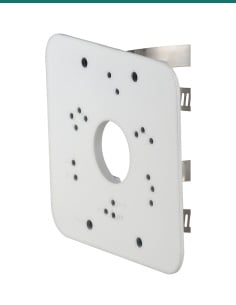
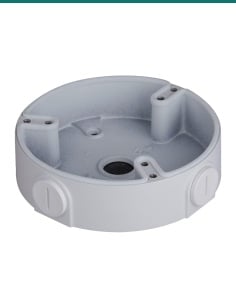
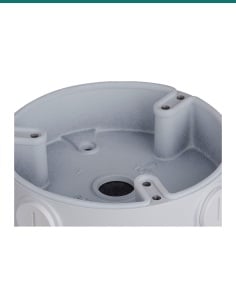
Covers the cable joins behind the eyeball. Dahua also lists the PFB2203W wall mount, PFB220C ceiling mount, PFA152-E pole mount and PFA109 mount adapter.
Storage
Optional, up to 512 GB per camera, for recording in the camera or as a backup when the network drops.
Where it is used
Gate, driveway and front door in one view, with warm light for colour at night.
Footpath, doors and windows from one mount, with lights and a siren to warn after hours.
Roller doors and loading areas across a 180° arc, with human and vehicle filtering.
A row of bays from the building wall, with tripwire and intrusion rules on the entry.
Metal IP67 housing rated −40 °C to 60 °C for exposed sheds and gateways.
Courtyards, car parks and entries where two cameras would leave a gap in the middle.
| PDW3849 eyeball (this pack) | PFW3849S bullet | |
|---|---|---|
| Housing | Metal eyeball | Metal bullet |
| Size | Ø122 × 135.2 mm | 183.1 × 99.0 × 78.0 mm |
| Net weight | 990 g | 695 g |
| Power draw on PoE | 4.95 W basic, 10.85 W max | 3.8 W basic, 10.3 W max |
| Dahua junction box | PFA137 | PFA130-E |
| Image and view | 4096 × 1860, 180° × 86° | 4096 × 1860, 180° × 86° |
| Lights | 25 m IR, 20 m warm light | 25 m IR, 20 m warm light |
Figures from Dahua's DH-IPC-PDW3849-A180-AS-PV and DH-IPC-PFW3849S-A180-AS-PV datasheets. Sensors, lenses, lights, AI, audio and deterrence are the same; the housing, size and power draw differ.
Yes. Two 2.8 mm lenses are spliced inside the camera into one image 180° across and 86° high, so you get one wide view instead of two separate ones.
Up to 4096 × 1860 (8 MP) at 20 fps on the main stream. The sub stream is 1200 × 530 and the third stream is 1920 × 860.
Two DH-IPC-PDW3849-A180-AS-PV-ANZ cameras, the same as the single listing. There is no recorder; each camera needs its own PoE port and cable.
By 802.3af PoE, or 12 VDC (±30%) from a supply bought separately. It draws 4.95 W on PoE at basic load and up to 10.85 W with warm light, deterrence and AI running.
The IR reaches 25 m and the warm light 20 m. In colour it works down to 0.005 lux at F1.4, and with the illuminators on it records at 0 lux.
SMD 4.0 sorts people and vehicles from other movement. Intrusion and tripwire rules classify human and vehicle, and stay and loitering detection are built in.
When a rule trips, the red and blue lights flash and the speaker plays an alarm sound or voice. Dahua includes several voices and you can import your own.
Yes. Built-in dual microphones and a speaker support two-way talk. There is also one RCA audio input and one audio output.
Yes. It records to a microSD card of up to 512 GB, or to a NAS, FTP or SFTP server.
It supports ONVIF Profile S, G and T, so most ONVIF recorders can record it. Quick Pick needs a Dahua AI NVR, and Dahua lists Smart PSS Lite, DSS and DMSS as its software.
Yes. It is IP67 with a metal housing and runs from −40 °C to 60 °C at up to 95% humidity.
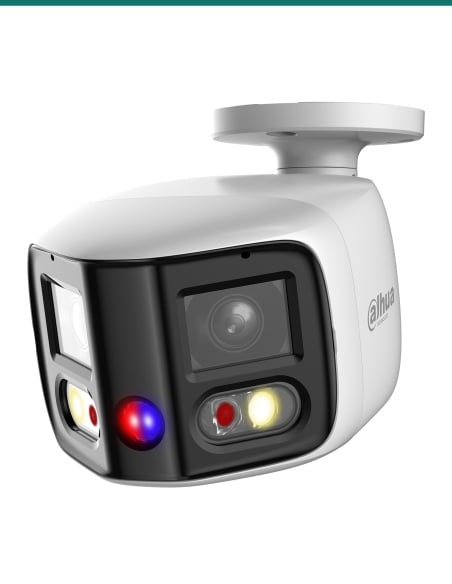
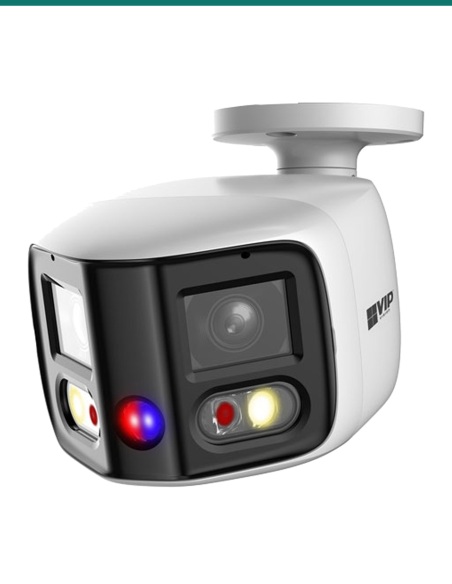
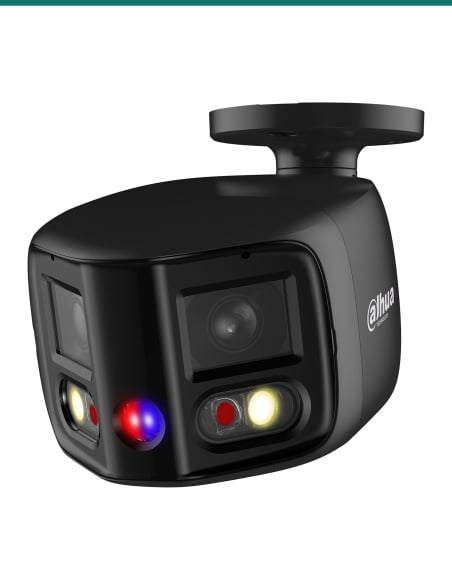
Only the housing. The PFW3849S is the bullet version, 183.1 × 99.0 × 78.0 mm and 695 g, drawing up to 10.3 W on PoE. The image, lenses, lights, AI and audio are the same.
Help choosing the recorder, PoE switch or mount: call 1300 736 970 or email [email protected]. The datasheet is on the Attachments tab.
Low-voltage camera. PoE (802.3af, up to 10.85 W) or 12 VDC (up to 8.7 W). There is no mains connection on the camera. A new power point for a 12 V supply needs a licensed electrician.
Cabling. Concealed data cabling is customer cabling under AS/CA S009 and needs an ACMA-registered cabler.
Audio and sirens. Recording conversations is covered by state and territory surveillance laws. Check them, and use signage, before you switch the microphones on. Point the siren and lights so they do not disturb neighbours.
What it does not do. No optical zoom, no Wi-Fi, and the network port is 10/100 Mbps. It is not a recorder on its own beyond the microSD slot.
Figures. From Dahua's DH-IPC-PDW3849-A180-AS-PV datasheet.




Need help choosing?
Tell us about your property and we'll recommend the right cameras and recorder.
07 5609 4910Sydney 02 8814 6008
[email protected]
Mon–Fri, 9am–5pm AEST
20 related items