There are no more items in your cart
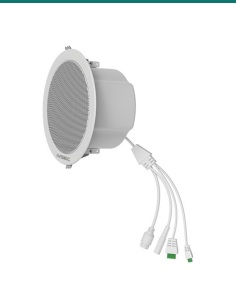
- New
In Stock - Ready to Ship


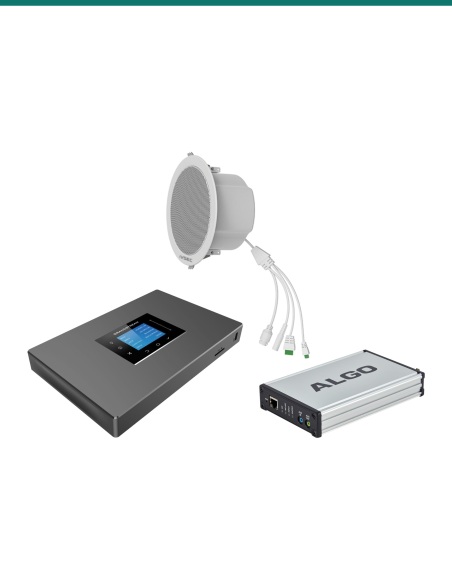
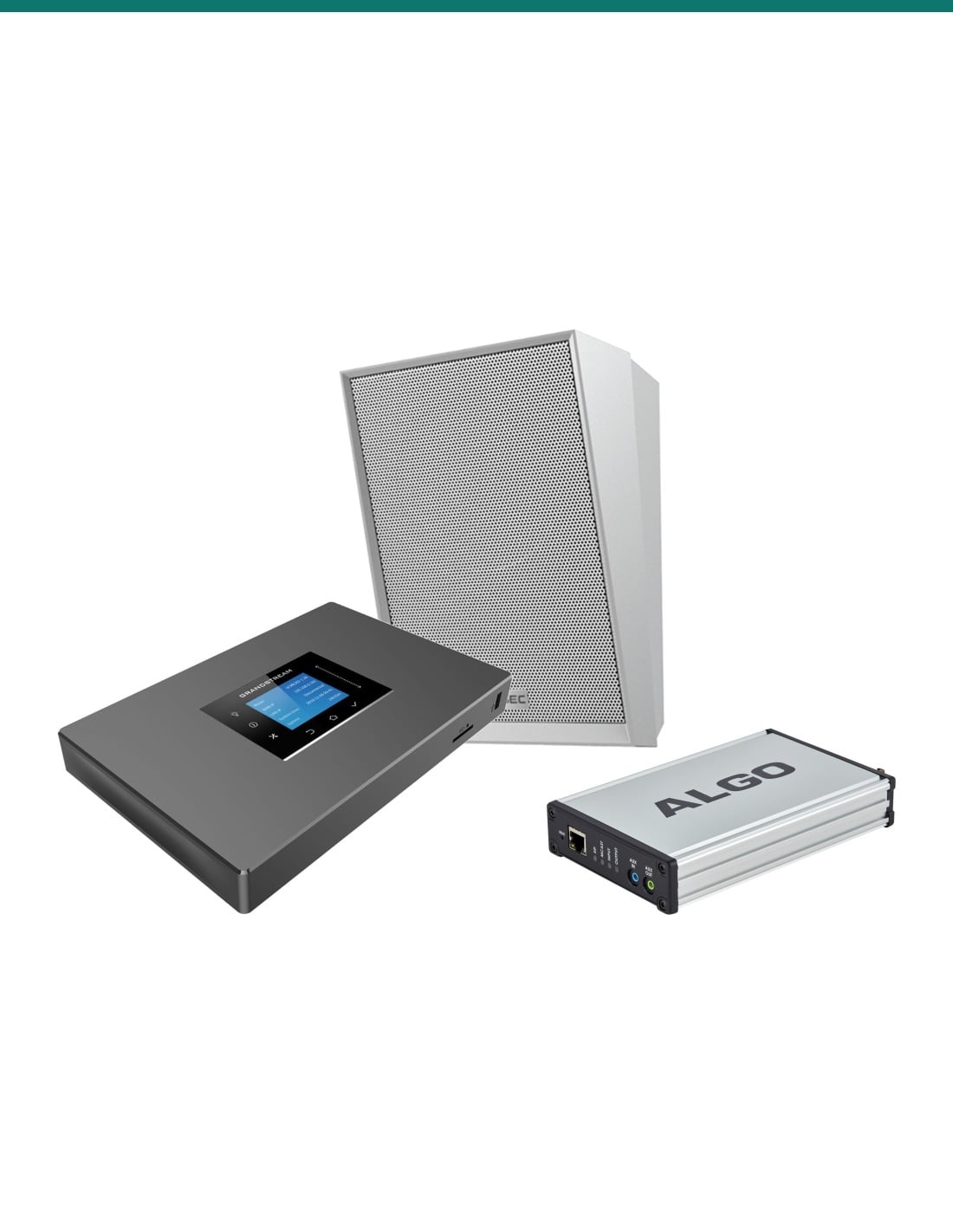
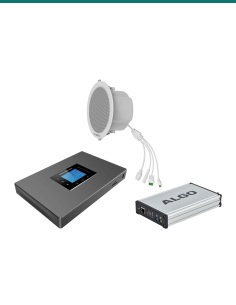
IVSEC IV-IPAUDIO-S: twenty NS200YA white SIP wall speakers, an Algo 8301 paging adapter and bell scheduler, and a Grandstream UCM6301 IP PBX for school bells and paging.
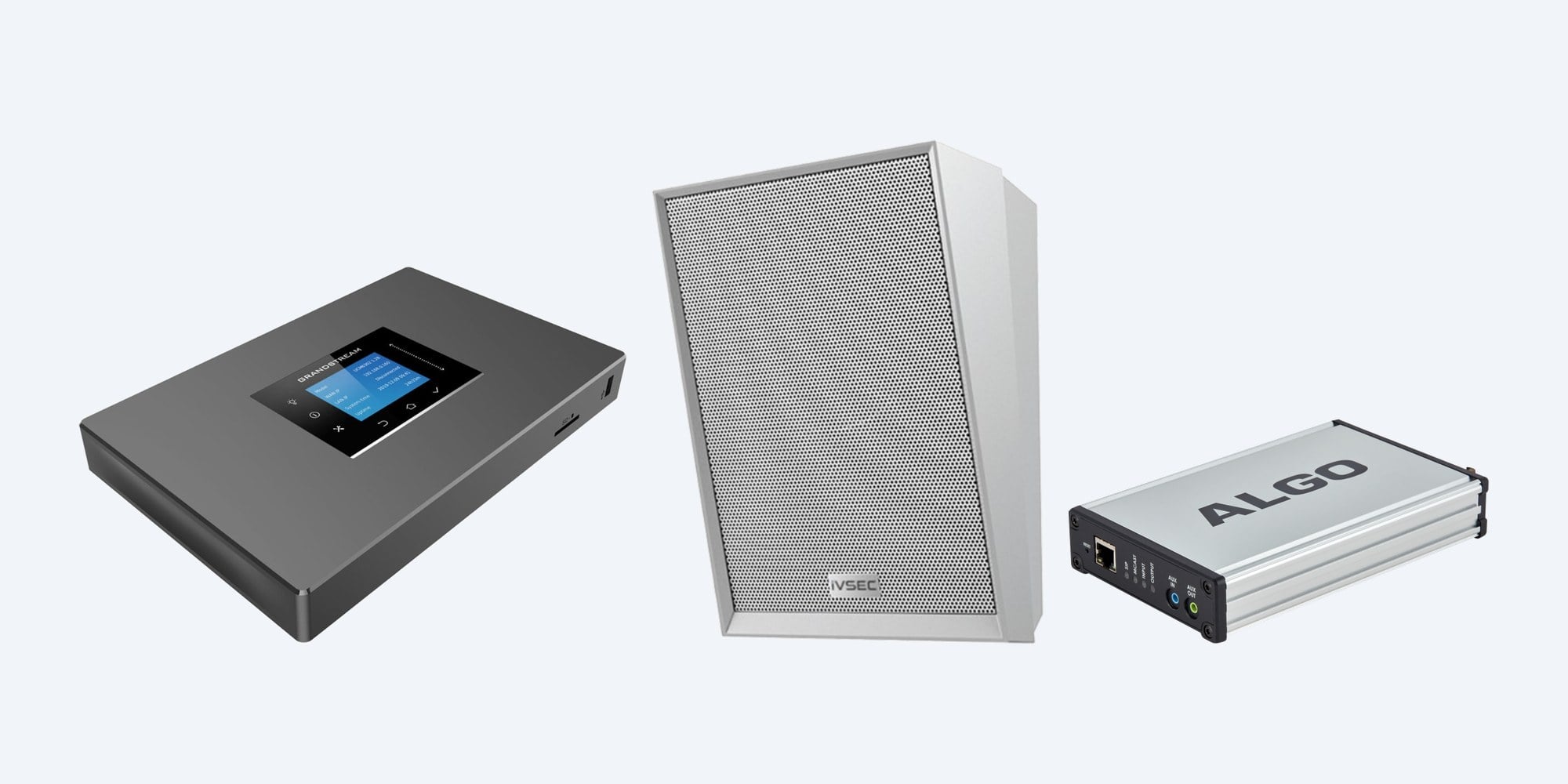
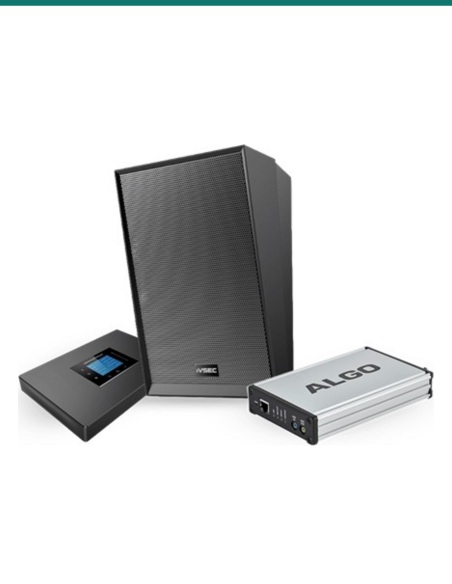
IV-IPAUDIO-S is an IP audio set for schools: twenty IVSEC NS200YA white SIP wall speakers, an Algo 8301 IP paging adapter and bell scheduler, and a Grandstream UCM6301 IP PBX.
In one sentence:IV-IPAUDIO-S is an IVSEC IP audio bundle of twenty NS200YA 15 W white SIP wall speakers with built-in microphones, an Algo 8301 paging adapter and bell scheduler, and a Grandstream UCM6301 IP PBX for school paging.
22 devices in the box. Switch, cabling and phones are separate.
The speakers reach their full 15 W on PoE+ or 24 V DC (8 W on standard PoE), the 8301 needs an 802.3af PoE port, and the UCM6301 runs from its own 12 V supply. Staff page from SIP phones or the Grandstream Wave app; no handsets are included.
Put a speaker in each classroom, corridor, hall and office, each on one network cable. The 8301 rings bells and plays announcements on a timetable to up to 50 multicast zones, the UCM6301 lets the office page from a phone, and each speaker joins up to 20 multicast groups.
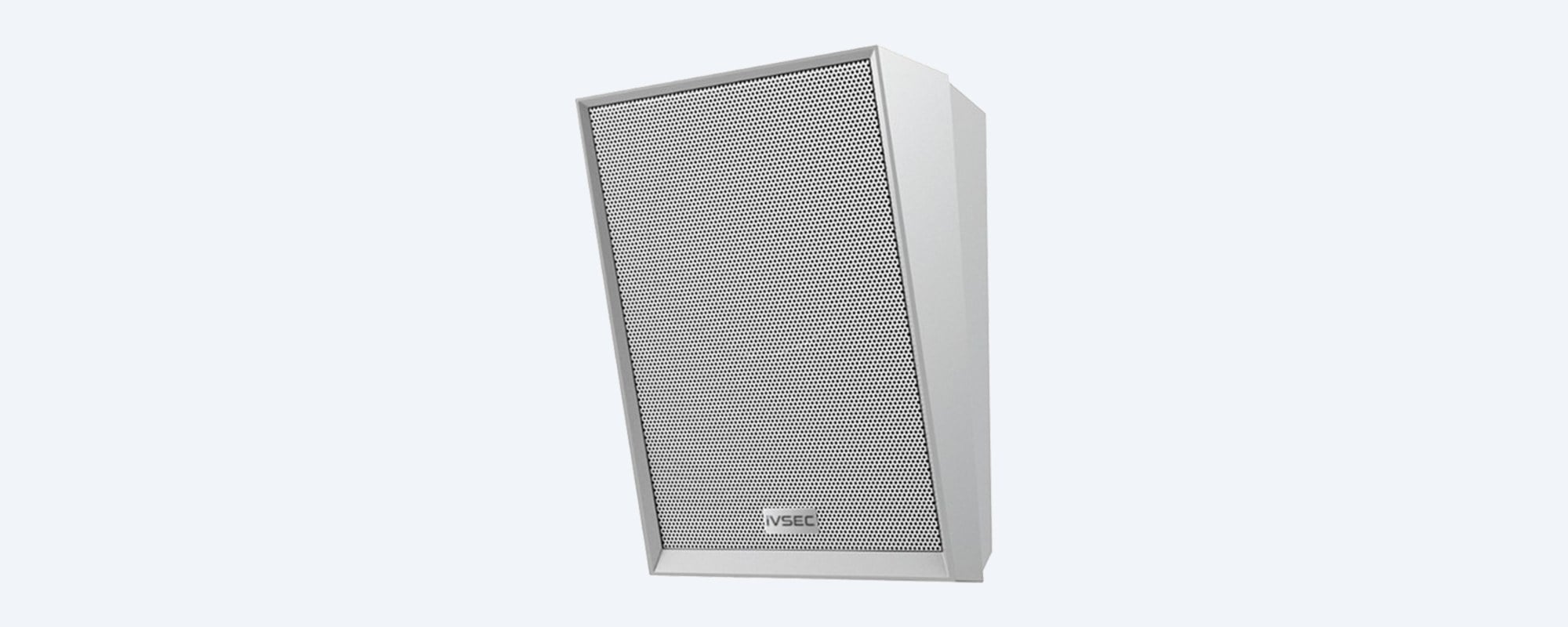
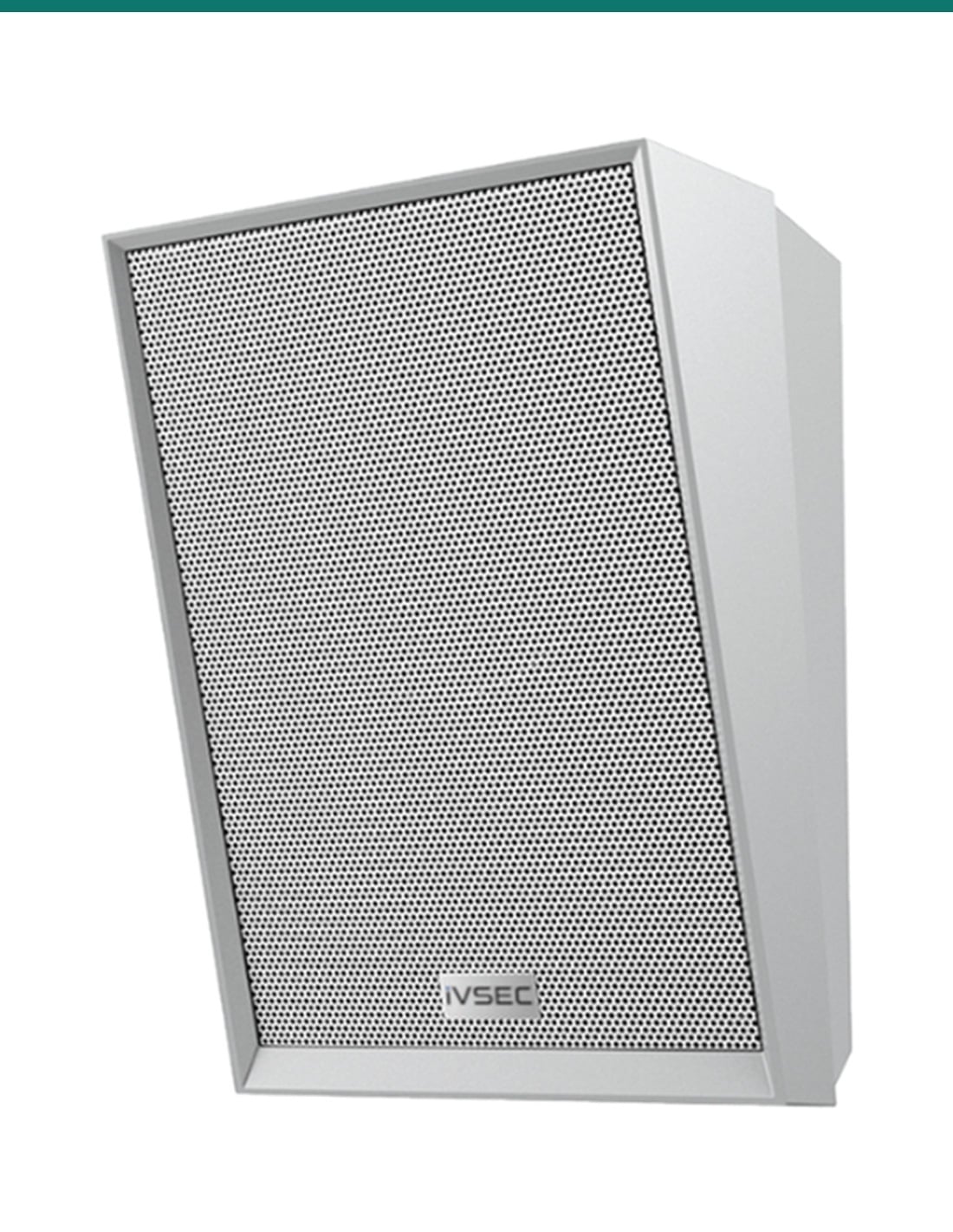
Twenty speakers
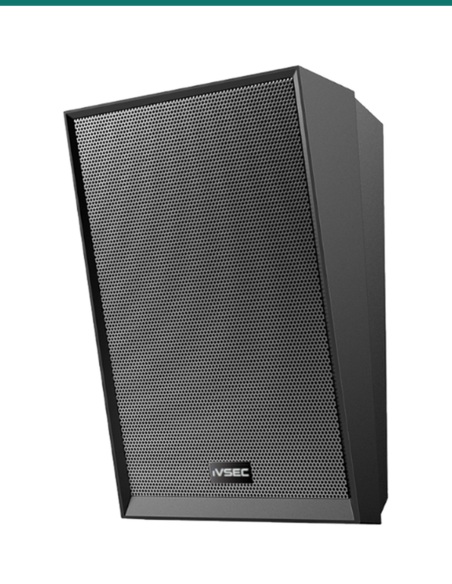
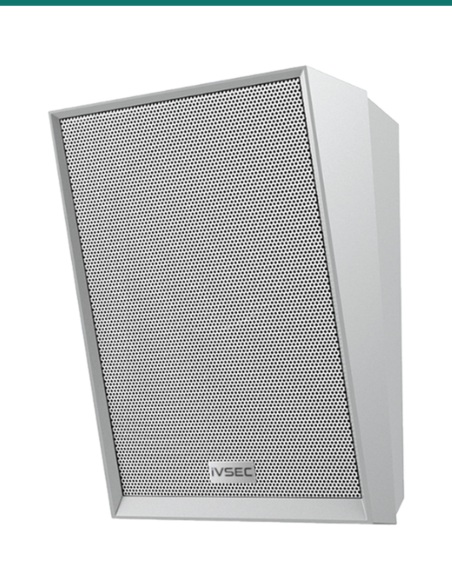
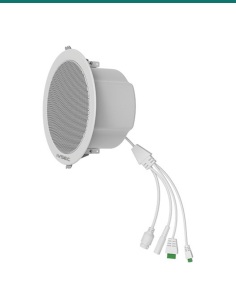
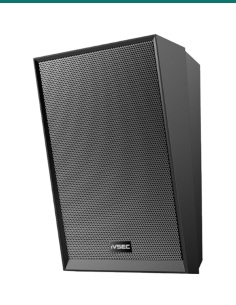
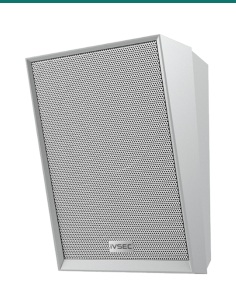
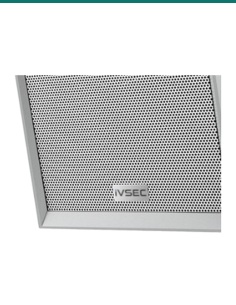
15 W, up to 105 dB, 100 Hz to 20 kHz, with a built-in microphone for two-way intercom. Each one is a SIP device with eight SIP accounts, 20 multicast groups and MP3 or WAV playback. 276 × 185 × 125 mm, white, for indoor walls.
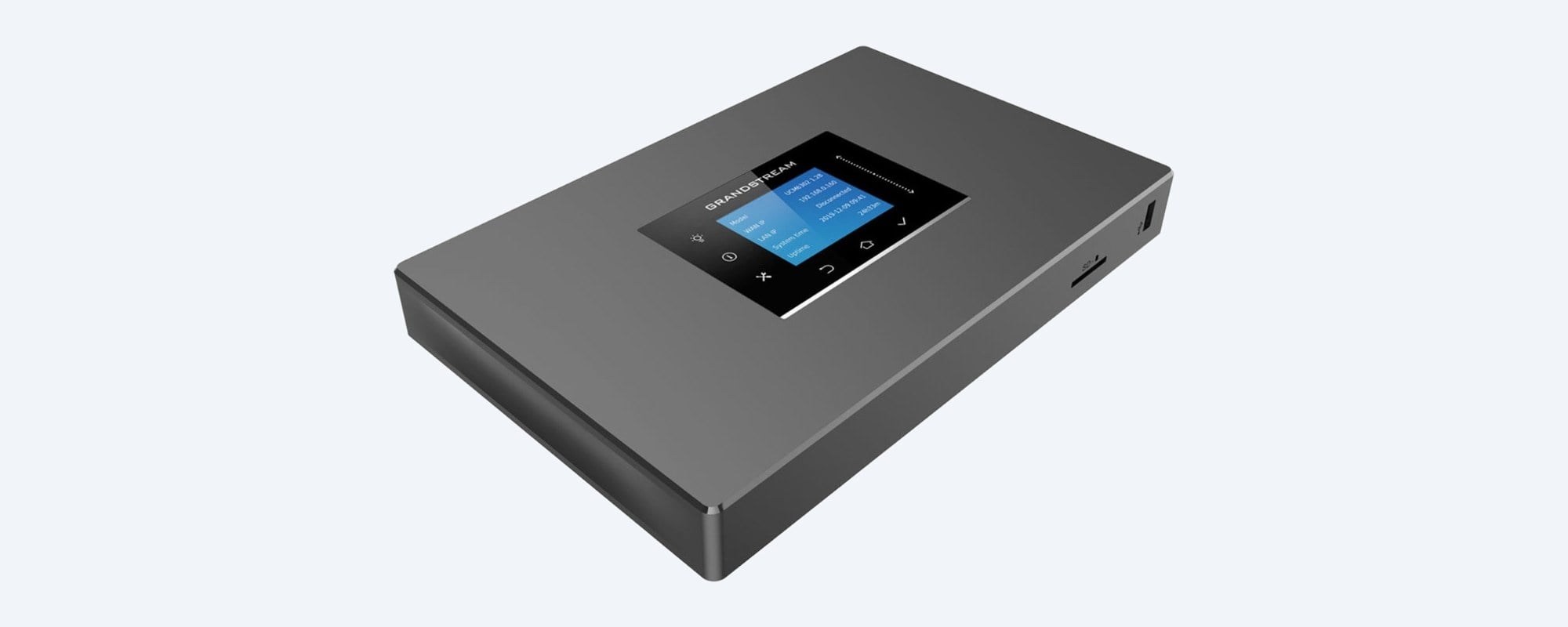
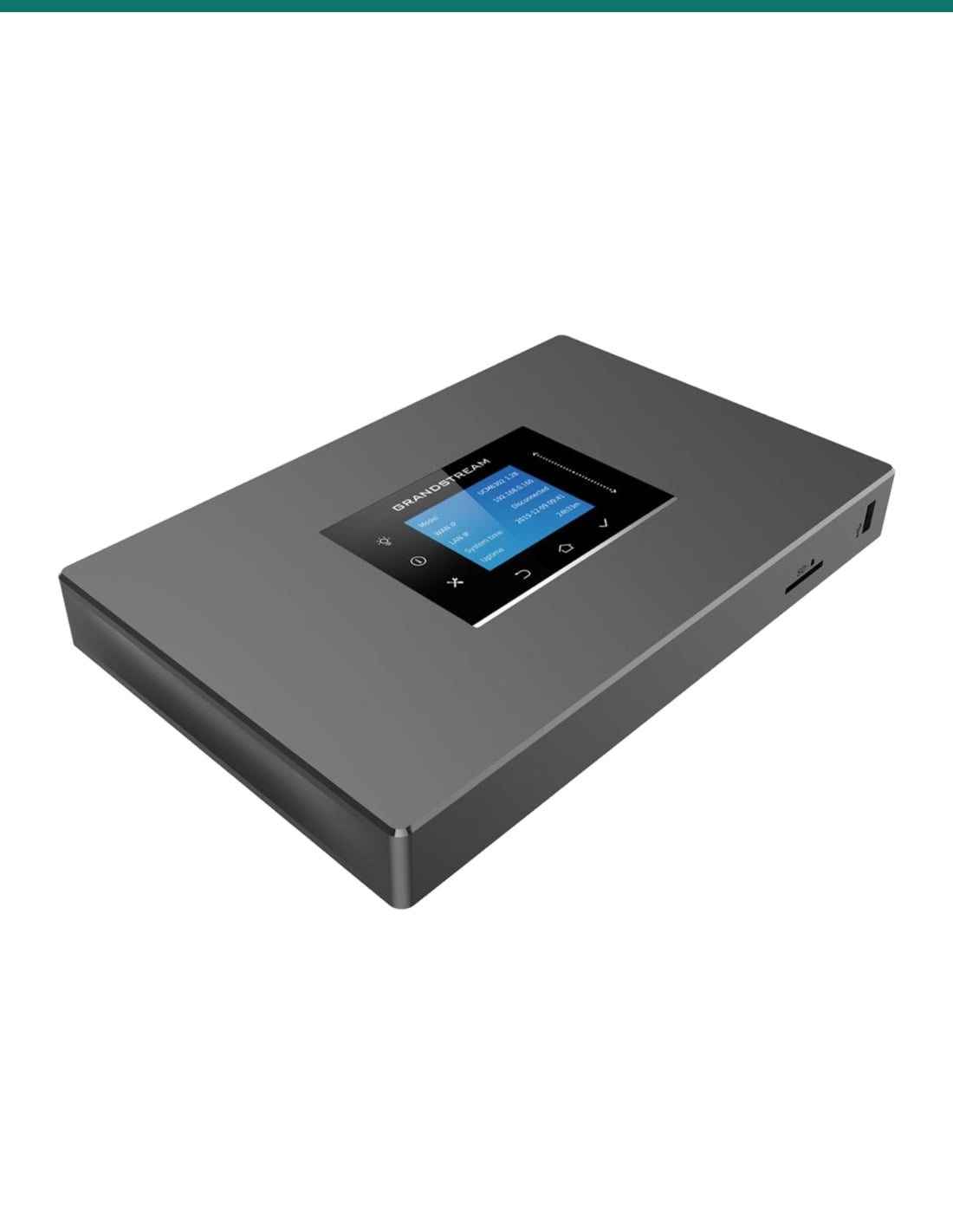
Phone system
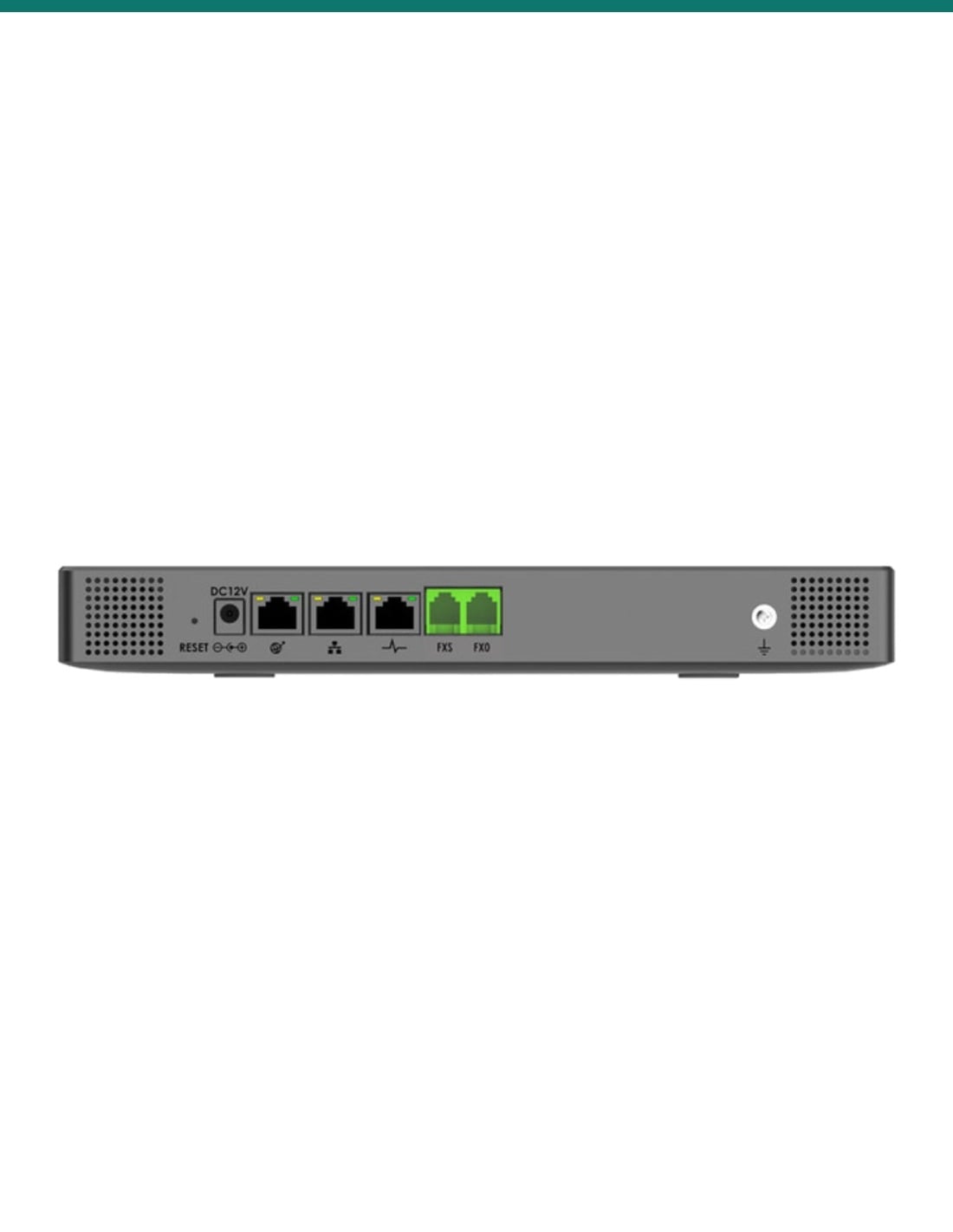
The phone system that ties it together: up to 500 users and 75 concurrent calls, with paging and intercom, ring groups, an auto attendant, voicemail and time schedules. Staff page from SIP desk phones or the Grandstream Wave app, and its FXO port can take a phone line.
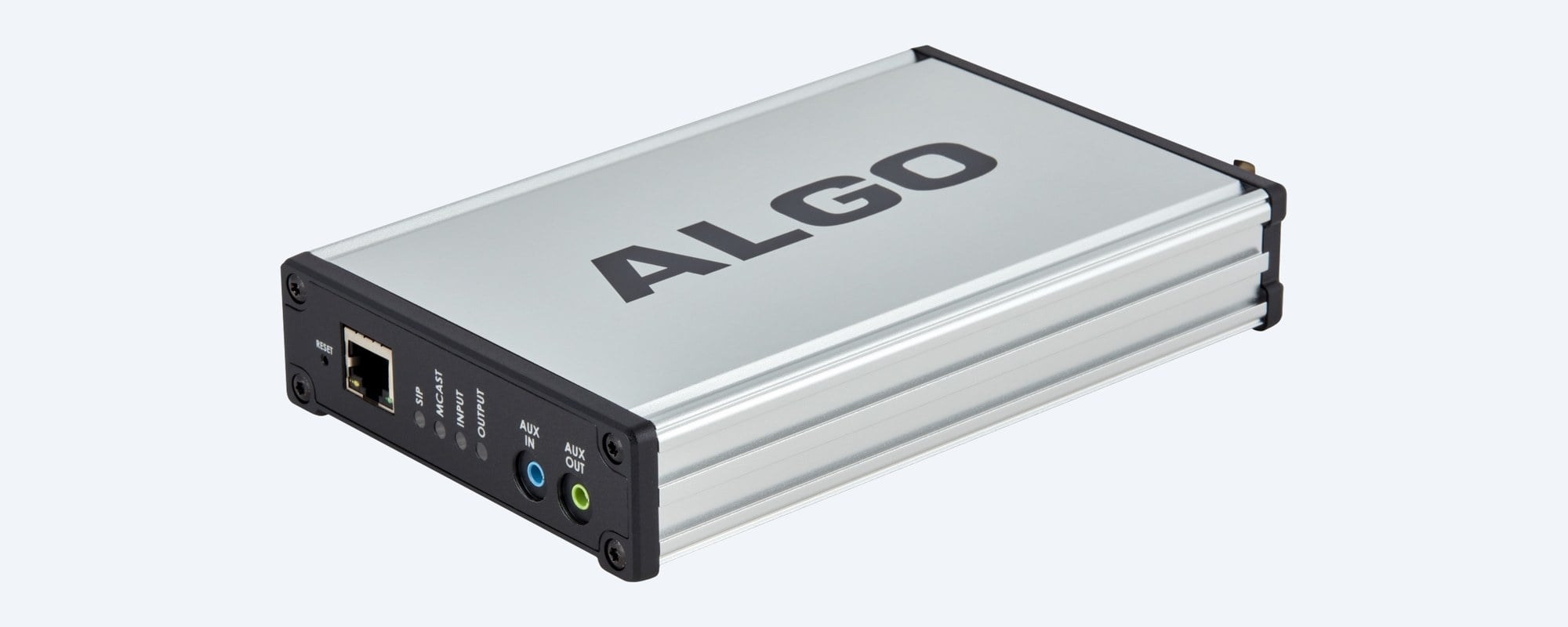
Scheduler
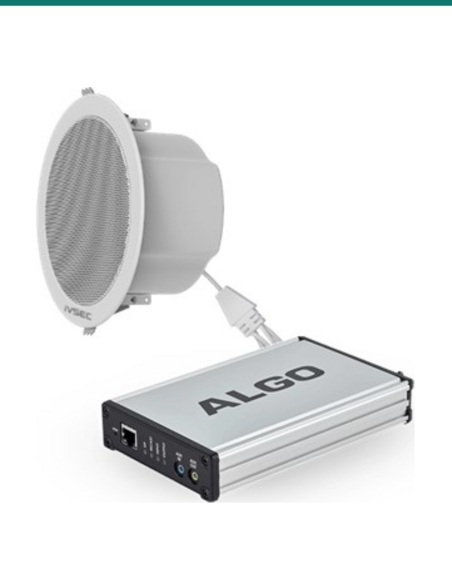
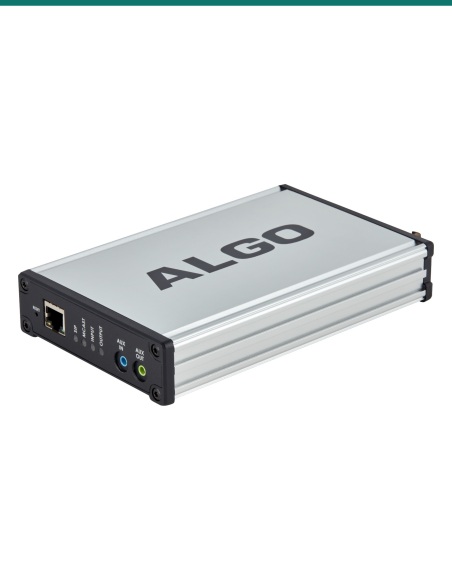
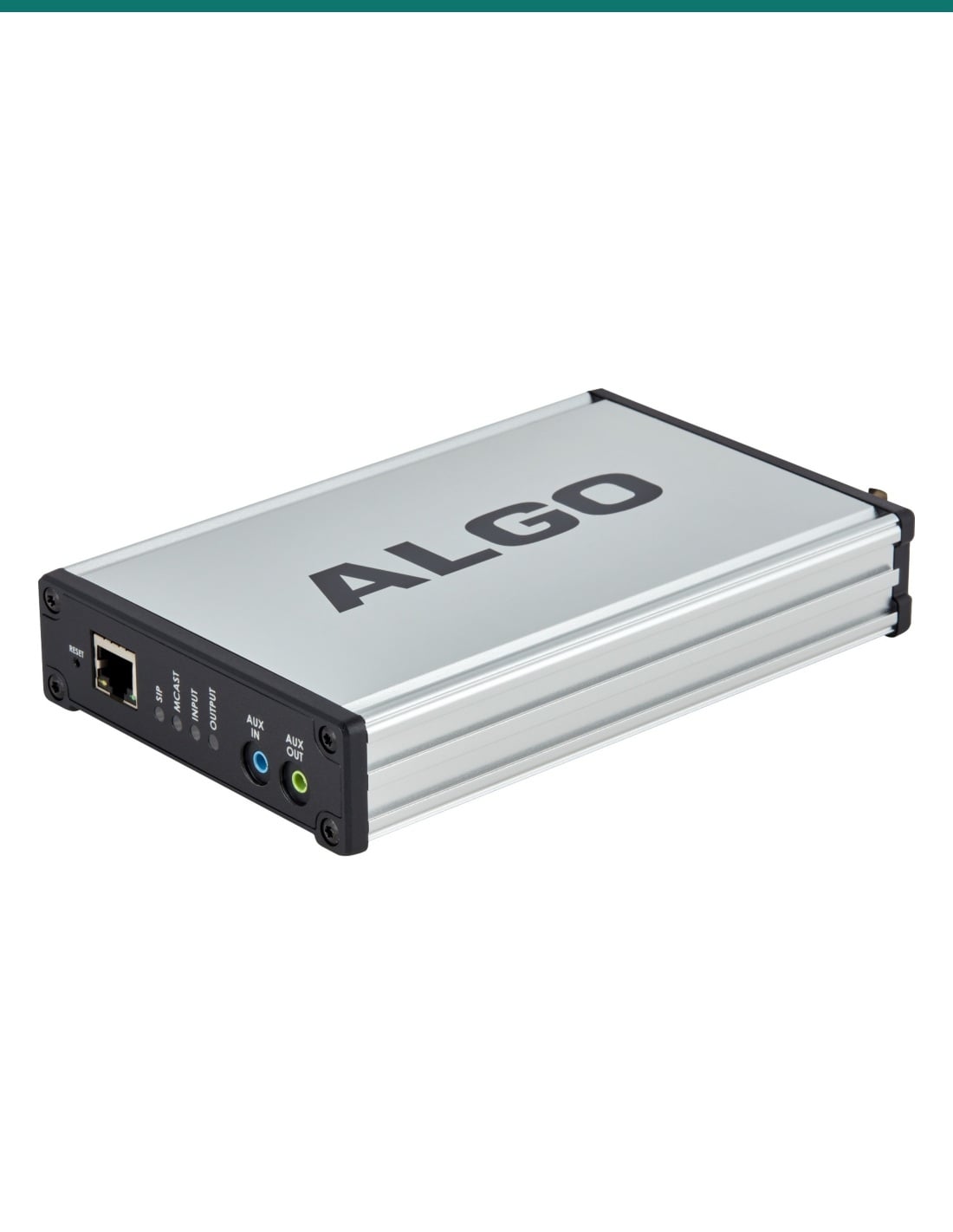
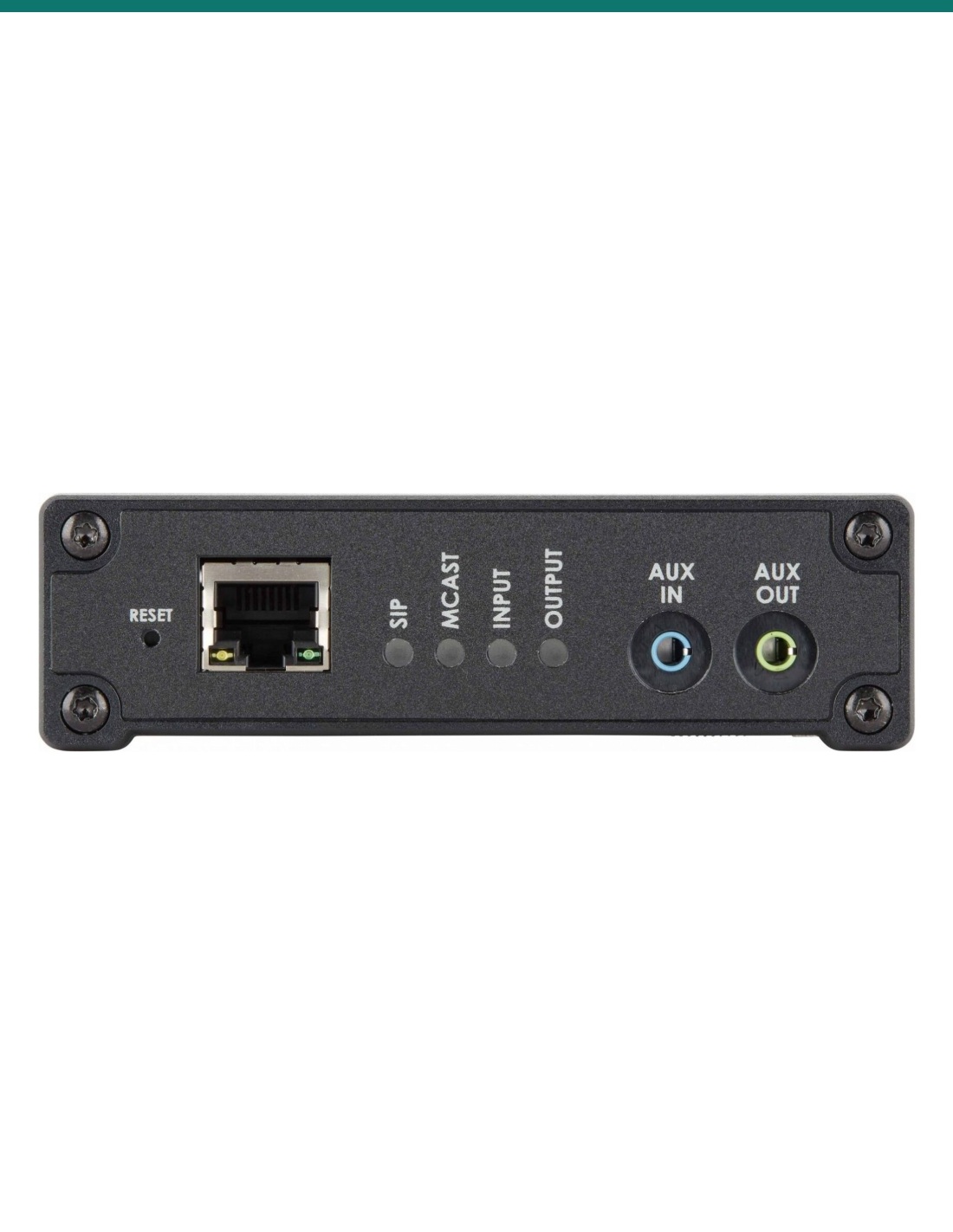
A SIP endpoint and scheduler: bells, tones and announcements on timers synced to network time, 1 GB of storage for WAV or MP3 files, and multicast to up to 50 zones. Its 3.5 mm aux input takes background music, and an isolated balanced line output can feed an existing amplifier.
How it goes in
01
Mark a speaker for each classroom, corridor, hall and office, group them into zones (by block or year level), and choose where the switches, 8301 and UCM6301 sit.
02
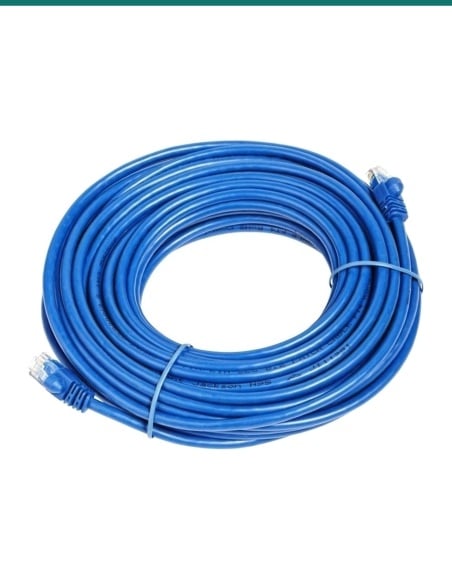
Run Cat5e or Cat6 to each speaker and connect them and the 8301 to PoE switches; plug the UCM6301 into the same network and its 12 V supply.
03
Create extensions for office phones, register the speakers and the 8301, and set up paging groups for each zone and an all-call group.
04
Upload bell tones and messages to the 8301, set the bell timetable and multicast zones, then test every room and volume before term starts.
At a glance
Show specs
In the bundle
20 × IVSEC NS200YA SIP wall speaker (white), 1 × Algo 8301 paging adapter, 1 × Grandstream UCM6301 IP PBX
Speaker output
NS200YA: 15 W on PoE+ or 24 V DC 2 A, 8 W on PoE; max 105 dB
Speaker frequency response
100 Hz to 20 kHz, 88 ± 3 dB sensitivity, 8 Ω
Speaker microphone
Built in, for two-way intercom
Speaker SIP and multicast
8 SIP accounts, 20 multicast groups, auto answer, DTMF, HTTP/webhook, ONVIF
Speaker audio
G.711, G.722, G.729 and Opus among others; MP3 and WAV playback, 500 MB storage
Speaker connectors
RJ45 10/100, 2-pin DC input, 1 × 8 Ω output for one extra 15 W speaker (on 24 V DC)
Speaker size and use
276 × 185 × 125 mm, white, wall mount, indoor only, −20 °C to 55 °C
Paging adapter
Algo 8301: 50 page, 10 emergency alert and 10 ring SIP extensions; TLS and SRTP
Adapter multicast
Send and receive, 50 zones; G.711, G.722, Opus
Adapter scheduler
Bells, tones and announcements on timers, NTP synced; 1 GB WAV or MP3 storage
Adapter audio I/O
Isolated balanced line out, 3.5 mm aux in and out, relay in and out
Adapter power and size
PoE 802.3af, 4 W maximum; 180 × 109 × 32 mm, 0.4 kg, 0 °C to 40 °C, dry indoor locations
Phone system
Grandstream UCM6301 IP PBX: up to 500 users, 75 concurrent calls (G.711)
PBX call features
Paging and intercom, ring groups, IVR auto attendant, voicemail, call recording, time schedules
PBX ports
3 × Gigabit network, 1 × FXS (analog phone), 1 × FXO (phone line)
PBX apps
Grandstream Wave app for web and mobile; touch-screen colour LCD
PBX power and size
12 V DC 1.5 A supply; 270 × 175 × 36 mm, 715 g; wall or desk mount; 0 °C to 45 °C
PoE ports needed
21: twenty PoE+ for full speaker power, one 802.3af for the 8301 (UCM6301 on its own supply)
Warranty
IVSEC speakers 2 years; Algo 8301 and UCM6301: confirm with us
Pair it with
Network
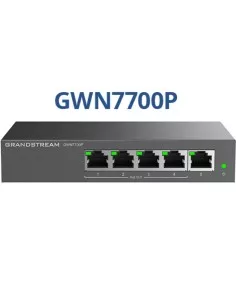
Twenty-one PoE ports at least: PoE+ for each speaker to reach 15 W, one for the 8301, plus a port for the UCM6301.
Paging
The front office pages from phones registered to the UCM6301, or from the Grandstream Wave app.
Outdoors
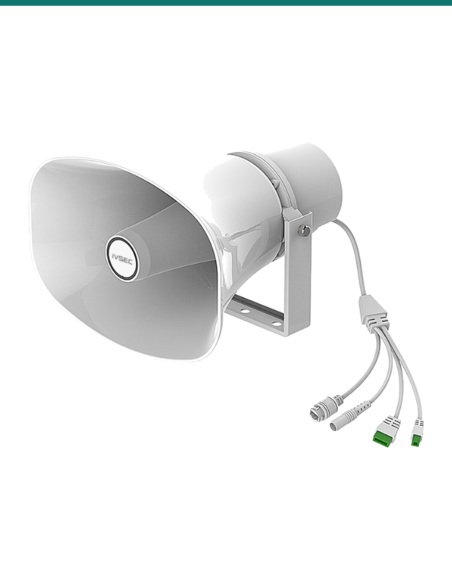
For playgrounds, ovals and covered walkways, where an indoor wall speaker cannot go.
Backup power
Keeps the switches and PBX, and so every speaker, running through short power cuts.
Where it is used
Bells, morning announcements and office paging to every classroom.
Separate zones per block or year level, plus an all-call group.
Paging to rooms and a timed schedule for the day.
Session bells and announcements in classrooms and corridors.
Announcements and background music in shared spaces.
Office-to-staff paging and two-way talk through the speaker microphones.
| IV-IPAUDIO-S (this bundle) | IV-IPAUDIO-W | |
|---|---|---|
| Speakers | 20 × NS200YA wall, white | 4 × NS200YA-BLK wall, black |
| Algo 8301 paging adapter | Yes | Yes |
| PBX (phone system) | Grandstream UCM6301 | Grandstream UCM6301 |
| PoE ports needed | 21 | 5 |
| Devices in the box | 22 | 6 |
The same 15 W wall speaker, PBX and paging adapter. IV-IPAUDIO-S covers a campus with twenty white speakers; IV-IPAUDIO-W is a smaller four-speaker set in black.
Twenty IVSEC NS200YA white SIP wall speakers, one Algo 8301 IP paging adapter and scheduler, and one Grandstream UCM6301 IP PBX: 22 devices.
Yes. The 8301 is a scheduler: it plays bells, tones and recorded announcements on timers synced to network time, from 1 GB of storage.
No. The UCM6301 is the phone system; add SIP desk phones, or use the Grandstream Wave app on a mobile or computer, to page from.
By PoE from a network switch, or a 24 V DC 2 A supply. They give 15 W on PoE+ or DC and 8 W on standard PoE.
Up to 105 dB maximum sound pressure, with 100 Hz to 20 kHz response.
Yes. Set up paging groups on the UCM6301 and multicast zones on the 8301 (up to 50); each speaker can join up to 20 multicast groups.
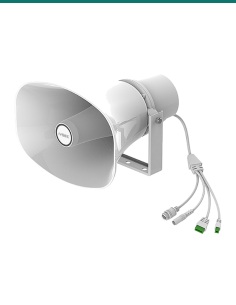
No. The NS200YA is an indoor wall speaker. For playgrounds and ovals add the IVSEC NS100YA horn speaker, rated IP66.
Yes, each NS200YA has a built-in microphone for two-way intercom. Check your state's surveillance and listening device laws, and school policy, before using it to listen in.
No. It can play emergency messages, but it is not a certified emergency warning and intercommunication system. Use a compliant system where one is required.
Grandstream rates the UCM6301 at up to 500 users and 75 concurrent calls (G.711).
Yes. Plug a music source into the 8301's 3.5 mm aux input and send it by multicast, or store MP3 or WAV files on the speakers.
The IVSEC speakers carry 2 years. Confirm the Algo 8301 and Grandstream UCM6301 warranty with us. InFront Technologies supports the bundle in Australia on 1300 736 970.
Help planning zones, the PoE switch, phones or paging groups: call 1300 736 970 or email [email protected]. The component datasheets are on the Attachments tab.
Low voltage. The speakers and the 8301 run on PoE (speakers also on DC); the UCM6301 uses its 12 V plug-in supply. A new power point for the switch or PBX needs a licensed electrician.
Cabling. Concealed data cabling is customer cabling under AS/CA S009 and needs an ACMA-registered cabler. Connecting the UCM6301 to a phone line is also cabling work.
Microphones and privacy. The speakers have built-in microphones. Listening to or recording conversations is covered by state and territory laws.
Wall mounting. Fixings are not listed in the box; use fixings rated for the wall and the 276 × 185 × 125 mm cabinet.
What it does not do. It is not a certified emergency warning and intercommunication system, the speakers are indoor only, and no phones or handsets are in the box.
Figures. From IVSEC's NS200YA datasheet (6 November 2026), Algo's 8301 datasheet and Grandstream's UCM6300 series datasheet (UCM6301 column).



Need help choosing?
Tell us about your property and we'll recommend the right cameras and recorder.
07 5609 4910Sydney 02 8814 6008
[email protected]
Mon–Fri, 9am–5pm AEST
20 related items