1 / 4

IVSEC 8MP 4K Ultra-HD Motorised Zoom 5-50mm 80m IR Night-Vision Bullet Security Camera - IVNC528XD

SKU IVNC528XD In Stock - Ready to Ship
$535.00 inc GST

IVSEC NC528XD: an 8MP 4K bullet camera with a 5 to 50 mm motorised zoom, IR night vision to 80 m and licence plate detection, in an IP67, IK10 housing.

  • ✓8MP 4K, 1/2.8" sensor
  • ✓5–50 mm motorised zoom, 10x optical
  • ✓IR night vision up to 80 m
  • ✓Licence plate, human and vehicle detection
  • ✓IP67, IK10, −35 °C to 60 °C
  • ✓PoE 802.3af or 12 V DC, under 10 W


Description

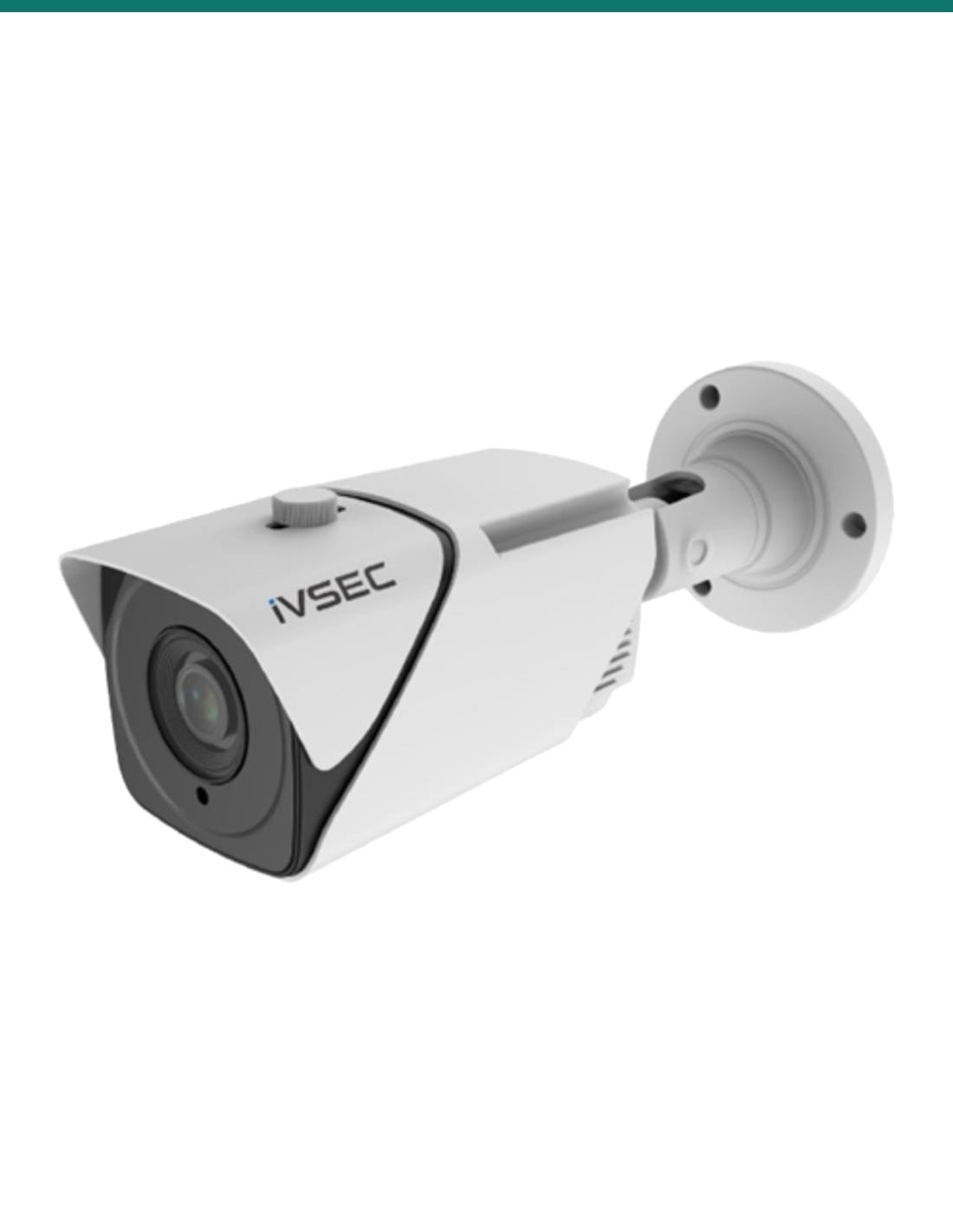
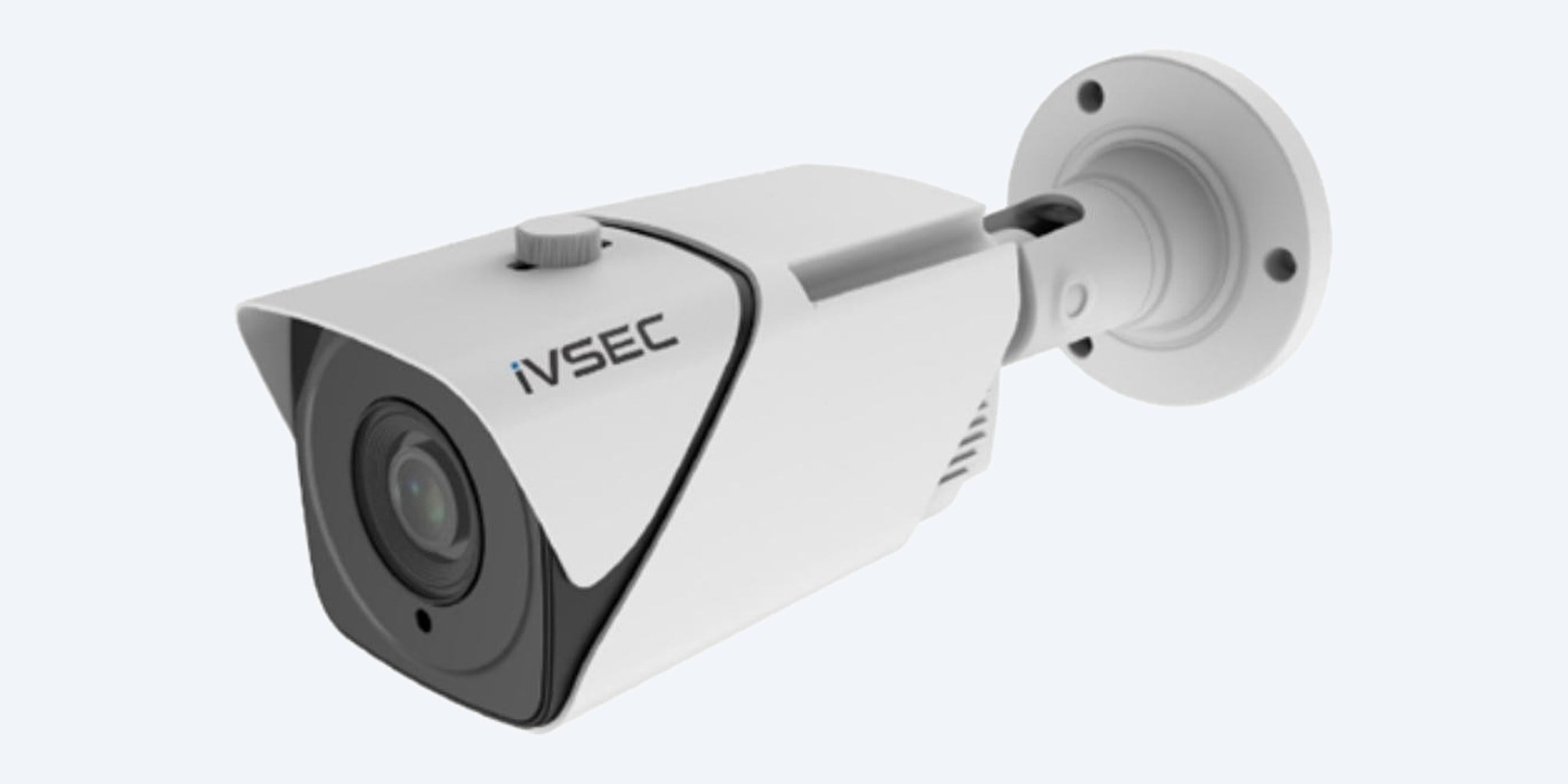
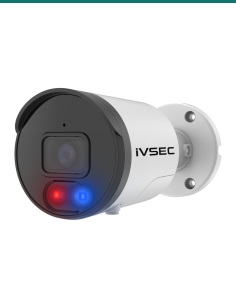
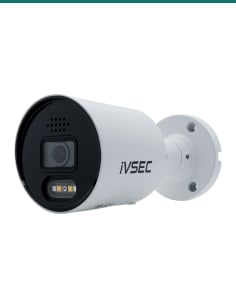
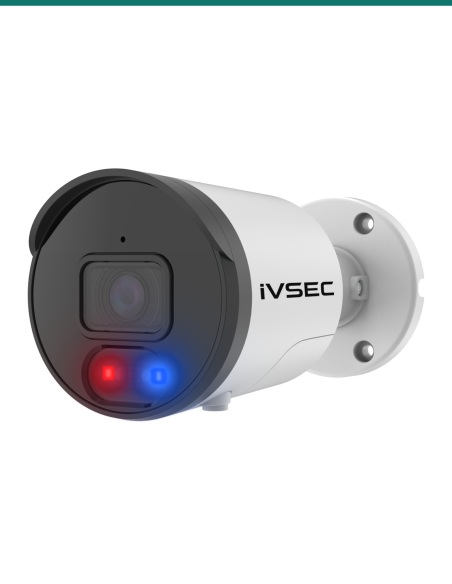
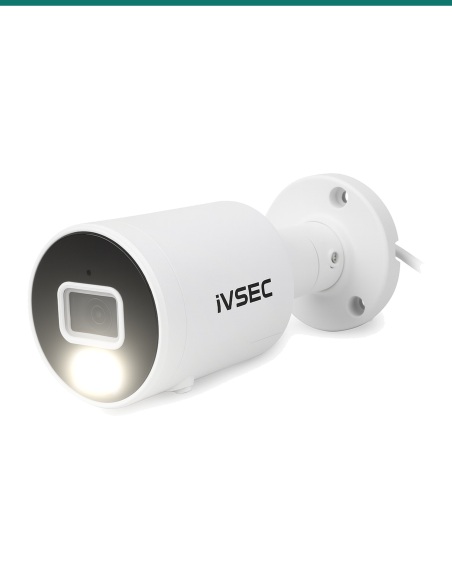
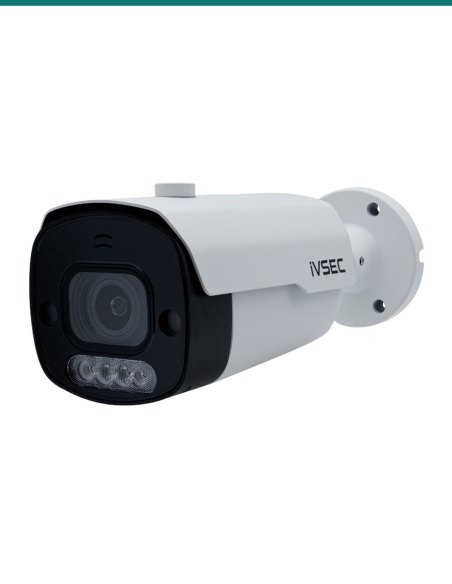
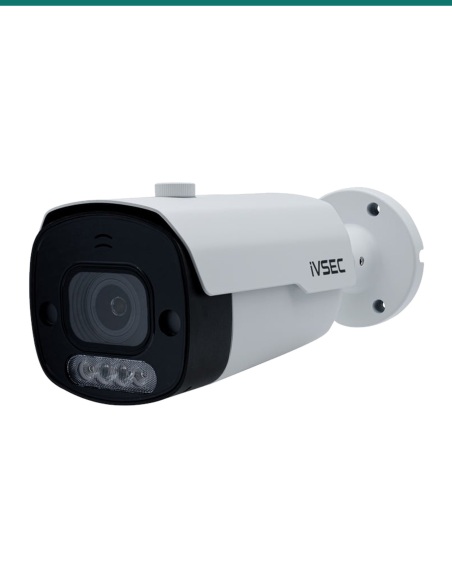
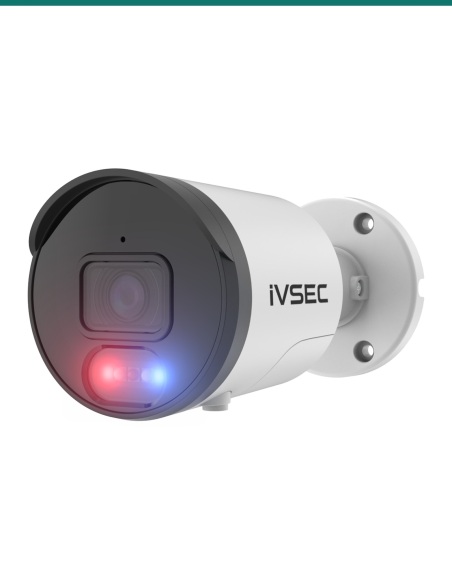
IVSEC NC528XD 8MP motorised zoom bullet camera, white housing with black front and wall bracket
IVSEC · Bullet · 10x Motorised Zoom

5 to 50 mm. 80 m of IR.
Built for long-range plate detection.

The IVSEC NC528XD is an 8MP 4K bullet camera with a 10x motorised zoom, IR night vision to 80 m and licence plate detection, in an IP67, IK10 housing powered by standard PoE.

In one sentence: the IVSEC IVNC528XD is an 8MP 4K bullet camera with a 5 to 50 mm motorised zoom, IR night vision to 80 m, licence plate detection and AI analytics, and an IP67, IK10 housing, powered by PoE or 12 V DC.

Camera only. Recorder and network cable are separate.

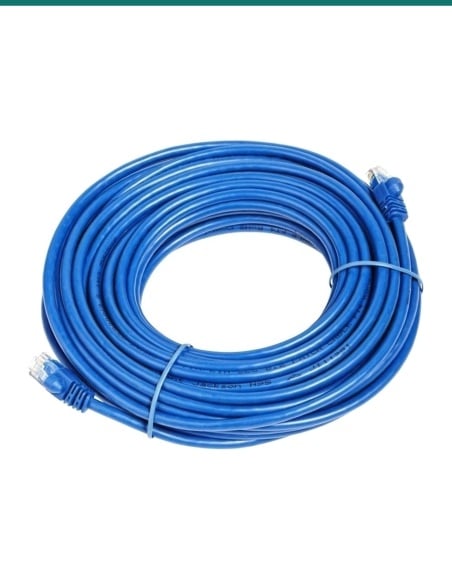
This listing is one bullet camera. It needs one Cat5e or Cat6 cable to a PoE (IEEE 802.3af) recorder or switch port, or a 12 V DC supply, and a recorder, VMS or the IVSEC app.

In the box
  • NC528XD bullet camera
  • Printed quick user guide
  • Installation template
  • Mounting screws and plugs
You also need
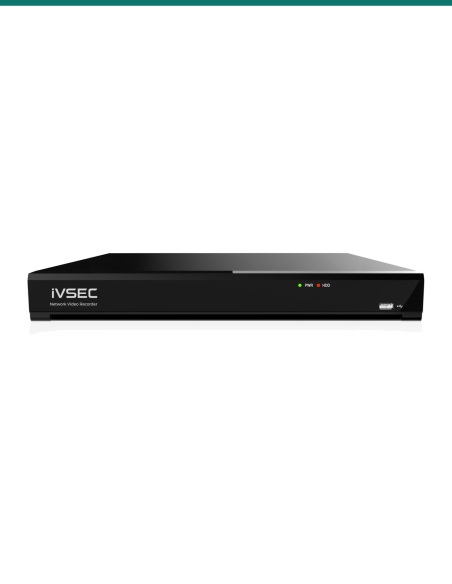
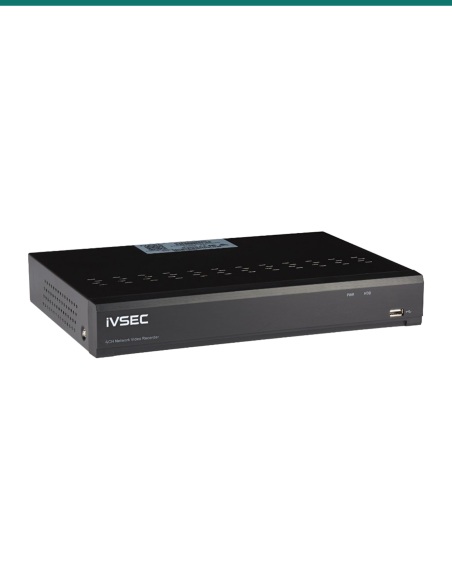
  • An IVSEC NVR or another ONVIF Profile S, G or T recorder
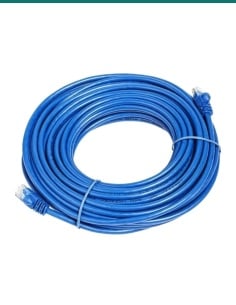
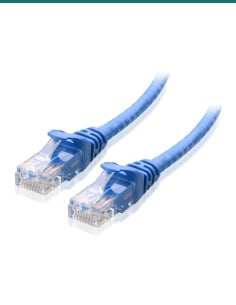
  • Cat5e or Cat6 cable to the camera
  • A PoE (IEEE 802.3af) port or a 12 V DC supply
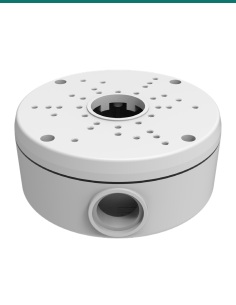
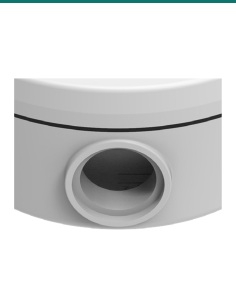
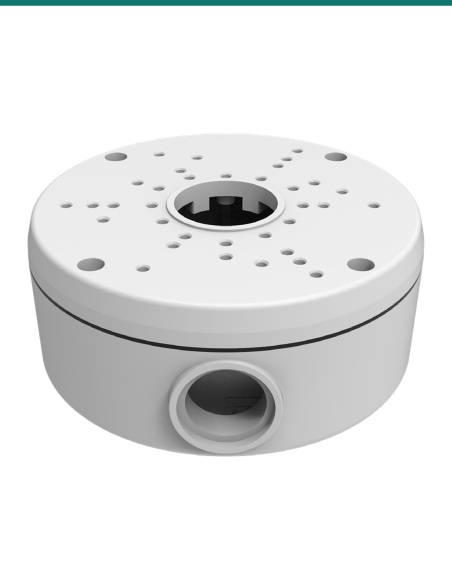
  • A junction box if you want the cable tail enclosed, such as IV2422X

Zoom in on the plate, not the whole street.

Set the motorised lens anywhere from a 49° wide view to a tight 7°, so a gate or driveway entry fills the frame. IVSEC rates this as its pick for longer-range licence plate detection: plates are read by AI character recognition and shown as thumbnails you can sort into allow, block or unknown lists.

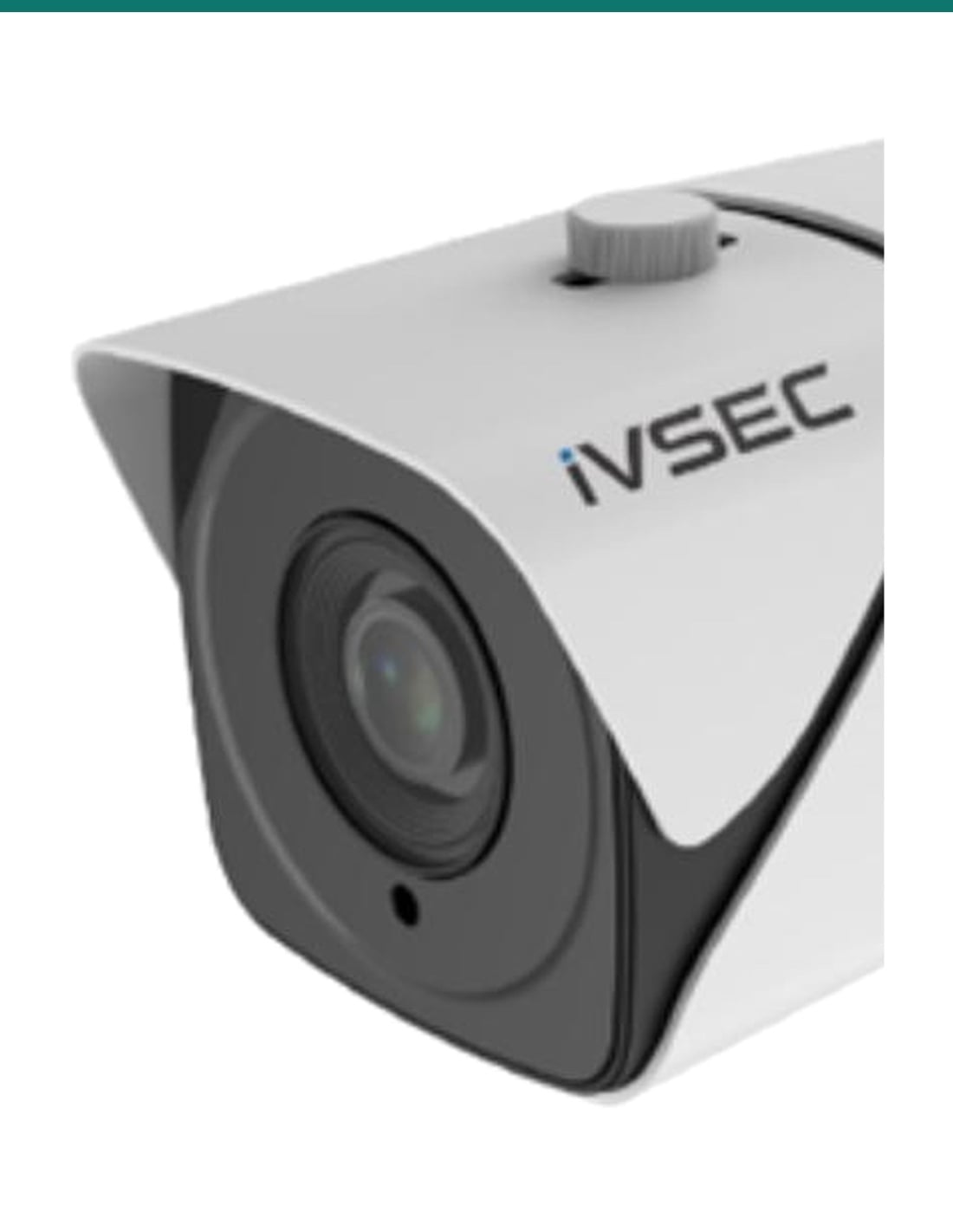
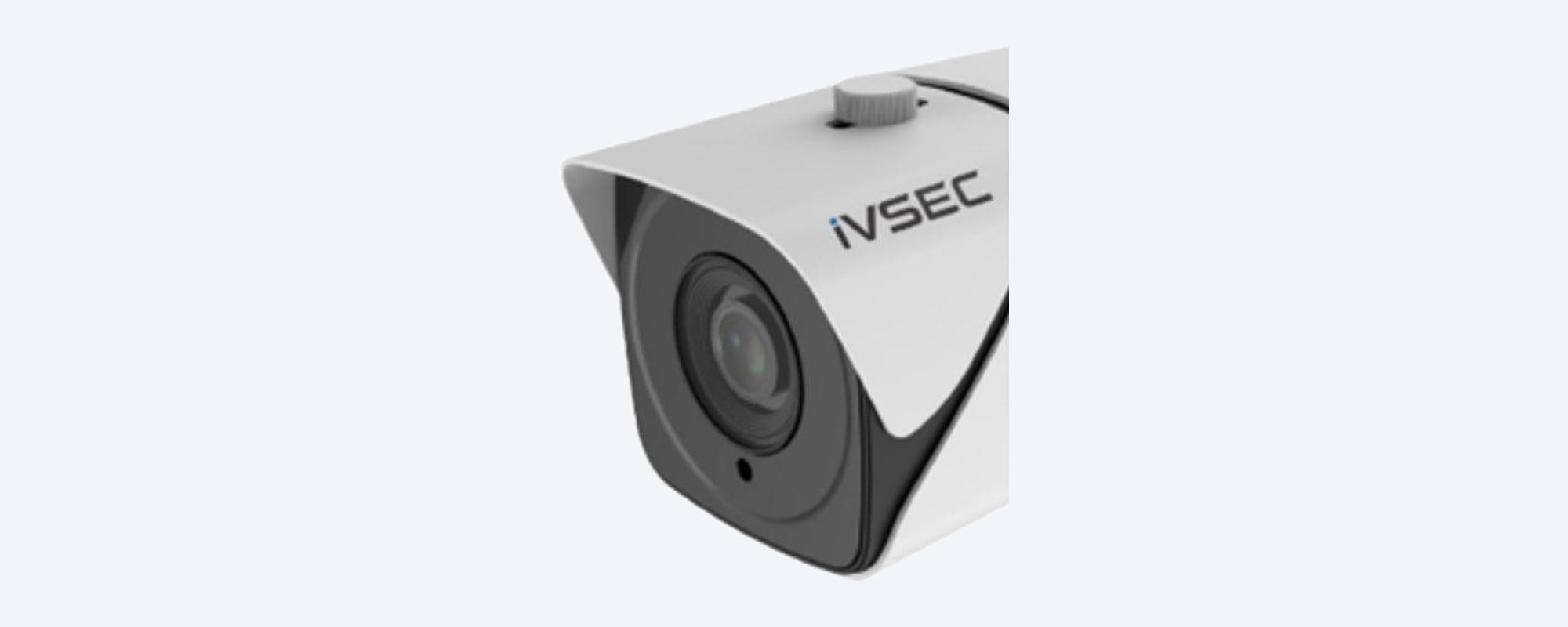
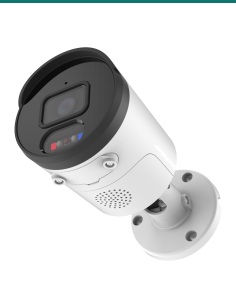
IVSEC NC528XD close-up of the black front with the 5 to 50 mm motorised zoom lens

Lens

5 to 50 mm, 10x optical.

3840 × 2160 from a 1/2.8" progressive CMOS sensor. The zoom is motorised, so you frame the view from the app or recorder after it is mounted. IR reaches up to 80 m with automatic day and night switching.
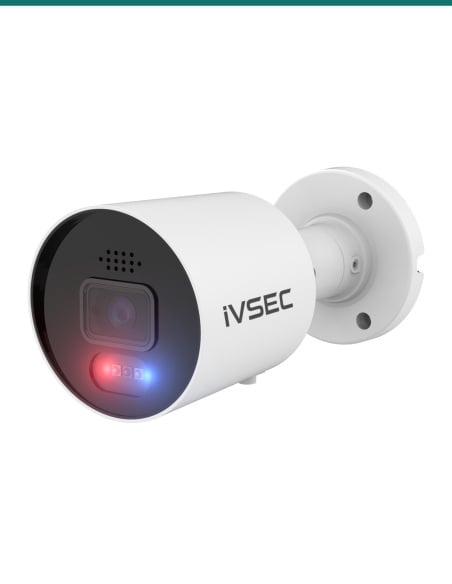
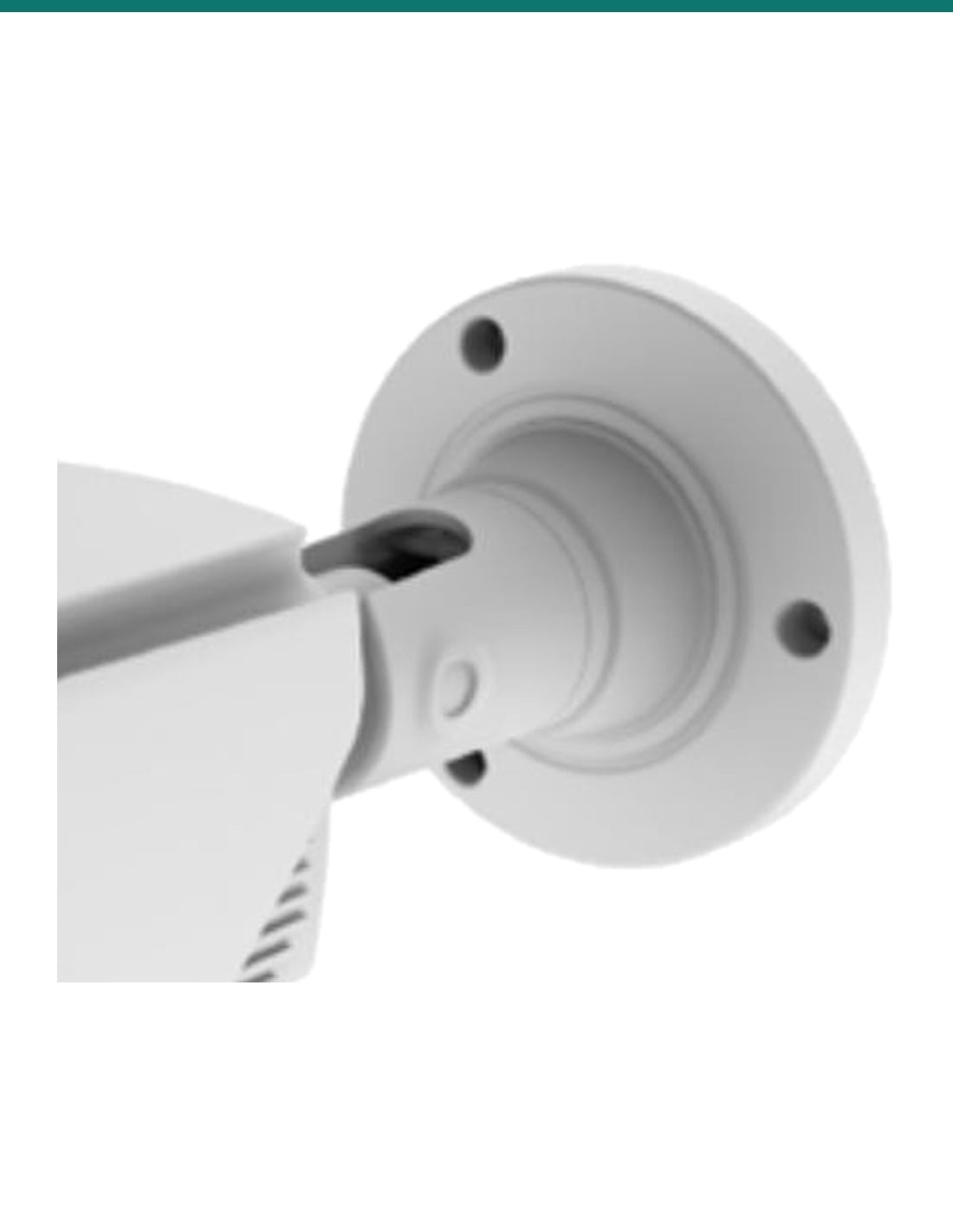
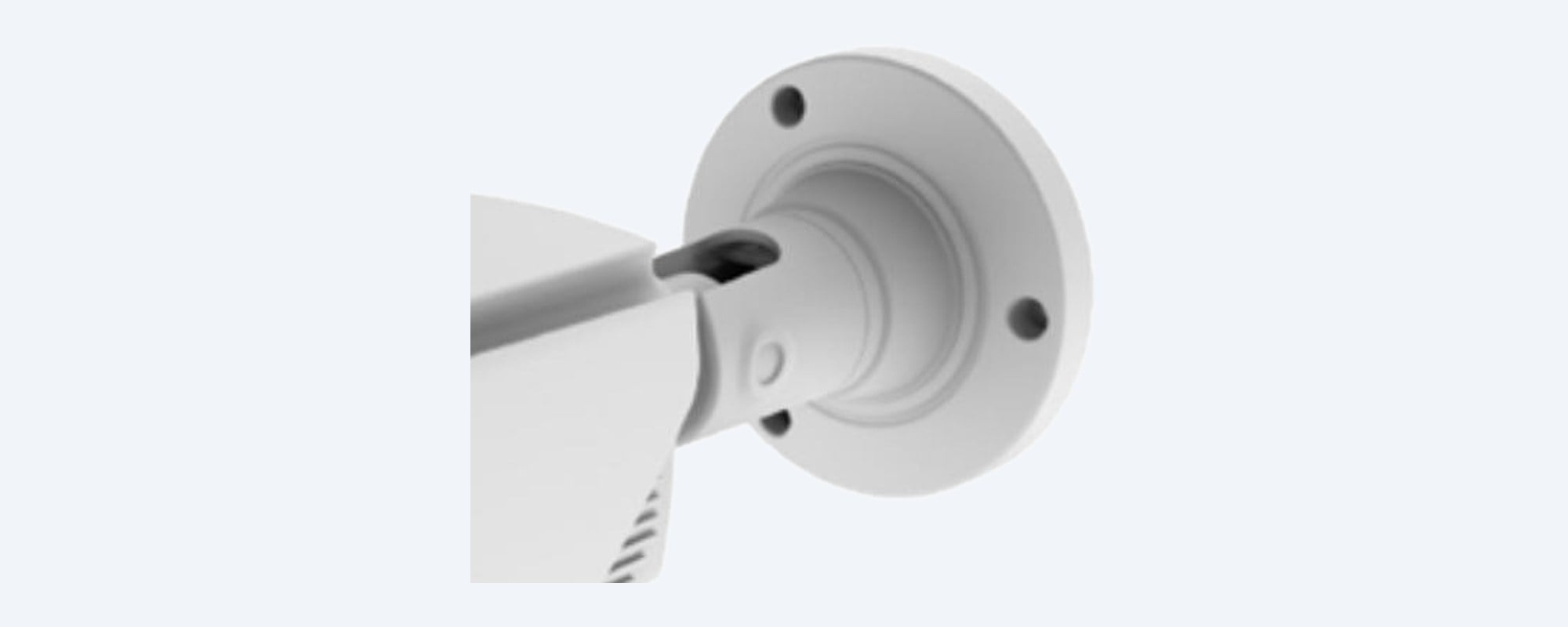
IVSEC NC528XD wall bracket and cable entry at the back of the housing

Housing

IP67 and IK10, from −35 °C.

88 × 88 × 242 mm and 1.43 kg, rated IP67 for weather and IK10 for impact, from −35 °C to 60 °C. The bracket fixes to a wall or, with IVSEC's IV2422X, IV2477X or IV2490X accessories, a junction box.

How it goes in

From wall to first plate.

01

Pick the spot

Mount it facing the gate, driveway or lane where vehicles slow down. Mark the holes with the installation template, or fit an IVSEC junction box first.

02

Run the cable

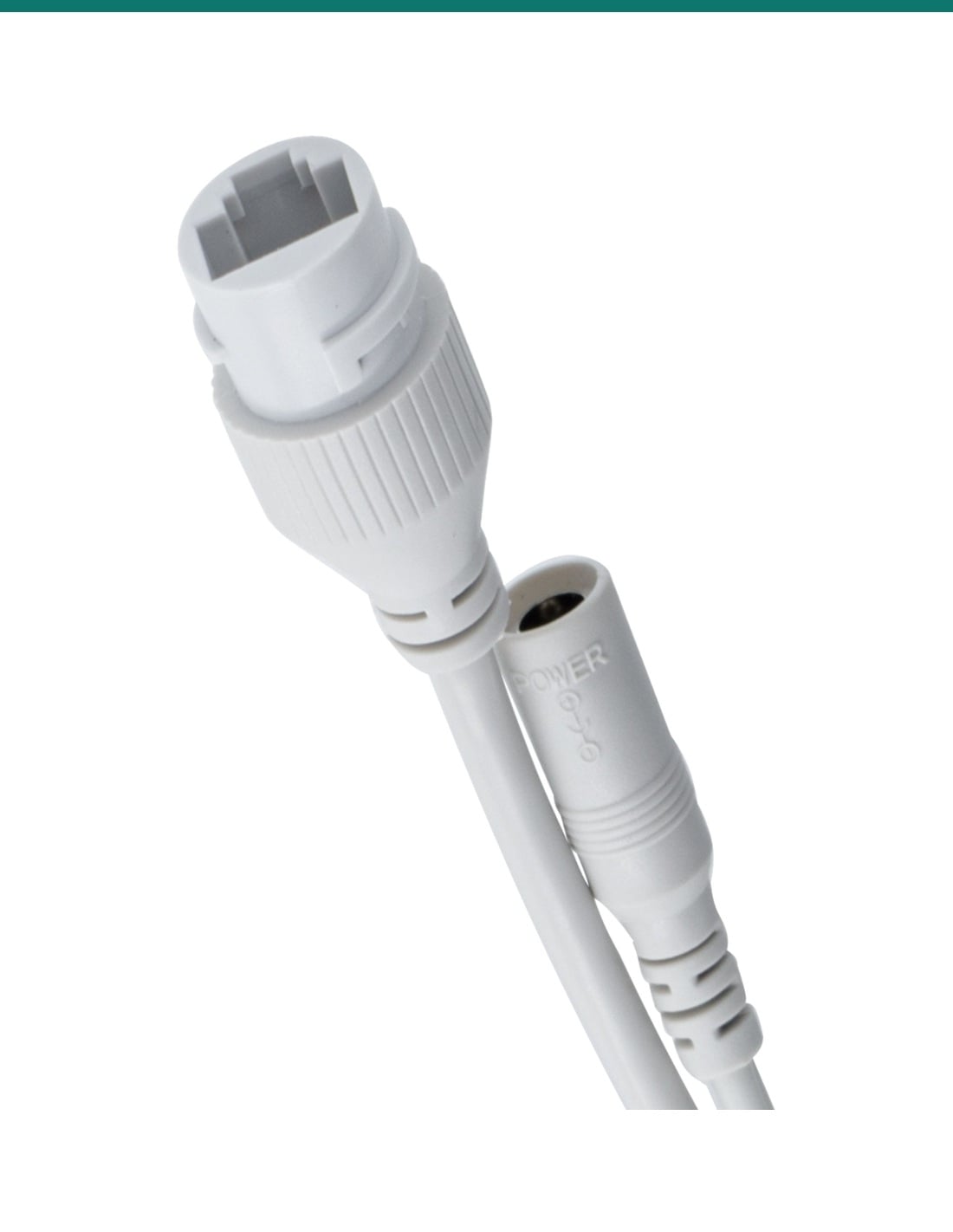
Run Cat5e or Cat6 to a PoE (IEEE 802.3af) recorder or switch port, or use a 12 V DC supply. Seal the cable tail joints from the weather.

03

Add it to the recorder

Find it with the IVSEC Device Config Tool, set a password, then add it to an IVSEC NVR, the IVSEC app (QR code) or any ONVIF Profile S, G or T recorder.
04

Zoom and set the rules

Zoom the lens remotely until the plate area fills the frame, then turn on licence plate detection, line crossing or intrusion.

Pair it with

What this camera does not include

Recorder

An IVSEC PoE NVR

Powers the camera, records around the clock and lets you search plates by thumbnail. Any ONVIF Profile S, G or T recorder can also be used.

Cable

Cat5e or Cat6

One cable run from the camera back to the recorder or PoE switch carries power and video.

Mounting

IV2422X junction box

IVSEC's large conduit box for this bullet, to hide the cable tail. IV2477X and IV2490X are also listed.

Storage

A microSD card

Optional, for recording in the camera or as a backup if the recorder is offline.
Where it is used

Where a 10x zoom bullet pays off.

Driveway and gate entries

Frame the plate area of vehicles coming and going.

Car park entries

Licence plate detection with allow, block and unknown lists.

Long side boundaries

Zoom down a fence line or lane with IR to 80 m.

Farms and rural driveways

Watch a distant gate or shed from the house.

Warehouses and depots

Read vehicles at the truck gate or weighbridge approach.

Schools and businesses

Cover the drop-off zone or staff car park from a building wall.

NC528XD or NC528XB

NC528XD (this camera)NC528XB
Resolution8MP, 3840 × 21605MP, 2592 × 1944
Frame rate30 fps (spec table)15 fps at full resolution
Lens5–50 mm, 49° to 7°5–50 mm, 50.9° to 7.6°
IR distanceUp to 80 mUp to 80 m
CompressionH.265+, H.265, H.264+, H.264, MJPEGH.265, H.264
ProtectionIP67, IK10IP66, vandal resistant
PowerPoE 802.3af or 12 V DC; under 10 WPoE 802.3af or 12 V DC; under 10 W
Size and weight88 × 88 × 242 mm, 1.43 kgØ108 × 301 mm, 1.468 kg

Same zoom range and IR distance. The NC528XD adds 8MP resolution, a faster frame rate, H.265+ and an IP67, IK10 rating. Figures from IVSEC's NC528XD datasheet (22 October 2026) and IVSEC's NC528XB product page.

Common questions

How far can it zoom?

10x optical, from 5 mm to 50 mm. The view narrows from 49° across at the wide end to 7° at full zoom.

Is a recorder included?

No. This listing is the camera only. It works with an IVSEC NVR, any ONVIF Profile S, G or T recorder, the IVSEC app, or a microSD card in the camera.

How is it powered?

From one network cable on a PoE (IEEE 802.3af) recorder or switch port, or from a 12 V DC supply. It draws under 10 W.

How far does it see at night?

Up to 80 m with its IR illuminators. Day and night switching is automatic.

Can it read number plates?

Yes. Licence plate detection is built in, and IVSEC calls it its best camera for longer-range plate detection. Plates show as thumbnails you can add to allow, block or unknown lists.

Can I zoom after it is mounted?

Yes. The zoom is motorised, so you set the view from the app, software or recorder. It does not pan or tilt.

What frame rate does it record at?

IVSEC's spec table lists 30 fps at 8MP, while its overview says 25 frames per second, so plan on 25 fps.

Does it record sound?

Only with an external microphone on its audio input. It has no built-in microphone. Check your state's surveillance laws before recording audio.

Can it go outside?

Yes. It is rated IP67 against weather and IK10 against impact, and runs from −35 °C to 60 °C.

Which junction box fits?

IVSEC lists the IV2422X large conduit box, plus the IV2477X and IV2490X, as accessories for this camera.

What is the difference from the NC528XB?

Both have a 5 to 50 mm zoom and IR to 80 m. The NC528XD records 8MP at a higher frame rate and is rated IP67 and IK10; the NC528XB is 5MP and IP66.

Who can install the cable?

Concealed data cabling to the camera is customer cabling under AS/CA S009 and needs an ACMA-registered cabler. Any new power point needs a licensed electrician.

Supported by InFront Technologies.

Help choosing the recorder, junction box or plate-reading setup: call 1300 736 970 or email [email protected]. The datasheet is on the Attachments tab.

Installation and safety

Low-voltage camera. Runs from PoE or 12 V DC, under 10 W. There is no mains wiring; a new power point needs a licensed electrician.

Cabling. Concealed data cabling is customer cabling under AS/CA S009 and needs an ACMA-registered cabler.

Privacy. Filming beyond your boundary and storing plate data are covered by state and territory surveillance and privacy laws. Check them and use signage.

What it does not do. No pan or tilt, no built-in microphone or speaker, no deterrent lights, no Wi-Fi, and no gigabit network port (10/100 Mbps).

Figures. From IVSEC's NC528XD datasheet, updated 22 October 2026.

Video

Click on a thumbnail to load the video

  •  video
INFRONTTECH Promotional Banner INFRONTTECH Promotional Banner INFRONTTECH Promotional Banner

Need help choosing?

Tell us about your property and we'll recommend the right cameras and recorder.

07 5609 4910

Sydney 02 8814 6008
[email protected]

Mon–Fri, 9am–5pm AEST

Saved to your wishlist Find it any time in your account. View list