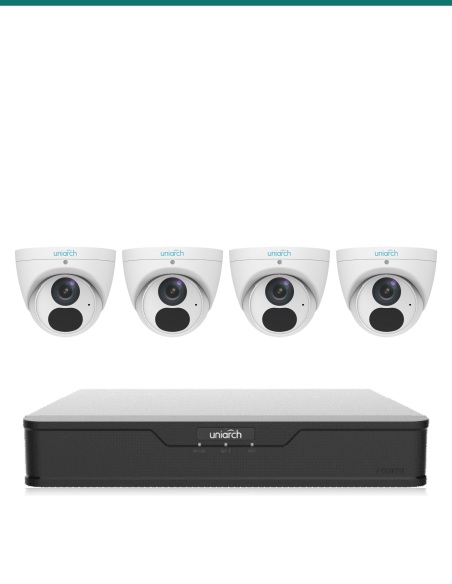
There are no more items in your cart
In stock


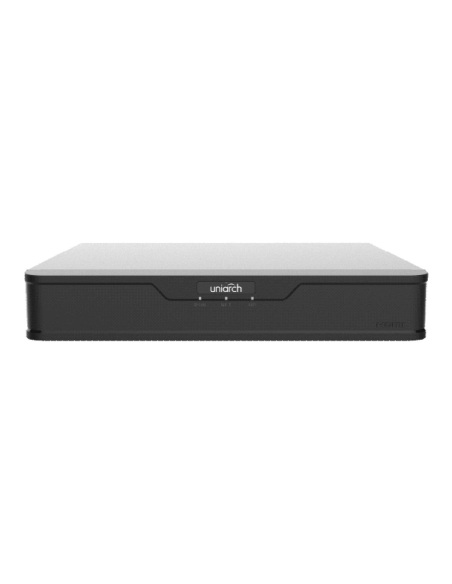
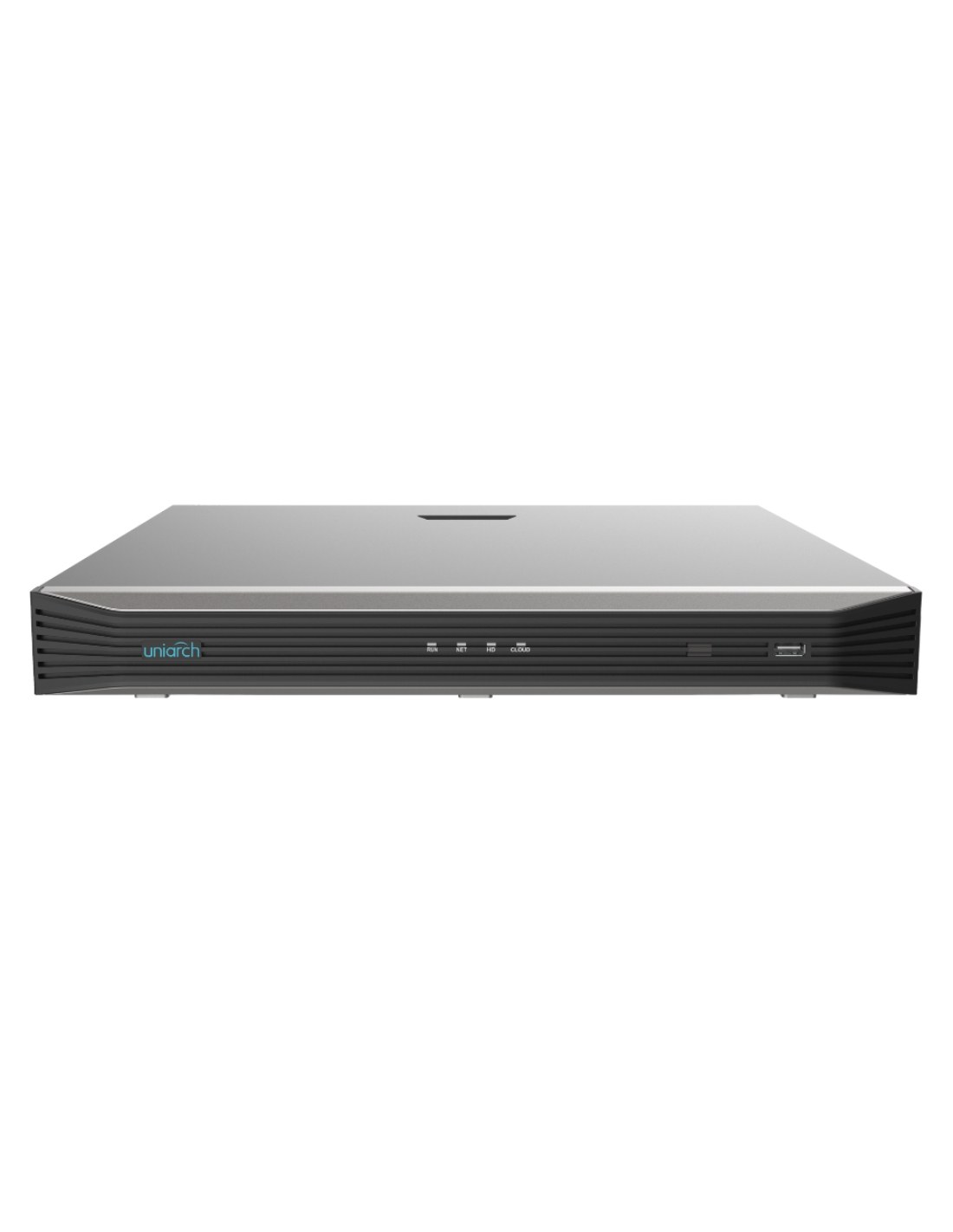
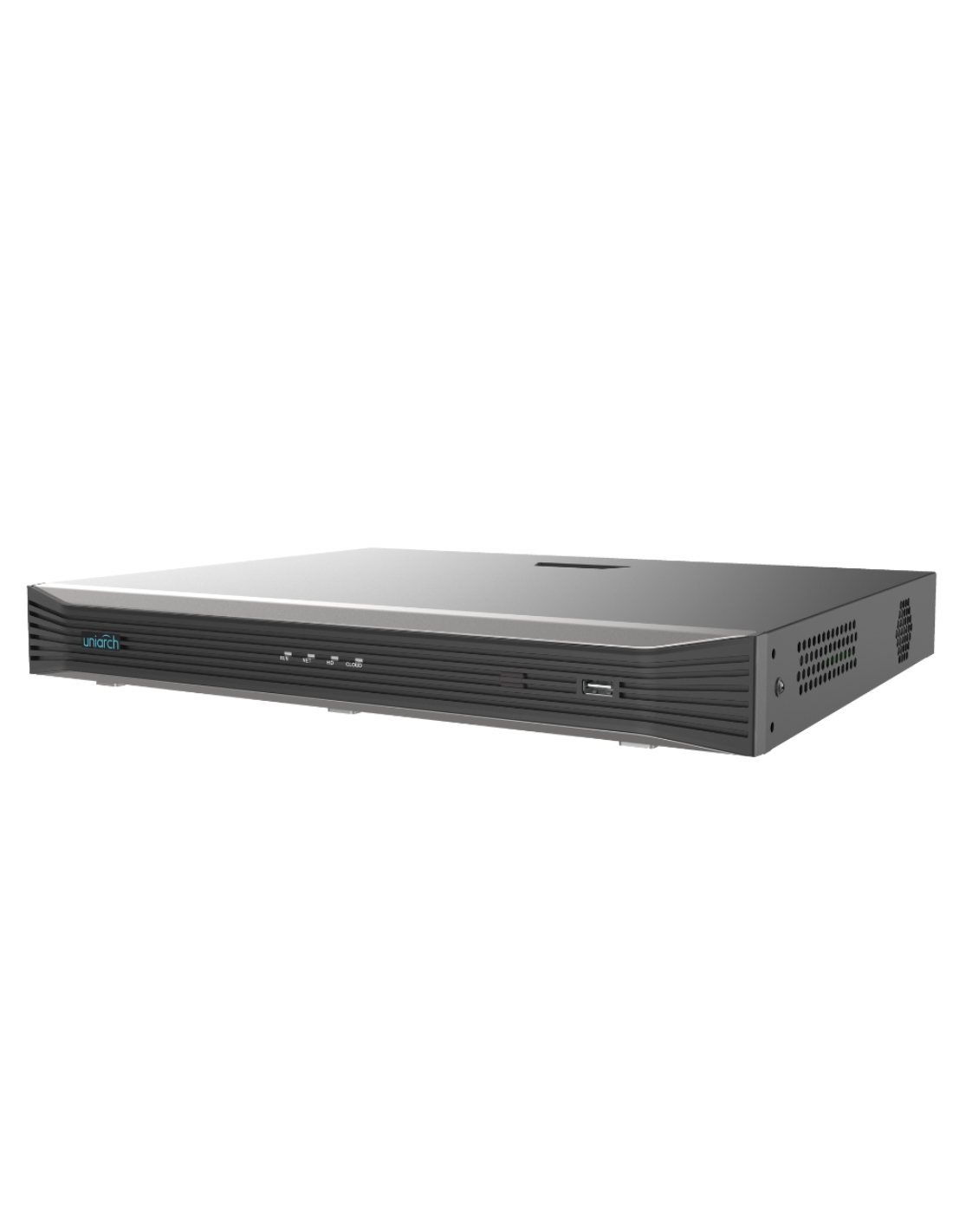
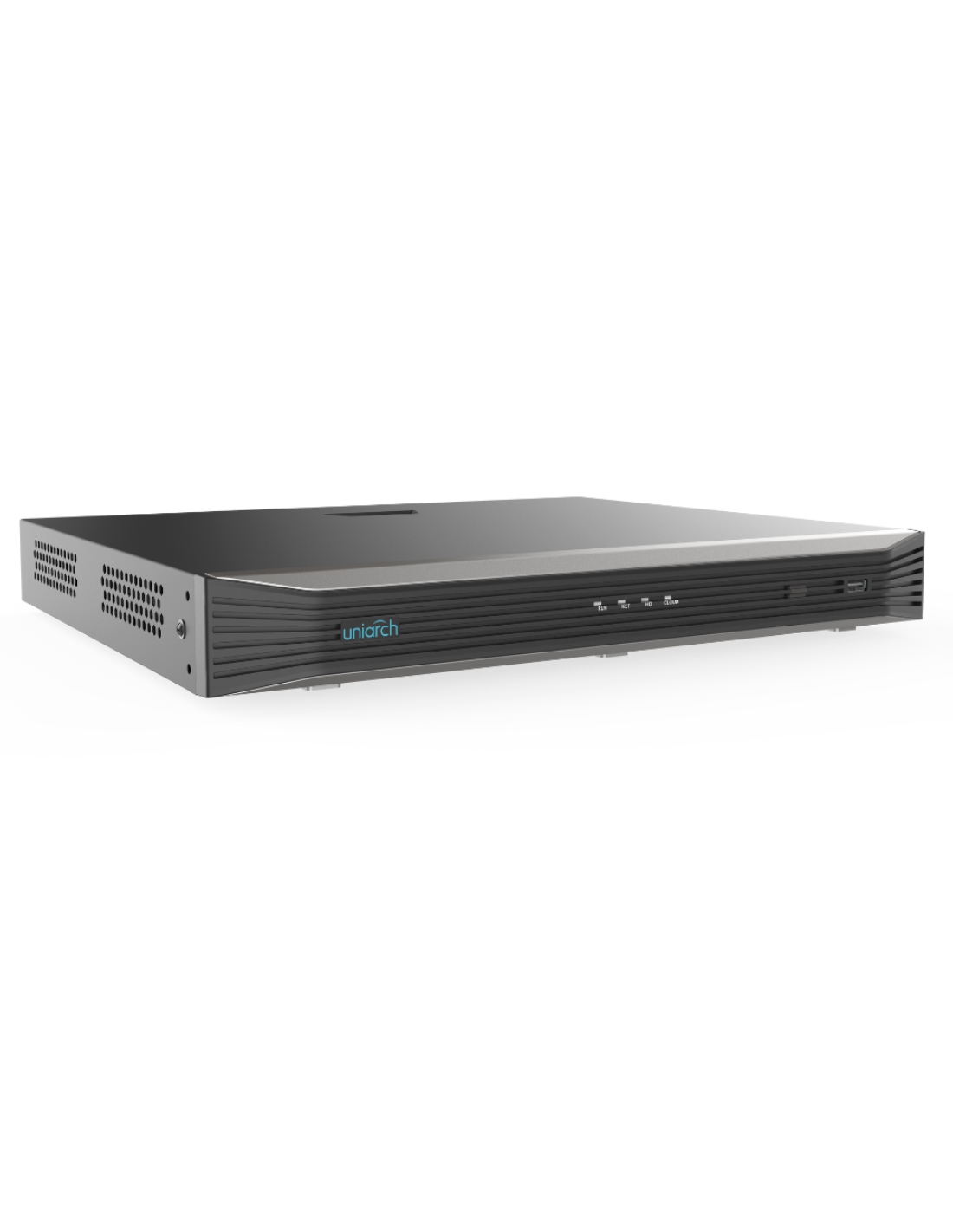
Uniarch NVR-216E-P16 16-channel network video recorder with 16 built-in PoE ports. Records up to 8MP (4K), takes two drives of up to 10TB each and outputs on HDMI and VGA at once.


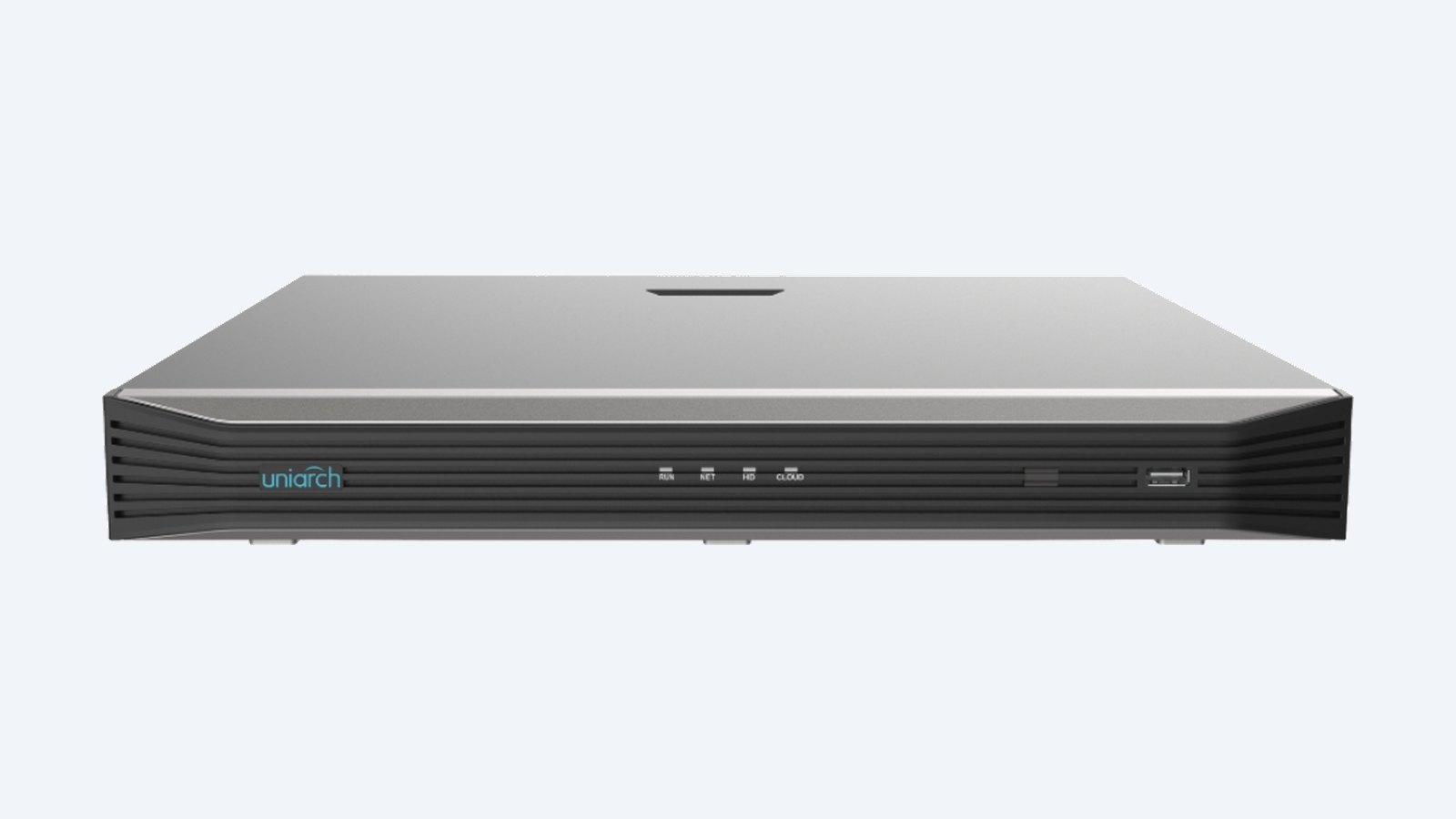
This is the Uniarch NVR-216E-P16. A 16-channel recorder with sixteen PoE ports, so every camera runs on one Cat6 cable. It records up to 8MP (4K) per camera, takes two drives of up to 10TB each and shows the cameras on HDMI and VGA at the same time.
In one sentence: the NVR-216E-P16 is a 16-channel Uniarch NVR with 16 PoE ports, two SATA bays up to 10TB each, 160 Mbps incoming bandwidth, recording up to 8MP and simultaneous HDMI and VGA output.
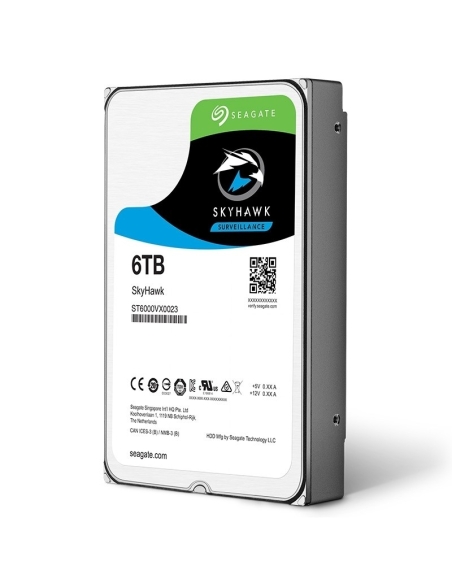
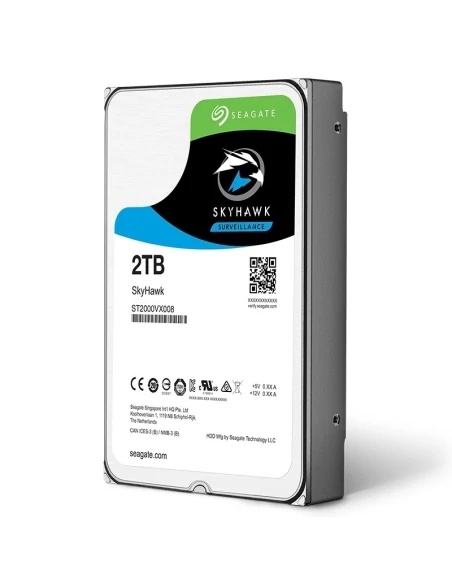
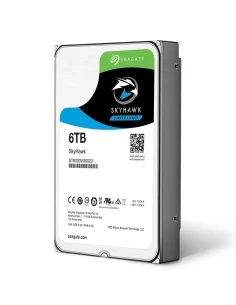
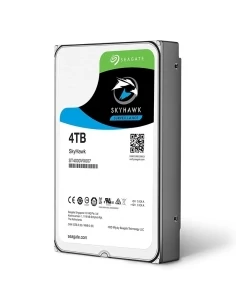
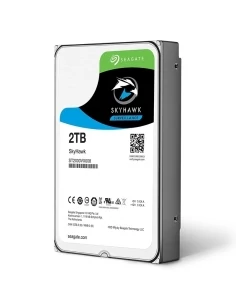
Order it without a drive, or with a 2, 4, 6 or 8TB drive fitted.
The NVR-216E-P16 arrives without a hard drive, cameras or screen. Add one or two surveillance hard drives, the cameras and a screen. The recorder powers the cameras itself through its PoE ports.
Each camera plugs into its own port on the back and takes power and video down the same cable. Uniarch cameras on the default password are found and added by themselves, and recording carries on whether or not the internet is connected.
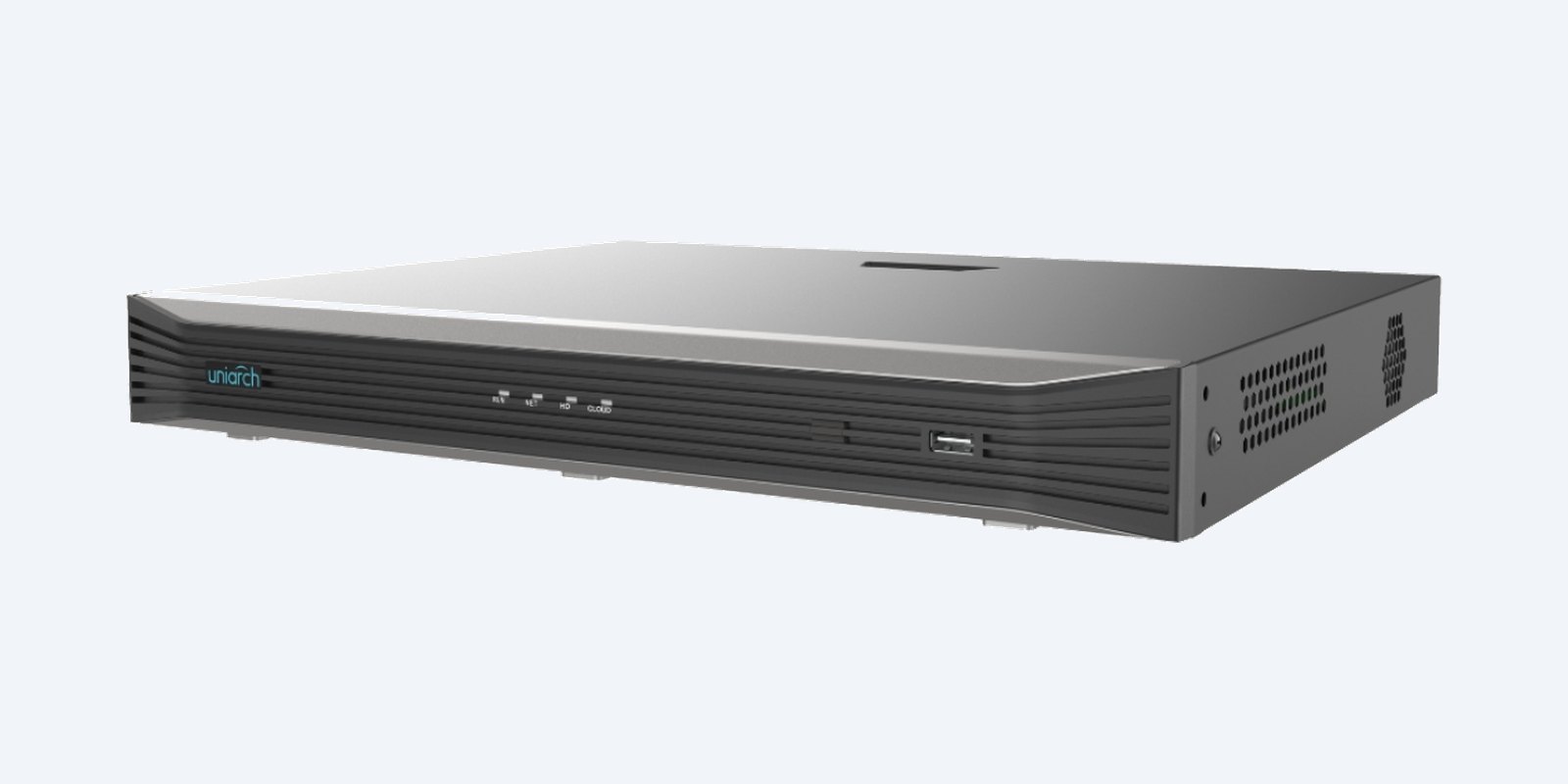
Front panel
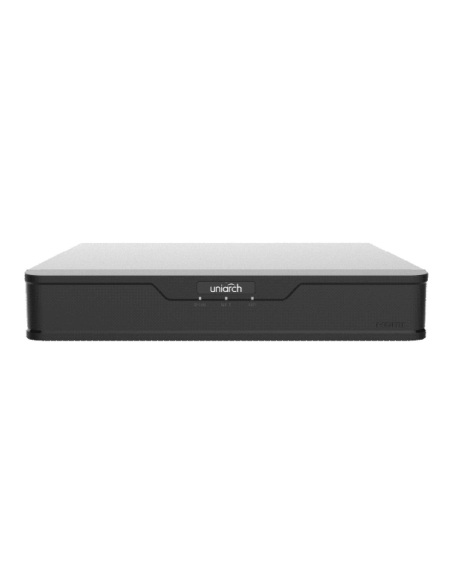
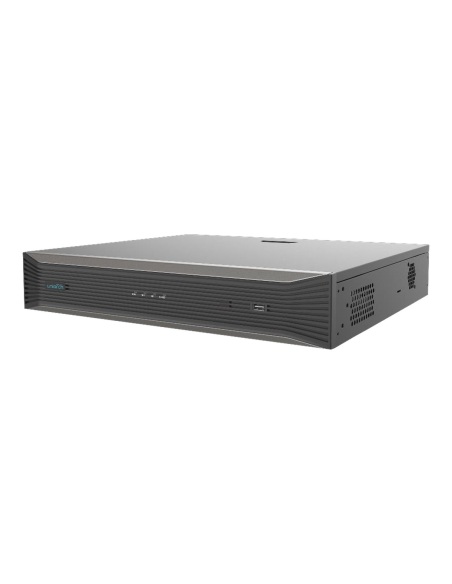
Four lights show power (RUN), network (NET), hard drive (HD) and cloud connection (CLOUD) at a glance. The front USB port takes a stick or mouse for setup and copying footage.
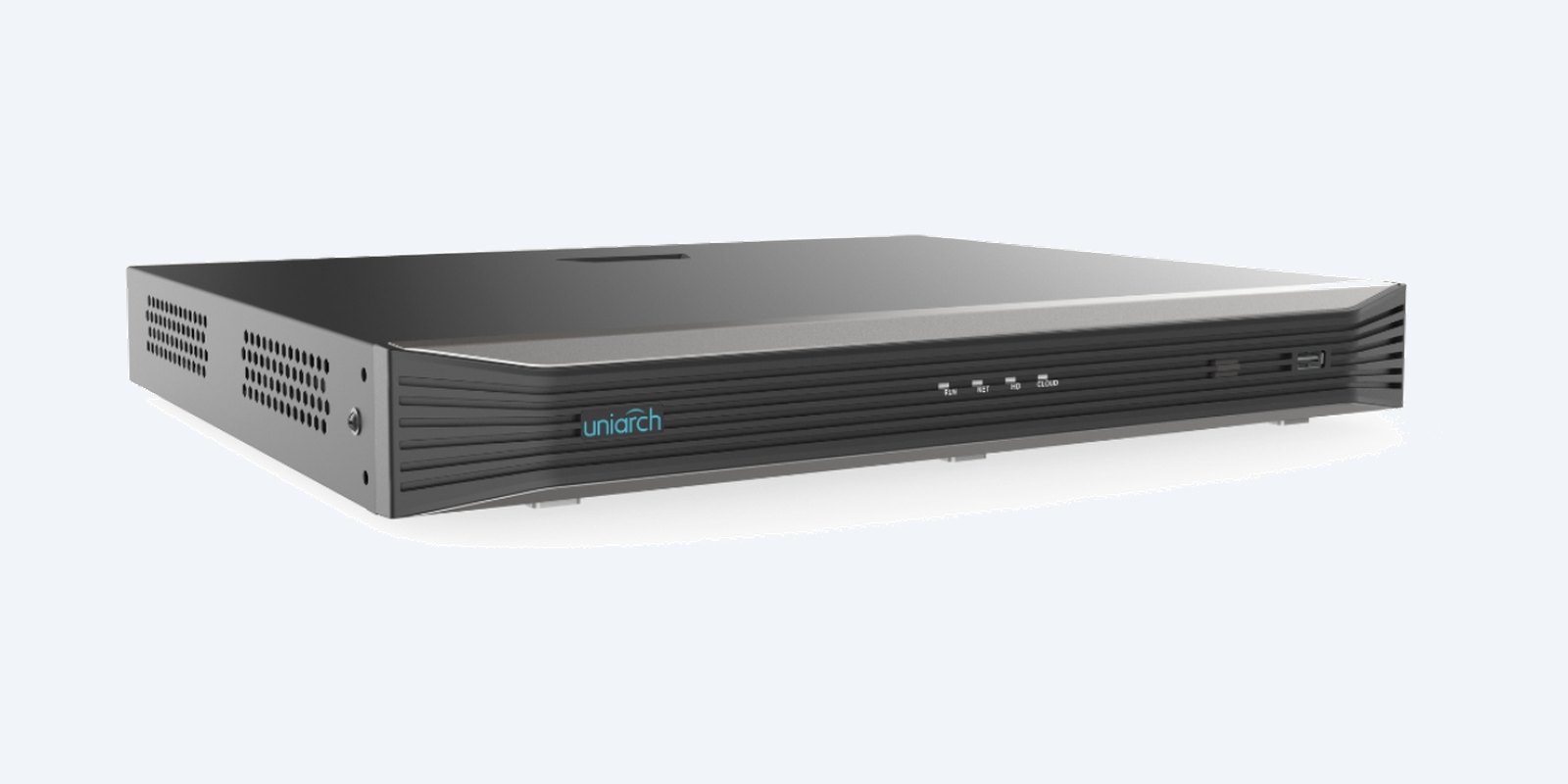
Case
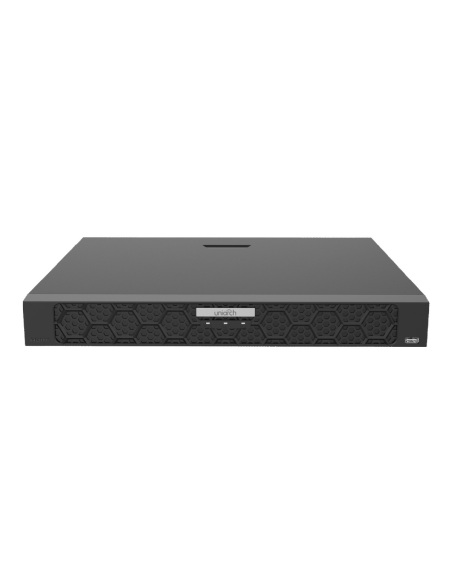
The low case sits on a shelf or in a comms cabinet. Leave a few centimetres clear at each side so air can move through the vents, especially with two drives fitted.
How it goes in
01
With the power off, open the lid and fit a surveillance drive in each bay you are using. Format it from the setup wizard.
02
Run Cat6 from each camera to a PoE port on the back. Uniarch cameras are found and added automatically.
03
HDMI or VGA to the monitor, the network port to your router, then power on and follow the wizard.
04
Add the recorder to the Uniarch app for live view, playback and alerts on your phone.
At a glance
Show specs
Channels
16 IP cameras
PoE
16 ports
Recording
Up to 8MP (4K) per camera
Compression
Ultra 265, H.265, H.264
Bandwidth
160 Mbps in, 64 Mbps out
Playback decoding
2 × 4K @30
Outputs
1 × HDMI, 1 × VGA, simultaneous
Storage
2 SATA, up to 10TB each
Playback tools
Smart search, corridor mode
Setup
Plug and play for Uniarch cameras
Remote access
Uniarch app and PC client
Updates
Cloud upgrade
Pair it with
Storage
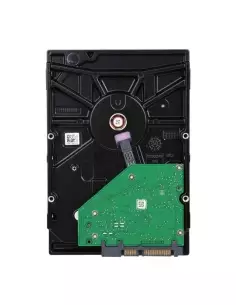
Surveillance-rated 2, 4 or 6TB drives built for 24/7 recording. Fit two to double the recording history.
Cameras
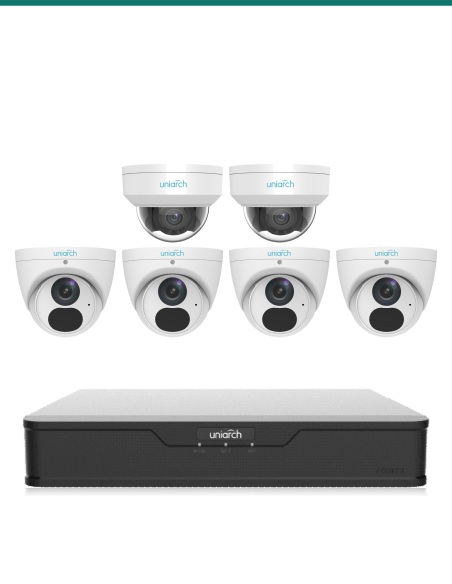
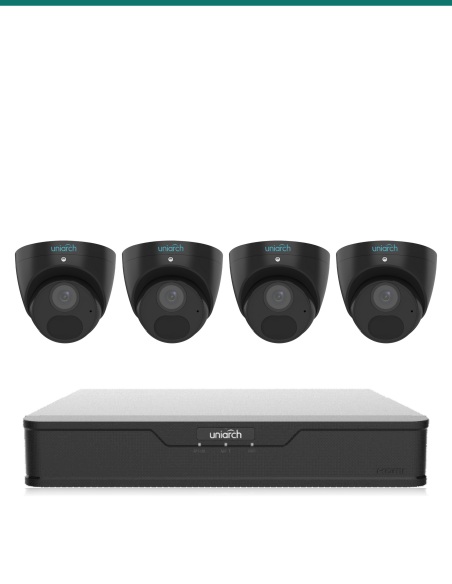
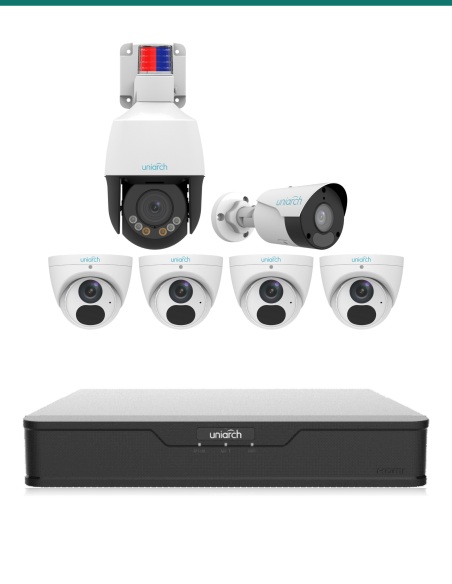
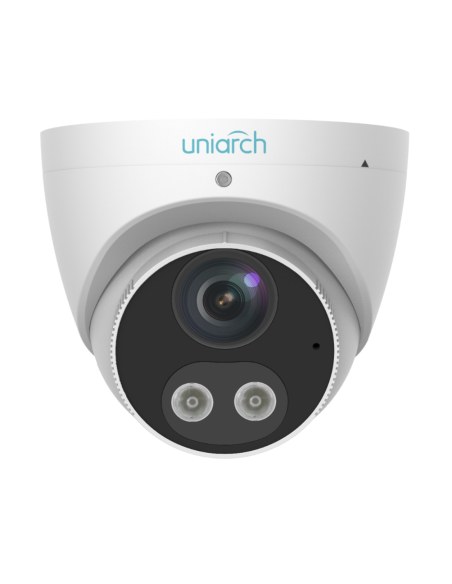
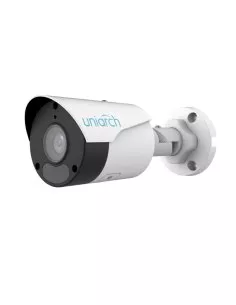
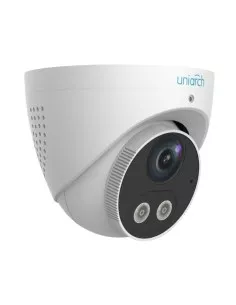
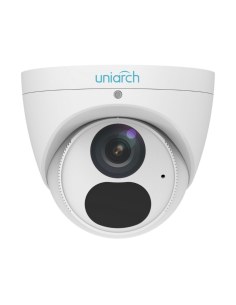
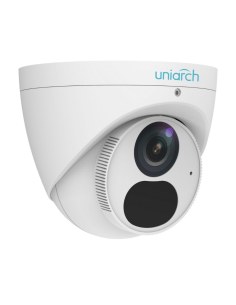
6MP and 8MP Uniarch turrets, bullets and domes plug straight in and are added automatically.
Viewing
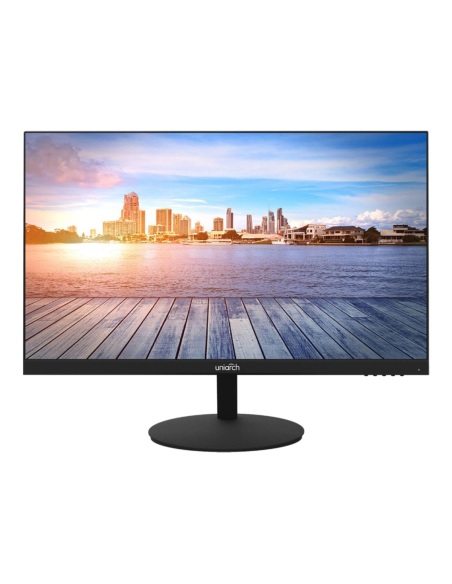
Full HD screens rated for 24/7 use, with HDMI and built-in speakers.
Cabling
Solid-copper Cat6 for PoE runs of up to 100 m to each camera.
Where it is used
House, sheds, gates and driveway on one recorder.
Registers, entry, kitchen, stock room and back lane.
Roller doors, racking aisles and the yard.
Reception, corridors and the car park.
| NVR-216E-P16 | NVR-216B-P16 | NVR-432XU-P16 | |
|---|---|---|---|
| Camera channels | 16 | 16 | 32 |
| PoE ports (budget) | 16 (—) | 16 (240 W) | 16 (150 W) |
| Max recording | 8MP (4K) | 16MP | 12MP |
| Hard drive bays | 2 × up to 10TB | 2 × up to 16TB | 4 × up to 10TB |
| RAID | — | RAID 1 | RAID 1, 5 |
| Incoming bandwidth | 160 Mbps | 320 Mbps | 320 Mbps |
| Video outputs | HDMI + VGA | HDMI + VGA | HDMI + VGA |
| Alarm in / out | — | 8 / 2 | 16 / 4 |
— means Uniarch has not published the figure for that model. All three record Ultra 265, H.265 and H.264. NVR-216B-P16 and NVR-432XU-P16 figures from the Uniarch datasheets.
Sixteen IP cameras, each on its own PoE port on the back. Each port carries the camera’s power and video on one Cat6 cable.
No. It ships without a drive so you can choose the storage. We can fit a 2, 4, 6 or 8TB surveillance drive before it leaves us, or you can fit your own.
Two SATA bays take drives of up to 10TB each, so up to 20TB in total. When the drives are full it records over the oldest footage first, so it never stops recording.
Uniarch does not list RAID for this model, so the two drives add together for longer history. If you need mirroring, the NVR-216B-P16 supports RAID 1.
Up to 8MP (4K) per camera, in Ultra 265, H.265 or H.264. Ultra 265 stores the same picture in less space, so the drives hold more days. Playback decodes two 4K streams at 30 fps at once.
Yes, it works with IP cameras from other makers. Uniarch cameras add themselves automatically; other brands are added from the camera menu, and normally give video and basic motion only.
Yes. Connect the network port to your router and add the recorder to the Uniarch app for live view, playback and alerts. The Uniarch PC client works on a computer.
Any monitor or TV with HDMI or VGA. Both outputs run at the same time, so you can have one screen at the desk and one in the office. The Uniarch MT-22-V and MT-24-V suit it.
In playback, draw a box over the area you care about, such as a door or a car. The recording runs fast and slows down whenever there is movement inside the box, so you find the moment quicker.
It shows a camera in a tall, portrait view, which suits hallways, aisles and side passages where a wide picture wastes most of the frame.
Both take sixteen PoE cameras and two drives. The NVR-216B-P16 adds 16MP recording, RAID 1, 320 Mbps bandwidth, a 240 W PoE budget, gigabit networking and alarm inputs. The NVR-216E-P16 is the simpler choice for 4K and lower cameras.
Uniarch 3-year manufacturer warranty, handled in Australia through us. Contact us first and we will organise any claim.
Not sure how many channels or how much storage you need? Call 1300 736 970 or email [email protected] with the number of cameras and how many days you want to keep, and we will size the drive.
Power. Use only the power supply supplied with the recorder. Switch off and unplug before fitting or removing drives.
Placement. Use indoors on a flat, dry shelf with space around the side vents. Keep it somewhere secure so a thief cannot take the footage with it.
Figures. From Uniarch’s product information for the NVR-216E-P16. Uniarch has not published a full datasheet for this model; call us if you need a figure that is not listed. Uniarch 3-year manufacturer warranty, handled in Australia through us.

Click on a thumbnail to load the video


Need help choosing?
Tell us about your property and we'll recommend the right cameras and recorder.
07 5609 4910Sydney 02 8814 6008
[email protected]
Mon–Fri, 9am–5pm AEST
20 related items