There are no more items in your cart
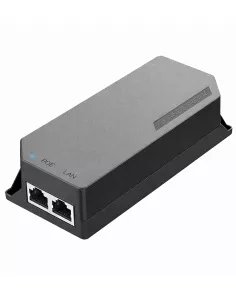
In stock


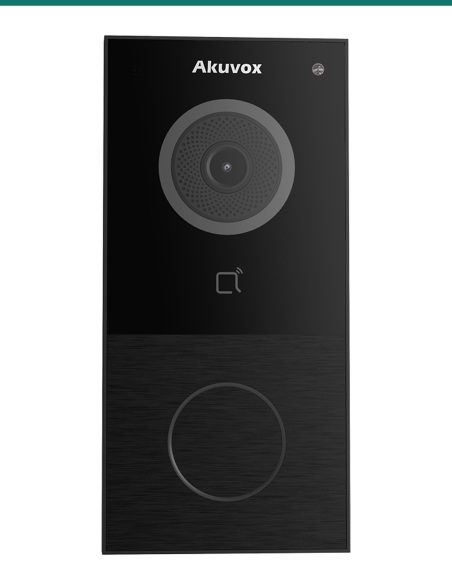
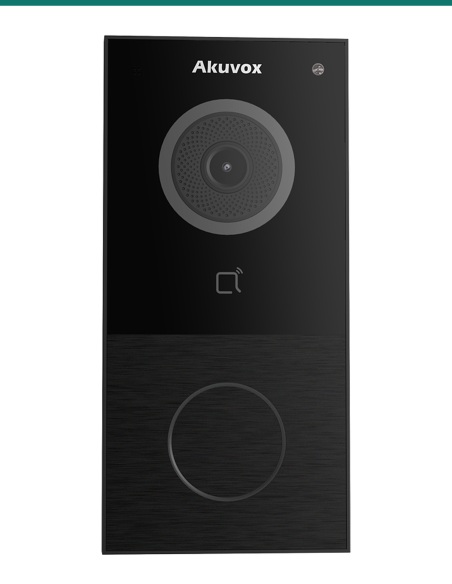
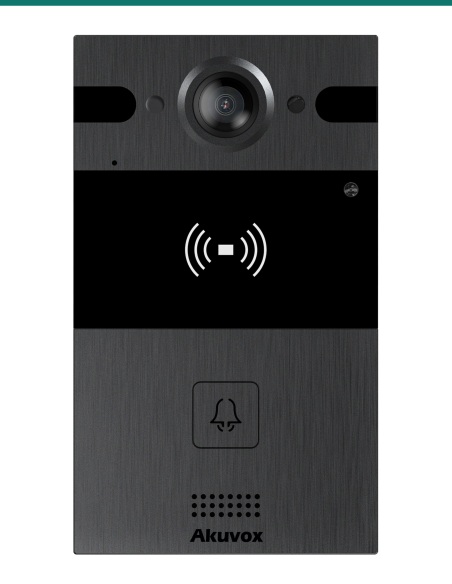
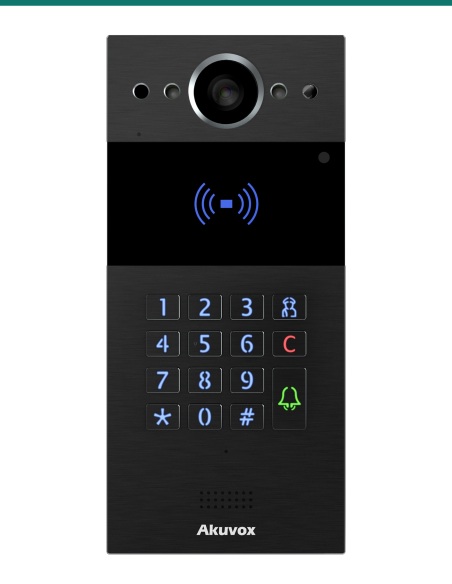
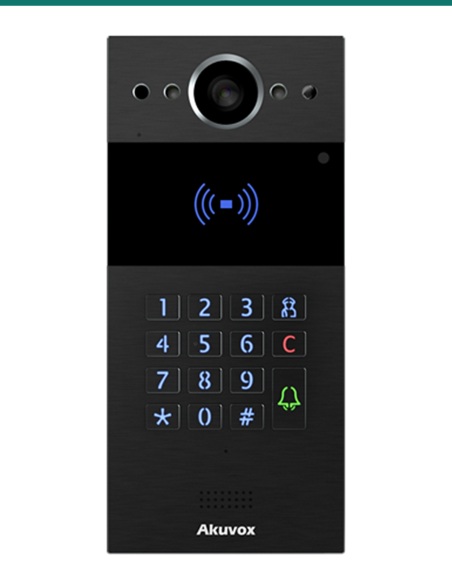
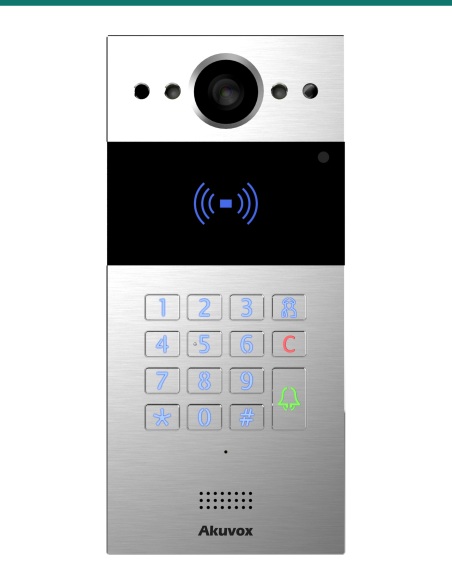
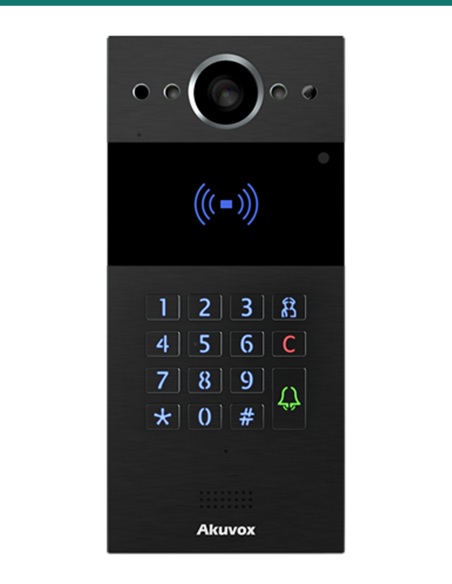
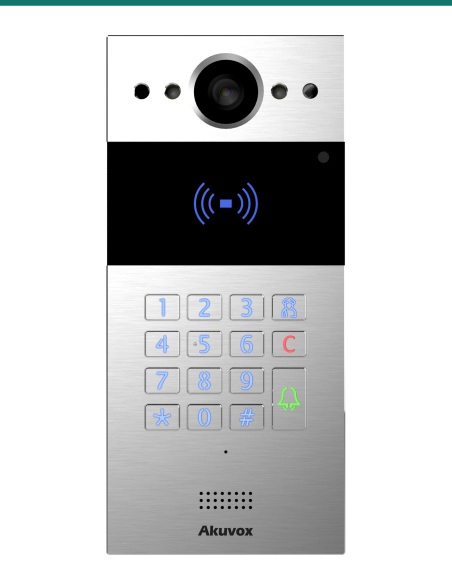
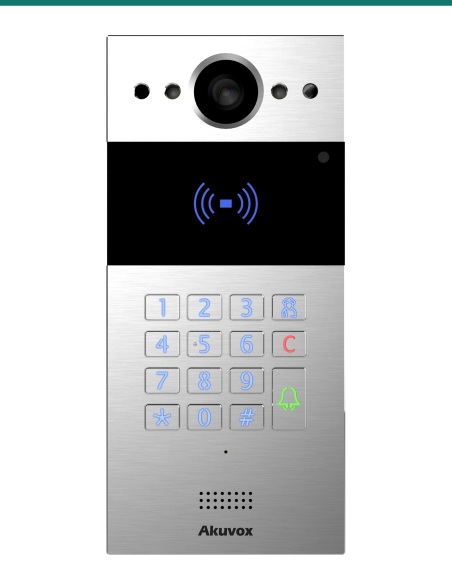
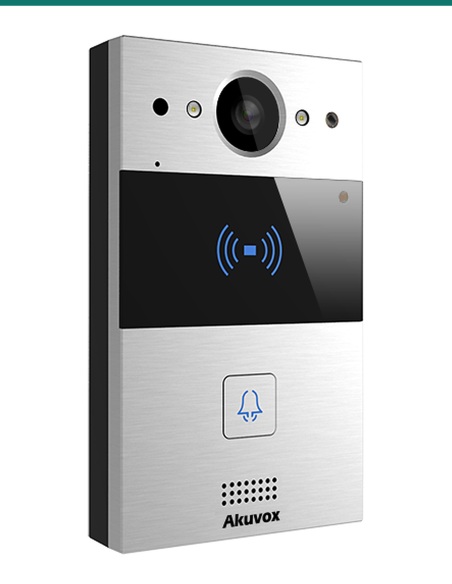
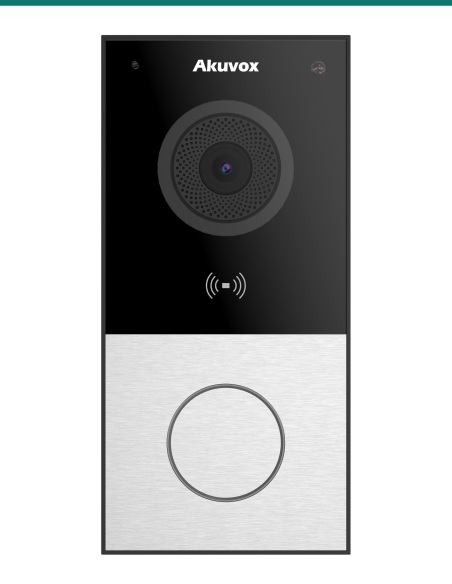
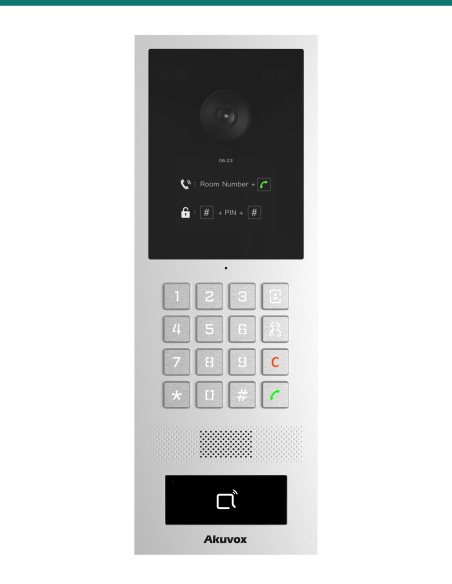
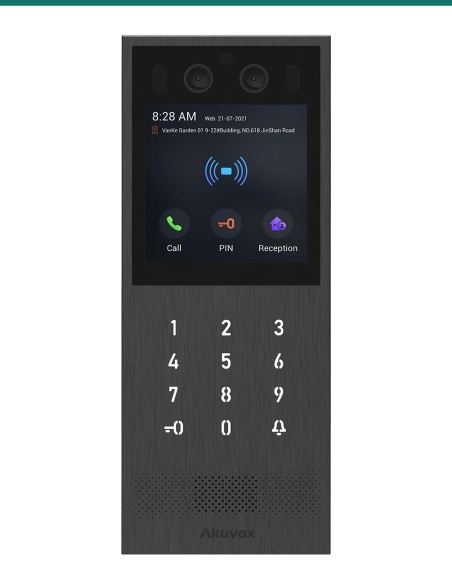
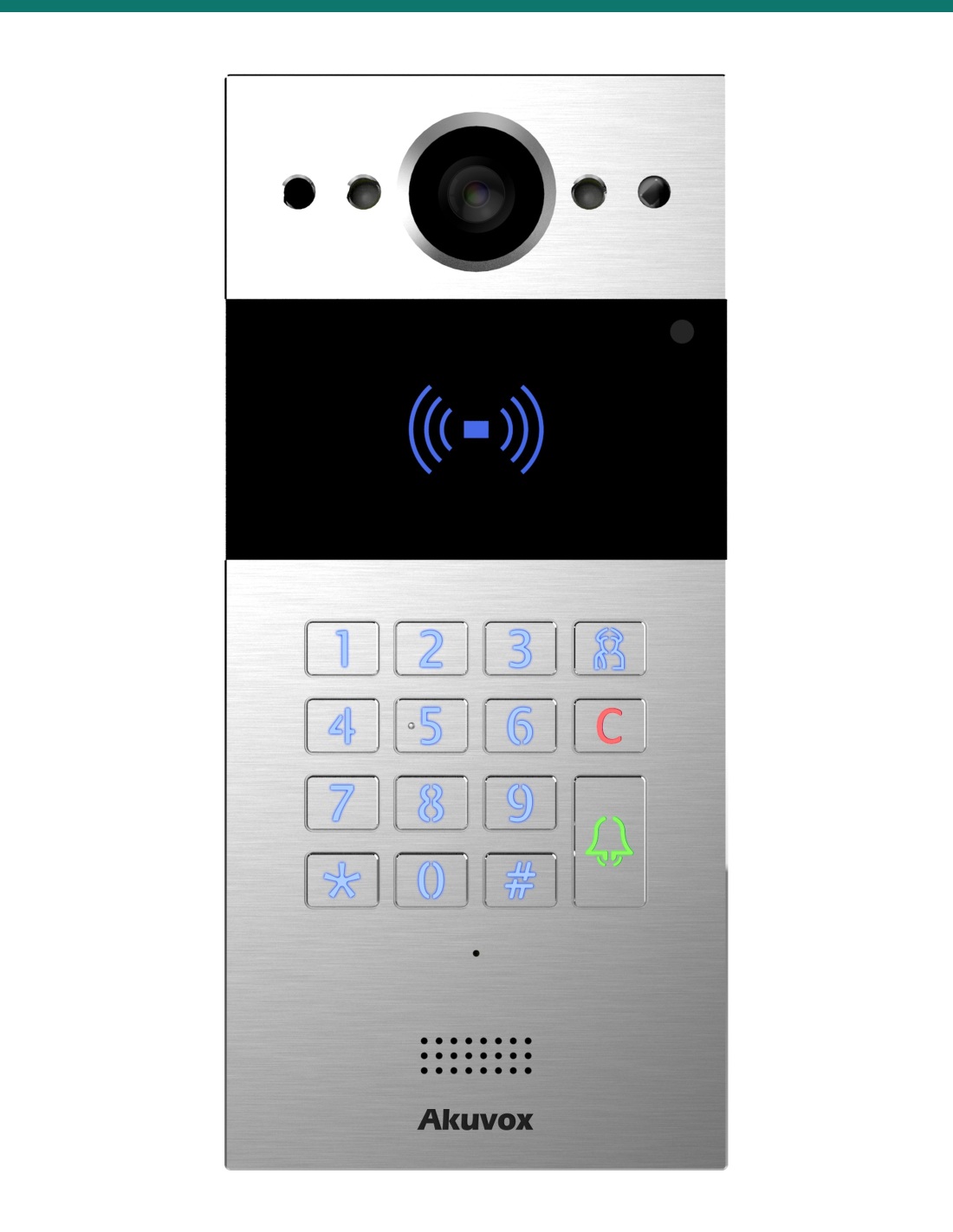
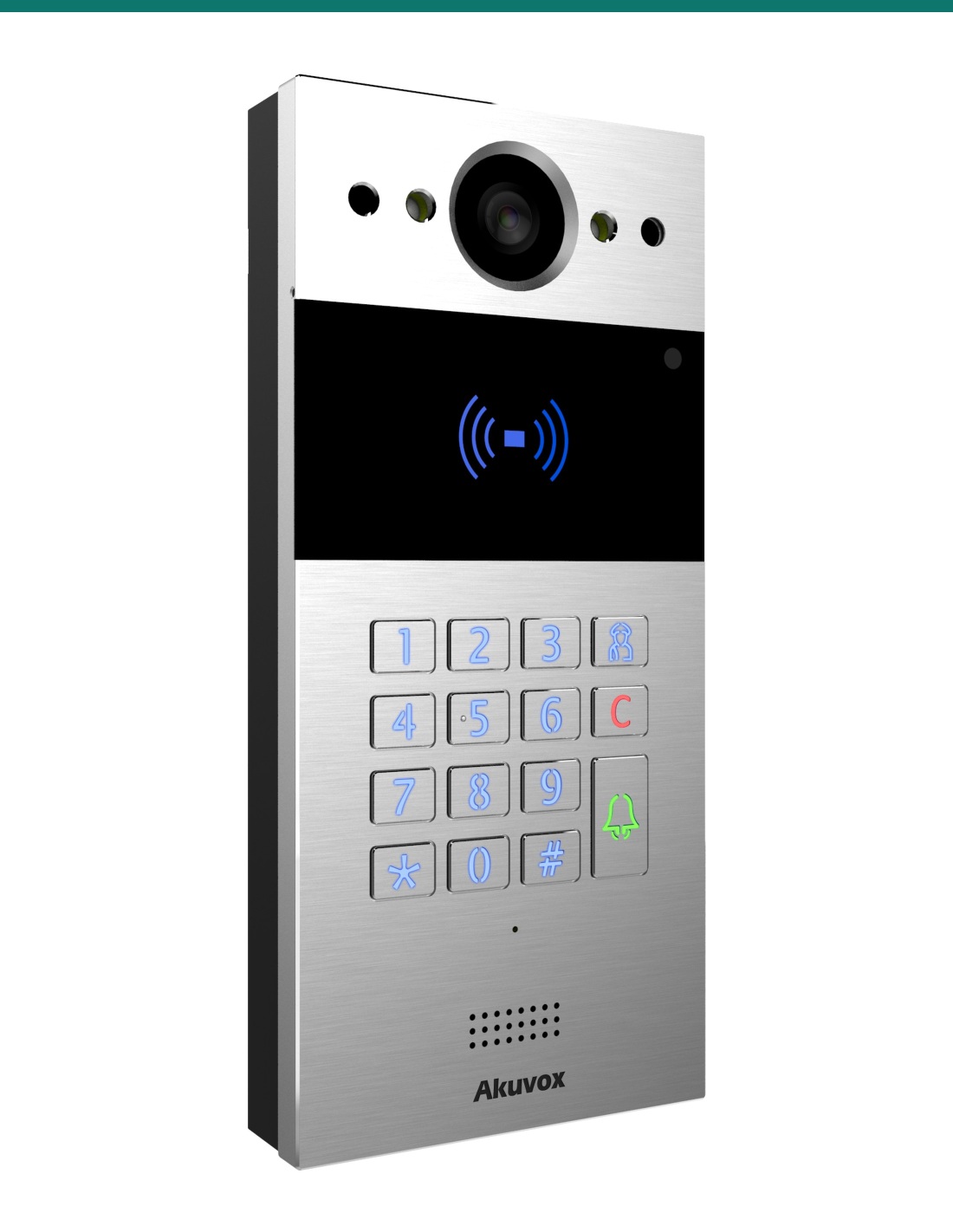
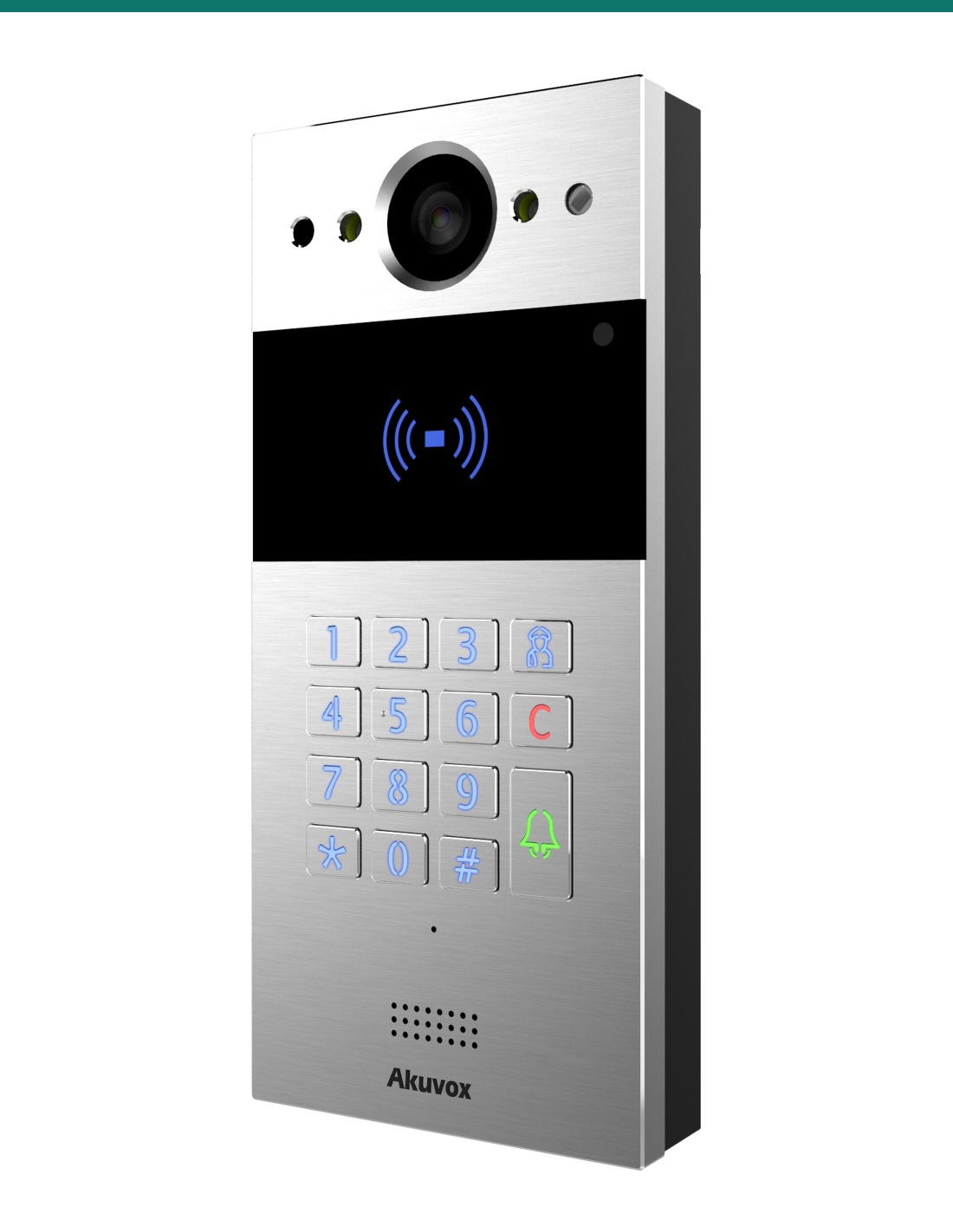
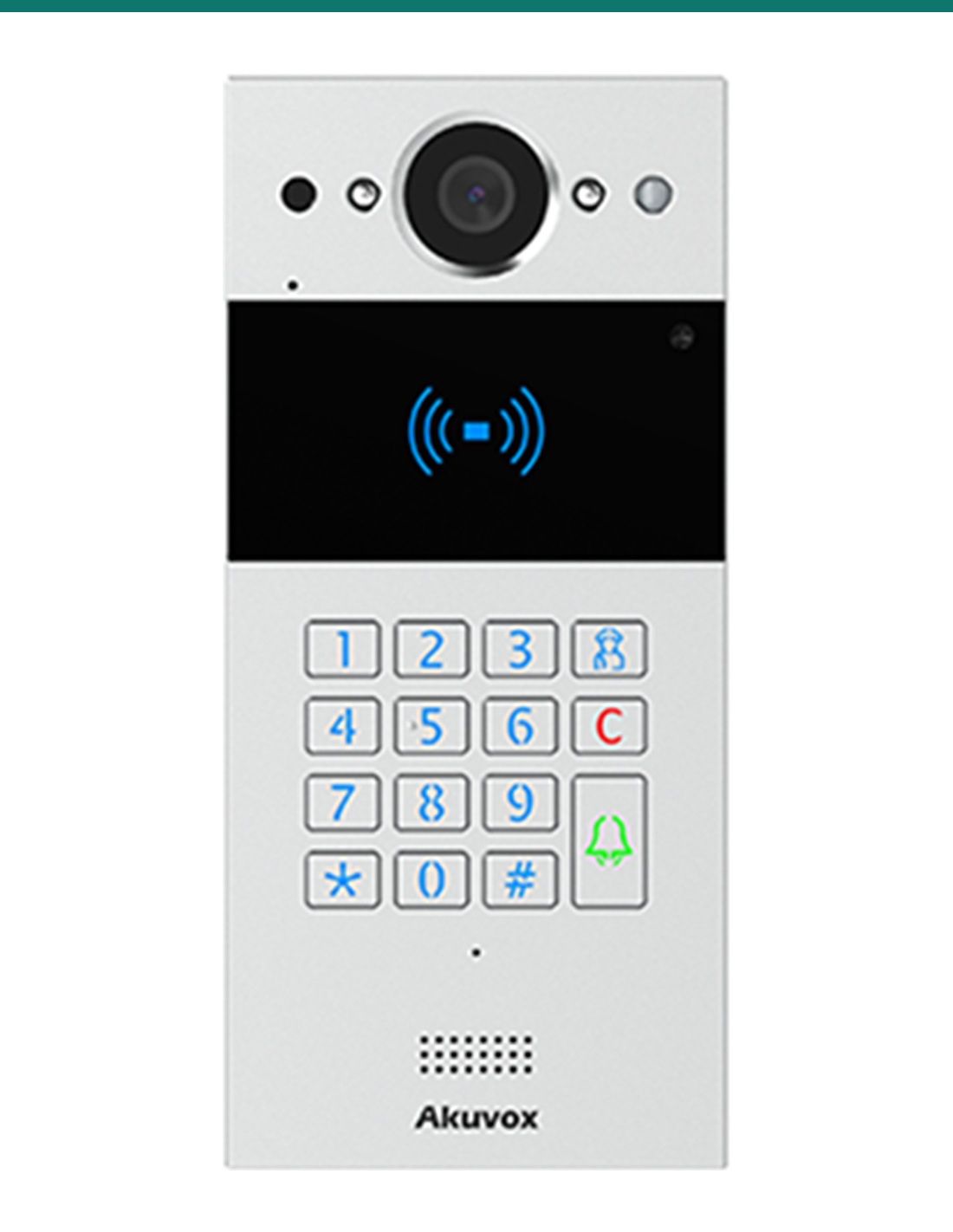
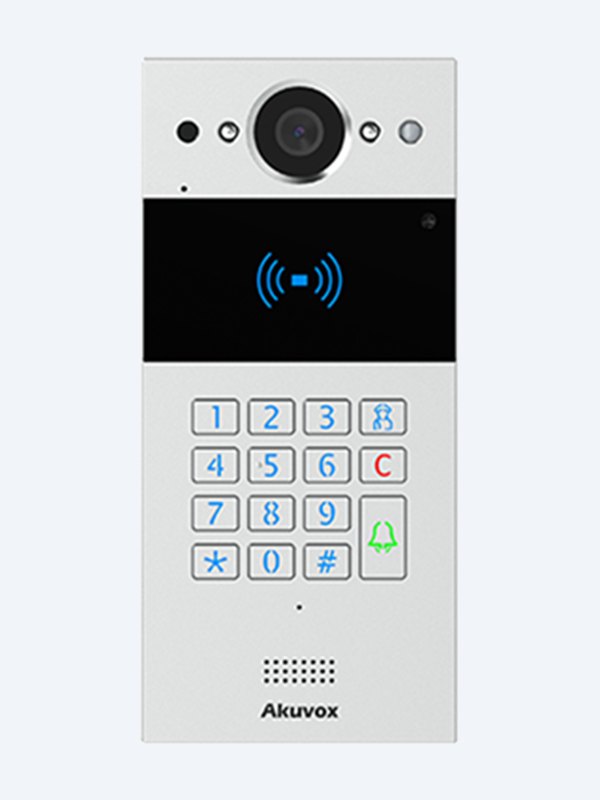
Akuvox R20K in silver is a compact keypad SIP video door phone for apartment and office entries. A 2 MP wide-angle camera, PIN, card and NFC entry, two lock relays and an IP65 aluminium front in a plate just 85 mm wide. PoE powered.
The AK-R20K-SILVER is Akuvox’s R20K in silver aluminium alloy. It packs a numeric keypad, a dual-frequency card reader and a 2 MP camera into a plate small enough for a narrow door frame — the go-to keypad station for apartment blocks and office entries.
This SKU is the door station only.
You receive the silver R20K with its wall-mounting bracket, wiring cover and fixings. Indoor monitors, in-wall kit, rain hood, PoE switch and lock hardware are sold separately.
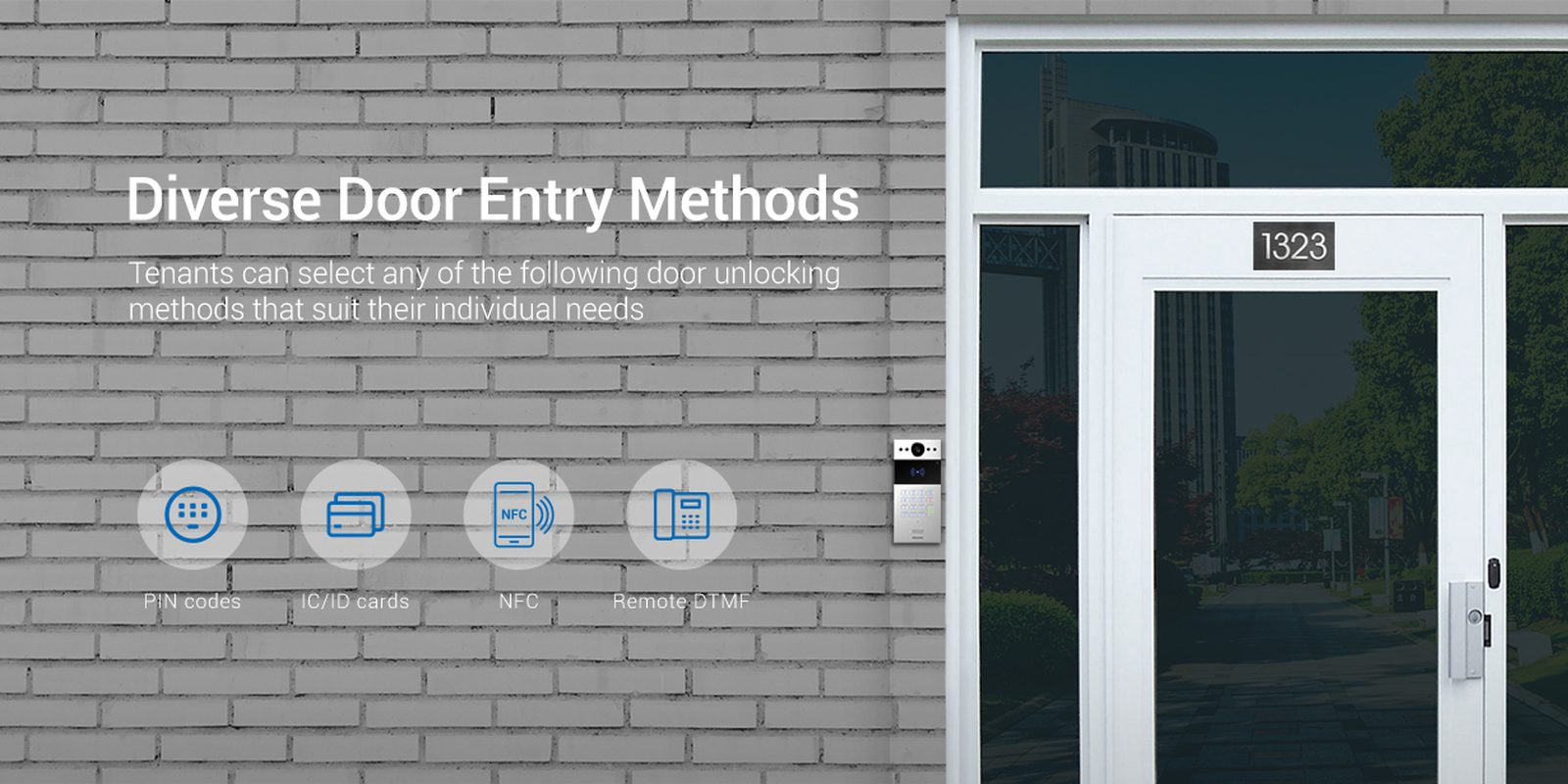
Visitors key in a flat number and the resident sees them before opening up. Residents skip the call — tap a card, enter a PIN, hold up an Android phone or unlock from the SmartPlus app.
Camera
2 MP 1/2.8″ CMOS camera with a 110° horizontal and 58° vertical view. Video streams in H.264 at up to 1920 × 1080, 1080p at 30 fps.
IR LEDs, a light sensor and 0.1 lux minimum illumination keep night calls usable, and a motion sensor wakes the station as visitors approach. ONVIF and RTSP let you record the door on your NVR.
Built for outside
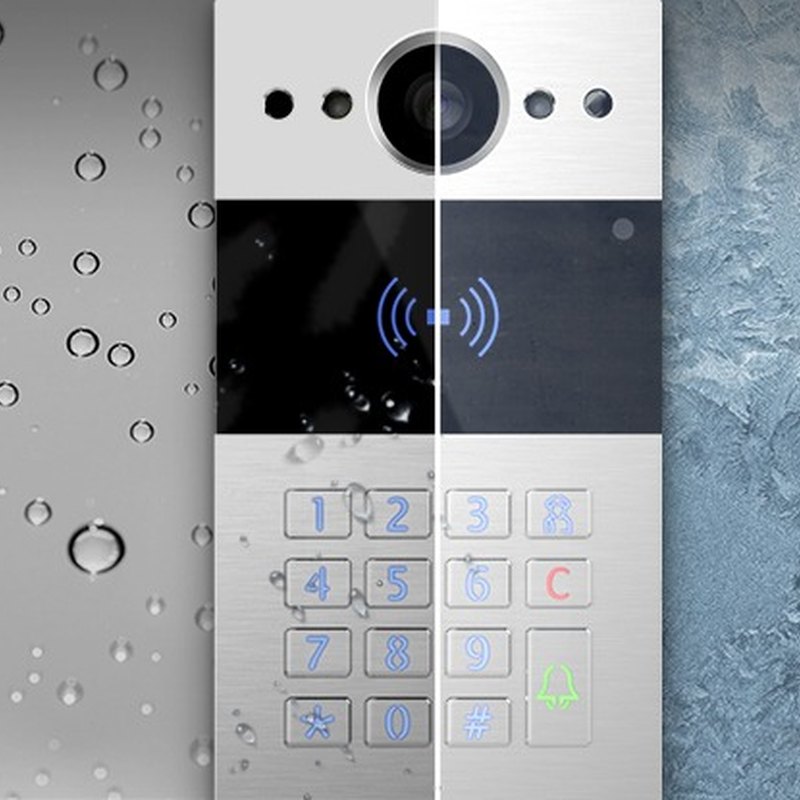
Silver aluminium alloy front, IP65 rated against rain and dust, and a tamper alarm. 185 × 84.5 × 24 mm, so it fits mullions and narrow frames.
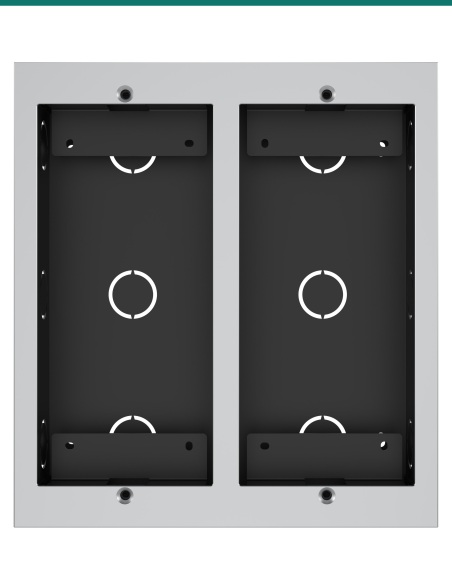
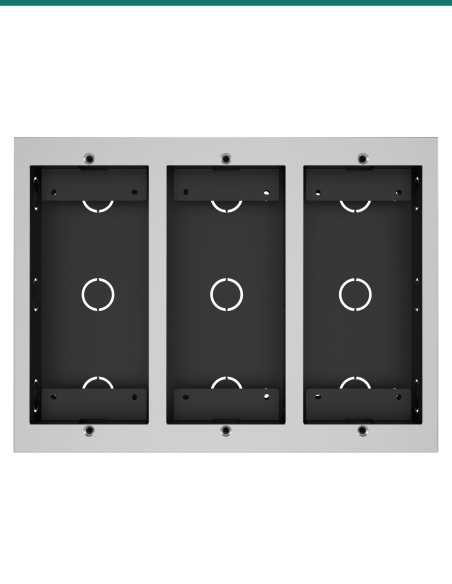
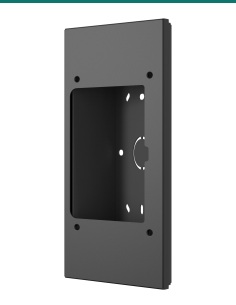
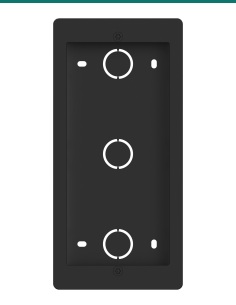
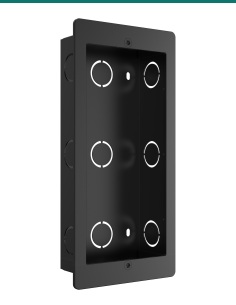
Surface-mounts as supplied. For a flush finish add the R20K in-wall kit, and fit a rain hood on exposed elevations.
Access
The 13.56 MHz and 125 kHz reader takes EM, MIFARE and DESFire EV1 / EV2 / EV3 credentials, plus NFC from Android phones. It stores up to 25,000 cards, 5,000 PINs and 5,000 users.
Two relays drive two doors or a door and a gate. Two inputs, selectable Wiegand in/out and RS485 connect exit buttons, door sensors and access controllers.
How it works
01
Surface-mount as supplied, or fit the R20K in-wall kit for flush. Add a rain hood where the door is exposed.
02
Run 802.3af PoE to the RJ45, then register the station to Akuvox indoor monitors, SmartPlus or your SIP PBX.
03
Load cards, PINs and room numbers in the web portal, or import an access table: up to 25,000 cards and 5,000 PINs.
04
Place a call, check the picture day and night, and confirm each relay releases the right lock.
At a glance
Show all specifications
Pair it with
Indoor
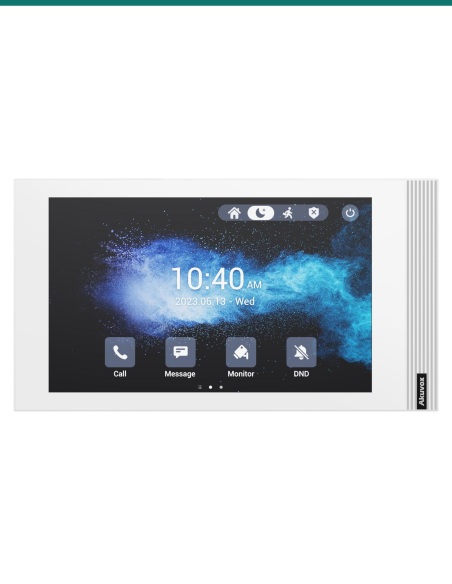
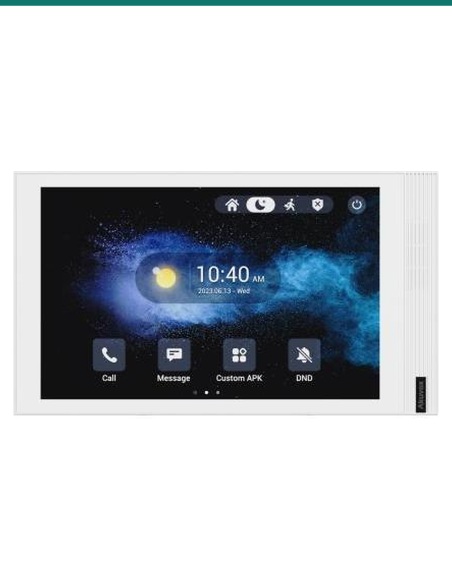
Residents answer, see the visitor and release the door from a compatible Akuvox SIP indoor station or the SmartPlus app.
Weather
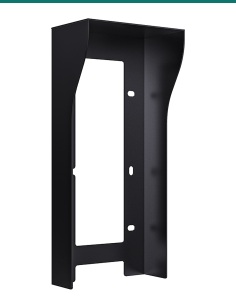
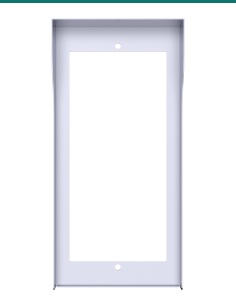
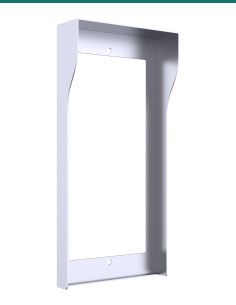
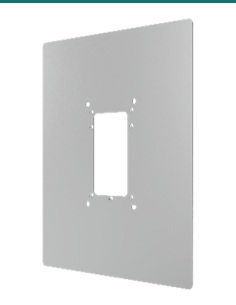
Shields a flush-mounted R20K on exposed doors and matches the silver panel.
Angle
Tilts the station towards visitors where the wall runs alongside the approach.
Credentials
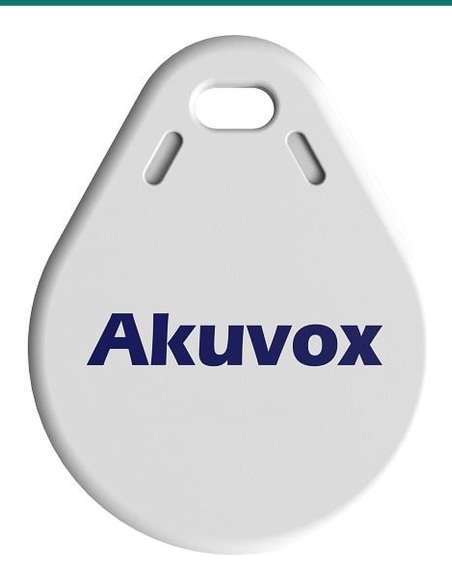
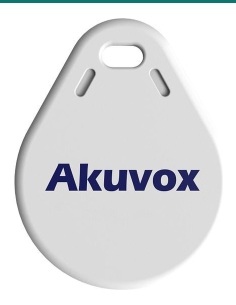
Akuvox 13.56 MHz cards and key fobs work with the R20K reader once enrolled.
Works with
Standard SIP v1 / v2 lets the station call Akuvox monitors, IP phones or extensions on your own PBX.
Record the door camera on an ONVIF or RTSP-capable NVR alongside your CCTV cameras.
Residents answer calls and open the door from the SmartPlus app on iOS or Android, and can view extra IP cameras beside the door feed.
The selectable Wiegand port and RS485 connect third-party access controllers, readers and Akuvox relay modules.
Watch
Downloads
Compliance certificates and technical documents are available on request for tenders and installers — send an enquiry.
Answers
Only the finish. Both have the same keypad, 2 MP camera, card reader, relays and IP65 housing. Use silver mounting accessories for a matching look.
Same keypad, reader and 185 × 84.5 × 24 mm housing. The R20K has a 2 MP camera covering 110° × 58°; the R25K has a 4 MP fisheye covering 150° × 150°.
Up to 25,000 cards, 5,000 PINs and 5,000 users. EM (125 kHz), MIFARE and DESFire EV1 / EV2 / EV3 cards all work, and access tables can be exported and imported.
Yes. Akuvox SmartPlus app users can answer calls and unlock, and Android phones can also unlock over NFC.
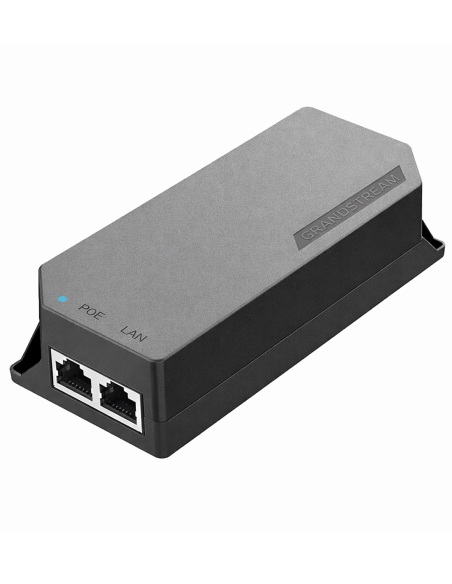
IEEE 802.3af PoE from a switch or injector. There is no separate DC input on this model.
Yes. Use the R20K / R25K / R20B in-wall kit for a flush finish, or the rotatable angle bracket to turn a surface-mounted station towards the path.
Yes. The R20K supports ONVIF and RTSP, so most ONVIF-capable NVRs can add it as a camera channel.
No. Pair it with a compatible Akuvox indoor monitor, the SmartPlus app or any SIP endpoint.
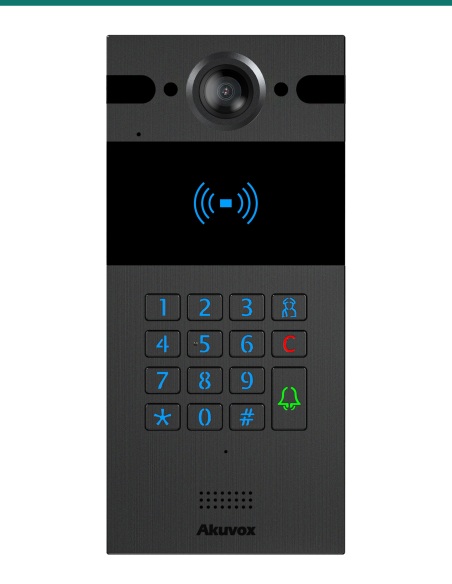
Choose the silver R20K for a bright, classic aluminium finish; the black R20K has identical electronics in a dark panel.
Low-voltage product (SELV). Power from IEEE 802.3af PoE. Treat as SELV low-voltage equipment.
When a licensed tradesperson is required. Concealed data and intercom cabling is customer cabling under AS/CA S009 and must be installed by an ACMA-registered cabler. Electric locks, maglocks and lock power supplies may require a licensed electrician or security installer.


Need help choosing?
Tell us about your property and we'll recommend the right cameras and recorder.
07 5609 4910Sydney 02 8814 6008
[email protected]
Mon–Fri, 9am–5pm AEST
20 related items