There are no more items in your cart
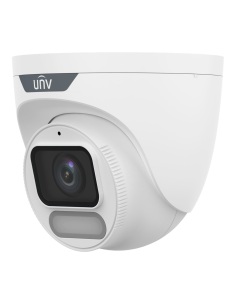
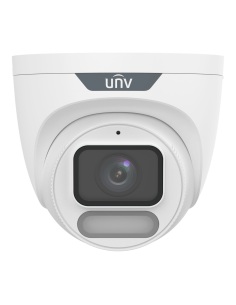
- New
In stock
Uniview Turret Cameras


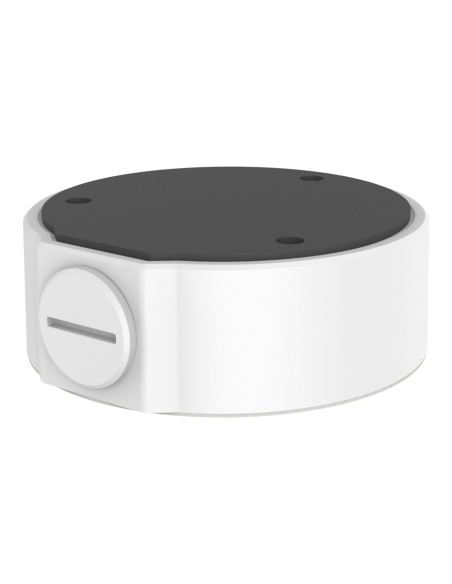
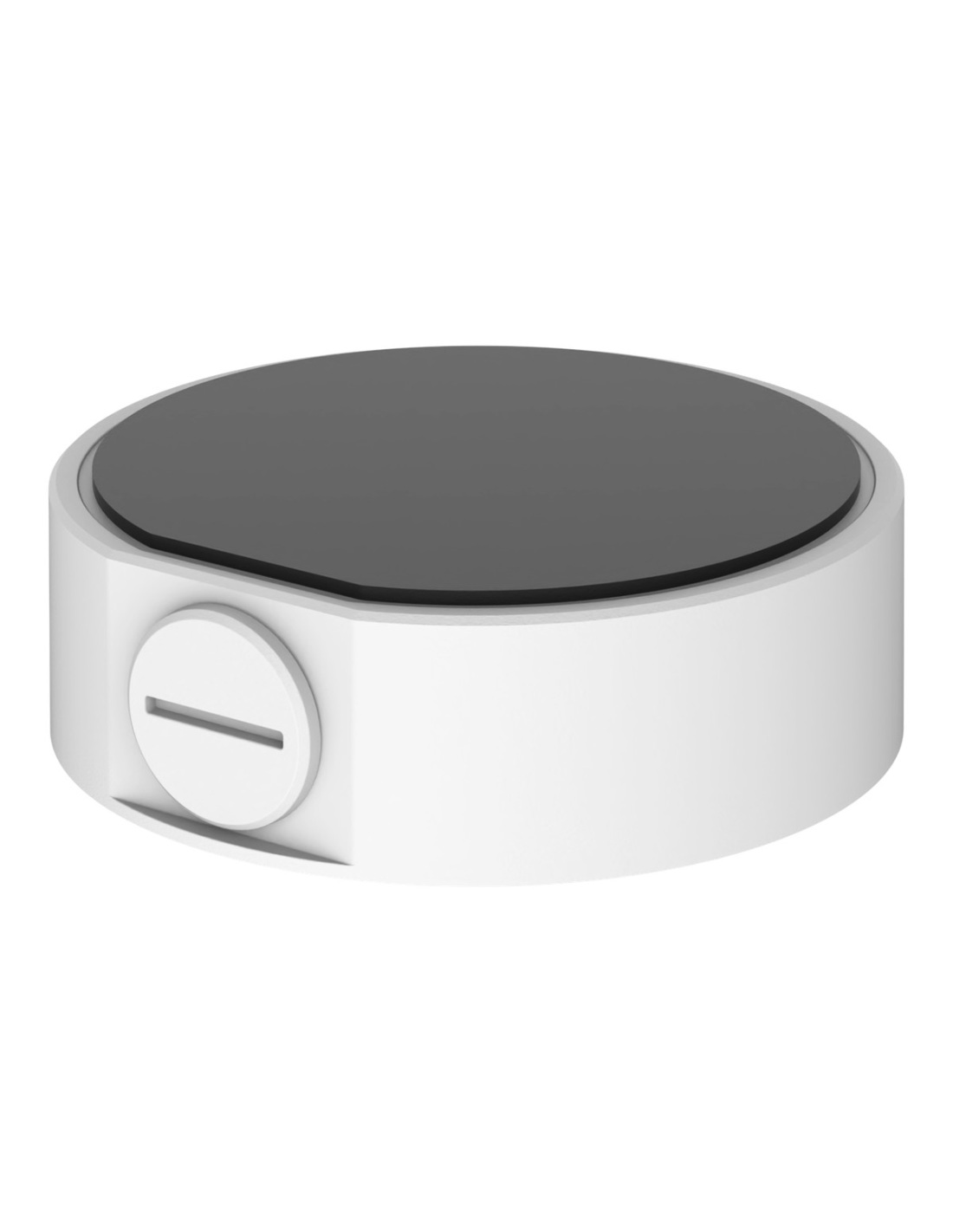
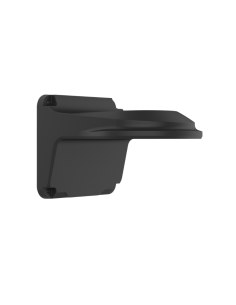
Uniview TR-JB03-I-IN-BK aluminium junction box for IPC36XXL Easy turrets. Keeps the camera’s cable joint covered, with 3/4" side and rear cable entries. Black finish.
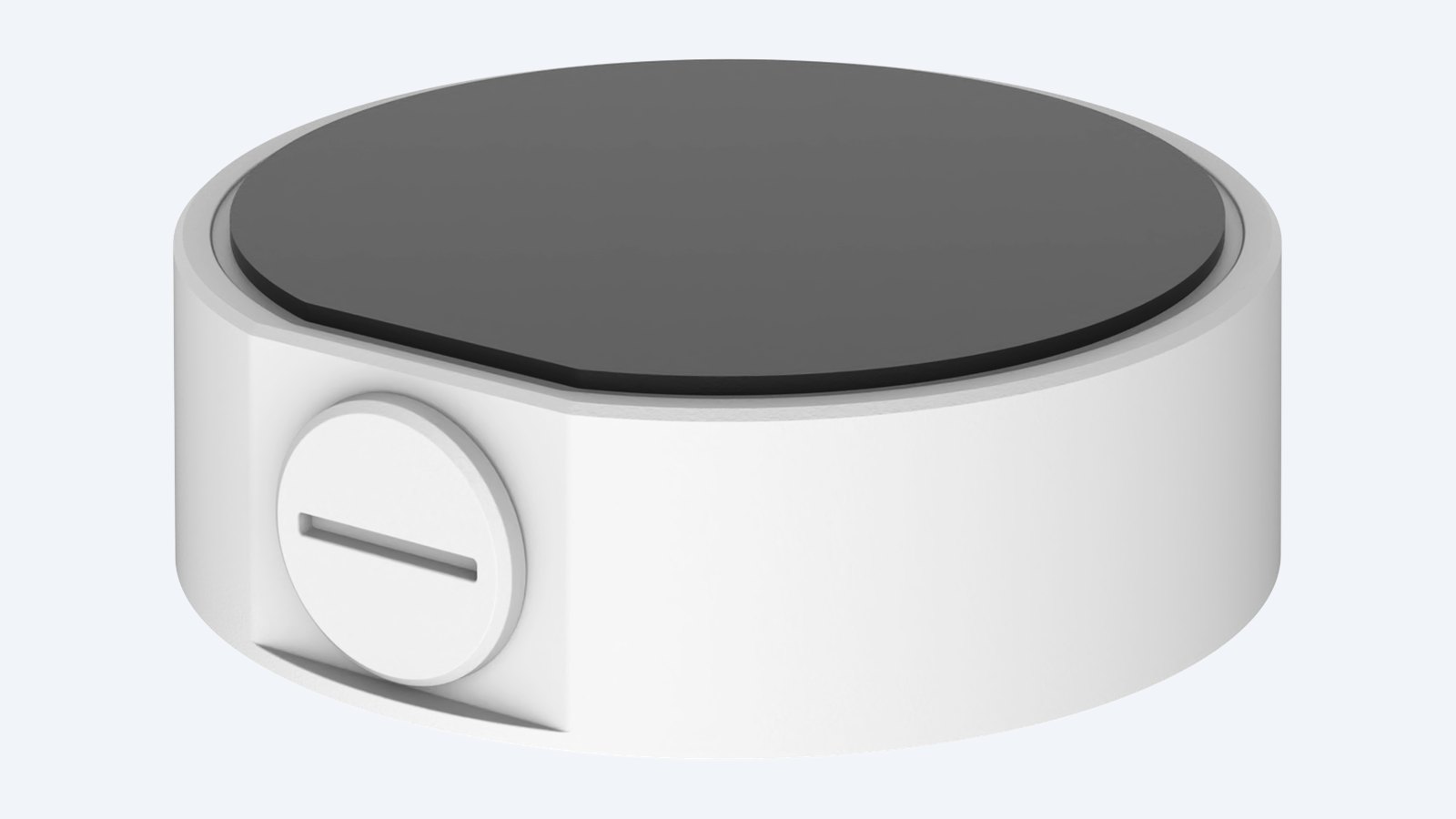
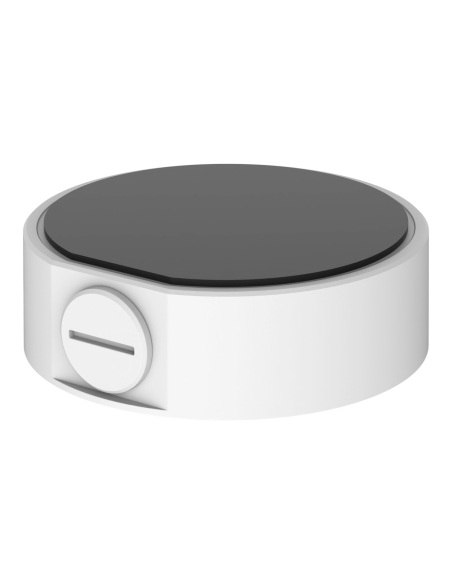
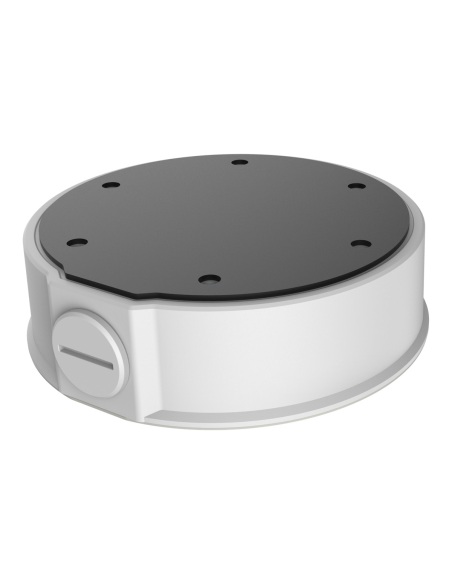
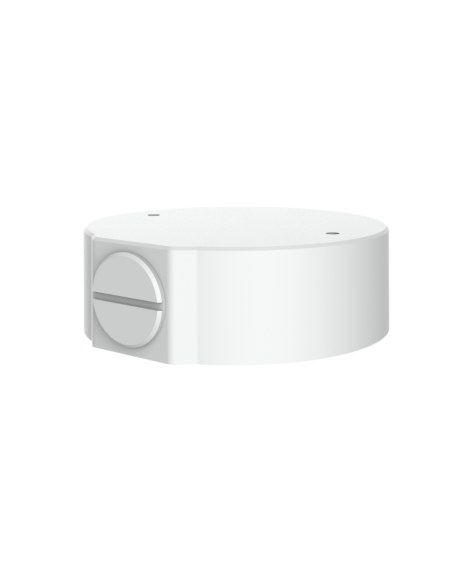
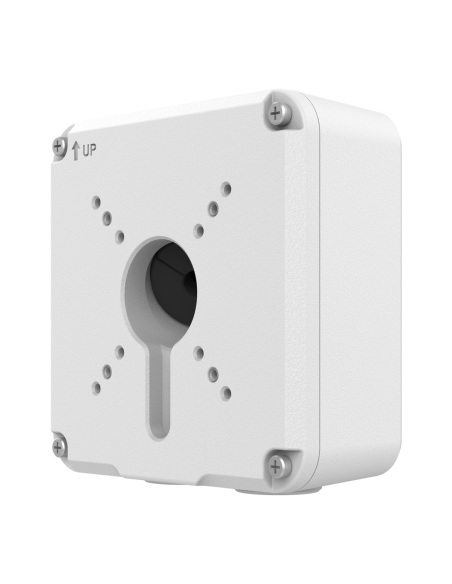
This is the Uniview TR-JB03-I-IN-BK. A round aluminium junction box that sits between the wall or ceiling and the camera. The camera’s cable tail and RJ45 plug tuck inside it, so you do not need a large hole behind the camera and the joint is not left hanging outside.
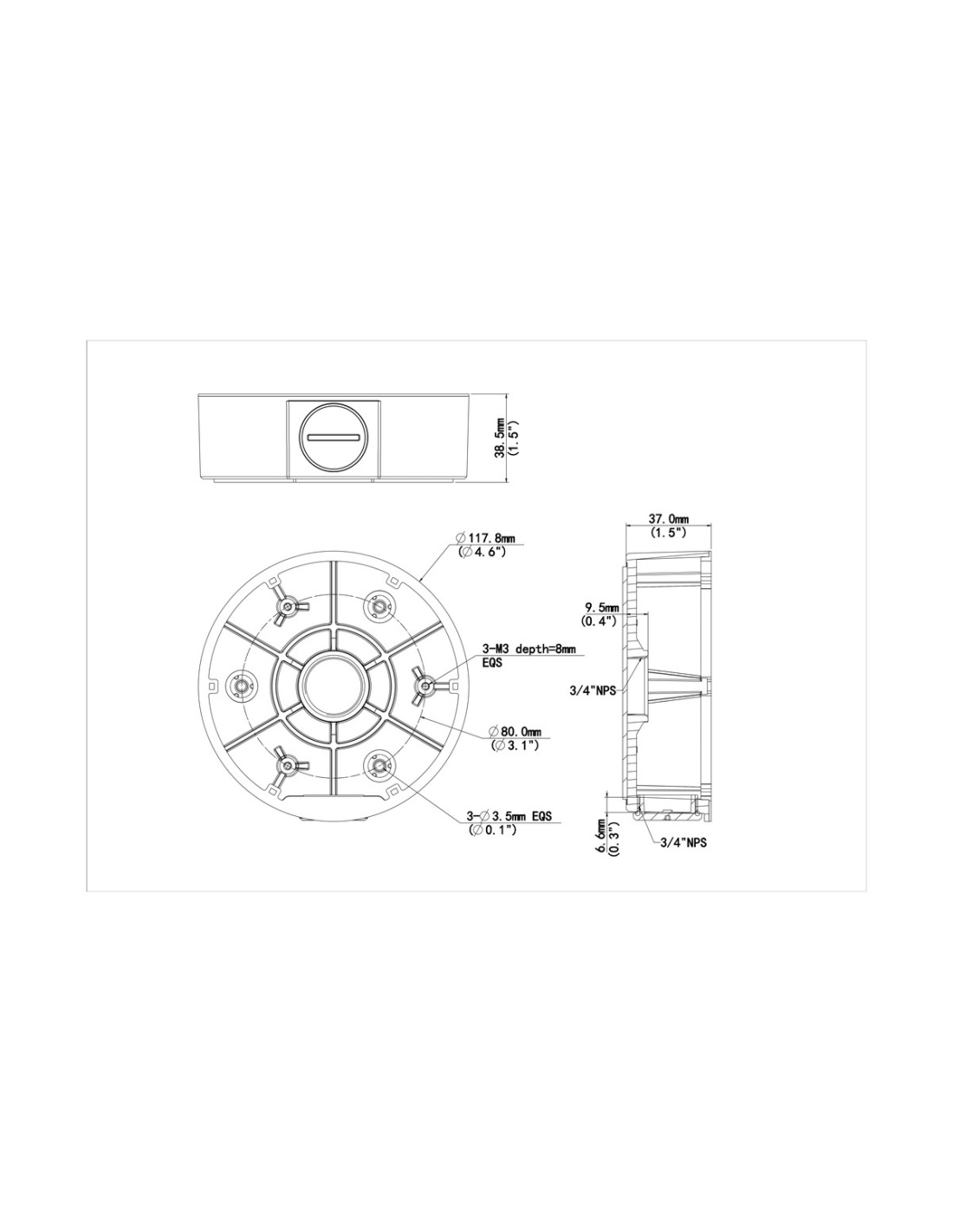
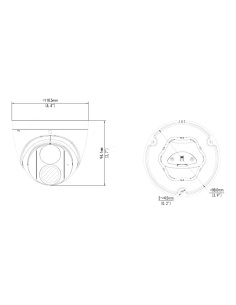
In one sentence: the TR-JB03-I-IN-BK is a Ø117.8 × 38.5 mm aluminium alloy junction box for Uniview IPC36XXL Easy turrets, with 3/4" threaded side and rear cable entries, weighing 0.2 kg.
The box only. The camera and wall fixings are separate.
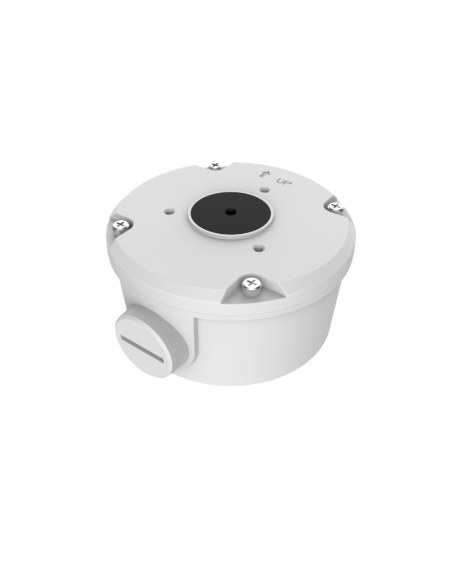
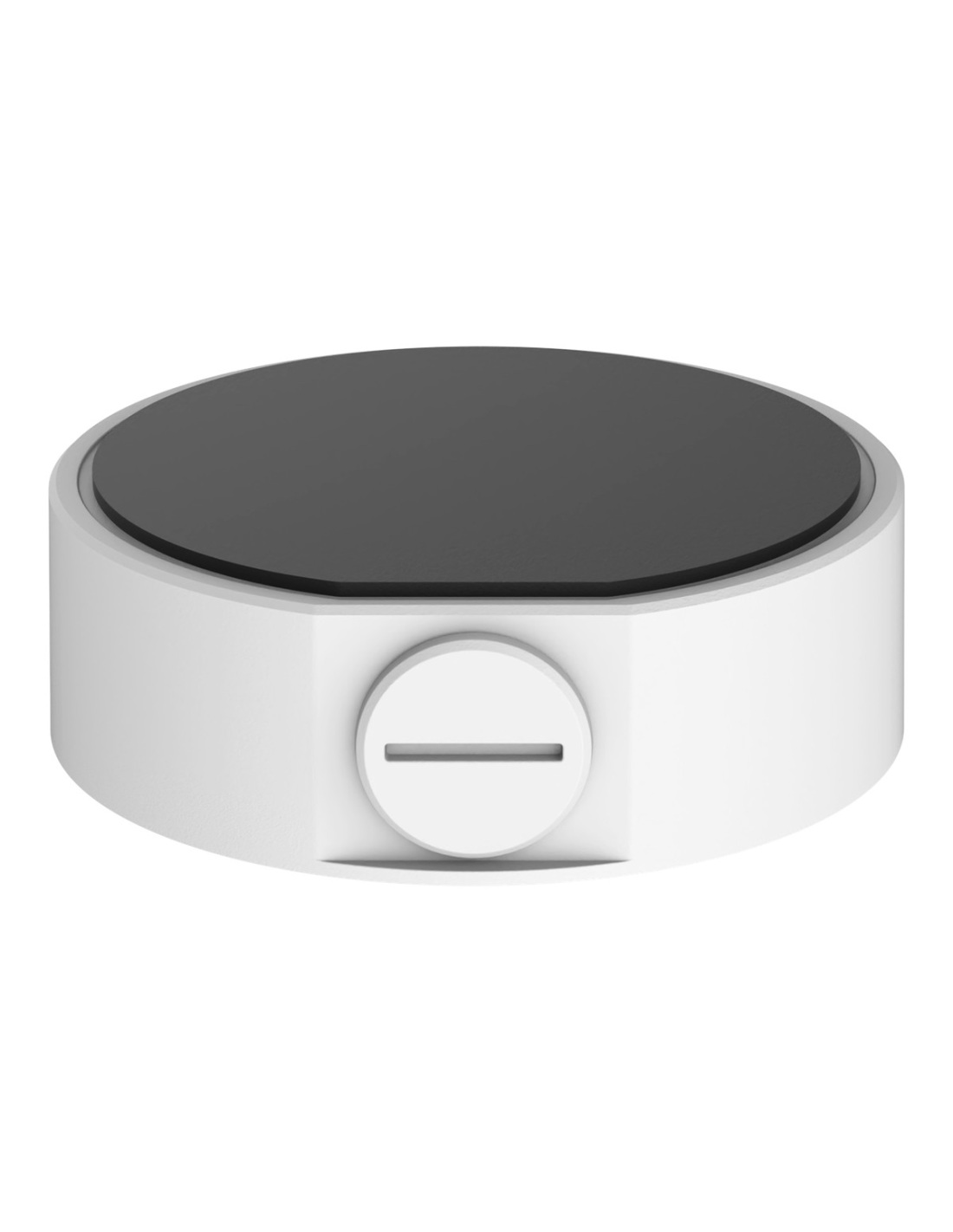
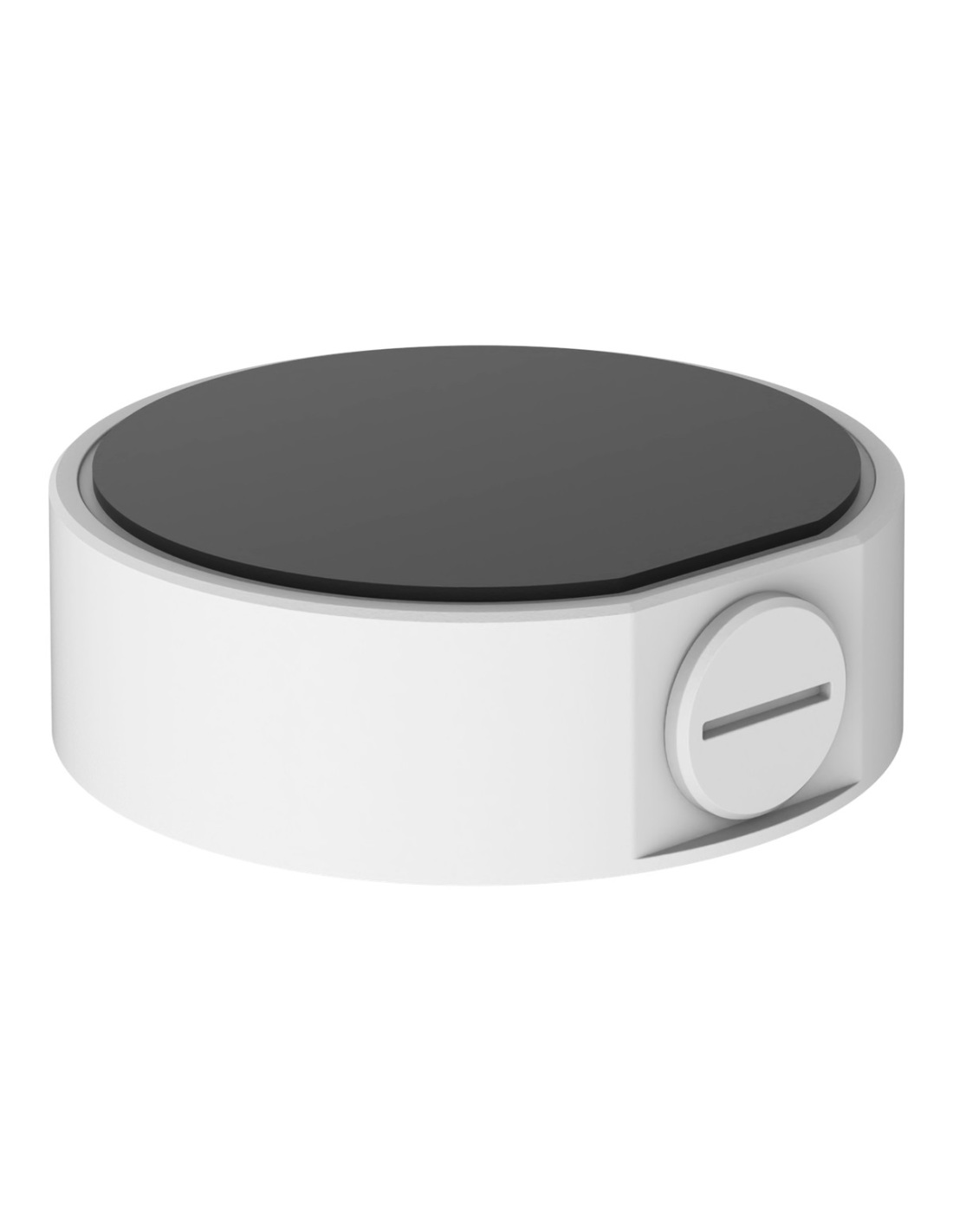
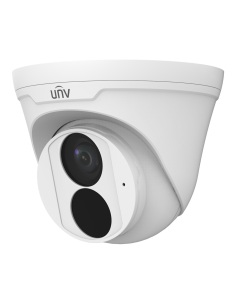
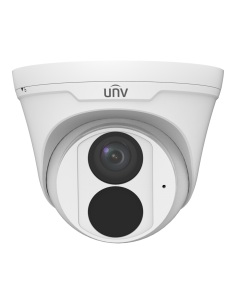
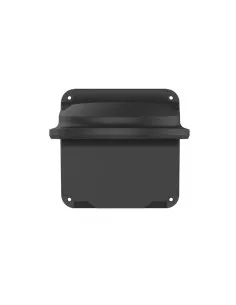
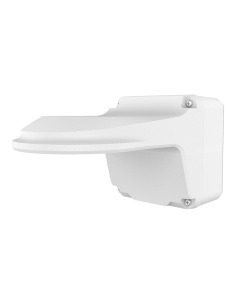
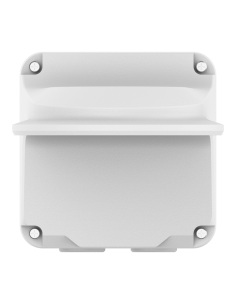
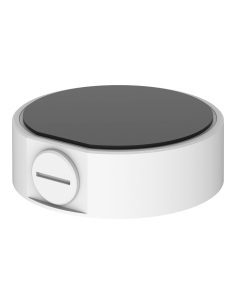
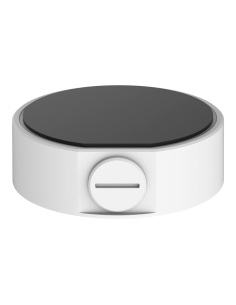
Order it with a matching turret and use fixings that suit your surface. This is the black finish; the photos show the white version of the same box.
Most IP cameras have a short cable tail with an RJ45 plug. Mounted flat, that joint is either exposed or needs a big hole behind the camera. The box gives it a dry space, with the cable in from behind or along the surface into the side entry.
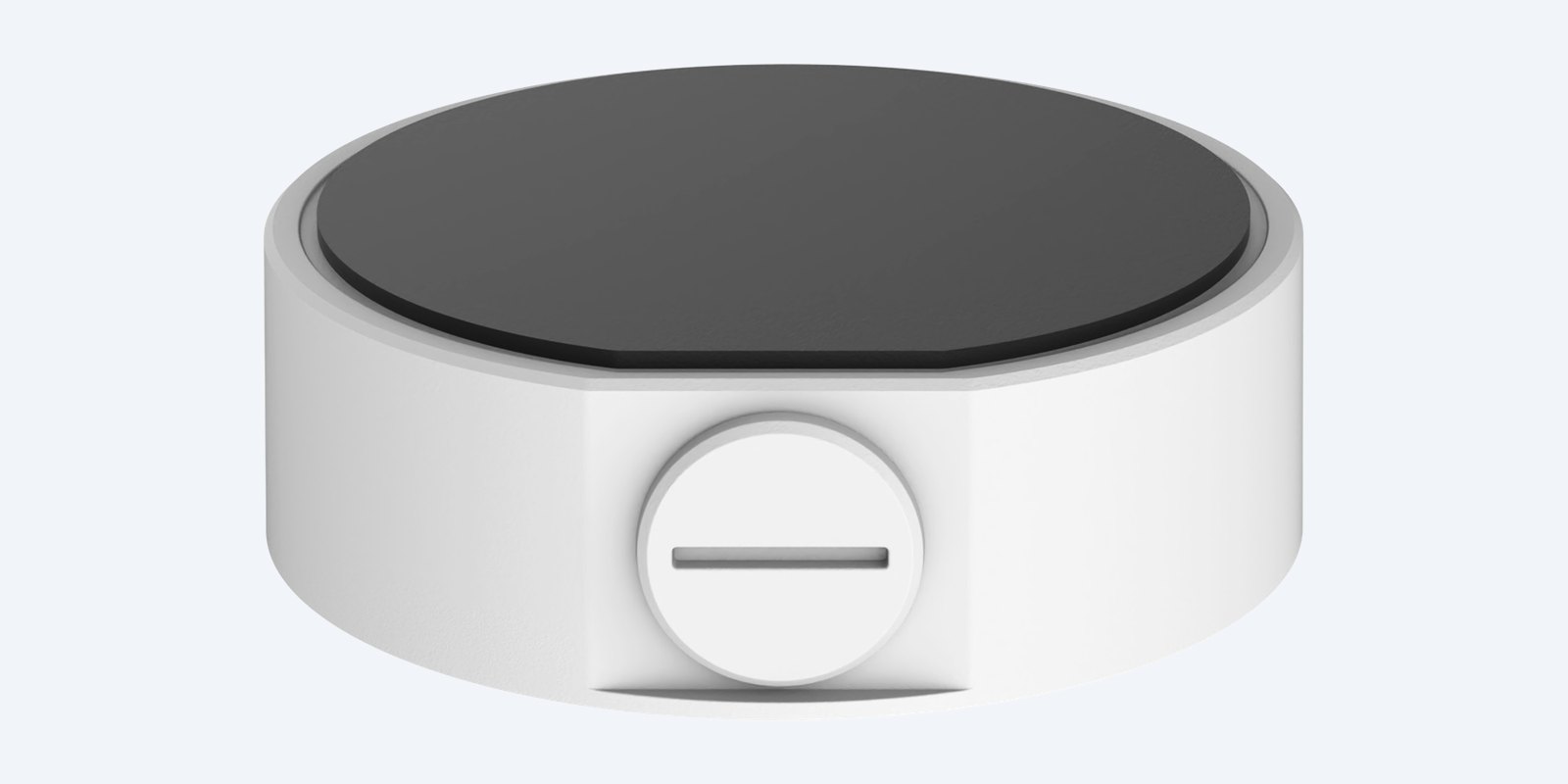
Side entry
A screw cap closes the 3/4" side entry when the cable comes from the wall behind. Take it off to bring surface cable or conduit straight in from the side.
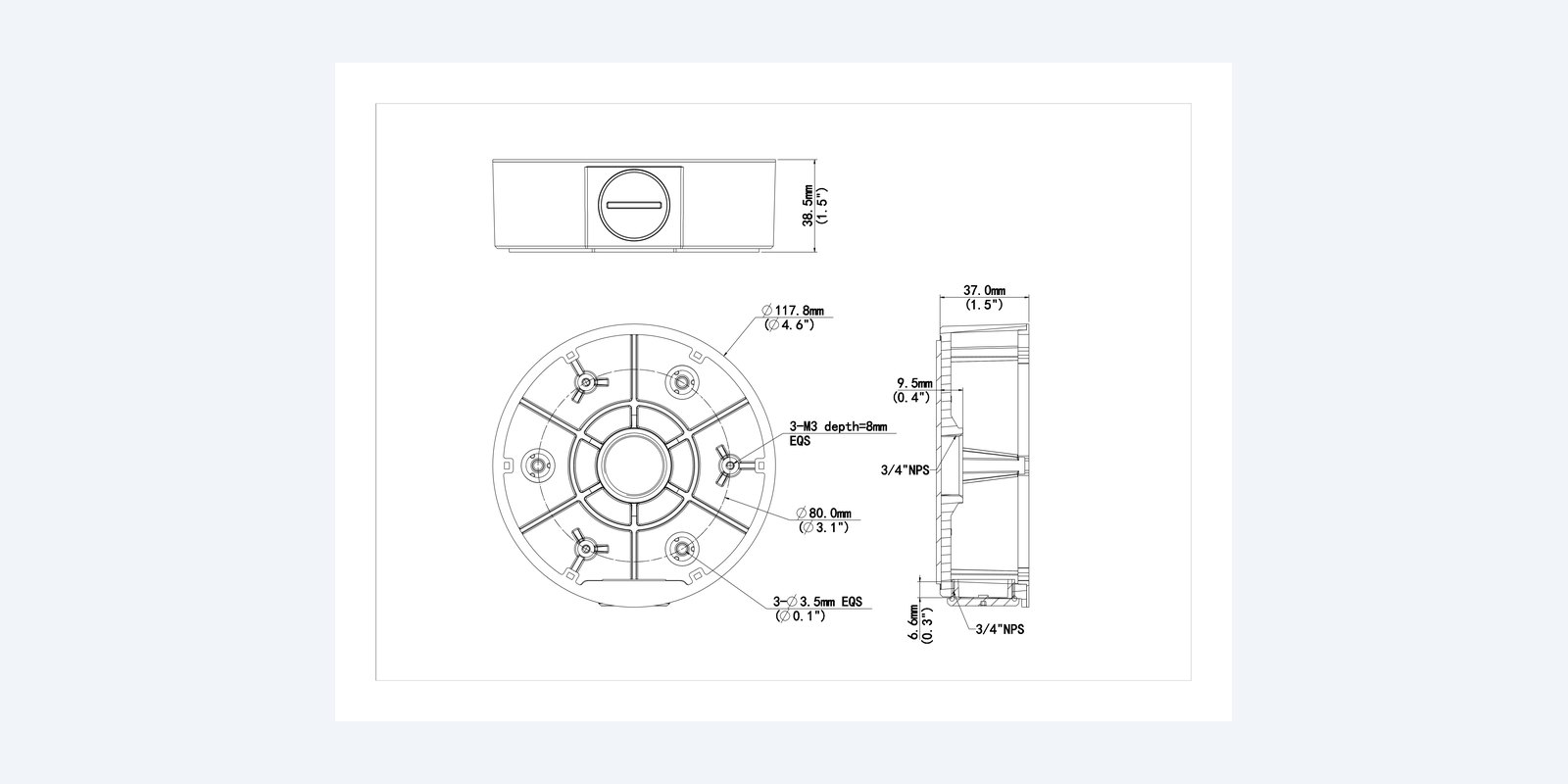
Size
Three Ø3.5 mm holes on an 80 mm circle fix the base, and three M3 holes take the turret’s base. The side and rear cable entries are 3/4" NPS.
How it goes in
01
Hold the box in place and mark the base holes. Drill a cable hole in the middle if the cable comes from the wall or ceiling.
02
Screw the box down. For surface cable, fit a gland or conduit to the side entry; otherwise leave the cap on.
03
Plug in the camera’s cable tail and tuck the joint inside the box.
04
Screw the camera’s base to the box, then aim the camera.
At a glance
Show specs
Type
Junction box
Fits
Uniview IPC36XXL Easy turrets
Size
Ø117.8 × 38.5 mm
Weight
0.2 kg
Material
Aluminium alloy
Cable entries
3/4" side (with cap) and 3/4" rear
Camera fixing
3 × M3 holes
Mounting
Wall or ceiling
Colour
Black
Pair it with
Camera
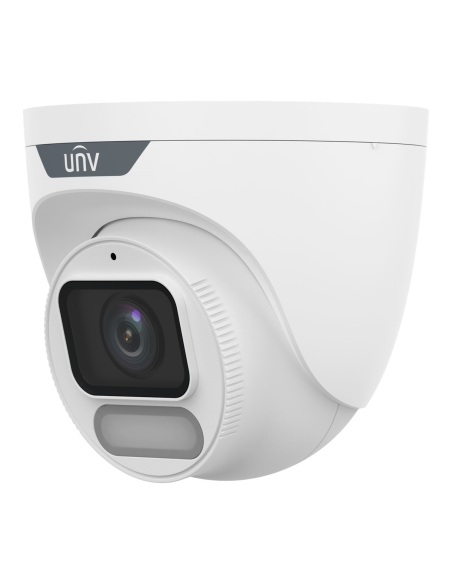
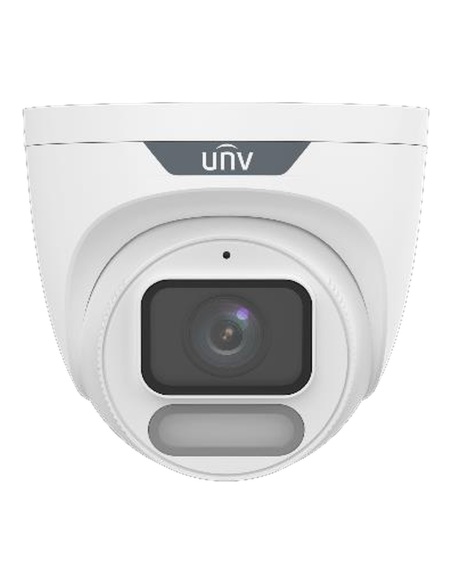
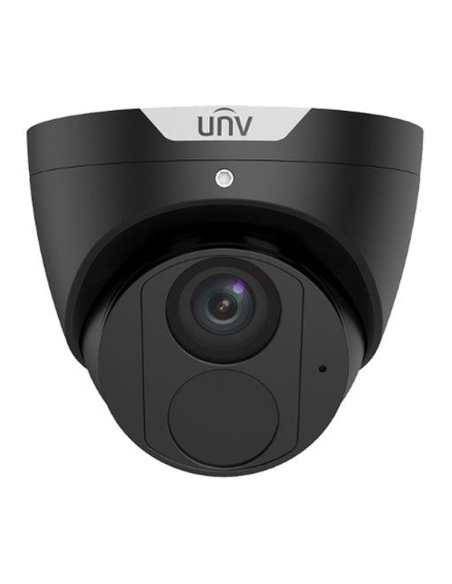
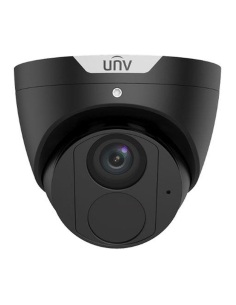
8MP ColorHunter warm-light turret, also in black.
Wall arm
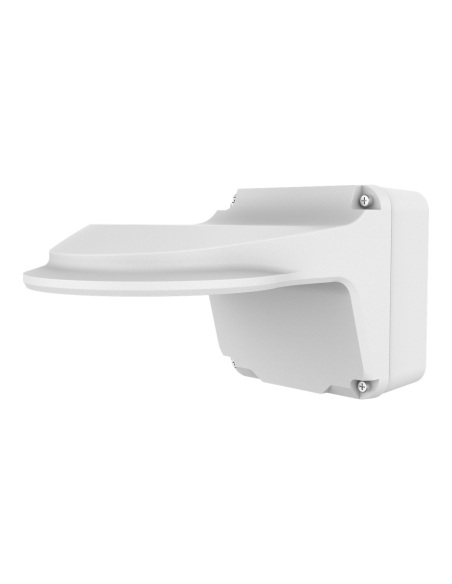
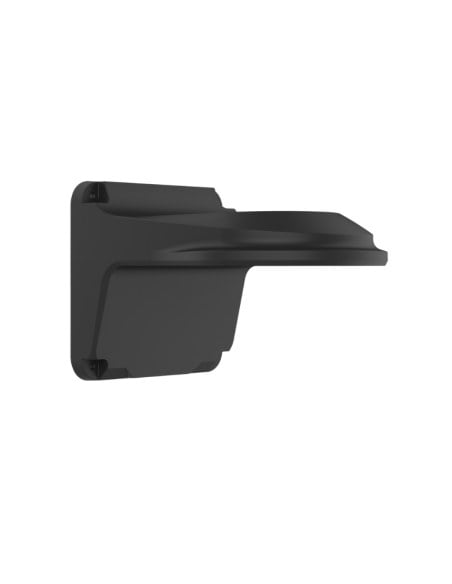
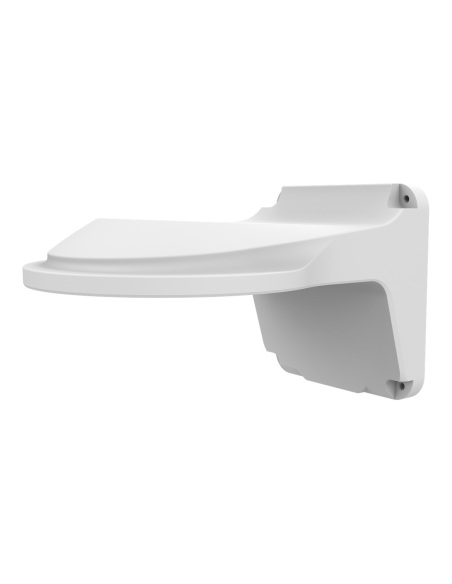
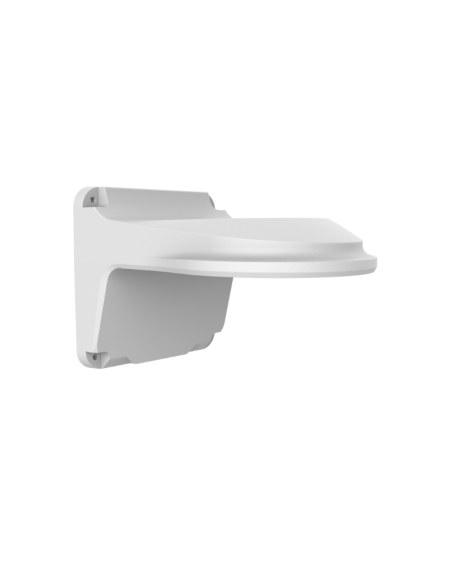
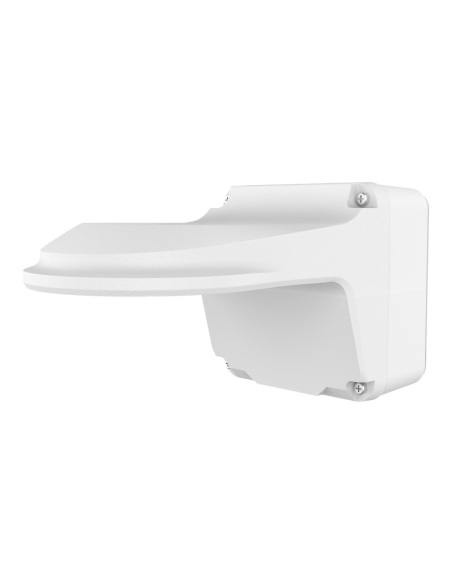
Holds the same turrets out from a wall.
Arm with box
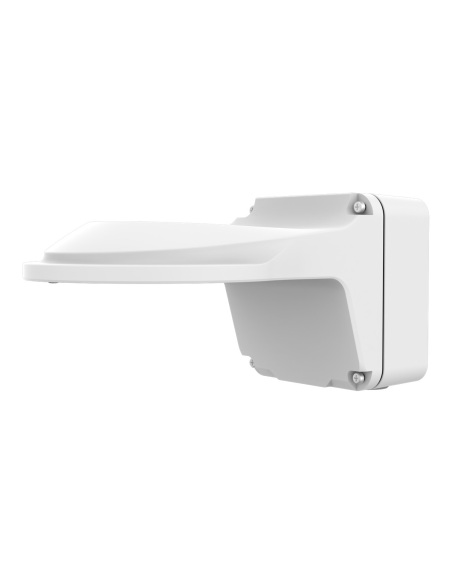
Wall arm with the junction box built in.
White
The same box in white.
Where it is used
No large hole needed behind the camera.
A tidy, solid base under eaves and verandas.
Conduit straight into the side entry on finished walls.
Covers an old, oversized hole from a previous camera.
| TR-JB03-G-IN | TR-JB03-H-IN | TR-JB03-I-IN | TR-JB04-D-IN | TR-JB05-B-IN | |
|---|---|---|---|---|---|
| For | IPC32X domes, IPC31X mini domes | IPC363X, IPC36XXS/E turrets | IPC36XXL Easy turrets | Fisheye domes | IPC21XX mini bullets |
| Size | Ø108.6 × 38.5 mm | Ø126 × 38.5 mm | Ø117.8 × 38.5 mm | Ø149.2 × 42.5 mm | Ø104.4 × 57 mm |
| Weight | 0.2 kg | 0.24 kg | 0.2 kg | 0.31 kg | 0.36 kg |
| Cable entries | 3/4" side and rear | 3/4" side and rear | 3/4" side and rear | 3/4" side and rear | 3/4" side and rear |
| Black version | TR-JB03-G-IN-BK | TR-JB03-H-IN-BK | TR-JB03-I-IN-BK | — | — |
All aluminium alloy. Thread sizes from the Uniview dimension drawings (3/4" NPS). — means Uniview does not make that version. Figures from the Uniview datasheets.
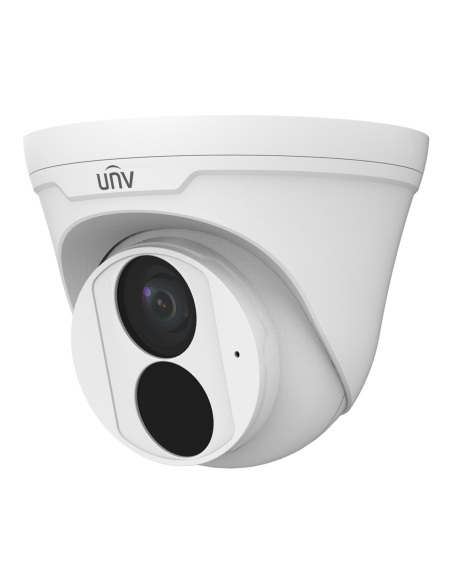
Uniview lists it for its IPC36XXL (Easy series) turrets. From our black range: IPC3616LE, IPC3618LE, IPC3626LE and IPC3628LE. For the Prime IPC36XXS and IPC363X turrets use the TR-JB03-H-IN.
It gives the camera’s cable tail and RJ45 plug a covered space. Without it, the joint either hangs outside or needs a large hole behind the camera.
Yes. Uniview’s drawing shows a 3/4" NPS threaded entry on the side (closed with a screw cap) and another in the base. Uniview’s TR-A01-IN is an NPT 3/4" waterproof gland for it; for Australian 20 mm conduit use a matching thread adapter.
Ø117.8 mm across and 38.5 mm deep. It weighs 0.2 kg.
Screws and plugs to suit your surface: masonry plugs for brick, cavity anchors for plasterboard, or timber screws into eaves and battens. The base has three Ø3.5 mm holes on an 80 mm circle. Uniview does not list fixings in the box.
Yes, the Easy turrets it fits are IP67 outdoor cameras. Uniview does not publish an IP rating for the box itself, so seal the wall hole and fit a gland or the cap on the side entry.
Yes. The IPC3624LE, IPC3626LE and IPC3628LE WP turrets are IPC36XXL models, and their datasheets list this box.
Yes. The TR-WM03-D-IN-BK wall arm holds it out from the wall, or the TR-JB07/WM03-G-IN wall arm has a junction box built in (black: TR-JB07/WM03-G-IN-V2-BK).
Aluminium alloy, 0.2 kg. It will not rust like steel and adds little load to the wall.
Black. It is the black finish of the TR-JB03-I-IN, made to match black Uniview cameras. Uniview only publishes photos of the white version, so the photos here show the white part; the shape and size are the same.
Fixing the bracket is a normal handyman job. In Australia, fixed data cabling inside walls and ceilings must be run by a registered cabler; plugging a camera into an existing outlet does not need one.
Uniview 3-year manufacturer warranty, handled in Australia through InFront. Contact us first and we will organise any claim.
Not sure which mount suits your camera or wall? Call 1300 736 970 or email [email protected] with the camera model and a photo of the spot, and we will match the bracket.
Fixing. Fix into solid material or a proper cavity anchor. On ceilings, fix into a joist or batten where possible. Turn off power to the camera before connecting it.
Weather. Seal any unused cable entry and point cable glands downward so water cannot run into the camera connection.
Figures. From the Uniview TR-JB03-I-IN datasheet and dimension drawing; camera fits from Uniview’s camera datasheets and accessory guide. Uniview 3-year manufacturer warranty, handled in Australia through InFront.


Need help choosing?
Tell us about your property and we'll recommend the right cameras and recorder.
07 5609 4910Sydney 02 8814 6008
[email protected]
Mon–Fri, 9am–5pm AEST
20 related items