There are no more items in your cart
- New
In stock
Uniview PTZ Cameras


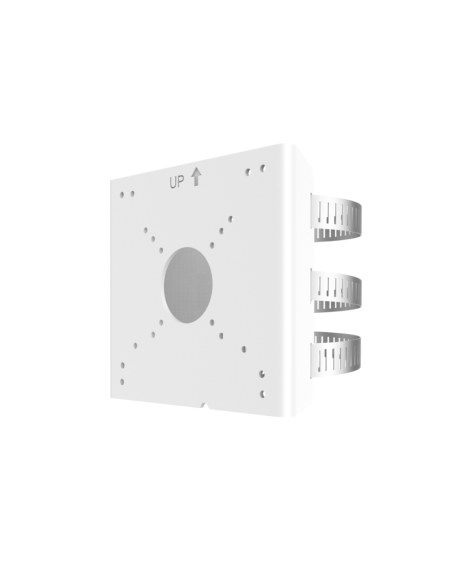
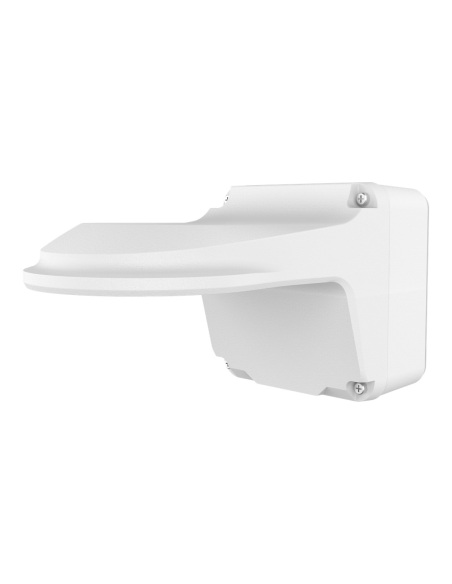
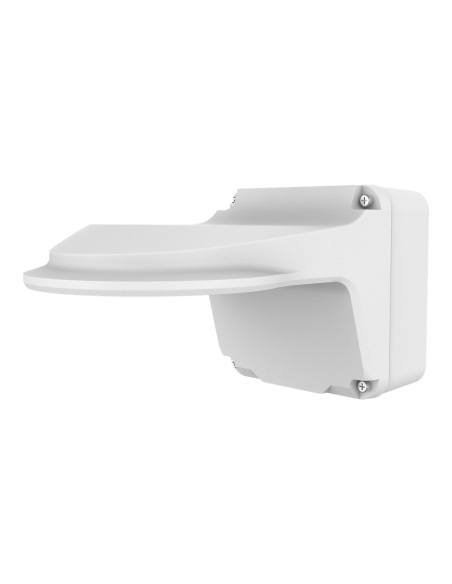
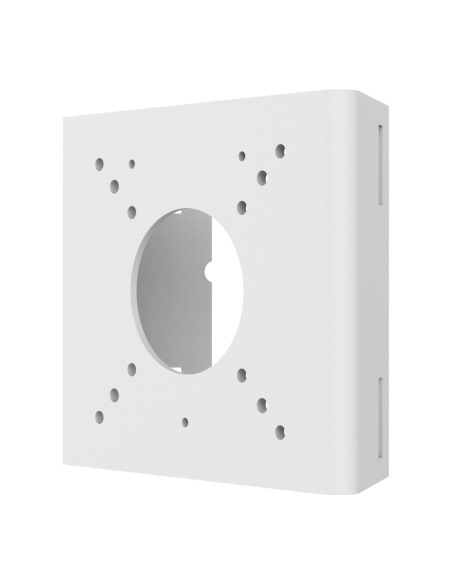
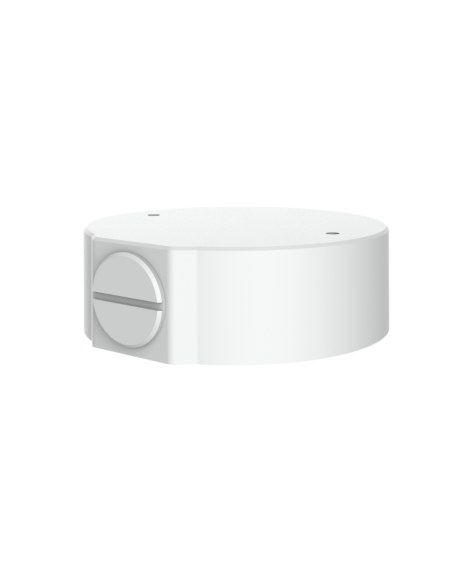
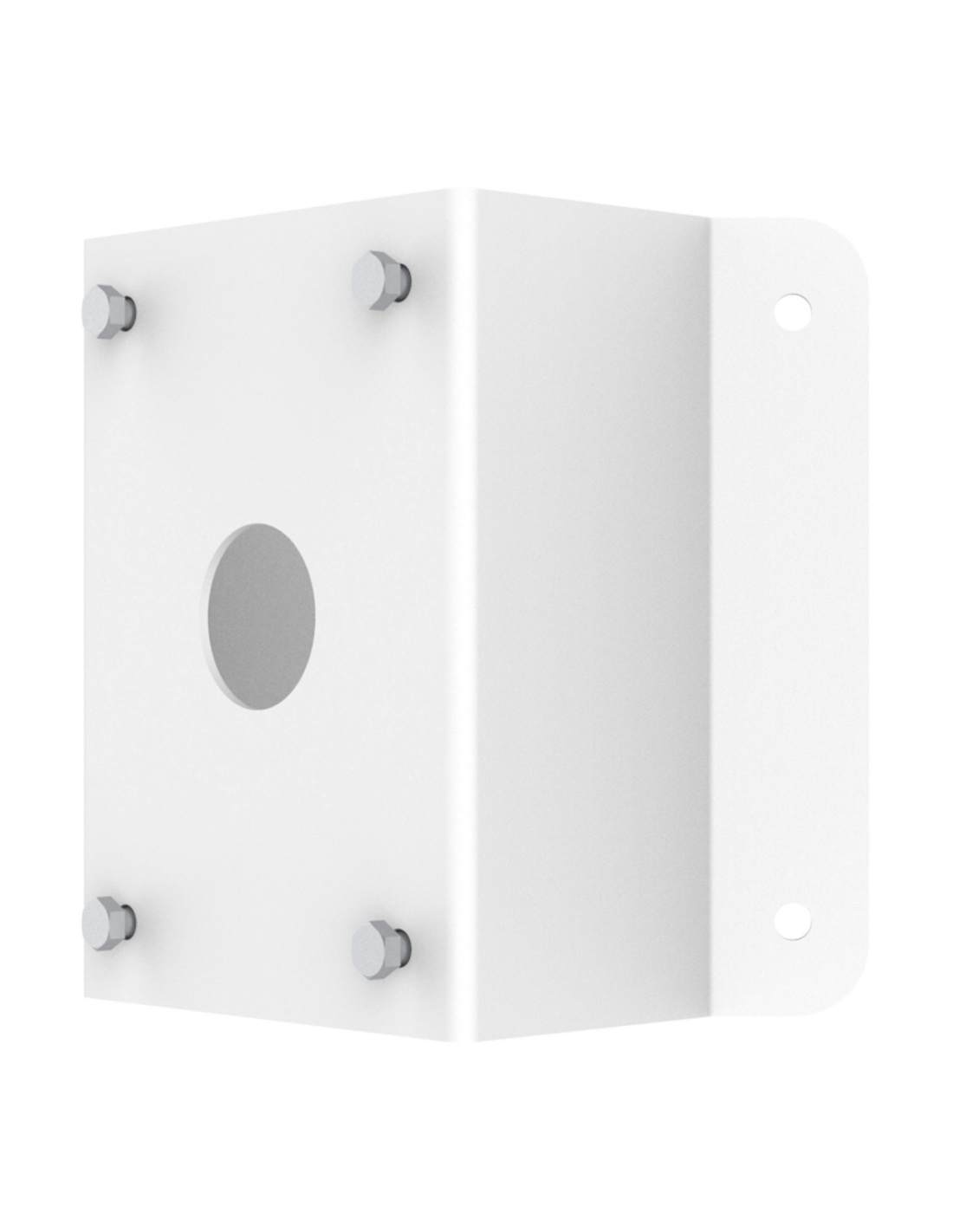
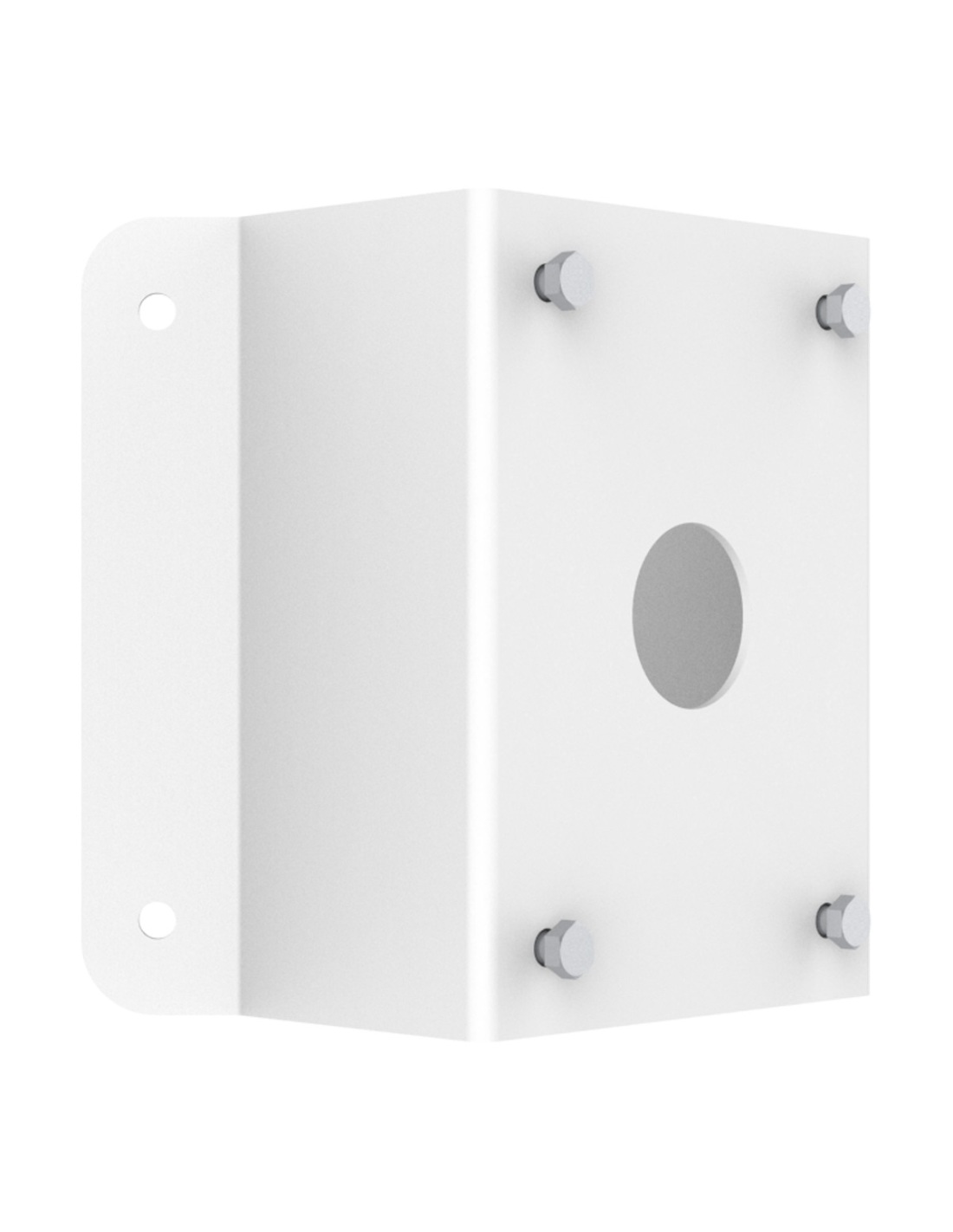
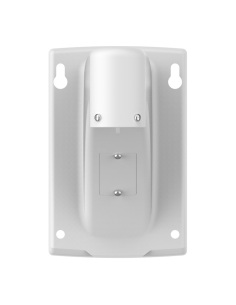
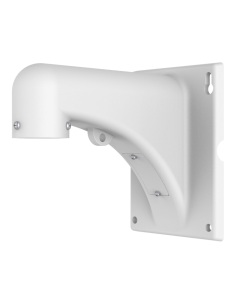
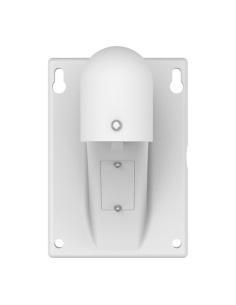
Uniview TR-UC08-A-IN steel corner adapter for the TR-WE45-IN and TR-WE45-A-IN PTZ wall arms. Four M8 holes for the arm, Ø50 mm cable hole.
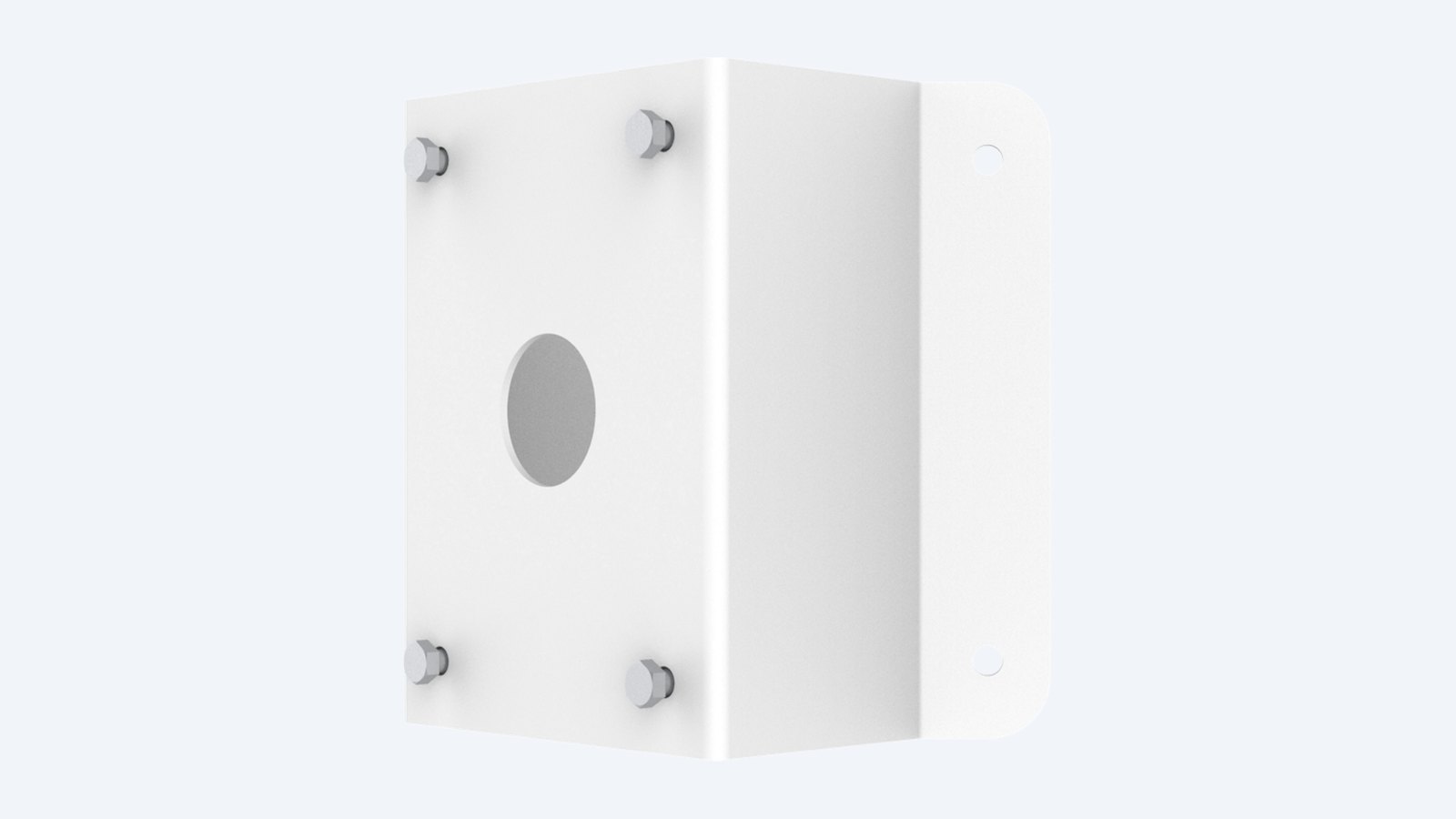
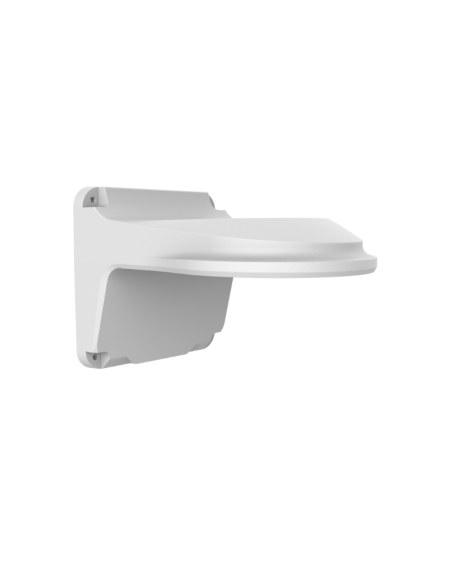
This is the Uniview TR-UC08-A-IN. A steel corner adapter for Uniview PTZ wall arms. It wraps around an outside corner of a building and gives the arm a flat face, so the PTZ can cover two sides from one spot.
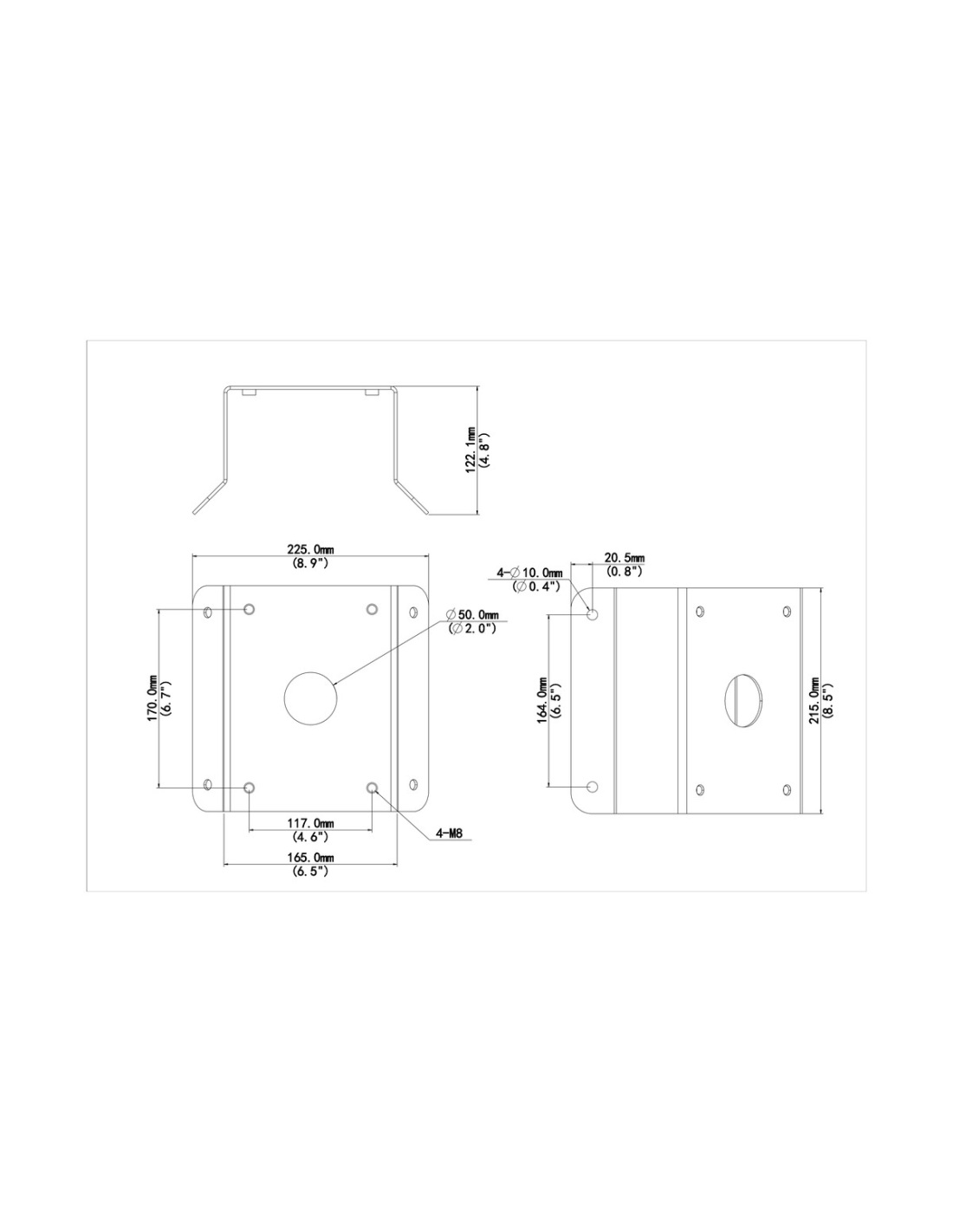
In one sentence: the TR-UC08-A-IN is a 215 × 210 × 122 mm steel corner adapter for Uniview PTZ wall arms, with four M8 threaded holes and a Ø50 mm cable hole, weighing 1.87 kg.
The corner adapter only. The wall arm and PTZ are separate.
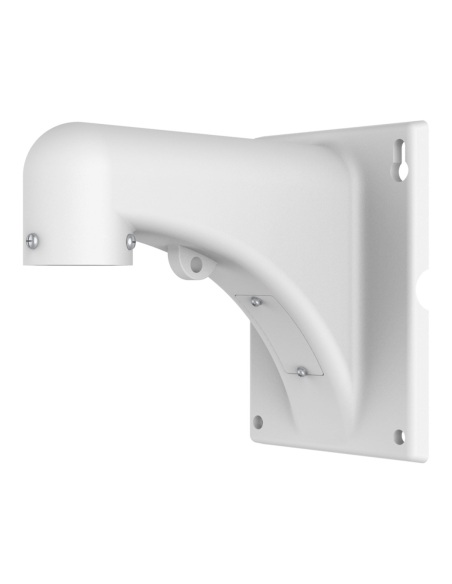
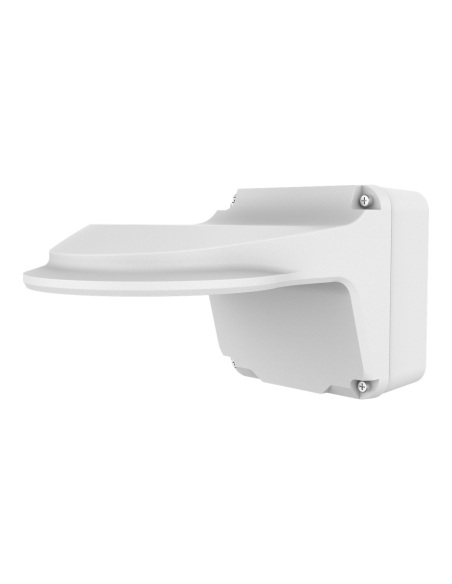
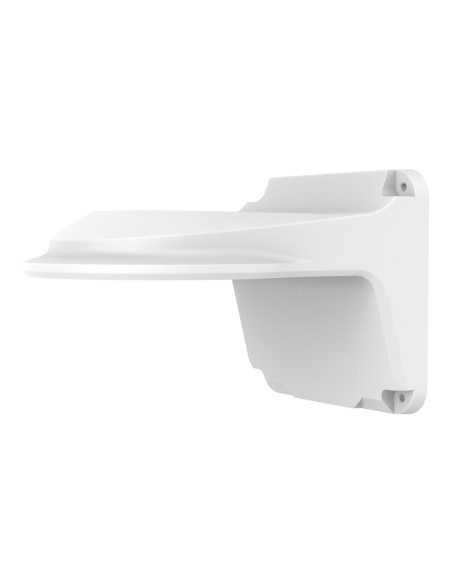
It carries a PTZ wall arm: the TR-WE45-IN or the longer TR-WE45-A-IN. Use anchors suited to the camera’s weight in your wall.
On a corner, a PTZ can swing from the front of the building to the side without a blind spot. The adapter bolts to both walls and gives the PTZ arm a solid, square face.
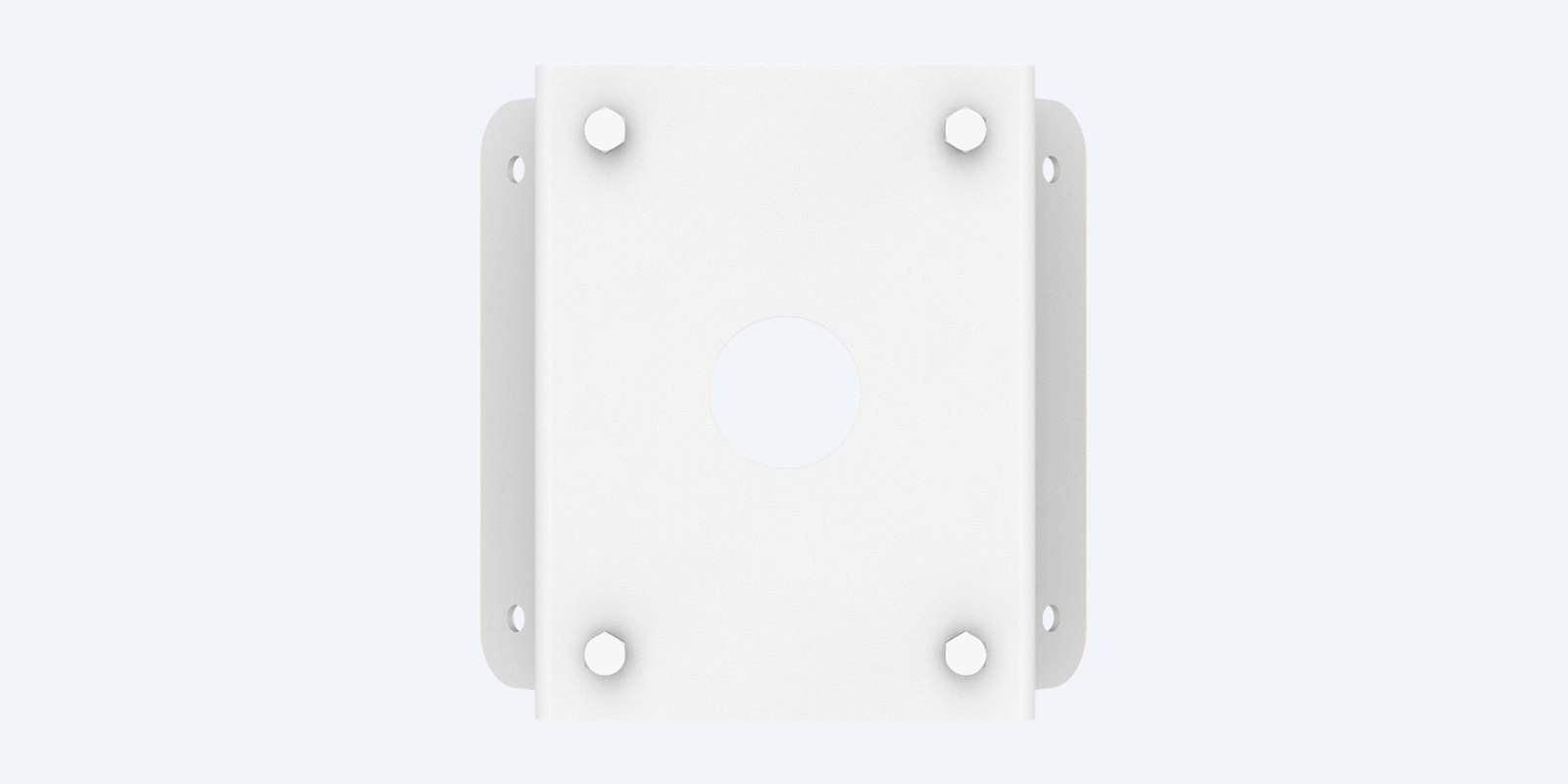
Front face
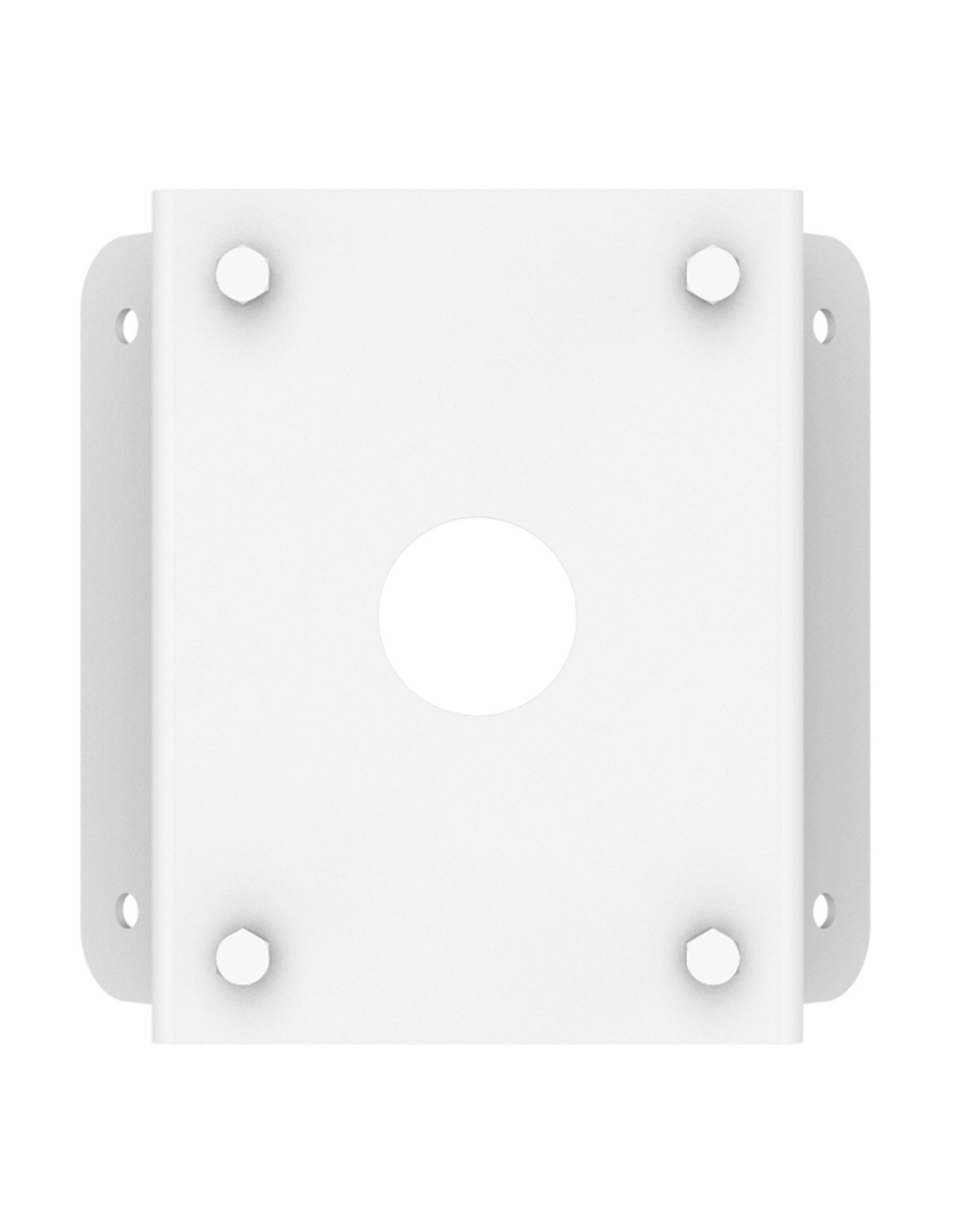
The front face has four M8 threaded holes on a 117 × 170 mm pattern, matching the four Ø9 mm holes on the TR-WE45 wall arms, and a Ø50 mm hole for the cable.
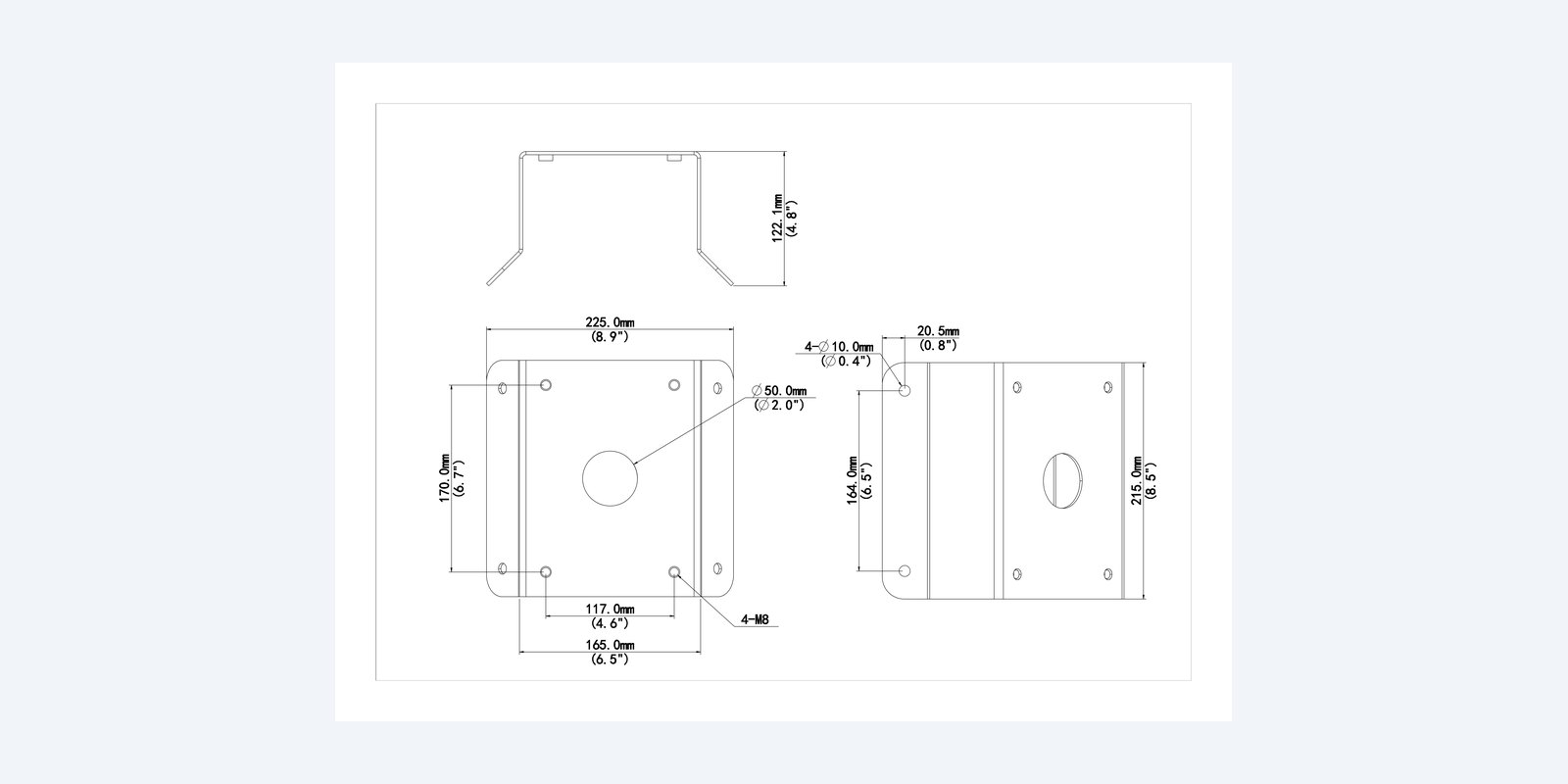
Size
The angled side wings have four Ø10 mm holes for the wall fixings. The 165 mm-wide front face carries the arm on four M8 holes, 117 × 170 mm apart.
How it goes in
01
Hold the adapter on the corner, mark the four Ø10 mm holes in the side wings and drill the cable hole.
02
Anchor the adapter to both walls with four heavy-duty fixings.
03
Feed the cable through the Ø50 mm hole and the arm, then bolt the arm on with four M8 bolts.
04
Connect the camera and screw it onto the arm’s G1½ thread.
At a glance
Show specs
Type
Corner adapter
Fits
Uniview TR-WE45-IN and TR-WE45-A-IN PTZ wall arms
Size
215 × 210 × 122 mm
Weight
1.87 kg
Material
Steel
Arm fixing
4 × M8 on a 117 × 170 mm pattern
Wall fixing
4 × Ø10 mm
Cable hole
Ø50 mm
Use
Indoor or outdoor
Colour
White
Pair it with
Arm
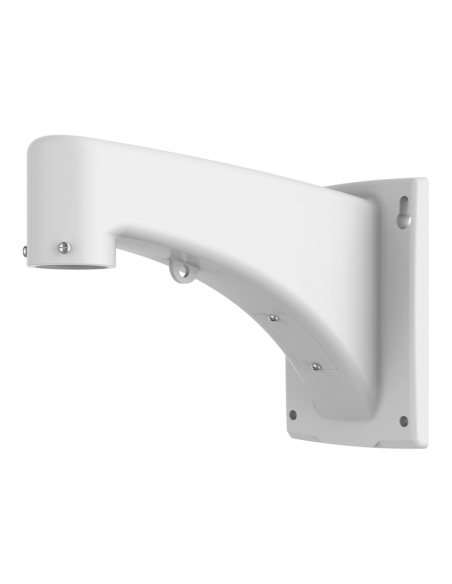
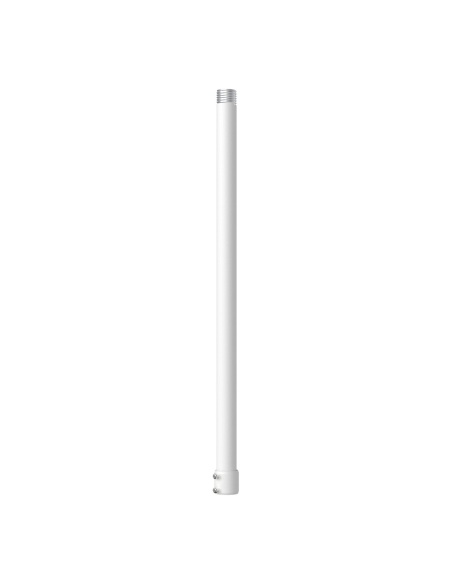
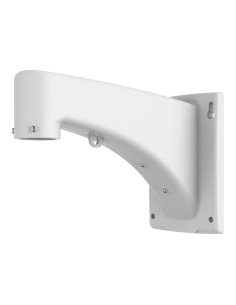
Standard PTZ arm, 201.5 mm reach.
Arm
Long PTZ arm, 312.7 mm reach.
PTZ
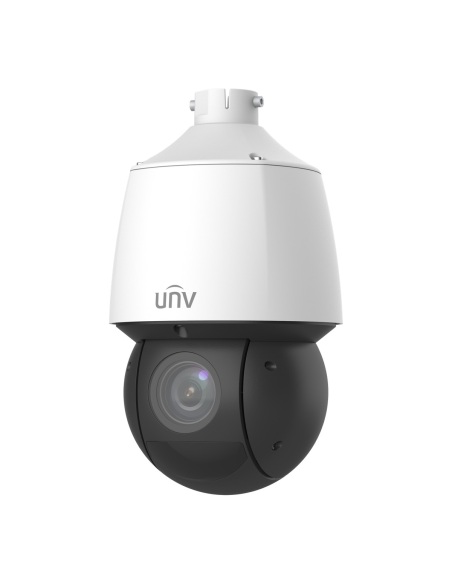
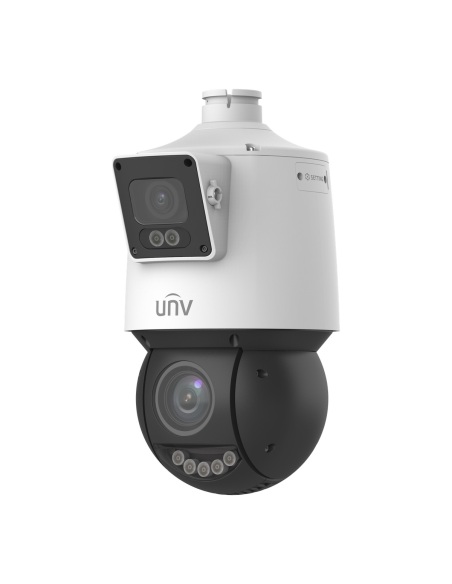
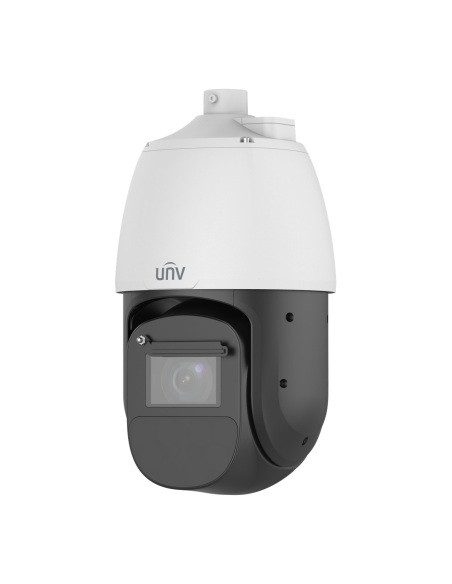
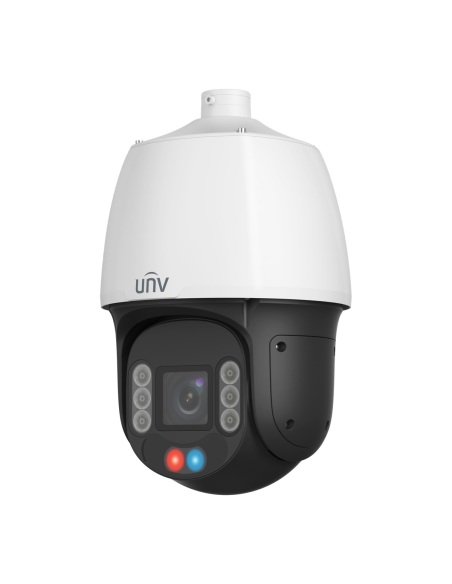
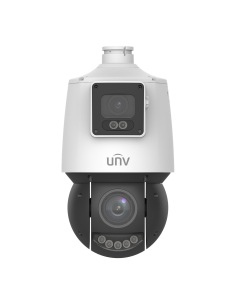
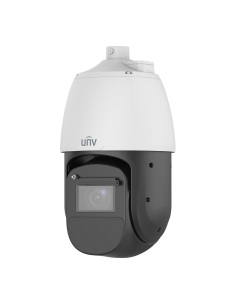
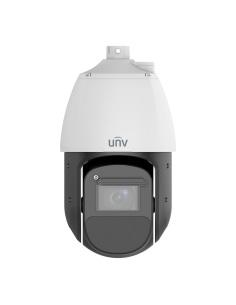
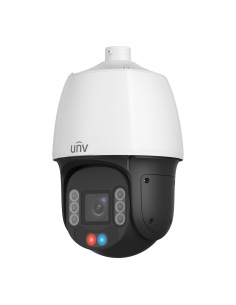
4MP 25x PTZ that lists this adapter.
Multi-sensor
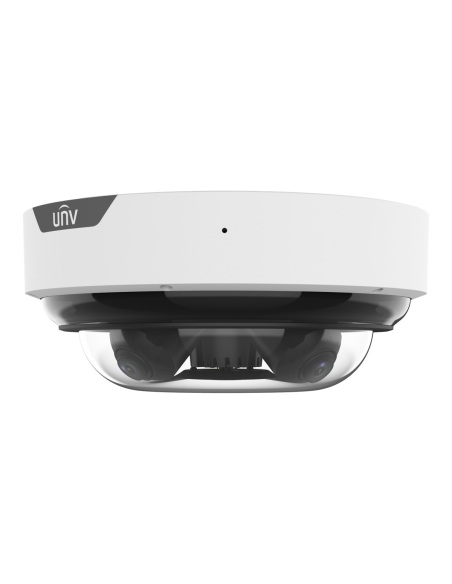
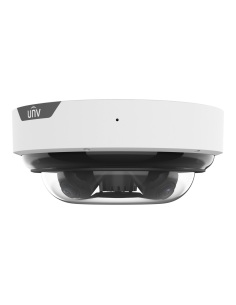
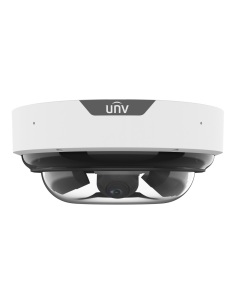
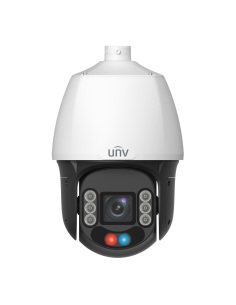
Four-sensor camera that lists this adapter.
Where it is used
Front and side of a warehouse from one PTZ.
Two rows of bays and the entry.
The street front and the side lane.
Yard and paddock from the shed corner.
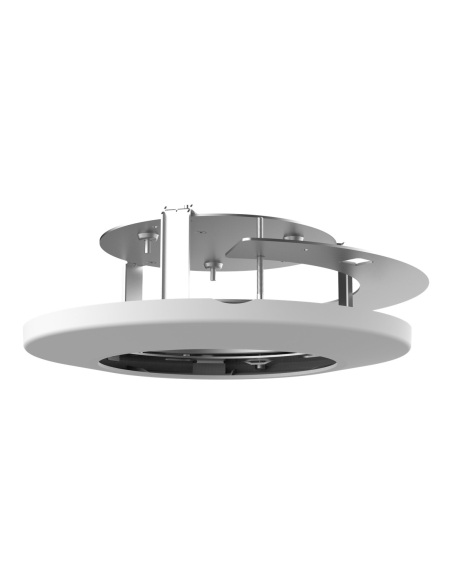
| TR-WE45-IN | TR-WE45-A-IN | TR-UC08-A-IN | TR-FM180-IN | TR-UF45-K-IN | |
|---|---|---|---|---|---|
| Type | Wall arm | Long wall arm | Corner adapter | In-ceiling mount | Pendant/wall adapter |
| Size | 230.3 × 141 × 201.5 mm | 216 × 141 × 314 mm | 215 × 210 × 122 mm | Ø280 × 91 mm | Ø318 × 116 mm |
| Weight | 0.79 kg | 1.0 kg | 1.87 kg | 1.2 kg | 1.3 kg |
| Material | Aluminium alloy | Aluminium alloy | Steel | Sheet metal and PC | Aluminium alloy |
| Use | Indoor or outdoor | Indoor or outdoor | Indoor or outdoor | Indoor | Indoor or outdoor |
The wall arms end in a G1½ thread for the PTZ; the corner adapter takes either arm. Figures from the Uniview datasheets and drawings.
Uniview PTZ domes on its TR-WE45 wall arms. The IPC6624SFW-X25-C-VH2, IPC6828EL-X42-W-VH1, IPC8645EA-ADZKM-I1 and IPC94144SFW-X25-F40C datasheets list it, and Uniview’s accessory guide pairs it with the IPC6424SR-X25-VF.
Yes. The adapter makes a flat face on the corner; the PTZ hangs from a TR-WE45-IN or TR-WE45-A-IN arm bolted to it.
Yes. Its four M8 holes are 117 × 170 mm apart, the same pattern as the four Ø9 mm holes in the TR-WE45-IN and TR-WE45-A-IN wall plates.
An outside (external) corner of a building. The side wings are angled so it sits across the corner.
Four heavy-duty anchors to suit the Ø10 mm holes in the wings, and four M8 bolts for the arm. Use masonry anchors rated for the camera’s weight.
Uniview makes this corner adapter in steel for strength (1.87 kg). There is also an aluminium version, the TR-UC08-B-IN, which we do not stock.
Yes, Uniview lists it for indoor or outdoor use. Touch up any scratches in the finish so the steel does not rust.
215 × 210 × 122 mm, weighing 1.87 kg.
Steel with a white finish, 1.87 kg. Touch up any scratches so the steel does not rust.
White. It matches Uniview’s white cameras.
Fixing the bracket is a normal handyman job. In Australia, fixed data cabling inside walls and ceilings must be run by a registered cabler; plugging a camera into an existing outlet does not need one.
Uniview 3-year manufacturer warranty, handled in Australia through InFront. Contact us first and we will organise any claim.
Not sure which mount suits your camera or wall? Call 1300 736 970 or email [email protected] with the camera model and a photo of the spot, and we will match the bracket.
Fixing. Anchor into brick, concrete or steel framing with fixings rated for the PTZ; never cladding alone. Working at height needs a stable platform. Turn off power before connecting the camera.
Weather. Seal the cable hole behind the adapter and arm so water cannot follow the cable inside.
Figures. From the Uniview TR-UC08-A-IN datasheet and dimension drawing; camera fits from Uniview’s camera datasheets and accessory guide. Uniview 3-year manufacturer warranty, handled in Australia through InFront.


Need help choosing?
Tell us about your property and we'll recommend the right cameras and recorder.
07 5609 4910Sydney 02 8814 6008
[email protected]
Mon–Fri, 9am–5pm AEST
20 related items