• New
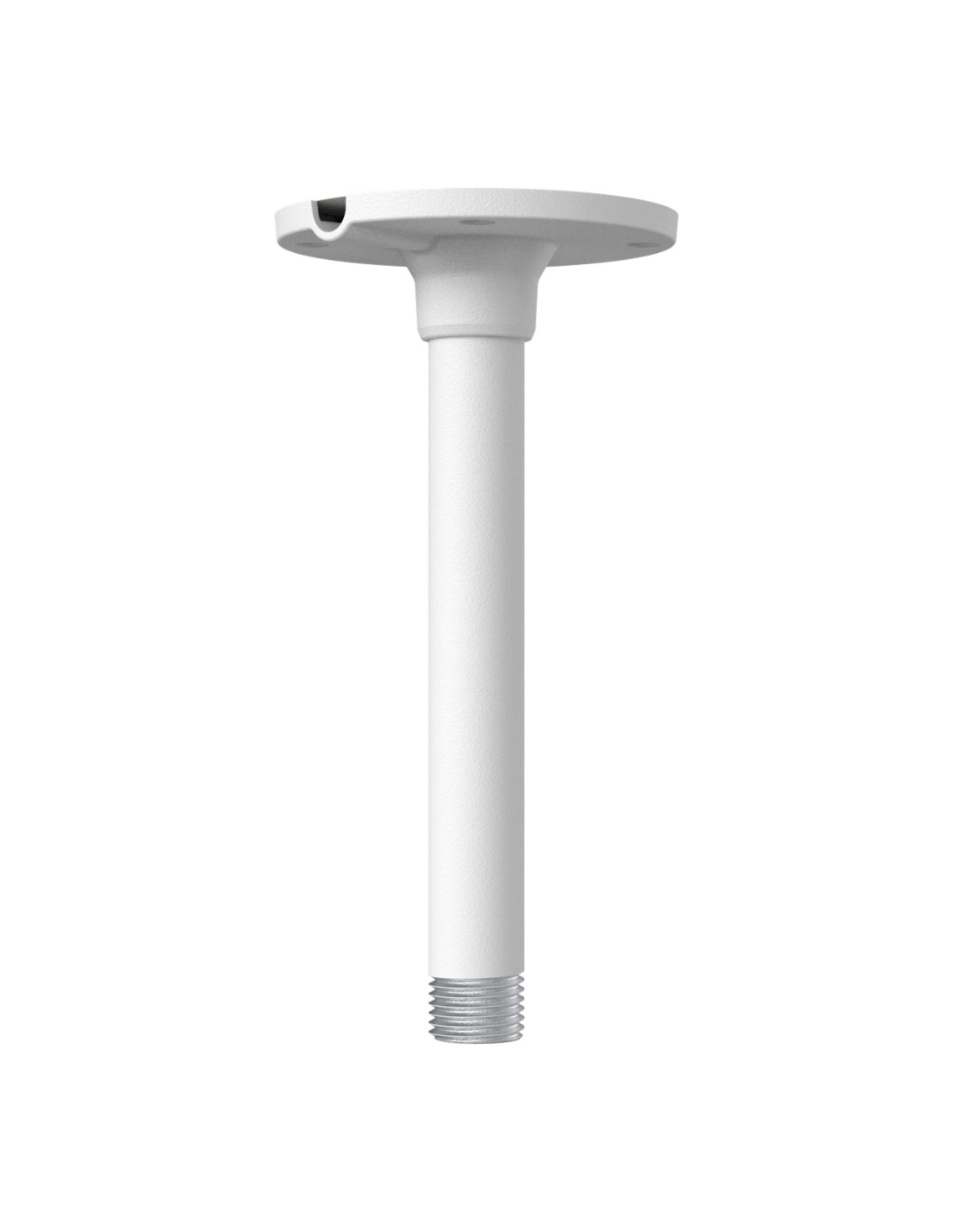
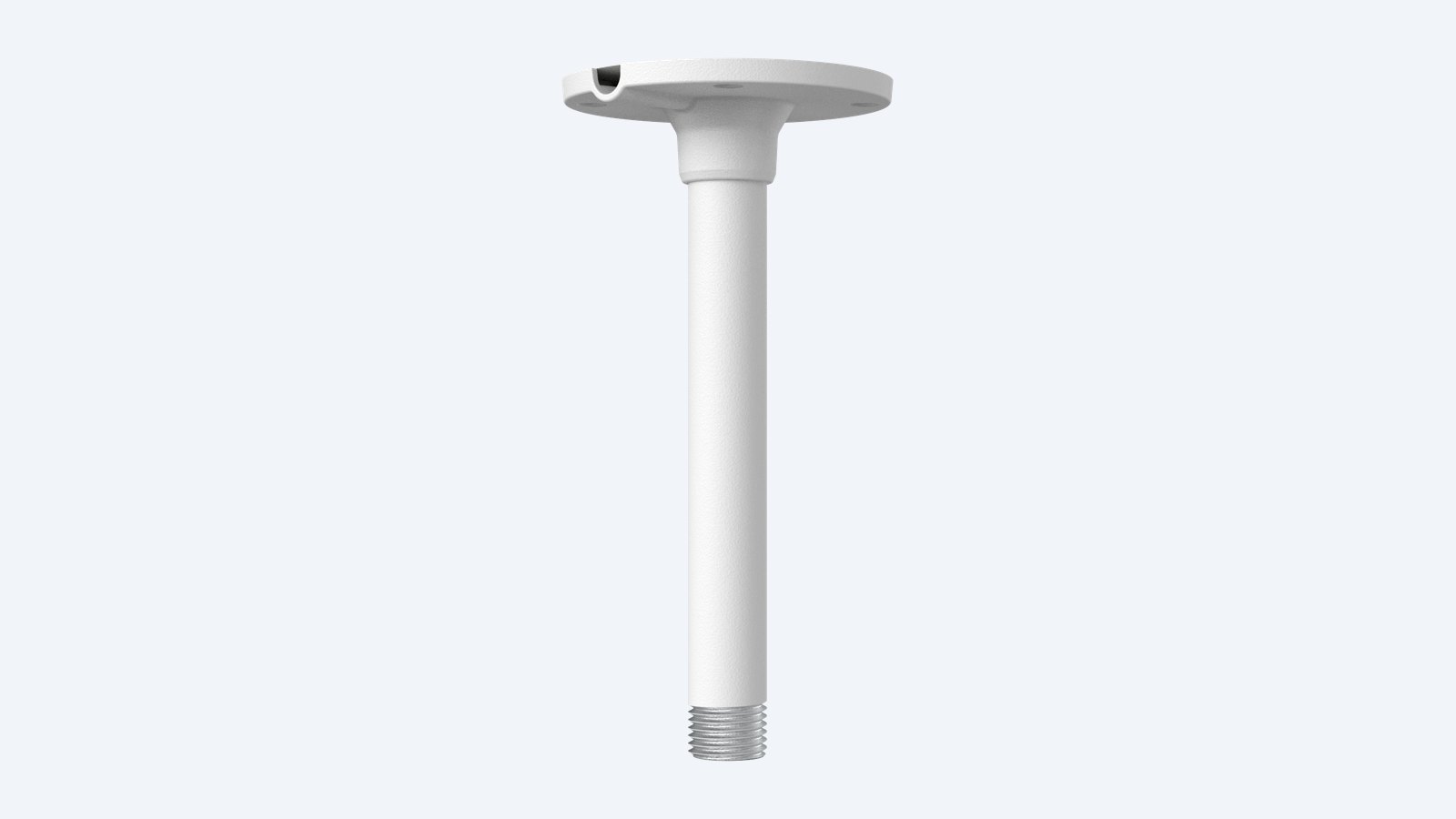
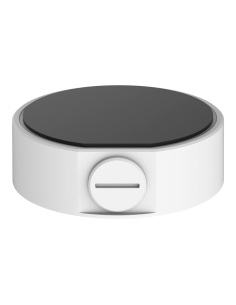
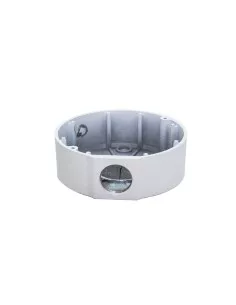
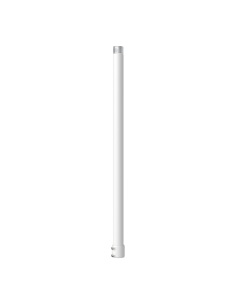
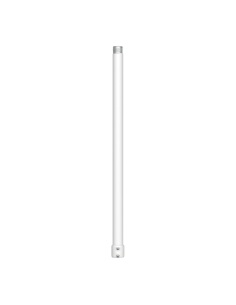
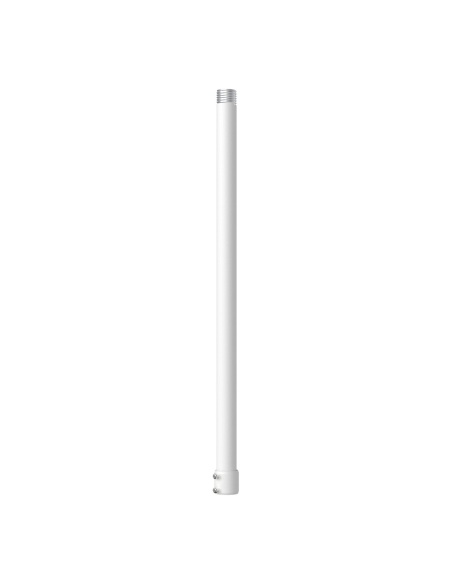
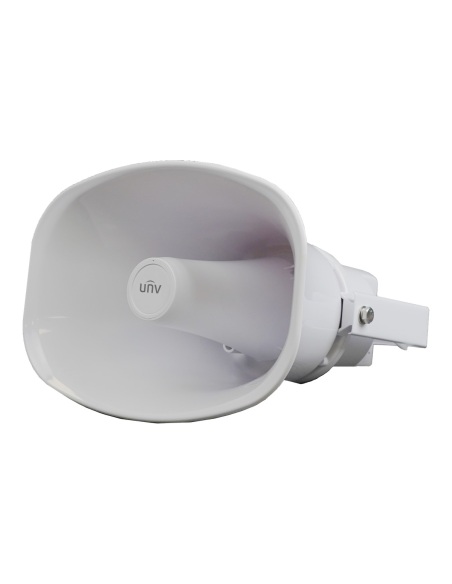
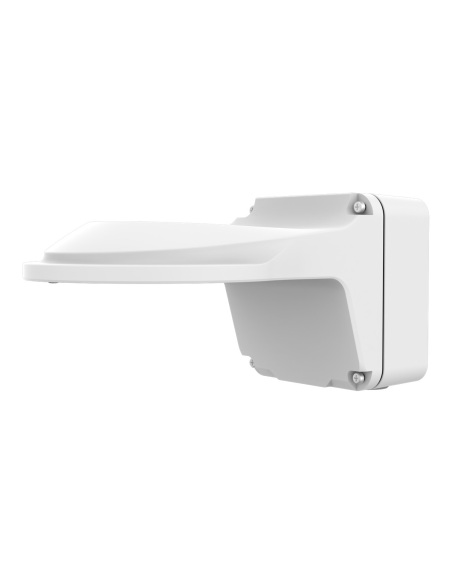
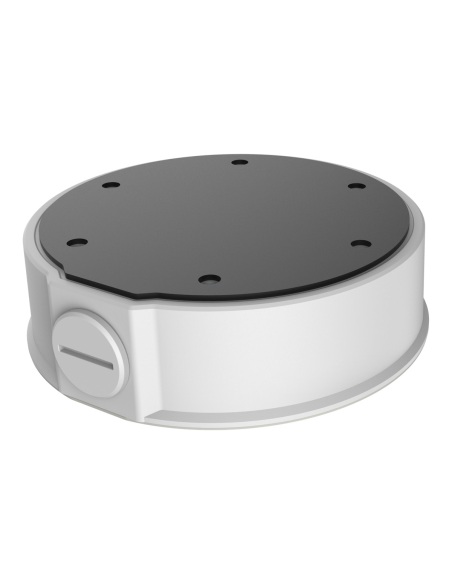
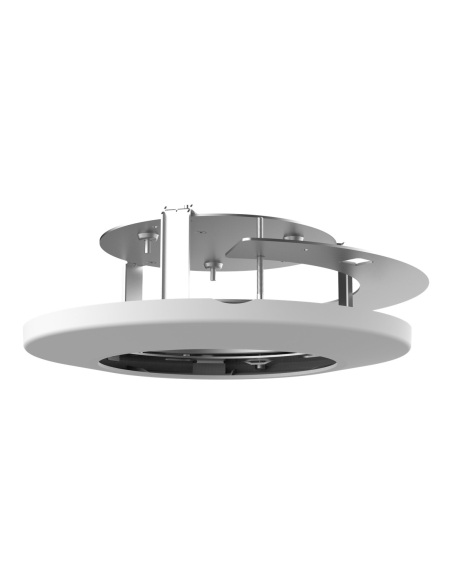
Uniview TR-CM24-IN indoor pendant mount
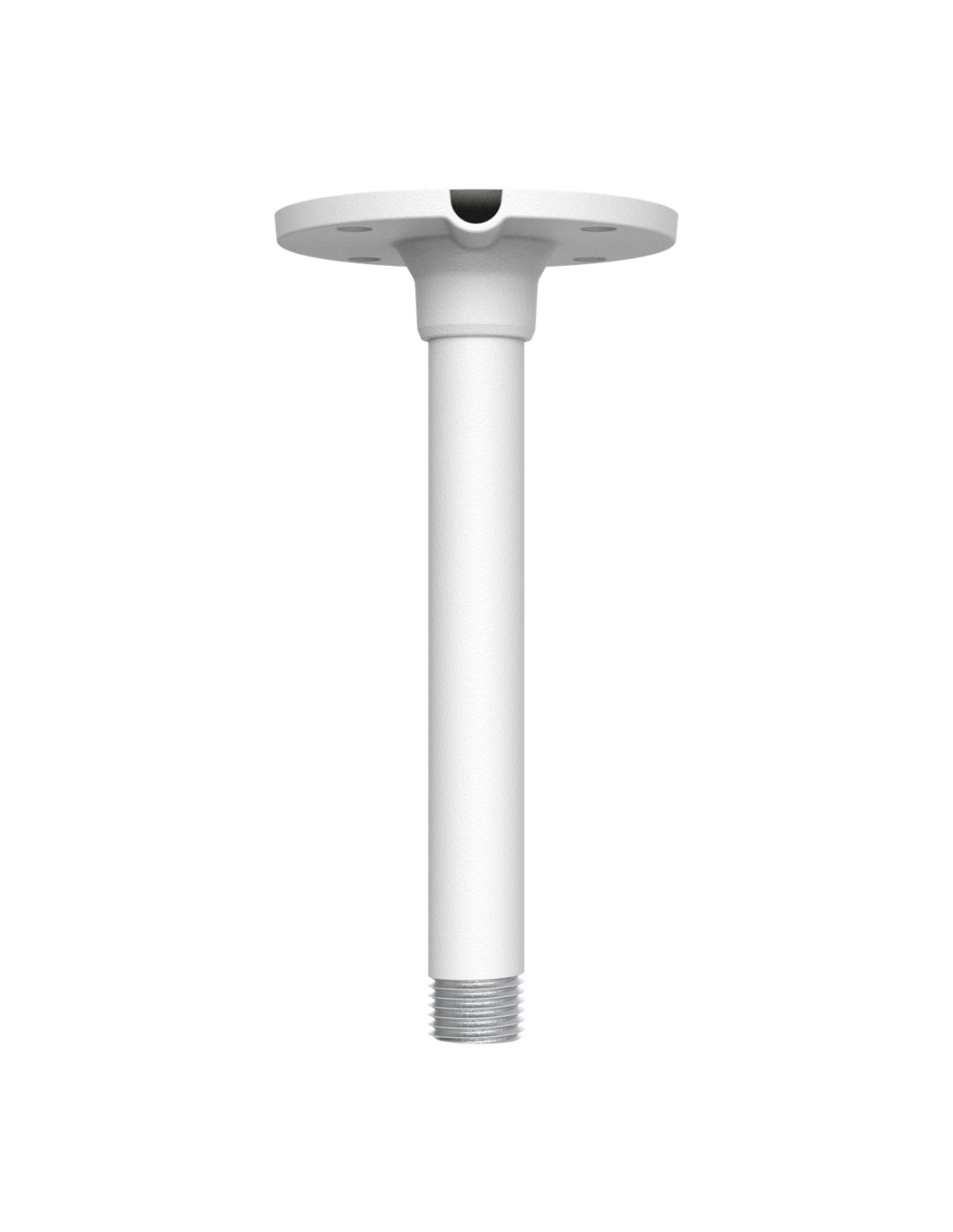
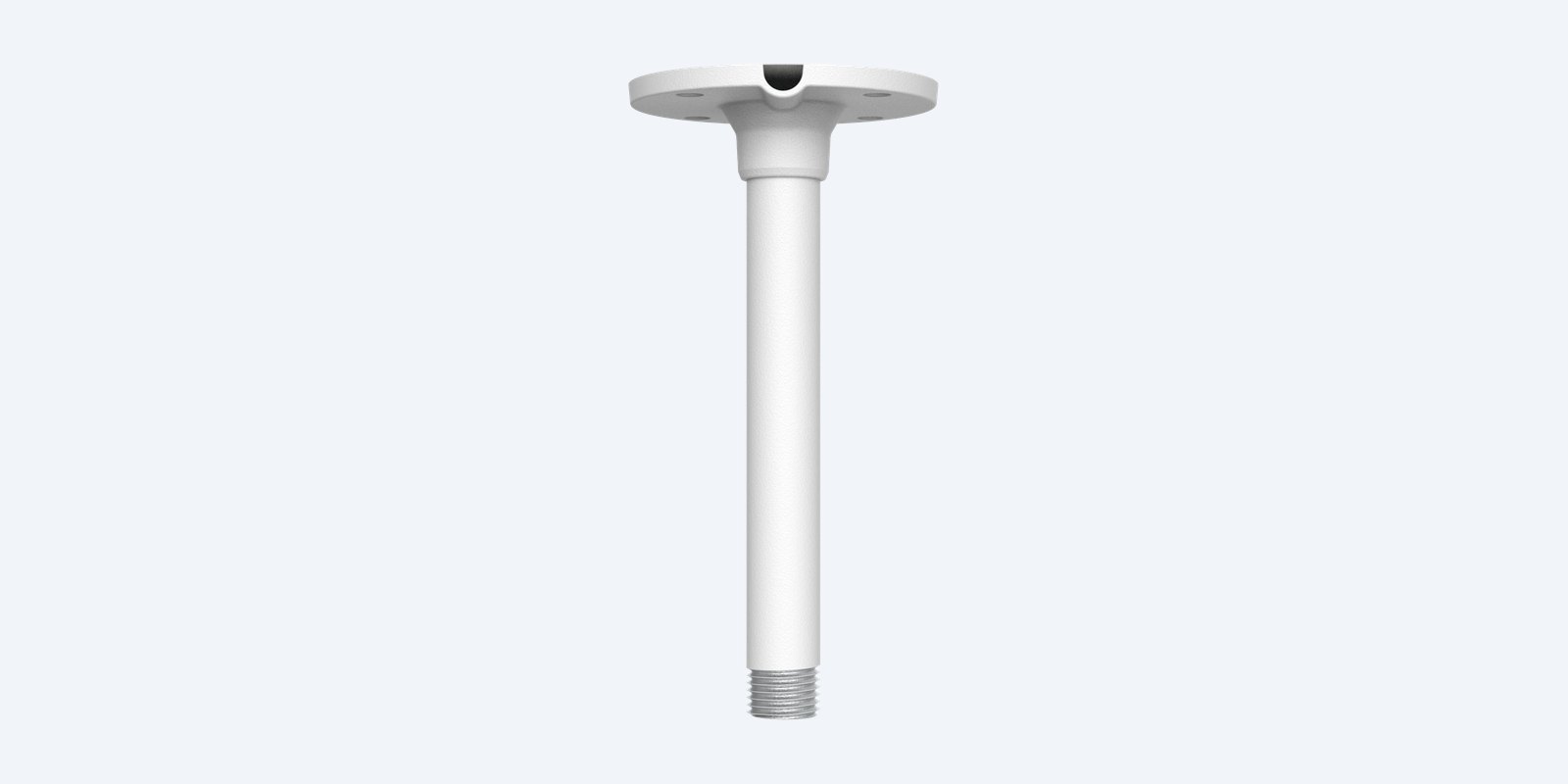
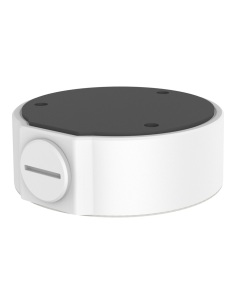
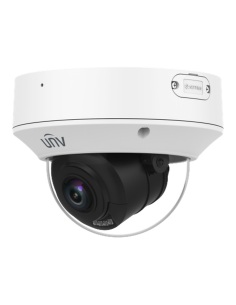
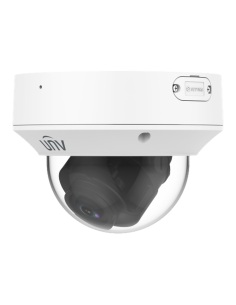
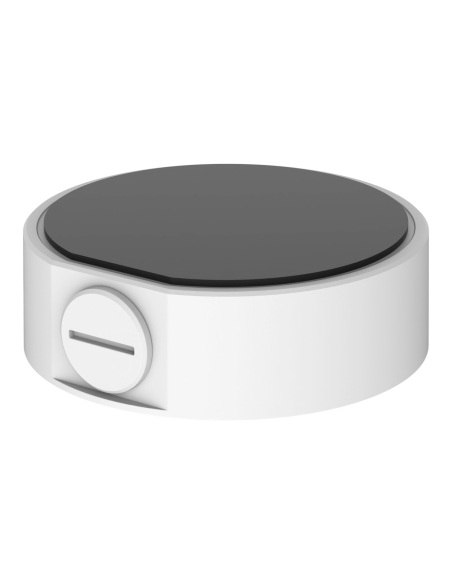
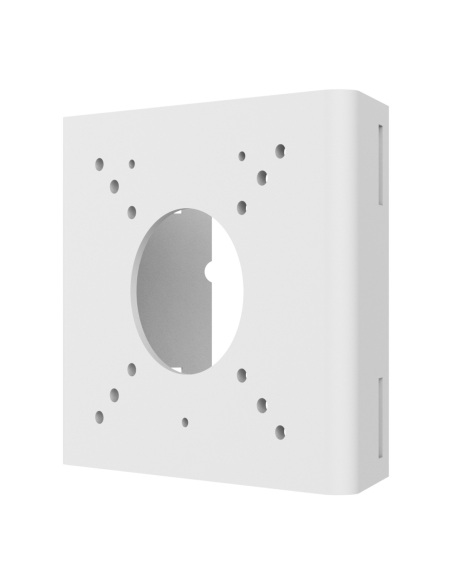
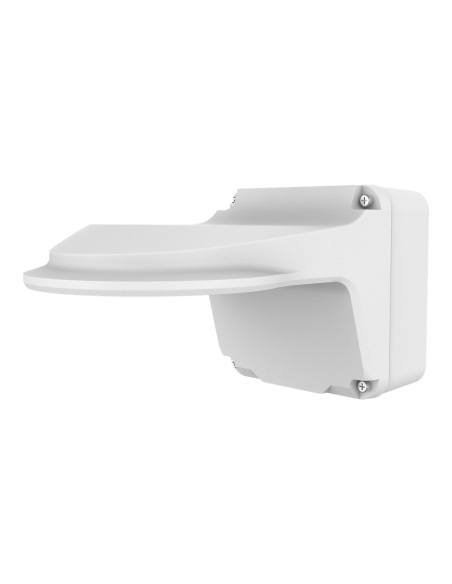
Uniview TR-CM24-IN indoor pendant mount, second view
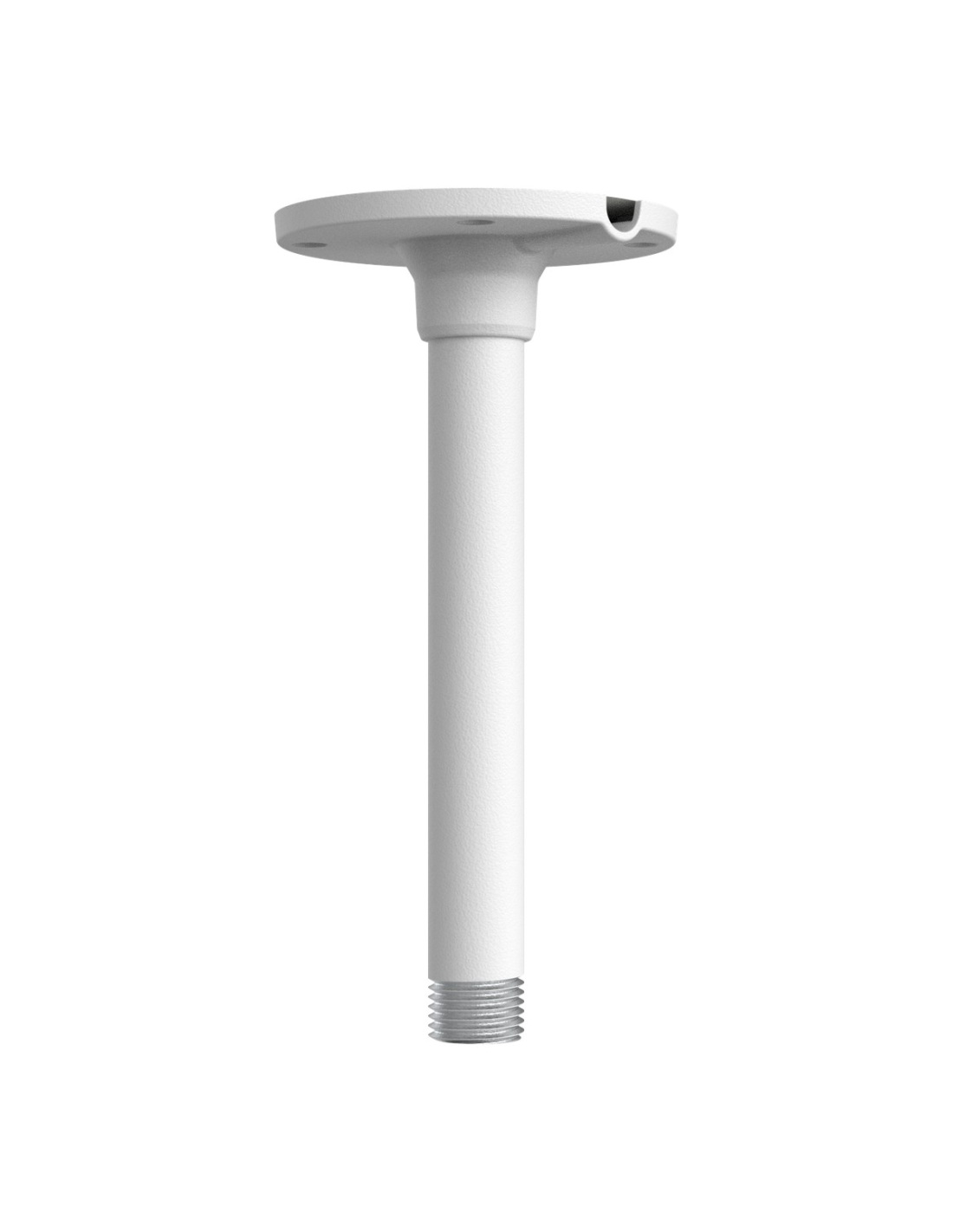
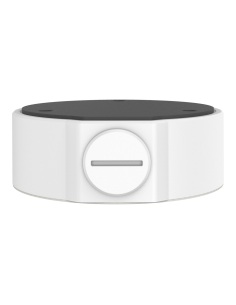
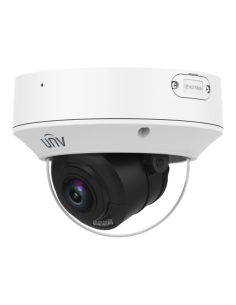
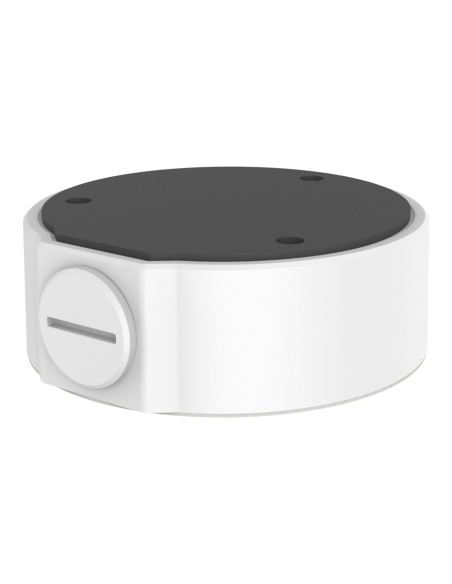
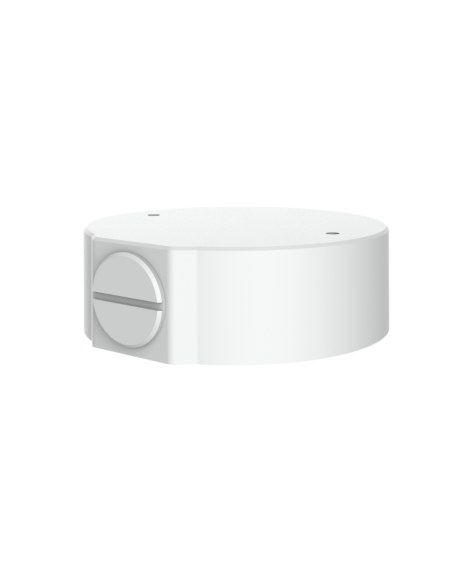
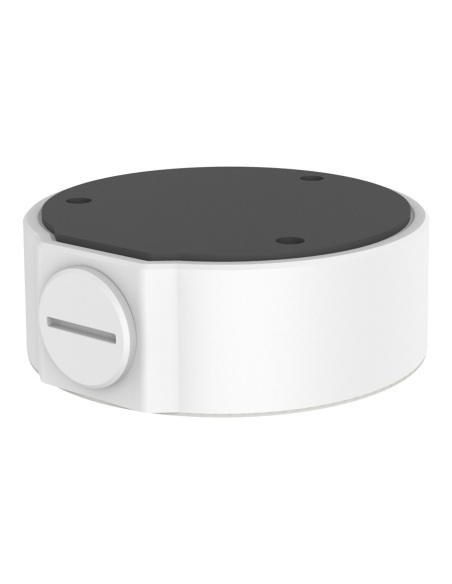
Uniview TR-CM24-IN indoor pendant mount, third view
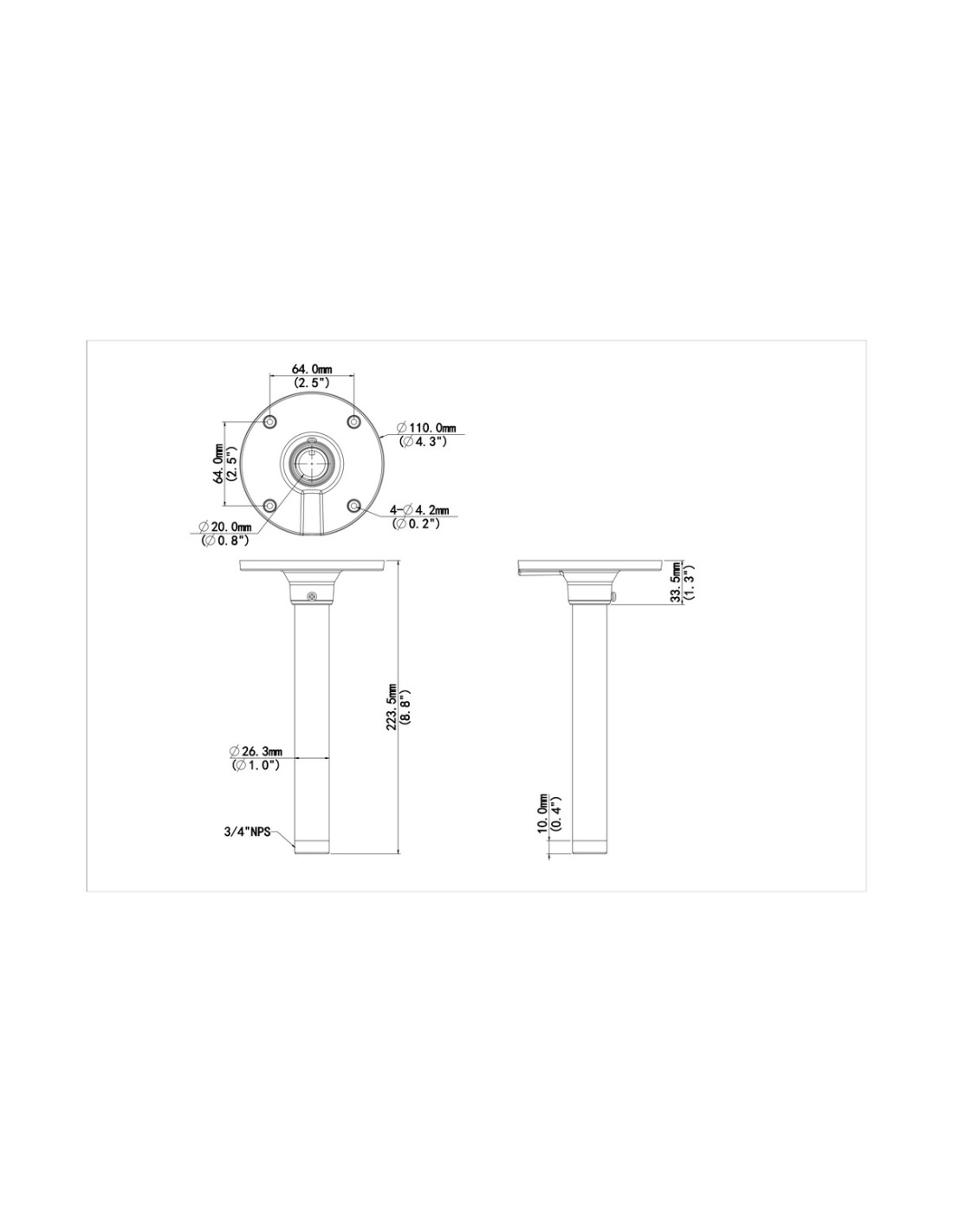
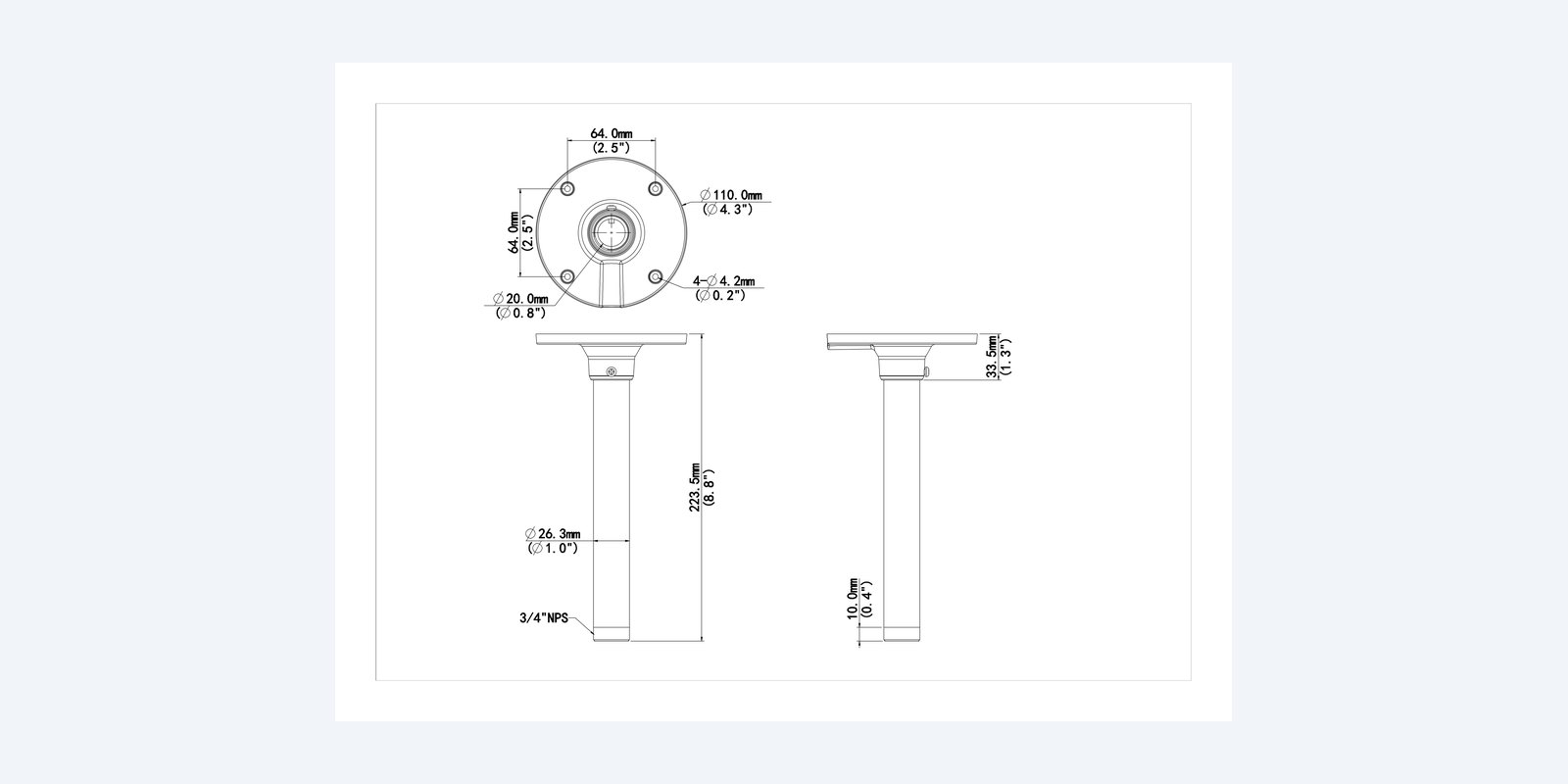
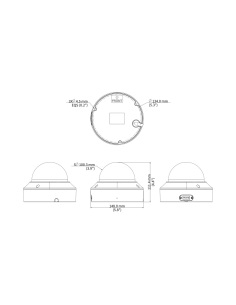
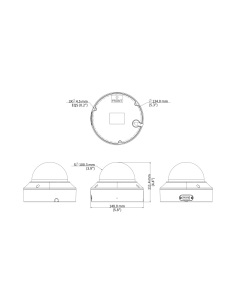
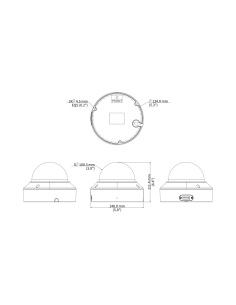
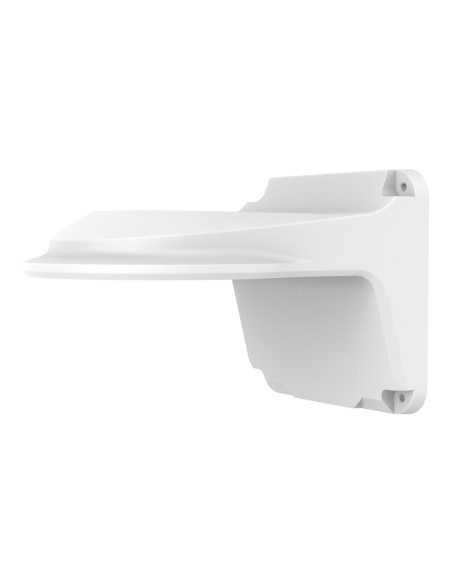
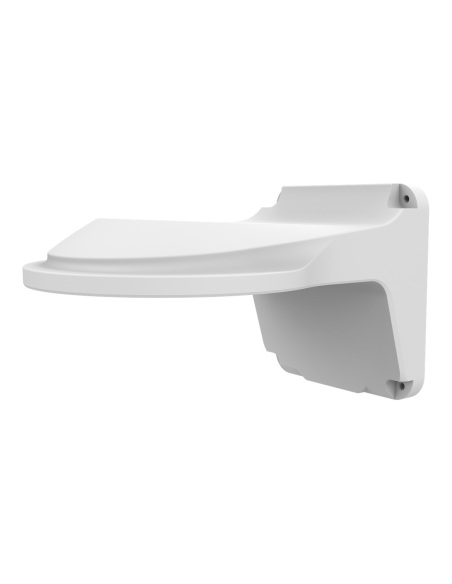
Uniview TR-CM24-IN dimension drawing
Uniview TR-CM24-IN indoor pendant mount
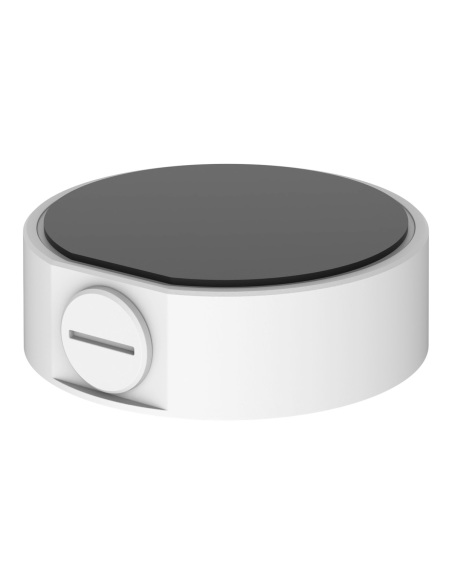
Uniview TR-CM24-IN indoor pendant mount, second view
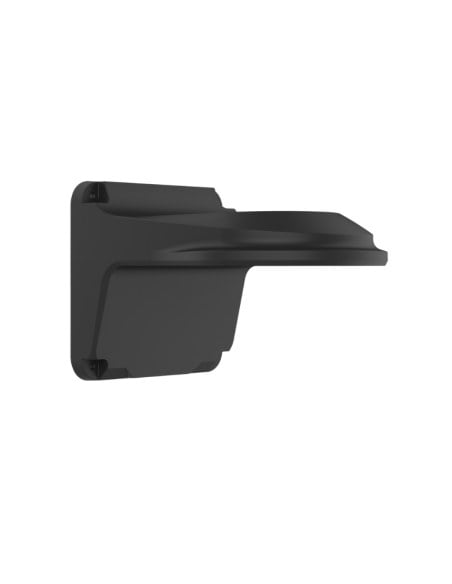
Uniview TR-CM24-IN indoor pendant mount, third view
Uniview TR-CM24-IN dimension drawing

Uniview Indoor Pendant Mount for Domes and Turrets, 3/4" Thread, Aluminium, White - TR-CM24-IN

TR-CM24-IN
In stock
$ 17.50
inc-GST

or 4 interest-free payments of $4.38 with

Uniview TR-CM24-IN indoor pendant mount: a Ø110 mm ceiling plate and drop pole with a 3/4" thread for a Uniview junction box and dome or turret.

  • ✓Drops the camera below beams and ducts
  • ✓Ø110 mm ceiling plate, 223.5 mm overall
  • ✓3/4" NPS thread for a junction box
  • ✓Cable inside the pole or through the side slot
  • ✓Aluminium alloy, 0.25 kg
  • ✓For indoor ceilings

 
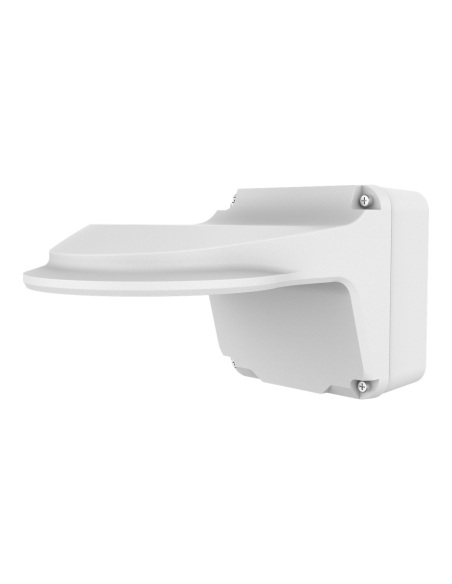
Uniview TR-CM24-IN white indoor pendant mount with round ceiling plate and drop pole
Uniview · Pendant mount · Indoor ceilings

Hang the camera below the ceiling,
where it can see past the beams.

This is the Uniview TR-CM24-IN. An indoor pendant mount: a round ceiling plate with a 200 mm drop pole. A Uniview junction box screws onto the 3/4" thread at the end, and the dome or turret fixes to the box.

In one sentence: the TR-CM24-IN is a Ø110 × 223.5 mm aluminium alloy indoor pendant mount with a 3/4" NPS threaded end, for Uniview IPC323X domes and, with the matching junction box, Uniview domes and turrets, weighing 0.25 kg.

The pendant only. The junction box and camera are separate.

Most cameras hang from it through their junction box: TR-JB03-G-IN for IPC32X/31X domes, TR-JB03-H-IN for IPC363X/361X turrets, TR-JB03-I-IN for Easy turrets.

In the box
  • TR-CM24-IN pendant mount
You also need
  • The junction box for your camera (see the questions below)
  • A compatible dome or turret
  • 4 screws to suit the ceiling
  • A drill

For high and open ceilings.

In warehouses, shops and atriums the ceiling can be too high, or blocked by beams and ducts. The pendant drops the camera clear of them, with the cable running down inside the pole.

Uniview TR-CM24-IN pendant mount from the front, showing the ceiling plate and pole

Ceiling plate

Four screws into the ceiling.

The Ø110 mm plate has four Ø4.2 mm holes on a 64 mm square and a Ø20 mm cable hole. A side slot lets surface cable in when there is no hole above.

Uniview TR-CM24-IN dimension drawing

Size

Ø110 mm plate, 223.5 mm overall.

The pole is Ø26.3 mm with a 3/4" NPS thread on the end for the junction box. The plate has four Ø4.2 mm holes on a 64 mm square.

How it goes in

From the box to a mounted camera.

01

Fix the plate

Screw the ceiling plate to a joist or solid ceiling with four fixings, with the cable through the middle.

02

Feed the cable

Run the cable down inside the pole.

03

Fit the junction box

Screw the camera’s junction box onto the 3/4" thread at the bottom.

04

Fit and aim

Connect the camera inside the box, fix it to the box and aim it.

Pair it with

What goes with it

Domes

TR-JB03-G-IN junction box

For IPC32X and IPC31X domes on the pendant.

Turrets

TR-JB03-H-IN junction box

For IPC363X and IPC361X turrets on the pendant.

Longer drop

TR-SE24-A-IN 500 mm pole

Uniview lists it with this pendant for a longer drop.

Camera

Uniview IPC3238SB dome

4-inch dome named in the pendant’s datasheet.

Where it is used

Where it is used

Warehouses

Below the racking line on a high roof.

Shops

Clear of bulkheads and signage.

Atriums and foyers

From a high ceiling over the entry.

Car parks

Under-cover car parks, clear of ducts.

Uniview pendant parts side by side

TR-CM24-INTR-SE24-A-IN
TypeCeiling plate with 200 mm drop pole500 mm pendant pole
SizeØ110 × 223.5 mmØ32 × 520 mm
PoleØ26.3 mm, 3/4" NPS endØ26.3 mm, 3/4" NPS both ends
Weight0.25 kg0.35 kg
UseIndoorIndoor or outdoor

Both aluminium alloy. The camera hangs from a junction box screwed onto the pole’s 3/4" thread. Figures from the Uniview datasheets and drawings.

Common questions

Which cameras does it fit?

Uniview’s datasheet lists it for the IPC323X domes, and most Uniview dome and turret datasheets list it as an accessory. Their accessory guide pairs it with a junction box: TR-JB03-G-IN for IPC32X and IPC31X domes, TR-JB03-H-IN for IPC363X and IPC361X S/E turrets, and TR-JB03-I-IN for the IPC361X LE turrets.

Do I need a junction box?

For most domes and turrets, yes: the box screws onto the pendant’s 3/4" thread and the camera fixes to the box. Tell us the camera and we will add the right box.

Can I use it outside?

Uniview calls it an indoor pendant. Its guide notes that outdoor use needs extra care with waterproofing, so we recommend it for indoor and under-cover ceilings.

How long is it?

223.5 mm overall from the ceiling plate to the end of the thread. For a longer drop, Uniview lists the TR-SE24-A-IN 500 mm pole with it.

How does the cable run?

Down the inside of the pole through the Ø20 mm hole in the plate, or in through the side slot when the cable runs along the ceiling.

What screws do I need?

Four screws to suit the Ø4.2 mm holes, into a joist, batten or concrete. Uniview does not list fixings in the box.

What thread is on the end?

A 3/4" NPS thread, the same size as the cable entries on Uniview’s junction boxes.
How much does it weigh?

0.25 kg.

What is it made of?

Aluminium alloy, 0.25 kg.

Is it white or black?

White. It matches Uniview’s white cameras.

Do I need a licensed installer?

Fixing the bracket is a normal handyman job. In Australia, fixed data cabling inside walls and ceilings must be run by a registered cabler; plugging a camera into an existing outlet does not need one.

What is the warranty?

Uniview 3-year manufacturer warranty, handled in Australia through InFront. Contact us first and we will organise any claim.

Supported by Infront Technologies.

Not sure which mount suits your camera or wall? Call 1300 736 970 or email [email protected] with the camera model and a photo of the spot, and we will match the bracket.

Installation and safety

Fixing. Fix the plate into a joist, batten or concrete, never ceiling sheet alone. Turn off power to the camera before connecting it.

Indoor. Uniview lists this pendant for indoor use. Under cover outdoors, seal the thread and cable holes.

Figures. From the Uniview TR-CM24-IN datasheet and dimension drawing; camera fits from Uniview’s camera datasheets and accessory guide. Uniview 3-year manufacturer warranty, handled in Australia through InFront.

Dimensions
Ø110 × 223.5 mm
Weight
0.25 kg
Material
Aluminium Alloy
Colour
White
Length
223.5 mm
Installation
Ceiling, indoor
Brand
Uniview
Warranty
3 years
Product Type
Camera Pendant Mount
Model
TR-CM24-IN
Use
Indoor
Mount type
Pendant (ceiling drop)
Compatible Cameras
Uniview IPC3235SB, IPC3236SB, IPC3238SB (IPC323X); Uniview domes and turrets via TR-JB03-G-IN, TR-JB03-H-IN or TR-JB03-I-IN
Camera Series
Uniview IPC323X domes; IPC32X, IPC31X, IPC361X, IPC363X via junction box
Cable Hole
Ø20 mm with side slot
Thread
3/4" NPS
Ceiling Fixing Holes
4 × Ø4.2 mm, 64 mm square
INFRONTTECH Promotional BannerINFRONTTECH Promotional Banner

Do you need help?

We understand that the world of CCTV can be overwhelming and very confusing

Call us for a chat today.
Available Mon-Fri 9-5PM

Product added to wishlist