There are no more items in your cart
- New
In stock


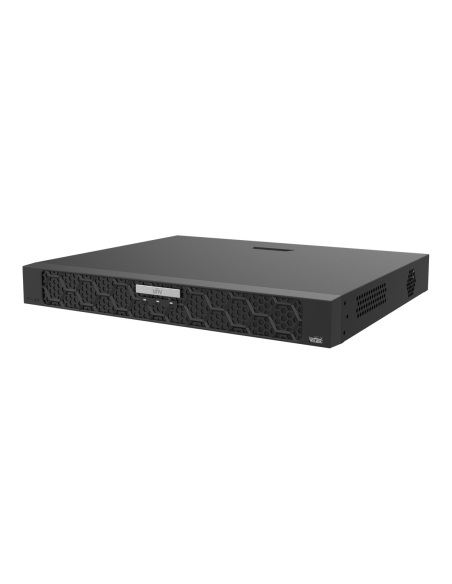
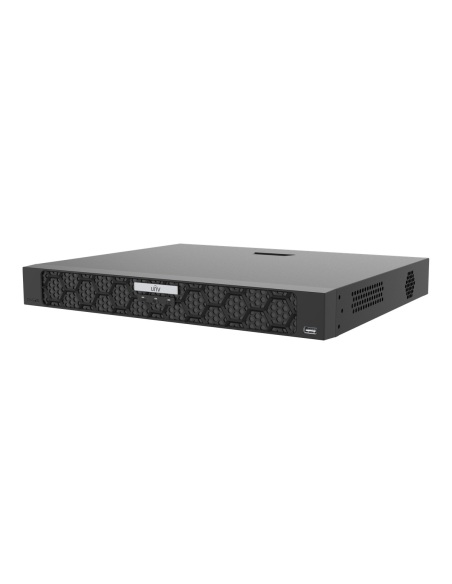
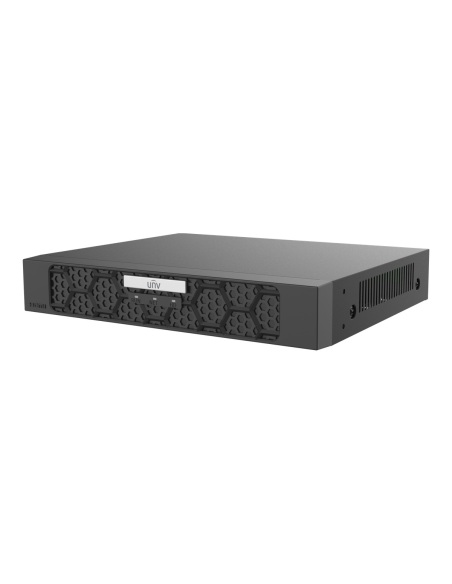
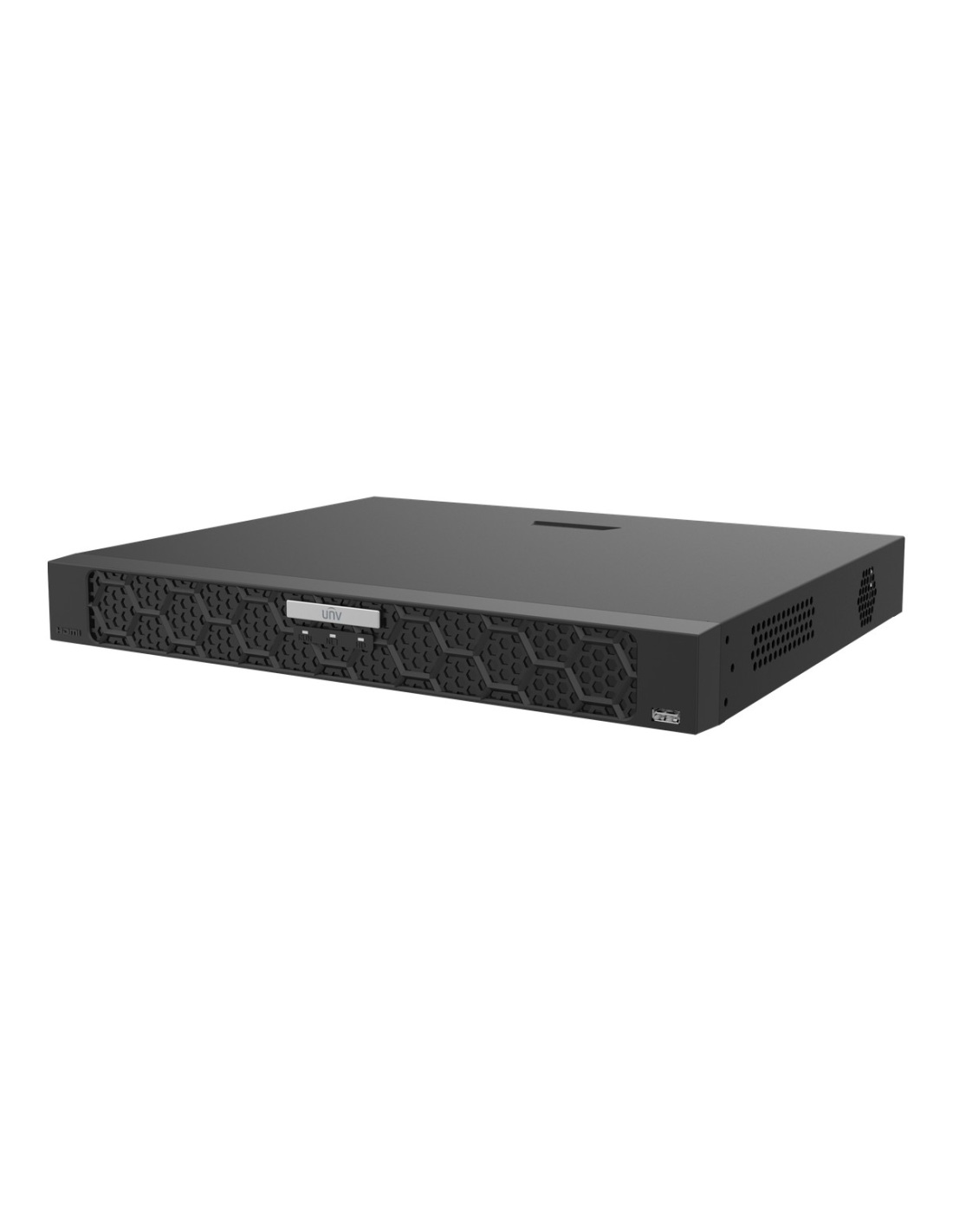
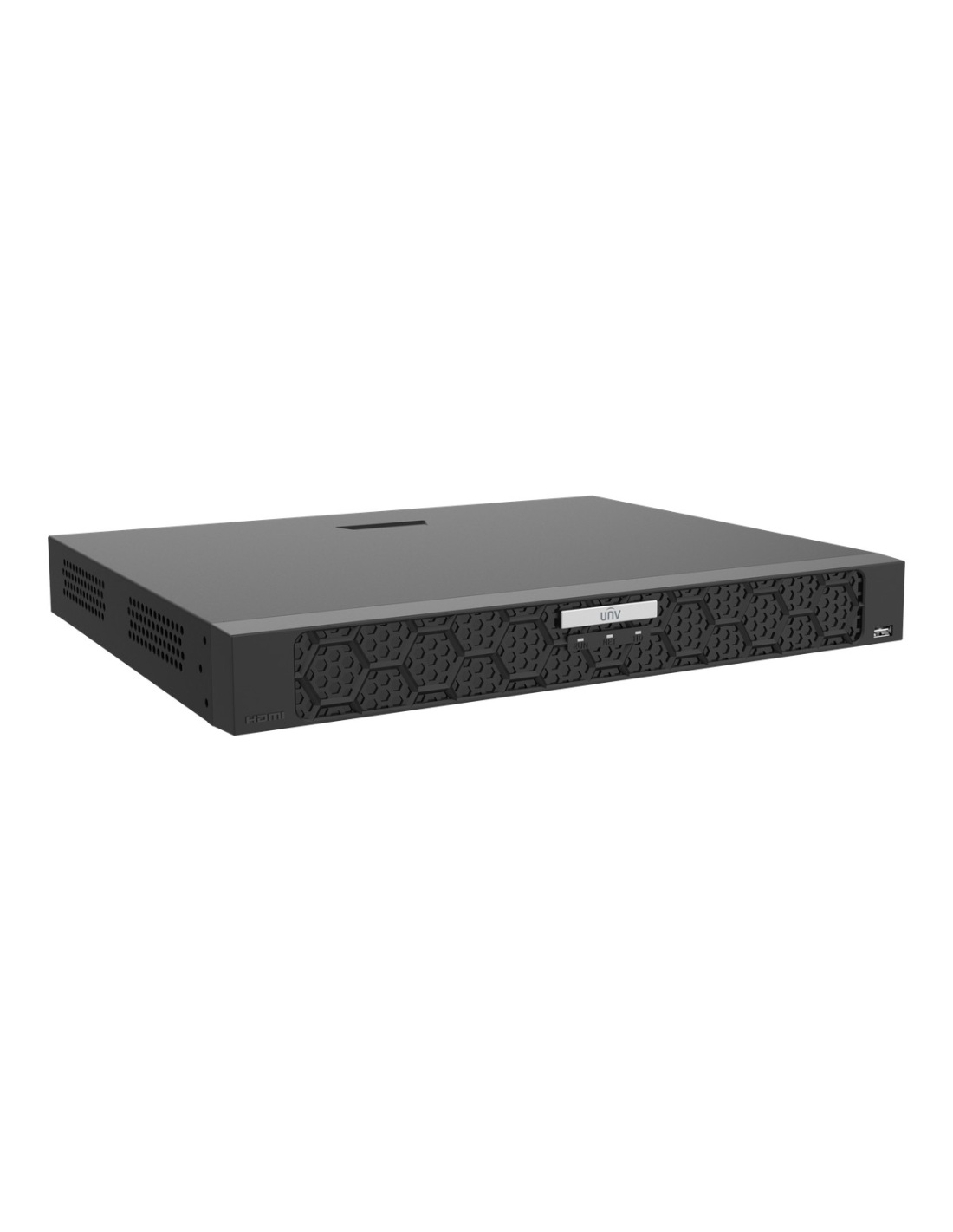
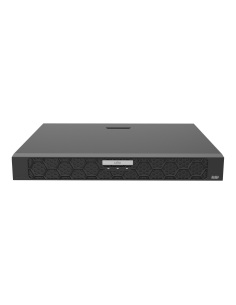
Uniview NVR502-16E-IM-G 16-channel SeekFree network video recorder. Plain-language search, up to 32MP recording, 4K HDMI, plate comparison and face detection by NVR, two drive bays with RAID 1. No HDD, or 2–8TB fitted.
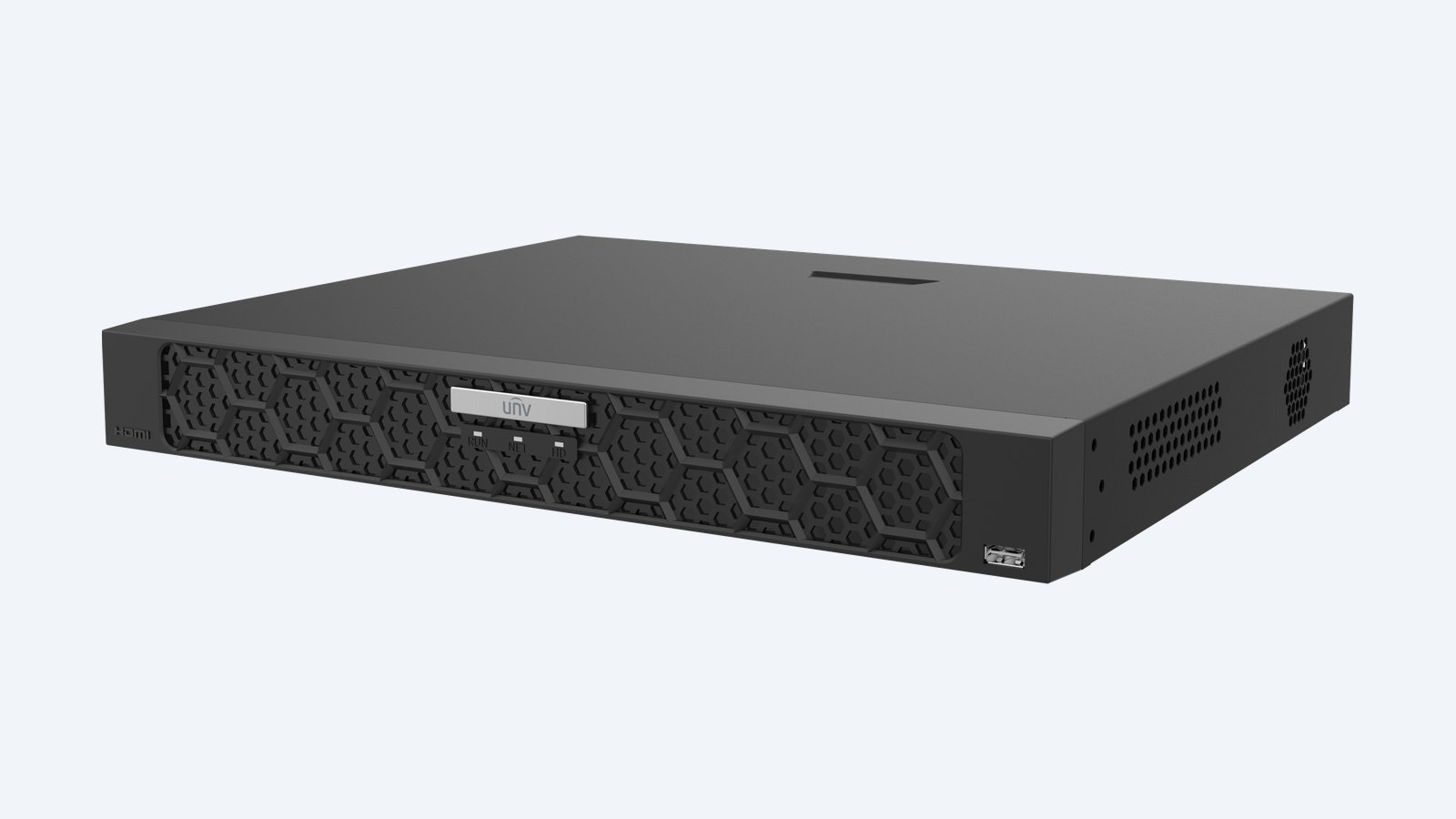
This is the Uniview NVR502-16E-IM-G. A 16-channel recorder with Uniview’s SeekFree search: describe the person or vehicle in plain words and it finds the clips. It records up to 32MP per camera, holds two drives with RAID 1 and reads number plates itself.
In one sentence: the NVR502-16E-IM-G is a 16-channel Uniview SeekFree NVR with up to 32MP recording, 192 Mbps incoming bandwidth, two SATA bays up to 24TB each with RAID 1, two Gigabit ports and 4K HDMI output.
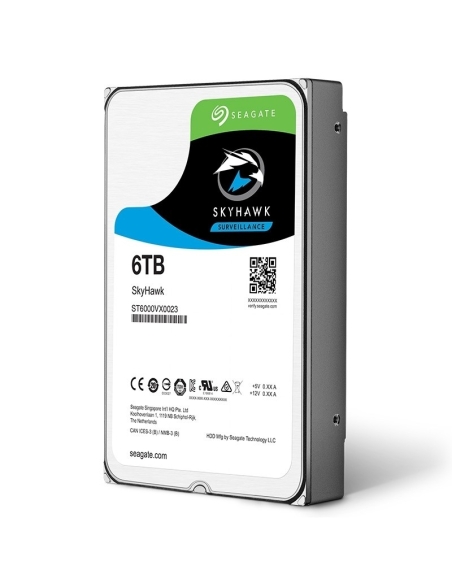
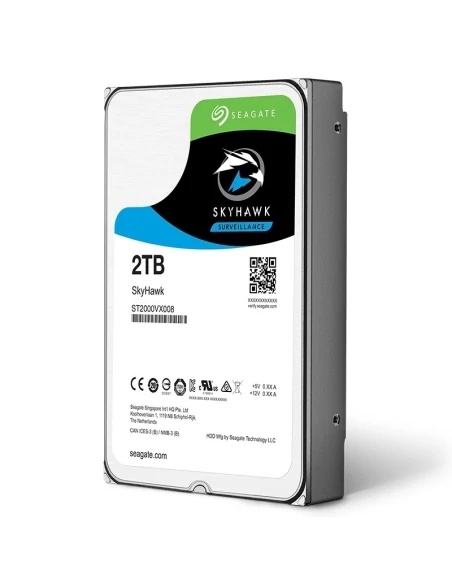
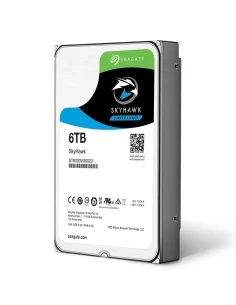
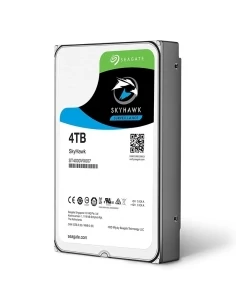
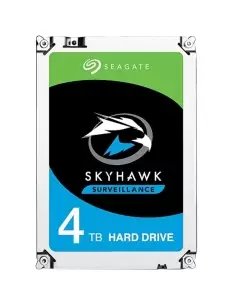
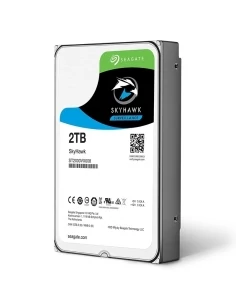
Order it without a drive, or with a 2, 4, 6 or 8TB drive fitted.
The NVR502-16E-IM-G comes without cameras or a screen, and without a hard drive unless you choose one above. Add a PoE switch for the cameras and a screen. The recorder has no PoE ports of its own and runs from the supplied 12 V adapter.
SeekFree works across every channel with Uniview SIP or UMD cameras and on up to 16 channels of normal or third-party cameras. Add plate comparison against a library of up to 25,000 vehicles and face detection by the NVR, and finding an incident takes seconds.
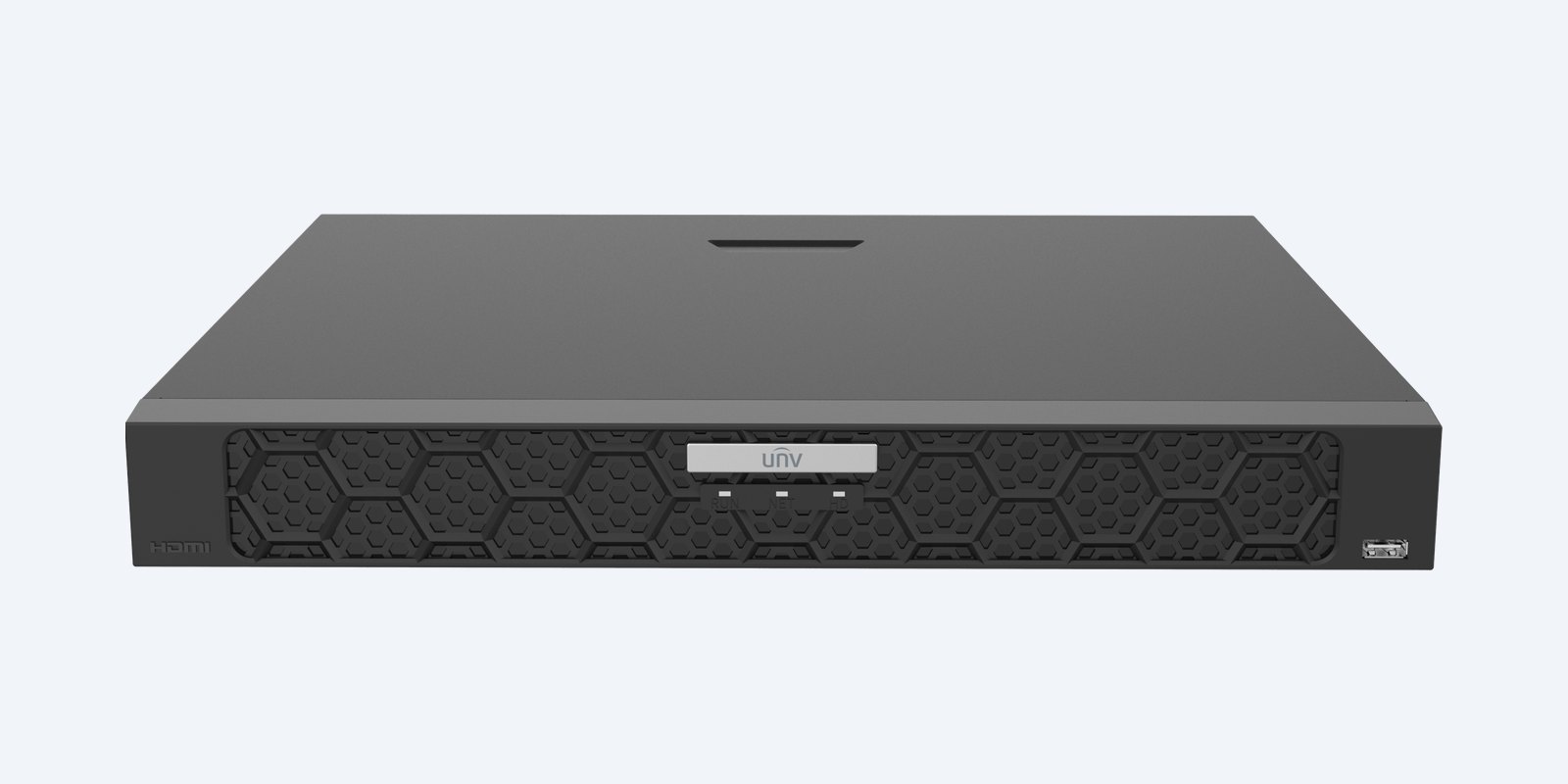
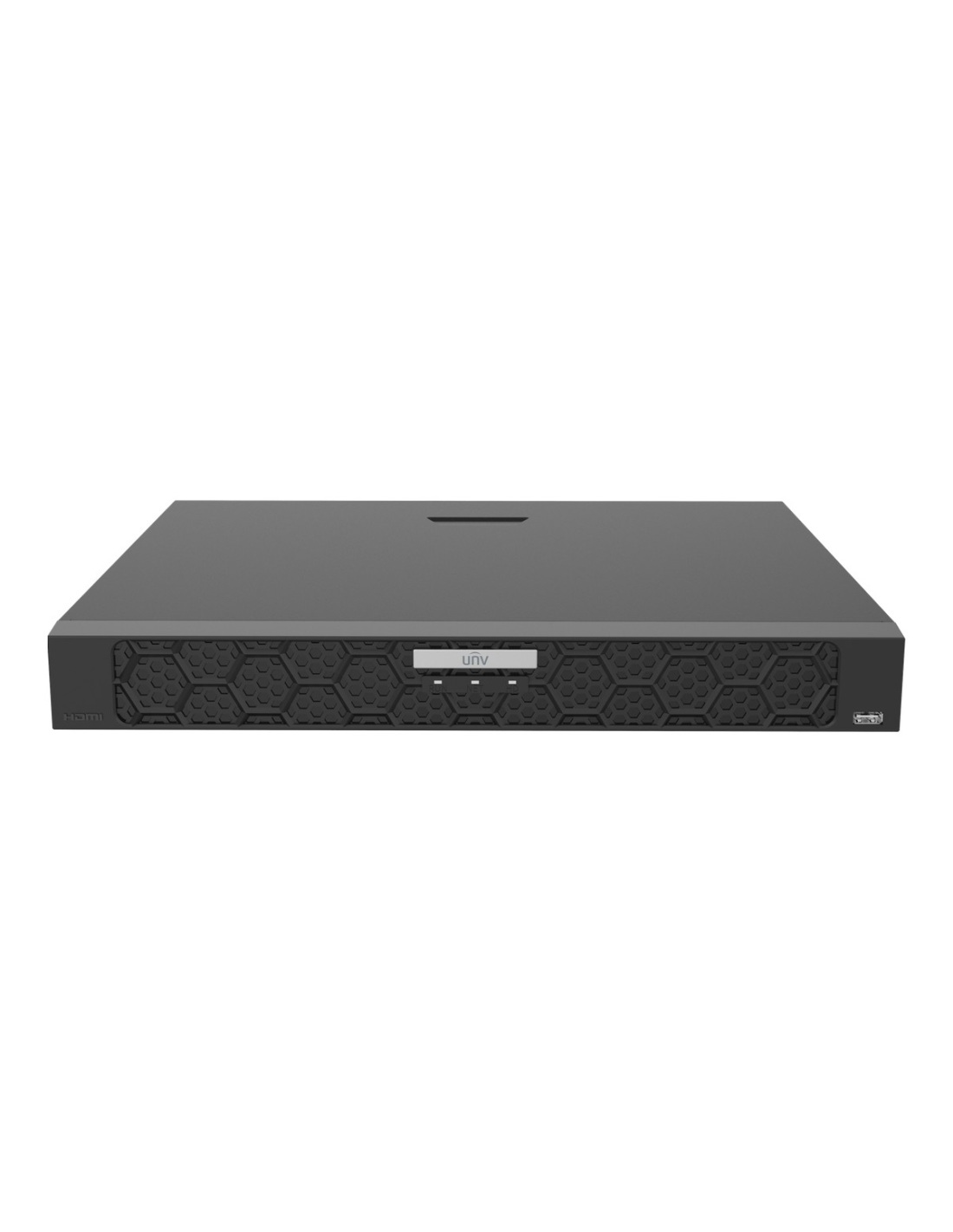
Front panel
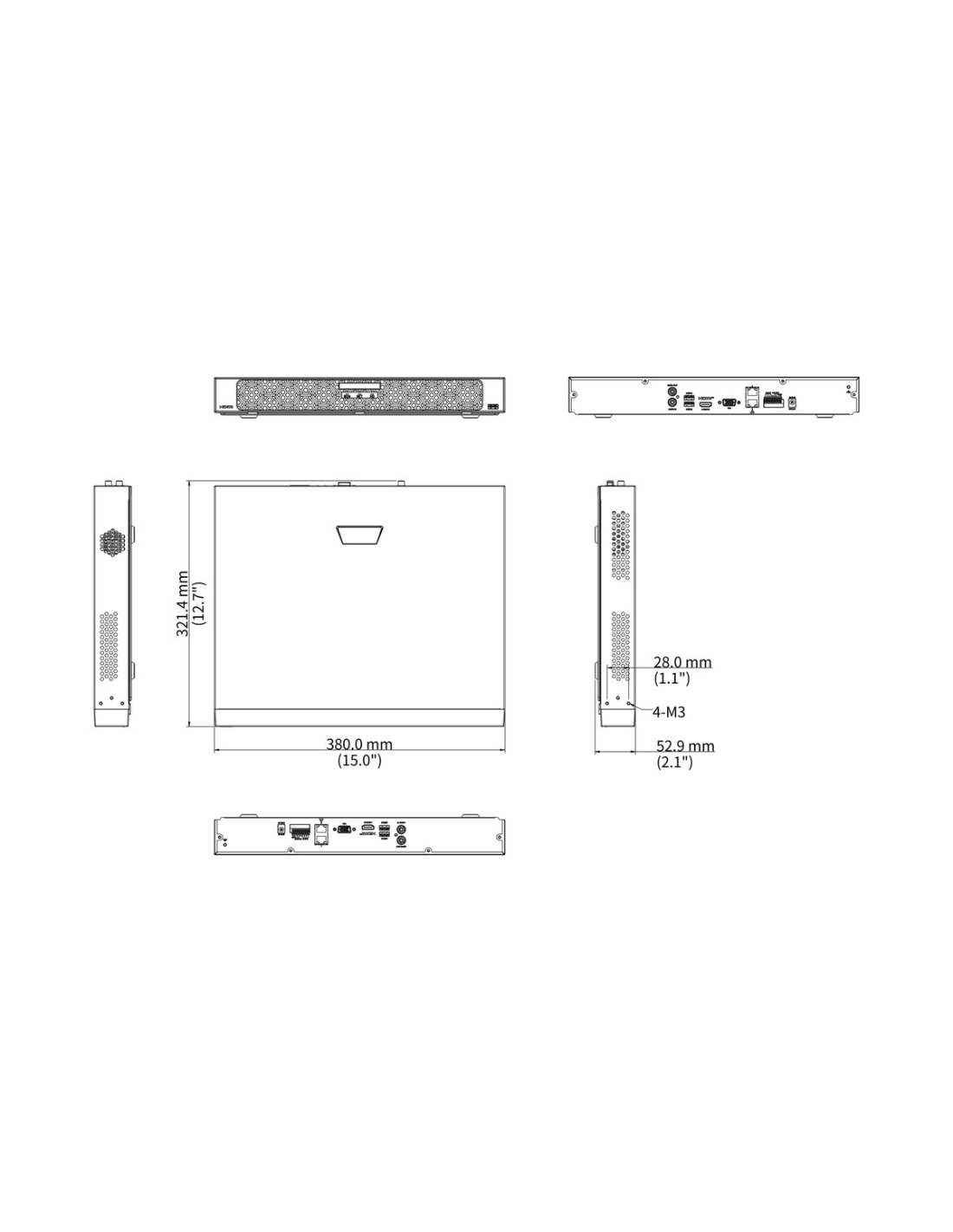
A USB 2.0 port for a mouse or keyboard is on the front. Two Gigabit LAN ports, HDMI, VGA, RCA audio, USB 2.0 and 3.0, RS485, alarm terminals (4 in, 1 out) and the 12 V input are at the back.
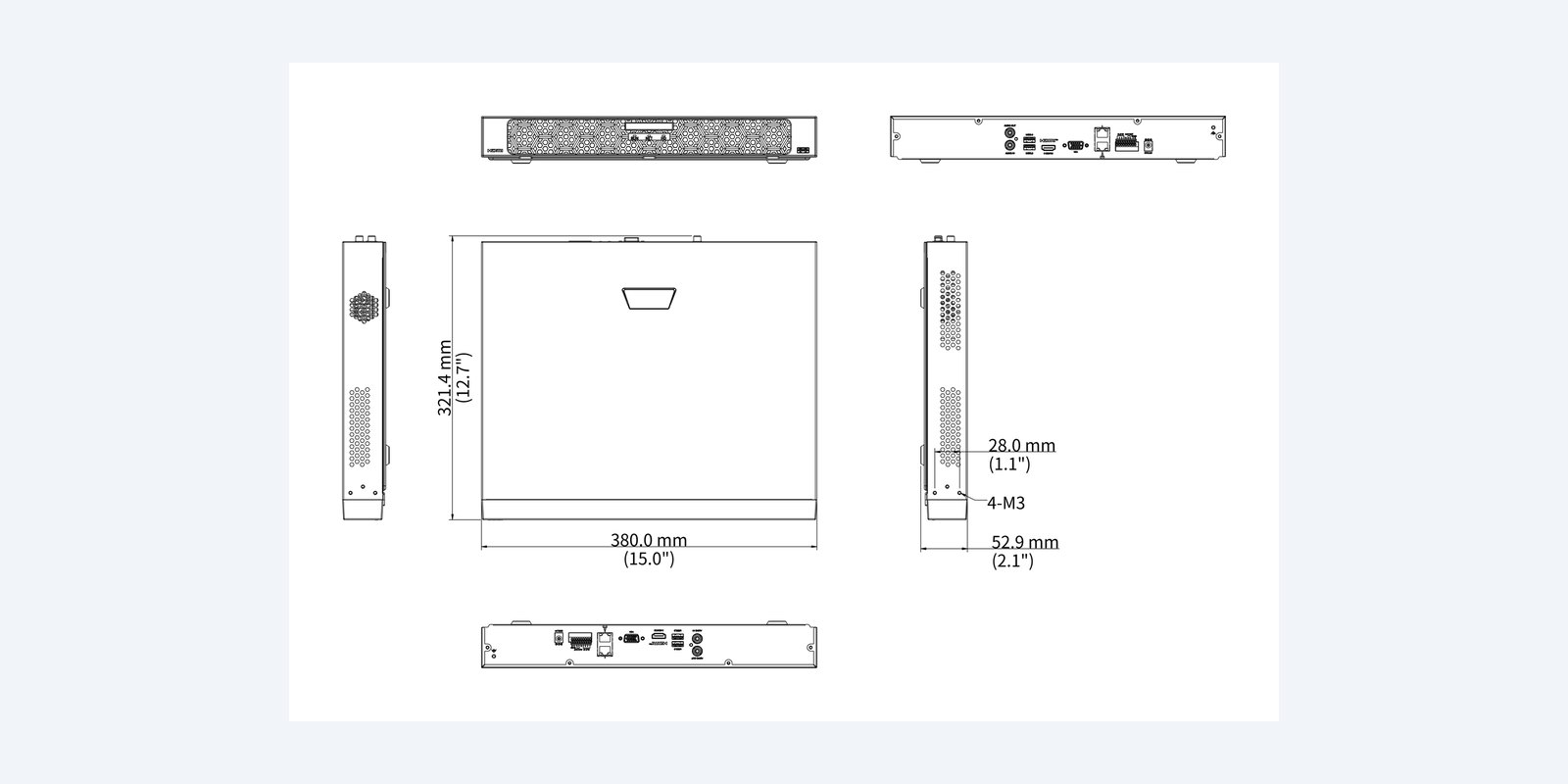
Size
It weighs 1.87 kg without drives and draws 25 W or less before drives. The optional Uniview RM-1U-380 bracket fits it in 1U of a 19-inch rack.
How it goes in
01
If you did not order one fitted: with the power off, fit surveillance drives in the bays you are using, then format them or build the RAID array from the setup wizard.
02
Plug the cameras into PoE switches on the same network as the recorder. It searches the network and adds Uniview cameras automatically.
03
HDMI or VGA to the monitors, a network port to your switch or router, then power on and follow the wizard.
04
Scan the P2P QR code in the UNV-Link app, or add the recorder to Uniview’s EZStation software on a PC.
At a glance
Show specs
Channels
16 IP cameras
PoE
None — use a PoE switch
Recording
Up to 32MP
Compression
Ultra 265, H.265, H.264
Bandwidth
192 Mbps in, 192 Mbps out
Decoding
2 × 32MP, 4 × 16MP, 8 × 4K or 16 × 1080p @30 (smart off)
Outputs
HDMI up to 4K/30 Hz and VGA up to 1080p, same picture
Storage
2 SATA, up to 24TB each, RAID 1
Network
2 × RJ45 Gigabit (multi-address, load balance, fault tolerance)
Search
SeekFree text search, plate comparison, face detection by NVR
USB
1 × USB 2.0 front; 1 × USB 2.0, 1 × USB 3.0 rear
Alarm
4 in, 1 out; RS485
Power
12 V DC 3 A, ≤25 W without HDD
Size and weight
380 × 322.4 × 53 mm, 1.87 kg
Operating
−10 °C to 55 °C, ≤90% RH
Pair it with
Storage
Surveillance-rated 2, 4 or 6TB drives built for 24/7 recording. Mirror two drives with RAID 1 so a drive failure loses nothing.
Cameras
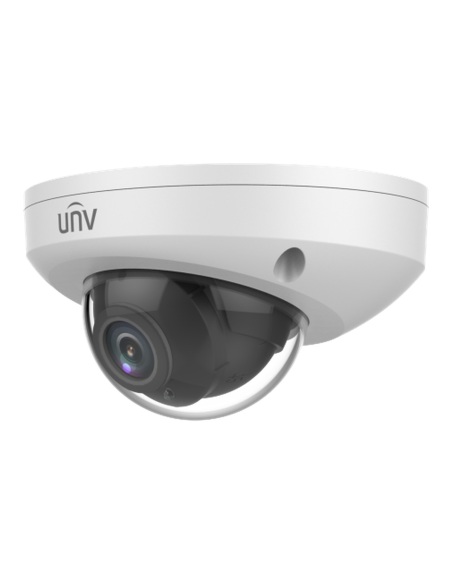
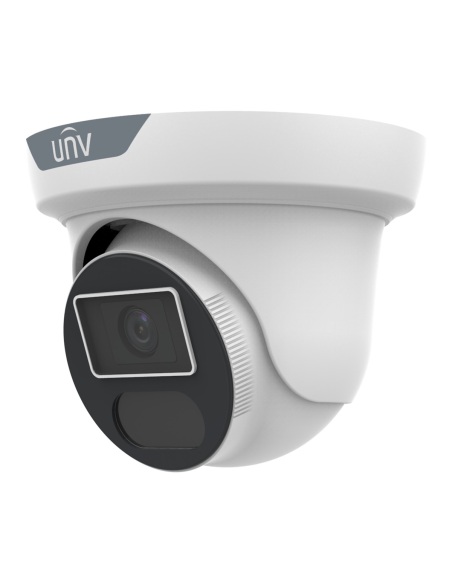
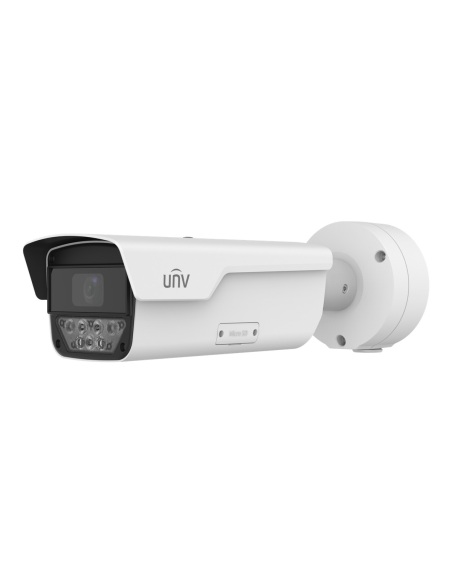
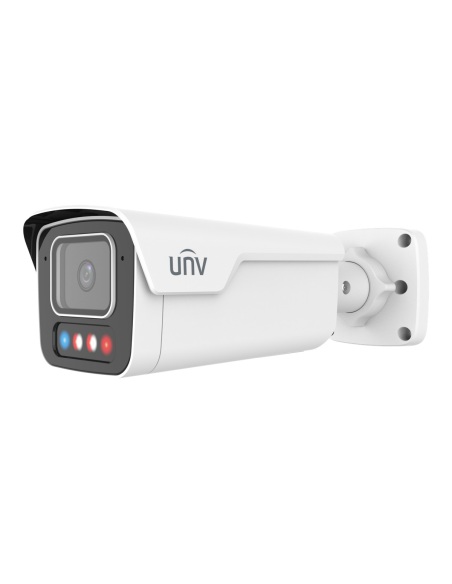
Uniview turrets, bullets and domes add the smart events and fast searches this recorder is built around.
Network
This recorder has no PoE ports, so a PoE switch powers the cameras and links them to it.
Audio
Up to 32 Uniview IP speakers can be linked for announcements and alarm messages.
Where it is used
Find a vehicle by plate or colour without scrolling through hours of footage.
Search for “person in red shirt” across every aisle camera at once.
Trace someone’s path through entries and corridors in minutes.
Run text search on up to 16 existing normal or third-party cameras.
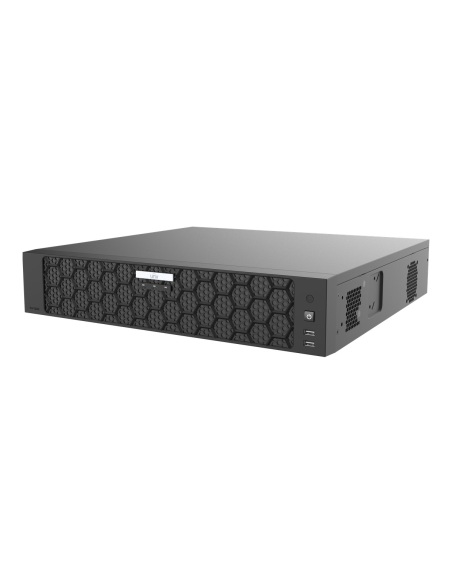
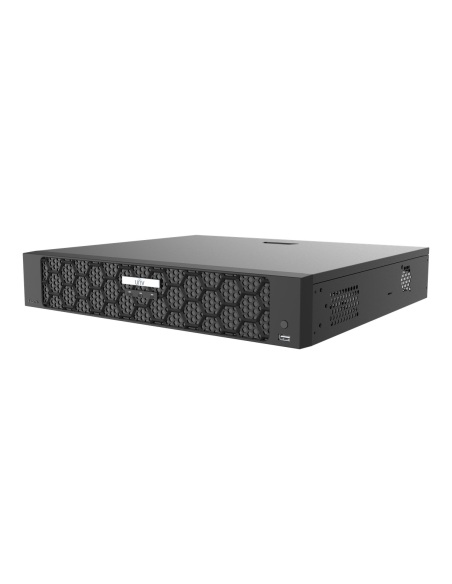
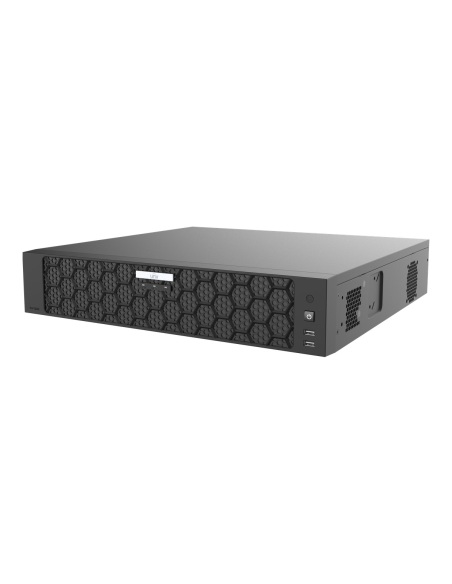
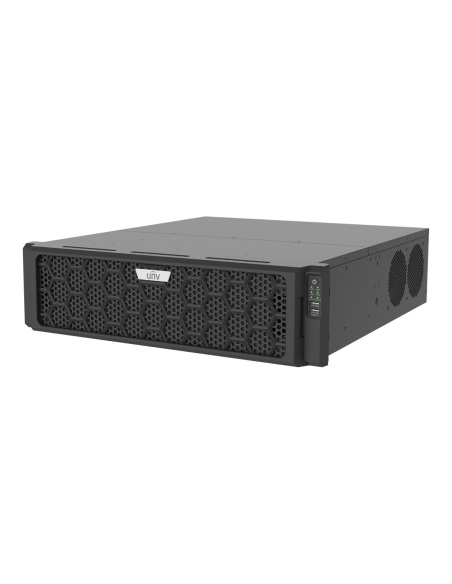
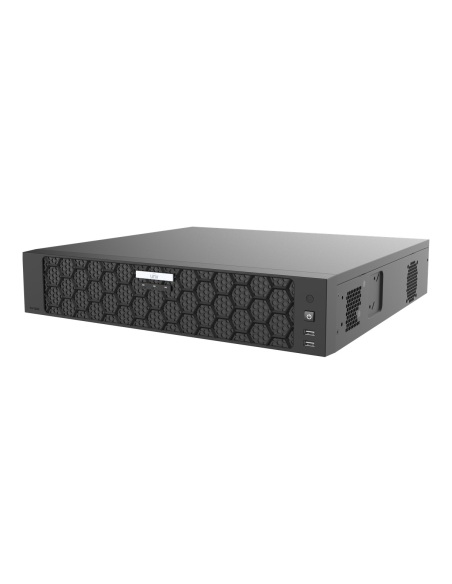
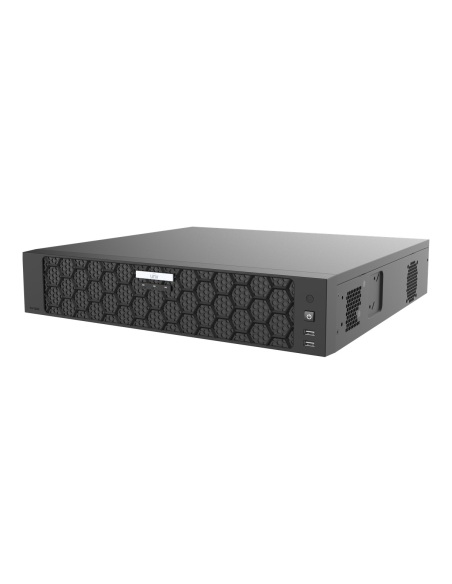
| NVR502-16E-IM-G | NVR502-32E-IM-G | NVR508-64E-IQ | NVR516-128E-R | |
|---|---|---|---|---|
| Camera channels | 16 | 32 | 64 | 128 |
| Max recording | 32MP | 32MP | 32MP | 32MP |
| Incoming bandwidth | 192 Mbps | 192 Mbps | 512 Mbps | 640 Mbps |
| Screen outputs | HDMI 4K + VGA | HDMI 4K + VGA | 2 × HDMI 4K/60 + 2 × VGA | HDMI 8K + HDMI 4K/60 + 2 × VGA |
| Hard drive bays | 2 × up to 24TB | 2 × up to 24TB | 8 × up to 24TB | 16 × up to 16TB, hot swap |
| RAID | RAID 1 | RAID 1 | RAID 0, 1, 5, 6, 10 | RAID 0, 1, 5, 6, 10, 50, 60 |
| Network ports | 2 × Gigabit | 2 × Gigabit | 2 × Gigabit | 2 × Gigabit |
| Alarm in / out | 4 / 1 | 4 / 1 | 16 / 10 | 16 / 10 |
| Power | 12 V DC, ≤25 W | 12 V DC, ≤25 W | 100–240 V AC, ≤35 W | 100–240 V AC, ≤50 W |
| Case | 1U | 1U | 2U | 3U |
None of these has PoE ports: cameras connect through a PoE switch on the same network. Power figures without hard drives; incoming bandwidth with smart functions off. Figures from the Uniview datasheets.
Uniview’s plain-language search. Type a description such as a person or vehicle and its colour, and the recorder finds matching clips. It works on all channels with Uniview SIP or UMD cameras, and on up to 16 channels with normal or third-party cameras.
Yes, with plate comparison against up to 25,000 vehicles in its library. Use Uniview LPR cameras or cameras aimed and zoomed for plates.
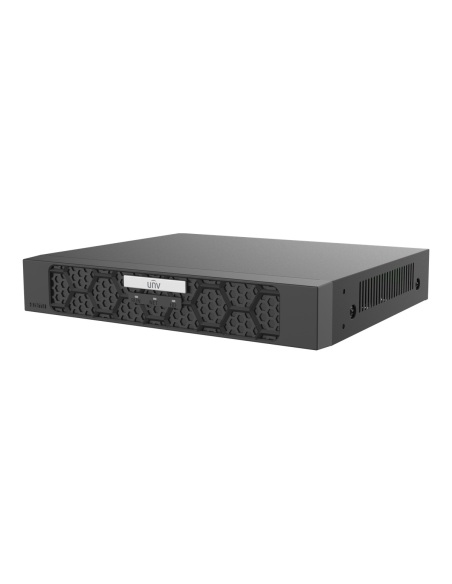
No. Connect the cameras to a PoE switch, and the switch to one of the recorder’s two Gigabit ports. For more cameras, the NVR502-32E-IM-G takes 32 in the same case.
Not as standard. The NVR502-16E-IM-G is sold without a drive, or with a 2, 4, 6 or 8TB surveillance drive fitted — choose the option above. It has two SATA bays of up to 24TB each. A fitted drive fills one bay; add a second at any time for more space or RAID 1.
Yes. It supports ONVIF Profile S cameras, and SeekFree text search runs on up to 16 channels of normal or third-party cameras. Send us the camera model and we will check it.
Yes. P2P is built in: connect the network port to your router and add the recorder to Uniview’s UNV-Link app by scanning its QR code. Live view, playback and alerts then work on iPhone and Android, and up to 128 remote users can connect.
Any monitor or TV with HDMI or VGA. HDMI (1.4) runs up to 4K (3840 × 2160) at 30 Hz and VGA up to 1920 × 1080; both show the same picture. A USB keyboard can be used for searching.
Uniview’s compression. It records the same picture as H.265 in less space, so the drive holds more days of footage. H.265 and H.264 are supported too.
If the network drops, compatible Uniview cameras keep recording to their SD card and the NVR pulls the missing footage back when the link returns.
It has no PoE ports, so the cameras plug into a PoE switch and the switch connects to the recorder. Each Cat6 run from the switch can be up to 100 m, and switches can be placed around the site.
Yes, with the optional Uniview RM-1U-380 bracket it takes 1U in a 19-inch rack. Otherwise it sits on a shelf.
Uniview 3-year manufacturer warranty, handled in Australia through InFront. Contact us first and we will organise any claim.
Not sure how many channels or how much storage you need? Call 1300 736 970 or email [email protected] with the number of cameras and how many days you want to keep, and we will size the drives.
Power. Use only the supplied 12 V DC 3 A power adapter. Power off before fitting or removing a hard drive.
Placement. Use indoors between −10 °C and 55 °C, under 90% humidity, with space around the vents. Keep it somewhere secure so a thief cannot take the footage with it.
Figures. From the Uniview NVR502-E-IM-G series datasheet. Uniview 3-year manufacturer warranty, handled in Australia through InFront.


Need help choosing?
Tell us about your property and we'll recommend the right cameras and recorder.
07 5609 4910Sydney 02 8814 6008
[email protected]
Mon–Fri, 9am–5pm AEST
20 related items