There are no more items in your cart
- New
In Stock - Ready to Ship
Akuvox Mounting & Accessories


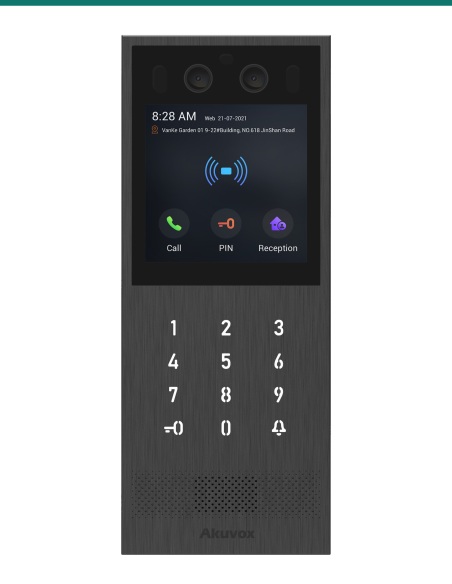
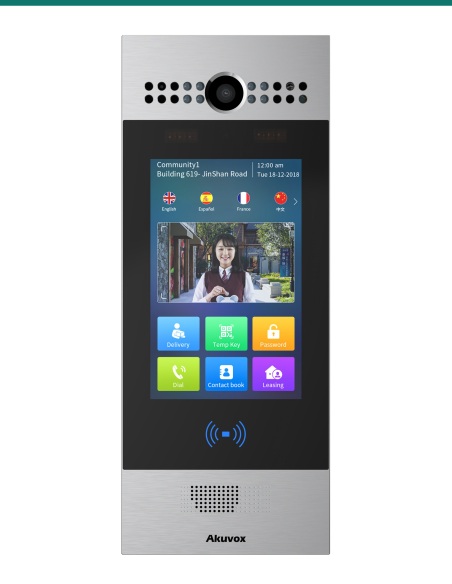
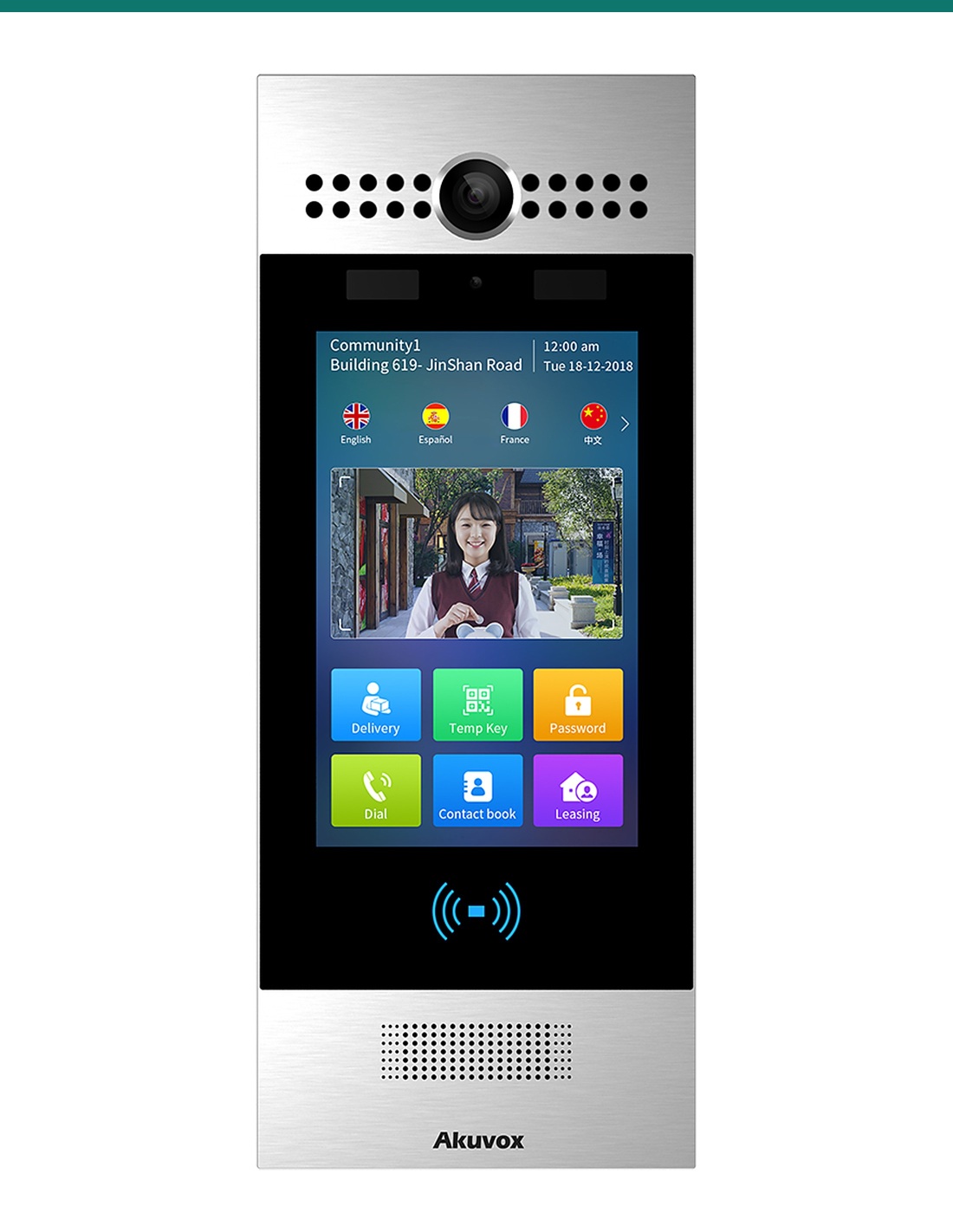
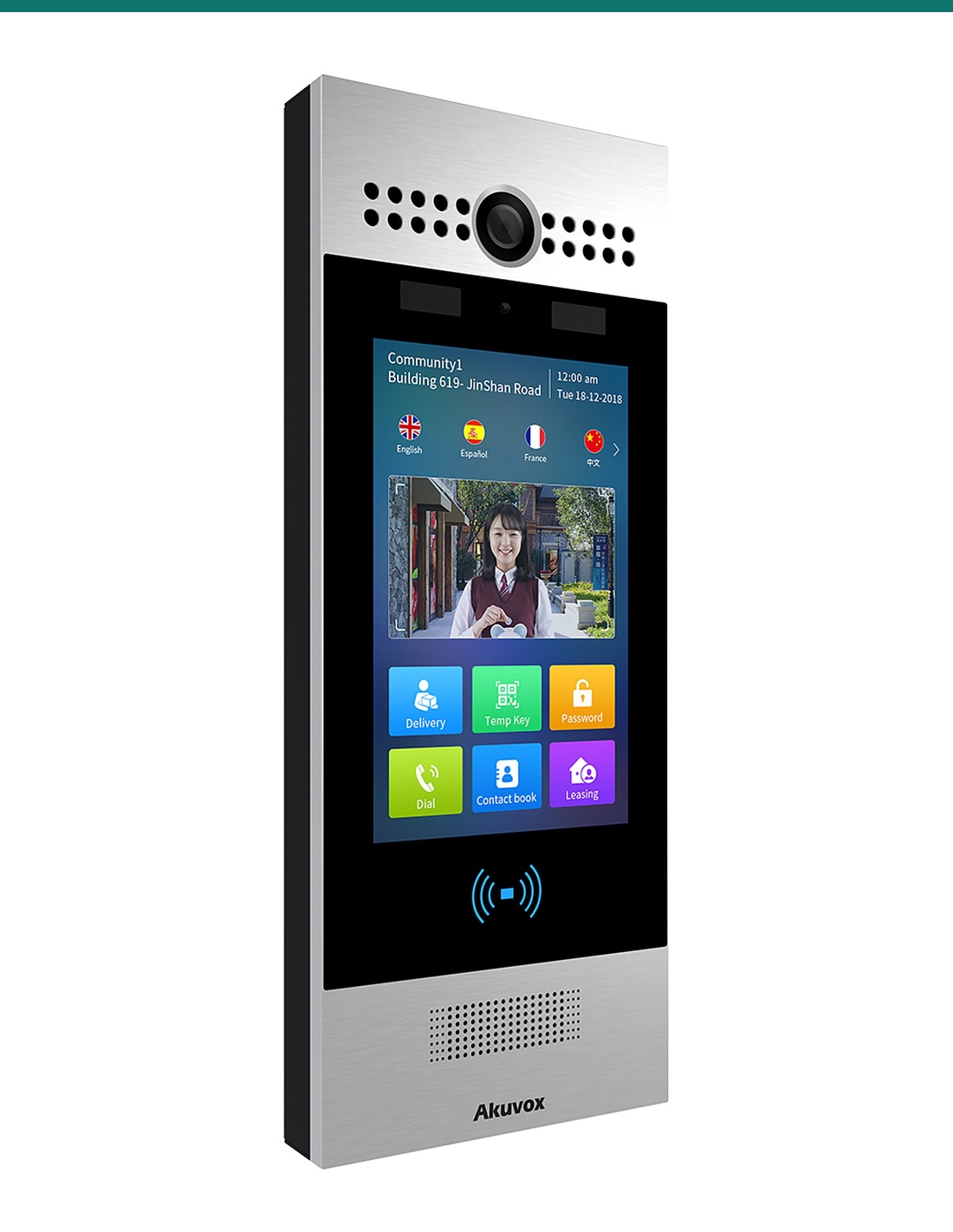
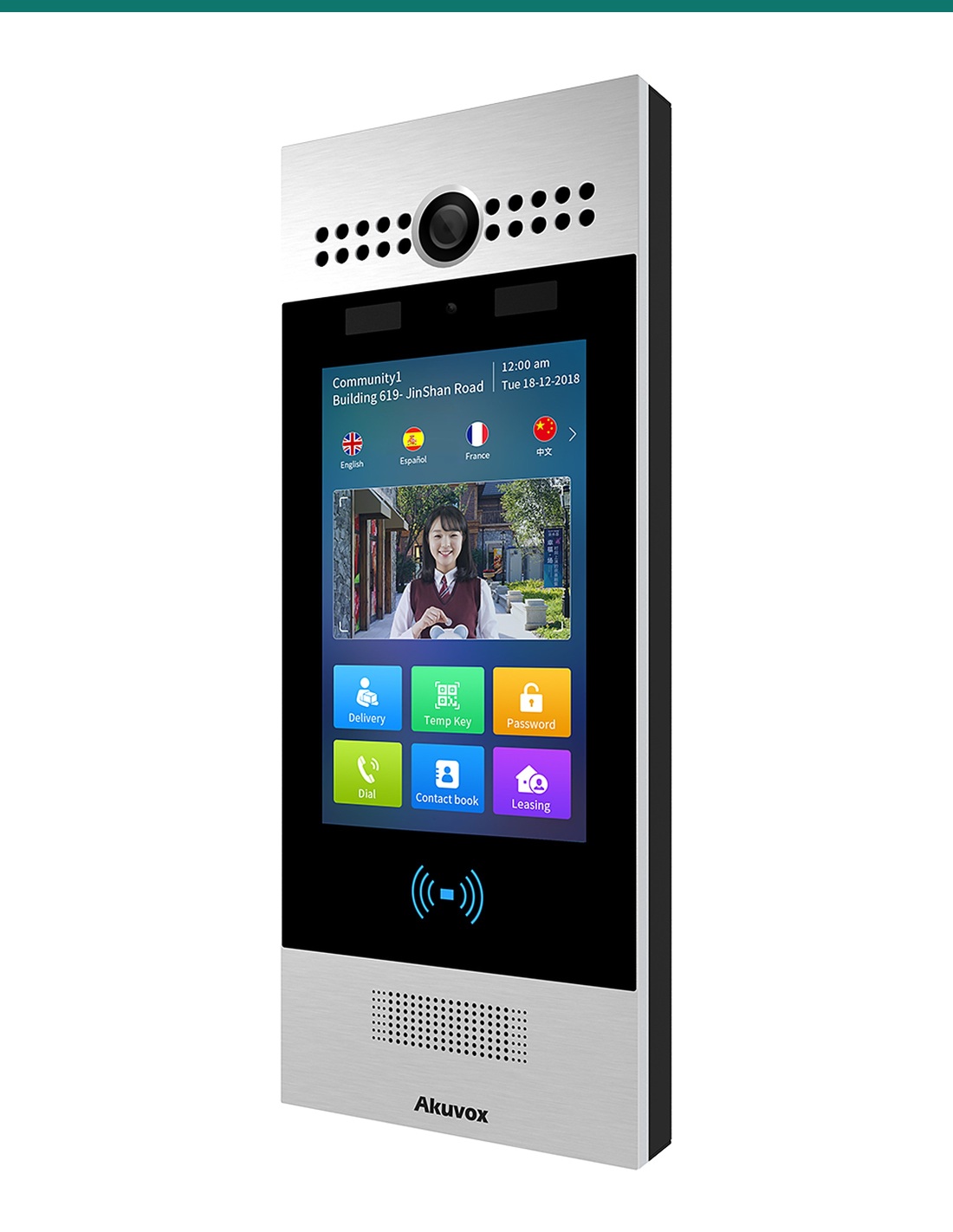
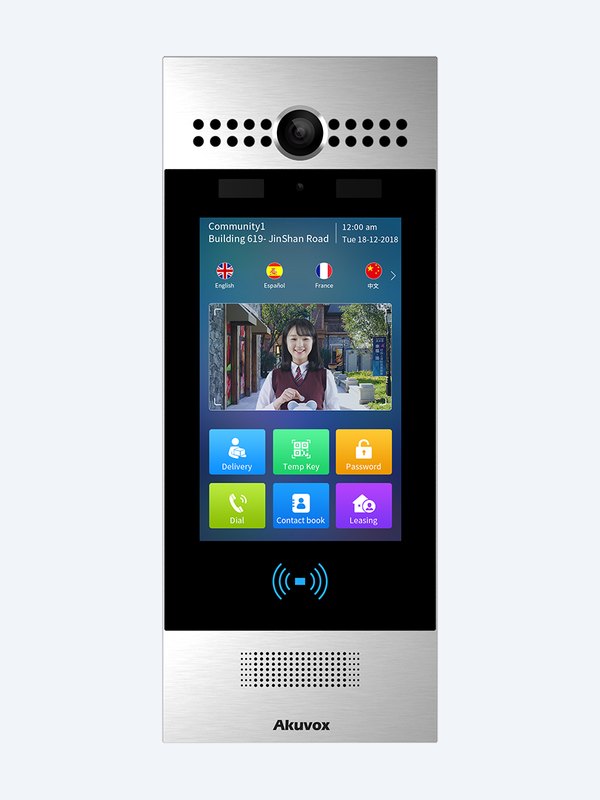
Akuvox R29C-L is the LTE-ready version of the R29C 7-inch Android facial recognition door phone. It adds a SIM slot and an internal bay for the Akuvox LTE module, so the entrance can reach residents over 4G where running a data cable is impractical. Face, card, PIN, QR and BLE entry, two relays, IP65 aluminium, 12 V DC.
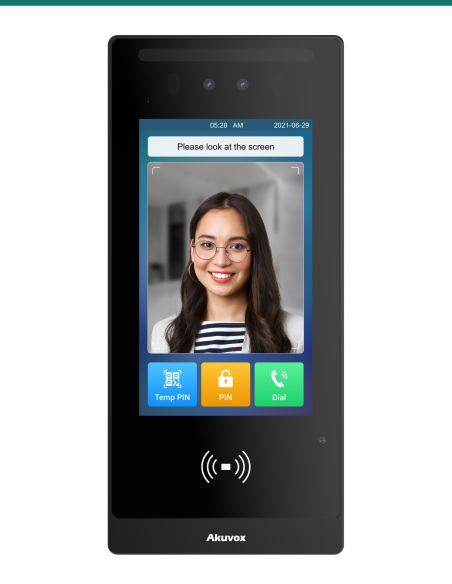
The AK-R29C-L is the LTE model of Akuvox’s R29 series. It has the R29C’s 7-inch Android touchscreen, dual cameras for face liveness and dual-frequency card reader, plus a SIM slot and an internal socket for the Akuvox LTE module, in a slightly deeper 324 × 130 × 33 mm silver aluminium panel.
This SKU is the R29C-L door station only.
You receive the R29C-L main unit with its wiring accessories. Fit the Akuvox LTE module (sold separately) and a data SIM for cellular operation, or connect it to Ethernet. The R29 on-wall or in-wall kit, rain hood, 12 V DC supply and lock hardware are also separate.
Akuvox designed the R29C-L for older apartment buildings, established homes and businesses where running new cable is costly or impossible. The door phone talks over the mobile network instead, while residents still walk in with their face, a card, a PIN, a QR code or Bluetooth.
Cellular
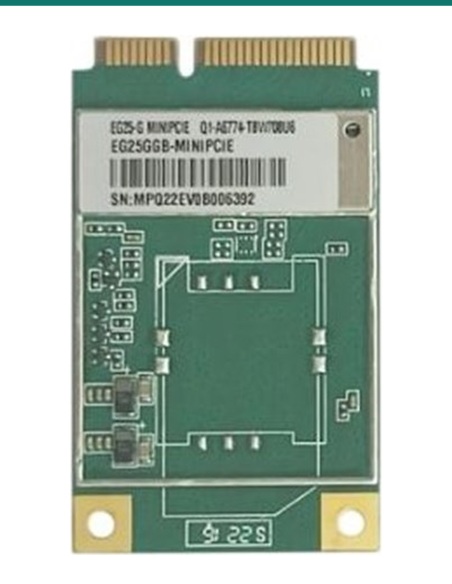
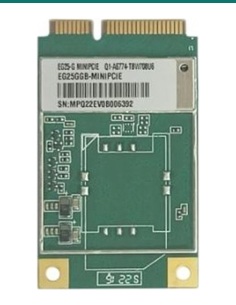
Remove the rear cover, seat the Akuvox LTE module in its socket and connect its two RF cables, then push a data SIM into the slot in the base. The station then carries calls and video over 4G.
Listed bands include LTE-FDD B1, B3, B5, B7, B8 and B28, used by the Australian networks, plus WCDMA. The RJ45 port is still there if you would rather use Ethernet.
Recognition
A 2 MP main camera and 1 MP auxiliary camera work together for face liveness detection. Akuvox quotes recognition in under 500 ms with 99% accuracy, and up to 20,000 face templates.
Video streams in H.264 at 1080p / 25 fps across 105° (H) / 55° (V), with IR LEDs for night calls and white LEDs to light QR codes.
Interface
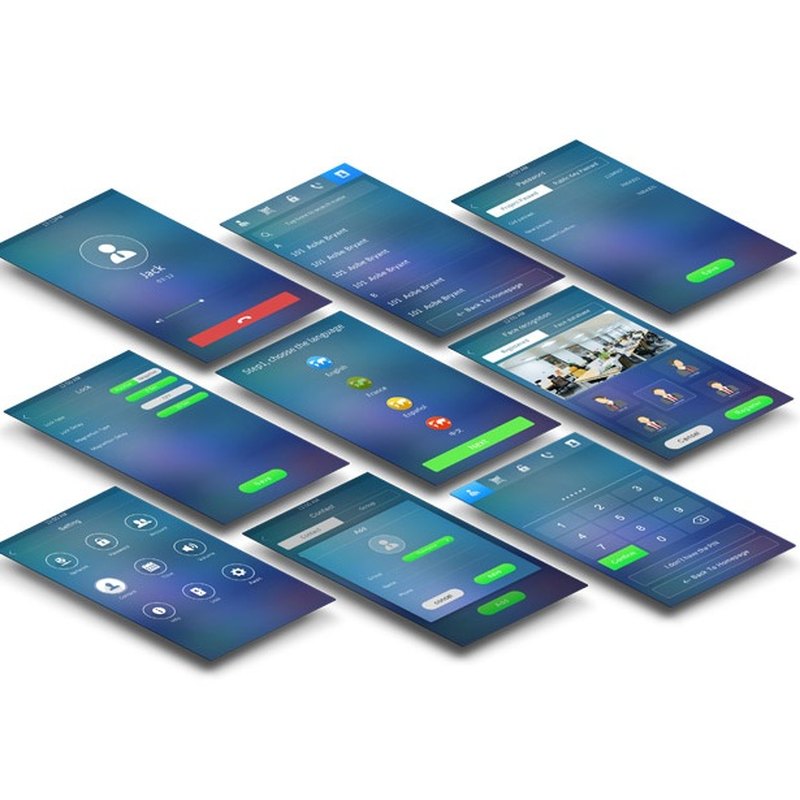
The 7-inch capacitive touchscreen (800 × 1280) runs a searchable directory with options for visitors, deliveries and service providers.
Android lets integrators add third-party apps or customise the screens for the building.
How it works
01
Install the R29 on-wall or in-wall kit, plus a rain hood at exposed entrances.
02
With no SIM fitted, open the rear cover, install the LTE module and RF cables, close up, then insert the SIM.
03
Connect 12 V DC, then the lock relays, exit button and door sensor inputs through the wiring cover.
04
Register to Akuvox monitors, SmartPlus or your SIP PBX, enrol faces and cards, and test each relay.
At a glance
Show all specifications
Pair it with
LTE
Fits inside the R29C-L and turns its SIM slot into a 4G connection.
Mount
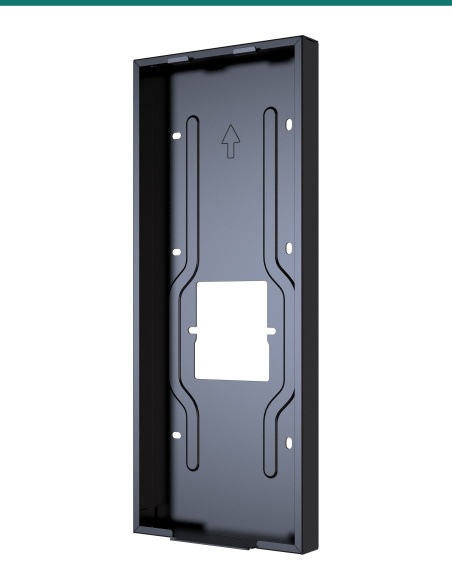
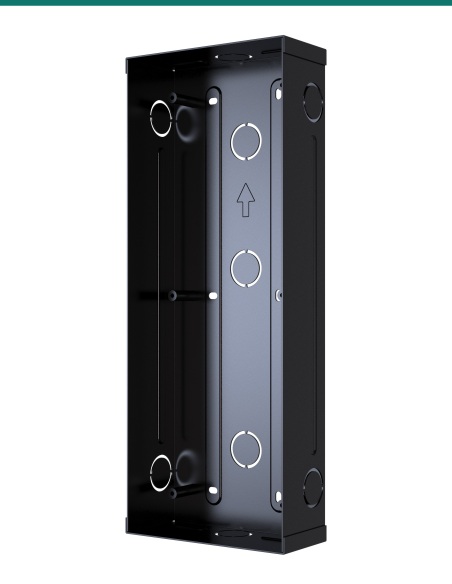
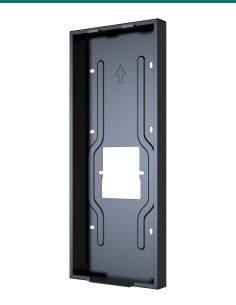
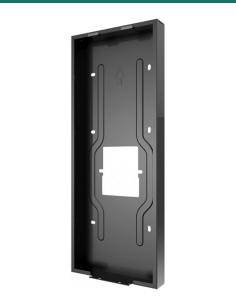
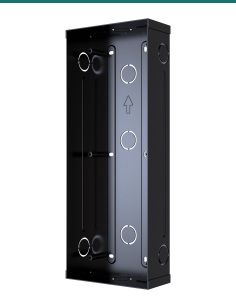
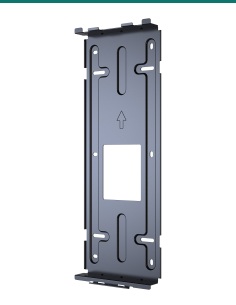
Mounts the station on the wall surface or flush in a cavity.
Weather
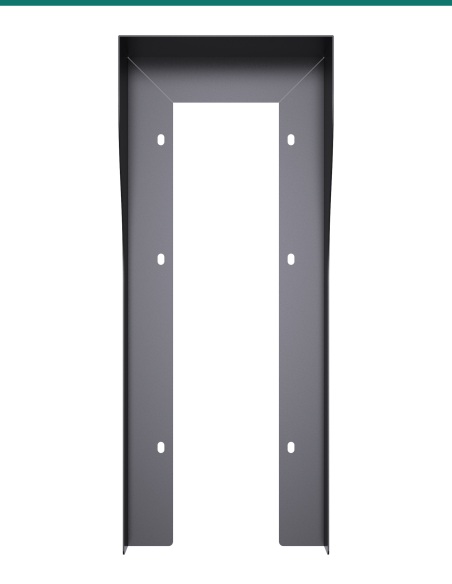
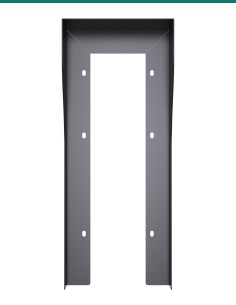
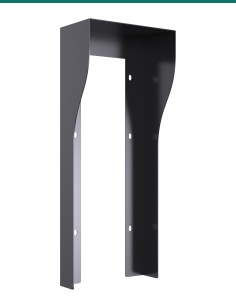
Shelters the screen and cameras at exposed entrances.
Indoor
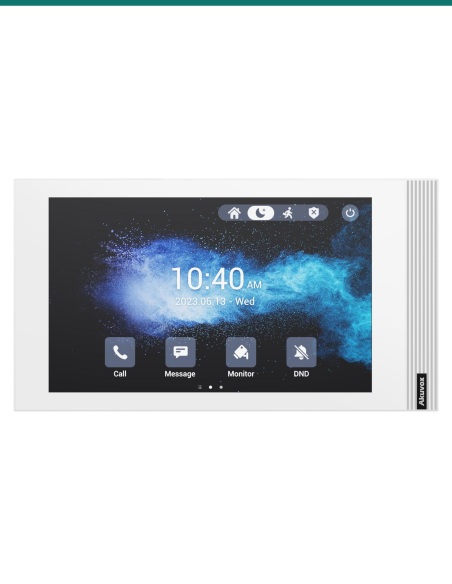
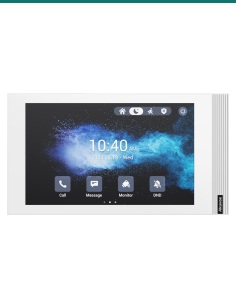
Residents answer, see the visitor and release the door from an Akuvox SIP monitor or the SmartPlus app.
Works with
SIP v1 / v2 lets the R29C-L call Akuvox indoor monitors, IP phones or extensions on your own PBX — over 4G or Ethernet.
Residents answer calls and unlock from the SmartPlus app, which suits remote sites reached over the mobile network.
Add the entrance camera to a compatible NVR and record it with the rest of your CCTV.
The selectable Wiegand port and RS485 connect third-party access controllers, readers and Akuvox relay modules.
Downloads
Compliance certificates and technical documents are available on request for tenders and installers — send an enquiry.
Answers
The R29C-L adds a SIM slot and an internal LTE module socket for 4G. It runs on 12 V DC rather than PoE+, has 2 relays and 2 inputs instead of 3 and 3, and is 33 mm deep instead of 27 mm. Screen, cameras, reader and face recognition are the same.
No. Add the Akuvox LTE module (AK-LTEMOD) and a data SIM from your carrier. Without the module the R29C-L works over Ethernet like an R29C.
Its LTE-FDD bands include B1, B3, B5, B7, B8 and B28, which Australian carriers use. Check signal strength at the door before installing.
A 12 V DC supply; Akuvox suggests 12 V DC 1.6 A. LTE replaces the data cable, not the power cable.
No. Akuvox warns against opening the back cover while a SIM is installed — take the SIM out first.
No. Use the R29 on-wall or in-wall installation kit, sold separately, plus a matching rain hood for exposed entrances.
The R29C-L drawings place the bottom of the panel at 1,212 mm, with the camera centre at 1,500 mm.
Choose the R29C where there is PoE cabling to the door, and the R29C-L where a SIM connection is easier than a new data run.
Low-voltage product (SELV). Power from a 12 V DC supply (Akuvox suggests 12 V DC 1.6 A). Treat as SELV low-voltage equipment.
When a licensed tradesperson is required. Concealed data and intercom cabling is customer cabling under AS/CA S009 and must be installed by an ACMA-registered cabler. Electric locks, maglocks and lock power supplies may require a licensed electrician or security installer.


Need help choosing?
Tell us about your property and we'll recommend the right cameras and recorder.
07 5609 4910Sydney 02 8814 6008
[email protected]
Mon–Fri, 9am–5pm AEST
20 related items