• New
1 / 3

Akuvox R29 Black On-Wall Rain Hood — AK-R29ONWALLH

SKU AK-R29ONWALLH In Stock - Ready to Ship
$57.30 inc GST

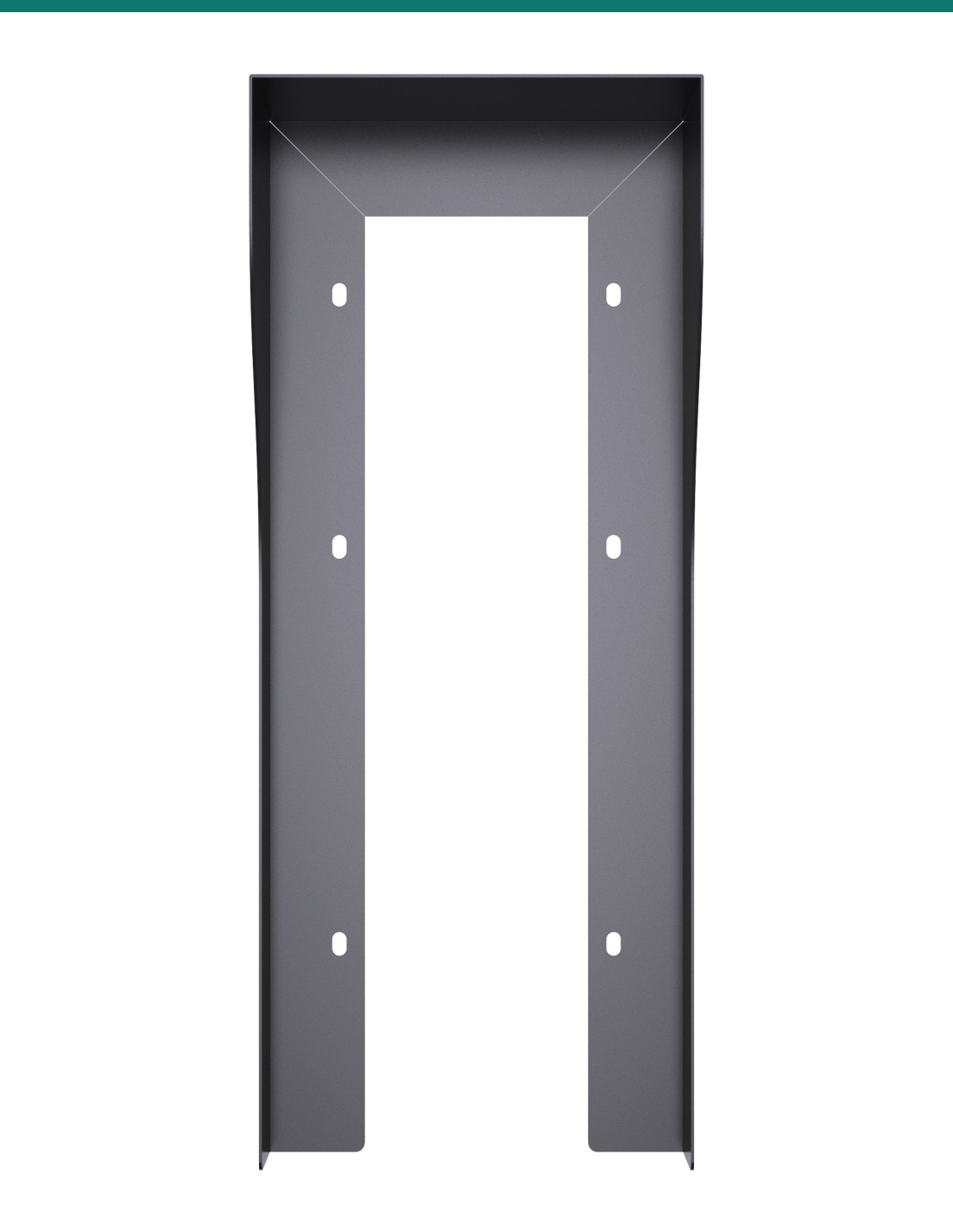
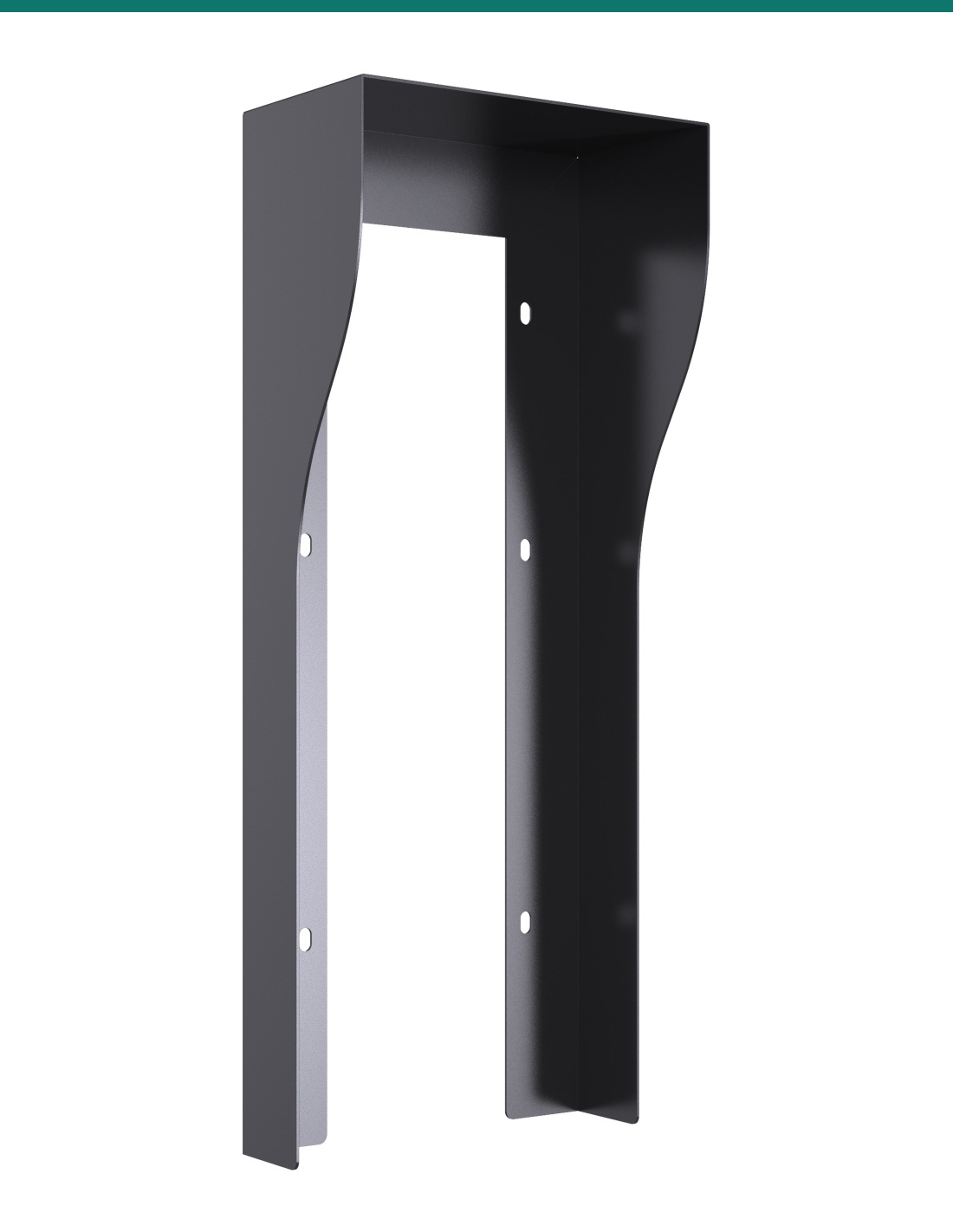
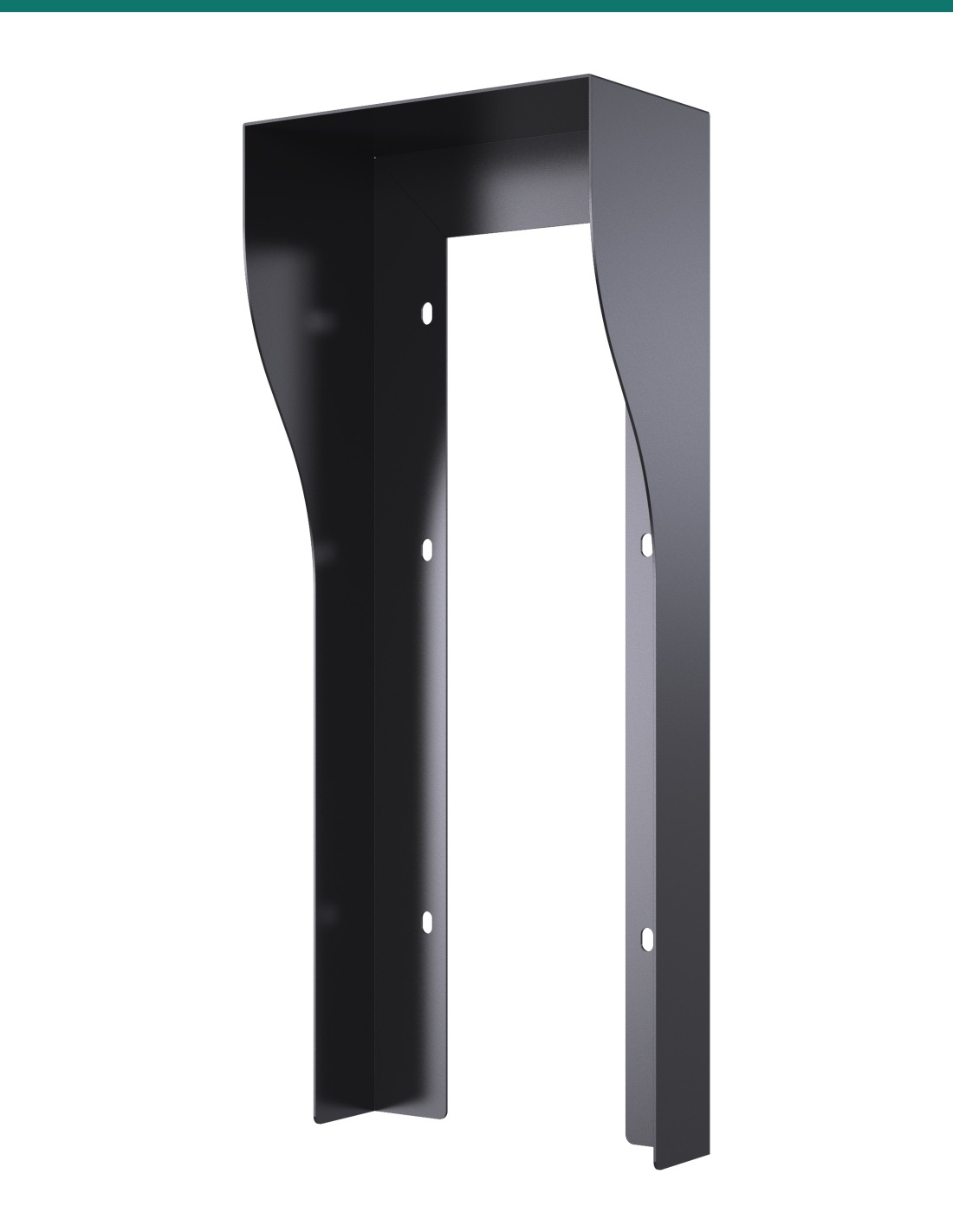
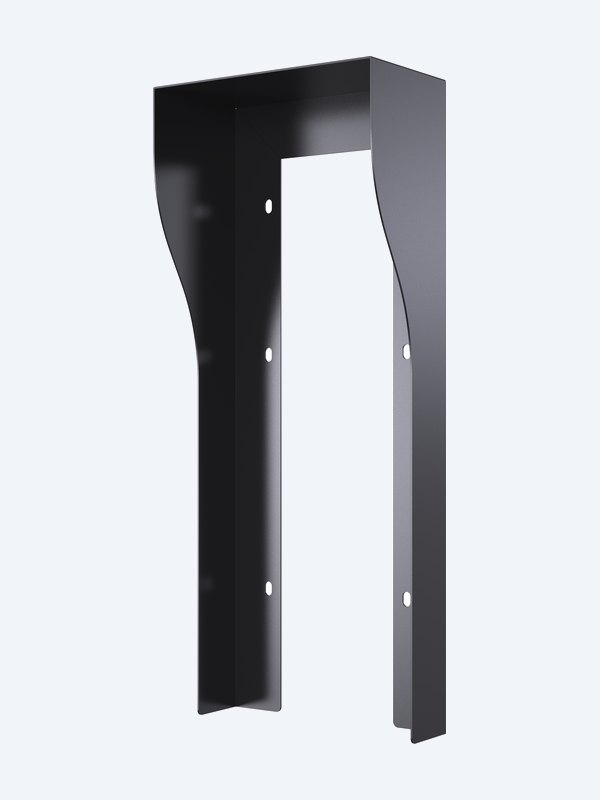
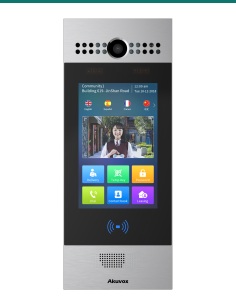
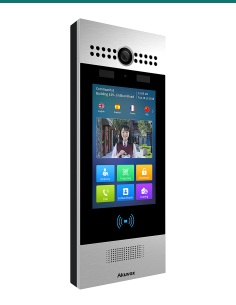
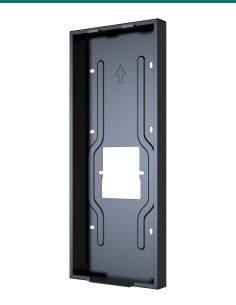
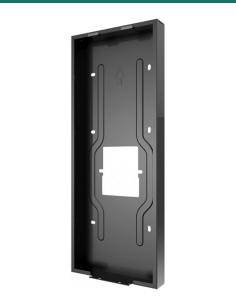
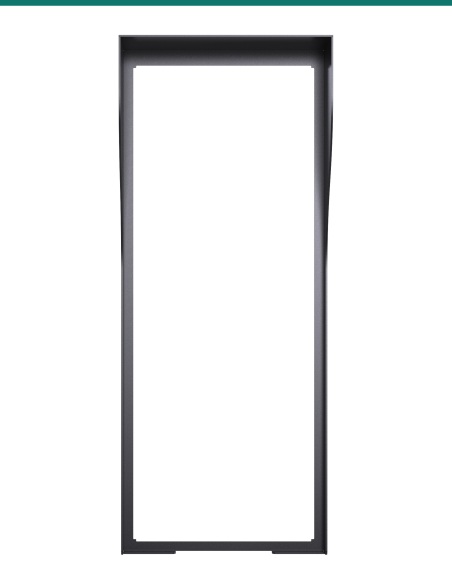
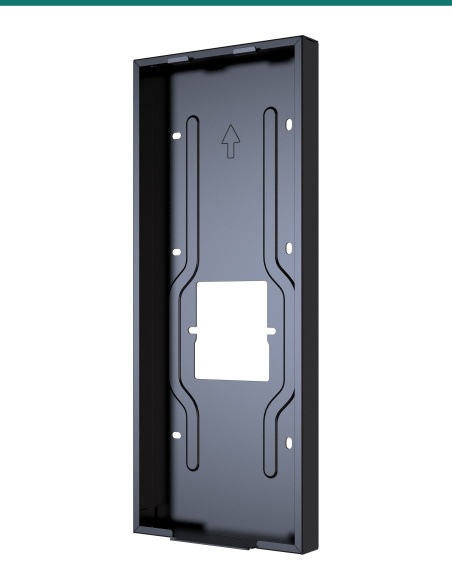
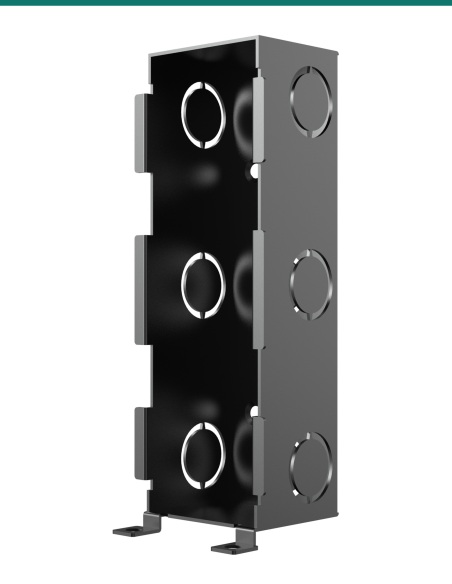
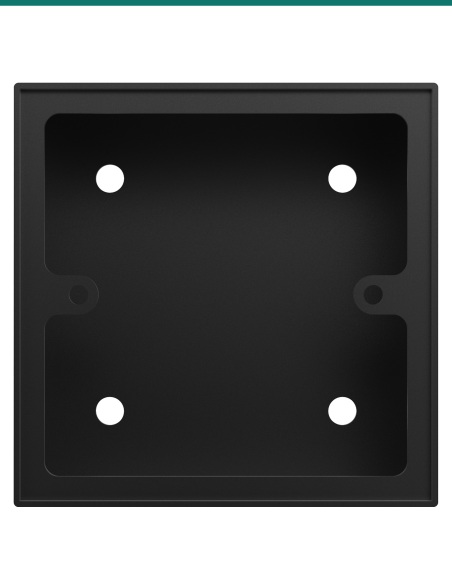
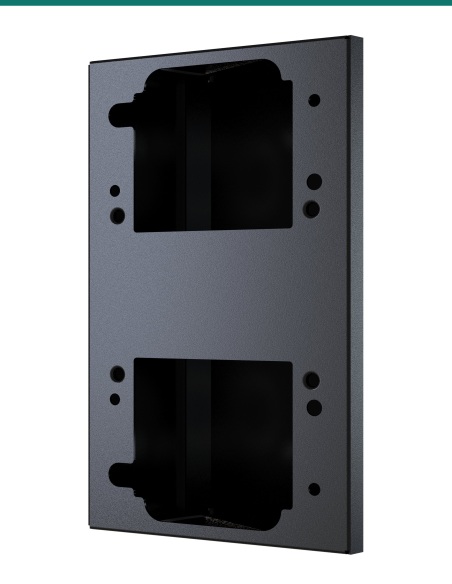
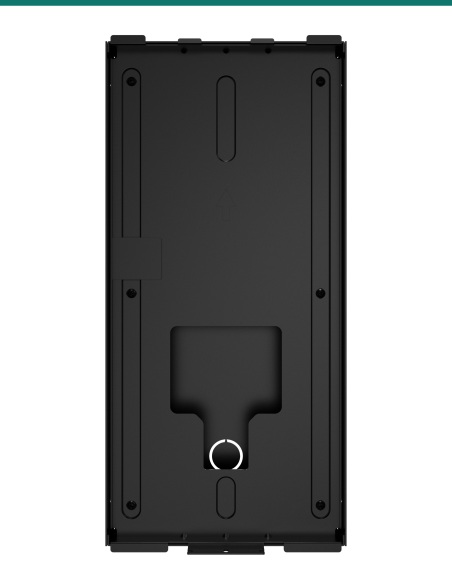
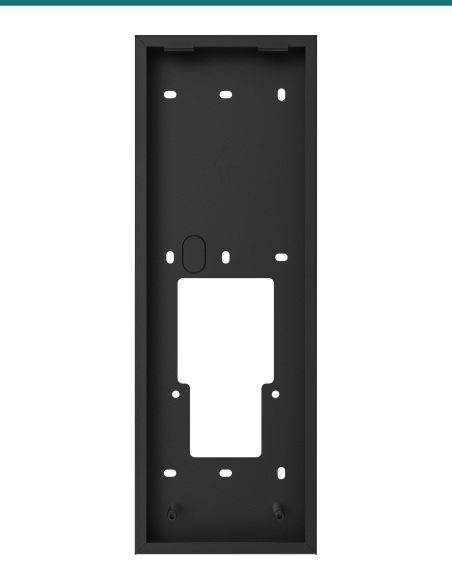
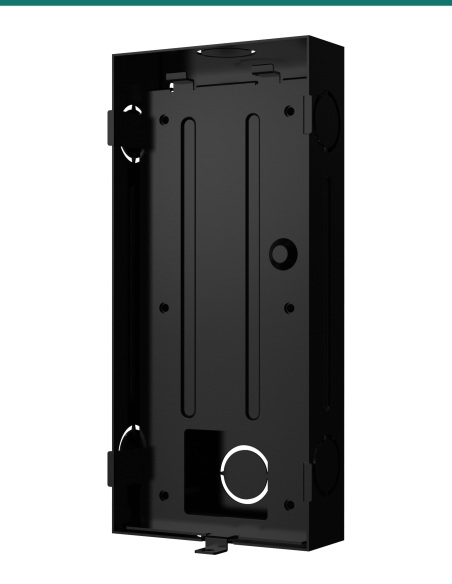
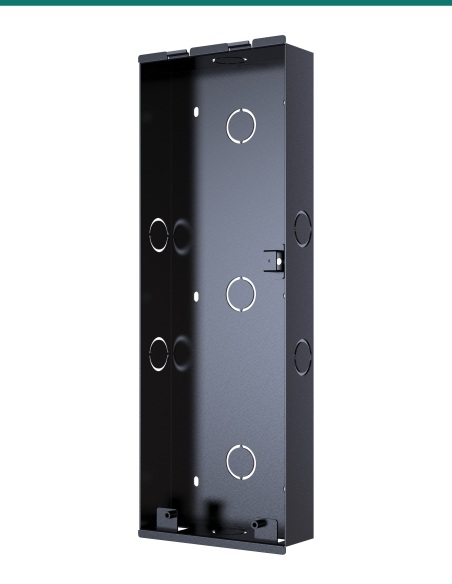
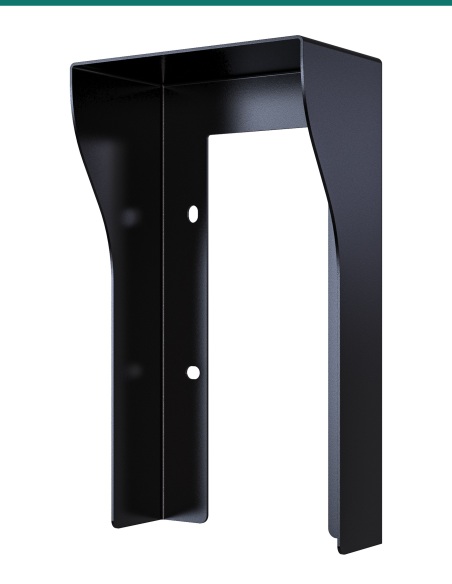
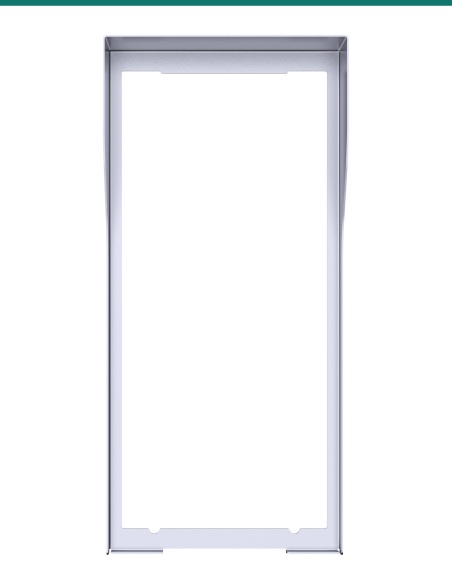
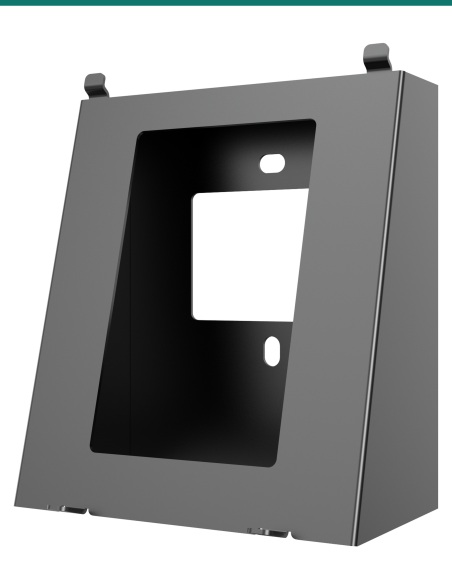
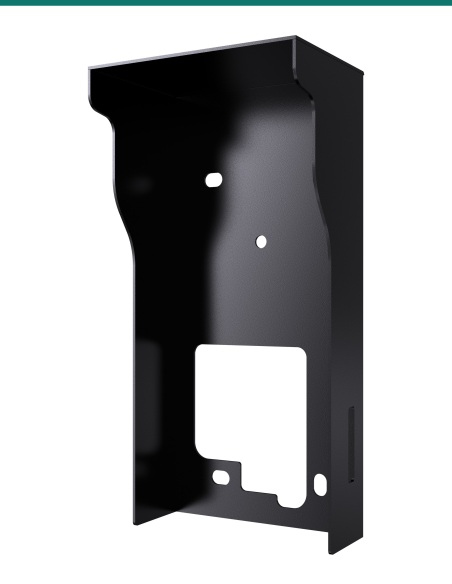
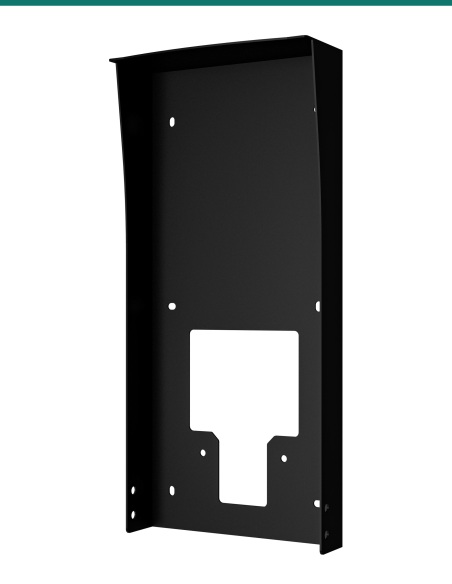
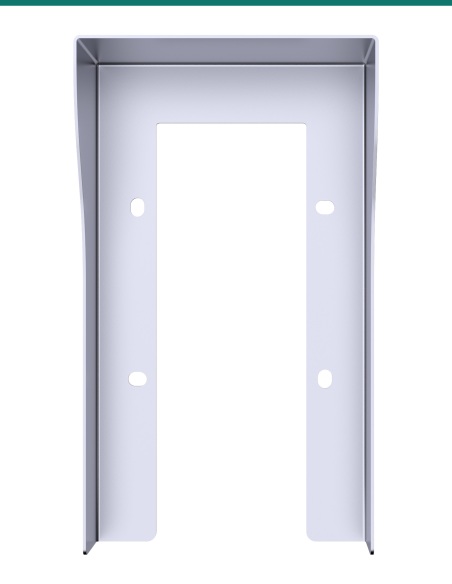
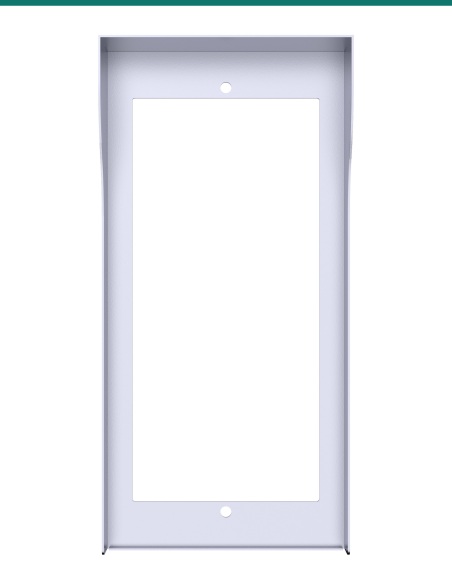
Akuvox R29 on-wall rain hood in black wraps the top and sides of an R29 series door phone, keeping rain and overhead sun off the 7″ touch screen, cameras and card reader. It fixes together with the R29 on-wall installation kit, so the station hangs and locks exactly as normal.

  • ✓Black on-wall rain hood for the Akuvox R29 series
  • ✓328 × 133 mm hood projecting 70 mm at the top
  • ✓Fixed together with the R29 on-wall installation kit (AK-R29ONWALLK)
  • ✓In-wall installs use AK-R29INWALLH

 
Akuvox · R29 · Black on-wall rain hood

Shelter the 7″ door station.
Black, on-wall.

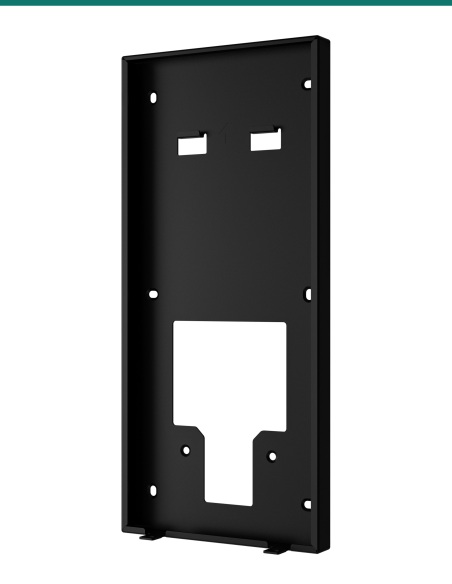
The AK-R29ONWALLH is the Akuvox R29 on-wall rain cover in black. Akuvox designs it to fix together with the R29 wall-mounting box, so it adds weather protection without changing how the station hangs.

Rain hood only.

You receive the black on-wall rain hood. The door phone and the R29 on-wall installation kit are sold separately.

In the box
  • Akuvox R29 on-wall rain hood (black)
What you also need (sold separately)
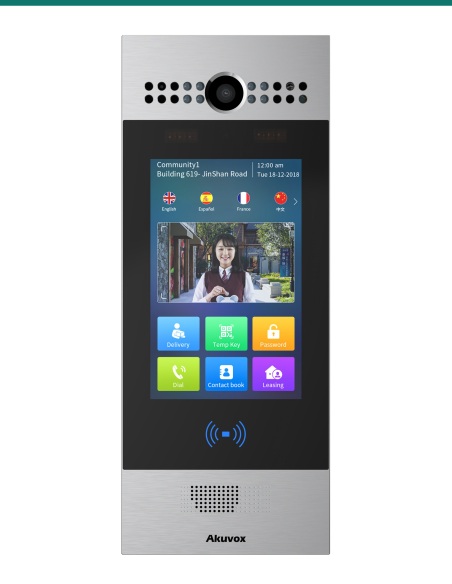
  • Akuvox R29 series door phone
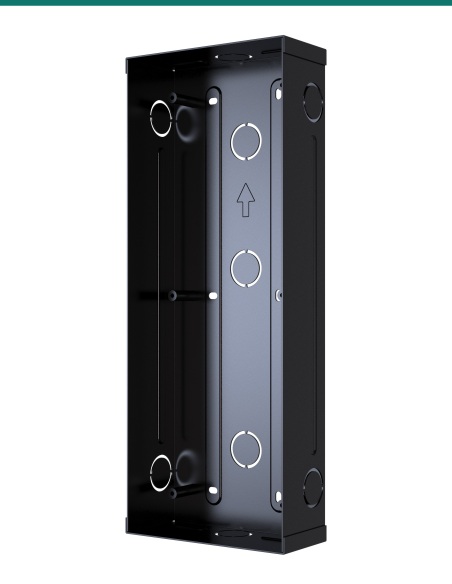
  • R29 on-wall installation kit

A touch screen that stays usable.

Rain on a 7″ touch screen makes it hard to read and use, and water on the camera window spoils face recognition. The hood keeps the front of the station sheltered.

Akuvox R29 black on-wall rain hood

Protection

Rain and sun off the screen.

The canopy covers the top and both sides of the station, so rain sheds clear of the touch screen and camera window.

Shading the screen from overhead sun also makes it easier for visitors to read.

How it works

Fitting the hood.

01

Combine

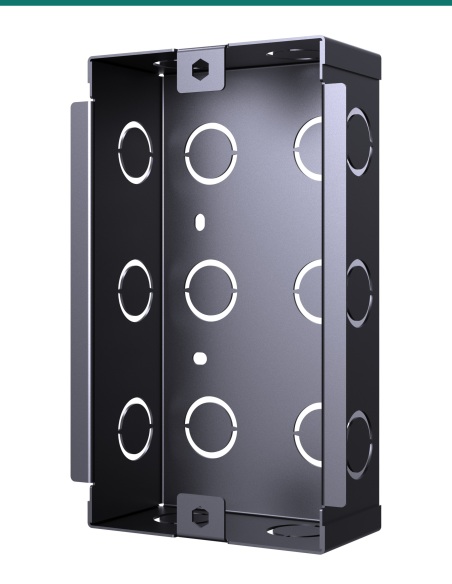
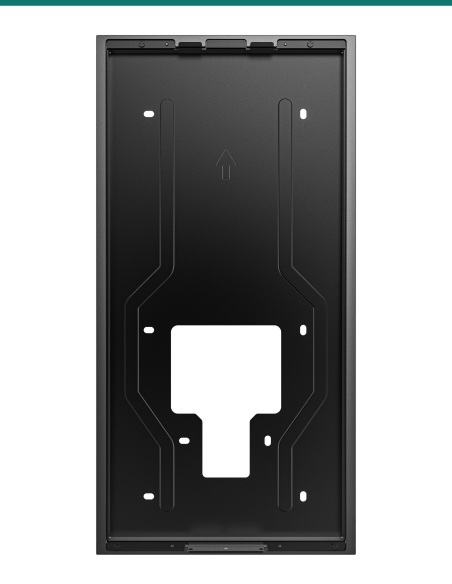
Combine the rain cover with the R29 wall-mounting box and fix them to the wall together with six ST4×20 screws.

02

Hang the station

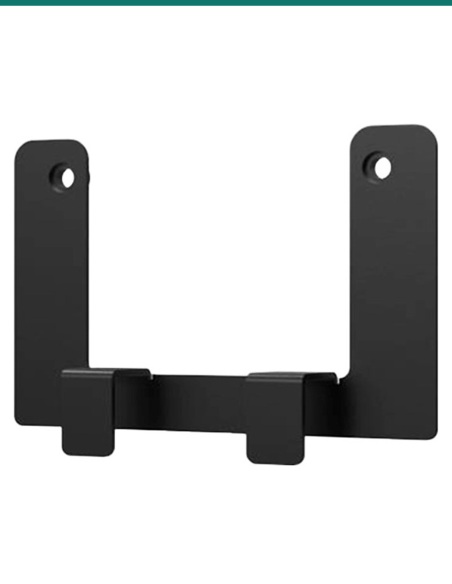
Hook the R29 onto the two square hooks at the top of the box, press down and tighten the two M3×6 countersunk screws underneath with the Allen wrench.

03

If it is tight

Loosen the six screws slightly, move the hood up a little for clearance at the top, then retighten.

Pair it with

Pairs with

Door phone

Akuvox R29C

7″ Android facial recognition door phone.

Mounting

R29 on-wall installation kit

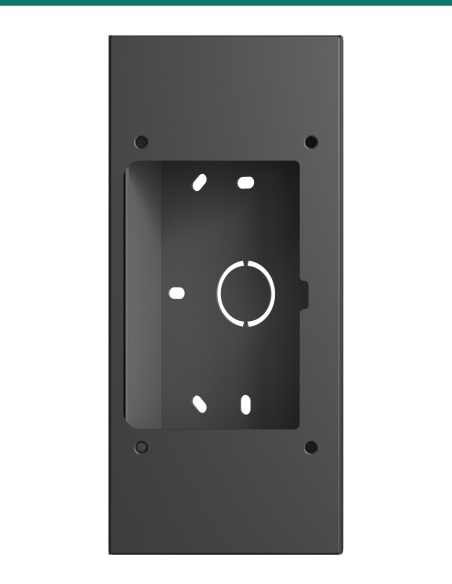
The wall-mounting box this hood fixes to.

Watch

See it in action

Installing the on-wall version of the R29 door phone
Akuvox R29C touchless door entry intercom overview

Downloads

Datasheets and guides

Compliance certificates and technical documents are available on request for tenders and installers — send an enquiry.

Answers

Common questions

Which door phones does it fit?

The Akuvox R29 series, including the R29C and R29S.

Do I need the R29 on-wall installation kit?

Yes. The hood is fixed together with the wall-mounting box from that kit.

What colour is it?

Black. Akuvox also makes the R29 covers in silver; this SKU is the black version.

How far does it stick out?

70 mm at the top, tapering to 33.5 mm at the bottom.

The door phone won’t hang on the hooks — what now?

Akuvox’s guide says to loosen the six ST4×20 screws slightly, move the hood up a little to clear the box’s top hooks, then retighten before hanging the station.

Is the door phone or wall box included?

No. This SKU is the rain hood only.

Match the hood to the install.

For a flush-mounted R29 use the in-wall hood (AK-R29INWALLH).

Colour
Black
Brand
Akuvox
Mounting
On-Wall (surface) installs
Size
328.0 × 133.0 mm (H × W)
Warranty
Australian warranty
Product Type
Rain hood
Model
R29 on-wall rain hood
Compatible with
Akuvox R29 series
Fixing
6 × ST4×20 screws, together with the R29 wall box
Used With
R29 on-wall installation kit
Projection
70 mm at the top, 33.5 mm at the bottom
INFRONTTECH Promotional Banner INFRONTTECH Promotional Banner INFRONTTECH Promotional Banner

Need help choosing?

Tell us about your property and we'll recommend the right cameras and recorder.

07 5609 4910

Sydney 02 8814 6008
[email protected]

Mon–Fri, 9am–5pm AEST

Product added to wishlist