• New
1 / 3

Akuvox X915 Black Angle On-Wall Kit for X915S Door Phones — AK-X915ONWALLAK

SKU AK-X915ONWALLAK In Stock - Ready to Ship
$57.30 inc GST

Akuvox AK-X915ONWALLAK: the black angled on-wall kit that tilts an X915S door station 10° upwards.

  • ✓Fits the Akuvox X915S
  • ✓Face tilted 10° upwards
  • ✓349.4 × 129.4 mm, 87.3 mm deep at the bottom
  • ✓60 × 40 mm cable opening
  • ✓Screws and wall anchors included


Description

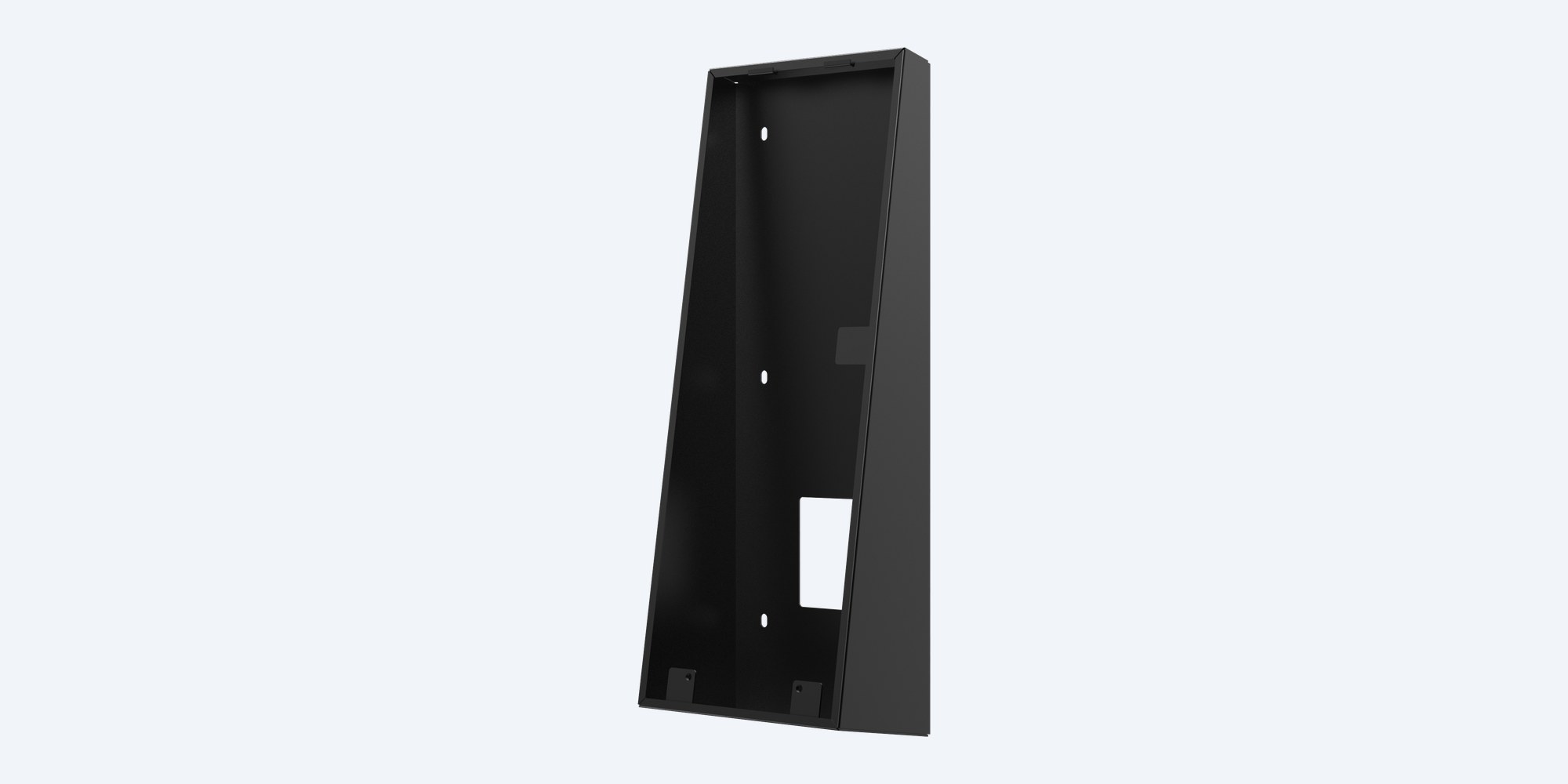
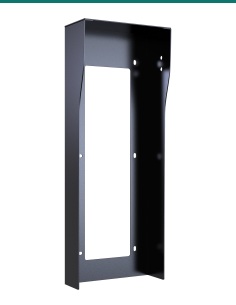
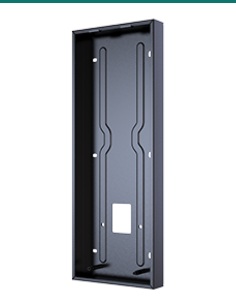
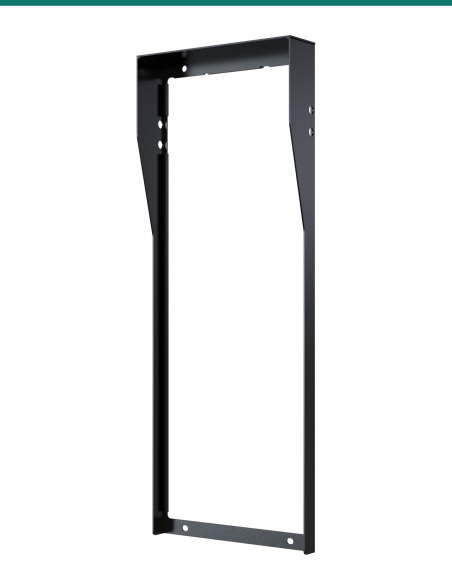
Akuvox X915 black angled on-wall mounting kit, side view showing the tilted face
Akuvox · X915S · Angled on-wall kit

Tilt the X915S up to face visitors.
Black, 10° angled, surface mounted.

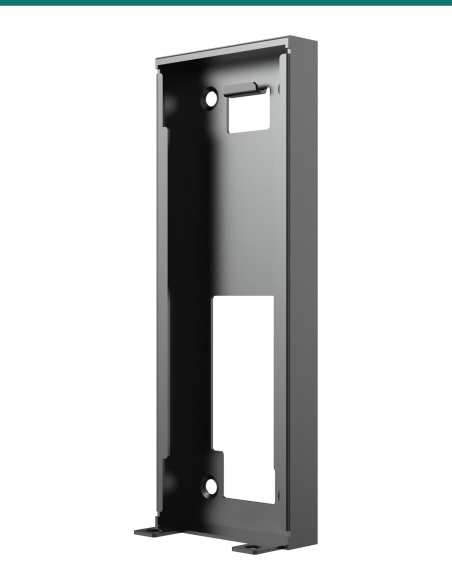
The Akuvox AK-X915ONWALLAK is the black angle-mounting bracket for the X915S door station. It fixes to the wall and holds the X915S with its face tilted 10° upwards, so the camera and screen look towards the visitor rather than straight out.

In one sentence: the AK-X915ONWALLAK is Akuvox's black angled on-wall kit for the X915S door station: a 349.4 × 129.4 mm bracket that tilts the face 10° upwards, 87.3 mm deep at the bottom, fixed with four screws and wall anchors.

Mounting kit only. The X915S door station is separate.

This kit surface-mounts one Akuvox X915S on a wall. The parts below are the angle-mounting accessories listed in Akuvox's X915 angle-mounting guide.

In the box
  • Angle mounting bracket
  • 2 × M4×30 crosshead screws
  • 4 × ST4×20 crosshead screws
  • 4 plastic wall anchors
You also need
  • An Akuvox X915S door station
  • A 6 mm drill and a crosshead screwdriver
  • Cat5e or Cat6 cable, PoE+ (802.3at) or a 24 V DC 2.5 A supply
  • The Torx screws and wrench supplied with the X915S

A better view of the visitor.

Mounted flat on the wall, the X915S looks straight ahead. On this bracket the face tilts 10° upwards, which suits a station mounted low for wheelchair reach or a wall where visitors stand close. The bracket's solid sides fill the gap behind the tilted unit.

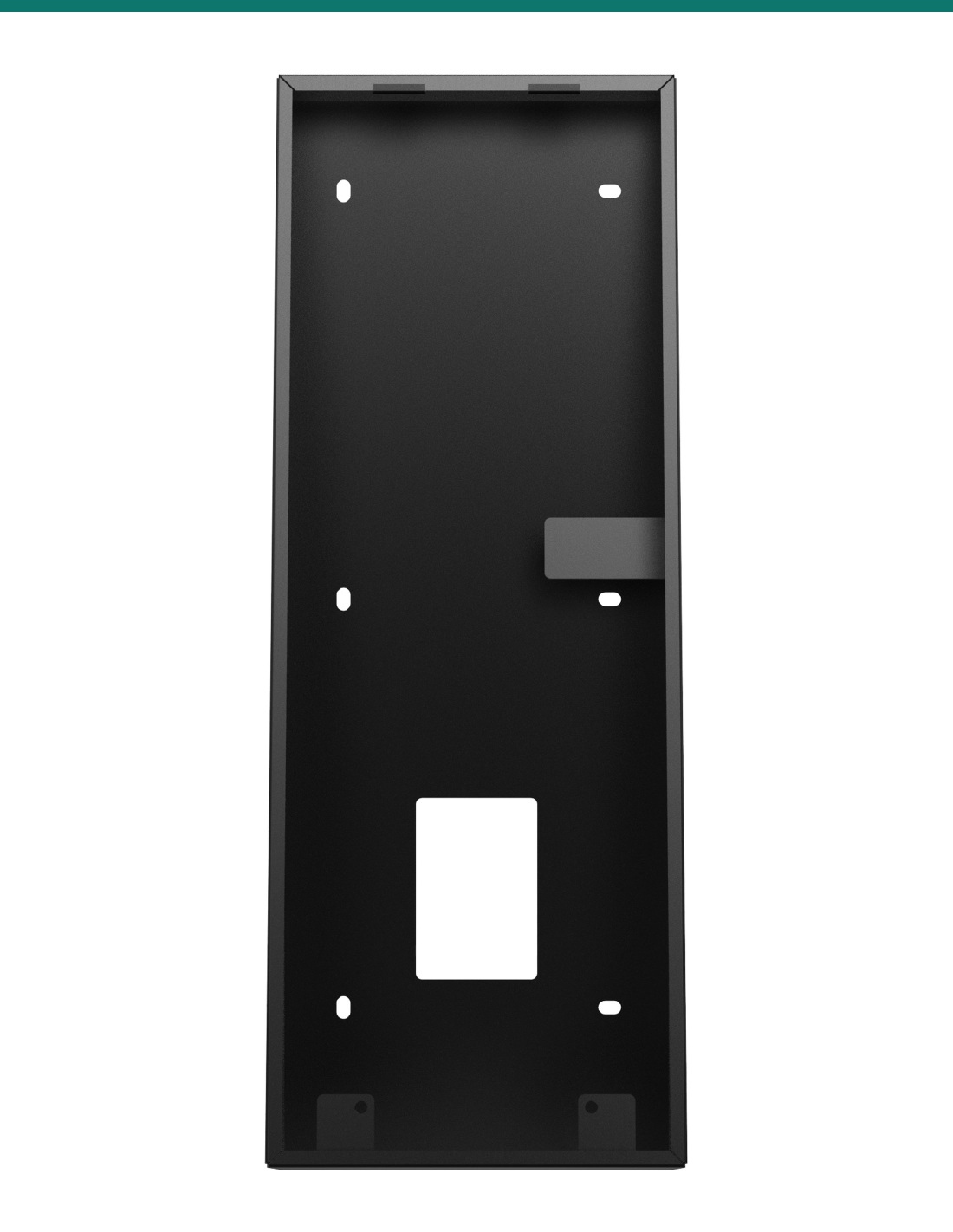
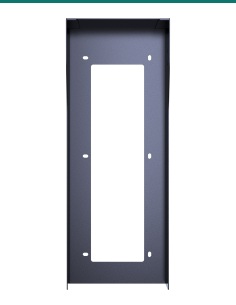
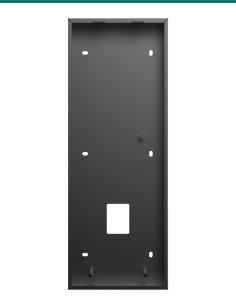
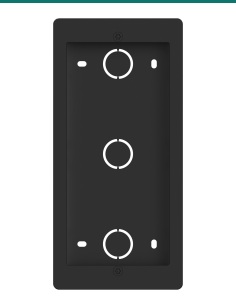
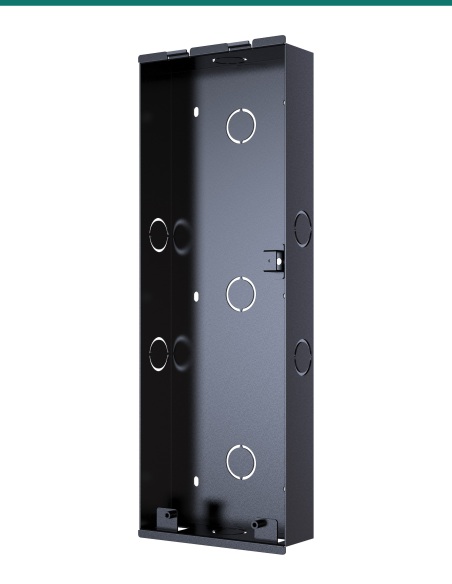
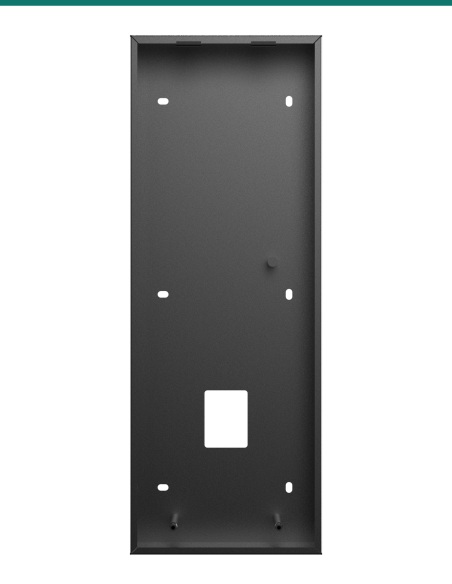
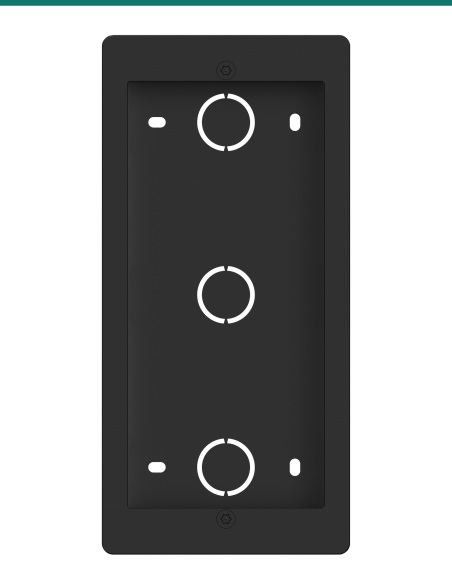
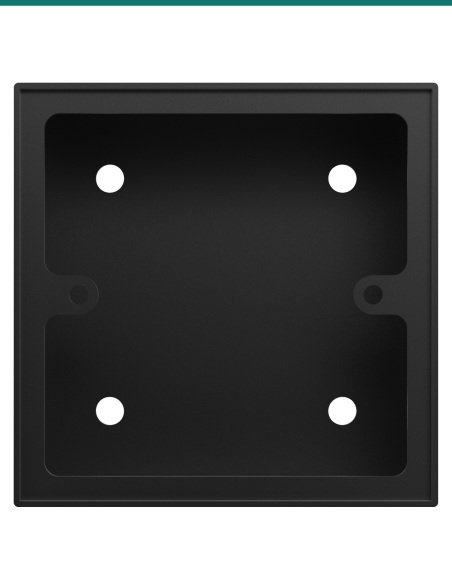
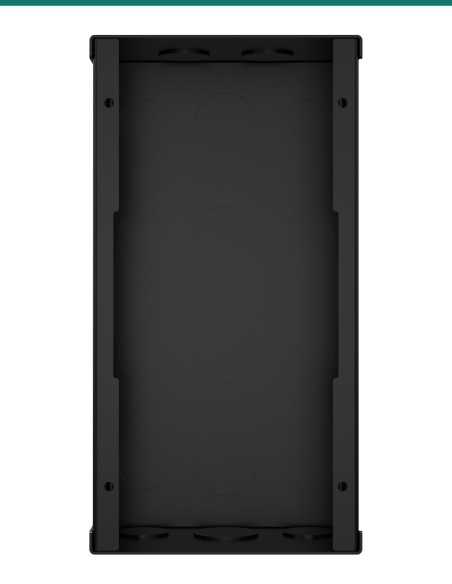
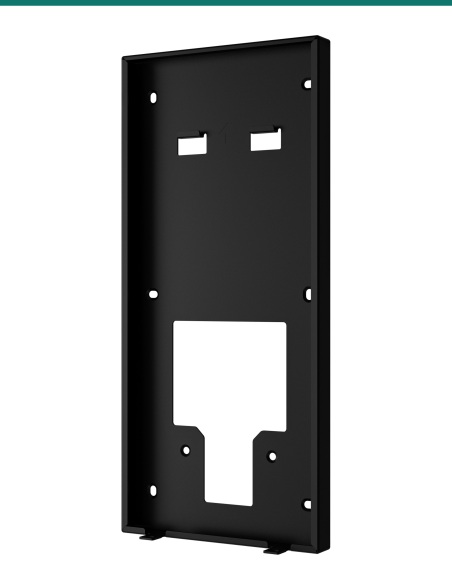
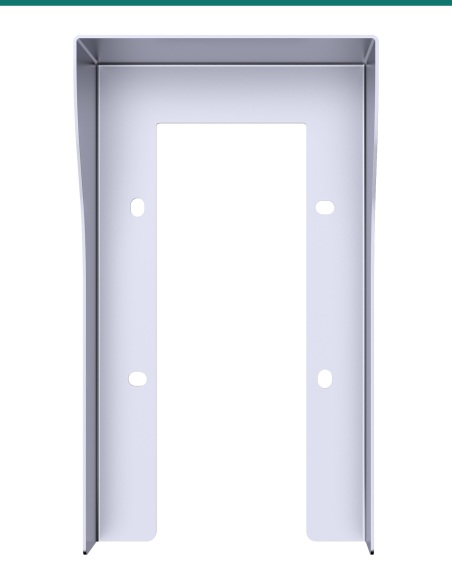
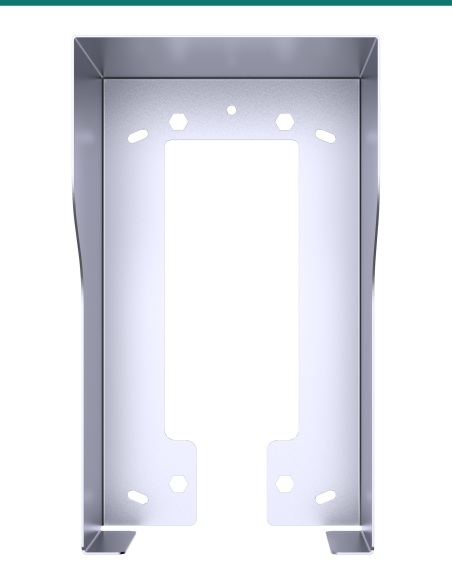
Akuvox X915 angled on-wall bracket from the front

Front

349.4 × 129.4 mm.

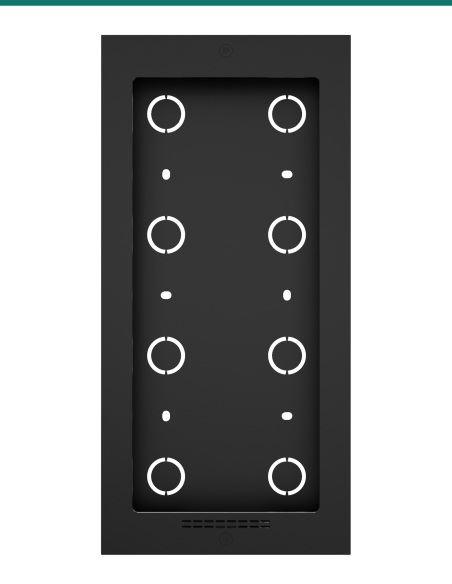
The bracket matches the X915S's 350 × 130 mm outline. Four wall-fixing holes sit 88 mm apart across and 135 mm apart top to bottom.

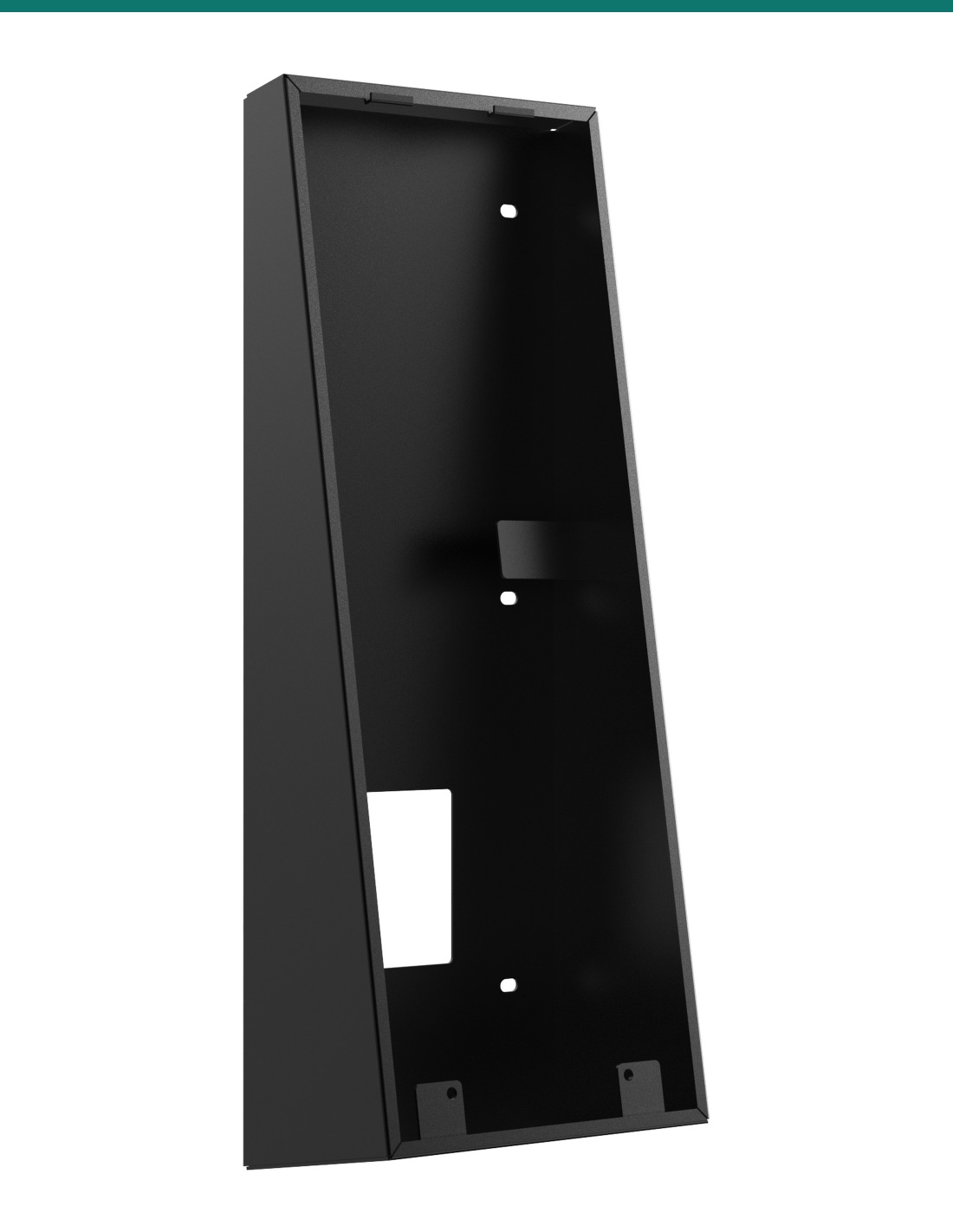
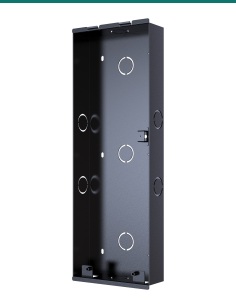
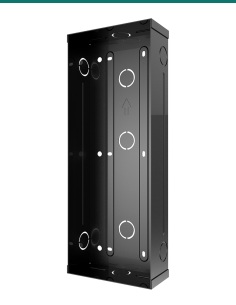
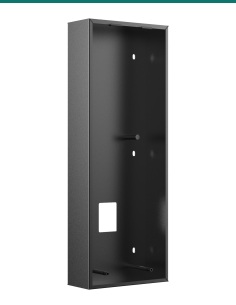
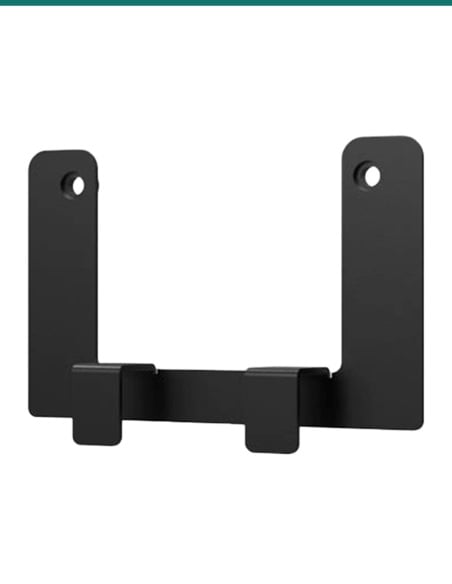
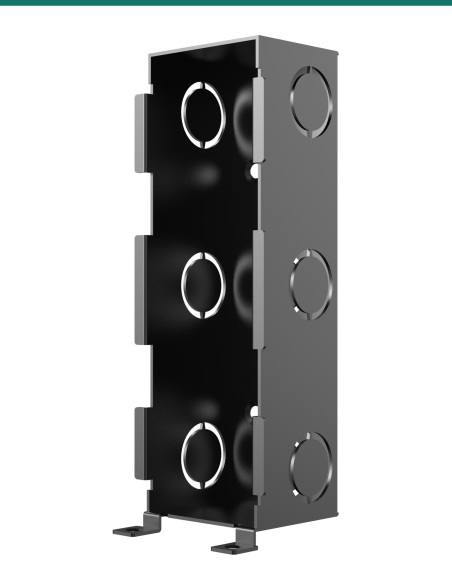
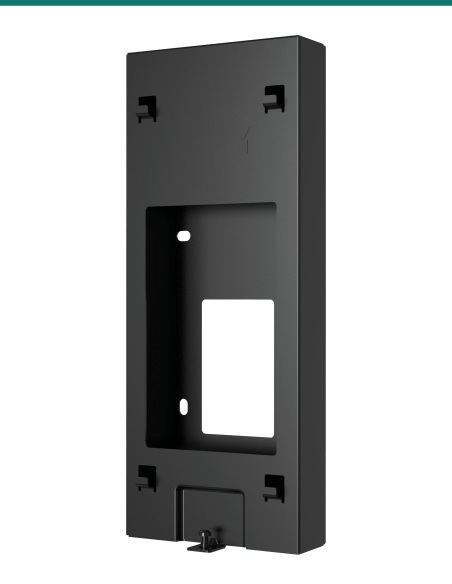
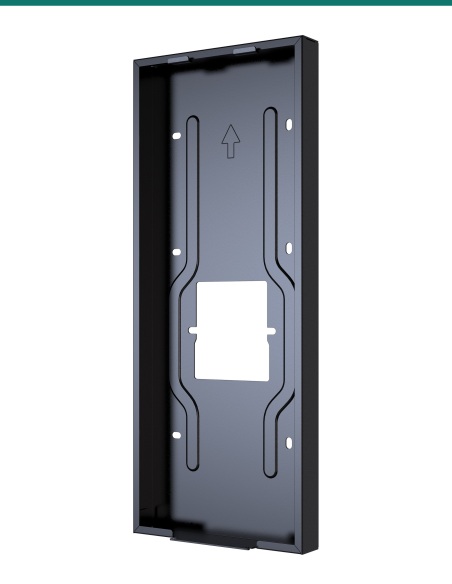
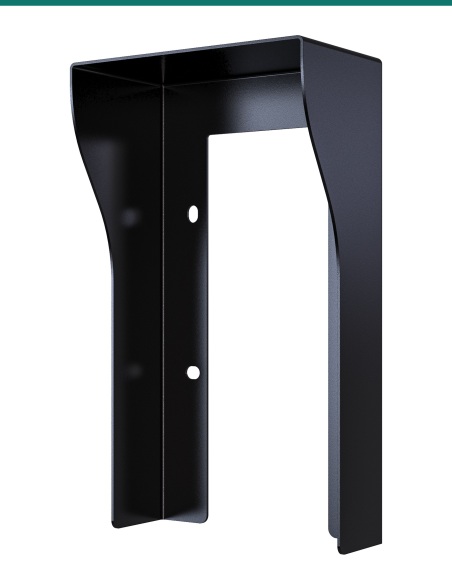
Akuvox X915 angled on-wall bracket from the left showing the wedge-shaped side

Side

87.3 mm deep at the bottom, 26.2 mm at the top.

The wedge-shaped sides give the 10° tilt. With the lip at the top the bracket is 91.1 mm deep overall.
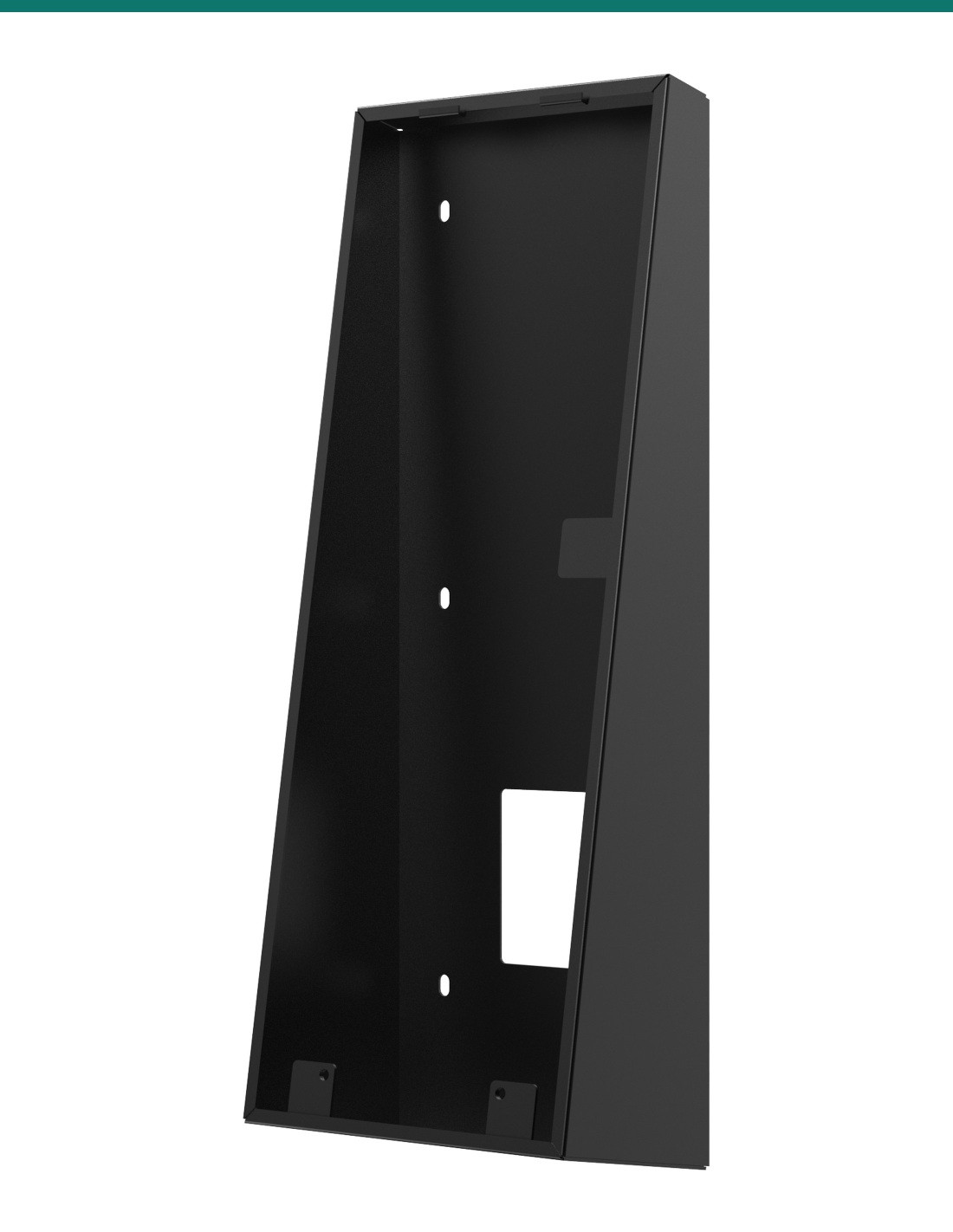
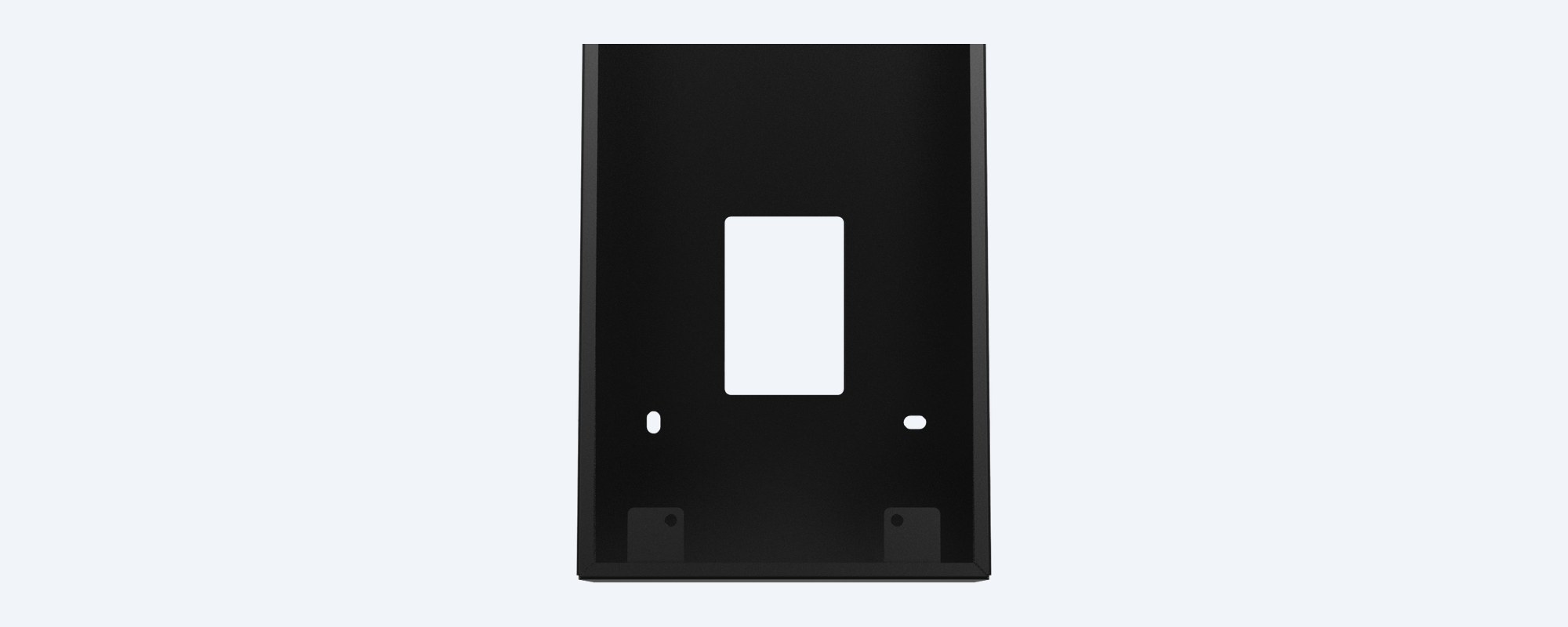
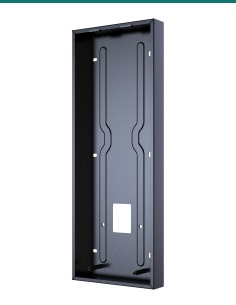
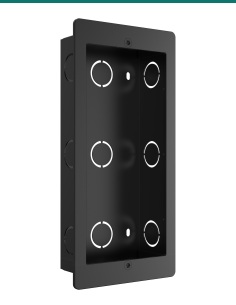
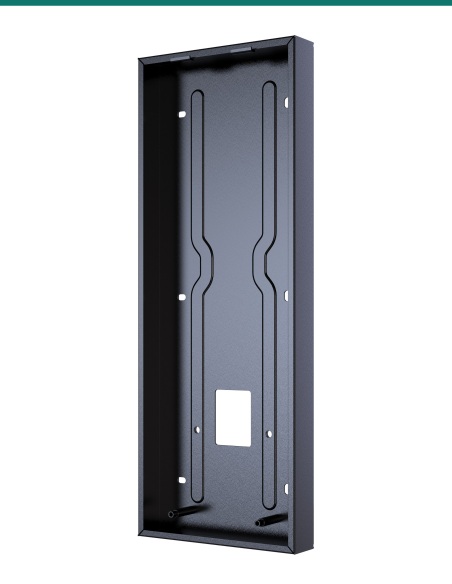
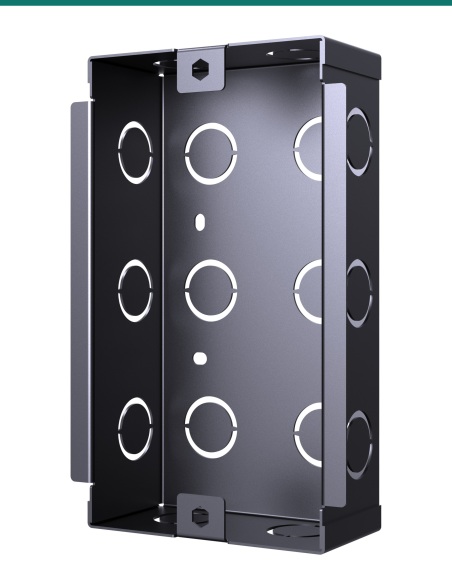
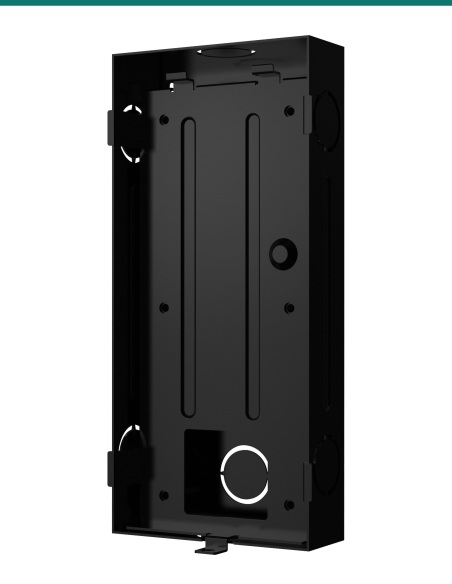
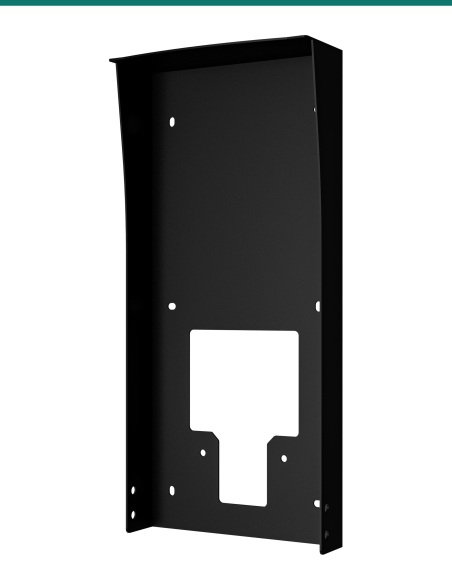
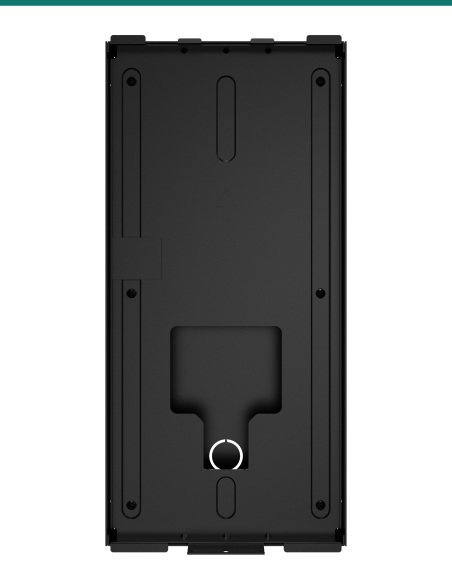
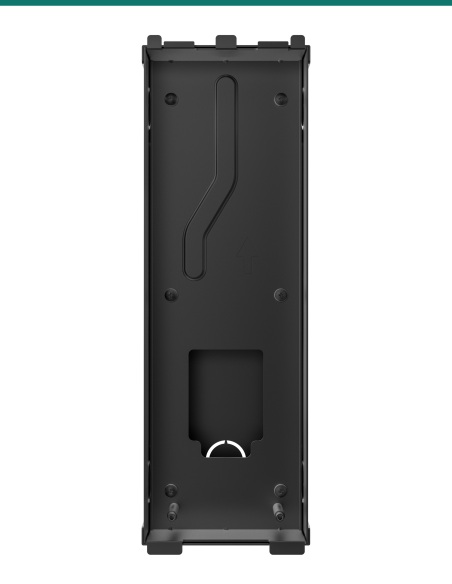
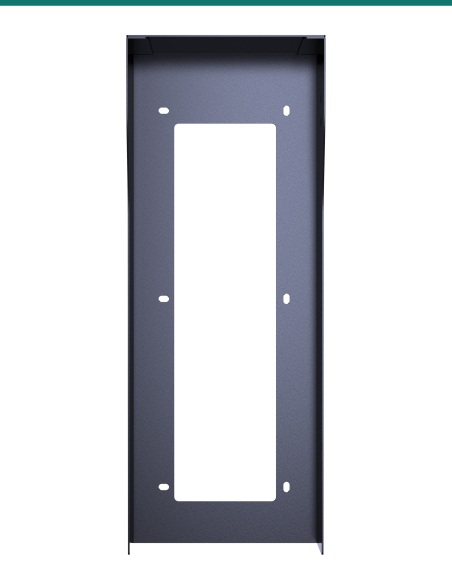
Lower half of the Akuvox X915 angled bracket showing the cable opening

Cable entry

A 60 × 40 mm opening for the cable.

The cable comes out of the wall through the opening in the back of the bracket and connects to the X915S before it is hung.

How it goes on

From bare wall to angled X915S.

01

Mark the holes

Hold the bracket against the wall, align it with the cable outlet and mark the four holes at the centre of its fixing holes.

02

Fix the bracket

Drill 6 mm holes, insert the plastic wall anchors and tighten the bracket to the wall with the four ST4×20 screws.

03

Wire the X915S

Connect the network cable and any lock or input wiring to the X915S as in its wiring diagram.

04

Hang and lock

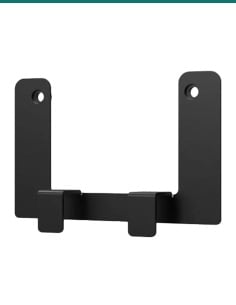
Tilt the X915S, hook it onto the top of the bracket, swing it in and fix it with the X915S's two M3×9.5 Torx screws under the card reader plate.

Pair it with

What goes with the kit

Door station

Akuvox X915S

The face-recognition door station this bracket is made for. Ask us about supply.

Power

PoE+ switch or 24 V DC 2.5 A supply

Akuvox recommends PoE+ or a 24 V DC 2.5 A adaptor to power the X915S.

Weather

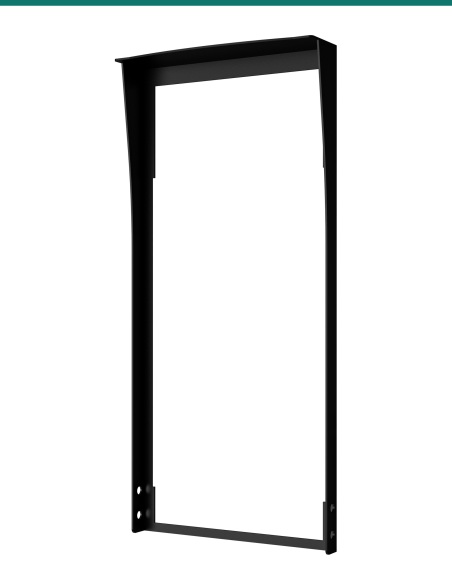
X915 on-wall rain cover

Shelters a surface-mounted X915S from rain on an exposed wall.

Mounting

Other X915 mounting kits

Standard on-wall, thick on-wall and in-wall kits for when the station should sit straight.

Where it is used

Where an angled X915S works.

Accessible entries

Stations mounted lower for wheelchair reach, tilted up to the face.

Apartment lobbies

Resident and visitor entry with face recognition.

Office receptions

Staff access with face, card or PIN at the door.

Gate pedestals

Low walls and posts where visitors look down at the station.

Gyms and clubs

Member entry where people walk right up to the screen.

Retrofits

Surface mounting where the wall can't be cut for an in-wall box.

Angled kit or standard on-wall kit

AK-X915ONWALLAK angled kitX915 standard on-wall kit
Face angleTilted 10° upwardsStraight, parallel to the wall
Size349.4 × 129.4 mm349 × 129 mm
Depth87.3 mm bottom, 26.2 mm top28.2 mm
Best forLow mounting or visitors standing closeNormal mounting height

Figures from Akuvox's X915 mounting kit drawings. Akuvox also makes a 52 mm deep thick on-wall kit and an in-wall kit for the X915S.

Common questions

Which door station does it fit?

The Akuvox X915S.

How much does it tilt the X915S?

The face tilts 10° upwards from the wall.

How far does it stick out?

87.3 mm at the bottom and 26.2 mm at the top, 91.1 mm overall including the top lip. The X915S then sits on the bracket's face.

What is in the kit?

The angle mounting bracket, two M4×30 and four ST4×20 crosshead screws, and four plastic wall anchors, as listed in Akuvox's angle-mounting guide.

Is the X915S included?

No. This listing is the mounting kit only.

How do I fix it to the wall?

Mark the four holes, drill 6 mm holes, fit the plastic anchors and screw the bracket on with the ST4×20 screws.

Where does the cable come in?

Through a 60 × 40 mm opening in the back of the bracket. Line the bracket up with the cable outlet in the wall.

How is the X915S held on?

It hooks onto the top of the bracket and is fixed with its two M3×9.5 Torx screws under the card reader plate.

How is the X915S powered?

Akuvox recommends PoE+ (802.3at) or a 24 V DC 2.5 A power adaptor.

Can I use it outdoors?

Akuvox advises keeping the X915S out of direct sunlight and strong backlight. Under cover is best, and Akuvox makes an on-wall rain cover for exposed walls.

What colour is it?

Black, to match the X915S.

Is there an installation guide?

Yes. Akuvox's X915 angle-mounting guide is on the Attachments tab.

Supported by InFront Technologies.

Planning an X915S install? Call 1300 736 970 or email [email protected] and we'll help you pick the right mounting kit and power. Akuvox's angle-mounting guide is on the Attachments tab.

Installation and safety

Drilling. Check for cables and pipes in the wall before you drill.

Placement. Akuvox advises keeping the X915S out of direct sunlight and strong backlight, and away from high heat, humidity and strong magnetic fields.

Cabling. Concealed data cabling to the door station is customer cabling under AS/CA S009 and needs an ACMA-registered cabler. Mains wiring, including a power point for a PoE switch or lock supply, needs a licensed electrician.

What it does not do. It is a passive bracket: no power, no wiring and no weather seal of its own.

Figures. From Akuvox's X915 angle-mounting installation guide and X915 mounting kit dimension drawings.

Colour
Black
Brand
Akuvox
Tilt
10° upward
Mounting
Surface, on-wall
Size
349.4 × 129.4 mm (H × W)
Warranty
Australian warranty
Product Type
Angled on-wall mounting box
Included
2 × M4 × 30, 4 × ST4 × 20, 4 wall anchors
Model
X915 angle on-wall kit
Compatible with
Akuvox X915S
Depth
87.3 mm bottom, 26.2 mm top
INFRONTTECH Promotional Banner INFRONTTECH Promotional Banner INFRONTTECH Promotional Banner

Need help choosing?

Tell us about your property and we'll recommend the right cameras and recorder.

07 5609 4910

Sydney 02 8814 6008
[email protected]

Mon–Fri, 9am–5pm AEST

Saved to your wishlist Find it any time in your account. View list